
7 Data Scientist - Court Data Analytics Cover Letter Templates with Example
A practical guide to a Data Scientist - Court Data Analytics cover letter can help you make a clear case for your fit. Use the examples to shape a focused letter that connects your work to court operations and policy questions.
For this role, strong letters explain how you approach court records, statistical analysis, and text processing, while showing care with sensitive information. Learn how to choose specific evidence, explain your motivation and alignment with the organization, and close with a professional request to continue the conversation.
The guide presents the example in 7 layouts, so you can compare different ways to organize the same message. Use the guidance to choose a presentation that suits the employer and the communication setting.
What Makes a Great Data Scientist - Court Data Analytics Cover Letter in 2026
A strong letter links your analytical approach to court operations and policy questions. It states why this work matters to you and makes your fit clear.
Use relevant evidence, such as validating text analysis or explaining findings to court partners. Connect that evidence to the employer’s needs and show sound judgment with sensitive records and analytical limits.
The featured example moves from interest in court-funded work to specific analytical evidence, broader communication and privacy experience, and a concise close. Adapt that focused progression while choosing a presentation that fits the employer and the communication context.
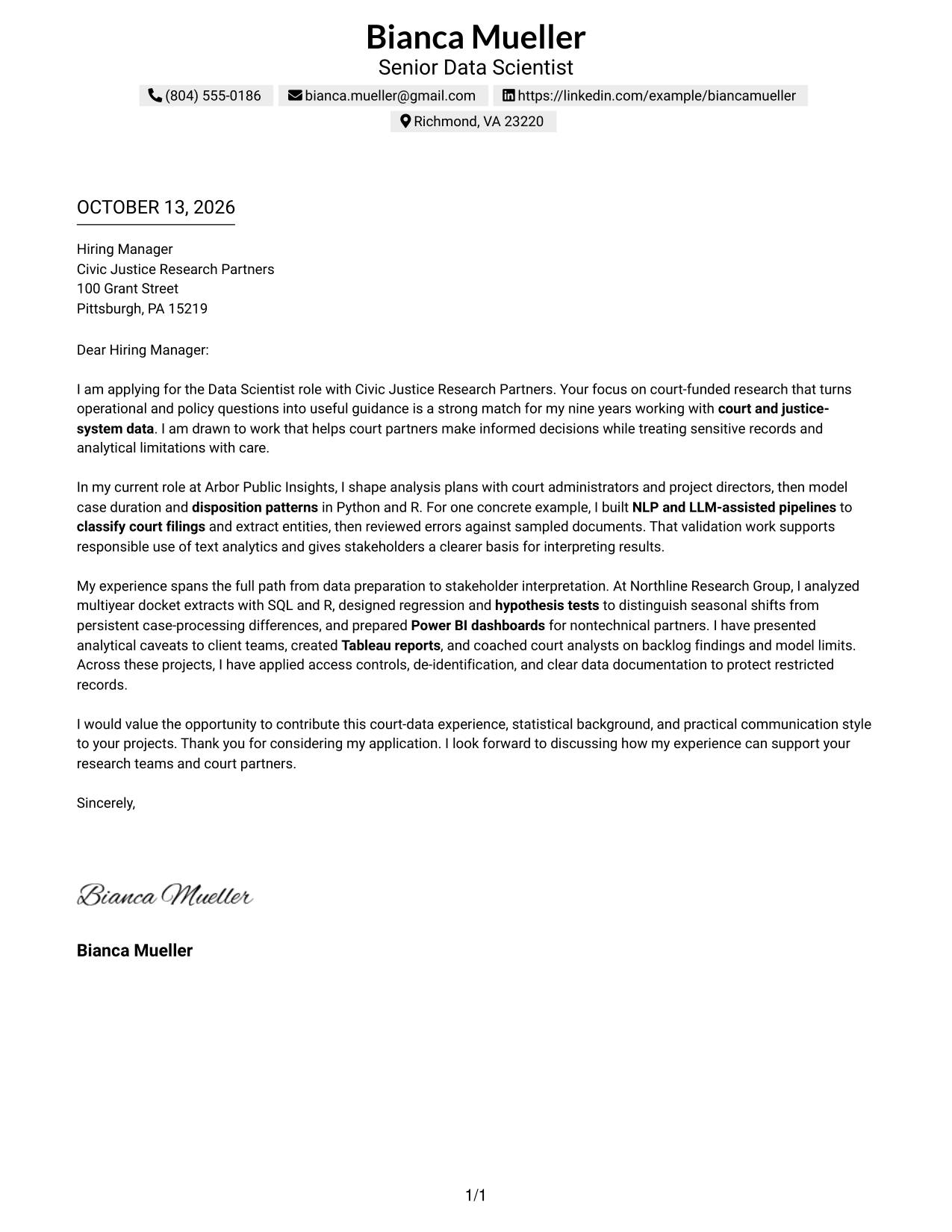
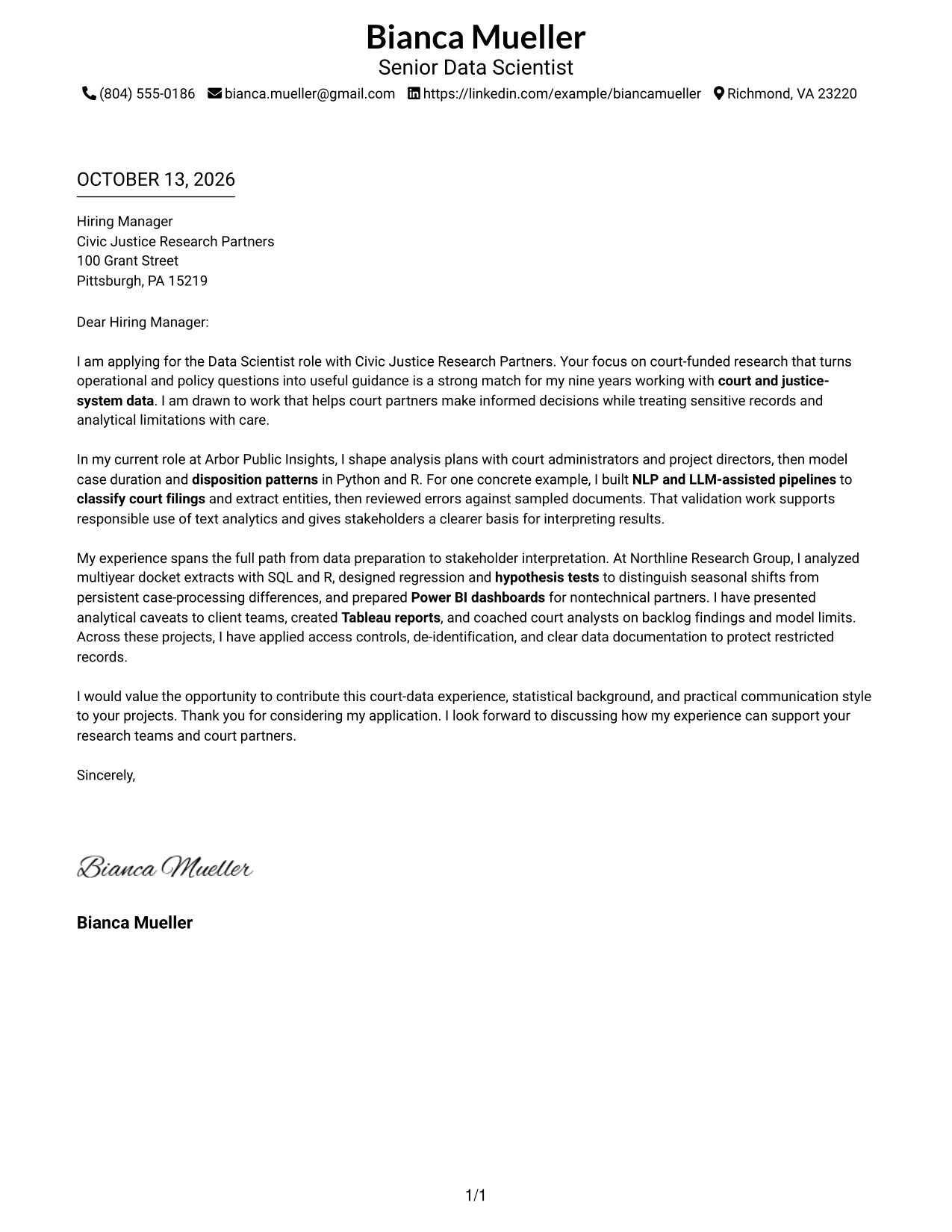
#1 Simple One Column Format Cover Letter Example
The Simple One Column Format keeps sender details above a continuous letter, helping reviewers follow motivation, evidence, and closing in sequence.
Why This Format Works
- An uninterrupted reading path lets reviewers follow motivation, evidence, and closing in sequence.
- Sender details stay apart from the letter, keeping the opening focused on employer fit.
- Consistent paragraph flow helps reviewers connect analytical evidence with the closing request.
Best For
- Single-column letter reading
- Uninterrupted persuasive narratives
- Sender details in a simple header
- Letters with a clear opening and close
- Court-data research applications
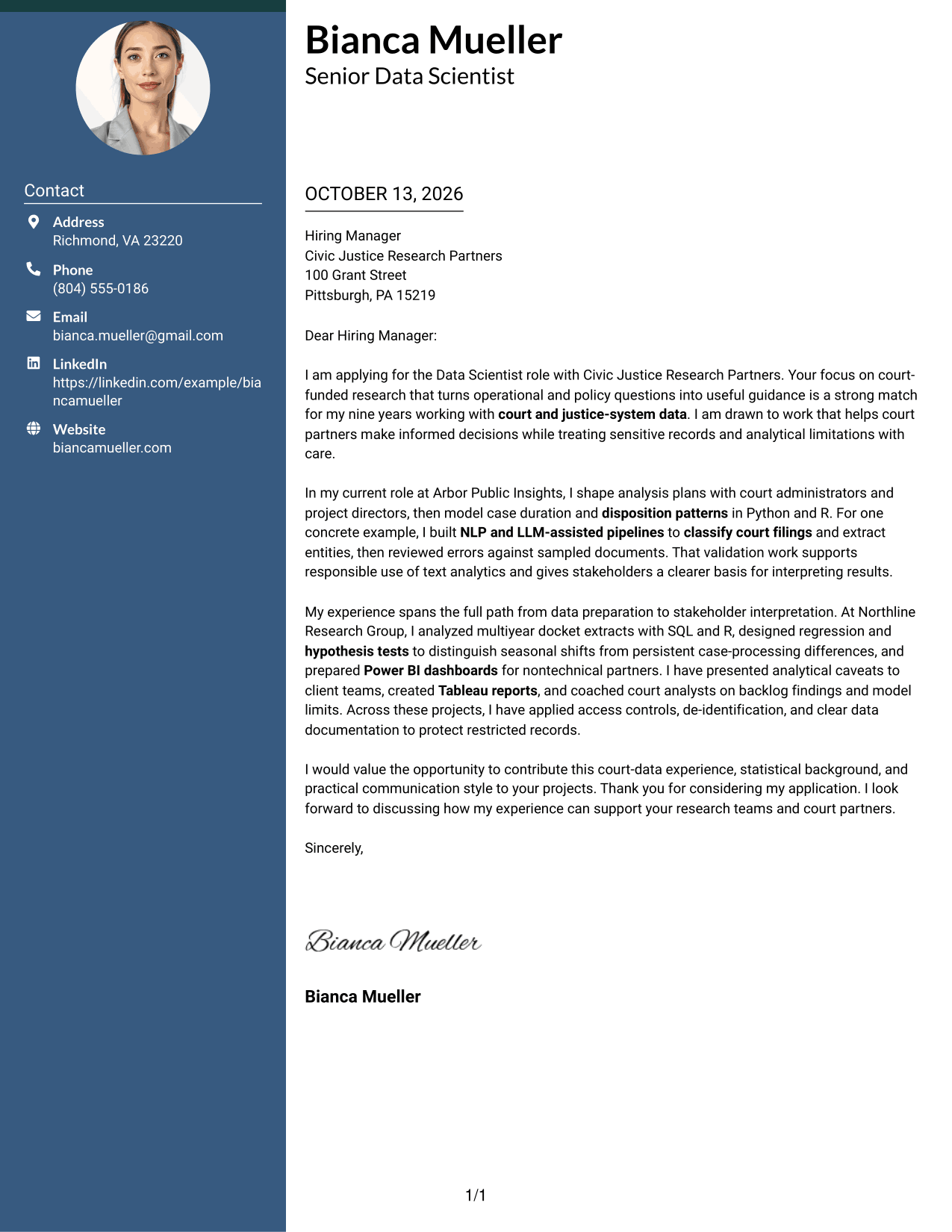
#2 Two Column Format Cover Letter Example
The Two Column Format places contact details beside one continuous letter body, keeping sender information distinct from the persuasive message.
Why This Format Works
- Contact details in a sidebar leave the letter body free to build its case.
- The uninterrupted body carries motivation into supporting evidence and then a clear closing.
- Separate contact information gives reviewers a quick route to sender details without breaking the argument.
Best For
- Letters needing separate contact details
- A continuous argument beside contact information
- Quick access to sender details
- Court-funded research applications
- Applications with several evidence points
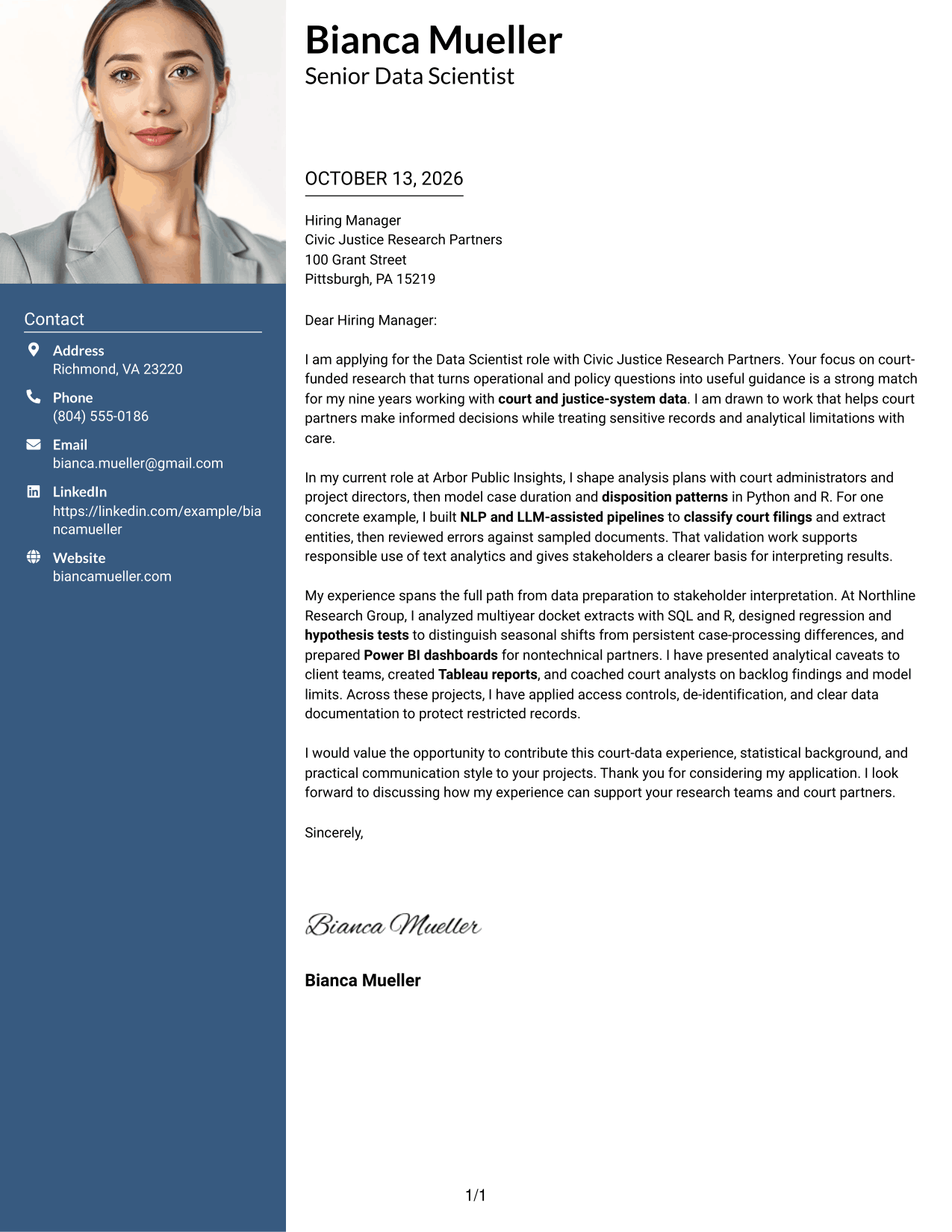
#3 Photo Header Two Column Format Cover Letter Example
The Photo Header Two Column Format pairs a photo and contact sidebar with one continuous letter, so the message retains a clear reading order.
Why This Format Works
- The contact sidebar separates sender information from the letter's first statement of motivation.
- A continuous body keeps the case for fit in one clear sequence.
- Paragraph order gives reviewers a direct path from motivation to evidence and thanks.
Best For
- Photo-requested applications
- Contact details beside a continuous letter
- Letters with a clear motivation-to-evidence sequence
- Court research roles
- Applications where sender identification matters
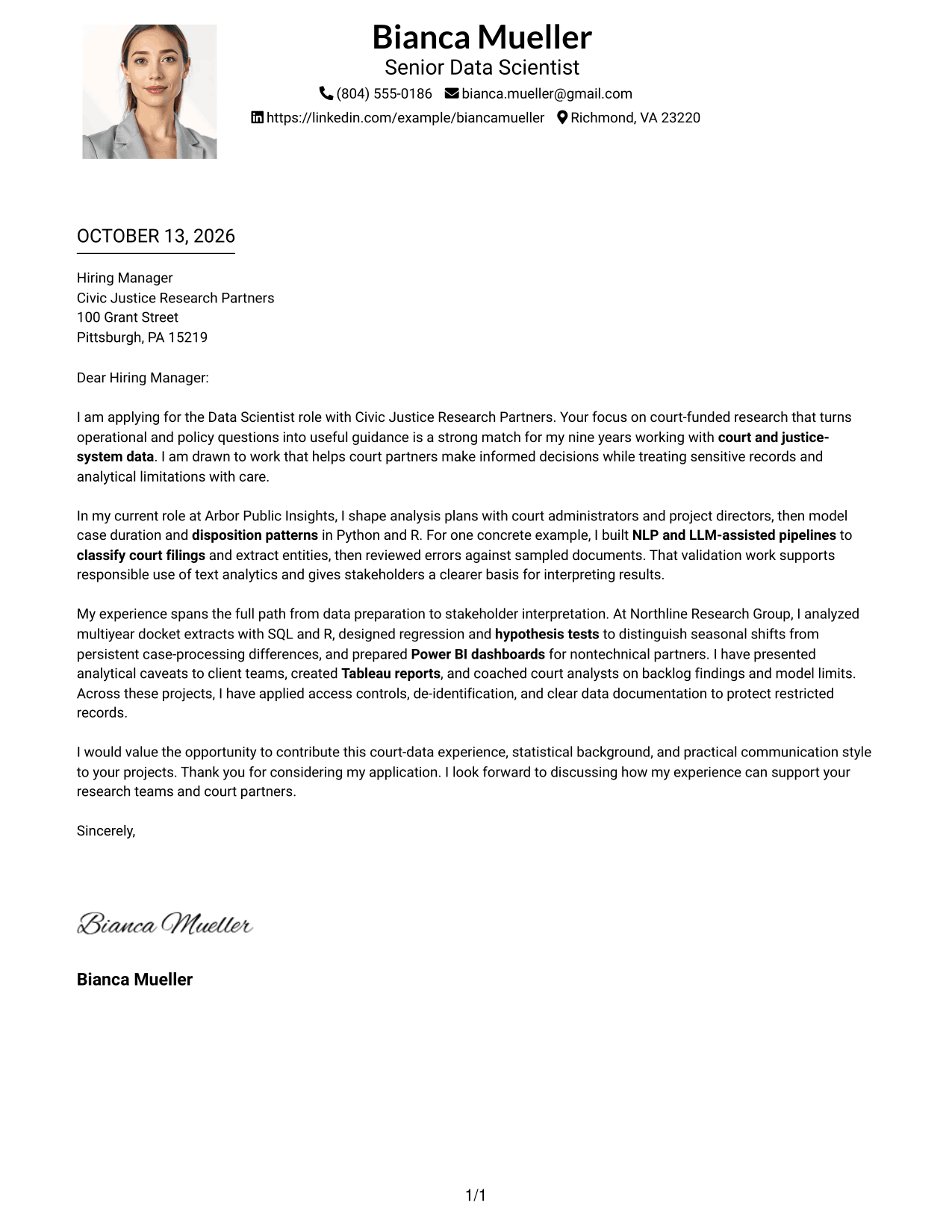
#4 One Column Format with Photo Cover Letter Example
The One Column Format with Photo places sender details in the header and keeps the letter in one reading path, with a photo as part of the visual presentation.
Why This Format Works
- One continuous column carries the opening, supporting evidence, and closing in natural order.
- Sender details remain in the header, separate from the letter's central message.
- Paragraph spacing can distinguish motivation from evidence without breaking the letter's flow.
Best For
- Photo-led sender identification
- Single-column letter flow
- Letters with distinct paragraph purposes
- Applications balancing motivation and evidence
- Court analytics opportunities
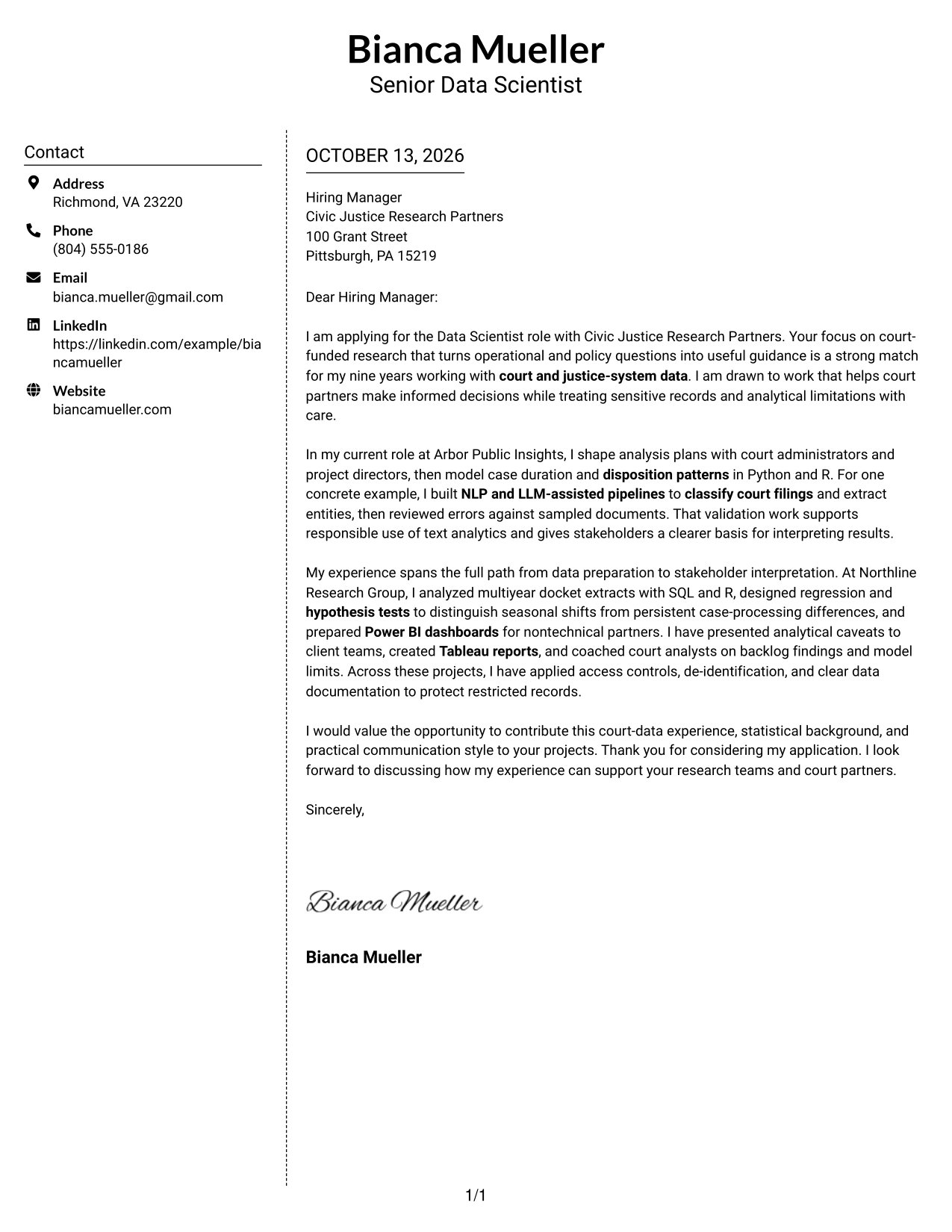
#5 Simple Two Column Format Cover Letter Example
The Simple Two Column Format keeps contact information in a sidebar and the full letter in one body, separating practical details from the case for fit.
Why This Format Works
- Side-by-side contact details and letter body make sender information distinct from the persuasive case.
- The single letter stream keeps analysis evidence together rather than dividing it into columns.
- Reviewers can follow the request from employer interest to evidence and closing without detours.
Best For
- Side-by-side contact and letter content
- Letters needing clear sender details
- Continuous persuasive narratives
- Applications with several supporting points
- Court-funded research roles
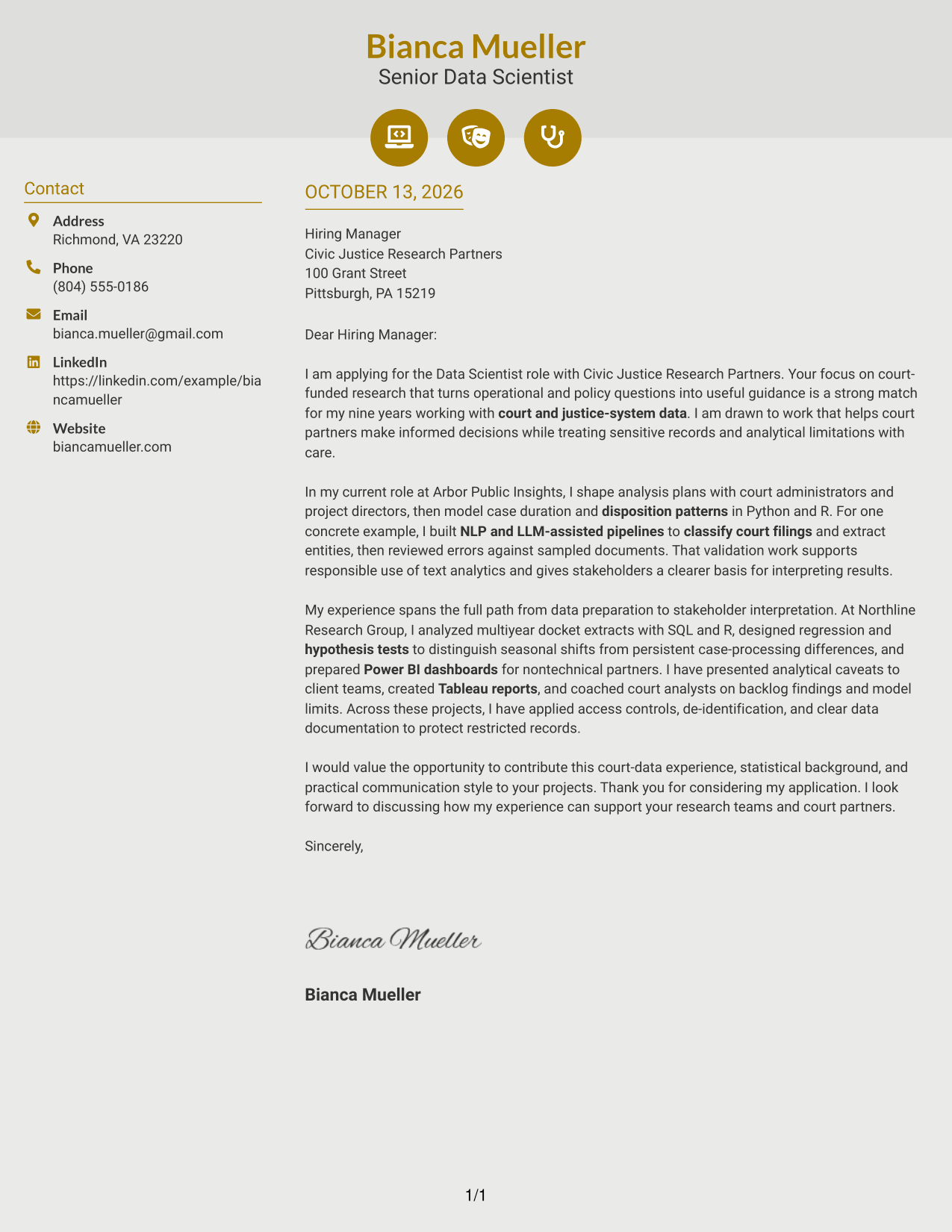
#6 Modern Icon Format Cover Letter Example
The Modern Icon Format uses a contact sidebar beside one continuous letter body, with icons serving as contact cues rather than labels for the argument.
Why This Format Works
- Contact cues help reviewers locate sender details while the letter body carries its full argument.
- One continuous body keeps motivation and evidence together, with icons outside the message.
- Distinct contact information preserves the opening paragraph's space for employer interest.
Best For
- Icon-guided contact details
- Two-column letter layouts
- Letters keeping icons outside the argument
- Quick sender-information checks
- Court research applications
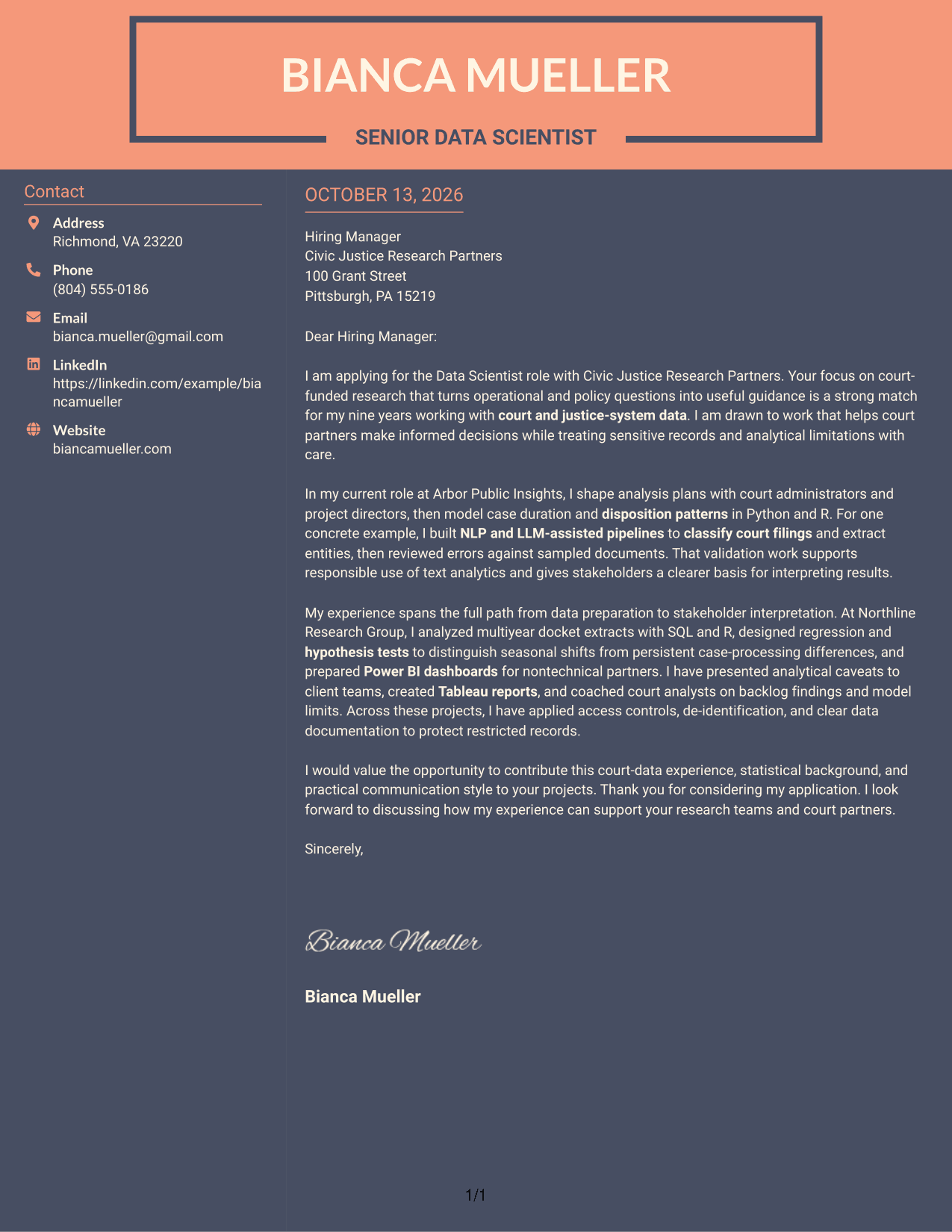
#7 Creative Two Tone Format Cover Letter Example
The Creative Two Tone Format uses color to distinguish the contact sidebar from one continuous letter body, giving the message a clear visual entry point.
Why This Format Works
- Two-tone contrast separates contact details from the letter, helping reviewers enter the message quickly.
- One continuous body gives the motivation and evidence a clear reading order.
- Clear visual boundaries keep the closing distinct from the supporting argument.
Best For
- Color-separated contact information
- Two-column letters with one body
- Distinct opening and closing paragraphs
- Applications needing clear visual separation
- Court-data research roles
See Also
- 7 Data Scientist - Court Data Analytics Resume Templates with Example
- 33 Associate Data Scientist Resume Templates with Example 2026 (ATS-Optimized)
- 33 Data Analyst / Data Scientist Resume Templates with Example 2026 (ATS-Optimized)
- 7 Data Scientist, Entry Level Resume Templates with Example
- 33 Data Scientist, Health Informatics Resume Templates with Example 2026 (ATS-Optimized)
- 33 Data Scientist Intern Resume Templates with Example 2026 (ATS-Optimized)
- 33 Data Scientist, Mid Level Resume Templates with Example 2026 (ATS-Optimized)
- 33 Data Scientist, Mid Resume Templates with Example 2026 (ATS-Optimized)
- 30+ Associate Data Scientist Cover Letter Templates with Example 2026
- 30+ Data Analyst / Data Scientist Cover Letter Templates with Example 2026
Frequently Asked Questions
What should a Data Scientist - Court Data Analytics cover letter emphasize?
Show how your analytical work can answer court operations or policy questions. Include relevant evidence about statistical methods, court documents, clear communication, or responsible handling of sensitive records.
How can I explain NLP or LLM work in this cover letter?
Briefly describe the document task, such as classifying filings or extracting entities, and explain how you checked the results. This helps readers understand both the value of the work and how you considered its limits.
How can I show that I communicate well with court stakeholders?
Give a clear example of sharing findings with court administrators, judicial staff, or other nontechnical partners. Mention reports, dashboards, or training when they show how you made the analysis useful to others.
How should I discuss sensitive court records?
Explain the safeguards you have used, such as access controls, de-identification, or clear data documentation. Keep the focus on responsible handling and avoid including confidential details.
How can I tailor the letter to a court data analytics position?
Connect your examples to the position’s work, such as case-processing analysis, text workflows, or explaining uncertainty. Refer to the organization’s court-focused research and explain why that work interests you.
What is a strong way to close this cover letter?
Restate the value you could bring to the research and court partners, thank the reader, and express interest in discussing your application. Keep the closing direct and professional.
Which cover letter layout should I choose?
Choose a clear, easy-to-read layout that suits the employer and how the letter will be shared. Keep the opening, supporting evidence, motivation, and closing easy to follow.




