
7 Data Scientist - Court Data Analytics Resume Templates with Example
This practical guide shows you how to build a Data Scientist - Court Data Analytics resume that presents your evidence clearly and supports a focused review. Learn how to organize relevant experience, skills, projects, and education for this exact role.
Strong resumes connect court operations questions to sound analysis. Highlight relevant work with court records, statistical methods, text processing, dashboards, and responsible data handling, and explain results without overstating what the evidence shows.
The example is presented in 7 resume layouts. Compare the formats and use the guidance to choose a clear structure, set useful section priorities, and improve ATS keyword coverage.
What Makes a Great Data Scientist - Court Data Analytics Resume in 2026
A strong resume makes court data work easy to review. Use clear sections, focused bullet points, and specific examples of analysis, reporting, and data protection.
Include relevant terms such as regression, hypothesis testing, research design, Python, R, SQL, NLP, model validation, Tableau, Power BI, and de-identification when they match your experience. Explain methods and limits clearly, and do not claim results you cannot support.
The examples shown below are intentionally detailed to demonstrate a range of experiences, skills, accomplishments and relevant keywords. We prefer detailed resumes as they provide more context to the hiring managers and also help the ATS systems identify relevant qualifications and score your resume better for a match. But the length of a resume is an individual choice. If you want a one page resume, just keep the most relevant experience and information for the job. Note: Resume examples are for educational purposes only. Use only information that accurately reflects your experience and qualifications. References to real organizations do not imply affiliation or endorsement.
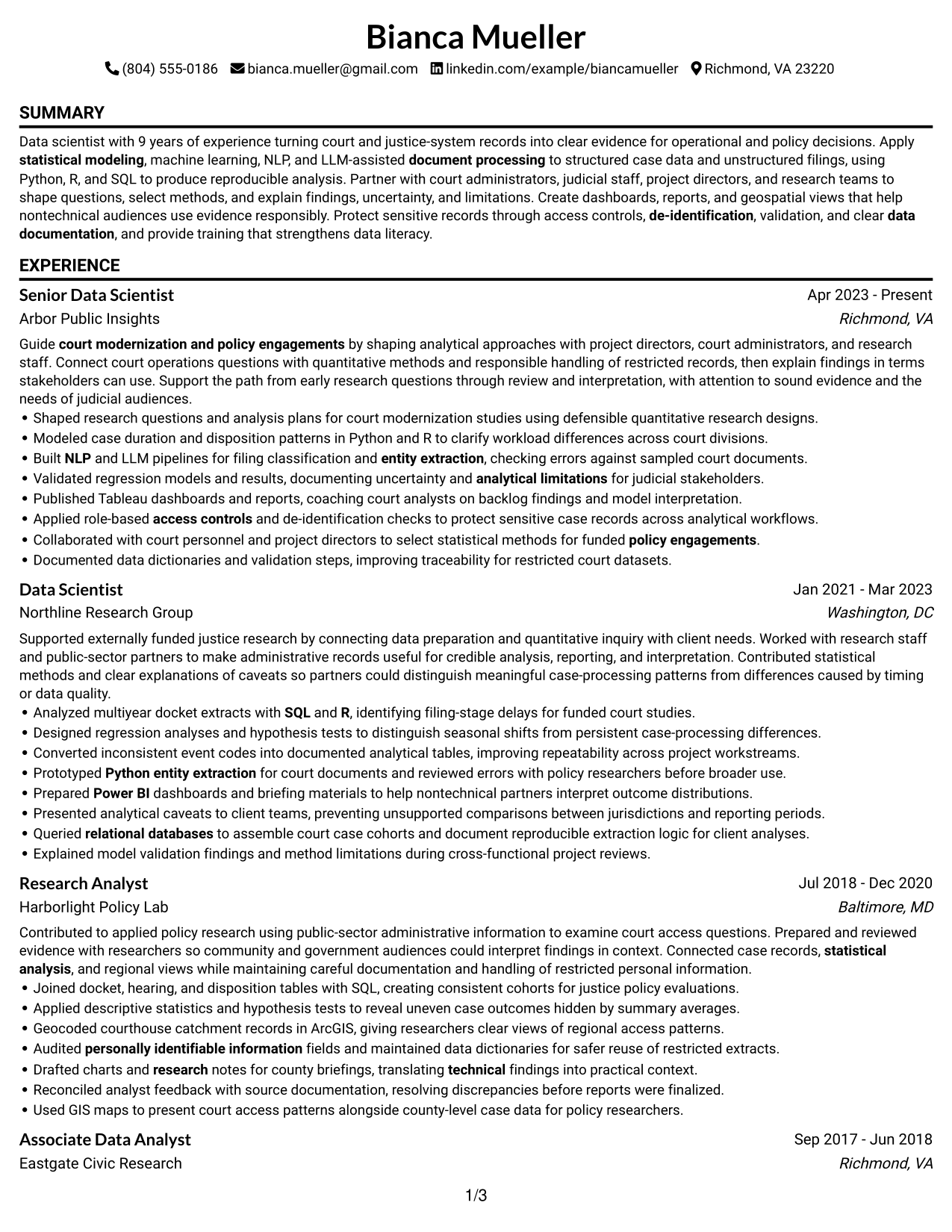
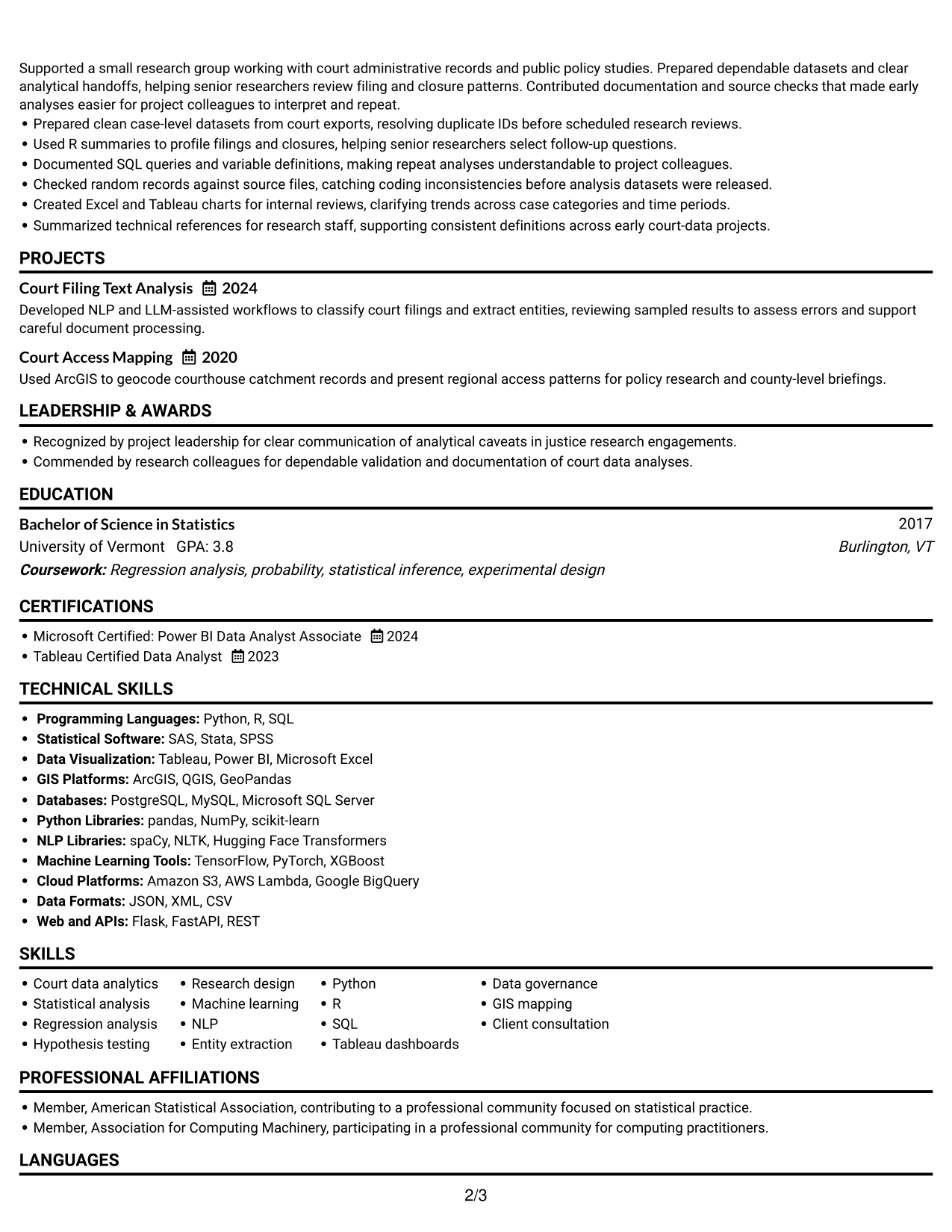
#1 Simple One Column Format Resume Example
The Simple One Column Format puts every resume section in one clear vertical path, helping recruiters follow career history and find supporting details without switching columns.
Why This Format Works
- A single reading path lets reviewers follow career progression from role to role.
- Full-width sections give experience bullets room to show actions and results clearly.
- Consistent section order makes education, skills, and credentials easier to locate.
Best For
- Chronological career histories
- Single-column reading preferences
- Detailed experience descriptions
- Resumes with several sections
- Top-to-bottom resume review
Resume Keywords
- Court data analytics
- statistical analysis
- Regression analysis
- Hypothesis testing
- Research design
- statistical modeling
- NLP
- entity extraction
- document processing
- Python
- R
- SQL
- relational databases
- Power BI
- court modernization and policy engagements
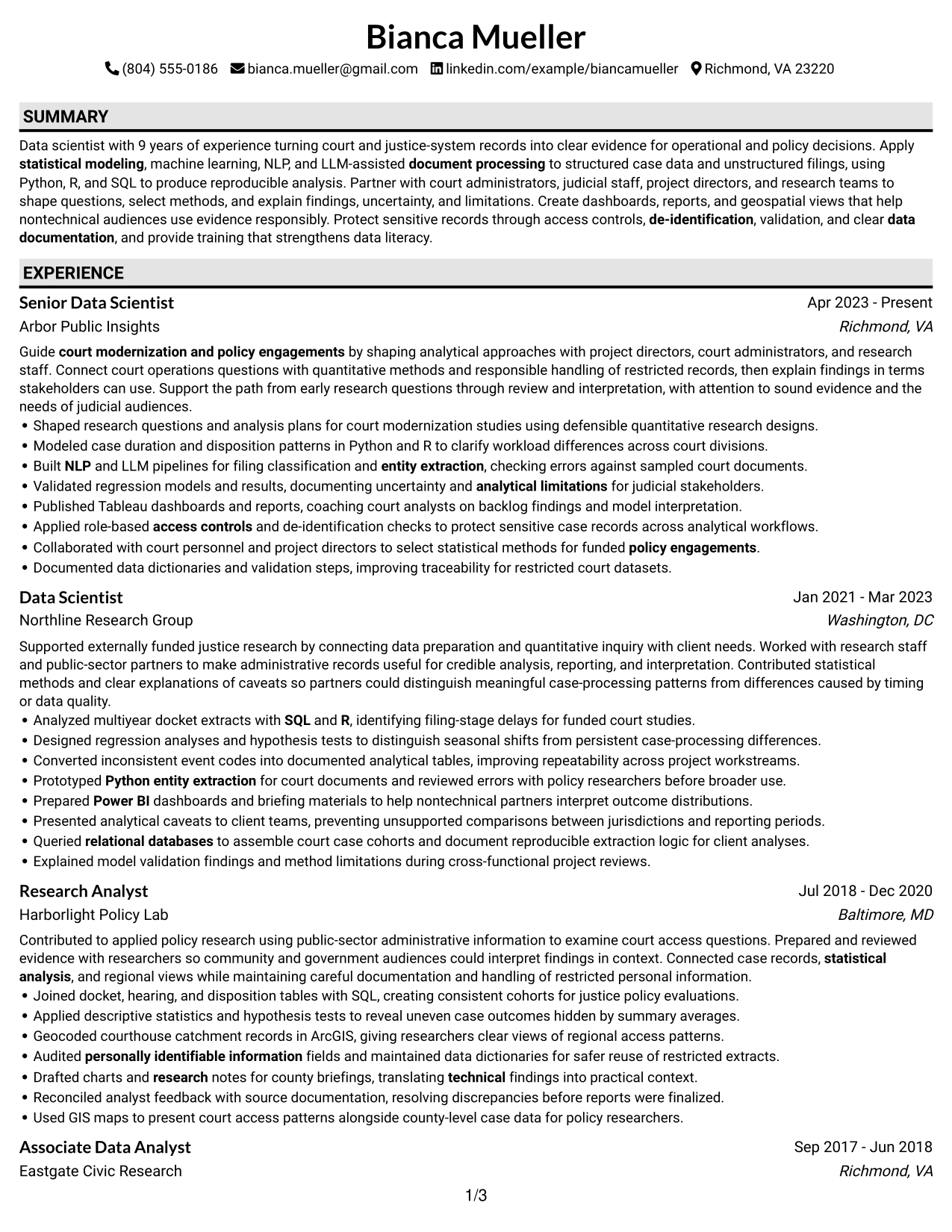
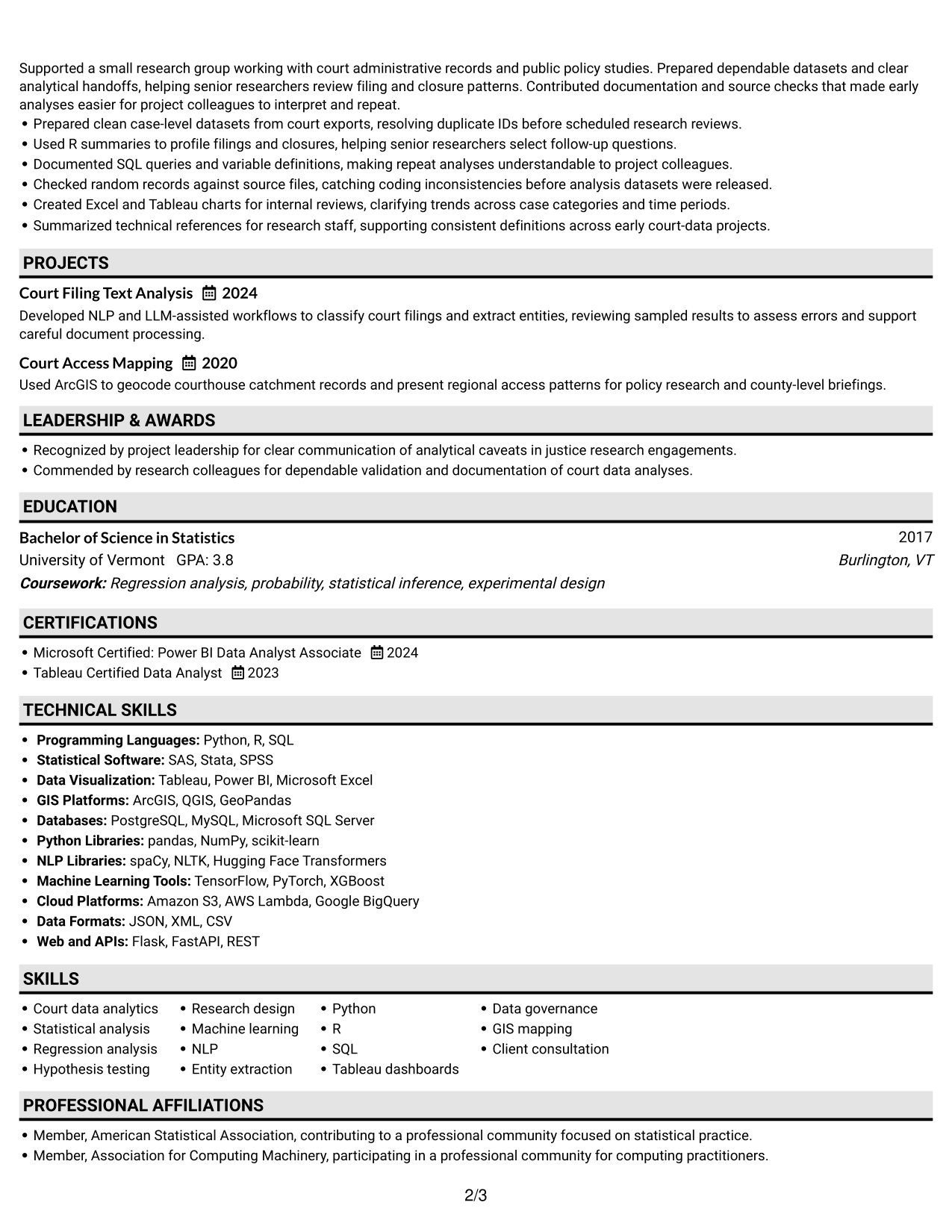
#2 Plain One Column with Shaded Labels Resume Example
Shaded section labels break the one-column page into clear stops, helping recruiters move from experience to skills and education without losing the reading order.
Why This Format Works
- Shaded labels mark section boundaries, so experience and education are easier to scan.
- One-column flow keeps dated roles in a natural sequence for career review.
- Separate headings help reviewers distinguish skills from credentials and project details.
Best For
- Section-by-section resume reviews
- Clear heading navigation
- Chronological work histories
- Distinct education and credential sections
- Resumes with several content groups
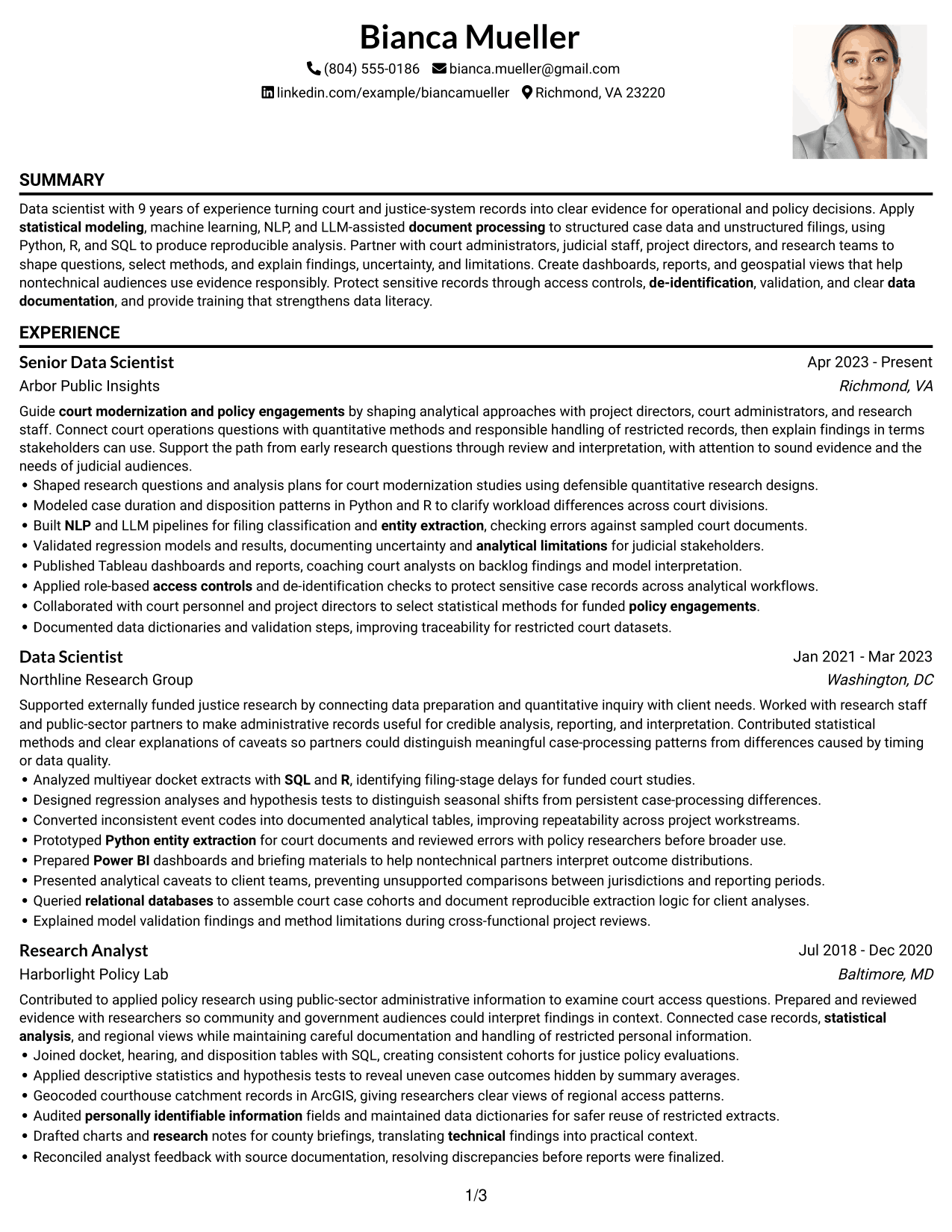
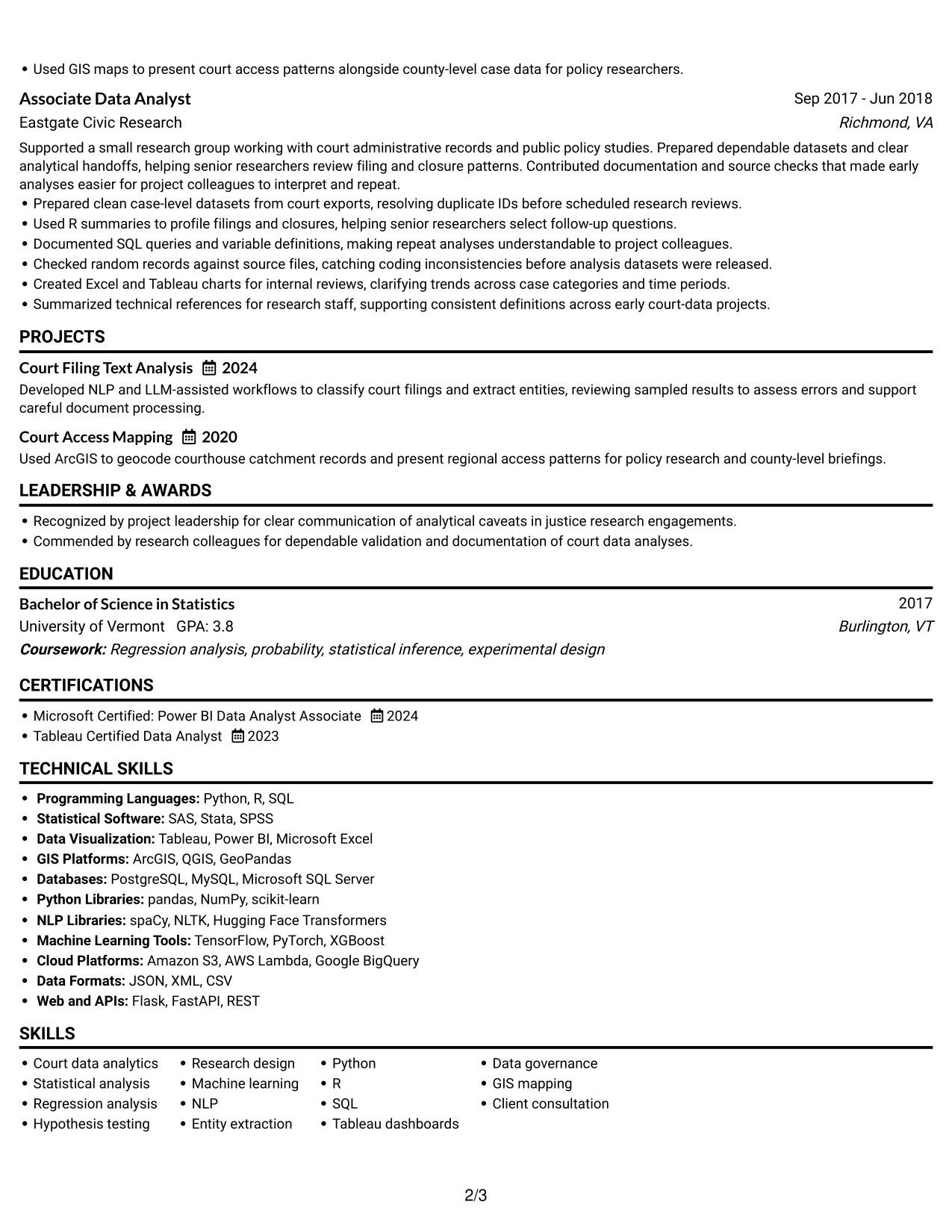
#3 One Column Format with Photo Right Resume Example
The One Column Format with Photo Right keeps experience and supporting sections in one vertical reading order, with a photo at the right; reviewers can follow the resume without crossing body columns.
Why This Format Works
- One continuous body sequence helps reviewers track career progression across dated roles.
- Full-width experience entries give achievement bullets room for clear, complete wording.
- Separate section headings make education and credentials easier to find after experience.
Best For
- Photo-right header presentation
- Single-column reading preferences
- Chronological career histories
- Full-width experience entries
- Resumes with several sections
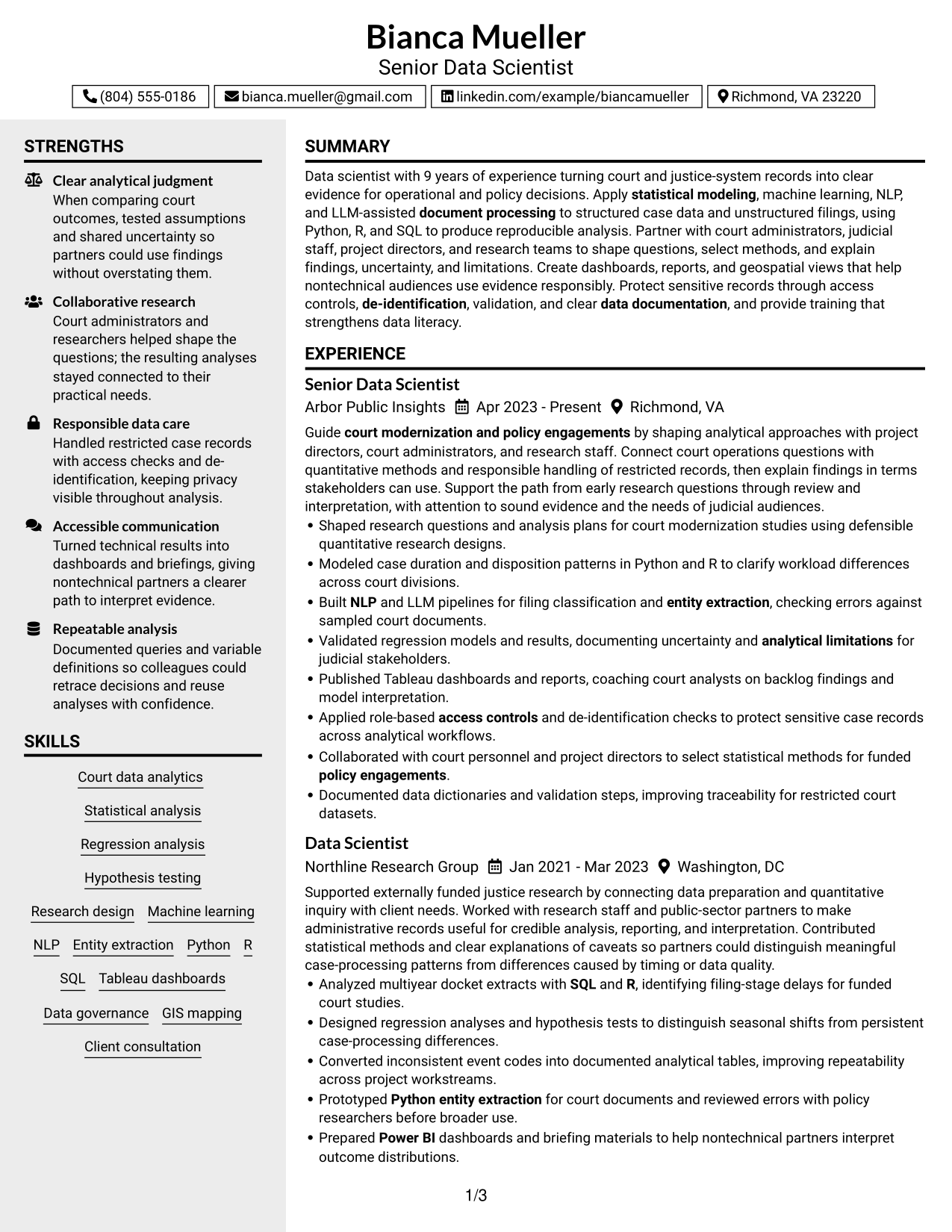
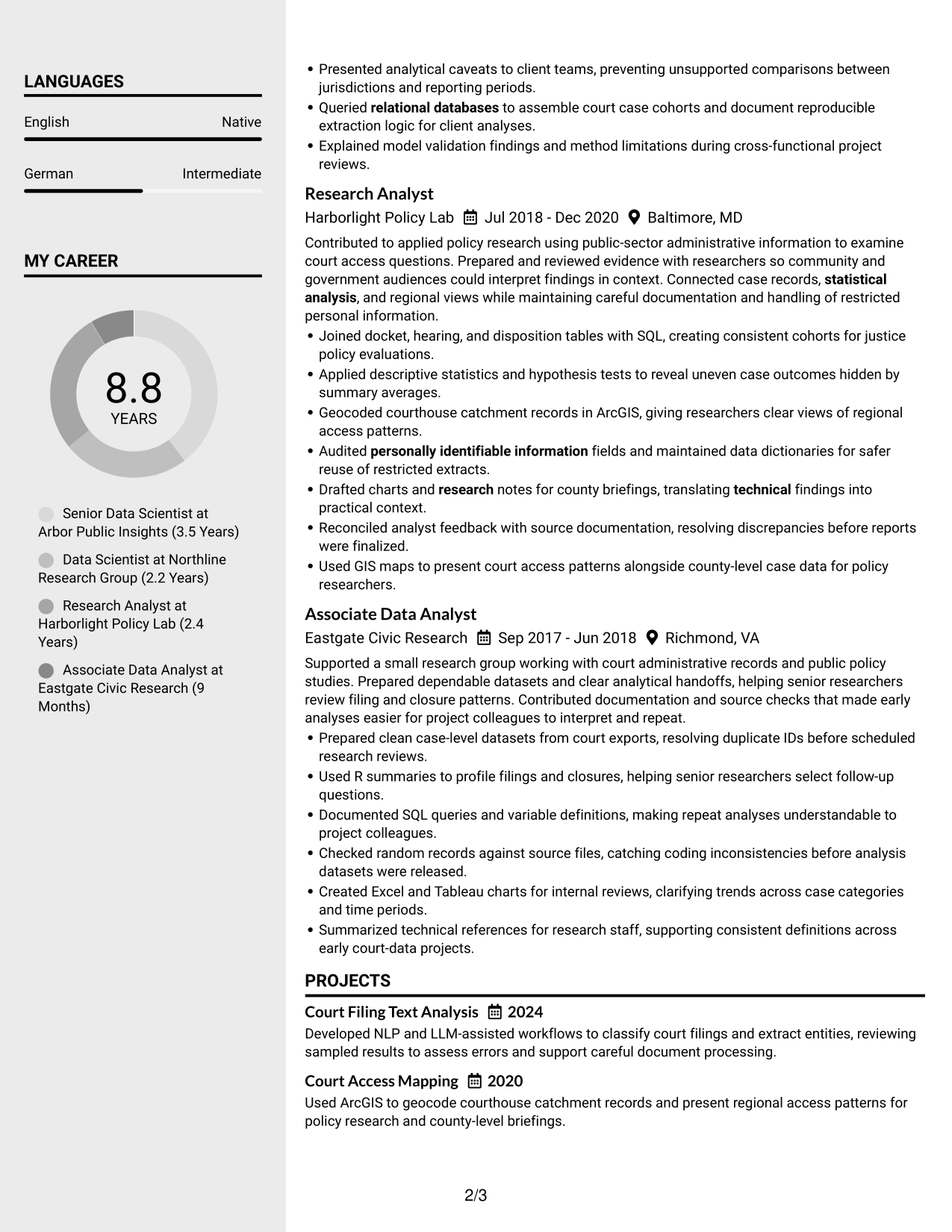
#4 Clean Two Column Sidebar Format Resume Example
The Clean Two Column Sidebar Format separates resume content into a main area and sidebar, giving recruiters clear routes to review experience and supporting sections.
Why This Format Works
- A distinct sidebar can surface skills and education without interrupting the main experience sequence.
- Main-column space keeps career history readable as recruiters compare roles over time.
- Separate column areas help distinguish projects and credentials from work history.
Best For
- Sidebar-led section navigation
- Experience with compact supporting details
- Separate skills and education areas
- Chronological role review
- Resumes with varied section types
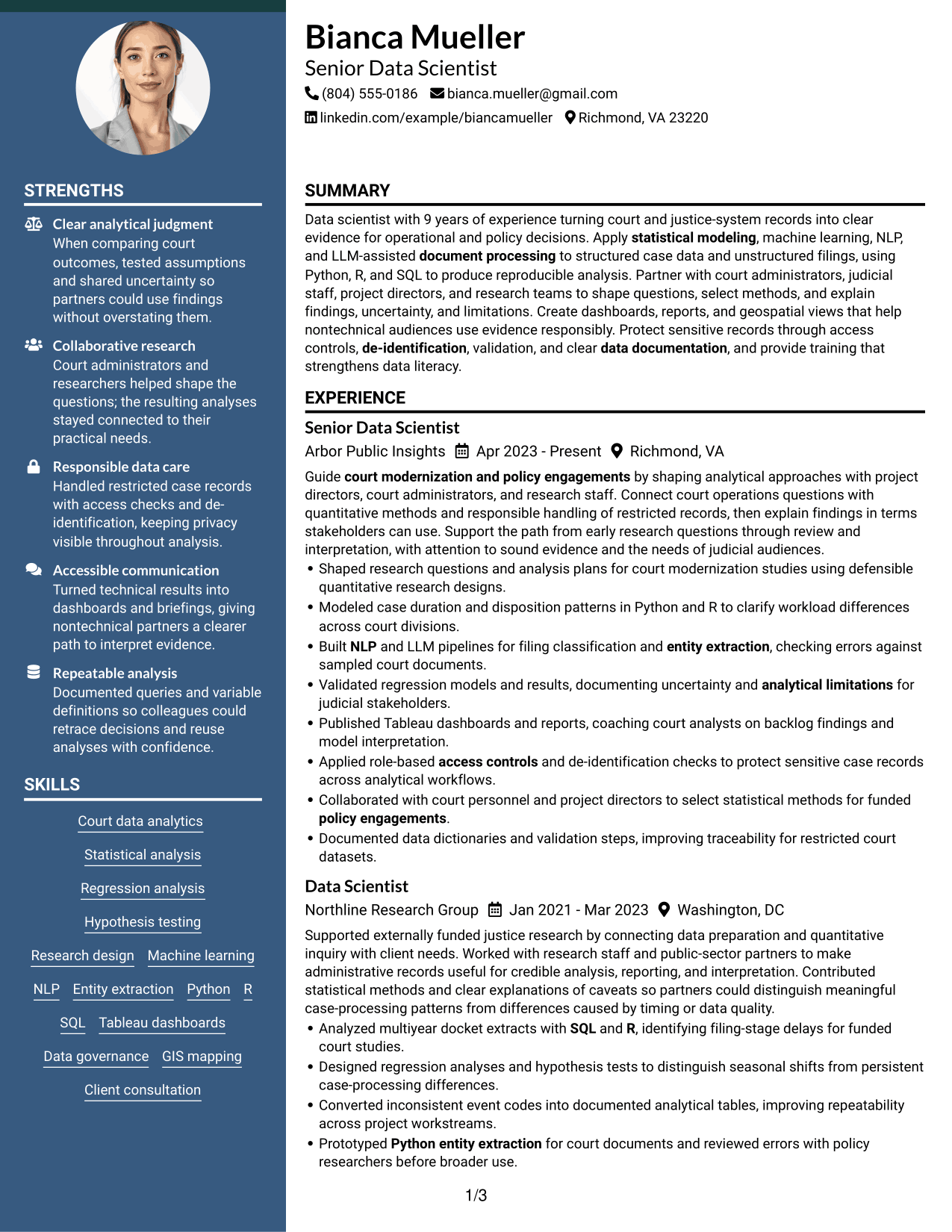
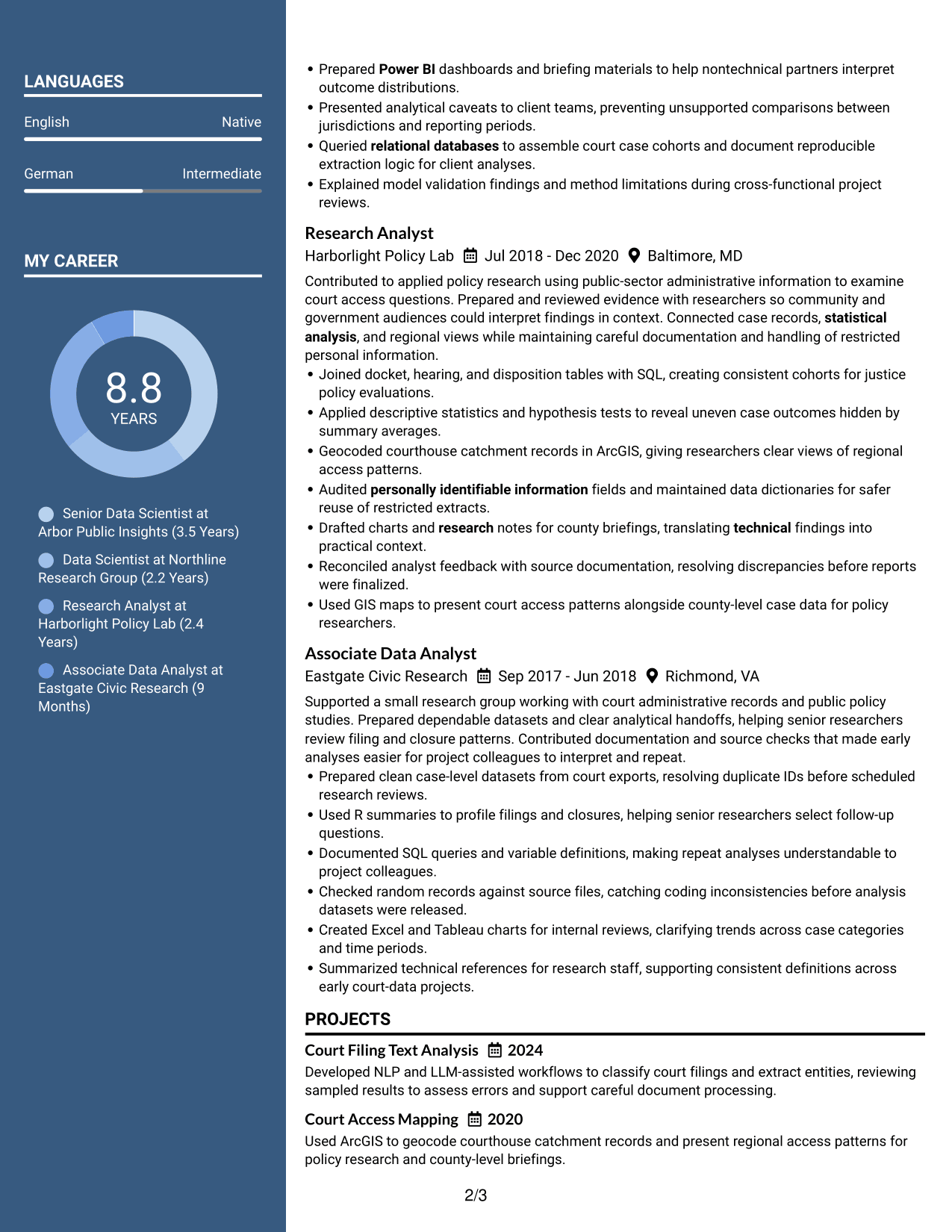
#5 Two Column Format Resume Example
The Two Column Format arranges resume sections across two body columns, helping recruiters compare key details and follow the work history with less page-wide scanning.
Why This Format Works
- Parallel column areas let reviewers locate skills and credentials apart from career history.
- Clear column boundaries help keep education and project details distinct during a quick scan.
- Experience entries are easier to trace when section groups have separate visual zones.
Best For
- Two-column resume organization
- Quick comparison of section details
- Skills beside career history
- Distinct project and education sections
- Resumes with compact supporting information
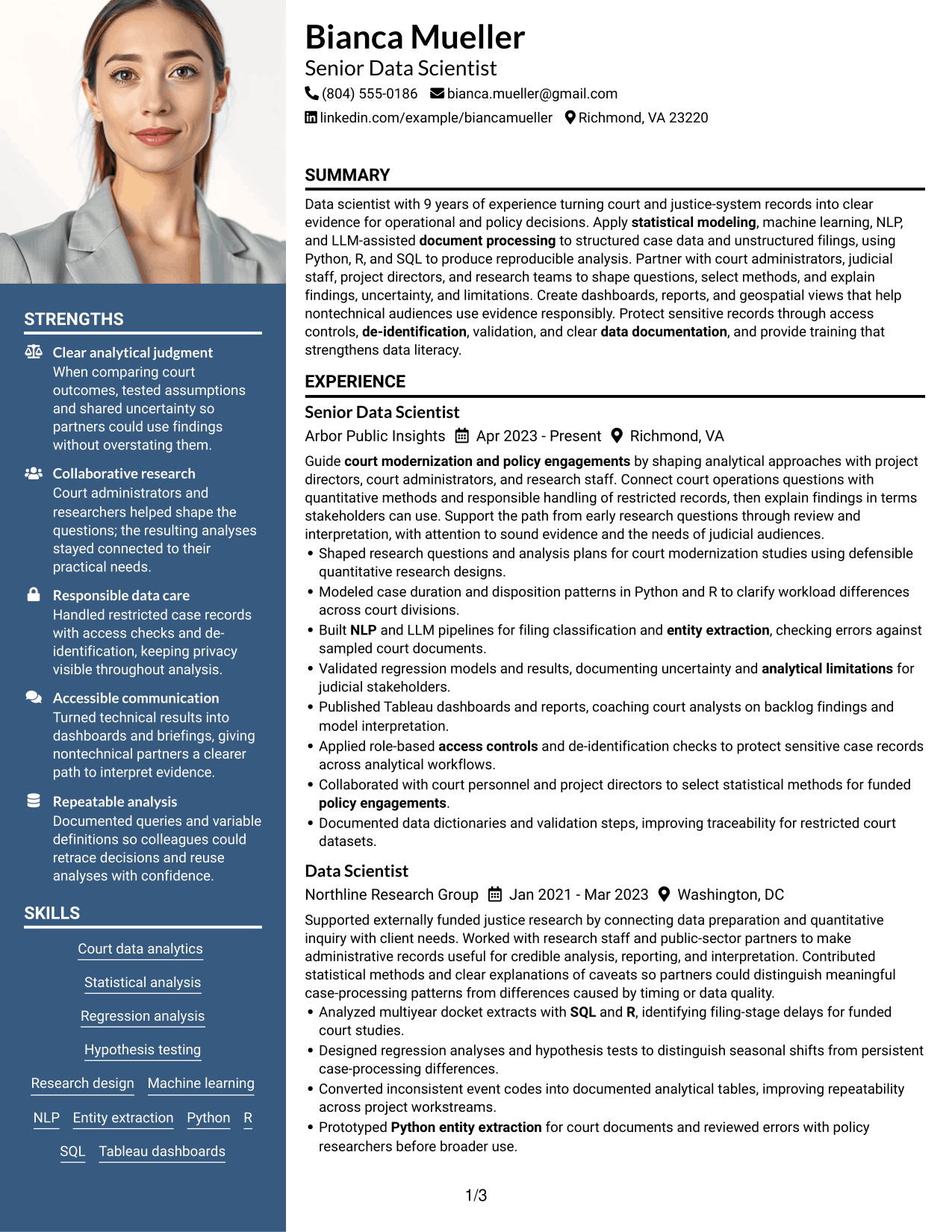
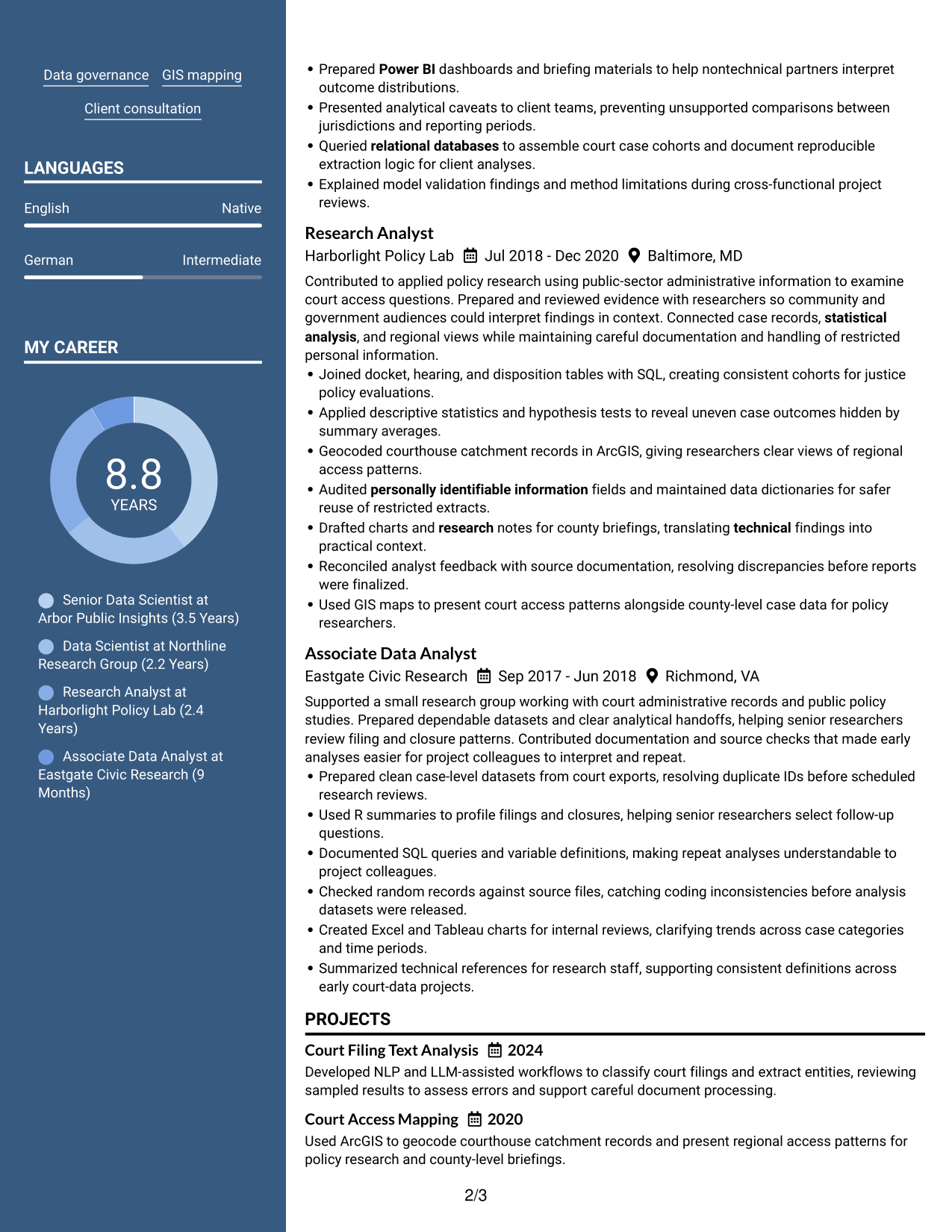
#6 Photo Header Two Column Format Resume Example
The Photo Header Two Column Format pairs a photo-led header with two body columns, so recruiters can identify the profile and then scan experience alongside supporting resume sections.
Why This Format Works
- The two body columns separate career history from supporting sections for a more direct review.
- Column breaks help reviewers find skills and education without losing role-to-role context.
- Photo placement stays in the header, leaving the body columns to organize experience and projects.
Best For
- Photo-header resume presentation
- Two-column section organization
- Career history beside supporting details
- Quick skills and education checks
- Resumes with several content groups
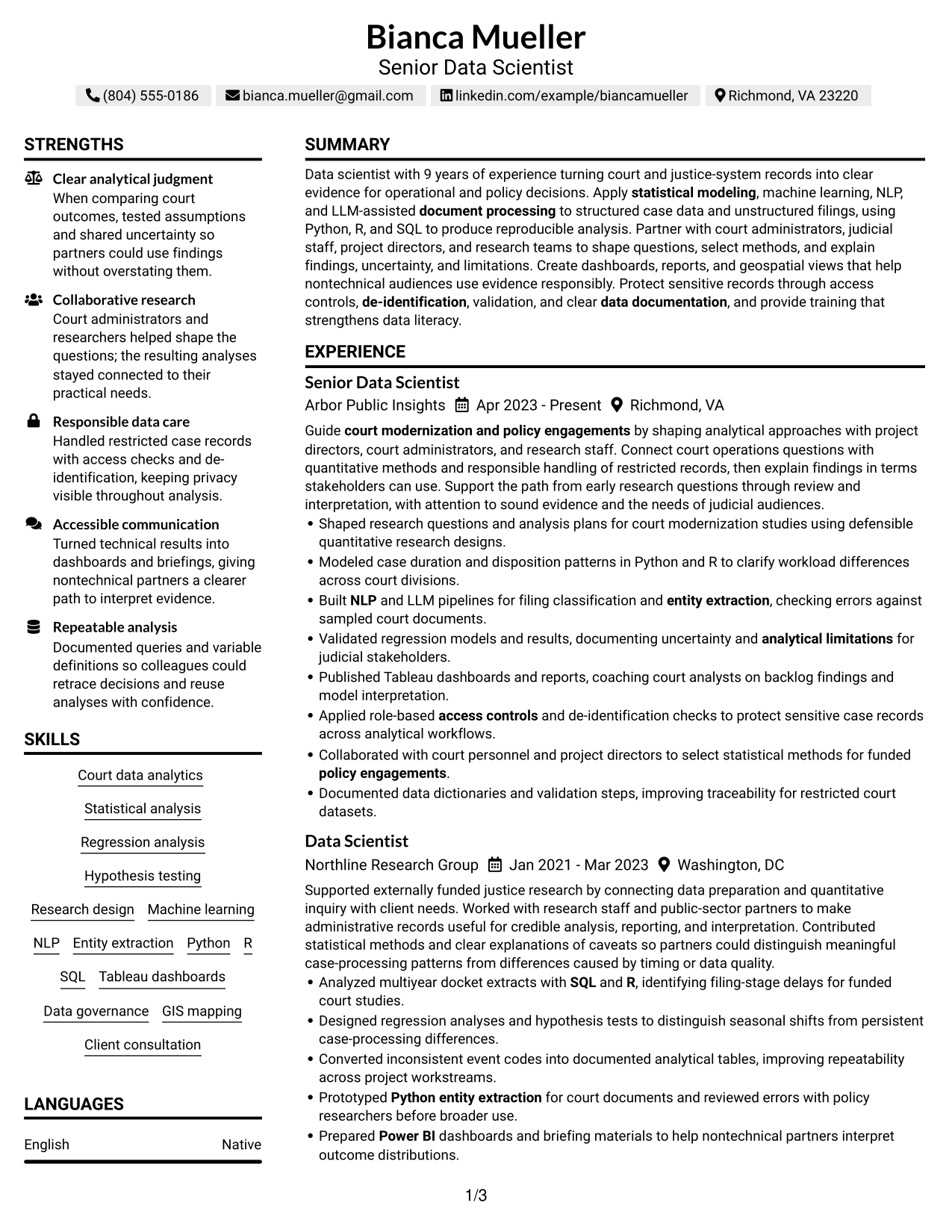
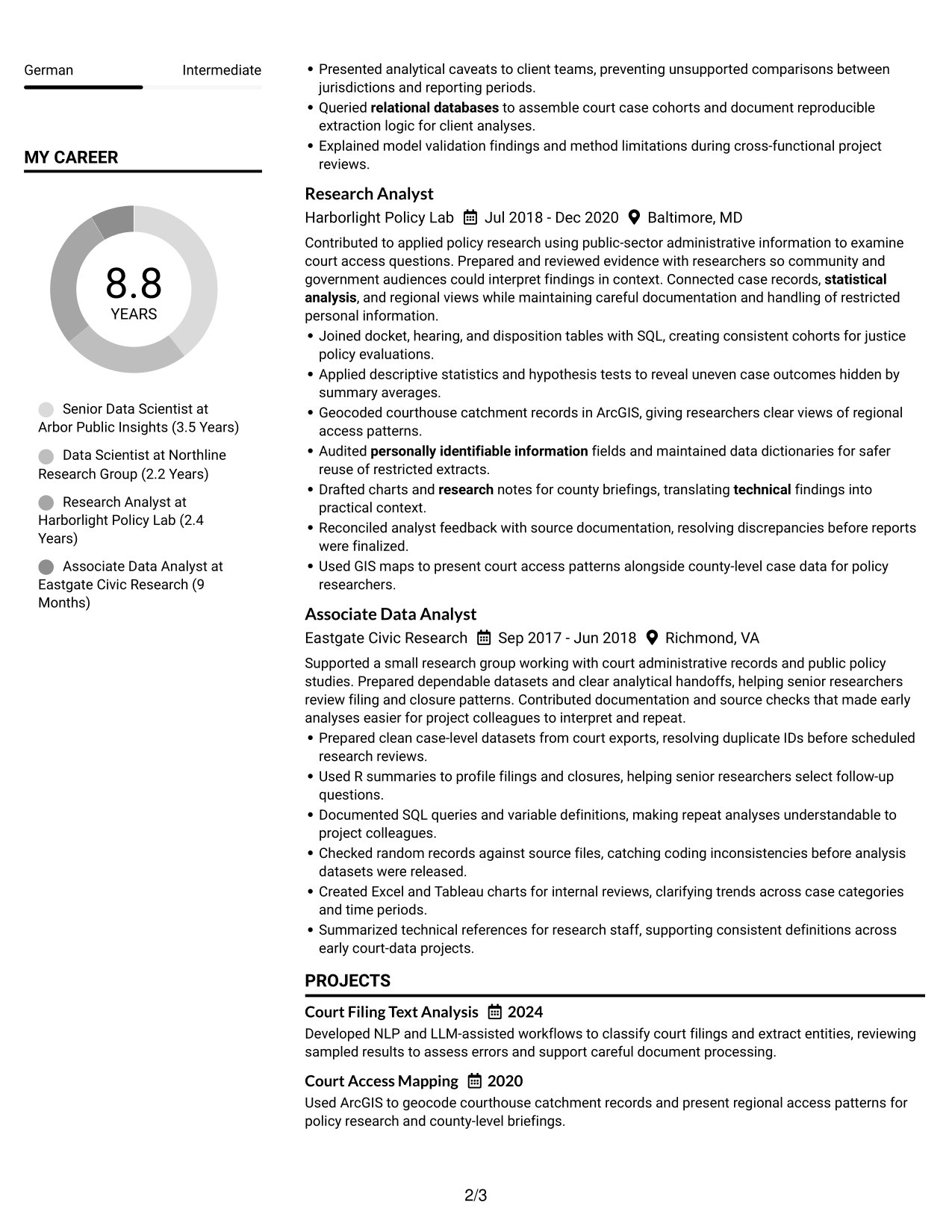
#7 Simple Two Column Format Resume Example
The Simple Two Column Format divides resume sections across two body columns while keeping the layout straightforward, helping recruiters move between career history and concise supporting details.
Why This Format Works
- Two distinct reading areas let reviewers scan supporting skills while following work experience.
- Section separation gives project and education details their own clear place in review.
- Compact column groups reduce backtracking when recruiters check credentials against career progression.
Best For
- Straightforward two-column organization
- Concise supporting details
- Quick review of skills and experience
- Separate project and education sections
- Credential checks alongside career history
See Also
- 33 Associate Data Scientist Resume Templates with Example 2026 (ATS-Optimized)
- 33 Data Analyst / Data Scientist Resume Templates with Example 2026 (ATS-Optimized)
- 7 Data Scientist, Entry Level Resume Templates with Example
- 33 Data Scientist, Health Informatics Resume Templates with Example 2026 (ATS-Optimized)
- 33 Data Scientist Intern Resume Templates with Example 2026 (ATS-Optimized)
- 33 Data Scientist, Mid Level Resume Templates with Example 2026 (ATS-Optimized)
- 33 Data Scientist, Mid Resume Templates with Example 2026 (ATS-Optimized)
- 33 Data Scientist Principal Resume Templates with Example 2026 (ATS-Optimized)
- 7 Data Scientist - Court Data Analytics Cover Letter Templates with Example
- 30+ Associate Data Scientist Cover Letter Templates with Example 2026
Frequently Asked Questions
Are these Data Scientist - Court Data Analytics resume templates ATS-friendly?
The layouts use clear headings and familiar resume sections to support ATS reading and recruiter review. Use relevant terms from the role, such as court data, statistical modeling, Python, R, SQL, and data governance, only where they fit your experience.
What should a Data Scientist - Court Data Analytics resume include?
Include a focused summary, relevant experience, technical skills, education, and projects or certifications that support the role. Show work with court records, statistical methods, dashboards, text analysis, and sensitive data when these reflect your background.
How can I describe court data analysis in resume bullets?
State the data or question, the method or tool, and the result or use of the analysis. Add measures when you can verify them, and describe validation, uncertainty, and limits when they matter.
How should I present NLP or LLM document processing?
Name the task, such as classifying filings or extracting entities, and explain how you checked the output. Include Python or relevant text-processing tools only when you used them, and note how you handled errors or sensitive records.
Which skills and keywords are useful for this resume?
Relevant terms can include regression, hypothesis testing, research design, machine learning, NLP, entity extraction, Python, R, SQL, relational databases, Tableau, Power BI, ArcGIS, model validation, and de-identification. Choose terms that accurately describe your skills and work.
Should I include court analytics projects on my resume?
Yes, when a project shows relevant analysis or tools that are not clear from your experience section. Briefly explain the project goal, your contribution, the methods used, and how you checked or shared the findings.
Should I list certifications on a Data Scientist - Court Data Analytics resume?
List current, relevant certifications, such as credentials in data analysis or visualization, with the issuing organization and date. Do not add a license or certification you have not earned.
Can I customize these resume templates?
Yes. Update the resume text and section order to emphasize your most relevant court analytics experience, methods, tools, and results. Keep the layout easy to scan and check that each claim is accurate.




