
7 Database Administrator I - Oracle and SQL Server Cover Letter Templates with Example
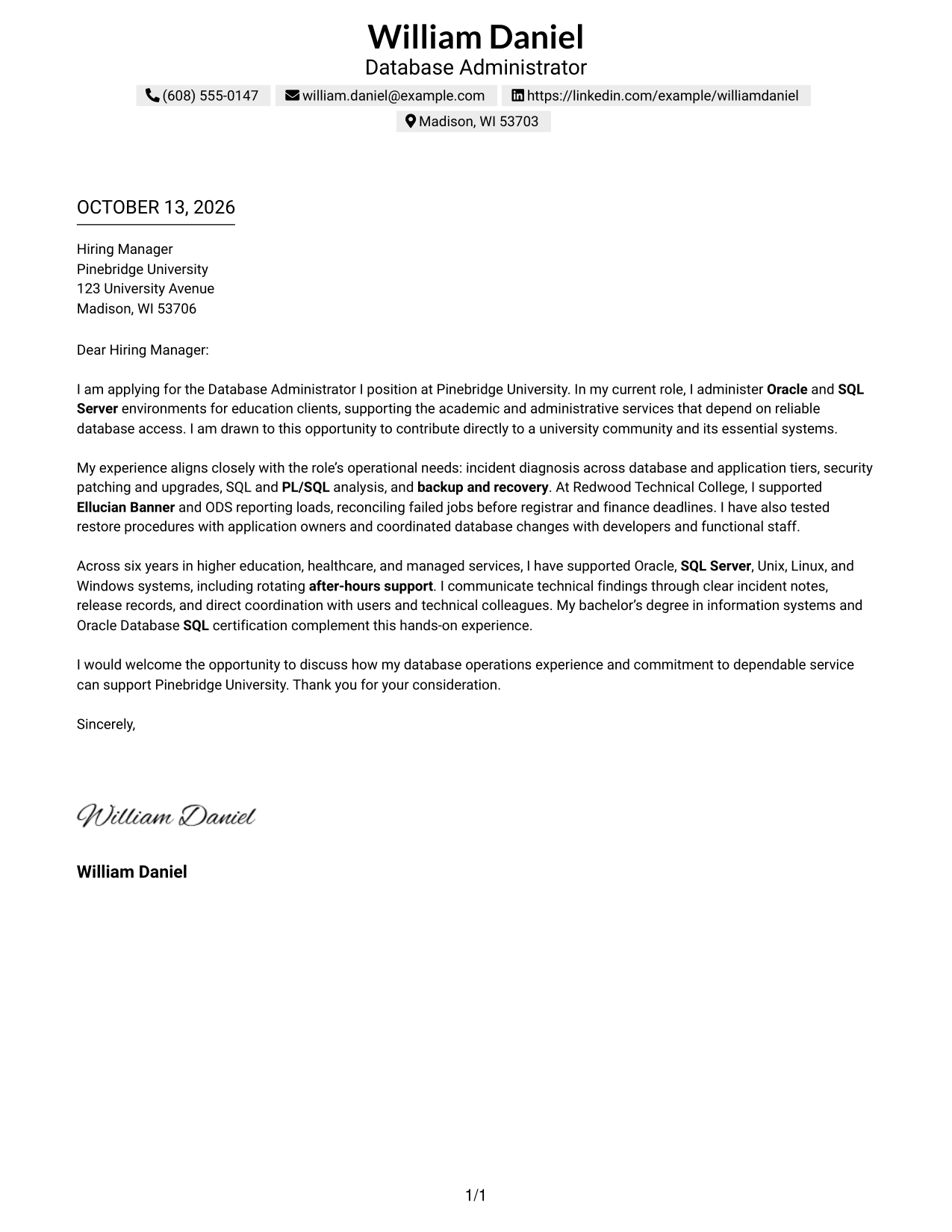
This guide helps you create a focused cover letter for a Database Administrator I - Oracle and SQL Server role. Use the examples to shape a clear message that connects your database work to the needs of the position.
A strong letter explains your interest, then supports your fit with relevant work in database operations, incident response, maintenance, and service continuity. Choose evidence that shows how you work with technical colleagues and system users.
Explore one Database Administrator I - Oracle and SQL Server cover letter example presented in 7 layouts. Learn how to write an effective opening, select useful evidence, explain role and employer alignment, and close with a professional next step.
What Makes a Great Database Administrator I - Oracle and SQL Server Cover Letter in 2026
A strong letter connects database administration experience to reliable, secure service for academic and administrative systems. It should make clear why the Database Administrator I - Oracle and SQL Server role is a good match.
Use specific evidence, such as incident diagnosis, patching, backup and recovery, or coordination with developers and users. Explain how that experience can support the employer’s needs and dependable university services.
The featured example follows a focused progression from interest, to relevant evidence, to a professional close. Adapt that flow to the Database Administrator I - Oracle and SQL Server role, then choose a presentation that suits the employer and the communication context.
#1 Simple One Column Format Cover Letter Example
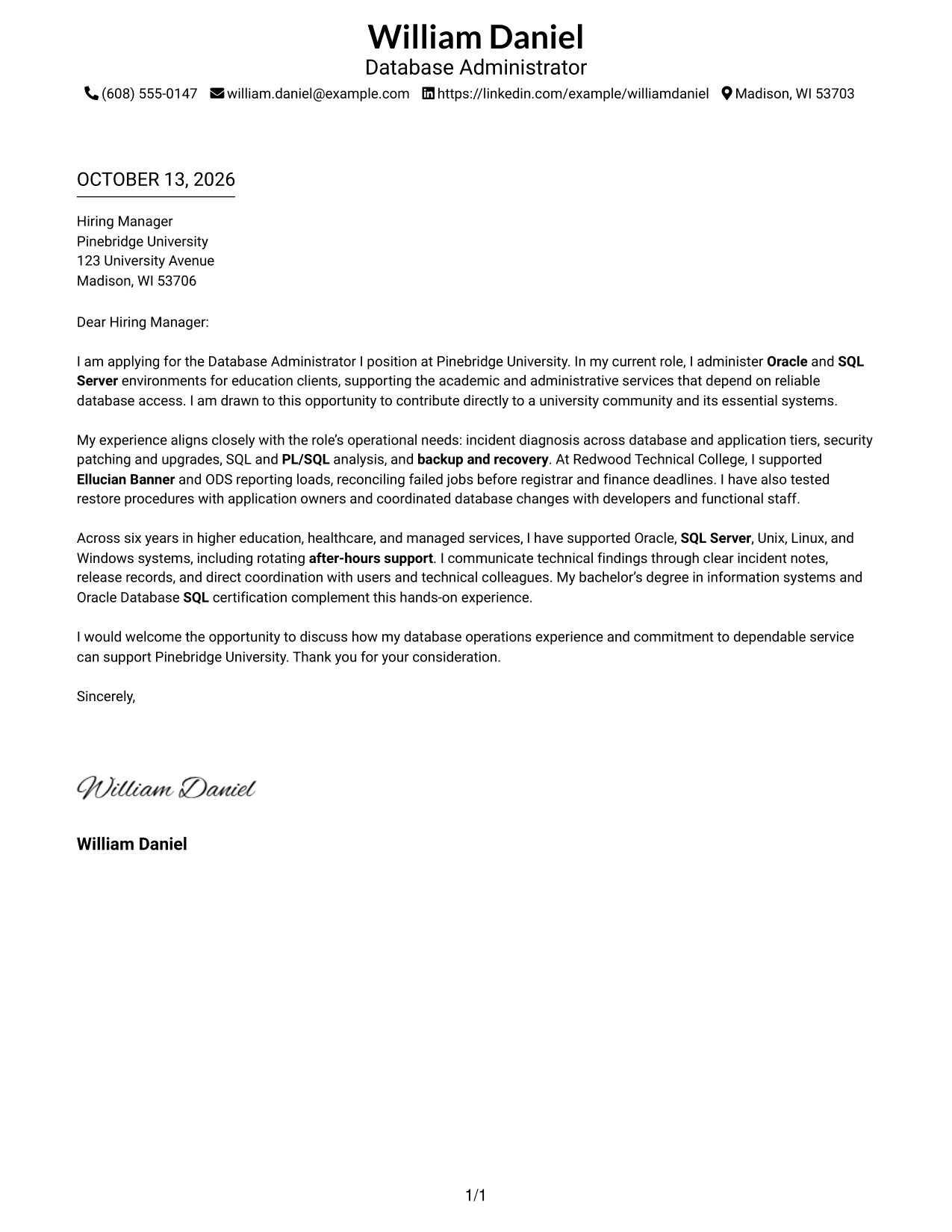
The Simple One Column Format places sender details in the header and keeps the letter in one reading path, helping recruiters follow its message.
Why This Format Works
- A single reading path carries the opening, motivation, evidence, and closing in order.
- The header keeps sender details apart from the letter's persuasive message.
- Consistent paragraph flow lets reviewers follow the case without switching body areas.
Best For
- Single-path letter reading
- Opening-to-closing argument flow
- Motivation-led applications
- Paragraph-based evidence
- Contact details kept in the header
#2 Two Column Format Cover Letter Example
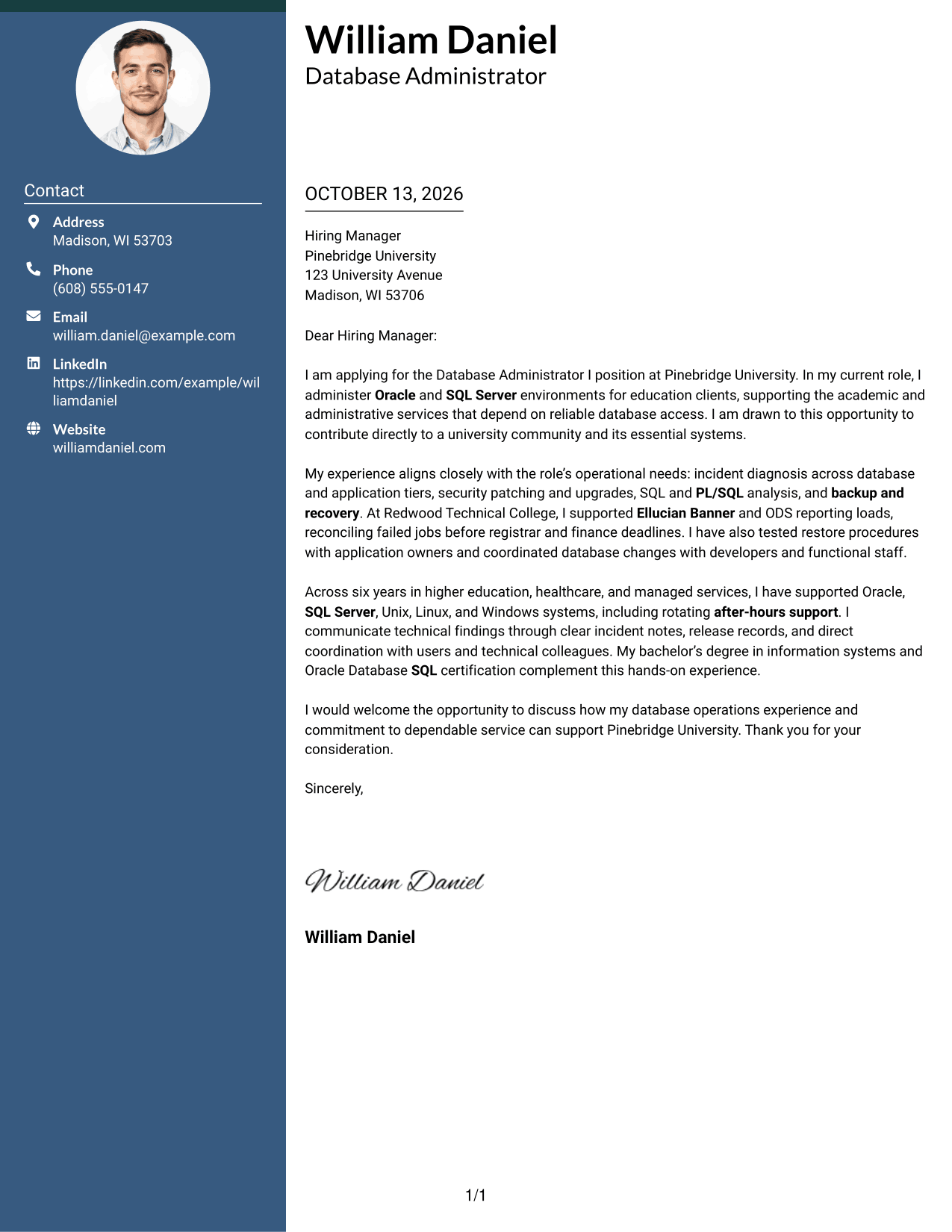
The Two Column Format sets contact details in a sidebar beside one continuous letter body, letting recruiters locate sender information without splitting the argument.
Why This Format Works
- Contact details stay apart while the continuous body develops the letter's case.
- An uninterrupted reading order links motivation with operational evidence and the close.
- Reviewers can find sender information without losing the argument's progression.
Best For
- Contact details beside the letter body
- Continuous persuasive narratives
- Quick sender detail lookup
- Paragraph-led role alignment
- Applications with a clear evidence sequence
#3 Photo Header Two Column Format Cover Letter Example
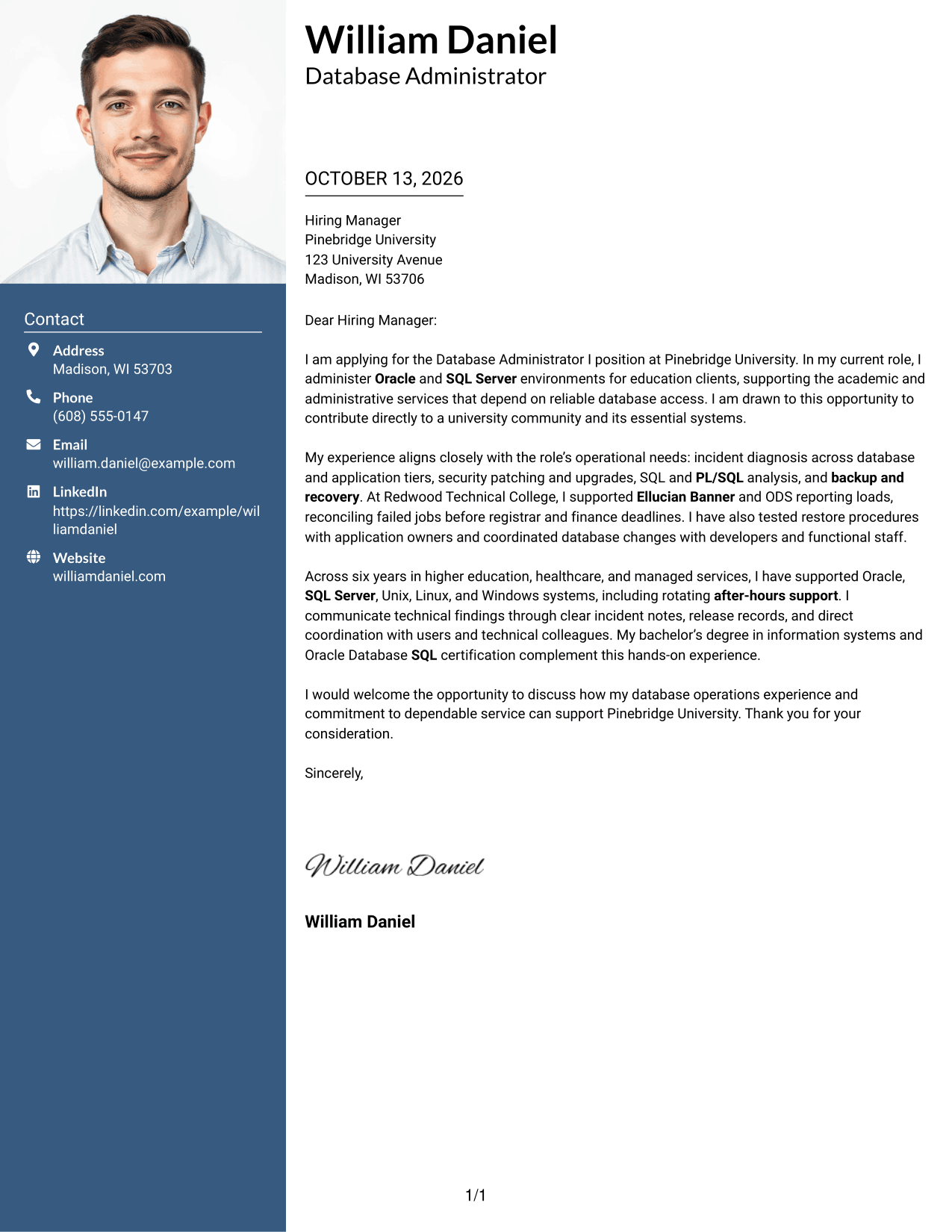
The Photo Header Two Column Format pairs a portrait and contact sidebar with one continuous letter body, keeping the letter's persuasive sequence clear to recruiters.
Why This Format Works
- Contact details sit beside, not within, the paragraphs that explain motivation.
- The continuous body keeps opening, operational evidence, and closing in sequence.
- The portrait remains separate from the letter's evidence and closing message.
Best For
- Letters with a profile photo
- Photo-forward sender identification
- Contact lookup beside a full letter
- Sequential motivation and evidence
- University-focused application letters
#4 One Column Format with Photo Cover Letter Example
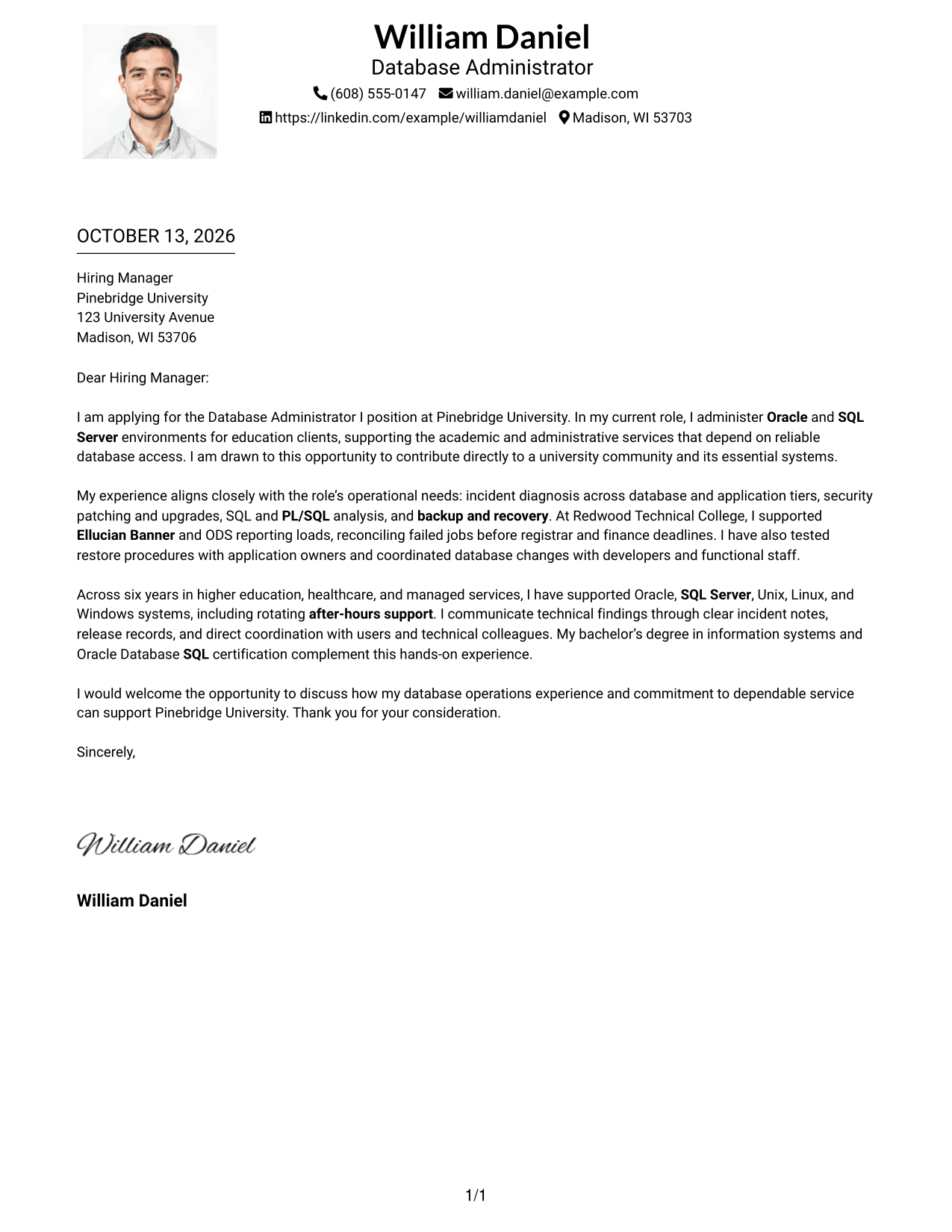
The One Column Format with Photo places a portrait and sender details in the header above a continuous letter, giving recruiters one direct route through the message.
Why This Format Works
- Sender details and the portrait appear before the one-column letter body.
- One reading path connects motivation, evidence, and the final request.
- A one-column flow makes the transition from university interest to evidence easy to follow.
Best For
- Photo-led sender identification
- One-column letter reading
- Opening-to-close argument flow
- Applications with a distinct personal profile
- Paragraph-based motivation and evidence
#5 Simple Two Column Format Cover Letter Example
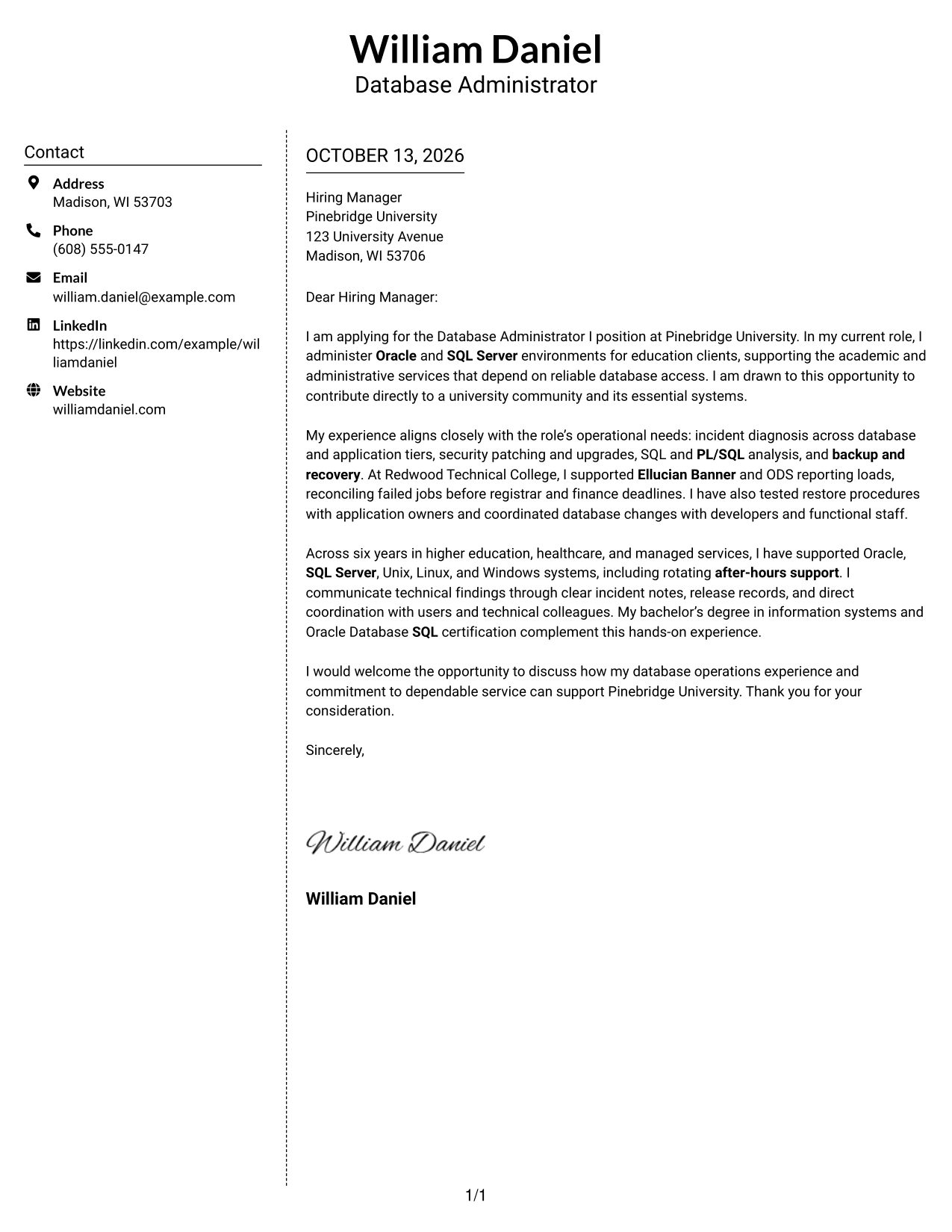
The Simple Two Column Format places contact details beside, not within, the uninterrupted letter body, helping recruiters move through the argument in sequence.
Why This Format Works
- Side-by-side contact details keep practical information separate from the letter's argument.
- One continuous body carries university interest into supporting evidence and closing.
- Readers can follow the persuasive message without moving between body columns.
Best For
- Compact contact sidebar needs
- Continuous letter-body reading
- Applications with clear paragraph progression
- Contact details separate from persuasion
- Role-aligned evidence in connected prose
#6 Modern Icon Format Cover Letter Example
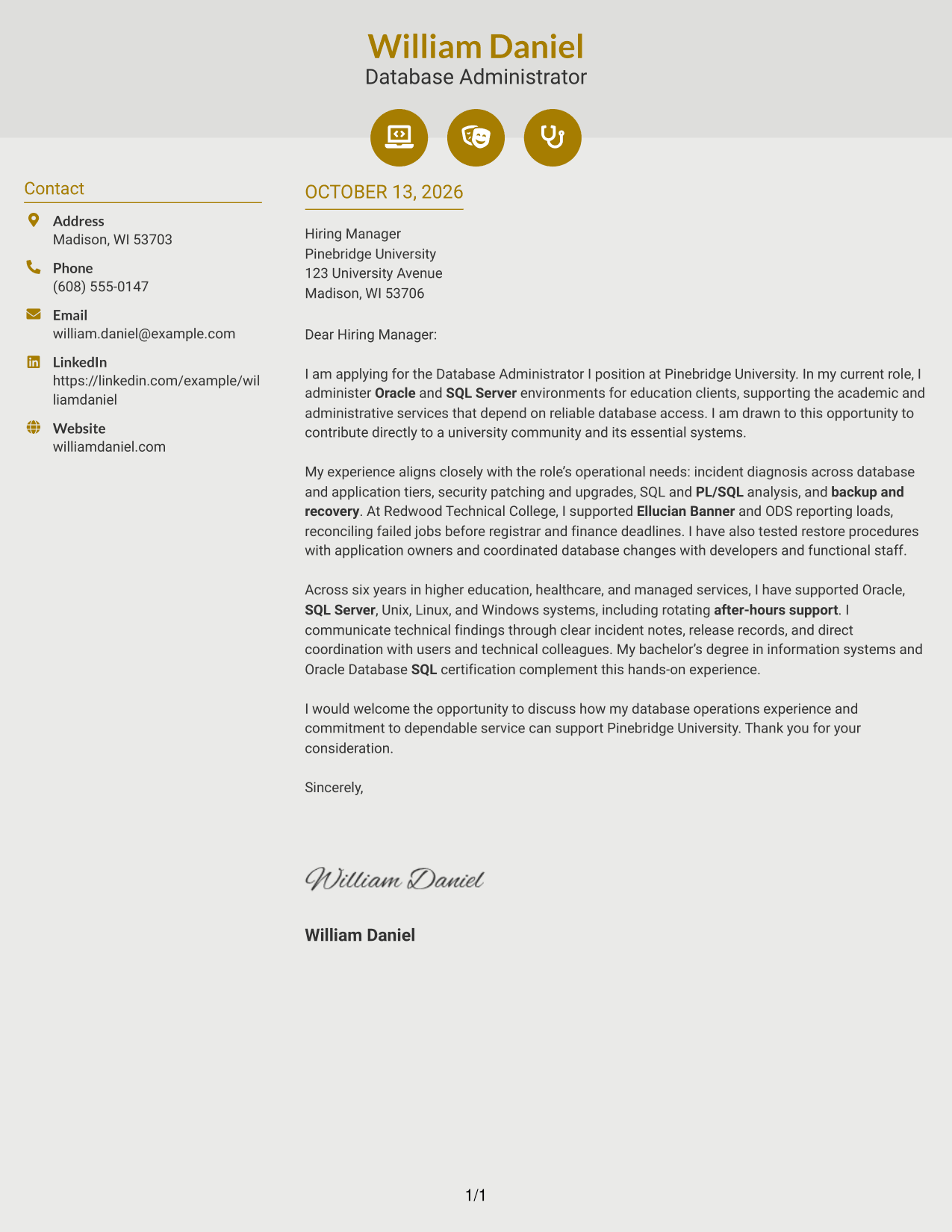
The Modern Icon Format uses contact icons as visual cues beside one continuous letter body, so recruiters can locate details and then follow the full message.
Why This Format Works
- Contact icons make sender details easier to spot beside the continuous letter body.
- One body sequence carries motivation, evidence, and closing without icon-led sections.
- The separate contact area keeps the evidence paragraphs focused on the case.
Best For
- Icon-cued contact details
- Two-column contact and letter layouts
- Quick access to sender information
- Unbroken motivation-to-close narratives
- Letters with multiple evidence paragraphs
#7 Creative Two Tone Format Cover Letter Example
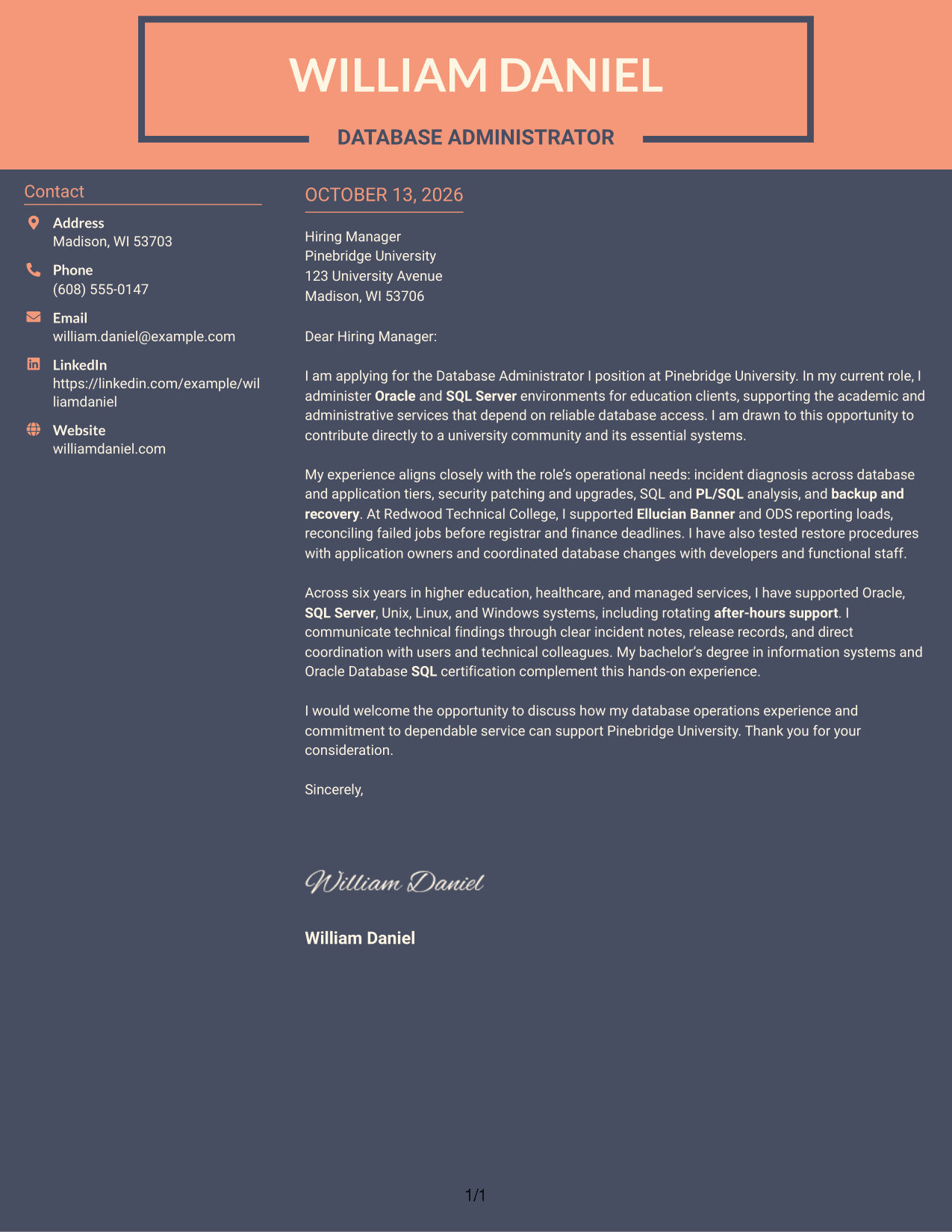
The Creative Two Tone Format uses contrasting areas for contact details and the continuous letter body, helping recruiters distinguish practical information from the argument.
Why This Format Works
- Two-tone contrast distinguishes contact information from the continuous letter body.
- That separation lets the argument move from motivation through evidence to closing.
- Reviewers can locate contact details while keeping their place in the letter.
Best For
- Color-separated contact and body areas
- Visual distinction between contact and argument
- Single-pass letter reading
- Connected opening, evidence, and close
- Applications needing readable contact lookup
Why Use ResumeInMinutes for a Database Administrator I - Oracle and SQL Server Cover Letter
ResumeInMinutes helps you shape a clear, role-focused cover letter without starting from a blank page. Use the example to connect your database operations experience with the work and communication needs of the position.
- Flexible presentation styles
- Clear, readable formatting
- Role-specific cover letter guidance
- Quick text and layout editing
- Professional templates
- Cover letter creation support
Build a direct message around Oracle and SQL Server operations, service reliability, incident response, and communication with technical teams and system users.
See Also
- 7 Database Administrator I - Oracle and SQL Server Resume Templates with Example
- 7 Oracle Database Architect Resume Templates with Example
- 7 Journey IT System Administrator - Microsoft 365 and Server Infrastructure Resume Templates with Example
- 7 Consultant - Databases Resume Templates with Example
- 7 Staff Platform Database Engineer Resume Templates with Example
- 7 Administrator for Program Integrity Resume Templates with Example
- 7 Atlassian Administrator (CMDB & Configuration Management) Resume Templates with Example
- 7 Branch Administrator Resume Templates with Example
- 7 Journey IT System Administrator - Microsoft 365 and Server Infrastructure Cover Letter Templates with Example
- 30+ Network Administrator Cover Letter Templates with Example 2026
Frequently Asked Questions
What should a Database Administrator I - Oracle and SQL Server cover letter include?
State your interest in the role, then connect relevant database operations experience to its needs. You might discuss incident diagnosis, security patching, SQL and PL/SQL analysis, backup and recovery, or communication with users and technical colleagues when these reflect your background.
How can I show my fit for a university database administrator role?
Explain how your work supports academic or administrative services. A relevant example involving student or finance systems, reporting schedules, application changes, or service recovery can help show your understanding of the environment.
How should I describe Oracle and SQL Server experience?
Be specific about the work you performed, such as administering databases, diagnosing incidents, reviewing SQL, coordinating upgrades, or testing recovery steps. Include only skills and tasks that match your own experience.
Should I mention Ellucian Banner or ODS in my cover letter?
Mention them if you have direct experience with those systems. Briefly explain the work you did, such as supporting reporting loads or coordinating changes, and connect it to the role’s database and application needs.
How can I explain backup and recovery experience?
Describe a relevant action, such as checking backup evidence, testing restore procedures, or coordinating a recovery test with application owners. Keep the explanation brief and focus on how the work supported service continuity.
What is a professional way to close this cover letter?
Restate your interest and connect your experience to the employer’s need for dependable database services. Thank the reader and invite a conversation about how you could contribute.
Can I customize the cover letter template?
Yes. Adjust the wording to reflect your experience, your reason for applying, and the role’s needs. Choose a clear presentation that fits the employer and the way the letter will be shared.




