
7 Digitization & Digital Preservation Associate Cover Letter Templates with Example
This practical guide to a Digitization & Digital Preservation Associate cover letter presents seven layouts to help you make a clear case for your fit.
What Makes a Great Digitization & Digital Preservation Associate Cover Letter in 2026
A strong letter connects your interest in dependable digital access with the role’s work across physical digitization, audiovisual migration, and born-digital materials.
Use specific examples of your work with files, metadata, or collection maintenance, then explain how that experience supports discovery and long-term access for the employer’s collections.
The featured example moves from role interest to relevant preservation and collection-maintenance experience, then closes with a concise statement of fit. Adapt that progression and choose a presentation that suits the employer and the communication context.
#1 Simple One Column Format Cover Letter Example
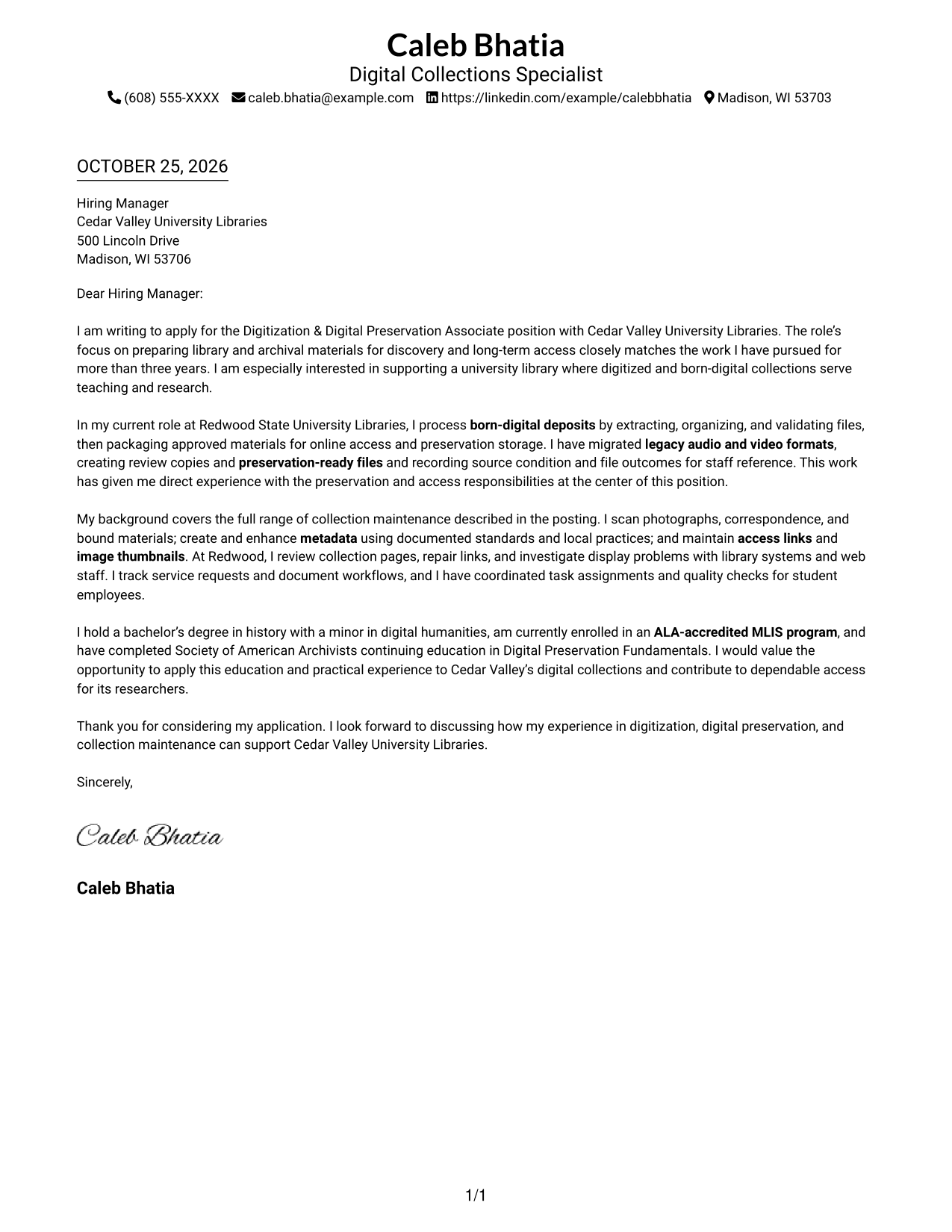
A single-column layout keeps the sender details in the header and the letter body on one direct reading path.
Why This Format Works
- Contact details in the header stay separate from the letter's main message.
- Continuous paragraphs carry motivation, evidence, and the closing in natural order.
- One column gives reviewers a steady path through the full application message.
Best For
- Single-column letter layouts
- Header-based contact details
- Continuous letter prose
- Motivation-led opening paragraphs
- Evidence followed by qualifications
#2 Two Column Format Cover Letter Example
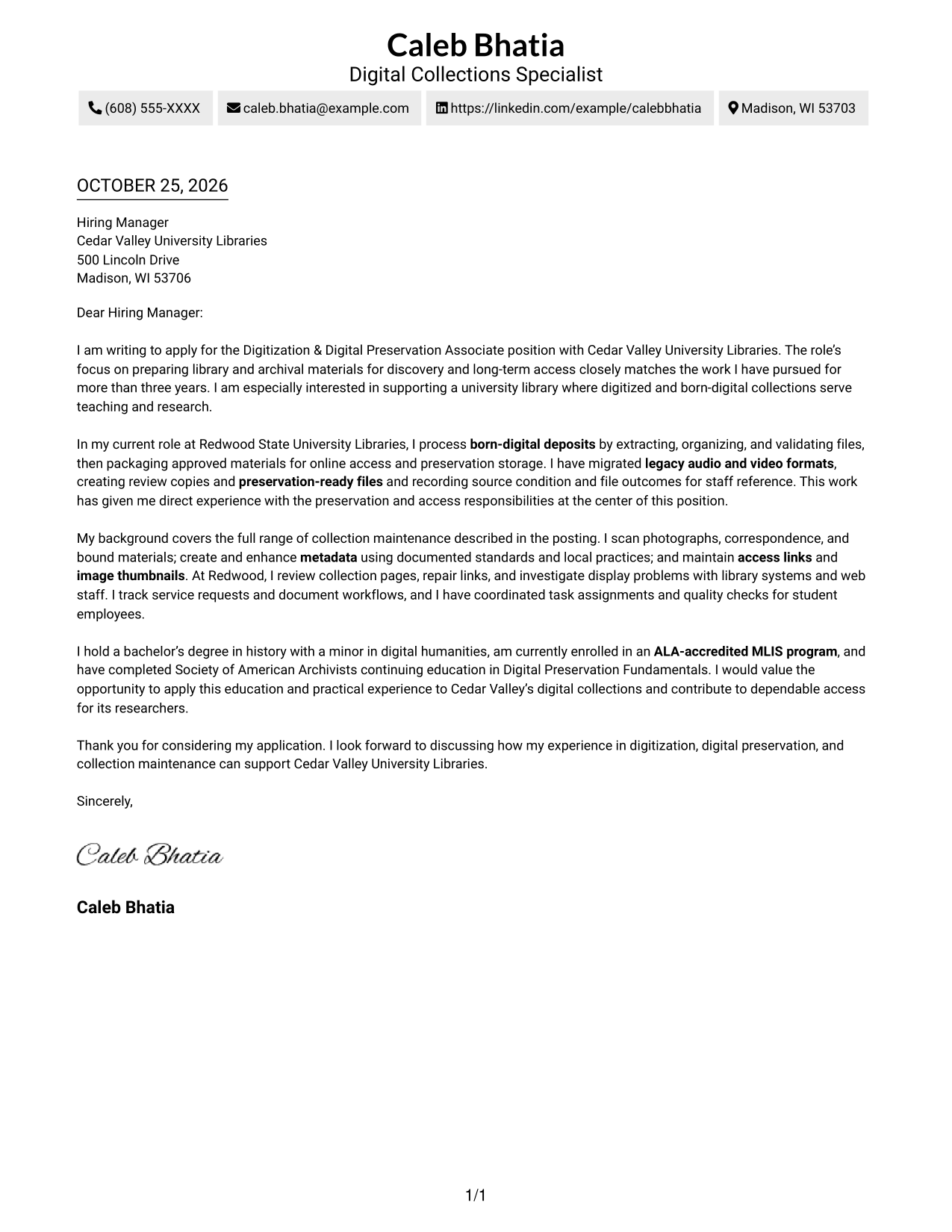
A contact sidebar beside a single-column letter body suits readers who want sender details apart from the message.
Why This Format Works
- Contact details in the sidebar stay distinct from the main letter message.
- The continuous body keeps motivation, supporting evidence, and the closing in sequence.
- Paragraph breaks mark shifts in purpose without adding headings to the letter.
Best For
- Sidebar contact details
- One-column letter body
- Multi-paragraph evidence
- Motivation-led applications
- Section-free letter prose
#3 Photo Header Two Column Format Cover Letter Example
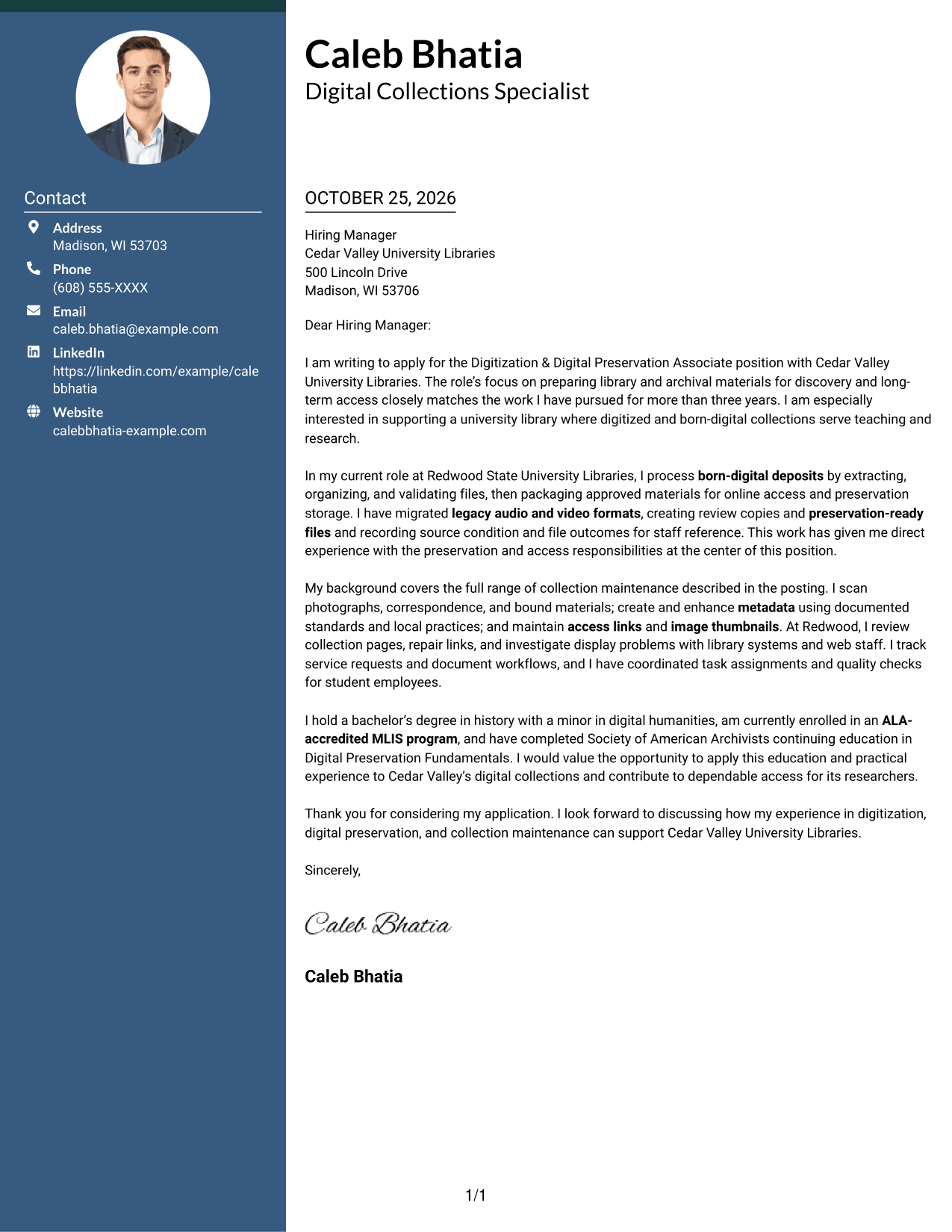
A photo and two-column layout offer a personal visual element while keeping contact details apart from the continuous letter body.
Why This Format Works
- Sidebar contact details remain separate while the main letter body stays continuous.
- The photo adds a personal visual element without interrupting the written argument.
- Paragraph breaks keep motivation, experience, and qualifications distinct without section titles.
Best For
- Photo-inclusive applications
- Sidebar contact presentation
- Single-column letter argument
- University library applications
- Motivation and evidence in prose
#4 One Column Format with Photo Cover Letter Example
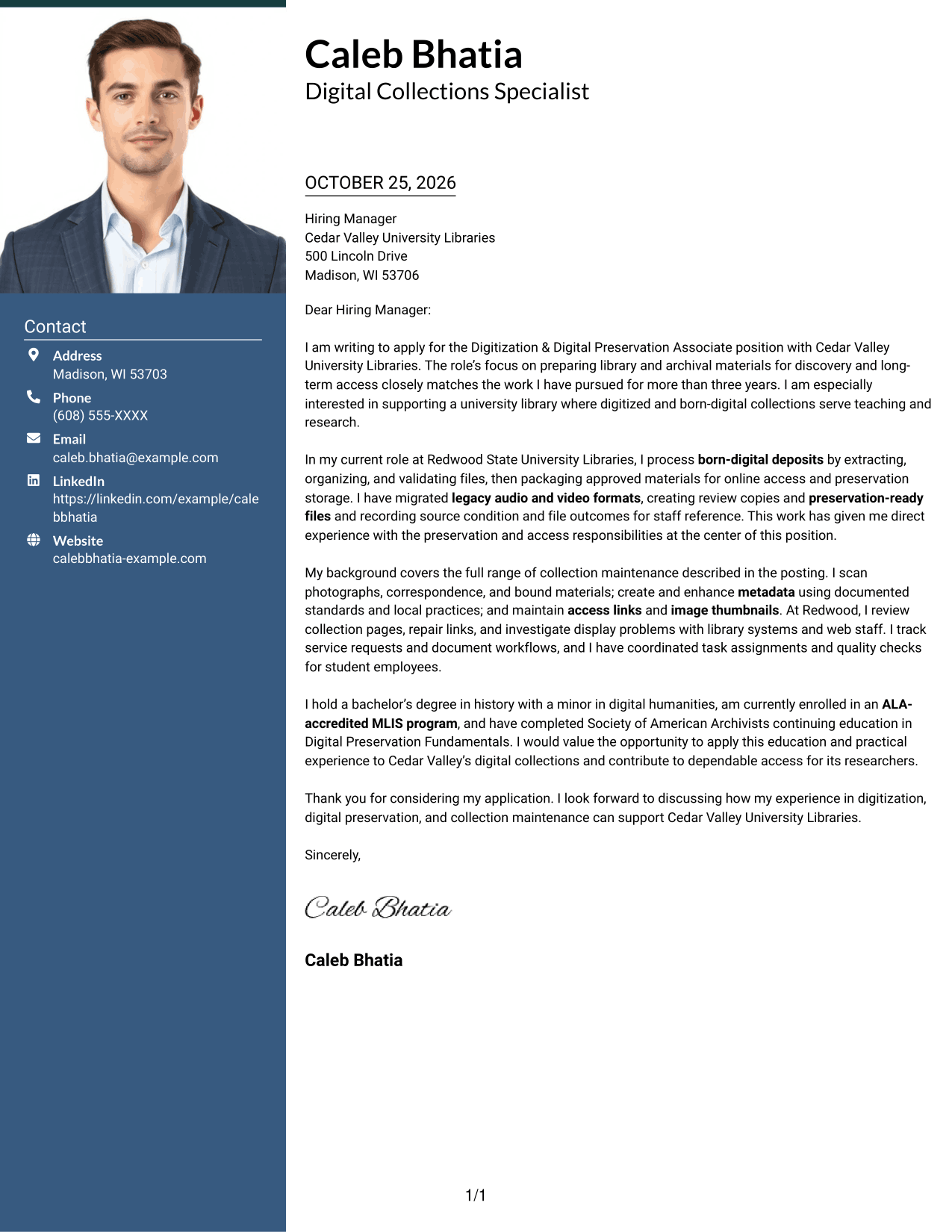
A single-column page with a photo keeps the sender details and letter together for readers who prefer a personal visual element.
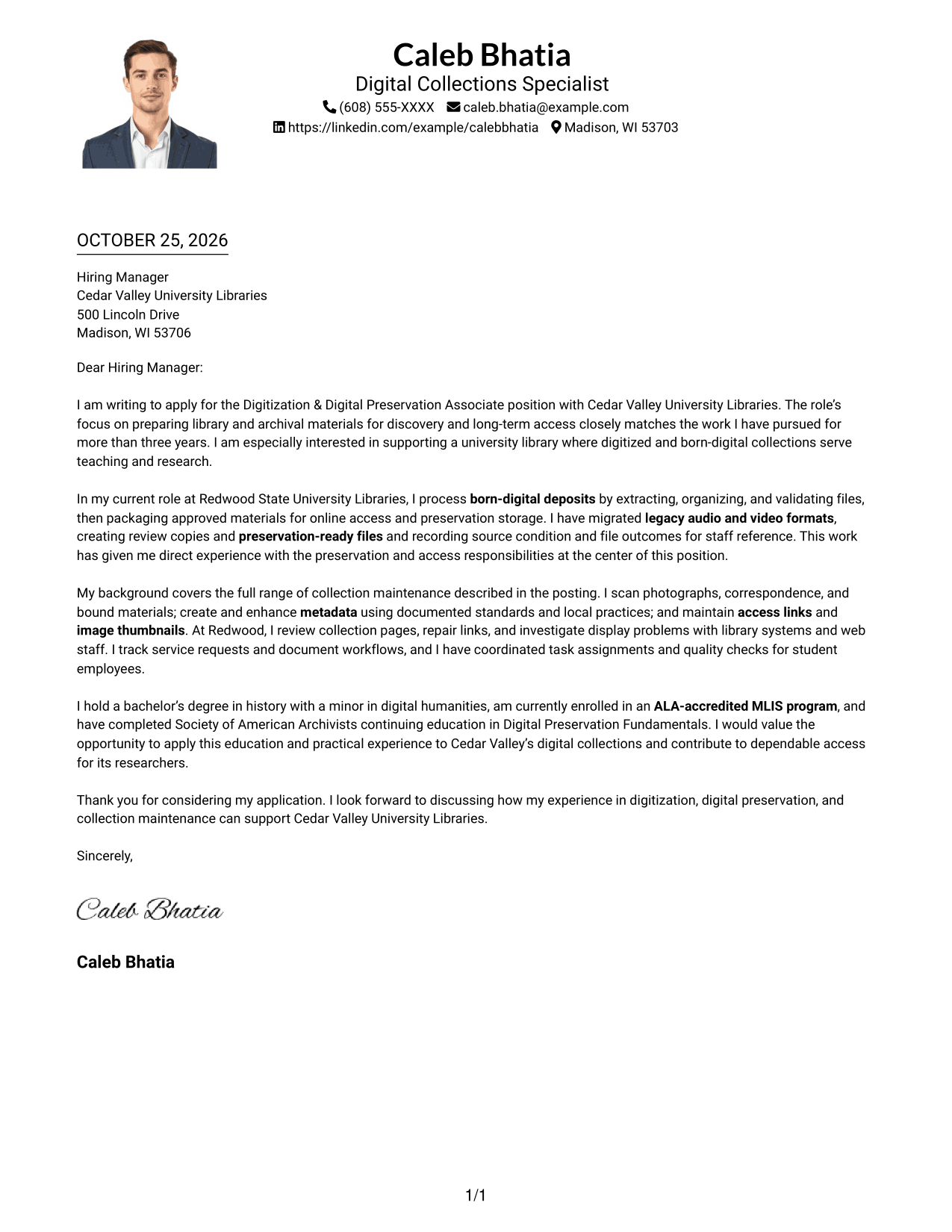
Why This Format Works
- Sender details share the single-column page with the letter's continuous paragraphs.
- The photo offers a visual option while the message remains organized as prose.
- One column keeps the opening, supporting paragraphs, and closing on a consistent reading path.
Best For
- Single-column reading preference
- Photo-inclusive applications
- Header-based sender details
- Letters with several evidence paragraphs
- University library correspondence
#5 Simple Two Column Format Cover Letter Example
A contact sidebar and continuous letter body give sender information a separate place beside the main message.
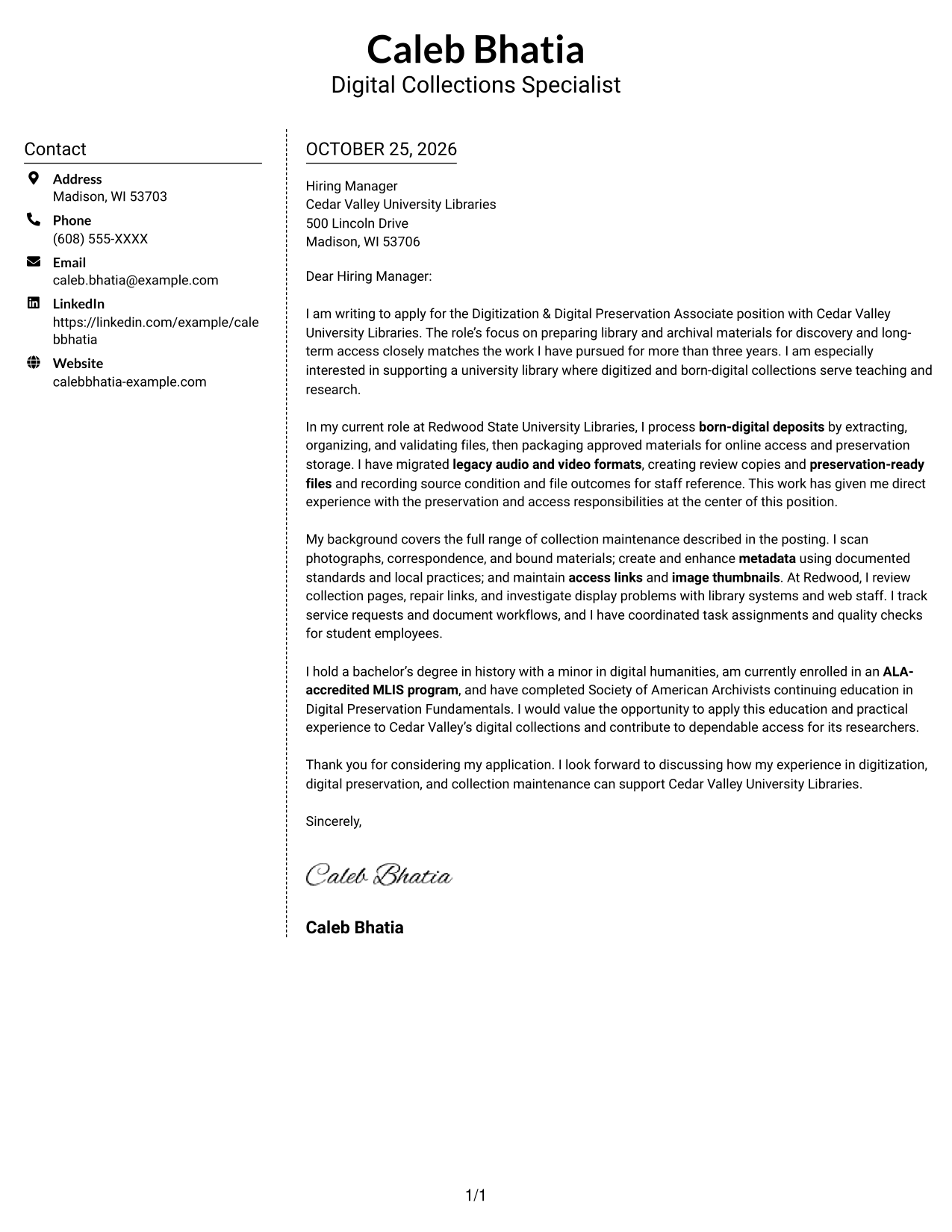
Why This Format Works
- Sidebar contact information stays apart from the body, keeping the message easy to follow.
- All persuasive paragraphs remain together rather than divided between parallel columns.
- Paragraph breaks separate motivation, relevant evidence, and qualifications without formal headings.
Best For
- Contact information in a sidebar
- One-column letter message
- Continuous opening-to-close prose
- Multi-paragraph evidence
- Applications with distinct motivation
#6 Modern Icon Format Cover Letter Example
Two columns place contact details beside the letter body, while icons cue contact information rather than letter content.
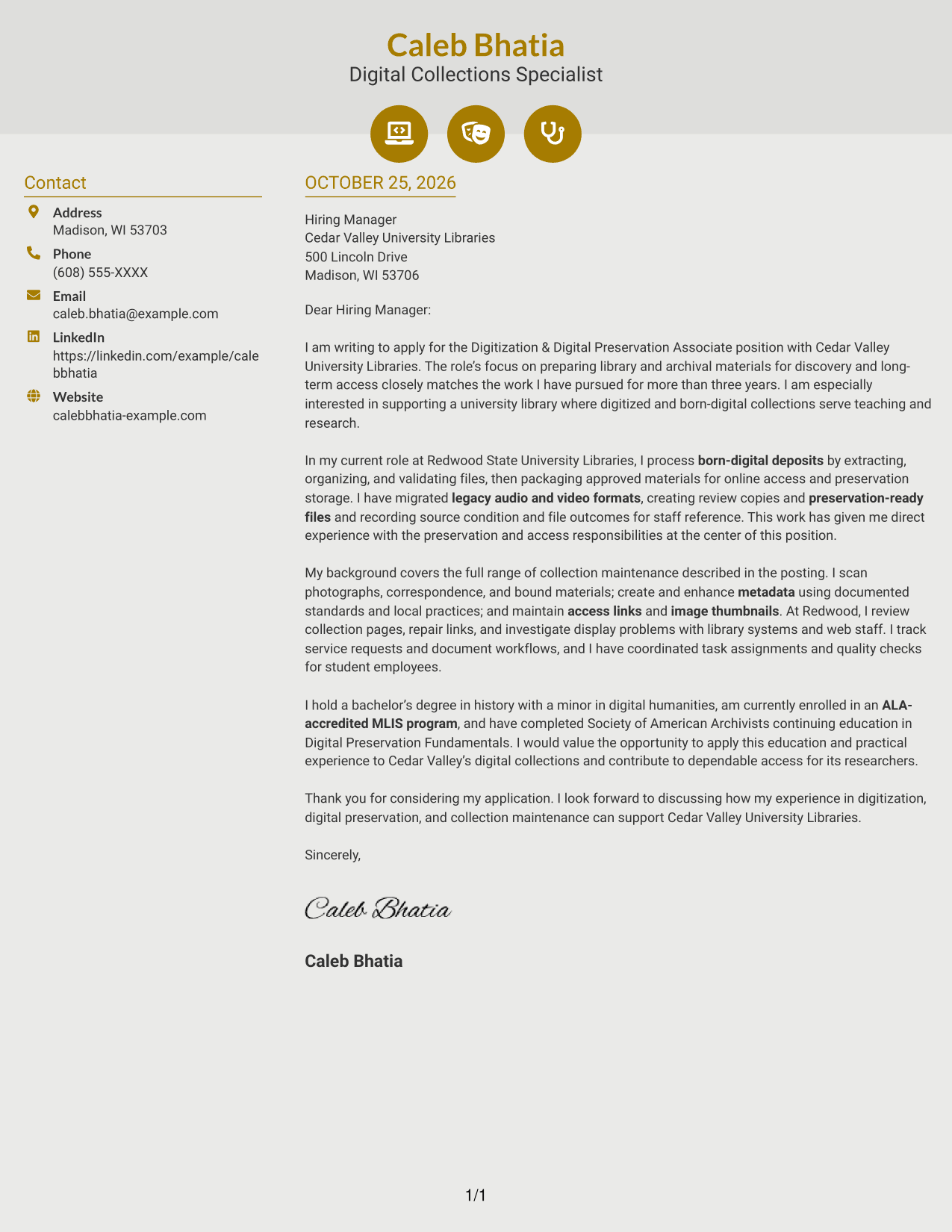
Why This Format Works
- Contact-detail icons help reviewers spot sender information without labeling argument stages.
- Decorative header cues remain apart from the uninterrupted letter body.
- Two columns distinguish contact information from the message without splitting its argument.
Best For
- Icon-cued contact details
- Two-column letter layouts
- Continuous body paragraphs
- Section-free persuasive prose
- Applications with several evidence paragraphs
#7 Creative Two Tone Format Cover Letter Example
A two-column layout keeps sender information beside the continuous letter body, helping readers find contact details apart from the message.
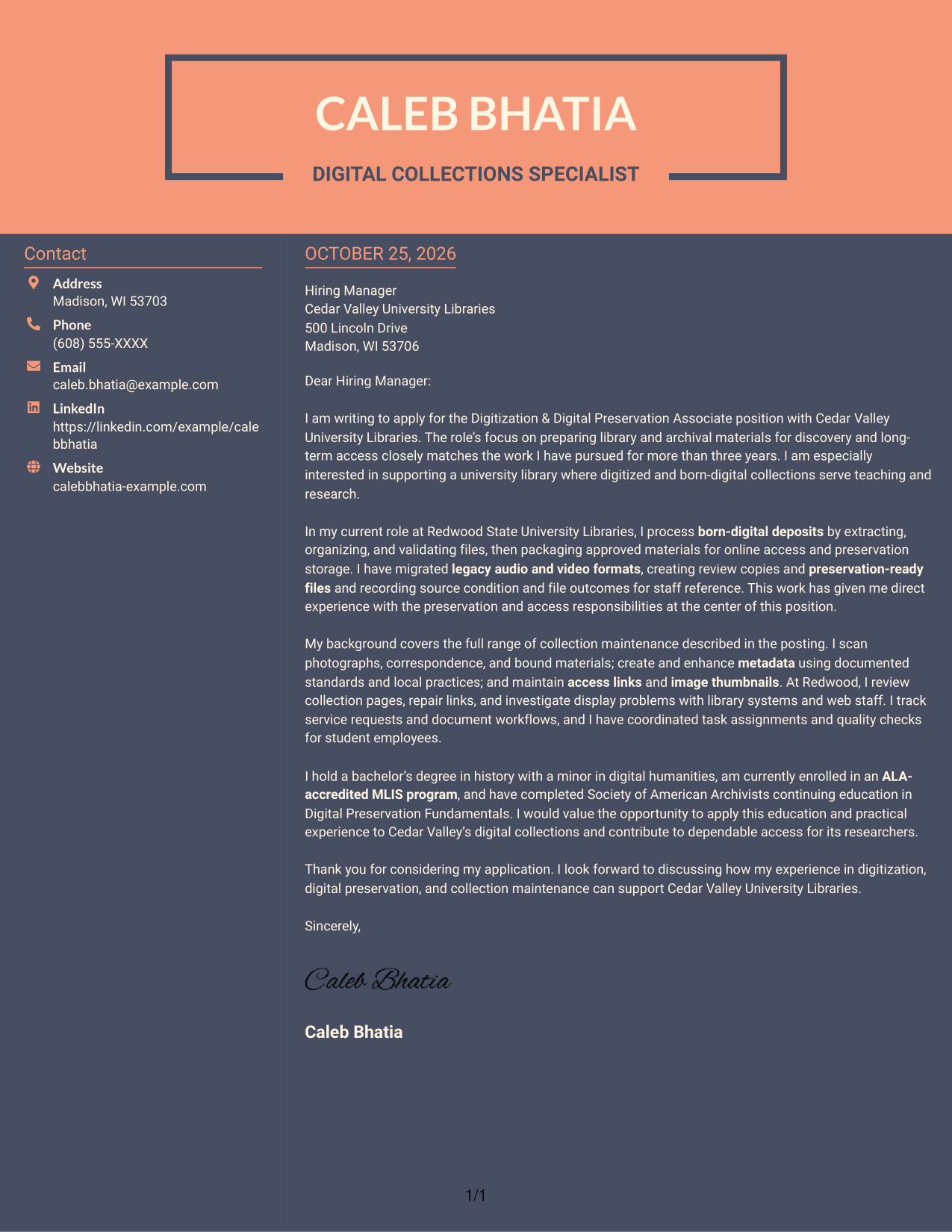
Why This Format Works
- The sidebar gives sender information its own place beside the letter body.
- Opening, evidence, and closing remain within one continuous column of letter prose.
- Without argument headings, paragraph wording carries each shift in purpose.
Best For
- Two-column letter layouts
- Sidebar contact presentation
- Single-column argument body
- Section-free persuasive prose
- Letters with several evidence paragraphs
Why Use ResumeInMinutes for a Digitization & Digital Preservation Associate Cover Letter
Review a role-focused cover letter example, compare its image preview, and open the example in the editor as you plan your own message.
- Clear letter structure
- Role-focused guidance
- Image preview
- Editor access
- Professional presentation
- Cover letter examples
For this role, make your opening specific, use the body to connect relevant digitization and preservation work to the position, and close with a clear statement of interest.
See Also
- 7 Digitization & Digital Preservation Associate Resume Templates with Example
- 7 Project Architect - Cultural Architecture & Historic Preservation Resume Templates with Example
- 7 Clerk, Data - Digital Product Information Resume Templates with Example
- 33 Digital Farming Intern Resume Templates with Example 2026 (ATS-Optimized)
- 33 Digital Manufacturing IT Program Manager Resume Templates with Example 2026 (ATS-Optimized)
- 7 Digital Marketing Internship - Marketing Systems Resume Templates with Example
- 33 Digital Marketing Project Manager Resume Templates with Example 2026 (ATS-Optimized)
- 33 Digital Product Manager Resume Templates with Example 2026 (ATS-Optimized)
- 7 Project Architect - Cultural Architecture & Historic Preservation Cover Letter Templates with Example
- 30+ Digital Farming Intern Cover Letter Templates with Example 2026
Frequently Asked Questions
What should a Digitization & Digital Preservation Associate cover letter emphasize?
Show how your experience relates to digitizing physical materials, migrating audiovisual formats, processing born-digital content, or maintaining metadata and digital collections. Choose evidence that matches your own background.
Does this guide show one example in different layouts?
Yes. The image previews show the featured cover letter in different presentations. You can compare the visual styles and open an example in the editor.
How should I structure my cover letter for this role?
Open with your interest in the position, use the body paragraphs to connect relevant work to its preservation and access needs, and end with a direct, professional closing.
What evidence can support my fit for this position?
Use a concrete example of work with digitization, audiovisual migration, born-digital files, metadata, access links, or workflow documentation. Explain what you did and how it supported reliable access or preservation.
How can I show interest in the employer?
Connect your motivation to the employer’s library or archival collections and their role in teaching, research, or public access. Keep the statement specific and accurate.




