
7 Digitization & Digital Preservation Associate Resume Templates with Example
This guide shows you how to build a clear, focused Digitization & Digital Preservation Associate resume. You will learn how to organize relevant evidence and compare professional formats, so your resume is easy to review.
Strong resumes for this role connect physical digitization, audiovisual migration, born-digital processing, and metadata work to dependable access and long-term preservation. Use clear section headings, concise bullet points, and role-specific terms to help readers and applicant tracking systems find your relevant experience.
The resume example is presented in 7 layouts. Compare the PNG image previews, then open an example in the editor to review its organization and customize the resume.
What Makes a Great Digitization & Digital Preservation Associate Resume in 2026
A strong resume makes digitization, preservation, metadata, and collection access work easy to scan. Clear section headings and focused bullet points help readers see how your work supports reliable discovery and long-term access.
Use accurate terms such as born-digital processing, audiovisual migration, digital file management, and metadata enhancement. Support each skill with specific examples, tools, or outcomes that are true to your experience.
Note: Resume examples are for educational purposes only. Use only information that accurately reflects your experience and qualifications. References to real organizations do not imply affiliation or endorsement.
#1 Plain Two Column Format Resume Example
The plain two-column body places resume sections in parallel areas, helping reviewers find skills and education without a long vertical scan.
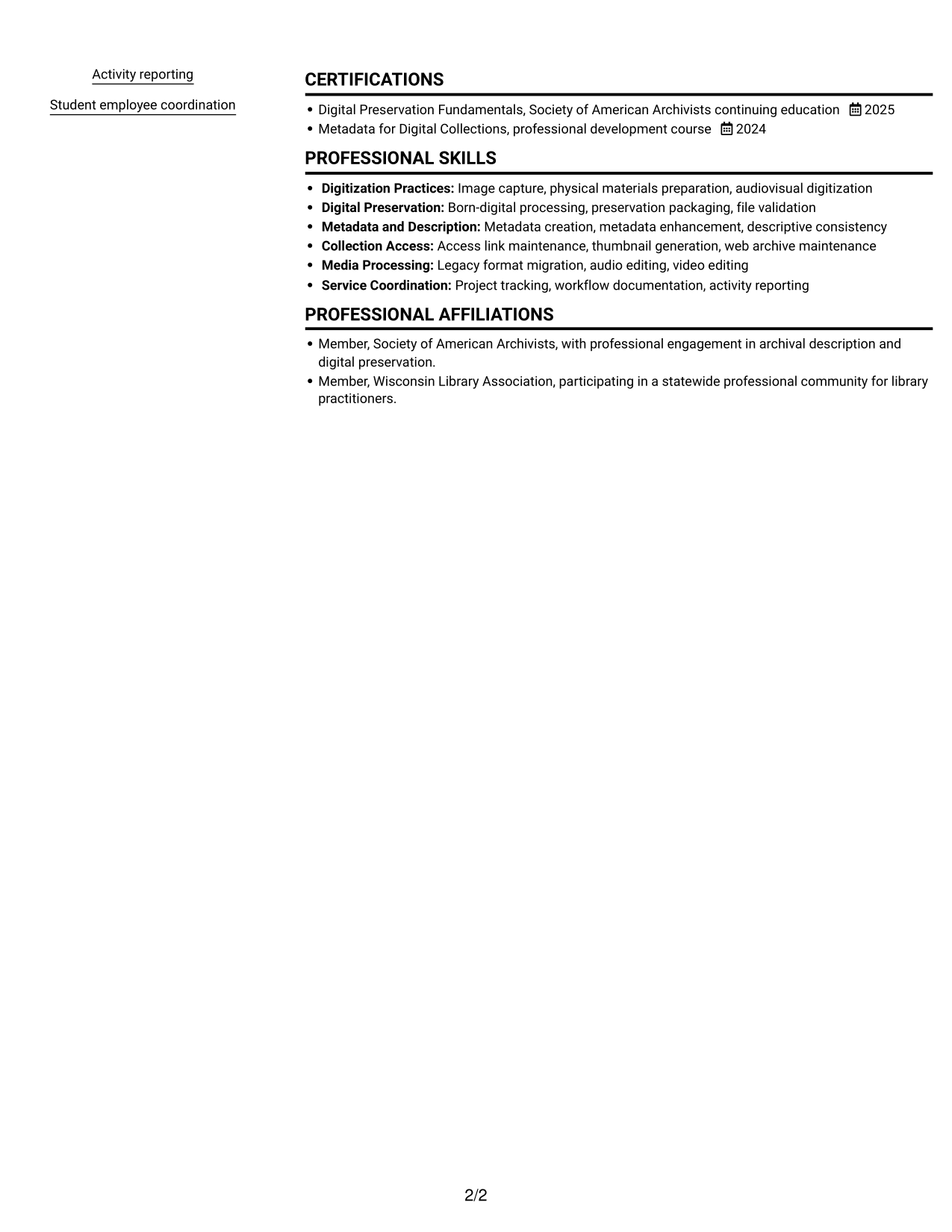
Resume Snapshot
- 3+ years of experience preparing library and archival materials
- BA in History; currently enrolled in an ALA-accredited MLIS program
- Core areas: born-digital processing, metadata maintenance, and digital imaging
- Workflow documentation, activity reporting, and student employee coordination
Why This Format Works
- Separate areas help reviewers find experience, education, and skills without losing section context.
- Credentials and supporting details stay distinct from work history during a quick review.
- Parallel areas limit a long vertical scan across a resume with varied sections.
Best For
- Parallel review of resume sections
- Several distinct content categories
- Skills and credentials in one document
- Photo-free resume submissions
- Quick recruiter scanning
Resume Keywords
- history
- 3+ years of experience preparing library and archival materials
- currently enroll in an ALA-accredited MLIS program
- Physical materials digitization
- Migrated legacy audio and video formats
- Processes born-digital deposits
- Digital collections maintenance
- Digital imaging
- audiovisual digitization
- Digital file management
- packages approved materials for online access and preservation storage
- Data manipulation
- Audio and video editing
- Library systems
- Technical troubleshooting
#2 Simple One Column Format Resume Example
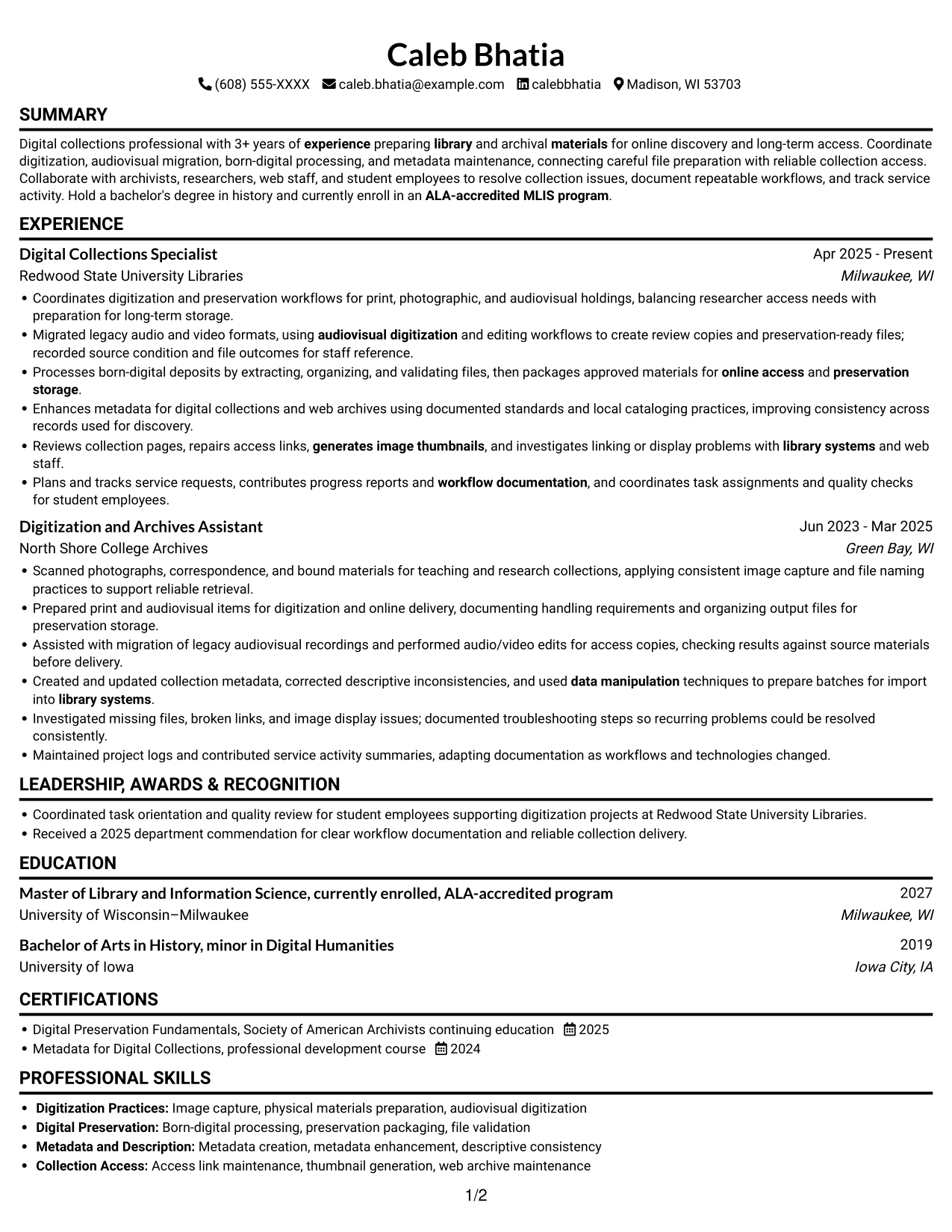
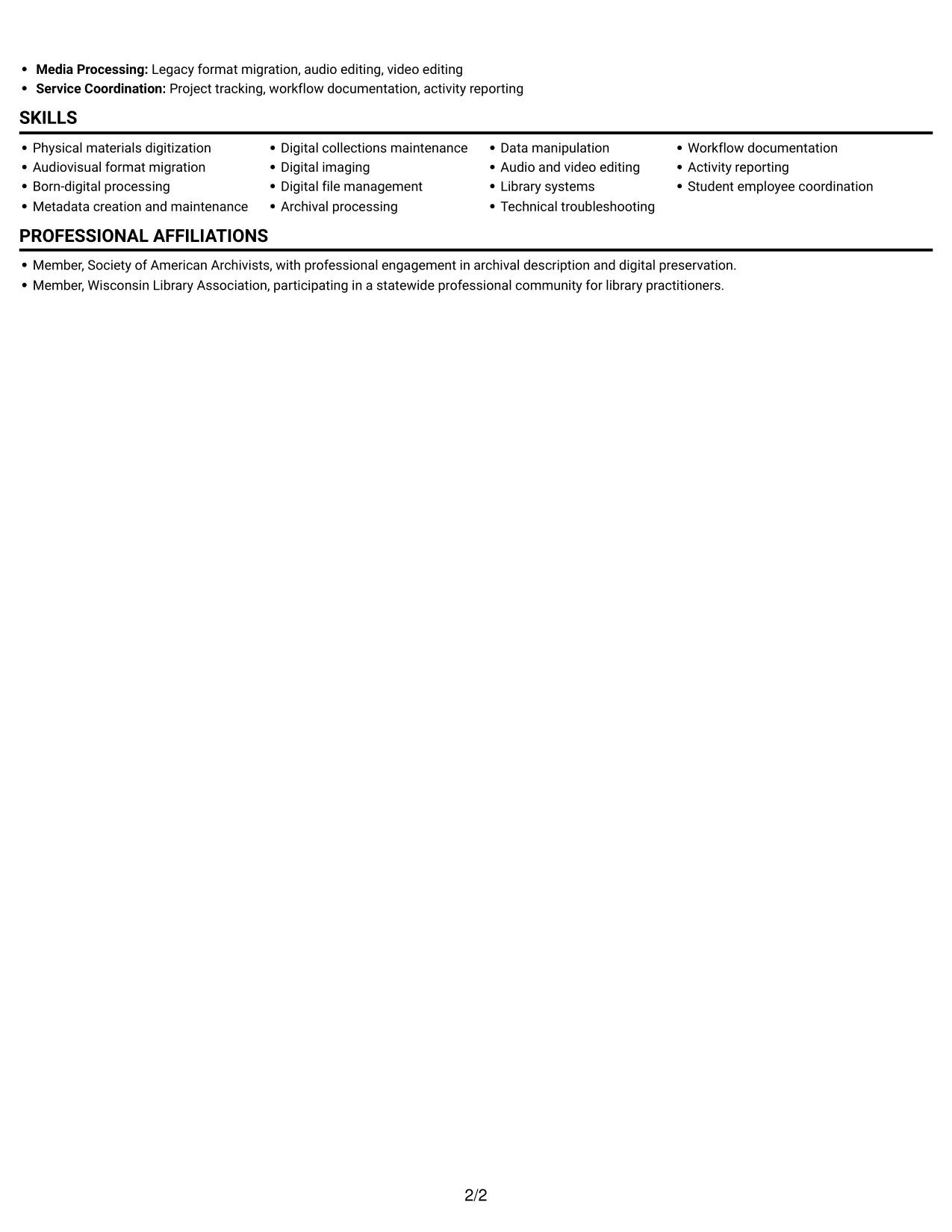
A single-column body keeps every resume section in one top-to-bottom sequence, making career progression easy to follow.
Why This Format Works
- One vertical sequence lets reviewers follow career progression from role to role.
- Longer experience descriptions can continue without competing for a second column.
- Skills, education, and credentials fit into a consistent top-to-bottom review.
Best For
- Top-to-bottom section order
- Detailed experience descriptions
- Career histories with clear progression
- Single-path document review
- Photo-free applications
#3 Clean Two Column Sidebar Format Resume Example
The two-column body gives reviewers separate areas to consult, which can help them compare experience details with education and credentials.
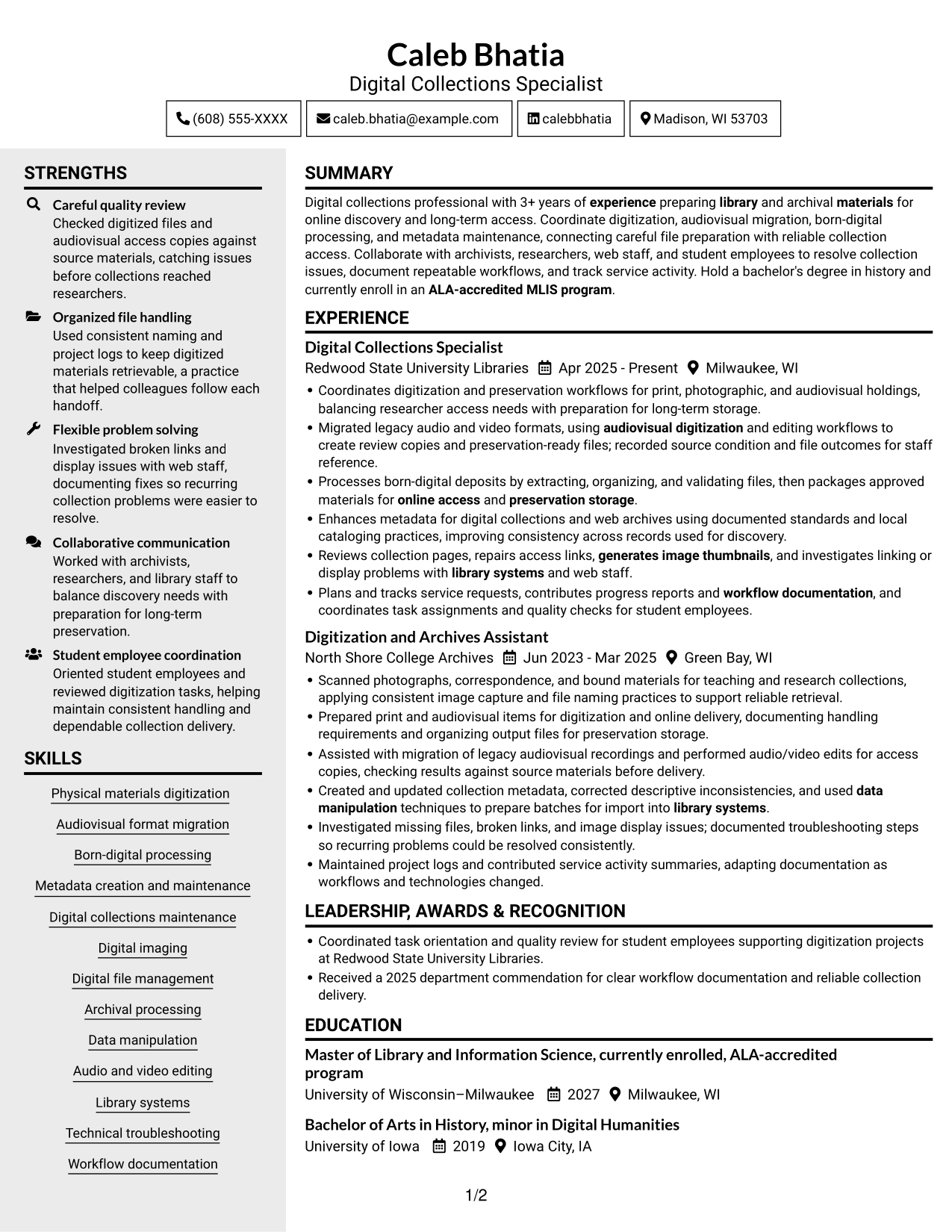
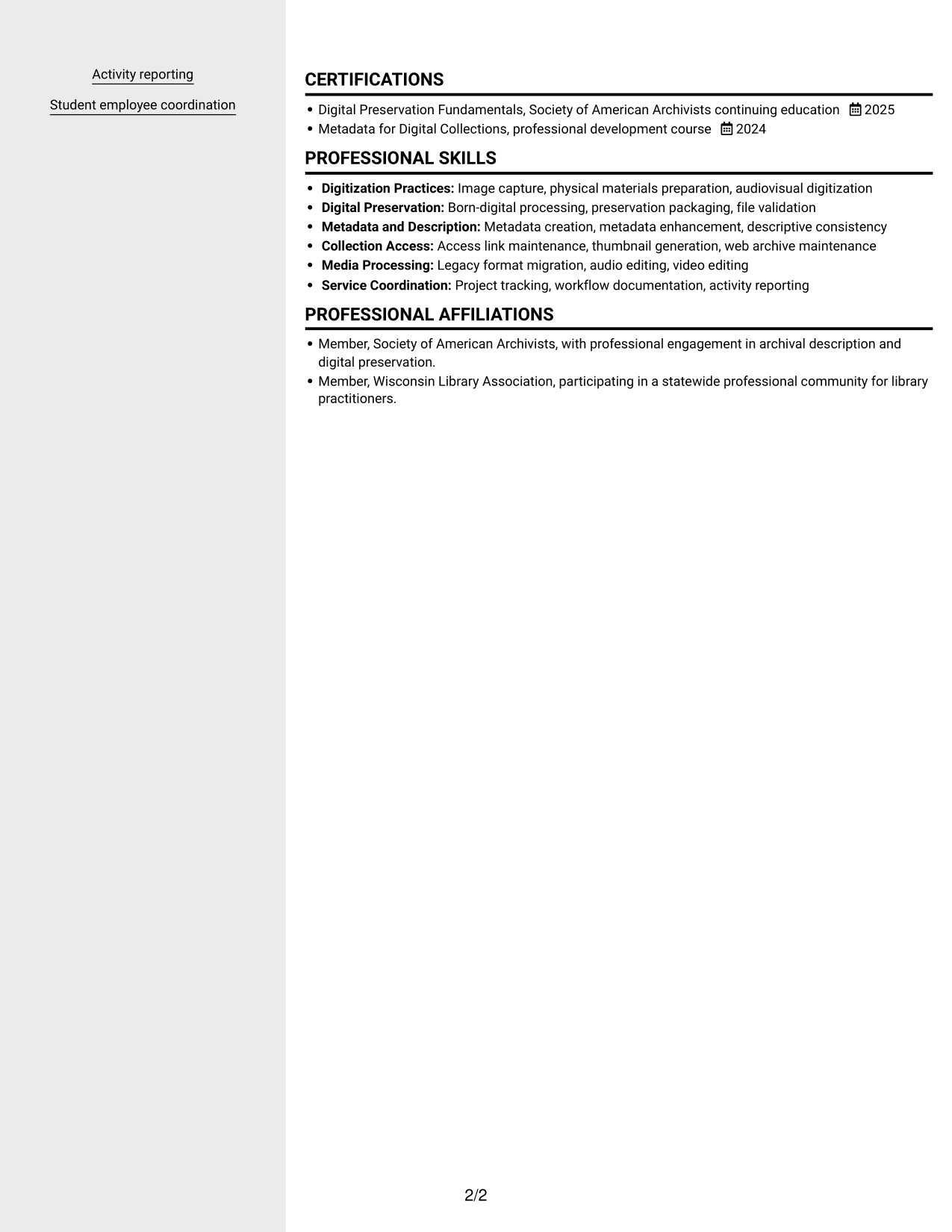
Why This Format Works
- Parallel areas let reviewers switch between experience and education with less backtracking.
- Section boundaries keep skills and credentials distinct from career history.
- The layout accommodates detailed work entries alongside shorter supporting sections.
Best For
- Separate resume content areas
- Side-by-side experience review
- Multiple education and credential entries
- Photo-free applications
- Resumes with varied section lengths
#4 Two Column Format Resume Example
Two columns let readers move between resume categories across the page, rather than scanning every section in one vertical run.
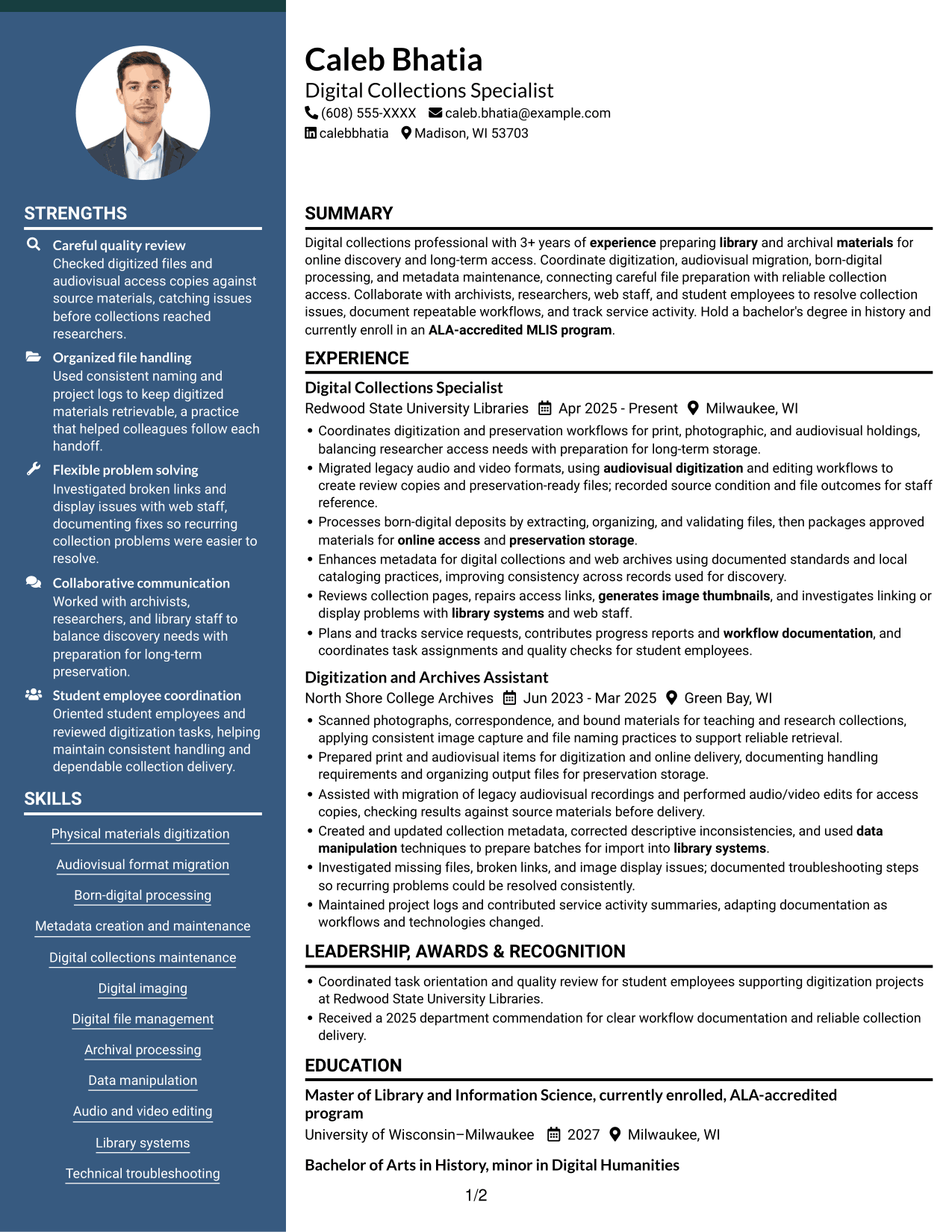
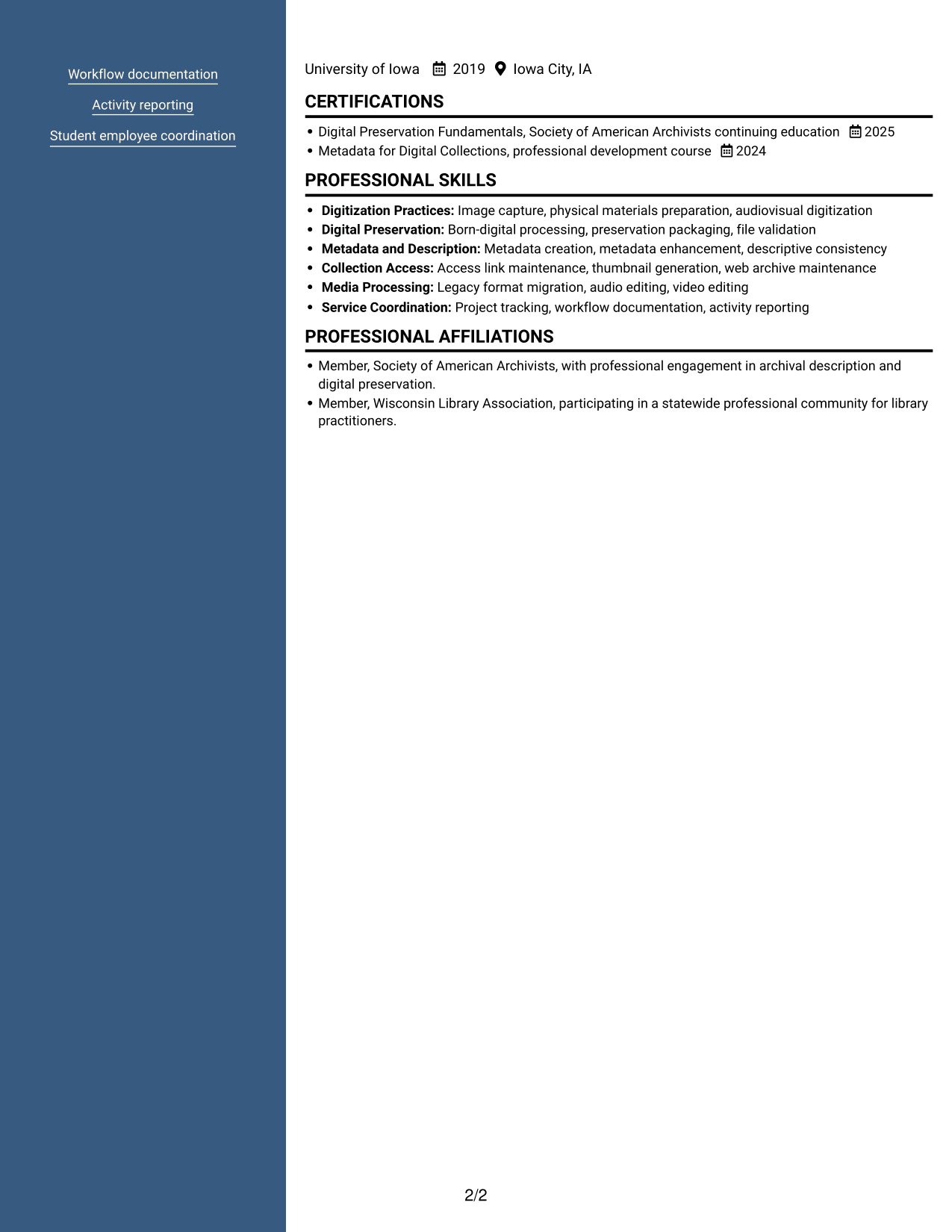
Why This Format Works
- Two reading areas reduce the need to scan every category in one vertical sequence.
- Career history remains part of a broader view that includes supporting resume sections.
- Separate content areas help readers locate education and credentials during review.
Best For
- Cross-reference between resume sections
- Documents with varied content lengths
- Parallel review of experience and skills
- Photo-free resume submissions
- Records with education and credentials
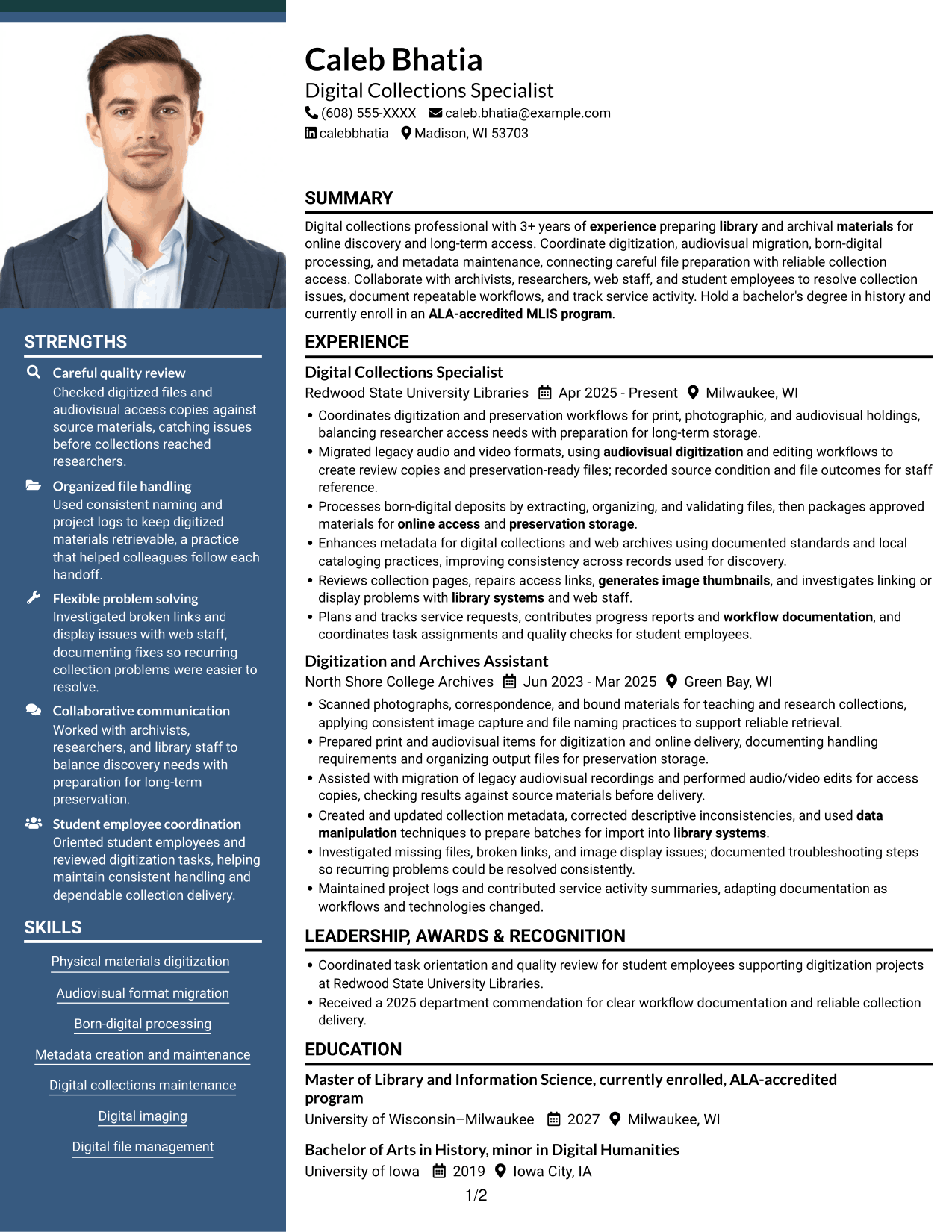
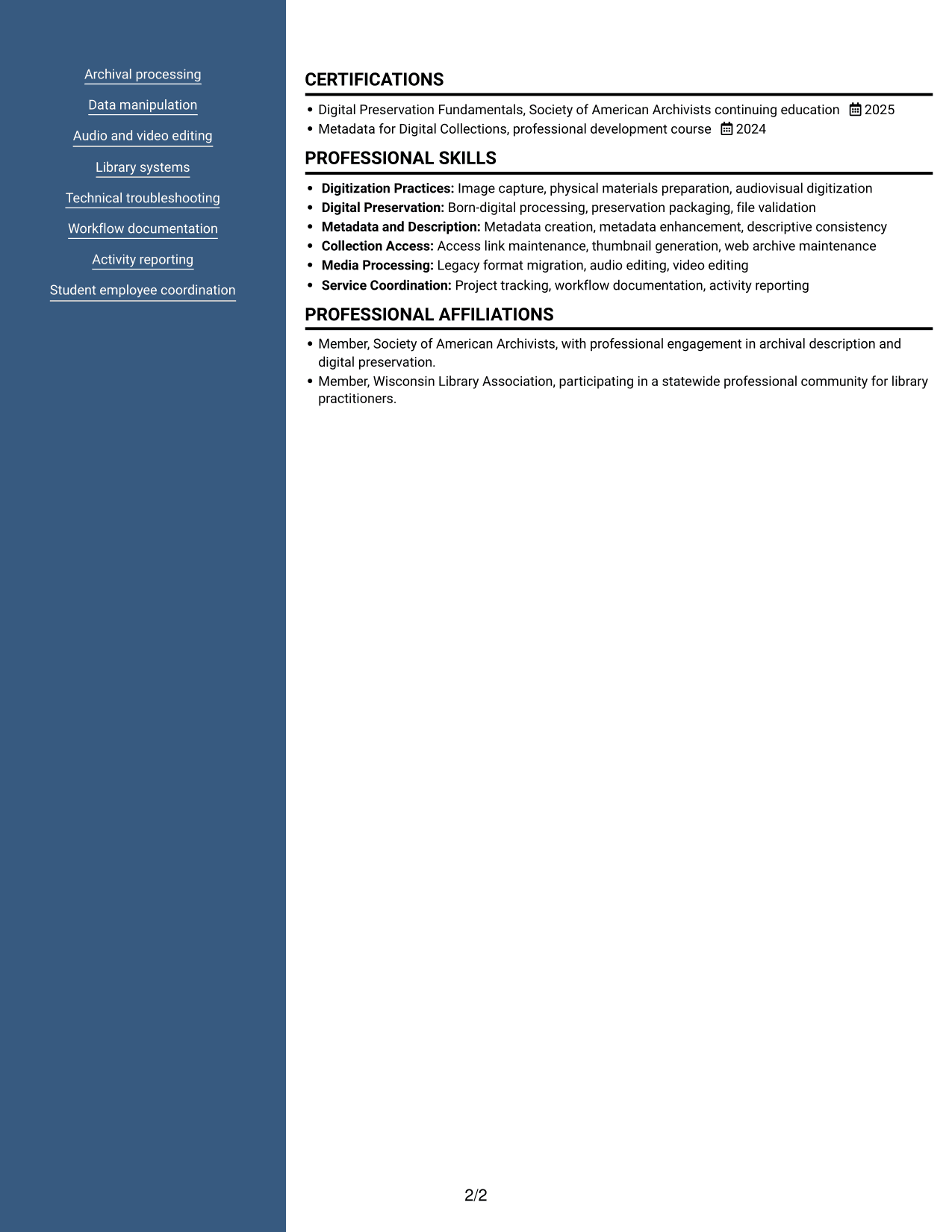
#5 Photo Header Two Column Format Resume Example
A portrait in the header gives the document a clear visual identifier, while the two-column body keeps resume sections in separate areas.
Why This Format Works
- Two columns give reviewers distinct areas to consult for experience and supporting sections.
- The header portrait provides a visual identifier without changing the resume's section order.
- Separate content areas help readers locate education and credentials alongside career history.
Best For
- Photo-inclusive resume preferences
- Side-by-side section review
- Resumes with several content categories
- Experience alongside supporting credentials
- Applications where a portrait is requested
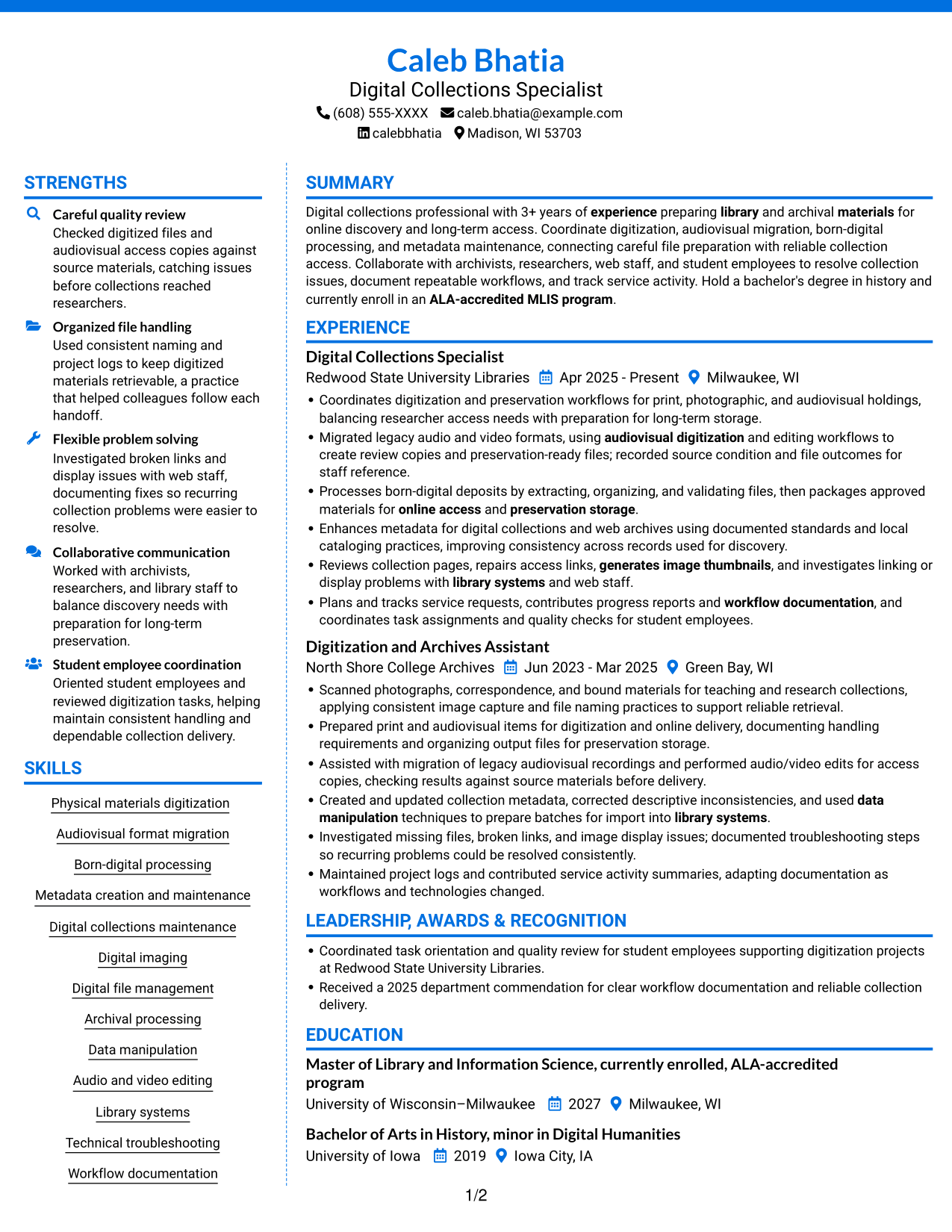
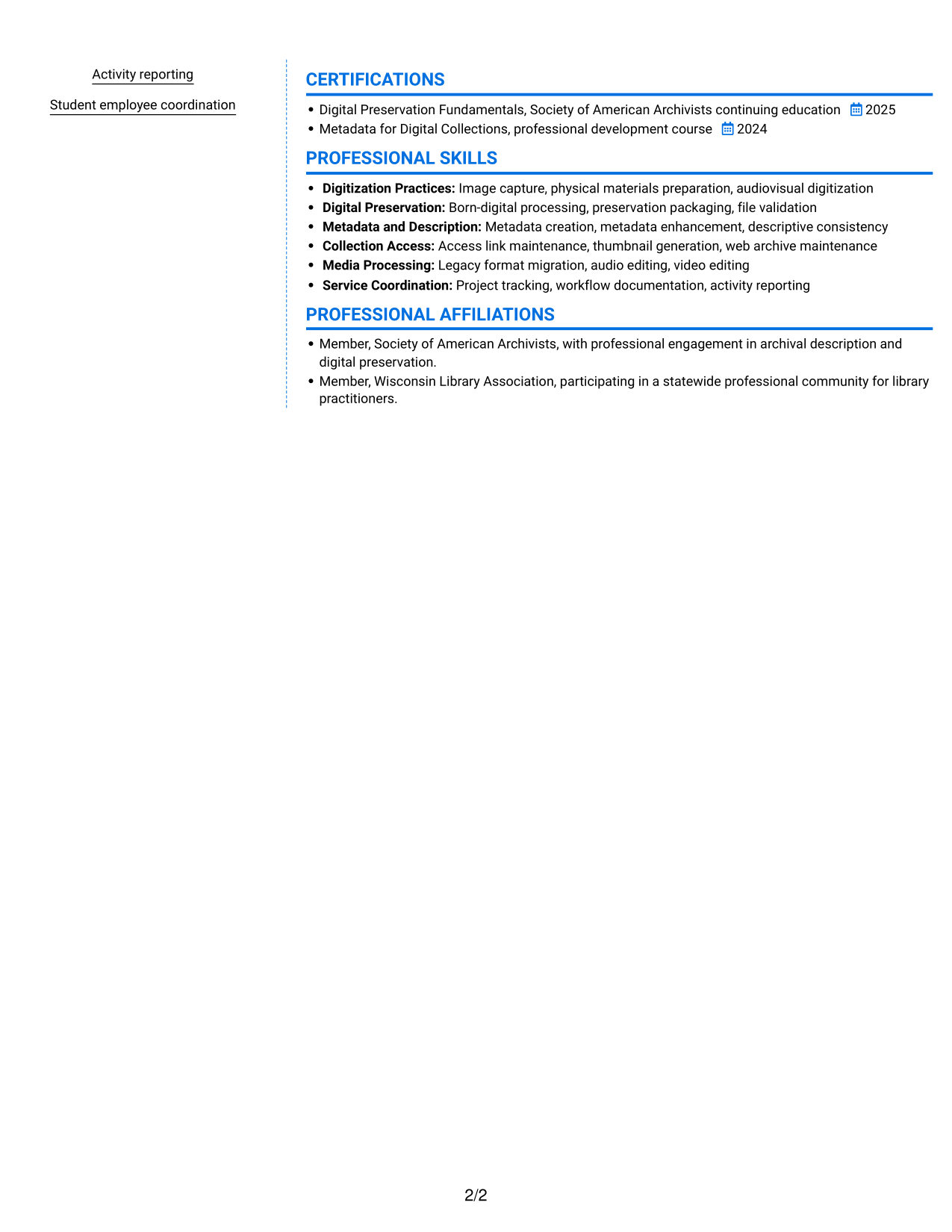
#6 Colored Two Column Format Resume Example
The two-column body gives the resume parallel reading areas, helping reviewers move between detailed experience and concise supporting sections.
Why This Format Works
- Parallel columns make experience and education easier to consult as distinct resume categories.
- Skills and credentials remain separate from the detail in work history.
- The side-by-side structure gives reviewers another route through a resume with several sections.
Best For
- Two-area resume organization
- Section-by-section recruiter review
- Experience and credential comparisons
- Applications with several resume categories
- Photo-free submissions
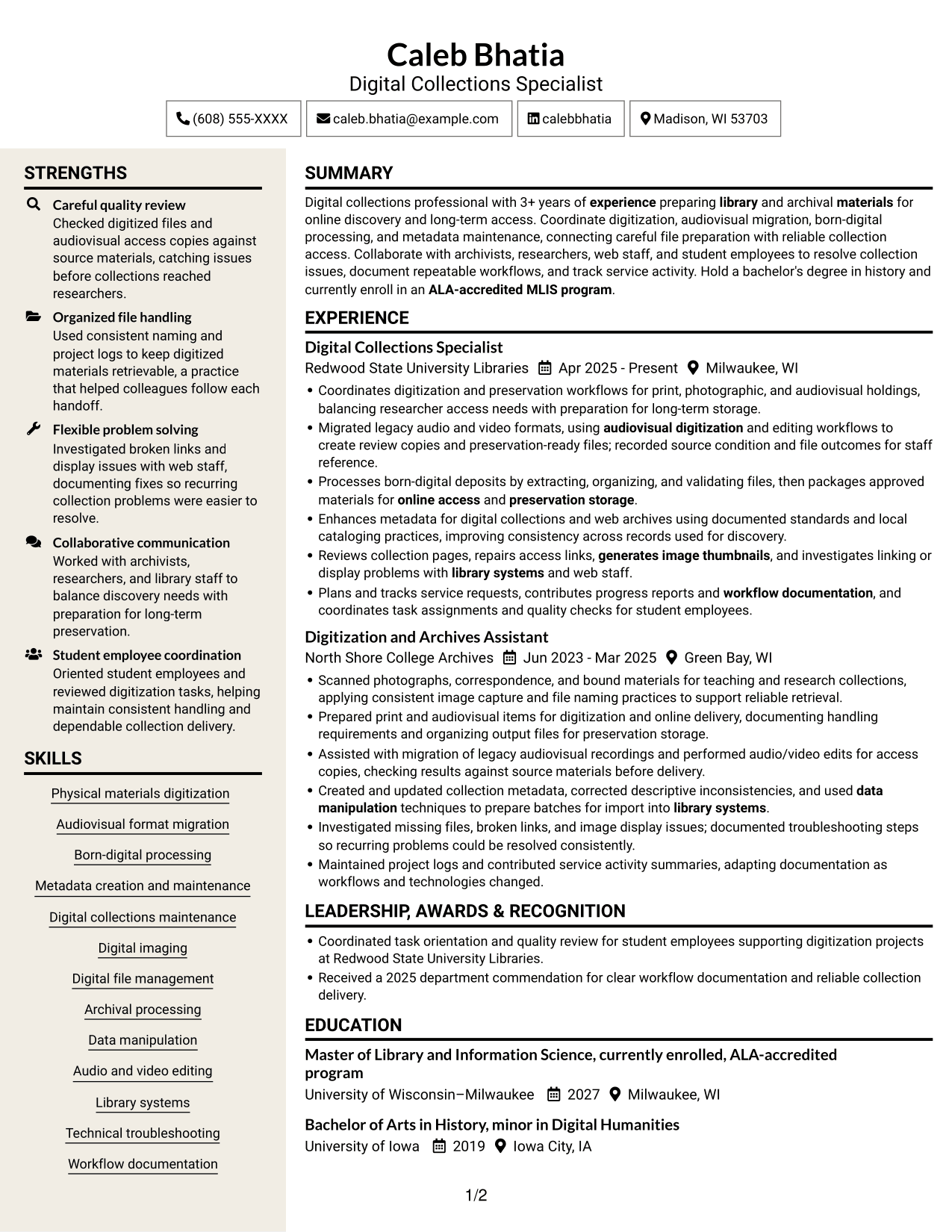
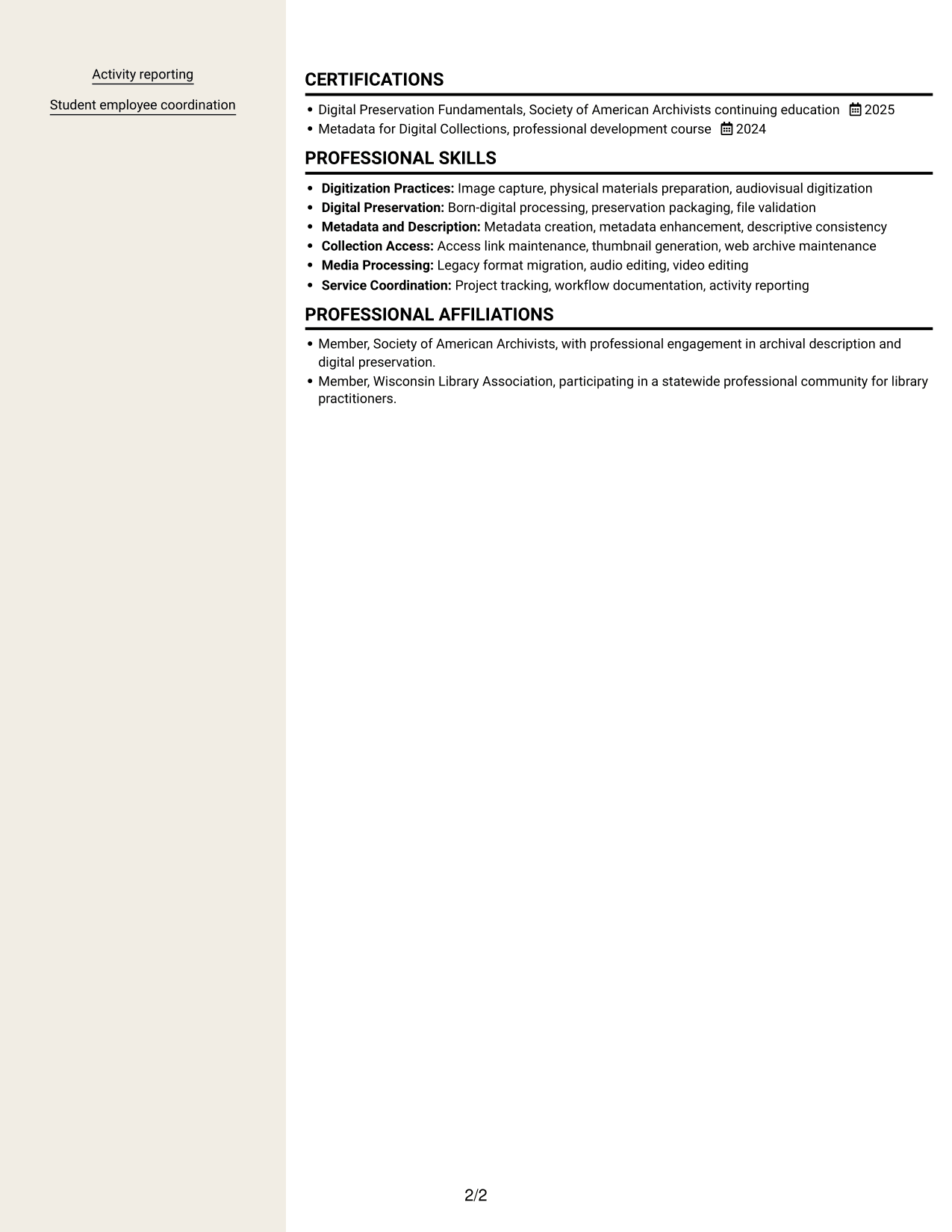
#7 Stylish Two Column Designer Format Resume Example
A two-column body lets reviewers compare career history with supporting resume sections without following one long vertical list.
Why This Format Works
- The paired columns make career history easier to compare with other resume categories.
- Separate content areas keep skills and credentials from blending into experience details.
- Readers can reach key section groups without following one long vertical path.
Best For
- Resumes needing side-by-side review
- Multiple distinct section groups
- Quick access to experience and skills
- Photo-free applications
- Documents with supporting credentials
Explore Digitization & Digital Preservation Associate Resume Examples in ResumeInMinutes
Compare how each layout presents experience, skills, education, certifications, and workflow knowledge. Choose a structure that keeps your most relevant evidence easy to find.
- Professional resume layouts
- Clear section structure
- Relevant keyword guidance
- Readable skills and experience sections
- PNG image previews
- Examples to view and customize in the editor
Keep your resume focused on the work that matters for this role, including careful file handling, metadata quality, collection access, and documented workflows. Use specific, accurate examples to show how you contribute.
See Also
- 7 Project Architect - Cultural Architecture & Historic Preservation Resume Templates with Example
- 7 Clerk, Data - Digital Product Information Resume Templates with Example
- 33 Digital Farming Intern Resume Templates with Example 2026 (ATS-Optimized)
- 33 Digital Manufacturing IT Program Manager Resume Templates with Example 2026 (ATS-Optimized)
- 7 Digital Marketing Internship - Marketing Systems Resume Templates with Example
- 33 Digital Marketing Project Manager Resume Templates with Example 2026 (ATS-Optimized)
- 33 Digital Product Manager Resume Templates with Example 2026 (ATS-Optimized)
- 7 Digital & Social Media Coordinator Resume Templates with Example
- 7 Digitization & Digital Preservation Associate Cover Letter Templates with Example
- 7 Project Architect - Cultural Architecture & Historic Preservation Cover Letter Templates with Example
Frequently Asked Questions
Are these Digitization & Digital Preservation Associate resume templates ATS-friendly?
The layouts use clear sections and readable headings. Include relevant terms such as digitization, audiovisual migration, born-digital processing, metadata, and digital collections when they accurately describe your experience.
Do the previews show different candidate resumes?
The previews show the same resume example in different layouts. Compare the PNG images, then open an example in the editor to review or customize its structure.
What should a Digitization & Digital Preservation Associate resume include?
Include a focused summary, relevant experience, skills, education, and certifications. Add examples of digitization, audiovisual migration, born-digital processing, metadata work, collection maintenance, and workflow documentation when they match your background.
Which resume layout works well for this role?
Choose a layout with clear headings and enough space for focused experience bullets and relevant skills. A simple structure makes it easier for both people and applicant tracking systems to review your information.
How can I show digitization and preservation experience clearly?
Describe the materials and tasks you handled, the methods you used, and the result. Examples may cover image capture, file validation, legacy format migration, metadata updates, access link repairs, or workflow records, when these reflect your work.
Should I include a photo on my resume?
For U.S. applications, a resume without a photo is usually a practical choice. Focus the available space on your relevant experience, skills, education, and achievements.




