
7 Director, People Systems - Workday HRIS Cover Letter Templates with Example
This practical guide helps you create a Director, People Systems - Workday HRIS cover letter and compare seven layouts for presenting your fit.
What Makes a Strong Director, People Systems - Workday HRIS Cover Letter in 2026
A strong letter connects clear Workday leadership with the needs of global workforce operations. It should explain your interest and show how you guide teams, systems, and service improvements.
Use specific evidence, such as leading analysts, improving data quality, or managing integrations and change. Link that experience to the employer’s priorities for reliable operations, privacy, and a helpful experience for employees and HR teams.
The featured Pinehaven application moves from interest in the role to leadership scope, delivery evidence, and a clear close; adapt that focused progression while choosing a presentation that suits the employer and communication context.
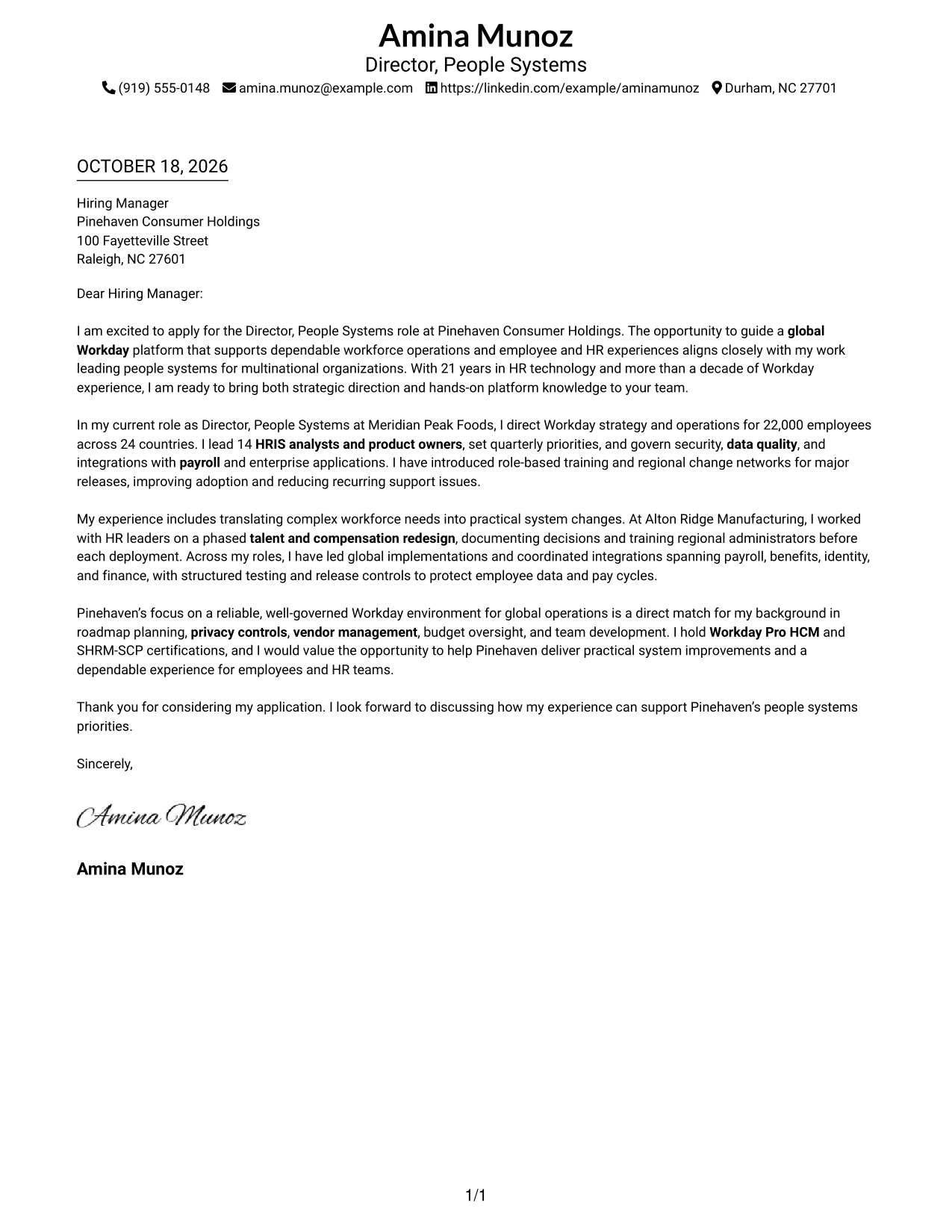
#1 Simple One Column Format Cover Letter Example
With sender details in the header and one continuous body below, Simple One Column Format gives the letter’s case for global Workday leadership a direct reading path.
Why This Format Works
- Sender details in the header are easy to find before the greeting.
- The single body column lets motivation, evidence, and closing read in order.
- Without body headings, the message keeps the natural voice of a letter.
Best For
- Direct top-to-bottom letter reading
- Header-based contact details
- Connected motivation and evidence
- Letters without body headings
- Message-first applications
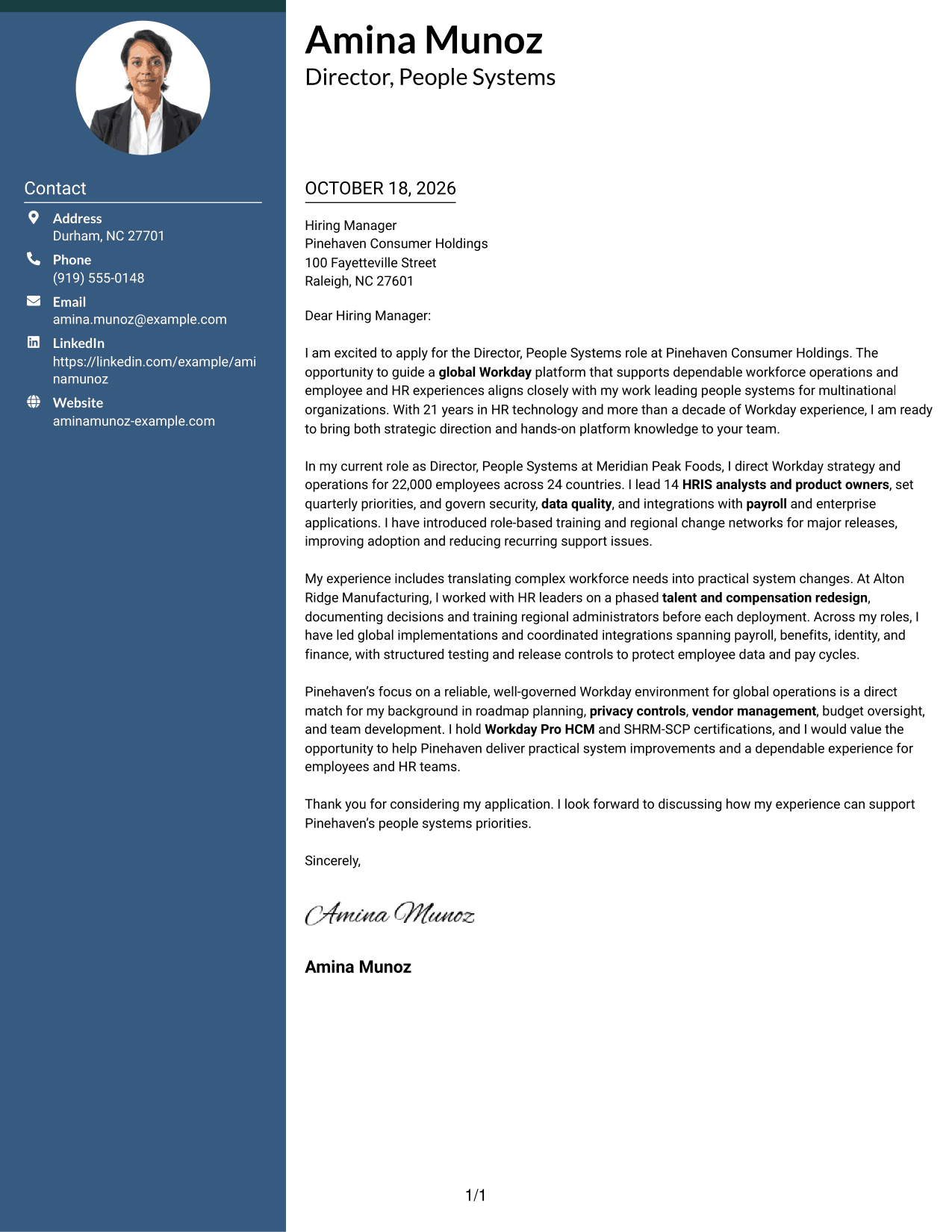
#2 Two Column Format Cover Letter Example
A contact sidebar beside one continuous body lets Two Column Format keep sender information distinct while the letter explains global system operations.
Why This Format Works
- The sidebar keeps contact details available apart from the letter’s message.
- One body column carries the opening, supporting points, and closing in sequence.
- No argument headings let the paragraphs sound like a direct letter.
Best For
- Contact details beside the message
- One-column argument text
- Applications with connected paragraphs
- Letters without body headings
- Applications with several supporting points
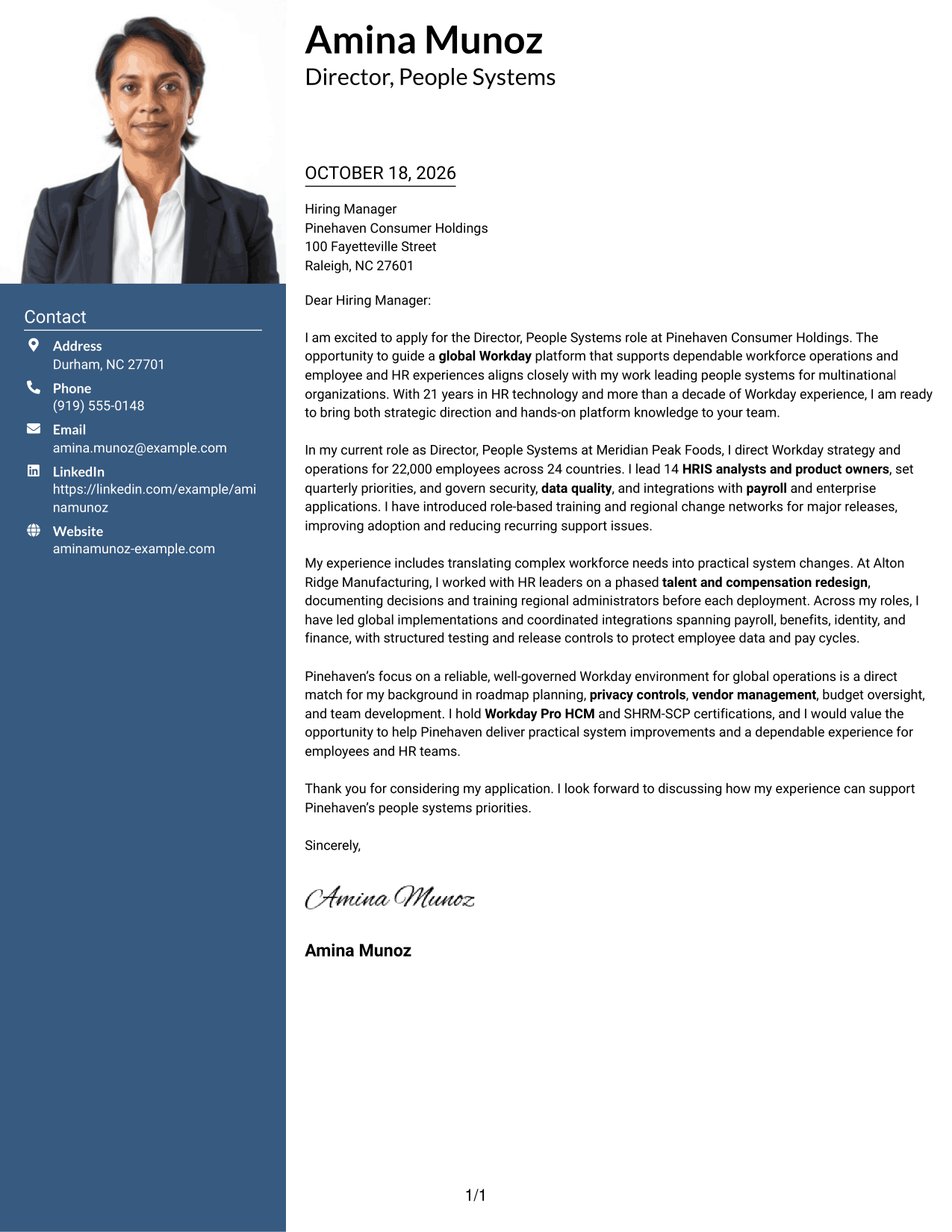
#3 Photo Header Two Column Format Cover Letter Example
Photo Header Two Column Format pairs a photo in the header with a contact sidebar and one continuous body, giving the global leadership message a personal visual frame.
Why This Format Works
- The photo adds a personal visual element while the contact sidebar holds sender details.
- The single body column keeps the letter’s opening and evidence in order.
- A continuous argument lets the closing follow naturally from the supporting points.
Best For
- Photo-bearing letter headers
- Contact details apart from the argument
- Single-column letter bodies
- Applications with connected paragraphs
- Photo-inclusive correspondence
#4 One Column Format with Photo Cover Letter Example
One Column Format with Photo keeps the message in one body column and includes a photo, giving the letter’s Workday strategy case a direct path.
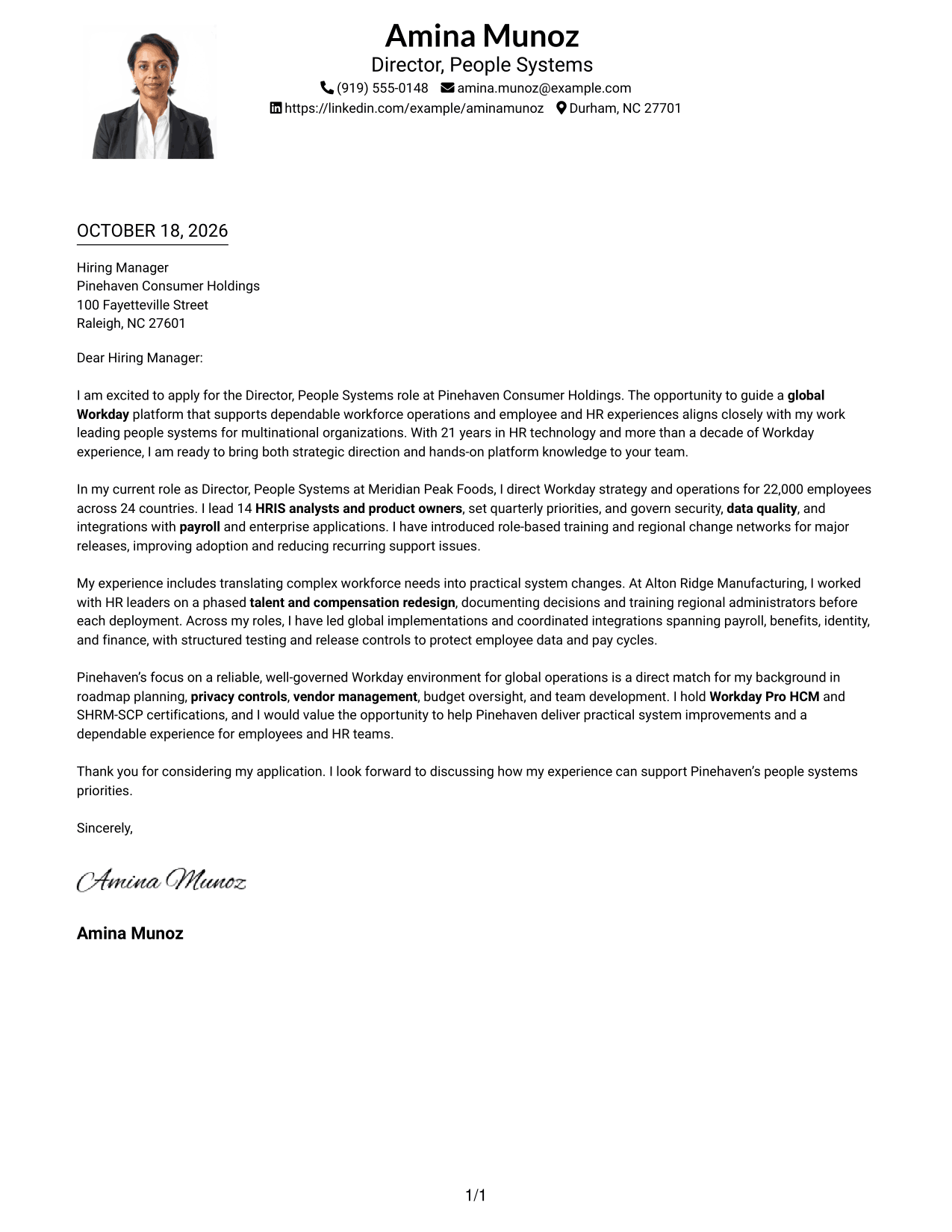
Why This Format Works
- The photo offers a personal visual element alongside the letter.
- A single body column gives the opening, evidence, and closing a clear order.
- Sender details in the header remain distinct from the letter’s paragraphs.
Best For
- One-column letter reading
- Photo-inclusive applications
- Header-based sender details
- Paragraph-led motivation and evidence
- Letters without body headings
#5 Simple Two Column Format Cover Letter Example
Simple Two Column Format places sender details beside a single letter body, making room for the connected explanation of team leadership and platform governance.
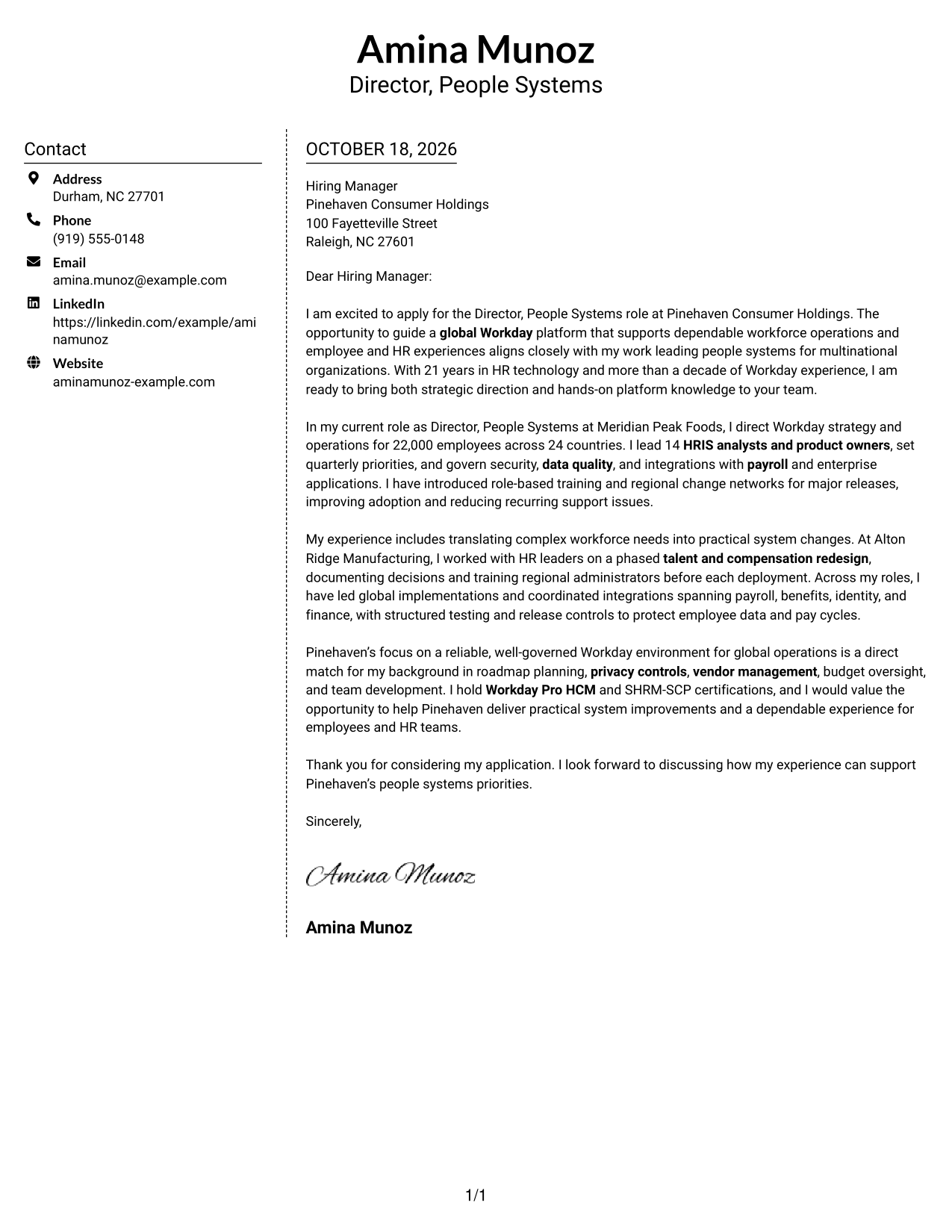
Why This Format Works
- The contact sidebar keeps sender details separate from the letter’s argument.
- One continuous body lets the main points build from opening to closing.
- The two areas create a clear distinction between contact information and the message.
Best For
- Separate sender contact information
- Single-column letter arguments
- Connected opening-to-closing paragraphs
- Applications with several supporting points
- No-photo letter preferences
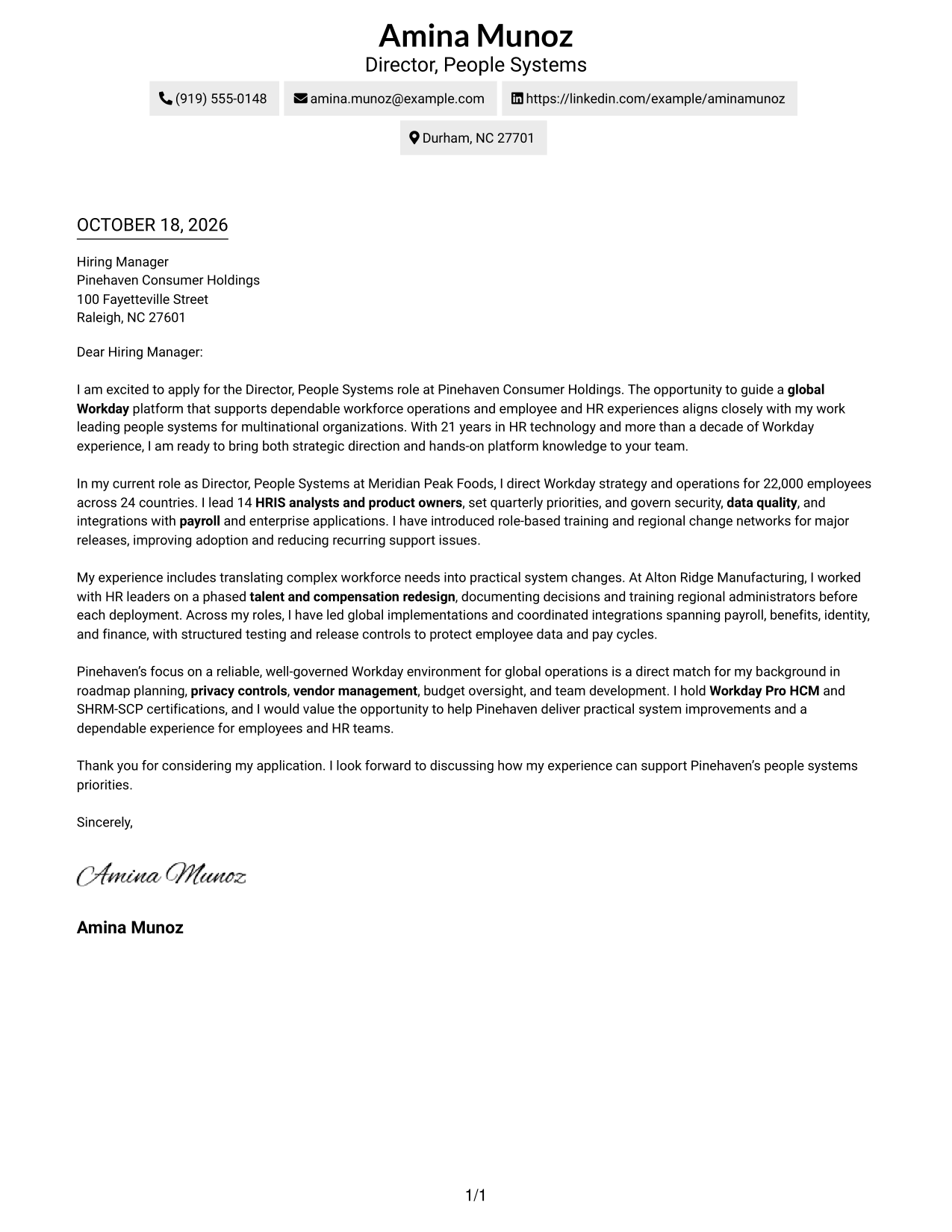
#6 Modern Icon Format Cover Letter Example
Modern Icon Format pairs contact-detail cues and decorative header accents with one continuous body, so the letter’s case for data quality and privacy controls stays central.
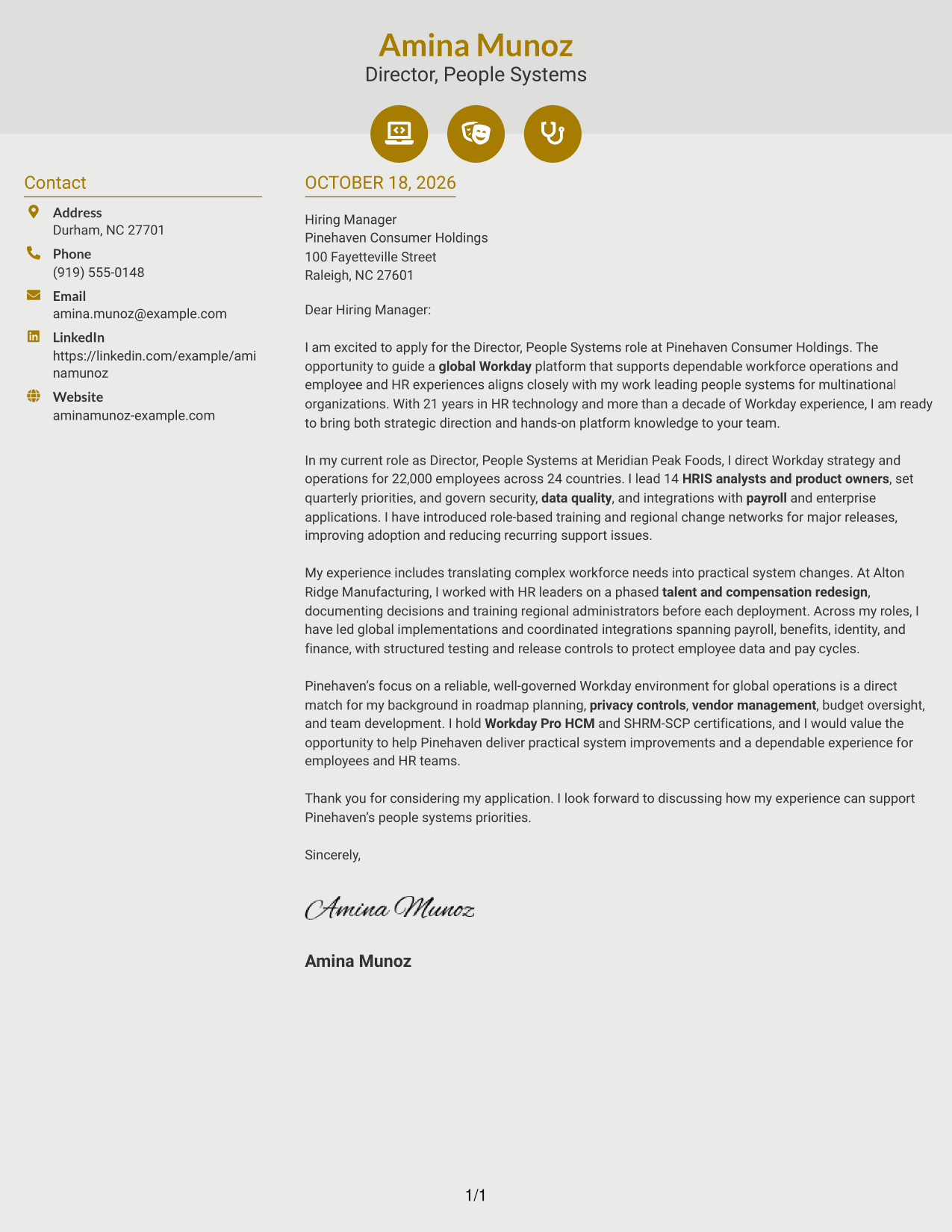
Why This Format Works
- Contact icons help distinguish sender details from the continuous letter body.
- The single body column keeps motivation and evidence in one reading path.
- Decorative header accents add visual interest without labeling argument stages.
Best For
- Contact icons beside the message
- Single-column letter arguments
- Applications with header accents
- Letters needing clear contact cues
- Visual contact markers
#7 Creative Two Tone Format Cover Letter Example
Creative Two Tone Format sets contact details beside one continuous body, keeping the argument for reliable global HR operations together.
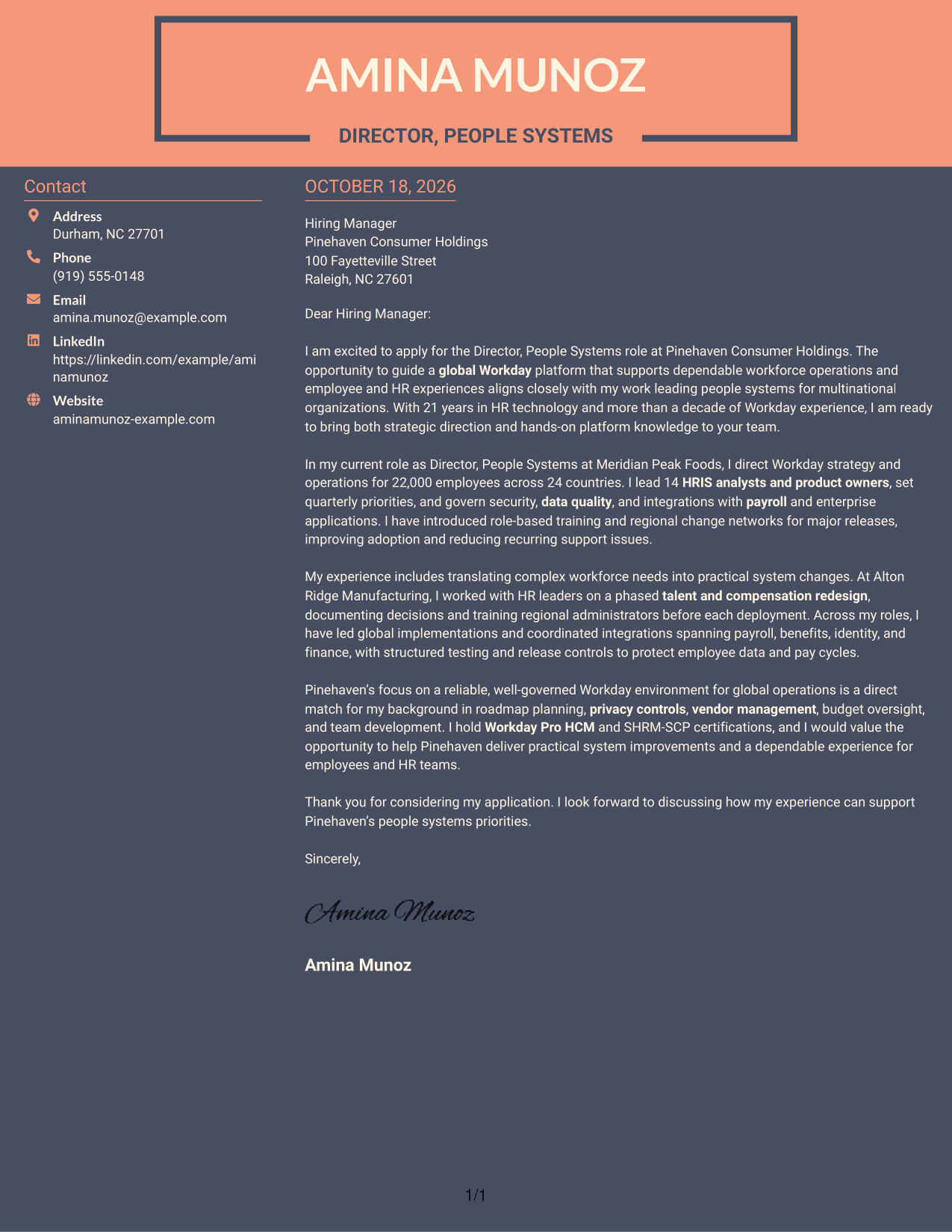
Why This Format Works
- Sender details have a separate place, while the letter remains one connected message.
- The single body column keeps the opening, evidence, and close together.
- A clear reading order helps reviewers follow the paragraphs without switching between argument columns.
Best For
- Side-by-side contact and message
- Single-column argument text
- Connected letter paragraphs
- Message-led applications
- No-photo letter preferences
See Also
- 7 Director, People Systems - Workday HRIS Resume Templates with Example
- 7 Associate Director, Financial Aid Systems Resume Templates with Example
- 7 Associate Director of Graduate Enrollment CRM and Systems Resume Templates with Example
- 7 Deputy Information Systems Director Resume Templates with Example
- 7 Director of Business Systems Product Management Resume Templates with Example
- 7 Assistant Director Construction Management Resume Templates with Example
- 7 Assistant Director for Employer Engagement Resume Templates with Example
- 33 Assistant Director of Development - Athletics Fundraising Resume Templates with Example
- 30+ Associate Director, Senior Service Designer (GenAI Experience) Cover Letter Templates with Example 2026
- 30+ Director, Codes & Standards - Data Centers & Direct Current Applications Cover Letter Templates with Example 2026
Frequently Asked Questions
What should a Director, People Systems - Workday HRIS cover letter emphasize?
Show how you set Workday priorities, lead HRIS teams, and protect data quality and access. Give a clear example of improving a system or supporting global operations.
How can I show Workday leadership in a cover letter?
Describe the scope of your work and your part in it. For example, explain how you guided a platform roadmap, supported a team, or coordinated integrations, testing, and release changes.
How do I connect my experience to an employer’s needs?
Choose one or two needs from the role description, such as global data governance or user adoption. Then connect each need to a relevant example from your own work.
Which cover letter layout should I choose?
Choose a clean layout that makes the opening, evidence, and closing easy to follow. Consider the employer’s communication style and keep the focus on your message.
Should I mention Workday Pro HCM or SHRM-SCP?
Mention a credential when it supports your fit for the role. Briefly connect it to your Workday or HR leadership experience instead of listing credentials without context.




