
7 Director, People Systems - Workday HRIS Resume Templates with Example
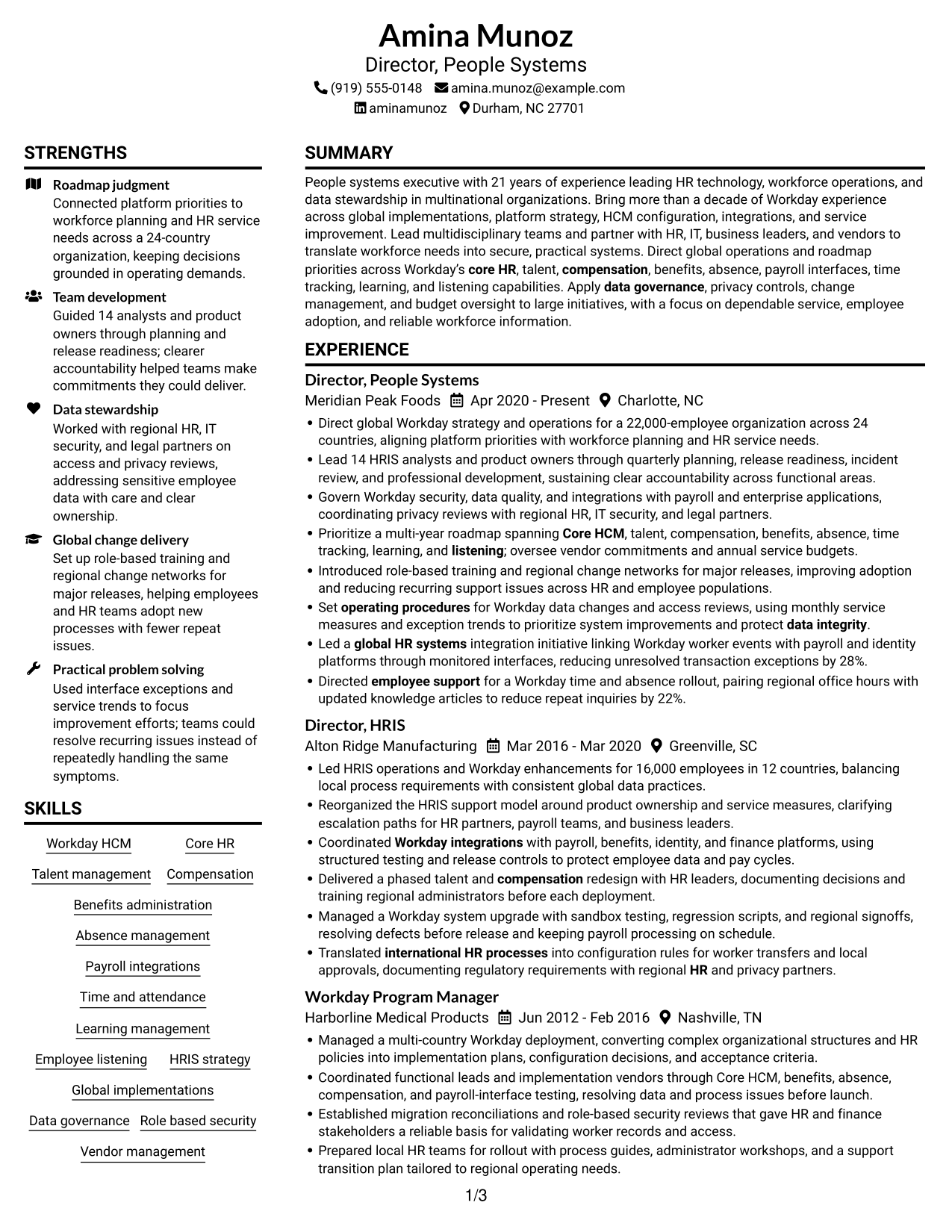
This guide shows you how to build a clear, focused Director, People Systems - Workday HRIS resume. You will learn how to present leadership, platform strategy, and measurable results in a way that supports a quick review.
A strong resume connects global Workday operations with practical outcomes. Organize your experience around roadmap decisions, HCM configuration, integrations, data governance, team leadership, and improvements to service or user adoption.
Compare image previews of this example in 7 layouts, then open a design in the editor to review or customize it. The guidance also covers ATS-friendly structure, role-specific keywords, achievement bullets, skills, certifications, and education.
What Makes a Great Director, People Systems - Workday HRIS Resume in 2026
A strong resume makes platform leadership easy to see. Use clear sections and concise bullets to show decisions, team scope, global operations, and results.
Support each claim with evidence, such as workforce scale, countries served, service improvements, or adoption results. Include relevant terms like Workday HCM, integrations, data governance, privacy controls, and HRIS roadmap where they match your experience.
Note: Resume examples are for educational purposes only. Use only information that accurately reflects your experience and qualifications. References to real organizations do not imply affiliation or endorsement.
#1 Plain Two Column Format Resume Example
The Plain Two Column Format arranges the resume body in parallel columns, giving reviewers separate areas to scan career history and supporting sections.
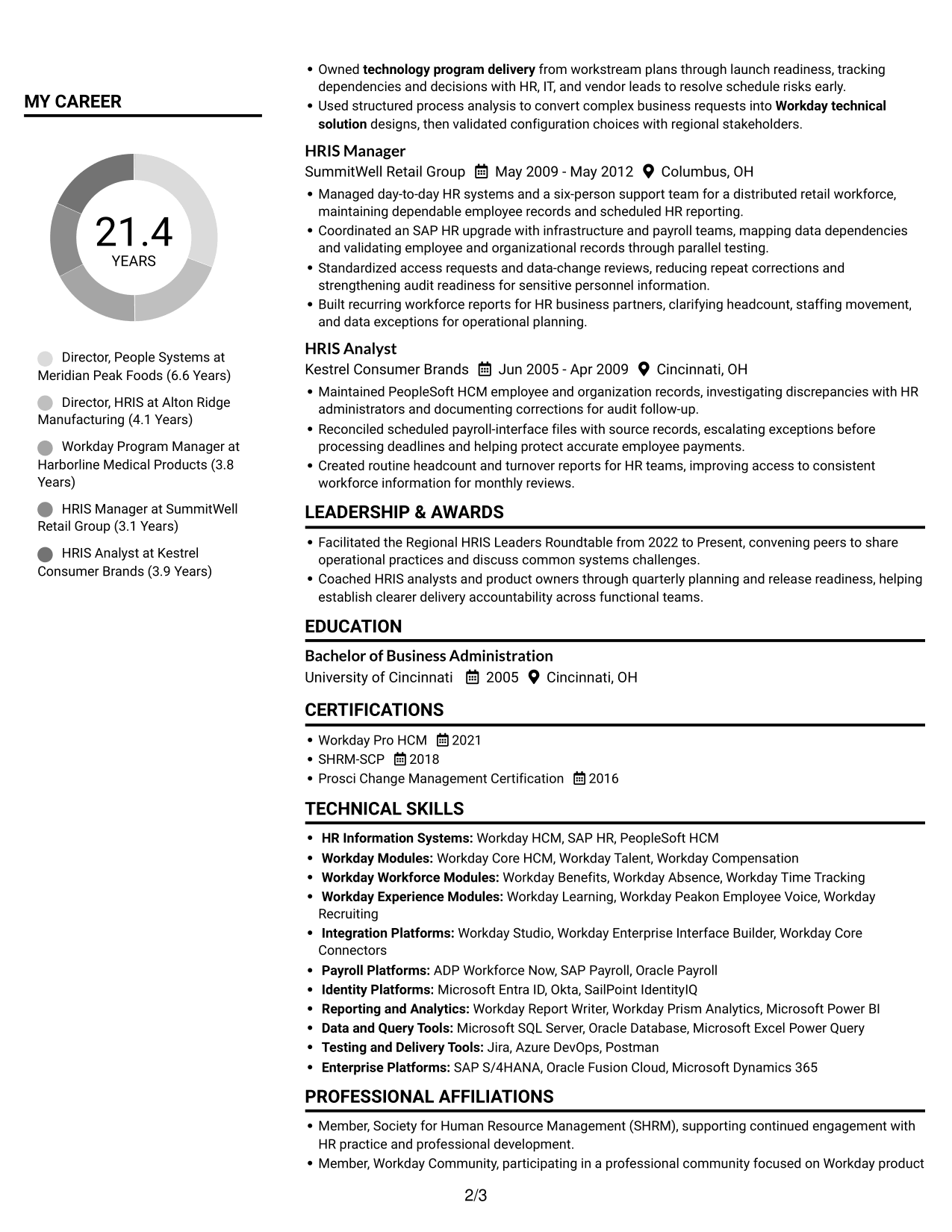
Resume Snapshot
- 21 years leading HR technology and workforce operations
- More than a decade of Workday experience
- Global operations across 24 countries
- Workday Pro HCM, SHRM-SCP, and Prosci Change Management certifications
Why This Format Works
- Separate content areas help reviewers find career history, education, and credentials directly.
- Parallel reading lets reviewers locate skills while keeping the leadership record in view.
- The divided page offers a visual break across a substantial career history.
Best For
- Parallel review of experience and skills
- Resumes with several supporting sections
- Detailed career timelines
- Quick section lookup
- Long leadership records
Resume Keywords
- Workday HCM
- Workday integrations
- global HR systems
- Prioritize a multi-year roadmap spanning Core HCM, talent, compensation, benefits, absence, time tracking, learning, and listening
- Data governance
- international HR processes
- Core HR
- Talent management
- Compensation
- Benefits administration
- Absence management
- Time and attendance
- Learning management
- Employee listening
- Lead 14 HRIS analysts and product owners through quarterly planning, release readiness, incident review, and professional development
#2 Simple One Column Format Resume Example
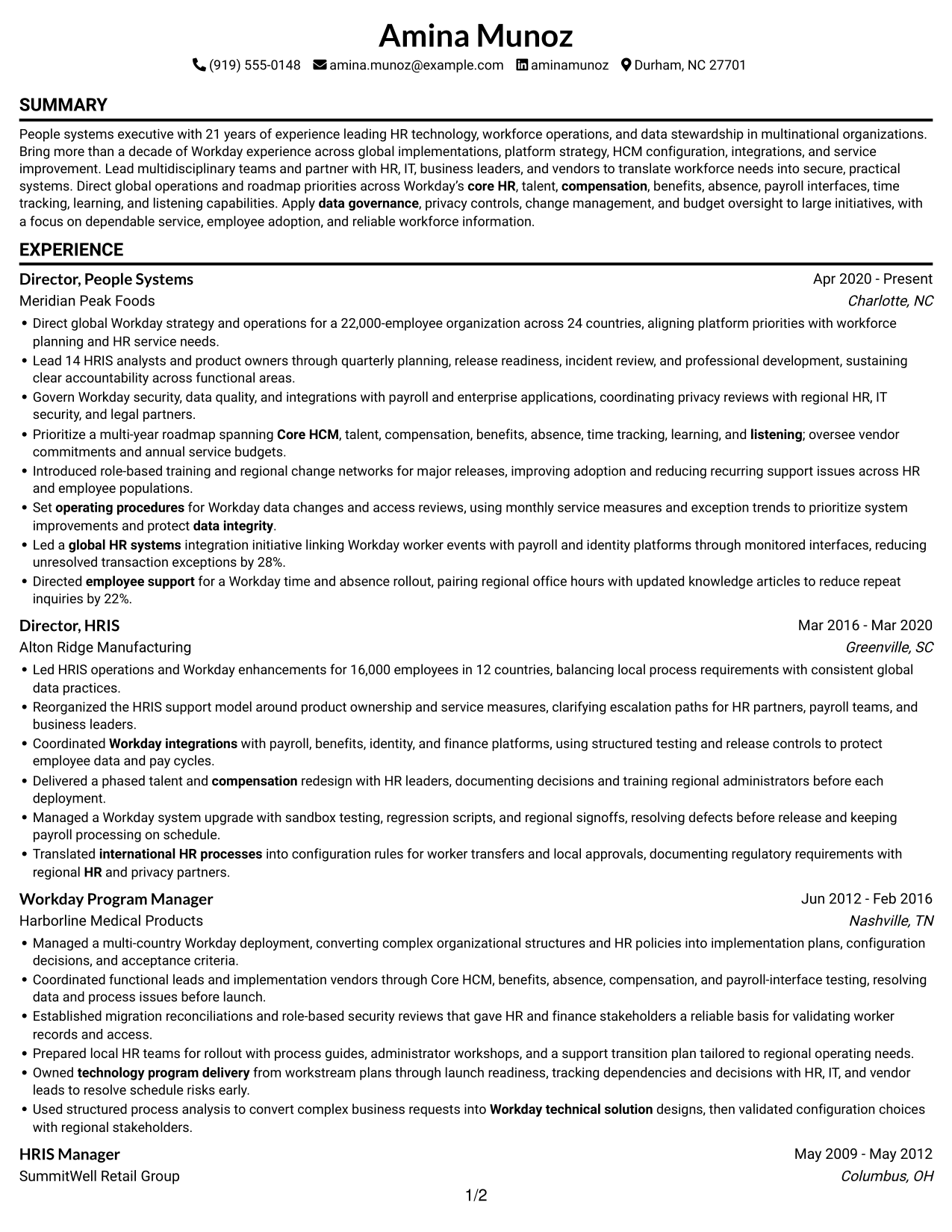
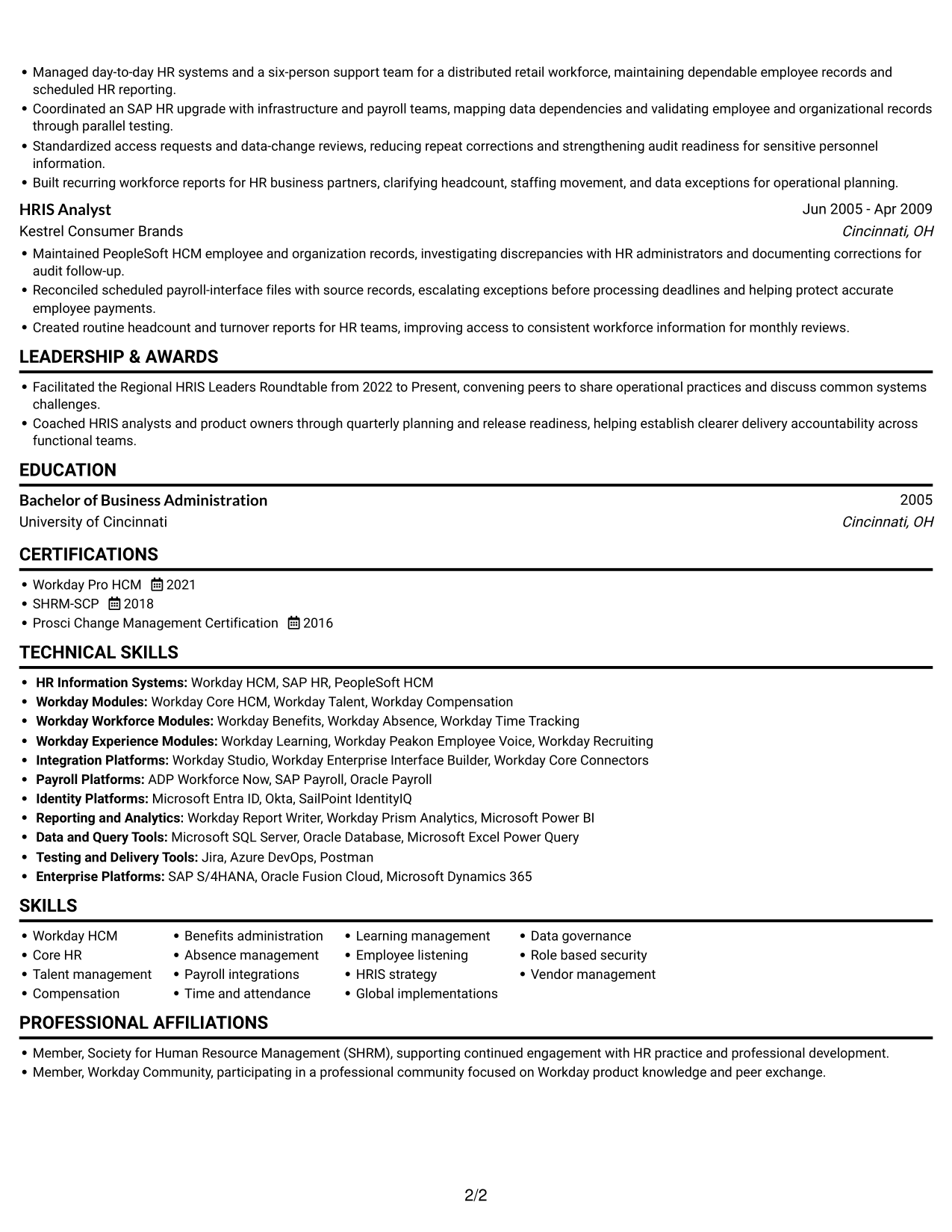
The Simple One Column Format keeps the resume body in one vertical reading sequence, helping reviewers follow career progression from role to role.
Why This Format Works
- One vertical sequence lets reviewers follow career progression without moving between columns.
- Skills, education, and credentials stay within the same steady reading path.
- Single-column text gives achievement bullets a consistent line of sight.
Best For
- ATS-focused text review
- Chronological career histories
- Detailed achievement bullets
- Single-path section navigation
- Text-first resume submissions
#3 Clean Two Column Sidebar Format Resume Example
The Clean Two Column Sidebar Format divides the resume body into two columns, giving reviewers a clear way to move between career details and supporting information.
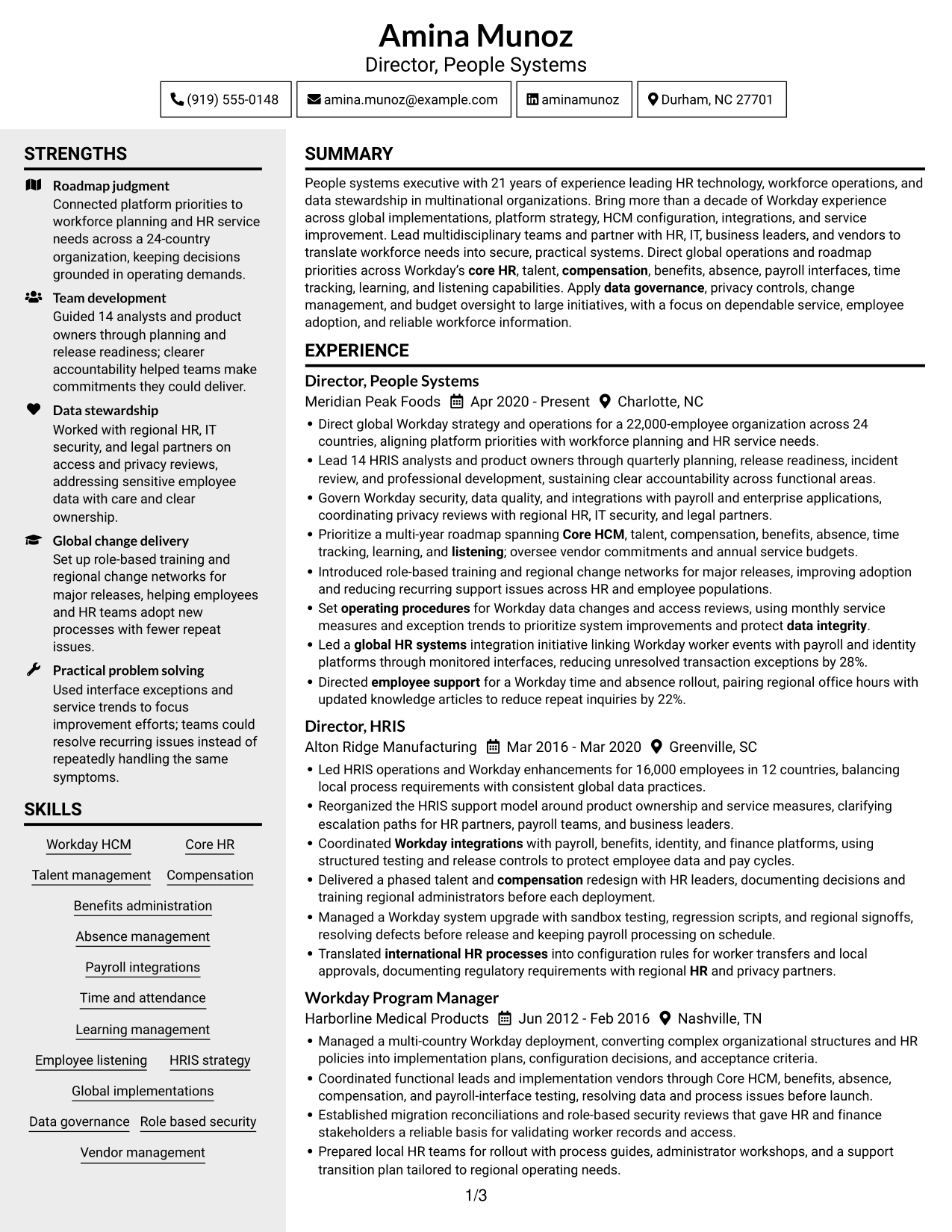
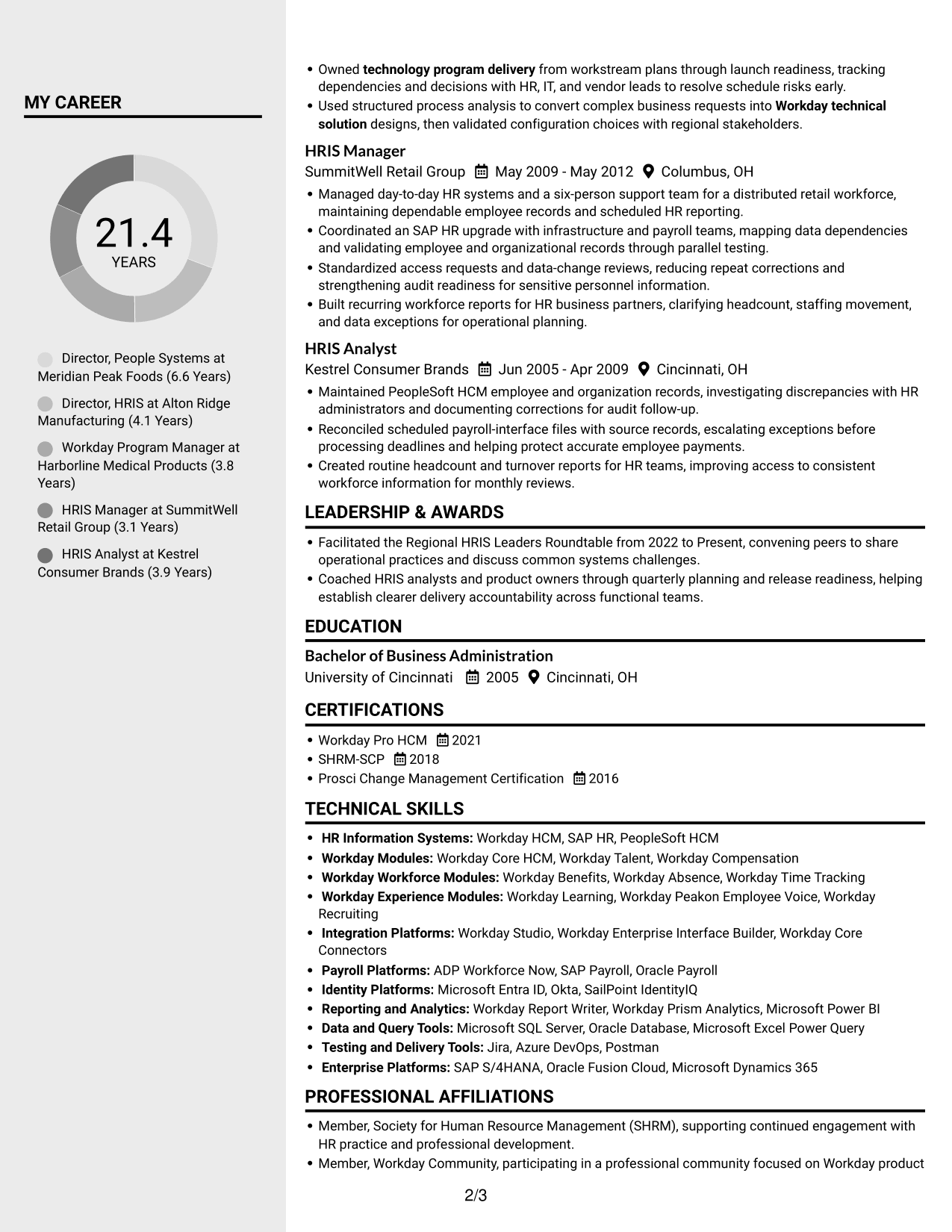
Why This Format Works
- Two body columns give career history and supporting sections distinct places on the page.
- Reviewers can shift between skills and experience without losing the section structure.
- Education and certifications remain accessible alongside a detailed professional record.
Best For
- Grouped experience and supporting sections
- Readers comparing skills and work history
- Quick access to education and credentials
- Detailed career progression
- Resumes with several section groups
#4 Two Column Format Resume Example
The Two Column Format places resume content in two parallel areas, offering reviewers a clear route between career history and supporting sections.
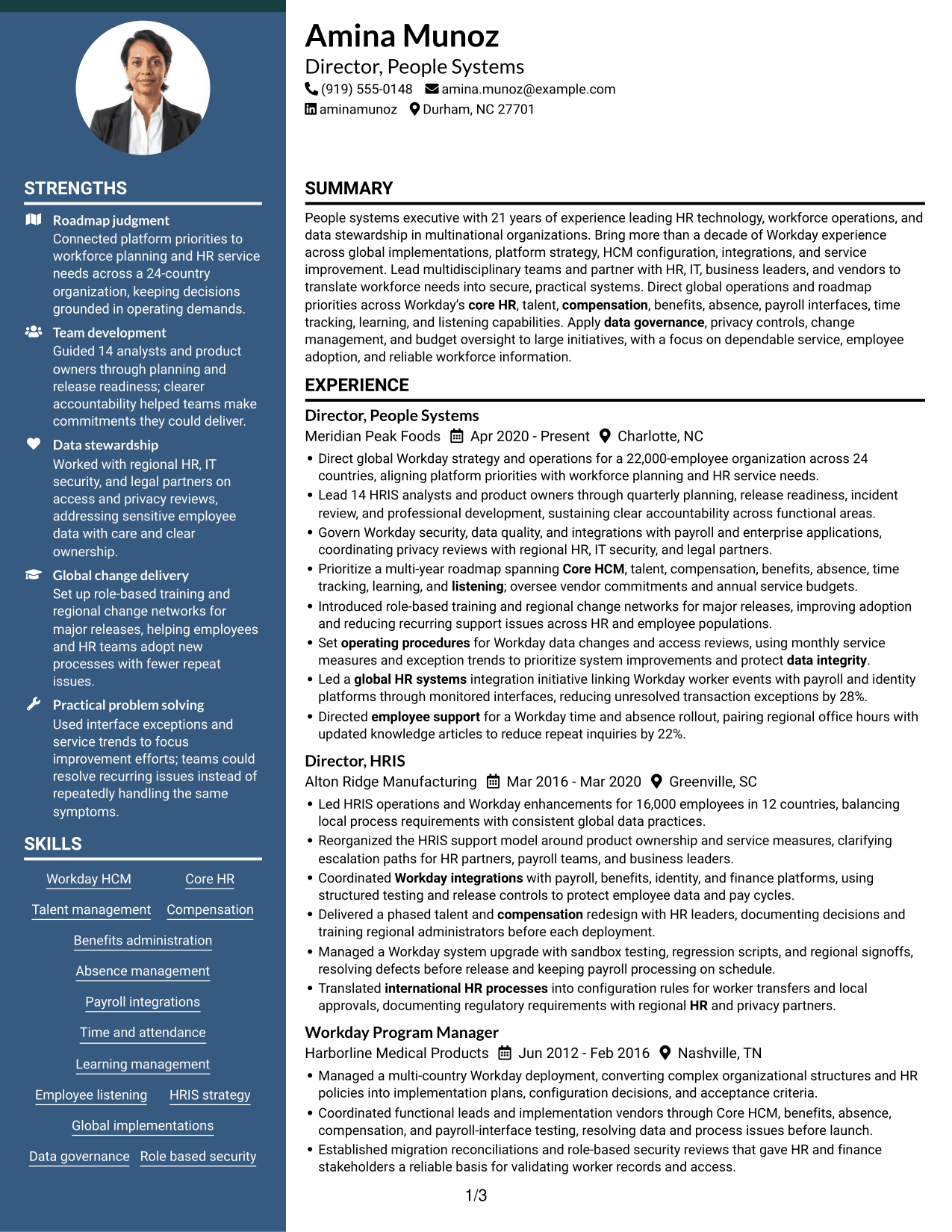
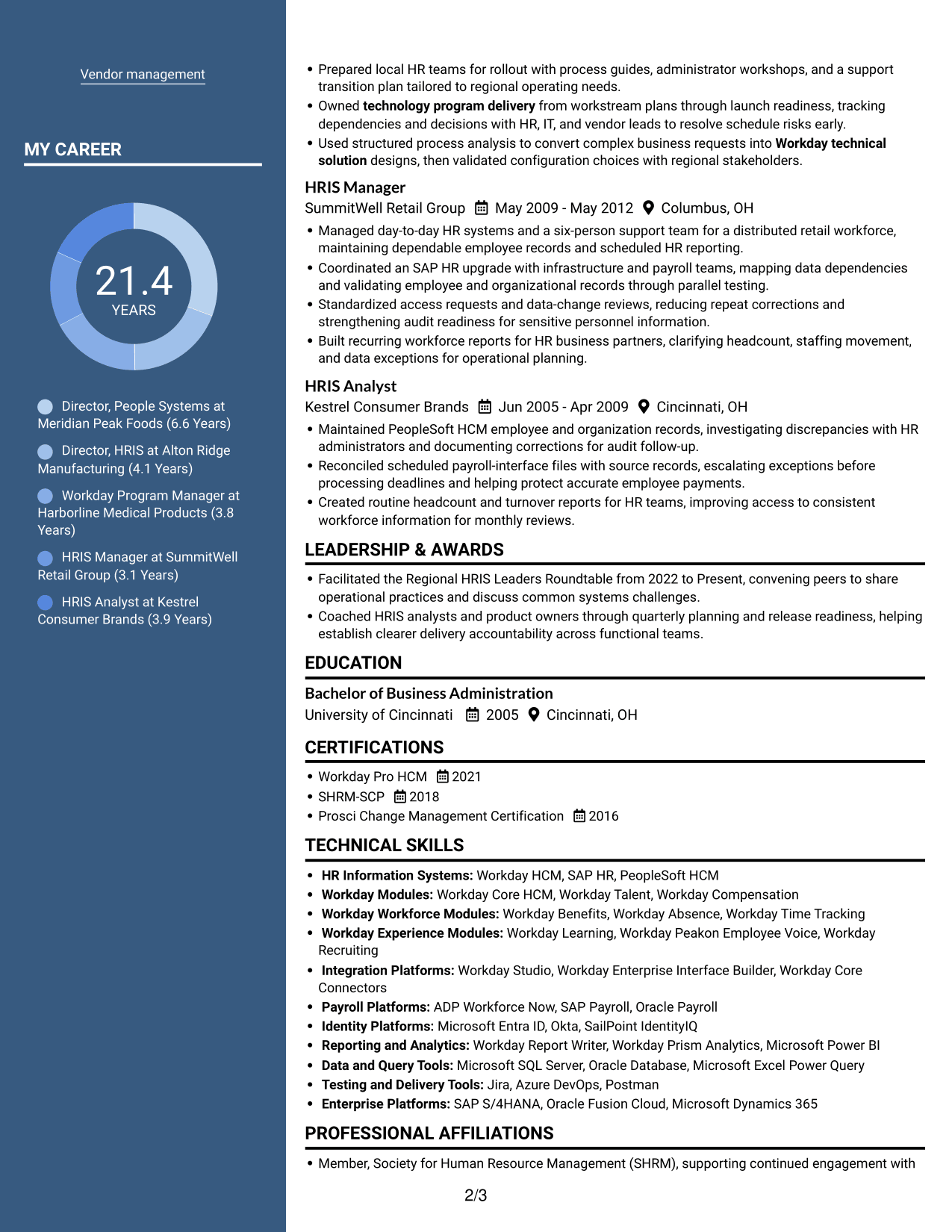
Why This Format Works
- Distinct column areas help reviewers find career details and supporting sections separately.
- Measurable achievements are easier to revisit across a multi-role experience record.
- Skills and education can be checked without retracing every career entry.
Best For
- Divided resume content
- Dense experience records
- Career timelines with several roles
- Skills and credentials review
- Leadership achievements across roles
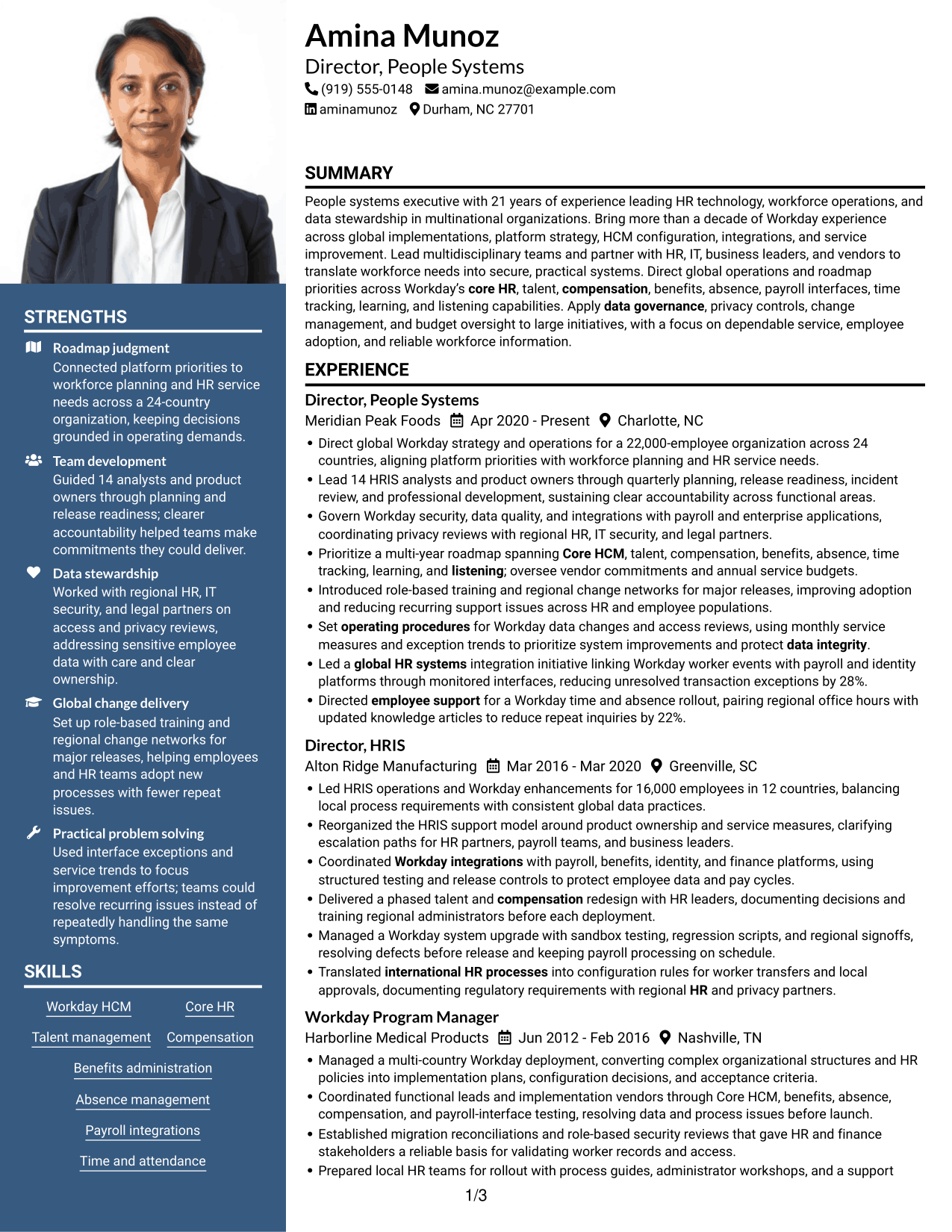
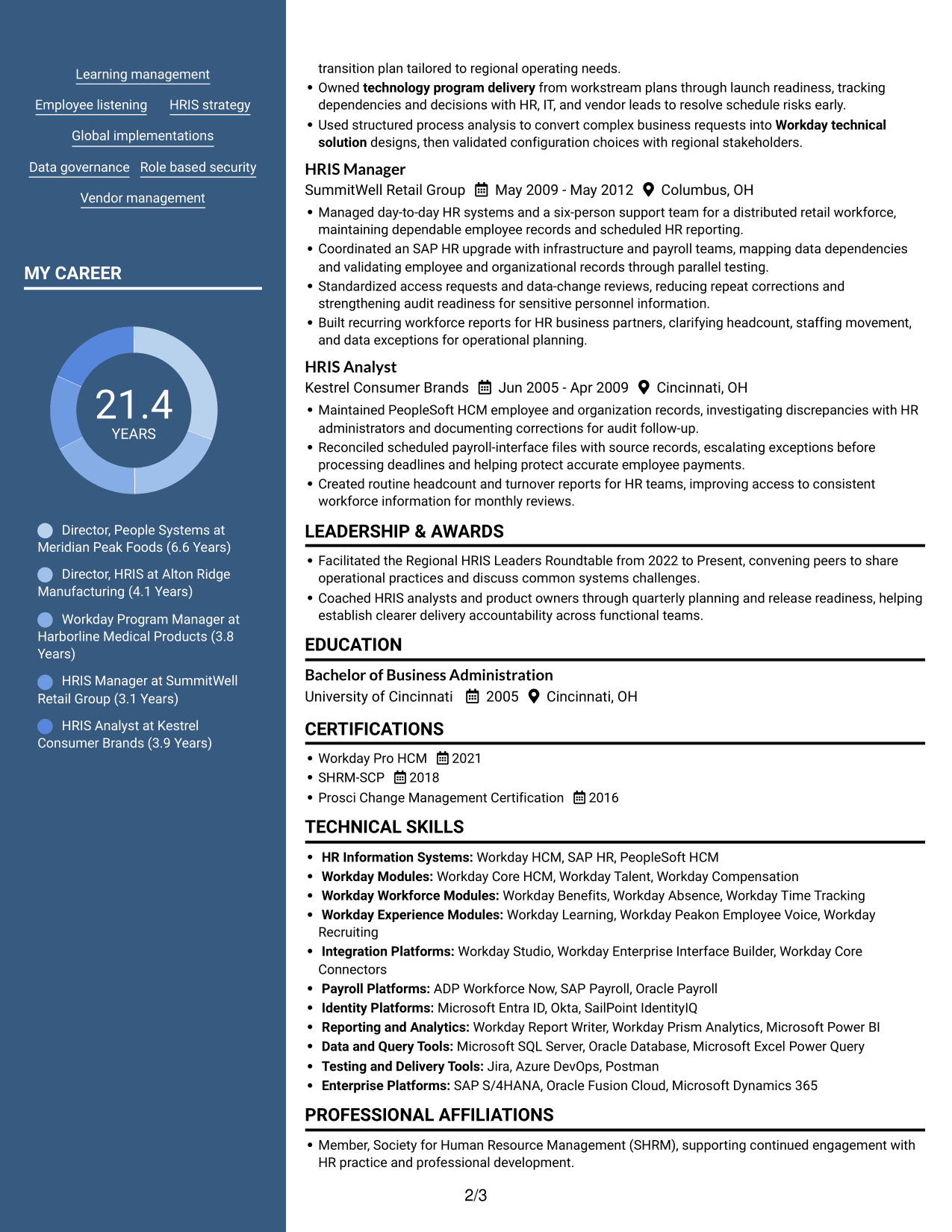
#5 Photo Header Two Column Format Resume Example
The Photo Header Two Column Format combines a header portrait with a two-column body, keeping visual identification distinct from resume details.
Why This Format Works
- Two body columns set experience and supporting information in separate reading areas.
- Reviewers can review career stages alongside skills and credentials in one view.
- Clear column divisions help keep achievements readable across a long work history.
Best For
- Header portrait presentation
- Two-column body organization
- Career histories with supporting sections
- Readers who prefer visual identification
- Detailed leadership records
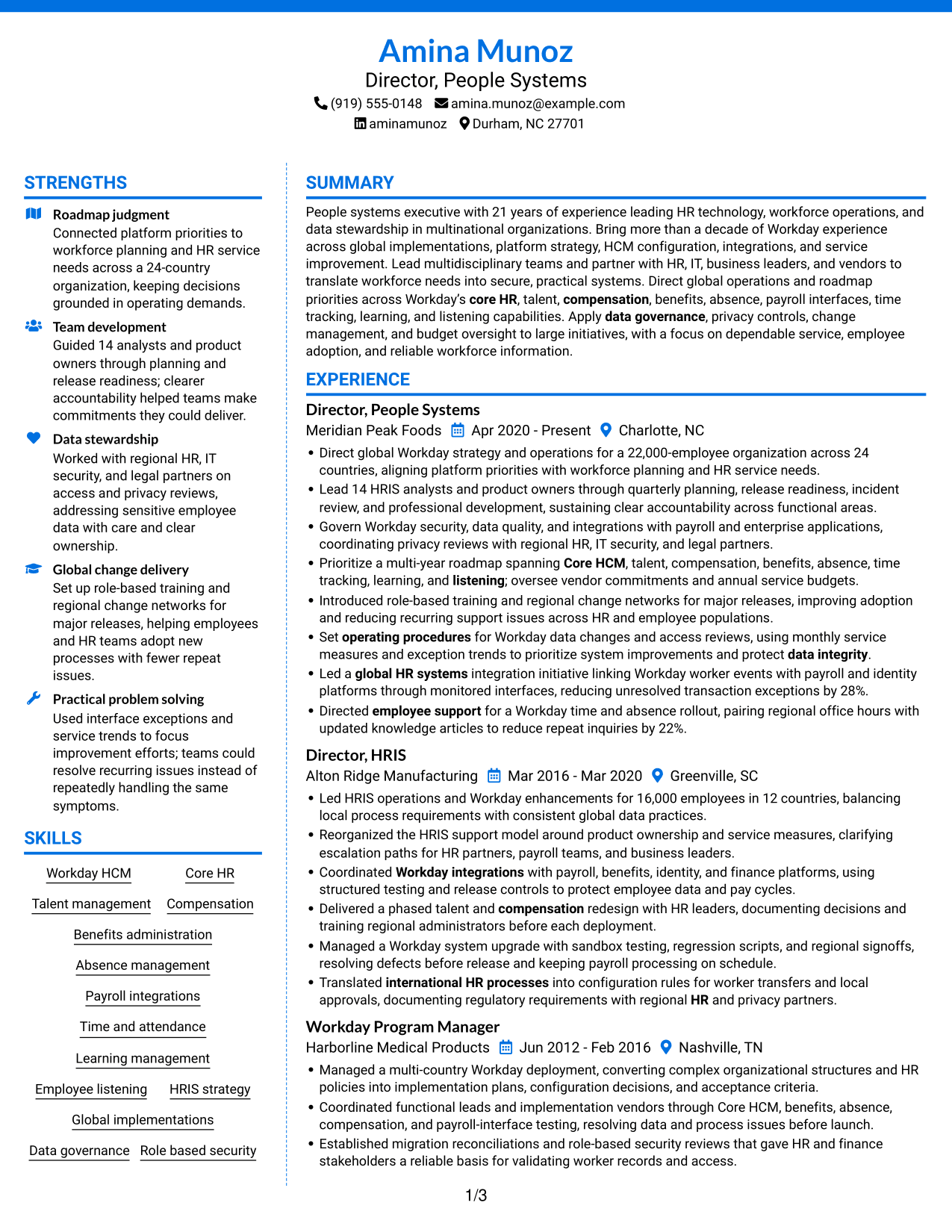
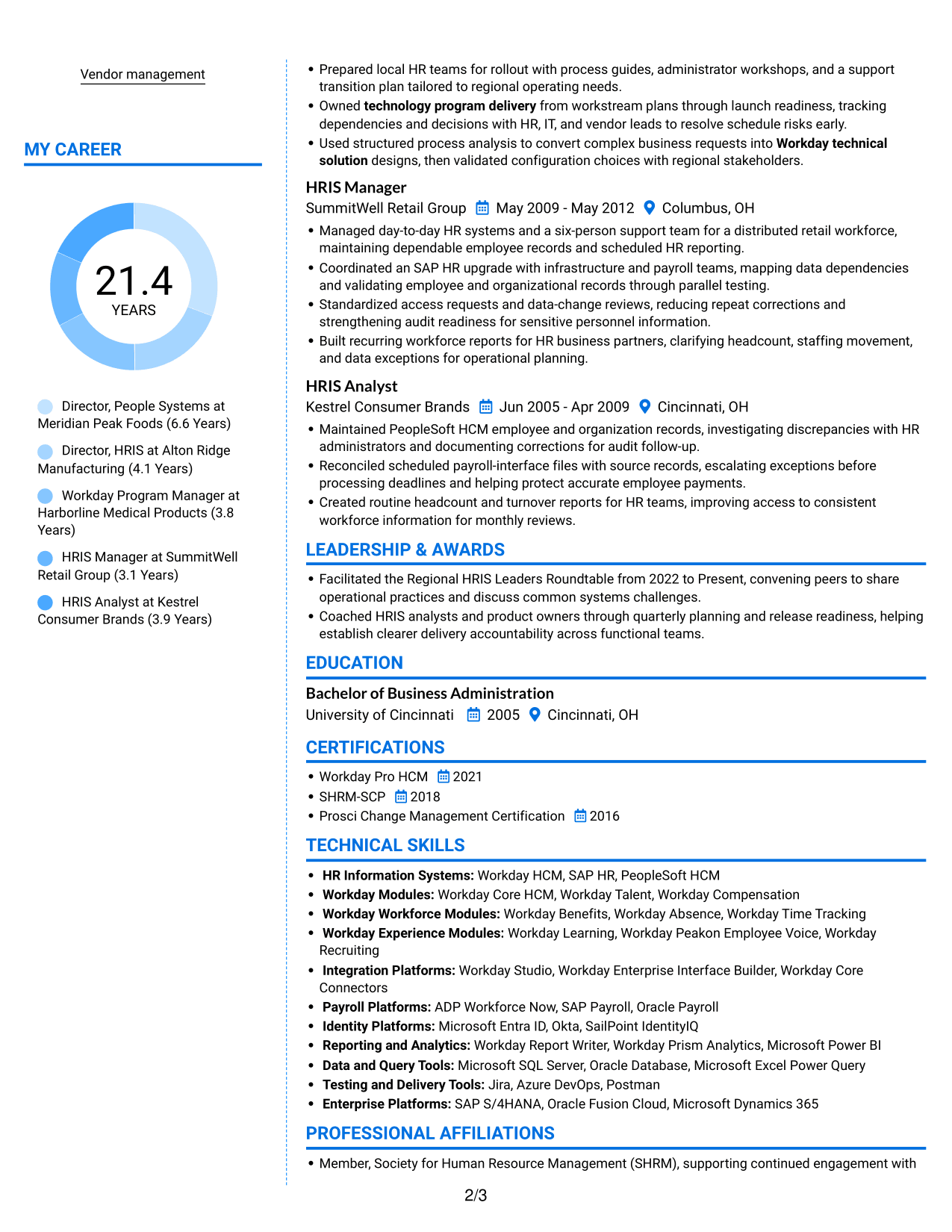
#6 Colored Two Column Format Resume Example
The Colored Two Column Format uses two body columns to give reviewers distinct areas for career history and supporting resume sections.
Why This Format Works
- Separate content areas give work history and supporting sections distinct entry points.
- Career achievements remain easy to revisit across a detailed experience record.
- Skills and education can be reviewed without interrupting the career timeline.
Best For
- Separate content areas
- Resumes with extensive work history
- Readers scanning skills separately
- Multiple education and credential sections
- Structured achievement review
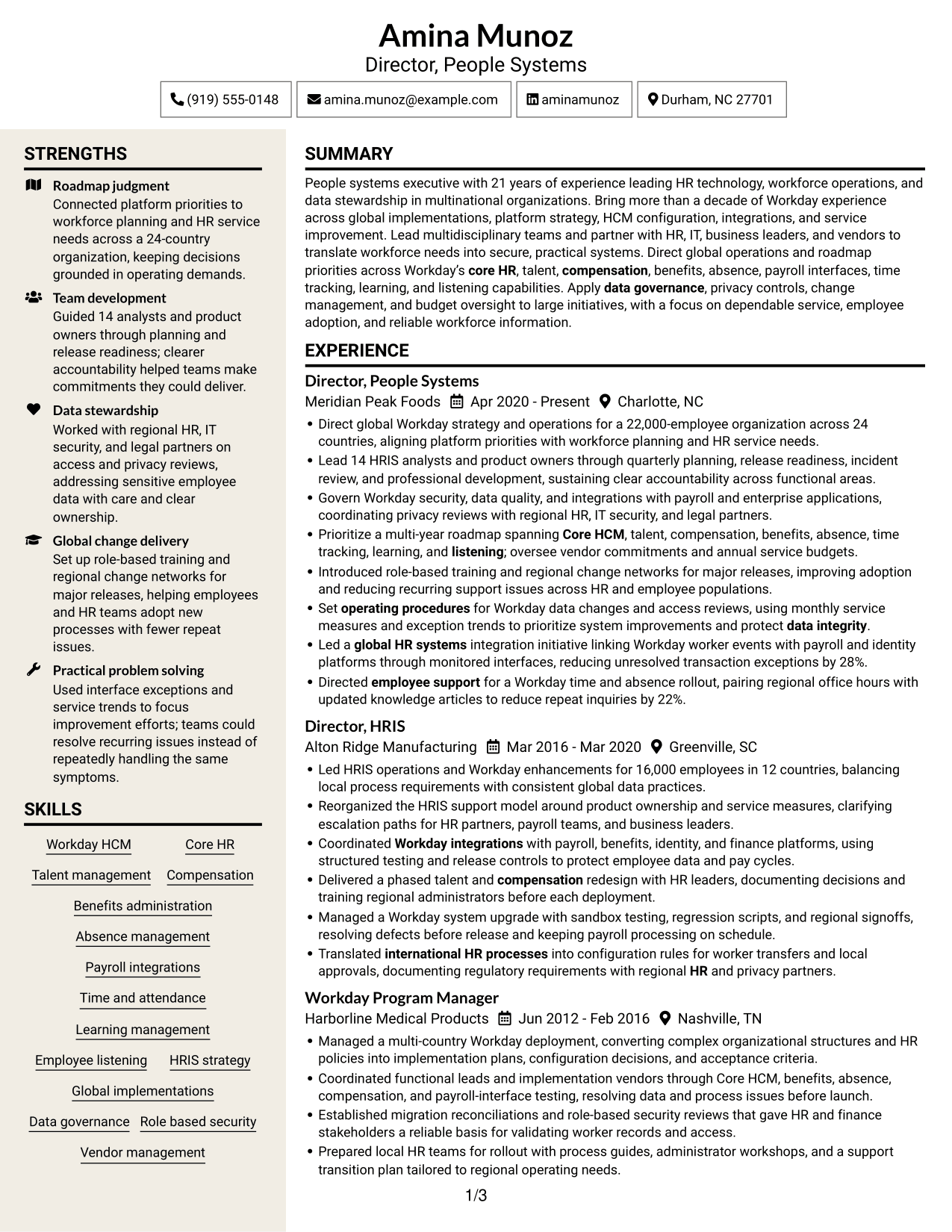
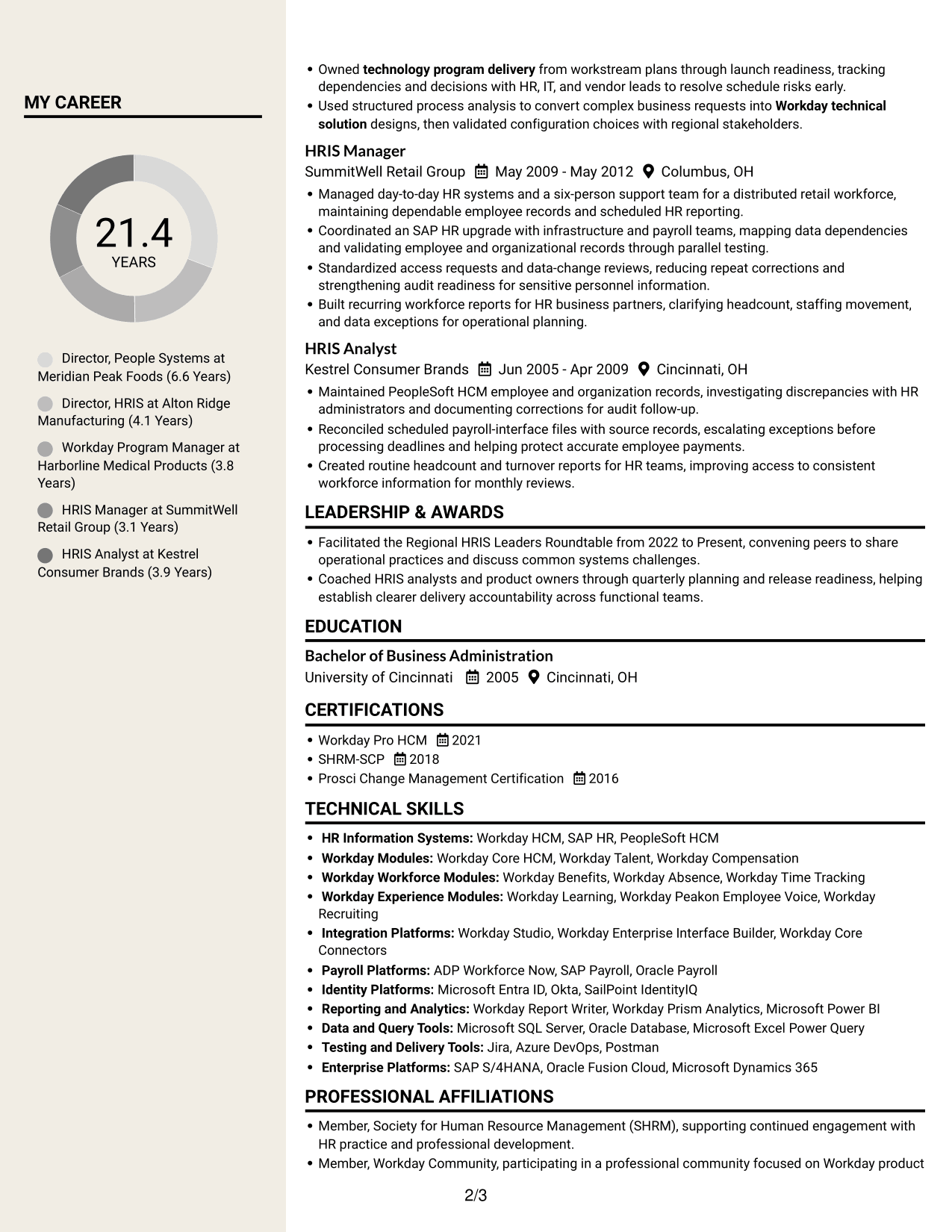
#7 Stylish Two Column Designer Format Resume Example
The Stylish Two Column Designer Format places resume content in two columns, giving reviewers separate reading areas for career history and supporting details.
Why This Format Works
- Parallel content areas help reviewers shift between career history and credentials.
- Column structure keeps experience details from crowding every supporting section.
- Skills can be checked separately while the career timeline stays easy to follow.
Best For
- Parallel content reading
- Resumes with a broad section mix
- Detailed role-by-role histories
- Separate skills review
- Readers who prefer two-column pages
Why Build Your Director, People Systems - Workday HRIS Resume with ResumeInMinutes
ResumeInMinutes helps you organize Workday leadership, system expertise, and measurable results into a resume that is clear to recruiters and easy to tailor.
- Multiple resume layouts
- Clear, ATS-friendly sections
- Space for role-specific keywords
- Organized skills and experience
- Image previews for comparison
- Resume customization in the editor
Choose a layout that makes your leadership scope, Workday expertise, and improvements to HR operations easy to review. Then use the editor to tailor the resume to the role.
See Also
- 7 Associate Director, Financial Aid Systems Resume Templates with Example
- 7 Associate Director of Graduate Enrollment CRM and Systems Resume Templates with Example
- 7 Deputy Information Systems Director Resume Templates with Example
- 7 Director of Business Systems Product Management Resume Templates with Example
- 7 Assistant Director Construction Management Resume Templates with Example
- 7 Assistant Director for Employer Engagement Resume Templates with Example
- 33 Assistant Director of Development - Athletics Fundraising Resume Templates with Example
- 7 Assistant Director of Operations - Financial Aid Resume Templates with Example
- 7 Director, People Systems - Workday HRIS Cover Letter Templates with Example
- 30+ Associate Director, Senior Service Designer (GenAI Experience) Cover Letter Templates with Example 2026
Frequently Asked Questions
Are these Director, People Systems - Workday HRIS resume templates ATS-friendly?
The layouts use clear headings and organized sections that help readers and applicant tracking systems review your information. Use relevant terms such as Workday HCM, integrations, data governance, and global HRIS operations when they accurately describe your experience.
Does this page show different resume examples?
It presents one resume example as image previews in different layouts. You can compare the designs and open an example in the editor.
What should a Director, People Systems - Workday HRIS resume include?
Include a focused summary, leadership experience, Workday skills, major integrations or implementations, measurable results, education, and relevant certifications. Show how you support data quality, privacy, service, and user adoption.
Which resume layout works well for a Director, People Systems - Workday HRIS role?
A simple one-column layout is often easy to scan and parse. Choose a design with clear headings and enough space for leadership results, system expertise, and global scope.
How can I show the impact of Workday leadership?
Use direct bullets that link your action to a result. When supported by your experience, include the size of the workforce or team, countries covered, improvements in support requests, or changes in integration exceptions.
Should I include a photo on my resume?
For U.S. applications, a resume without a photo is usually the safer choice. Use a photo only when it is expected in your location or field.




