
7 Engineering Geologist - Dam and Levee Projects Cover Letter Templates with Example
This practical guide helps you shape an Engineering Geologist - Dam and Levee Projects cover letter through seven layouts, with clear ways to present your role fit.
What Makes a Great Engineering Geologist - Dam and Levee Projects Cover Letter in 2026
A strong letter connects your interest in dam and levee work to the role’s field investigations, geologic mapping, and design support. A direct opening helps the reader see that fit quickly.
Use specific evidence, such as investigation planning, slope stability or seepage evaluations, GIS mapping, and clear technical reports. Link that evidence to the employer’s civil works needs and close with a confident, professional message.
The featured example follows a focused progression from role interest to relevant evidence and a clear close, which you can adapt while choosing a presentation that fits the employer and communication context.
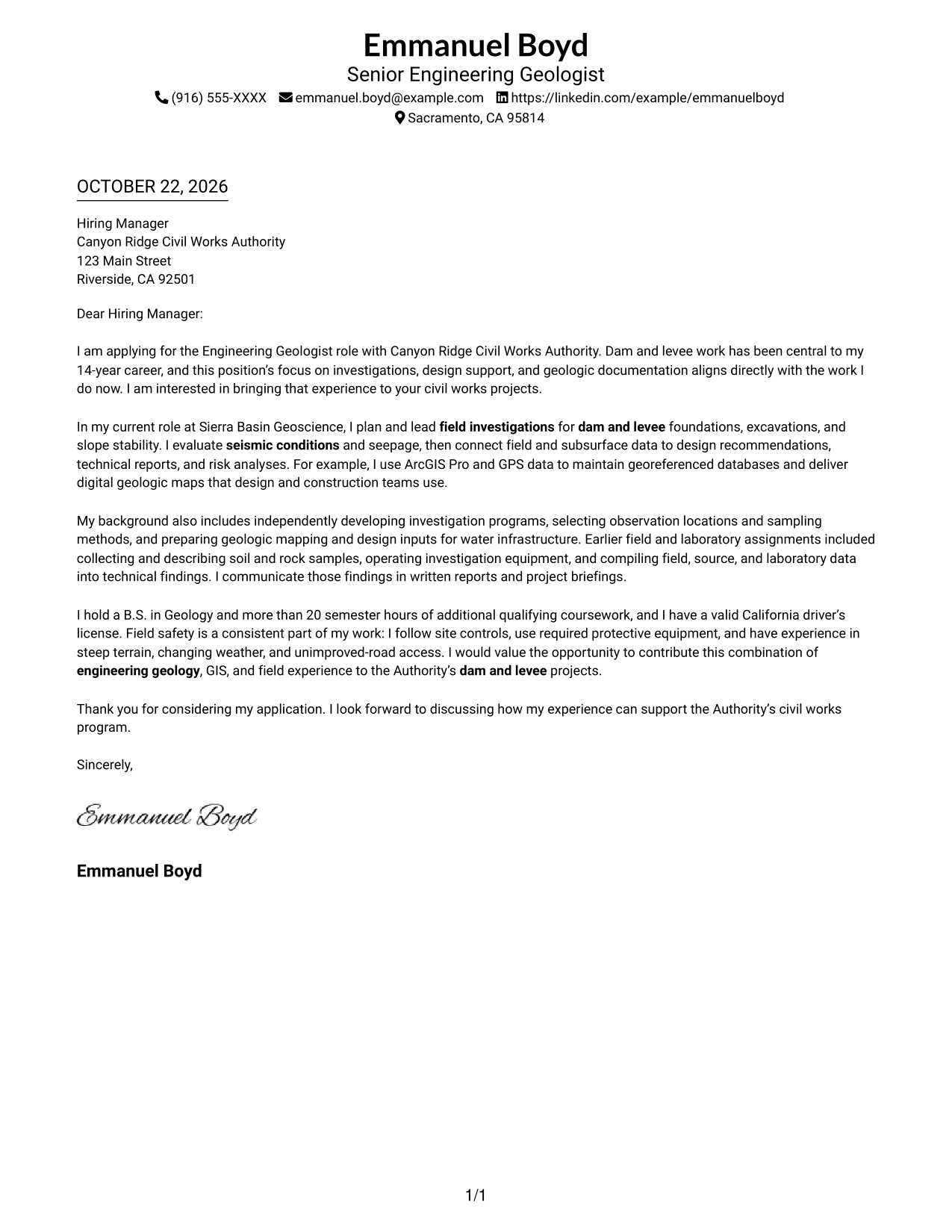
#1 Simple One Column Format Cover Letter Example
A single-column page keeps sender details in the header and the full cover letter in one direct reading path.
Why This Format Works
- Header-based contact details are easy to locate before the letter begins.
- One continuous body keeps the case together without argument-section headings.
- Reviewers can follow role interest, evidence, and closing in one clear sequence.
Best For
- Single-column correspondence
- Header-based contact details
- Uninterrupted letter arguments
- Paragraph-led role alignment
- Text-first application materials
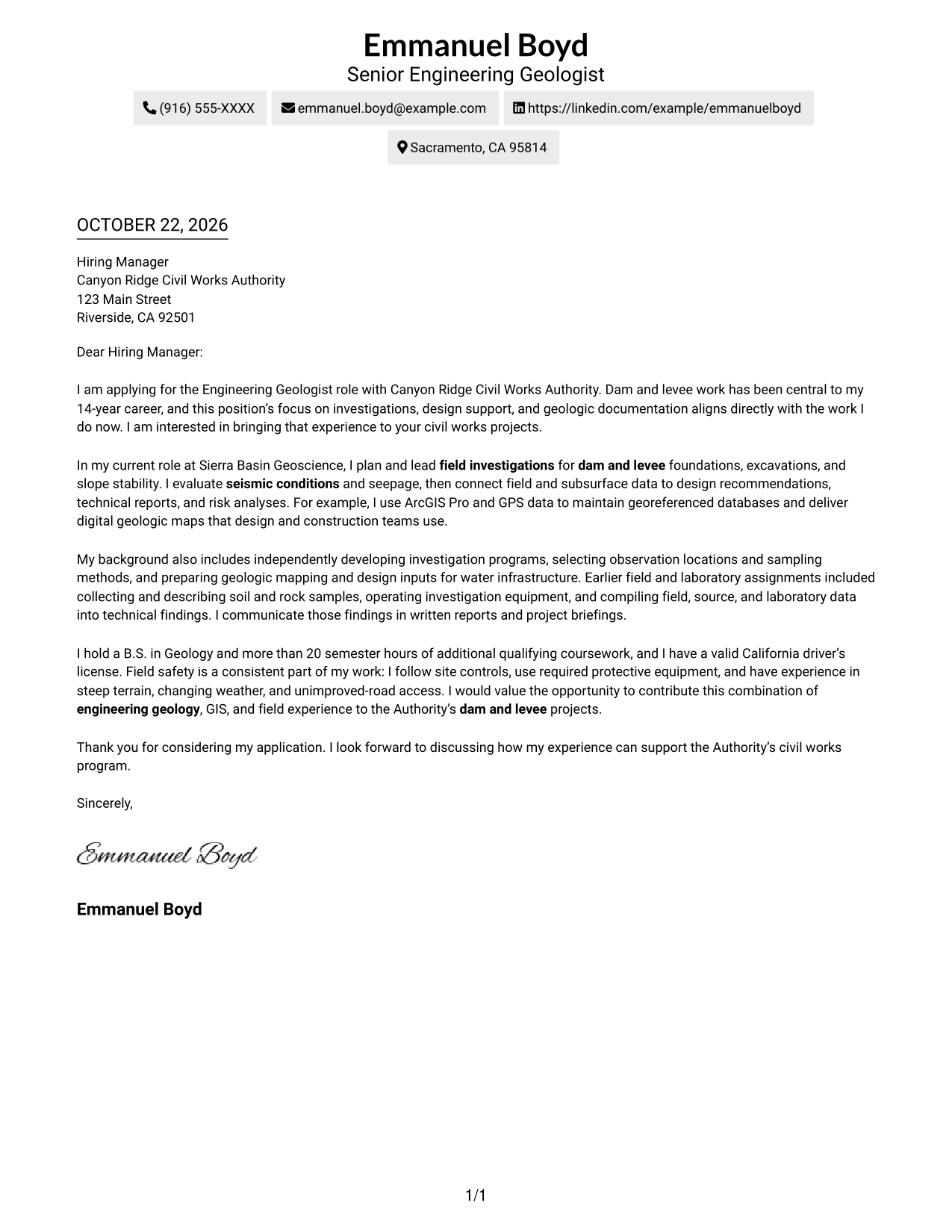
#2 Two Column Format Cover Letter Example
A contact sidebar sits beside one continuous letter body, keeping sender details distinct from the application message.
Why This Format Works
- Contact details stay apart from the argument, making sender information easy to find.
- The single body column carries the opening, evidence, and closing in a natural order.
- Readers can move between the contact sidebar and message while the argument stays continuous.
Best For
- Contact details beside letter text
- Single-column argument flow
- Section-free correspondence
- Text-led application materials
- Clear opening-to-close order
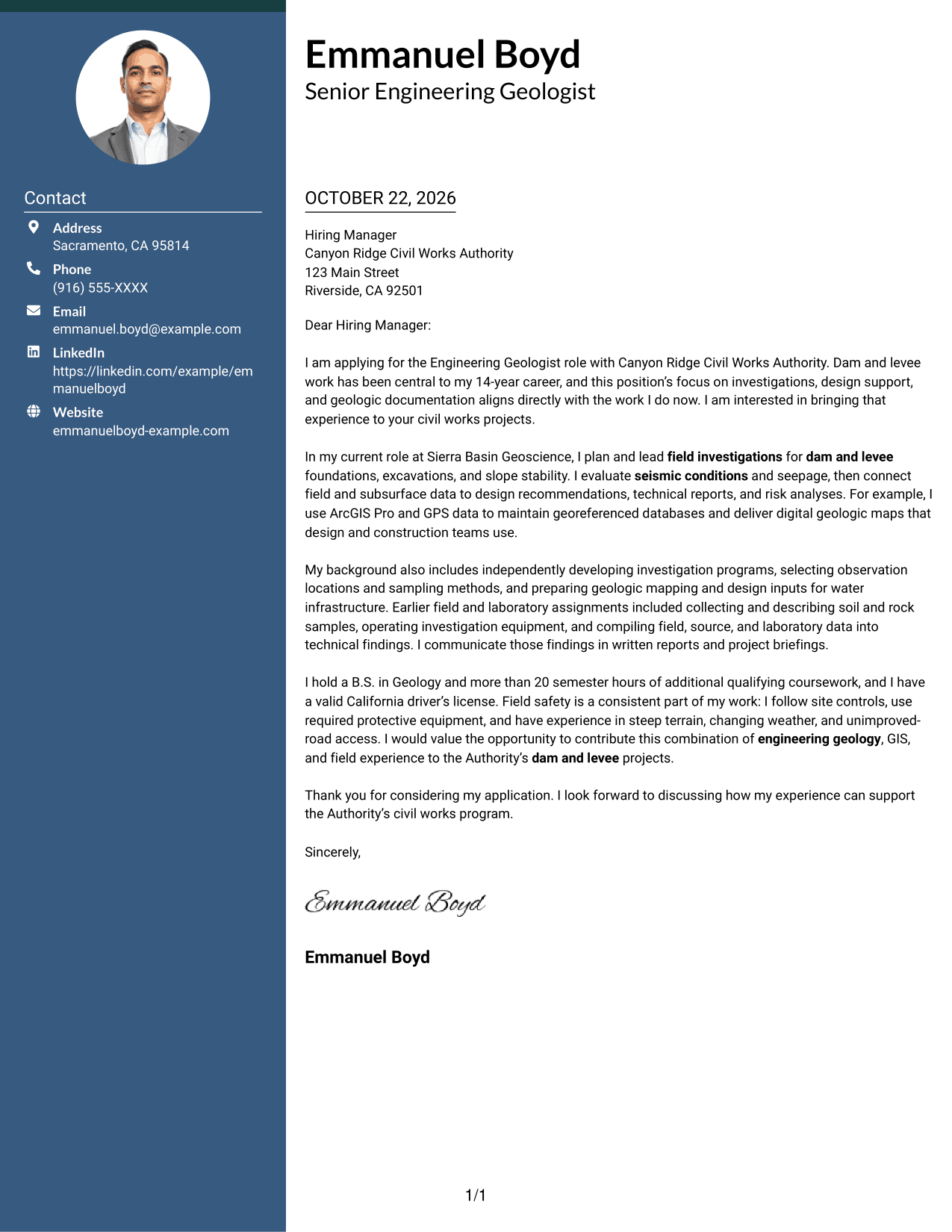
#3 Photo Header Two Column Format Cover Letter Example
A photo header and contact sidebar create a portrait-led two-column presentation while keeping the letter's argument in one body column.
Why This Format Works
- The portrait adds a personal visual element without changing the letter's argument.
- Contact details sit apart from the continuous body, so the message remains distinct.
- The single-column letter body keeps the opening, supporting points, and closing in sequence.
Best For
- Portrait-inclusive correspondence
- Contact details beside the body
- Single-column letter arguments
- Unlabeled letter paragraphs
- Photo-header application materials
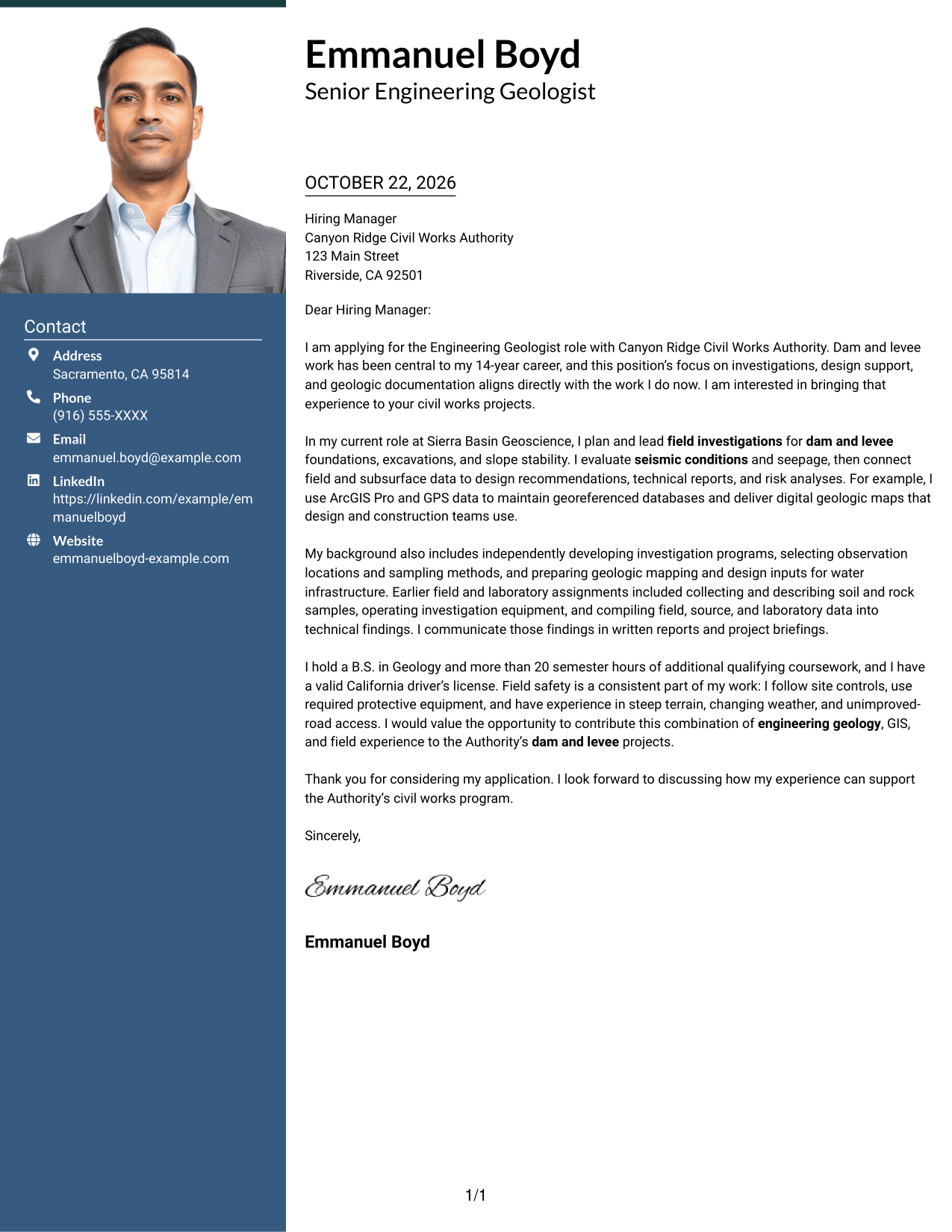
#4 One Column Format with Photo Cover Letter Example
A photo accompanies the header while the single-column letter keeps its message moving in one reading path.
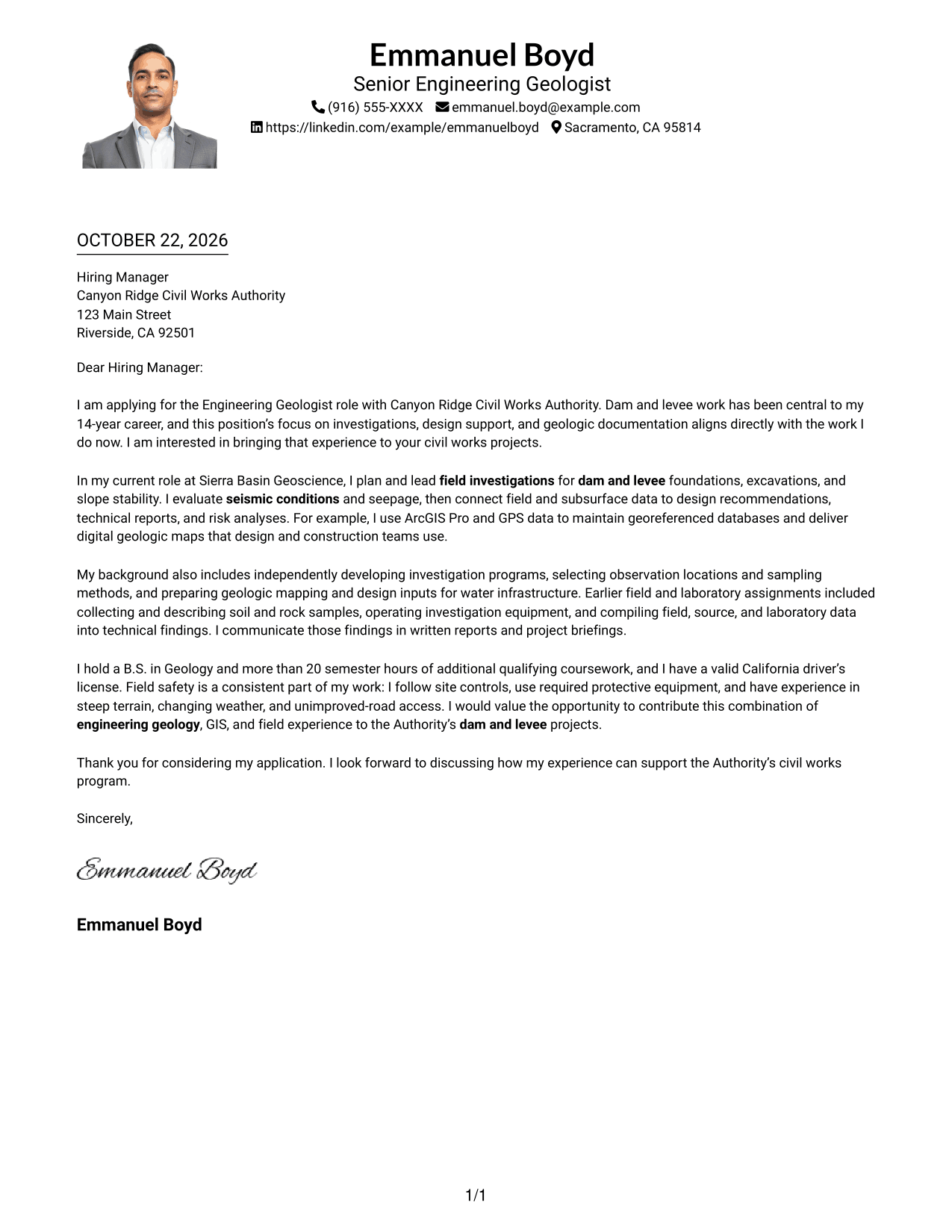
Why This Format Works
- The photo adds a visual element while the letter remains a single-column document.
- Header-based contact details are easy to find without interrupting the letter body.
- Continuous paragraphs carry motivation, evidence, and closing without argument-section labels.
Best For
- Portrait-inclusive letters
- Single-column correspondence
- Header-based contact details
- Letters without argument headings
- Paragraph-focused application messages
#5 Simple Two Column Format Cover Letter Example
Contact details in a sidebar sit beside the continuous letter body, separating sender information from the application message.
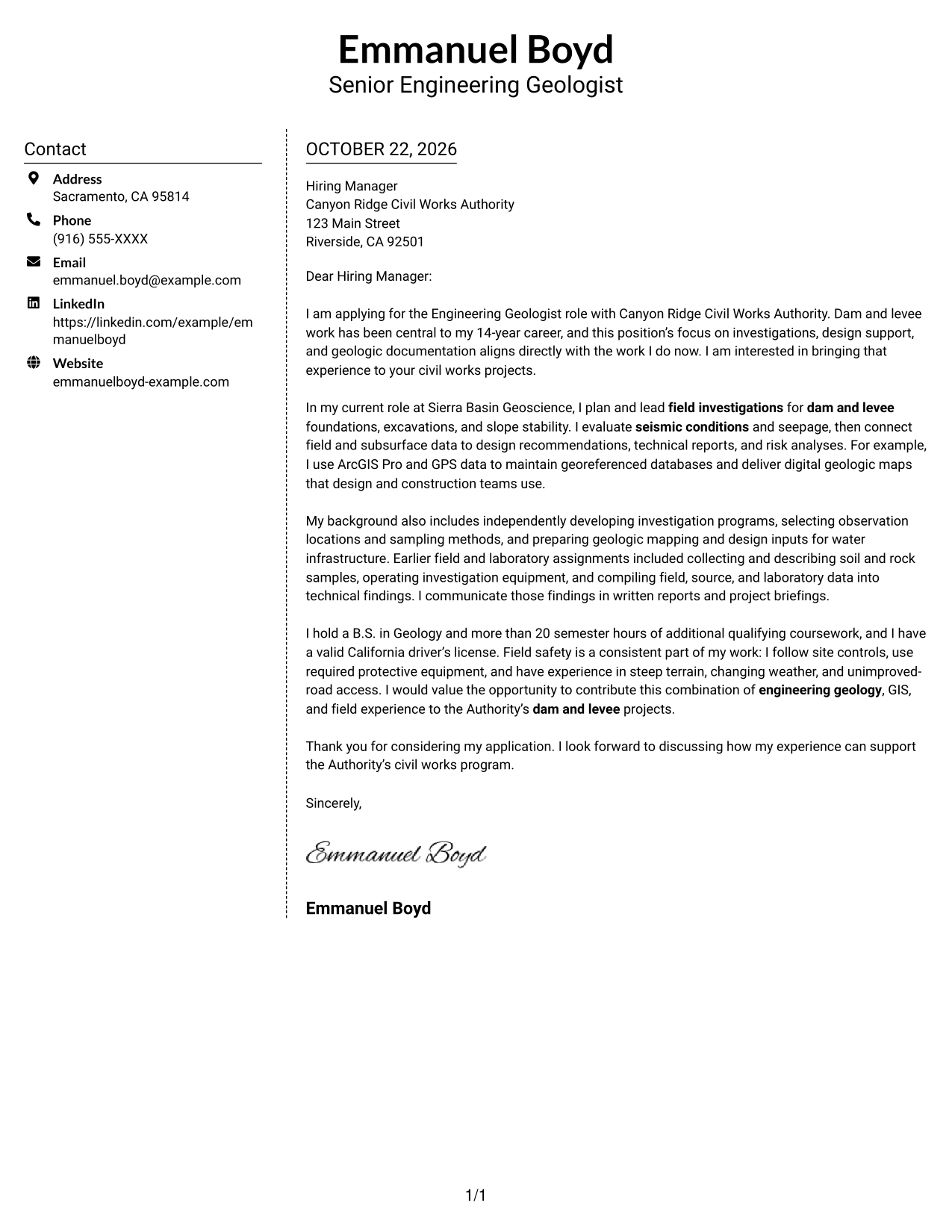
Why This Format Works
- The sidebar gives sender details a distinct place beside the letter body.
- One continuous column keeps the case readable from the opening through the closing.
- Contact information remains separate, so it does not divide the argument's paragraphs.
Best For
- Sidebar-based contact organization
- Continuous letter arguments
- Straightforward paragraph reading
- Separate sender information
- Two-column correspondence
#6 Modern Icon Format Cover Letter Example
The two-column layout pairs contact details with a continuous letter body, while icons serve as contact cues rather than argument labels.
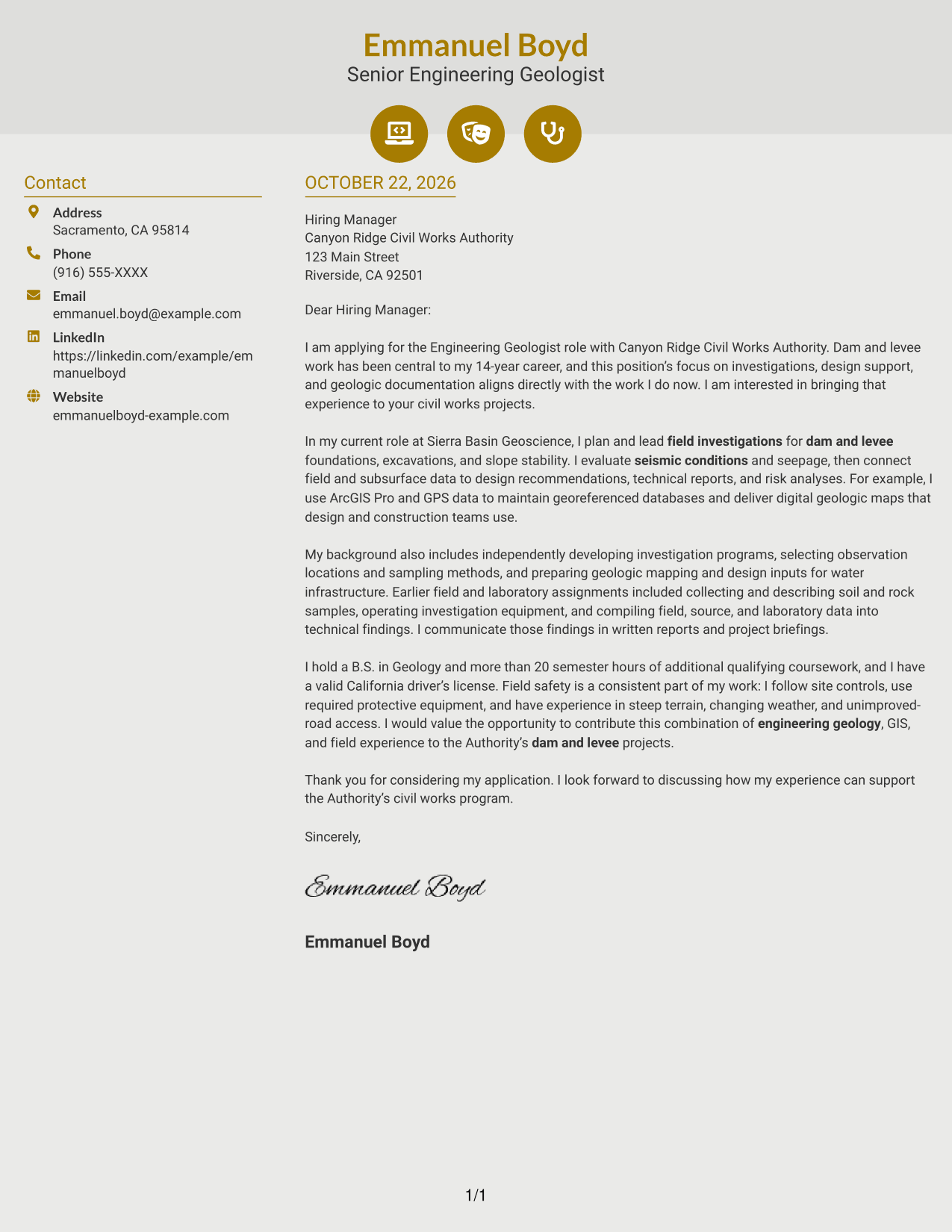
Why This Format Works
- Contact icons help readers locate sender details without labeling the letter's paragraphs.
- One continuous body keeps motivation, evidence, and closing in a single sequence.
- Decorative header accents remain separate from the argument's content.
Best For
- Icon-cued contact details
- Two-column correspondence
- Uninterrupted letter paragraphs
- Arguments without section labels
- Clear separation of contact and message
#7 Creative Two Tone Format Cover Letter Example
A contact sidebar beside the continuous letter body separates sender information from the application message in this two-column layout.
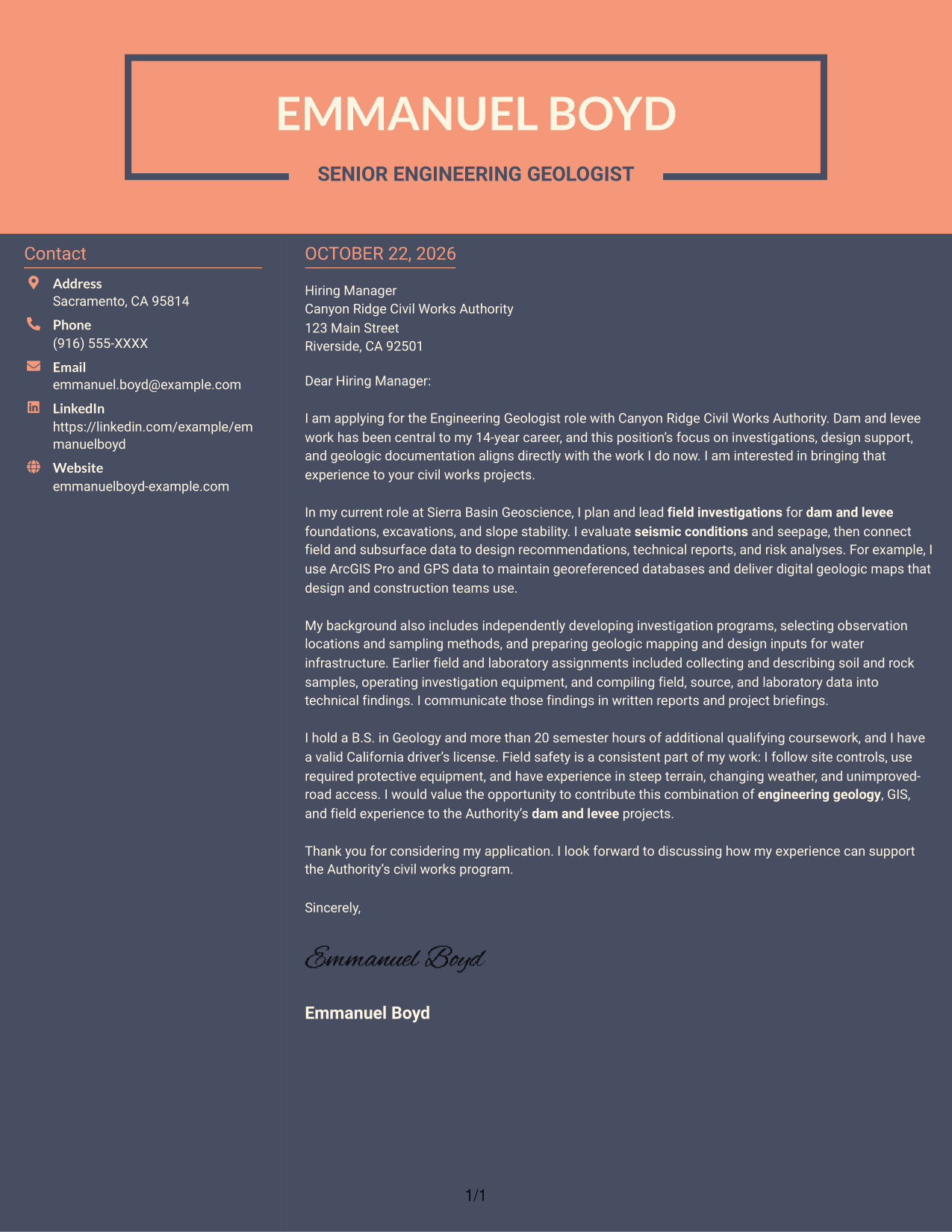
Why This Format Works
- The sidebar keeps sender information distinct from the letter's persuasive message.
- A continuous body lets readers follow the opening, supporting points, and closing together.
- The two-column arrangement places contact details beside the argument without splitting its paragraphs.
Best For
- Contact details beside letter text
- Single-column argument flow
- Continuous prose correspondence
- Visible separation of contact and message
- No-photo two-column letters
See Also
- 7 Engineering Geologist - Dam and Levee Projects Resume Templates with Example
- 33 College Intern - Geologist Resume Templates with Example 2026 (ATS-Optimized)
- 33 Early Career Geologist Resume Templates with Example 2026 (ATS-Optimized)
- 33 Entry-Level Geologist/Environmental Scientist/Environmental Engineer Resume Templates with Example 2026 (ATS-Optimized)
- 33 Entry-level Geologist or Geological Engineer Resume Templates with Example 2026 (ATS-Optimized)
- 33 Entry Level Geologist Resume Templates with Example 2026 (ATS-Optimized)
- 33 Environmental Geologist, Scientist, or Engineer (Entry Level) Resume Templates with Example 2026 (ATS-Optimized)
- 33 Field Geologist Resume Templates with Example 2026 (ATS-Optimized)
- 30+ College Intern - Geologist Cover Letter Templates with Example 2026
- 30+ Early Career Geologist Cover Letter Templates with Example 2026
Frequently Asked Questions
What should an Engineering Geologist - Dam and Levee Projects cover letter emphasize?
Show how your experience relates to field investigations, foundation and slope assessments, geologic mapping, GIS documentation, design reports, and safe field work. Choose details that are accurate for your background.
How should I organize this cover letter?
Open by naming the role and your interest. Use the body to connect relevant investigation and reporting experience to the work, then close by expressing interest in a discussion.
How can I make the letter relevant to a specific employer?
Refer to verified details about the employer’s civil works program or project needs. Explain how your related experience can support that work without claiming knowledge you have not confirmed.
How do I choose a cover letter layout?
Choose a clear presentation that suits the employer and the way the letter will be read. The page includes image previews, and you can open an example in the editor to review or customize it.
Should I mention field safety in the letter?
Yes, when it is relevant to your experience and the position. Briefly explain how you follow site controls and use required protective equipment in challenging field conditions.




