
7 Engineering Technician I - Utility System Planning, Water Resources Cover Letter Templates with Example
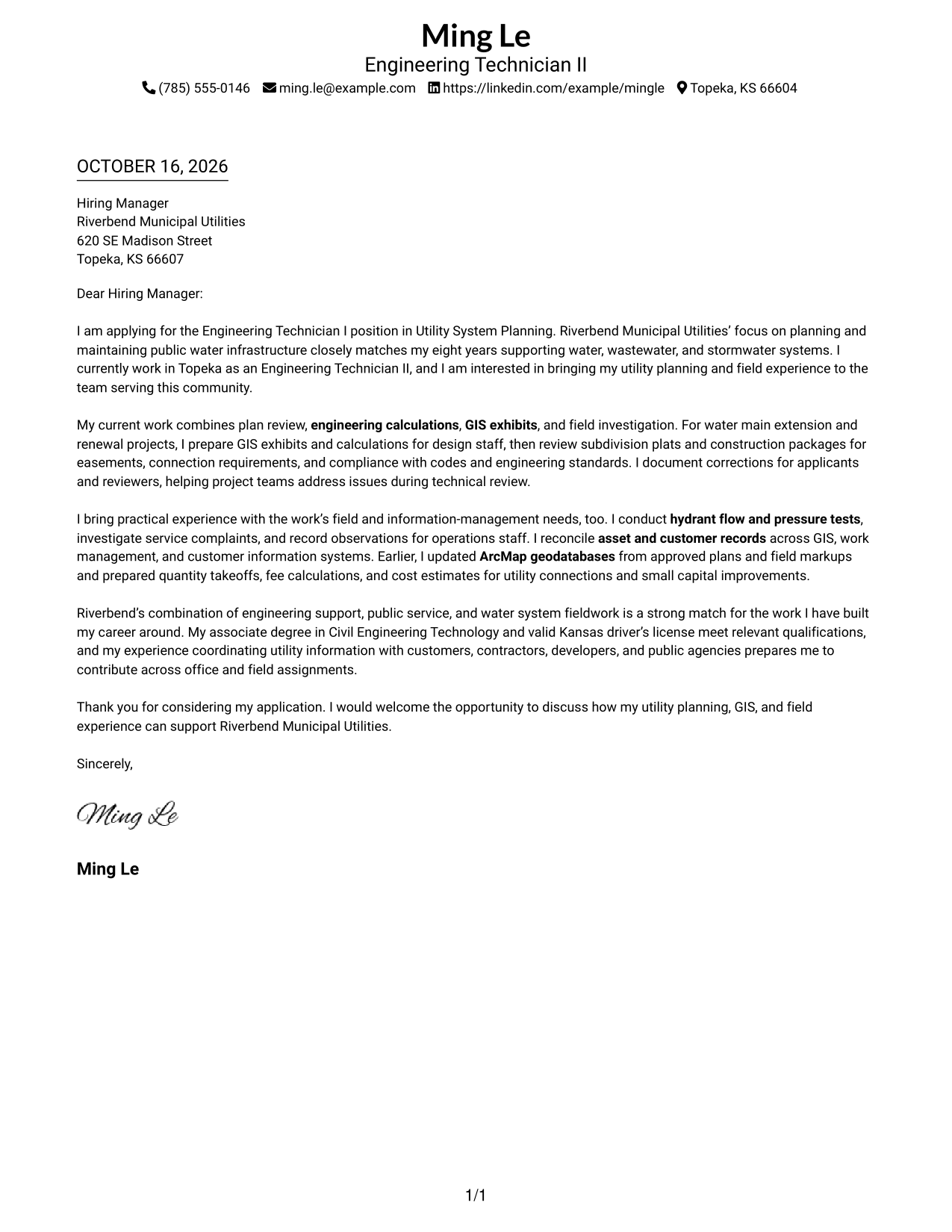
This practical guide helps you create an Engineering Technician I - Utility System Planning, Water Resources cover letter, compare seven layouts, and show how your experience fits the role.
What Makes a Great Engineering Technician I - Utility System Planning, Water Resources Cover Letter in 2026
A strong letter opens with clear interest in utility system planning and explains how your background supports water infrastructure work. Keep the opening direct and specific to the role.
Use examples of plan review, engineering calculations, GIS mapping, field investigation, or utility records when they match your experience. Connect that evidence to the employer’s public service needs, then close with a clear expression of interest.
The featured example moves from role interest to technical and field evidence, then closes with a clear statement of fit; adapt this focused progression and choose a presentation that suits the employer and communication context.
#1 Simple One Column Format Cover Letter Example
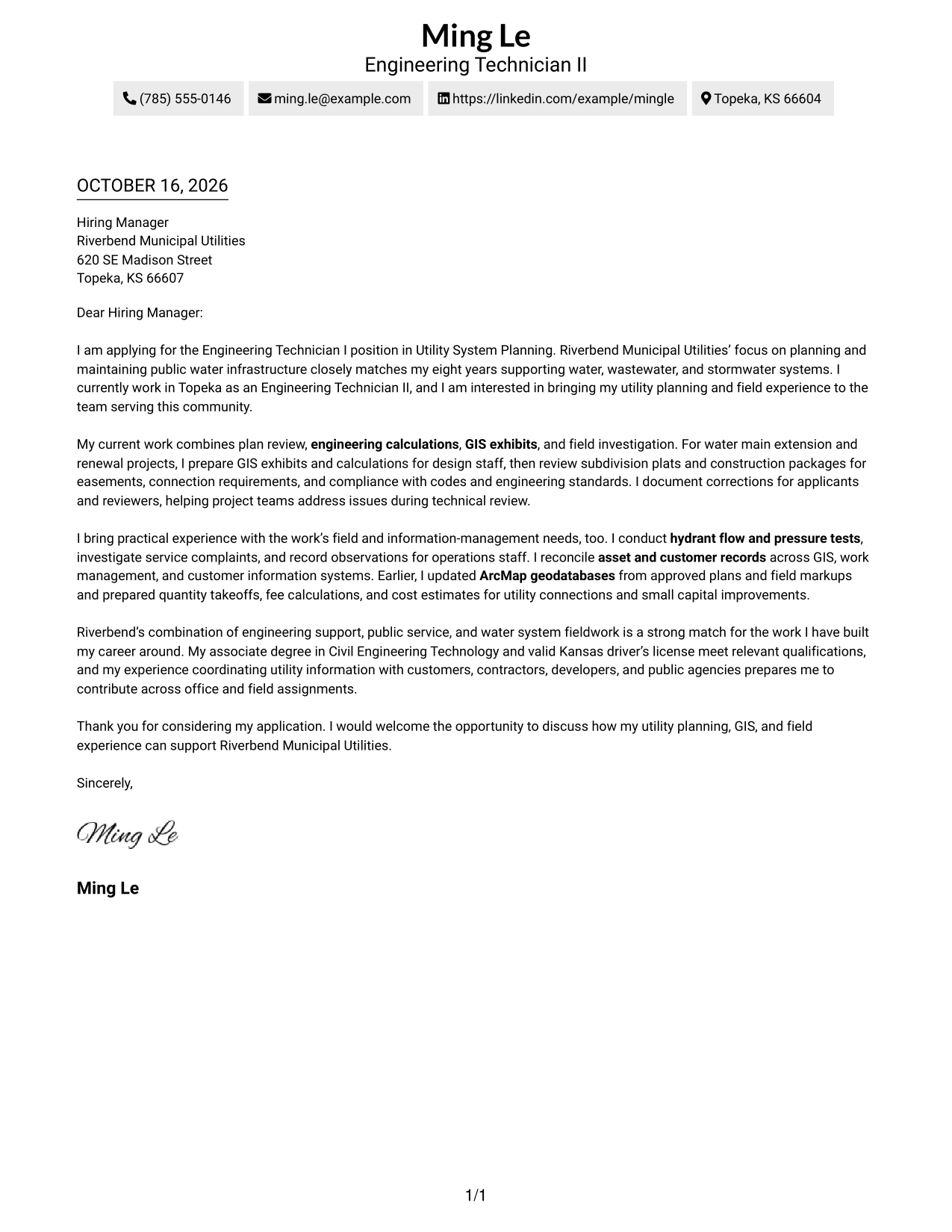
A single-column page keeps sender details in the header and the letter in one continuous body, giving the opening, supporting points, and close a direct reading path.
Why This Format Works
- Sender details remain in the header, separate from the letter's persuasive message.
- One reading path carries the opening, motivation, supporting evidence, and close in sequence.
- Continuous paragraphs let the case for fit develop without a parallel body column.
Best For
- Single-column reading preference
- Header-based contact details
- Paragraph-led communication
- Low-distraction presentation
- Traditional letter structure
#2 Two Column Format Cover Letter Example
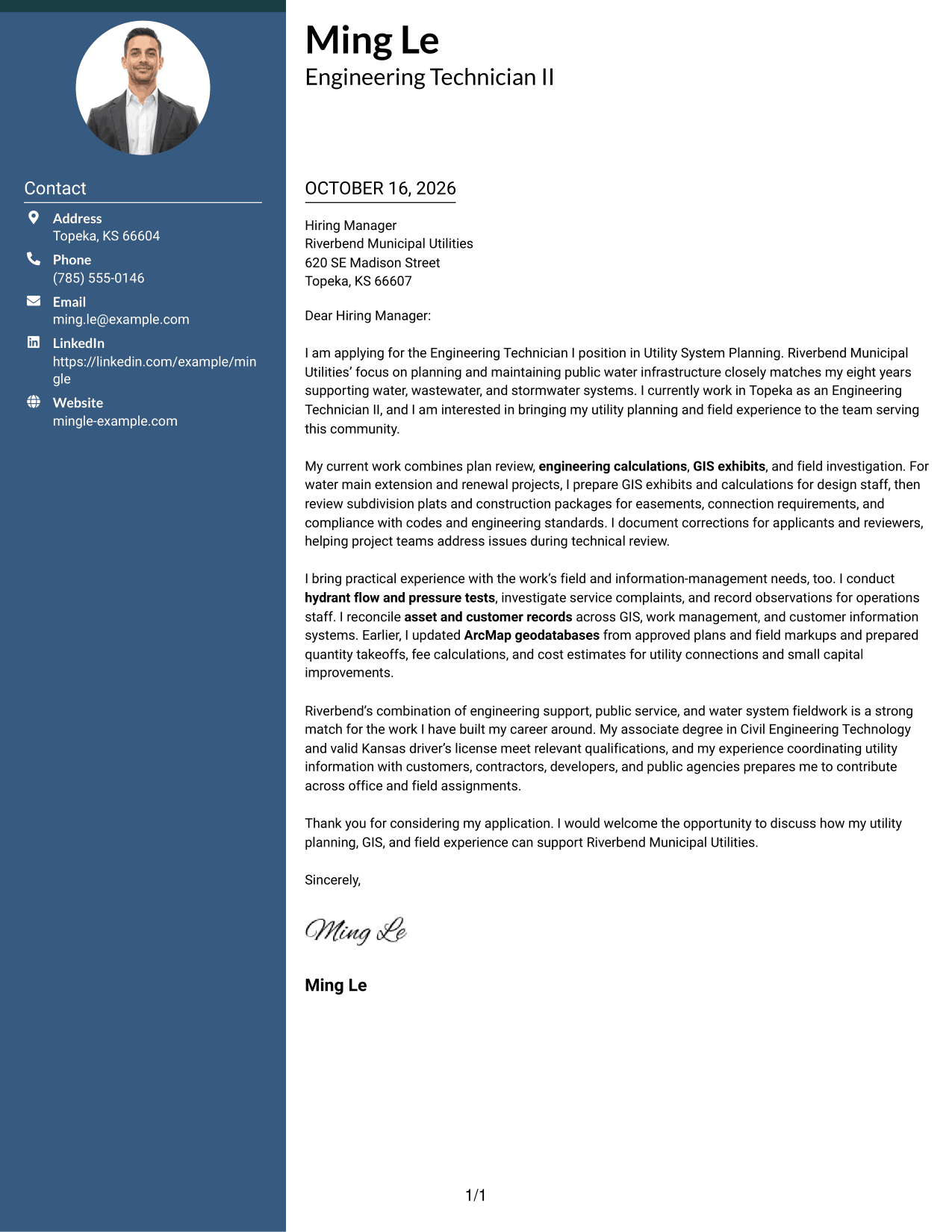
A contact sidebar sits beside one continuous letter body, keeping practical details separate while the message remains in a clear reading sequence.
Why This Format Works
- A dedicated contact sidebar gives sender details a consistent place outside the message.
- Opening, motivation, evidence, and closing remain together in one uninterrupted message.
- The two areas help readers distinguish contact information from the letter's argument.
Best For
- Separate contact and message areas
- Continuous paragraph argument
- Two-column reading preference
- Easy sender detail reference
- Formal employer correspondence
#3 Photo Header Two Column Format Cover Letter Example
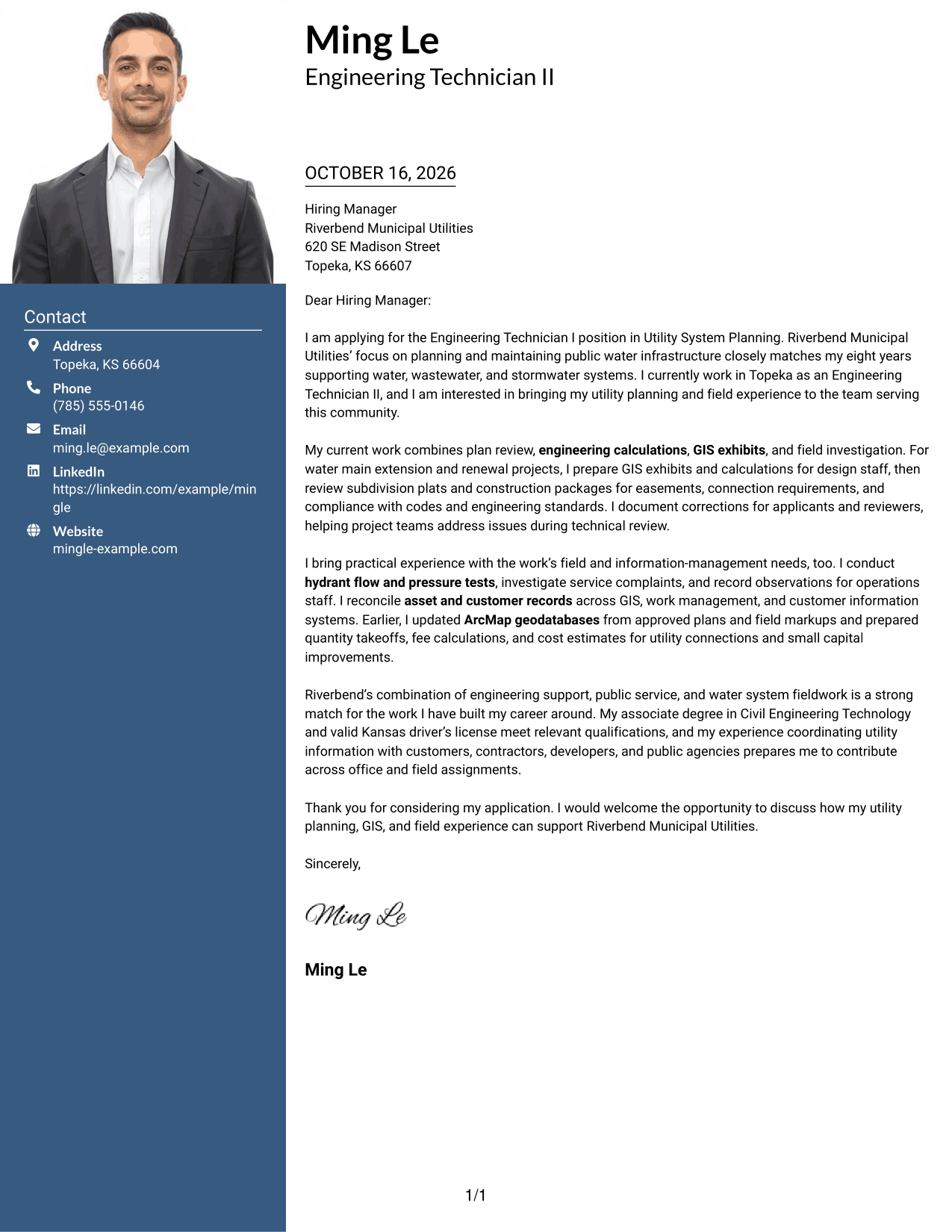
The photo header adds a personal visual element to a two-column layout, while the contact sidebar stays beside one continuous letter body.
Why This Format Works
- Contact details stay in a sidebar, apart from the continuous letter paragraphs.
- The photo adds a personal visual touch without dividing the message.
- One connected body lets the opening, evidence, and close read in order.
Best For
- Photo-inclusive letter preference
- Sidebar contact reference
- Continuous paragraph message
- Personal visual identification
- Two-column page organization
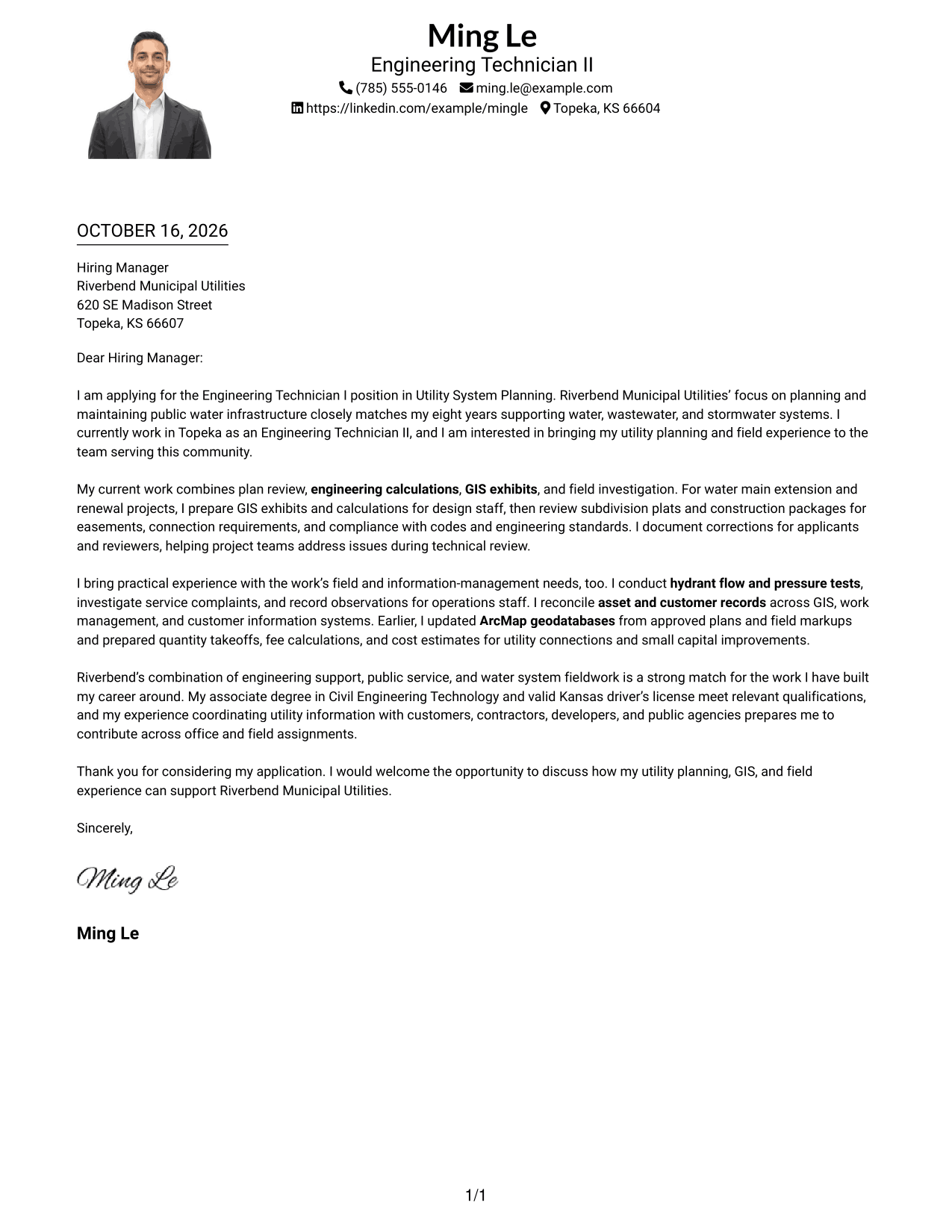
#4 One Column Format with Photo Cover Letter Example
A photo accompanies the one-column presentation, where sender details in the header and one continuous letter body share a single reading path.
Why This Format Works
- The one-column body keeps the letter's message in a direct sequence.
- Header contact details remain easy to find without a separate sidebar.
- A photo offers a visual choice while the argument stays in continuous paragraphs.
Best For
- One-column reading preference
- Photo-inclusive presentation
- Header contact information
- Continuous letter argument
- Simple page organization
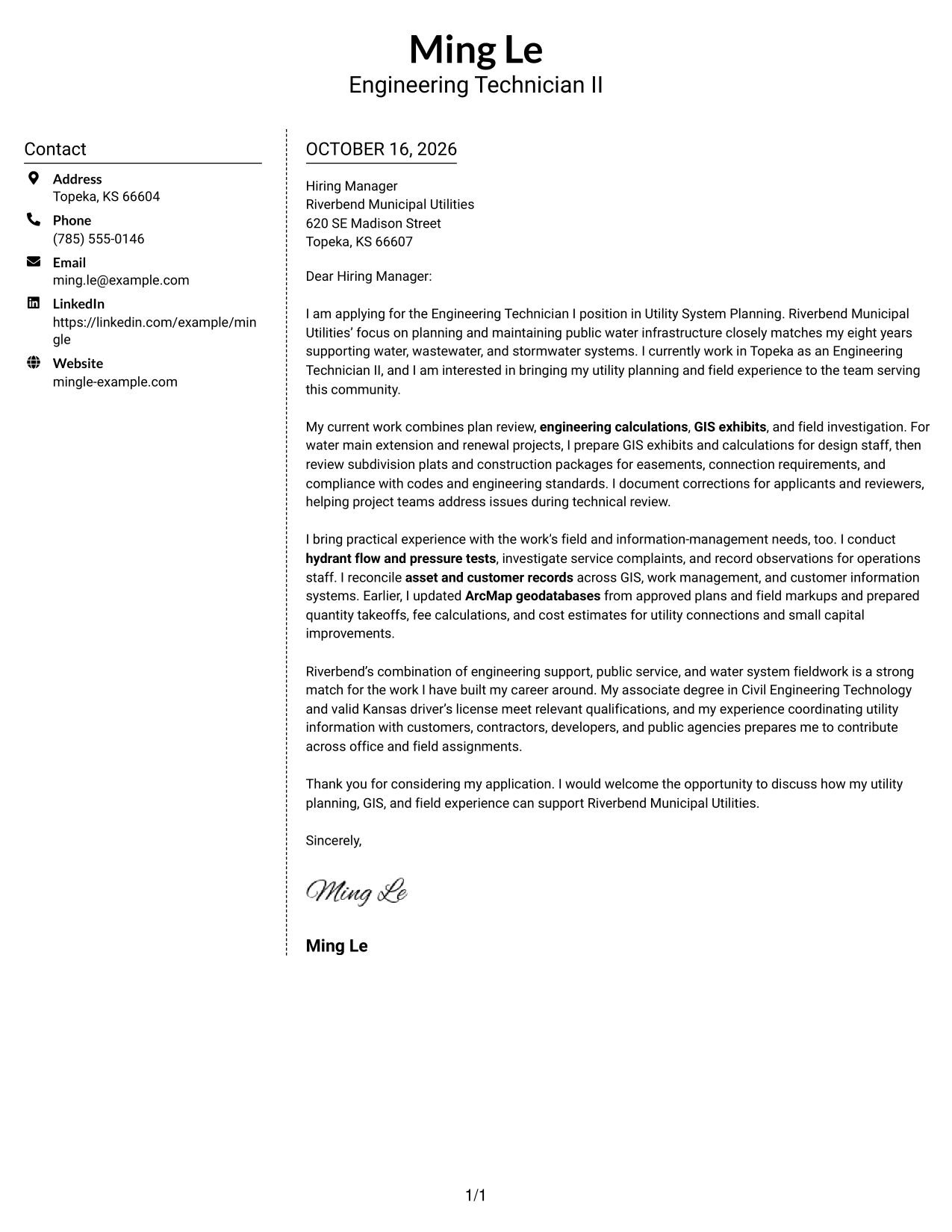
#5 Simple Two Column Format Cover Letter Example
A contact sidebar and a continuous letter body create a straightforward two-column arrangement, making sender information distinct from the main message.
Why This Format Works
- The sidebar gives contact information a clear place beside the letter.
- All persuasive paragraphs stay together rather than splitting across columns.
- The distinct areas make it easy to move between contact details and the message.
Best For
- Contact details beside the message
- Uninterrupted persuasive paragraphs
- Two-area page organization
- Quick contact information checks
- Straightforward letter presentation
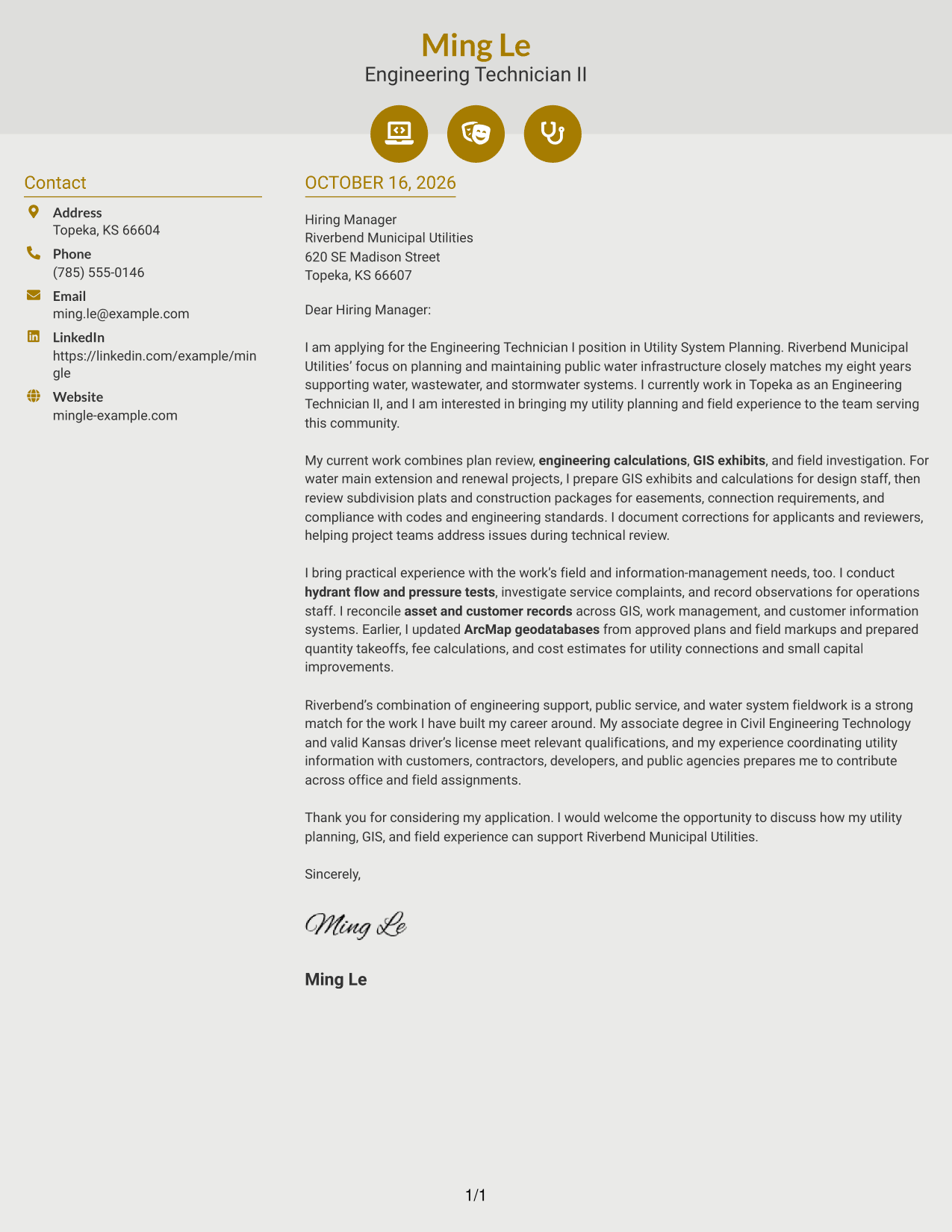
#6 Modern Icon Format Cover Letter Example
Contact icons add visual cues in the sidebar of this two-column layout, while the letter itself remains one continuous body.
Why This Format Works
- Icons help identify contact details without labeling parts of the letter argument.
- The sidebar keeps practical sender information apart from the message.
- One continuous body preserves the natural flow from opening to closing.
Best For
- Icon-led contact details
- Sidebar and letter separation
- Continuous paragraph flow
- Visual contact cues
- Two-column reading preference
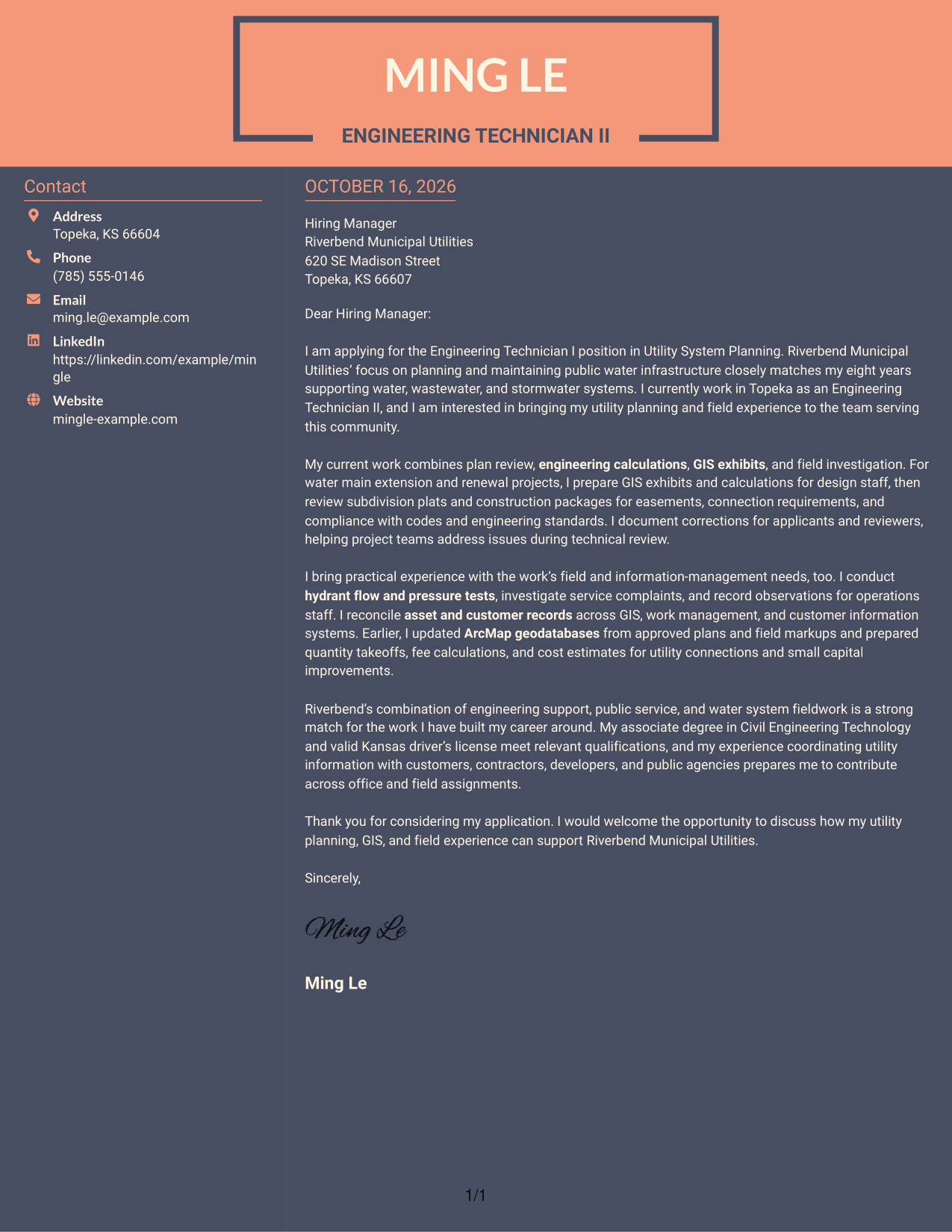
#7 Creative Two Tone Format Cover Letter Example
A contact sidebar sits beside the continuous letter body in this two-column format, giving the sender details a separate place from the message.
Why This Format Works
- Sender details have a defined place alongside, but apart from, the letter.
- The uninterrupted body lets motivation and supporting evidence develop together.
- A two-column reading order separates contact reference from the main message.
Best For
- Separate sender information
- Continuous letter narrative
- Side-by-side page layout
- Contact reference alongside the message
- Paragraph-based persuasion
See Also
- 7 Engineering Technician I - Utility System Planning, Water Resources Resume Templates with Example
- 7 Engineering Technician - Electromechanical Systems Resume Templates with Example
- 33 Biomedical Engineering Technician Resume Templates with Example 2026 (ATS-Optimized)
- 7 Engineering Technician 1 Resume Templates with Example
- 7 Engineering Technician I - Civil Engineering Resume Templates with Example
- 7 Engineering Technician I - Surveying and Drafting Resume Templates with Example
- 7 Engineering Technician Resume Templates with Example
- 33 Manufacturing Engineering Technician Intern Resume Templates with Example 2026 (ATS-Optimized)
- 30+ Biomedical Engineering Technician Cover Letter Templates with Example 2026
- 30+ Manufacturing Engineering Technician Intern Cover Letter Templates with Example 2026
Frequently Asked Questions
What should an Engineering Technician I - Utility System Planning, Water Resources cover letter highlight?
Focus on the parts of your experience that match the role, such as utility plan review, engineering calculations, GIS mapping, field inspections, or infrastructure record maintenance. Explain how your work supports accurate planning and clear coordination.
How can I make my opening paragraph specific to this role?
Name the Engineering Technician I - Utility System Planning, Water Resources position and briefly explain your interest in public water infrastructure. Then point to one area of relevant experience that you will explain in the body.
What examples work well in the body of this cover letter?
Choose one or two examples that show how you review plans, prepare engineering calculations or GIS exhibits, investigate field concerns, or maintain utility records. Be clear about your contribution and the value it brought to the work.
How should I close a utility planning cover letter?
Briefly restate your interest and the relevant value you could bring to the team. Thank the reader for considering your application and invite a conversation about your fit for the role.
How do I choose a cover letter layout?
Compare the image previews for readability and a clear flow from opening to closing. Choose a style that fits the employer and communication context, then open the example in the editor to view or customize it.




