
7 Engineering Technician I - Utility System Planning, Water Resources Resume Templates with Example
This guide shows you how to build an Engineering Technician I - Utility System Planning, Water Resources resume that presents your work clearly and helps reviewers find relevant evidence. Learn how to organize your experience and choose a format that supports quick review.
Strong resumes for this role connect planning work to practical results. Show how you review utility plans, prepare calculations and estimates, update GIS records, document field findings, and support clear coordination.
Compare the example in 7 resume layouts and learn how to present relevant skills, tools, education, and achievements. The guide also explains ways to use role-specific keywords and review the image previews before opening an example in the editor.
What Makes a Great Engineering Technician I - Utility System Planning, Water Resources Resume in 2026
A strong resume makes plan review, engineering calculations, GIS work, and field documentation easy to find. Clear headings and focused achievement bullets help reviewers see how your work supports reliable utility planning.
Use terms that match your experience, such as ArcMap, geodatabase editing, subdivision plat review, easement review, cost estimates, and hydrant flow and pressure tests. Add specific results where you can support them with accurate details.
Note: Resume examples are for educational purposes only. Use only information that accurately reflects your experience and qualifications. References to real organizations do not imply affiliation or endorsement.
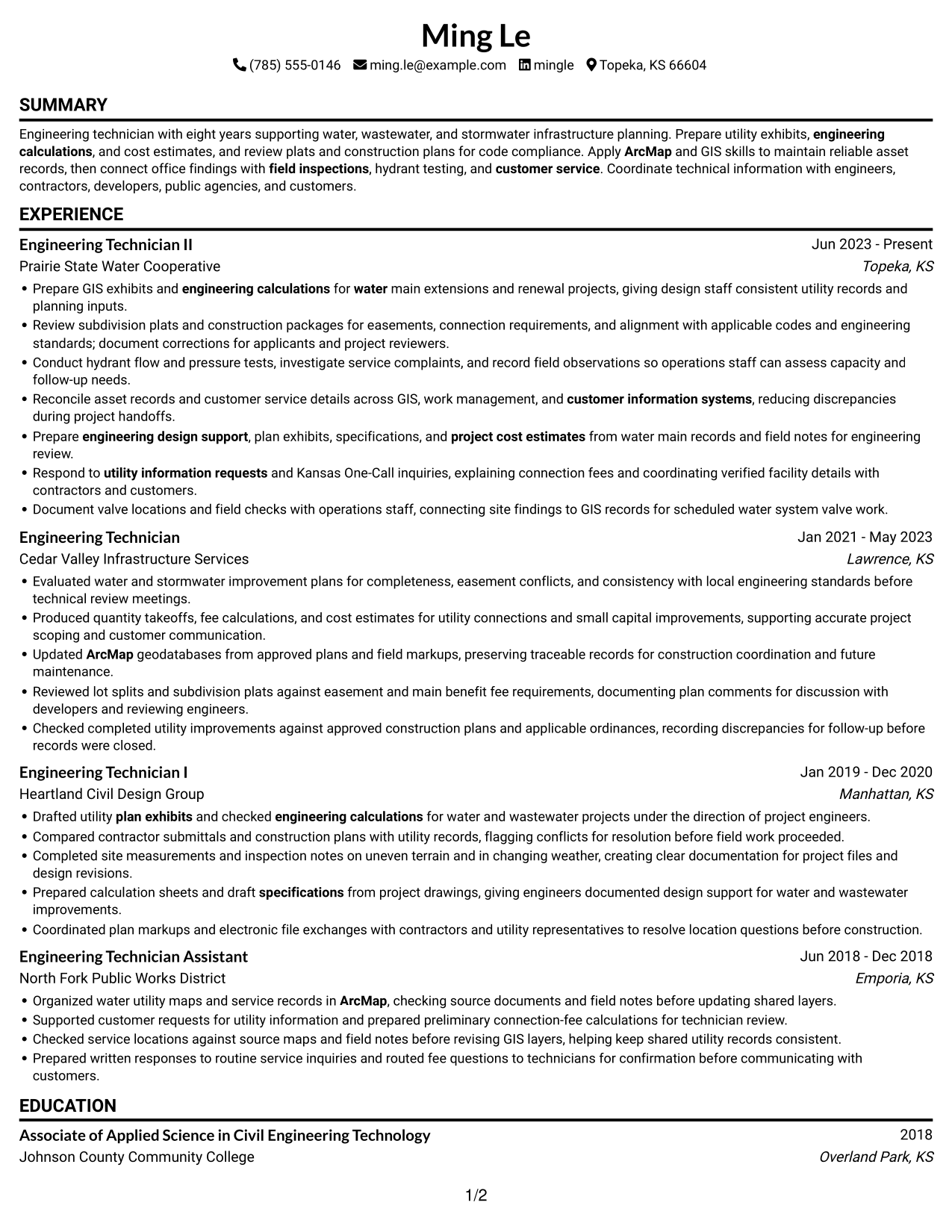
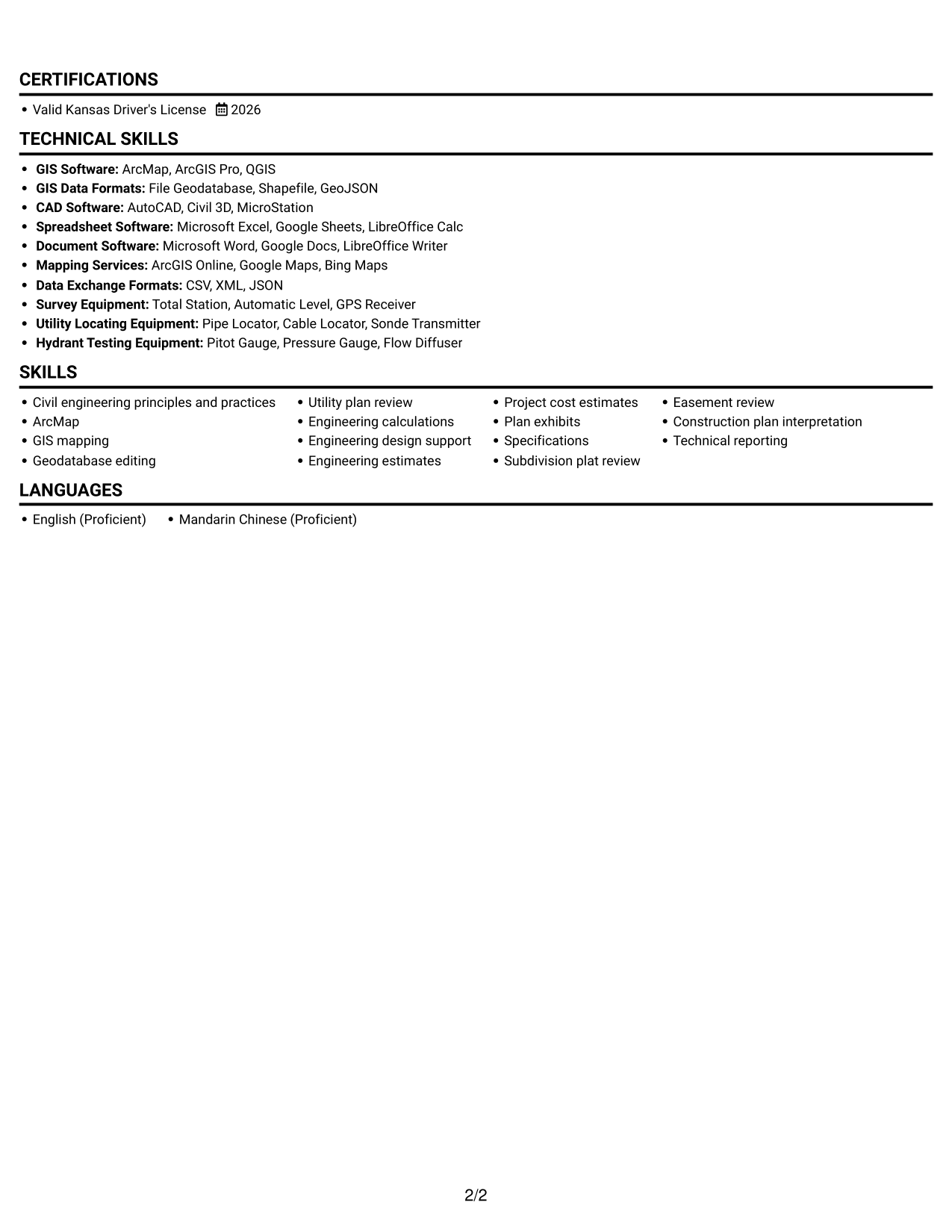
#1 Simple One Column Format Resume Example
A single-column body keeps each resume section on one reading path, a practical choice for reviewers who follow experience in sequence.
Why This Format Works
- A single reading path lets reviewers follow experience from recent roles to earlier positions.
- Education and license details fit into the same straightforward section sequence.
- Technical skills remain easy to scan without competing body columns.
Best For
- Chronological career-history review
- Single-path resume reading
- Detailed role descriptions
- Clear section progression
- Text-first document presentation
Resume Keywords
- Civil engineering principles and practices
- ArcMap
- GIS mapping
- Geodatabase editing
- Utility plan review
- engineering calculations
- engineering design support
- Engineering estimates
- project cost estimates
- plan exhibits
- specifications
- Subdivision plat review
- Easement review
- Construction plan interpretation
- field inspections
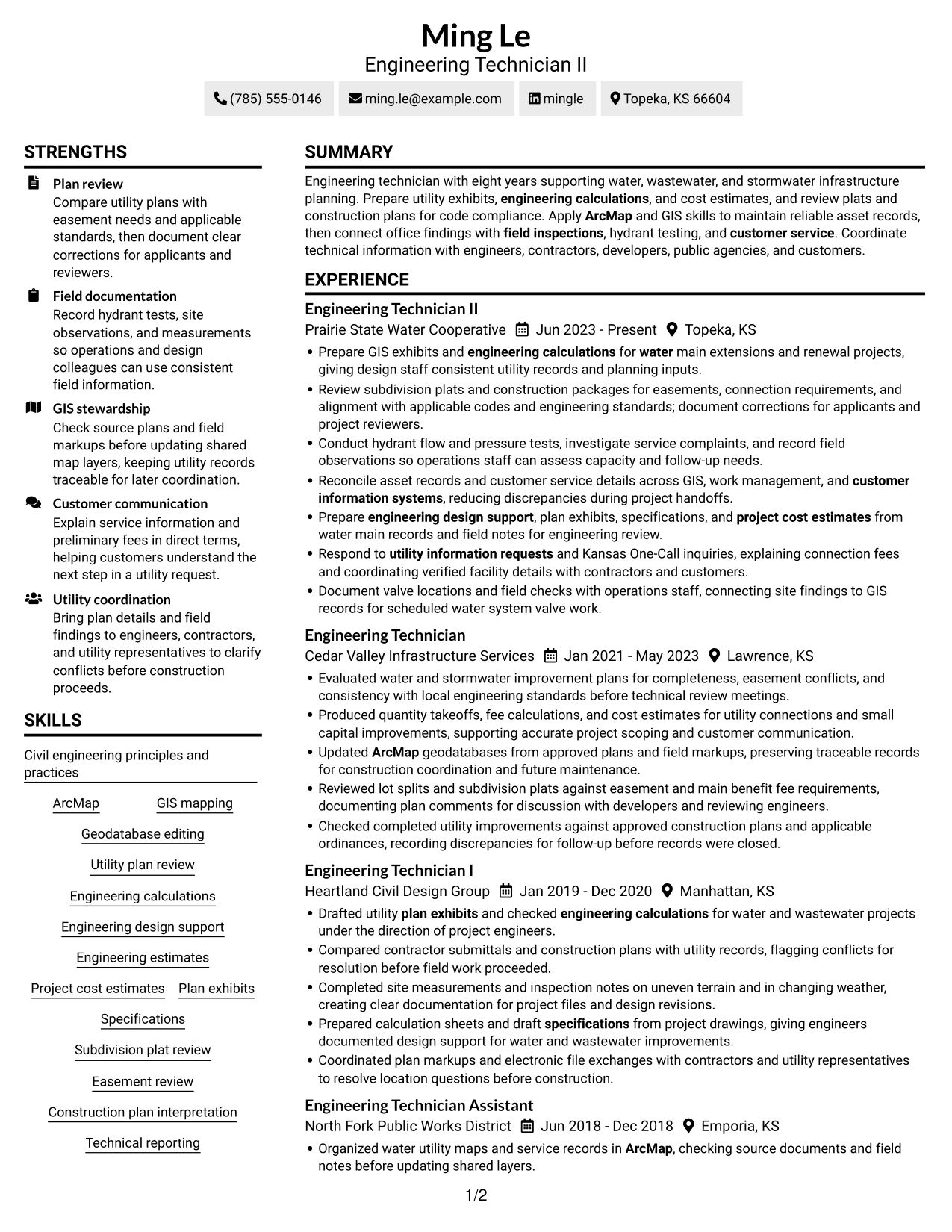
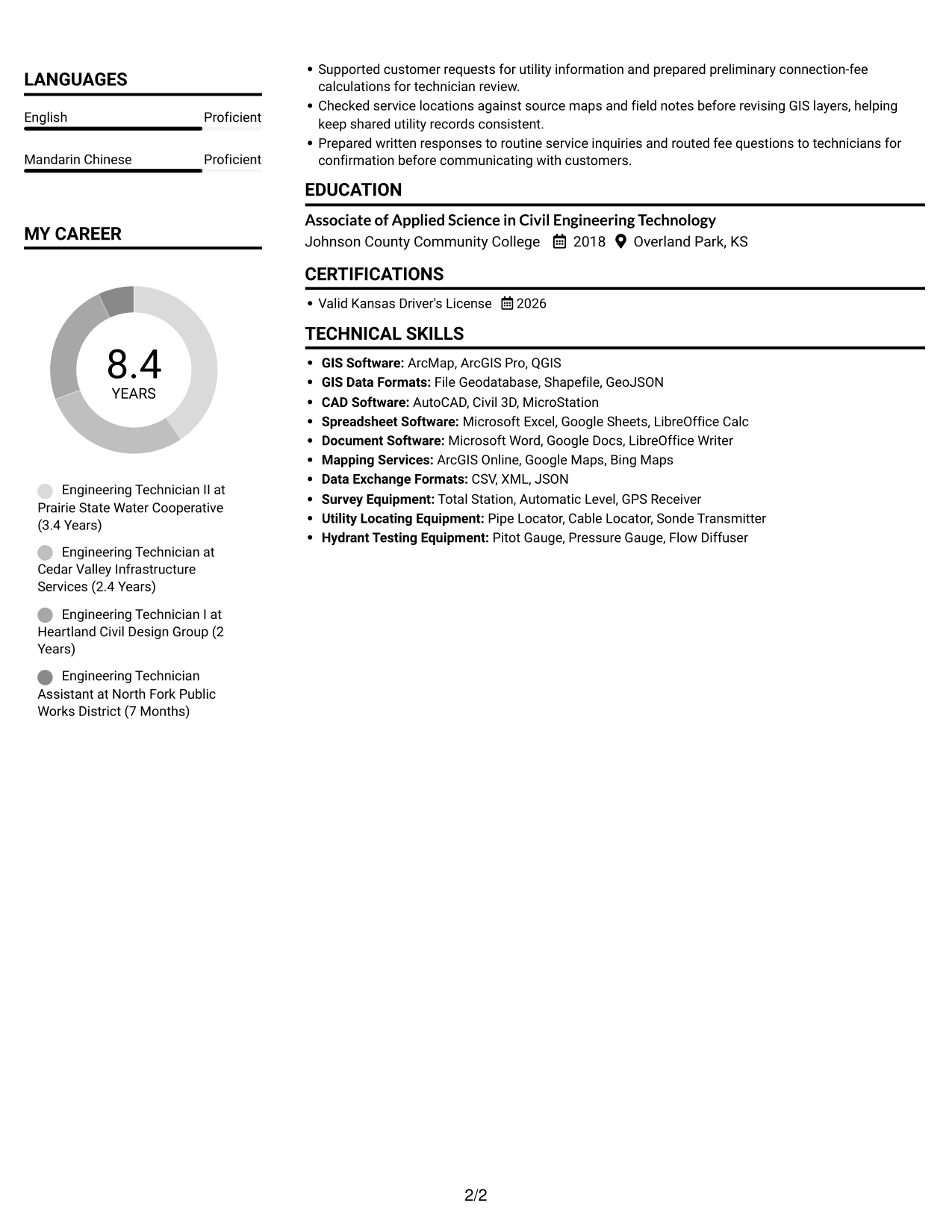
#2 Simple Two Column Format Resume Example
The two-column body places resume content in parallel areas, giving reviewers a practical way to move between career history and supporting details.
Why This Format Works
- Parallel content areas help reviewers move between career history and supporting qualifications.
- Distinct body areas let readers locate skills apart from experience details.
- Education and license details remain easy to locate during a focused review.
Best For
- Parallel content organization
- Experience with supporting details
- Section-to-section review
- Separate skills and work sections
- Compact qualification overviews
#3 Plain One Column with Shaded Labels Resume Example
Its one-column body keeps resume details on a shared reading path, which suits reviewers who want to move through sections in order.
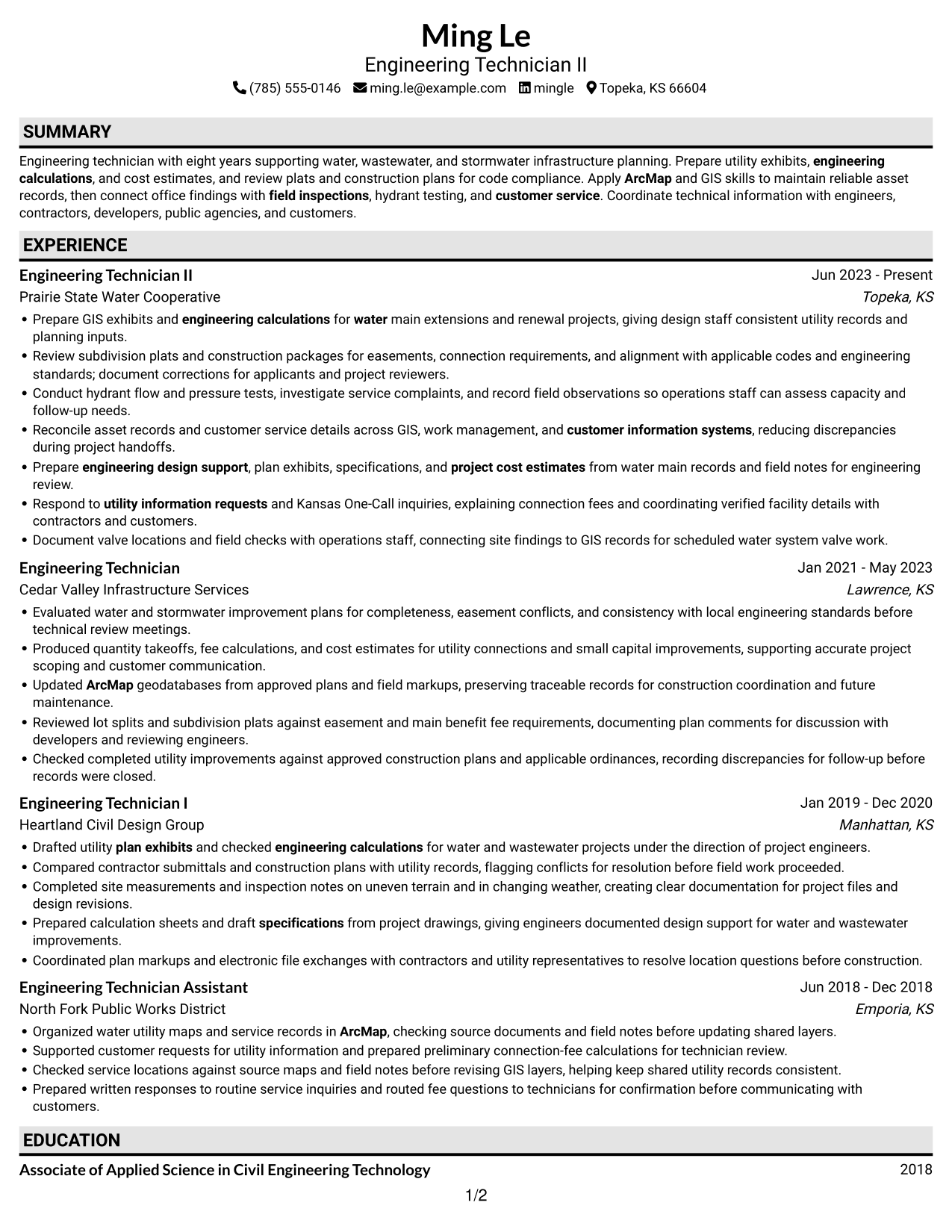
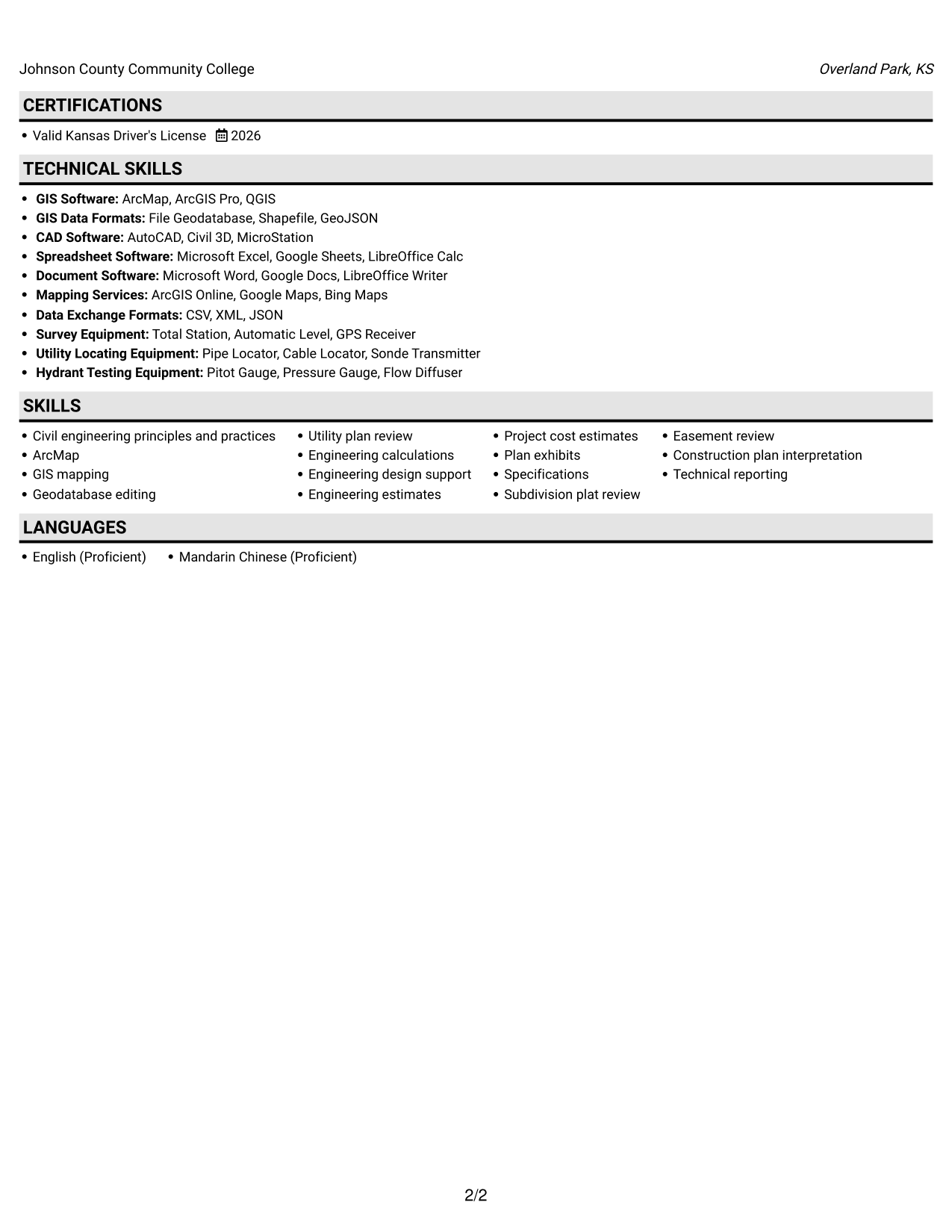
Why This Format Works
- One-column reading order helps reviewers trace each role across the work history.
- Skills and experience follow one shared path instead of competing columns.
- The same sequence keeps education and credentials within the main review flow.
Best For
- Single-column section sequence
- Sequential career-history review
- Role-by-role detail
- Education and credential sections
- One-path content review
#4 One Column Format with Photo Right Resume Example
The one-column body pairs a direct reading order with a photo on the right, a useful choice when portrait placement matters.
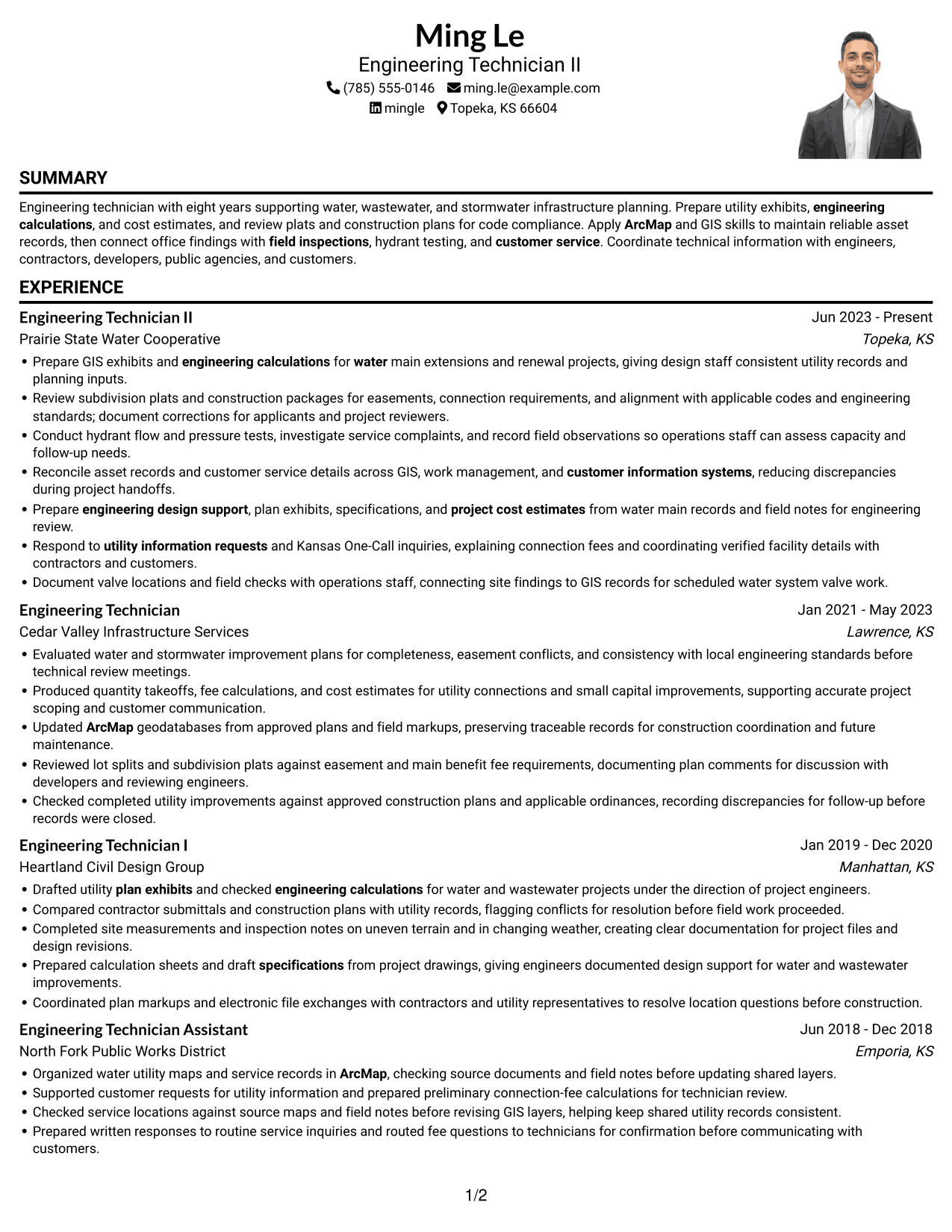
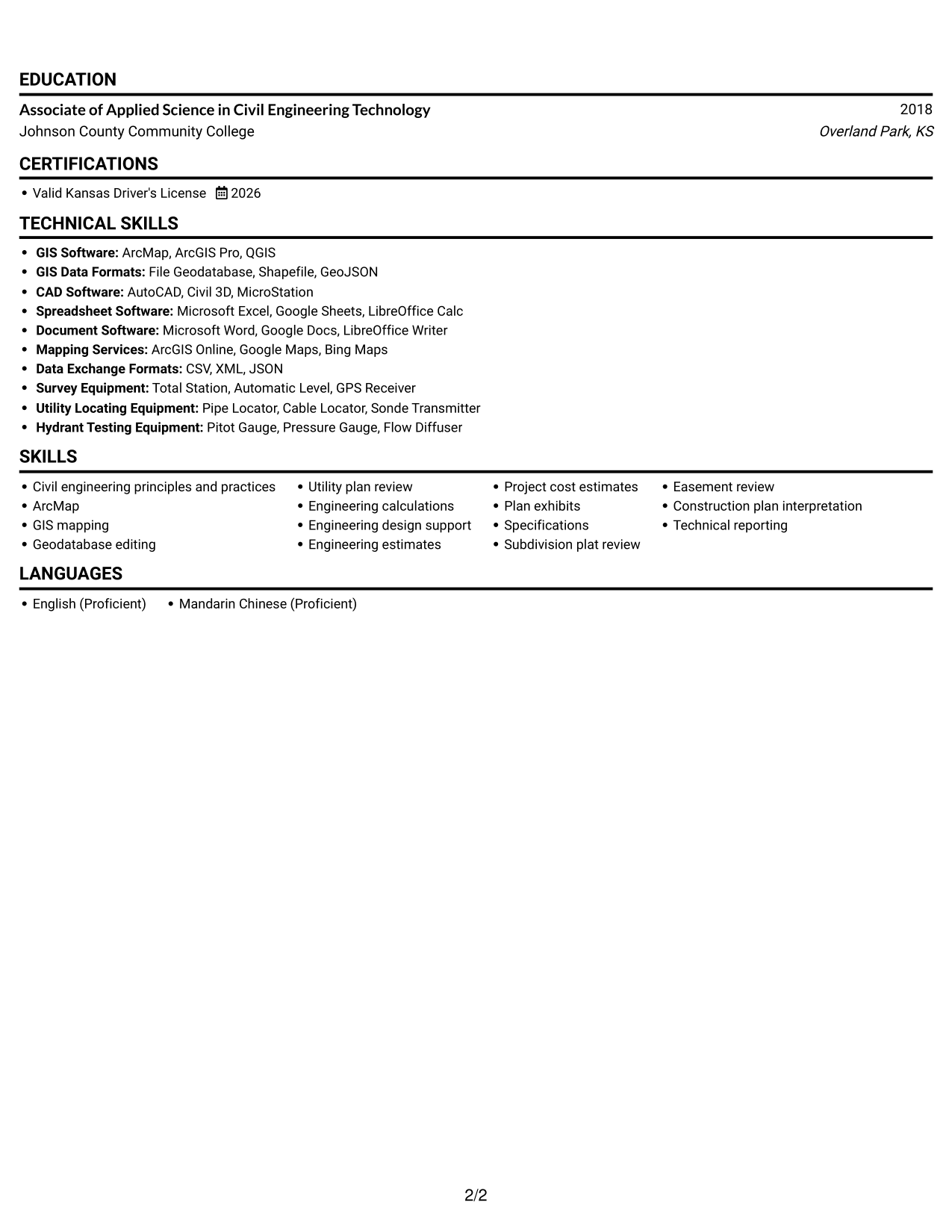
Why This Format Works
- Experience stays in one body column, giving reviewers a direct route through role history.
- Skills, education, and credentials can be checked along the same reading path.
- One-column organization keeps role details from splitting across parallel body areas.
Best For
- One-column resume reading
- Right-side portrait placement
- Detailed role-by-role history
- Sequential experience review
- Resumes with personal portraits
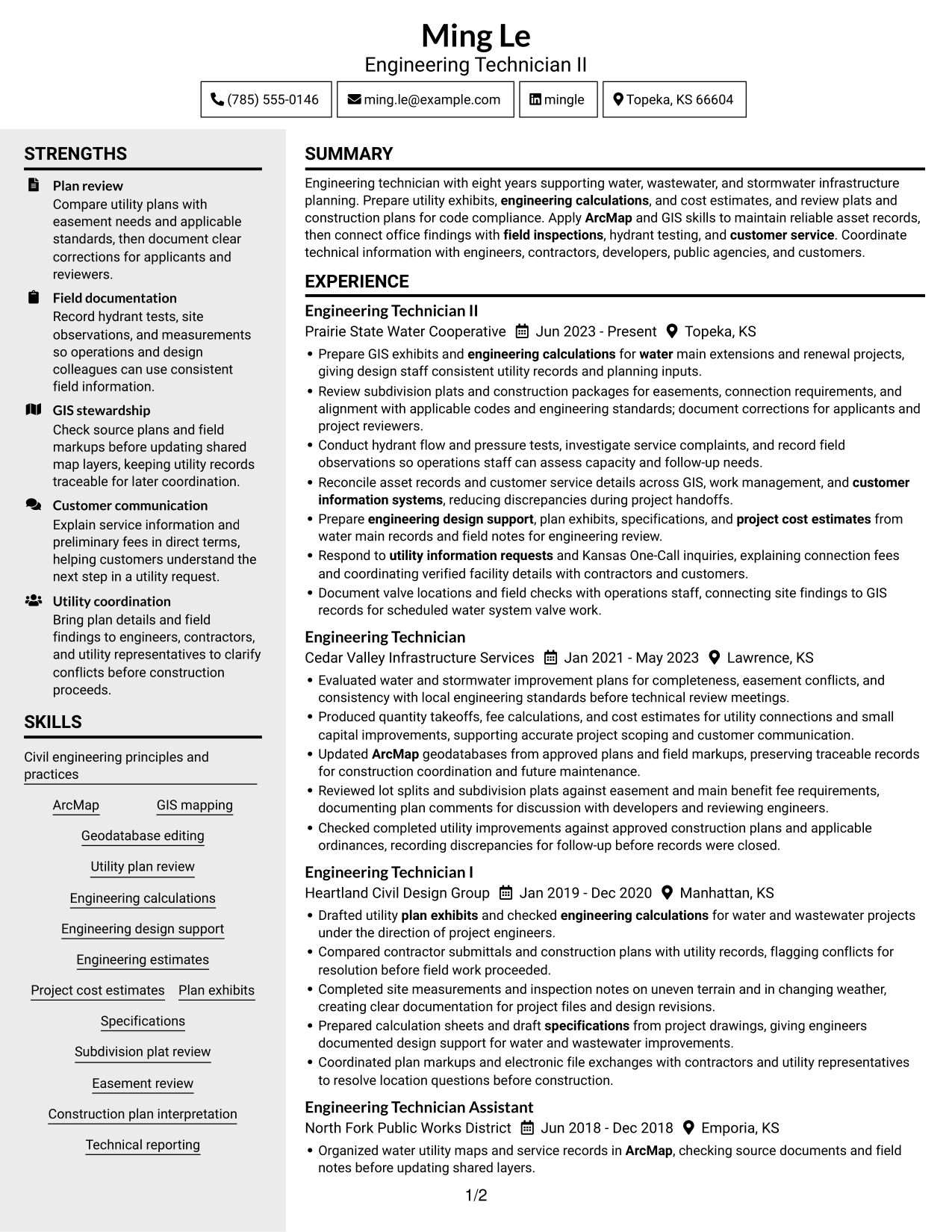
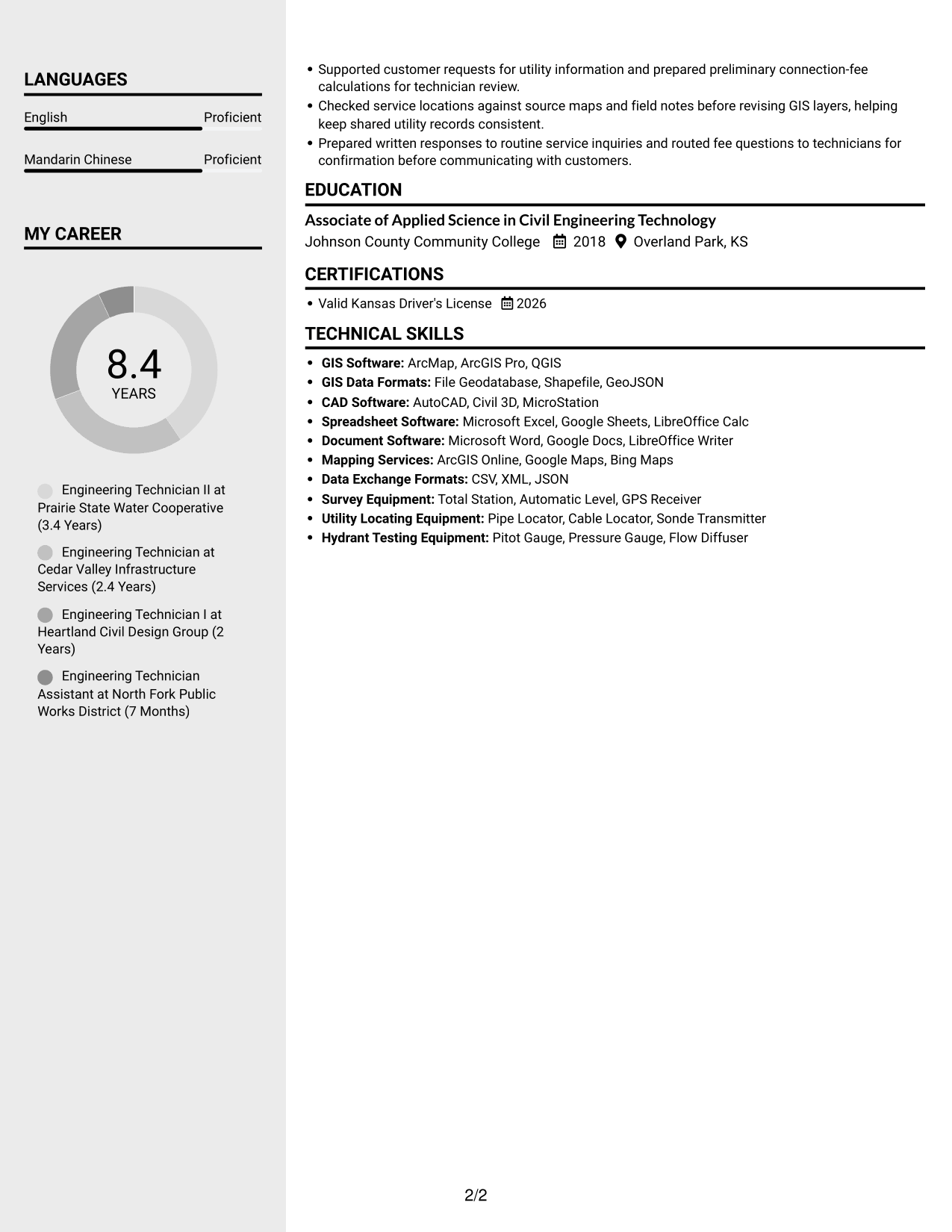
#5 Clean Two Column Sidebar Format Resume Example
The two-column body groups resume content into parallel areas, helping reviewers compare career details with other qualifications.
Why This Format Works
- Two body columns give reviewers separate areas for experience and supporting qualifications.
- Parallel content areas make technical skills easier to revisit during experience review.
- Education and license information can be found without tracing one long column.
Best For
- Separate resume content areas
- Experience and qualification review
- Skills revisited during screening
- Education with work history
- Parallel section navigation
#6 Two Column Format Resume Example
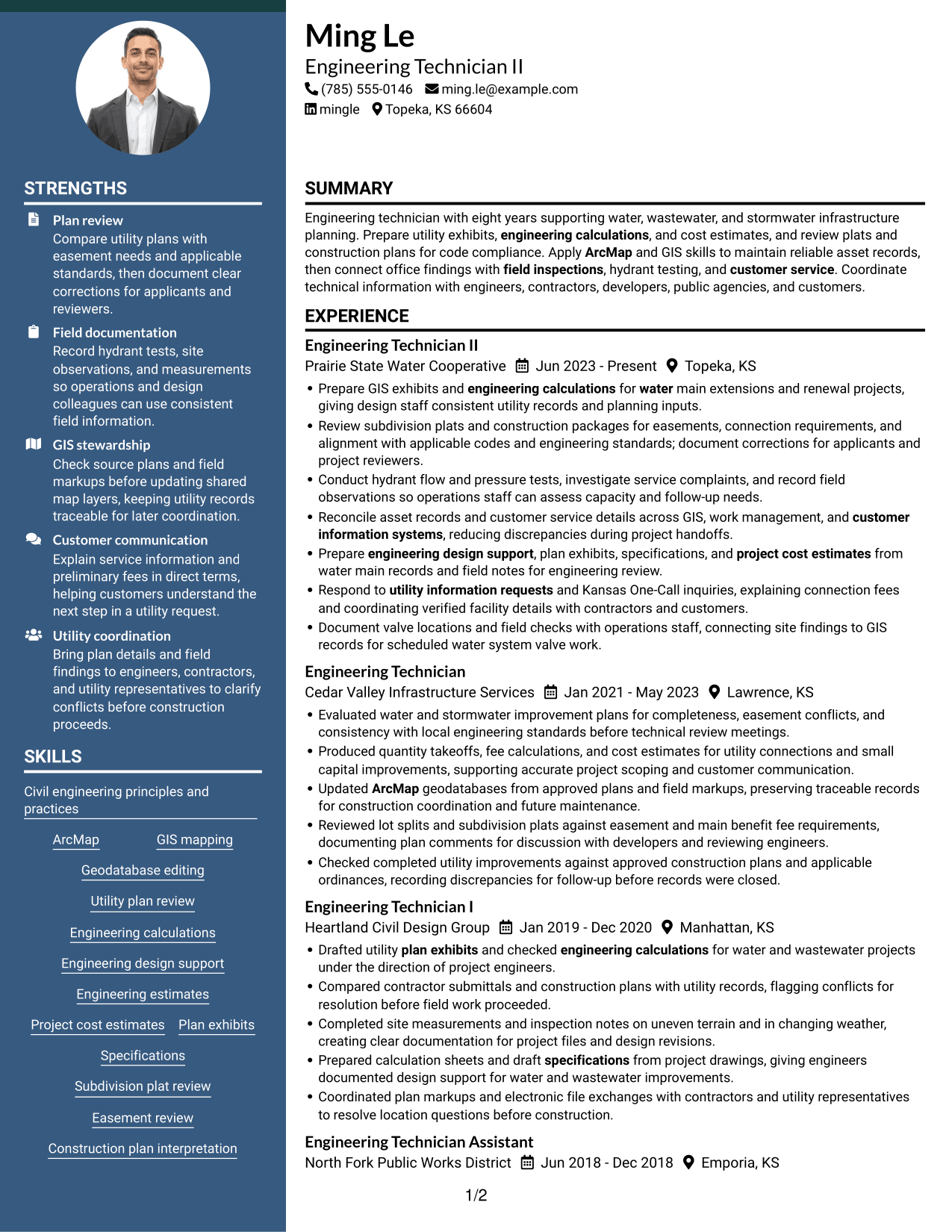
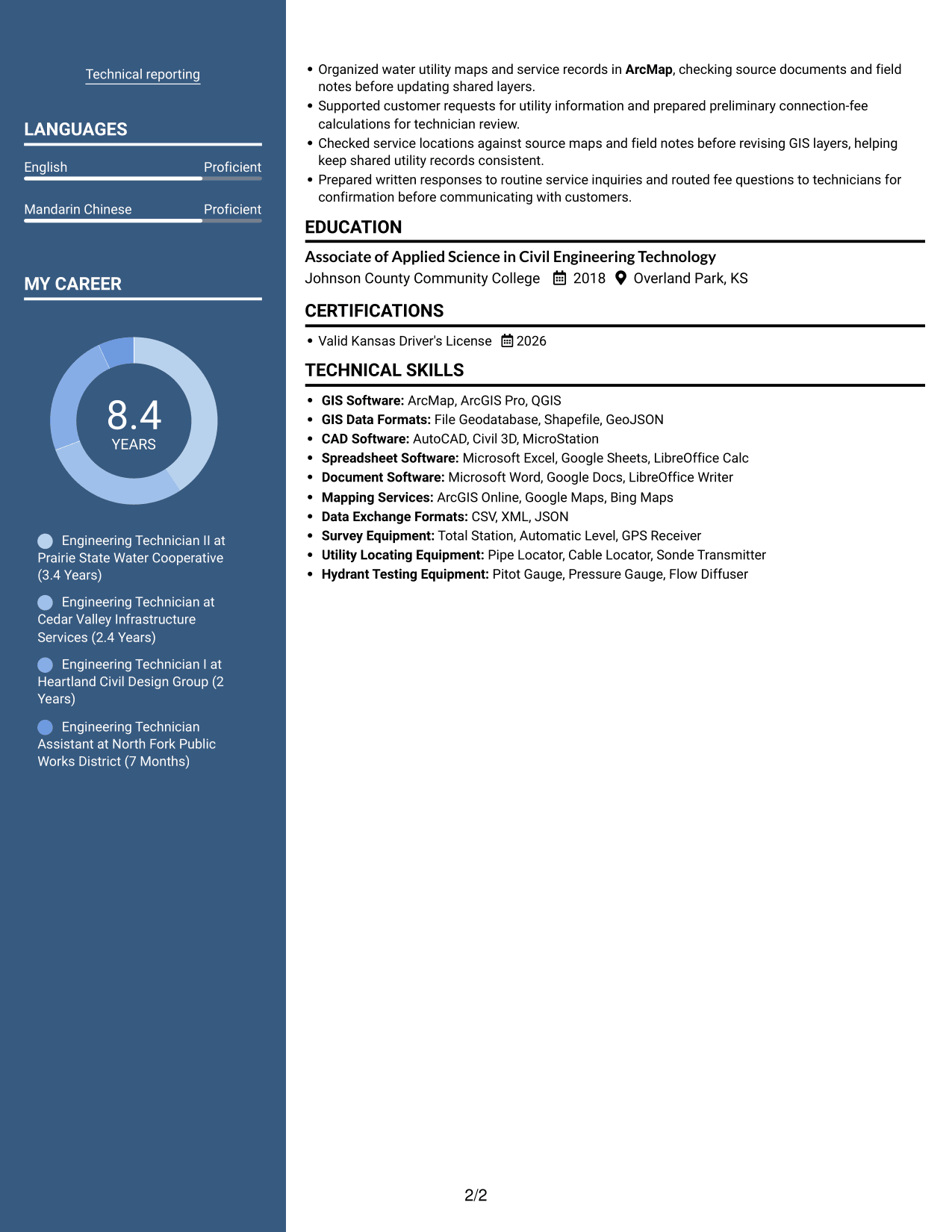
Two columns give this resume a parallel reading structure, a practical option for reviewers who move between work history and supporting sections.
Why This Format Works
- Career history and supporting details occupy distinct areas for section-to-section review.
- A separate route for technical skills keeps them apart from job descriptions.
- Education and credentials stay available as reviewers compare experience details.
Best For
- Parallel resume reading
- Career history with supporting details
- Separate skills and experience
- Cross-section qualification checks
- Organized education and credentials
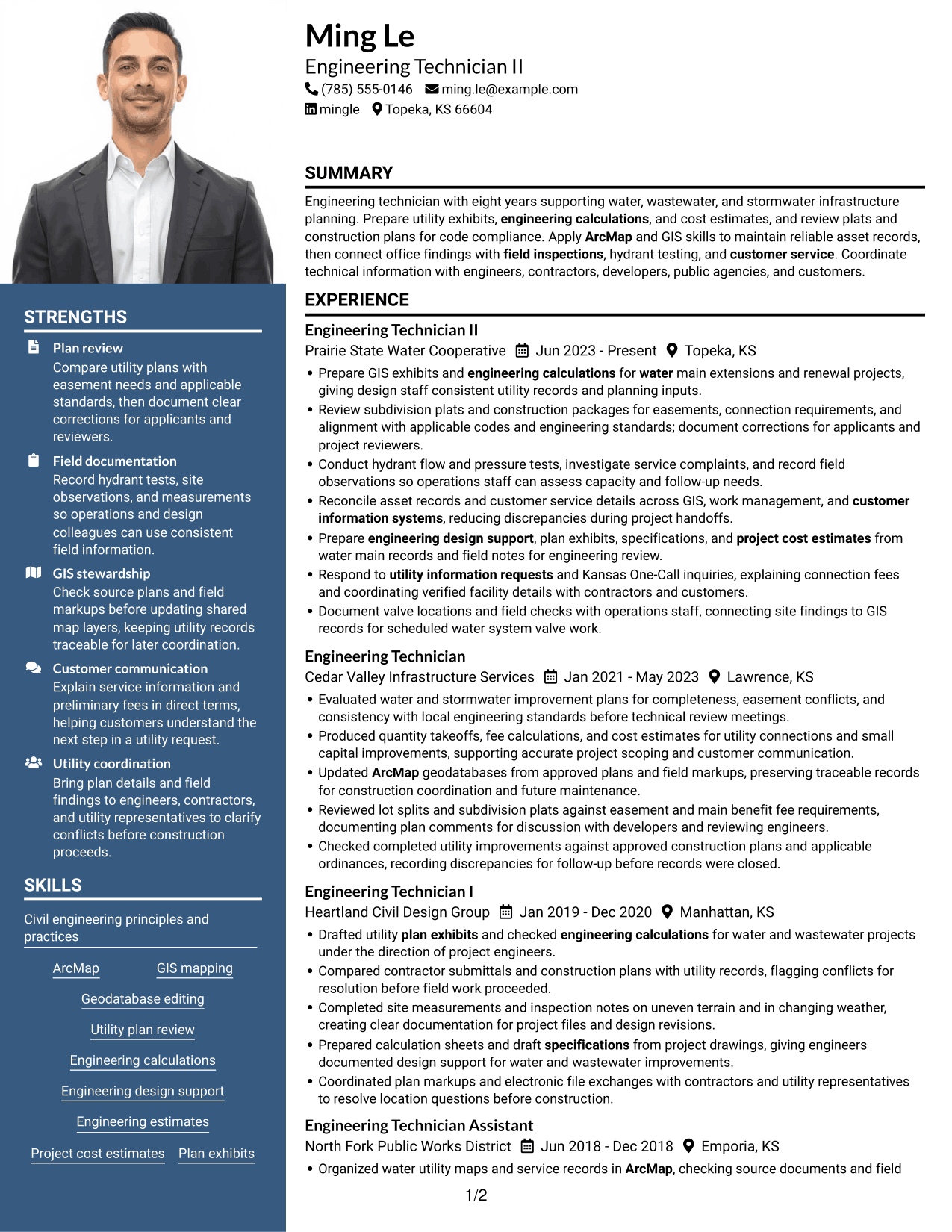
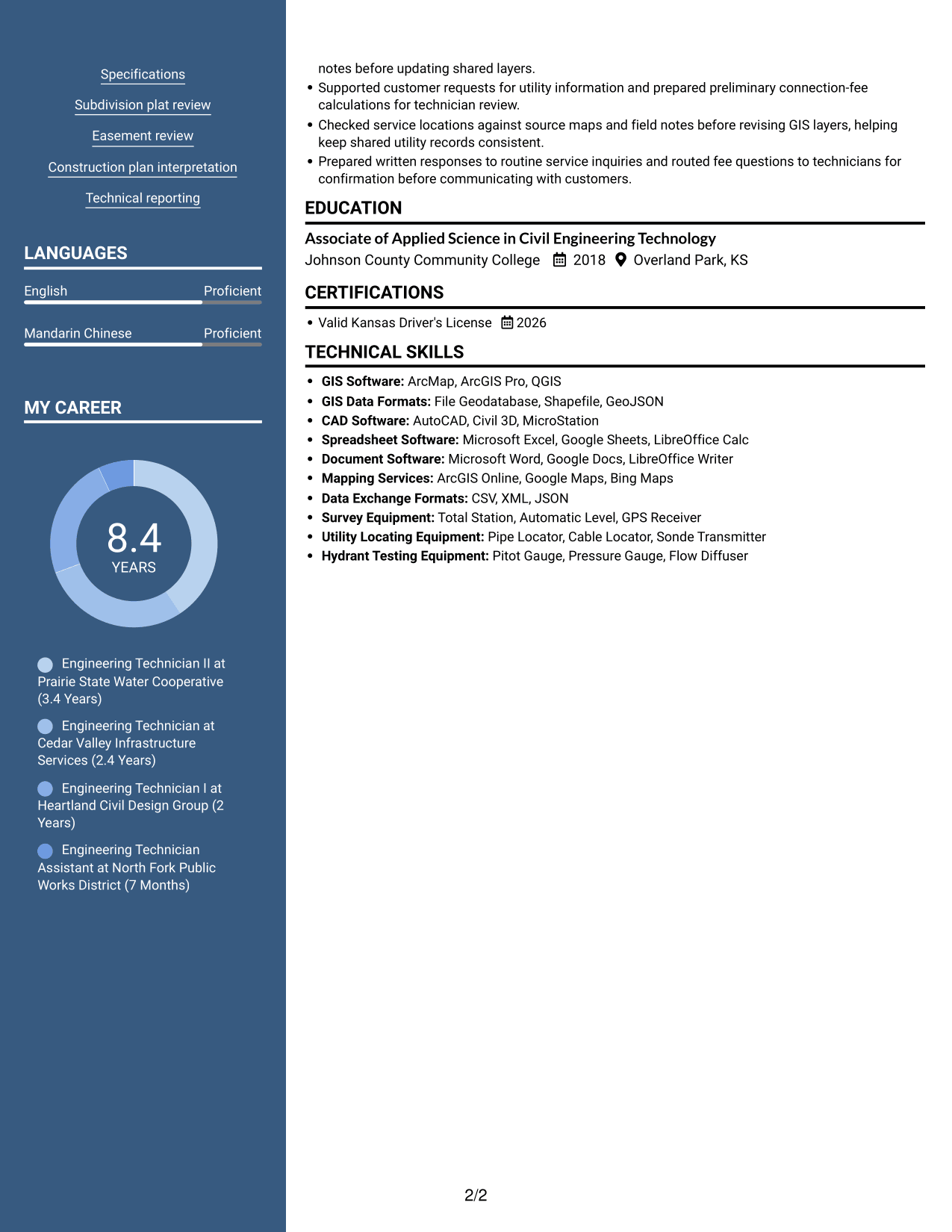
#7 Photo Header Two Column Format Resume Example
A photo header sits above the two-column body, placing the portrait apart from the resume sections while keeping content in parallel areas.
Why This Format Works
- Two-column body areas keep career history and supporting details distinct during review.
- Separate content areas help reviewers return to technical skills without rereading every role.
- Education and license information can be checked apart from the work history.
Best For
- Photo-led resume header
- Two-column section organization
- Career history beside supporting details
- Return visits to skills
- Portrait with structured content
Why Use ResumeInMinutes for Your Engineering Technician I - Utility System Planning, Water Resources Resume
ResumeInMinutes lets you compare resume image previews and open an example in the editor to customize its content. Use a clear section order to make your relevant experience, technical skills, education, and licenses easy to review.
- ATS-friendly section structure
- Clear experience and skills sections
- Role-specific keyword guidance
- Space for GIS and utility tools
- Image previews for comparison
- Resume editing in the editor
Keep the focus on evidence that matters for utility system planning, such as plan review, GIS record updates, cost estimates, field checks, and coordination with customers and project teams.
See Also
- 7 Engineering Technician - Electromechanical Systems Resume Templates with Example
- 33 Biomedical Engineering Technician Resume Templates with Example 2026 (ATS-Optimized)
- 7 Engineering Technician 1 Resume Templates with Example
- 7 Engineering Technician I - Civil Engineering Resume Templates with Example
- 7 Engineering Technician I - Surveying and Drafting Resume Templates with Example
- 7 Engineering Technician Resume Templates with Example
- 33 Manufacturing Engineering Technician Intern Resume Templates with Example 2026 (ATS-Optimized)
- 7 Maintenance Technician I, II, or III - Water Resume Templates with Example
- 7 Engineering Technician I - Utility System Planning, Water Resources Cover Letter Templates with Example
- 30+ Biomedical Engineering Technician Cover Letter Templates with Example 2026
Frequently Asked Questions
Are these Engineering Technician I - Utility System Planning, Water Resources resume templates ATS-friendly?
The examples use readable sections and straightforward headings. Include relevant terms that reflect your background, such as ArcMap, utility plan review, engineering calculations, GIS mapping, and field inspections.
Are these seven different resumes?
No. The guide shows one resume example in different layouts. Compare the image previews, then open an example in the editor if you want to customize it.
What should this engineering technician resume include?
Include a focused summary, relevant experience, technical skills, education, and applicable licenses. Experience bullets can show plan review, calculations, GIS updates, field inspections, fee work, and utility coordination.
Which resume format works well for utility system planning?
Choose a format with clear headings and an easy-to-follow experience section. A simple layout helps reviewers find your utility planning work, technical skills, and education quickly.
How can I show results if my work does not have many numbers?
Describe the task, the action you took, and how it supported the project or team. For example, explain how you checked plans for easement conflicts or updated GIS records for construction coordination.
Should I include a photo on my resume?
For applications in the United States, a photo is usually not needed. A no-photo resume keeps attention on your work history, skills, and qualifications.




