
7 Enterprise Security Engineer - Vulnerability Management Cover Letter Templates with Example
This guide helps you write an Enterprise Security Engineer - Vulnerability Management cover letter and compare seven layouts through image previews you can open in the editor.
What Makes a Great Enterprise Security Engineer - Vulnerability Management Cover Letter in 2026
A strong letter connects your interest in vulnerability management to clear action on emerging threats, exposure, and verified remediation. Its opening should name the role and make your reason for applying clear.
Use a specific example, such as a tested mitigation or a vulnerability response tracked through confirmed closure. Then connect your evidence to the employer’s needs and explain the risk in clear terms.
The featured Enterprise Security Engineer - Vulnerability Management example moves from role motivation to a concrete vulnerability response, relevant technical strengths, and a direct close. Adapt this focused progression, choosing a presentation that fits the employer and the communication context.
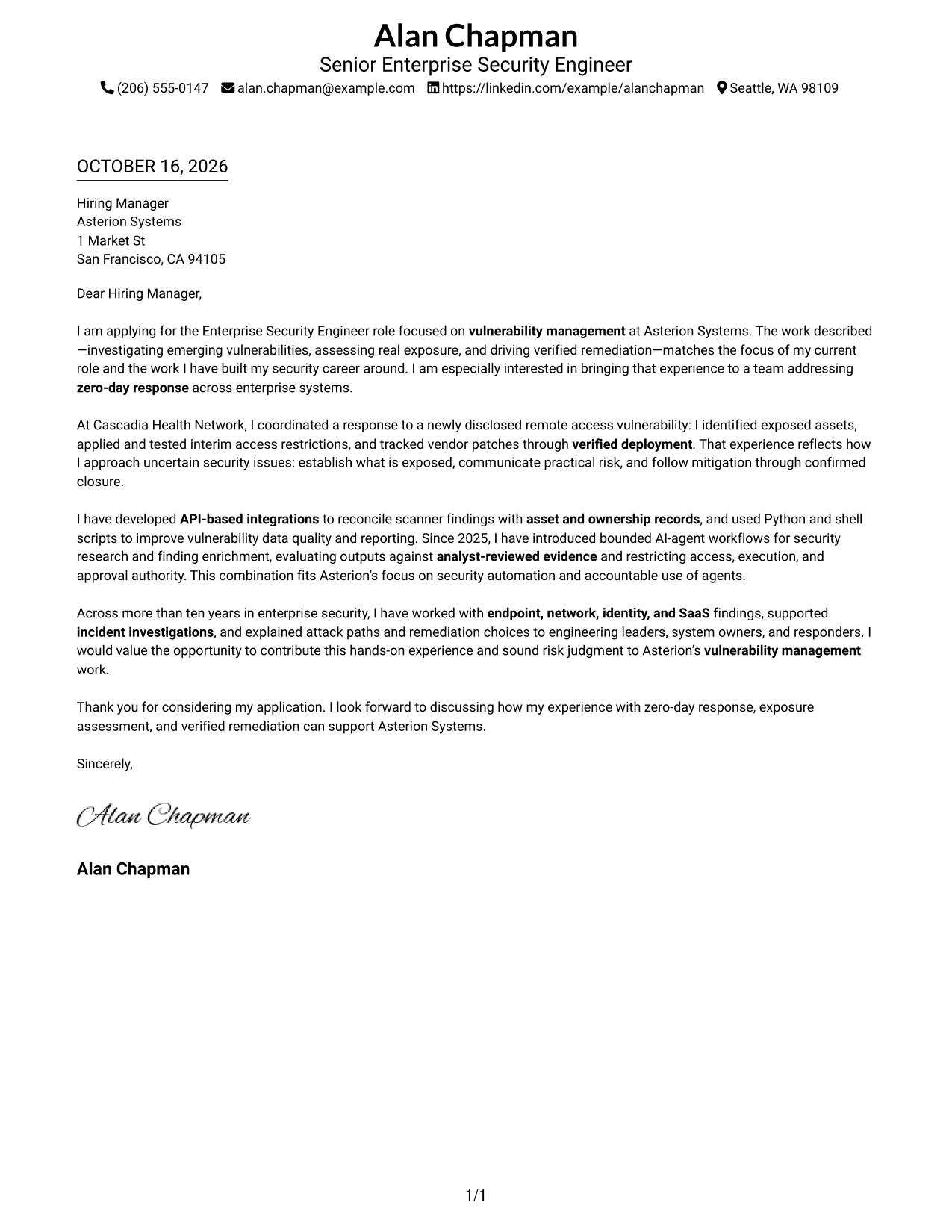
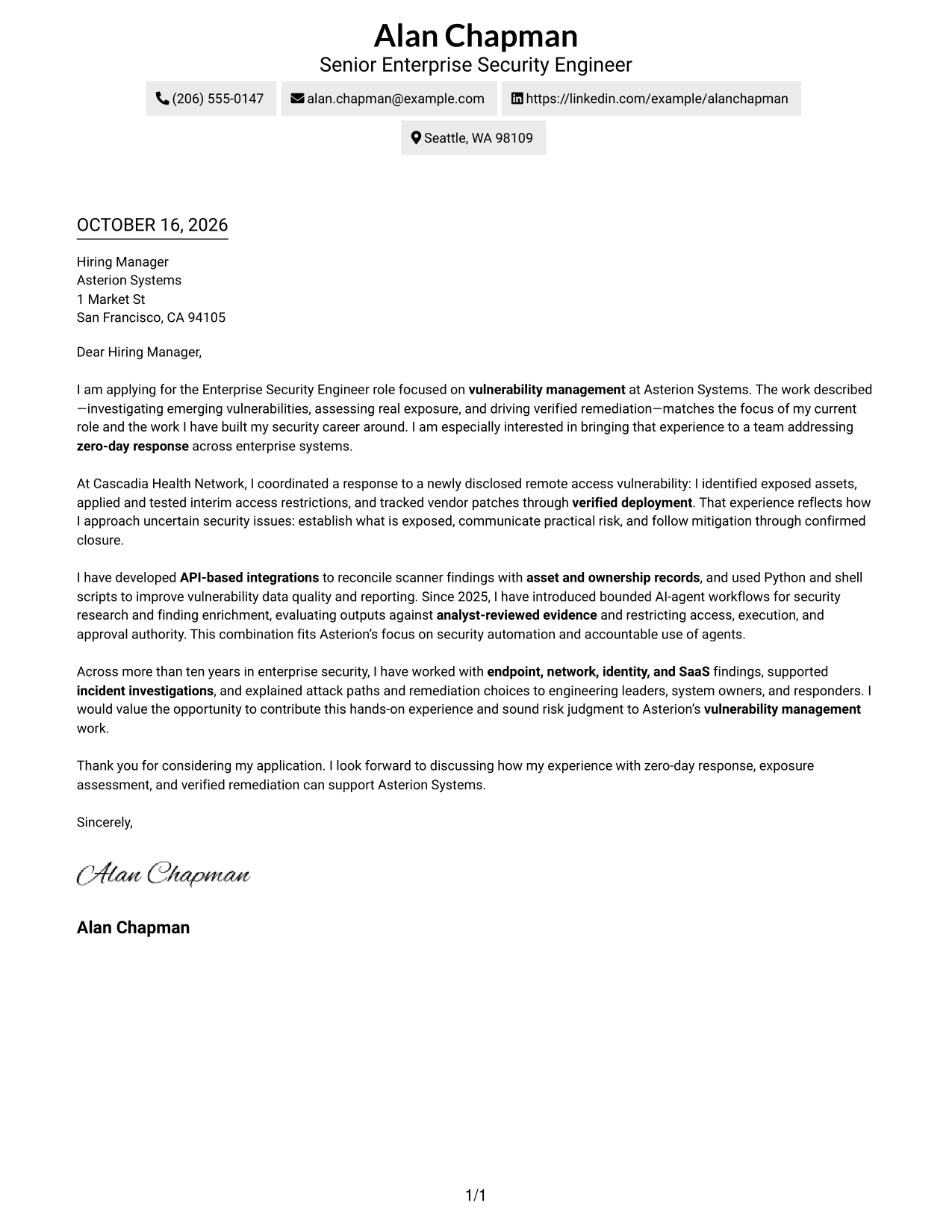
#1 Simple One Column Format Cover Letter Example
The Simple One Column Format keeps sender details in the header above one continuous letter body, giving the opening, evidence, and close a direct reading path.
Why This Format Works
- Header placement keeps sender details close to the letter without a contact sidebar.
- The connected body carries motivation, supporting evidence, and the closing in sequence.
- One reading column gives reviewers a consistent path through the message.
Best For
- Single-column letter reading
- Header-based sender details
- Letters with connected persuasive paragraphs
- Paragraph-based supporting evidence
- Text-led document presentation
#2 Two Column Format Cover Letter Example
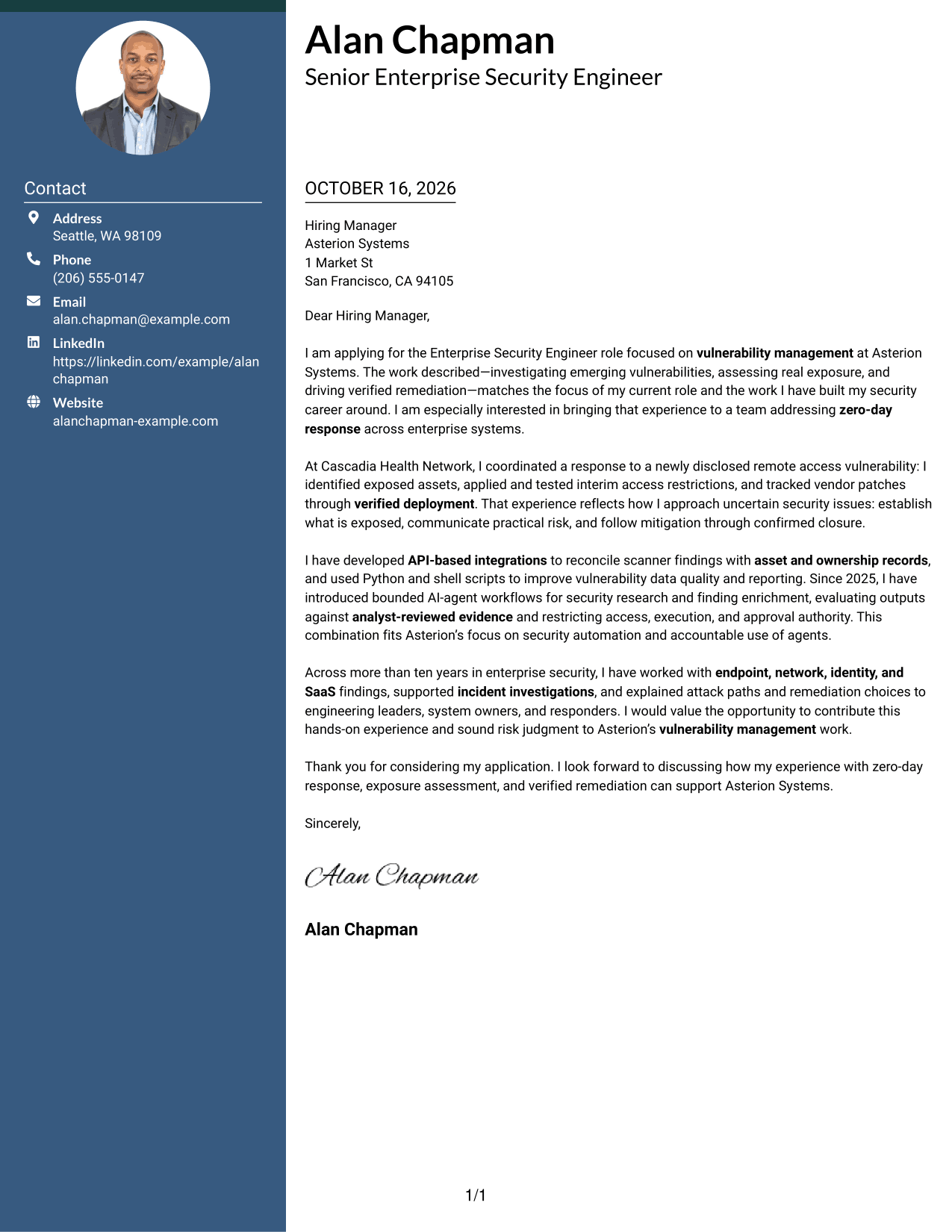
The Two Column Format places contact details in a sidebar beside one continuous letter body, keeping practical sender information separate from the message.
Why This Format Works
- A dedicated contact sidebar separates sender information from the persuasive paragraphs.
- The letter body keeps its opening, evidence, and closing in one continuous sequence.
- Reviewers can find contact details without interrupting the message.
Best For
- Separate contact and message areas
- Sidebar contact reference
- Letters with several body paragraphs
- Continuous persuasive arguments
- Two-area page organization
#3 Photo Header Two Column Format Cover Letter Example
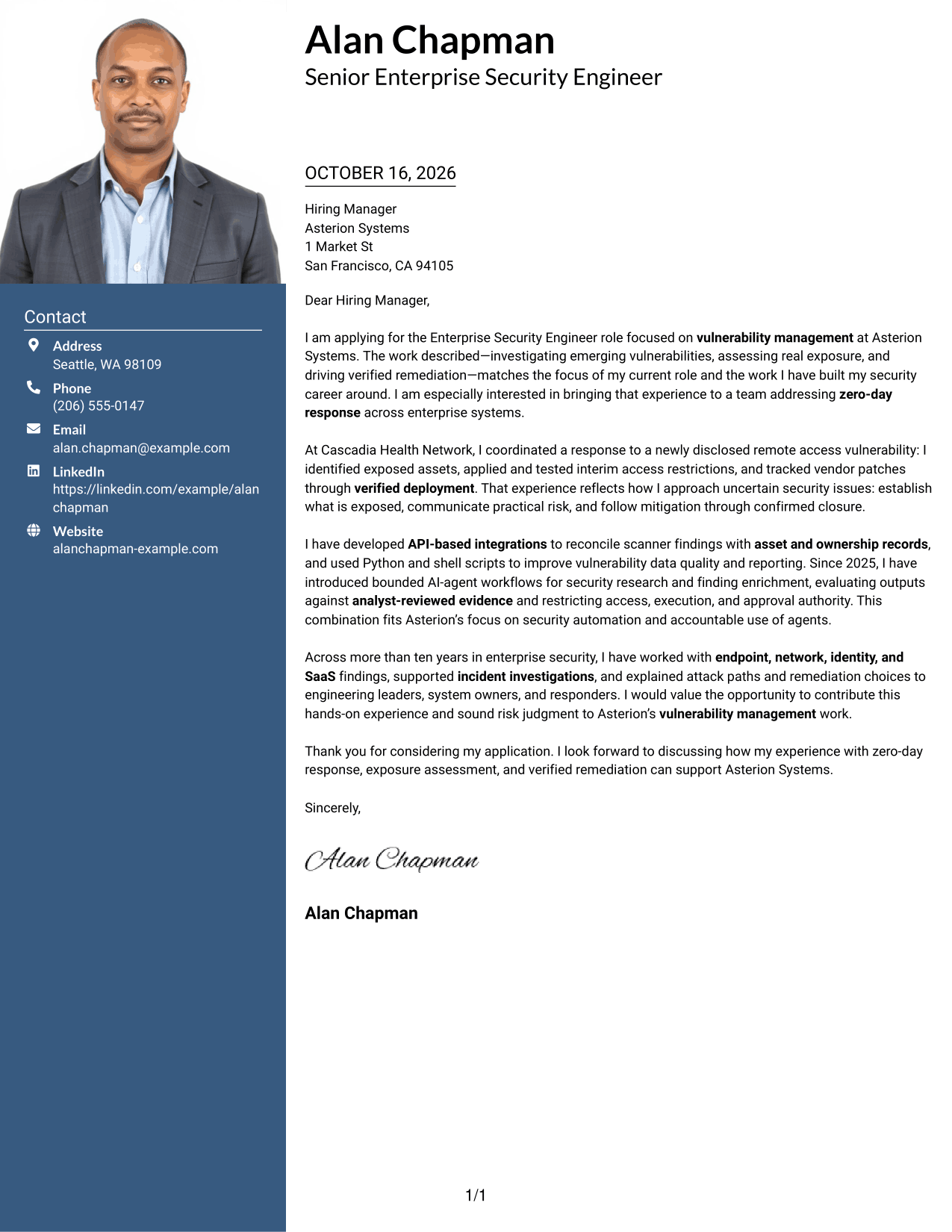
The Photo Header Two Column Format pairs a header photo with a contact sidebar beside one continuous letter body, adding a personal visual detail while keeping contact information distinct.
Why This Format Works
- The header photo provides a personal visual element separate from the letter's argument.
- Sidebar contact details remain distinct from the continuous message.
- Opening, evidence, and closing paragraphs stay together in one reading sequence.
Best For
- Photo-forward header preference
- Contact details beside the message
- Letters with a continuous argument
- Paragraph-based evidence
- Distinct sender information
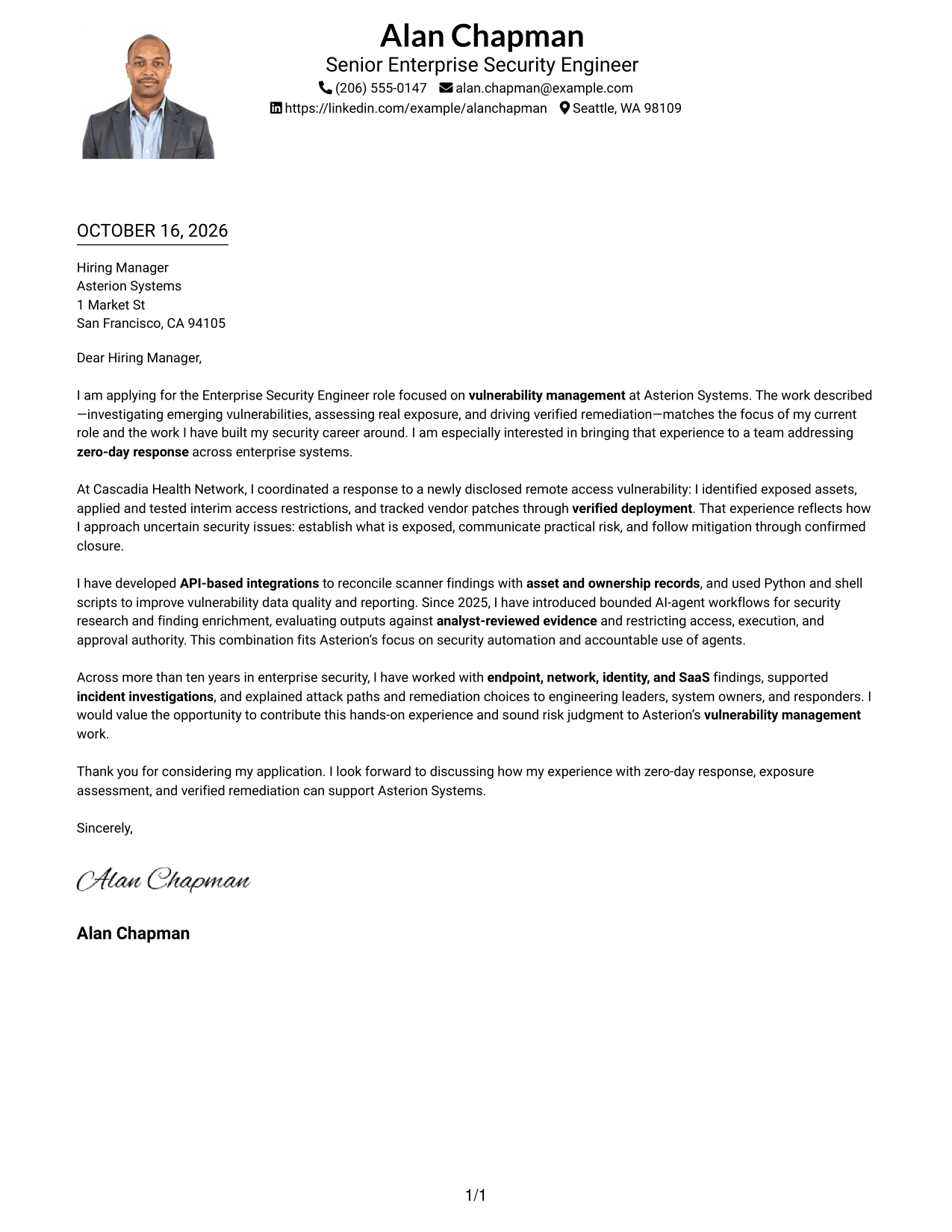
#4 One Column Format with Photo Cover Letter Example
The One Column Format with Photo places a photo in the header above one continuous letter body, adding a personal visual detail without a contact sidebar.
Why This Format Works
- Header placement keeps sender details with the message rather than in a sidebar.
- The single body column carries motivation, evidence, and the close in order.
- A header photo offers a visual choice without dividing the letter argument.
Best For
- Single-column letter reading
- Photo in the header
- Sender details above the message
- Letters with a connected argument
- Text-centered body content
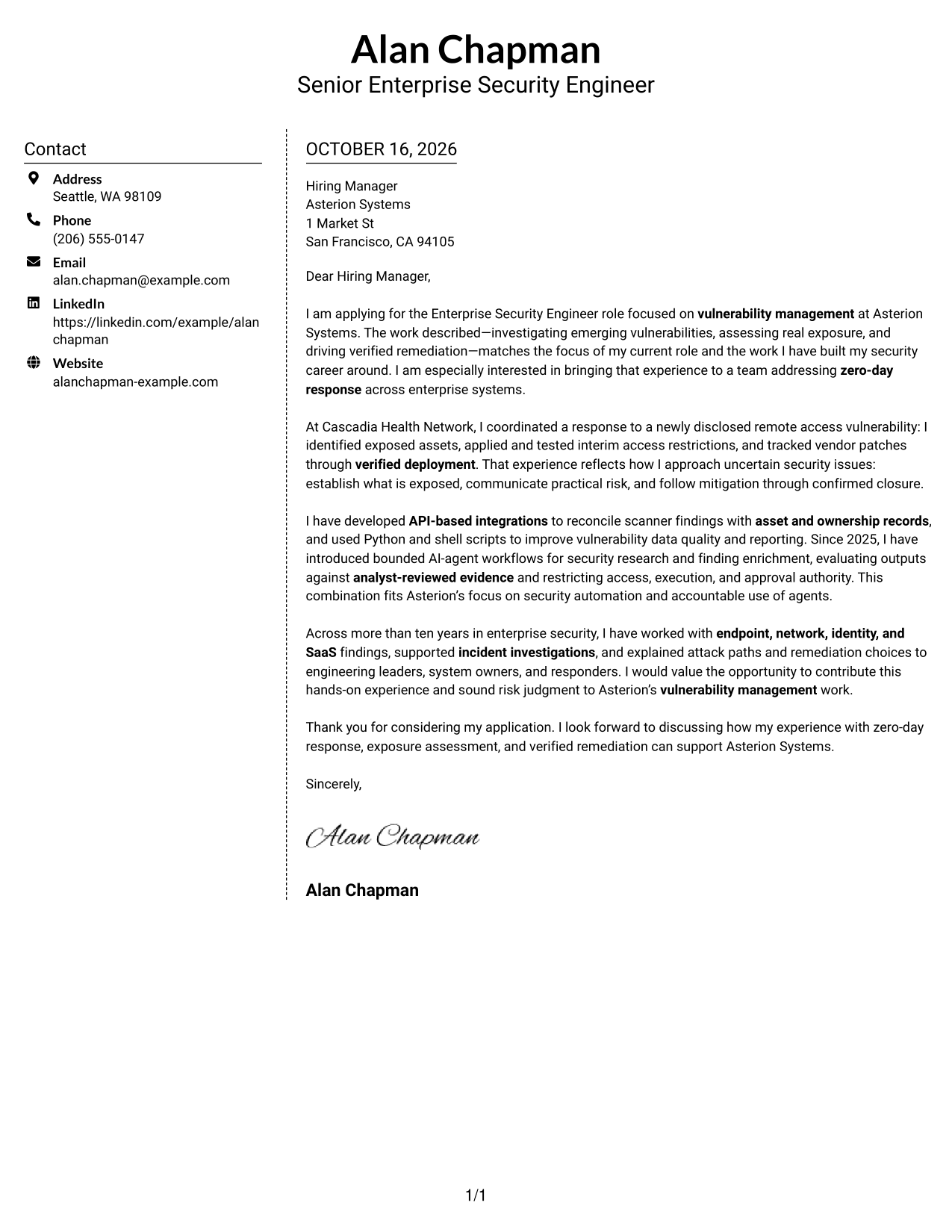
#5 Simple Two Column Format Cover Letter Example
The Simple Two Column Format sets contact details in a sidebar beside one continuous letter body, creating a clear boundary between sender information and the argument.
Why This Format Works
- The sidebar gives contact information its own space beside the message.
- A continuous letter body keeps motivation and supporting evidence connected.
- The two areas distinguish practical sender details from the persuasive text.
Best For
- Contact information set apart
- Continuous persuasive body
- Letters with supporting evidence
- Sidebar-based contact lookup
- Distinct message and sender areas
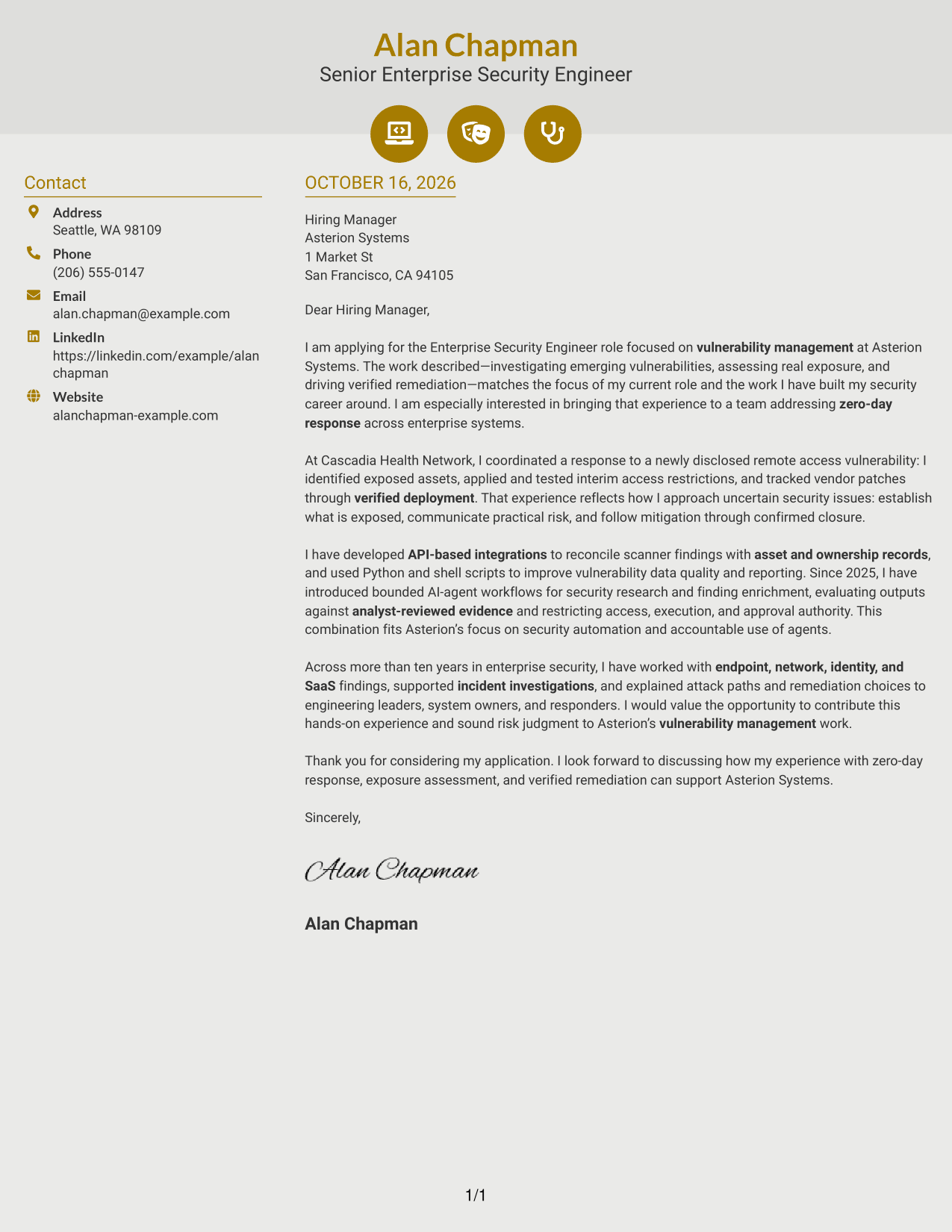
#6 Modern Icon Format Cover Letter Example
The Modern Icon Format uses two columns for a contact sidebar and one continuous letter body, with icons serving as contact cues or decorative header accents.
Why This Format Works
- Contact icons can help distinguish sender details from the letter paragraphs.
- The sidebar keeps practical contact information apart from the message.
- One continuous body lets the opening, evidence, and close read together.
Best For
- Icon-led contact details
- Contact sidebar beside the message
- Letters with connected paragraphs
- Clear separation of sender and message
- Decorative header accents
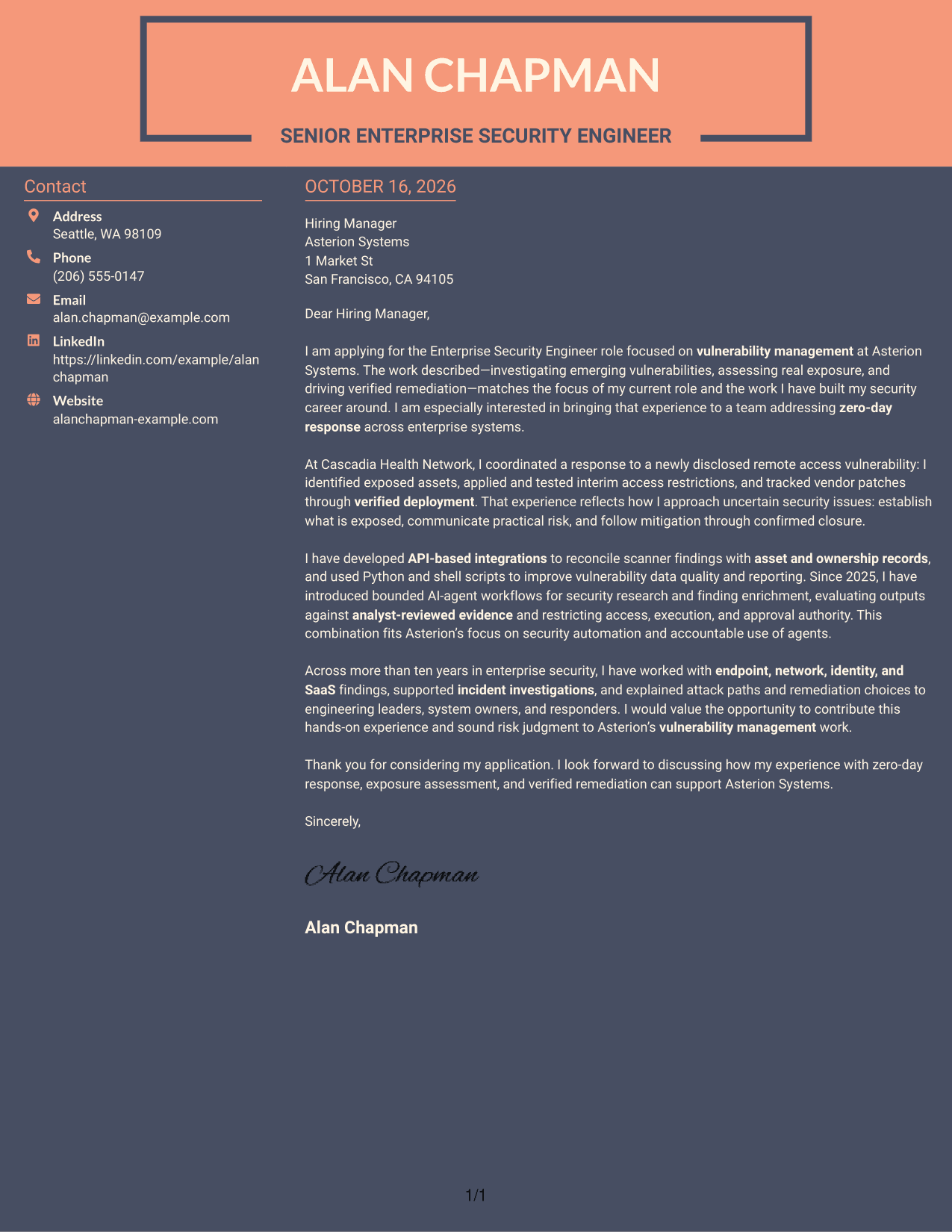
#7 Creative Two Tone Format Cover Letter Example
The Creative Two Tone Format places a contact sidebar beside one continuous letter body, giving sender details and the message separate areas on the page.
Why This Format Works
- Separate contact space lets readers locate sender details apart from the letter.
- The continuous body keeps the persuasive case in one connected sequence.
- A clear reading order carries the reviewer from opening through closing.
Best For
- Separate sender information
- Letters with one connected argument
- Contact details beside the body
- Paragraph-based motivation and evidence
- Two-column reading preference
Why Use ResumeInMinutes for an Enterprise Security Engineer - Vulnerability Management Cover Letter
Compare cover letter previews, then open an example in the editor to shape your message around the role. Keep the focus on why the work interests you, how your evidence fits, and what you can communicate clearly.
- Cover letter templates
- Editor-based customization
- Role-focused writing
- Clear letter progression
- Multiple presentation styles
- Image previews
For this role, make your interest specific and support your claims with evidence of exposure assessment, practical mitigation, remediation follow-through, or clear risk communication.
See Also
- 7 Enterprise Security Engineer - Vulnerability Management Resume Templates with Example
- 7 Senior Security Engineer - Enterprise Security Resume Templates with Example
- 33 AI/ML Engineer - Enterprise Generative AI Resume Templates with Example 2026 (ATS-Optimized)
- 7 Cloud Engineer - Enterprise Application Infrastructure Resume Templates with Example
- 7 Lead Enterprise Applications Engineer - Order to Cash Resume Templates with Example
- 7 Lead Site Reliability Engineer - Enterprise Infrastructure Platforms Resume Templates with Example
- 33 Network Systems Engineer - Enterprise Network Infrastructure Resume Templates with Example 2026 (ATS-Optimized)
- 7 Senior Delivery Engineer - Enterprise Architecture Resume Templates with Example
- 7 Senior Security Engineer - Enterprise Security Cover Letter Templates with Example
- 7 Senior Delivery Engineer - Enterprise Architecture Cover Letter Templates with Example
Frequently Asked Questions
Are these Enterprise Security Engineer - Vulnerability Management cover letter templates ATS-friendly?
The examples use clear, readable layouts. Keep your letter easy to follow, use the exact role title, and describe relevant experience in direct language.
Are these separate cover letters or one example in different layouts?
This guide presents one Enterprise Security Engineer - Vulnerability Management cover letter example in several visual layouts. Compare the image previews and open an example in the editor to customize your letter.
Which cover letter style works well for this role?
Choose a clean style that makes your opening, evidence, and closing easy to scan. A simple layout can help readers focus on your approach to exposure assessment and remediation.
What evidence should I include in this cover letter?
Give one specific example of how you investigated a vulnerability, assessed exposure, tested a mitigation, or confirmed a fix. Explain your actions and the result without claiming outcomes you cannot support.
Should I use a photo on my cover letter?
For U.S. applications, a cover letter without a photo is usually the safer choice. Use a photo only when it is expected in your location or industry.




