
7 Entry-Level Architectural Designer - Construction Documentation Cover Letter Templates with Example
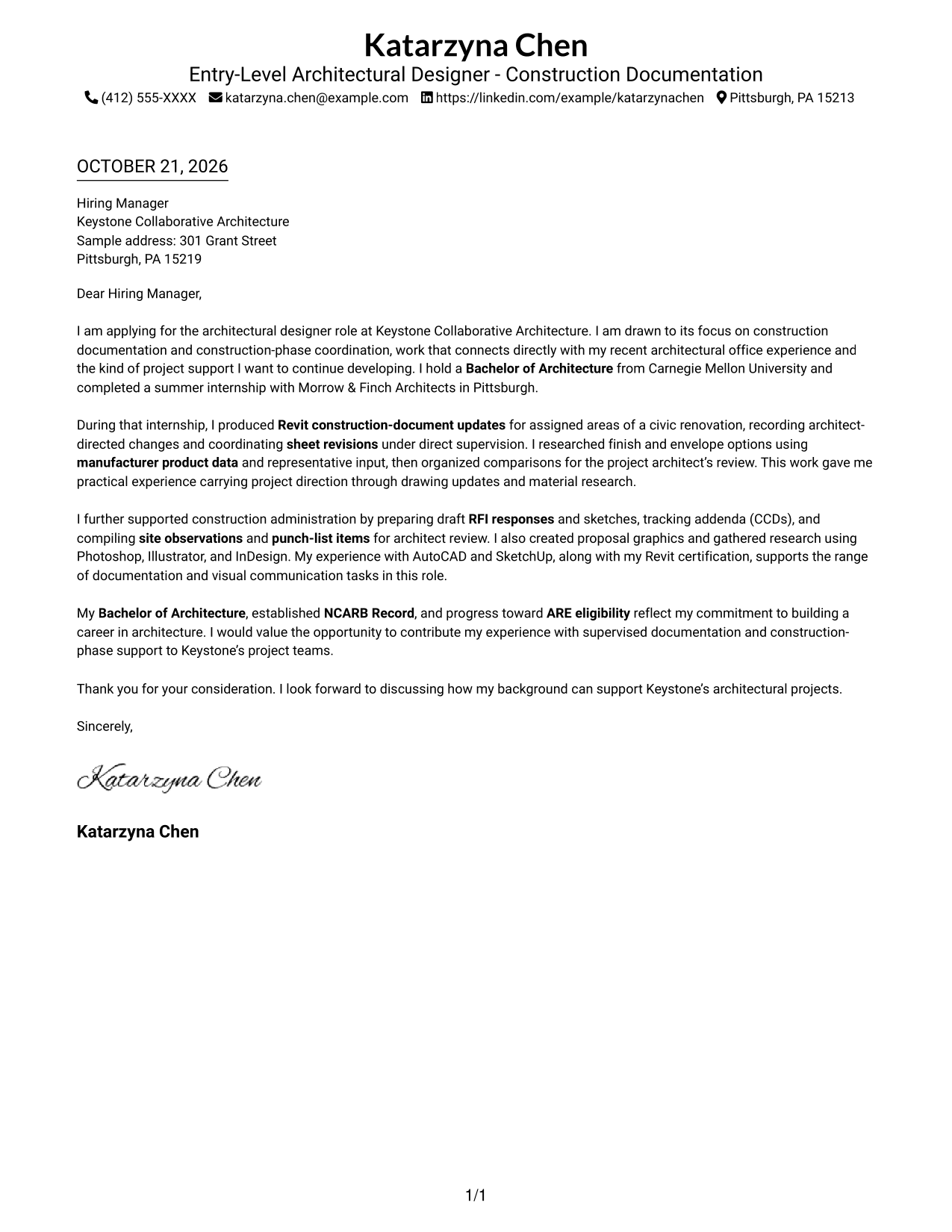
This practical guide to the Entry-Level Architectural Designer - Construction Documentation cover letter presents seven layouts to help you communicate your role fit clearly.
What Makes a Great Entry-Level Architectural Designer - Construction Documentation Cover Letter in 2026
A strong cover letter opens with clear interest, then connects the role to relevant drawing and construction-phase support.
Use specific evidence, such as supervised Revit revisions, manufacturer material research, or draft RFI support, and link it to the employer’s needs and your motivation.
The featured example follows a focused progression from role-specific interest to documentation and construction-phase evidence, then a direct close. Adapt that sequence while choosing a presentation that fits the employer and communication context.
#1 Simple One Column Format Cover Letter Example
Simple One Column Format keeps the cover letter in one column, giving its continuous paragraphs a direct reading path.
Why This Format Works
- Sender details stay in the header, apart from the letter’s main message.
- One reading path lets the opening, supporting points, and close unfold in order.
- The single column avoids making readers move between separate body areas.
Best For
- One-column letter layouts
- Continuous persuasive letters
- Header-based contact details
- Direct paragraph-by-paragraph reading
- A simple visual structure
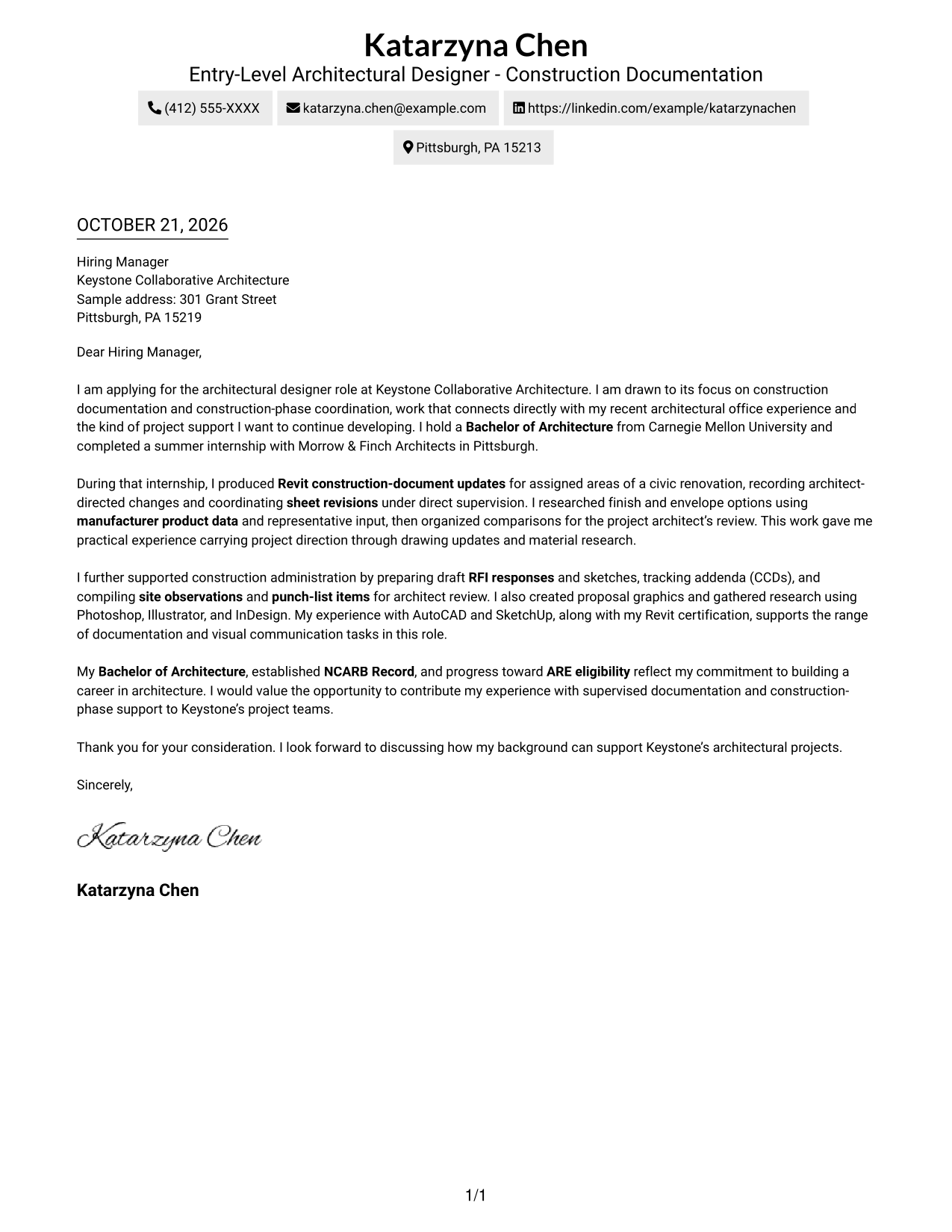
#2 Two Column Format Cover Letter Example
Two Column Format places a contact sidebar beside one continuous letter body, keeping contact information separate from the message.
Why This Format Works
- Contact details remain in a sidebar for easy reference.
- One body column preserves the letter’s sequence from opening through closing.
- The two-column page offers a clear visual choice without dividing the letter’s argument.
Best For
- Separate contact and message areas
- Uninterrupted letter arguments
- Quick access to sender details
- Two-column page preferences
- Clear contact-to-message distinction
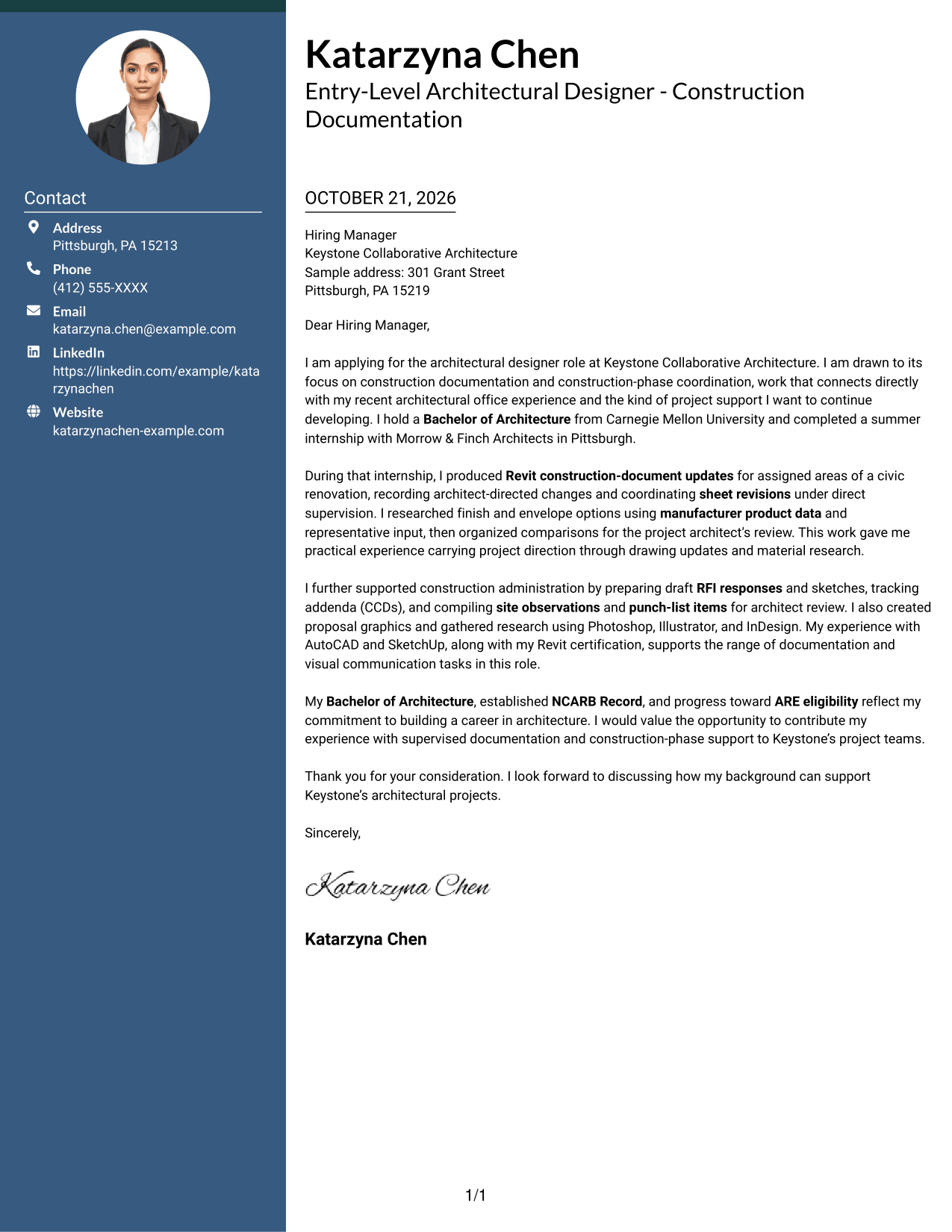
#3 Photo Header Two Column Format Cover Letter Example
Photo Header Two Column Format pairs a photo with a contact sidebar and one continuous letter body for a personal visual presentation.
Why This Format Works
- The sidebar keeps sender details available apart from the letter’s main message.
- A single body column lets the argument move from opening to closing in order.
- The photo offers a visual option for readers who prefer portrait presentation.
Best For
- Portrait-inclusive correspondence
- Separate contact details
- A continuous letter argument
- Personal visual presentation
- Two-column reading order
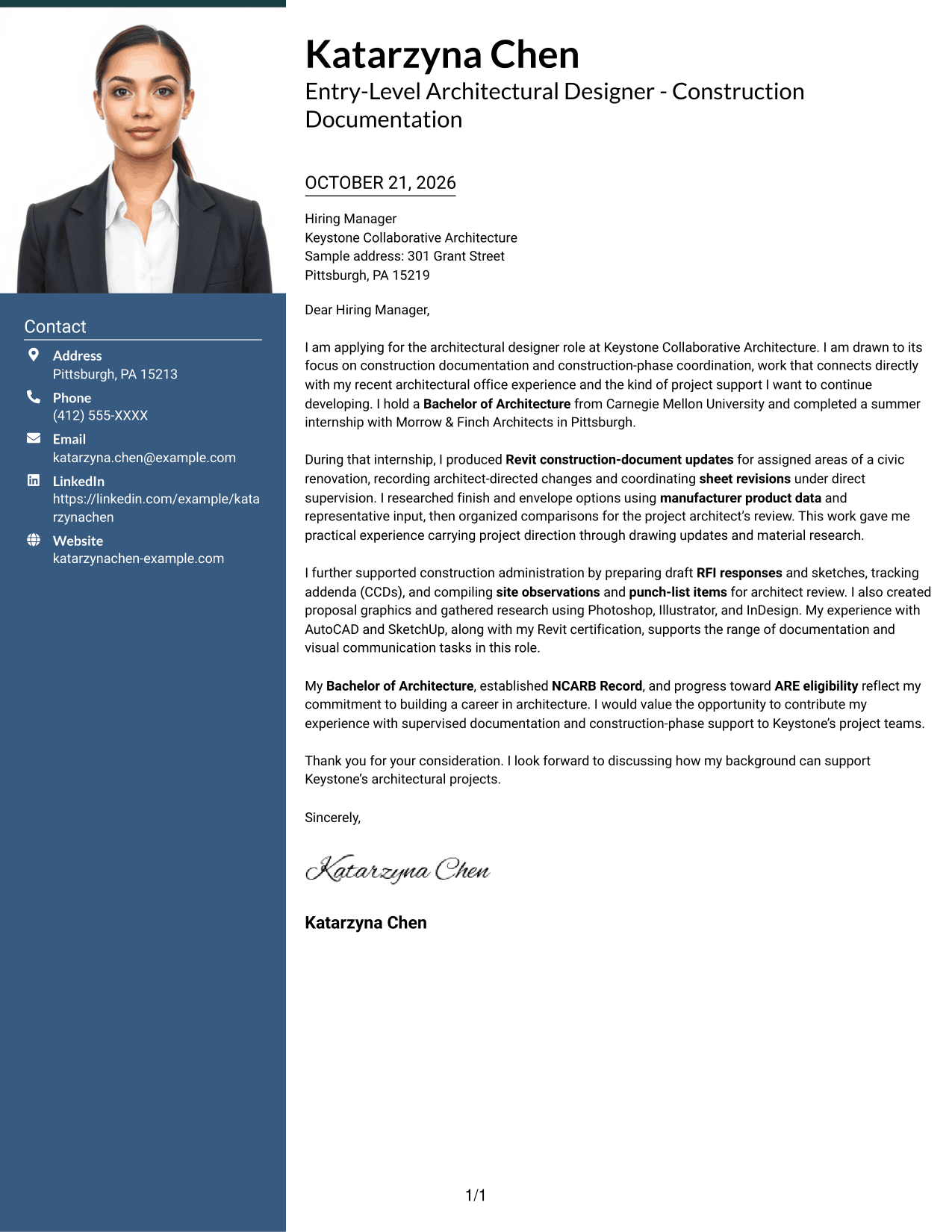
#4 One Column Format with Photo Cover Letter Example
One Column Format with Photo pairs a one-column letter with a photo, adding a personal visual element without splitting the message.
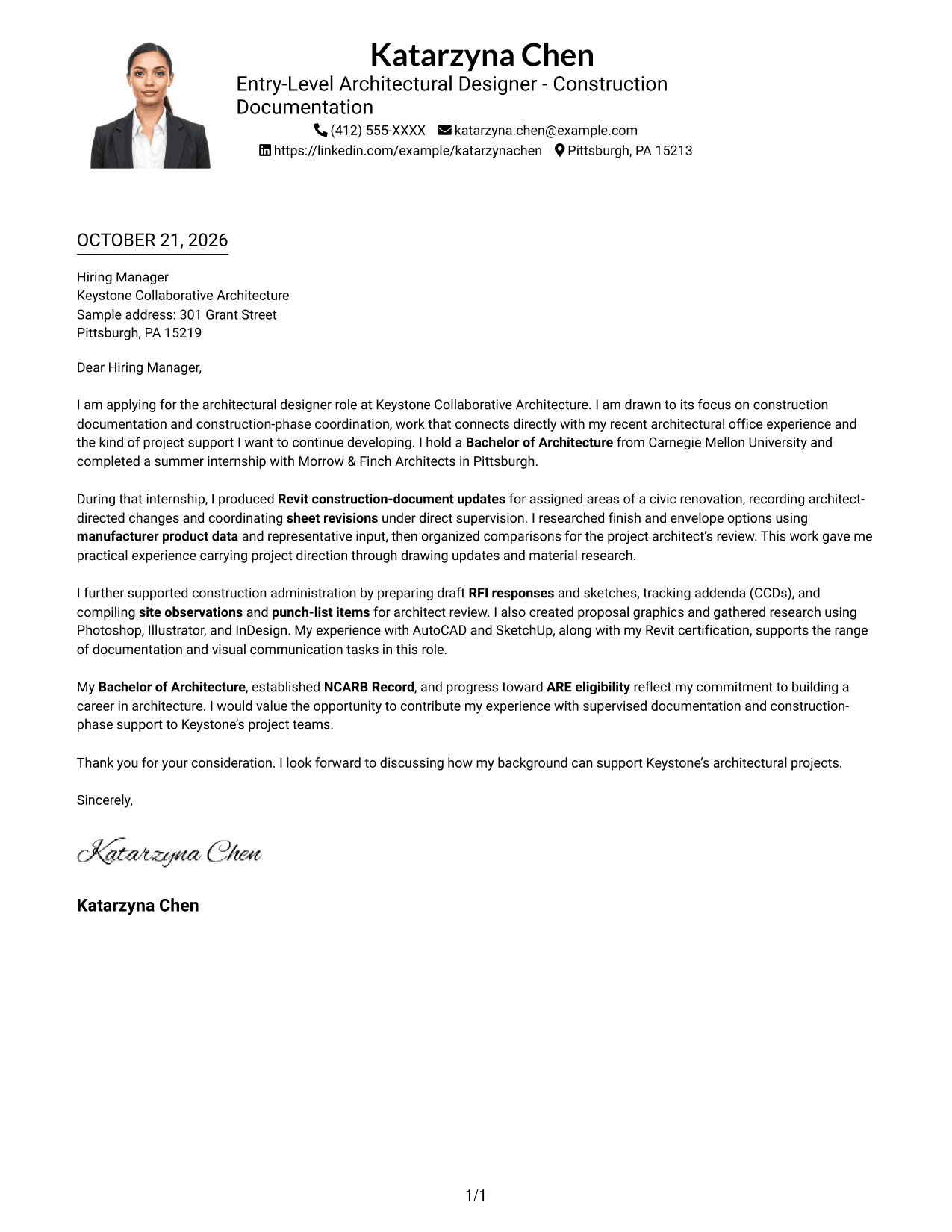
Why This Format Works
- The one-column body keeps each paragraph in a clear reading sequence.
- A continuous letter lets the opening, evidence, and closing remain connected.
- The photo adds a visible personal element for portrait-friendly preferences.
Best For
- One-column letter layouts
- Portrait-inclusive pages
- Connected letter paragraphs
- Personal visual presentation
- A direct reading sequence
#5 Simple Two Column Format Cover Letter Example
Simple Two Column Format separates the contact sidebar from the continuous letter body, giving each a distinct place on the page.
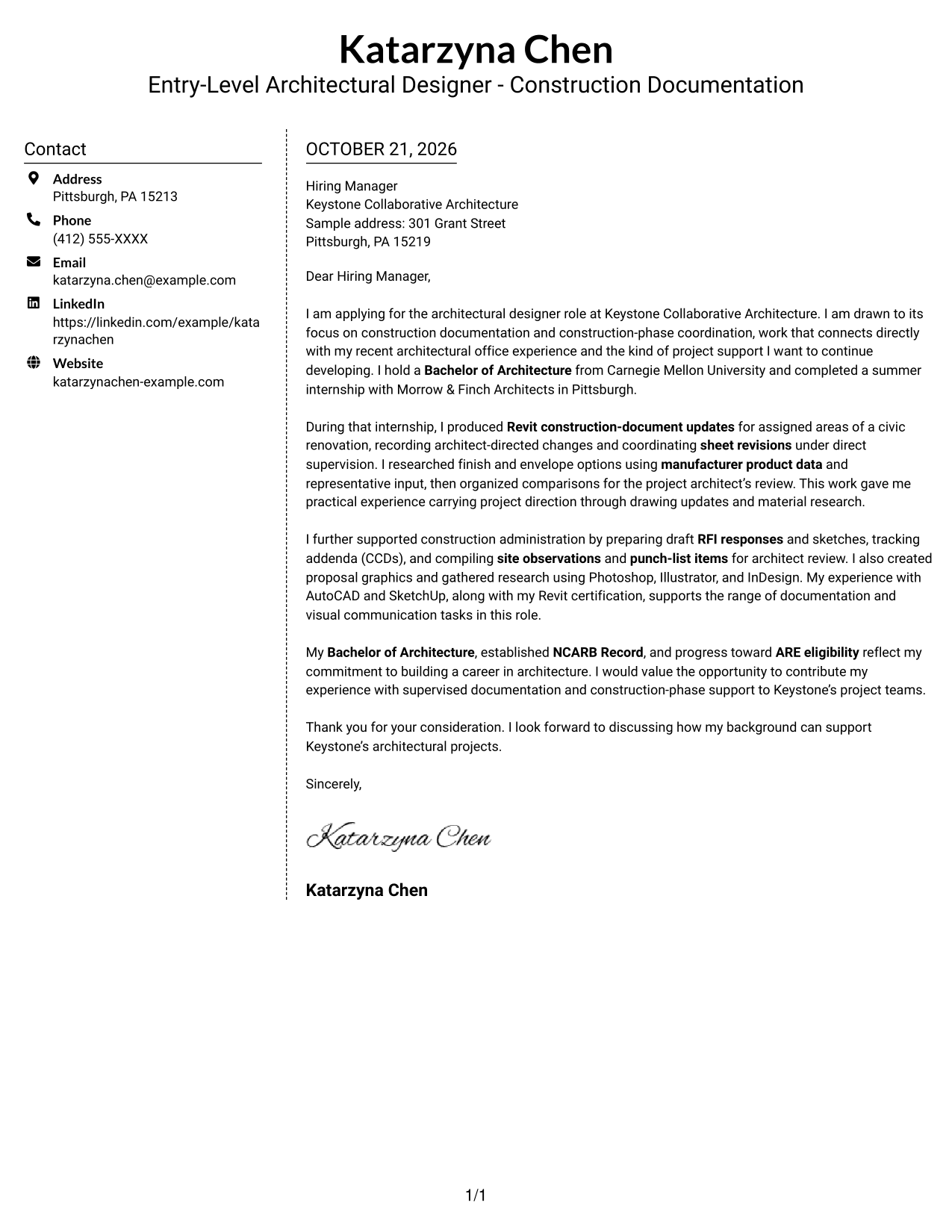
Why This Format Works
- The sidebar lets readers find sender information without searching the letter text.
- The message remains one continuous body rather than parallel argument columns.
- Separate areas make the contact block and letter easy to distinguish.
Best For
- Distinct contact and message areas
- Letters with one continuous argument
- Easy-to-find sender information
- A two-column visual arrangement
- Clear separation between page elements
#6 Modern Icon Format Cover Letter Example
Modern Icon Format uses icons as contact cues or header accents, with a contact sidebar beside one continuous letter body.
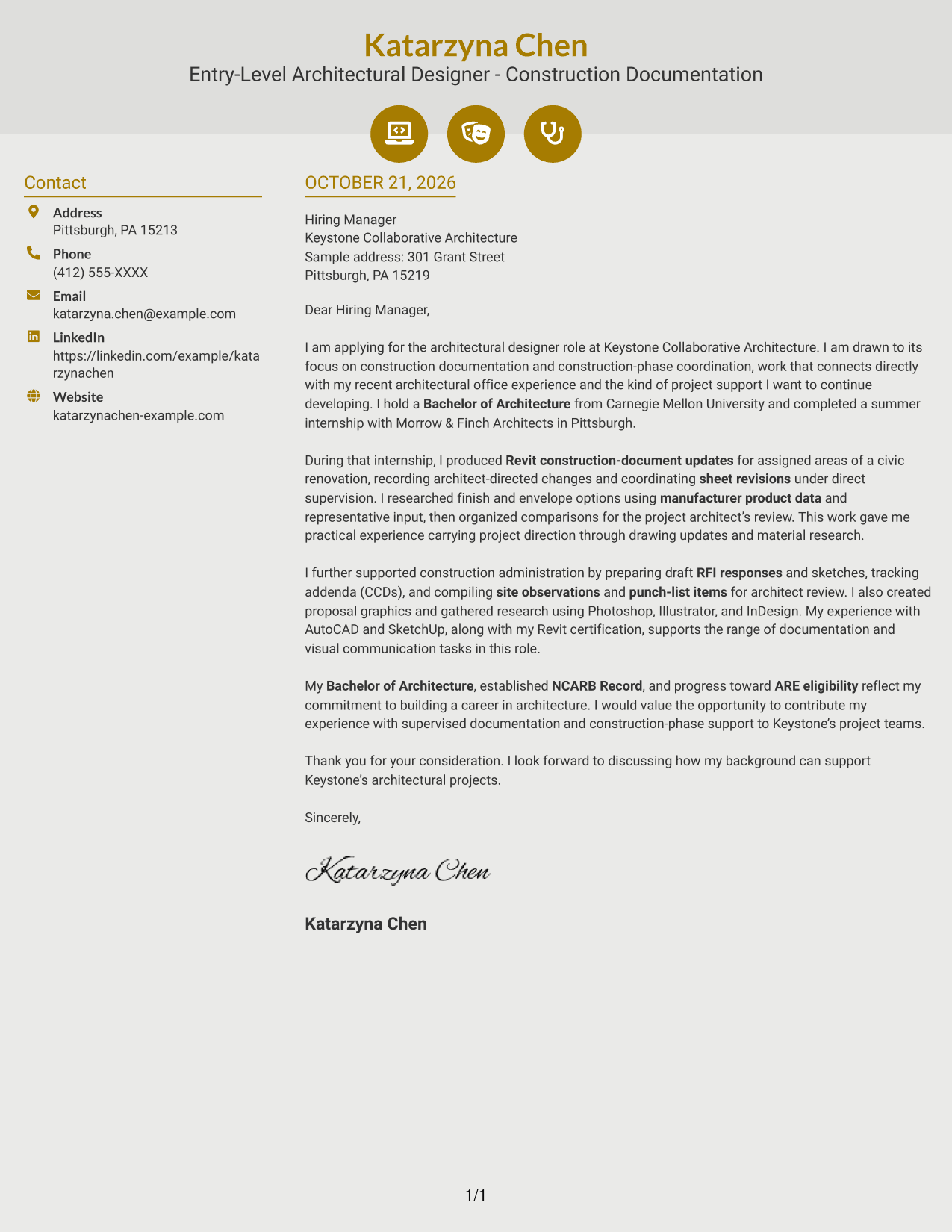
Why This Format Works
- Contact cues help distinguish sender details from the letter’s message.
- Decorative icons add visual interest without turning paragraphs into labeled sections.
- One body column keeps the opening, evidence, and closing in sequence.
Best For
- Icon-led contact details
- A continuous letter body
- Decorative header accents
- Clear separation of message and contact information
- A visual cue for sender details
#7 Creative Two Tone Format Cover Letter Example
Creative Two Tone Format brings a two-tone color treatment to a two-column page, with a contact sidebar beside one continuous letter body.
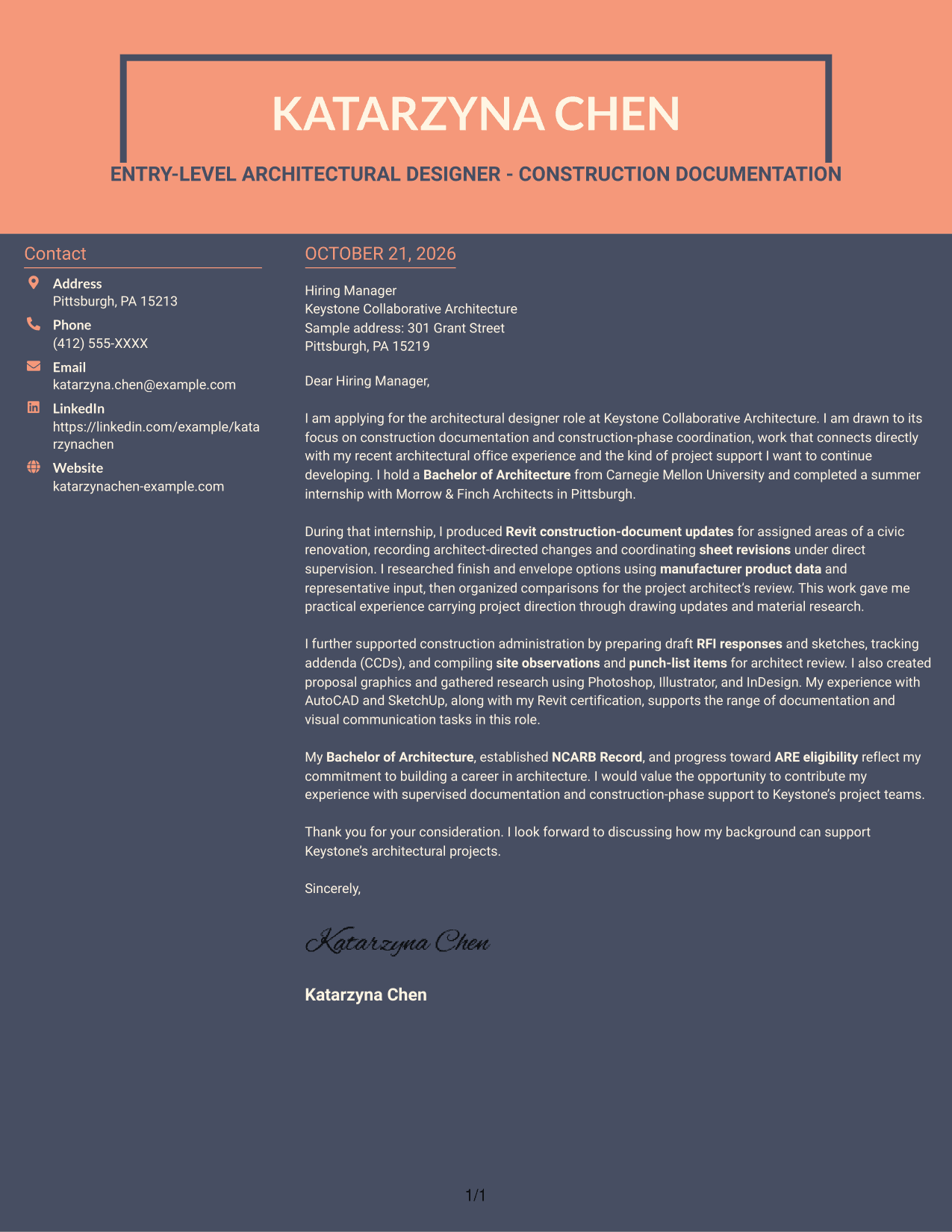
Why This Format Works
- The sidebar places sender details apart from the letter’s main message.
- A continuous body keeps the argument together from its opening to its close.
- The two-tone treatment suits readers who want color in the page design.
Best For
- Two-tone page styling
- A sidebar for contact details
- One connected letter argument
- Color-forward document preferences
- Distinct contact and message areas
Why Use ResumeInMinutes for an Entry-Level Architectural Designer - Construction Documentation Cover Letter
Compare cover letter presentations and use the example as a starting point for explaining your documentation work, coordination experience, and interest in the role.
- Clear cover letter layouts
- Role-focused writing guidance
- Opening, body, and closing examples
- Visual previews for comparison
- Guidance on presenting relevant evidence
- Open an example in the editor
Use details such as drawing revisions, material research, and construction-phase coordination when they reflect your own background. Connect that evidence to the employer’s stated needs and your genuine reason for applying.
See Also
- 7 Architectural Designer - Construction Documentation Resume Templates with Example
- 7 Entry-Level Architectural Designer - Construction Documentation Resume Templates with Example
- 7 Architectural Designer / Project Architect - Commercial and Institutional Resume Templates with Example
- 7 BIM Architectural Designer Resume Templates with Example
- 7 Custom Residential Architectural Designer Resume Templates with Example
- 7 Landscape Designer - Site Planning and Documentation Resume Templates with Example
- 33 Associate Director, Senior Service Designer (GenAI Experience) Resume Templates with Example 2026 (ATS-Optimized)
- 33 Automotive CAD Designer – Exterior Mirrors & Vision Systems Resume Templates with Example 2026 (ATS-Optimized)
- 7 Architectural Designer - Construction Documentation Cover Letter Templates with Example
- 7 Architectural Designer / Project Architect - Commercial and Institutional Cover Letter Templates with Example
Frequently Asked Questions
What should an Entry-Level Architectural Designer - Construction Documentation cover letter include?
Open with a clear reason for applying. Use the body to connect relevant drawing updates, material research, or construction-phase support to the role, then close with a direct statement of interest.
Does this guide show one cover letter or several different letters?
It presents one featured cover letter in different layouts. Compare the image previews, then open an example in the editor to view or customize it.
How can I describe construction-documentation experience?
Give a specific example of your contribution, such as preparing Revit updates for assigned areas or coordinating drawing revisions under supervision. Explain how your work supported the project team.
Should I mention Revit and construction administration in my letter?
Yes, when they reflect your experience and match the role. Explain how you used Revit for drawing updates, or describe relevant support with RFI responses, sketches, addenda, site observations, or punch lists.
How can I show interest in the employer?
Refer to a real project focus or aspect of the role that interests you. Connect it to the work you want to contribute, and avoid claims about the employer that you cannot support.




