
7 Entry-Level Architectural Designer - Construction Documentation Resume Templates with Example
This guide shows you how to create an Entry-Level Architectural Designer - Construction Documentation resume that presents your qualifications clearly. You will learn how to organize relevant evidence and choose a format that supports a quick, focused review.
For this role, connect your Revit drawing work to construction document updates, revisions, and coordination. Include material research and construction administration tasks, such as RFI drafts, sketches, addenda (CCDs), site observations, and punch lists, when they match your experience.
Explore one resume example presented in 7 layouts, with PNG image previews and notes on how each format presents your experience, education, skills, and certifications. Open an example in the editor to review or customize it.
What Makes a Great Entry-Level Architectural Designer - Construction Documentation Resume in 2026
A strong resume makes drawing production, careful revisions, material research, and construction-phase support easy to find. Use clear sections and concise bullets to show the work you completed and how you coordinated it.
Include role-specific terms such as Revit construction documents, drawing revisions, construction administration, RFI responses, addenda (CCDs), site observations, and punch lists when accurate. List relevant tools and support claims with specific project details.
Note: Resume examples are for educational purposes only. Use only information that accurately reflects your experience and qualifications. References to real organizations do not imply affiliation or endorsement.
#1 Simple One Column Format Resume Example
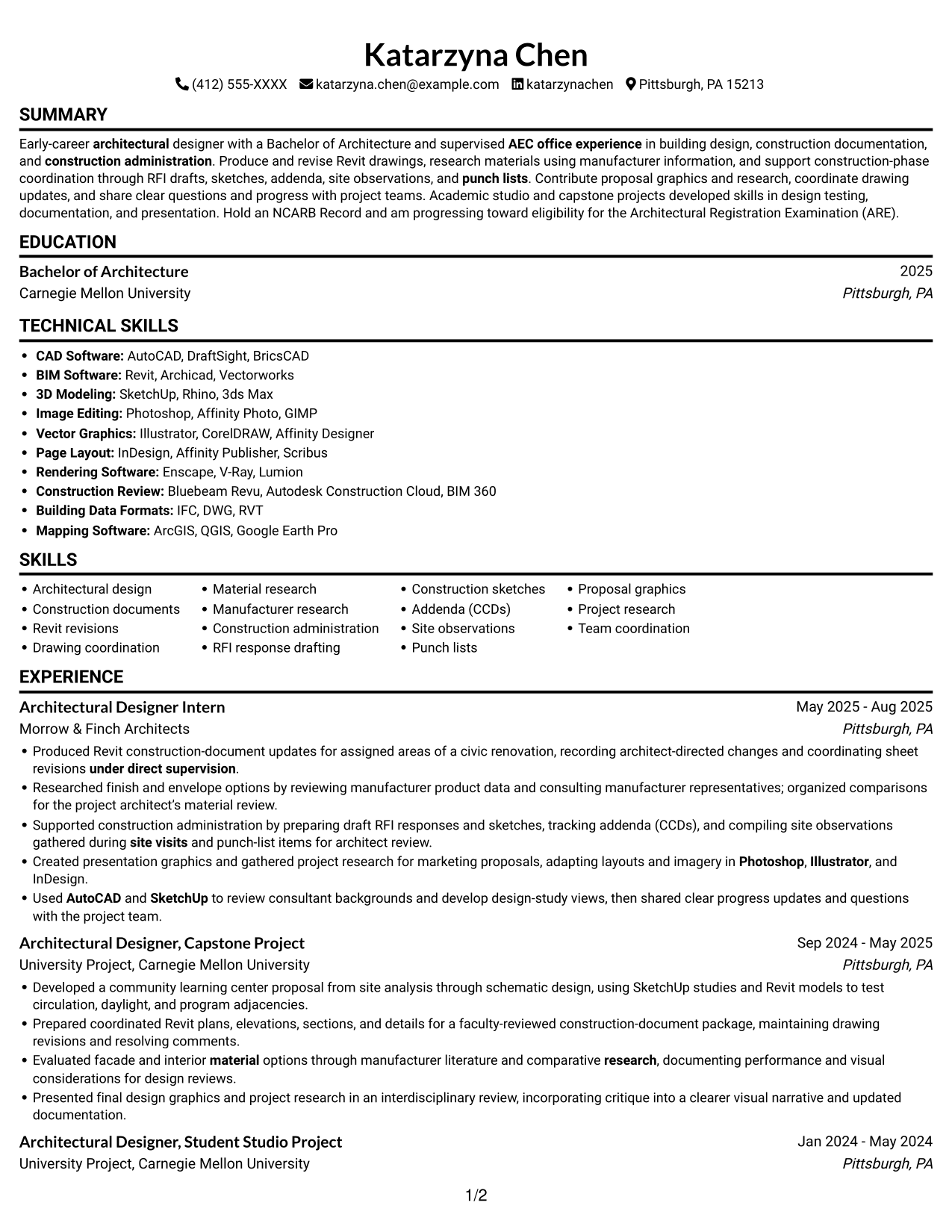
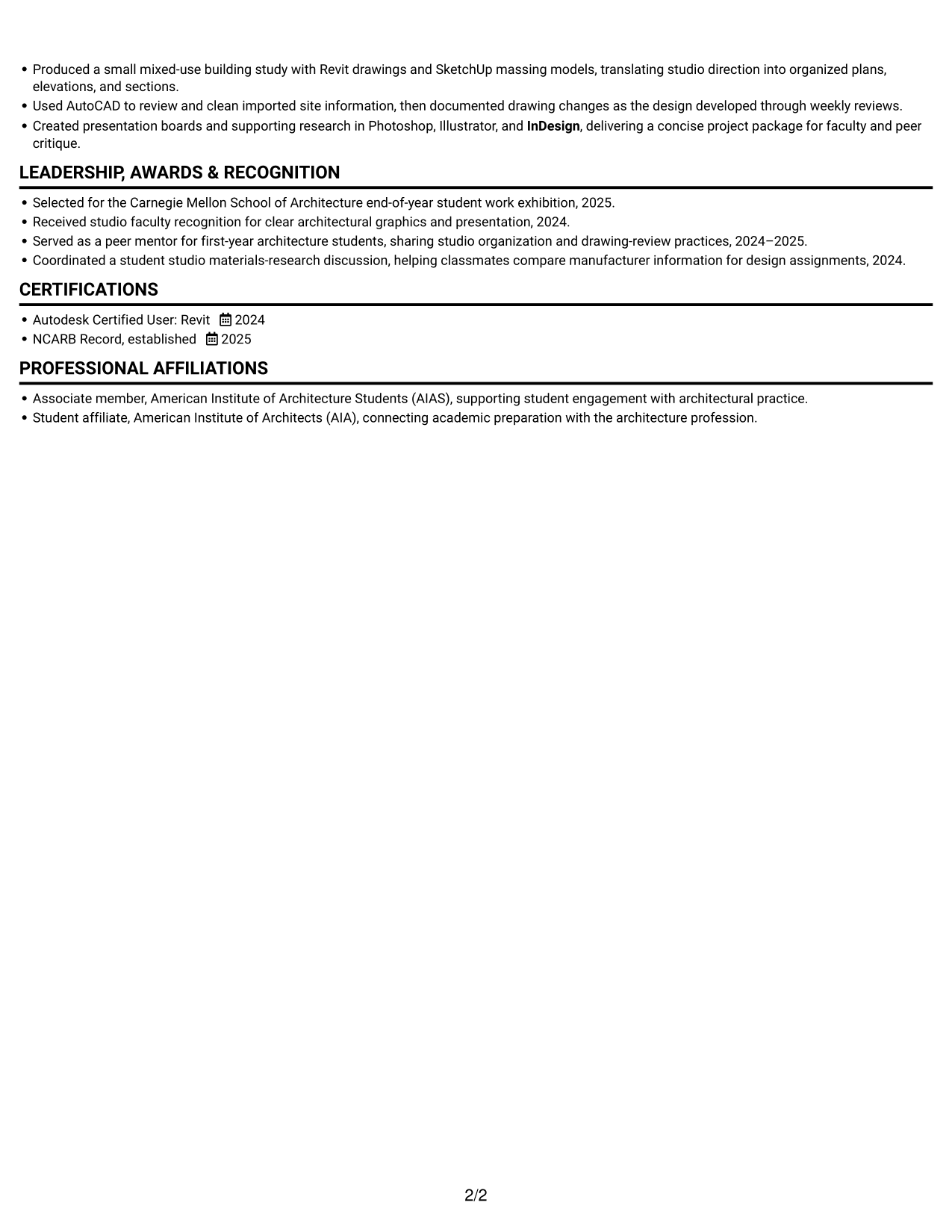
The single-column body presents a familiar resume shape, a practical option for readers who prefer conventional section organization.
Why This Format Works
- Career and project entries can follow one clear sequence, making progression easy to review.
- Skills and education remain part of the main document flow rather than separate columns.
- Full-width bullet lines leave room for detailed project context and achievement statements.
Best For
- Conventional resume organization
- Career and project timelines
- Detailed project descriptions
- Education and credentials together
- Full-length achievement bullets
Resume Keywords
- Bachelor of Architecture
- Produced Revit construction-document updates
- Early-career architectural designer with a Bachelor of Architecture and supervised AEC office experience in building design
- eligibility for the Architectural Registration Examination (ARE)
- AutoCAD
- SketchUp
- Photoshop
- Illustrator
- InDesign
- recording architect-directed changes and coordinating sheet revisions
- construction administration
- RFI response drafting
- Construction sketches
- addenda
- site visits
#2 Simple Two Column Format Resume Example
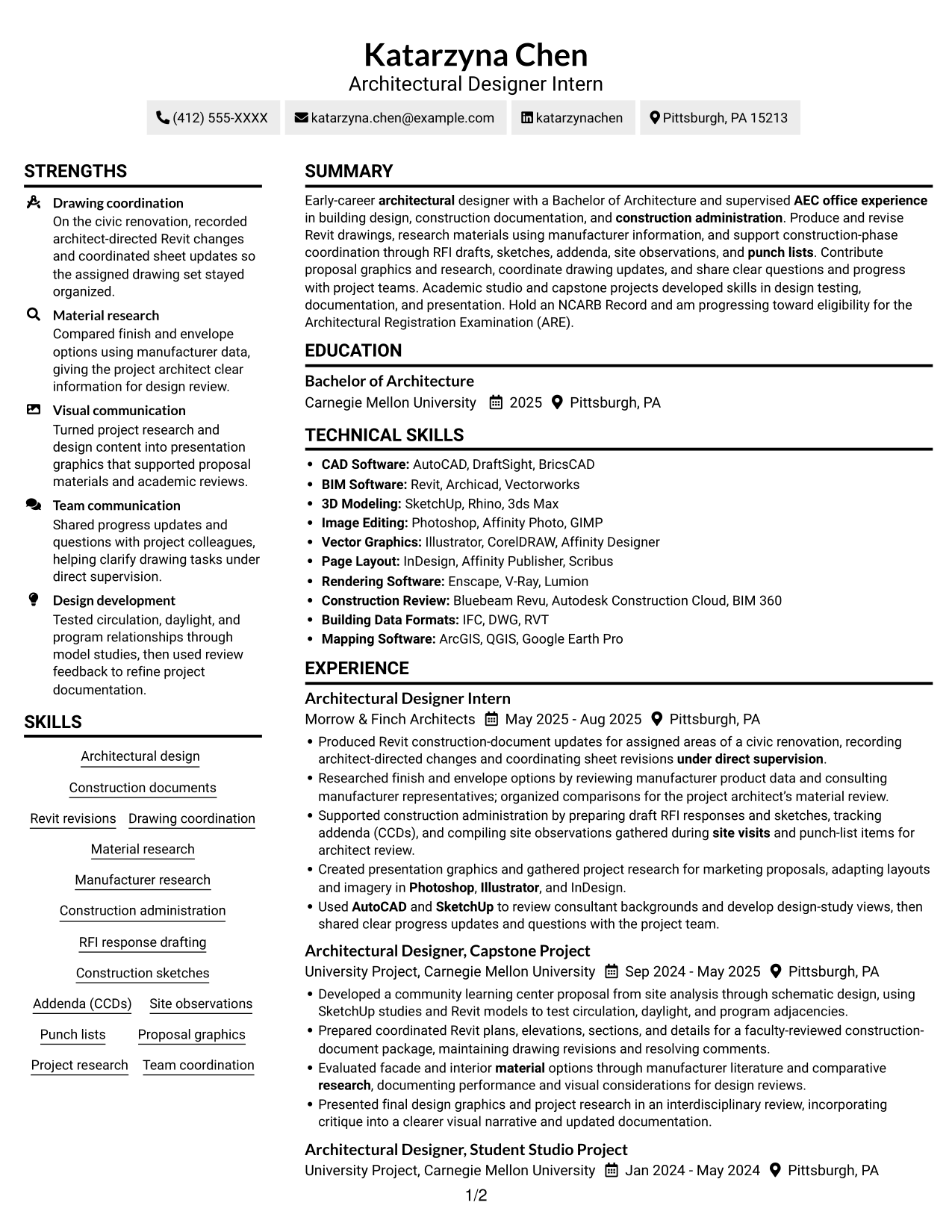
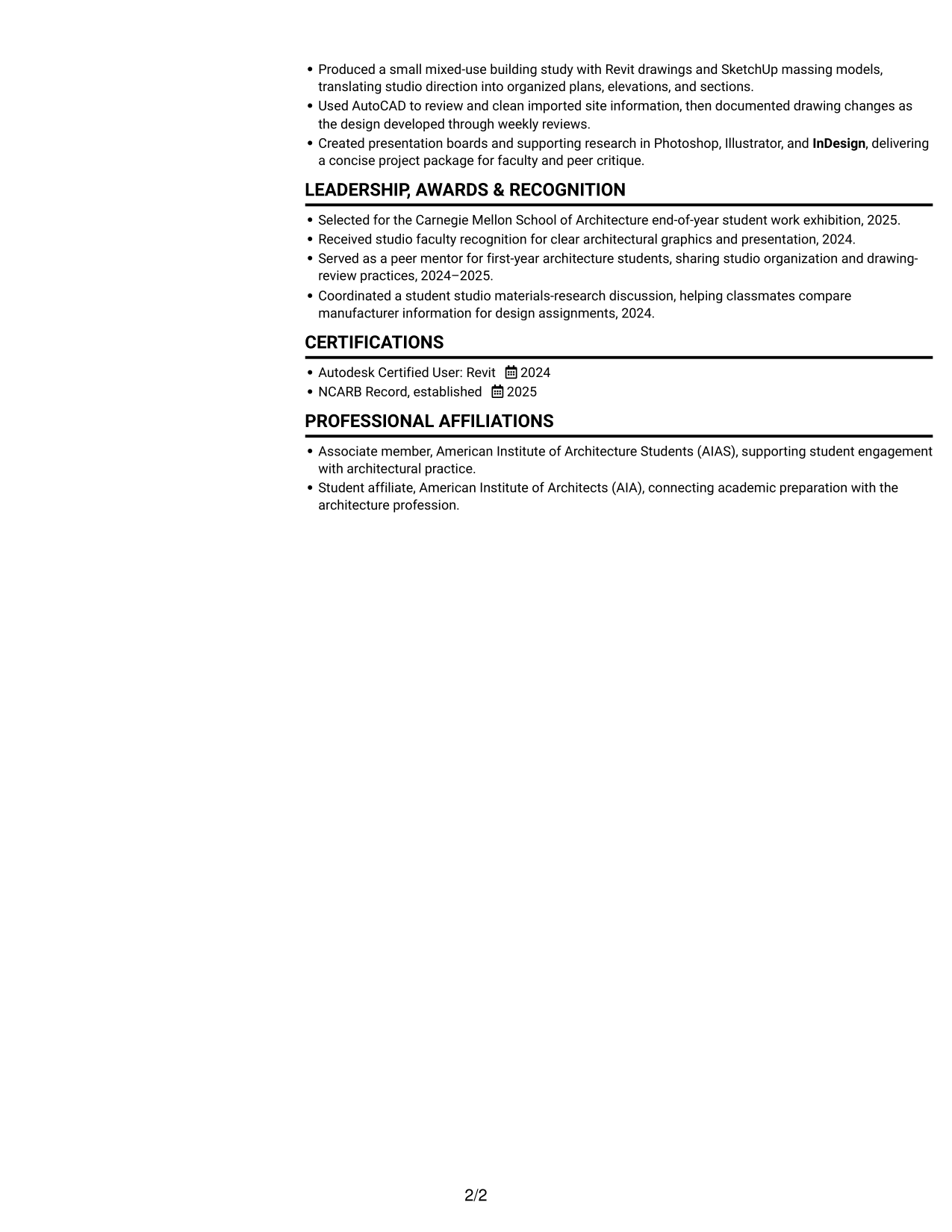
Two columns give the page a side-by-side structure, a good fit for readers who prefer a divided layout.
Why This Format Works
- Bullet points retain their order, supporting a careful review of experience and project details.
- Education and skills can be found as distinct sections alongside the rest of the resume.
- Separate project groups help reviewers distinguish office work from academic work.
Best For
- Side-by-side section organization
- Quick comparison across resume sections
- Separate office and academic entries
- Multiple supporting resume sections
- Scannable experience bullets
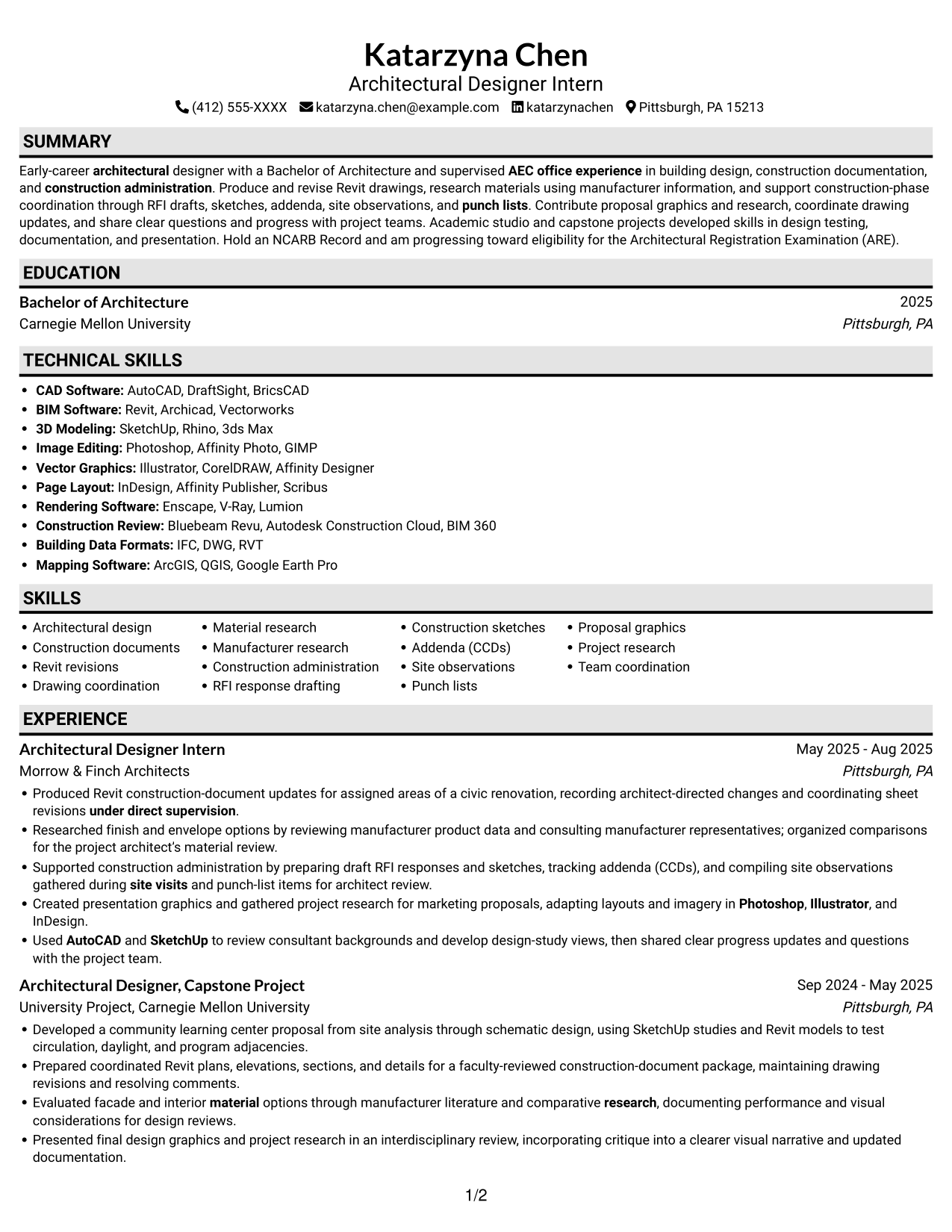
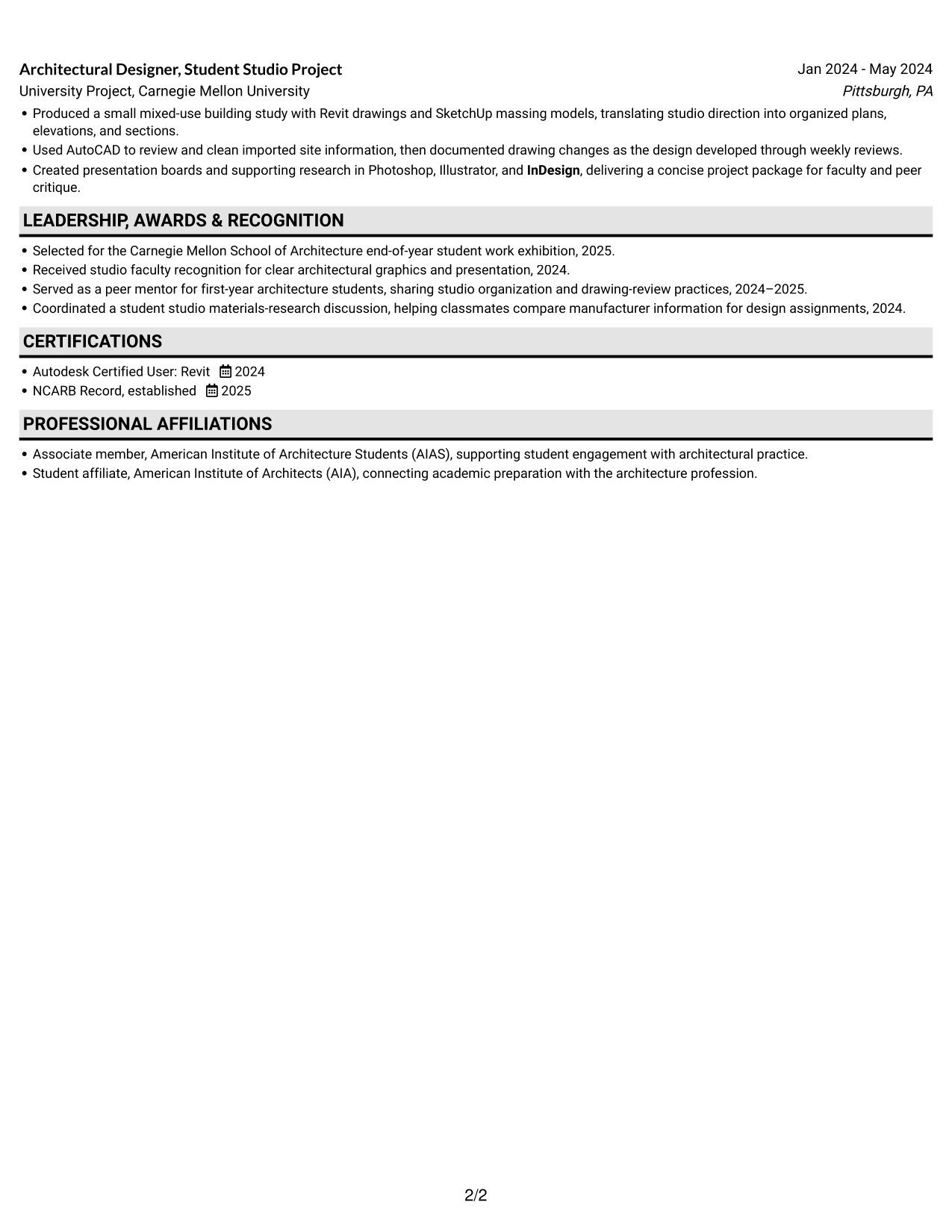
#3 Plain One Column with Shaded Labels Resume Example
A single-column page keeps the resume on one continuous path, a useful choice for content that needs room for full explanations.
Why This Format Works
- Office experience and academic projects can each keep their own sequence within the resume.
- Education, credentials, and skills remain distinct from experience and project details.
- The full-width body gives project bullets space for useful context and outcomes.
Best For
- Single-path section review
- Detailed office experience
- Full project explanations
- Education alongside project work
- Conventional text-based review
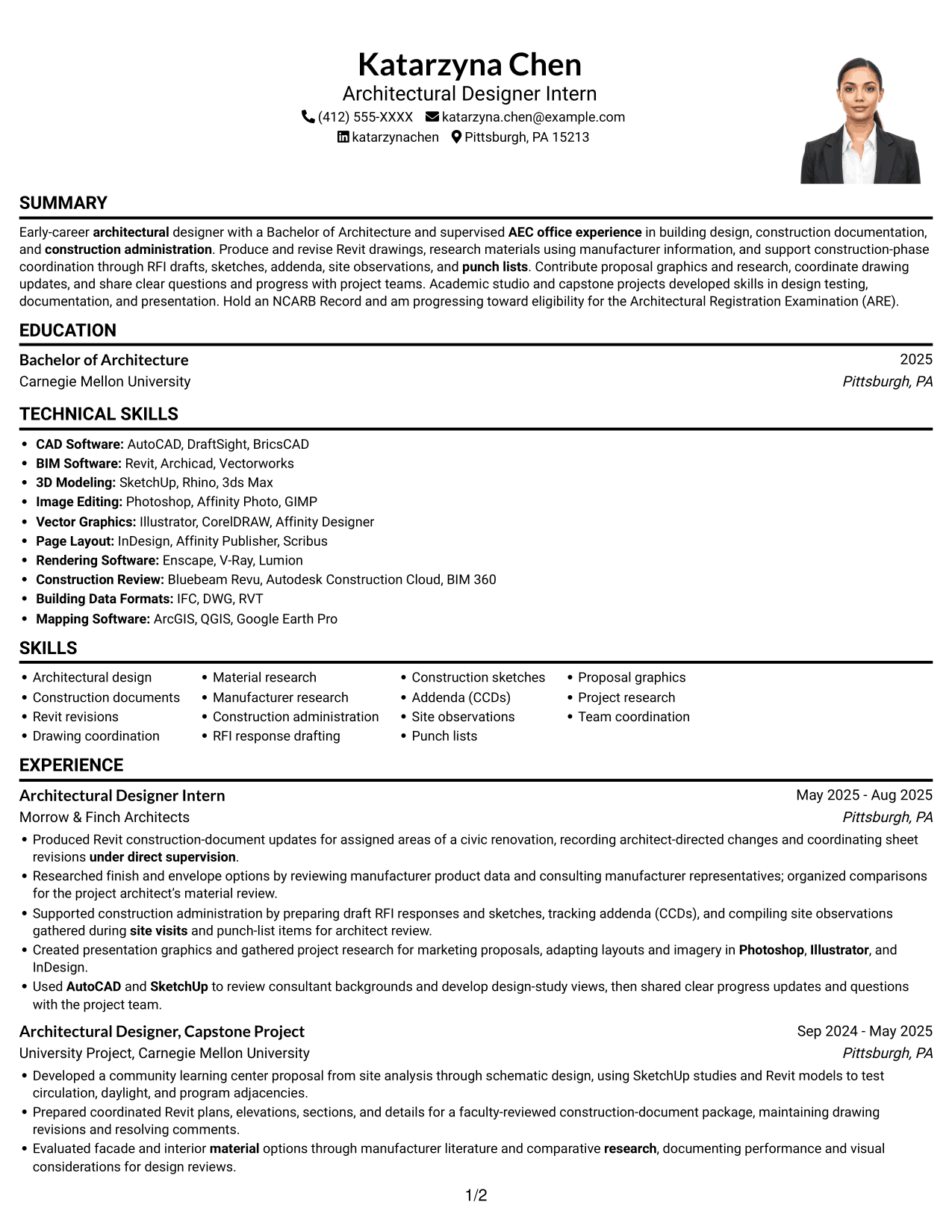
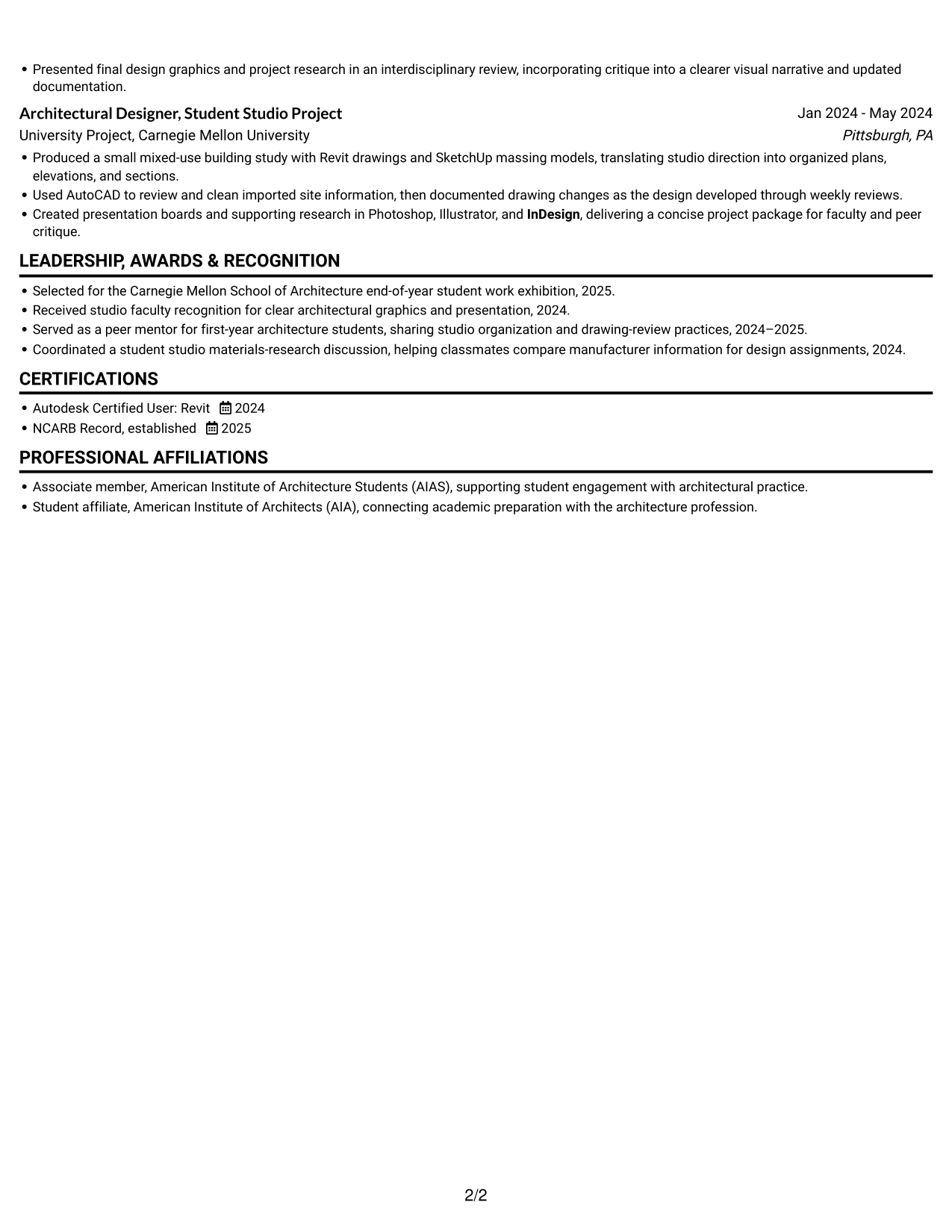
#4 One Column Format with Photo Right Resume Example
A photo at the right adds a portrait beside the one-column resume, suited to readers who want a personal image with direct section flow.
Why This Format Works
- The single-column body keeps professional and academic experience in a familiar reading order.
- Education and credentials remain together rather than splitting across separate columns.
- The portrait stays apart from the text, leaving achievement details to carry the evidence.
Best For
- Right-side portrait presentation
- Single-column resume reading
- Office and academic experience
- Detailed achievement bullets
- Straightforward section navigation
#5 Clean Two Column Sidebar Format Resume Example
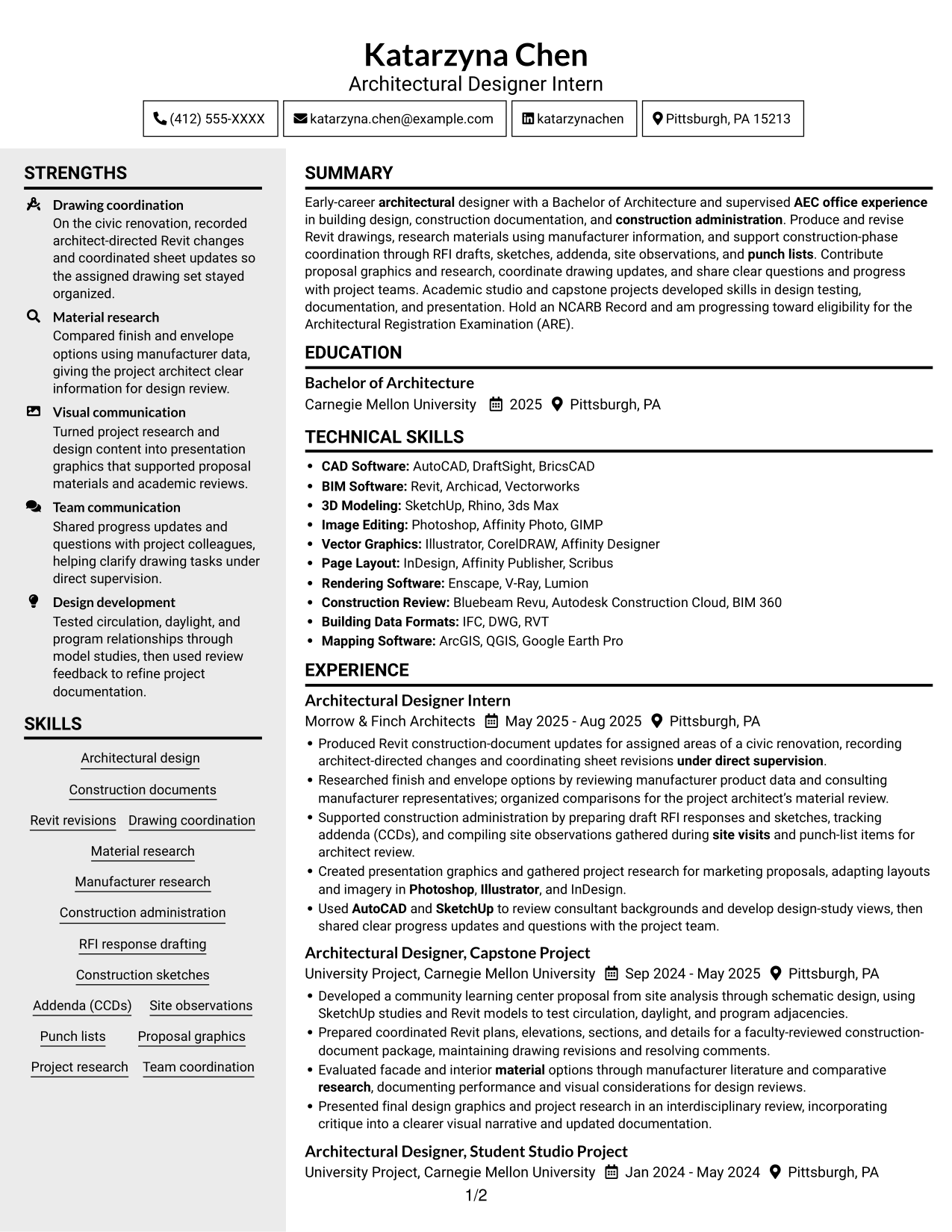
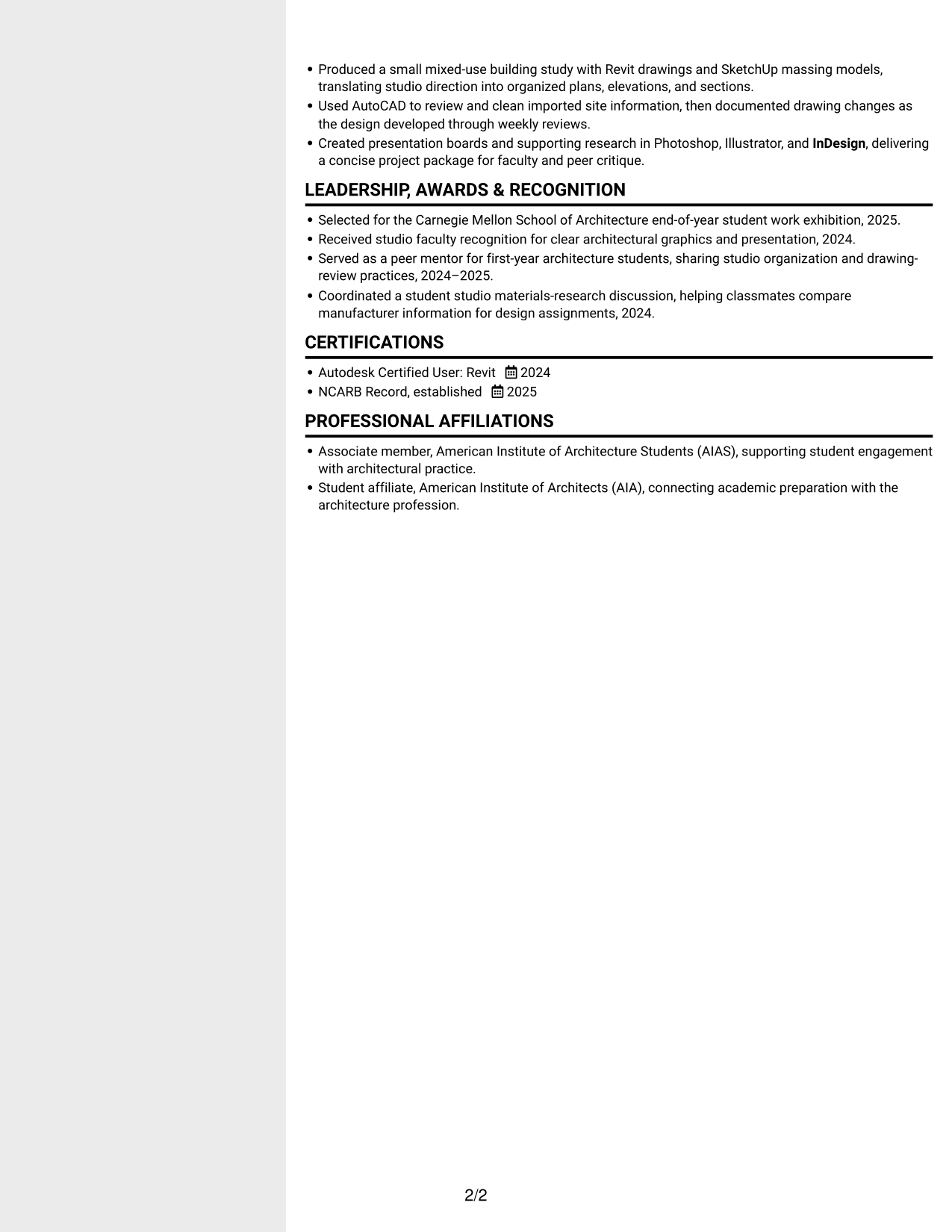
The two-column body offers a clear side-by-side arrangement, a practical choice when readers want supporting information close at hand.
Why This Format Works
- The two-column structure gives experience and supporting sections separate areas for review.
- Bullet points preserve their order, helping readers follow responsibilities and project contributions.
- Education and credentials remain easy to locate among the resume's other content.
Best For
- Two-area resume organization
- Fast access to supporting details
- Several resume content categories
- Bullet-based experience and projects
- Readers who prefer columns
#6 Two Column Format Resume Example
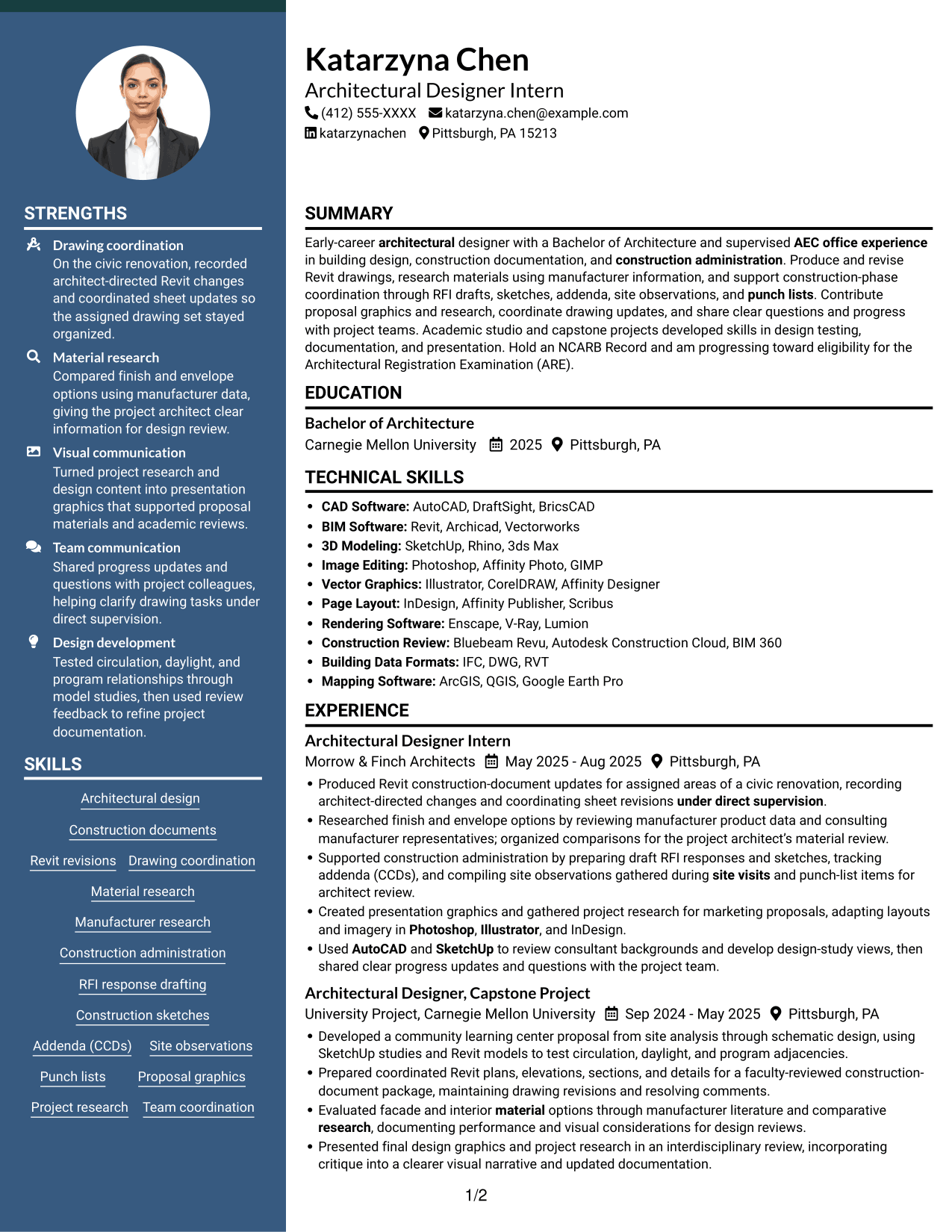
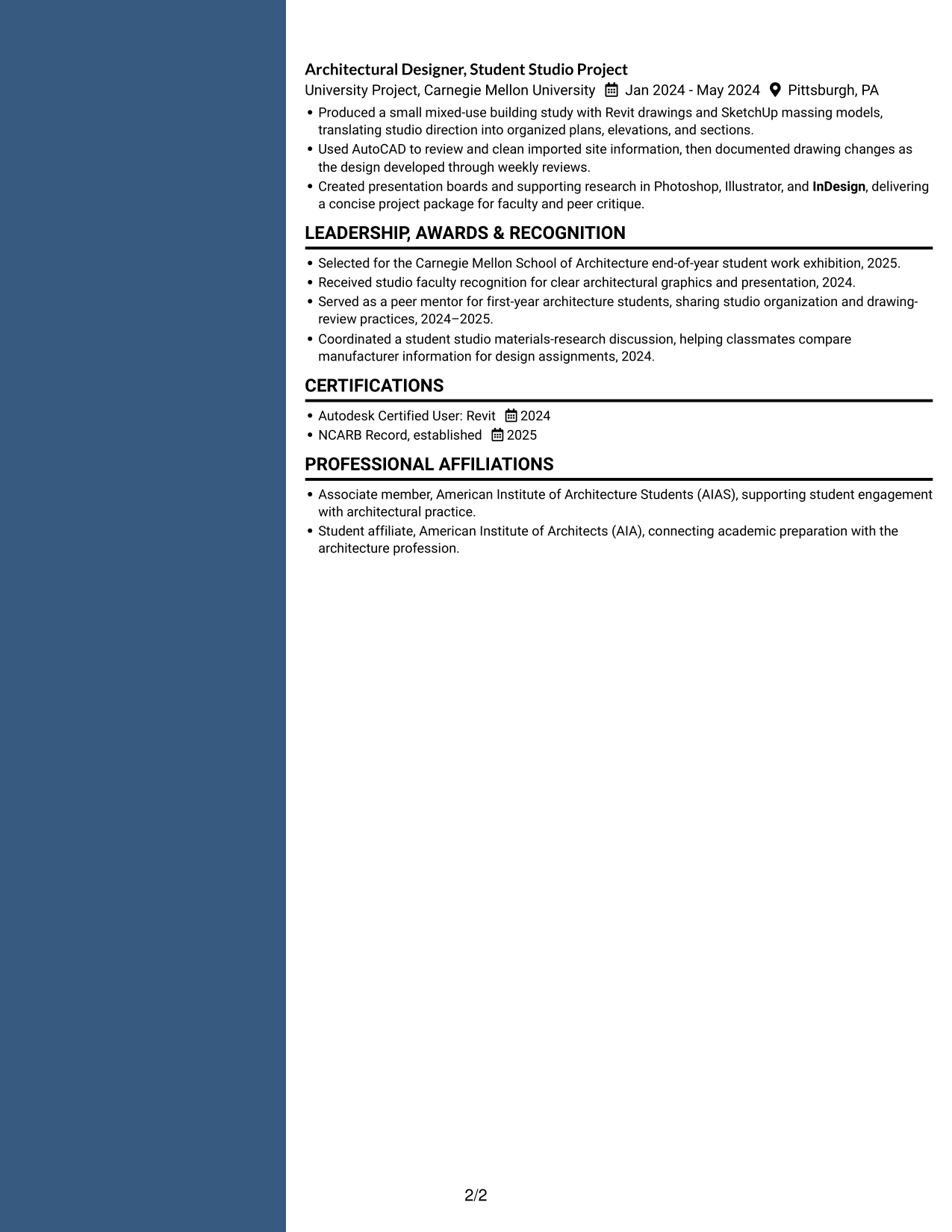
This two-column body creates a divided page layout, useful for readers who want to review different resume sections side by side.
Why This Format Works
- Work and project details can be reviewed alongside other resume sections without losing their sequence.
- Distinct areas help separate academic history from professional experience.
- Skills and education can be checked without interrupting review of experience entries.
Best For
- Side-by-side resume review
- Multiple experience and project sections
- Separate academic and office history
- Education and skills in columns
- Readers comparing content areas
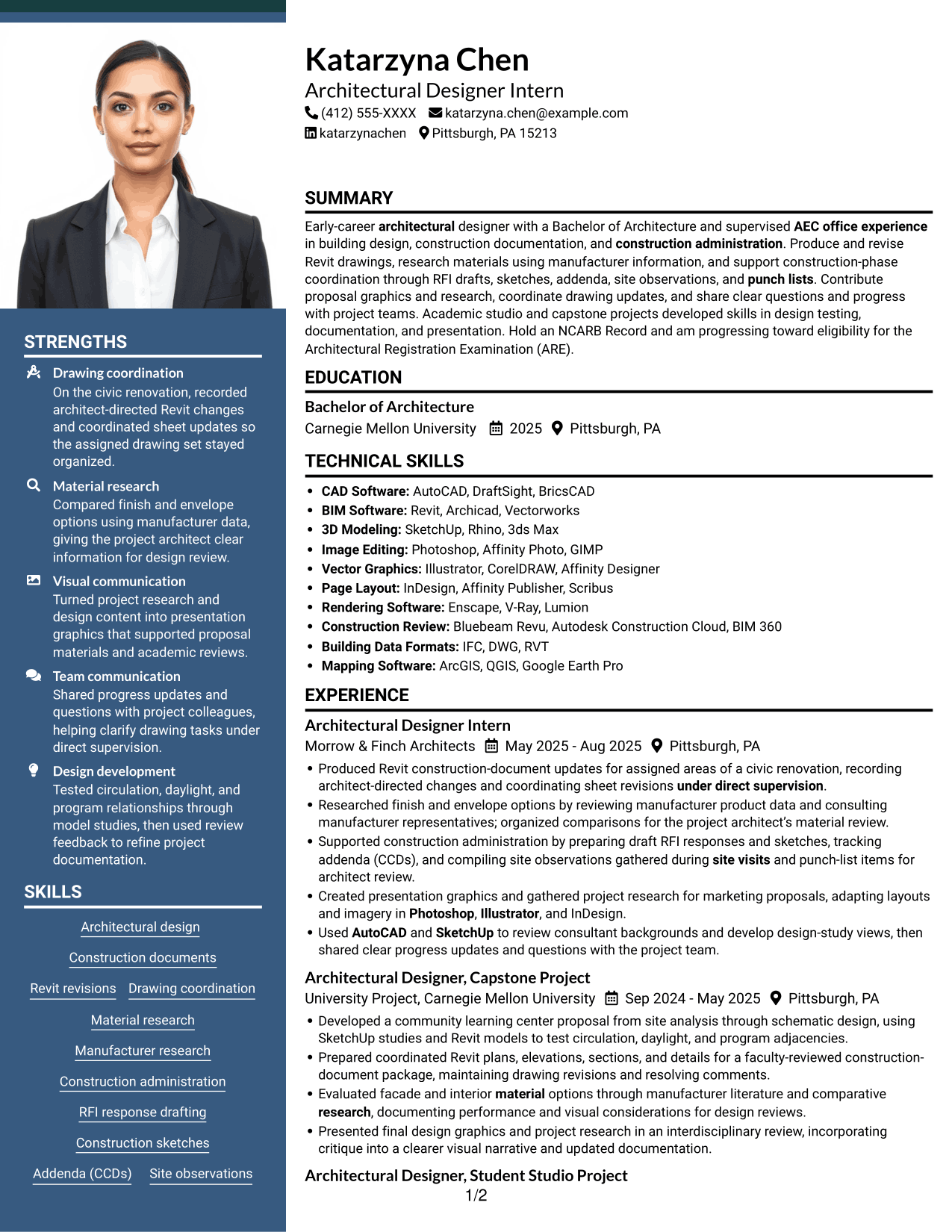
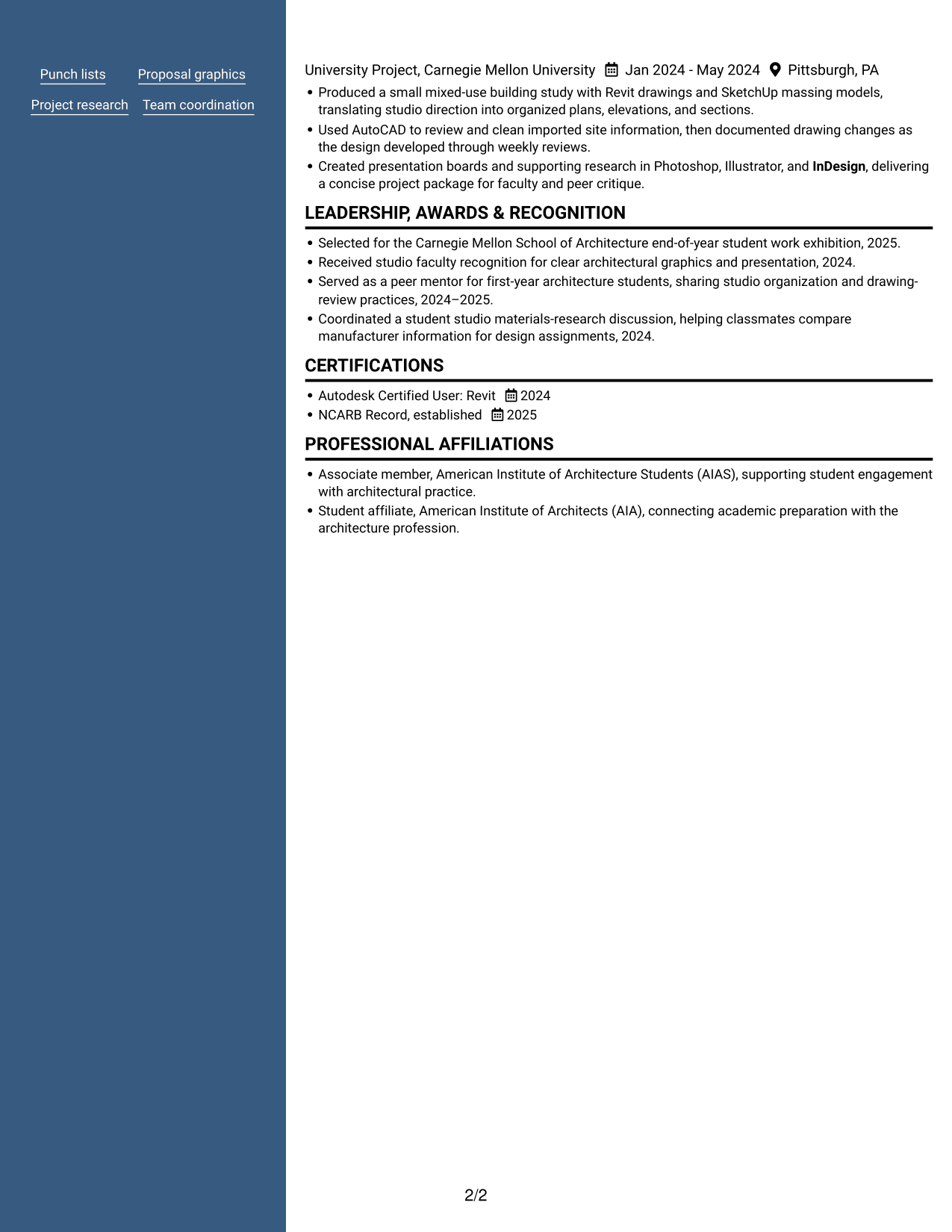
#7 Photo Header Two Column Format Resume Example
A photo in the header pairs with a two-column body, a useful choice when portrait presentation and side-by-side sections both matter.
Why This Format Works
- The two-column body gives experience and supporting sections distinct areas for review.
- A header portrait adds a clear visual identifier without interrupting the resume text.
- Project and education sections can remain easy to distinguish within the document.
Best For
- Photo-header resume presentation
- Two-column section organization
- Several supporting content areas
- Project and education sections
- Readers who prefer portrait headers
Why Build Your Entry-Level Architectural Designer - Construction Documentation Resume with ResumeInMinutes
ResumeInMinutes helps you organize your experience, education, skills, and certifications in a resume that is clear to read and easy to customize.
- Clear resume layouts
- Readable section structure
- Role-focused keyword guidance
- Organized skills and experience
- Project and education sections
- Resume customization in the editor
Use the example to see how construction documentation, software skills, material research, and project work can be arranged for a focused resume review.
See Also
- 7 Architectural Designer - Construction Documentation Resume Templates with Example
- 7 Architectural Designer / Project Architect - Commercial and Institutional Resume Templates with Example
- 7 BIM Architectural Designer Resume Templates with Example
- 7 Custom Residential Architectural Designer Resume Templates with Example
- 7 Landscape Designer - Site Planning and Documentation Resume Templates with Example
- 33 Associate Director, Senior Service Designer (GenAI Experience) Resume Templates with Example 2026 (ATS-Optimized)
- 33 Automotive CAD Designer – Exterior Mirrors & Vision Systems Resume Templates with Example 2026 (ATS-Optimized)
- 7 CAD Drafter/Designer - Fiber Network Design Resume Templates with Example
- 7 Architectural Designer - Construction Documentation Cover Letter Templates with Example
- 7 Entry-Level Architectural Designer - Construction Documentation Cover Letter Templates with Example
Frequently Asked Questions
Are these Entry-Level Architectural Designer - Construction Documentation resume templates ATS-friendly?
The layouts use clear sections and readable headings. For better ATS matching, use accurate terms for your experience, such as Revit construction documents, drawing revisions, construction administration, and material research.
What does the resume example show?
It shows one resume example in 7 visual layouts. The PNG previews let you compare how each layout presents the same information, and you can open an example in the editor to review or customize it.
What should an architectural designer construction documentation resume include?
Include a concise summary, relevant experience, education, software skills, and certifications. Add specific details about Revit drawing updates, revisions, material research, and construction-phase support when they reflect your work.
Which resume format works well for this role?
A simple one-column layout is easy to scan and keeps experience and skills in a clear order. A two-column layout can also work if it keeps headings and key details easy to find.
How can I show relevant experience if much of my work is academic?
Use clearly labeled project entries to describe design studies, drawing packages, material research, and presentations. State your role and the tools you used, and keep academic projects separate from office experience.
Should I include a photo on my resume?
Include a photo only if it is customary or expected in your country, region, or industry. For U.S. applications, a resume without a photo is generally the safer choice.




