
7 Entry-Level Architectural or Engineering Assistant - BIM and Digital Delivery Cover Letter Templates with Example
This guide helps you write an Entry-Level Architectural or Engineering Assistant - BIM and Digital Delivery cover letter and compare seven layouts.
What Makes a Great Entry-Level Architectural or Engineering Assistant - BIM and Digital Delivery Cover Letter in 2026
A strong letter explains your interest in BIM and digital delivery, then connects that interest to the needs of the role. Keep the opening, body, and closing clear and focused.
Use relevant evidence, such as Revit modeling, Navisworks coordination reviews, technical drawings, research, or meeting follow-up. Explain how that experience could support the employer’s design and project delivery work.
The featured example moves from interest in the role to relevant evidence and a clear closing. Adapt this focused progression, and choose a presentation that suits the employer and communication context.
#1 Simple One Column Format Cover Letter Example
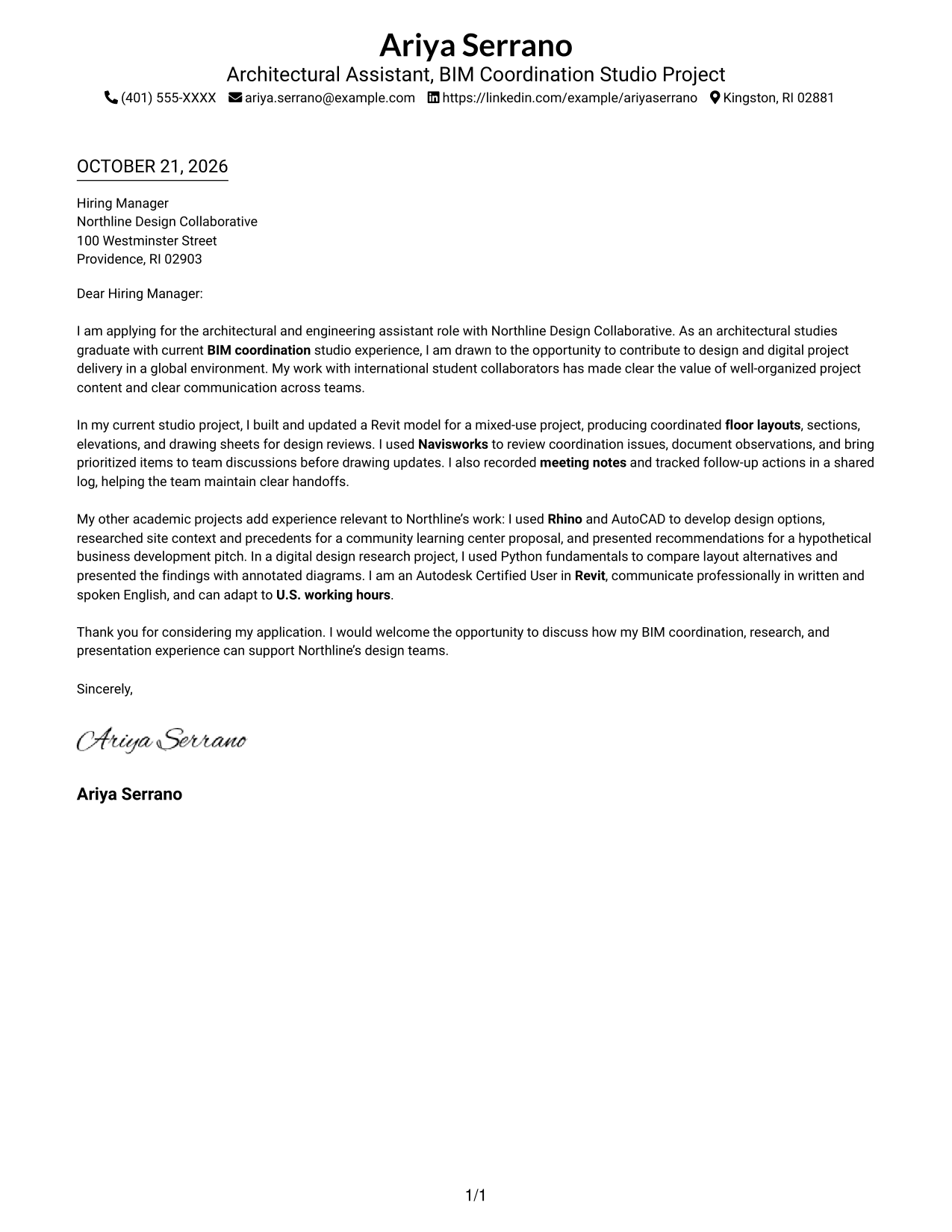
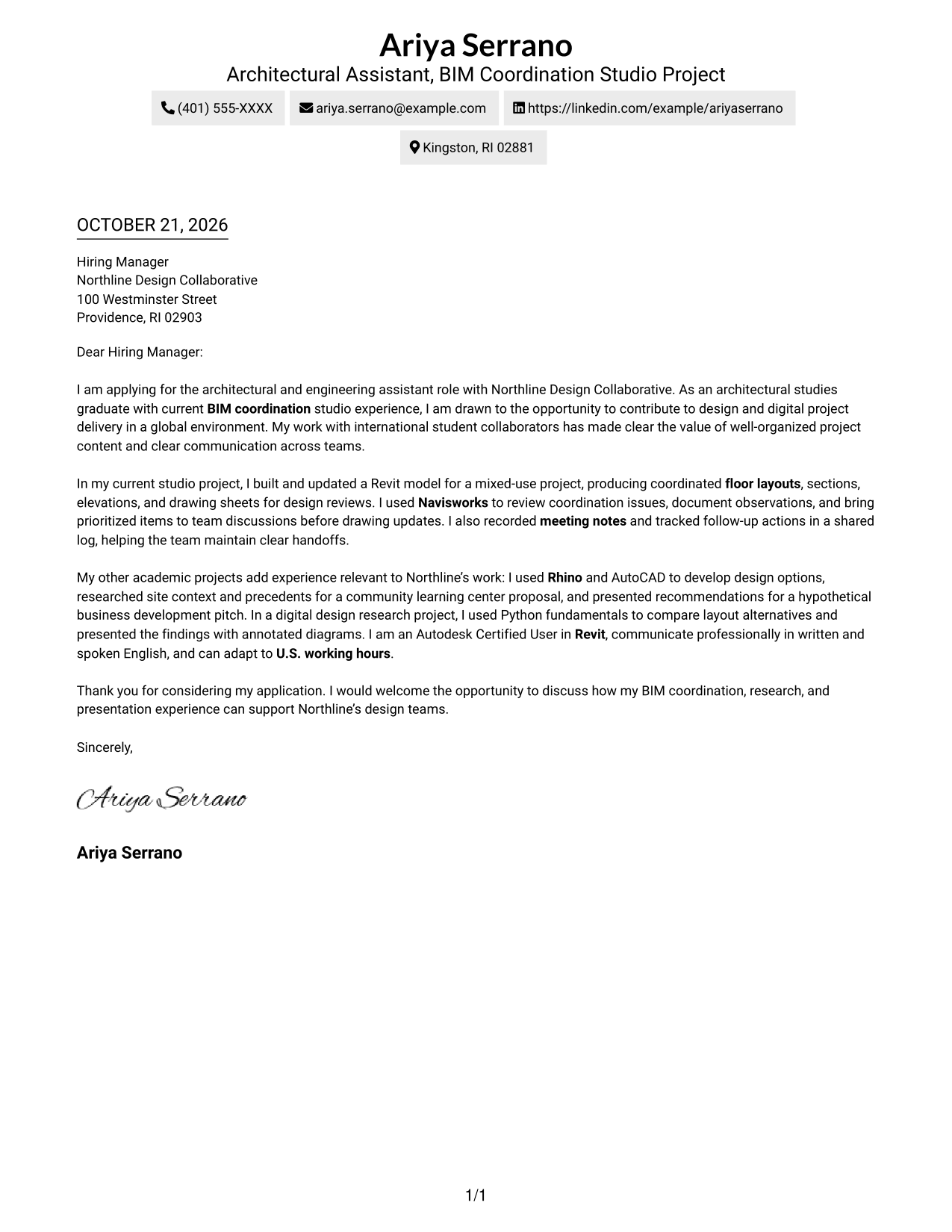
The single-column layout places sender details in the header and keeps the letter body below, a natural fit for readers who prefer a simple page structure.
Why This Format Works
- Sender details stay in the header, apart from the letter's message.
- The single reading path carries motivation, supporting examples, and the closing in order.
- Continuous paragraphs let the argument build without headings dividing its stages.
Best For
- Single-column reading preference
- Header-based sender details
- Letters with several supporting points
- Paragraph-led application messages
- Photo-free letter layouts
#2 Two Column Format Cover Letter Example
A contact sidebar sits beside one continuous letter body, a useful choice when readers want contact details apart from the message.
Why This Format Works
- Contact details remain distinct from the prose, making them easy to locate separately.
- Opening, supporting examples, and closing remain in one main body column.
- Paragraphs can develop the case without headings suggesting separate argument sections.
Best For
- Two-column page preference
- Sidebar-based contact reference
- No-photo correspondence
- Continuous letter paragraphs
- Letters with several supporting points
#3 Photo Header Two Column Format Cover Letter Example
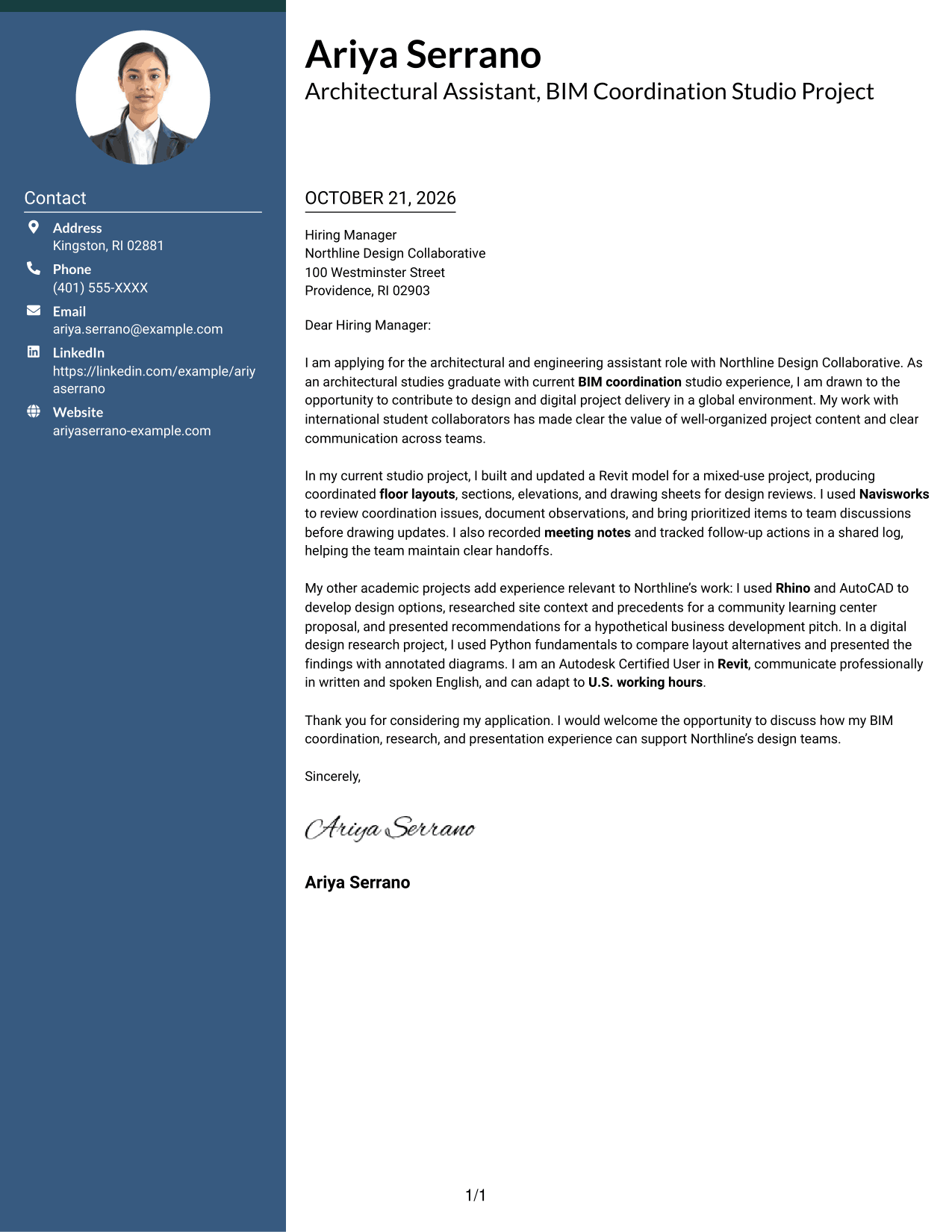
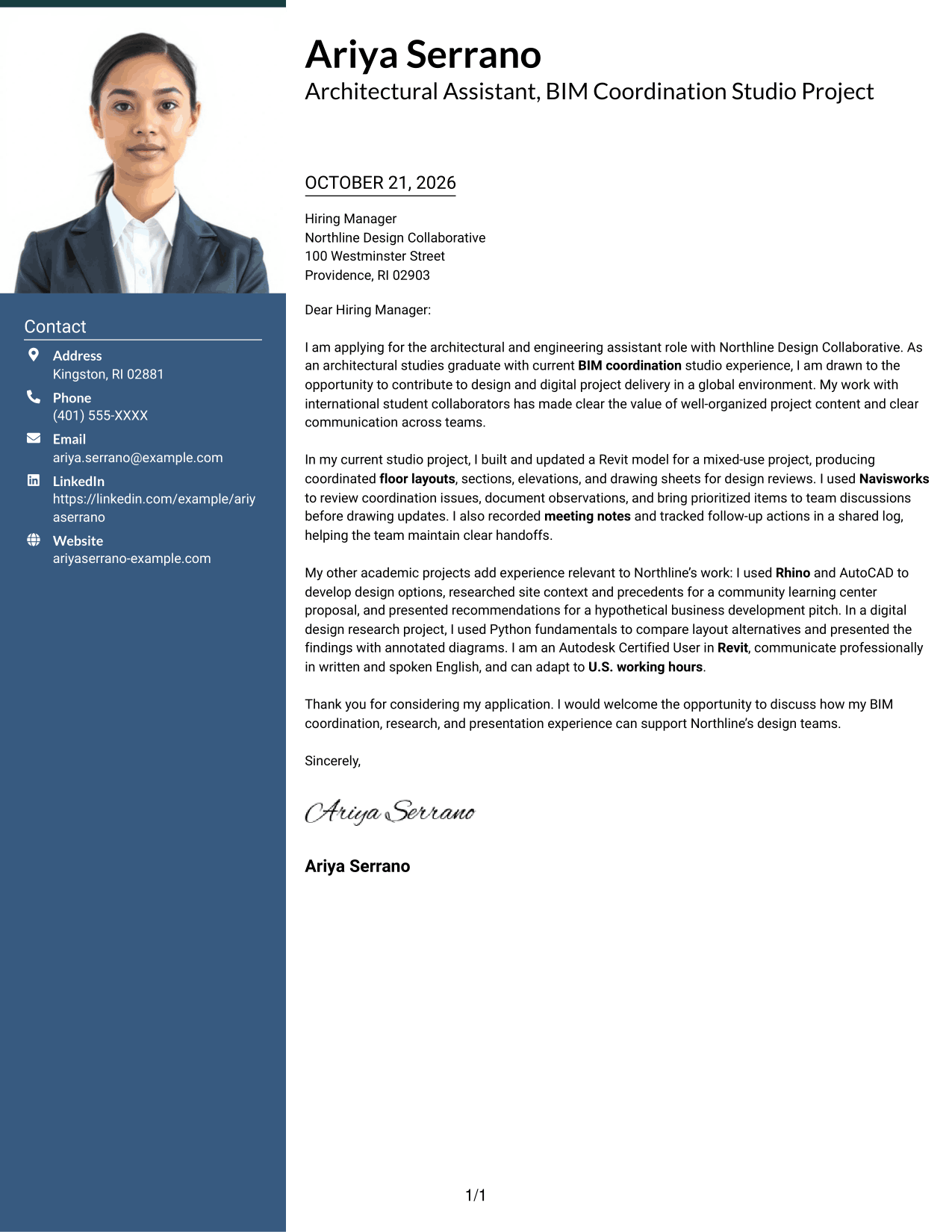
The two-column layout pairs a contact sidebar with a continuous letter body and includes a photo, useful for readers who value that visual element.
Why This Format Works
- A photo adds a personal visual choice without changing the letter's message.
- The sidebar keeps contact details apart from the letter paragraphs.
- The main body carries the opening, examples, and close in a single column.
Best For
- Photo-inclusive correspondence
- Contact details beside the message
- Two-column page preference
- Continuous body text
- Applications with several evidence points
#4 One Column Format with Photo Cover Letter Example
The one-column letter body appears with a photo, a practical option for readers who want a single reading path and a personal visual element.
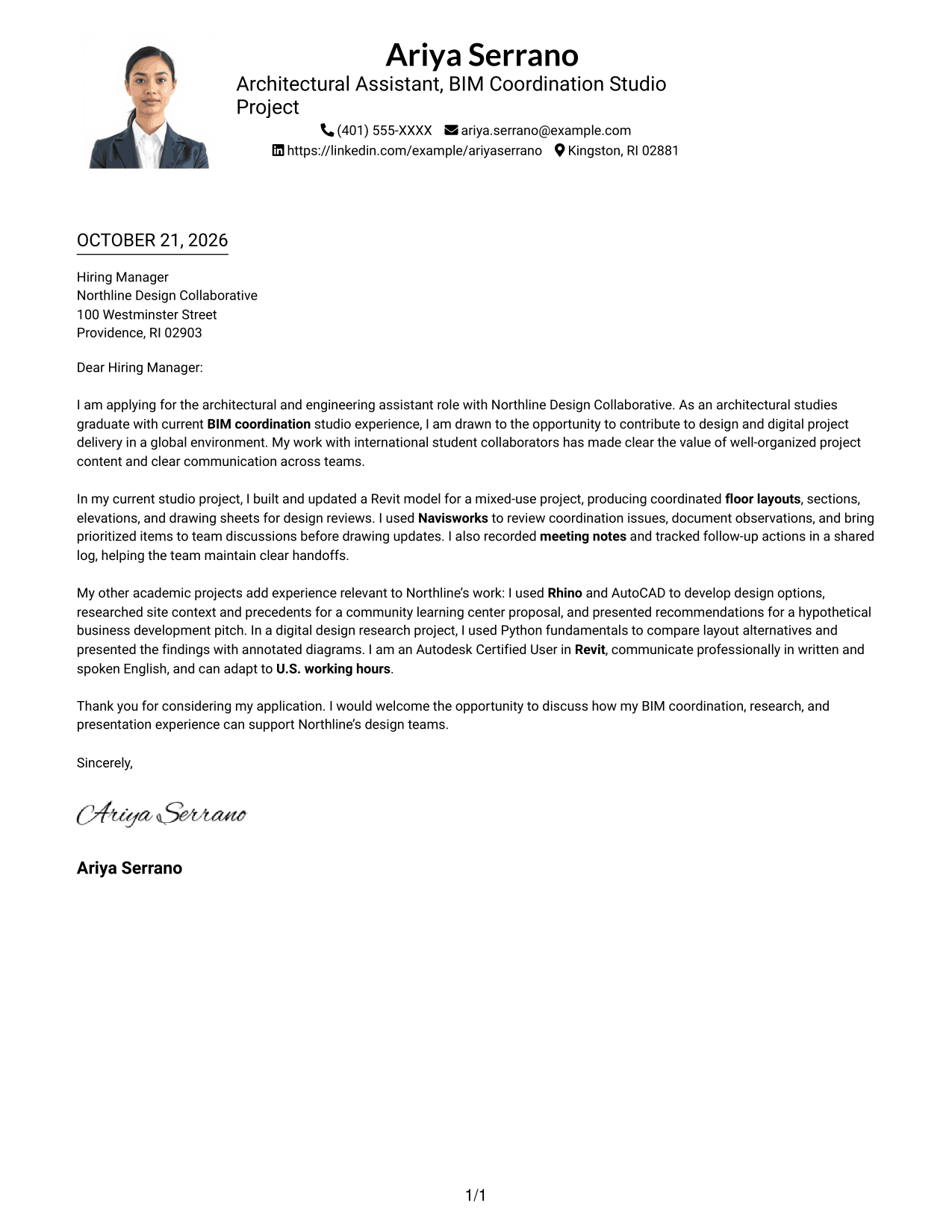
Why This Format Works
- Sender details in the header stay apart from the letter's main message.
- One column keeps the opening, supporting examples, and closing together.
- The paragraph-led case needs no headings to mark argument stages.
Best For
- Single-column page preference
- Photo-inclusive correspondence
- Header-based contact details
- Paragraph-led applications
- Direct message reading order
#5 Simple Two Column Format Cover Letter Example
A contact sidebar and one-column letter body form the two-column page, a clear option for keeping contact information separate from the message.
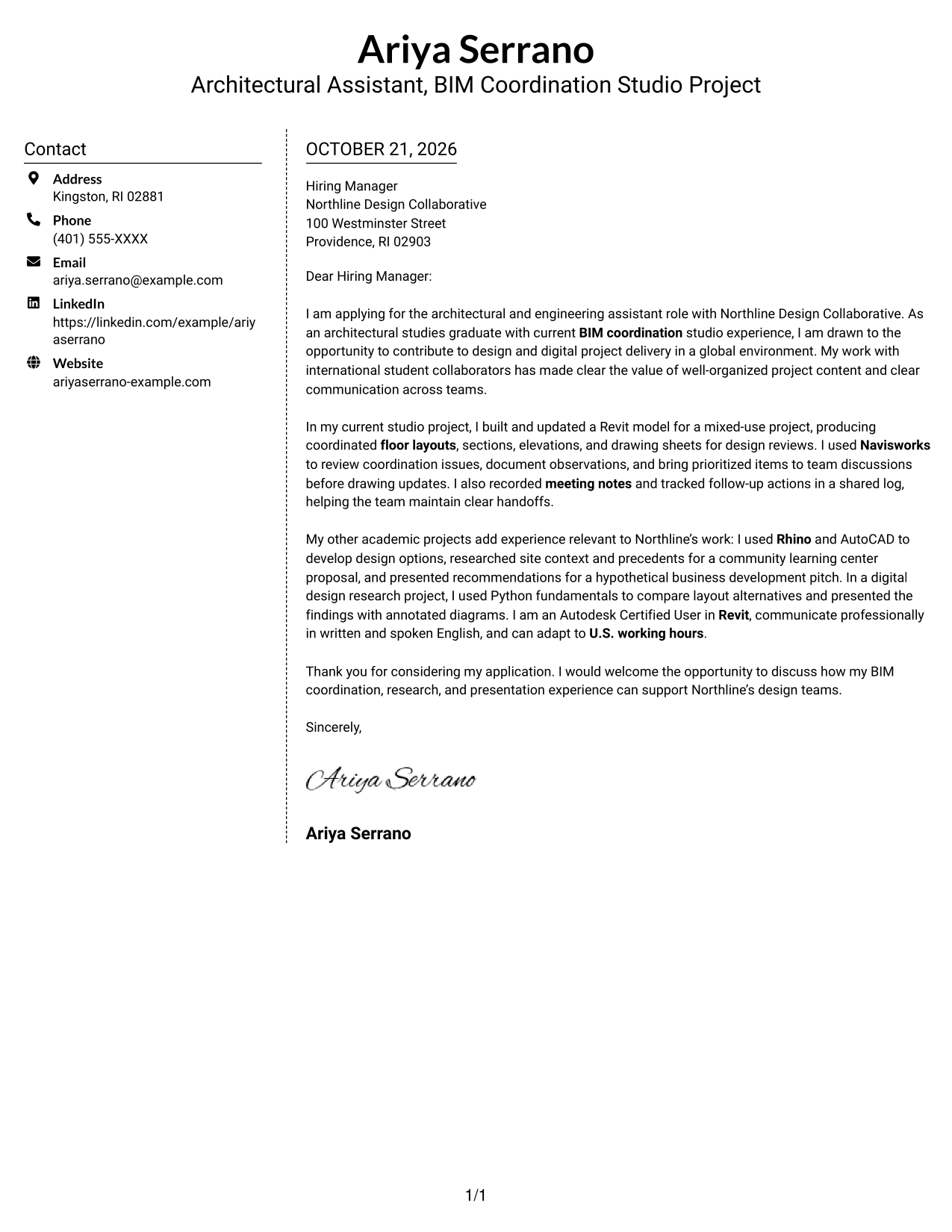
Why This Format Works
- Readers can find contact details in the sidebar without searching the letter.
- The message stays in one column, with its paragraphs in reading order.
- The continuous body lets motivation, examples, and closing form one connected case.
Best For
- Sidebar contact reference
- Two-column reading preference
- Photo-free correspondence
- Continuous message body
- Applications with several supporting points
#6 Modern Icon Format Cover Letter Example
Contact cues and decorative icons accompany the sidebar in this two-column layout, a useful choice for readers who want contact details visually distinct from the letter.
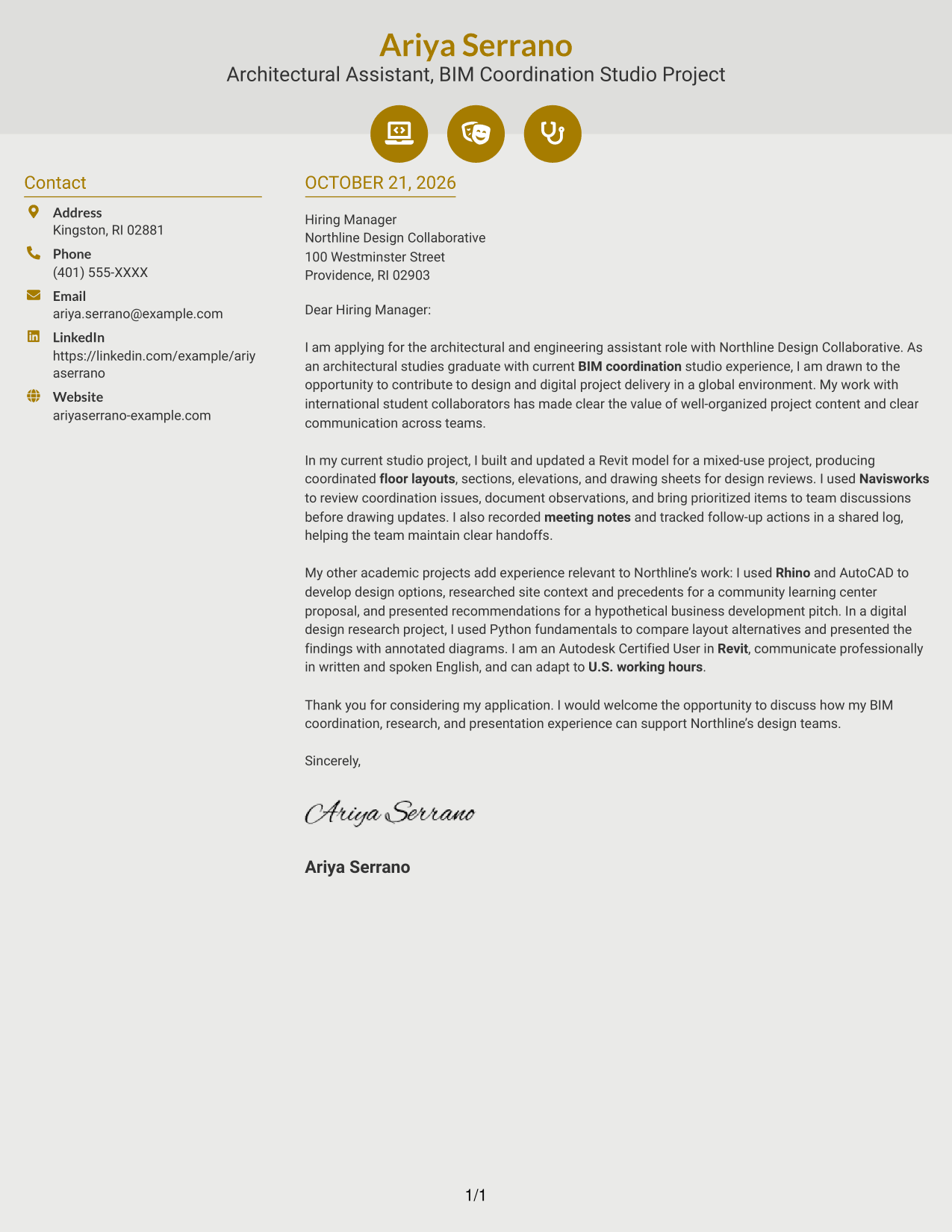
Why This Format Works
- Icons serve as cues for contact details, not for the letter's argument.
- The sidebar separates sender information from the continuous message.
- A single body column keeps the opening, examples, and closing in sequence.
Best For
- Icon-cued contact details
- Two-column correspondence
- Photo-free applications
- Continuous letter prose
- Paragraph-based persuasion
#7 Creative Two Tone Format Cover Letter Example
The contact sidebar sits beside the continuous letter body in this two-column layout, suited to readers who prefer sender details and the message in separate areas.
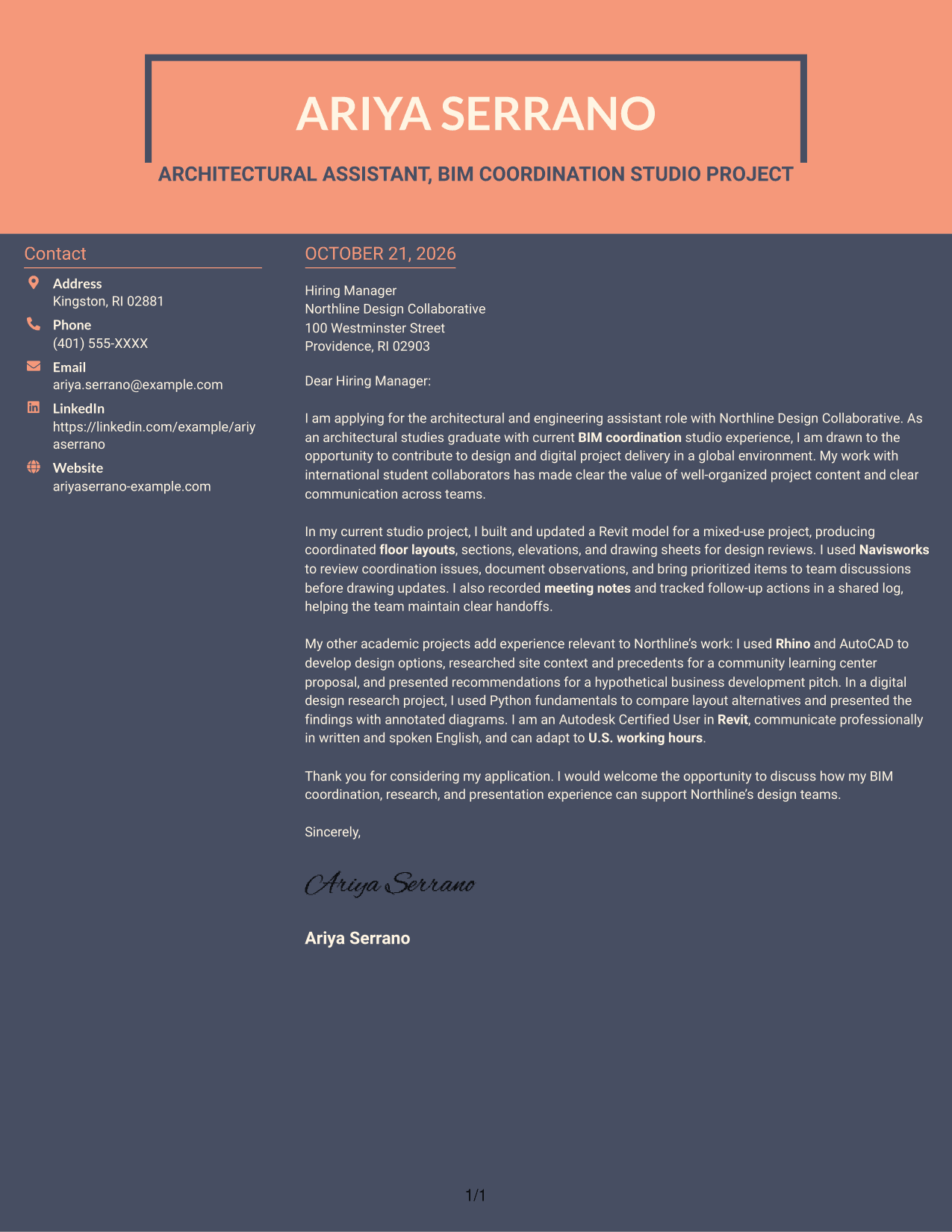
Why This Format Works
- The contact sidebar gives sender information its own place beside the letter.
- A single body column keeps each paragraph in a clear reading sequence.
- Without argument headings, the message can move naturally from opening to close.
Best For
- Contact sidebar organization
- Two-column page preference
- Photo-free letter layouts
- Continuous paragraph body
- Multi-point application messages
Why Use ResumeInMinutes for an Entry-Level Architectural or Engineering Assistant - BIM and Digital Delivery Cover Letter
A clear example can make it easier to shape your message. Compare the image previews, then open an example in the editor to customize its presentation and wording.
- Cover letter examples
- Different visual styles
- Image previews
- Examples in the editor
- Guidance for a focused letter
- Role-specific writing advice
For this role, show how your BIM coordination, technical communication, research, and interest in digital project delivery connect to the employer’s needs.
See Also
- 7 Entry-Level Architectural or Engineering Assistant - BIM and Digital Delivery Resume Templates with Example
- 7 Assistant Director - Transportation Planning & Traffic Engineering Resume Templates with Example
- 7 Assistant or Associate Professor - Engineering Education Resume Templates with Example
- 7 Assistant Professor, Computer Engineering Resume Templates with Example
- 7 Assistant Professor - Electrical & Computer Engineering - Remote Sensing Systems Resume Templates with Example
- 7 Assistant Professor of Engineering Technologies and Applied Design Resume Templates with Example
- 7 Assistant Nurse Manager - Labor and Delivery Resume Templates with Example
- 7 Academic Records Assistant - Student Records Resume Templates with Example
- 7 Assistant or Associate Professor - Engineering Education Cover Letter Templates with Example
- 7 Assistant Nurse Manager - Labor and Delivery Cover Letter Templates with Example
Frequently Asked Questions
What should an Entry-Level Architectural or Engineering Assistant - BIM and Digital Delivery cover letter include?
State your interest in the role, support your fit with relevant examples, and close with a clear invitation to discuss your application. Keep the message focused on BIM, design coordination, and digital project delivery.
How can I describe BIM coordination in my cover letter?
Give a specific example of how you worked with a Revit model, reviewed coordination issues, or prepared related drawings. Explain your actions and how you communicated findings or supported the team.
How can I show that my experience fits this role?
Connect relevant work with tools such as Revit, Rhino, AutoCAD, or Navisworks to the tasks in the job description. You can also describe research, presentation work, meeting notes, or follow-up actions when they are part of your experience.
How do I view and customize a cover letter example?
Compare the PNG image previews to see each presentation style, then use the editor link to open an example and customize it.
Should I use a photo on my cover letter?
Use a photo only when it is common or expected in your country, region, or field. For applications in the United States, a no-photo presentation is usually a sensible choice.




