
7 Entry-Level Architectural or Engineering Assistant - BIM and Digital Delivery Resume Templates with Example
This practical guide shows you how to create an Entry-Level Architectural or Engineering Assistant - BIM and Digital Delivery resume. You will learn how to present relevant work clearly and make your skills and project contributions easy to review.
A strong resume connects BIM work to clear evidence, such as Revit models, coordinated drawings, organized project files, and useful meeting records. Use concise bullets to show how you supported design coordination, research, and digital project delivery.
Explore the resume example presented in 7 layouts, then compare the image previews and open a layout in the editor to review or customize its structure. You will also find guidance on ATS-friendly headings, role-specific keywords, and the sections that help reviewers scan your experience.
What Makes a Great Entry-Level Architectural or Engineering Assistant - BIM and Digital Delivery Resume in 2026
A strong resume has clear sections, focused skills, and concise bullets that show how you supported BIM coordination and digital project work.
Use accurate keywords such as Revit, Rhino, AutoCAD, Navisworks, technical drawings, project documentation, research, and action-item tracking. Connect each term to a project or task when possible.
Note: Resume examples are for educational purposes only. Use only information that accurately reflects your experience and qualifications. References to real organizations do not imply affiliation or endorsement.
#1 Simple One Column Format Resume Example
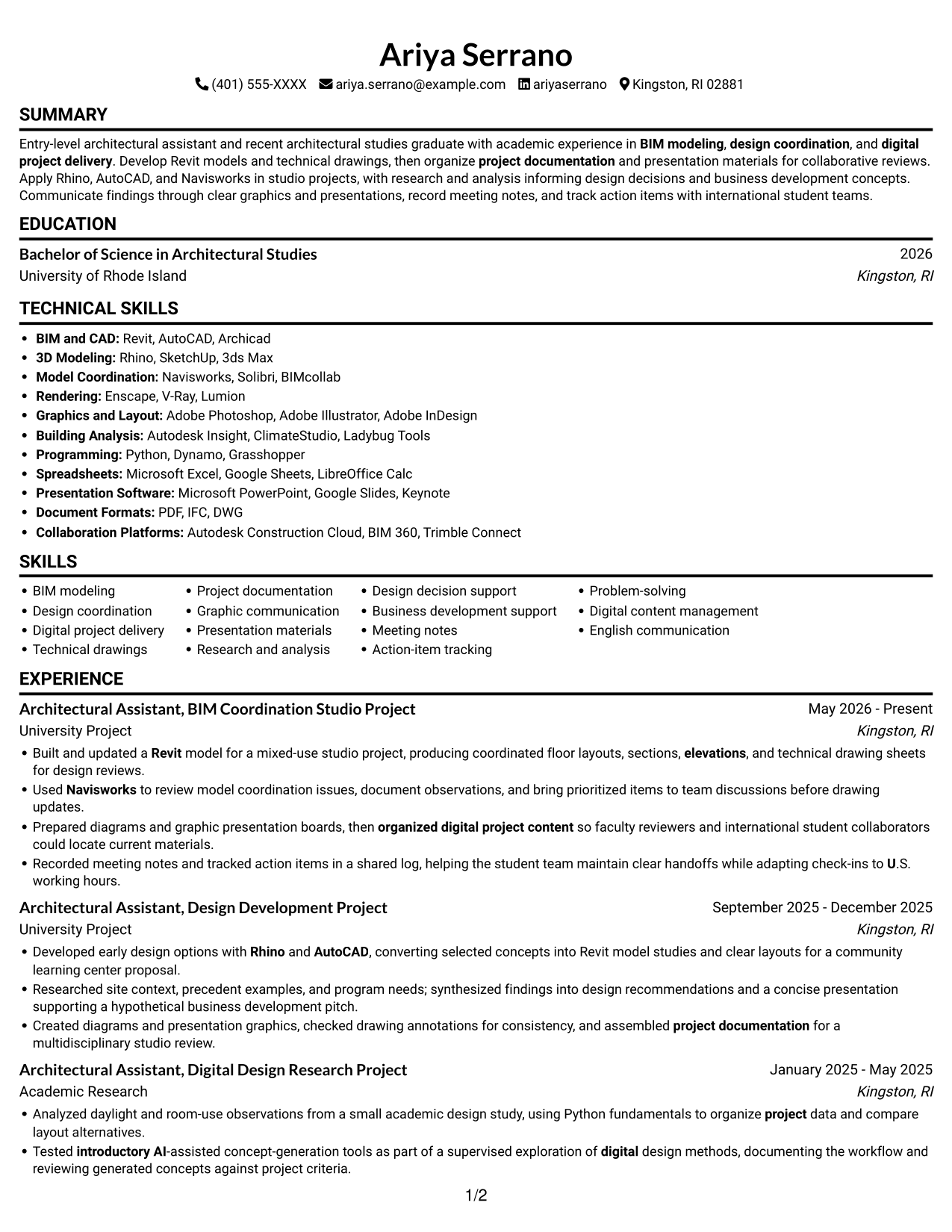
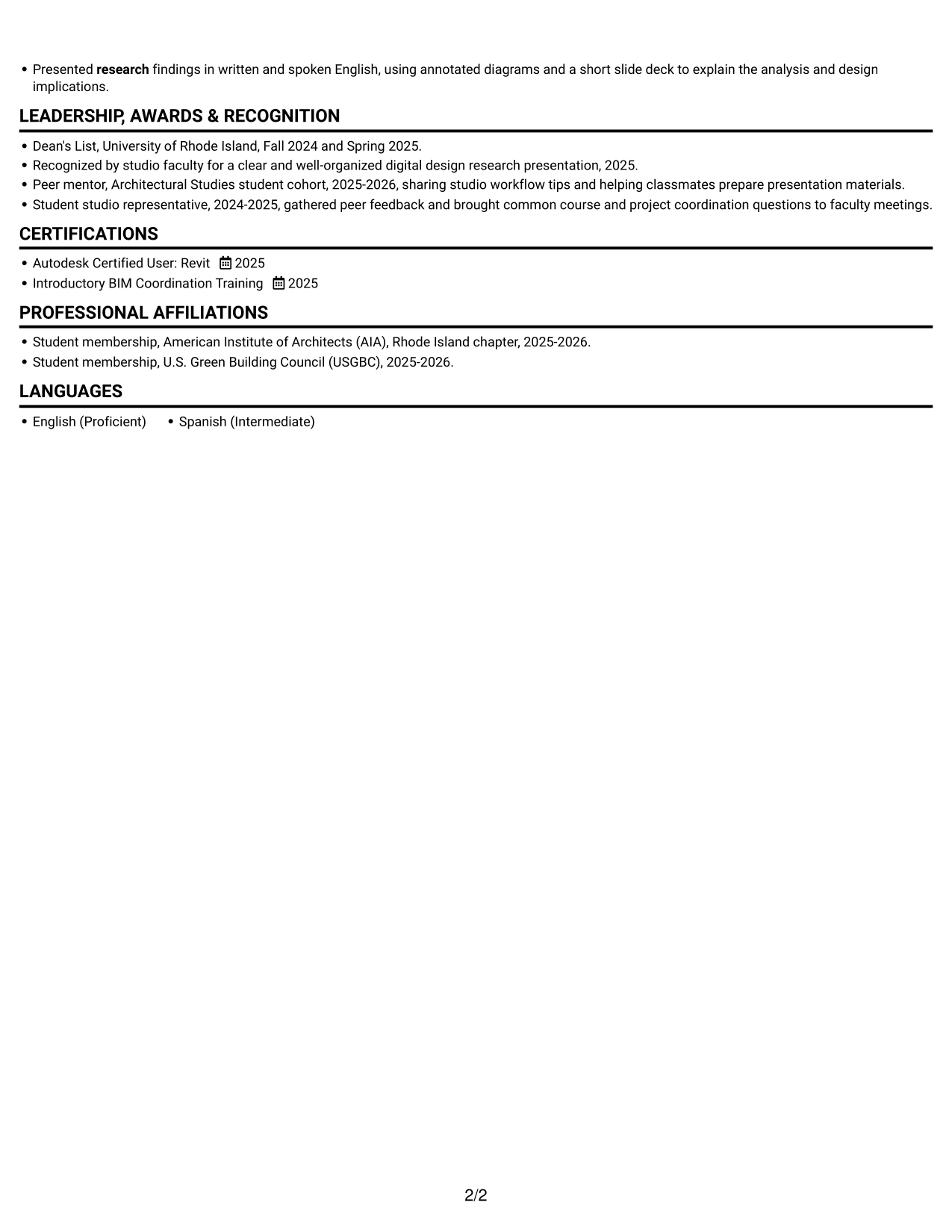
A single-column body presents resume content in one reading sequence, a practical choice for straightforward section-by-section review.
Why This Format Works
- Distinct sections make experience, education, and credentials easy to find.
- A single text path keeps skill details connected to their supporting context.
- Career progression reads from one section to the next without column changes.
Best For
- Sequential section review
- Detailed experience entries
- Resumes with several sections
- Traditional top-to-bottom reading
- Text-focused presentation
Resume Keywords
- Revit
- Rhino
- AutoCAD
- Navisworks
- BIM
- BIM modeling
- design coordination
- digital project delivery
- producing coordinated floor layouts, sections, elevations, and technical drawing sheets
- organized digital project content
- project documentation
- Graphic communication
- presentation materials
- research
- Analyzed daylight and room-use observations from a small academic design study
#2 Simple Two Column Format Resume Example
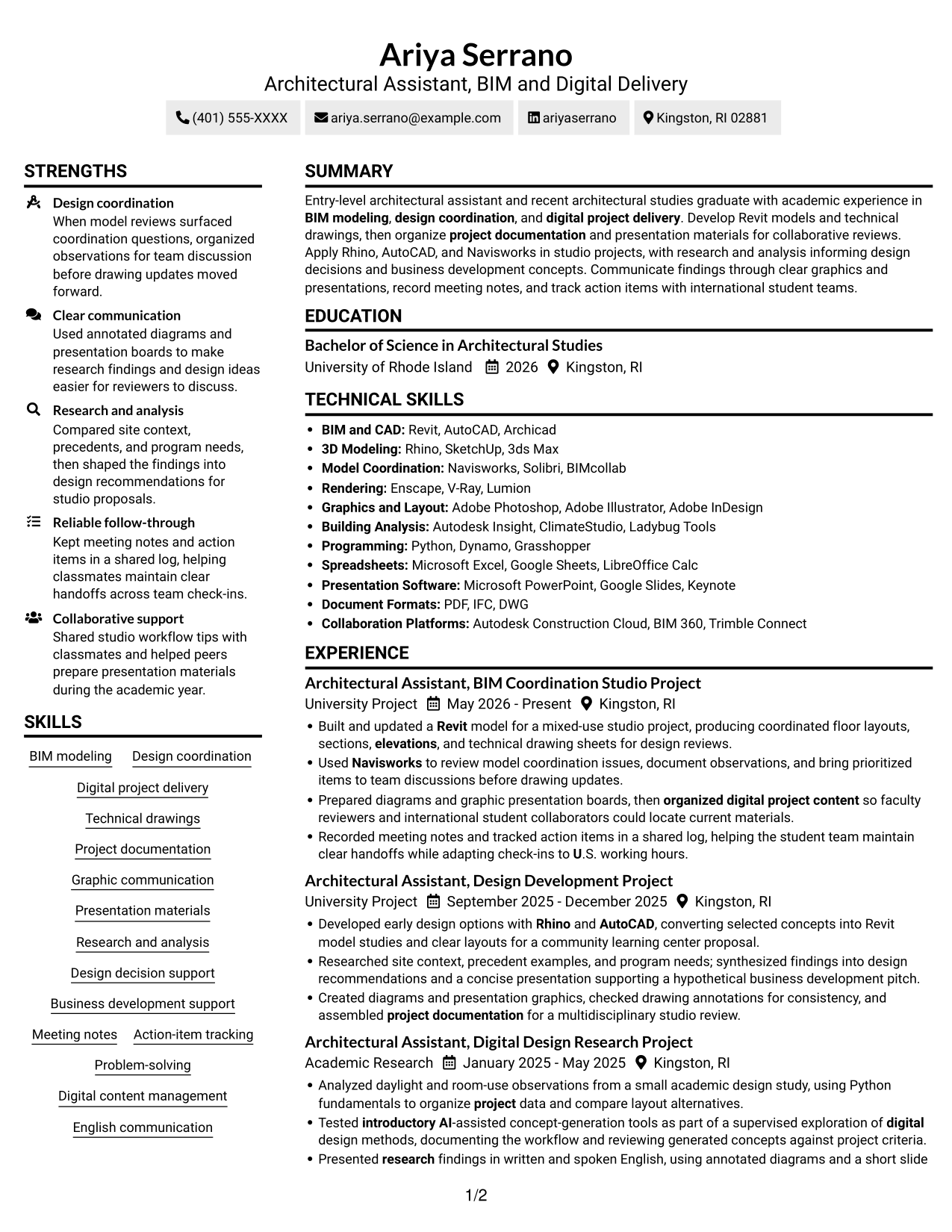
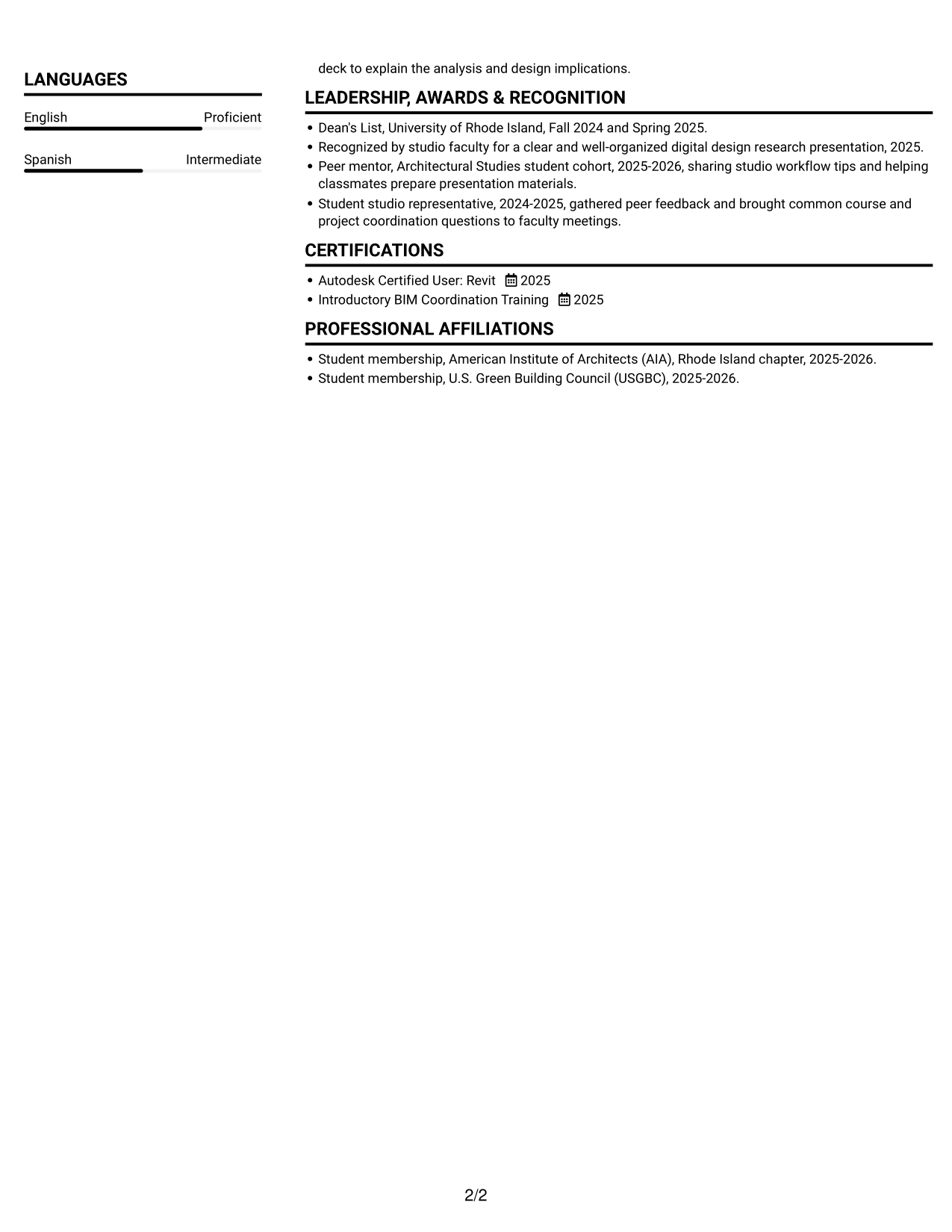
The two-column body gives resume content a parallel structure, a practical choice for reviewers who prefer to scan distinct areas.
Why This Format Works
- Column areas help reviewers find experience, education, and credentials without scanning one long list.
- Separate visual lanes let skills and project documentation remain distinct during a quick review.
- The parallel structure lets reviewers choose a starting point based on the section they need.
Best For
- Parallel section review
- Grouped resume content
- Quick movement between sections
- Mixed-length resume sections
- Readers who prefer two columns
#3 Plain One Column with Shaded Labels Resume Example
The plain one-column structure keeps resume content in a direct vertical sequence, a practical choice for readers who prefer a simple review path.
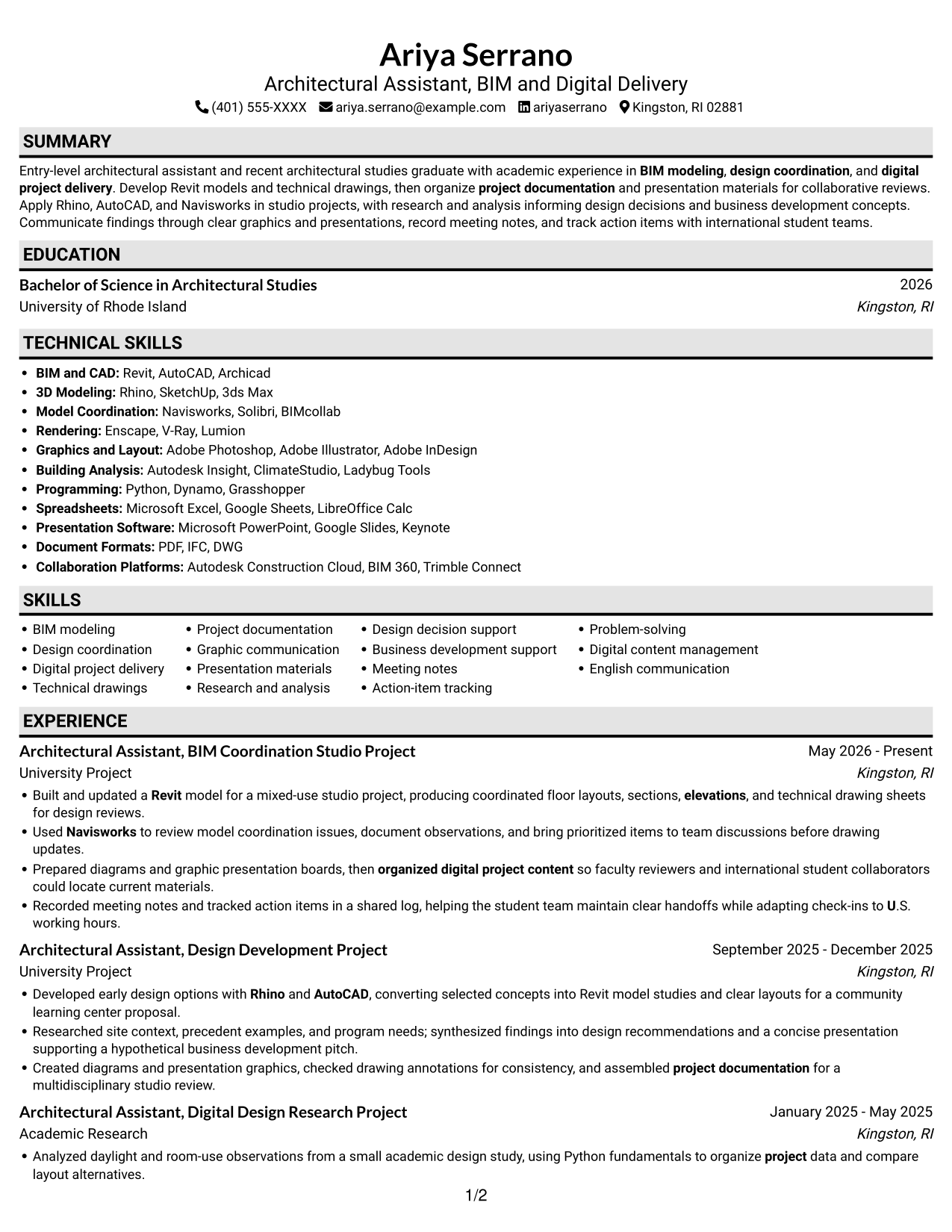
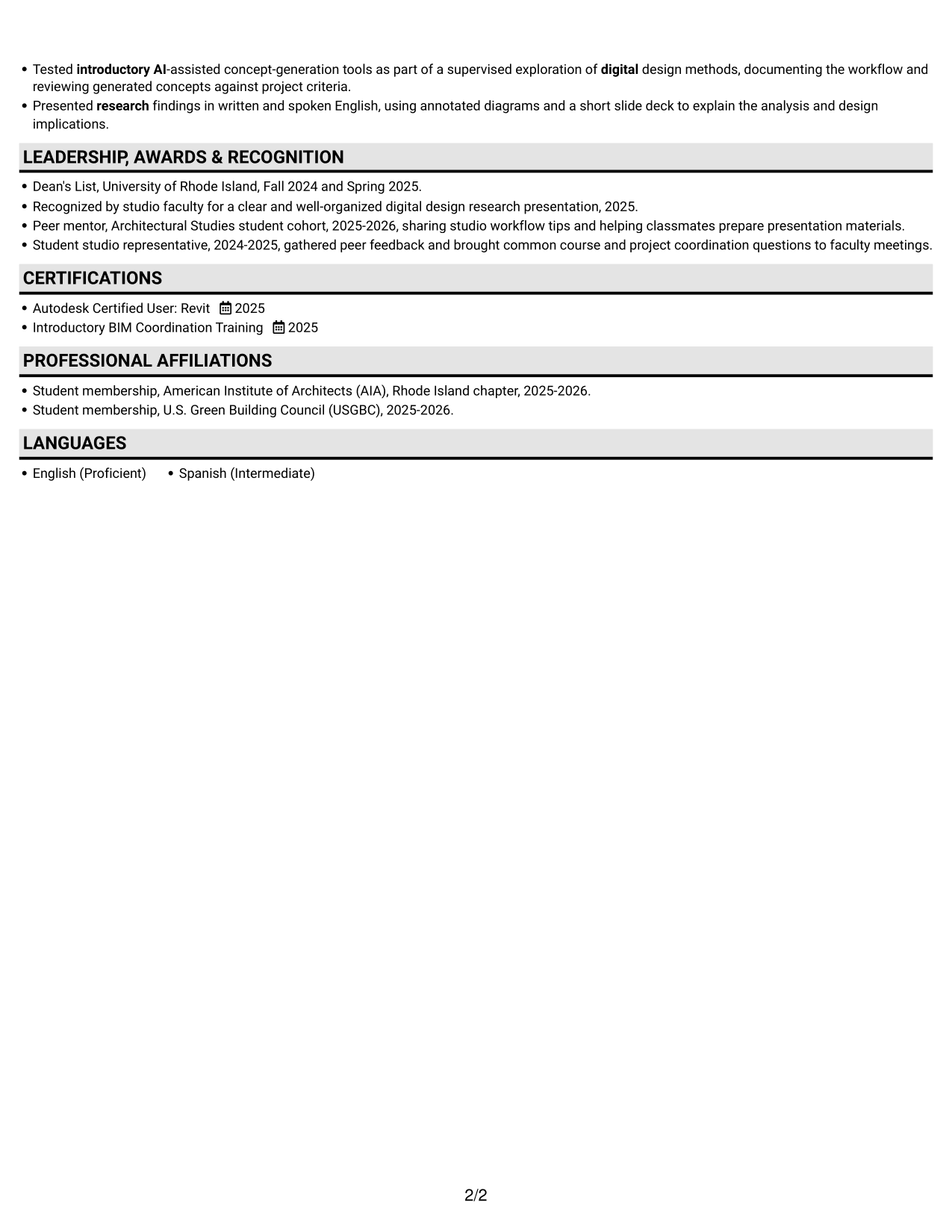
Why This Format Works
- A straightforward vertical sequence keeps experience and education easy to follow.
- Skills and supporting credentials stay in the same review path as project details.
- Reviewers can follow achievement details without shifting attention between parallel columns.
Best For
- Direct vertical reading
- Text-first resume review
- Career details in sequence
- Supporting sections after experience
- Readers avoiding parallel columns
#4 One Column Format with Photo Right Resume Example
The one-column body pairs with a photo on the right, a useful choice when a portrait is part of the desired presentation.
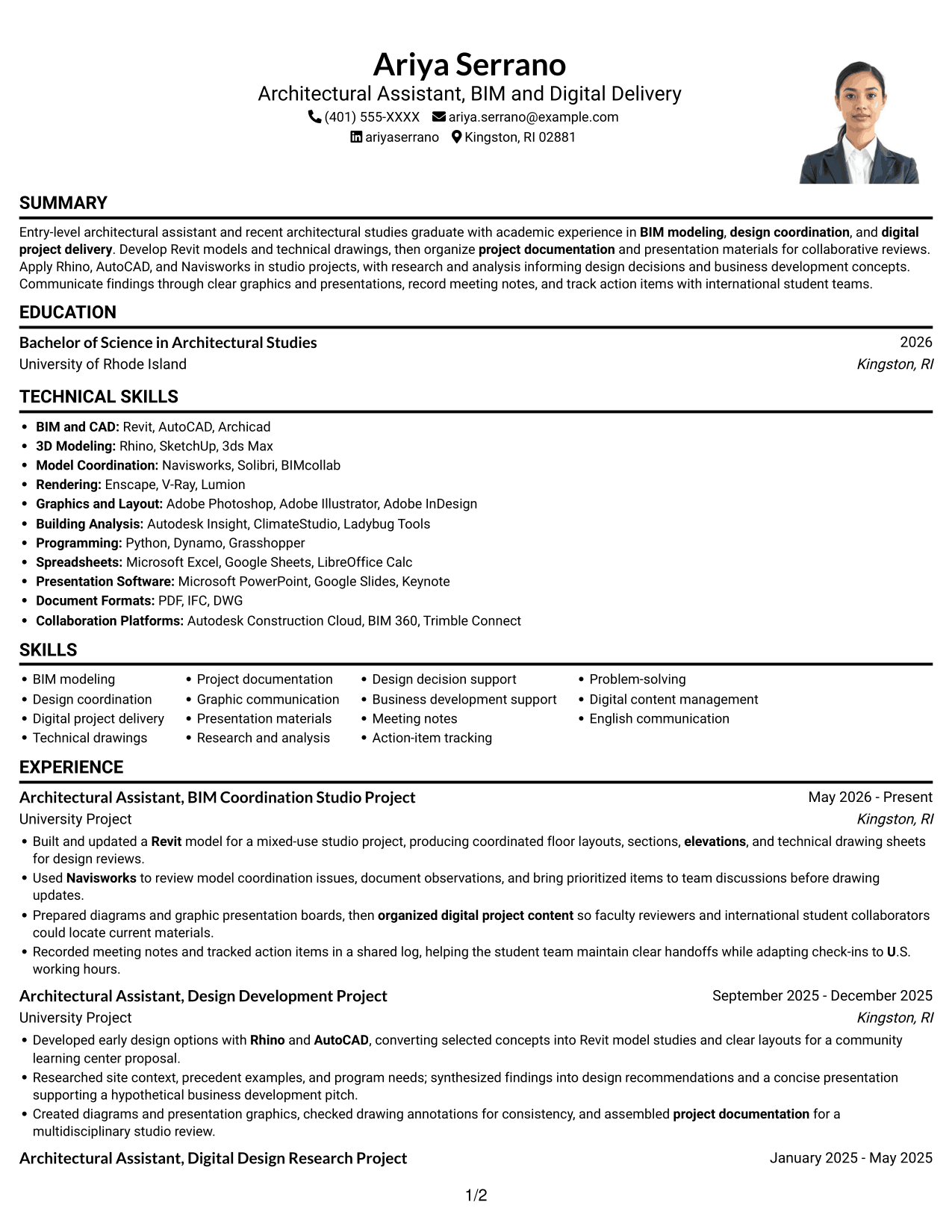
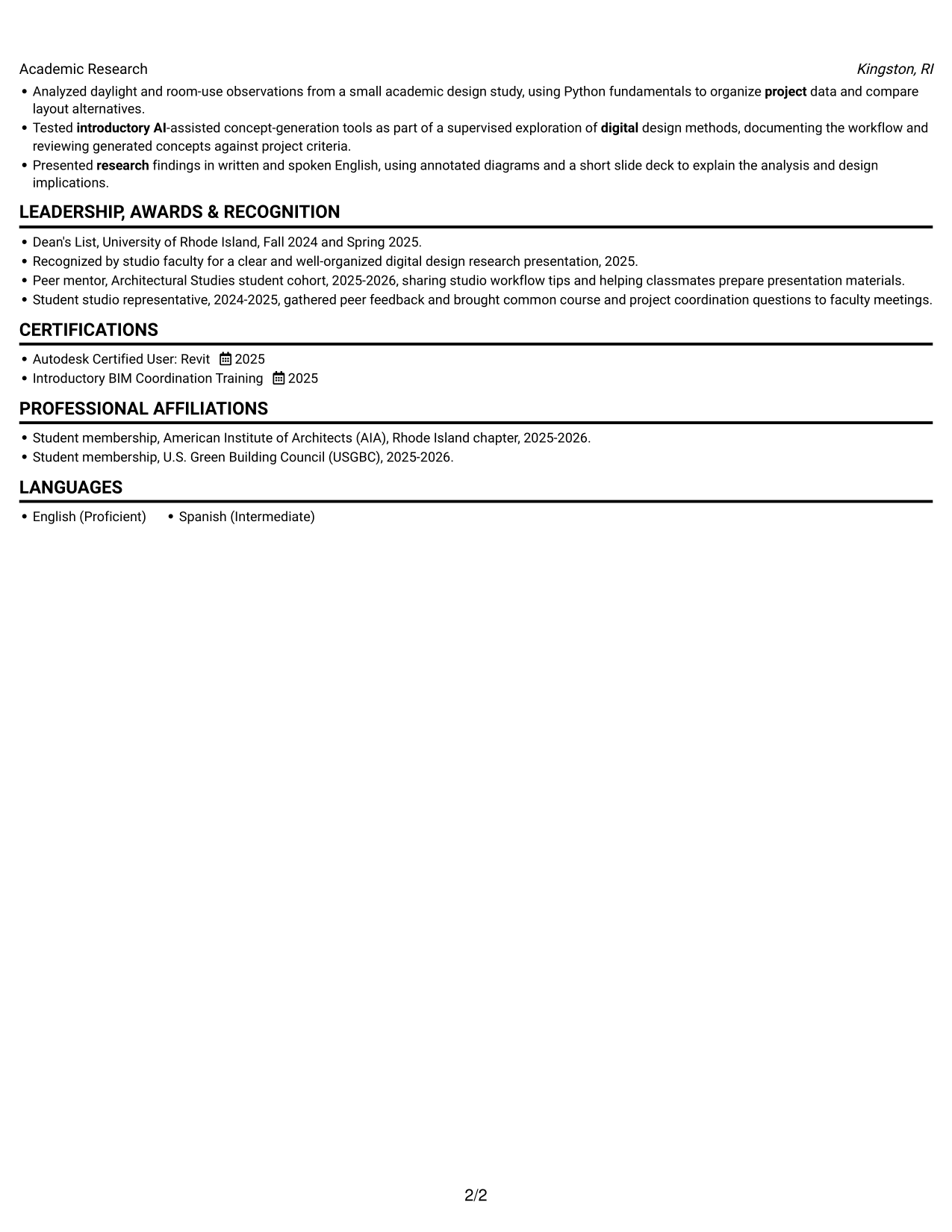
Why This Format Works
- One continuous column lets reviewers follow experience entries from detail to detail.
- Skills, education, and credentials remain easy to locate within the vertical sequence.
- Section order keeps career history distinct from supporting achievements.
Best For
- Right-side portrait preference
- Single-column content sequence
- Detailed role histories
- Section-by-section review
- Career and education details in sequence
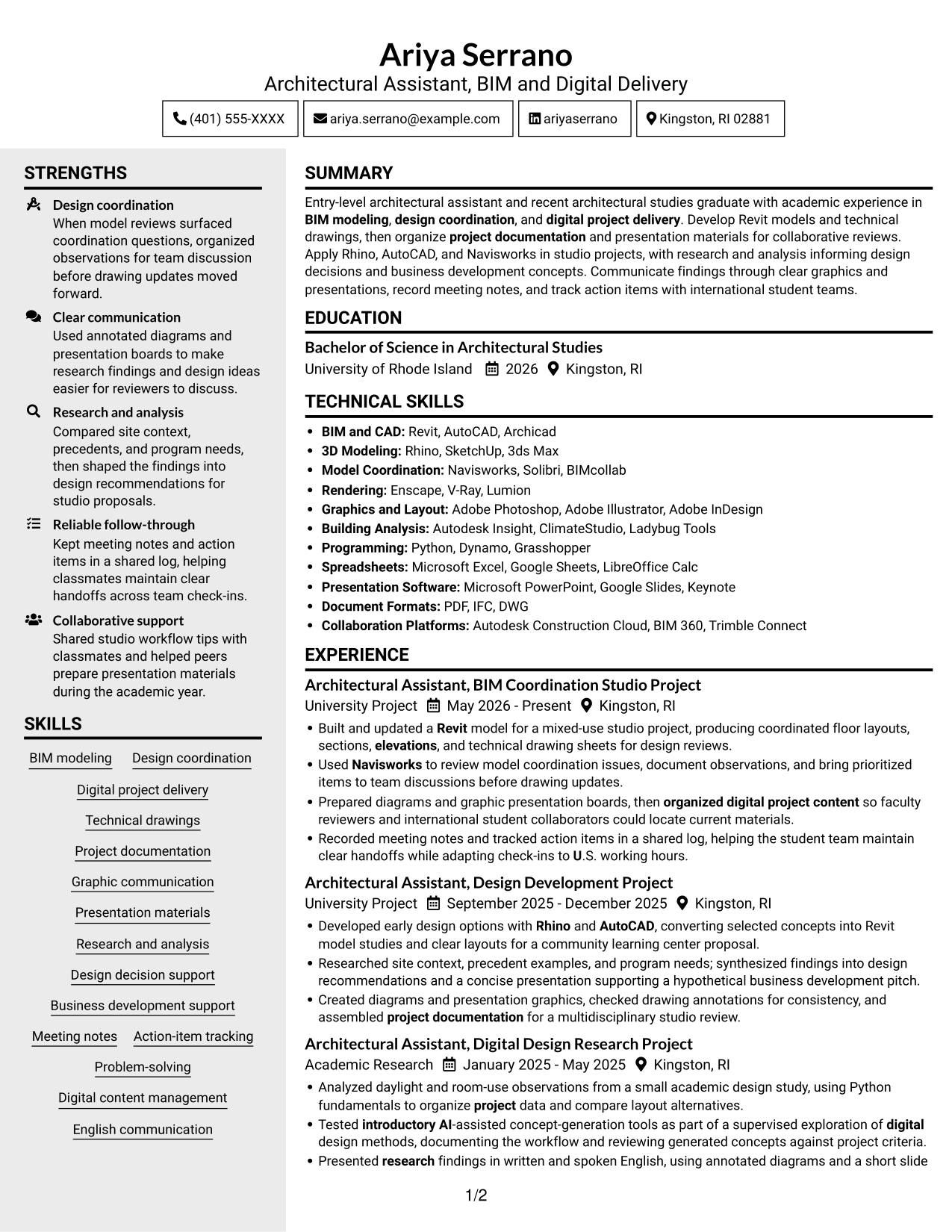
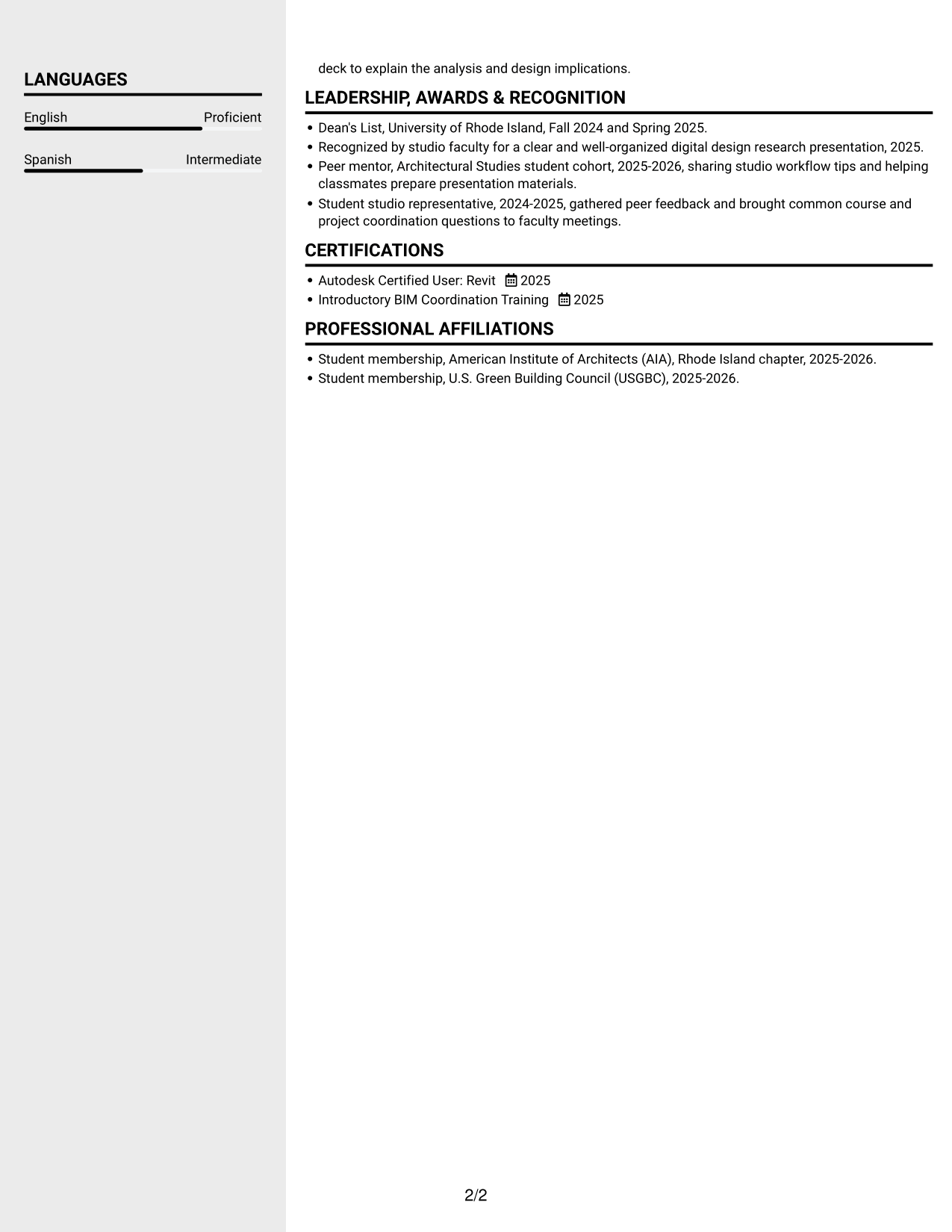
#5 Clean Two Column Sidebar Format Resume Example
The two-column body includes a sidebar, a practical choice for readers who want a distinct area for supporting resume content.
Why This Format Works
- The sidebar and main column create separate places for core and supporting resume details.
- Reviewers can move between skills and experience without treating them as one long section.
- Distinct column areas make education and credentials easier to spot during a scan.
Best For
- Sidebar-led content organization
- Mixed-length content blocks
- Long experience and supporting sections
- Quick access to resume details
- Readers who prefer a sidebar
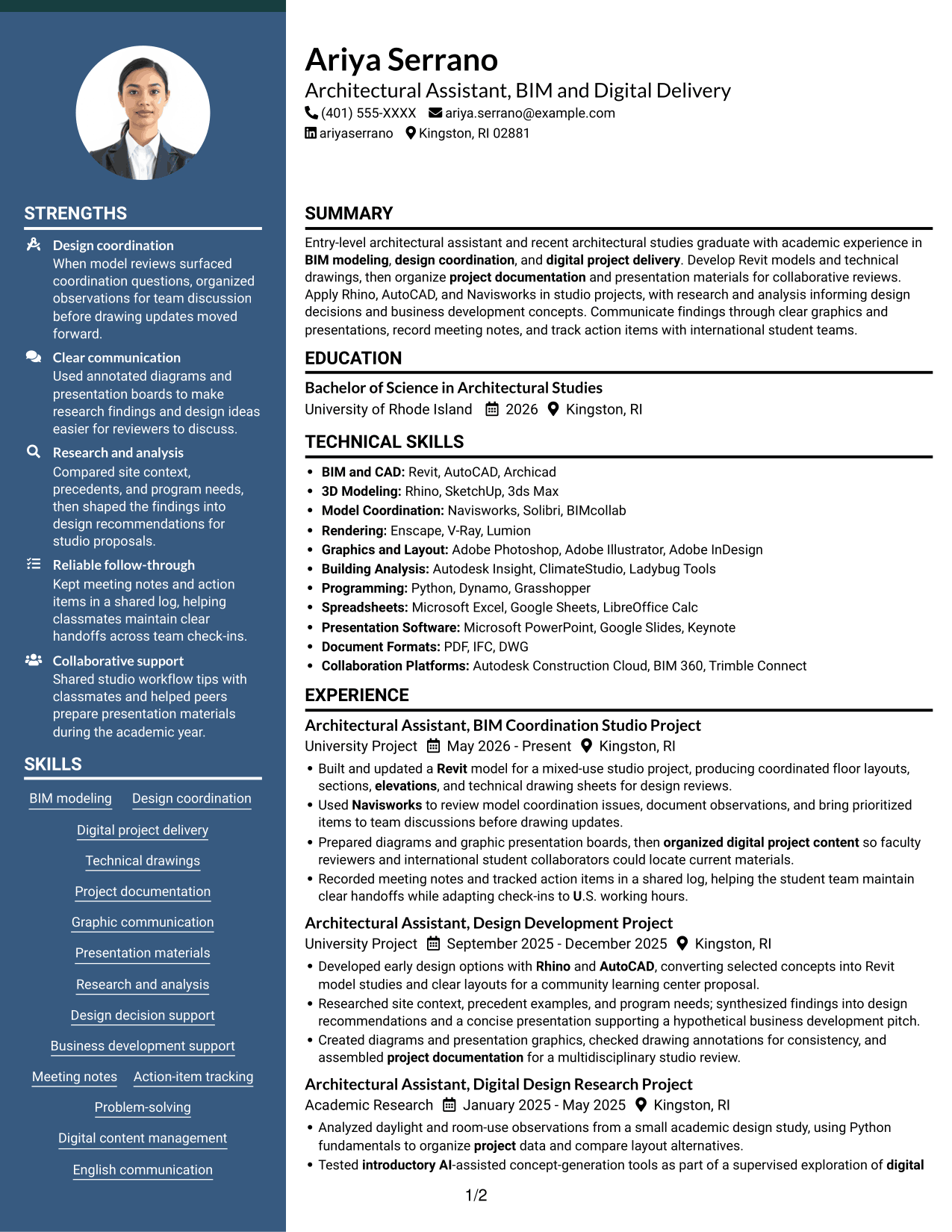
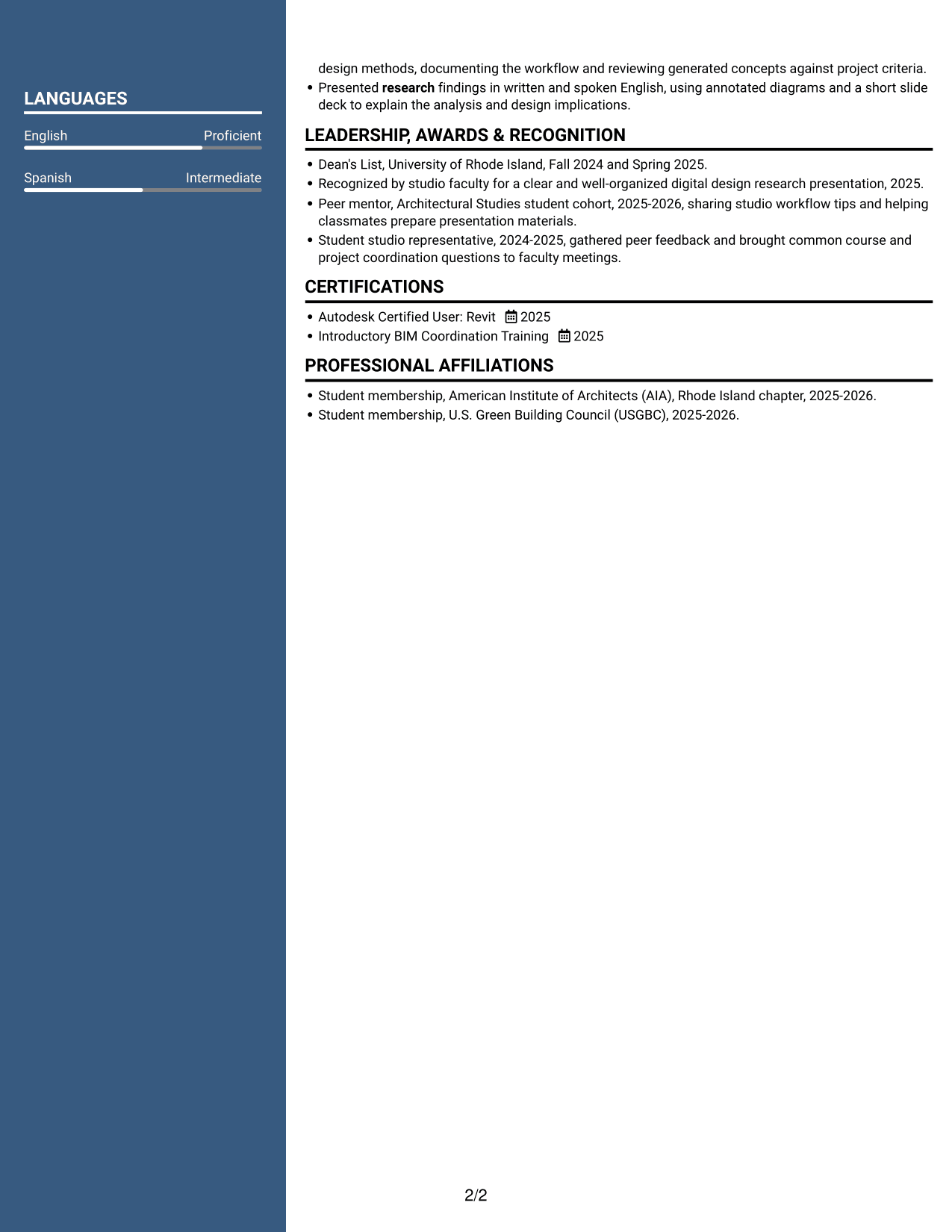
#6 Two Column Format Resume Example
Two columns give the resume a parallel reading structure, a practical choice for reviewers who want to scan distinct content areas.
Why This Format Works
- Separate visual areas help reviewers locate experience and education during an initial scan.
- The divided body keeps skills and supporting credentials distinct from longer career details.
- Parallel sections offer another route to project and achievement information.
Best For
- Parallel section organization
- Multiple resume content categories
- Quick movement between content areas
- Varied section lengths
- Readers who prefer two columns
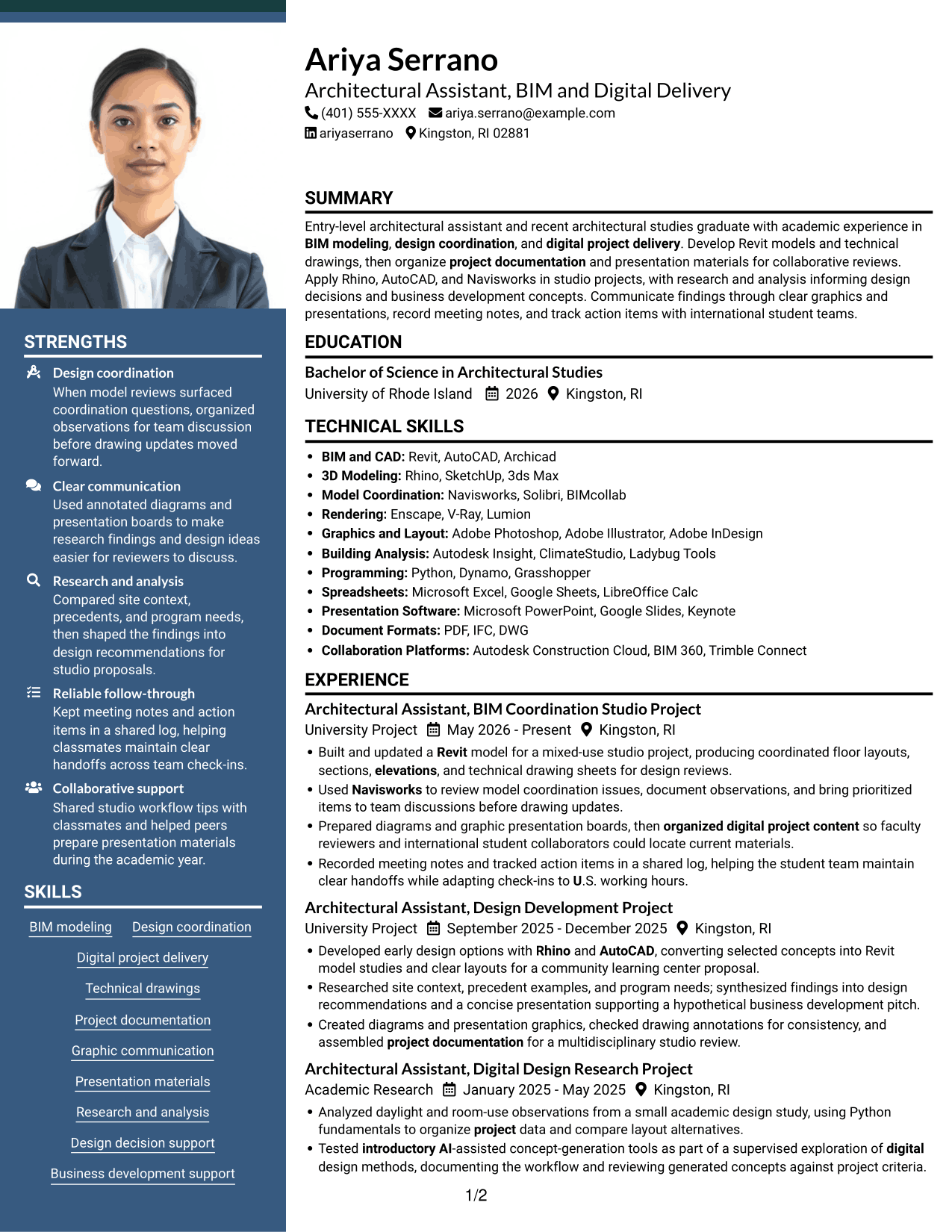
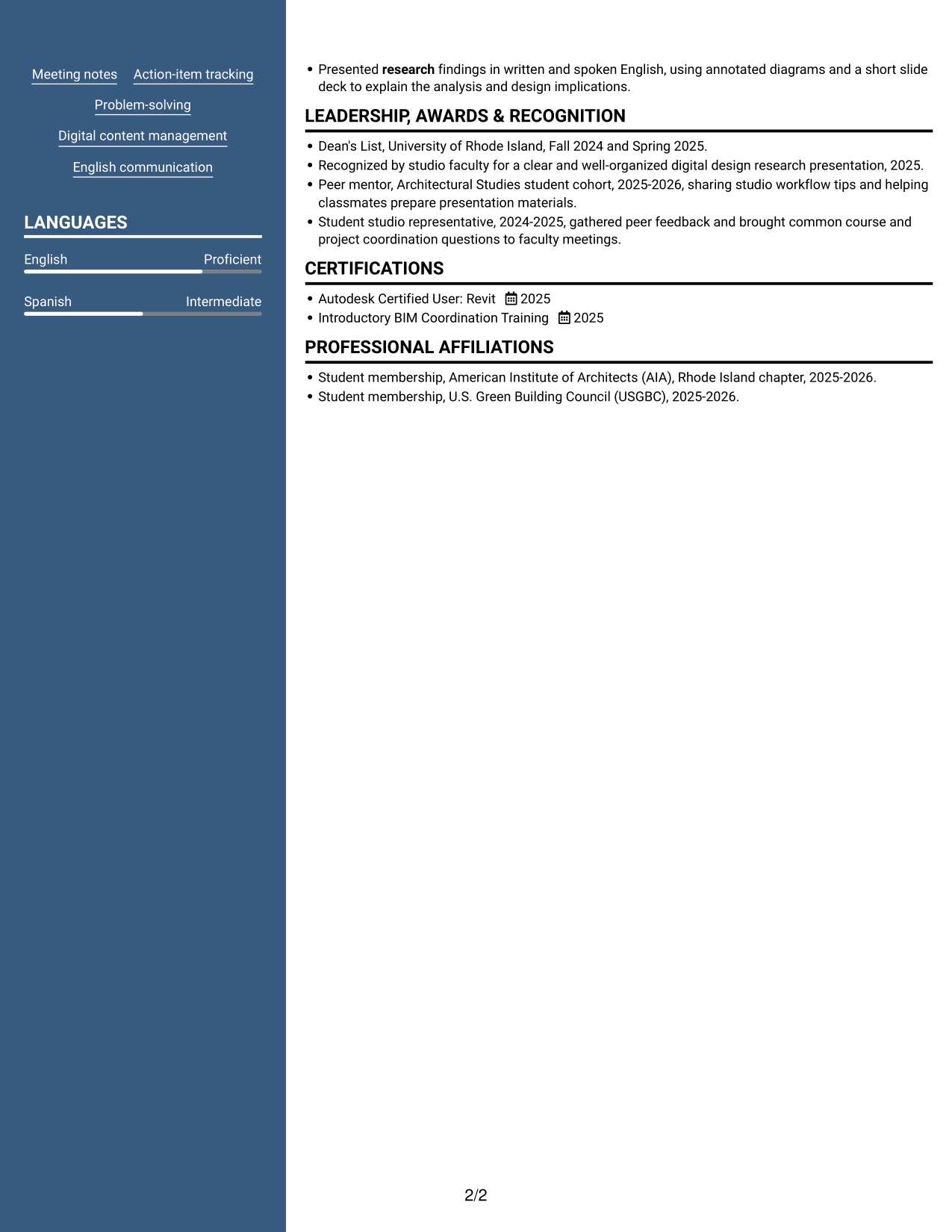
#7 Photo Header Two Column Format Resume Example
A photo in the header accompanies the two-column body, combining a visible portrait with a clearly divided resume layout.
Why This Format Works
- The two-column body gives experience and education separate visual areas for section lookup.
- Skills and credentials can be reviewed apart from longer career details.
- A clear column structure helps reviewers locate project details without scanning every section.
Best For
- Header portrait preference
- Two-column reading preference
- Resume sections with mixed detail
- Section-by-section scanning
- Career history with supporting sections
Why Build Your Entry-Level Architectural or Engineering Assistant - BIM and Digital Delivery Resume with ResumeInMinutes
ResumeInMinutes lets you compare resume image previews and open an example in the editor. Use the structure to organize your project work, skills, education, and certifications for clear review.
- ATS-friendly section structure
- Clear skills and project sections
- Role-focused keyword guidance
- Organized experience and education
- Image previews for comparison
- Editor access for customization
Keep the focus on the work most relevant to BIM and digital delivery. Use specific examples to show your tools, coordination tasks, research, and contribution to project documentation.
See Also
- 7 Assistant Director - Transportation Planning & Traffic Engineering Resume Templates with Example
- 7 Assistant or Associate Professor - Engineering Education Resume Templates with Example
- 7 Assistant Professor, Computer Engineering Resume Templates with Example
- 7 Assistant Professor - Electrical & Computer Engineering - Remote Sensing Systems Resume Templates with Example
- 7 Assistant Professor of Engineering Technologies and Applied Design Resume Templates with Example
- 7 Assistant Nurse Manager - Labor and Delivery Resume Templates with Example
- 7 Academic Records Assistant - Student Records Resume Templates with Example
- 33 Accounting Assistant Resume Templates with Example 2026 (ATS-Optimized)
- 7 Entry-Level Architectural or Engineering Assistant - BIM and Digital Delivery Cover Letter Templates with Example
- 7 Assistant or Associate Professor - Engineering Education Cover Letter Templates with Example
Frequently Asked Questions
Are these Entry-Level Architectural or Engineering Assistant - BIM and Digital Delivery resume templates ATS-friendly?
The examples use clear sections and readable headings. Include relevant terms such as Revit, Rhino, AutoCAD, Navisworks, BIM, technical drawings, and project documentation where they accurately describe your skills and work.
Do the examples show different resume layouts?
They show one resume example in different visual layouts. Compare the image previews, then open a layout in the editor to review its structure.
What should an Entry-Level Architectural or Engineering Assistant - BIM and Digital Delivery resume include?
Include a focused summary, education, relevant project or work experience, technical skills, and certifications. Use concise bullets to describe BIM modeling, drawing production, project documentation, research, and team coordination.
Which resume format works well for BIM and digital delivery roles?
A simple layout with clear headings and a logical section order is easy to scan. Choose a design that gives your project experience and technical skills enough space without making the page crowded.
How can project work show relevant experience?
Describe the project, tools used, and work completed. For example, explain how a Revit model supported coordinated drawings or how Navisworks review findings informed team discussions.
Should I include a photo on my resume?
For U.S. applications, a photo is generally not expected. A no-photo resume keeps attention on your qualifications and project evidence.




