
7 Entry-Level Customer Service Representative - Tax Software Support Cover Letter Templates with Example
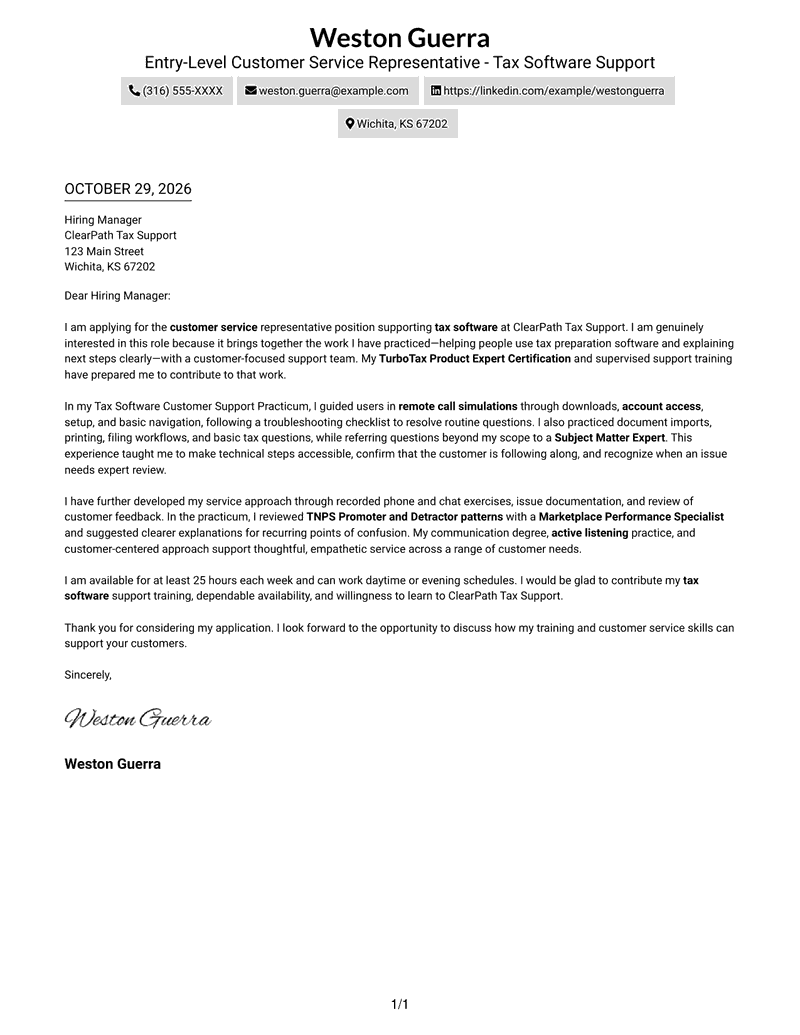
This practical guide to an Entry-Level Customer Service Representative - Tax Software Support cover letter presents seven layouts to help you shape a clear, persuasive application.
What Makes a Great Entry-Level Customer Service Representative - Tax Software Support Cover Letter in 2026
A strong letter shows why you want to support tax software customers and how you explain steps with care. It also makes clear that you know when a question needs expert help.
Use relevant practice, such as guiding users through account access or document imports, to show how you communicate and solve routine issues. Connect that evidence to the employer’s support needs, and describe training or feedback experience accurately.
The featured example moves from interest in the role to practical support experience, communication approach, and availability. Adapt this focused progression while choosing a presentation that suits the employer and the way you will communicate with its team.
#1 Simple One Column Format Cover Letter Example
Simple One Column Format keeps sender details in the header and the letter in one column, a direct choice for readers who prefer a clear, text-led presentation.
Why This Format Works
- Sender details in the header stay easy to find without interrupting the letter's appeal.
- A continuous letter body lets motivation, evidence, and closing read as one connected message.
- The single-column layout gives reviewers a direct route from greeting to sign-off.
Best For
- Single-column letter layouts
- Continuous written appeals
- Easy-to-find sender details
- Straightforward reading order
- Text-led application materials
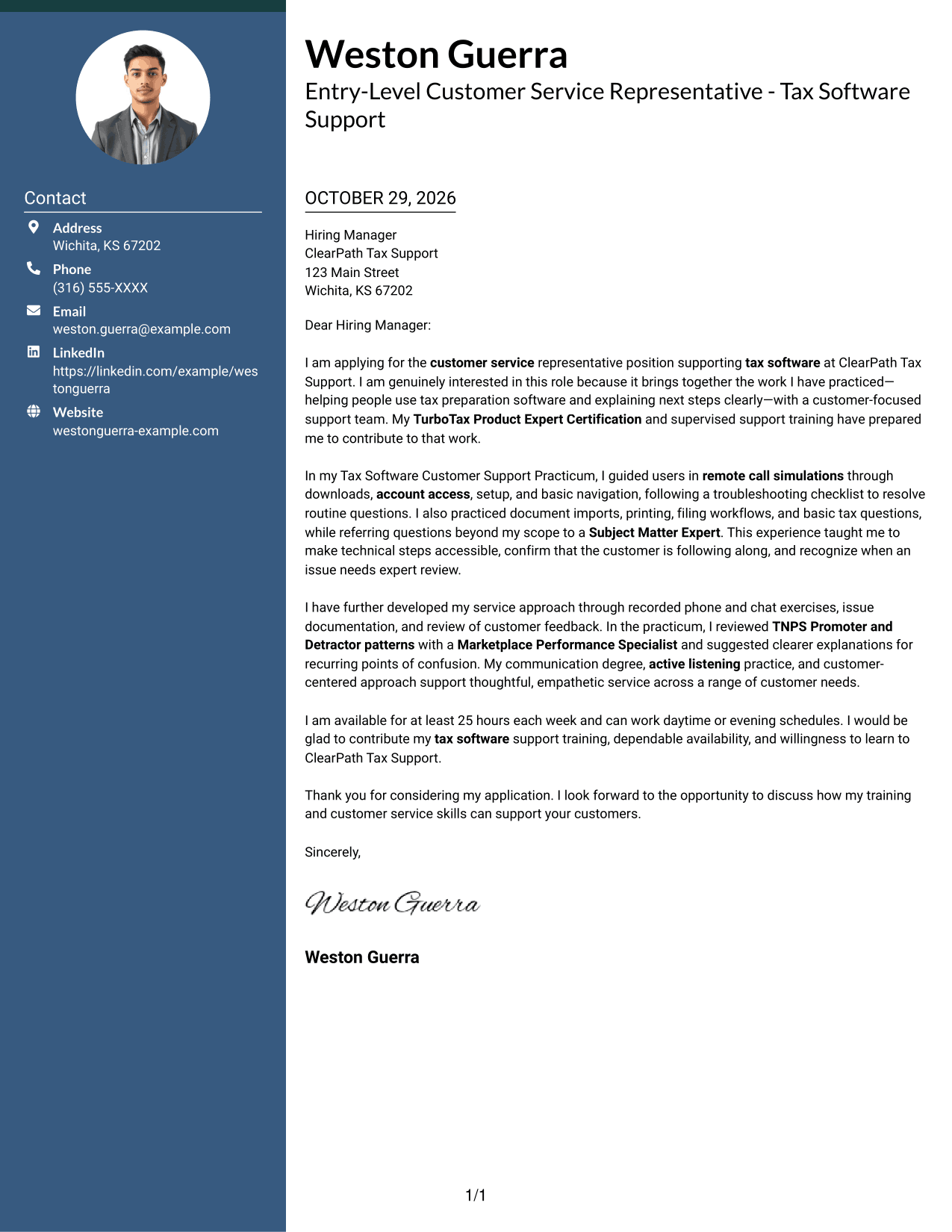
#2 Two Column Format Cover Letter Example
Two Column Format places contact details in a sidebar beside one continuous letter body, giving the address information a separate place without splitting the written appeal.
Why This Format Works
- A contact sidebar keeps sender details separate from the letter's continuous body.
- The letter itself stays in one column, so its argument is not divided across panels.
- The side-by-side arrangement makes the contact area distinct from the written appeal.
Best For
- Separate contact and message areas
- One-column letter text
- Side-by-side information layout
- Photo-free letter formats
- Continuous written appeals
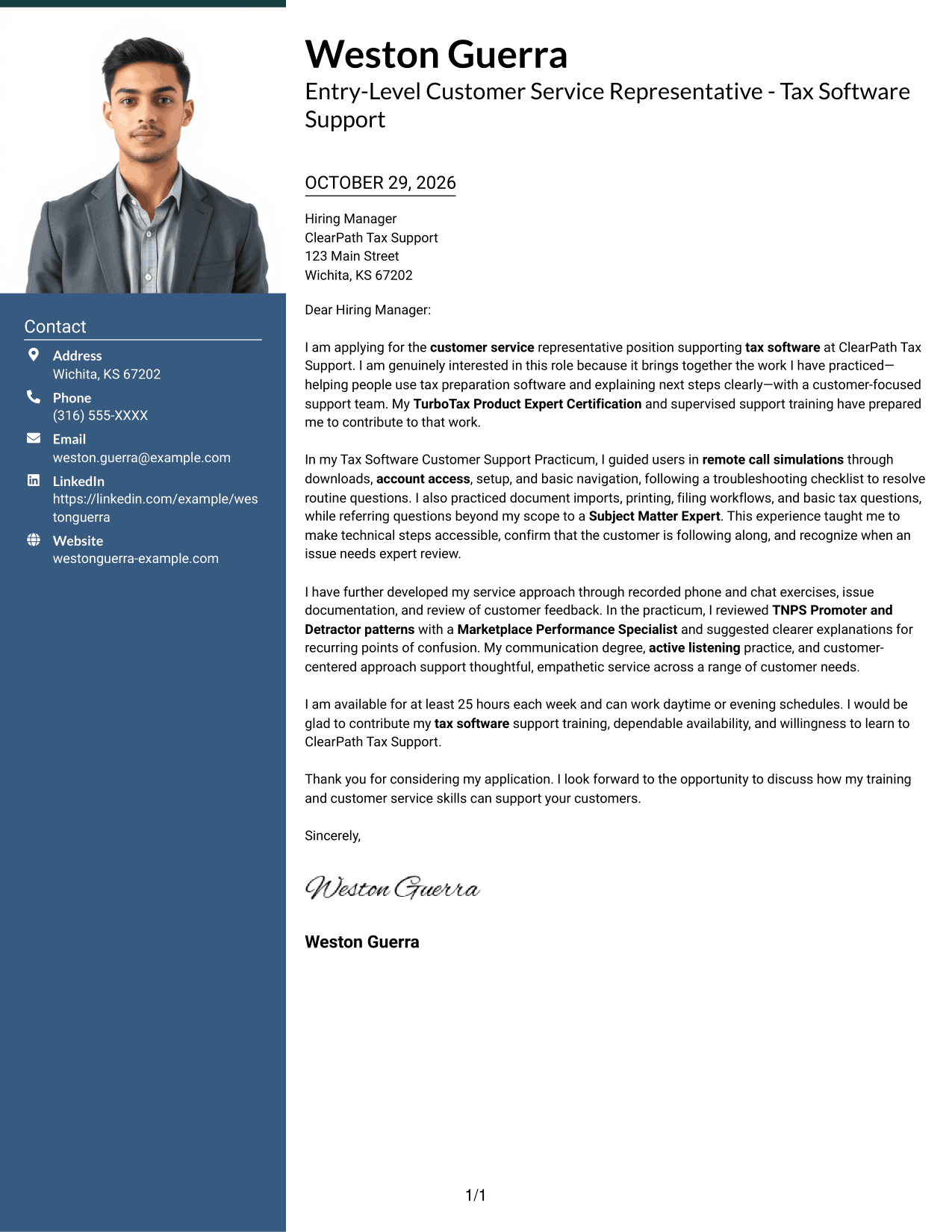
#3 Photo Header Two Column Format Cover Letter Example
Photo Header Two Column Format pairs a photo with a contact sidebar and one continuous letter body, useful when a photo-inclusive header is preferred alongside clear separation of contact details.
Why This Format Works
- The contact sidebar gives sender information a distinct place beside the letter.
- A single-column message keeps the opening, supporting points, and close together.
- The photo adds a visual element to the header without dividing the written appeal.
Best For
- Photo-inclusive letter layouts
- Separate contact and message areas
- One-column letter text
- Visual sender identification
- Continuous written appeals
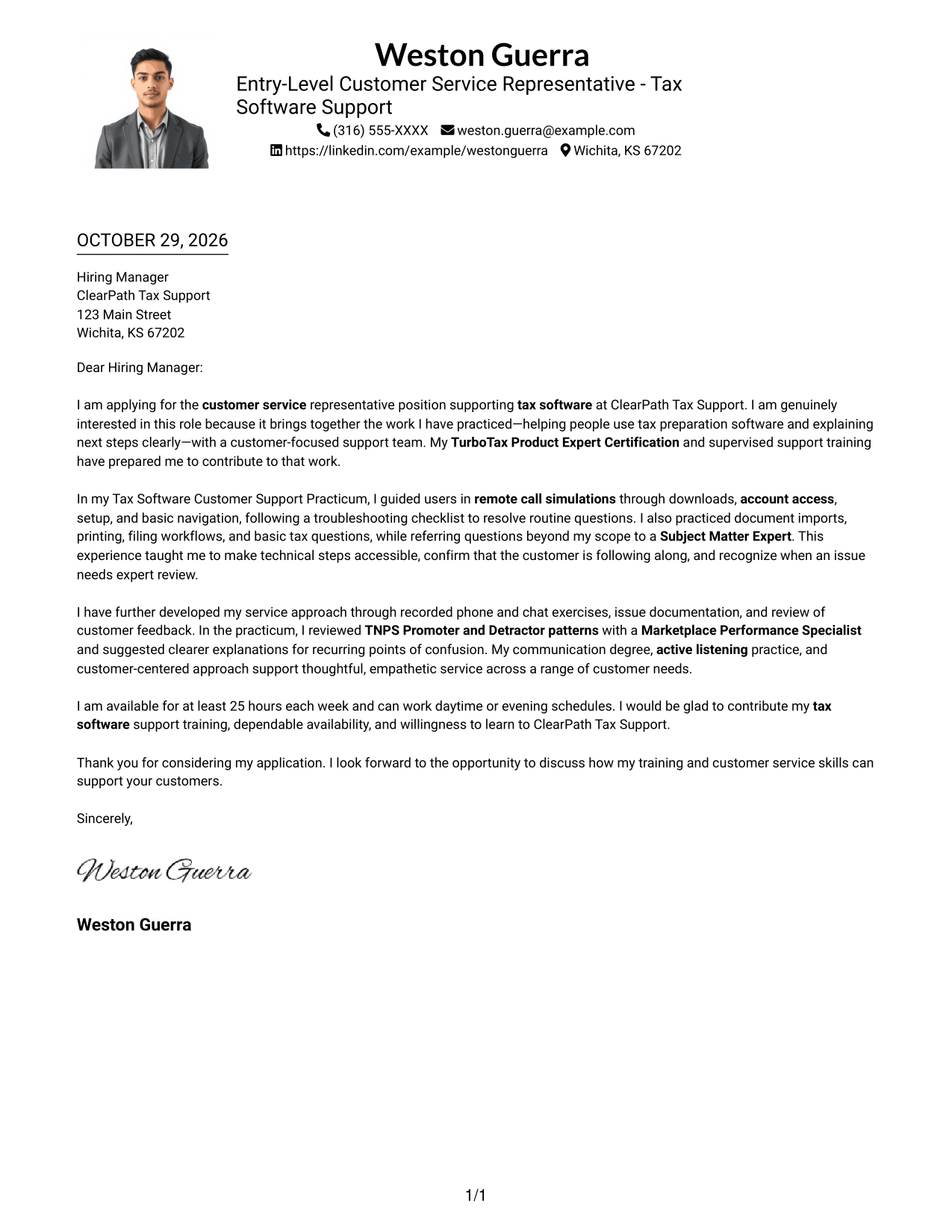
#4 One Column Format with Photo Cover Letter Example
One Column Format with Photo combines a photo with a single-column letter body, offering a photo-inclusive presentation while keeping the written appeal in one reading lane.
Why This Format Works
- The photo adds a visual element while sender details remain in the header.
- One column carries the letter from its opening through the closing in order.
- The continuous body lets the supporting points remain part of one written appeal.
Best For
- Photo-inclusive letter layouts
- Single-column reading order
- Header-based sender details
- Continuous written appeals
- Text beside a photo
#5 Simple Two Column Format Cover Letter Example
Simple Two Column Format places contact details beside one continuous letter body, a practical choice when contact information should remain apart from the message.
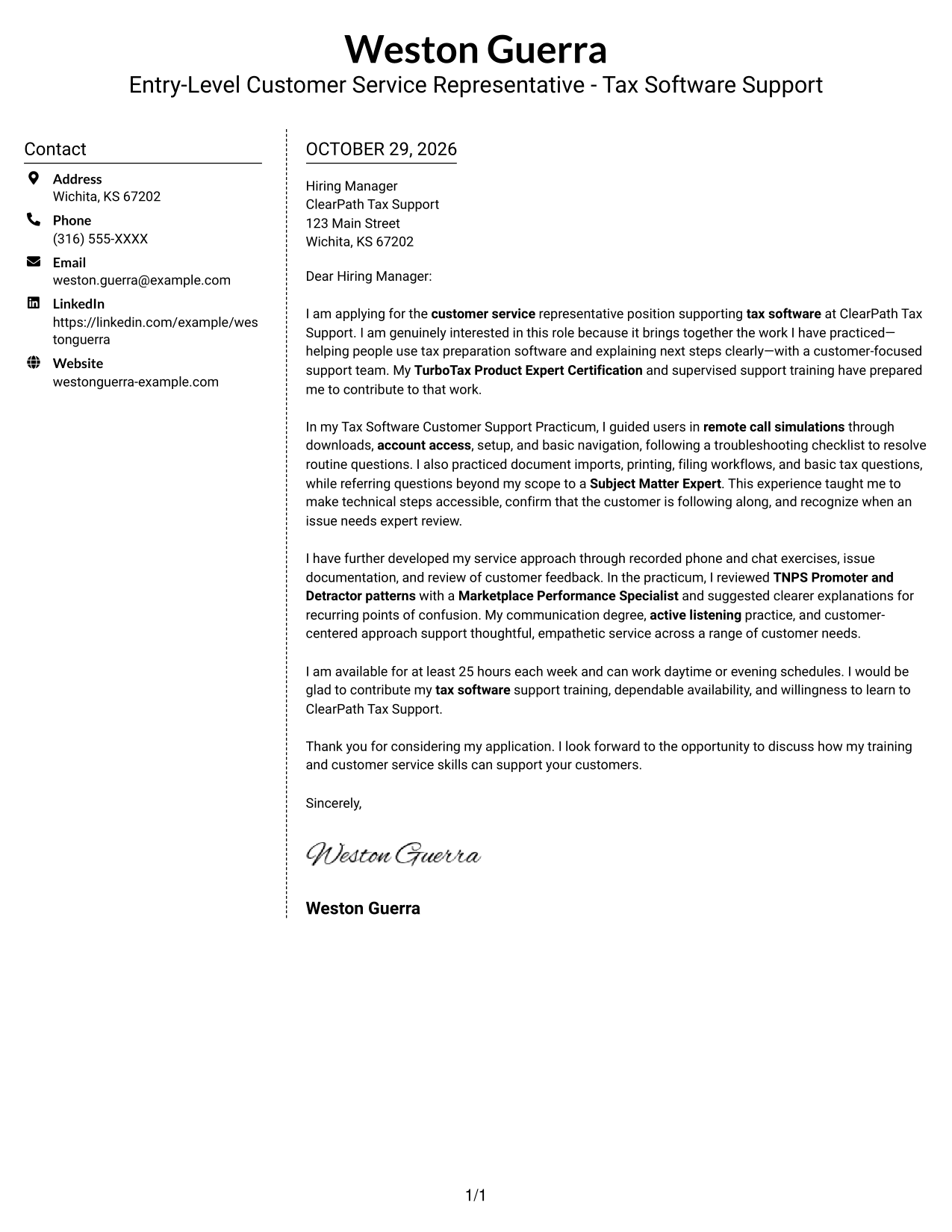
Why This Format Works
- Contact information has its own sidebar, separate from the written message.
- The letter remains in one column, preserving its natural paragraph sequence.
- Reviewers can distinguish the sender details from the letter without added argument headings.
Best For
- Sidebar contact information
- One-column letter text
- Letters without a photo
- Clear separation of message and contact details
- Paragraph-based appeals
#6 Modern Icon Format Cover Letter Example
Modern Icon Format uses two columns for a contact sidebar and continuous letter body, while contact icons provide visual cues for sender details.
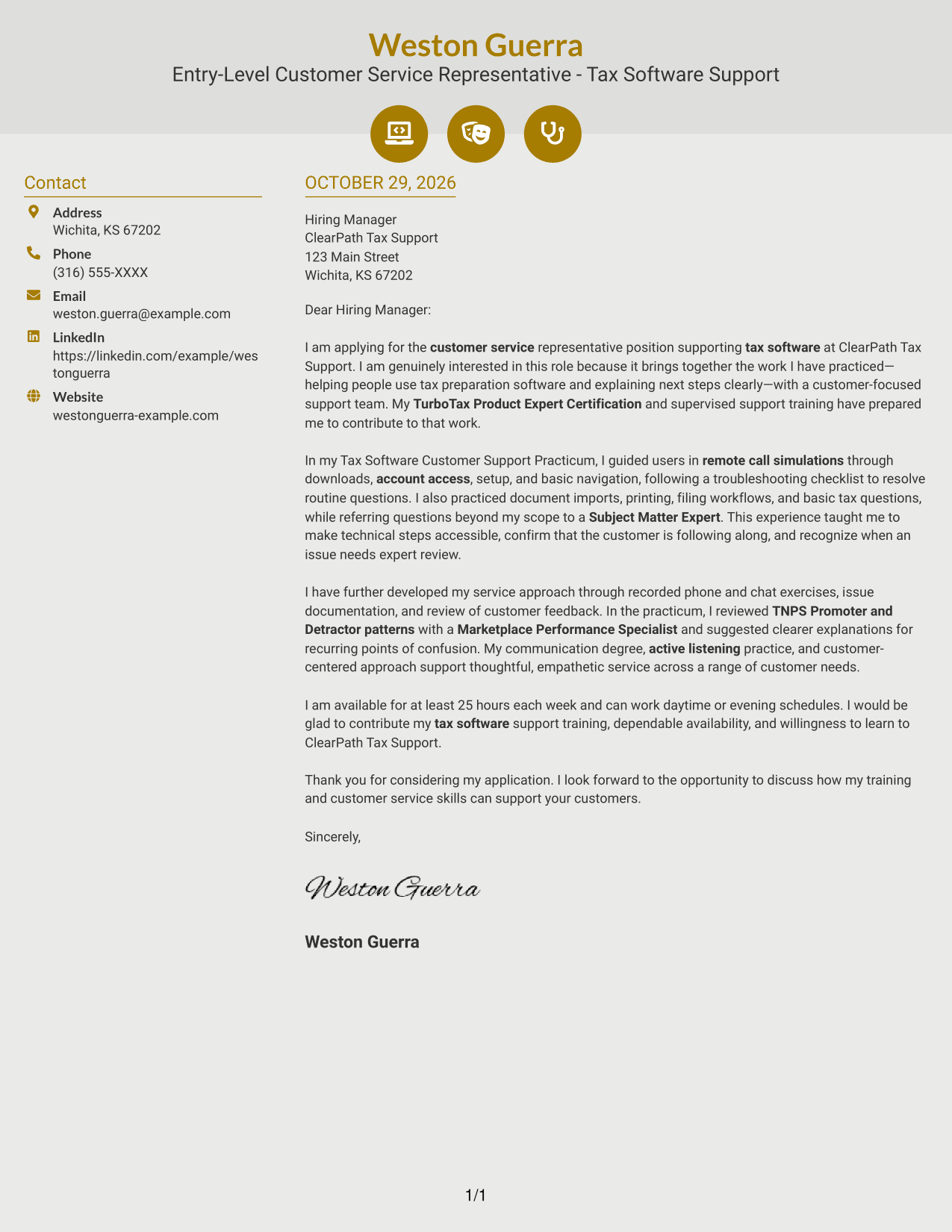
Why This Format Works
- Contact icons act as visual cues for sender information, not argument sections.
- The letter stays in one column, so its message reads as a connected appeal.
- A separate contact sidebar distinguishes personal details from the letter's paragraphs.
Best For
- Icon-marked contact details
- Separate contact and message areas
- Continuous letter paragraphs
- Two-column layouts
- Photo-free application materials
#7 Creative Two Tone Format Cover Letter Example
Creative Two Tone Format sets contact details in a sidebar beside a continuous letter body, giving contact information a separate place while keeping the appeal together.
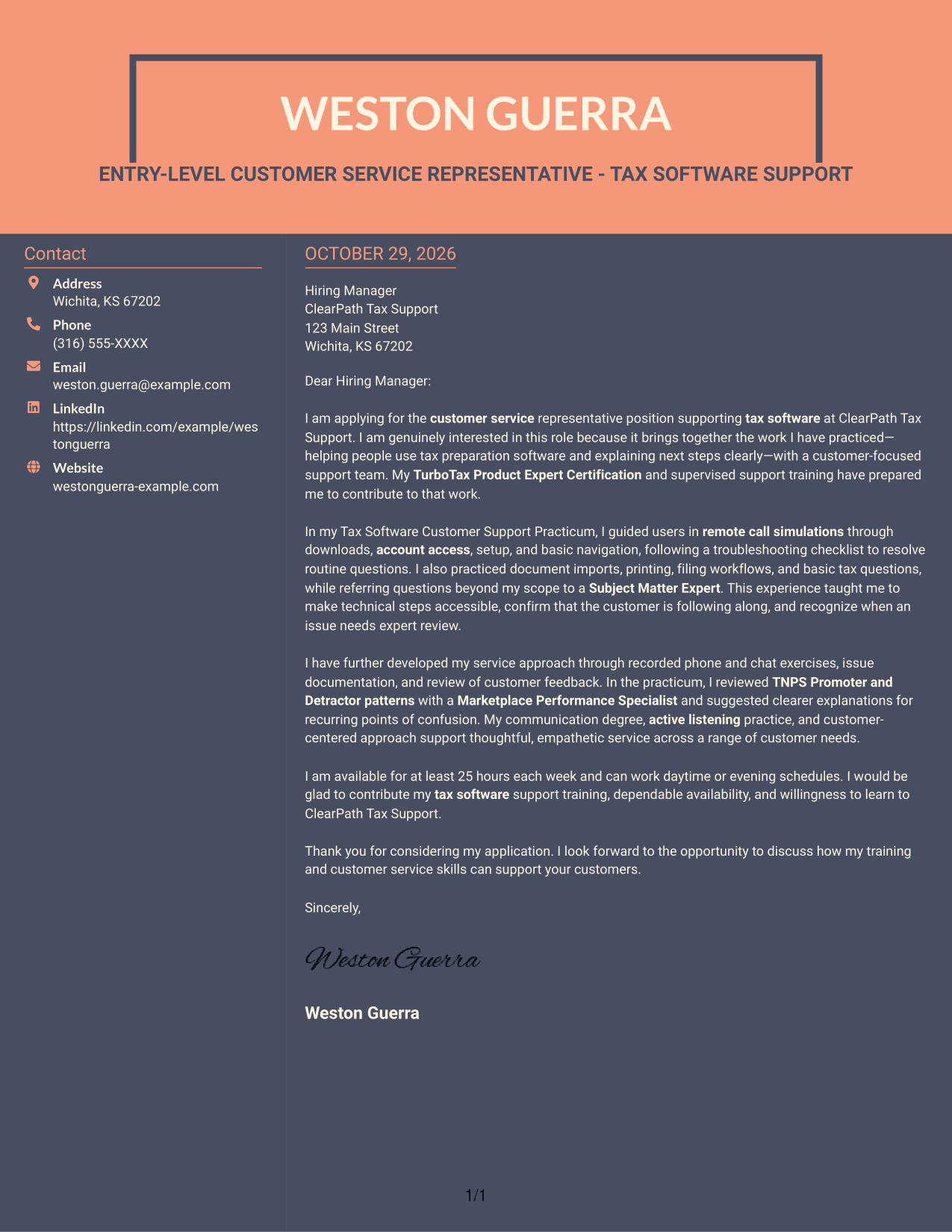
Why This Format Works
- The sidebar holds contact details apart from the letter's message.
- A single-column body lets each paragraph build on the preceding point.
- The message stays together rather than appearing as parallel argument columns.
Best For
- Sidebar contact details
- Single-column letter argument
- Distinct contact and message areas
- Letters without a photo
- Connected paragraph flow
Why Use ResumeInMinutes for an Entry-Level Customer Service Representative - Tax Software Support Cover Letter
ResumeInMinutes can help you shape a focused cover letter around the tax software support work and customer communication skills the role calls for.
- Several writing styles
- Clear, readable layouts
- Role-specific guidance
- Focused cover letter examples
- Professional templates
- Editor-based customization
Use the image previews to compare presentations, then open an example in the editor to customize your letter for tax software customer support.
See Also
- 7 Entry-Level Customer Service Representative - Tax Software Support Resume Templates with Example
- 7 Technical Customer Service Representative - Hardware and Software Support Resume Templates with Example
- 33 Bi-Lingual Medical Billing Customer Service Support Representative Resume Templates with Example 2026
- 7 Bilingual Customer Service Representative - Insurance Support Resume Templates with Example
- 7 Customer Service/Information Services Support Representative Resume Templates with Example
- 7 Customer Service Representative - Benefits Support Resume Templates with Example
- 7 Customer Service Representative - Public Service Support Resume Templates with Example
- 7 Lead Customer Service Representative - Consumer Technology Support Resume Templates with Example
- 7 Technical Customer Service Representative - Hardware and Software Support Cover Letter Templates with Example
- 30+ Bi-Lingual Medical Billing Customer Service Support Representative Cover Letter Templates with Example 2026
Frequently Asked Questions
What should an Entry-Level Customer Service Representative - Tax Software Support cover letter include?
Explain your interest in helping tax software customers, then give a clear example of relevant support practice. Show how you explain steps, listen to customer needs, and refer tax or software questions that need expert review.
How many different cover letters are shown?
The guide presents one featured cover letter in different visual layouts. Use the image previews to compare them, then open an example in the editor to customize your own letter.
Which cover letter style works well for tax software support?
Choose a clean, easy-to-read layout that keeps your opening, support examples, and closing clear. A simple design helps the employer focus on your communication and role fit.
How can I show relevant experience if my support practice was simulated?
Be direct that the practice took place in simulations. Describe tasks you worked through, such as account access, setup, document imports, or filing workflows, and explain how you communicated or escalated questions.
Should I use a photo on my cover letter?
For U.S. applications, a no-photo cover letter is usually the safer choice. Use a photo only when it is expected in your location or field.




