
7 Entry-Level Customer Service Representative - Tax Software Support Resume Templates with Example
This guide shows you how to create an Entry-Level Customer Service Representative - Tax Software Support resume that presents your relevant experience clearly. You will learn how to organize your skills and evidence so readers can quickly understand the support you can provide.
For this role, show how you guide users through tax software downloads, account access, document imports, printing, and filing. Use clear bullets to describe practice calls, issue documentation, appropriate escalation, and feedback-based service improvements.
The resume example is presented in 7 layouts. Compare the image previews to see how each format arranges resume sections, then open an example in the editor to view or customize it.
What Makes a Great Entry-Level Customer Service Representative - Tax Software Support Resume in 2026
A strong resume uses clear section headings, concise bullets, and relevant details about customer support. It helps readers find your software assistance, communication skills, and experience with routine questions quickly.
Use accurate role keywords such as tax preparation software, account access, document importing, phone support, issue documentation, and escalation. Support each keyword with a specific example, and name certifications such as TurboTax Product Expert Certification when you hold them.
Note: Resume examples are for educational purposes only. Use only information that accurately reflects your experience and qualifications. References to real organizations do not imply affiliation or endorsement.
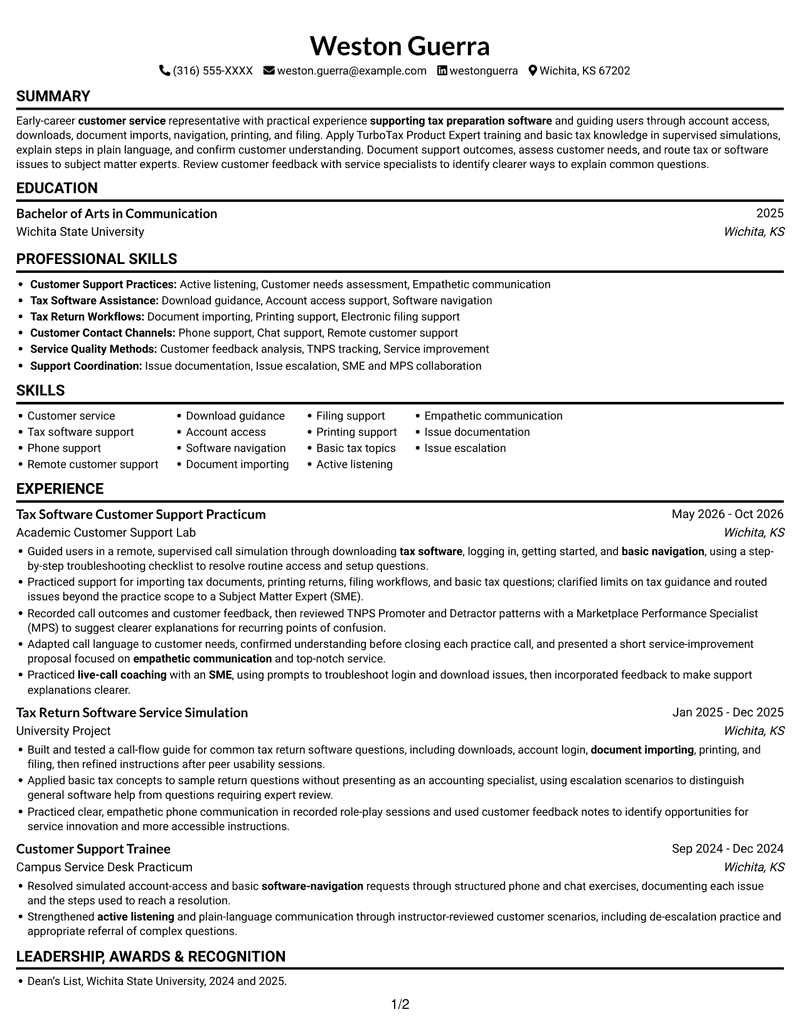
#1 Simple One Column Format Resume Example
A single-column body keeps the resume's sections in one top-to-bottom path, a practical choice for readers who prefer a straightforward review.
Why This Format Works
- Experience entries follow a single reading path, helping reviewers trace career progression.
- Education and certifications remain easy to locate within the same resume flow.
- Skills can be reviewed alongside documented support experience without parallel columns.
Best For
- Single-path document reading
- Detailed experience descriptions
- Education with certification details
- Project and practicum history
- Skills reviewed with work history
Resume Keywords
- customer service
- tax preparation software
- supporting tax preparation software
- downloading tax software, logging in, getting started, and basic navigation, using a step-by-step troubleshooting checklist to resolve routine access and setup questions
- Account access support
- Software navigation
- Document importing
- Electronic filing support
- Printing support
- Basic tax topics
- Phone support
- Empathetic communication
- Active listening
- Customer needs assessment
- Issue documentation
#2 Simple Two Column Format Resume Example
Two body columns give experience and supporting resume details distinct reading areas, a practical choice when both need room.
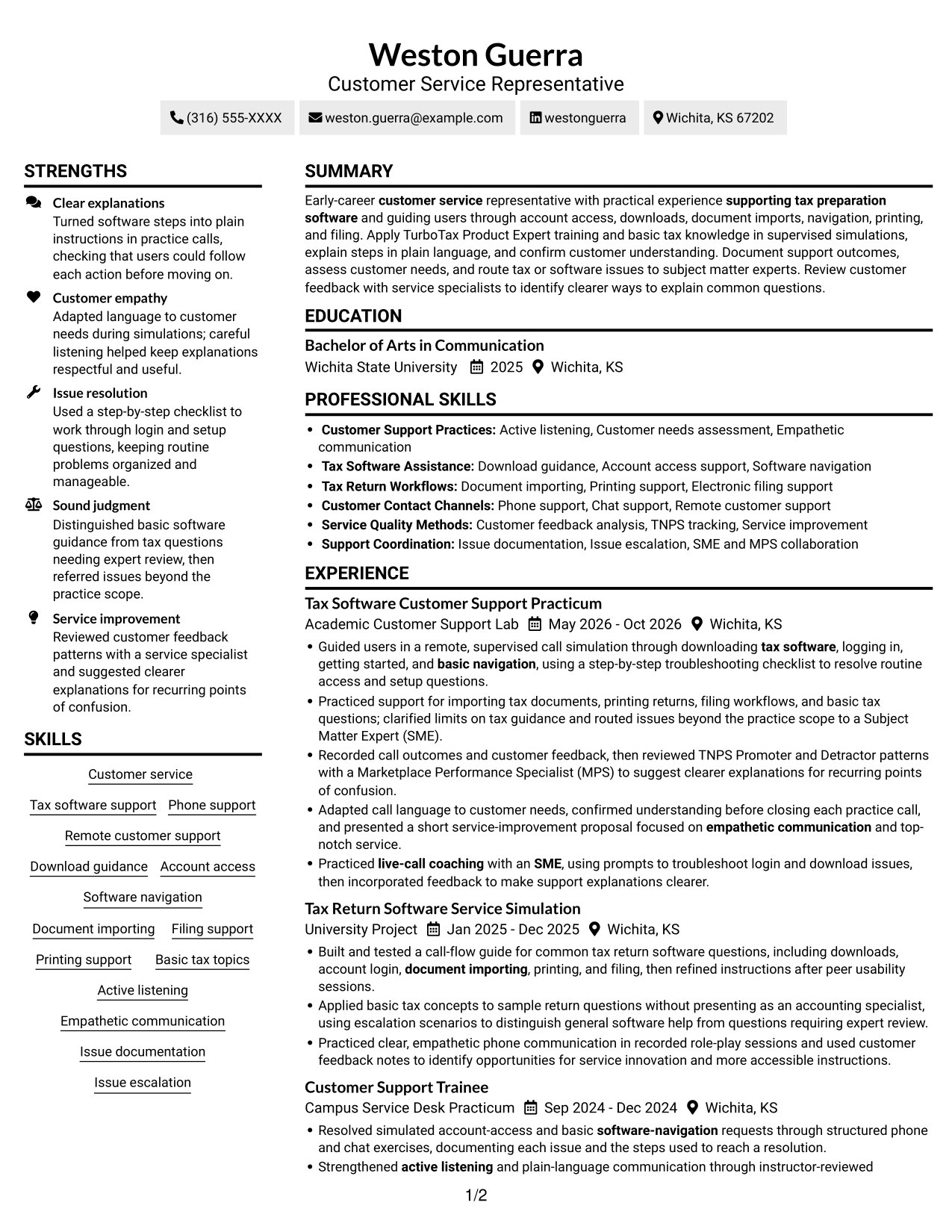
Why This Format Works
- Two body columns let experience and supporting sections occupy separate reading areas.
- Reviewers can scan skills and credentials apart from longer experience entries.
- Education and project work can remain visible beside a continuous work-history section.
Best For
- Experience with supporting sections
- Separate review of skills and credentials
- Resumes with several section types
- Readers comparing work and education
- Two-area information scanning
#3 Plain One Column with Shaded Labels Resume Example
This one-column layout gives each resume section the same reading path, helping readers follow experience and supporting details in sequence.
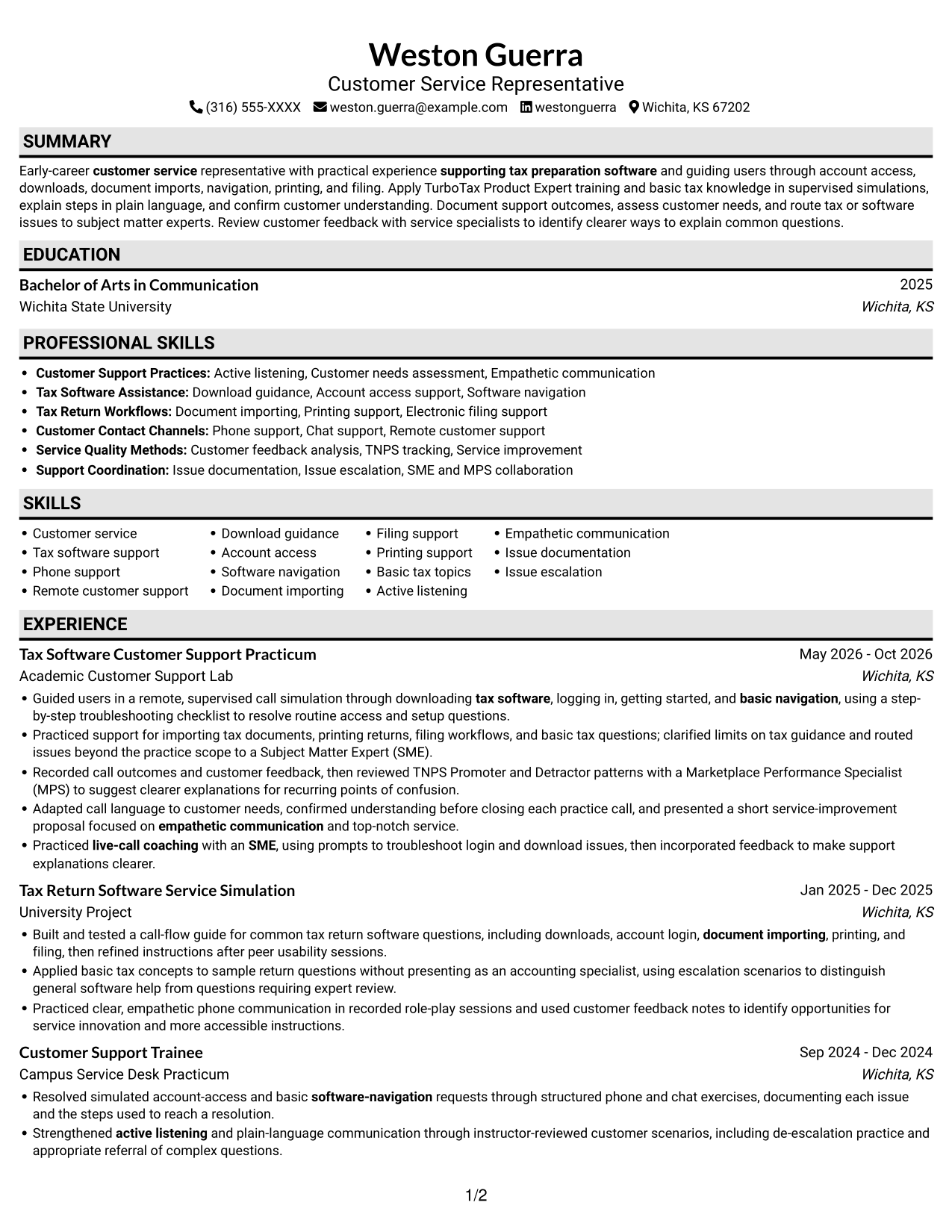
Why This Format Works
- A single body column keeps experience entries in a consistent top-to-bottom order.
- Reviewers can move from work and project details to education without changing columns.
- Skills and credentials share the same reading width as longer experience descriptions.
Best For
- Top-to-bottom section review
- Resumes with detailed experience bullets
- Education and skills in one flow
- Project history with work history
- Single-column reading preference
#4 One Column Format with Photo Right Resume Example
The right-side photo adds a visible portrait beside a single-column resume, while the body keeps its sections in one reading path.
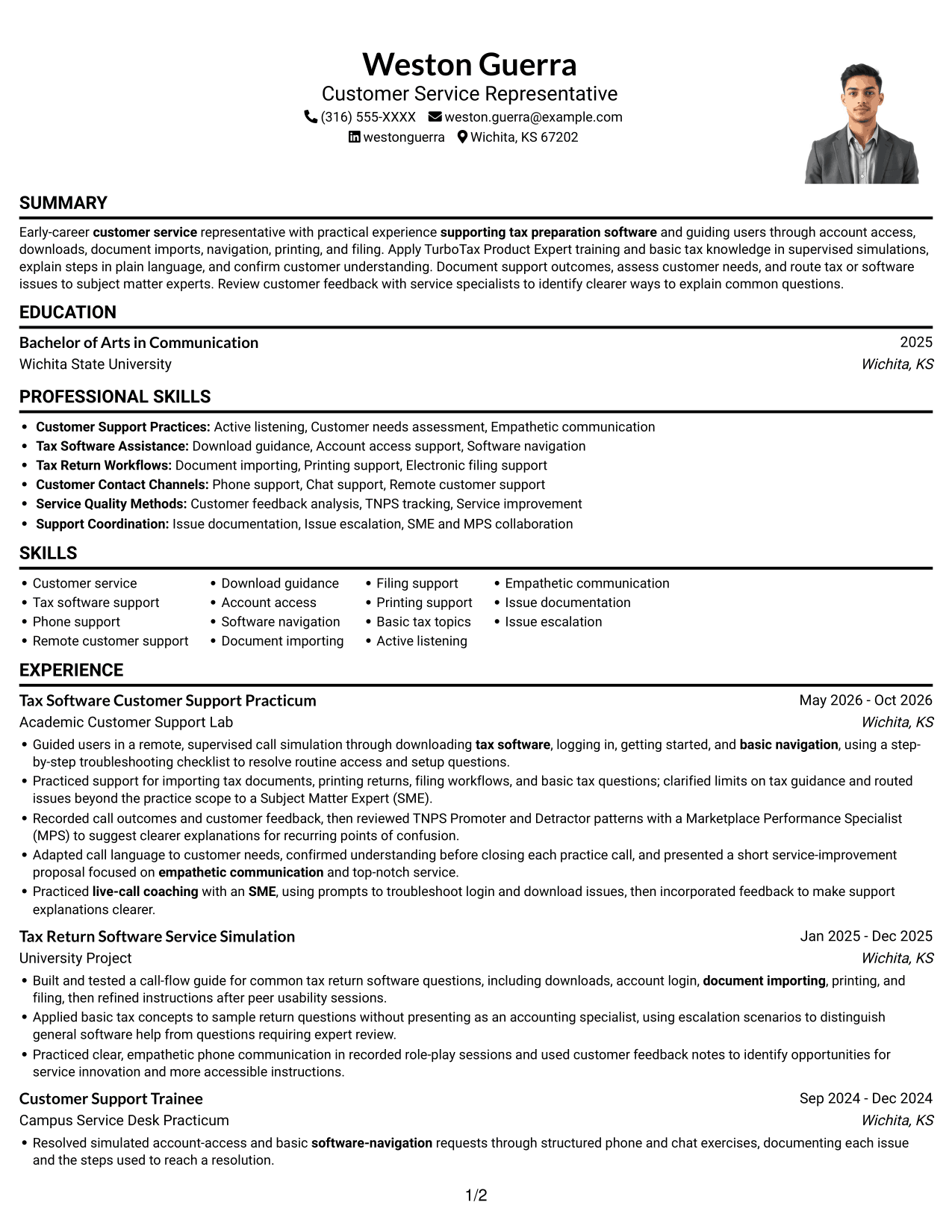
Why This Format Works
- Experience and project entries stay in sequence, helping reviewers follow career progression.
- Education and certifications remain within the same reading path as support history.
- Skills can be reviewed in context rather than across separate body columns.
Best For
- Portrait-inclusive resume design
- Single-path experience review
- Detailed role descriptions
- Education and certificates in sequence
- Readers who prefer one body column
#5 Clean Two Column Sidebar Format Resume Example
Two body columns give career history and supporting details separate reading areas, which suits resumes with several kinds of information.
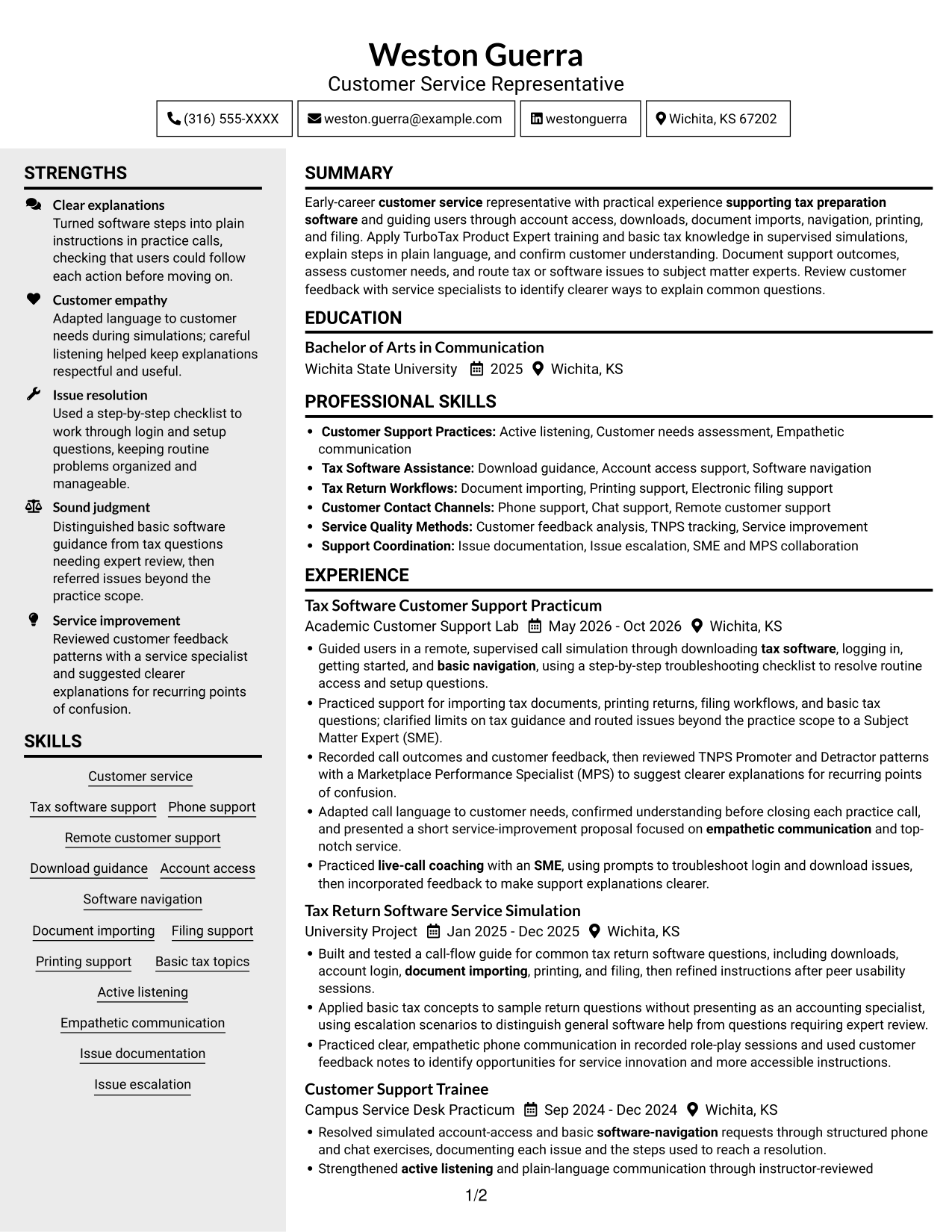
Why This Format Works
- Separate columns distinguish career history from skills and supporting credentials.
- Longer experience entries remain distinct from shorter education details during review.
- Reviewers can find skill groups without losing the work-history context.
Best For
- Separate review of history and details
- Resumes with several skill areas
- Experience and credentials in one document
- Readers who scan section groups
- Two-column reading preference
#6 Two Column Format Resume Example
The two-column body separates longer experience entries from supporting sections, helping readers scan different resume details with less backtracking.
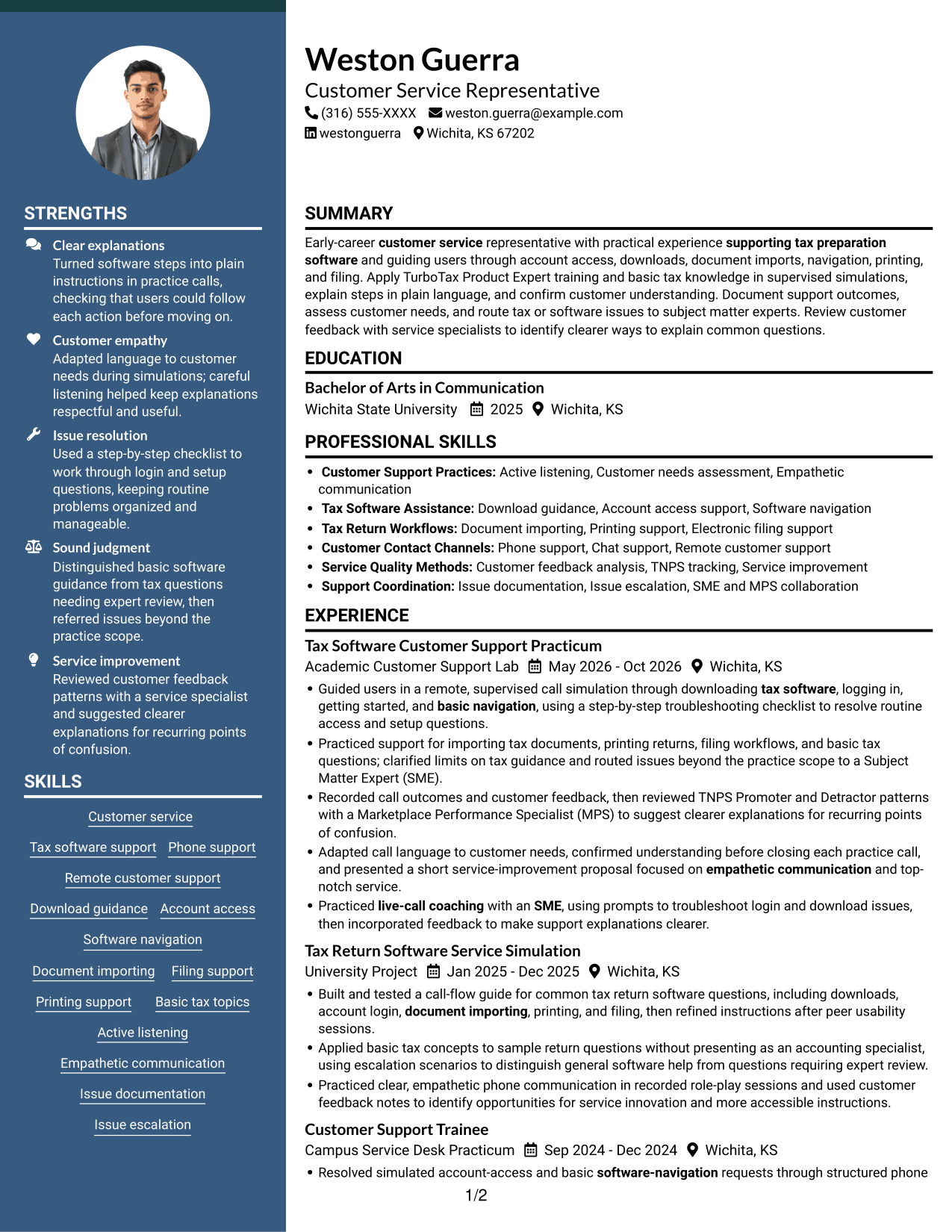
Why This Format Works
- Two content areas let reviewers move between experience and supporting sections efficiently.
- Work and project entries can be scanned apart from education and credentials.
- Skills remain part of the resume while receiving a distinct reading area.
Best For
- Experience with supporting qualifications
- Two-area resume reading
- Several sections needing distinct space
- Skills and education with career history
- Readers comparing experience and training
#7 Photo Header Two Column Format Resume Example
A photo paired with a two-column body offers a portrait option while keeping experience and supporting information in separate reading areas.
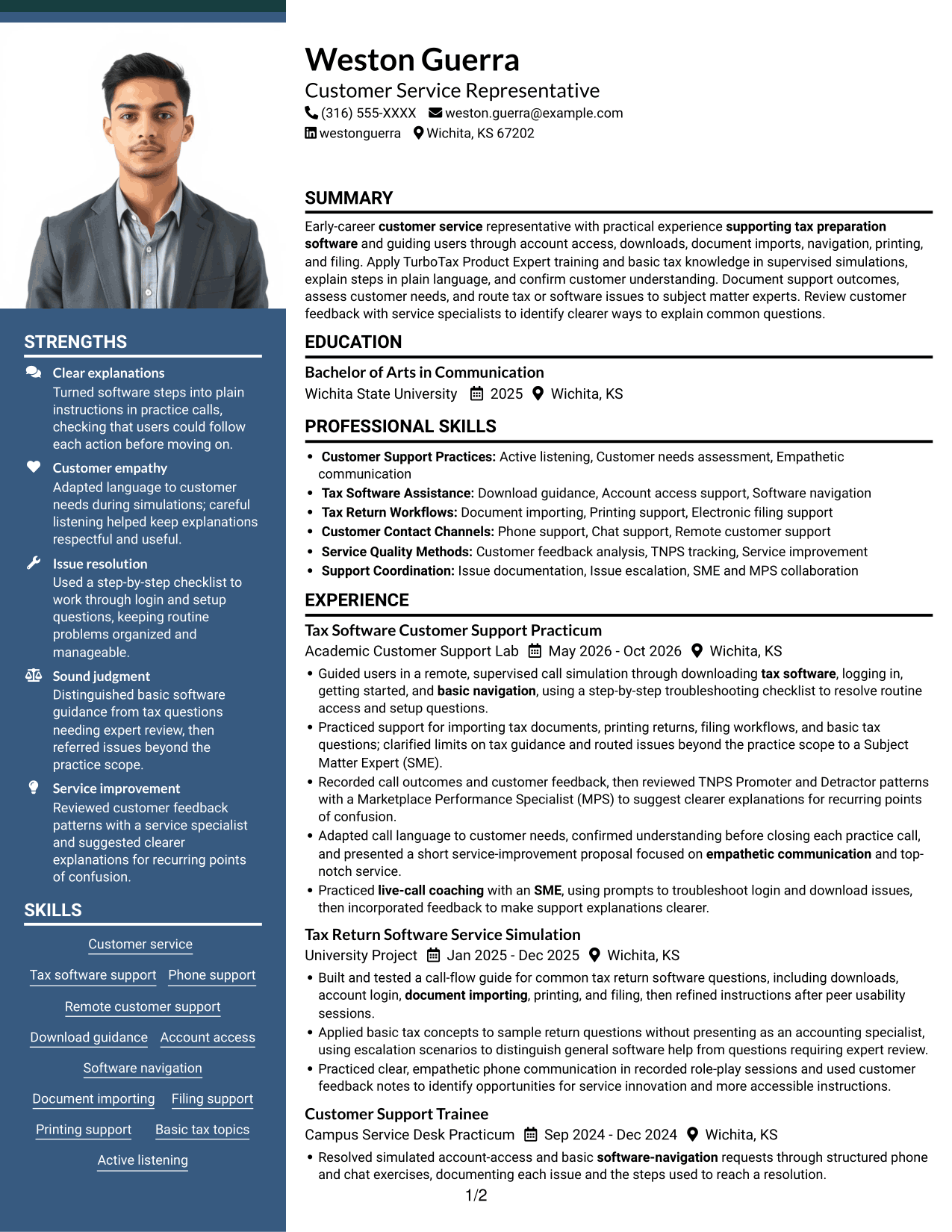
Why This Format Works
- Two columns give experience and supporting sections distinct places in the reading order.
- Education and credentials can be reviewed apart from longer work entries.
- Reviewers can locate skills without scanning every experience bullet.
Best For
- Portrait with divided resume content
- Experience with multiple supporting sections
- Readers who prefer photo-inclusive resumes
- Separate review of skills and history
- Education and credentials in a two-column layout
Why Build Your Entry-Level Customer Service Representative - Tax Software Support Resume with ResumeInMinutes
ResumeInMinutes lets you compare resume image previews and open an example in the editor to view or customize its layout. Keep your content focused on the software questions you can support, how you explain steps, and when you refer a tax or technical issue for expert help.
- Clear resume section structure
- Readable headings for ATS review
- Relevant tax software support keywords
- Organized skills and experience
- Image previews of resume layouts
- Resume customization in the editor
Choose a format that makes your support practice, customer communication, education, and certifications easy to scan. Keep each bullet specific and do not claim tax expertise beyond your training or experience.
See Also
- 7 Technical Customer Service Representative - Hardware and Software Support Resume Templates with Example
- 33 Bi-Lingual Medical Billing Customer Service Support Representative Resume Templates with Example 2026
- 7 Bilingual Customer Service Representative - Insurance Support Resume Templates with Example
- 7 Customer Service/Information Services Support Representative Resume Templates with Example
- 7 Customer Service Representative - Benefits Support Resume Templates with Example
- 7 Customer Service Representative - Public Service Support Resume Templates with Example
- 7 Lead Customer Service Representative - Consumer Technology Support Resume Templates with Example
- 33 BDC Customer Service Representative Resume Templates with Example 2026 (ATS-Optimized)
- 7 Entry-Level Customer Service Representative - Tax Software Support Cover Letter Templates with Example
- 7 Technical Customer Service Representative - Hardware and Software Support Cover Letter Templates with Example
Frequently Asked Questions
Are these Entry-Level Customer Service Representative - Tax Software Support resume templates ATS-friendly?
Use a layout with clear headings and readable text to help applicant tracking systems and people scan your resume. Include relevant terms such as tax preparation software, account access, document importing, phone support, and issue escalation only where they match your experience.
Does this guide show different resumes or different layouts?
It shows one resume example in different visual layouts. Compare the image previews, then open an example in the editor to view or customize the format.
What should an Entry-Level Customer Service Representative - Tax Software Support resume include?
Include a focused summary, relevant customer support experience, skills, education, and certifications. Describe practice with downloads, logins, software navigation, document importing, printing, filing support, clear communication, and appropriate escalation when those details apply to you.
How can I describe tax software support experience on my resume?
Use concise bullets that name the customer question, the steps you took, and the result. For supervised practice, say it was a simulation or practicum, and distinguish basic software help from tax questions that need expert review.
Can I include practice projects and simulations?
Yes. Add relevant projects or simulations when they show useful support skills. For example, describe a call-flow guide, usability testing, software troubleshooting practice, or feedback you used to improve instructions.
Should I include a photo on my resume?
For U.S. applications, a resume without a photo is generally the safer choice. Use the space for relevant skills, experience, education, or certifications instead.




