
7 Entry-Level Data Analyst / Data Scientist - Machine Learning Cover Letter Templates with Example
Use this practical guide to shape an Entry-Level Data Analyst / Data Scientist - Machine Learning cover letter, compare its seven layouts, and choose a clear way to present your fit.
What Makes a Great Entry-Level Data Analyst / Data Scientist - Machine Learning Cover Letter in 2026
A strong cover letter links your interest in the role to clear evidence of statistical reasoning, data analysis, and applied machine learning. A direct opening helps the reader understand your goal and why the work matters to you.
Use specific examples, such as evaluating an LLM prototype or explaining analysis with a dashboard, to show how you approach the work. Connect those examples to the employer’s needs, and keep claims accurate and relevant.
The featured application follows a focused progression from interest, to relevant evidence, to a clear close; adapt that flow while choosing a presentation suited to the employer and communication context.
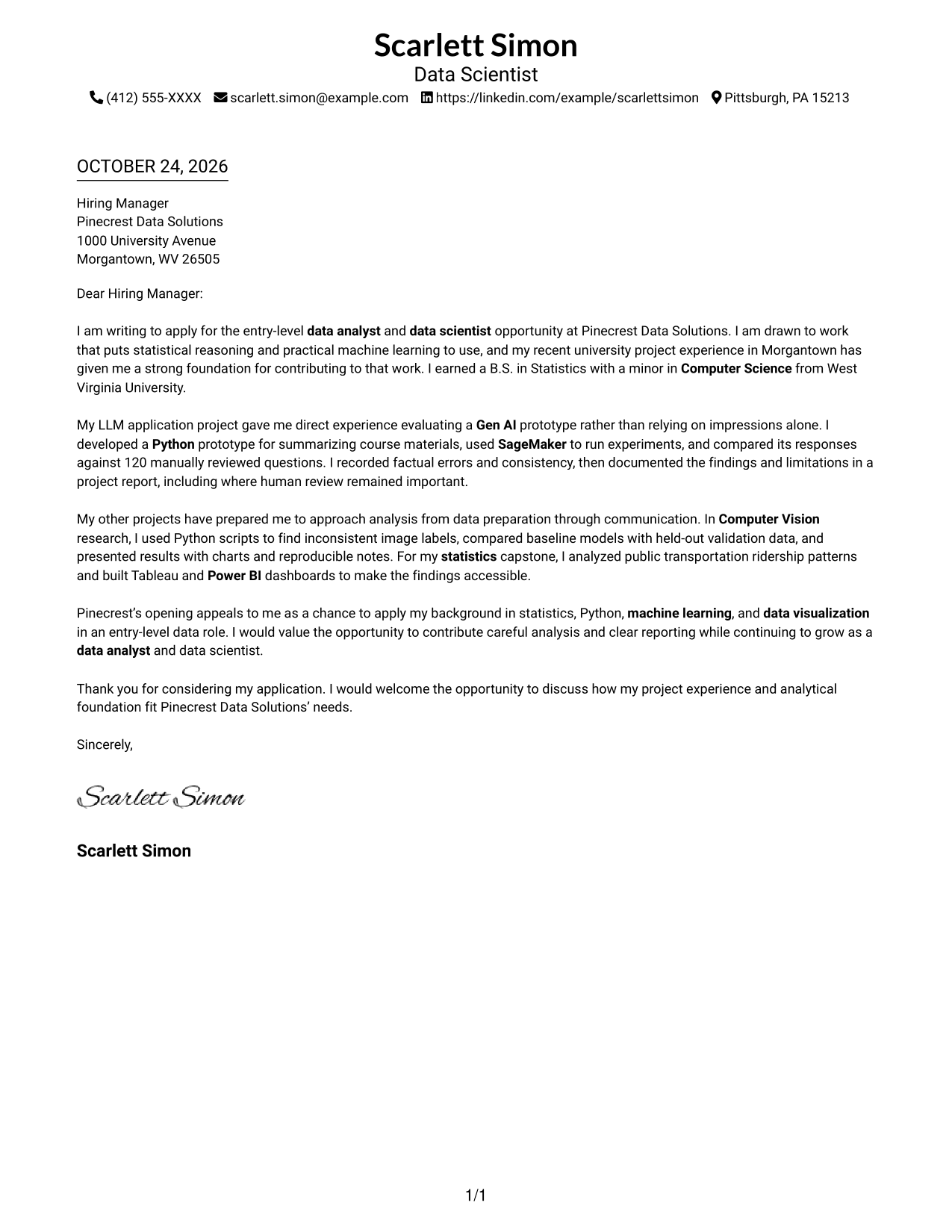
#1 Simple One Column Format Cover Letter Example
A single-column page keeps sender details in the header and the letter body in one direct reading path.
Why This Format Works
- Sender details stay in the header, apart from the letter's message.
- One reading path carries the opening, evidence, and closing in order.
- Paragraph transitions connect the letter's points without body section headings.
Best For
- One-column correspondence
- Header-based contact details
- Photo-free letter preference
- Paragraph-led persuasion
- Unlabeled letter paragraphs
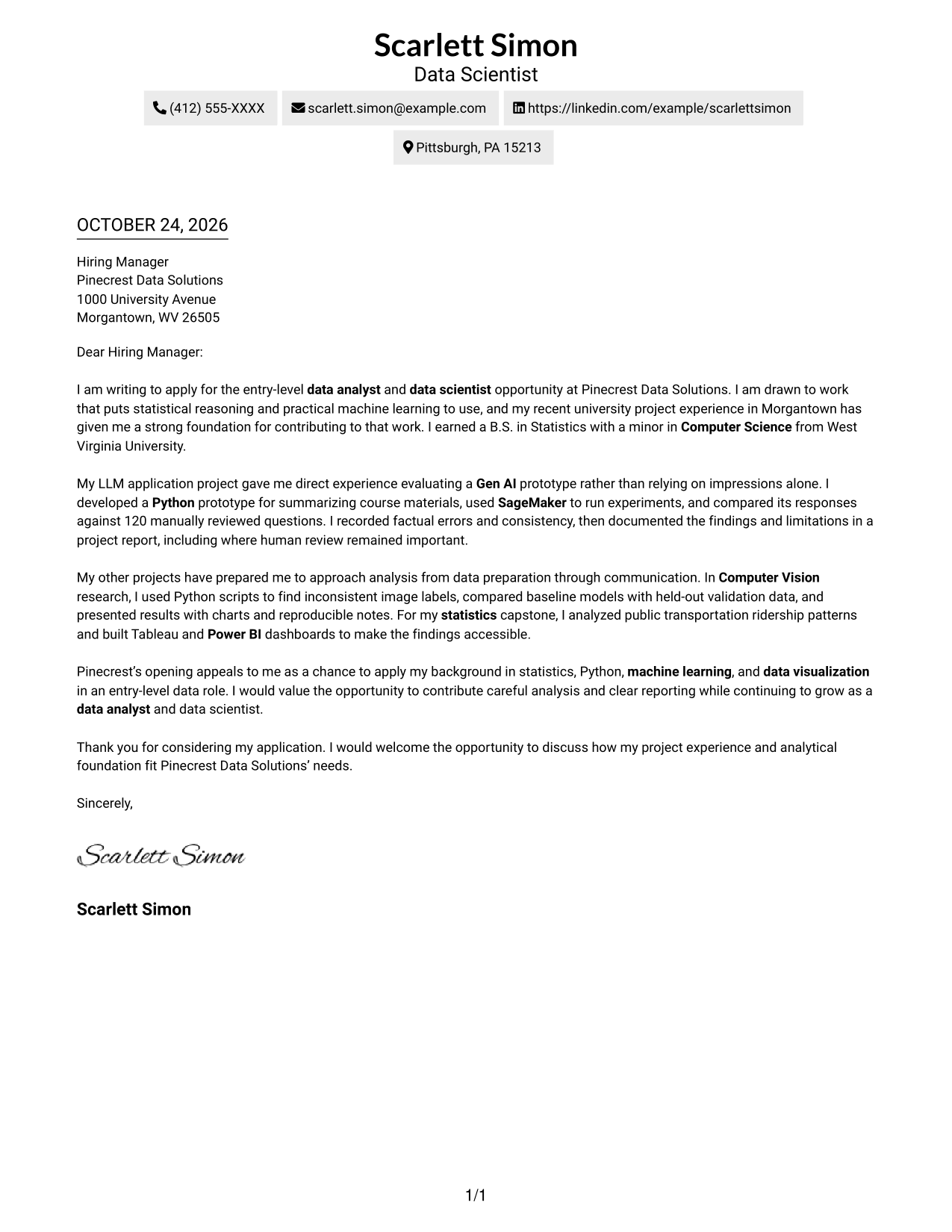
#2 Two Column Format Cover Letter Example
A contact sidebar sits beside one continuous letter body, keeping sender details apart while the message reads in sequence.
Why This Format Works
- The sidebar separates contact information from the letter's persuasive message.
- Opening, evidence, and closing remain together in one continuous body.
- Readers can locate sender details without breaking the letter's reading sequence.
Best For
- Contact sidebar preference
- Separate contact and message areas
- Continuous paragraph-based letters
- Two-column page organization
- No-photo correspondence
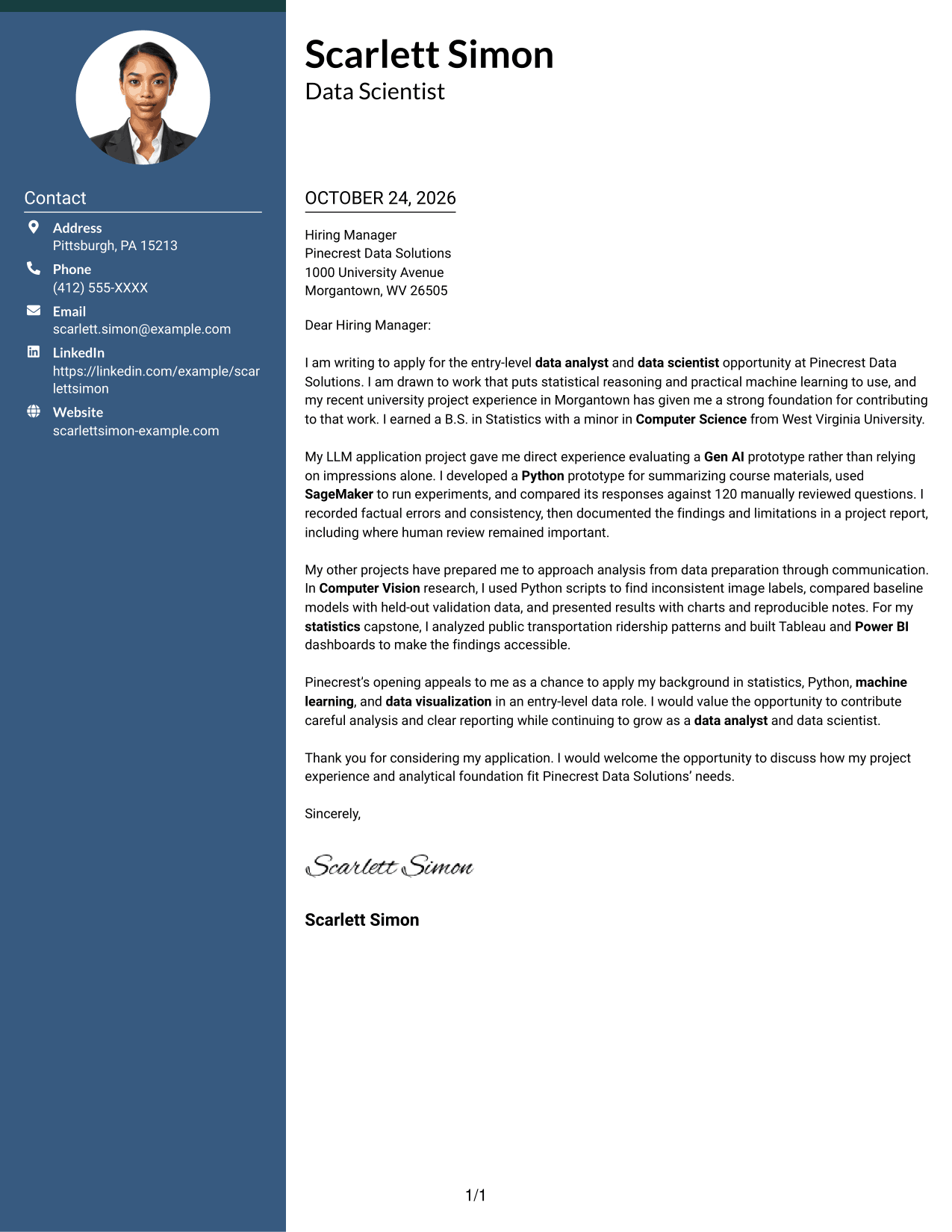
#3 Photo Header Two Column Format Cover Letter Example
A photo is included with the two-column contact and letter arrangement, offering a portrait-inclusive option while keeping the message continuous.
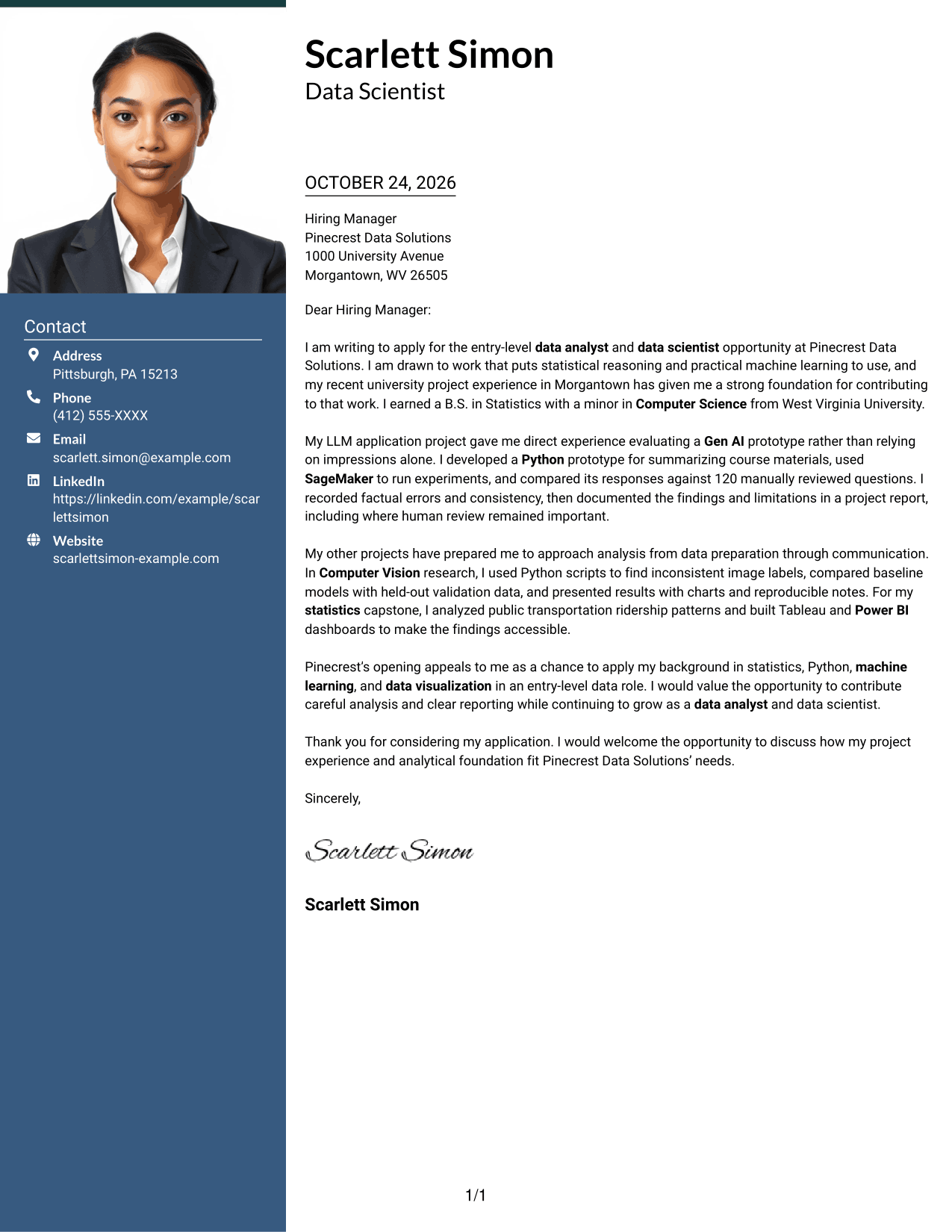
Why This Format Works
- The sidebar keeps contact details distinct from the letter's central message.
- A single letter body carries the opening through the closing without argument columns.
- The included photo suits readers who prefer a portrait on the page.
Best For
- Portrait-inclusive correspondence
- Contact details beside letter text
- Single-body letter reading
- Photo-led personal presentation
- Paragraph-based application messages
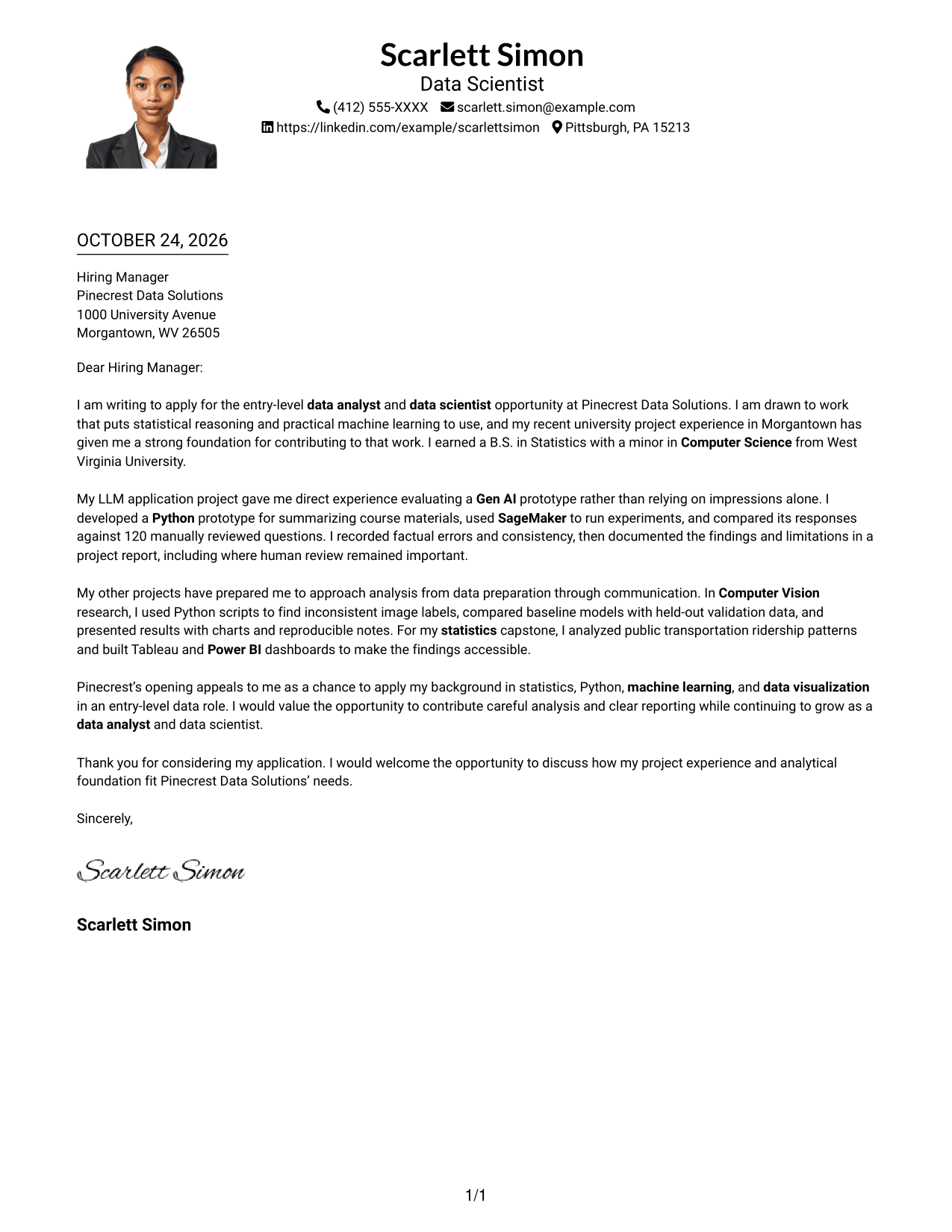
#4 One Column Format with Photo Cover Letter Example
This one-column format includes a photo and keeps the letter body in one reading path for readers who prefer a portrait-inclusive page.
Why This Format Works
- The single-column body keeps the letter's message in one reading sequence.
- Sender details remain in the header instead of a separate contact sidebar.
- An included photo provides a clear visual element without dividing the letter body.
Best For
- One-column letter pages
- Portrait-inclusive correspondence
- Header-based sender details
- Uninterrupted letter paragraphs
- Photo-and-text documents
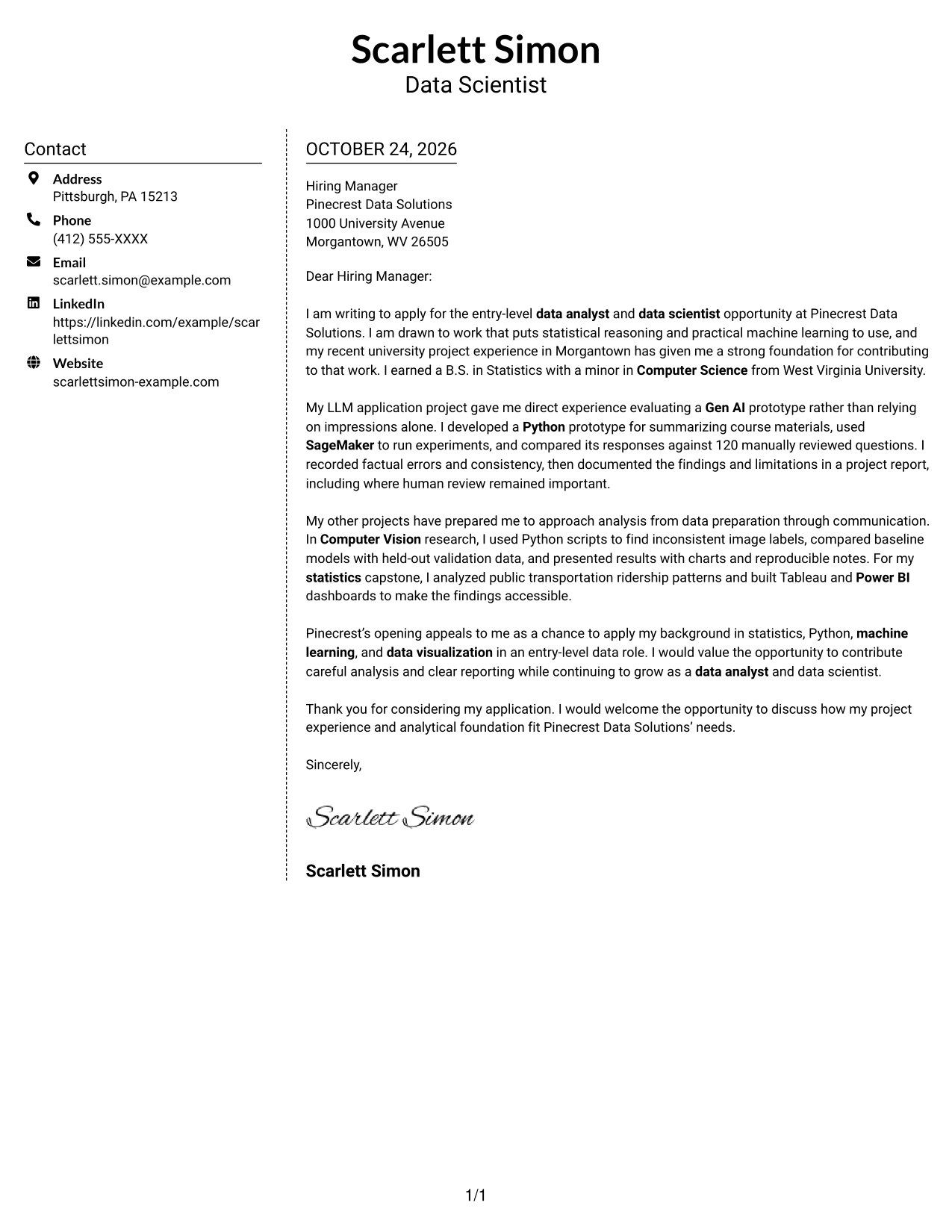
#5 Simple Two Column Format Cover Letter Example
A contact sidebar stands apart from the continuous letter body, giving contact details their own area while the message stays intact.
Why This Format Works
- Contact details have a distinct place beside the letter's continuous paragraphs.
- The body keeps motivation, supporting points, and closing in sequence.
- No argument headings divide the message into separate stages.
Best For
- Separate contact area
- Continuous letter paragraphs
- No-photo page preference
- Unlabeled persuasive messages
- Two-area page layout
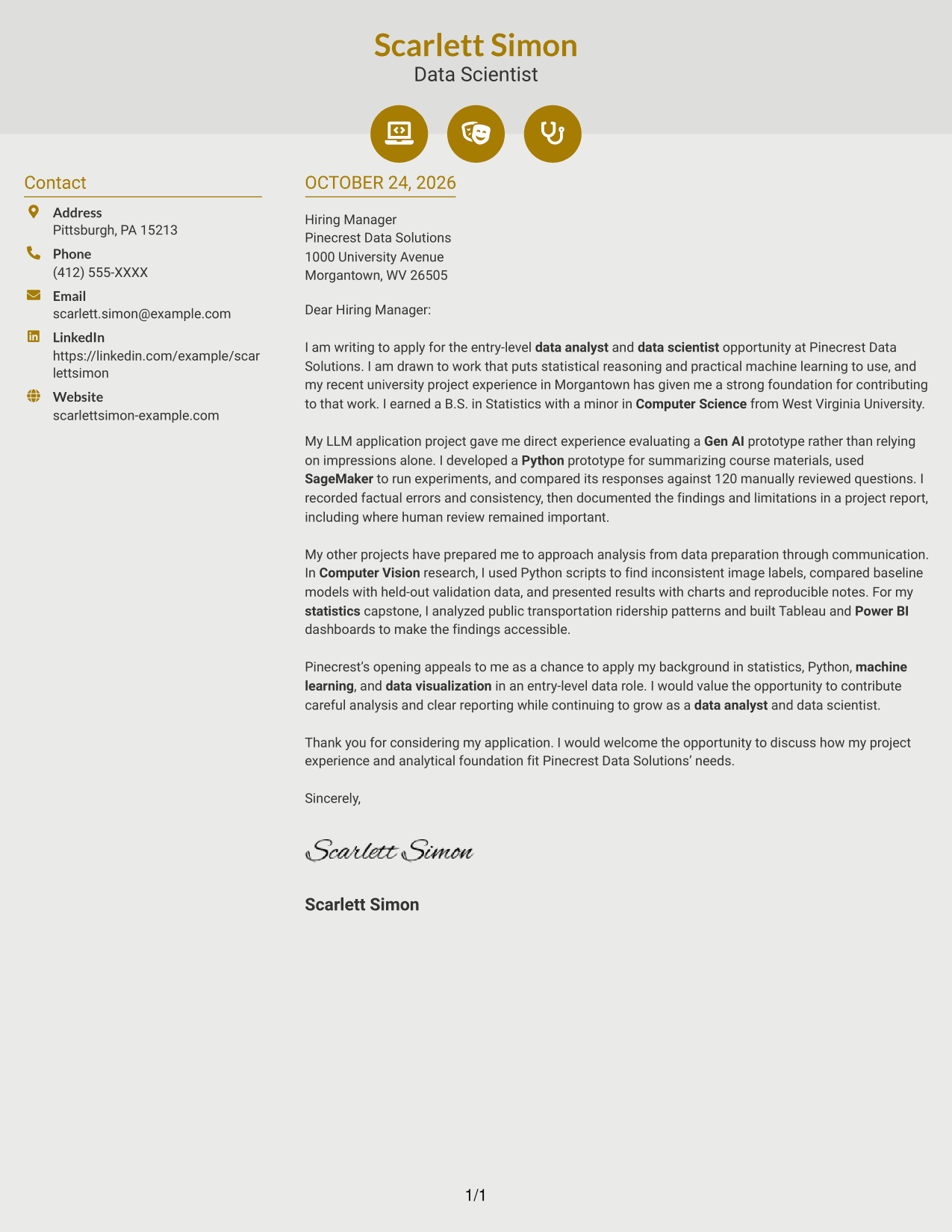
#6 Modern Icon Format Cover Letter Example
Contact icons add visual cues to the sidebar while the letter itself remains one continuous body.
Why This Format Works
- Contact icons help distinguish sender details from the letter's main text.
- The sidebar leaves the opening, supporting points, and closing in one body.
- The message reads as connected paragraphs rather than labeled argument sections.
Best For
- Icon-led contact details
- Sidebar and letter separation
- Continuous paragraph format
- No-photo correspondence
- Visual contact cues
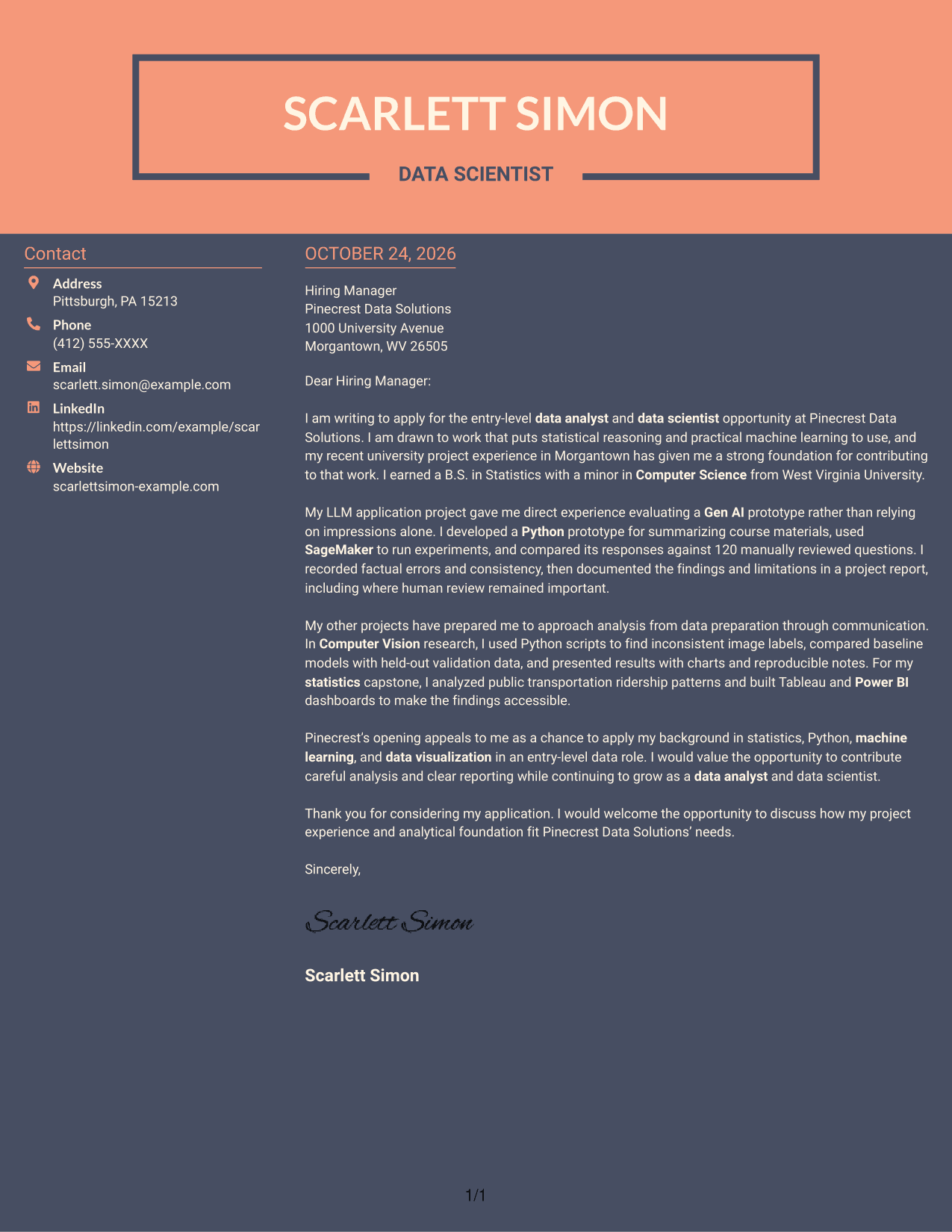
#7 Creative Two Tone Format Cover Letter Example
A two-column arrangement places contact details apart from the continuous letter body, suiting readers who prefer distinct page areas.
Why This Format Works
- The contact sidebar keeps sender information separate from the letter's paragraphs.
- A single body carries the message from its opening through its closing.
- The layout keeps the letter intact rather than splitting its argument across columns.
Best For
- Distinct contact area
- Single-column letter body
- Continuous application messages
- No-photo page preference
- Separate sender information
See Also
- 7 Entry-Level Data Analyst / Data Scientist - Machine Learning Resume Templates with Example
- 33 Data Analyst / Data Scientist Resume Templates with Example 2026 (ATS-Optimized)
- 7 Entry Level Data Scientist/Analyst/Engineer Resume Templates with Example
- 33 Junior Data Scientist/Analyst Resume Templates with Example 2026 (ATS-Optimized)
- 33 Entry Level Machine Learning Engineer/Data Scientist Resume Templates with Example 2026 (ATS-Optimized)
- 33 Applied Machine Learning Scientist Intern Resume Templates with Example 2026 (ATS-Optimized)
- 33 Associate Data Scientist Resume Templates with Example 2026 (ATS-Optimized)
- 7 Data Scientist - Court Data Analytics Resume Templates with Example
- 30+ Data Analyst / Data Scientist Cover Letter Templates with Example 2026
- 30+ Junior Data Scientist/Analyst Cover Letter Templates with Example 2026
Frequently Asked Questions
What should the opening paragraph say for this data role?
State the exact role you are applying for, explain what draws you to the work, and briefly connect that interest to relevant preparation. Keep the opening direct so the reader can quickly understand your purpose.
How can I show data and machine learning experience in a cover letter?
Choose one or two examples and explain your actions and findings. The featured letter describes evaluating an LLM prototype with 120 manually reviewed questions, then connects that work to data preparation, model comparison, and visualization examples.
Should I mention every preferred skill in the job posting?
No. Focus on the skills you can support with specific evidence. For this role, relevant examples may include statistics, Python, SageMaker, Gen AI, Computer Vision, or data visualization, when they reflect your own background.
How should I connect my experience to the employer?
Refer to the role’s stated needs, then explain how your experience could help address them. Keep the connection specific and use verified information about the employer rather than making assumptions.
What is a clear way to close this cover letter?
Thank the reader for considering your application and express interest in discussing your fit. A concise close should sound confident and courteous without adding new claims.




