7 Entry-Level Geotechnical Engineer Cover Letter Templates with Example
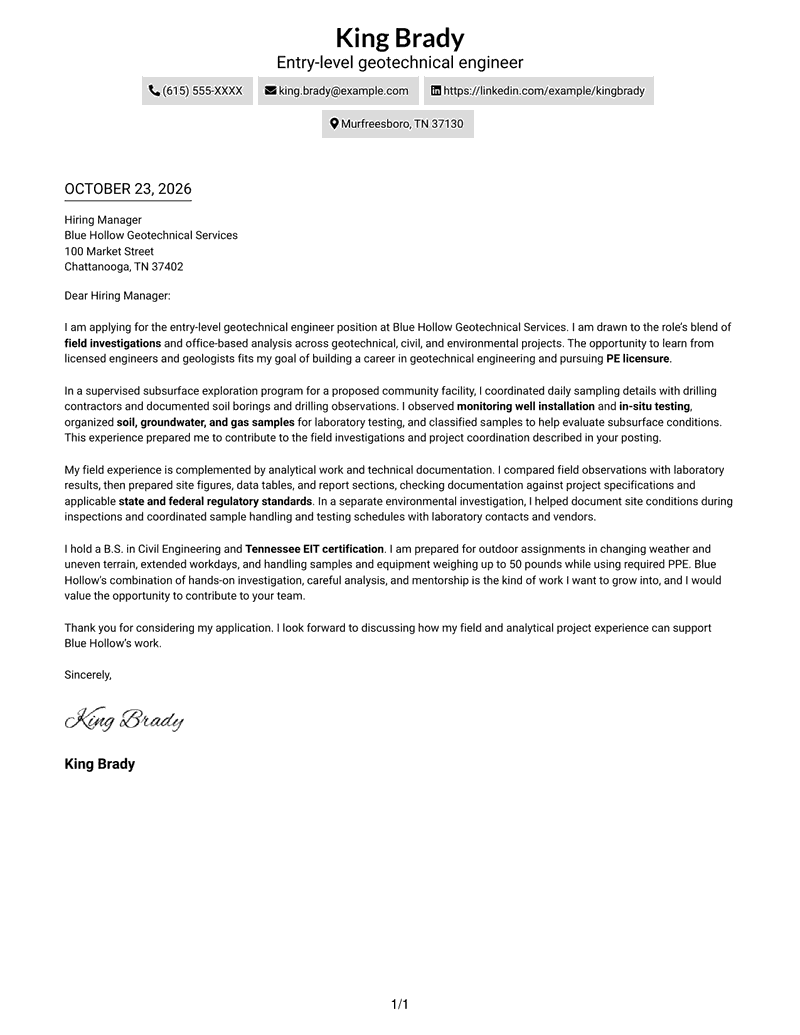
This practical guide to an Entry-Level Geotechnical Engineer cover letter shows how seven layouts can present your role fit clearly.
What Makes a Great Entry-Level Geotechnical Engineer Cover Letter in 2026
A strong Entry-Level Geotechnical Engineer cover letter links a clear reason for applying to evidence of field investigation, analysis, and careful technical communication.
Use specific examples, such as coordinating soil sampling or preparing technical reports, and connect them to the employer’s needs for safe fieldwork, sound analysis, and clear project updates.
The featured example moves from motivation to field evidence, analytical work, role fit, and a clear close. Adapt this focused progression while choosing a presentation that suits the employer and the communication context.
#1 Simple One Column Format Cover Letter Example
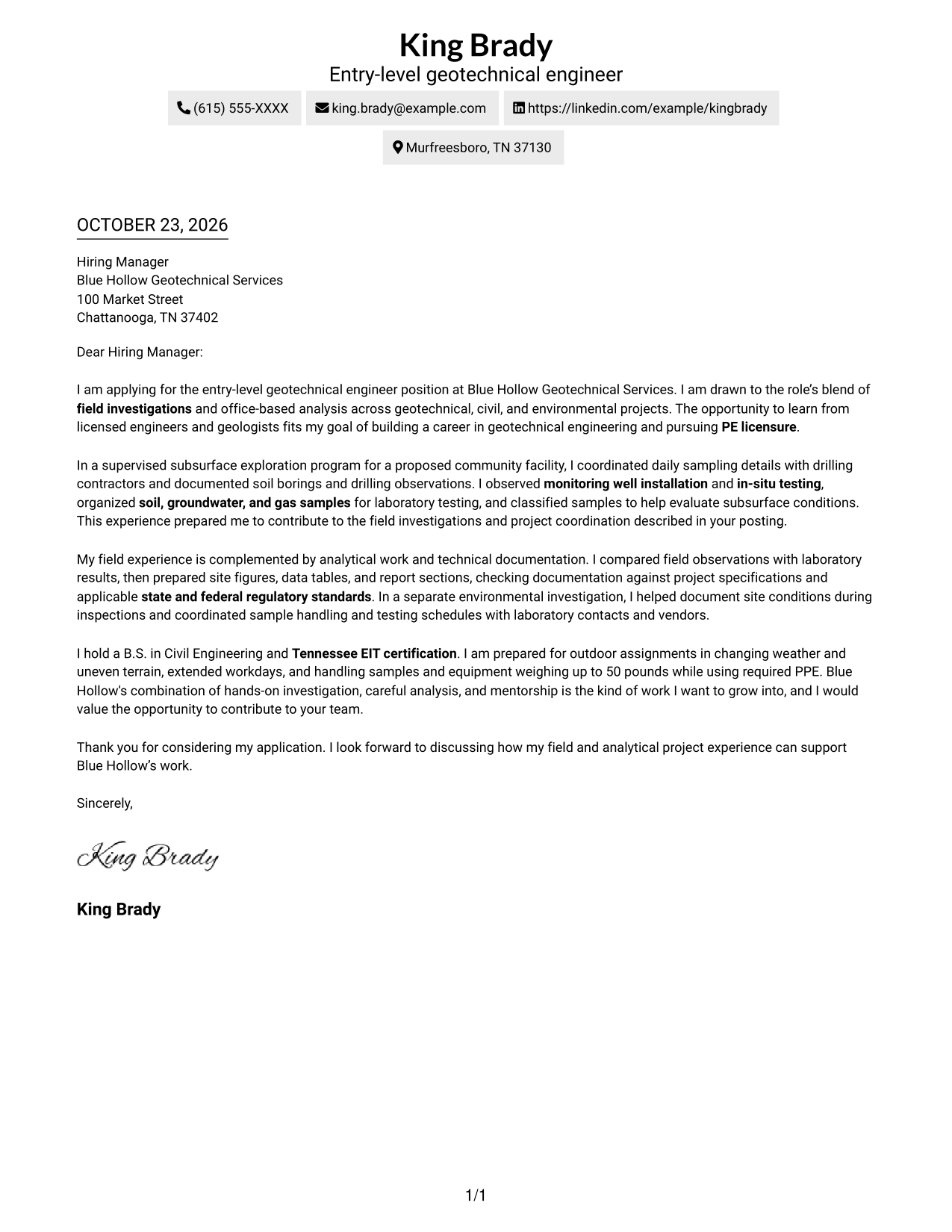
The Simple One Column Format keeps sender details in the header and the letter in one text column, giving the message a direct reading path.
Why This Format Works
- Sender details in the header stay distinct from the application message.
- One text column lets the reviewer follow motivation, evidence, and closing in order.
- Paragraph transitions carry the case for fit without argument-stage headings.
Best For
- One-column reading preference
- Header-based sender details
- Continuous persuasive prose
- Unheaded application letters
- Photo-free document preference
#2 Two Column Format Cover Letter Example
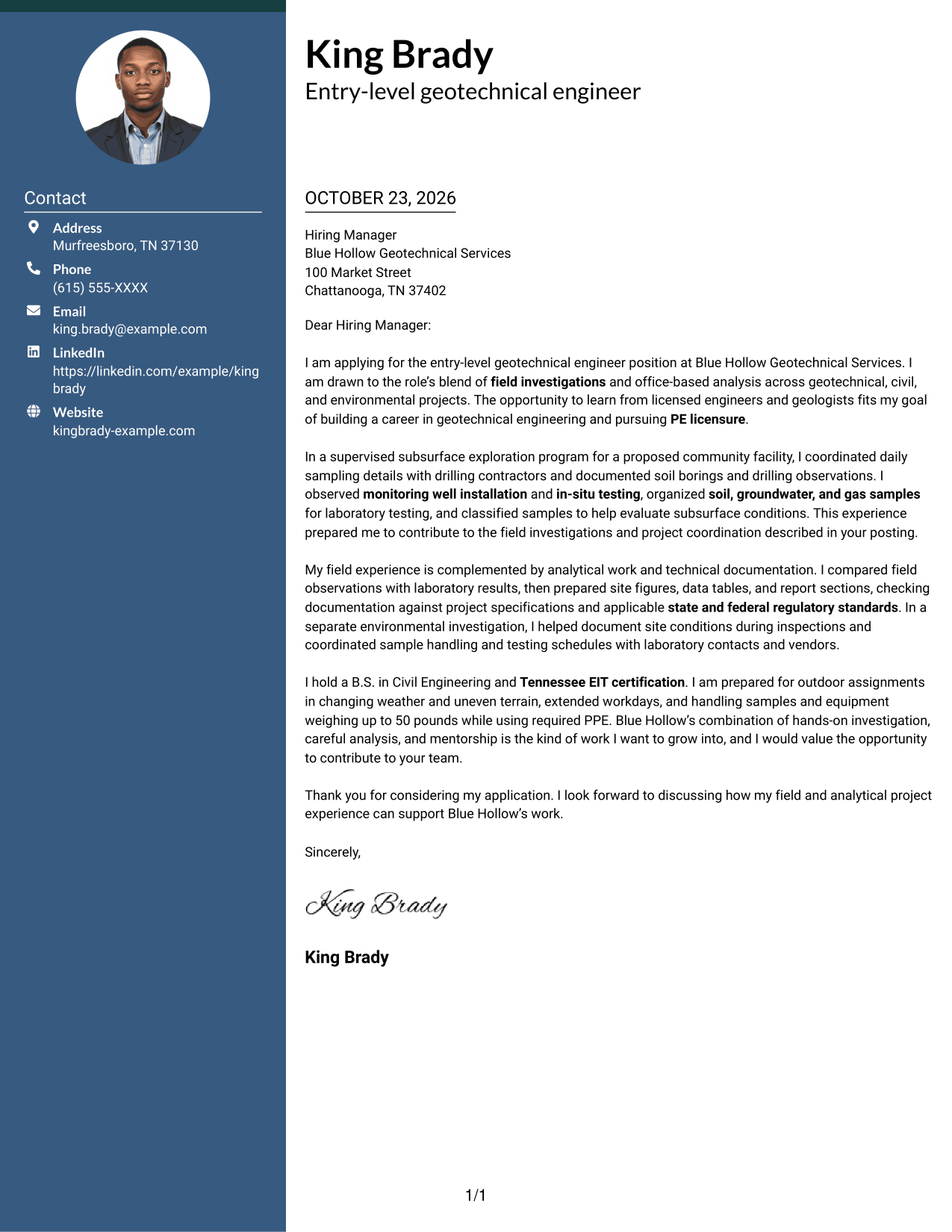
The Two Column Format places a contact sidebar beside one continuous letter body, keeping contact information apart from the persuasive message.
Why This Format Works
- Contact details have a separate place beside the letter body.
- The letter's single text column keeps the persuasive message in sequence.
- Paragraph transitions guide the reader because argument stages have no headings.
Best For
- Contact sidebar preference
- Continuous application prose
- Letters without argument headings
- Single-column letter-body reading
- Photo-free correspondence
#3 Photo Header Two Column Format Cover Letter Example
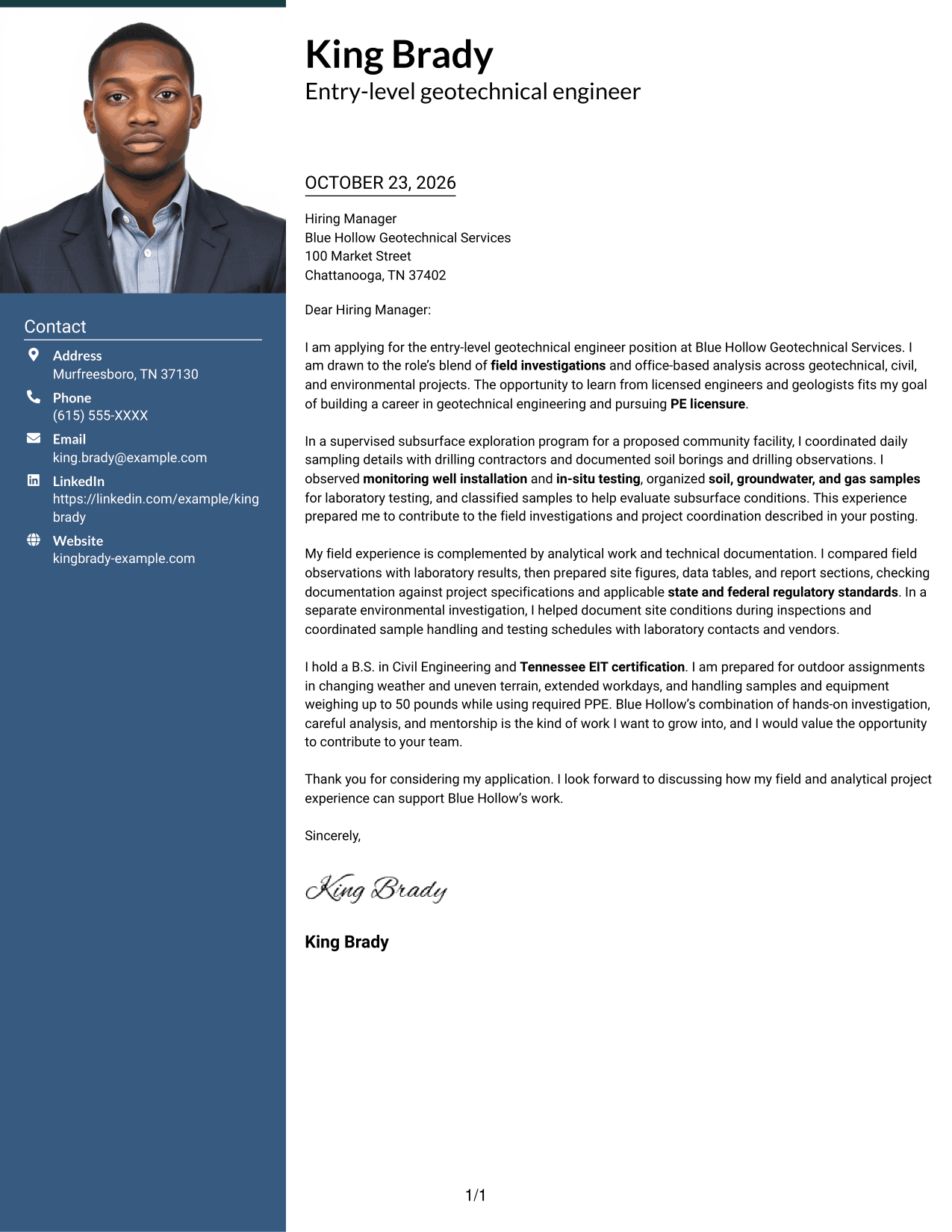
The Photo Header Two Column Format combines a contact sidebar and a photo with one continuous letter body, for readers who want a portrait alongside the message.
Why This Format Works
- Contact information stays apart from the message in the neighboring sidebar.
- The continuous body keeps motivation, evidence, and closing in a single reading sequence.
- The included photo suits readers who want a portrait in the document.
Best For
- Portrait-inclusive letter design
- Contact details beside the message
- One-column letter-body flow
- Paragraph-led motivation and evidence
- Unheaded cover-letter format
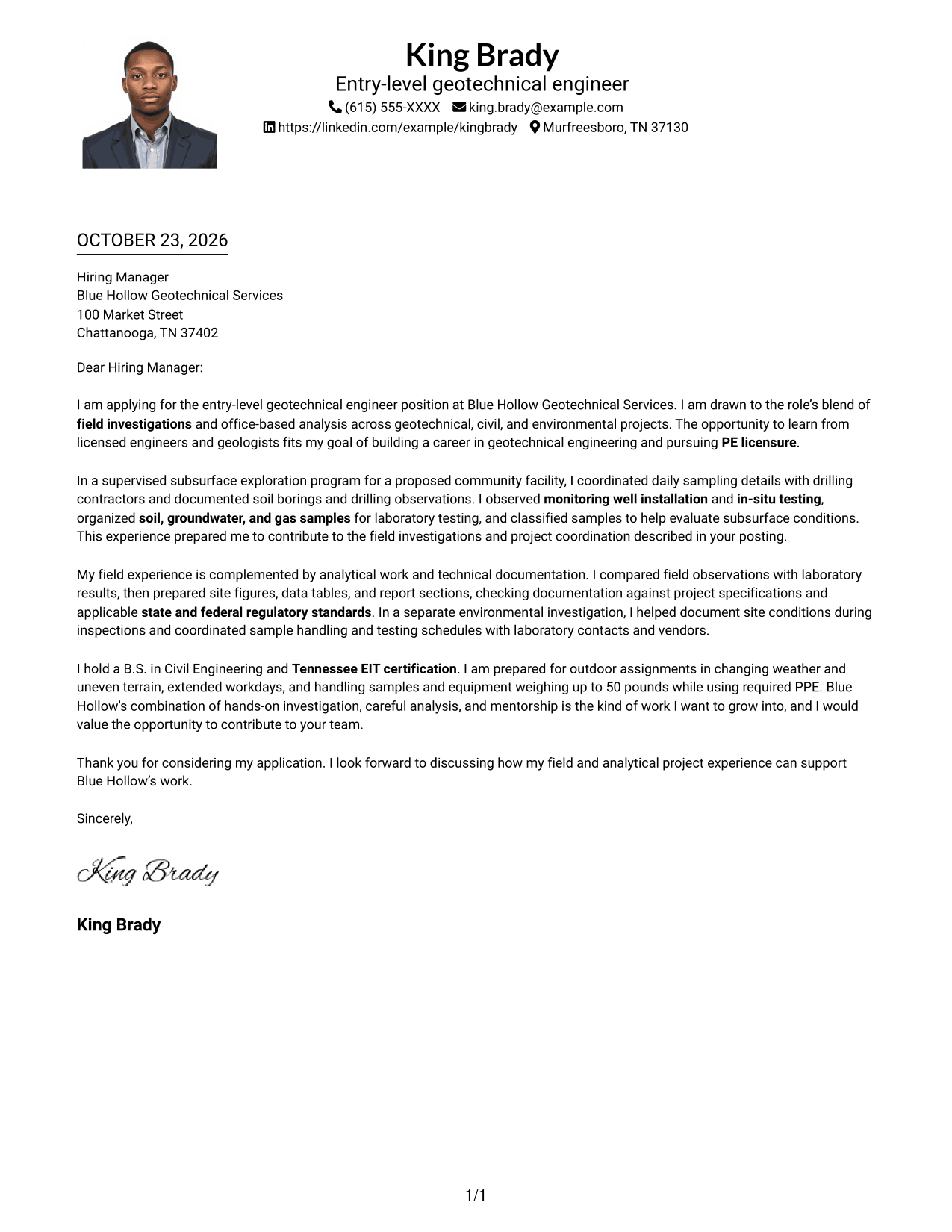
#4 One Column Format with Photo Cover Letter Example
The One Column Format with Photo presents sender details in the header and the letter in one text column, with a photo for a portrait-inclusive look.
Why This Format Works
- Sender information stays in the header, separate from the letter's argument.
- One column keeps each paragraph in the same direct reading path.
- The photo adds a portrait option without dividing the message into sections.
Best For
- Portrait-inclusive letter design
- Single-column reading preference
- Header-based contact details
- Unheaded body paragraphs
- Paragraph-led application messages
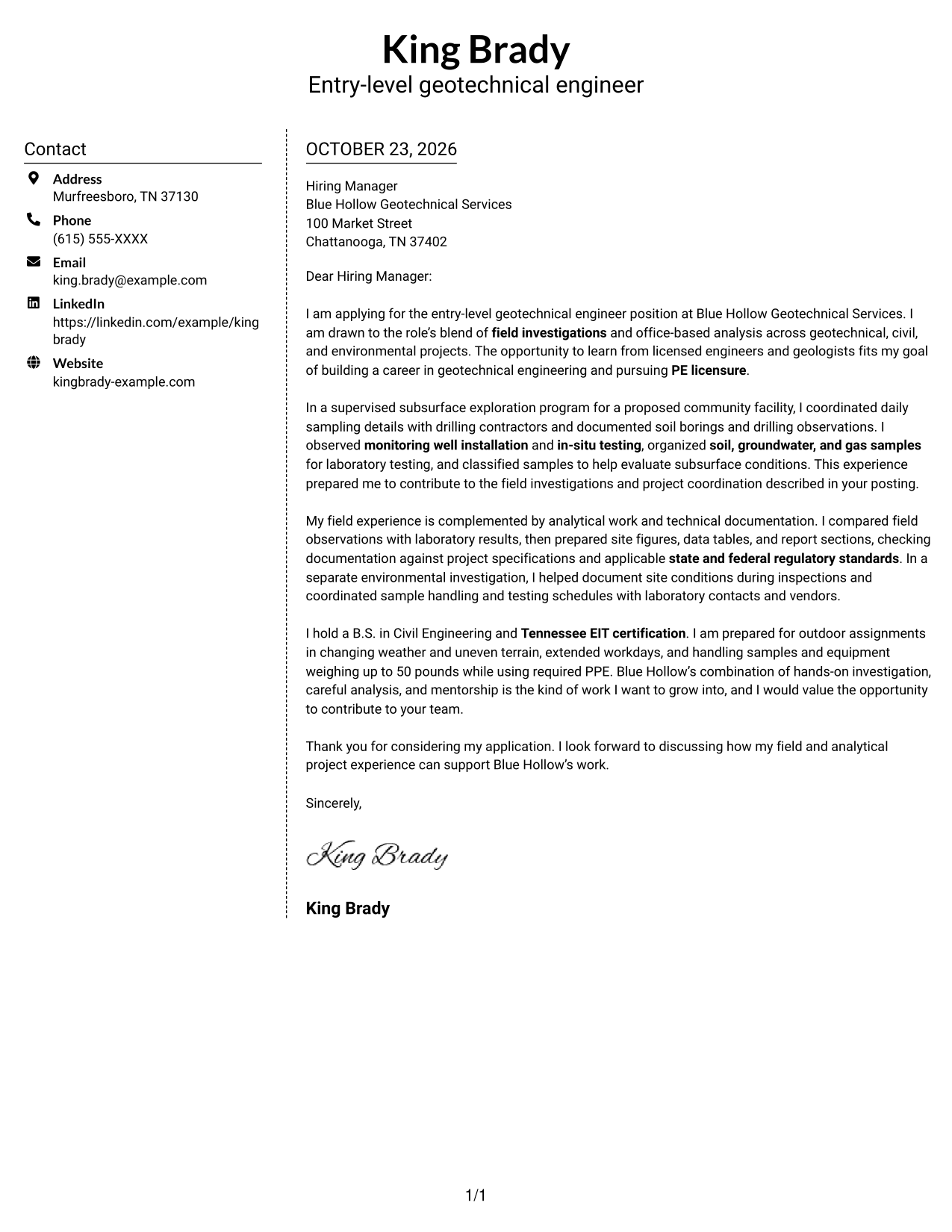
#5 Simple Two Column Format Cover Letter Example
The Simple Two Column Format places a contact sidebar beside the continuous letter, giving contact details a separate place from the application message.
Why This Format Works
- Address details sit in the sidebar, separate from the recipient-facing prose.
- A single letter column keeps the opening and later paragraphs in order.
- Unlabeled body paragraphs let transitions do the work of connecting ideas.
Best For
- Sidebar-based contact details
- Continuous letter paragraphs
- Unlabeled body text
- Opening-to-closing message flow
- Photo-free correspondence
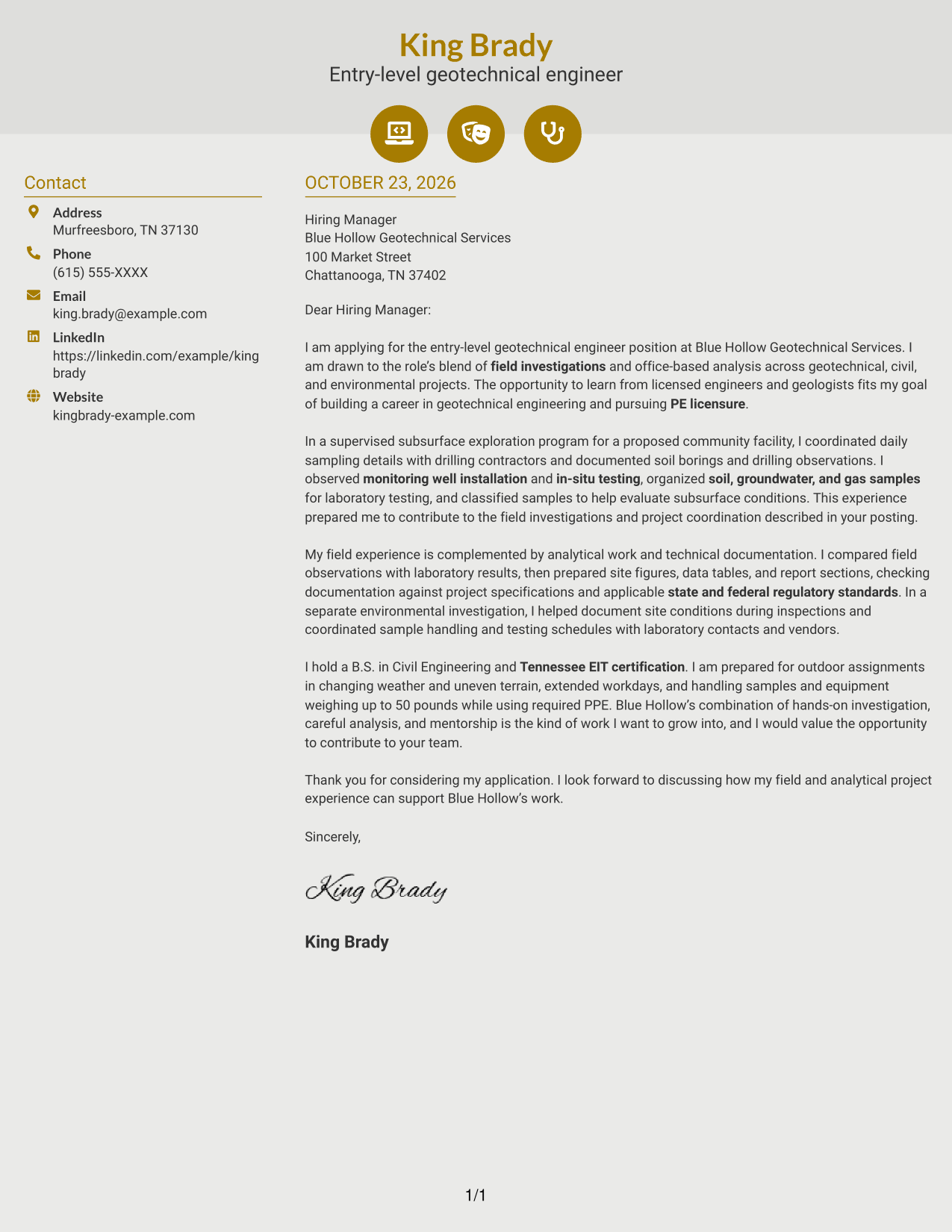
#6 Modern Icon Format Cover Letter Example
The Modern Icon Format uses contact-detail icons in a sidebar beside one continuous letter body, adding visual cues to the contact information.
Why This Format Works
- Small visual cues make contact details easier to identify.
- The letter stays in one body column, preserving its argument from opening to close.
- Opening, evidence, and closing remain paragraphs, not icon-labeled sections.
Best For
- Icon-cued contact details
- Sidebar contact organization
- Continuous letter-body reading
- Paragraph-based persuasive messages
- Photo-free application letters
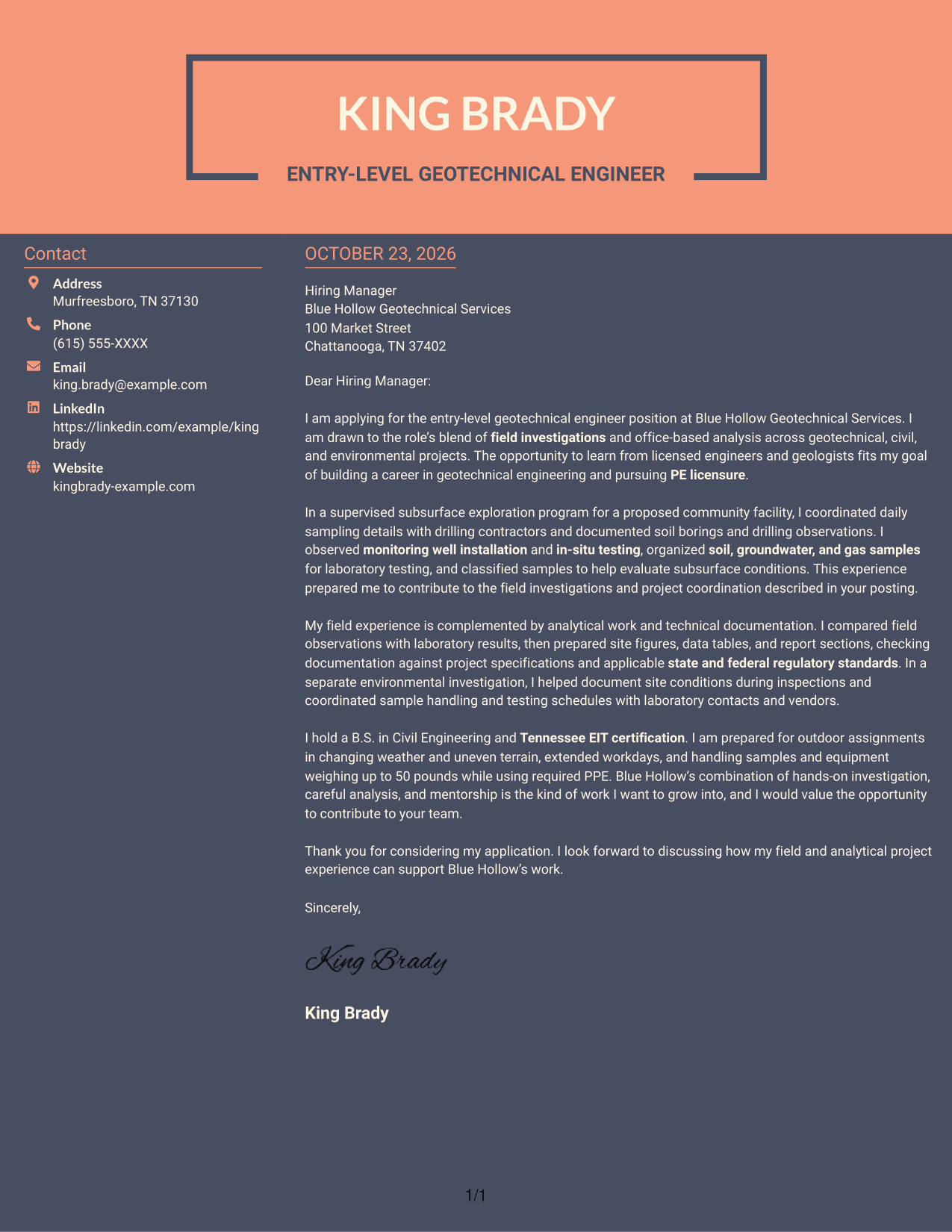
#7 Creative Two Tone Format Cover Letter Example
The Creative Two Tone Format sets a contact sidebar beside one continuous letter body, keeping contact information apart from the application message.
Why This Format Works
- Contact information sits beside the message rather than inside its paragraphs.
- The one-column letter body keeps the application case together from opening to close.
- Paragraph breaks, not headings, mark shifts in the letter's argument.
Best For
- Contact sidebar layouts
- Letters with continuous prose
- One-column message flow
- Paragraph-led application arguments
- Photo-free document preference
See Also
- 7 Entry-Level Geotechnical Engineer - Field Investigations Resume Templates with Example
- 7 Entry-Level Geotechnical Engineer - Rail Resume Templates with Example
- 7 Entry-Level Geotechnical Engineer Resume Templates with Example
- 33 Geotechnical Engineer Resume Templates with Example 2026 (ATS-Optimized)
- 7 Transportation Engineer Licensed Specialist - Senior Geotechnical Engineer Resume Templates with Example
- 33 5G/LTE Network Engineer I Resume Templates with Example 2026 (ATS-Optimized)
- 33 Advanced Manufacturing Automation Engineer - Mechatronics Resume Templates with Example 2026 (ATS-Optimized)
- 7 Advanced Packaging Engineer Resume Templates with Example
- 7 Entry-Level Geotechnical Engineer - Field Investigations Cover Letter Templates with Example
- 7 Entry-Level Geotechnical Engineer - Rail Cover Letter Templates with Example
Frequently Asked Questions
What should an Entry-Level Geotechnical Engineer cover letter include?
State why the role interests you, then give clear evidence of relevant field, analysis, and communication skills. Close by linking your strengths and goals to the work described by the employer.
How can I show field and analytical fit in my cover letter?
Describe a specific investigation and your contribution. The featured example discusses soil borings, sample coordination, laboratory support, soil classification, and technical reporting.
Should I mention EIT certification in my cover letter?
If you hold EIT certification, mention it briefly and connect it to your professional goals. The featured letter also expresses an interest in pursuing PE licensure.
How do I choose a cover letter layout?
Choose a clear presentation that makes the letter easy to read and fits the employer’s communication style. Use the image previews to compare examples, then open or customize an example in the editor.
How should I discuss fieldwork requirements?
Address relevant requirements directly and honestly. When accurate for you, describe readiness for outdoor conditions, uneven terrain, PPE, extended workdays, and handling field samples or equipment.