
7 Entry-Level Machine Learning Engineer - Computer Vision Cover Letter Templates with Example
This practical guide helps you write an Entry-Level Machine Learning Engineer - Computer Vision cover letter, with seven layouts to compare in image previews.
What Makes a Great Entry-Level Machine Learning Engineer - Computer Vision Cover Letter in 2026
A strong letter connects your computer vision work to the role and explains why you want to contribute. A clear opening, focused body, and direct closing help the reader follow your case.
Use relevant evidence, such as image classification and model evaluation, and explain what it shows about your approach. Connect that evidence to the employer’s needs, and include software or data tools only when they reflect your own experience.
The featured example moves from role motivation to computer vision evidence, then to software experience and a clear closing; adapt this focused progression while choosing a presentation that suits the employer and communication context.
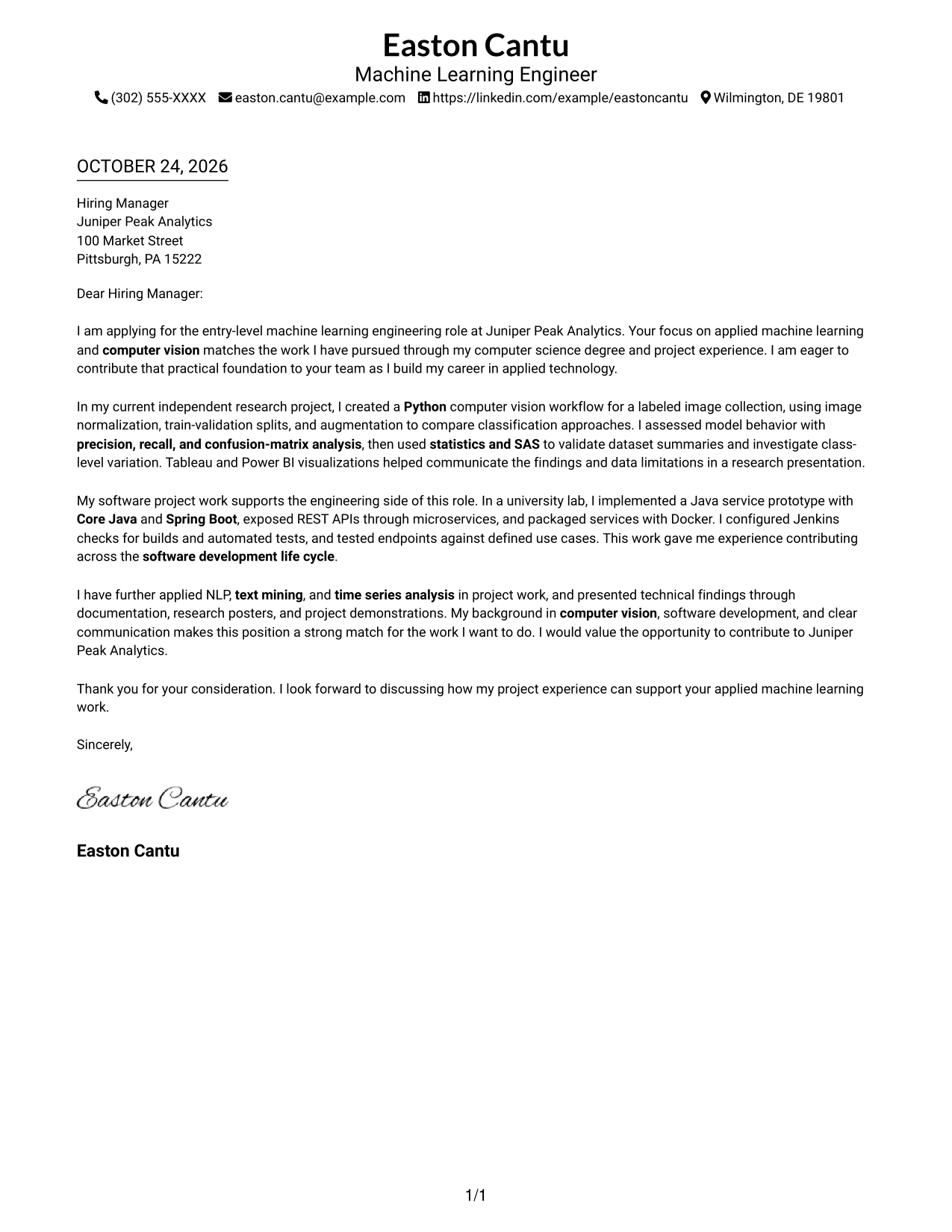
#1 Simple One Column Format Cover Letter Example
Sender details sit in the header, while the letter follows one continuous column.
Why This Format Works
- Sender details in the header remain separate from the letter's central message.
- The single column keeps motivation, supporting evidence, and closing in reading order.
- With no argument headings, paragraph sequence carries the letter from opening to close.
Best For
- Single-column letter reading
- Header-based sender contact details
- Letters without argument headings
- Multi-paragraph role-alignment letters
- Photo-free correspondence
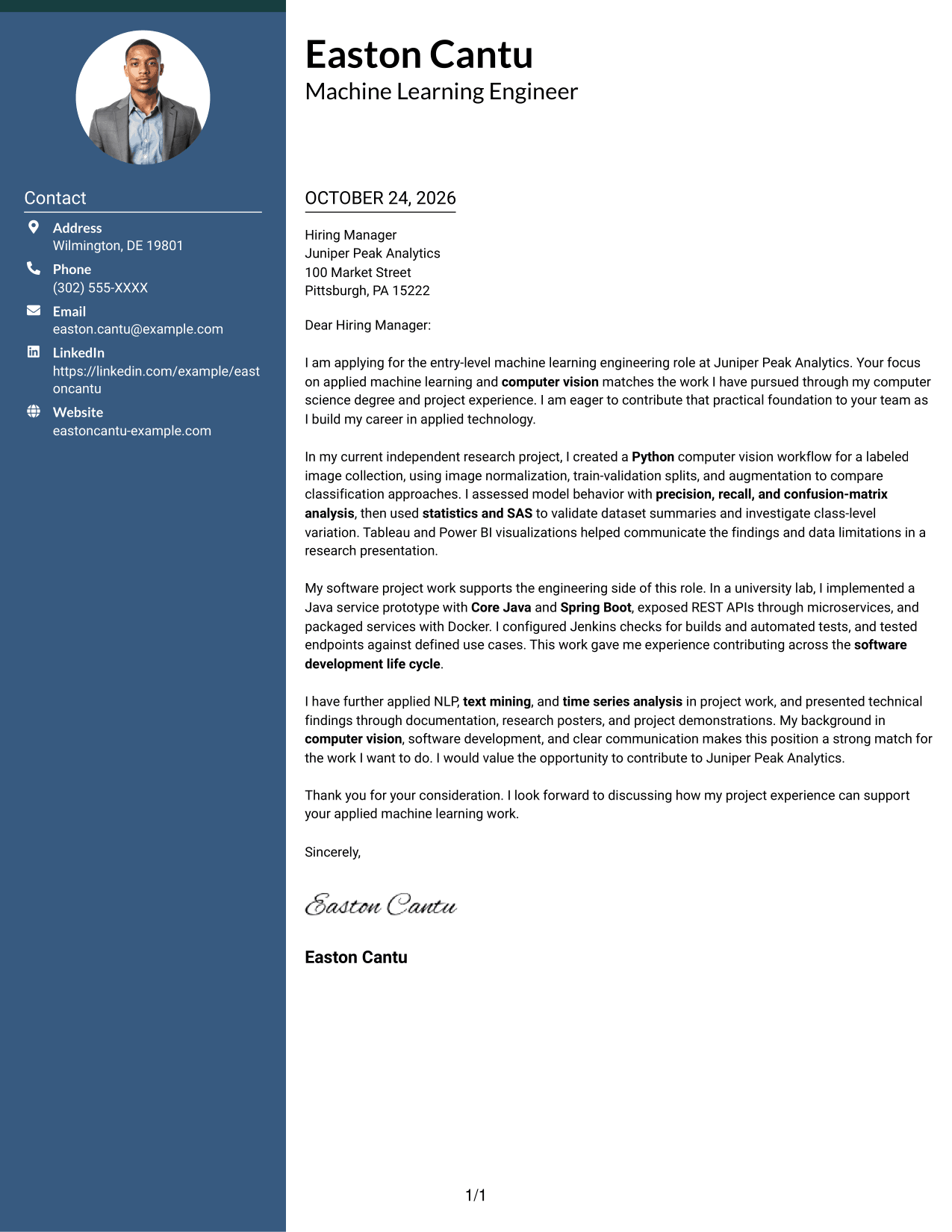
#2 Two Column Format Cover Letter Example
A contact sidebar sits beside one continuous letter body, separating details from the message.
Why This Format Works
- The contact sidebar keeps sender details apart from the letter's argument.
- One body column keeps motivation and evidence in their written sequence.
- No argument headings divide motivation, evidence, and closing into labeled stages.
Best For
- Dedicated sender-information sidebar
- Uninterrupted paragraph-based arguments
- Letters with employer-specific openings
- Applications pairing motivation and project evidence
- Photo-free correspondence
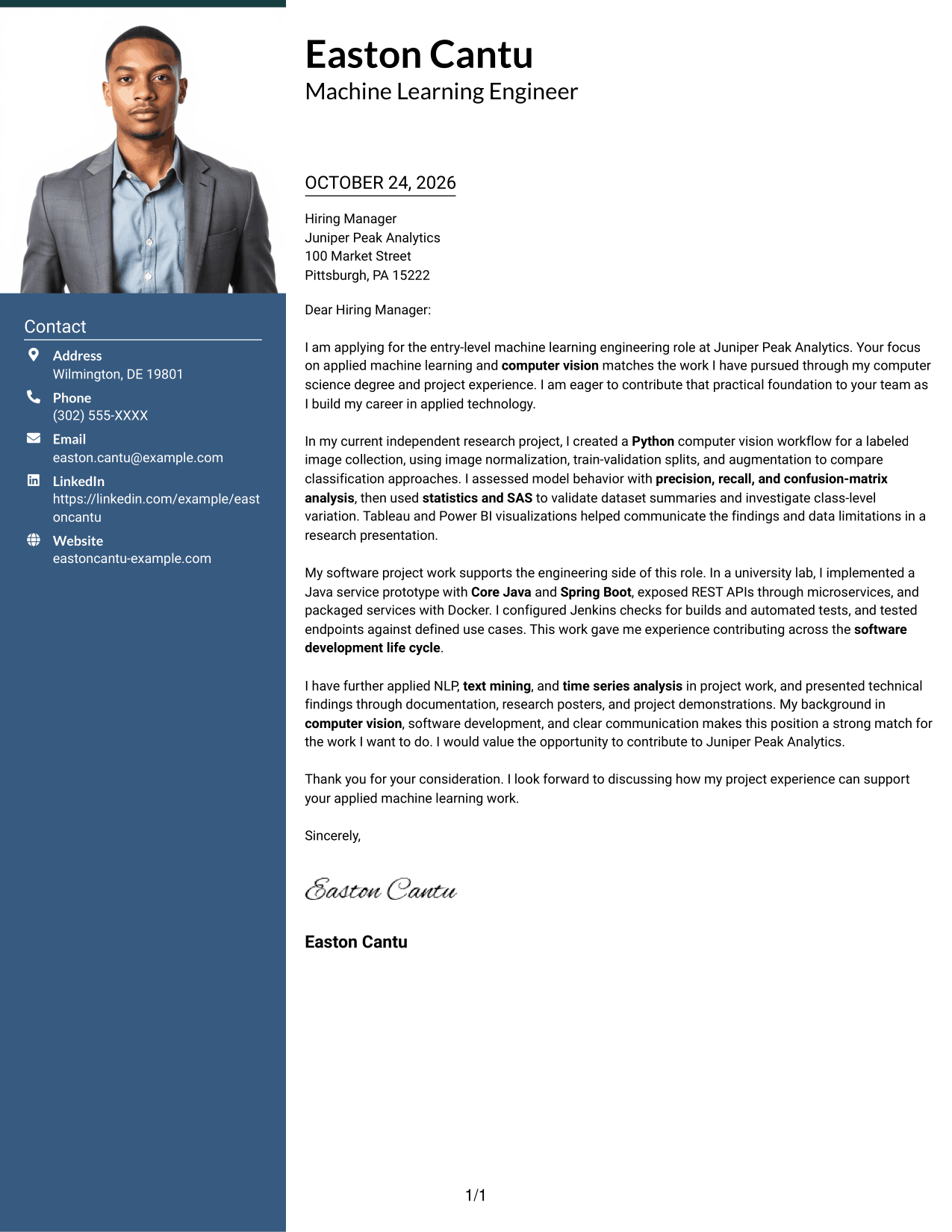
#3 Photo Header Two Column Format Cover Letter Example
A photo accompanies the two-column layout, with contact details beside one continuous letter body.
Why This Format Works
- Contact details stay apart from the letter's paragraphs in the sidebar.
- One body column keeps motivation, evidence, and closing in written order.
- The included photo adds a visual element without changing the letter's message.
Best For
- Contact sidebar beside letter text
- Continuous body for persuasive paragraphs
- Photo-included correspondence
- Employer-specific opening and closing
- Project evidence within a letter
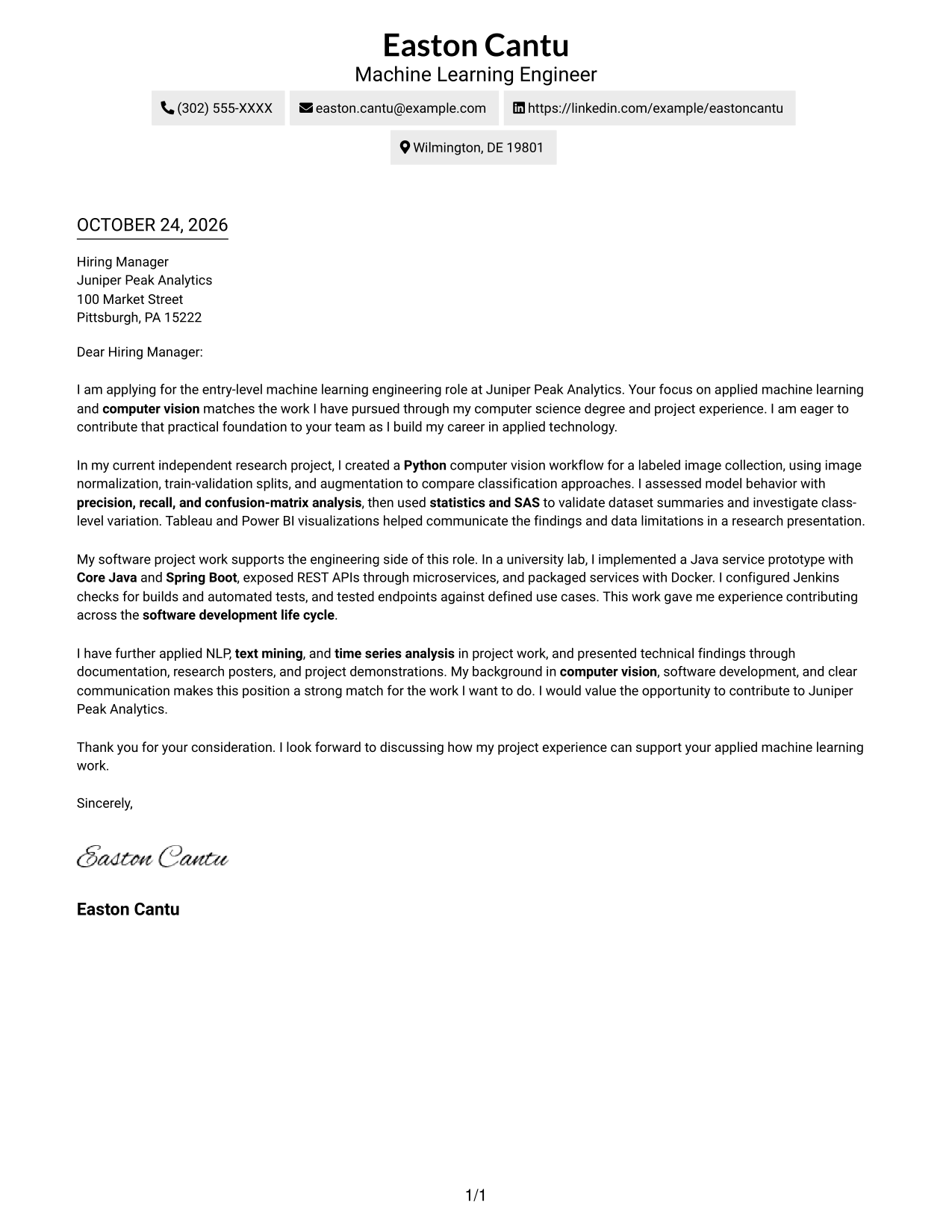
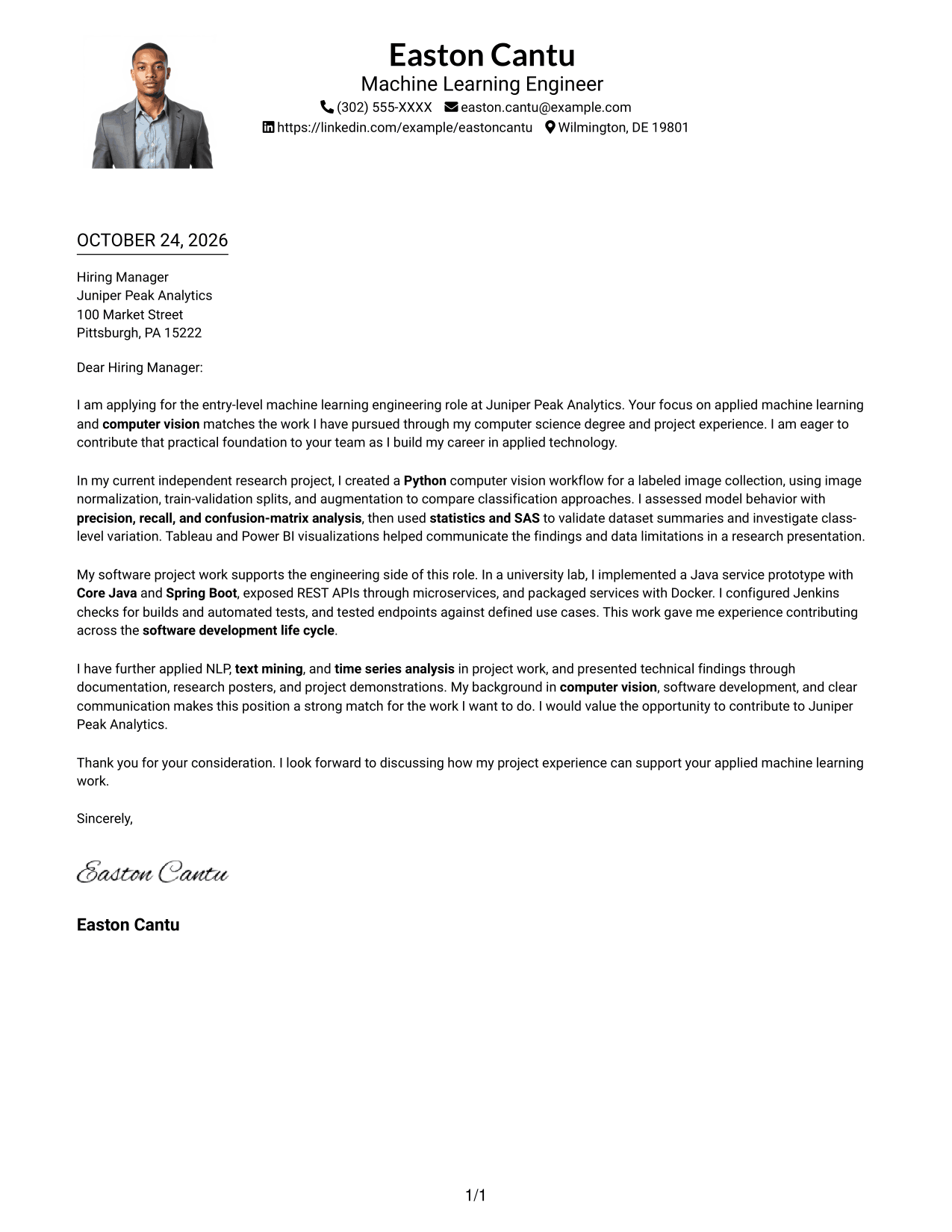
#4 One Column Format with Photo Cover Letter Example
This one-column letter includes a photo, while sender details remain in the header.
Why This Format Works
- Header contact details remain easy to distinguish from the letter paragraphs.
- One-column reading carries the opening and evidence through to the close.
- The included photo provides a visual option alongside the written message.
Best For
- Single-column letter reading
- Header-based contact details
- Photo-included correspondence
- Letters without argument headings
- Multi-paragraph employer-specific letters
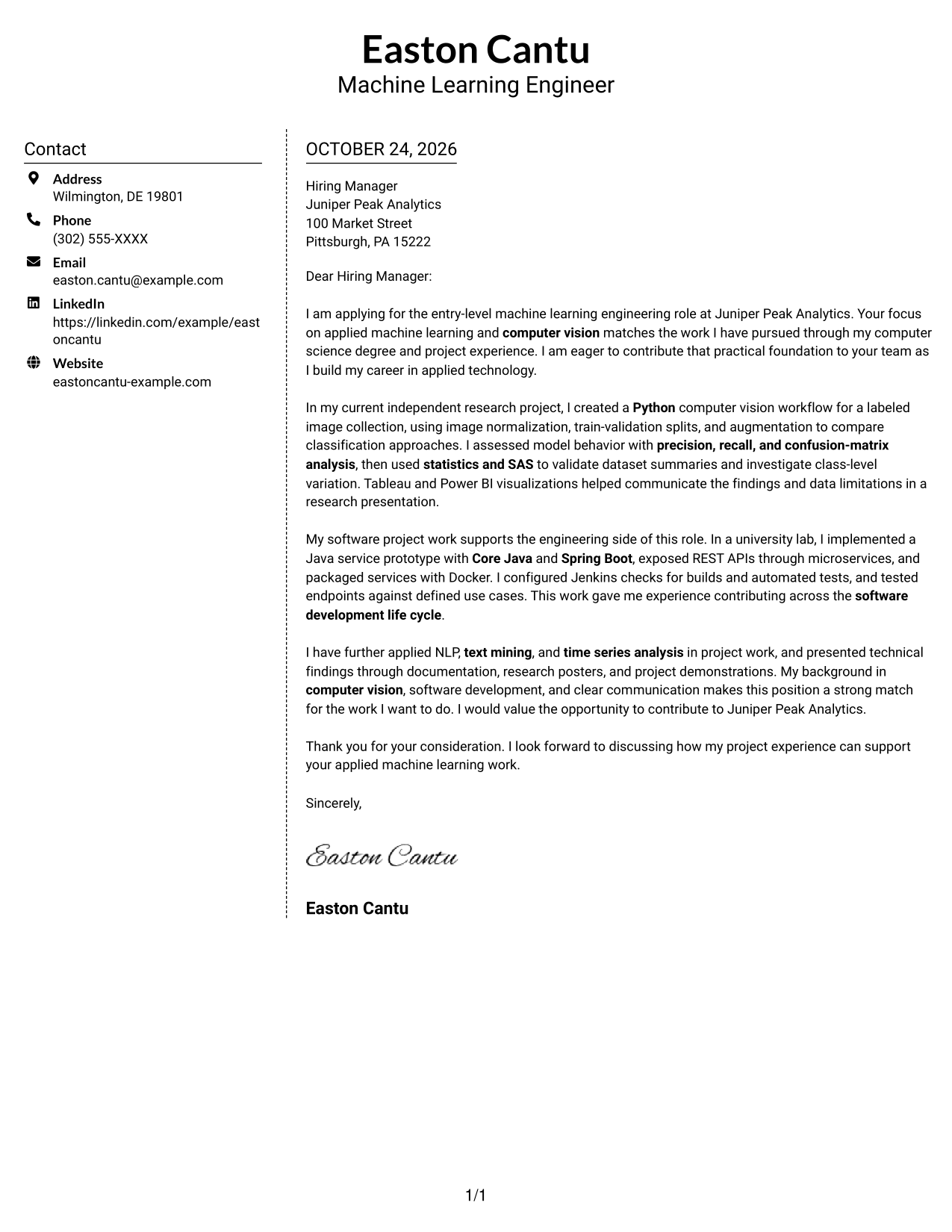
#5 Simple Two Column Format Cover Letter Example
The contact sidebar and one continuous letter body give this format a two-column structure.
Why This Format Works
- Contact information occupies its own sidebar rather than the letter body.
- The single body column keeps the letter's argument in a clear sequence.
- Photo-free correspondence suits readers who prefer letters without portraits.
Best For
- Dedicated contact sidebar
- One-column argument flow
- Letters with clear role motivation
- Project evidence in continuous prose
- Photo-free correspondence
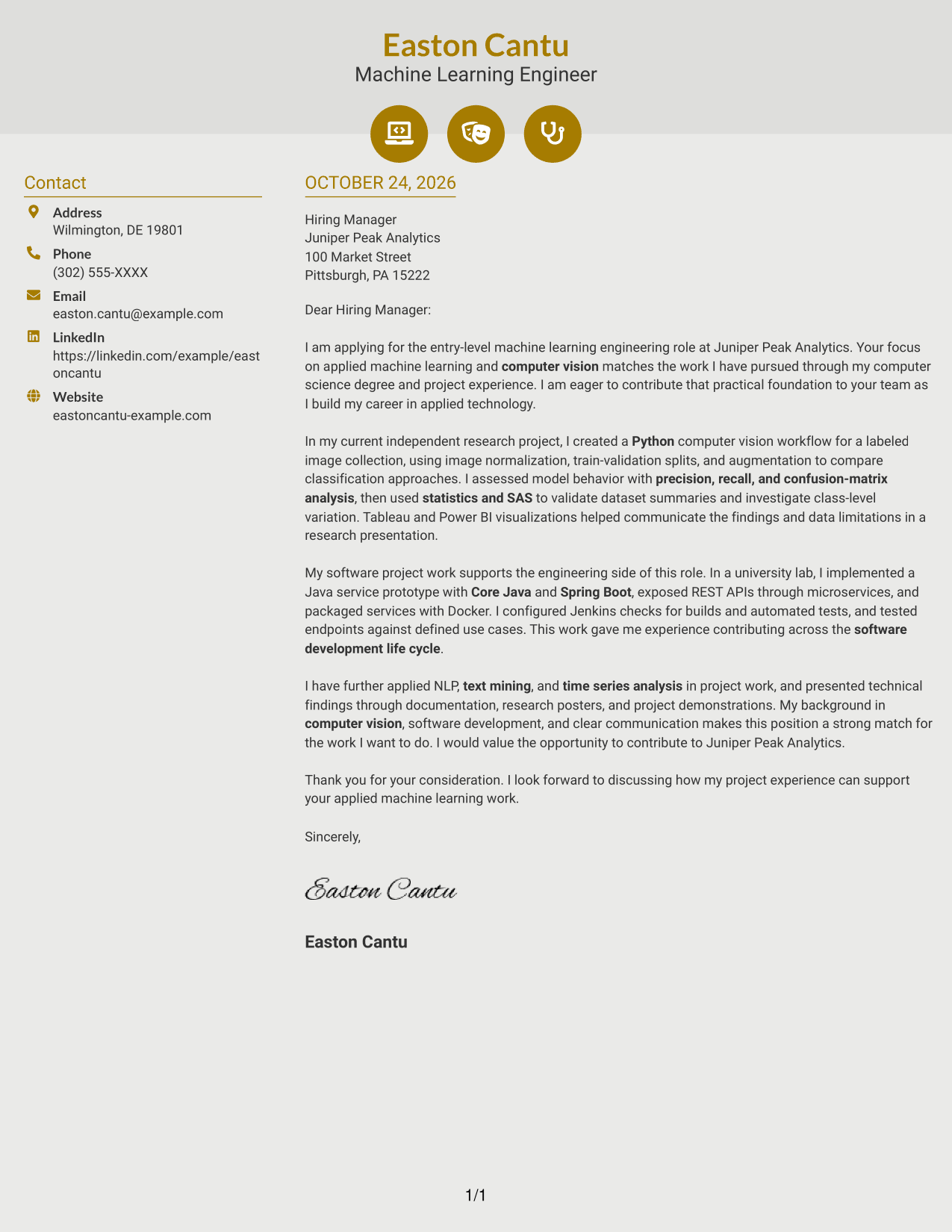
#6 Modern Icon Format Cover Letter Example
Contact icons cue sender details in the sidebar, next to the continuous letter body.
Why This Format Works
- Contact icons make sender details easier to identify in the sidebar.
- One body column keeps the full argument in a single reading path.
- Header icons act as contact cues, not labels for letter paragraphs.
Best For
- Icon-cued contact information
- Two-area contact and message layout
- Single-body-column letters
- Photo-free applications
- Letters with technical project evidence
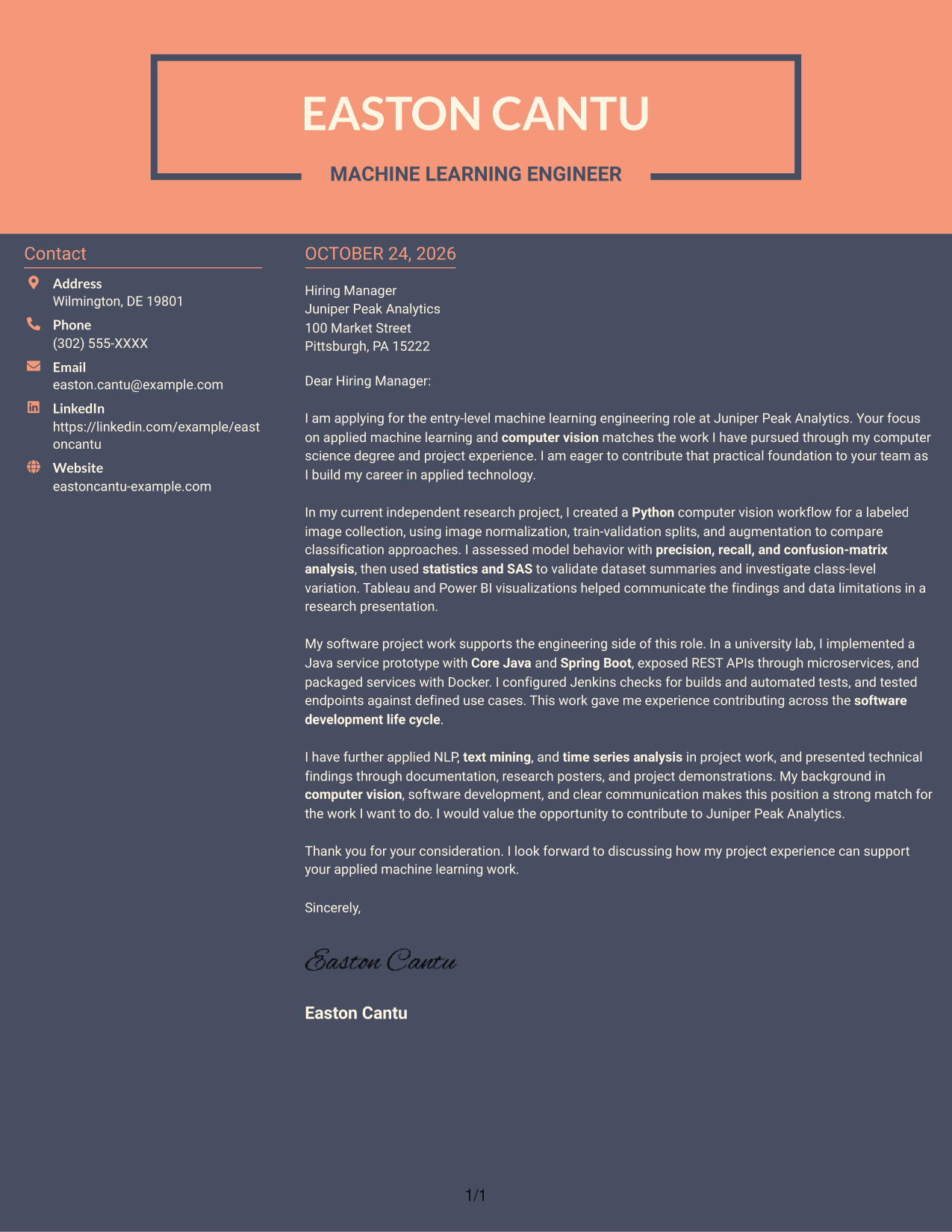
#7 Creative Two Tone Format Cover Letter Example
The two-column layout places a contact sidebar beside the letter's uninterrupted body.
Why This Format Works
- Contact details sit apart from the persuasive paragraphs in the sidebar.
- The continuous body keeps role interest and project evidence in sequence.
- Without section headings, paragraph order carries the letter through its closing.
Best For
- Sidebar-based sender details
- Unsplit letter-body paragraphs
- Photo-free correspondence
- Role-specific opening paragraphs
- Project evidence within a continuous letter
See Also
- 7 Entry-Level Machine Learning Engineer - Computer Vision Resume Templates with Example
- 33 AI/ML Engineer - Machine Learning Systems Resume Templates with Example 2026 (ATS-Optimized)
- 33 Applied AI, Forward Deployed Machine Learning Engineer Resume Templates with Example 2026
- 33 Applied Machine Learning Engineer - ML & AI Systems Resume Templates with Example 2026 (ATS-Optimized)
- 33 Associate Machine Learning Engineer, Trust & Safety Intelligence Resume Templates with Example 2026 (ATS-Optimized)
- 7 Entry-Level Machine Learning and Artificial Intelligence Engineer - Data Science Resume Templates with Example
- 33 Entry Level Machine Learning Engineer/Data Scientist Resume Templates with Example 2026 (ATS-Optimized)
- 33 Junior Machine Learning Engineer / BI Analyst – Junior Level (Remote) Resume Templates with Example 2026 (ATS-Optimized)
- 30+ Applied AI, Forward Deployed Machine Learning Engineer Cover Letter Templates with Example 2026
- 30+ Applied Machine Learning Engineer - ML & AI Systems Cover Letter Templates with Example 2026
Frequently Asked Questions
What should an Entry-Level Machine Learning Engineer - Computer Vision cover letter include?
Open by naming the role and giving a clear reason for your interest. Use the body to explain relevant computer vision work, how you evaluated it, and how your experience connects to the position.
How can I describe a computer vision project clearly?
Briefly explain the image task, the approach you used, and how you checked the results. The featured letter refers to image normalization, train-validation splits, augmentation, precision, recall, and confusion-matrix analysis.
How can I show that my software experience fits this role?
Connect your software work to the role’s engineering needs. The example describes a Java service prototype with Spring Boot, REST APIs, microservices, Docker, and Jenkins checks.
How should I show interest in an employer?
Refer to a real part of the role or organization that interests you, then connect it to the work you want to do. Avoid broad praise that could apply to any employer.
Which cover letter style should I choose?
Choose a clear, easy-to-read presentation that suits the employer and the way you plan to communicate. Compare the image previews, then open an example in the editor to review its presentation.




