
7 Entry-Level Machine Learning Engineer - Computer Vision Resume Templates with Example
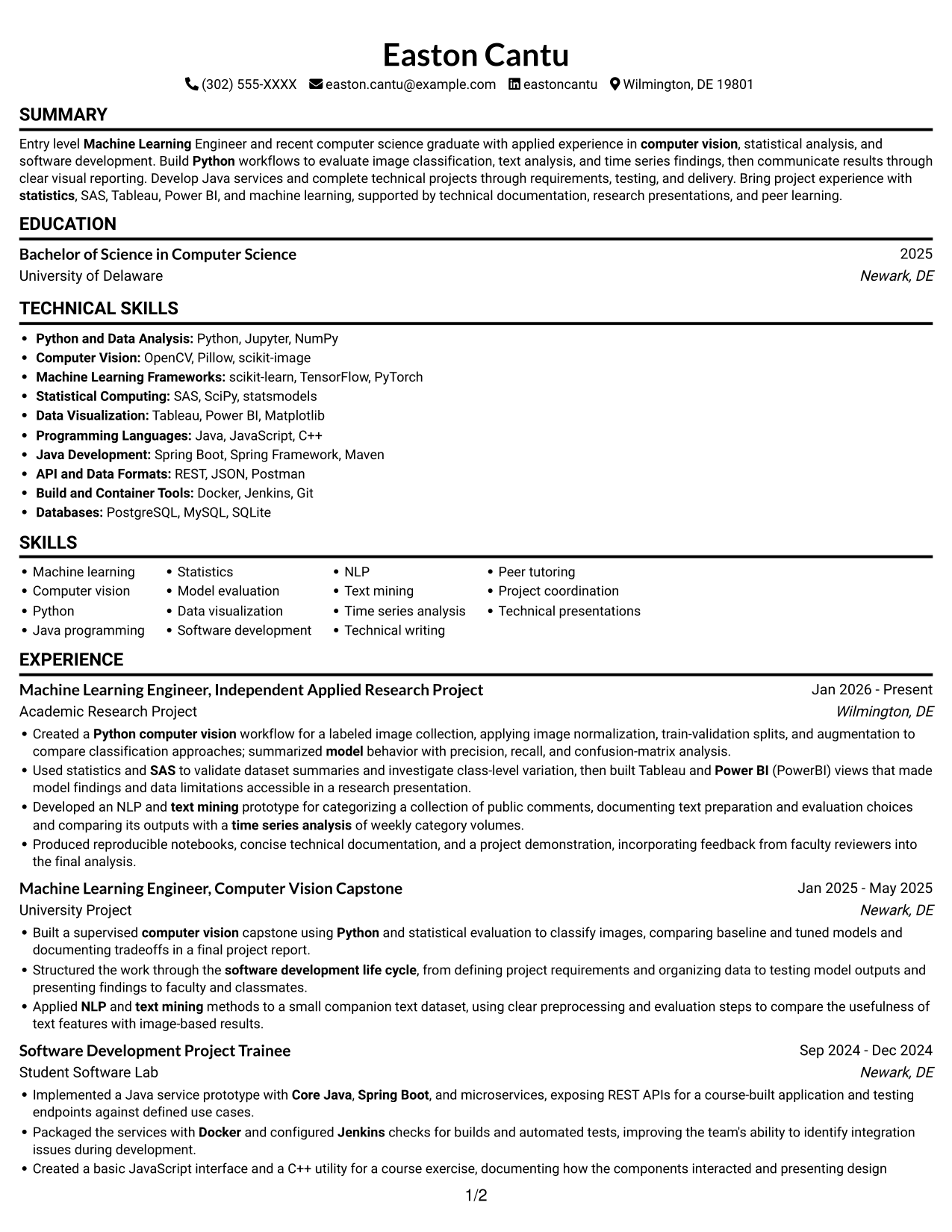
This guide shows you how to build an Entry-Level Machine Learning Engineer - Computer Vision resume that presents relevant evidence clearly. You will learn how to organize project work so readers can understand your methods, evaluation, and results.
Strong resumes connect computer vision work to specific steps and findings. Describe how you prepared image data, compared classification approaches, and evaluated model behavior with measures such as precision, recall, and confusion matrices. Add relevant tools and methods, including Python, statistics, SAS, and data visualization, where your experience supports them.
The resume example is presented in 7 layouts so you can compare how different formats organize the same information. Review the PNG previews, then open an example in the editor to view or customize its structure.
What Makes a Great Entry-Level Machine Learning Engineer - Computer Vision Resume in 2026
A strong resume makes relevant project evidence easy to find. Use clear sections, focused bullets, and specific descriptions of image preparation, model comparisons, and evaluation findings.
Include accurate keywords such as computer vision, Python, machine learning, statistics, model evaluation, and data visualization. Support them with evidence from projects, tools, education, or certifications rather than listing skills without context.
Note: Resume examples are for educational purposes only. Use only information that accurately reflects your experience and qualifications. References to real organizations do not imply affiliation or endorsement.
#1 Simple One Column Format Resume Example
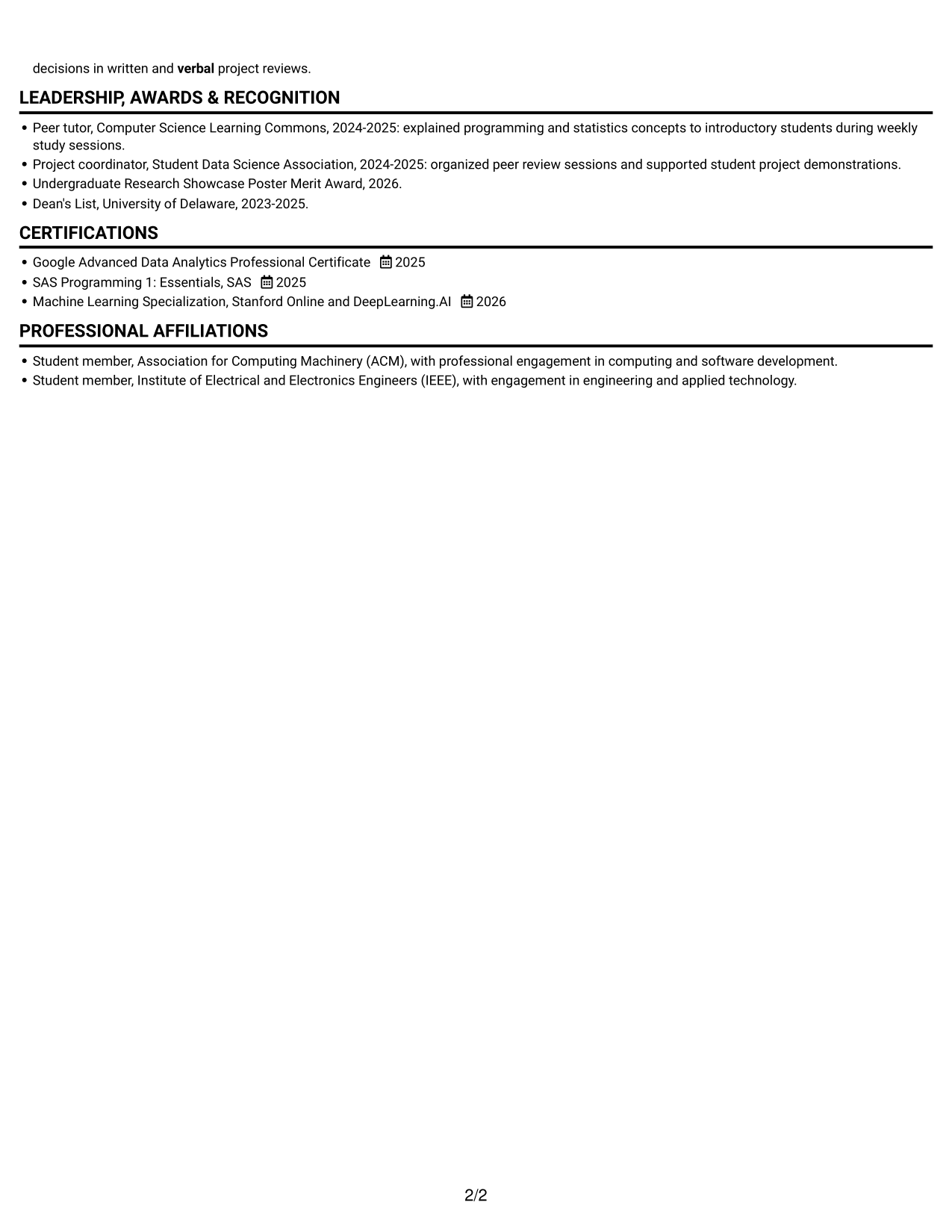
Simple One Column Format keeps resume sections in one vertical reading path, helping reviewers follow the content in sequence.
Why This Format Works
- A single reading path keeps experience and education in clear sequence.
- Section breaks help reviewers move from project work to credentials.
- Full-width text gives achievement bullets room to explain context and results.
Best For
- Linear resume reading
- Detailed project bullets
- Chronological career information
- Compact section navigation
- Traditional document preferences
Resume Keywords
- Bachelor of Science in Computer Science
- computer vision
- Python
- Machine Learning
- Java programming
- statistics
- Created a Python computer vision workflow for a labeled image collection, applying image normalization, train-validation splits, and augmentation to compare classification approaches; summarized model behavior with precision, recall, and confusion-matrix analysis.
- Data Visualization
- Core Java
- Spring Boot
- microservices
- Docker
- Jenkins
- REST APIs
- software development life cycle
#2 Simple Two Column Format Resume Example
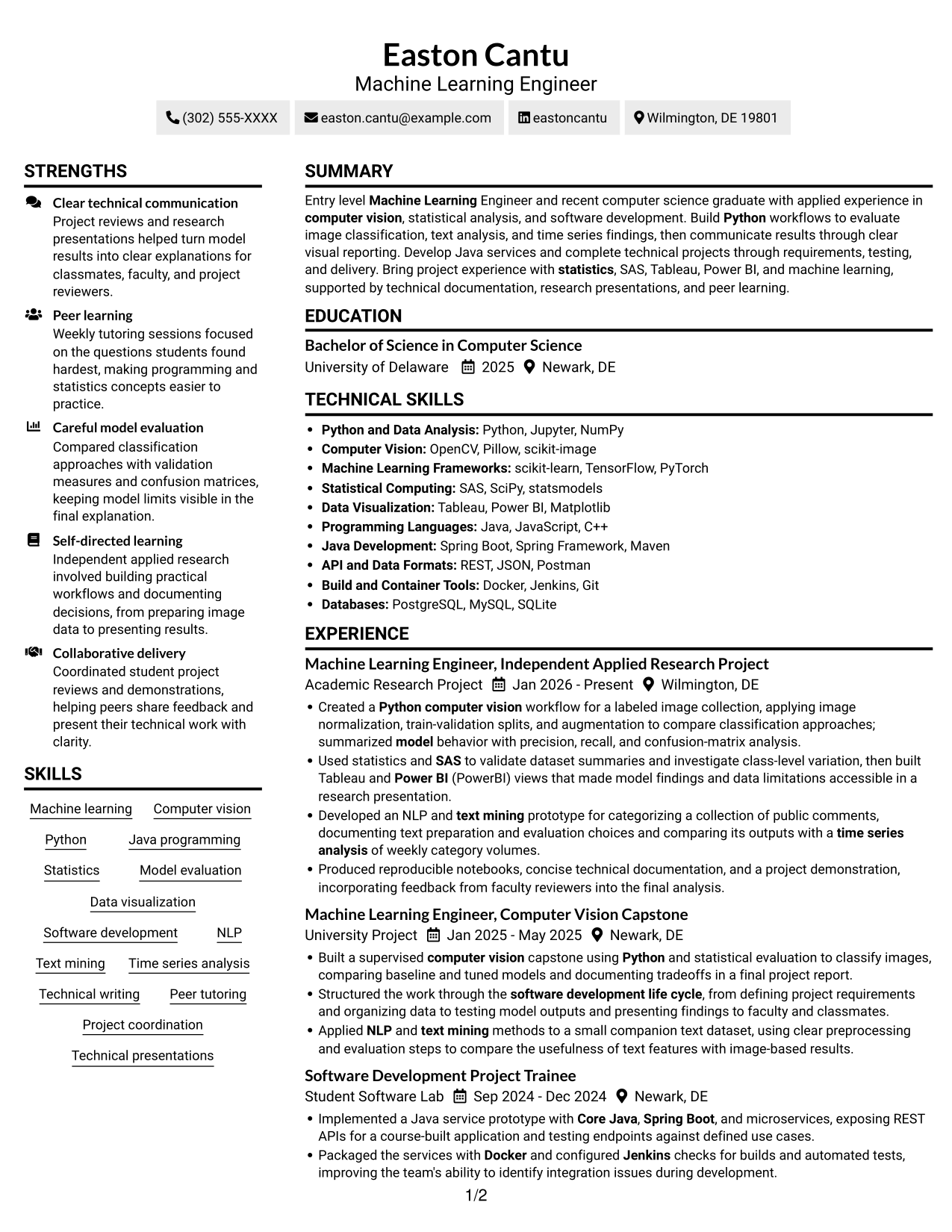
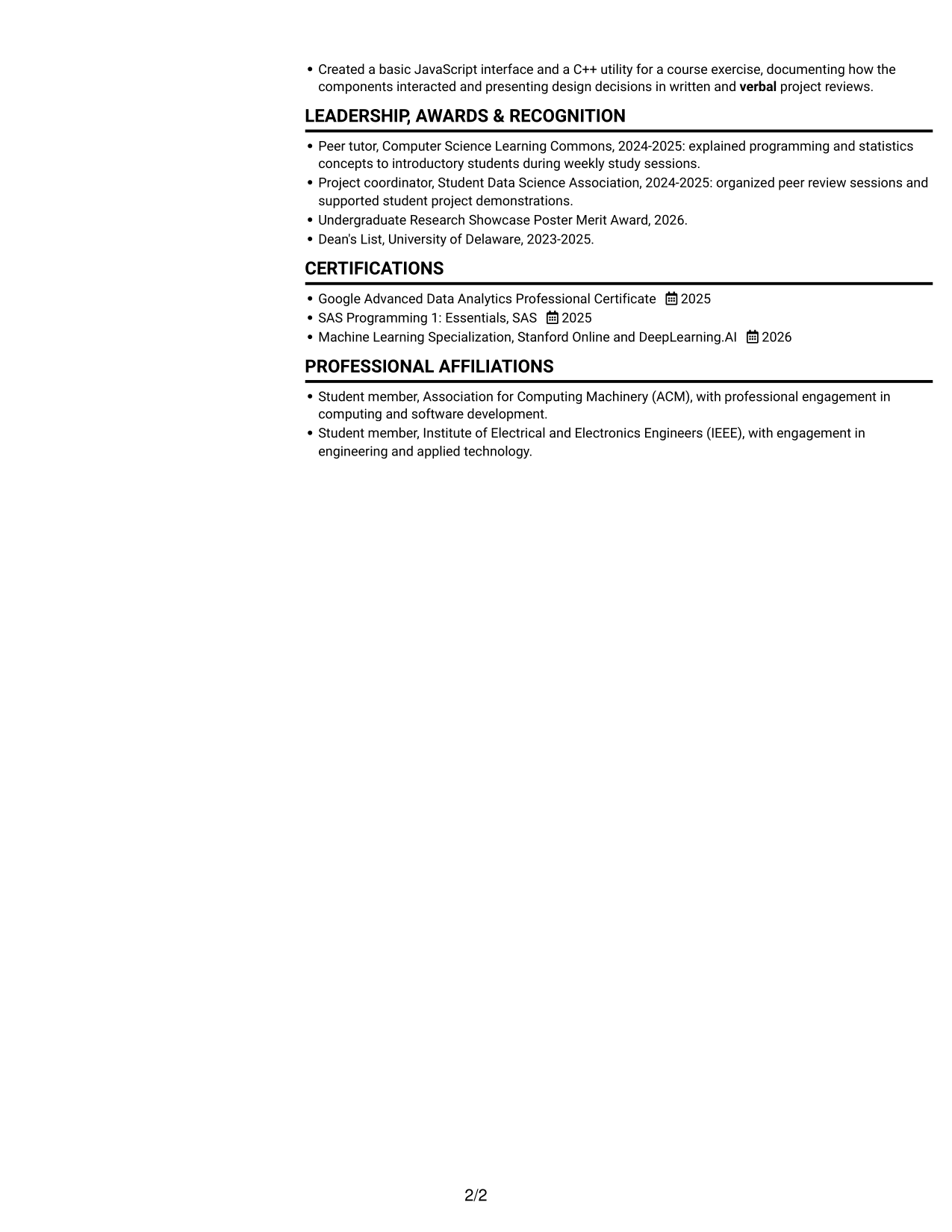
Simple Two Column Format places resume content in two columns, giving readers a side-by-side view of related information.
Why This Format Works
- The two-column body separates resume content into distinct reading areas.
- A shorter column width can make dense skill lists easier to scan.
- Experience and education remain easy to compare within the page layout.
Best For
- Side-by-side content review
- Dense technical skills
- Quick section scanning
- Grouped supporting details
- Readers who prefer compact layouts
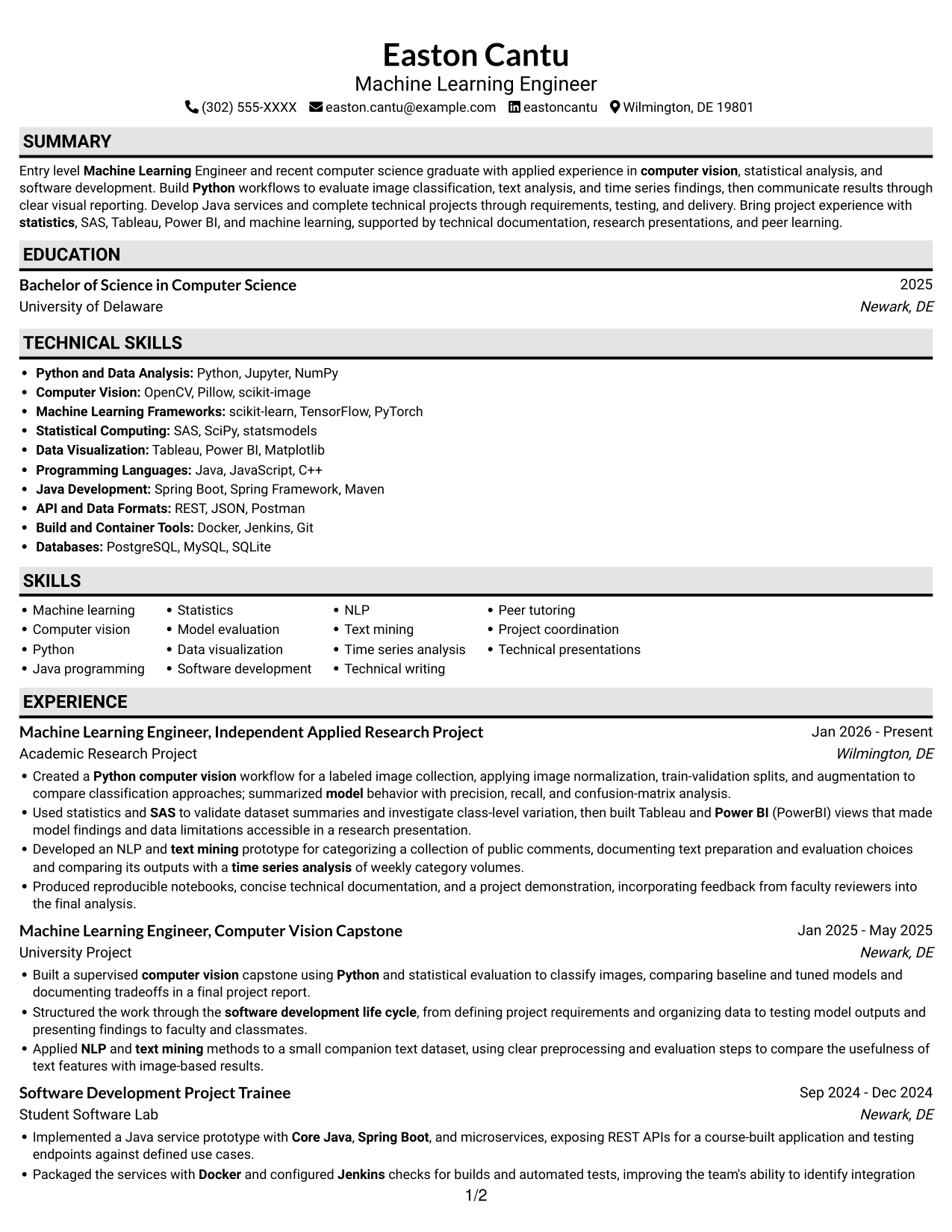
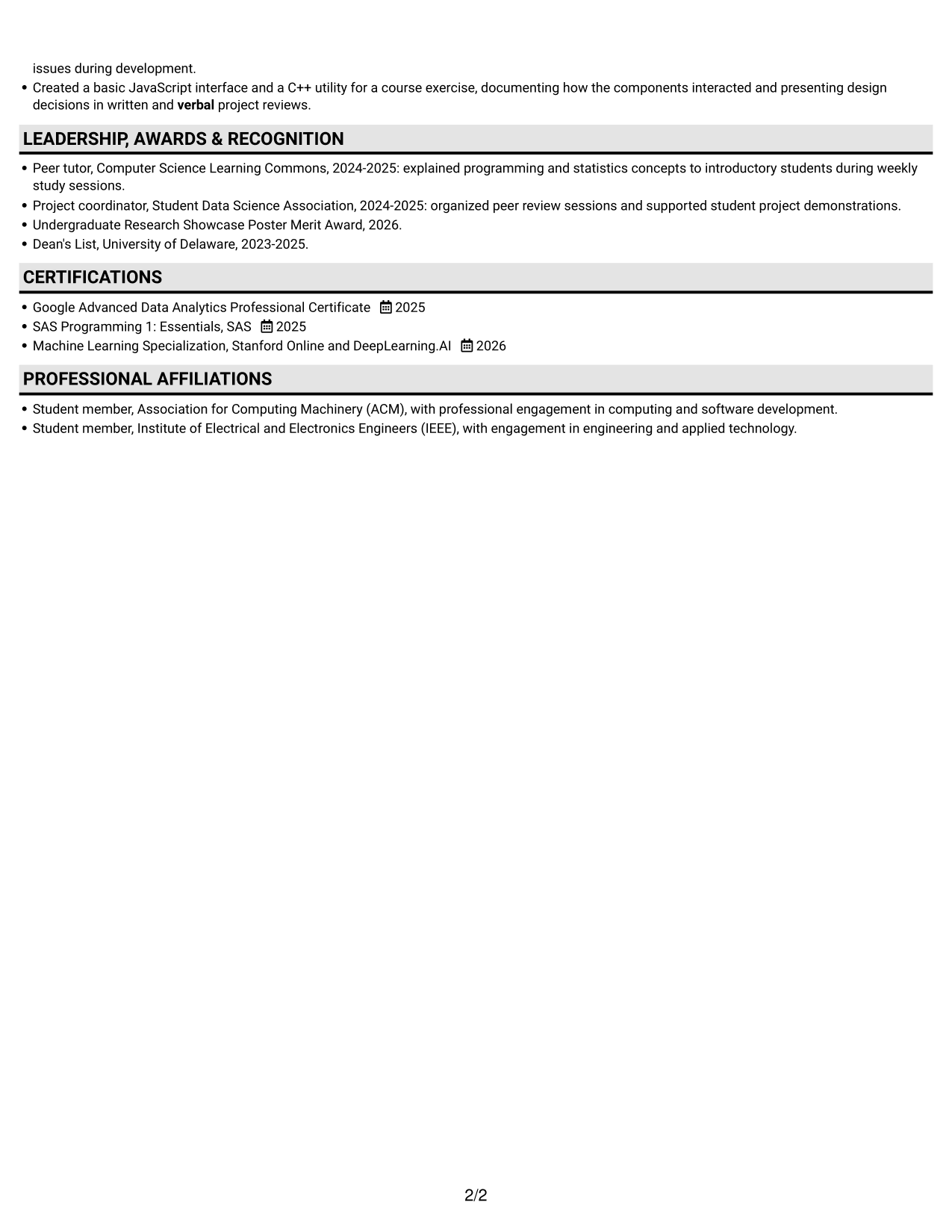
#3 Plain One Column with Shaded Labels Resume Example
Plain One Column with Shaded Labels uses a single vertical column, keeping section labels close to the resume content they identify.
Why This Format Works
- A steady top-to-bottom order makes career history simple to follow.
- Nearby section labels help reviewers locate education and certifications.
- Full-width sections leave space for project details and achievement bullets.
Best For
- Straightforward section order
- Easy label recognition
- Expanded project explanations
- Education alongside credentials
- Readers who prefer one-column resumes
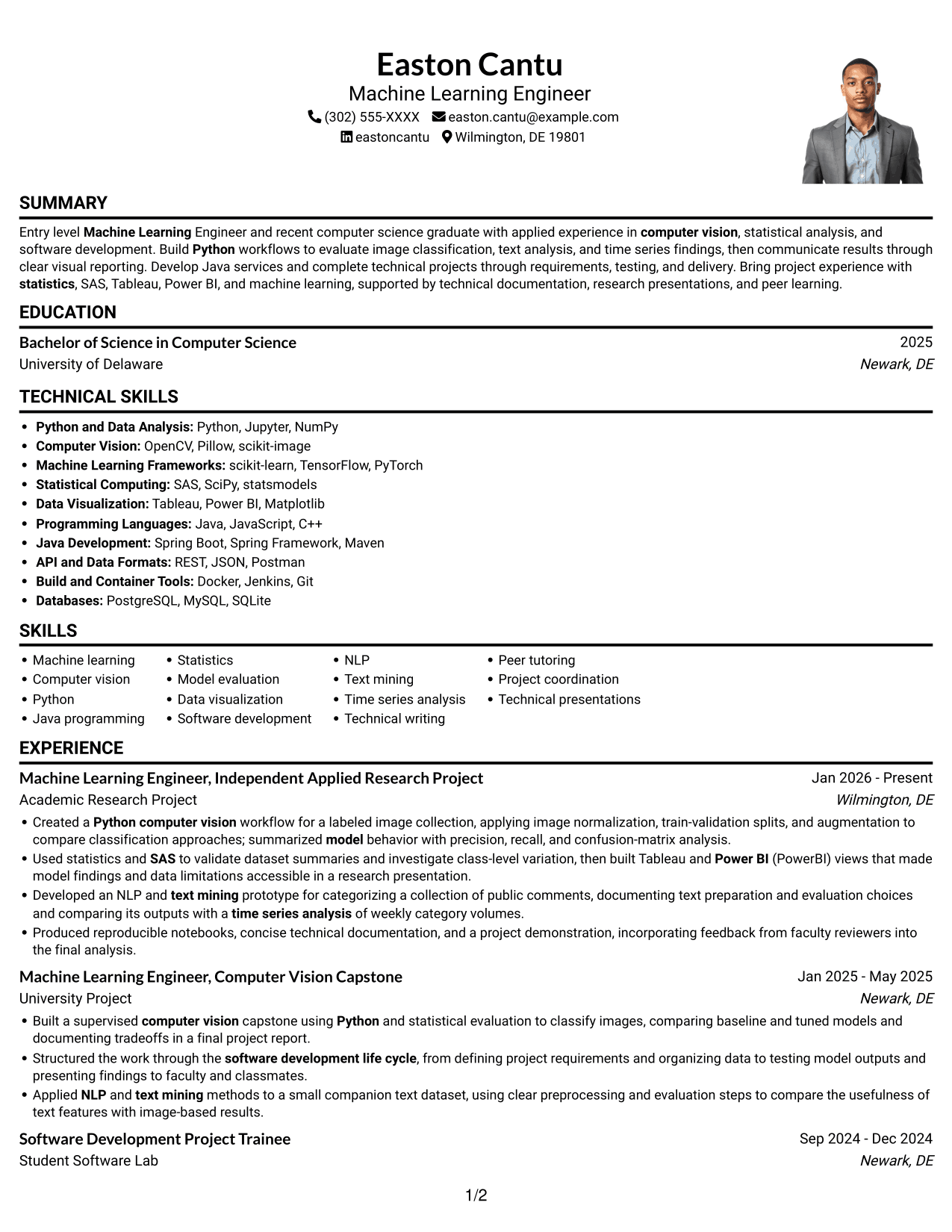
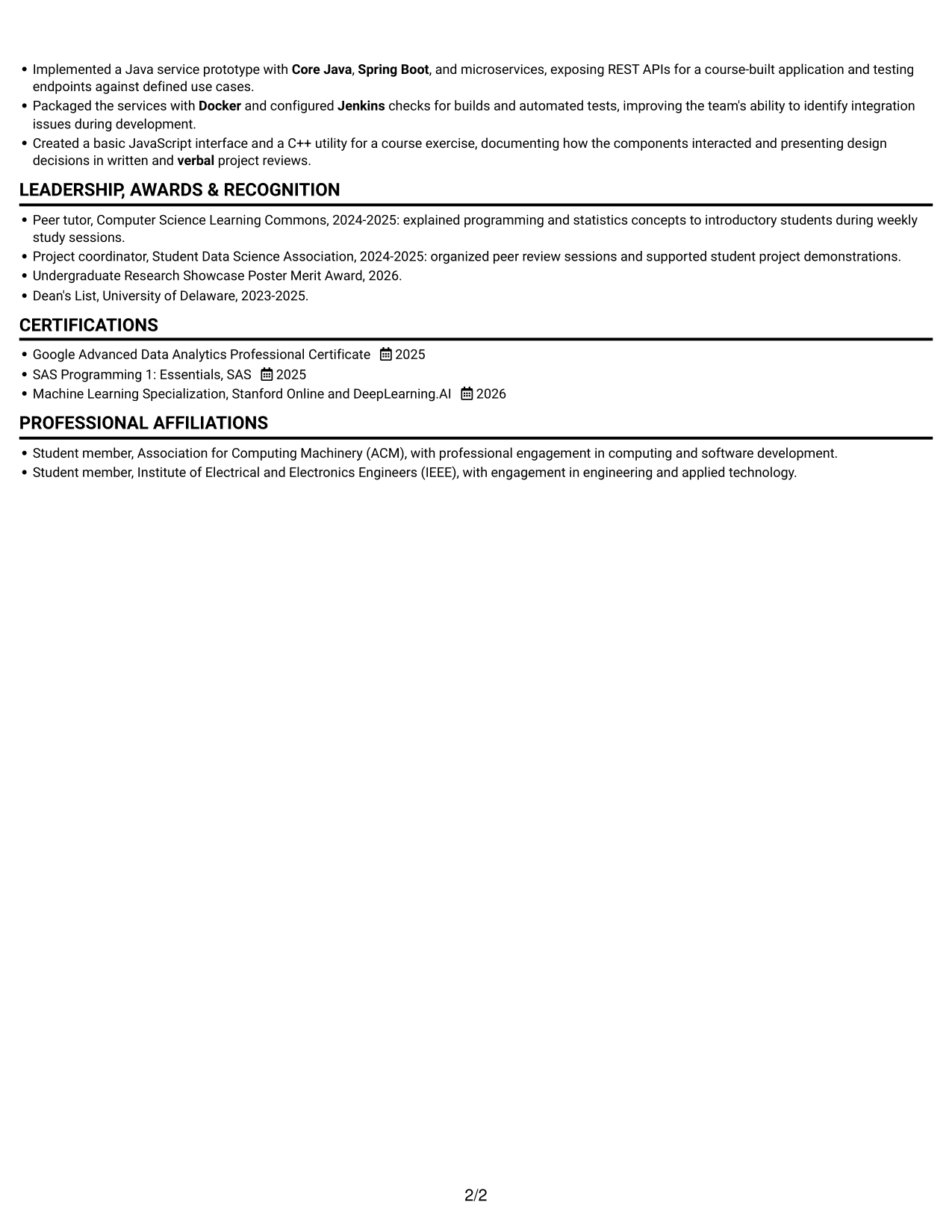
#4 One Column Format with Photo Right Resume Example
One Column Format with Photo Right pairs a vertical resume layout with a portrait on the right, for readers who want a photo included without changing the main reading path.
Why This Format Works
- The single-column structure keeps experience and project details in sequence.
- A consistent reading path makes education and credentials straightforward to locate.
- The portrait adds a personal visual element without dividing resume text.
Best For
- One-column resume reading
- Photo-inclusive applications
- Sequential experience review
- Detailed project information
- Readers who value a portrait
#5 Clean Two Column Sidebar Format Resume Example
Clean Two Column Sidebar Format uses a side-by-side resume layout, offering a distinct visual area for readers who prefer information separated across columns.
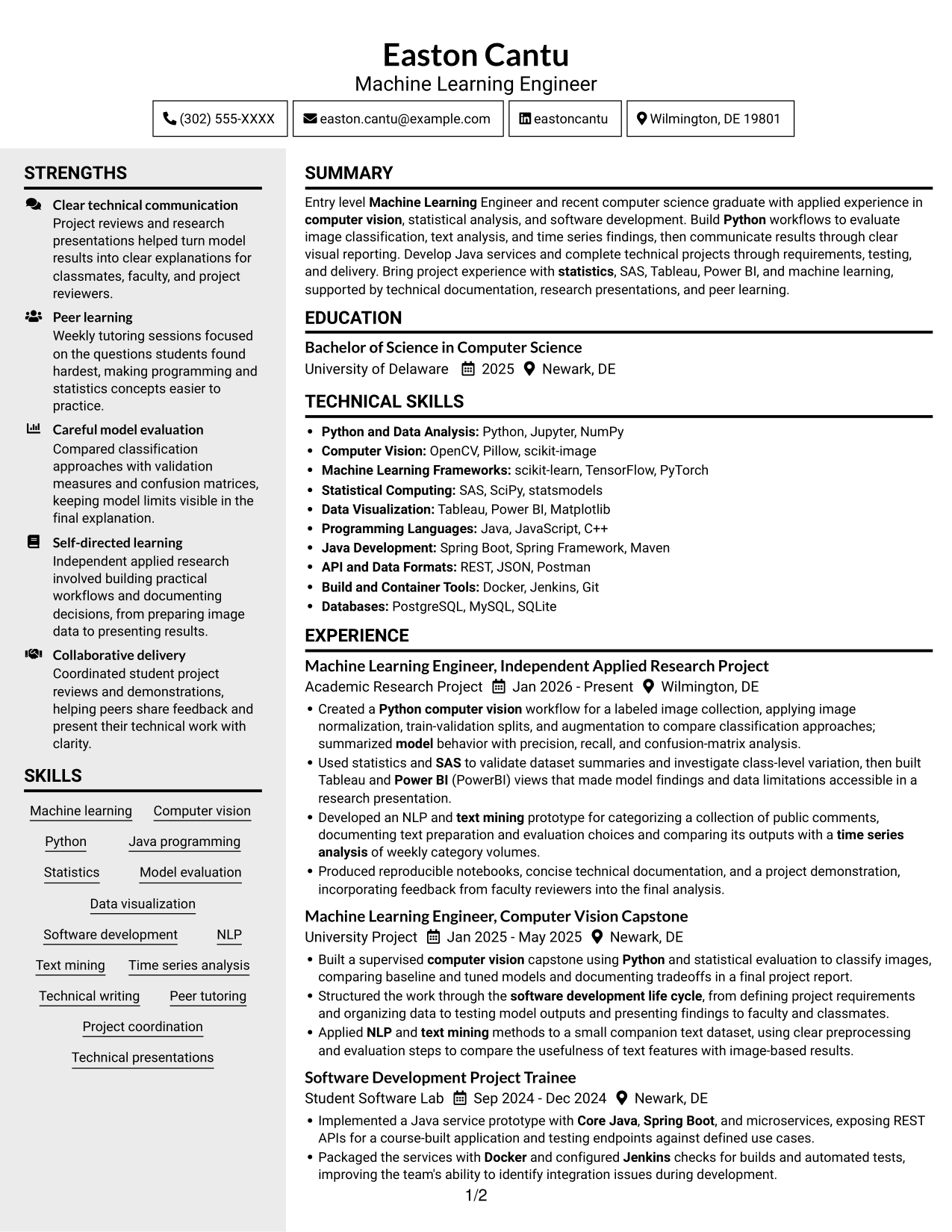
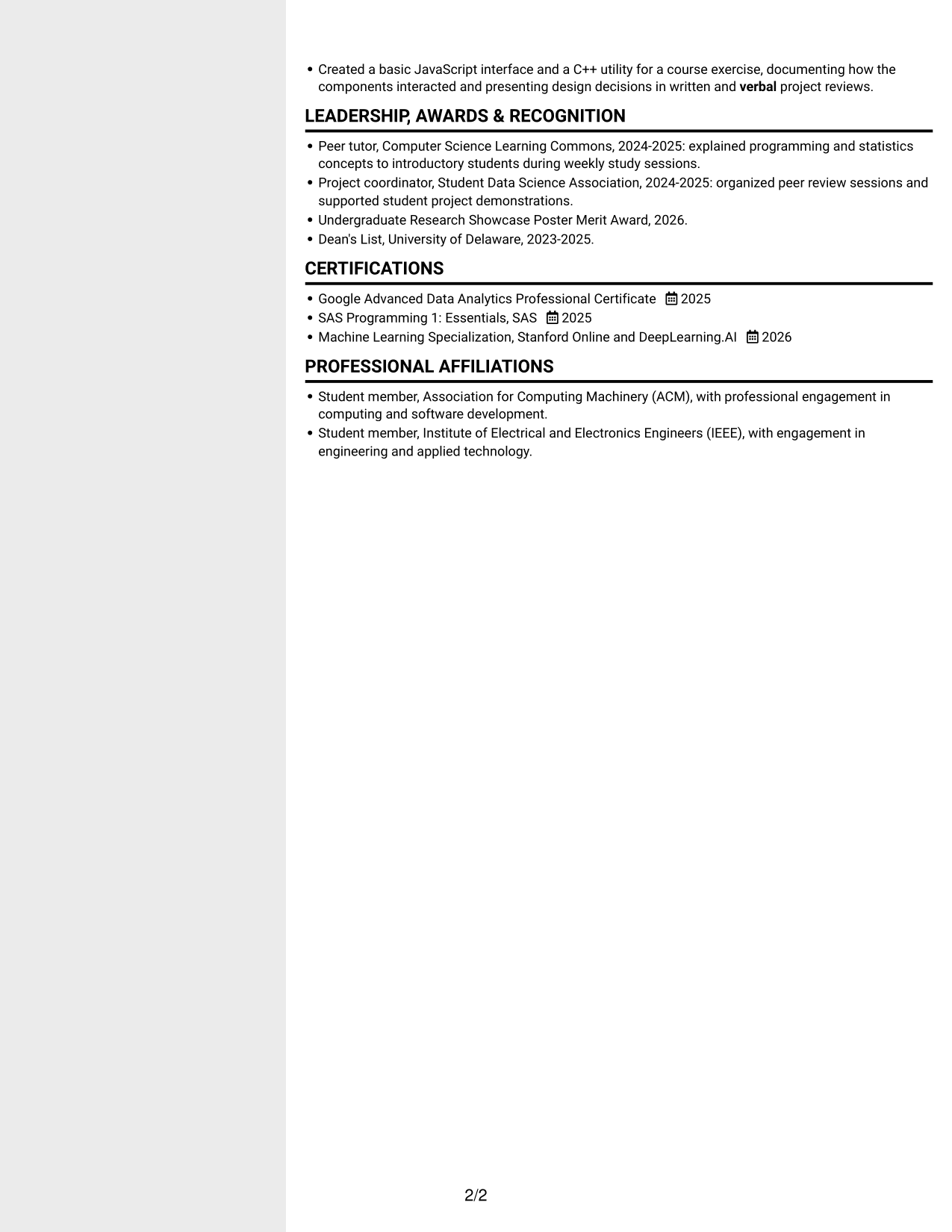
Why This Format Works
- Separate columns give experience and supporting details distinct reading areas.
- The layout helps reviewers move between skills and career history.
- A compact body keeps education and credentials within the broader resume view.
Best For
- Side-by-side resume content
- Compact skills sections
- Separate supporting details
- Fast section navigation
- Readers who prefer a sidebar
#6 Two Column Format Resume Example
Two Column Format arranges the resume body in two columns, a useful choice when readers want a compact view of multiple content areas.
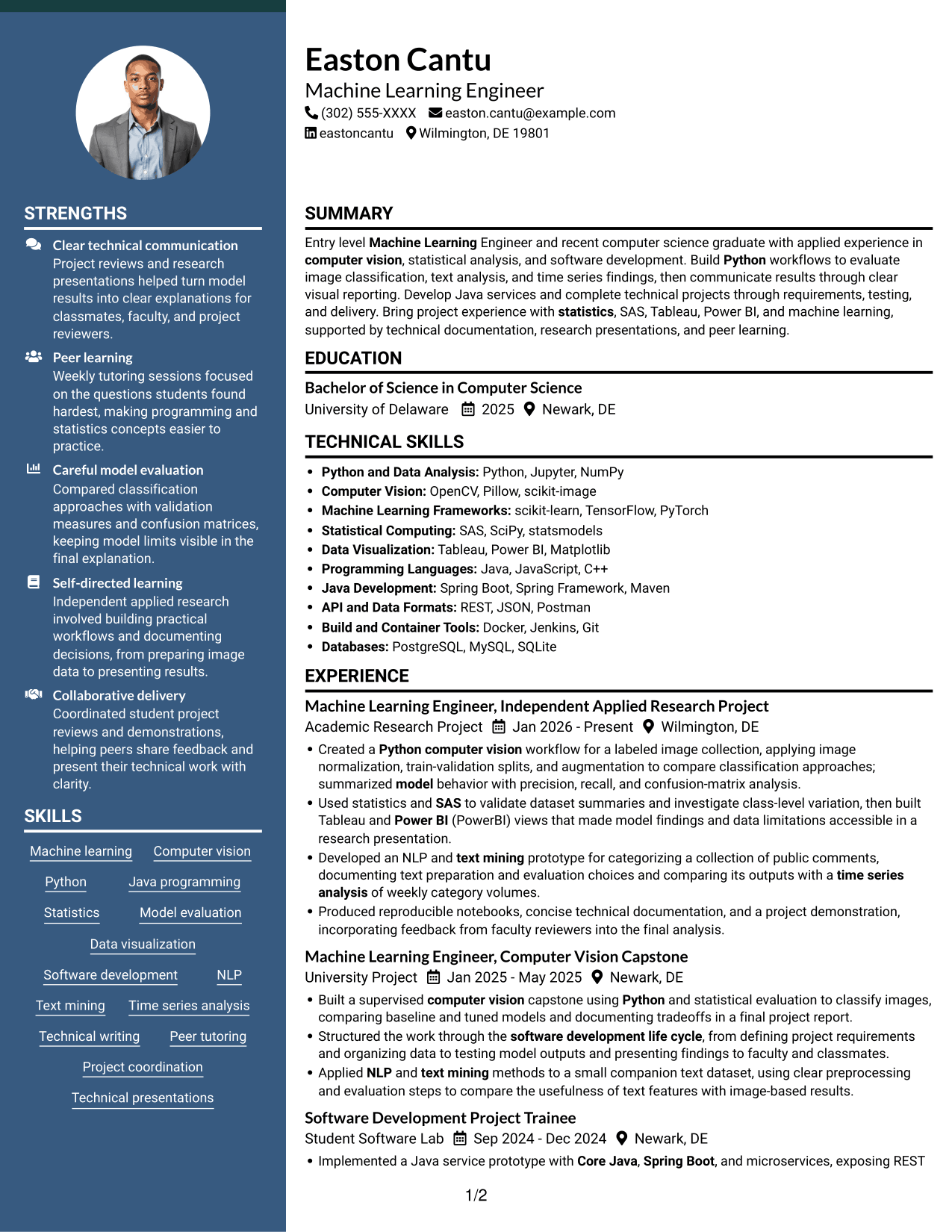
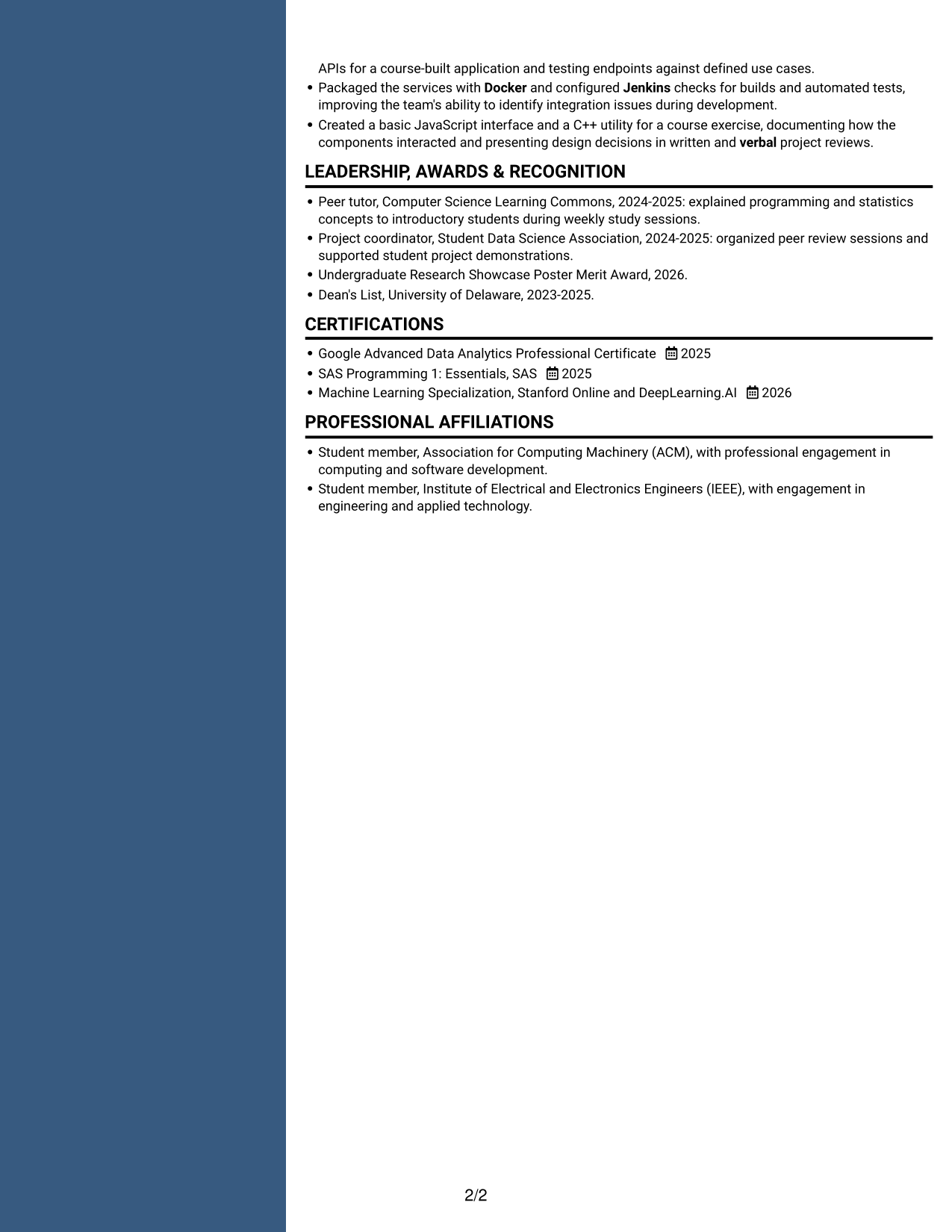
Why This Format Works
- The paired columns make it easier to scan separate resume sections.
- Career history and education can be reviewed within one compact layout.
- The format supports clear separation of experience, skills, and credentials.
Best For
- Compact document organization
- Parallel section review
- Technical skills alongside experience
- Quick resume scanning
- Readers comparing content areas
#7 Photo Header Two Column Format Resume Example
Photo Header Two Column Format combines a portrait in the header with a two-column resume body, for readers who want both a photo and compact content organization.
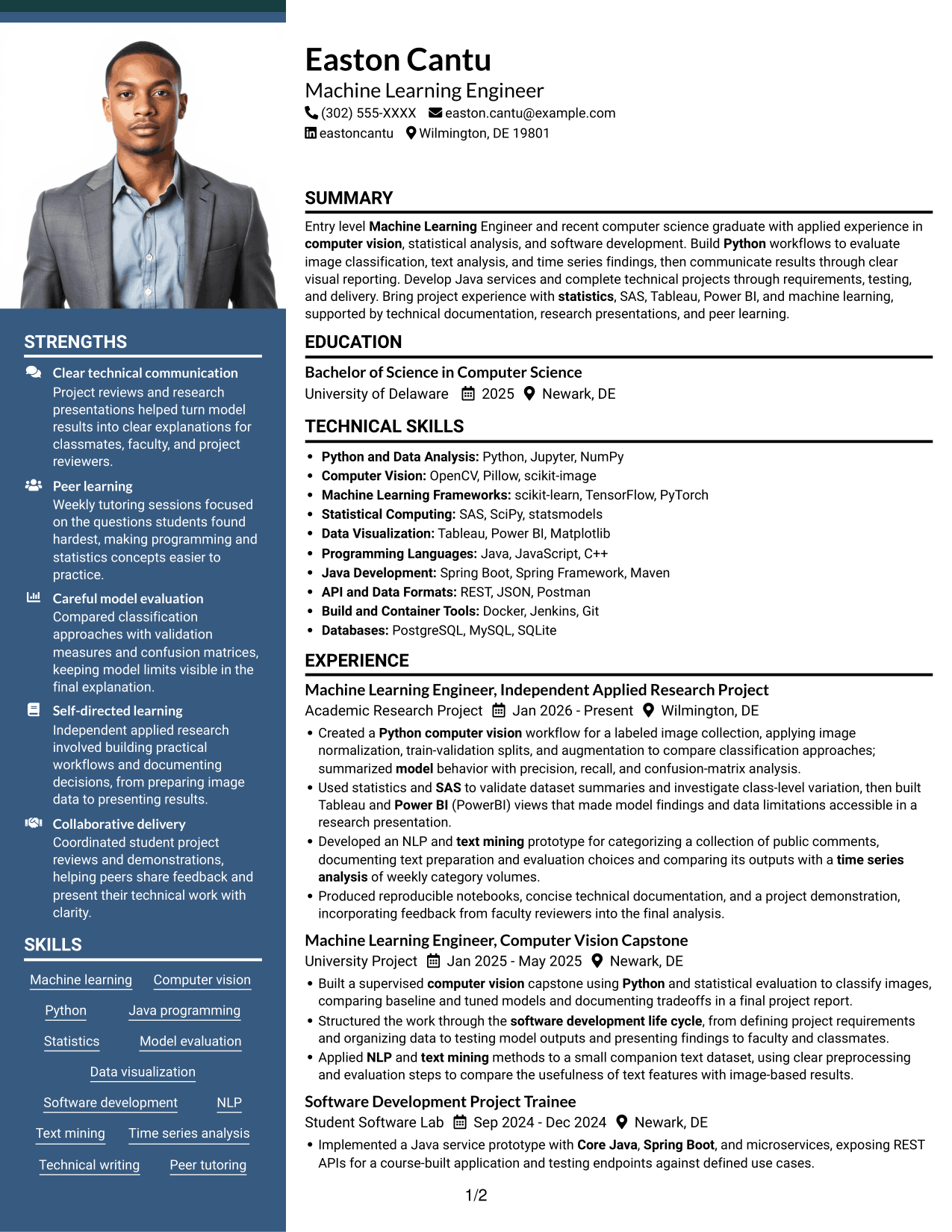
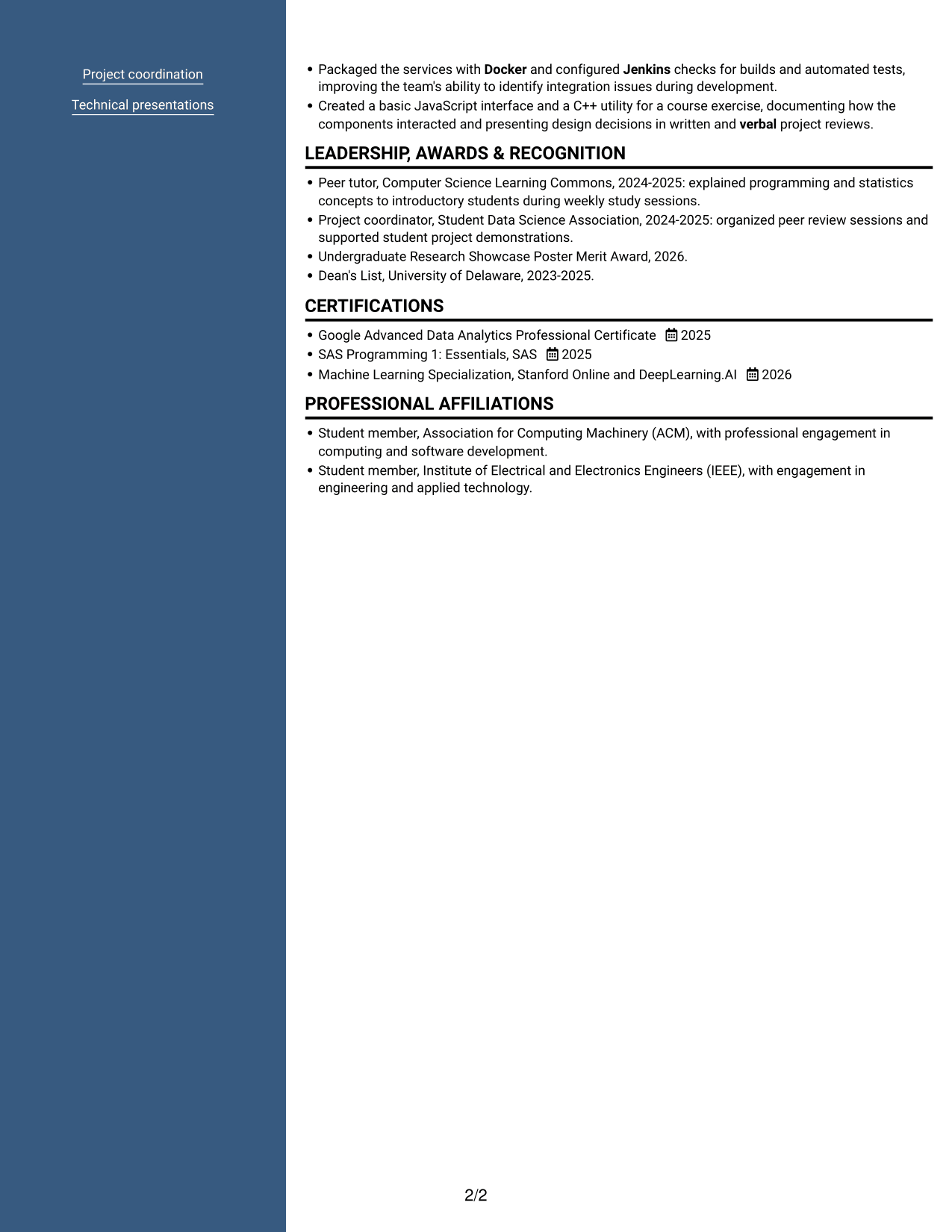
Why This Format Works
- Two body columns give career history and supporting sections separate space.
- The header portrait adds a visual identifier above the resume content.
- A compact structure lets reviewers scan skills, education, and experience together.
Best For
- Photo-inclusive resume layouts
- Compact two-column organization
- Grouped experience and skills
- Header-focused visual identity
- Readers who scan sections in parallel
Explore and Customize Resume Examples with ResumeInMinutes
Review the image previews to see how resume sections and project details appear in different designs. Open an example in the editor to view or customize its structure for your own computer vision experience.
- Clear resume section structure
- ATS-conscious headings and organization
- Project-focused content
- Skills and tools organization
- PNG image previews
- Examples you can view or customize in the editor
Choose a layout that makes your project methods, technical skills, and evaluation evidence easy to scan. Keep each statement accurate and connect tools to work you have actually completed.
See Also
- 33 AI/ML Engineer - Machine Learning Systems Resume Templates with Example 2026 (ATS-Optimized)
- 33 Applied AI, Forward Deployed Machine Learning Engineer Resume Templates with Example 2026
- 33 Applied Machine Learning Engineer - ML & AI Systems Resume Templates with Example 2026 (ATS-Optimized)
- 33 Associate Machine Learning Engineer, Trust & Safety Intelligence Resume Templates with Example 2026 (ATS-Optimized)
- 7 Entry-Level Machine Learning and Artificial Intelligence Engineer - Data Science Resume Templates with Example
- 33 Entry Level Machine Learning Engineer/Data Scientist Resume Templates with Example 2026 (ATS-Optimized)
- 33 Junior Machine Learning Engineer / BI Analyst – Junior Level (Remote) Resume Templates with Example 2026 (ATS-Optimized)
- 33 Lead Machine Learning Engineer Resume Templates with Example 2026 (ATS-Optimized)
- 7 Entry-Level Machine Learning Engineer - Computer Vision Cover Letter Templates with Example
- 30+ Applied AI, Forward Deployed Machine Learning Engineer Cover Letter Templates with Example 2026
Frequently Asked Questions
Are these Entry-Level Machine Learning Engineer - Computer Vision resume templates ATS-friendly?
The examples use clear headings and organized resume sections that can support ATS reading. Use standard section names and include relevant terms, such as Python, computer vision, statistics, and model evaluation, where they match your experience.
What is shown in the resume examples?
The examples show one resume in different layouts. Compare the PNG previews to see how each design arranges skills, education, and project experience.
What should an Entry-Level Machine Learning Engineer - Computer Vision resume include?
Include a concise summary, education, relevant project or work experience, technical skills, and certifications. Describe image classification work, data preparation, evaluation methods, and tools when they reflect your experience.
How should I describe computer vision project results?
State the task, your approach, and how you evaluated the model. Mention measures such as precision, recall, or confusion-matrix analysis when you used them, and report numerical results only when you have verified figures.
How can I show related software and data skills?
Group relevant tools and methods in a clear skills section, then show how you applied them in project bullets. Examples may include Python, Java, Spring Boot, Docker, Jenkins, SAS, Tableau, or Power BI when they match your background.
Should I include a photo on my resume?
Include a photo only if it is customary or expected in your country, region, or industry. For U.S. applications, a resume without a photo is generally the safer choice.




