
7 Equipment Development Engineer - Wafer Bonding Cover Letter Templates with Example
This guide helps you create an Equipment Development Engineer - Wafer Bonding cover letter, with seven layouts to compare and an example to guide your message.
What Makes a Great Equipment Development Engineer - Wafer Bonding Cover Letter in 2026
A strong letter connects your motivation to the work of developing wafer bonding equipment from evaluation through manufacturing. It should make a clear case for your fit with equipment performance, qualification, and supplier collaboration.
Choose evidence that shows how you solve equipment problems, such as qualifying alignment performance or using data to investigate tool behavior. Then connect that evidence to the employer’s needs and explain why this work matters to you.
The featured example moves from interest in the role to relevant equipment development evidence, problem-solving approach, and a clear closing. Adapt that focused progression while choosing a presentation that suits the employer and communication context.
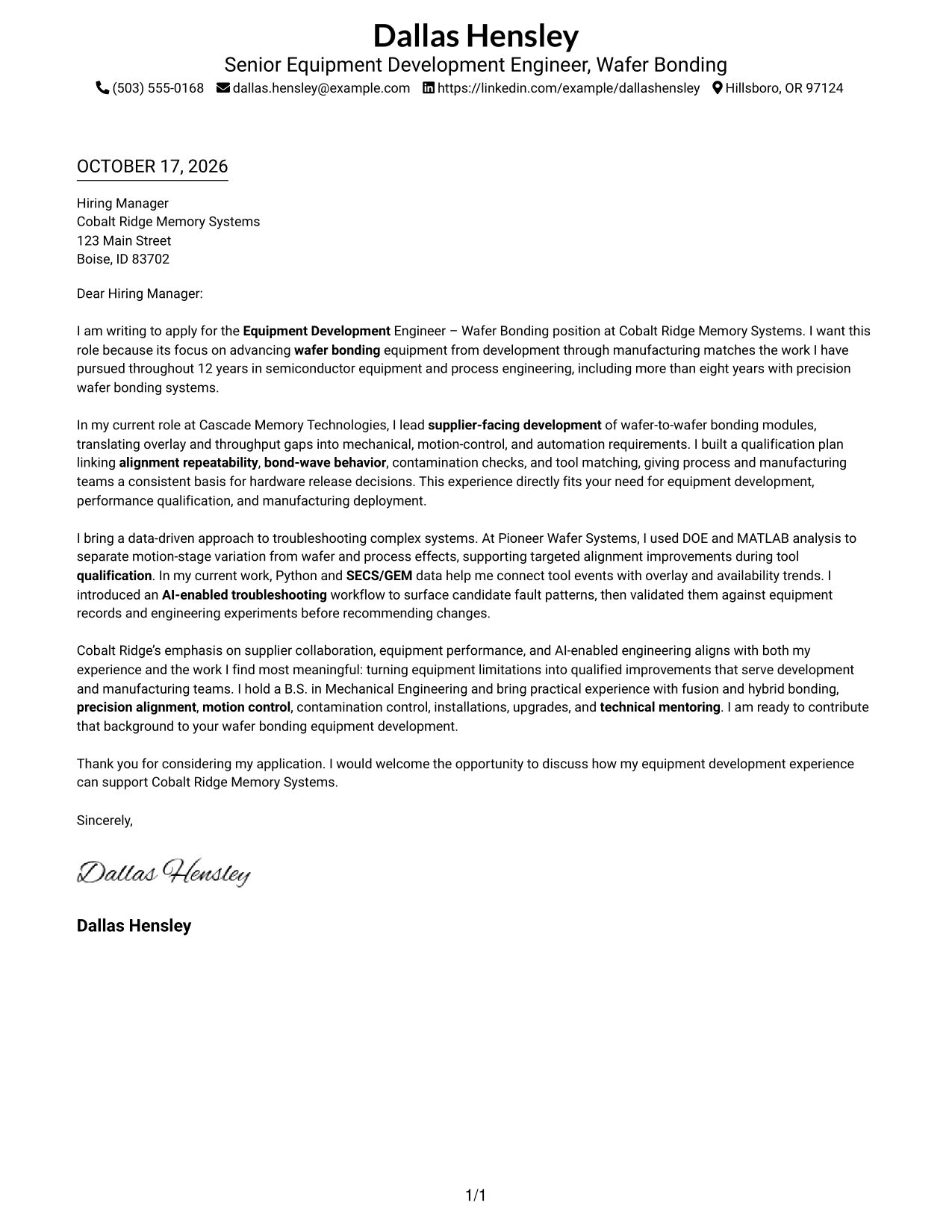
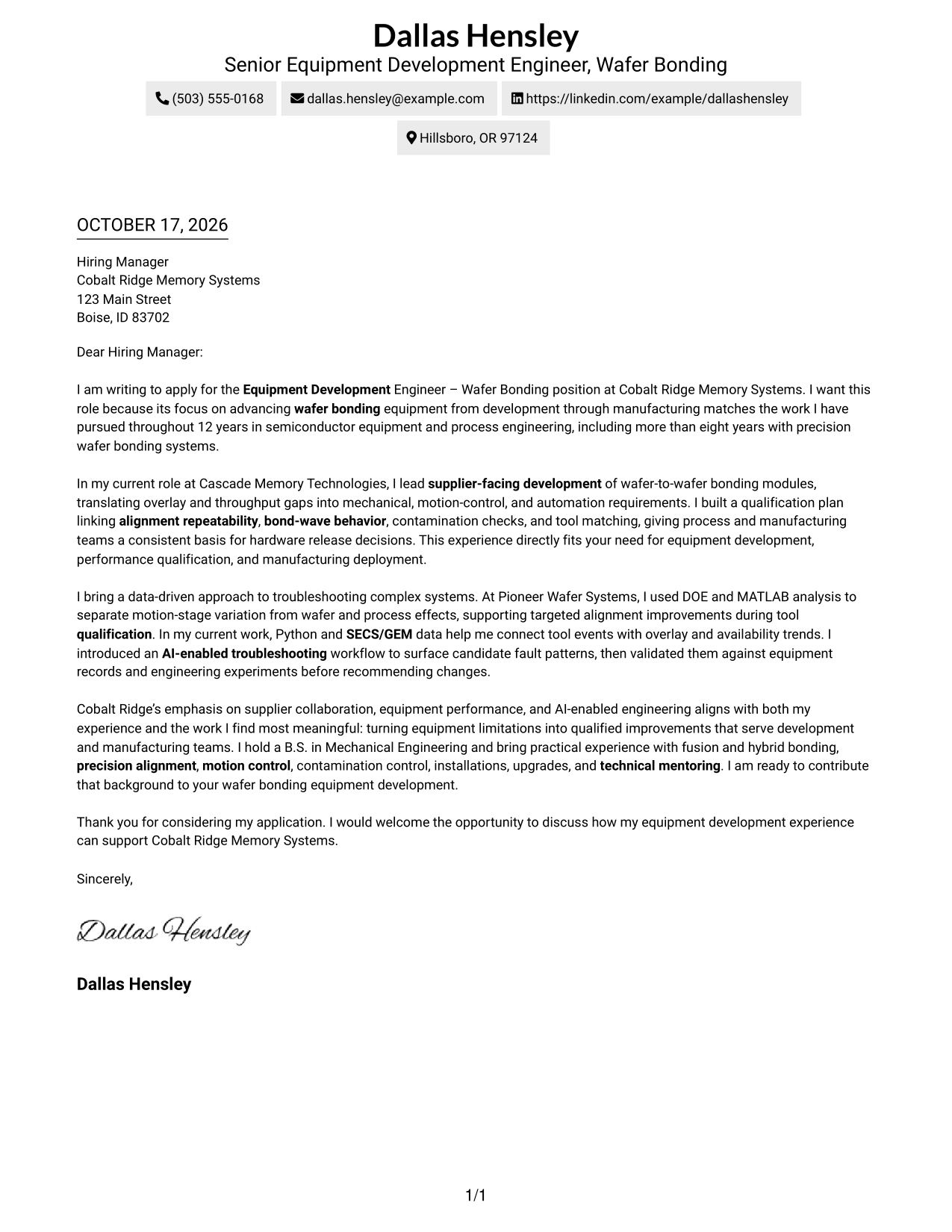
#1 Simple One Column Format Cover Letter Example
A single-column body keeps sender details in the header and gives the letter one direct path from opening to close.
Why This Format Works
- One body column keeps the opening, evidence, and closing in a clear sequence.
- Sender details stay in the header, apart from the persuasive letter text.
- Readers can follow the message without moving between parallel body columns.
Best For
- One-column letter layouts
- Connected paragraph flow
- Sender details in the header
- Traditional letter reading order
- Letters with several message points
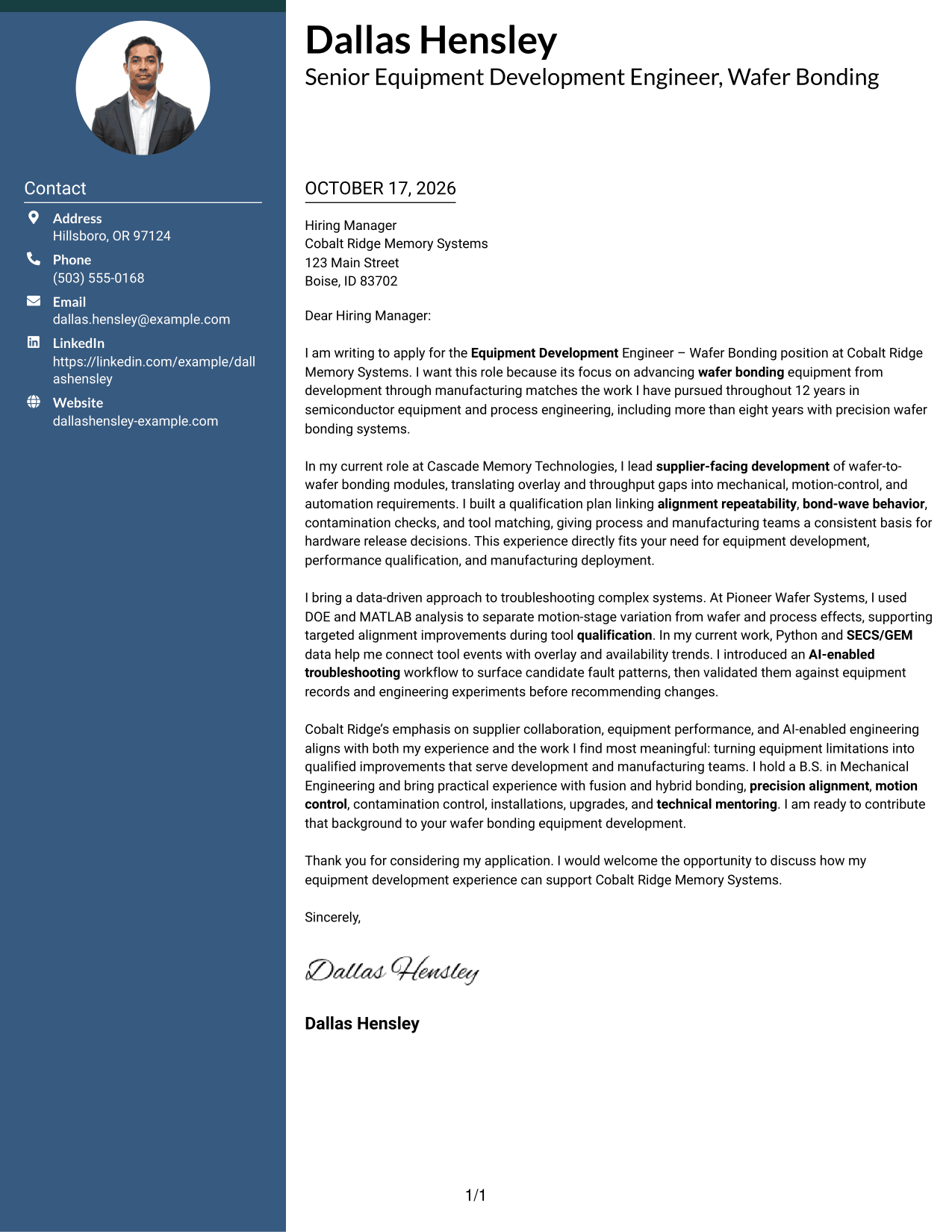
#2 Two Column Format Cover Letter Example
A contact sidebar sits beside one continuous letter body, keeping contact details separate from the message.
Why This Format Works
- The sidebar makes sender information easy to locate beside the letter.
- One body column keeps the persuasive paragraphs in their intended order.
- Separate areas let readers check contact details without losing the message.
Best For
- Separate contact lookup
- Single-body paragraph flow
- Side-by-side contact and message
- Readers who check sender details first
- Letters with connected persuasion
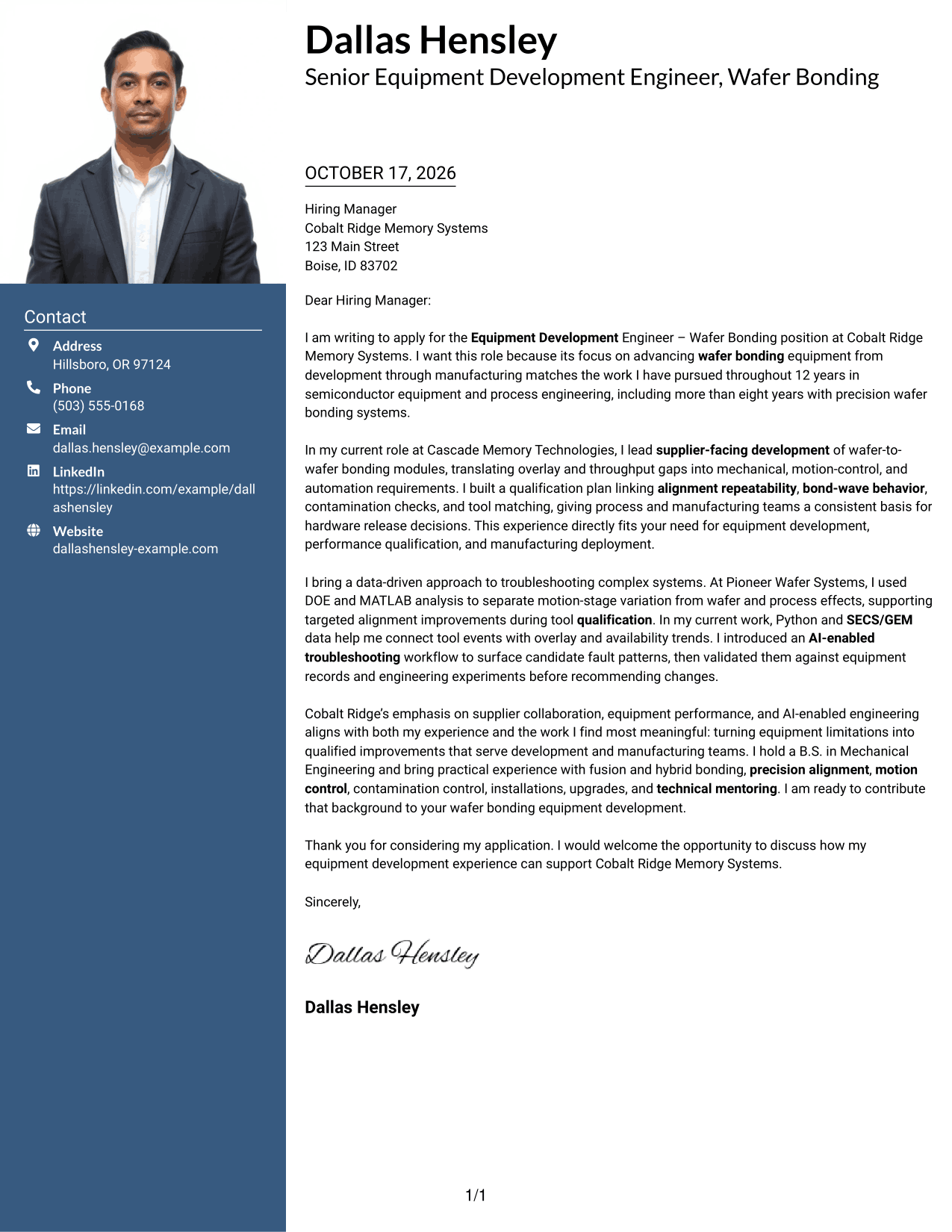
#3 Photo Header Two Column Format Cover Letter Example
A photo accompanies the two-column layout, while a contact sidebar sits beside the letter's continuous body.
Why This Format Works
- The contact sidebar keeps sender details distinct from the letter's message.
- A single body column preserves the order of the persuasive paragraphs.
- The photo adds a personal visual element without dividing the letter body.
Best For
- Photo-inclusive application materials
- Separate contact information
- Continuous letter paragraphs
- A personal visual introduction
- Side-by-side contact and message
#4 One Column Format with Photo Cover Letter Example
A photo accompanies the one-column letter body, with sender details presented in the header.
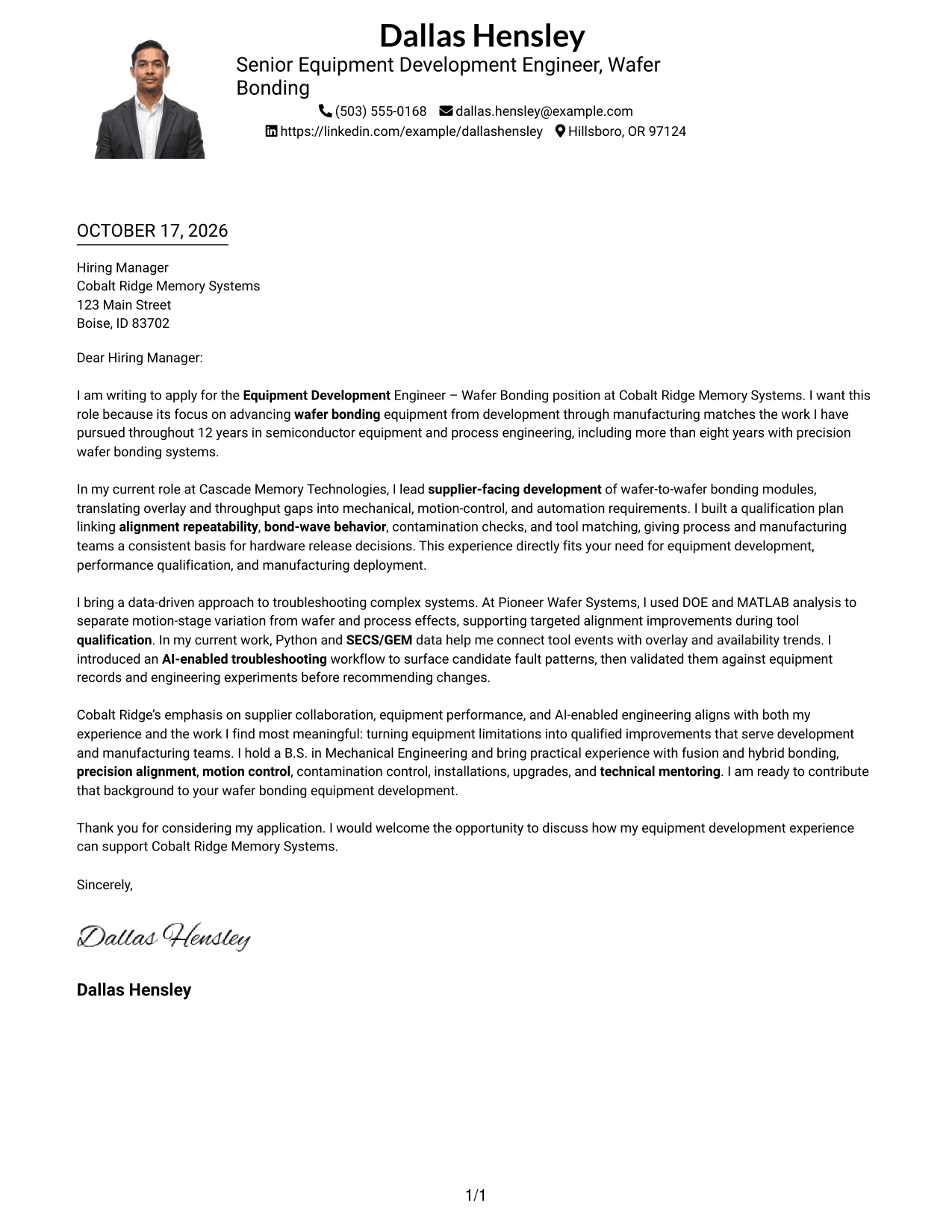
Why This Format Works
- The single body column keeps the full message in a clear paragraph sequence.
- Sender details in the header remain distinct from the letter's main text.
- The photo provides a visual introduction while the body stays continuous.
Best For
- One-column letter layouts
- Photo-inclusive applications
- Sender details in the header
- A continuous message
- Traditional paragraph order
#5 Simple Two Column Format Cover Letter Example
A contact sidebar and a single continuous letter body give this two-column format distinct places for contact details and the message.
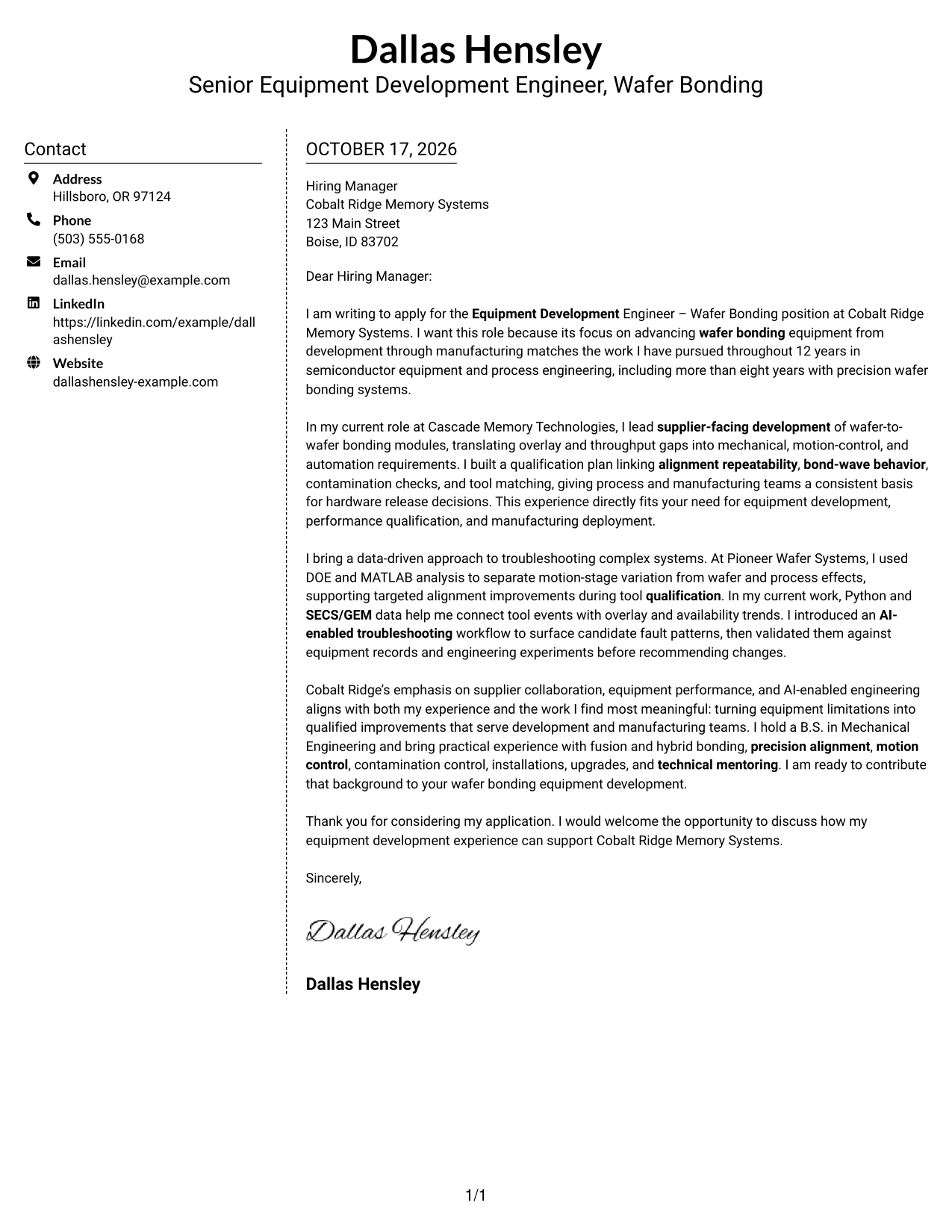
Why This Format Works
- The separate sidebar makes contact details easy to find at a glance.
- The letter remains in one body column, preserving its paragraph sequence.
- Contact information sits beside the message rather than interrupting its flow.
Best For
- Contact details apart from prose
- One-column letter body
- Side-by-side page organization
- Easy sender information checks
- Letters with a clear argument
#6 Modern Icon Format Cover Letter Example
Contact icons cue sender details in the sidebar, beside a single, continuous letter body.
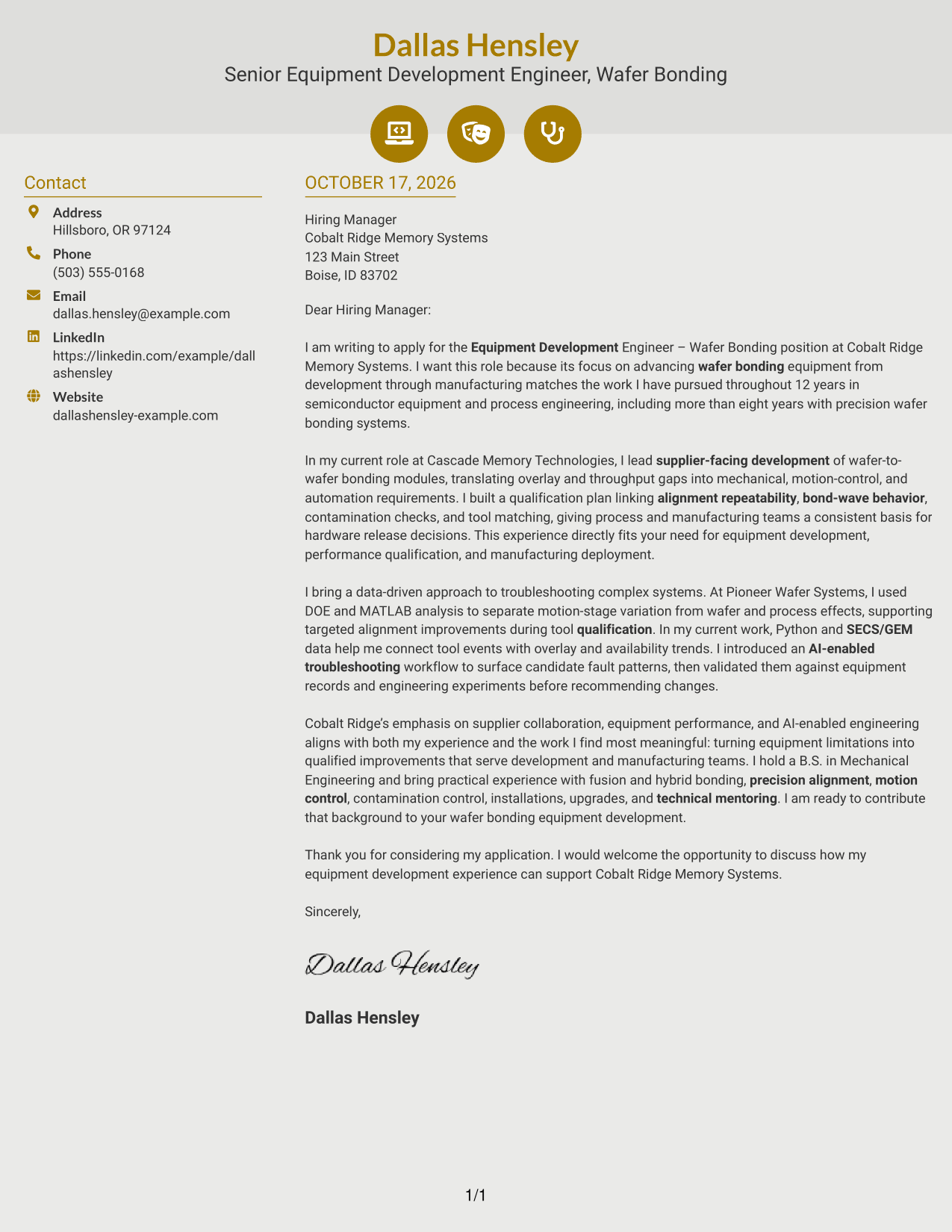
Why This Format Works
- Contact icons help readers identify sender details in the sidebar.
- The separate body column keeps the letter's message in paragraph order.
- The contact area and letter body have clear, distinct roles.
Best For
- Icon-cued contact details
- Contact information beside the message
- One-column letter paragraphs
- Quick sender detail checks
- Letters with connected reasoning
#7 Creative Two Tone Format Cover Letter Example
A contact sidebar beside one continuous letter body gives this two-column layout a clear separation between personal details and the message.
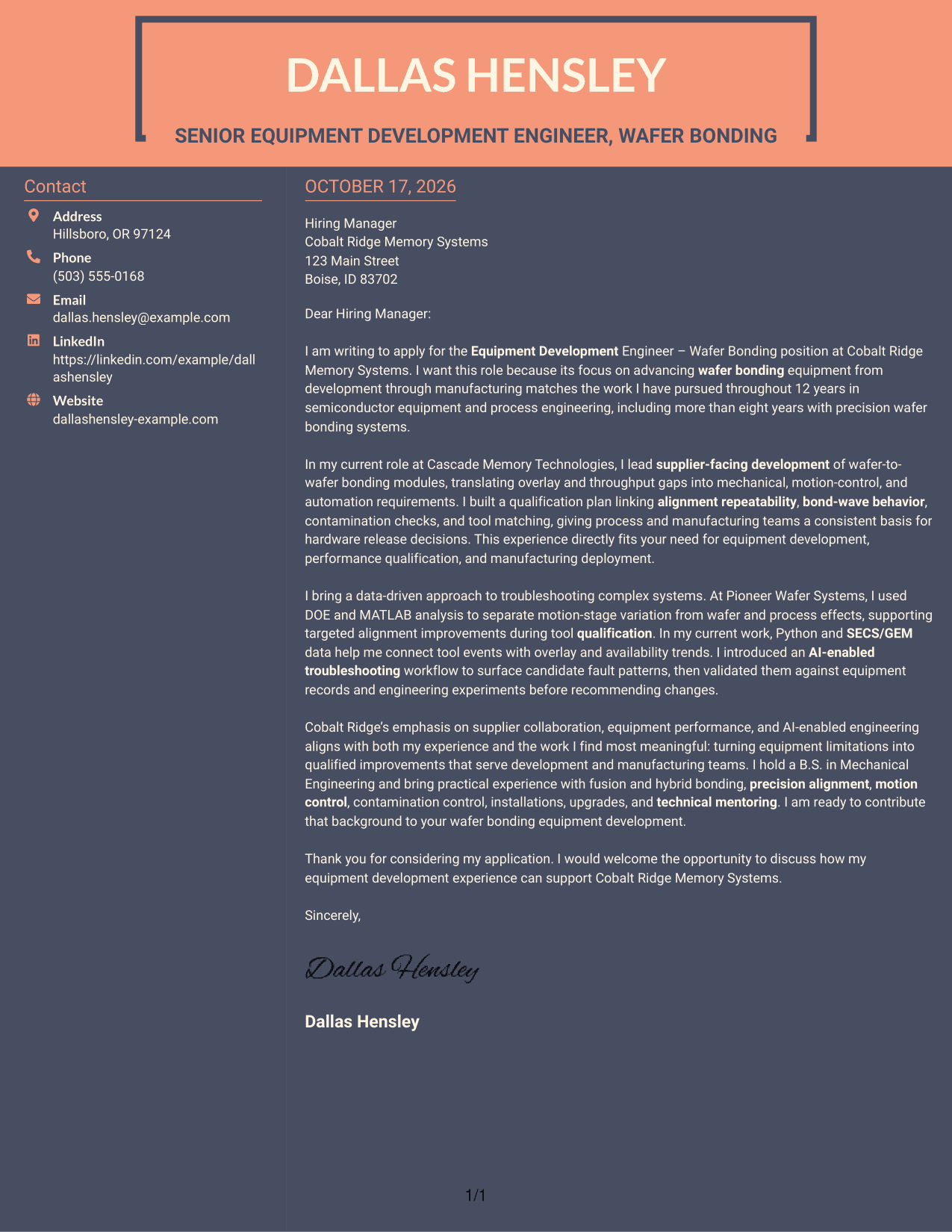
Why This Format Works
- The sidebar keeps contact details outside the continuous letter body.
- One body column lets readers follow the opening through the closing in order.
- The message stays intact while sender information remains easy to locate.
Best For
- Separate contact and message areas
- Continuous letter body
- Readers who prefer clear reading order
- Sender information outside the prose
- Letters with several connected points
Why Use ResumeInMinutes for an Equipment Development Engineer - Wafer Bonding Cover Letter
ResumeInMinutes offers cover letter examples you can review and customize for the role. Compare the image previews, then open an example in the editor to shape your message around your experience and the employer’s needs.
- Different writing styles
- Clear, readable layouts
- Role-focused customization
- Guided cover letter creation
- Professional templates
- Cover letter examples
For this role, highlight relevant experience in wafer bonding equipment, supplier development, qualification, precision alignment, or data-based troubleshooting when supported by your background.
See Also
- 7 Equipment Development Engineer - Wafer Bonding Resume Templates with Example
- 33 Entry-Level Biomedical Equipment Engineer Resume Templates with Example 2026 (ATS-Optimized)
- 7 Positions Equipment Engineer - OTTAVA Resume Templates with Example
- 7 Senior Principal Process Engineer - DP Aseptic Biotherapeutic Filling Equipment Resume Templates with Example
- 33 Brake System Development Engineer Resume Templates with Example 2026 (ATS-Optimized)
- 7 Development Engineer (GTO/SC) Co-Op Resume Templates with Example
- 7 Development Engineer (GTO/SC) Intern Resume Templates with Example
- 7 Development Engineer Resume Templates with Example
- 30+ Entry-Level Biomedical Equipment Engineer Cover Letter Templates with Example 2026
- 30+ Brake System Development Engineer Cover Letter Templates with Example 2026
Frequently Asked Questions
What should an Equipment Development Engineer - Wafer Bonding cover letter emphasize?
Show how your experience relates to developing, evaluating, and qualifying wafer bonding equipment. Use specific examples of equipment problem-solving, supplier work, or manufacturing handoffs that reflect your own background.
How can I show my technical fit in the letter?
Explain one relevant challenge, the steps you took, and the result. Depending on your experience, this could involve alignment, bond-wave behavior, tool matching, equipment data, or qualification.
How should I connect my experience to the employer?
Refer to the role’s stated needs, such as equipment capability, supplier collaboration, or manufacturing deployment. Link each point to evidence from your own work rather than treating job requirements as personal qualifications.
Which cover letter style is suitable for this engineering role?
Choose a clear, professional presentation that makes the opening, supporting evidence, and closing easy to follow. Consider the employer and the communication context when selecting a visual style.
How do I use the examples on this page?
Compare the image previews to review their presentation, then open an example in the editor to customize the letter. Keep the message focused on your motivation, role fit, and relevant evidence.




