
7 Full-Stack AI Engineering Intern Cover Letter Templates with Example
This guide helps you create a focused Full-Stack AI Engineering Intern cover letter and compare its presentation in seven layouts.
What Makes a Great Full-Stack AI Engineering Intern Cover Letter in 2026
A strong letter links your interest in enterprise AI to the role’s work on useful prototypes and employee workflows. It should make your motivation clear from the opening.
Use specific evidence, such as integrating AI models or testing responses against clear measures. Then connect that experience to the employer’s needs without claiming skills or results you cannot support.
The featured Full-Stack AI Engineering Intern example follows a focused progression from motivation to relevant evidence and a clear close. Adapt that flow while choosing a presentation that suits the employer and the communication context.
#1 Simple One Column Format Cover Letter Example
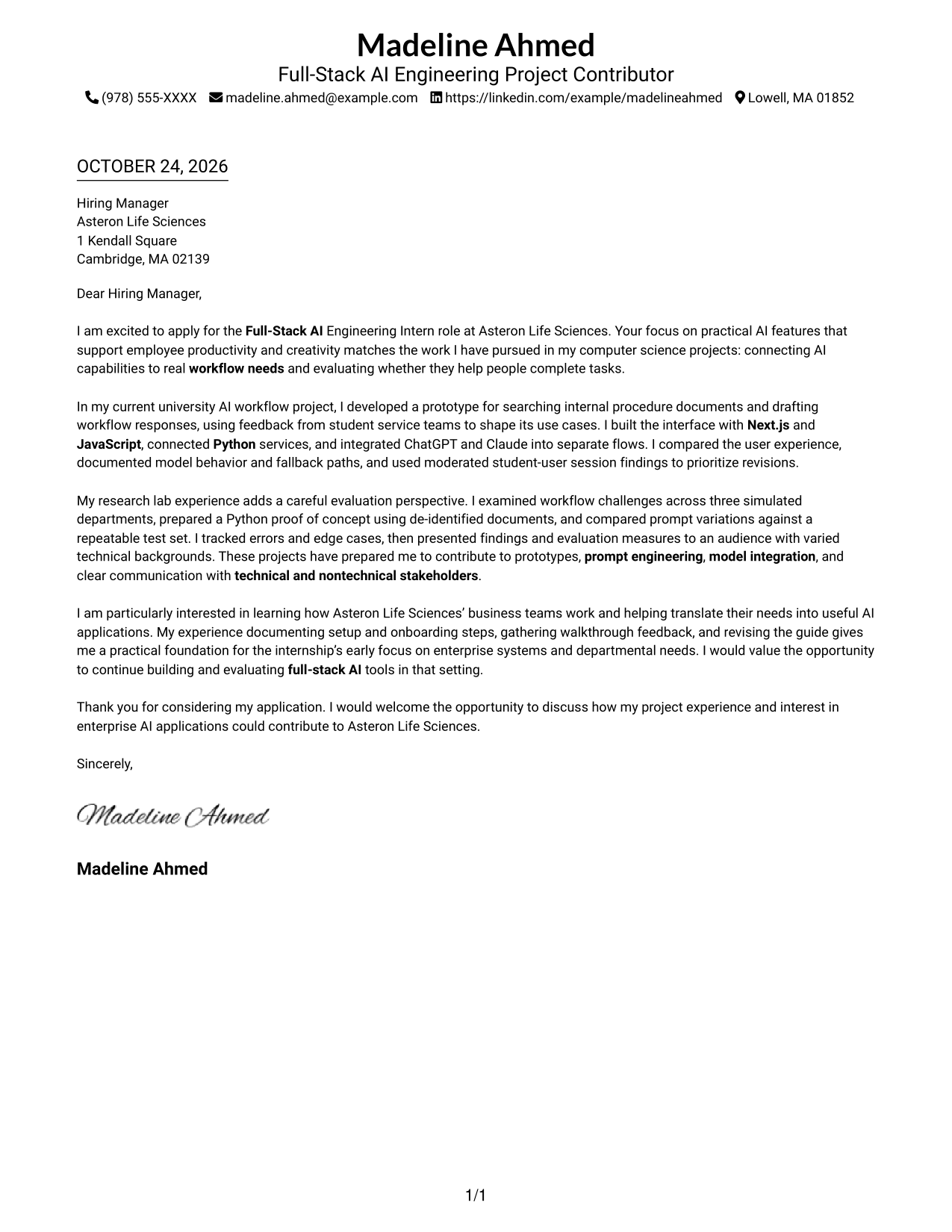
The Simple One Column Format keeps sender details in the header and the complete letter in one column, giving the message a direct visual path.
Why This Format Works
- A single body column keeps each paragraph's full line of thought together.
- The header keeps sender details apart from the letter's persuasive content.
- The greeting, main message, and closing remain in one top-to-bottom sequence.
Best For
- Direct letter reading order
- Header-based contact details
- No sidebar preference
- Paragraph-led persuasion
- Simple page organization
#2 Two Column Format Cover Letter Example
The Two Column Format places contact details beside one continuous letter body, keeping reference information separate from the message.
Why This Format Works
- A dedicated contact sidebar gives readers a distinct place to find sender information.
- The letter stays in one body column, so its argument is not divided between columns.
- Separate areas make it clear where contact details end and the message begins.
Best For
- Contact details beside the letter
- Clear sidebar and message distinction
- One-column letter body
- Fast access to sender information
- Parallel contact and message placement
#3 Photo Header Two Column Format Cover Letter Example
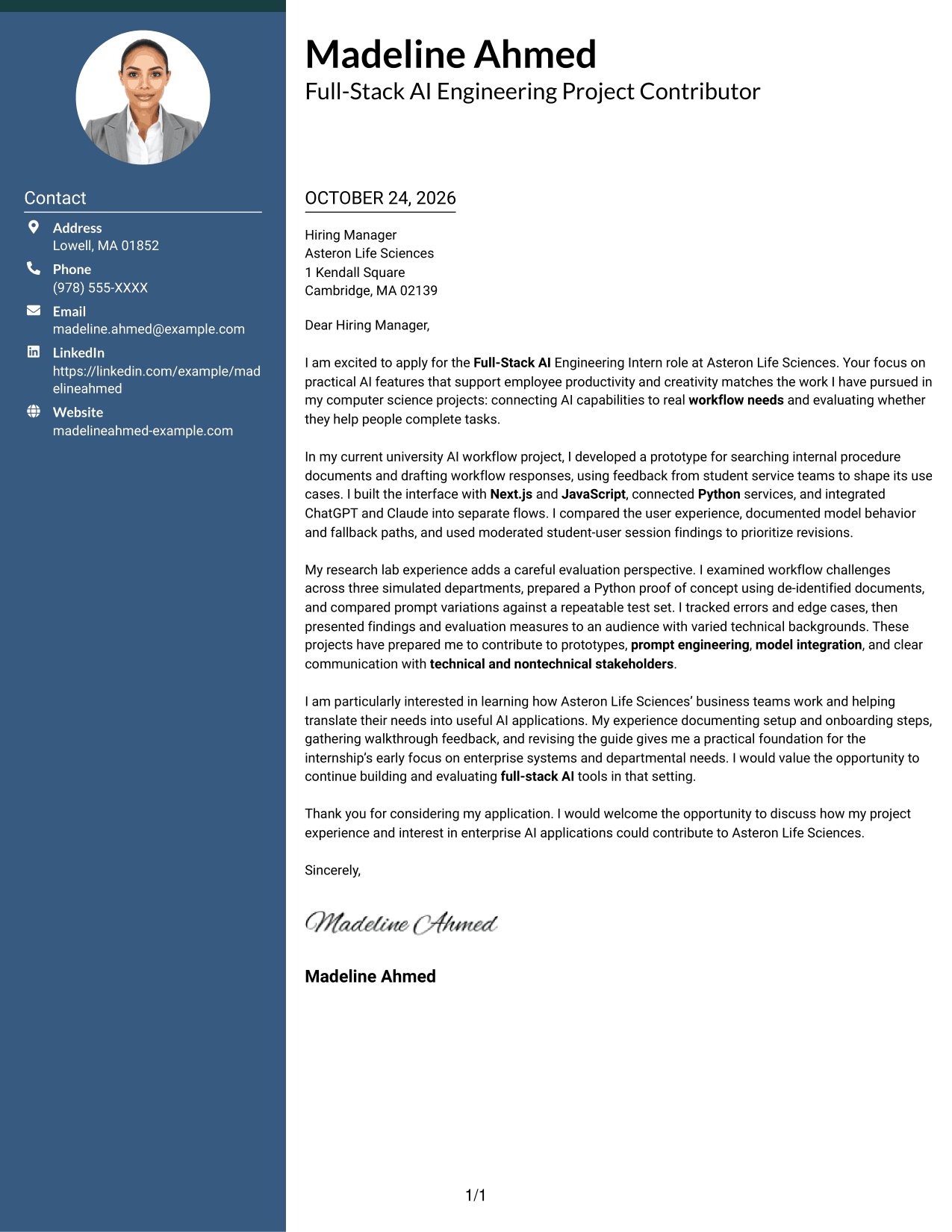
The Photo Header Two Column Format pairs a photo and contact sidebar with one continuous letter body, for a personal visual touch alongside a clear message area.
Why This Format Works
- The photo offers a personal visual element without interrupting the letter's paragraph sequence.
- A separate sidebar keeps contact information outside the main message.
- The body remains in one column, preserving a clear path through the letter.
Best For
- Photo-inclusive letter design
- Contact details apart from the message
- A single-column letter body
- Personal visual presentation
- Clear message reading order
#4 One Column Format with Photo Cover Letter Example
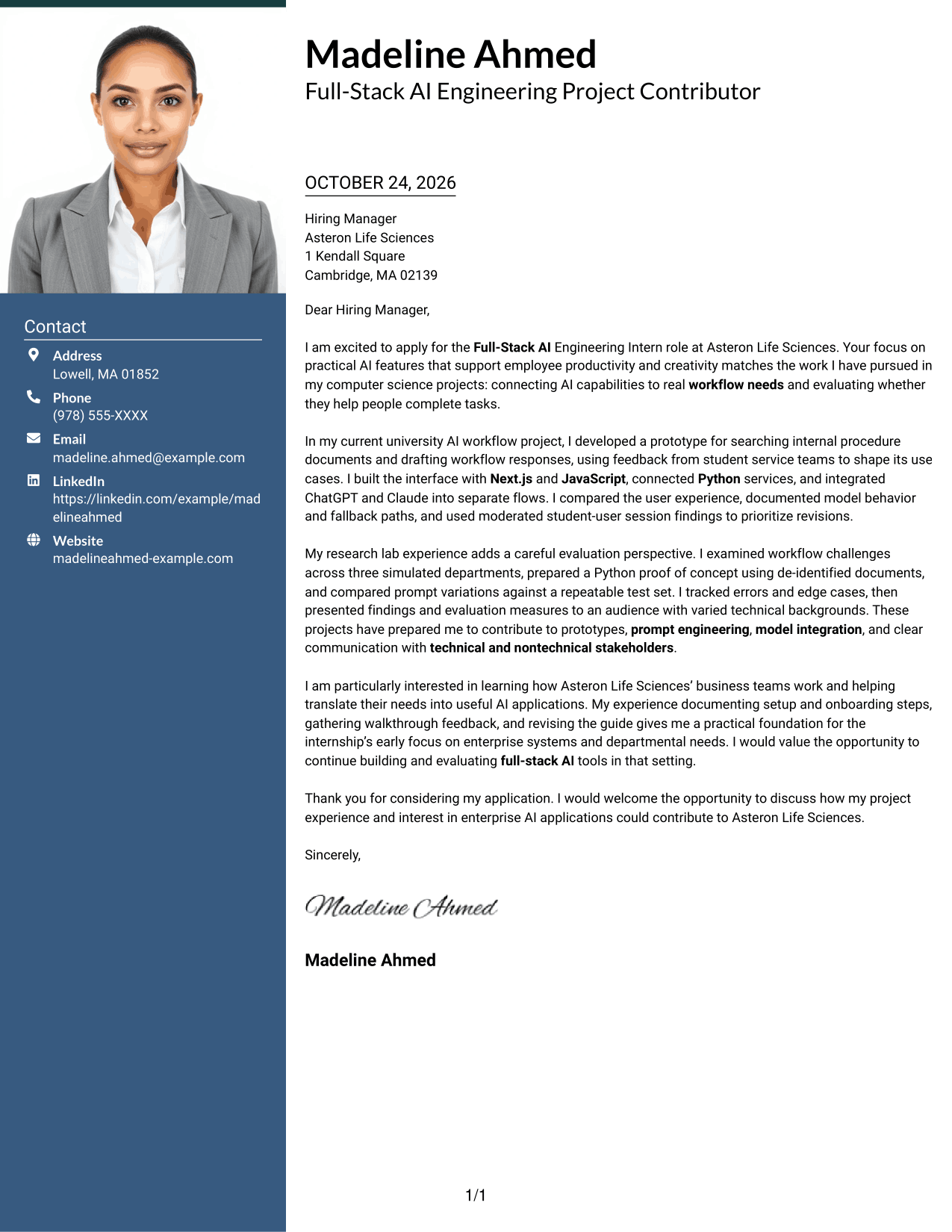
The One Column Format with Photo keeps the letter in one column and includes a photo, combining a direct reading path with a personal visual element.
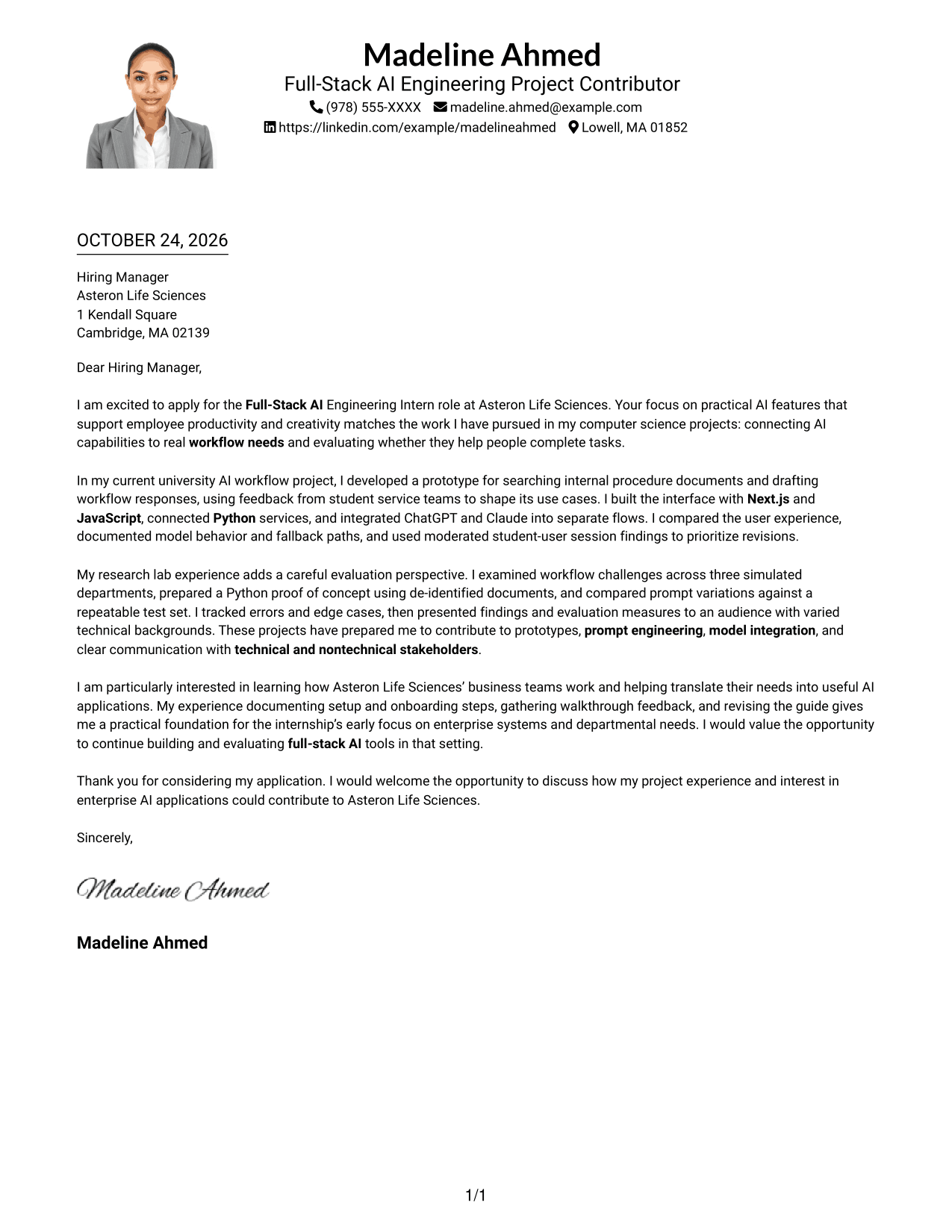
Why This Format Works
- The single-column body lets readers move through the message in its intended order.
- A photo adds a visual element while the letter remains one continuous body.
- Sender details in the header remain apart from the persuasive paragraphs.
Best For
- One-column letter flow
- Photo-inclusive correspondence
- Header-based sender details
- Continuous paragraph structure
- Personal visual preference
#5 Simple Two Column Format Cover Letter Example
The Simple Two Column Format sets contact details in a sidebar next to the continuous letter body, making the two parts easy to distinguish.
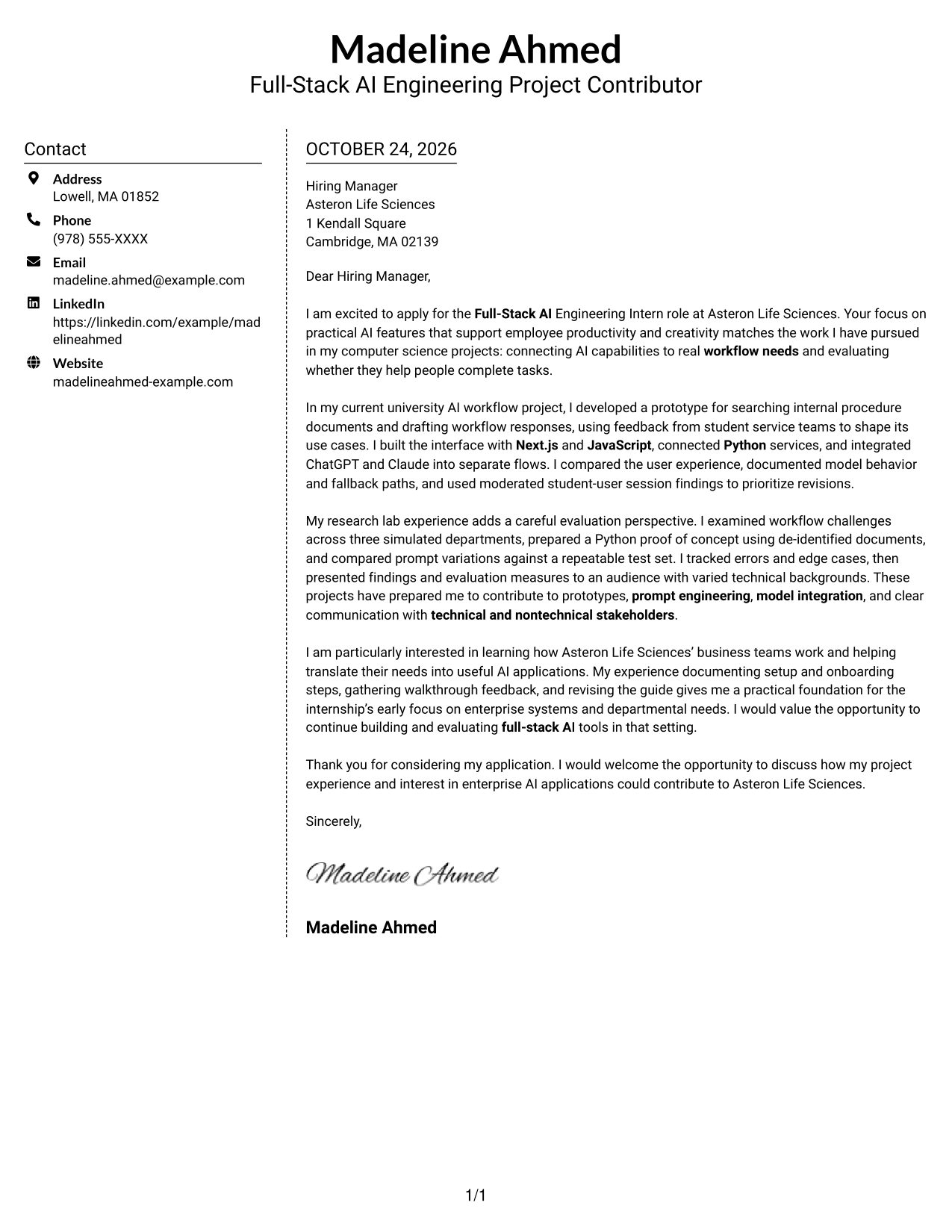
Why This Format Works
- The sidebar provides a steady place to locate contact details outside the letter.
- One continuous body preserves the sequence from greeting to closing.
- The two areas distinguish practical sender information from the persuasive message.
Best For
- Sidebar contact information
- A continuous letter argument
- Separate sender and message areas
- Easy-to-find contact details
- Clear greeting-to-closing order
#6 Modern Icon Format Cover Letter Example
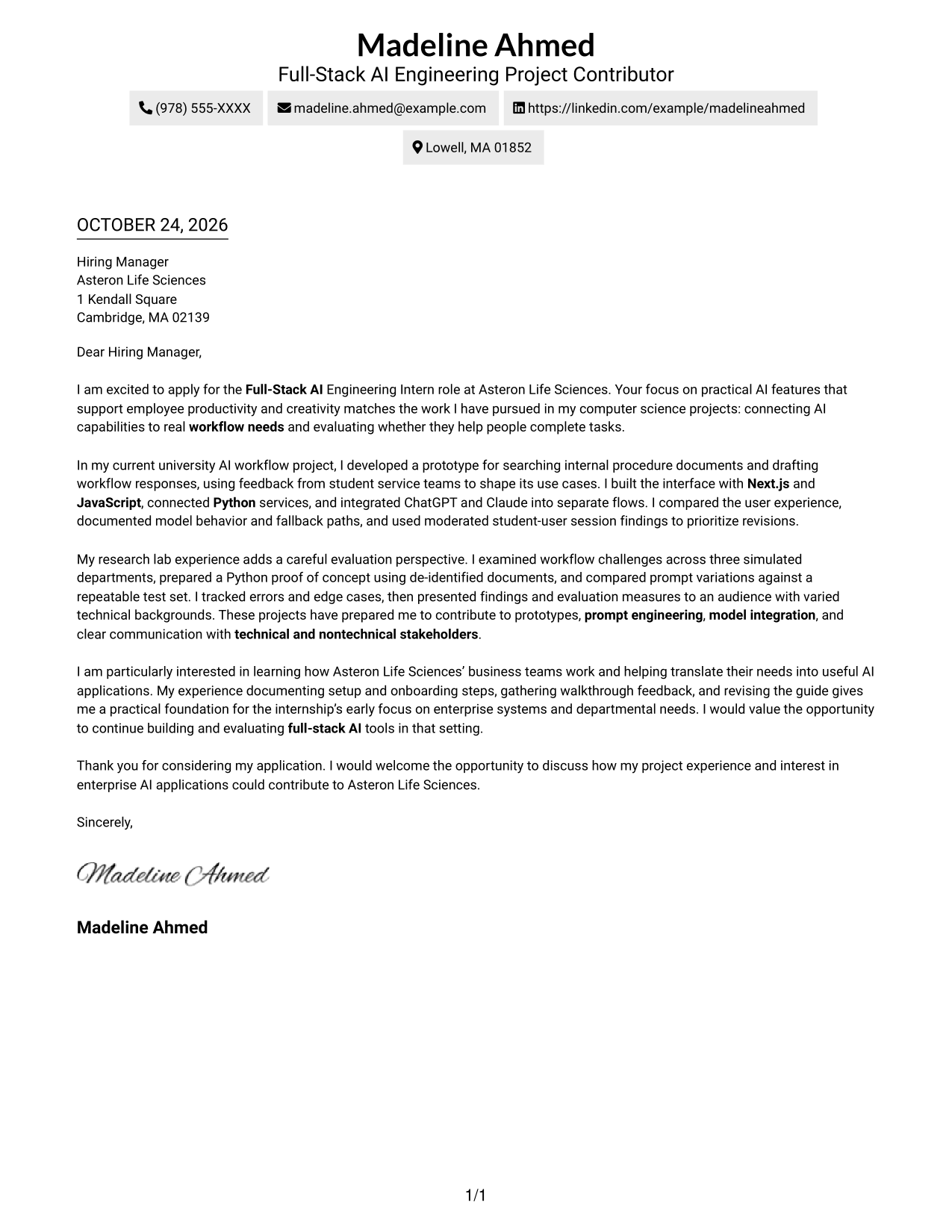
The Modern Icon Format uses two columns for contact details and the continuous letter body, with icons serving as contact cues or header accents.
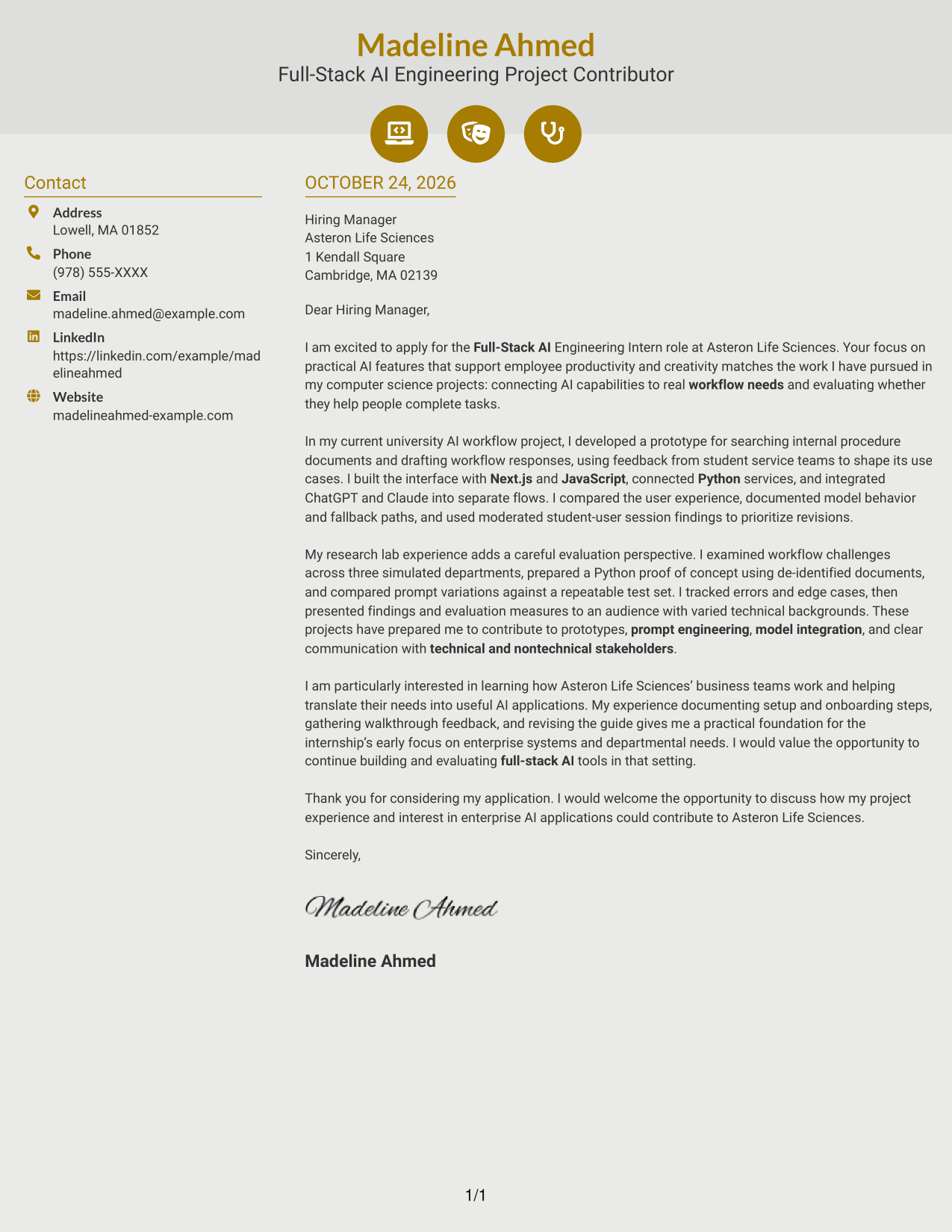
Why This Format Works
- Icons can make contact details easier to recognize at a glance.
- The letter remains one continuous body, keeping its message together.
- A separate contact area leaves the main column for the letter itself.
Best For
- Icon-marked contact details
- Two-column page organization
- A continuous letter body
- Distinct contact and message areas
- Decorative header accents
#7 Creative Two Tone Format Cover Letter Example
The Creative Two Tone Format places a contact sidebar beside one continuous letter body, offering a two-column layout for separating details from the message.
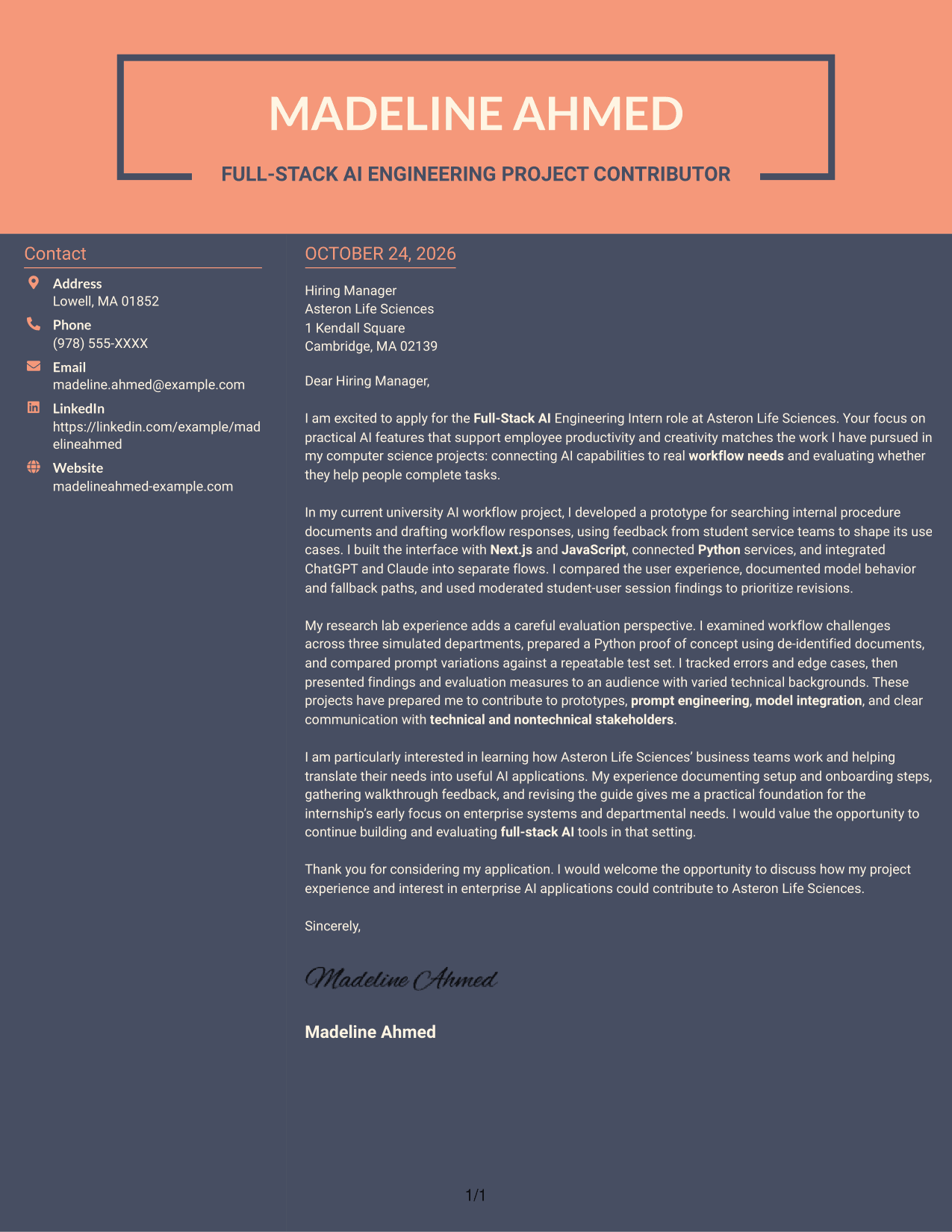
Why This Format Works
- A separate sidebar lets readers locate sender details without entering the letter body.
- The main message stays together in one column from greeting through closing.
- Contact information and persuasive paragraphs have distinct places on the page.
Best For
- Contact sidebar beside the letter
- A focused message column
- Easy access to sender details
- One continuous body of prose
- Distinct contact and letter areas
See Also
- 7 Full-Stack AI Engineering Intern Resume Templates with Example
- 7 Full Stack Data Scientist - AI/ML Platform Engineering Resume Templates with Example
- 33 AI Automation Engineer / Full-Stack Developer Resume Templates with Example 2026 (ATS-Optimized)
- 33 Full-Stack x AI Automation Engineer Resume Templates with Example 2026 (ATS-Optimized)
- 33 Senior Full-Stack Engineer, AI Platform & MLOps Resume Templates with Example 2026 (ATS-Optimized)
- 33 Senior Full-Stack Software Engineer, Applied AI Resume Templates with Example 2026 (ATS-Optimized)
- 7 Entry-Level Java Full-Stack Programmer Resume Templates with Example
- 33 Full Stack Developer, Network Software Intern Resume Templates with Example 2026 (ATS-Optimized)
- 7 Full Stack Data Scientist - AI/ML Platform Engineering Cover Letter Templates with Example
- 30+ AI Automation Engineer / Full-Stack Developer Cover Letter Templates with Example 2026
Frequently Asked Questions
What should a Full-Stack AI Engineering Intern cover letter emphasize?
Show how your work connects AI tools to real workflow needs. Relevant evidence may include a prototype, model integration, prompt testing, user feedback, or a clear evaluation approach.
How can I make my technical experience clear to different readers?
Describe the need your prototype addressed, your role in building it, and what you learned from testing. Explain technical choices in plain language so both technical and nontechnical readers can follow your point.
How should I show interest in the employer?
Connect your motivation to the role’s stated focus on AI features that support employee productivity and creativity. Explain why that work interests you, using details you can support.
How do I choose a cover letter layout?
Choose a clear presentation that is easy to read and fits the employer’s communication context. Compare the image previews, then open an example in the editor to view or customize it.
What project details are useful for this role?
Consider explaining how you used tools such as Next.js, JavaScript, Python, ChatGPT, or Claude, if they are part of your experience. Focus on the workflow need, your contribution, and how you assessed the result.




