
7 Full-Stack AI Engineering Intern Resume Templates with Example
This guide shows you how to create a clear, focused Full-Stack AI Engineering Intern resume. Use the examples to organize relevant evidence and make your project work easy for recruiters to review.
A strong resume connects full-stack development with practical AI work. Show how you used JavaScript, Next.js, Python, Docker, ChatGPT, Claude, and prompt engineering, then explain how you tested prototypes and evaluated response quality, task completion, business KPIs, or user satisfaction.
The guide presents one Full-Stack AI Engineering Intern resume example in 7 layouts. Compare the image previews to see how each design organizes projects, experience, education, technical skills, and certifications, then open an example in the editor to customize it.
What Makes a Great Full-Stack AI Engineering Intern Resume in 2026
A strong resume makes project work easy to verify. Use clear headings and concise bullets to show what you built, which tools you used, and how you tested the result.
Include relevant terms such as full-stack development, AI prototyping, enterprise AI, prompt engineering, Python, Next.js, JavaScript, and Docker. Support them with specific examples, such as model integration or benchmarking against task completion and user satisfaction.
Note: Resume examples are for educational purposes only. Use only information that accurately reflects your experience and qualifications. References to real organizations do not imply affiliation or endorsement.
#1 Simple One Column Format Resume Example
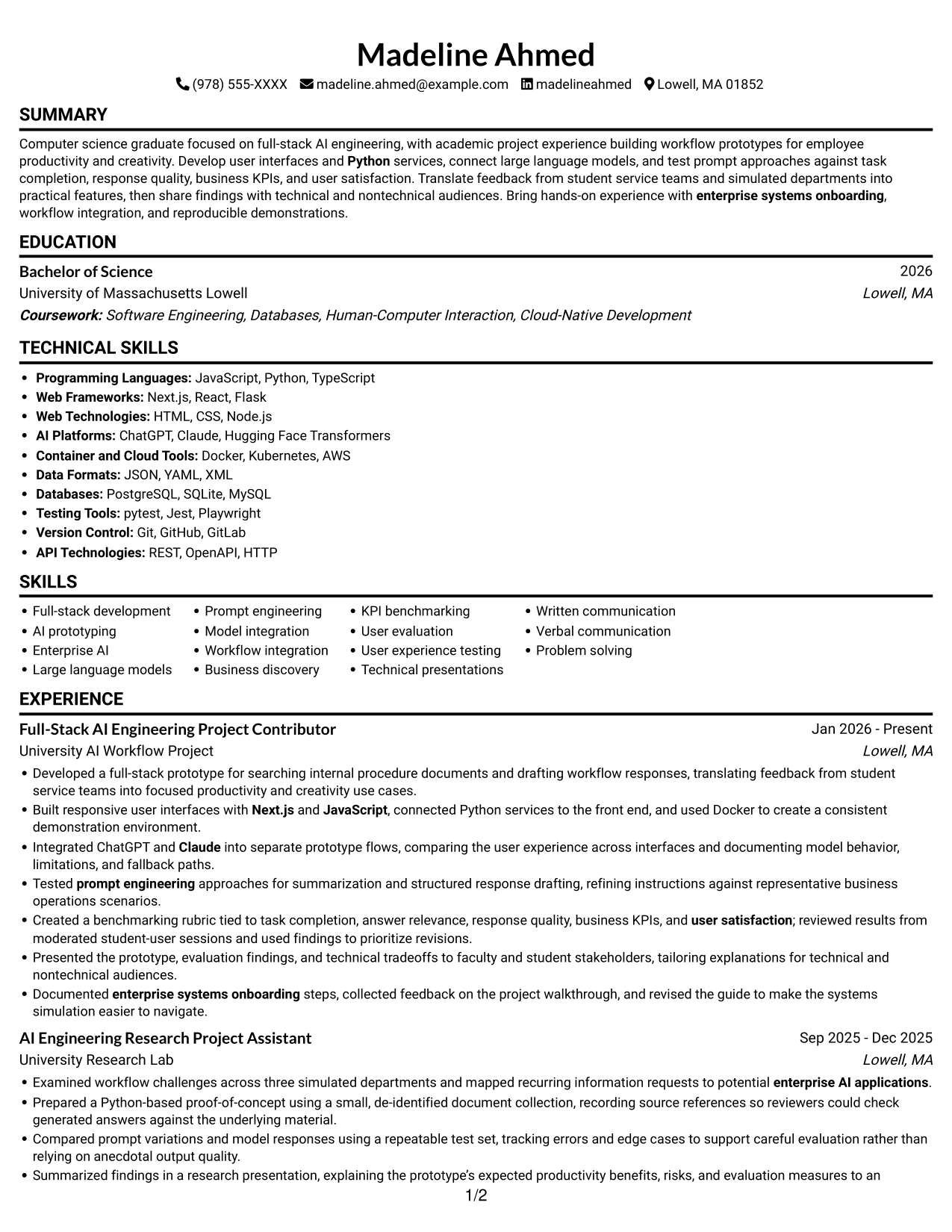
The Simple One Column Format keeps resume sections in one continuous reading path, giving recruiters a direct route through experience, skills, and education.
Why This Format Works
- A single reading path keeps experience, education, and skills in a familiar sequence.
- Consistent section order helps recruiters move from career history to credentials.
- Unsplit text gives longer project and experience entries room to read naturally.
Best For
- Readable resume section sequence
- Longer project descriptions
- Detailed experience entries
- Recruiter scan of qualifications
- Skills and education review
Resume Keywords
- Full-stack development
- enterprise AI applications
- Claude
- Python
- Next.js
- Docker
- JavaScript
- Prompt engineering
- Integrated ChatGPT and Claude into separate prototype flows
- Examined workflow challenges across three simulated departments and mapped recurring information requests to potential enterprise AI applications.
- Created a benchmarking rubric tied to task completion, answer relevance, response quality, business KPIs, and user satisfaction
- Created a benchmarking rubric tied to task completion, answer relevance, response quality, business KPIs, and user satisfaction; reviewed results from moderated student-user sessions
- Presented the prototype, evaluation findings, and technical tradeoffs to faculty and student stakeholders, tailoring explanations for technical and nontechnical audiences.
- Problem solving
- enterprise systems onboarding
#2 Simple Two Column Format Resume Example
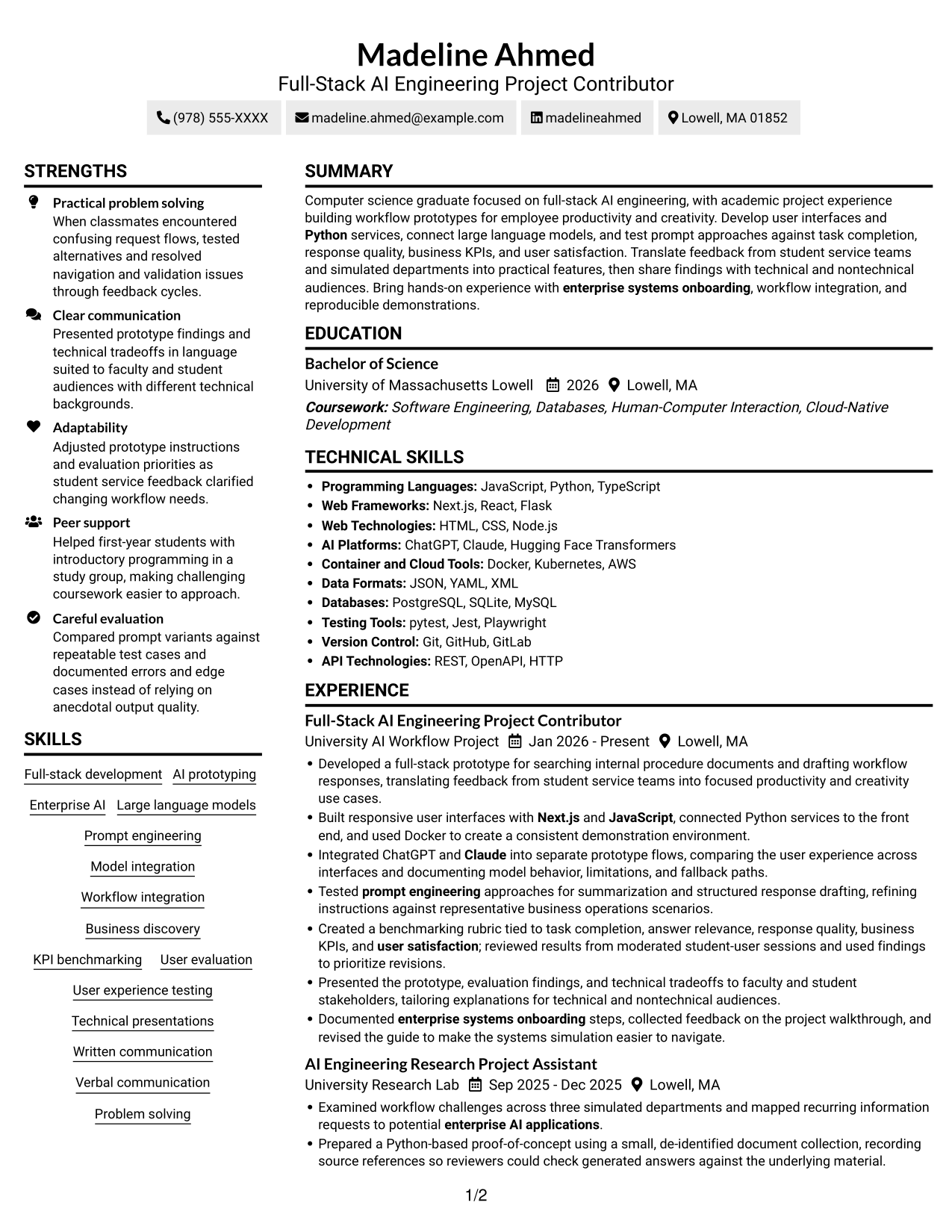
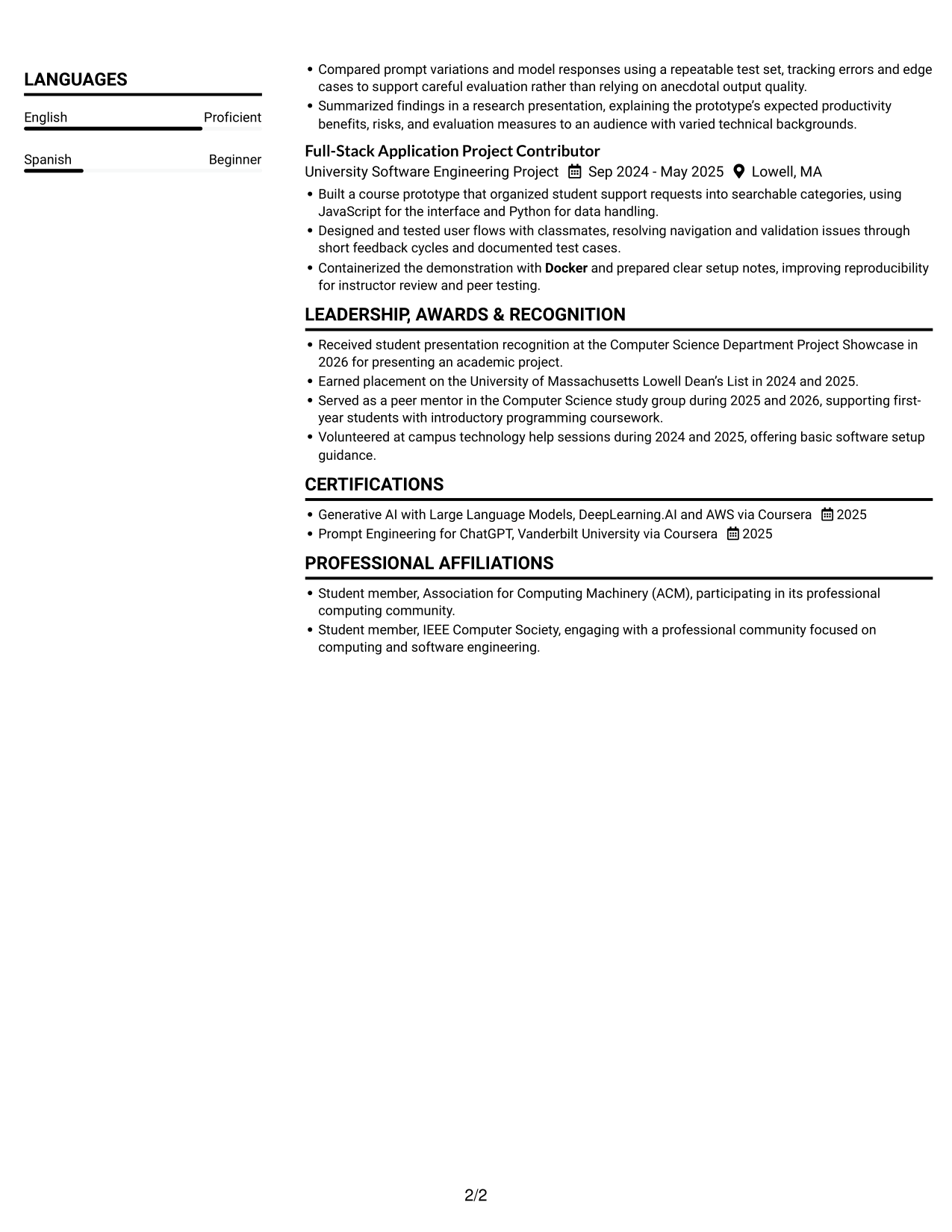
The Simple Two Column Format places resume content in two columns, helping reviewers compare section groups while following a clear document hierarchy.
Why This Format Works
- Two columns help organize skills, education, and experience as distinct resume sections.
- Clear section boundaries support quick review of project and work history.
- The compact structure can keep supporting credentials visible during a scan.
Best For
- Side-by-side section groups
- Compact resume content
- Skills and education review
- Project and work history
- Quick qualification scans
#3 Plain One Column with Shaded Labels Resume Example
Plain One Column with Shaded Labels pairs a continuous reading order with shaded section labels, making resume topics easier to identify at a glance.
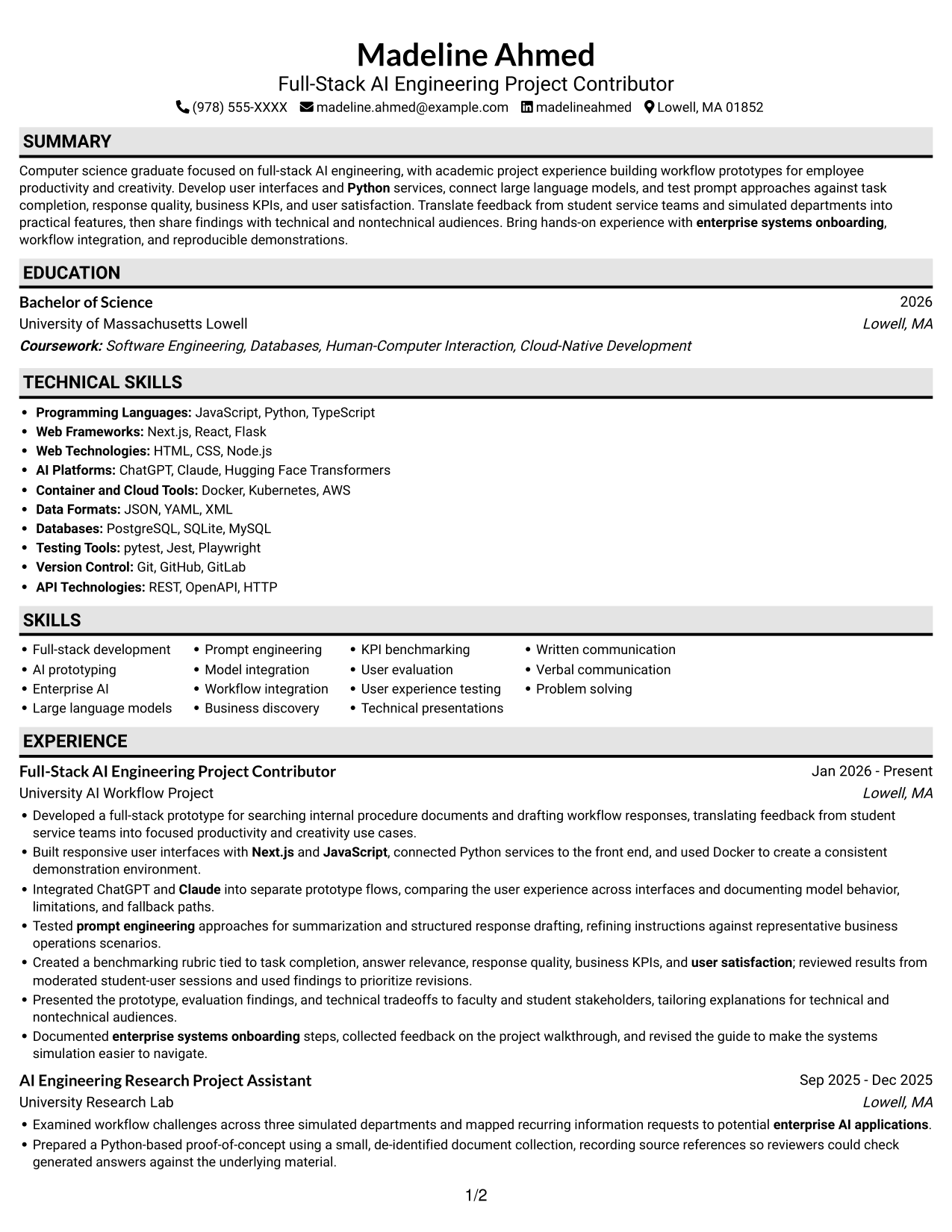
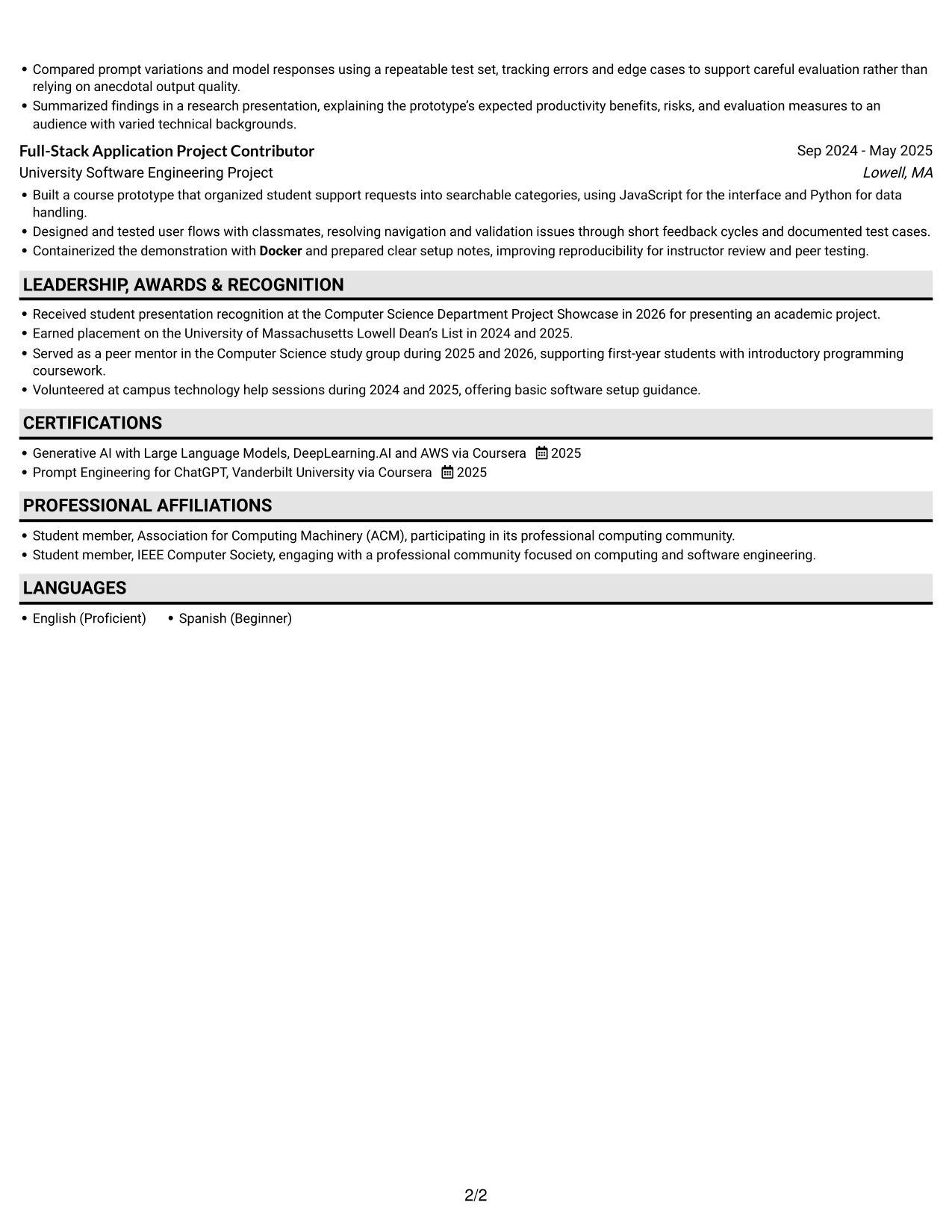
Why This Format Works
- Shaded section labels help reviewers find education, credentials, and skills quickly.
- One-column reading order keeps project and experience details connected.
- Label contrast separates resume sections without splitting related entry text.
Best For
- Clearly marked resume sections
- Linear reading order
- Connected project details
- Fast section lookup
- Visible education and credentials
#4 One Column Format with Photo Right Resume Example
One Column Format with Photo Right places a photo beside a single-column resume body, pairing a personal visual element with a familiar reading order.
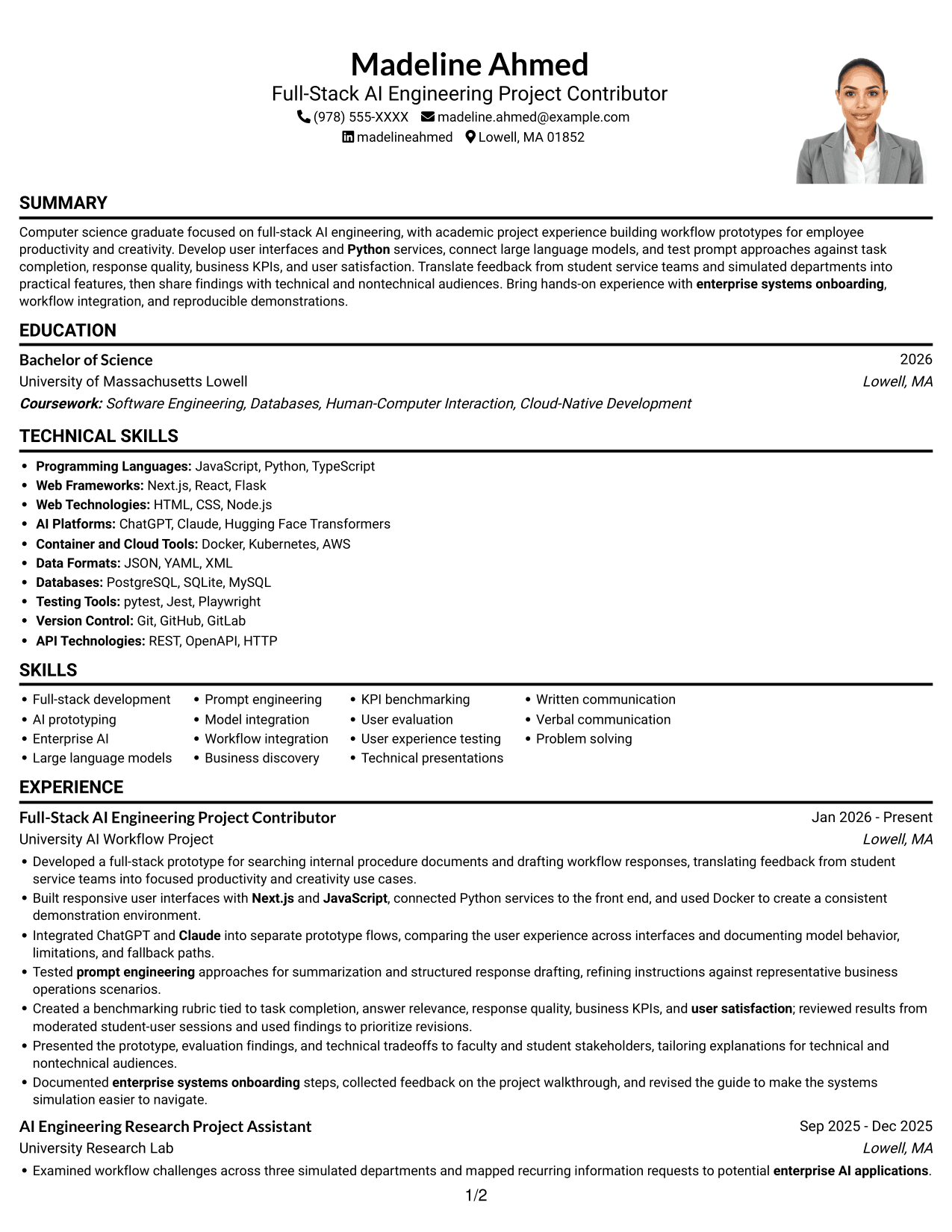
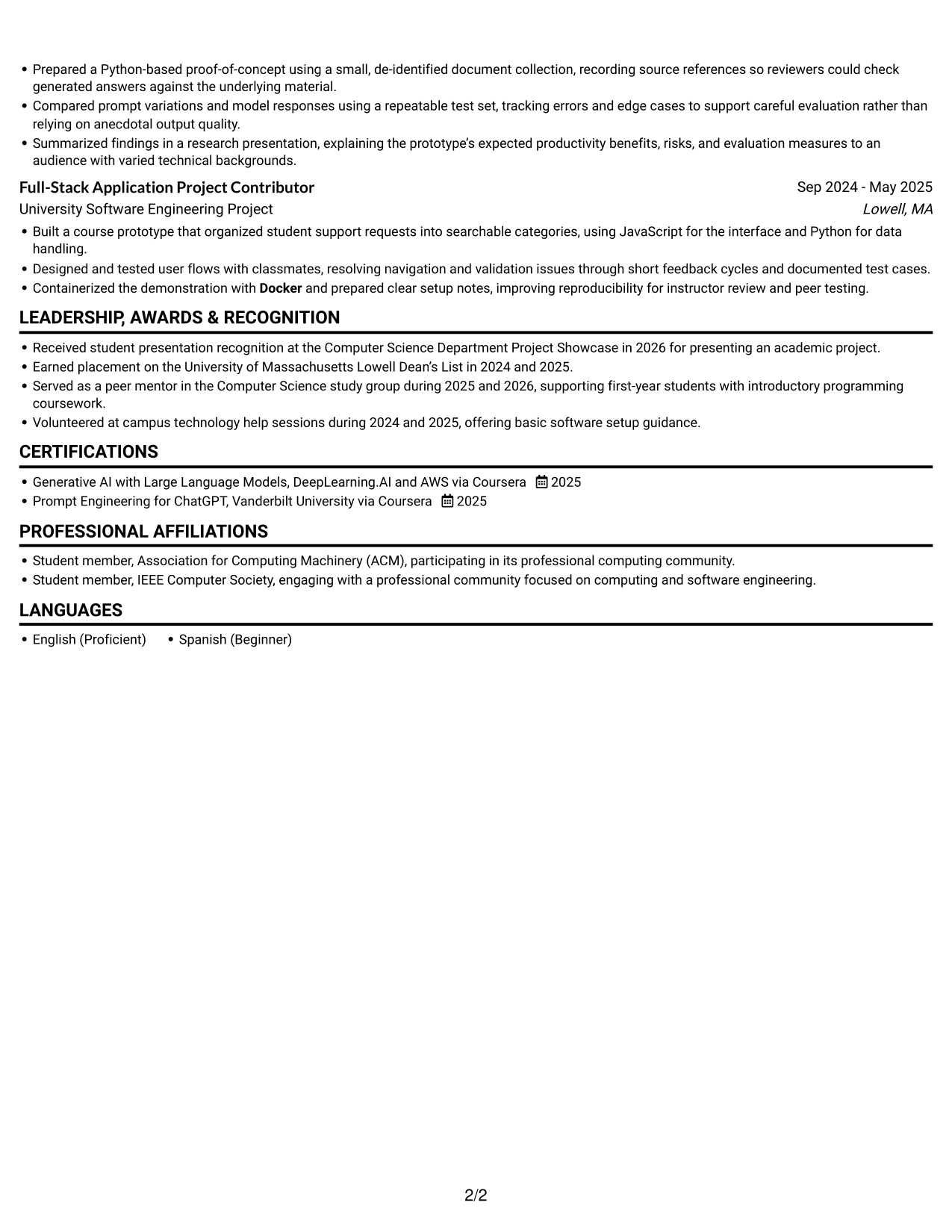
Why This Format Works
- A right-side photo leaves the resume body in one continuous column.
- One-column text keeps experience bullets and project details in a familiar order.
- Section breaks make education, skills, and certifications easier to locate.
Best For
- Resume with a photo
- Single-column text
- Familiar reading order
- Detailed experience bullets
- Easy section lookup
#5 Clean Two Column Sidebar Format Resume Example
Clean Two Column Sidebar Format uses a sidebar beside the main resume content, giving supporting details a distinct place without adding a photo.
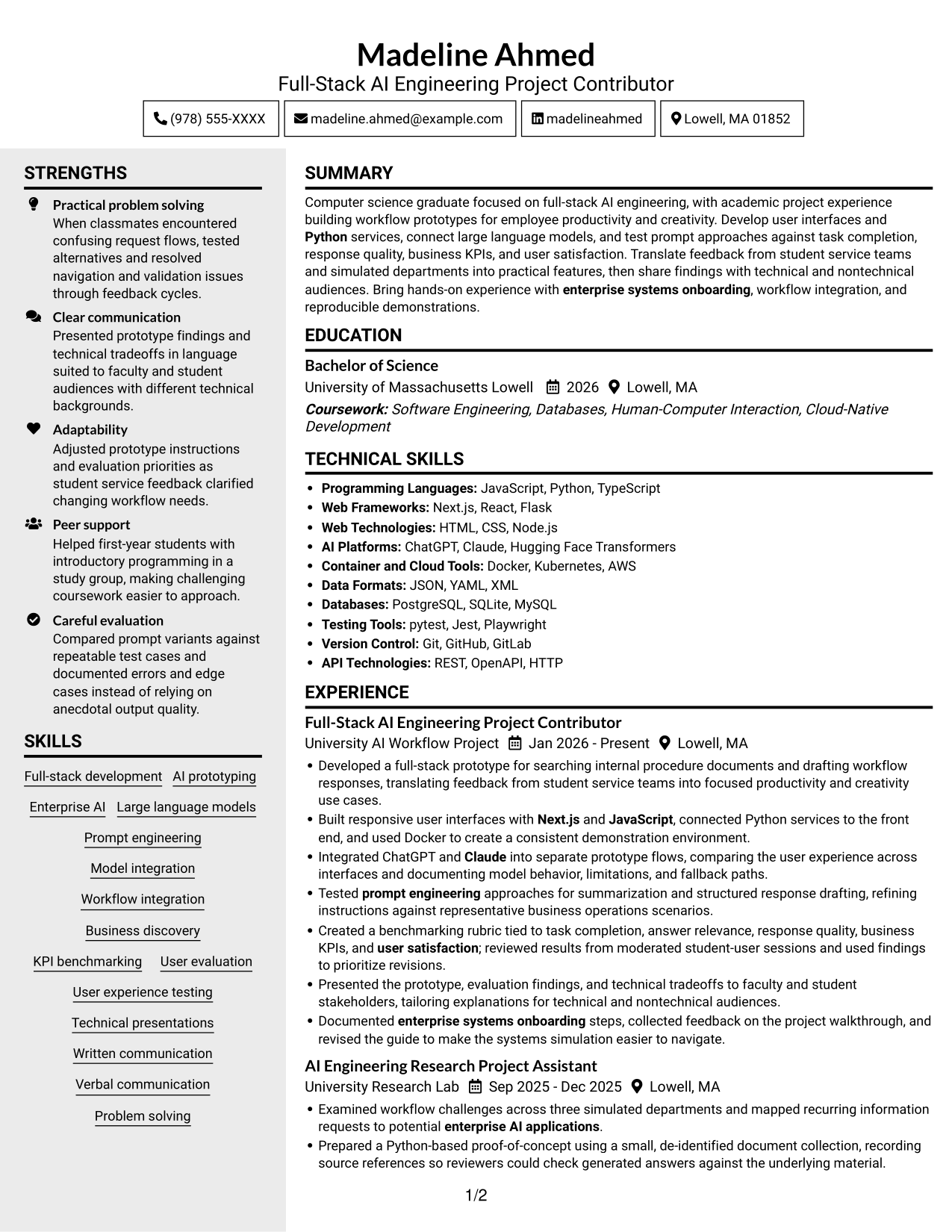
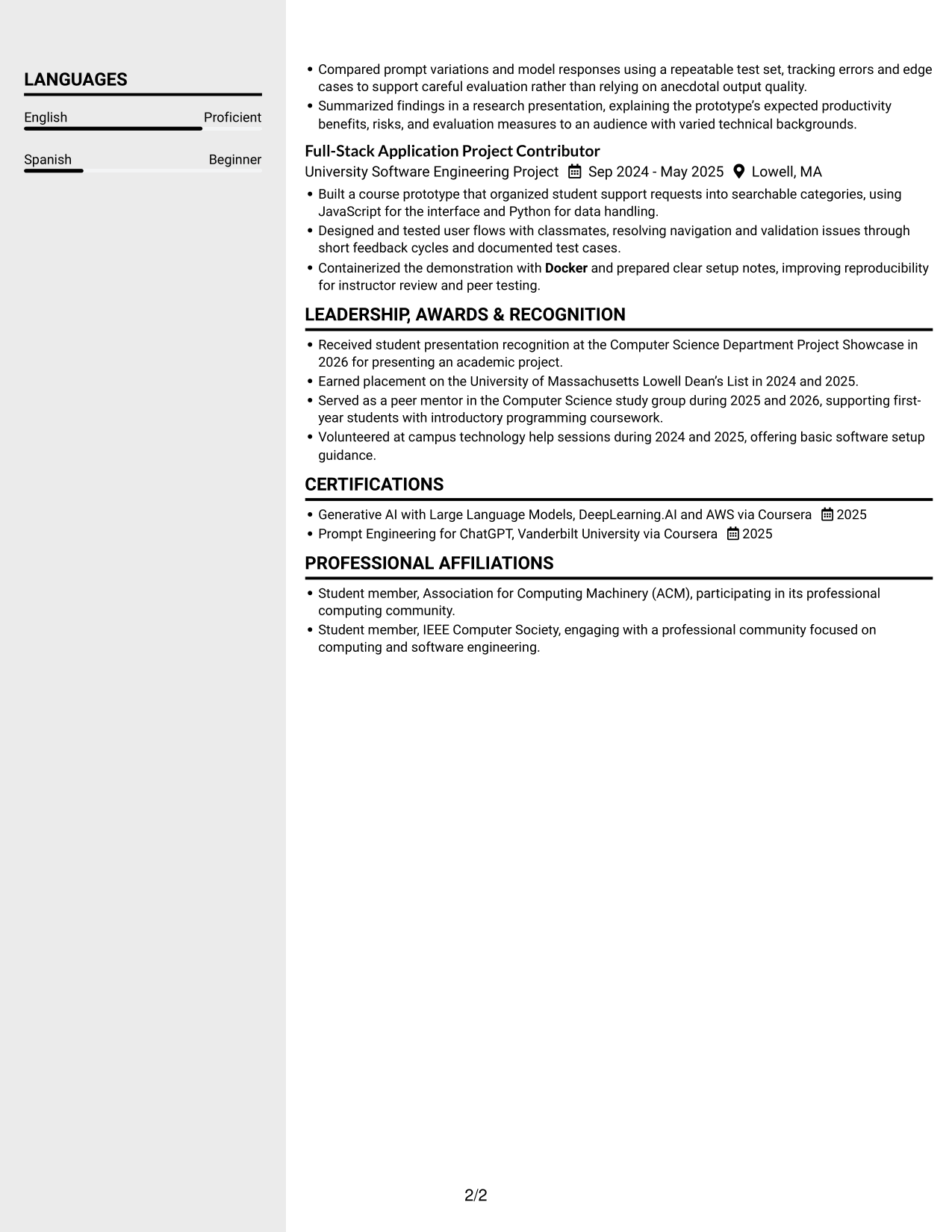
Why This Format Works
- A sidebar keeps supporting resume details distinct from the main experience content.
- Two-column reading lets recruiters move between skills and career history.
- Separate content areas help education and certifications remain easy to find.
Best For
- Sidebar-based organization
- Main and supporting content
- Skills beside career history
- Education and certifications
- No-photo resume layout
#6 Two Column Format Resume Example
Two Column Format uses two body columns to group resume content, offering reviewers a compact way to scan skills, education, and experience.
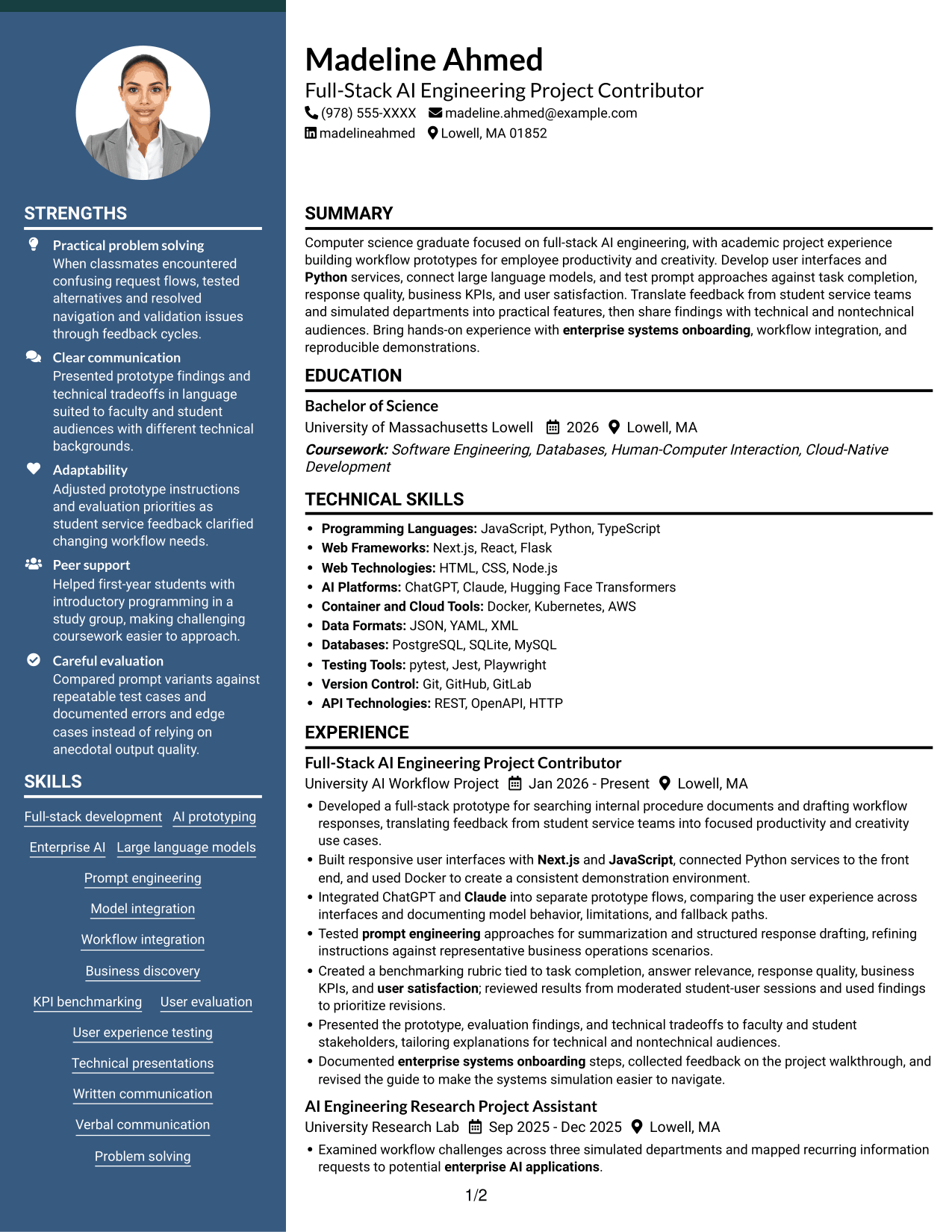
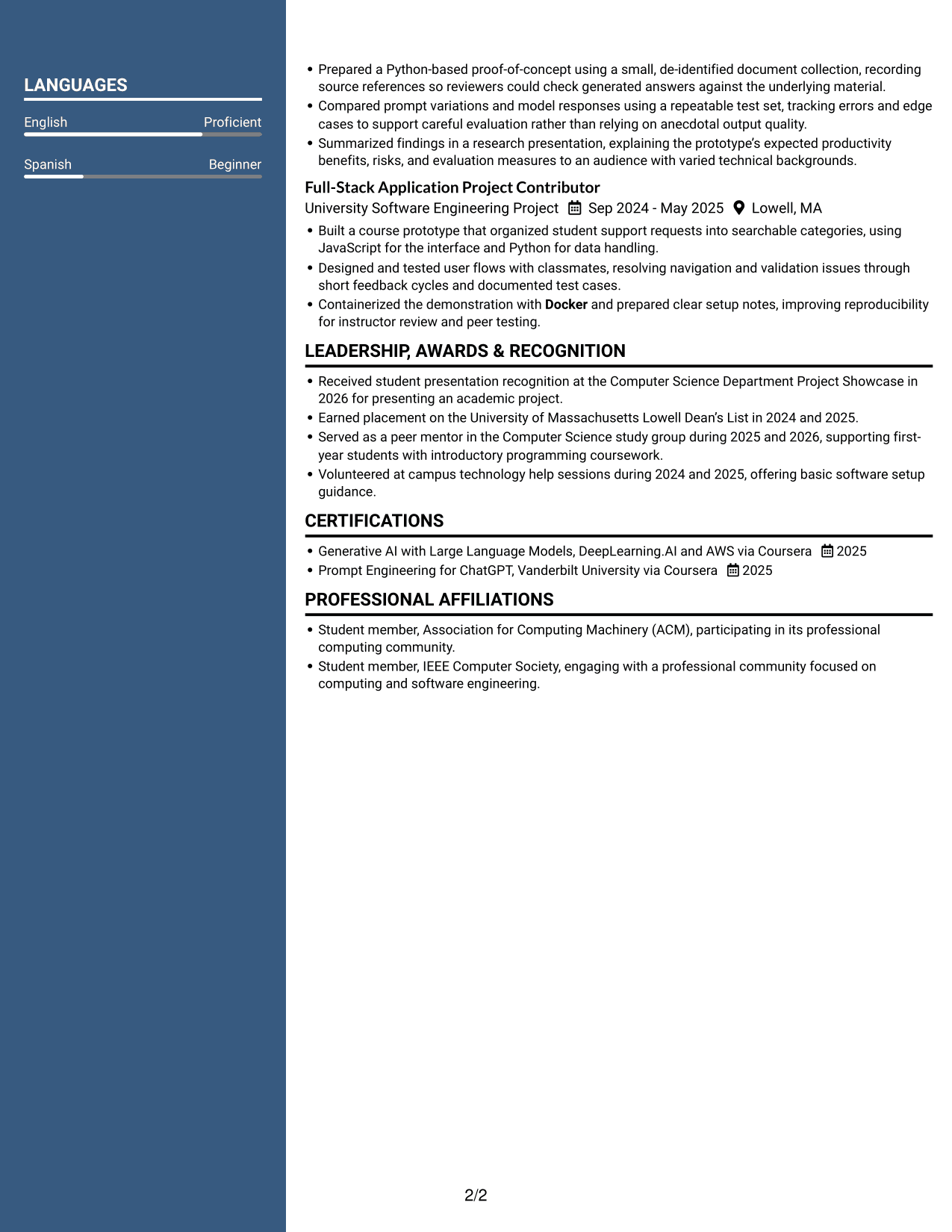
Why This Format Works
- Two body columns give distinct resume sections room within a compact layout.
- Separate section groups help reviewers locate education and credentials.
- The column structure supports scanning project details alongside career history.
Best For
- Compact section grouping
- Two-column reading
- Project and career history
- Education and credential review
- Skills overview
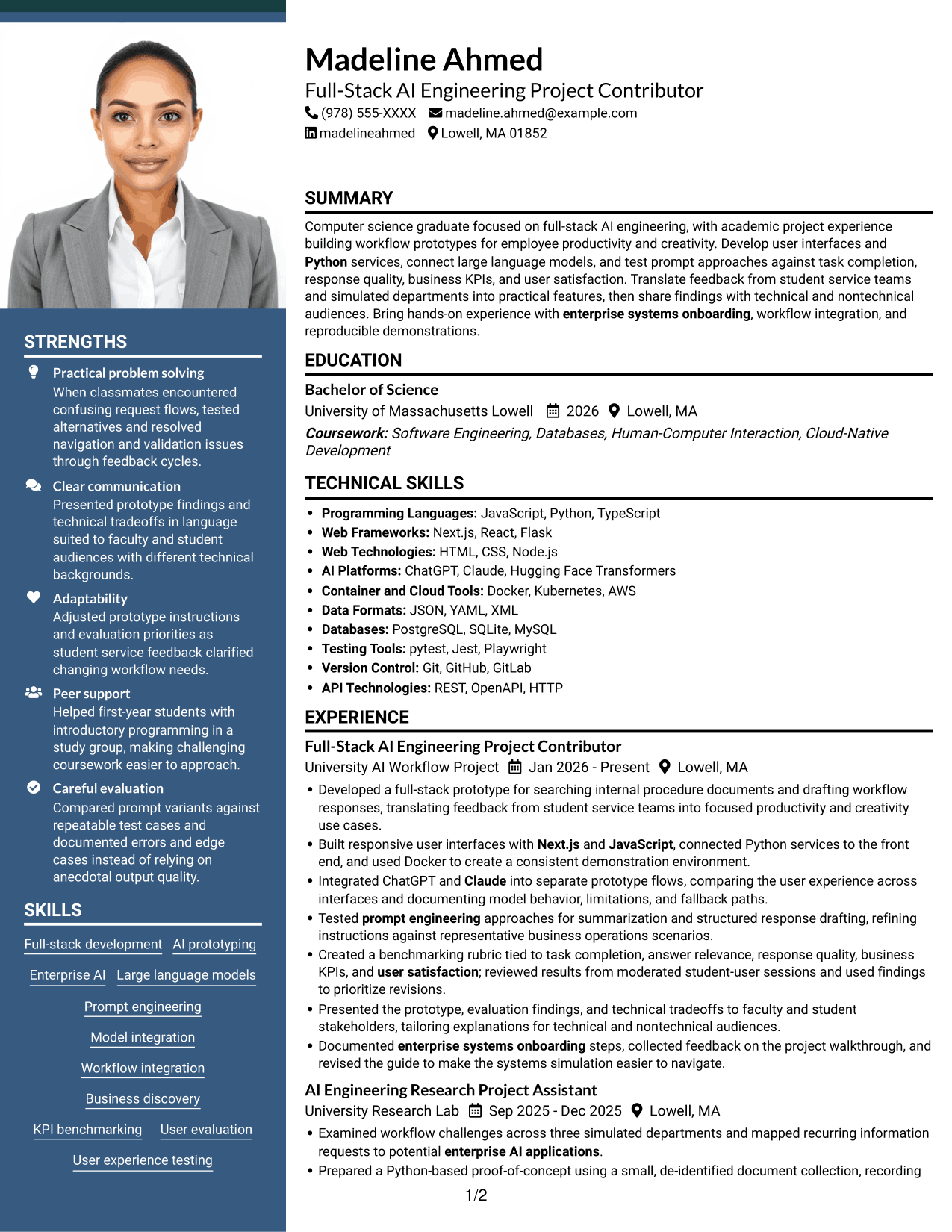
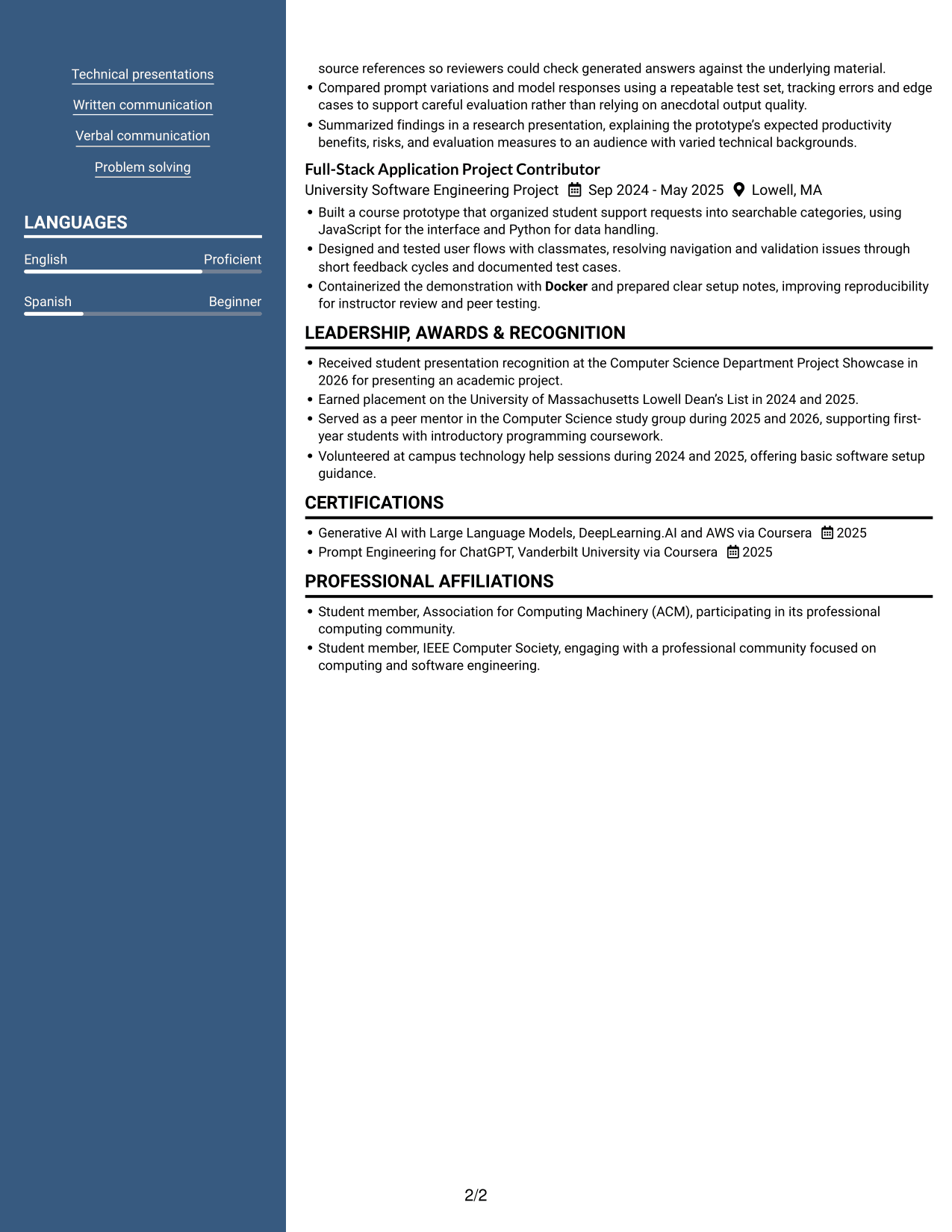
#7 Photo Header Two Column Format Resume Example
Photo Header Two Column Format combines a photo in the header with two body columns, giving the resume a distinct visual presentation and grouped content.
Why This Format Works
- Two-column organization distinguishes skills and education from experience details.
- Grouped sections help reviewers locate project work and credentials across the page.
- The header photo remains visually separate from the detailed resume content.
Best For
- Photo in the resume header
- Two-column section groups
- Skills and education review
- Project and credential details
- Distinct header presentation
Why Build Your Full-Stack AI Engineering Intern Resume with ResumeInMinutes
ResumeInMinutes helps you organize project work, technical skills, education, and certifications in a resume that is easy to review. Use the image previews to compare layouts, then open an example in the editor to customize its structure and content.
- Clear resume section structure
- ATS-aware formatting
- Role-relevant keyword guidance
- Project and skills organization
- Image previews for layout comparison
- Resume customization in the editor
Use specific project bullets to show how you connected interfaces and services, tested model responses, and shared findings with technical and nontechnical audiences. Keep each claim accurate and easy to support.
See Also
- 7 Full Stack Data Scientist - AI/ML Platform Engineering Resume Templates with Example
- 33 AI Automation Engineer / Full-Stack Developer Resume Templates with Example 2026 (ATS-Optimized)
- 33 Full-Stack x AI Automation Engineer Resume Templates with Example 2026 (ATS-Optimized)
- 33 Senior Full-Stack Engineer, AI Platform & MLOps Resume Templates with Example 2026 (ATS-Optimized)
- 33 Senior Full-Stack Software Engineer, Applied AI Resume Templates with Example 2026 (ATS-Optimized)
- 7 Entry-Level Java Full-Stack Programmer Resume Templates with Example
- 33 Full Stack Developer, Network Software Intern Resume Templates with Example 2026 (ATS-Optimized)
- 33 Full Stack Engineer Resume Templates with Example 2026 (ATS-Optimized)
- 7 Full-Stack AI Engineering Intern Cover Letter Templates with Example
- 7 Full Stack Data Scientist - AI/ML Platform Engineering Cover Letter Templates with Example
Frequently Asked Questions
Are these Full-Stack AI Engineering Intern resume templates ATS-friendly?
The layouts use clear sections and readable headings. For stronger ATS matching, include relevant terms such as Python, JavaScript, Next.js, Docker, prompt engineering, AI prototyping, and workflow integration when they accurately describe your experience.
What do the resume examples show?
They show one Full-Stack AI Engineering Intern resume in different visual layouts. Compare the image previews to review the page structure, then open an example in the editor to customize it.
What should a Full-Stack AI Engineering Intern resume include?
Include a focused summary, education, relevant projects or experience, technical skills, and certifications. Use concise bullets to explain your role, tools, testing approach, and measurable results when available.
Which resume layout works well for this role?
Choose a layout with clear headings and a simple reading order. Recruiters should be able to find your project evidence, technical skills, education, and experience quickly. Keep formatting consistent so applicant tracking systems can read the content.
How can academic projects support an internship resume?
Describe the problem, your contribution, the tools you used, and how you tested the result. For example, document prototype features, prompt comparisons, model behavior, user feedback, or evaluation measures that you actually worked with.
Should I include a photo on my resume?
Include a photo only if it is customary or expected in your country, region, or industry. For U.S. applications, a resume without a photo is generally the safer choice.




