
7 GRC Compliance Senior Analyst - IT/OT Security Compliance Cover Letter Templates with Example
This guide helps you shape a focused GRC Compliance Senior Analyst - IT/OT Security Compliance cover letter through seven layouts.
What Makes a Great GRC Compliance Senior Analyst - IT/OT Security Compliance Cover Letter in 2026
A strong letter for this role connects security compliance, IT and OT operations, and manufacturing needs in a clear opening, focused body, and direct close.
Use supported evidence such as GxP knowledge, risk treatment, internal controls, audit readiness, or stakeholder work, then link it to the employer's stated priorities.
The featured example moves from role-specific interest to relevant GRC evidence, collaboration and automation strengths, then a clear close; adapt that progression while choosing a presentation suited to the employer and communication context.
#1 Simple One Column Format Cover Letter Example
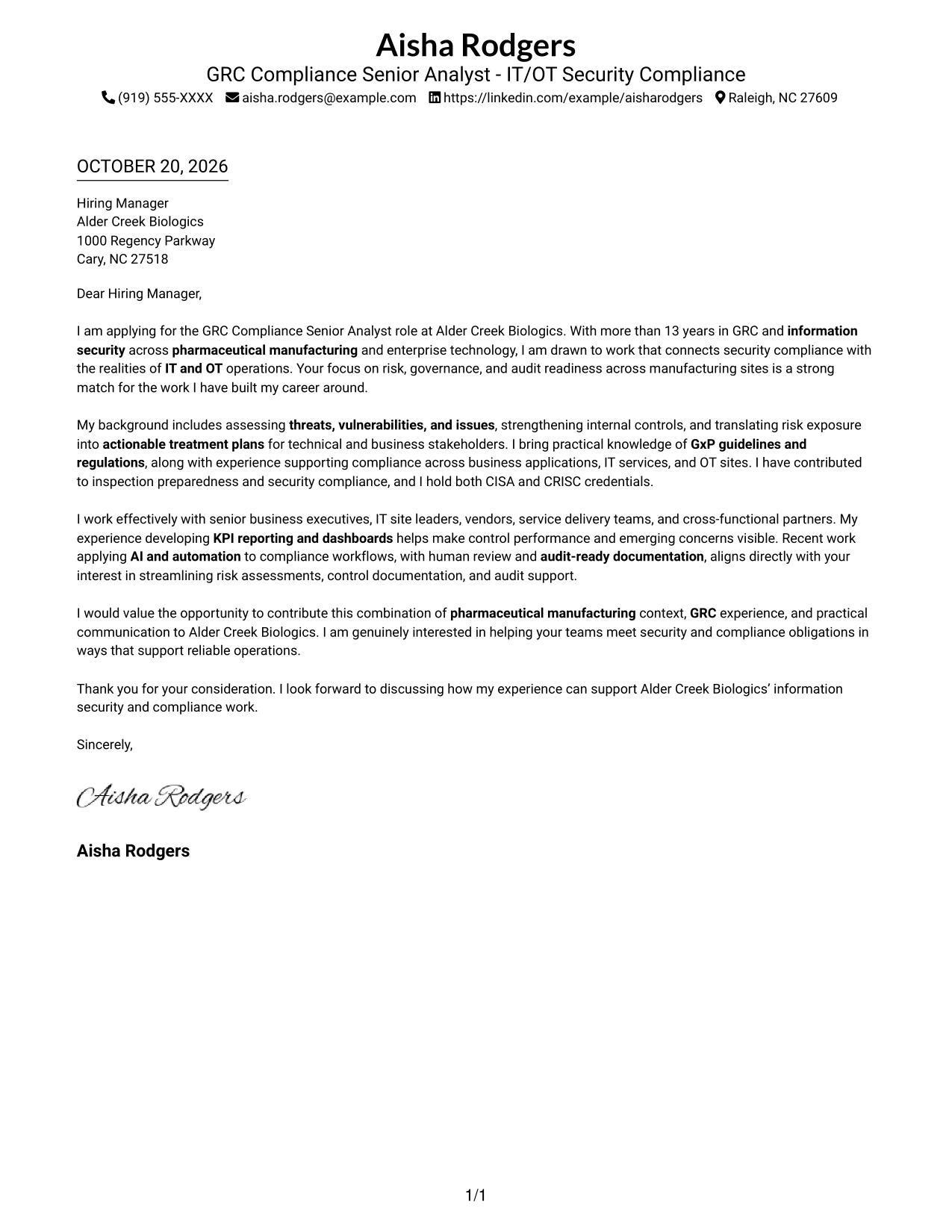
Simple One Column Format places sender details in the header and keeps the letter body in one column, making its reading order straightforward.
Why This Format Works
- The single column keeps the opening, supporting points, and closing in a natural sequence.
- Sender details in the header stay distinct from the letter's persuasive paragraphs.
- Without a sidebar, the page avoids a second area beside the letter text.
Best For
- Single-column reading preferences
- Header-based sender contact details
- Continuous letter arguments
- Text-focused applications
- GRC compliance applications
#2 Two Column Format Cover Letter Example
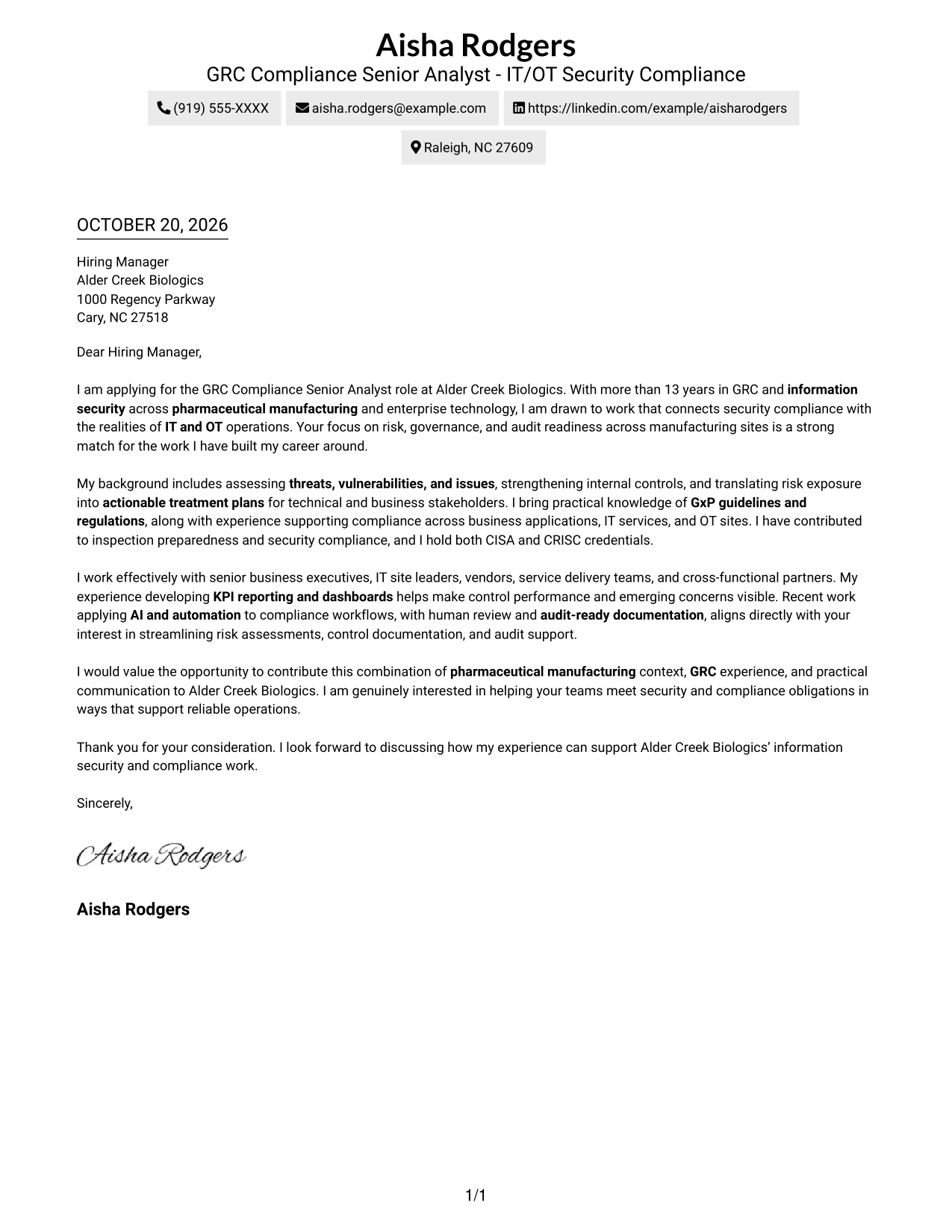
Two Column Format sets a contact sidebar beside one continuous letter body, keeping contact information apart from the message.
Why This Format Works
- The contact sidebar helps readers find sender details without searching through the letter.
- Opening and closing paragraphs remain connected in one continuous message.
- Contact information stays easy to revisit while readers consider the letter's case.
Best For
- Two-column page preferences
- Separate contact details and letter text
- Continuous body paragraphs
- Text-focused application materials
- Letters connecting motivation with evidence
#3 Photo Header Two Column Format Cover Letter Example
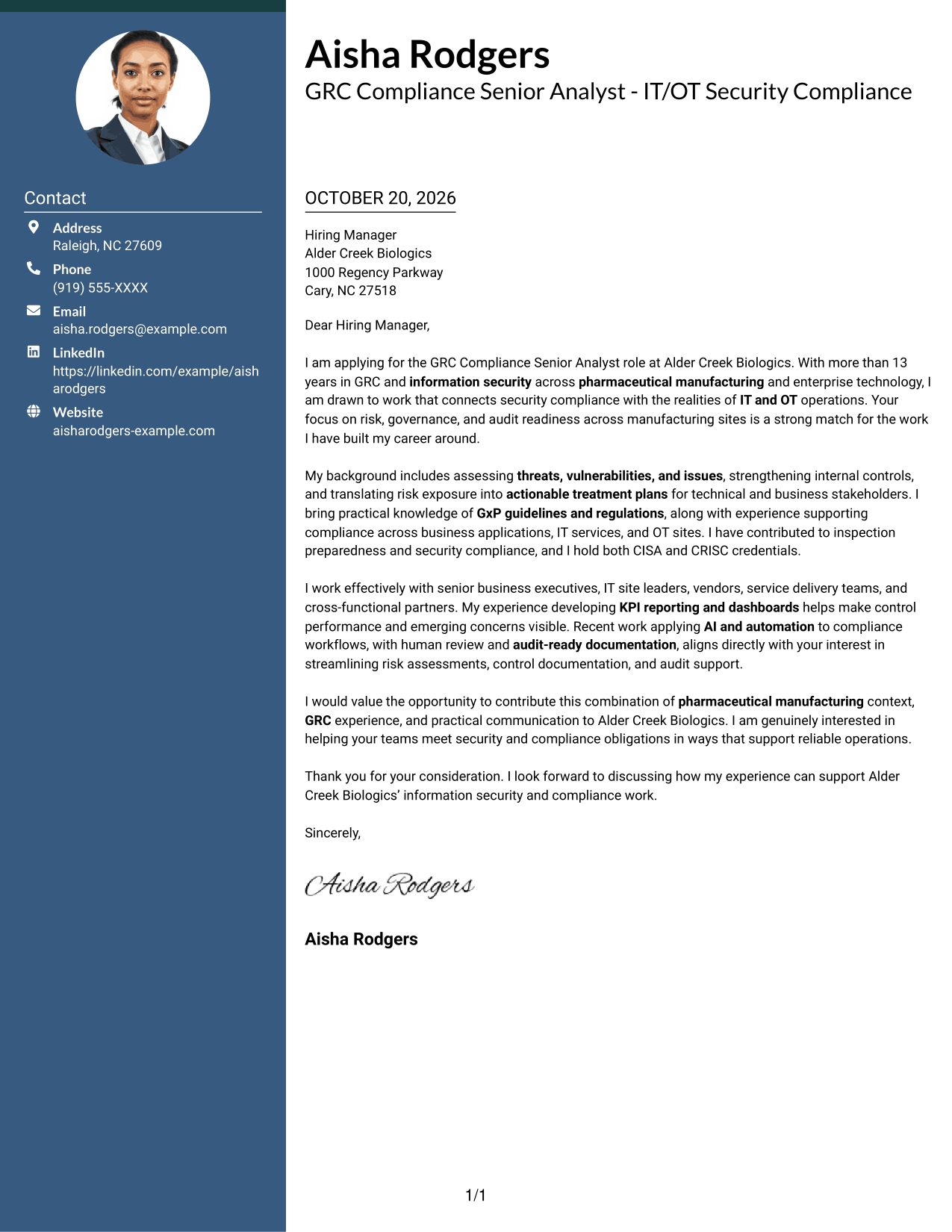
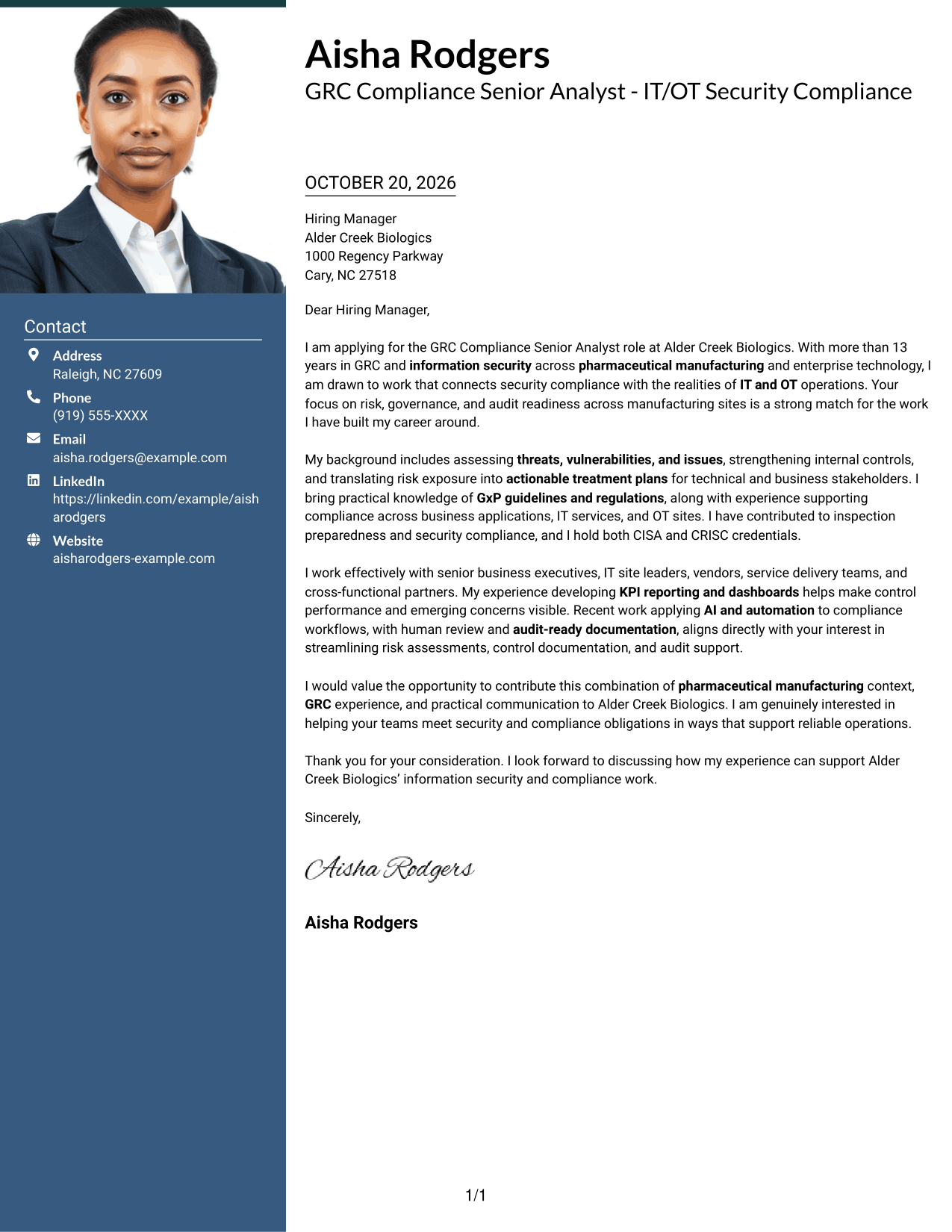
Photo Header Two Column Format pairs a contact sidebar and continuous letter body with a photo, for a portrait-inclusive page that keeps the message intact.
Why This Format Works
- The sidebar separates sender details from the paragraphs that make the case.
- The letter's opening, supporting points, and closing stay in one body.
- A photo adds a personal visual element without splitting the letter text.
Best For
- Two-column page preferences
- Photo-inclusive letter layouts
- Separate contact and message areas
- Continuous letter narratives
- Applications with a portrait
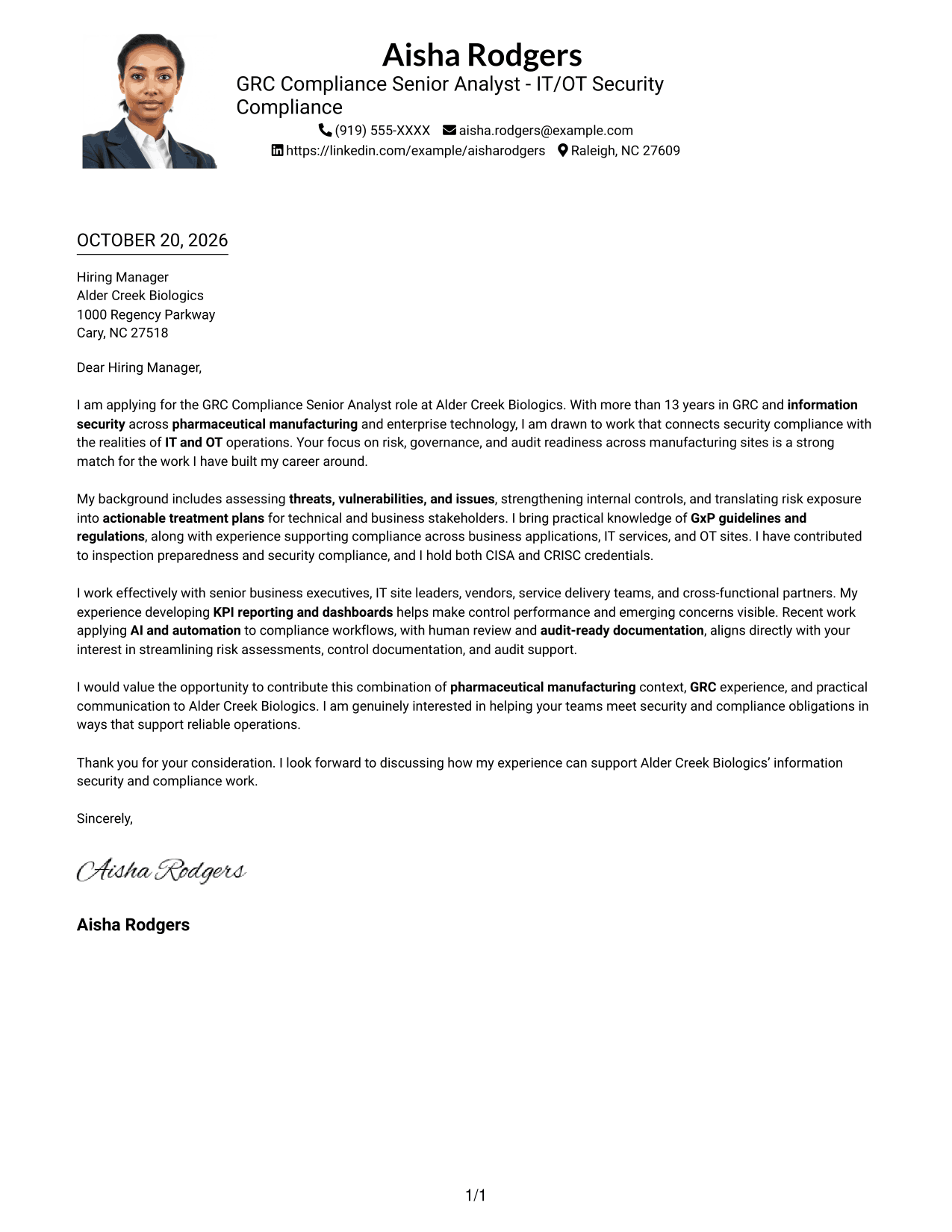
#4 One Column Format with Photo Cover Letter Example
One Column Format with Photo keeps the letter body in one column and includes a photo, combining a linear reading path with a personal visual element.
Why This Format Works
- The single body column keeps the letter's paragraphs together from opening to close.
- Sender details in the header remain separate from the message.
- The included photo adds a personal visual element without dividing the letter text.
Best For
- One-column reading preferences
- Letters that include a photo
- Header-based sender details
- Paragraph-led persuasive writing
- Text with a personal visual element
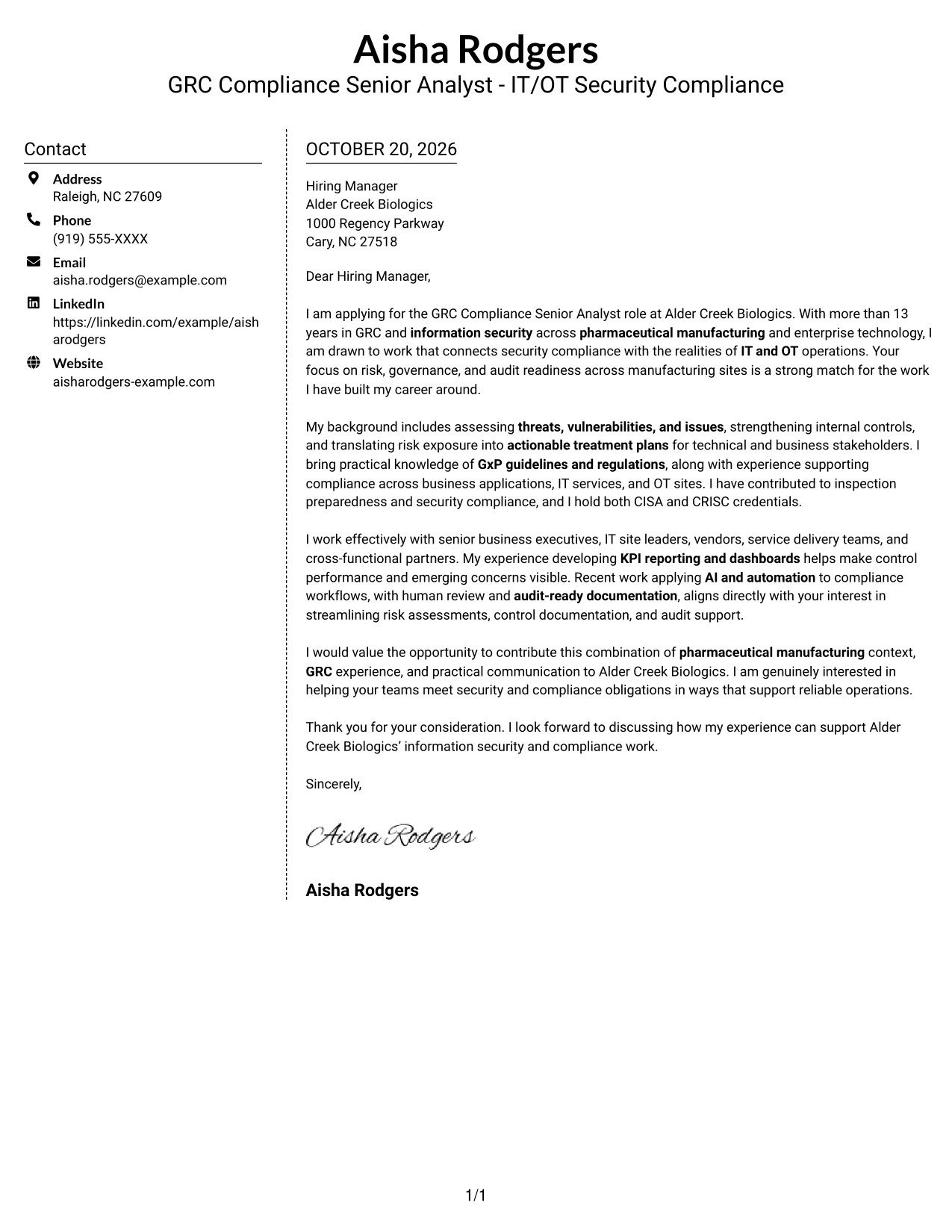
#5 Simple Two Column Format Cover Letter Example
Simple Two Column Format places a contact sidebar beside one continuous letter body, giving sender details and the message separate spaces.
Why This Format Works
- A separate contact area makes sender information easy to locate.
- The letter keeps its opening, supporting points, and close in one body.
- Readers can return to the contact details without losing the message's place.
Best For
- Side-by-side contact and letter layout
- Easy-to-locate sender information
- Uninterrupted letter paragraphs
- Text-led two-column pages
- Applications centered on written persuasion
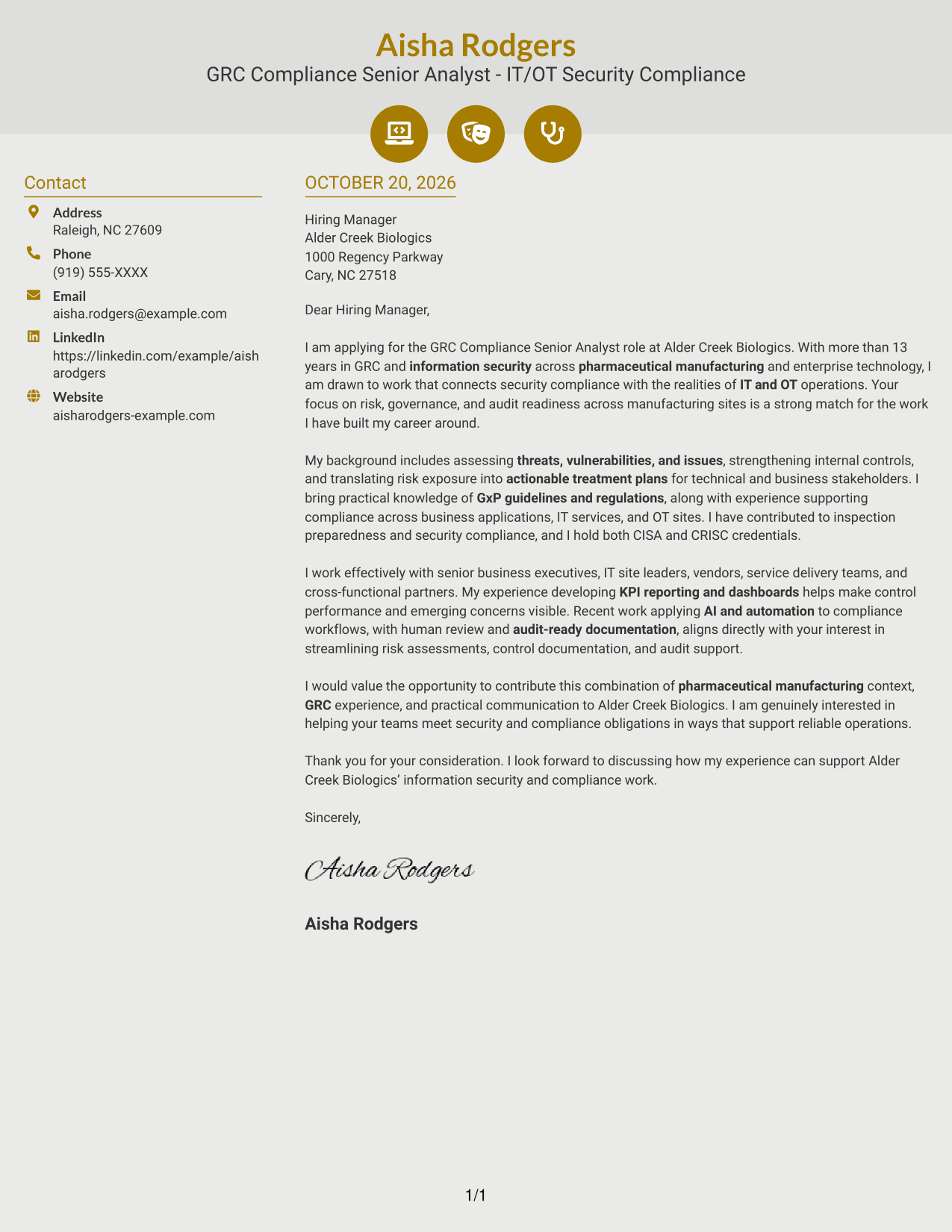
#6 Modern Icon Format Cover Letter Example
Modern Icon Format uses two columns, with contact details beside one continuous letter body; icons cue contact information or decorate the header.
Why This Format Works
- The sidebar keeps contact details apart from the letter's message.
- Icons cue contact details or decorate the header, not the letter's argument.
- The letter's paragraphs remain together as one continuous body.
Best For
- Two-column reading preferences
- Contact details with visual cues
- Continuous paragraph-based letters
- Decorative header accents
- Letters with a clear written case
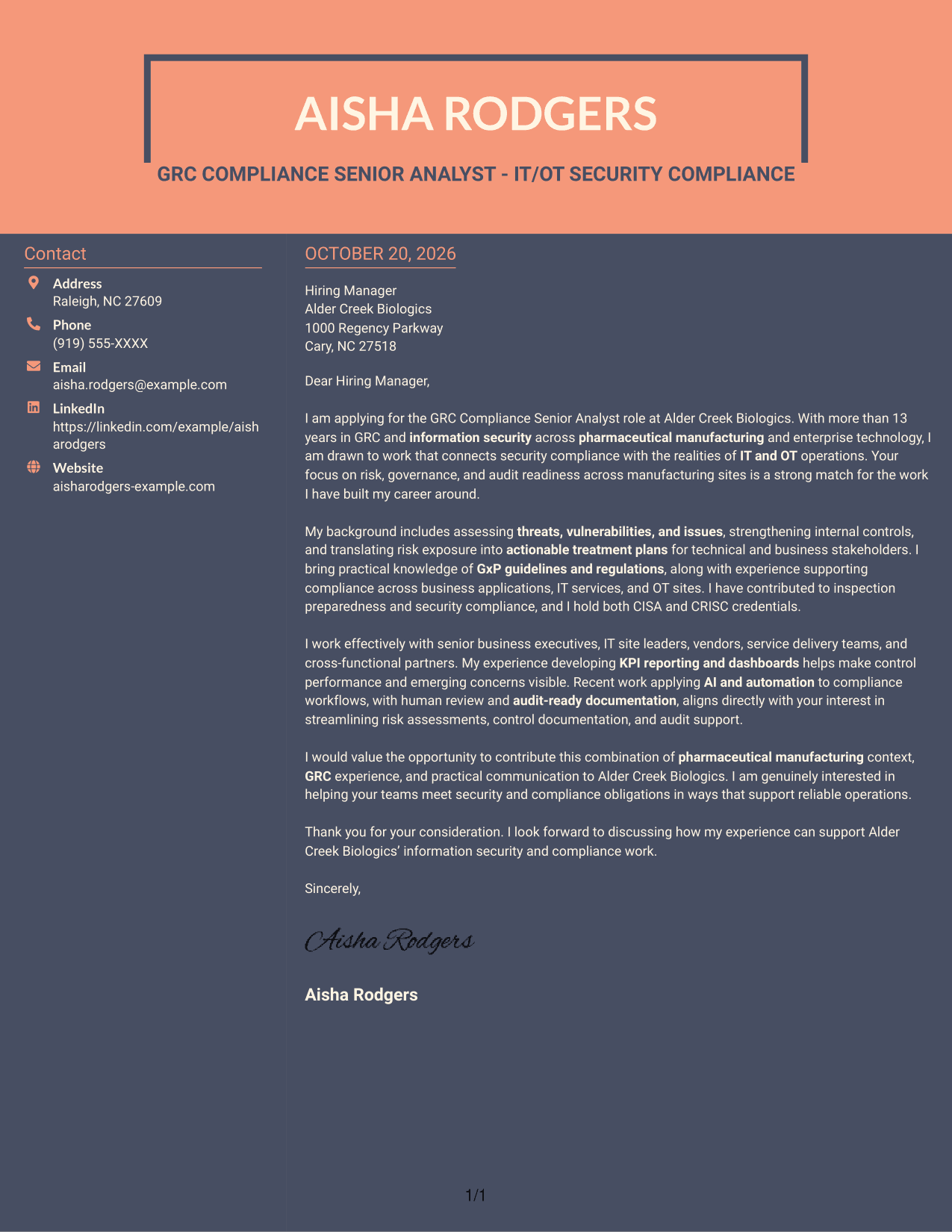
#7 Creative Two Tone Format Cover Letter Example
Creative Two Tone Format places a contact sidebar beside one continuous letter body, separating correspondence details from the persuasive message.
Why This Format Works
- The sidebar gives sender contact details a separate place beside the letter.
- The letter keeps its opening, evidence, and closing in one continuous body.
- Readers can refer to contact information while following the message in sequence.
Best For
- Contact details beside the letter
- Continuous opening-to-close paragraphs
- Two-column layout preferences
- Letters with a clear motivation and case
- Written applications for GRC compliance roles
See Also
- 7 GRC Compliance Senior Analyst - IT/OT Security Compliance Resume Templates with Example
- 7 Senior Commercial Compliance Analyst - Security Certifications and Audits Resume Templates with Example
- 33 Cyber Security OT Sr Analyst Resume Templates with Example 2026 (ATS-Optimized)
- 7 Principal Analyst, Healthcare Compliance Resume Templates with Example
- 7 Senior Compliance Analyst - EEO and Affirmative Action Reporting Resume Templates with Example
- 7 Information Technology Programmer Analyst - IT Business Analyst Resume Templates with Example
- 7 IT Analyst - Technology Support Resume Templates with Example
- 7 Kinaxis IT Analyst Resume Templates with Example
- 7 Senior Commercial Compliance Analyst - Security Certifications and Audits Cover Letter Templates with Example
- 30+ Cyber Security OT Sr Analyst Cover Letter Templates with Example 2026
Frequently Asked Questions
What should the opening paragraph say for this role?
State the exact role and give a clear reason for your interest. Connect that interest to the work of supporting security compliance across IT, OT, and manufacturing operations.
What experience is useful to discuss in this cover letter?
Choose evidence that is true for you and relevant to the position, such as GxP knowledge, risk assessment, internal controls, audit readiness, or work with IT and OT teams. Explain how your contribution supported compliance or helped stakeholders act on risk.
How can I connect my background to the employer's needs?
Refer to priorities stated in the job description, such as information security, governance, manufacturing site support, and audit readiness. Show how your experience relates to those priorities without claiming skills or outcomes you cannot support.
How should I describe AI and automation experience?
If you have relevant experience, explain how you used AI or automation in compliance work and note the role of human review and clear records. Keep the example specific to your actual work.
What should I check before sending my cover letter?
Make sure the role title and employer name are correct, each paragraph has a clear purpose, and the closing expresses interest in a discussion. Review the image previews, then open an example in the editor if you want to view or customize it.




