
7 IFS Cloud Solution Architect - Utility Asset Management Cover Letter Templates with Example
This practical guide helps you write an IFS Cloud Solution Architect - Utility Asset Management cover letter, with seven layouts to help you present your role fit clearly.
What Makes a Great IFS Cloud Solution Architect - Utility Asset Management Cover Letter in 2026
A strong letter connects utility operating needs to clear IFS Cloud asset and work management designs. It should show why this work matters to you and how you communicate with business and technical teams.
Use specific evidence, such as facilitating process workshops or documenting design and integration needs. Connect that experience to the employer’s client work, and keep your opening, body, and closing direct and easy to follow.
The featured example follows a focused progression from interest, to relevant utility design evidence, to a clear closing; adapt that flow while choosing a presentation that fits the employer and communication context.
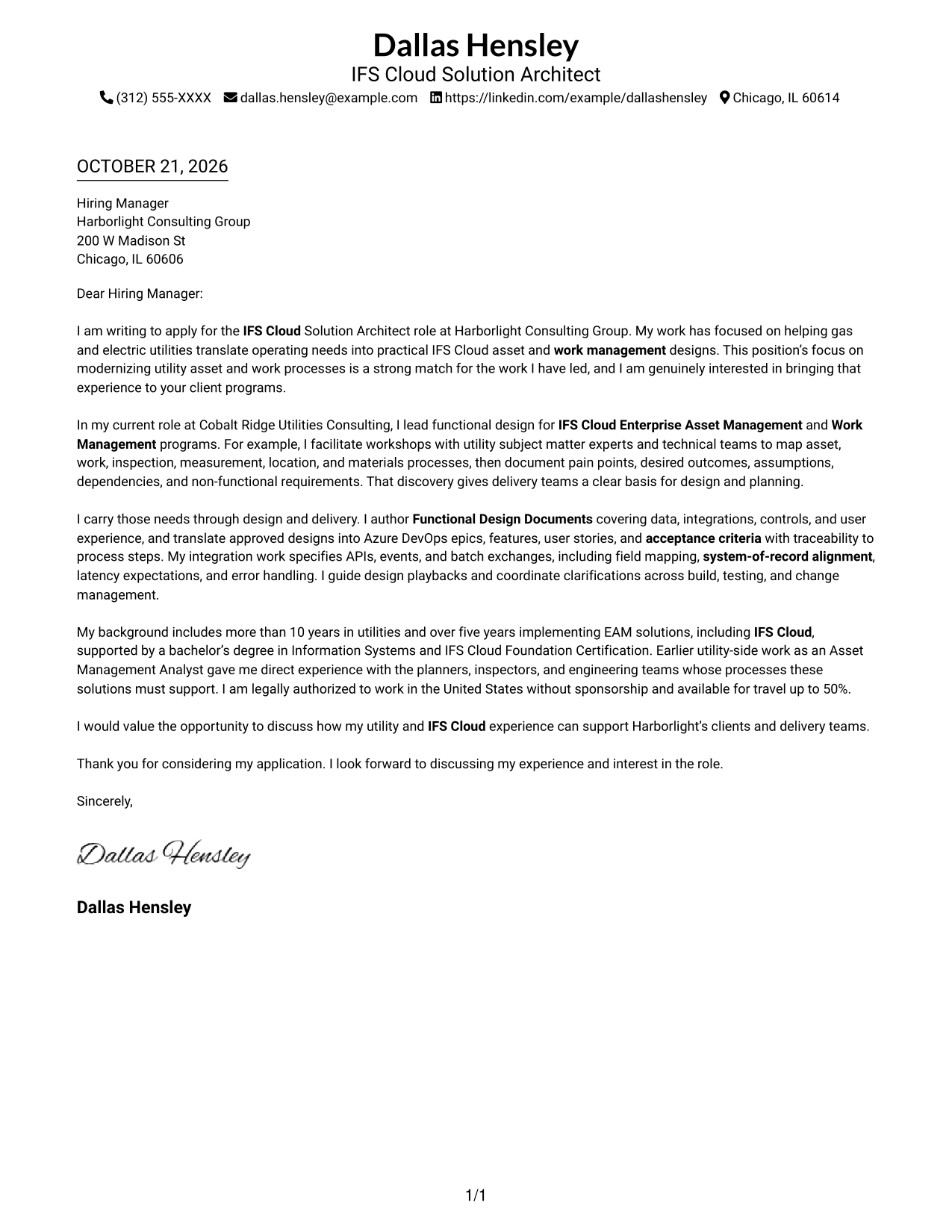
#1 Simple One Column Format Cover Letter Example
A single-column page gives the letter a direct reading path, a straightforward choice for paragraph-led correspondence.
Why This Format Works
- Sender details remain in the header, separate from the message itself.
- Unheaded paragraphs keep the letter’s tone natural and uninterrupted.
- The reviewer can follow the letter without shifting between body columns.
Best For
- Single-column reading preference
- Sender details in the header
- Letters without body headings
- Paragraph-based application letters
- Text-led correspondence
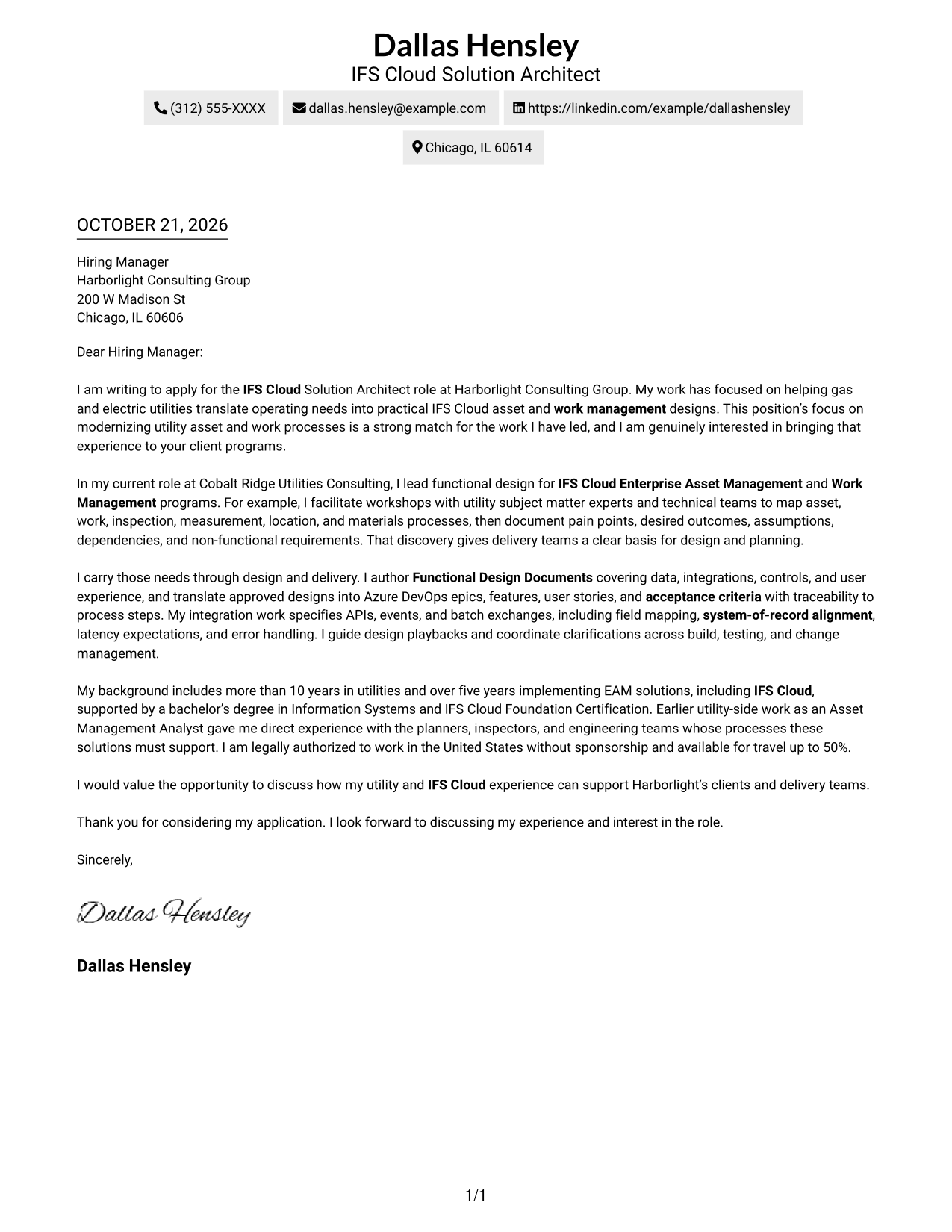
#2 Two Column Format Cover Letter Example
A contact sidebar beside one continuous letter body separates sender information from the message for readers who want both in view.
Why This Format Works
- Contact details sit apart from the message, making sender information easy to find.
- Opening, supporting points, and closing stay together in one letter body.
- Paragraph-based text avoids labels that could interrupt the letter’s natural tone.
Best For
- Contact details at a glance
- One-column letter text
- Side-by-side page organization
- Applications with several contact methods
- Letters without internal headings
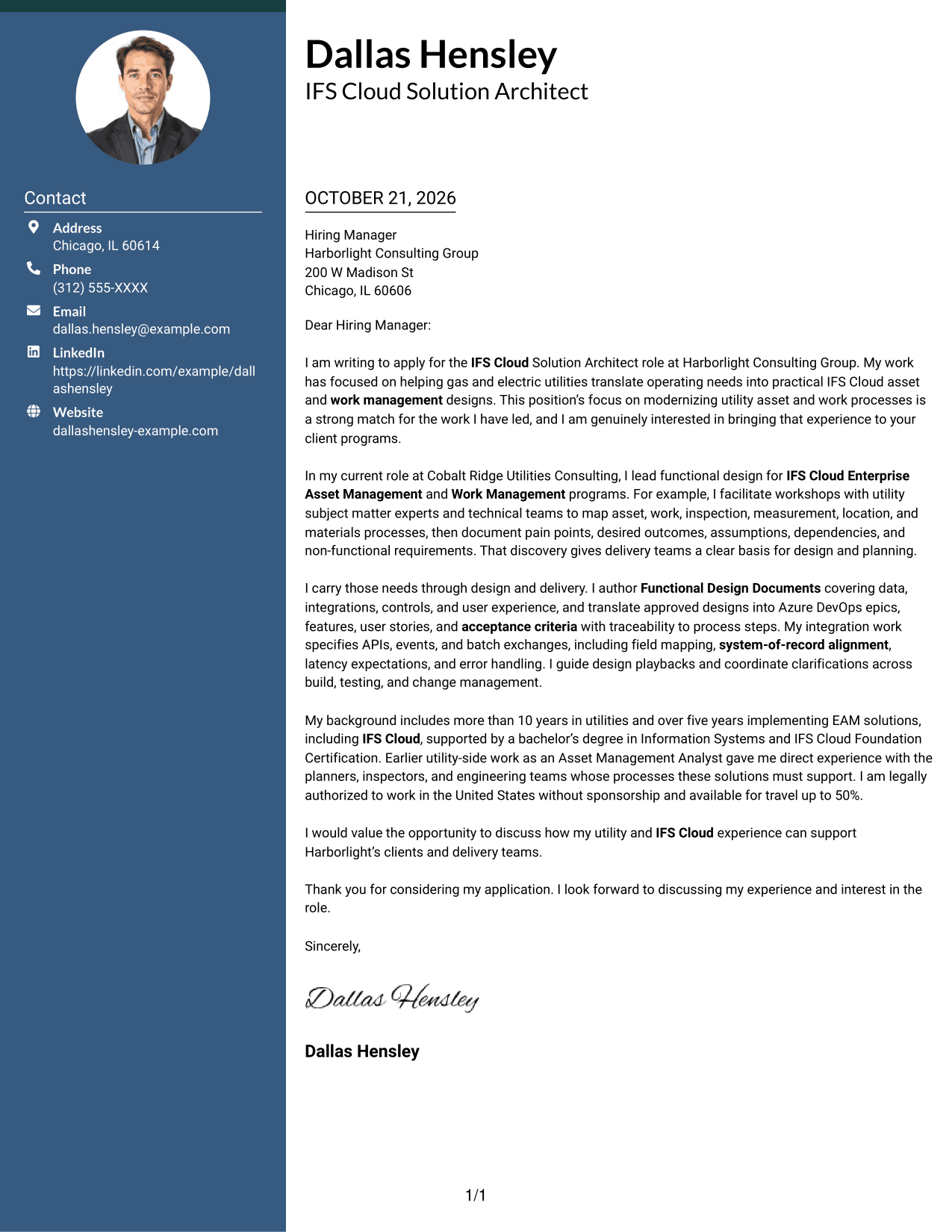
#3 Photo Header Two Column Format Cover Letter Example
A photo and contact sidebar accompany one continuous letter body, a practical option for readers who want a portrait with separate contact details.
Why This Format Works
- The portrait adds a visual element without dividing the letter’s argument.
- A separate contact area leaves the letter body in one reading column.
- The continuous paragraphs keep the message together from opening through close.
Best For
- Portrait-inclusive letter layouts
- Contact information beside the message
- Single-body letter reading
- Visual preference for a photo
- Applications with multiple contact details
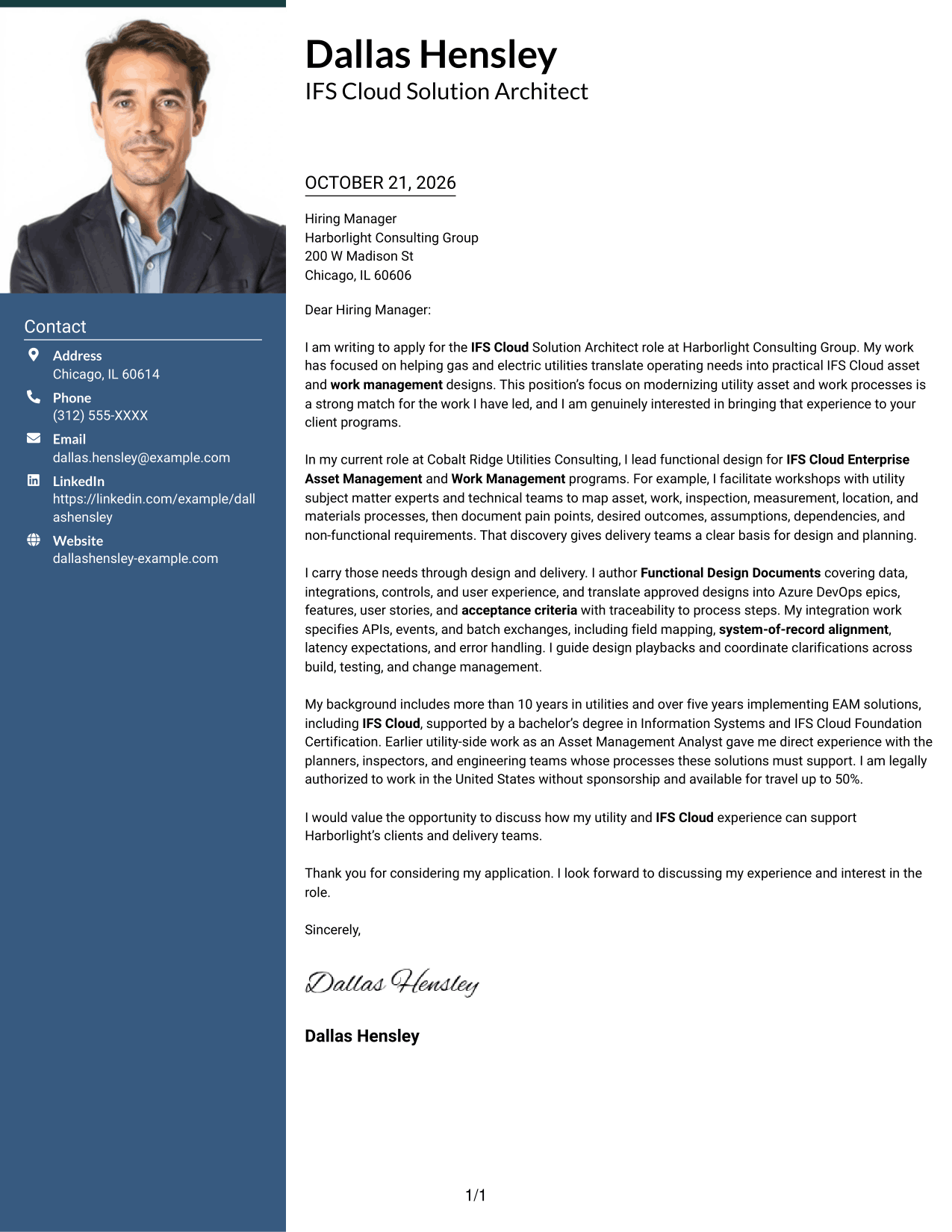
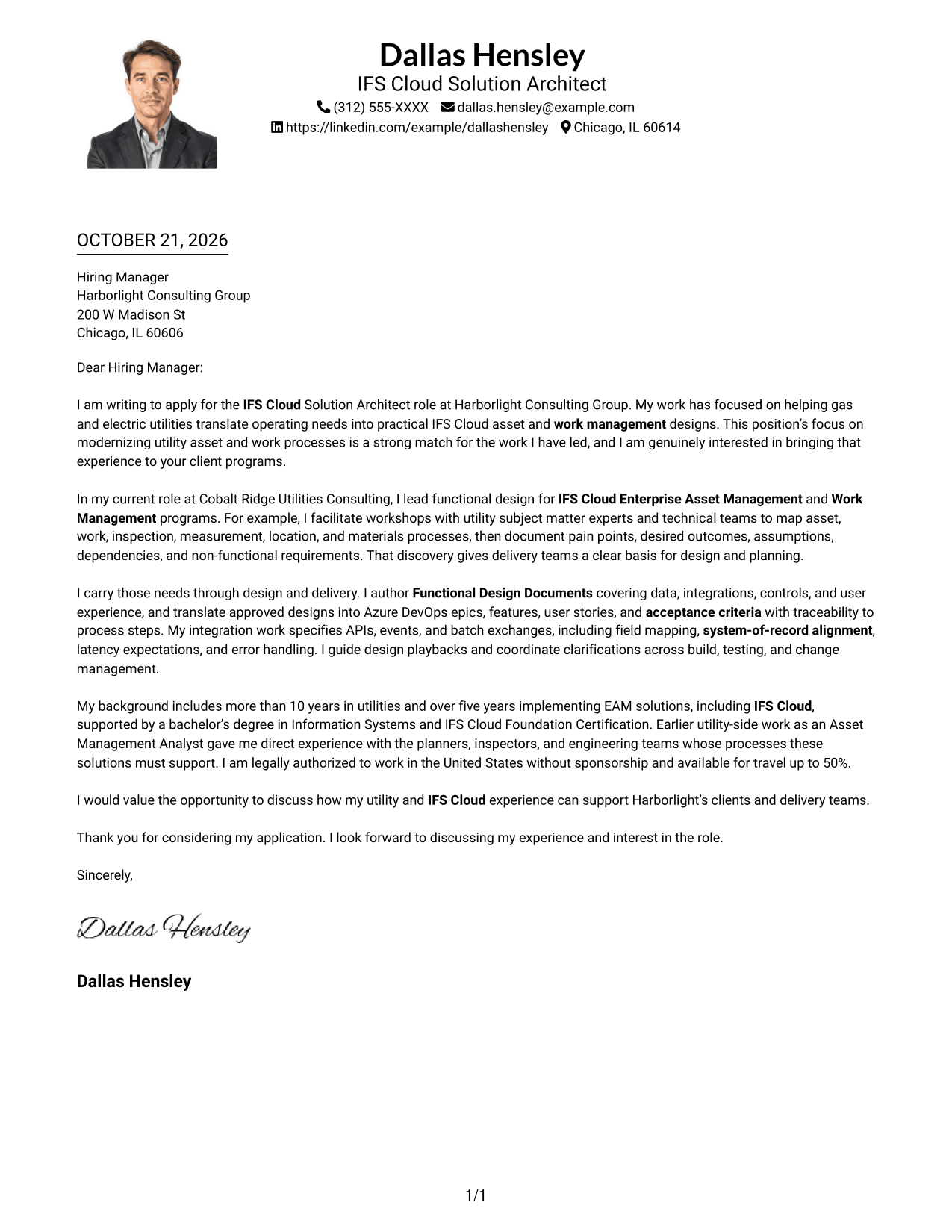
#4 One Column Format with Photo Cover Letter Example
This one-column layout includes a photo while keeping the letter body in one reading path, for readers who prefer a portrait.
Why This Format Works
- The photo adds a visual feature while the letter remains a single-column document.
- Sender details in the header stay distinct from the letter’s paragraphs.
- Without body headings, the message can retain a natural conversational flow.
Best For
- One-column letter preference
- Portrait-inclusive correspondence
- Header-based sender information
- Uninterrupted paragraph reading
- Letters without argument labels
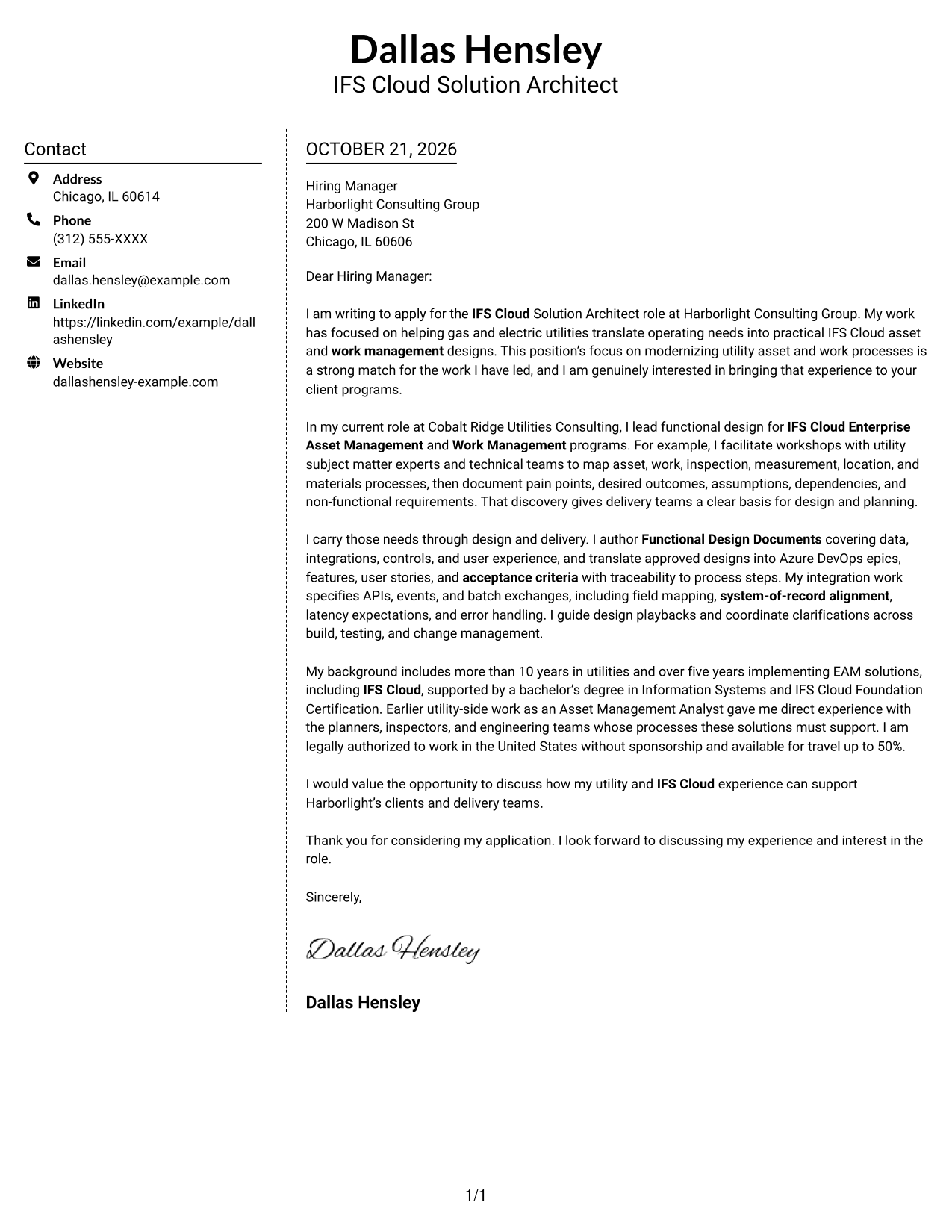
#5 Simple Two Column Format Cover Letter Example
The contact sidebar sits beside a single letter body, giving readers a clear choice between checking details and reading the message.
Why This Format Works
- The sidebar keeps sender details separate from the letter’s persuasive paragraphs.
- A single body column preserves the order of the opening and closing.
- The layout presents contact information and the message as distinct areas.
Best For
- Separate contact and message areas
- A single-column letter body
- Quick access to sender details
- Letters with continuous paragraphs
- Side-by-side information display
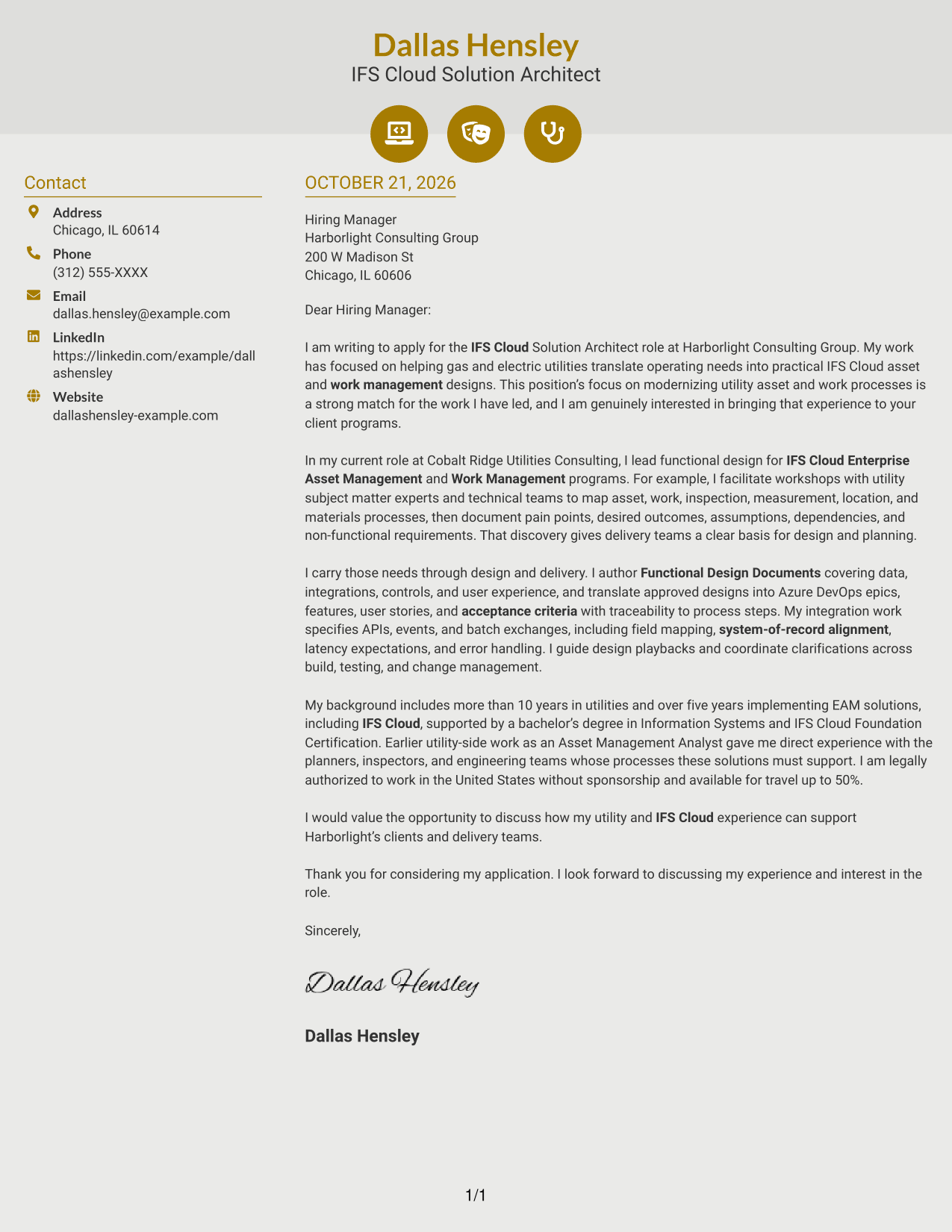
#6 Modern Icon Format Cover Letter Example
Contact icons cue sender details beside one continuous letter body, helping readers identify contact information without treating icons as argument labels.
Why This Format Works
- Icons identify contact details, not the letter’s motivation or supporting points.
- The sidebar keeps contact information apart from the continuous message.
- One body column lets readers follow the letter in its written order.
Best For
- Contact icons as visual cues
- Contact details outside the message
- One-column letter reading
- Letters with an uninterrupted argument
- Icon-based contact presentation
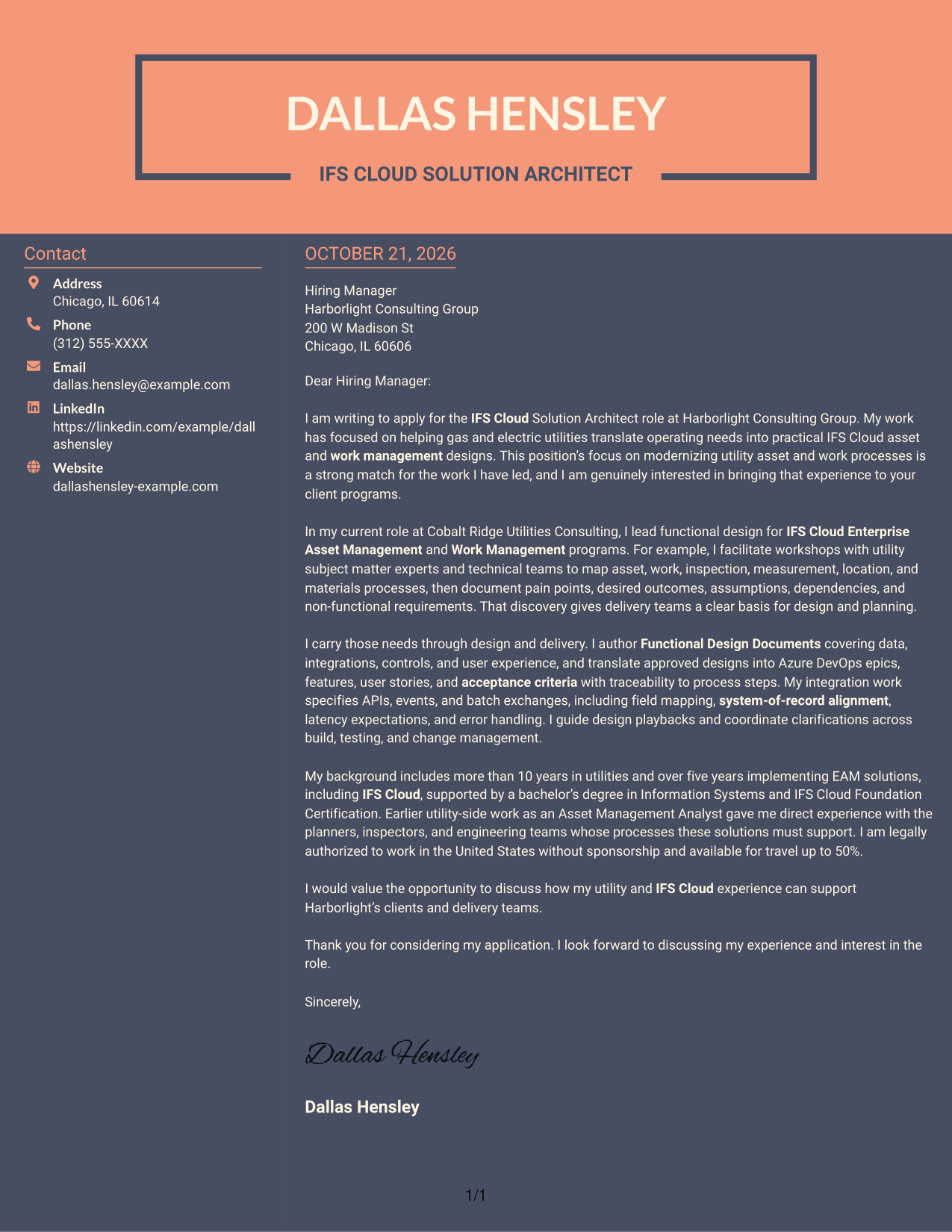
#7 Creative Two Tone Format Cover Letter Example
A contact sidebar and one continuous letter body create separate areas on the page, a useful choice for readers who prefer contact details apart from prose.
Why This Format Works
- The sidebar makes sender information available without interrupting the letter paragraphs.
- A single body column keeps the message in its intended order.
- The continuous text supports a direct read from opening to closing.
Best For
- Sidebar-based contact lookup
- Continuous letter paragraphs
- Separate contact and message areas
- Applications with several contact methods
- Readers who prefer two-column pages
Why Use ResumeInMinutes for an IFS Cloud Solution Architect - Utility Asset Management Cover Letter
ResumeInMinutes lets you compare cover letter image previews and open an example in the editor to customize its wording and presentation. You can shape the letter around your experience with utility operations, IFS Cloud design, requirements, and integrations.
- Several writing and layout options
- Clear, professional presentation
- Role-focused cover letter guidance
- Examples to view in the editor
- Support for a focused opening and closing
- Tools for tailoring your letter
Use the examples to choose a format that suits the employer and the way you want to communicate your interest, experience, and fit for this utility-focused role.
See Also
- 7 IFS Cloud Solution Architect - Utility Asset Management Resume Templates with Example
- 7 Senior Solutions Architect - Utilities, Workforce and Asset Management Resume Templates with Example
- 7 AWS Cloud Solutions Architect Resume Templates with Example
- 7 Azure Principal Solution Architect - Cloud Go-to-Market Resume Templates with Example
- 7 Senior Solutions Architect - Enterprise Cloud Resume Templates with Example
- 7 Agentic Solution Architect Resume Templates with Example
- 7 AI Application Solutions Architect - Generative AI Resume Templates with Example
- 7 AI Engineering Solutions Architect Resume Templates with Example
- 7 Senior Solutions Architect - Utilities, Workforce and Asset Management Cover Letter Templates with Example
- 7 AWS Cloud Solutions Architect Cover Letter Templates with Example
Frequently Asked Questions
What should an IFS Cloud Solution Architect - Utility Asset Management cover letter emphasize?
Show how you connect utility operating needs to IFS Cloud Enterprise Asset Management and Work Management designs. Explain how you work with business and technical teams to clarify needs and guide delivery.
How can I make my cover letter specific to utility asset management?
Choose a relevant example involving asset, work, inspection, measurement, location, or materials processes. Explain your contribution and how it helped teams reach clear design or delivery decisions.
How should I describe integration experience in the letter?
Briefly explain your role in defining API, event, or batch integrations. If relevant to your experience, mention field mapping, systems of record, expected timing, and error handling.
Which cover letter format should I choose?
Choose a clear layout that makes your message easy to read and fits the employer’s communication style. The image previews can help you compare options, and you can open an example in the editor to customize it.
How can I show both technical skill and communication ability?
Pair a technical example, such as writing a functional design or tracing requirements, with a brief note about how you explained decisions or worked through questions with stakeholders.




