
7 Information Technology Technician - Endpoint and User Support Cover Letter Templates with Example
This guide helps you shape an Information Technology Technician - Endpoint and User Support cover letter and compare seven layouts for presenting your fit clearly.
What Makes a Great Information Technology Technician - Endpoint and User Support Cover Letter in 2026
A strong letter opens with clear interest, then connects endpoint care and calm user support to the Information Technology Technician - Endpoint and User Support role.
Use specific evidence, such as preparing devices, prioritizing support requests, documenting fixes, and coordinating updates. Explain how that experience can help the employer keep employees connected and services reliable.
The featured example follows a focused progression from role interest to relevant evidence and a clear close, which you can adapt while choosing a presentation that fits the employer and communication context.
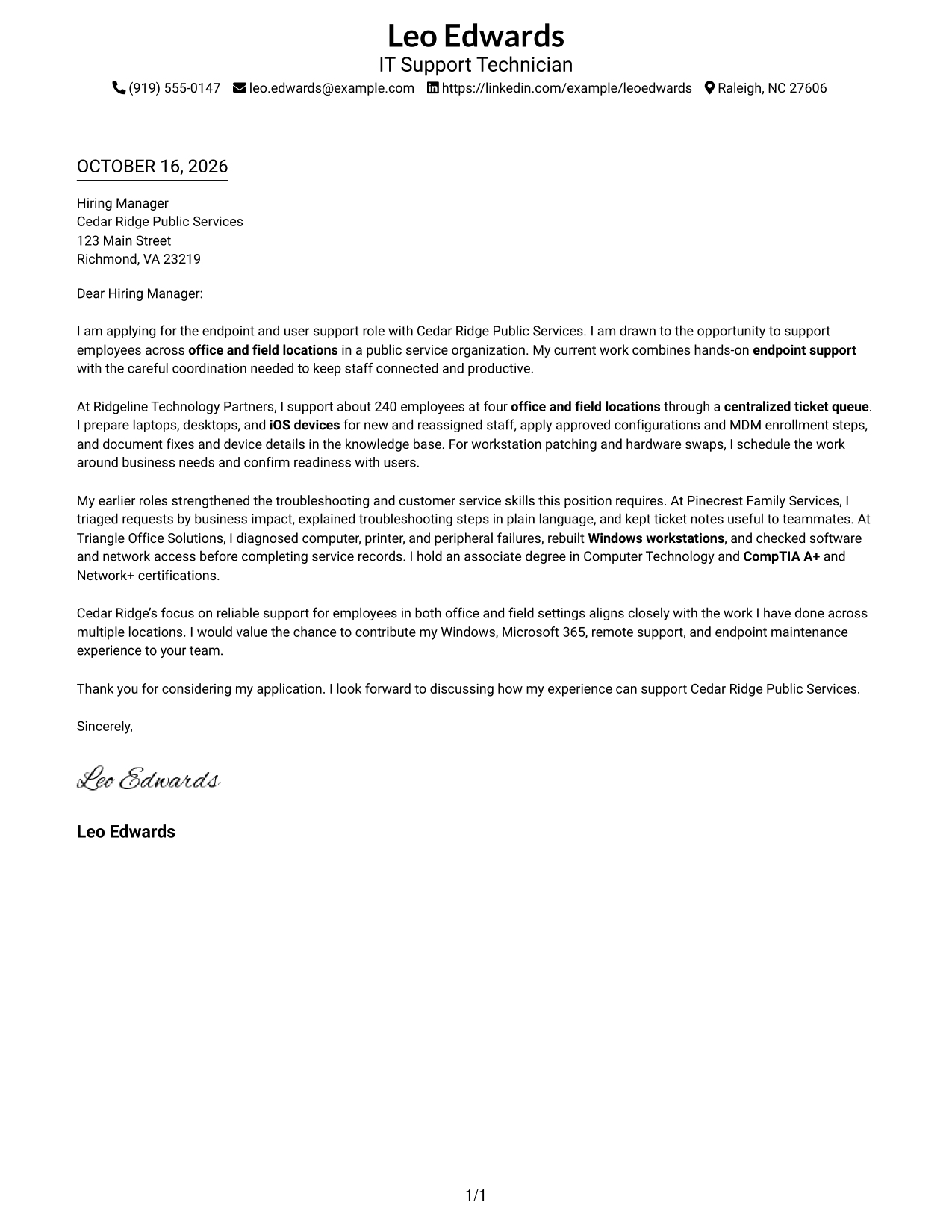
#1 Simple One Column Format Cover Letter Example
A single-column layout keeps sender details in the header and the full letter in one direct reading path, a useful choice for familiar, text-first presentation.
Why This Format Works
- The opening, supporting paragraphs, and closing follow one direct reading path.
- Sender details stay in the header, apart from the letter's central message.
- Omitting a photo suits readers who prefer a document centered on written communication.
Best For
- Single-column letter layouts
- Header-based contact details
- Paragraph-led application letters
- Text-first correspondence
- Photo-free document preferences
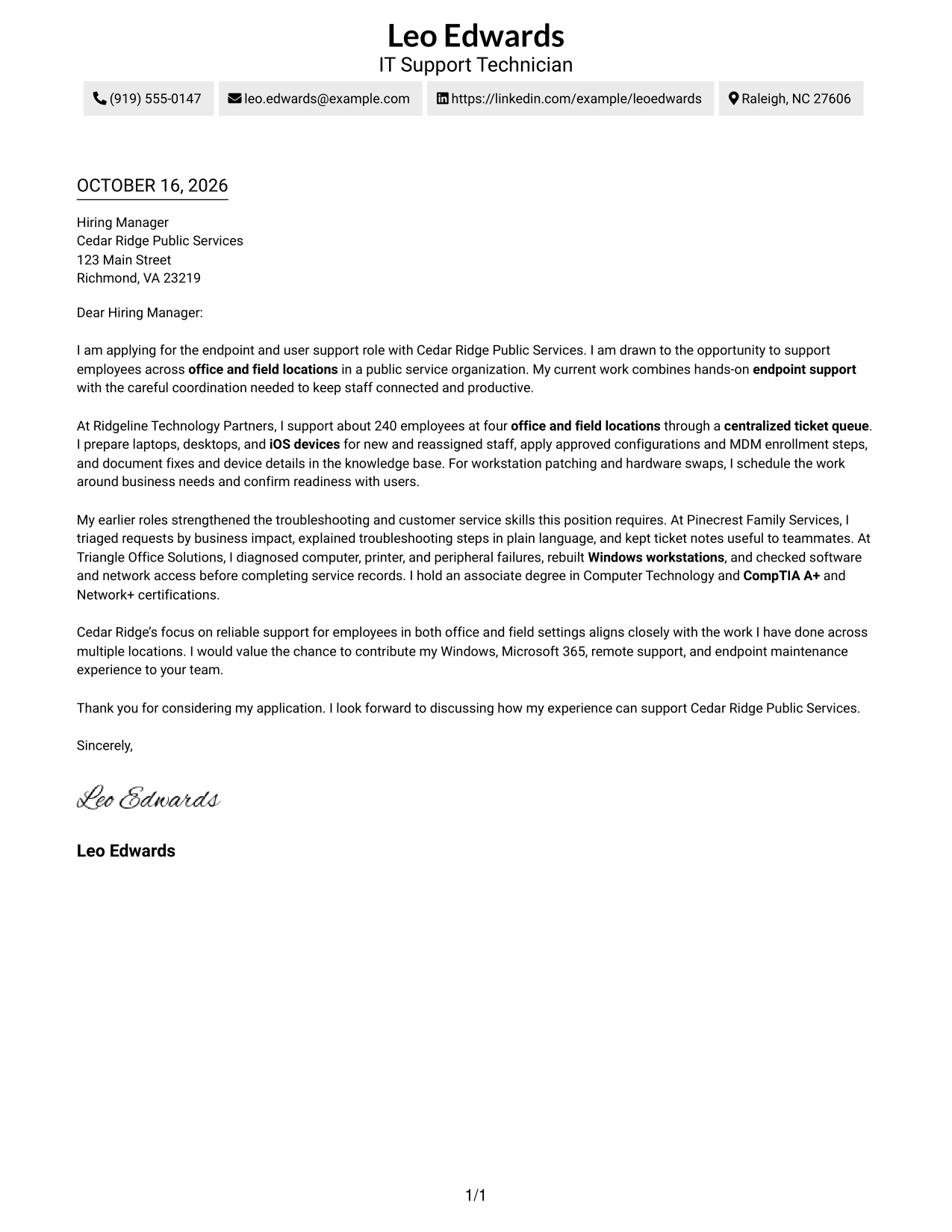
#2 Two Column Format Cover Letter Example
A contact sidebar sits beside one continuous letter body, giving contact information its own place while the message remains easy to follow.
Why This Format Works
- Contact details sit apart, so reviewers can locate them without interrupting the letter.
- One continuous body lets motivation and supporting evidence unfold in sequence.
- Leaving out a photo suits readers who favor a text-led presentation.
Best For
- Contact details beside the letter
- A continuous persuasive message
- Letters with several contact channels
- Text-led application documents
- Photo-free correspondence
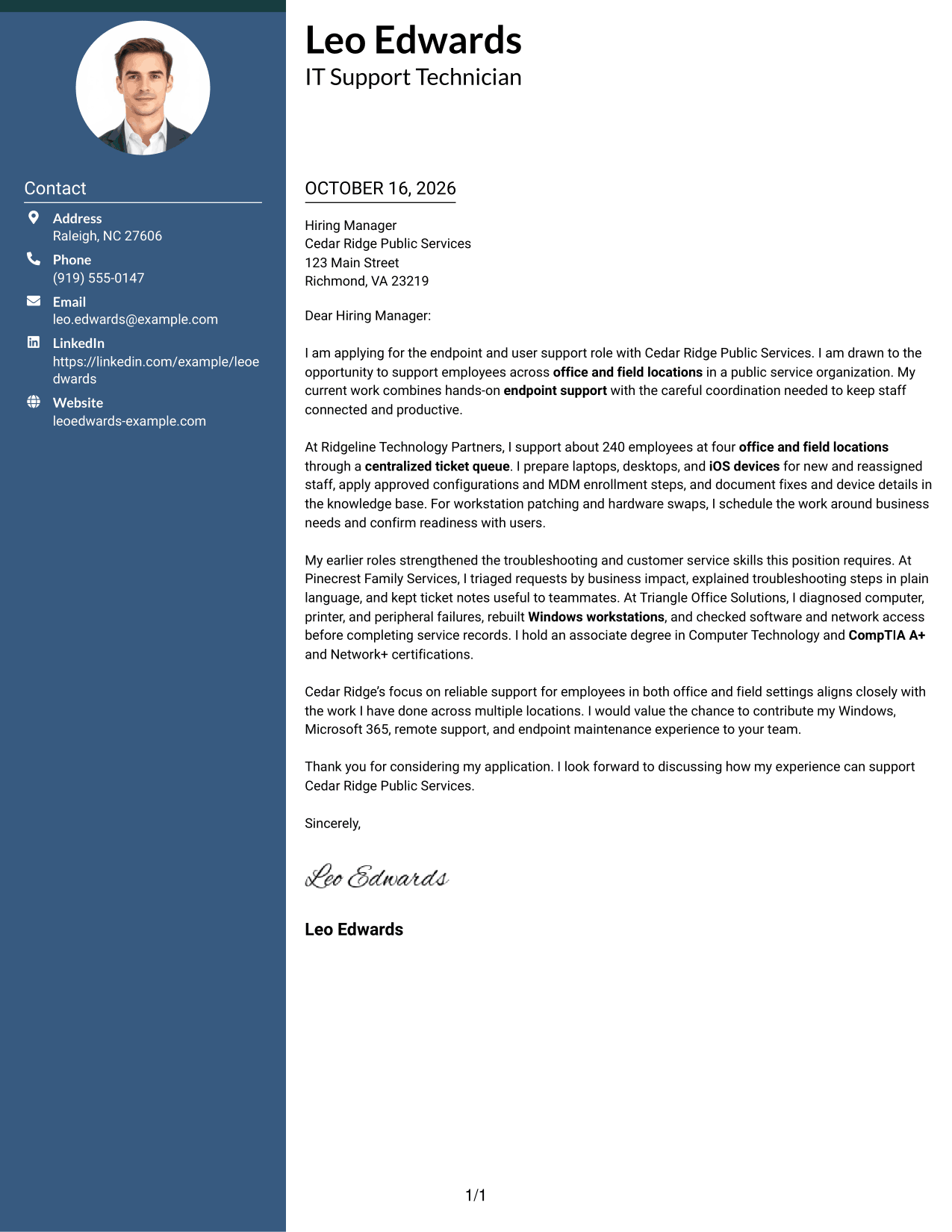
#3 Photo Header Two Column Format Cover Letter Example
Two columns place contact details beside one continuous letter body, while the included photo adds a personal visual element to the document.
Why This Format Works
- Separate columns distinguish practical contact details from the letter's central message.
- Paragraphs carry the opening, evidence, and closing in one sequence.
- An included photo suits readers who want a personal visual element.
Best For
- Sidebar contact presentation
- A continuous letter argument
- Letters with a personal photo
- Applications with several contact channels
- Readers who prefer distinct contact placement
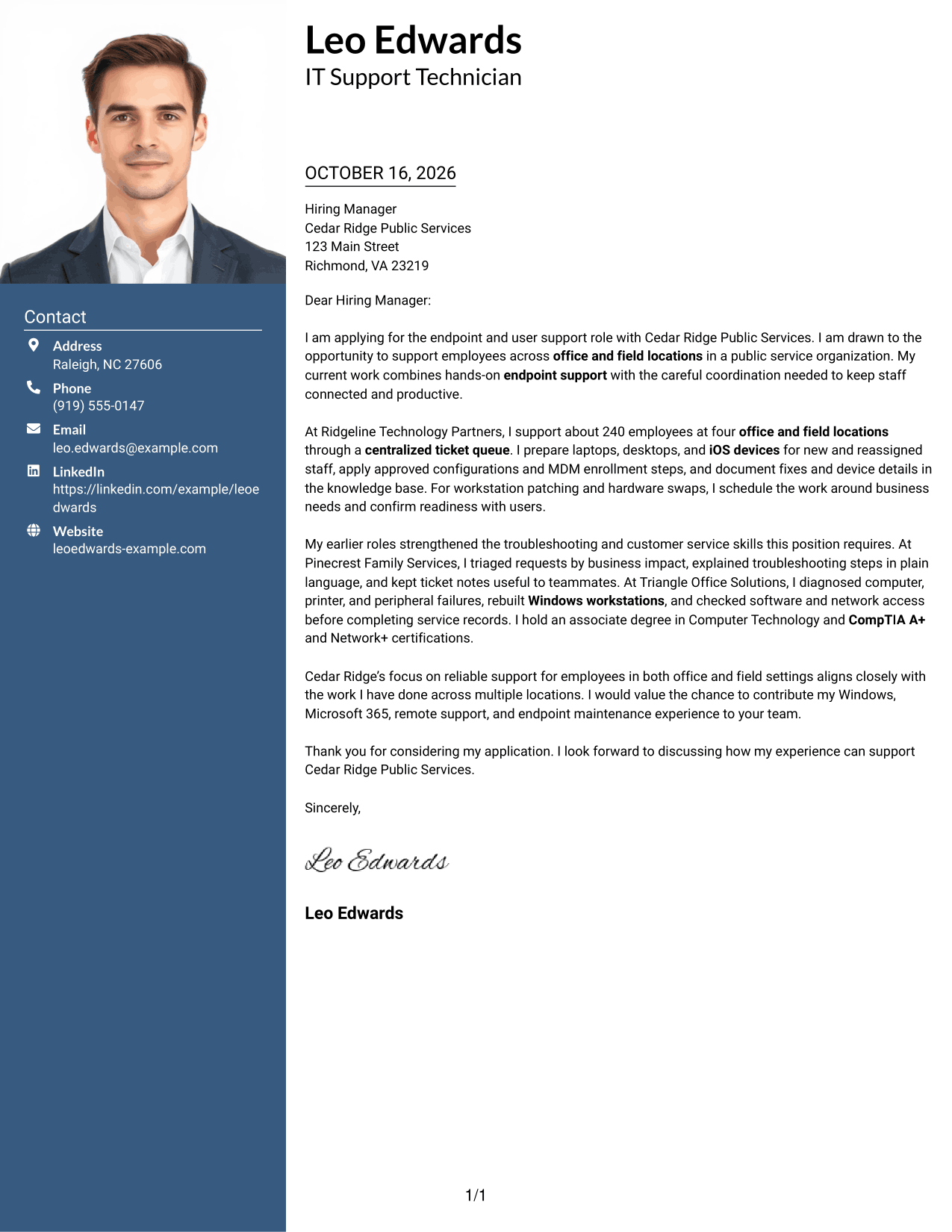
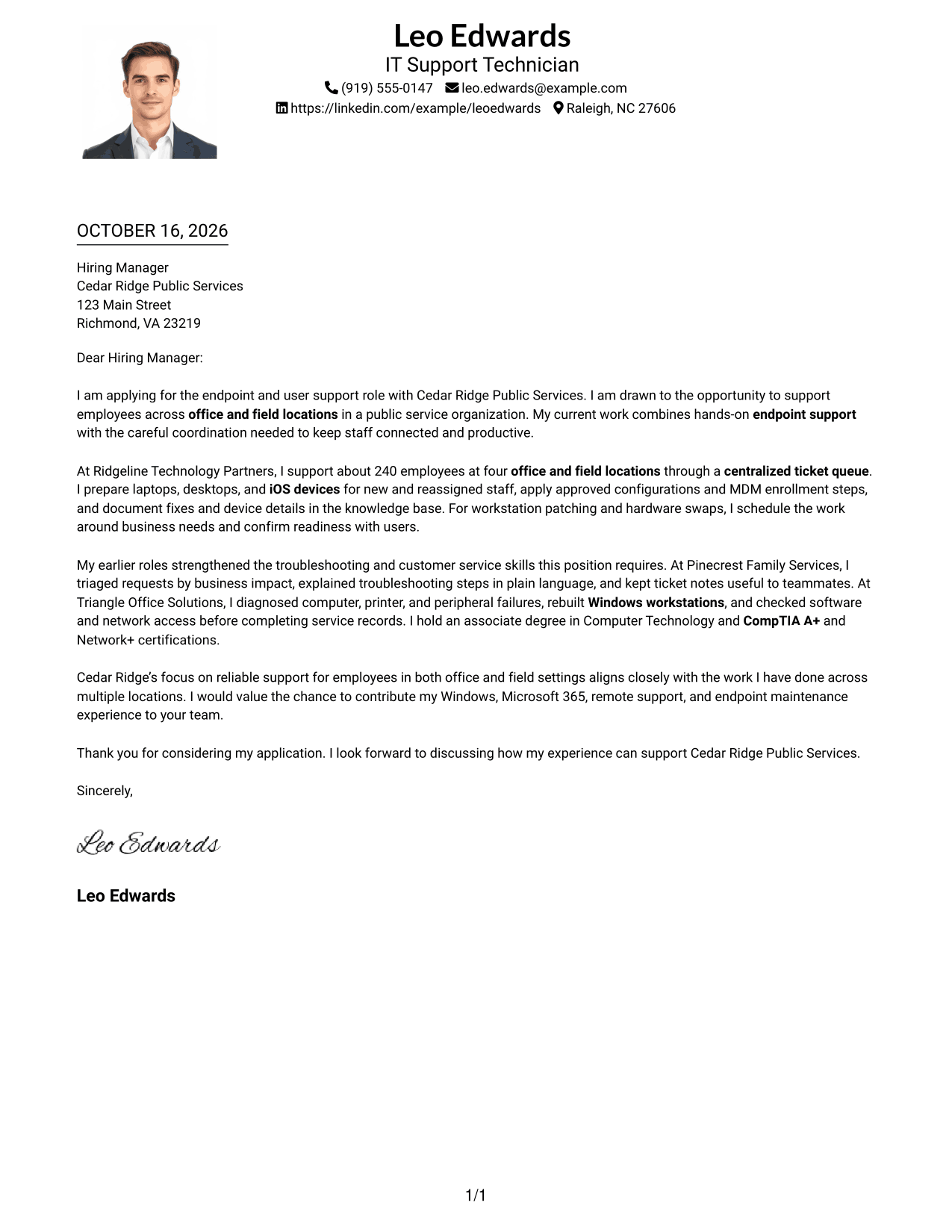
#4 One Column Format with Photo Cover Letter Example
The letter follows one column, with a photo included in the design, a fitting choice for readers who want a direct letter layout with a personal visual element.
Why This Format Works
- One column gives the letter a clear route from greeting through closing.
- Sender details remain in the header rather than beside the letter body.
- An included photo offers a personal visual choice without changing the letter's content.
Best For
- Single-column letter reading
- A personal photo in the document
- Header-based sender details
- Direct paragraph progression
- Applications with a visual introduction
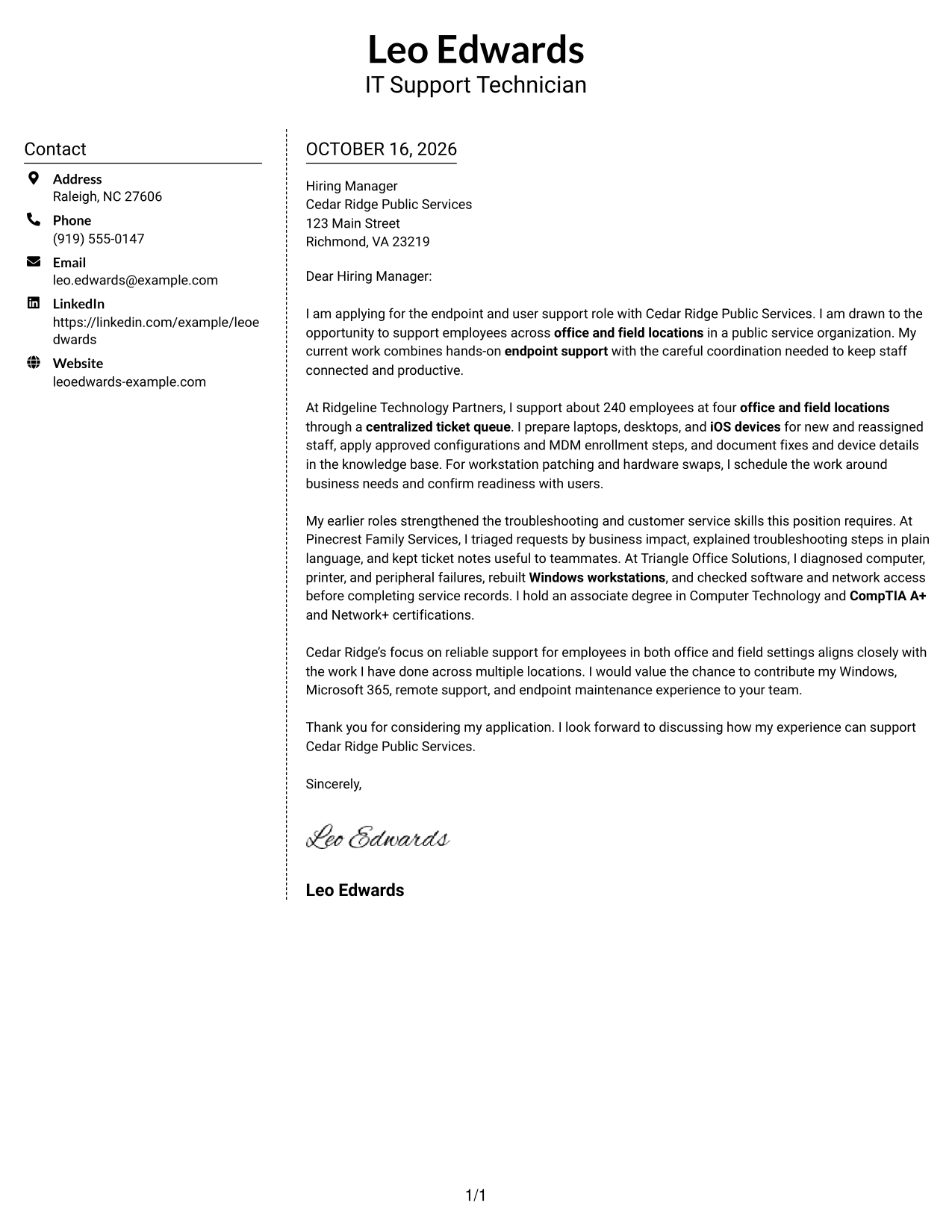
#5 Simple Two Column Format Cover Letter Example
A contact sidebar and one continuous letter body use the two columns for separate purposes, keeping practical details apart from the message.
Why This Format Works
- The sidebar gives contact information a separate place beside the letter.
- The body stays continuous, so the message reads as one connected case.
- A text-based contact area suits readers who prefer no photo.
Best For
- Separate contact and message areas
- One connected letter argument
- Letters with multiple contact methods
- Text-based personal details
- No-photo application documents
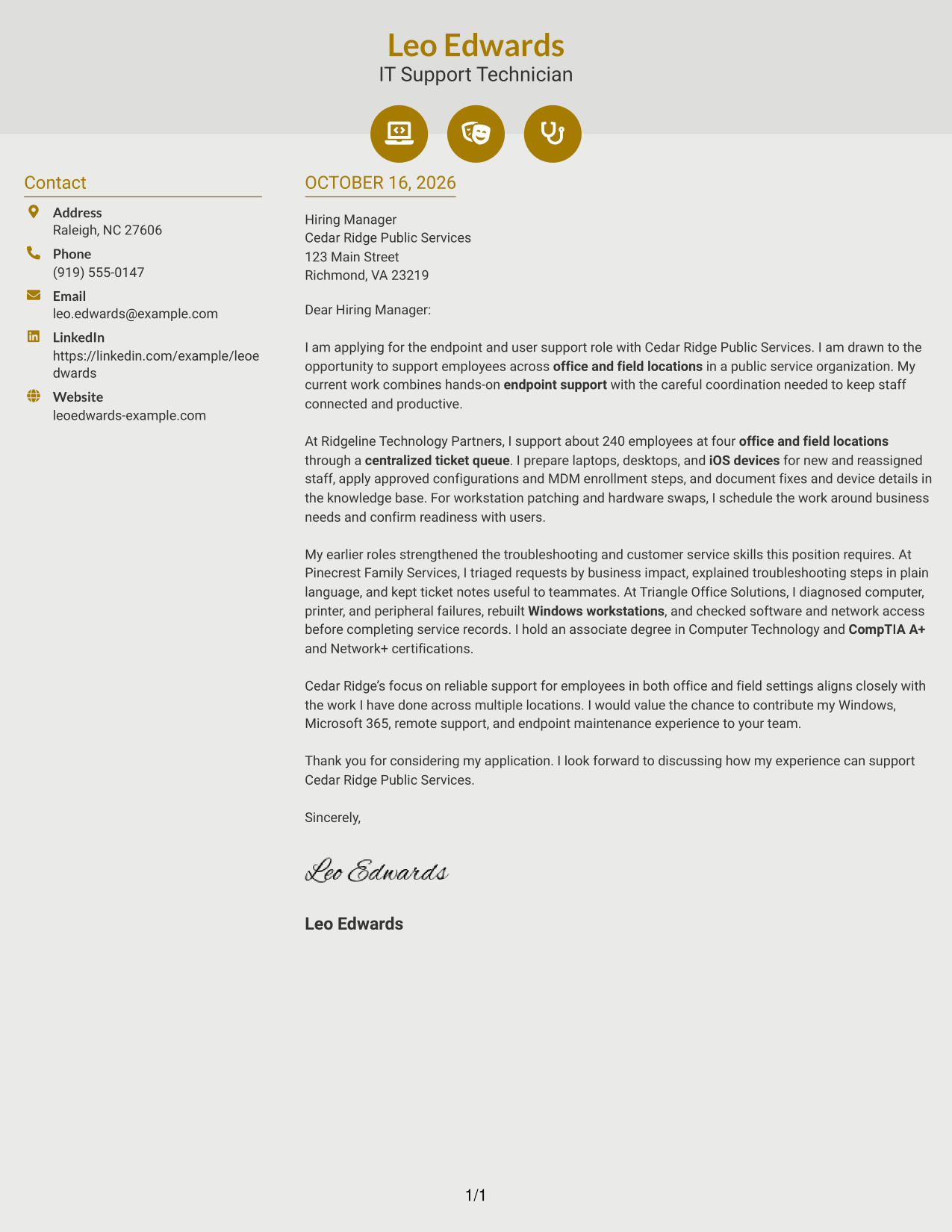
#6 Modern Icon Format Cover Letter Example
The two-column layout pairs a contact sidebar with one continuous letter body, while icons cue contact details rather than sections of the argument.
Why This Format Works
- Contact icons help identify practical details without labeling parts of the letter.
- The sidebar keeps contact information distinct from the continuous message.
- Paragraph order carries motivation and evidence through to the closing.
Best For
- Icon cues for contact details
- A continuous letter message
- Quick access to sender information
- Paragraph-based employer correspondence
- Contact details without a photo
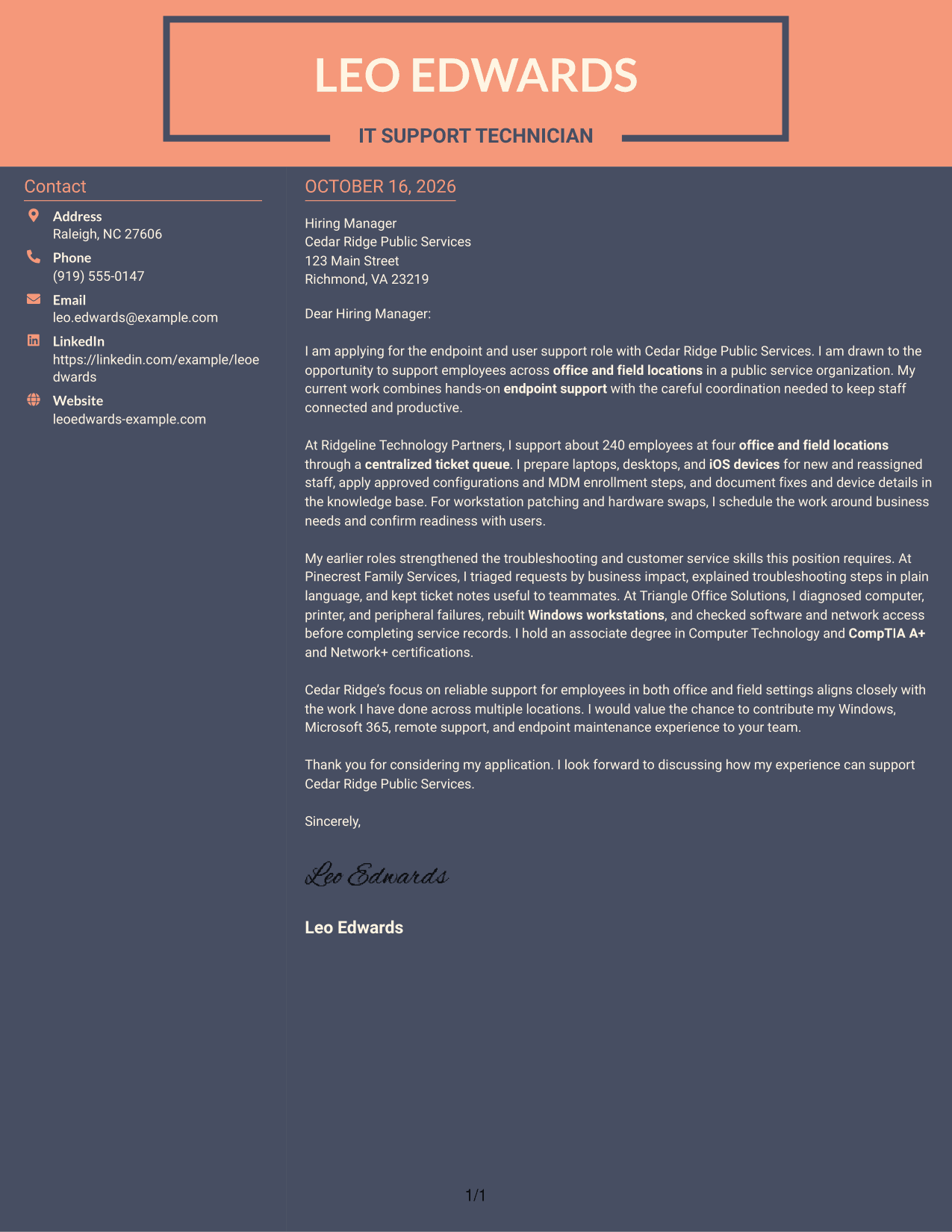
#7 Creative Two Tone Format Cover Letter Example
Contact details sit in a sidebar beside one continuous letter body, separating sender information from the message without splitting its argument.
Why This Format Works
- The sidebar places contact details beside, but apart from, the letter's message.
- A continuous body lets the opening and supporting case read in order.
- A text-only presentation suits readers who prefer no photo.
Best For
- Sidebar contact information
- A single connected letter
- Applications without a portrait
- Several sender contact methods
- Text-centered correspondence
See Also
- 7 Information Technology Technician - Endpoint and User Support Resume Templates with Example
- 7 Technology Support Technician - Field Support Resume Templates with Example
- 7 Laboratory Technician, Nursing - Nursing and Health Technologies Resume Templates with Example
- 7 Desktop Support Technician Resume Templates with Example
- 7 Field IT Support Technician - Distribution Operations Resume Templates with Example
- 33 IT Support Technician 1 - Computer Maintenance Support Resume Templates with Example 2026 (ATS-Optimized)
- 7 Senior Desktop Technician - Executive Support Resume Templates with Example
- 7 Shop Administrative Technician III - Maintenance Operations Support Resume Templates with Example
- 7 AGVS Logistics Technician Cover Letter Templates with Example
- 30+ Auto Technician Trainee Cover Letter Templates with Example 2026
Frequently Asked Questions
What should an Information Technology Technician - Endpoint and User Support cover letter emphasize?
Show how you support users and maintain endpoint equipment. Give clear examples of troubleshooting, device setup, request prioritization, documentation, and communication with employees.
Do these previews show different letters?
The previews show the same example in different visual layouts. Compare the PNG images, then open an example in the editor to view or customize it.
How can I make my cover letter fit this job?
Choose evidence that matches the employer’s needs. For this role, relevant examples may include Windows and Microsoft 365 support, device deployment, ticket handling, careful updates, and service for office and field staff.
What tone works well for an endpoint and user support cover letter?
Use a clear, helpful tone. Explain technical work in plain language, show respect for users’ time, and make your interest in the role specific.
Should I include a photo on my cover letter?
For most U.S. applications, a photo is not needed. A simple, readable presentation keeps attention on your message and role fit.




