
7 ITS Application Analyst III - ERP Security Cover Letter Templates with Example
This guide helps you write an ITS Application Analyst III - ERP Security cover letter and compare seven layouts for presenting your fit clearly.
What Makes a Great ITS Application Analyst III - ERP Security Cover Letter in 2026
A strong letter connects your motivation for the role with clear examples of ERP security work. Its opening should explain your interest, while the body shows how you support secure access and business workflows.
Use relevant evidence, such as PeopleSoft HCM and FSCM security administration, access reviews, audit support, and change control. Then connect that experience to the employer’s needs and explain how you communicate decisions with care.
The featured example moves from role-specific interest to PeopleSoft security evidence, broader application support, and a clear close. Adapt this focused progression while choosing a presentation that suits the employer and the communication context.
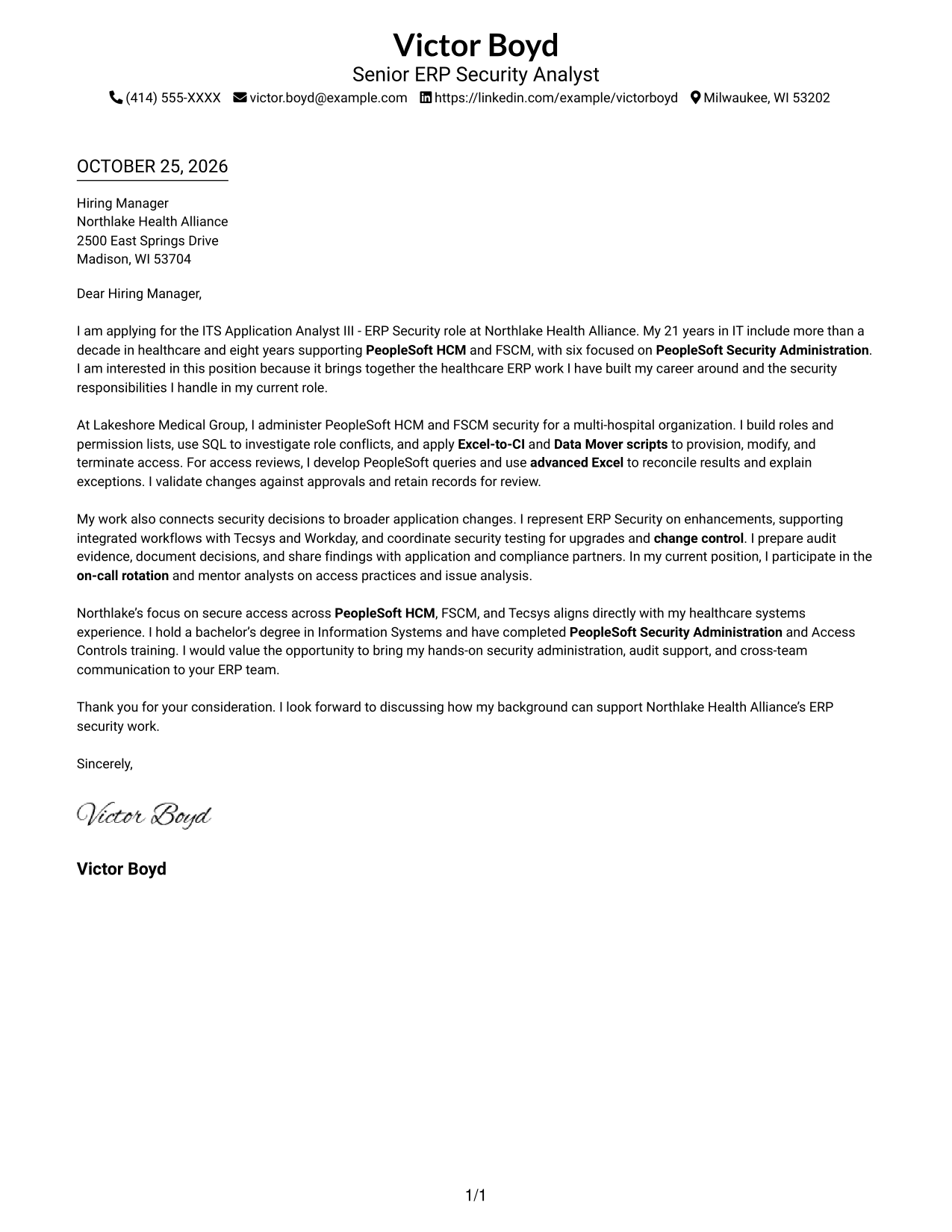
#1 Simple One Column Format Cover Letter Example
A single-column page keeps sender details and the continuous letter body on one reading path, which suits readers who prefer a direct presentation.
Why This Format Works
- Contact details remain easy to find without interrupting the letter's central message.
- One reading path helps reviewers follow the argument from opening to closing.
- No side column competes with the letter's persuasive wording.
Best For
- Single-column reading preference
- Contact details in the header
- Continuous letter-body flow
- Text-led application materials
- Photo-free correspondence
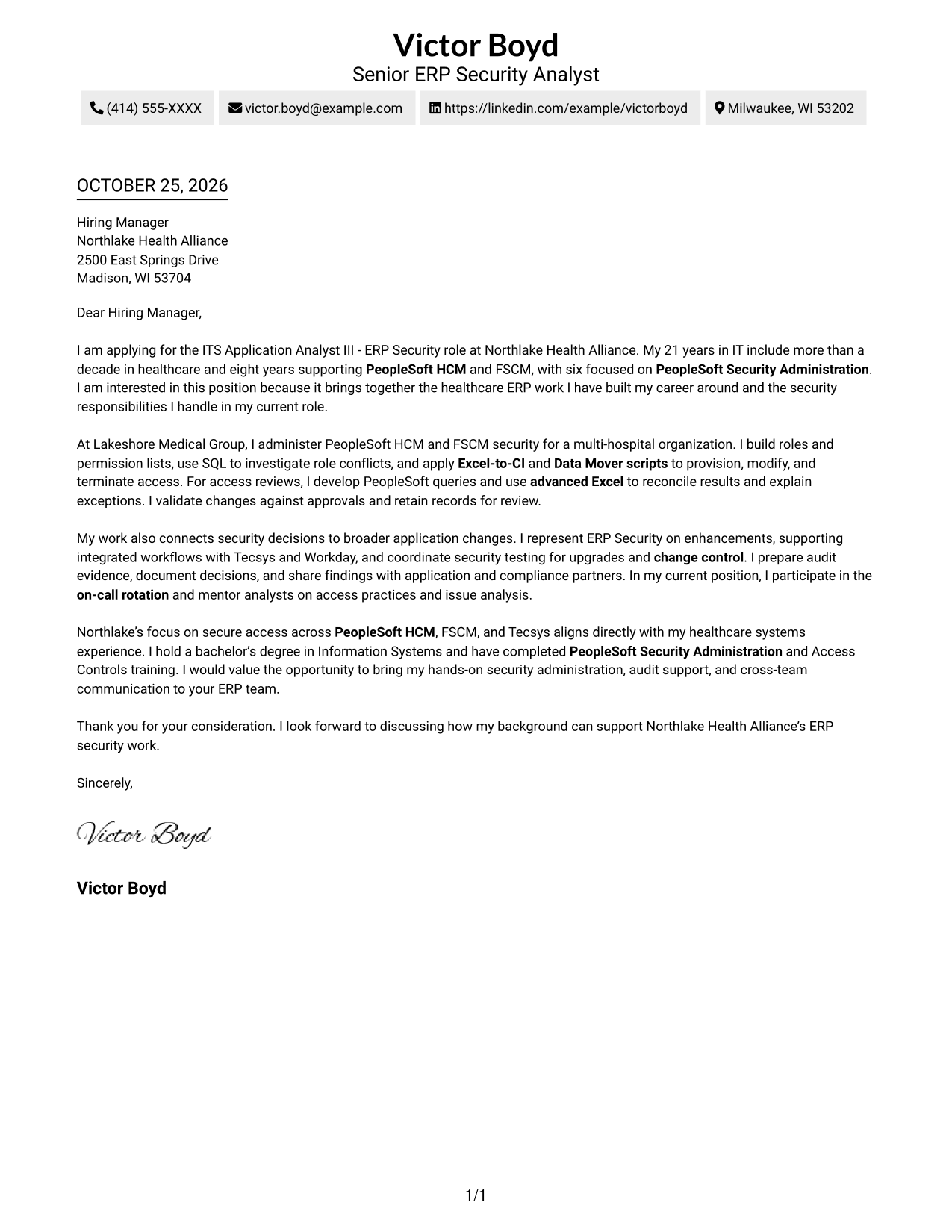
#2 Two Column Format Cover Letter Example
A contact sidebar sits beside one continuous letter body, giving readers a separate place to check sender details while the argument stays together.
Why This Format Works
- The contact sidebar gives sender details a separate reference point beside the letter.
- The letter remains continuous, keeping its reasoning in a familiar sequence.
- A photo-free presentation suits readers who want the written message to lead.
Best For
- Contact details apart from the message
- Continuous paragraph-based letters
- Photo-free correspondence
- Familiar letter reading order
- Healthcare ERP application letters
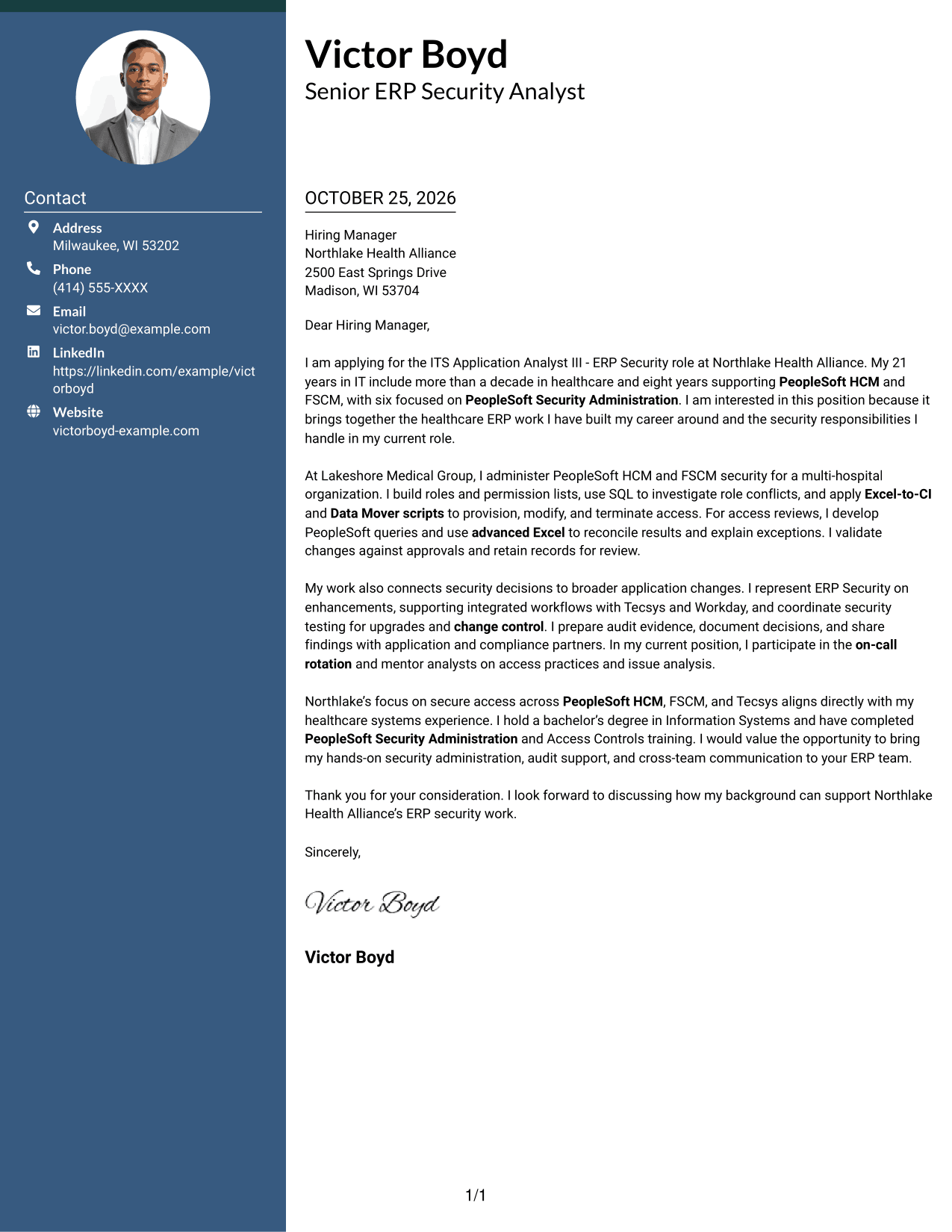
#3 Photo Header Two Column Format Cover Letter Example
A photo adds a visual element while the contact sidebar stays separate from the continuous letter body, a useful choice for readers who prefer a portrait.
Why This Format Works
- Contact details have their own reference point beside the letter body.
- One uninterrupted body keeps the opening, supporting case, and closing together.
- A portrait adds a visual element for readers who prefer one in the header.
Best For
- Portrait-inclusive correspondence
- Separate sender-contact reference
- Continuous letter-body reading
- Multi-paragraph persuasive letters
- Healthcare ERP security applications
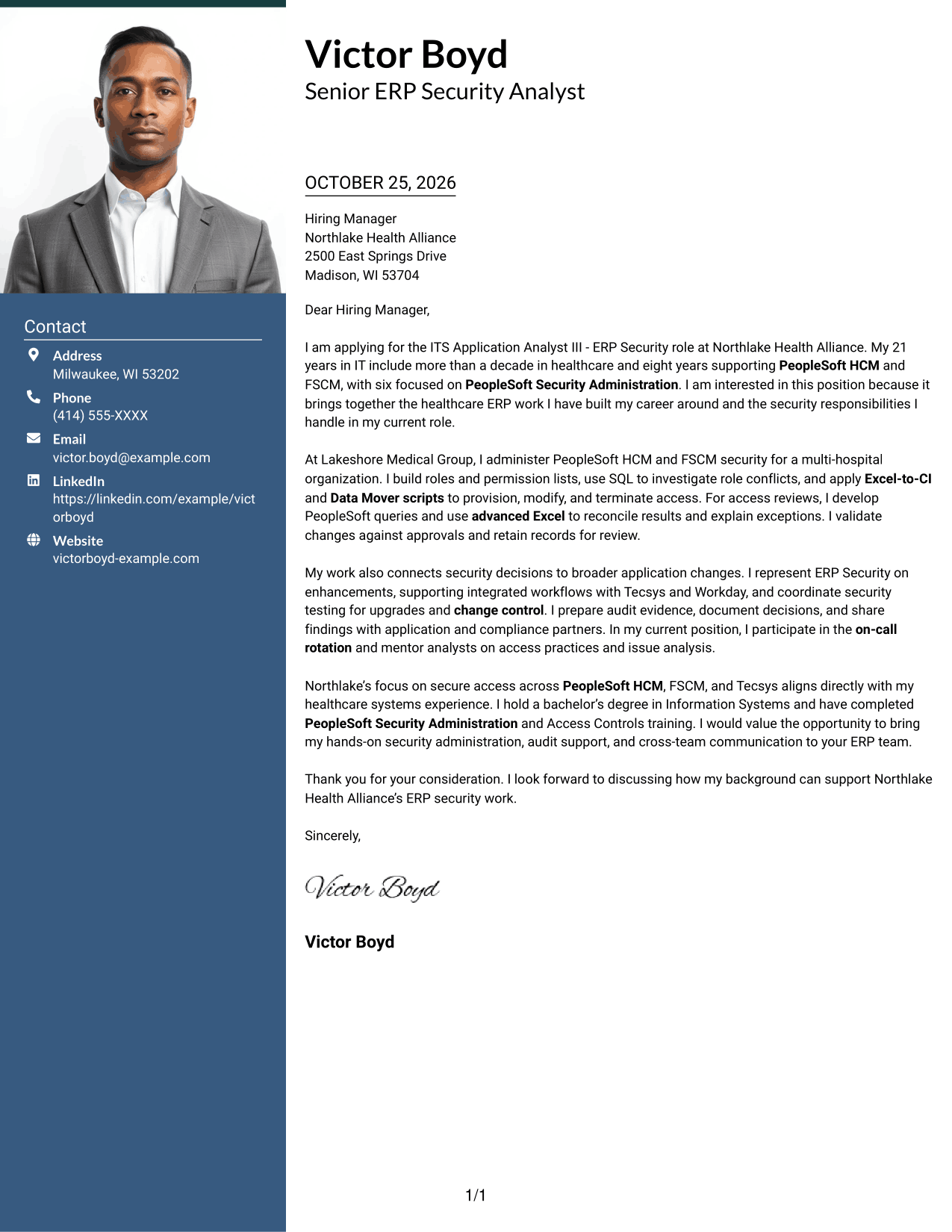
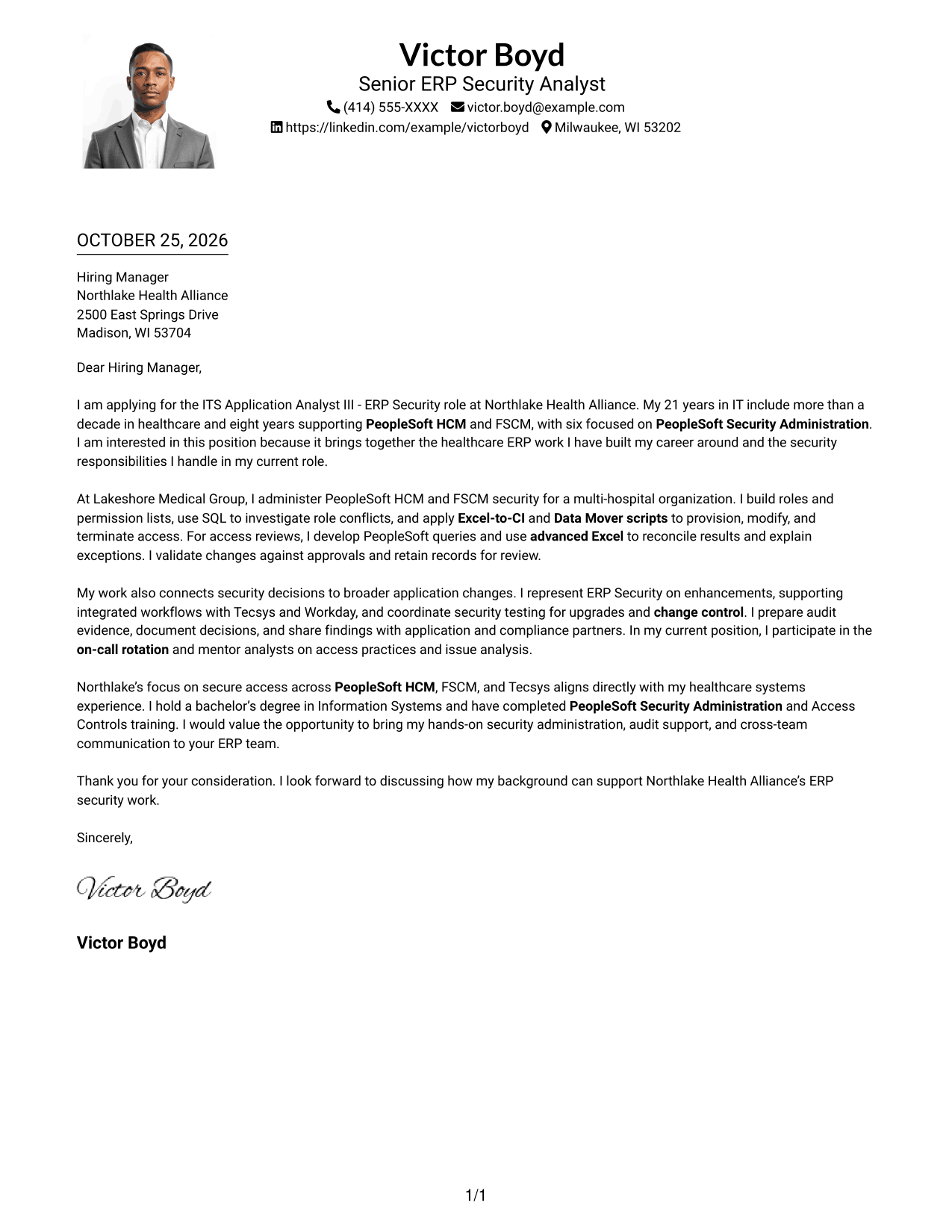
#4 One Column Format with Photo Cover Letter Example
The photo adds a visual identifier to a single-column presentation, while the letter keeps one reading path from its opening to its closing.
Why This Format Works
- Sender details and letter paragraphs share one column, without a separate contact sidebar.
- The continuous body lets readers move through the case in paragraph order.
- The photo adds a visual identifier without changing the letter's argument structure.
Best For
- Single-column letter reading
- Portrait-inclusive correspondence
- Sender details in the header
- Continuous multi-paragraph letters
- Healthcare ERP applications
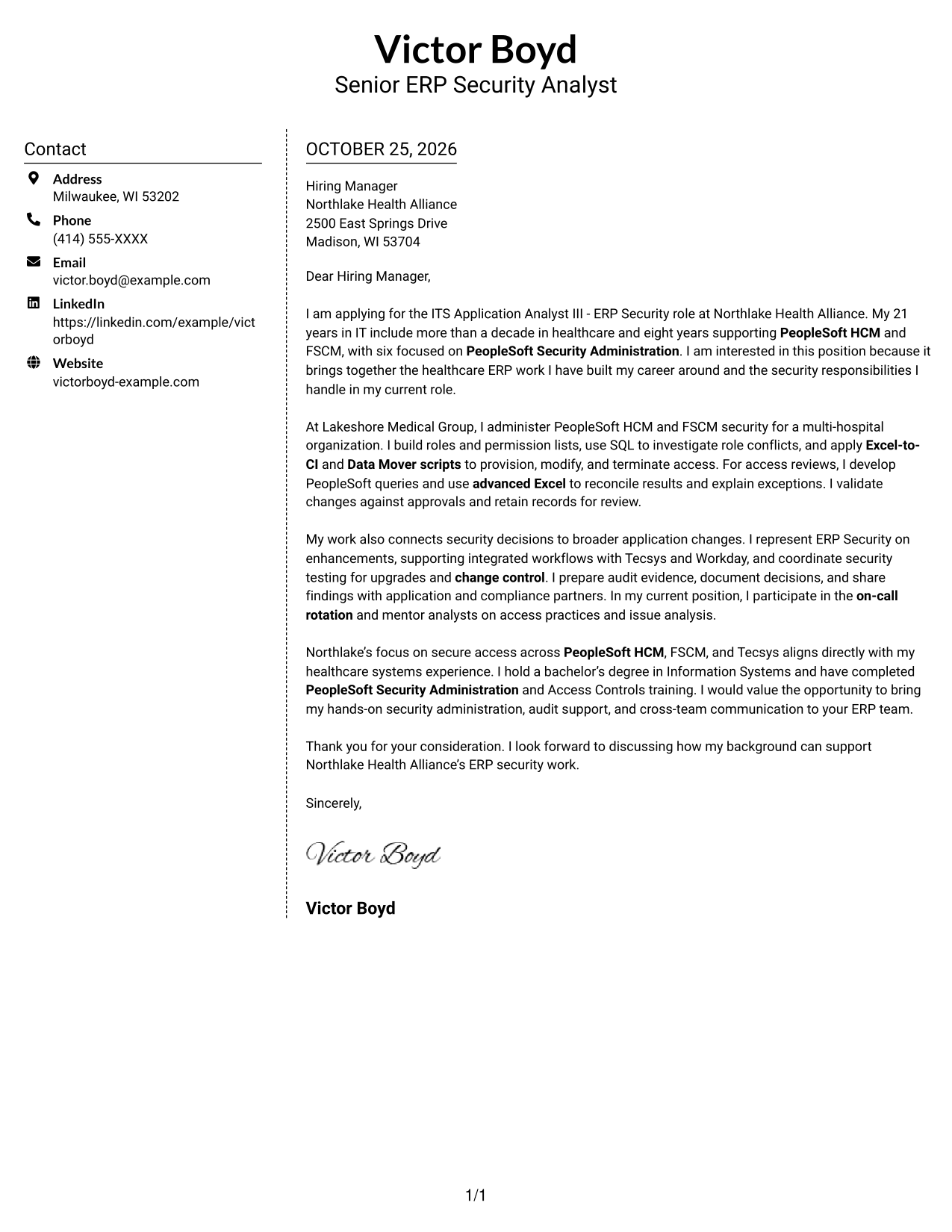
#5 Simple Two Column Format Cover Letter Example
A contact sidebar and a continuous letter body occupy separate columns, helping readers check sender details without interrupting the message.
Why This Format Works
- The sidebar keeps sender details apart from the continuous letter body.
- Readers can return to contact information without breaking the message's paragraph sequence.
- A photo-free layout suits a text-first visual preference.
Best For
- Contact details beside the message
- Continuous letter-body reading
- Photo-free correspondence
- Letters with several supporting points
- Healthcare ERP security applications
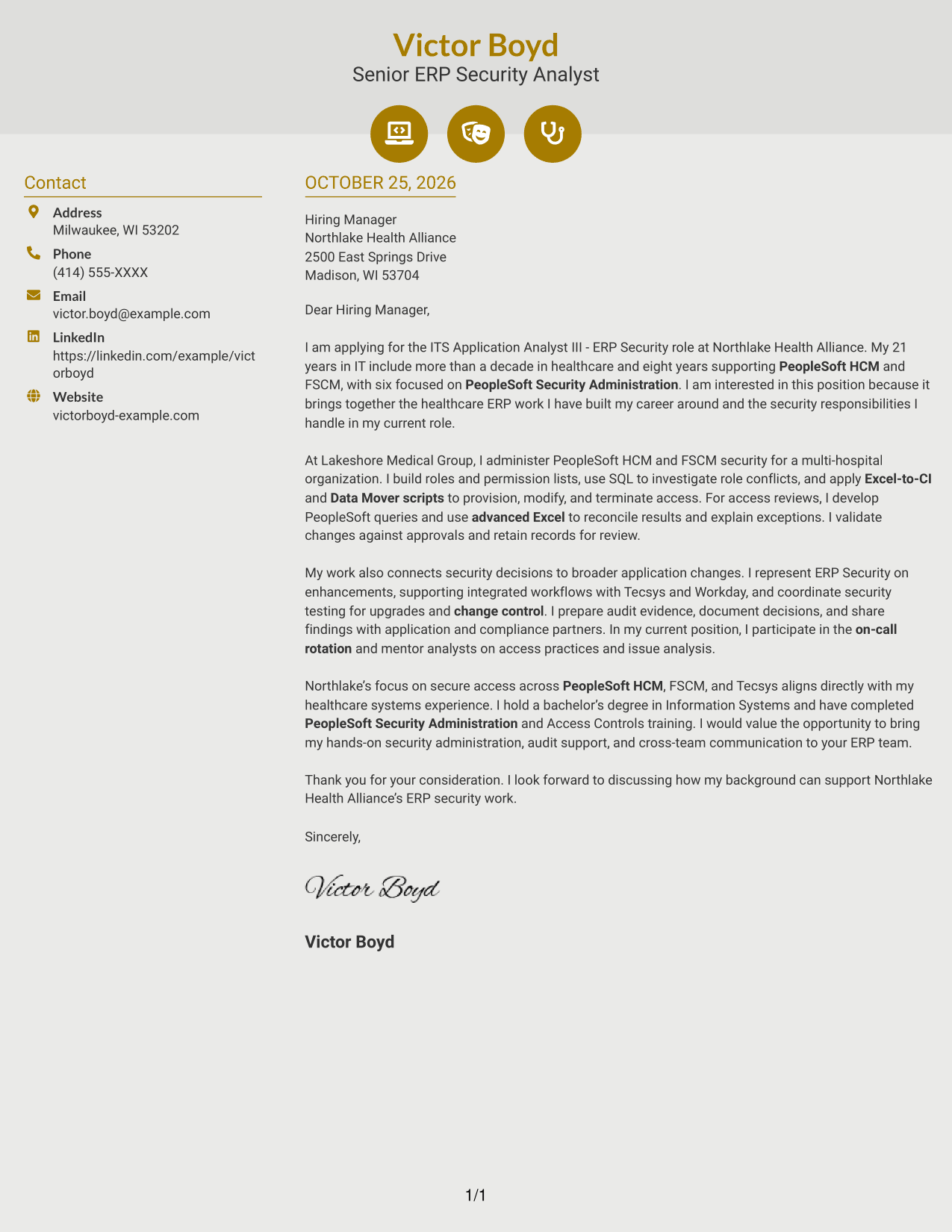
#6 Modern Icon Format Cover Letter Example
Two columns place contact details beside one continuous letter body, while icons cue contact information rather than stages of the argument.
Why This Format Works
- Contact icons distinguish sender details from the letter's argument.
- The message remains continuous, so its motivation and supporting points stay in sequence.
- Decorative header accents offer a modest visual cue without labeling letter stages.
Best For
- Icon-cued contact details
- Continuous letter-body reading
- Separate contact and message areas
- Decorative header accents
- Healthcare ERP application letters
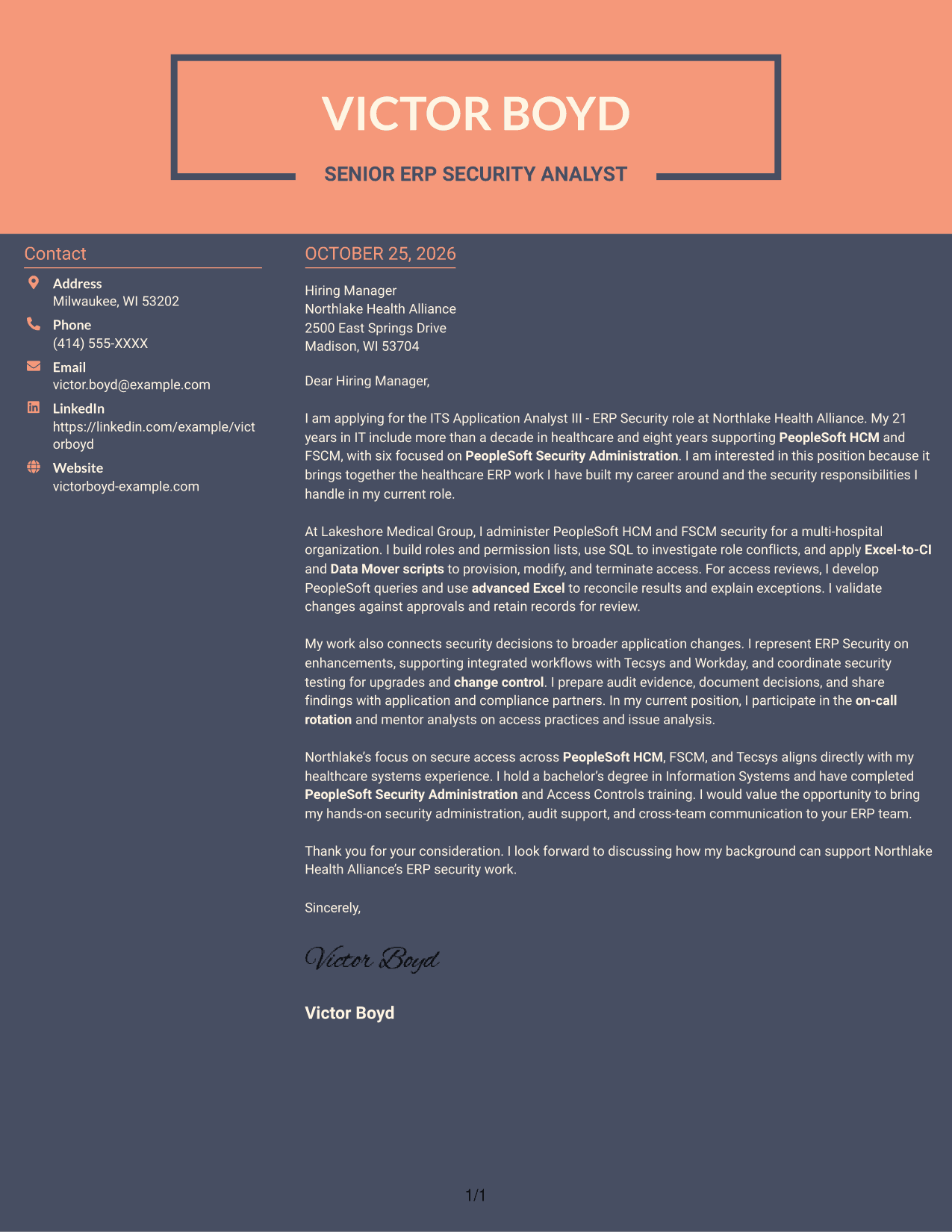
#7 Creative Two Tone Format Cover Letter Example
A contact sidebar gives sender details a distinct place beside the continuous letter body, so readers can refer to them without splitting the message.
Why This Format Works
- Readers can find contact information separately and return to the same letter-body sequence.
- The continuous paragraphs keep the argument together rather than split across columns.
- The photo-free presentation suits readers who prefer written details over a portrait.
Best For
- Separate sender-contact reference
- Continuous persuasive letters
- Photo-free application materials
- Side-by-side contact and message
- Letters with several supporting points
See Also
- 7 ITS Application Analyst III - ERP Security Resume Templates with Example
- 7 Application Analyst Specialist Resume Templates with Example
- 7 Senior Application Analyst - Epic Environments Resume Templates with Example
- 7 Senior Application Development Analyst - Digital Accessibility Resume Templates with Example
- 7 Senior Business Analyst - Application Support Governance Resume Templates with Example
- 7 Service Desk Analyst - Federal Application Support Resume Templates with Example
- 7 Data Analyst III - Finance Resume Templates with Example
- 7 Data Analyst Intern - Data Management and ERP Resume Templates with Example
- 7 Senior Application Development Analyst - Digital Accessibility Cover Letter Templates with Example
- 7 Senior Business Analyst - Application Support Governance Cover Letter Templates with Example
Frequently Asked Questions
What should an ITS Application Analyst III - ERP Security cover letter emphasize?
Show how your PeopleSoft HCM and FSCM security work supports accurate access, reliable reviews, and business needs. Use specific examples of provisioning, audit support, upgrades, or change control when they reflect your experience.
Are these separate cover letters or layout options?
The page presents one featured ITS Application Analyst III - ERP Security cover letter in several visual styles. Use its structure as a guide, then tailor the wording to your own experience and the employer.
How can I show role fit without listing every skill?
Choose a few examples that match the role, such as managing PeopleSoft roles and permission lists, investigating access issues with SQL, or supporting audits and upgrades. Explain what you did and why it mattered to the team.
How should I connect my experience to the employer?
Name a verified aspect of the employer’s ERP environment or responsibilities, then connect it to relevant work you have done. For this role, the letter can link healthcare ERP security experience with PeopleSoft, FSCM, and Tecsys needs.
What is a clear way to close this cover letter?
Thank the hiring team, restate your interest in the ERP security work, and invite a conversation about your fit. Keep the closing brief and professional.




