
7 ITS Application Analyst III - ERP Security Resume Templates with Example
This guide shows you how to create an ITS Application Analyst III - ERP Security resume that is clear, focused, and easy to review. You will learn how to organize relevant evidence and compare professional layouts for this role.
A strong resume makes ERP security work easy to verify. Use clear experience bullets to show access administration, role and permission list management, audit support, upgrades, and change control.
The example is presented in 7 resume layouts. Compare the PNG image previews, then open an example in the editor to review its structure and customize the resume.
What Makes a Great ITS Application Analyst III - ERP Security Resume in 2026
A strong resume uses clear sections and specific bullets to show ERP access work, security decisions, and results. Keep the most relevant PeopleSoft HCM and FSCM experience easy to find.
Use role keywords such as PeopleSoft Security Administration, SQL, Data Mover scripts, Excel-to-CI, access reviews, audits, and change control. Support each keyword with a clear example from your work.
Note: Resume examples are for educational purposes only. Use only information that accurately reflects your experience and qualifications. References to real organizations do not imply affiliation or endorsement.
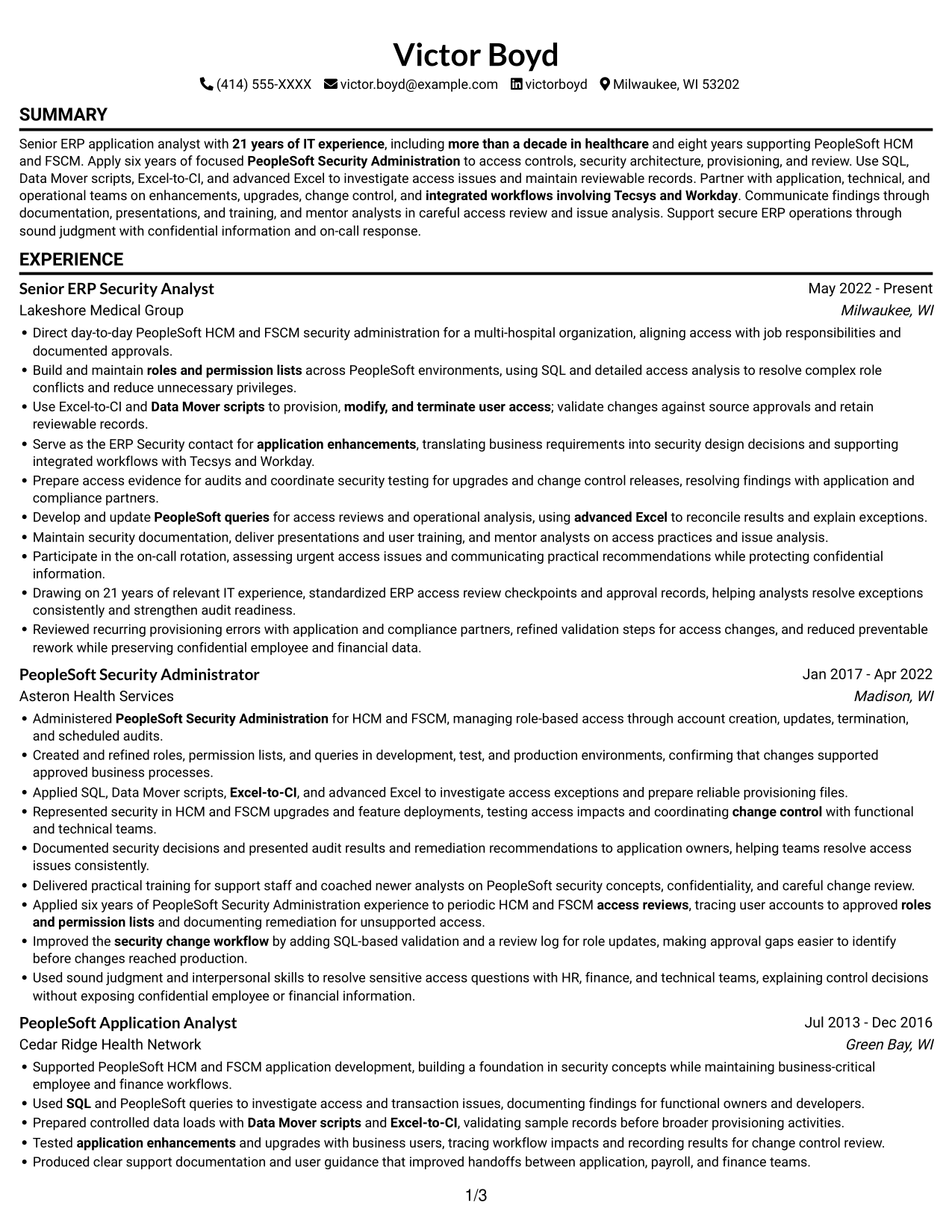
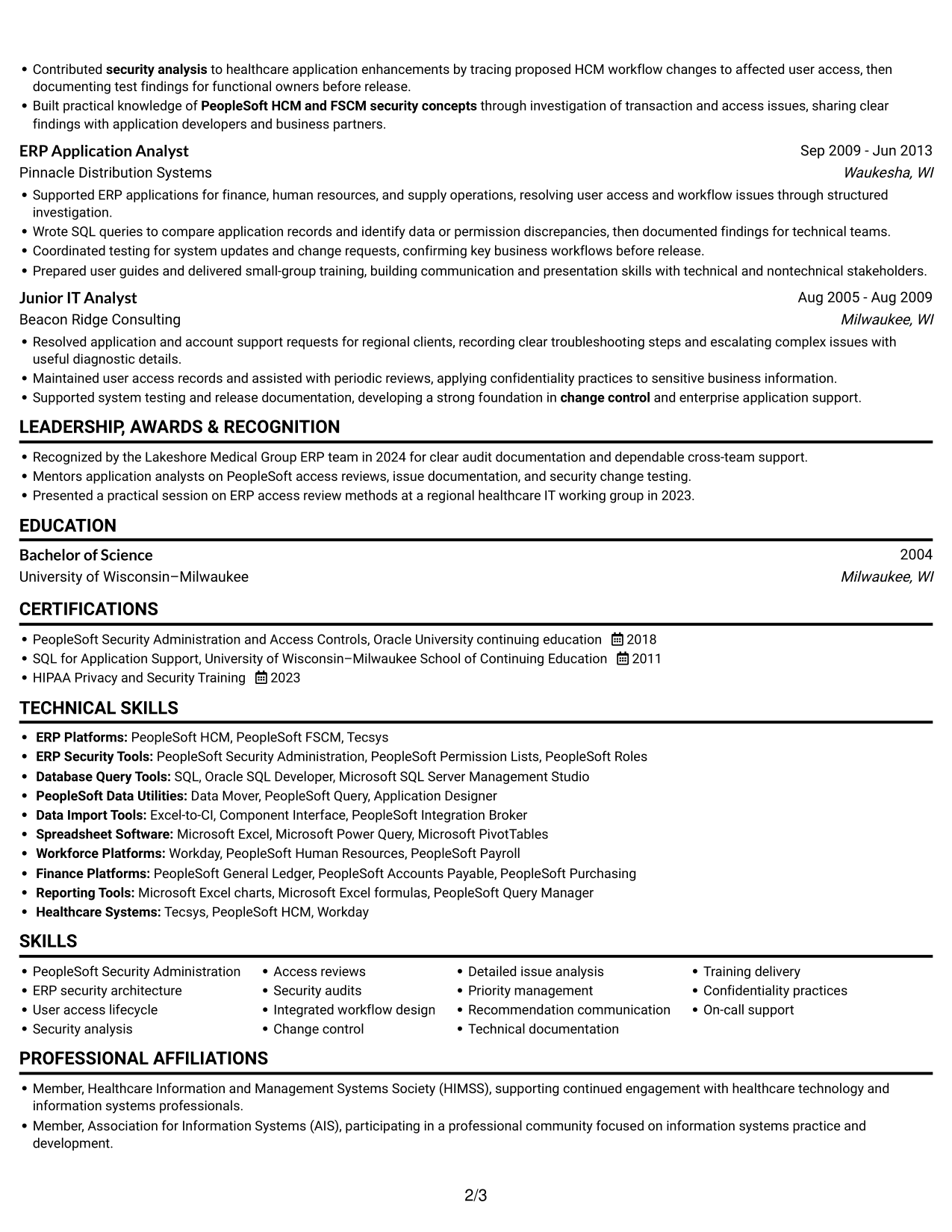
#1 Simple One Column Format Resume Example
Simple One Column Format keeps the resume body in one reading path, helping reviewers follow career history in sequence.
Why This Format Works
- A single reading path helps reviewers follow career progression across successive experience entries.
- Distinct section breaks make education and certifications easier to locate during a focused review.
- Wide text lines allow achievement bullets to keep their context together.
Best For
- Linear career-history review
- Detailed achievement bullets
- Broad resume section coverage
- ATS-focused document screening
- Top-to-bottom reading preference
Resume Keywords
- information systems
- 21 years of IT experience
- development
- six years of focused PeopleSoft Security Administration
- PeopleSoft HCM and FSCM security concepts
- PeopleSoft Security Administration
- ERP security architecture
- roles and permission lists
- managing role-based access through account creation, updates, termination, and scheduled audits
- SQL
- Data Mover scripts
- Excel-to-CI
- advanced Excel
- more than a decade in healthcare
- security analysis
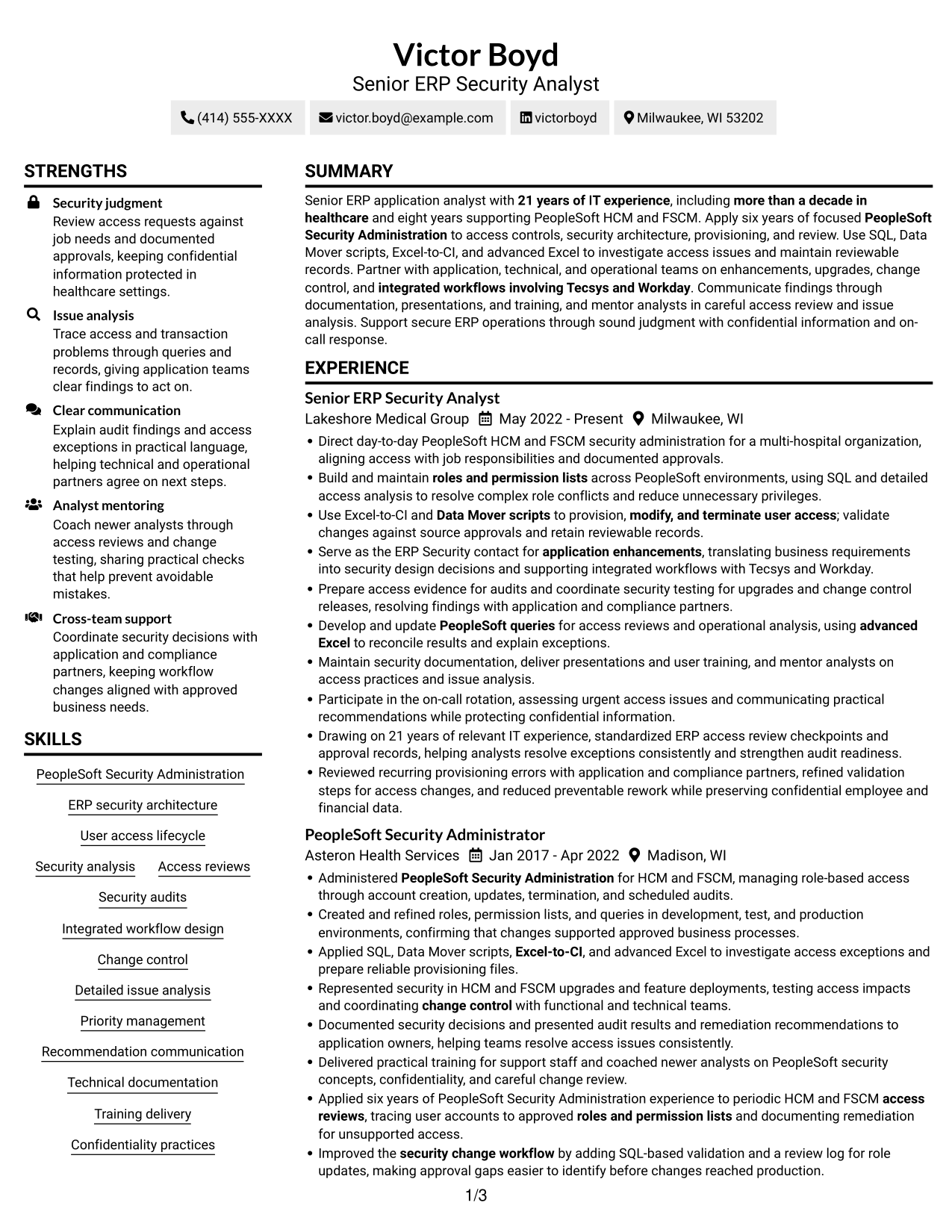
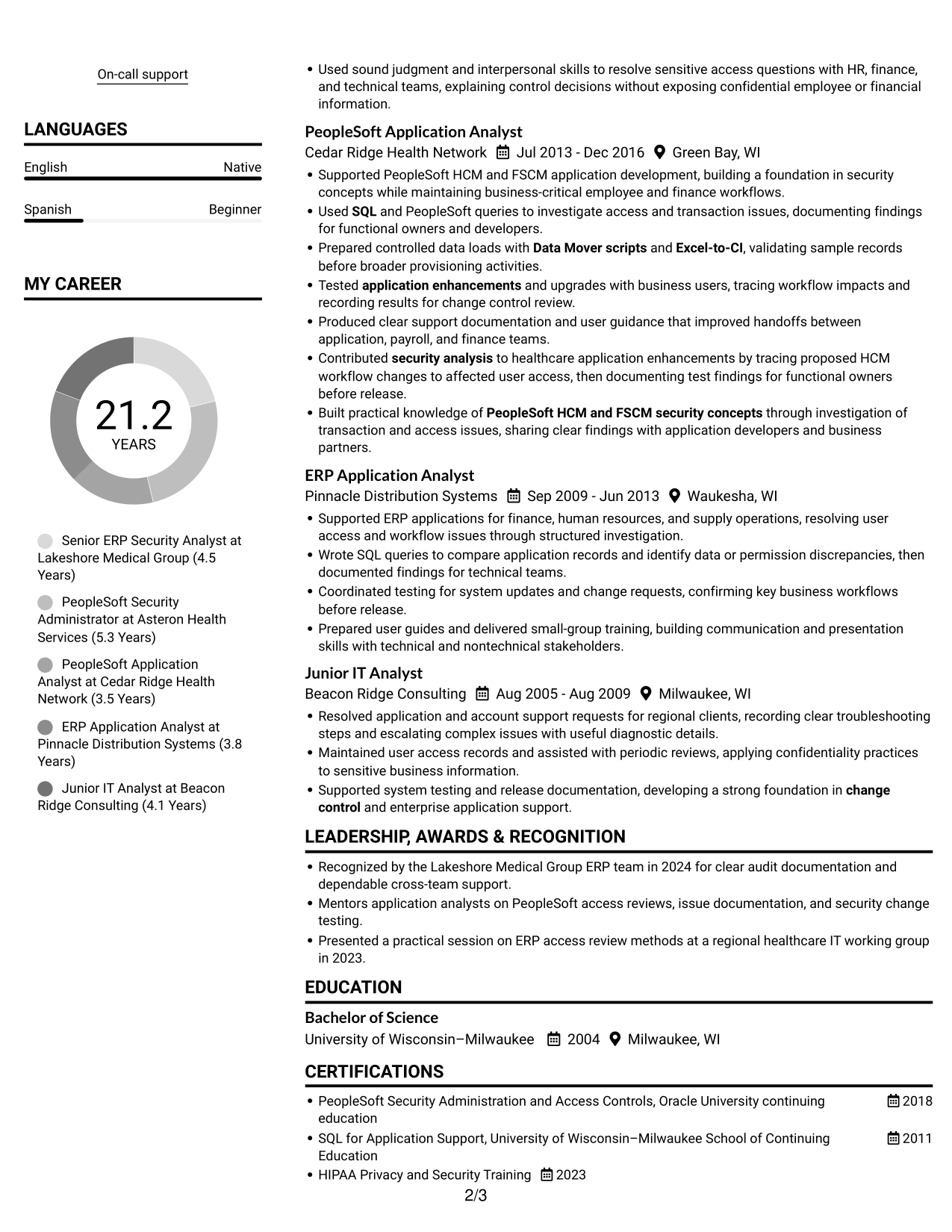
#2 Simple Two Column Format Resume Example
Simple Two Column Format divides resume content into two reading areas, a practical choice when related sections need clear separation.
Why This Format Works
- Two body columns break up dense content, helping reviewers scan skills and experience more easily.
- Separate reading areas make education and credentials easier to locate during a focused review.
- The divided layout gives shorter resume sections space apart from longer career details.
Best For
- Resume with varied section lengths
- Compact supporting details
- Side-by-side section scanning
- Clear separation between content groups
- Skills alongside career history
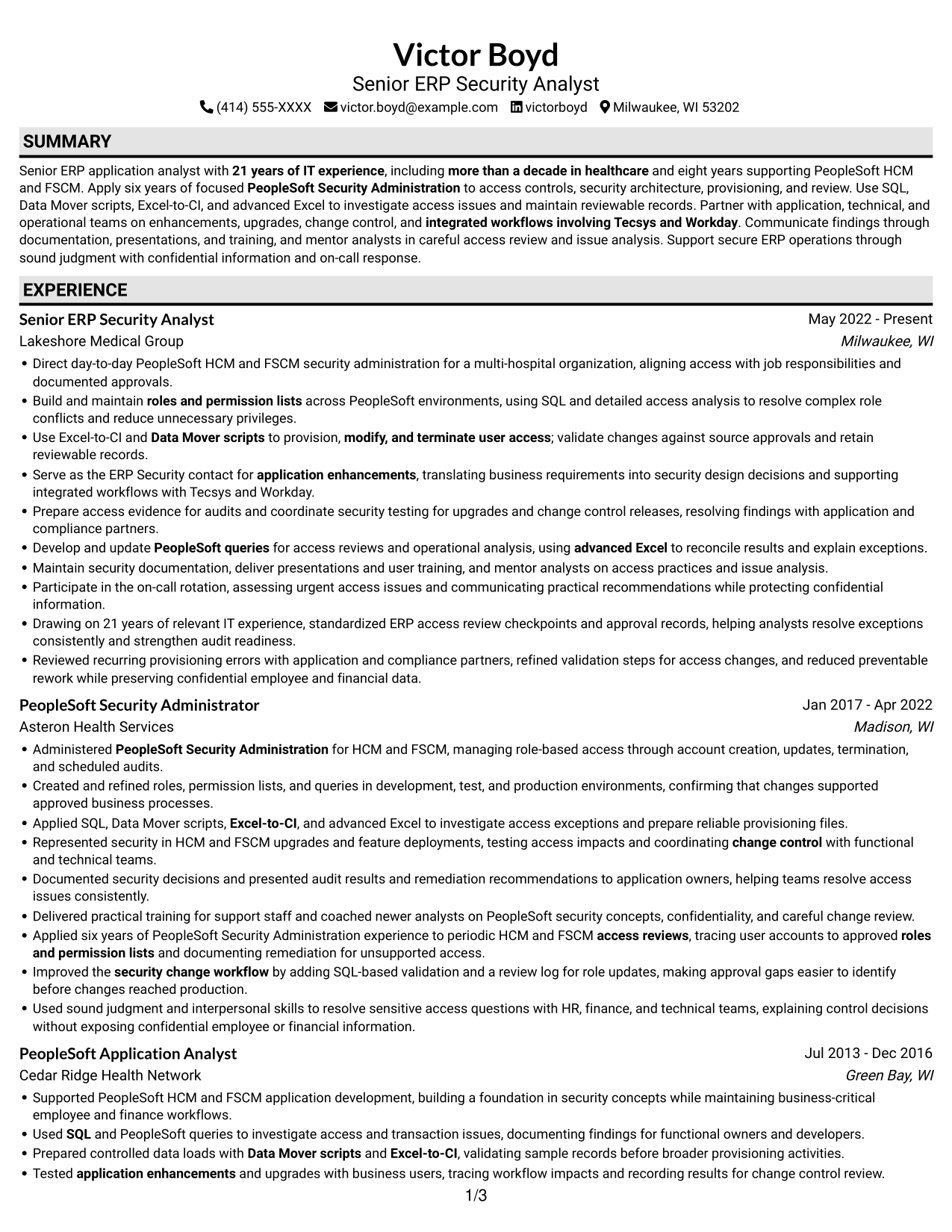
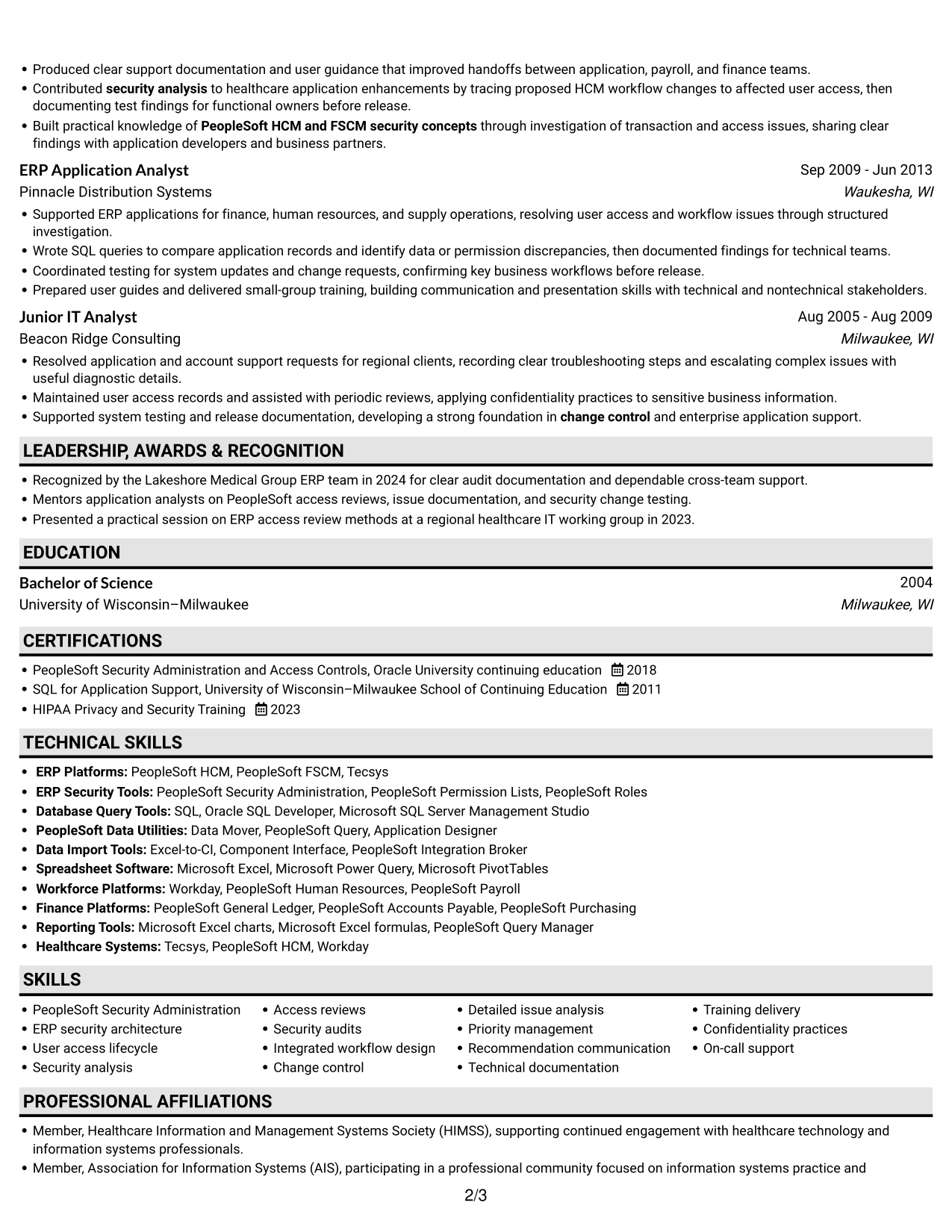
#3 Plain One Column with Shaded Labels Resume Example
Plain One Column with Shaded Labels follows one top-to-bottom reading path, which suits resumes best reviewed in section order.
Why This Format Works
- The single-column body lets reviewers trace career progression from one experience entry to another.
- A direct reading order helps readers locate education and certifications without shifting between columns.
- Achievement bullets can retain their full context within the main text flow.
Best For
- Straightforward career progression
- Multi-section resume content
- Detailed work-history review
- Direct section-by-section reading
- Text-focused document review
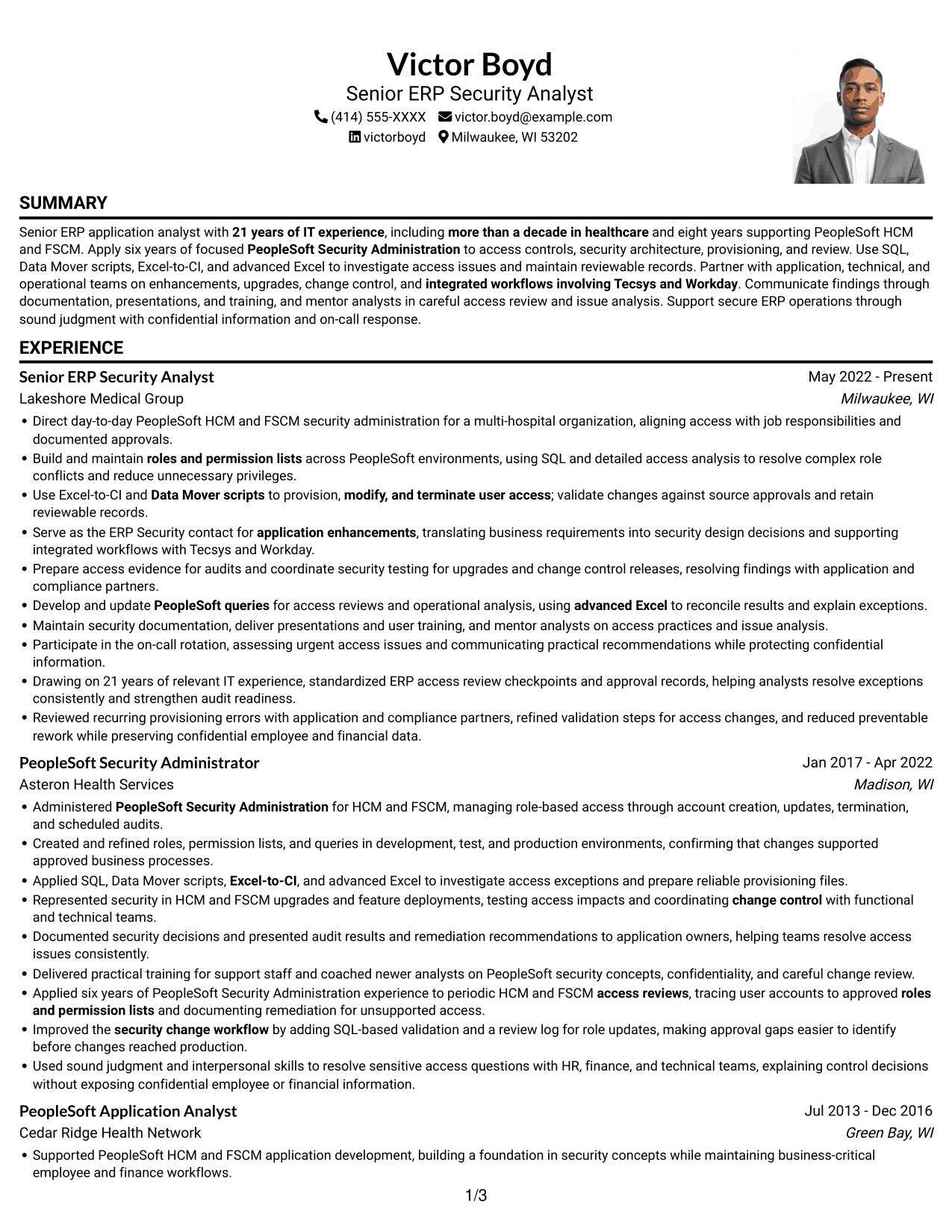
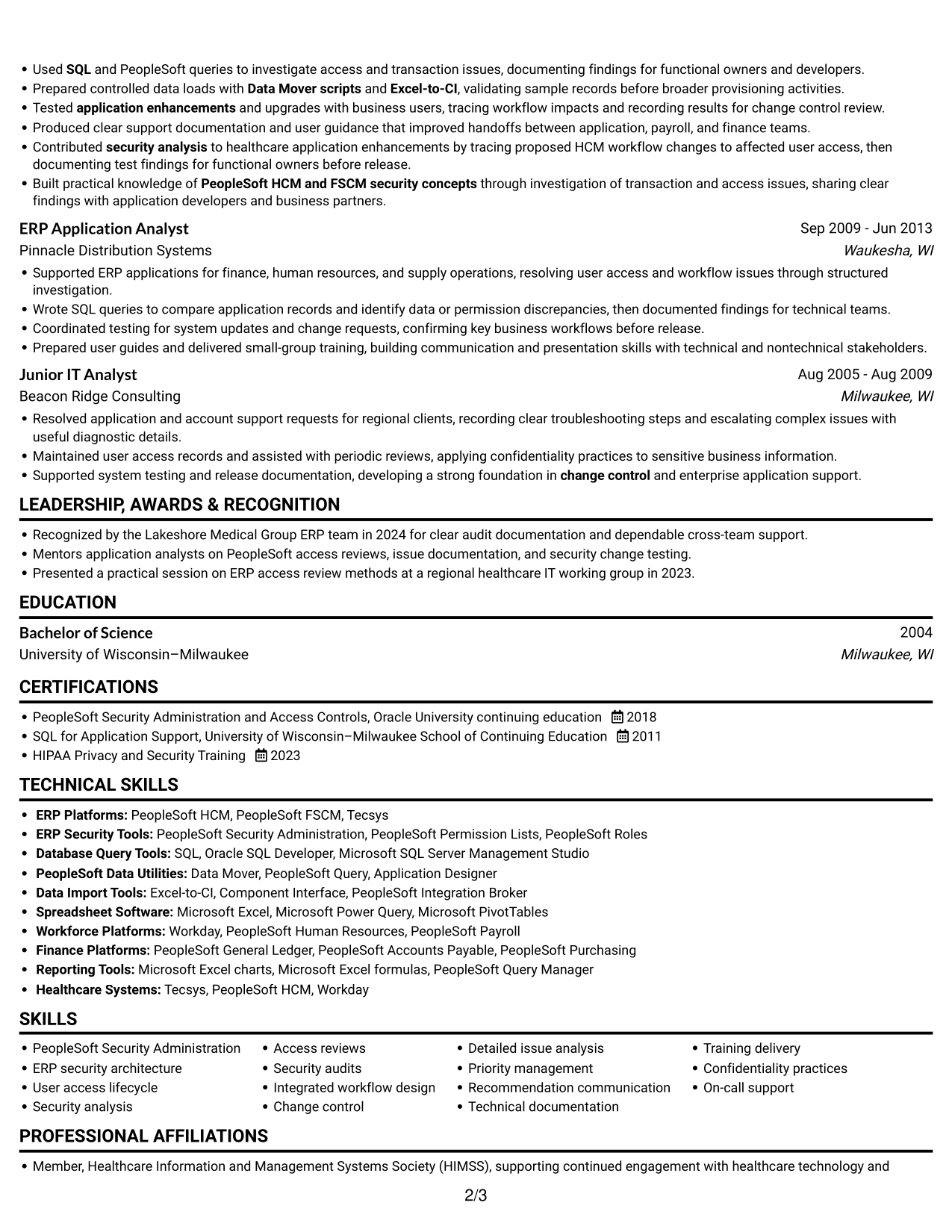
#4 One Column Format with Photo Right Resume Example
One Column Format with Photo Right pairs a single body column with a photo, for readers who prefer a portrait alongside a direct reading path.
Why This Format Works
- A single body column keeps experience entries in a clear sequence for career-history review.
- The continuous text area gives achievement bullets room to present their context.
- Education and credentials remain within the same straightforward reading path as work history.
Best For
- Portrait-inclusive resume presentation
- Linear work-history review
- Detailed achievement descriptions
- Direct top-to-bottom section flow
- Readers who prefer a photo
#5 Clean Two Column Sidebar Format Resume Example
Clean Two Column Sidebar Format gives the resume body two reading areas, useful when separate content groups should be easy to scan.
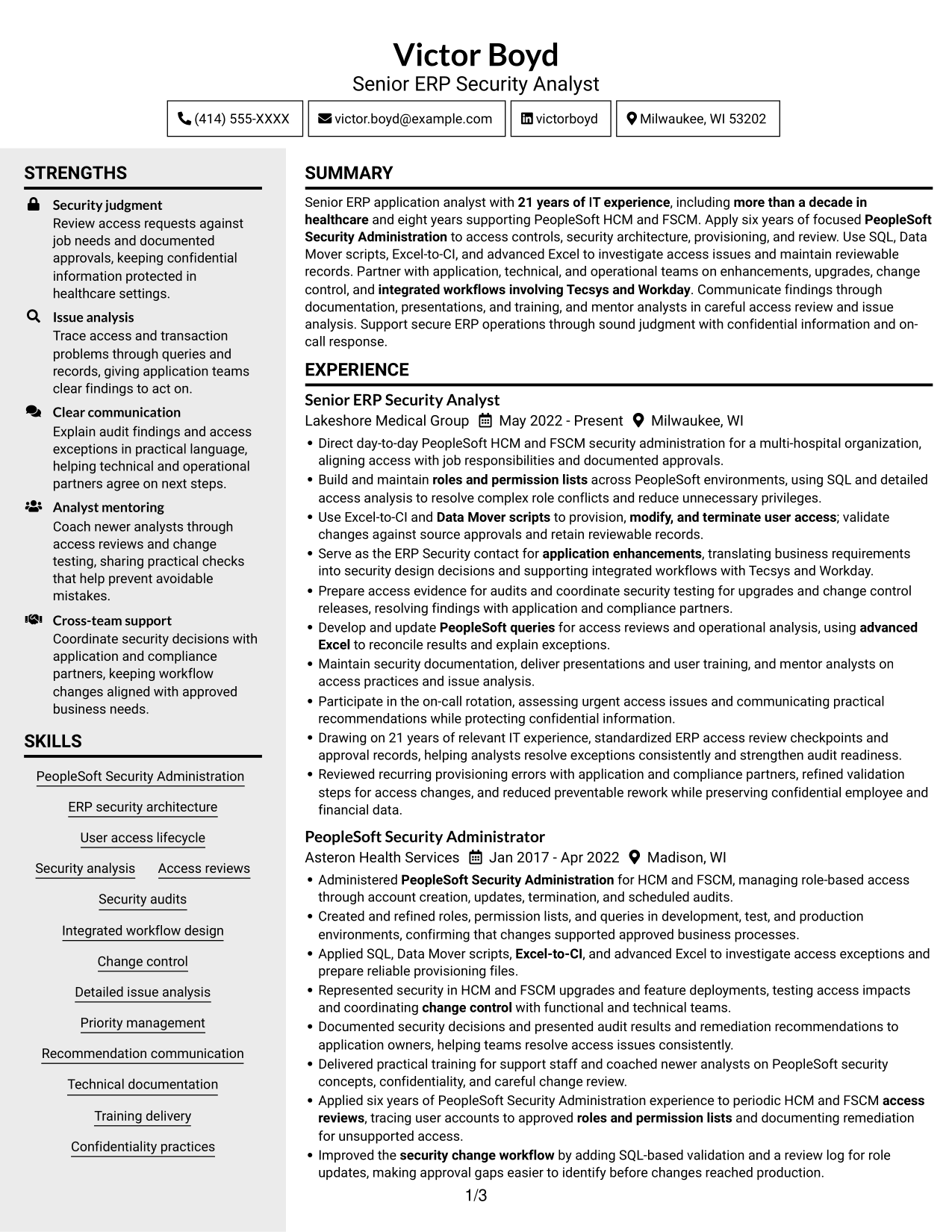
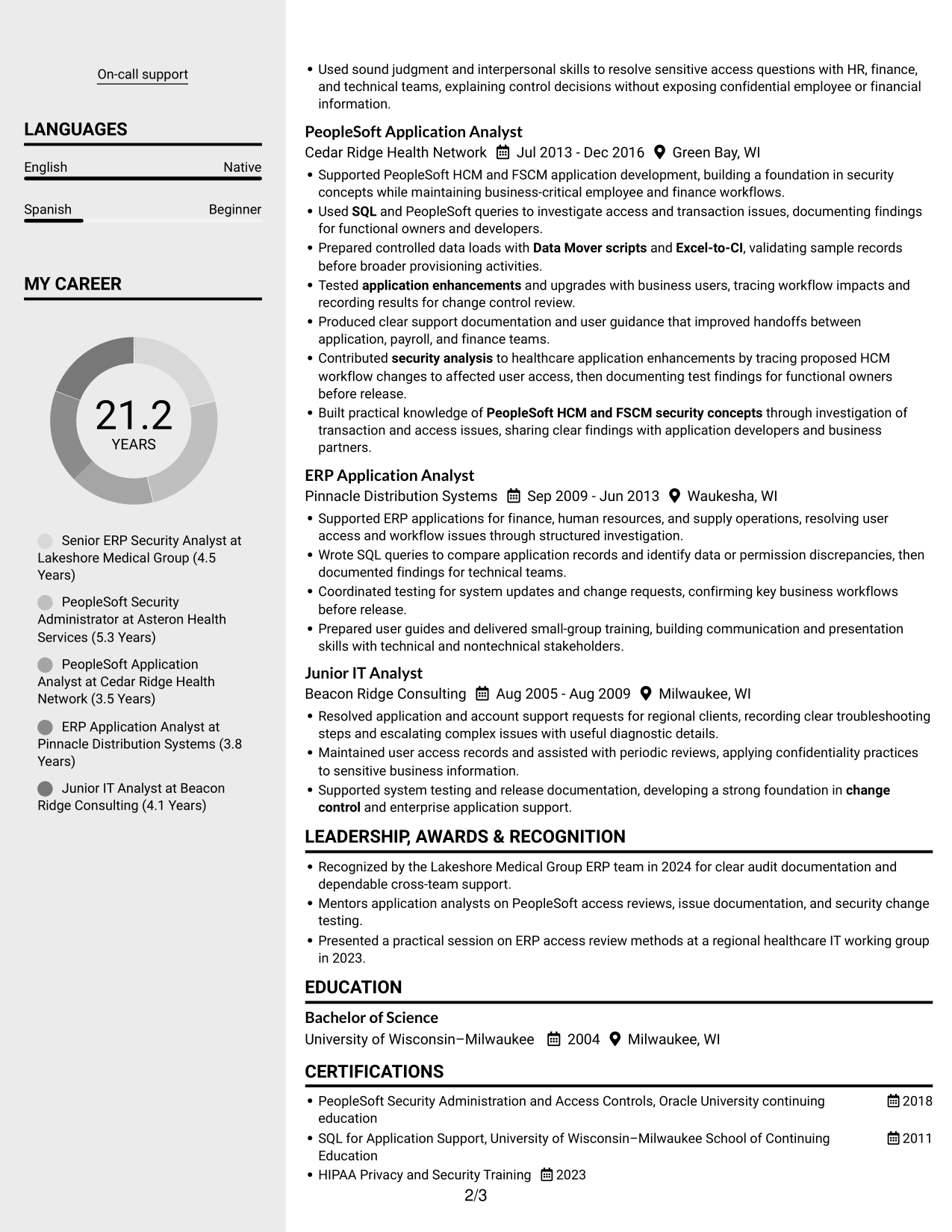
Why This Format Works
- Two columns help reviewers distinguish skills from the longer details in experience entries.
- Separate content areas make education and certifications easier to find during a quick review.
- The divided body breaks up dense information without turning the resume into one long text block.
Best For
- Compact skills and experience sections
- Quick comparison of content groups
- Resumes with varied section sizes
- Easy-to-find education details
- Dense information needing clear separation
#6 Two Column Format Resume Example
Two Column Format groups resume content in two reading areas, a useful option when reviewers need to move between distinct sections.
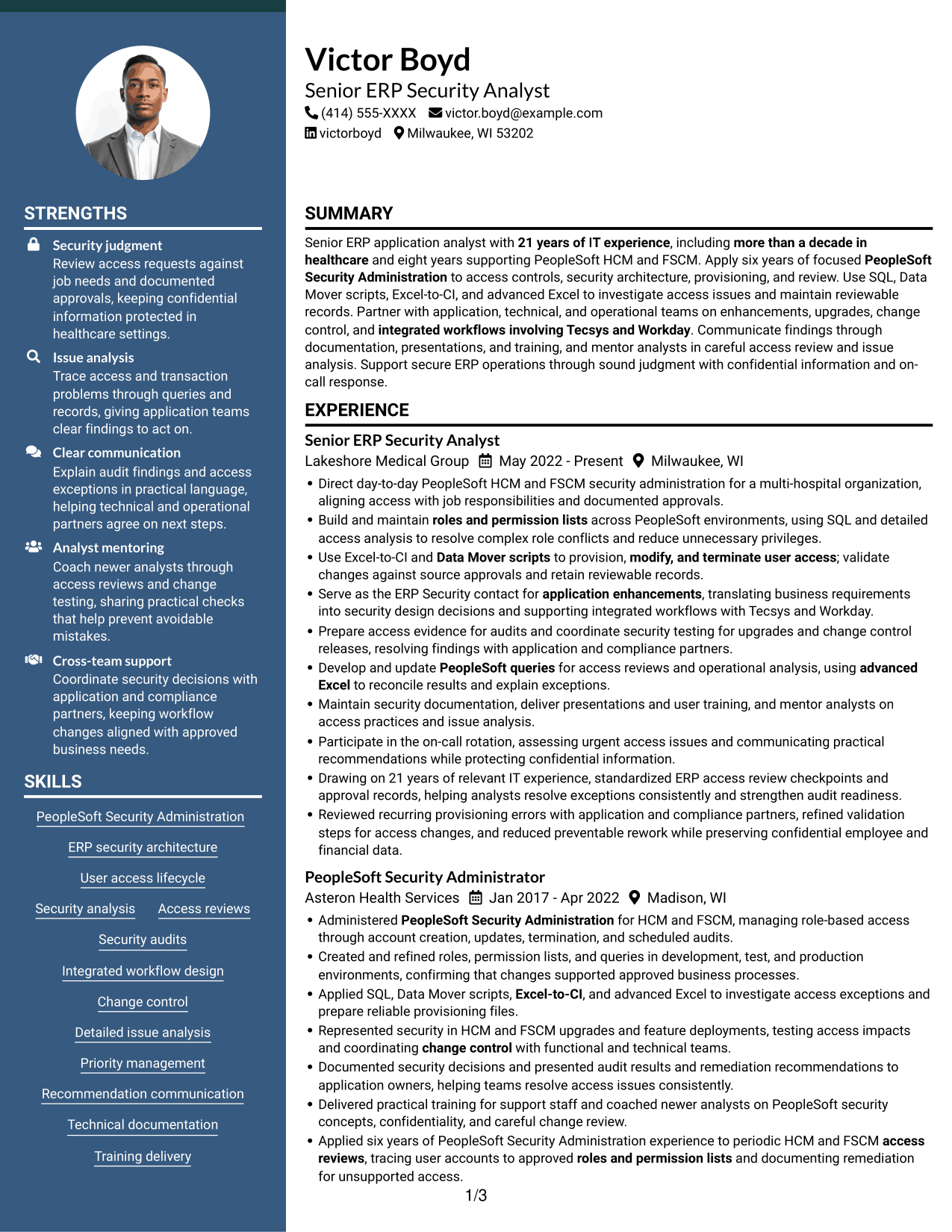
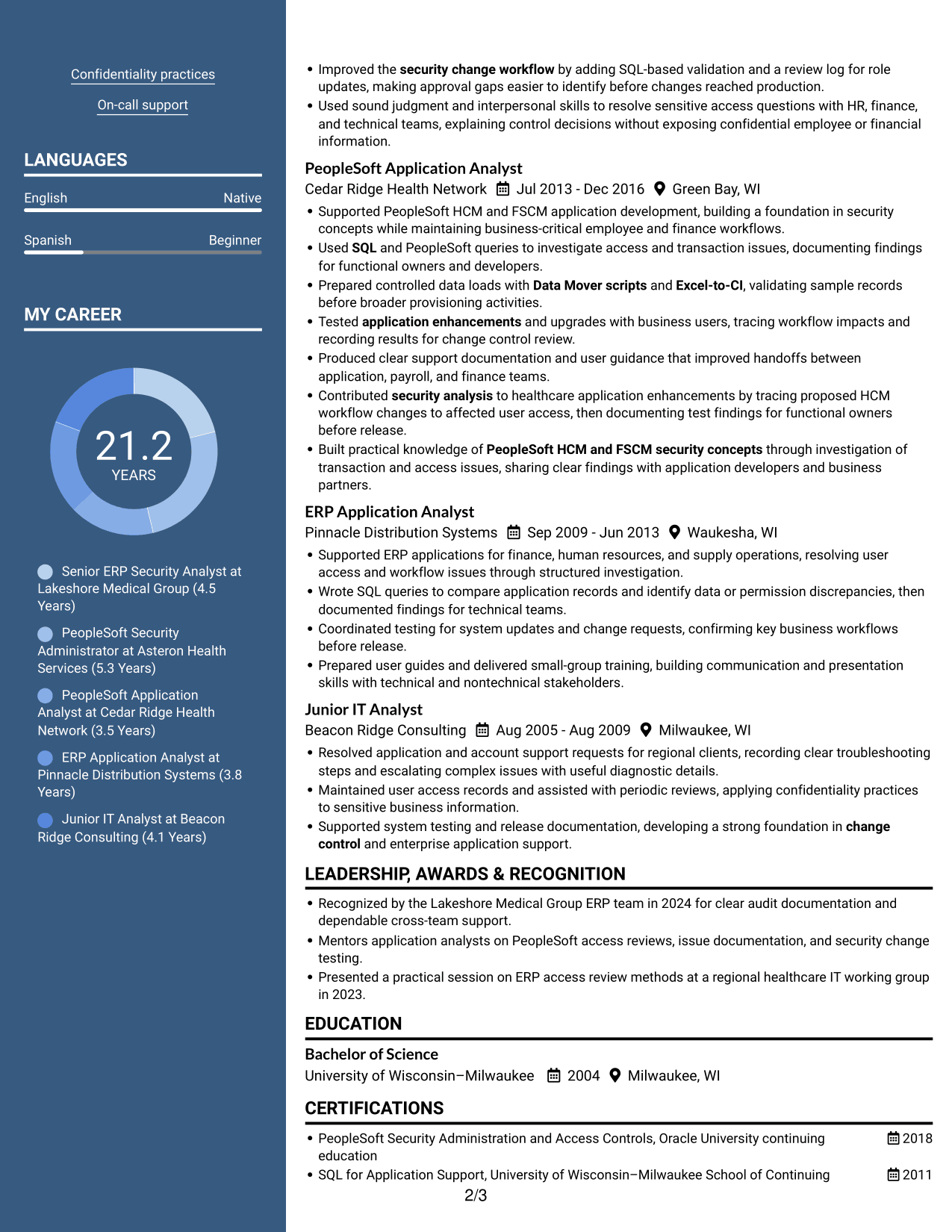
Why This Format Works
- The two-column body separates career details into distinct areas for easier section-by-section review.
- Reviewers can locate skills and credentials without reading every experience bullet first.
- Divided content areas help keep education details distinct from achievement descriptions.
Best For
- Section-by-section resume review
- Skills and credentials beside career details
- Short supporting sections
- Multiple content categories
- Readers comparing distinct resume sections
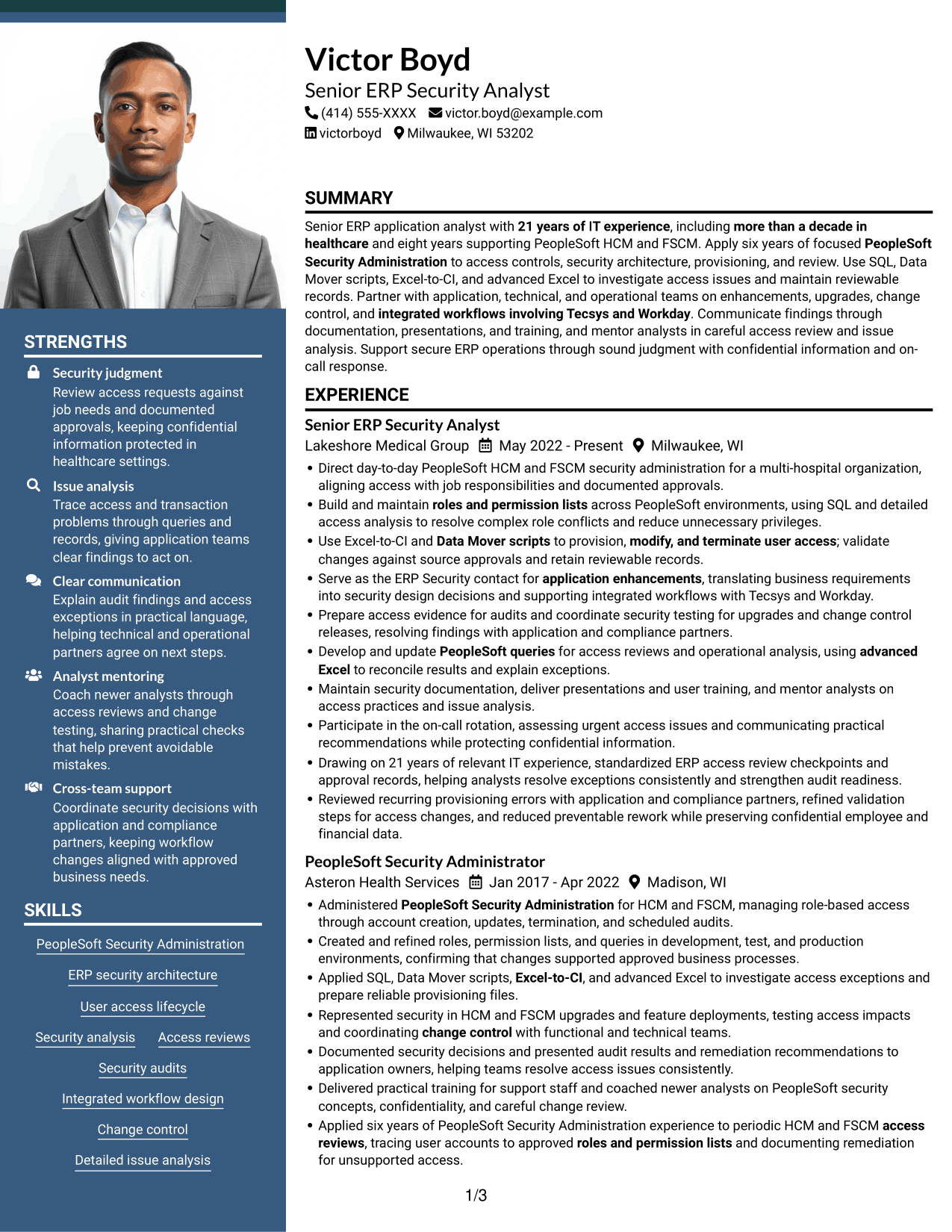
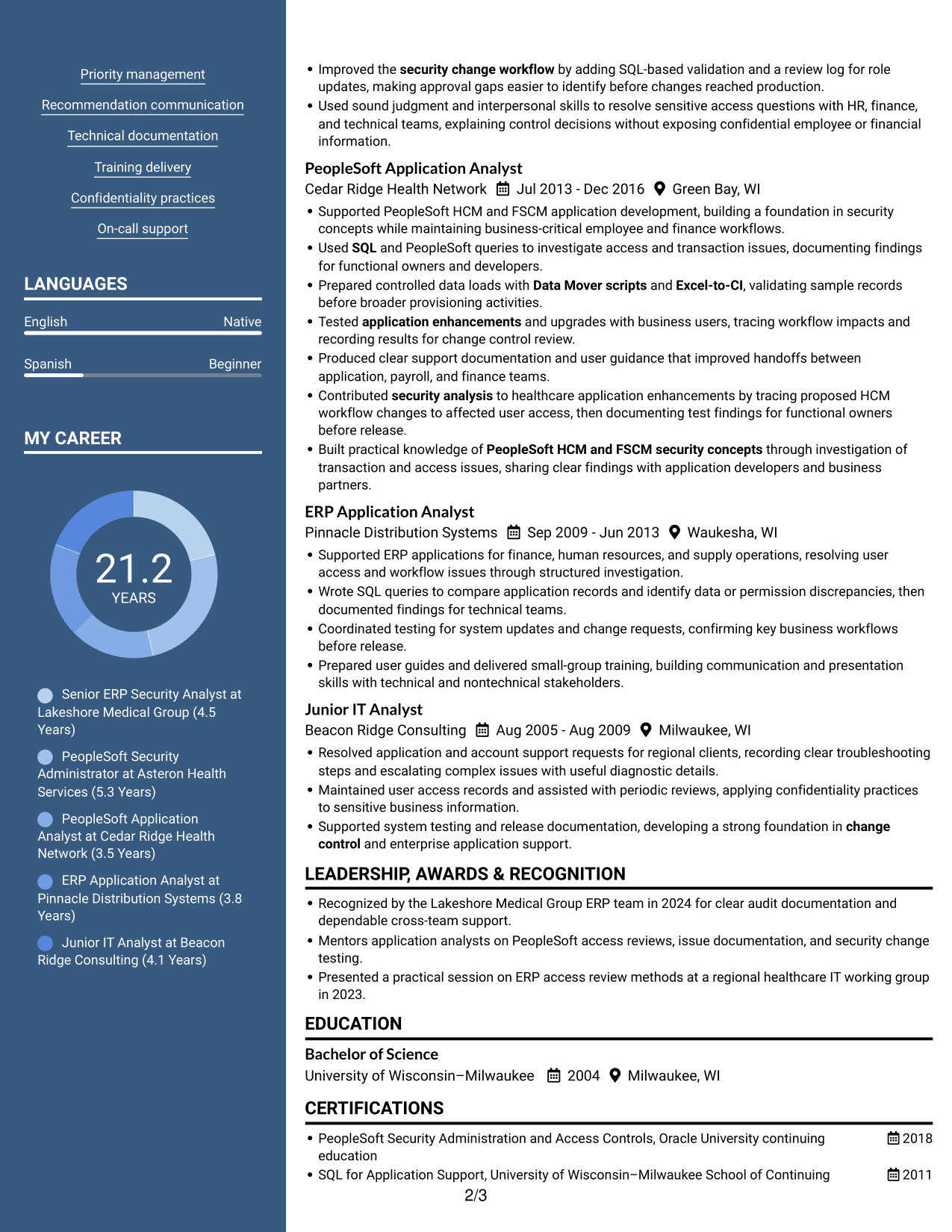
#7 Photo Header Two Column Format Resume Example
Photo Header Two Column Format combines two body columns with a photo, for readers who want a portrait and clearly divided resume content.
Why This Format Works
- Two reading areas help reviewers find experience and supporting sections without following one long text block.
- The divided body makes education and credentials easier to distinguish from career details.
- A photo adds a visible personal element while the columns organize resume content.
Best For
- Portrait with divided resume content
- Separate career and supporting sections
- Multi-category resume review
- Quick access to education details
- Readers who prefer a photo
Why Build Your ITS Application Analyst III - ERP Security Resume with ResumeInMinutes
ResumeInMinutes lets you review resume examples and open a layout in the editor. Use the structure to organize your experience, skills, education, and certifications so readers can find key details quickly.
- ATS-readable section structure
- Clear experience and achievement sections
- Space for ERP security skills and tools
- Organized education and certifications
- PNG image previews for comparison
- Examples you can open in the editor
Build a focused resume for the ITS Application Analyst III - ERP Security role. Keep your evidence specific, use familiar section headings, and make important access and audit work easy to scan.
See Also
- 7 Application Analyst Specialist Resume Templates with Example
- 7 Senior Application Analyst - Epic Environments Resume Templates with Example
- 7 Senior Application Development Analyst - Digital Accessibility Resume Templates with Example
- 7 Senior Business Analyst - Application Support Governance Resume Templates with Example
- 7 Service Desk Analyst - Federal Application Support Resume Templates with Example
- 7 Data Analyst III - Finance Resume Templates with Example
- 7 Data Analyst Intern - Data Management and ERP Resume Templates with Example
- 33 Cyber Security OT Sr Analyst Resume Templates with Example 2026 (ATS-Optimized)
- 7 ITS Application Analyst III - ERP Security Cover Letter Templates with Example
- 7 Senior Application Development Analyst - Digital Accessibility Cover Letter Templates with Example
Frequently Asked Questions
Are these ITS Application Analyst III - ERP Security resume templates ATS-friendly?
They use clear section headings and a readable structure. Include relevant terms such as PeopleSoft HCM, PeopleSoft FSCM, SQL, Data Mover scripts, Excel-to-CI, access reviews, and change control where they accurately describe your experience.
What should an ITS Application Analyst III - ERP Security resume include?
Include a focused summary, relevant experience, technical skills, education, and certifications. Use concise bullets to explain access provisioning, roles and permission lists, security reviews, audit work, application enhancements, upgrades, and change control.
Which skills and tools are useful to show for this role?
List tools and skills you have used, such as PeopleSoft HCM and FSCM, PeopleSoft Security Administration, SQL, Data Mover scripts, Excel-to-CI, advanced Excel, and PeopleSoft queries. Add Tecsys or Workday only when they match your background.
How can I make ERP security achievements clear?
Describe the task, the security action you took, and the result. For example, explain how you checked access against approvals, prepared audit evidence, resolved an exception, or improved a validation step. Use a number only when you can support it.
Which resume layout works well for an ERP security analyst?
A simple layout with clear headings and consistent dates is easy to scan. Choose a structure that keeps your relevant experience, technical skills, education, and certifications easy to find.
Should I include a photo on my resume?
For U.S. applications, a resume without a photo is generally the safer choice. Follow local practices if you are applying in another country.




