
7 Java Developer Intern - API Integration Cover Letter Templates with Example
This practical guide to a Java Developer Intern - API Integration cover letter helps you compare seven layouts and shape a clear, role-focused application.
What Makes a Great Java Developer Intern - API Integration Cover Letter in 2026
A strong Java Developer Intern - API Integration cover letter opens with clear interest, then explains how Java and API work fits the role. A direct closing invites a conversation.
Use specific evidence, such as connecting REST endpoints to a third-party service and handling JSON errors, then link it to the employer’s focus on reliable integrations and teamwork.
The featured Java Developer Intern - API Integration example moves from role interest to practical API evidence, related project work, and a clear close. Adapt that progression to your own experience, then choose a presentation that fits the employer and communication context.
#1 Simple One Column Format Cover Letter Example
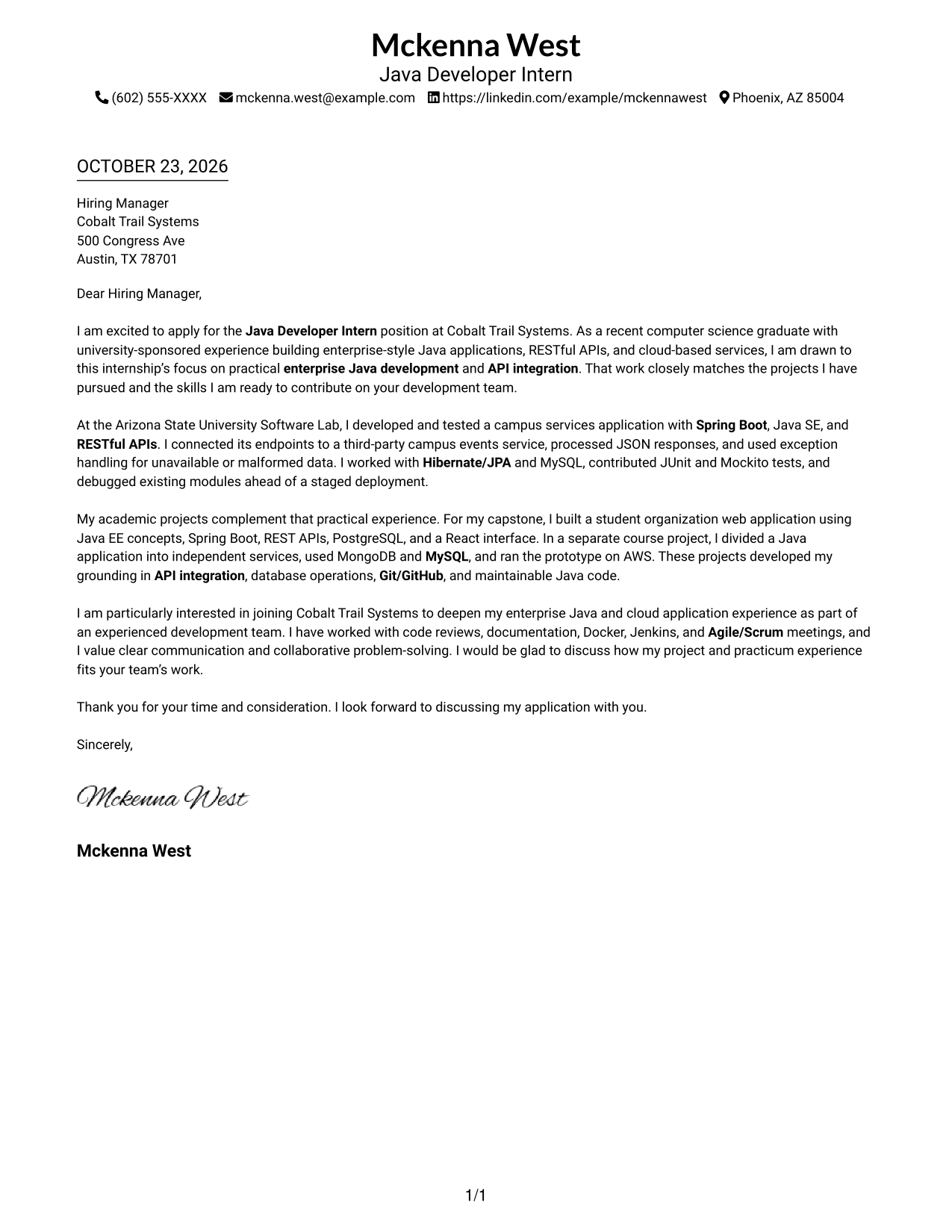
Simple One Column Format keeps sender details in the header and the letter in one column, giving the message a direct reading path.
Why This Format Works
- Sender details and letter text stay in one column, keeping the page's reading order simple.
- Continuous paragraphs let reviewers follow interest, supporting evidence, and closing in sequence.
- Without a photo, visual attention stays on the contact details and letter.
Best For
- Single-column correspondence
- Sequential letter reading
- Photo-free applications
- Header-based contact details
- Unheaded letter bodies
#2 Two Column Format Cover Letter Example
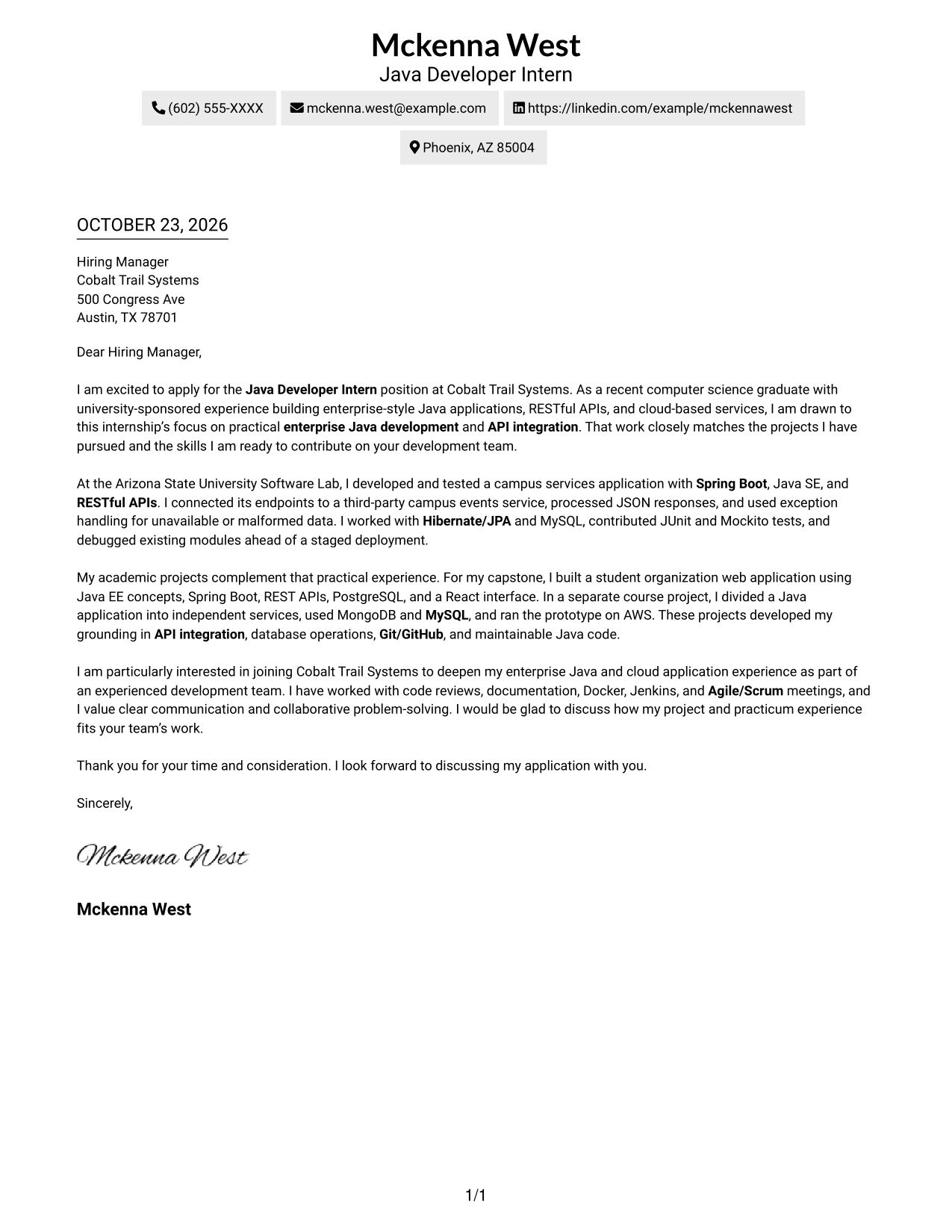
Two Column Format sets a contact sidebar beside one uninterrupted letter column, separating sender details from the message.
Why This Format Works
- The contact sidebar keeps sender information apart from the letter's message.
- The letter body stays in one column, preserving the sequence from opening to closing.
- Reviewers can move from the sender details to the correspondence without changing body columns.
Best For
- Sidebar contact layouts
- Continuous letter paragraphs
- Two-area page organization
- Photo-free correspondence
- Unheaded letter text
#3 Photo Header Two Column Format Cover Letter Example
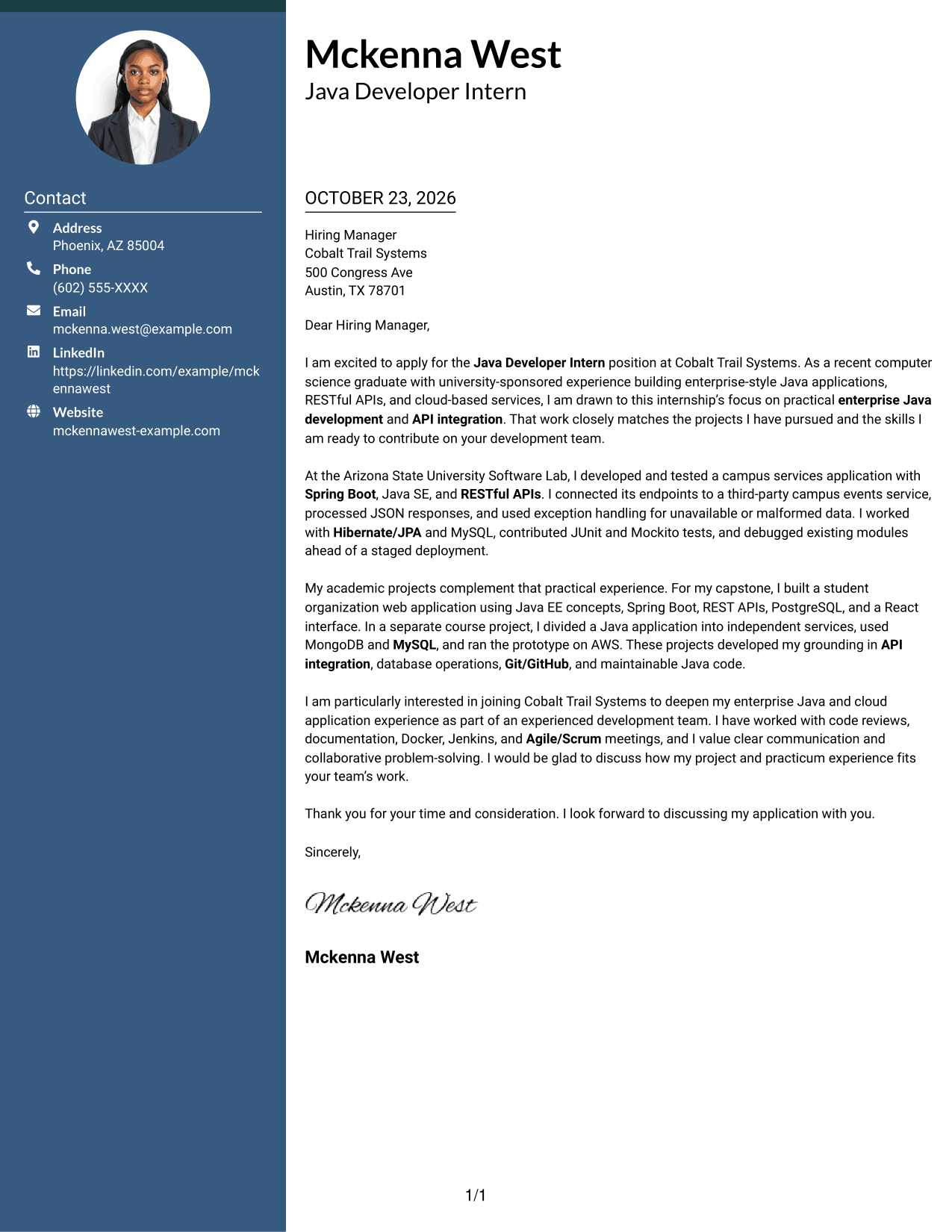
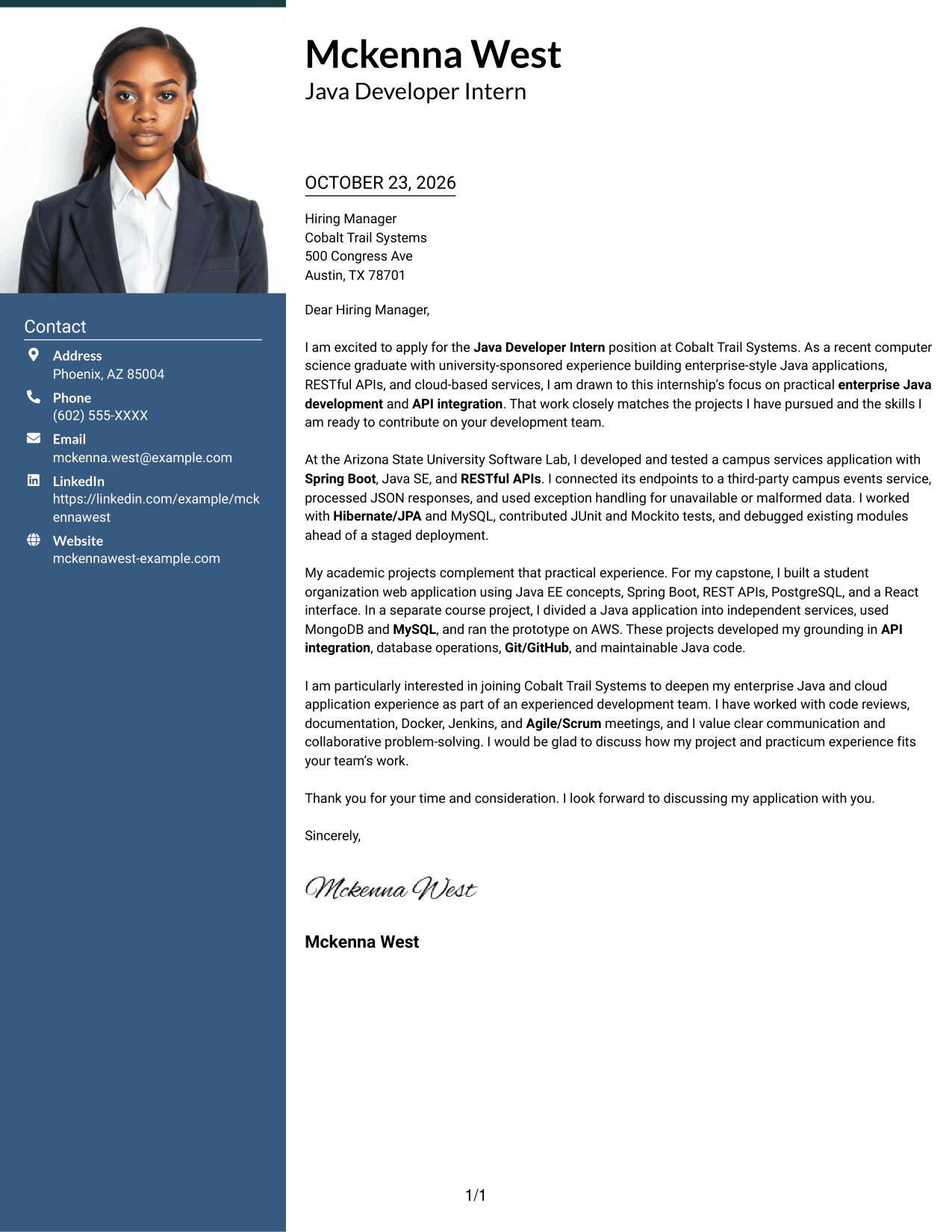
Photo Header Two Column Format places a portrait in the header, with a contact sidebar beside the continuous letter body.
Why This Format Works
- The portrait offers a personal visual touch for readers who prefer a photo.
- Contact details remain outside the letter, leaving its paragraphs together in one body.
- A continuous text column helps reviewers follow the message from opening through closing.
Best For
- Portrait-led header preference
- Sidebar contact information
- Continuous letter paragraphs
- Single-column body reading
- Unheaded correspondence
#4 One Column Format with Photo Cover Letter Example
One Column Format with Photo keeps the letter in a single text column and adds a portrait to the header for a personal visual touch.
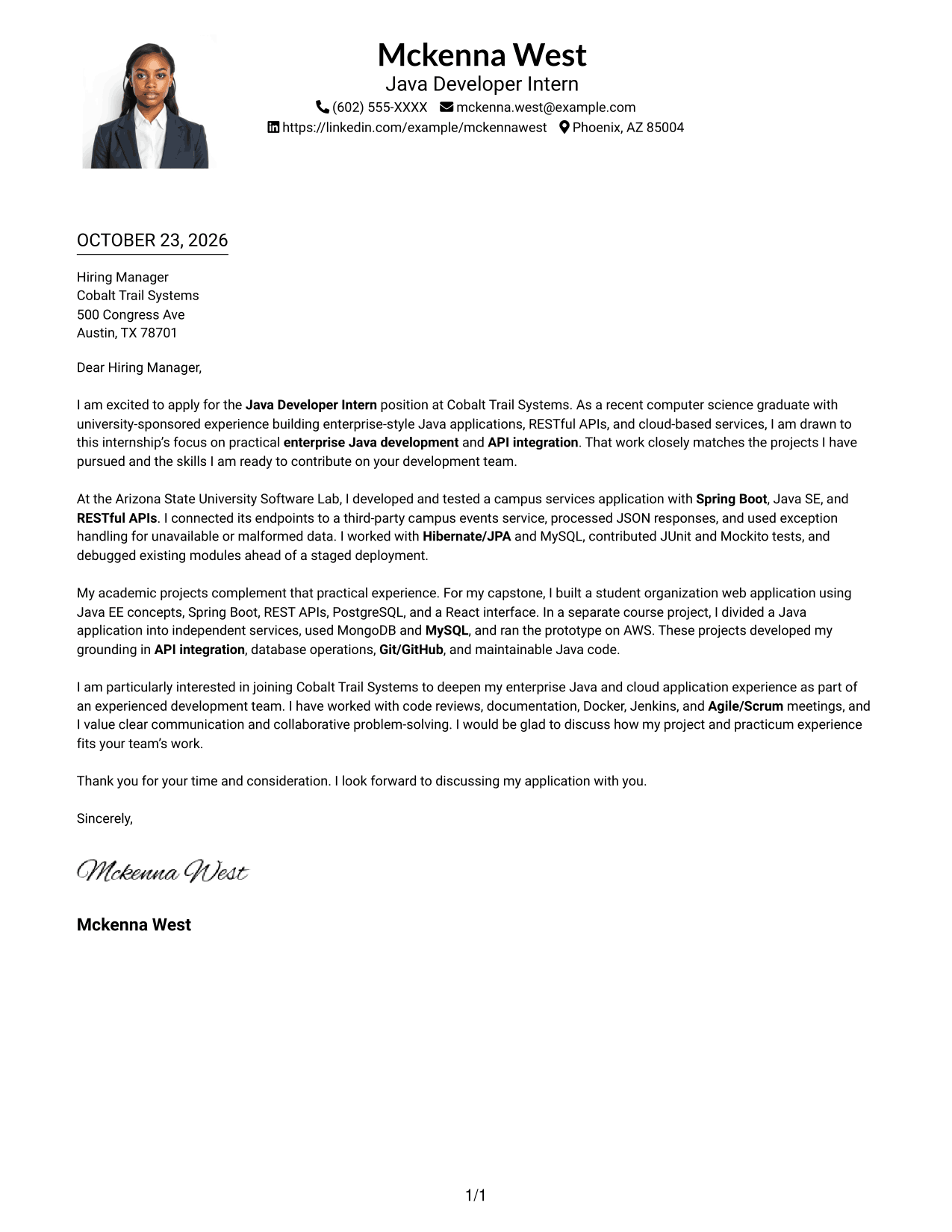
Why This Format Works
- A portrait suits readers who prefer a photo in the sender's header presentation.
- One text column lets reviewers follow the letter without shifting between body areas.
- Paragraphs carry the message from interest to evidence and closing without section labels.
Best For
- Portrait-led header preference
- Single-column letter text
- Unheaded body text
- Continuous paragraph flow
- Header contact presentation
#5 Simple Two Column Format Cover Letter Example
Simple Two Column Format places contact details in a sidebar beside one continuous letter column, keeping sender information distinct from the message.
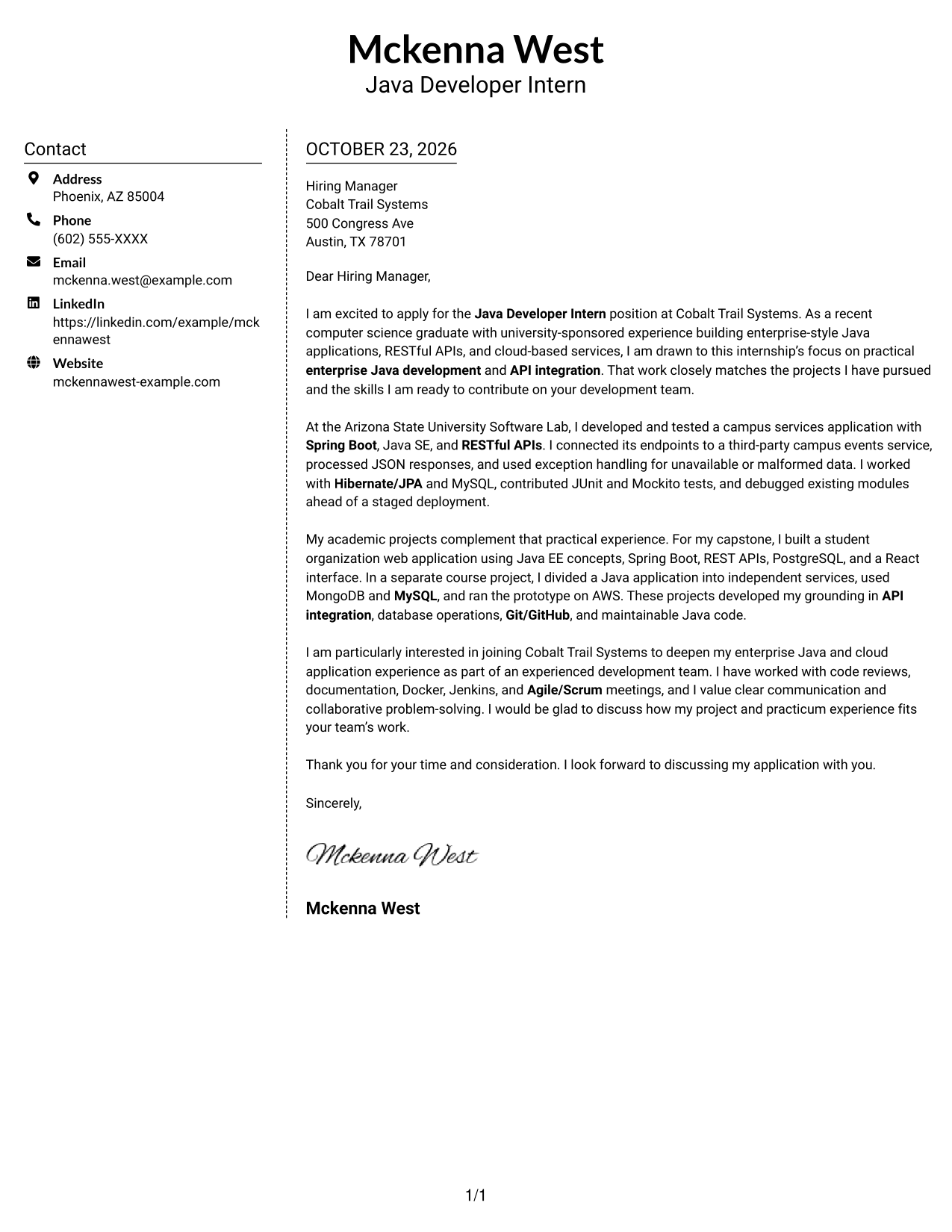
Why This Format Works
- The sidebar gives contact details a separate place beside the correspondence.
- One continuous text column keeps the opening, evidence, and closing in sequence.
- The two areas help reviewers distinguish sender information from the letter itself.
Best For
- Separate sender contact area
- Uninterrupted letter paragraphs
- Two-part page organization
- Photo-free correspondence
- Unheaded message text
#6 Modern Icon Format Cover Letter Example
Modern Icon Format pairs a contact sidebar with one continuous letter column, using icons as cues for contact details rather than letter content.
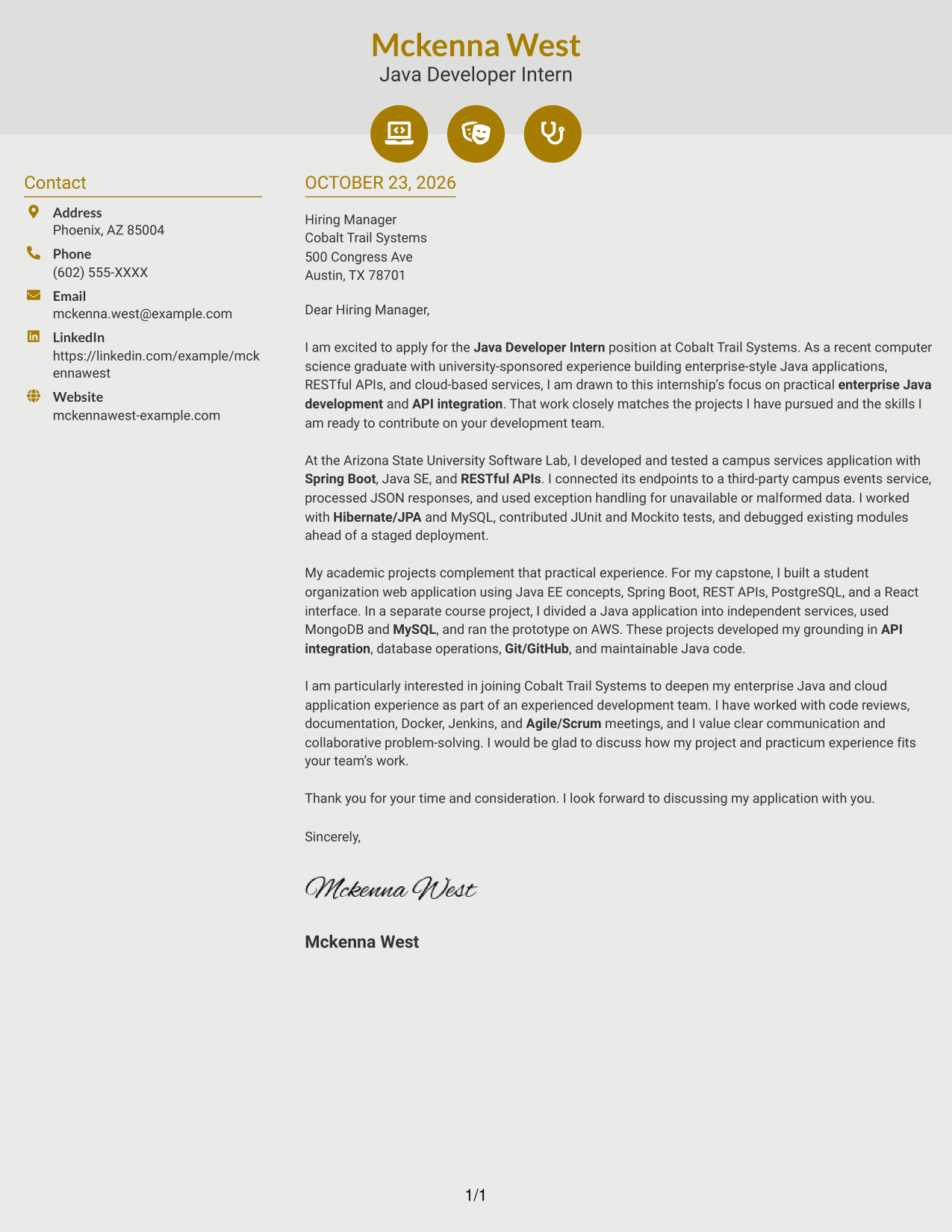
Why This Format Works
- Contact icons help reviewers recognize sender details without labeling the letter's argument.
- The separate sidebar keeps contact information outside the continuous letter body.
- Opening, supporting points, and closing remain together in one text column.
Best For
- Icon-marked contact details
- Sidebar contact layouts
- Continuous letter paragraphs
- Single-column argument flow
- Unheaded correspondence
#7 Creative Two Tone Format Cover Letter Example
Creative Two Tone Format places contact information in a sidebar beside a single continuous letter column, keeping the correspondence together.
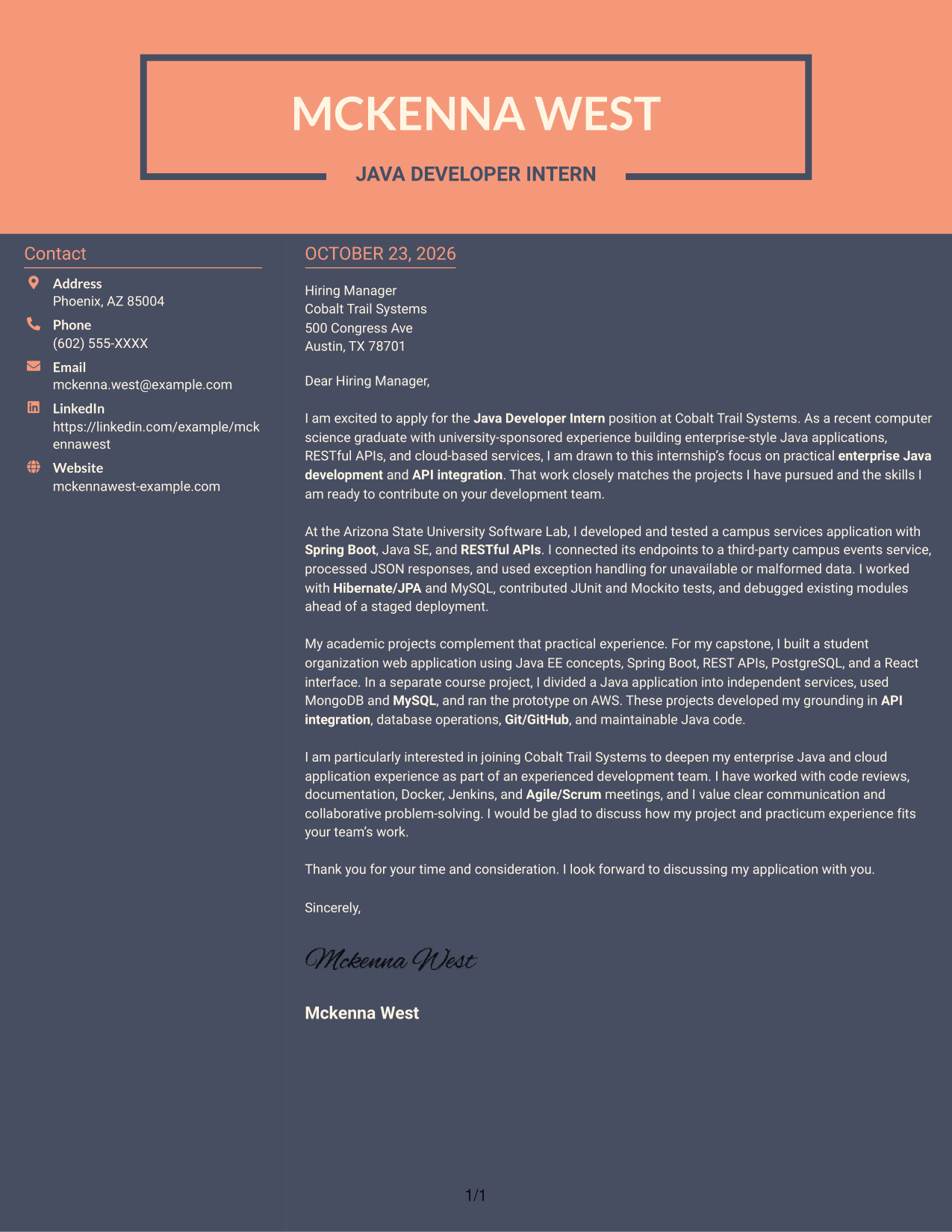
Why This Format Works
- The sidebar separates sender information from the letter's message.
- A single text column keeps the argument in a natural paragraph sequence.
- The contact area and letter body create a clear path through the page.
Best For
- Contact sidebar preference
- Single-column letter bodies
- Natural paragraph sequence
- Separate sender information
- Unheaded letter content
See Also
- 7 Java Developer Intern - API Integration Resume Templates with Example
- 33 Associate - Java Developer Resume Templates with Example 2026 (ATS-Optimized)
- 7 Entry-Level Java/C++ Developer Resume Templates with Example
- 33 Entry Level Java Developer Resume Templates with Example
- 7 Entry-Level Java Developer - Web Application Development Resume Templates with Example
- Java Developer Intern Resume Guide (Example + Free PDF Download)
- 7 Java Developer Intern - Web Services Resume Templates with Example
- Java Software Developer Resume Guide (Examples + Free PDF Downloads)
- 30+ Associate - Java Developer Cover Letter Templates with Example 2026
- 7 Entry-Level Java/C++ Developer Cover Letter Templates with Example
Frequently Asked Questions
What should a Java Developer Intern - API Integration cover letter highlight?
Show how your Java work relates to API integration. A useful example can describe connecting a REST endpoint to a third-party service, processing JSON, and handling errors.
How should I open this cover letter?
Name the Java Developer Intern - API Integration role and briefly explain your interest in its API work. Connect that interest to relevant experience or academic work you can discuss honestly.
What evidence can I include in the body paragraphs?
Choose a specific example that shows your contribution. Relevant details may include Spring Boot, RESTful APIs, database work, unit testing, or debugging, when they match your own experience.
How can a recent graduate write a persuasive letter?
A recent graduate can draw on practical placements and academic projects. Explain the task, your contribution, and how the experience relates to API integration and collaborative development.
How should I close a Java Developer Intern - API Integration cover letter?
Thank the reader for considering your application and express interest in discussing your fit for the role. Keep the closing warm, direct, and professional.




