
7 Java Developer Intern - API Integration Resume Templates with Example
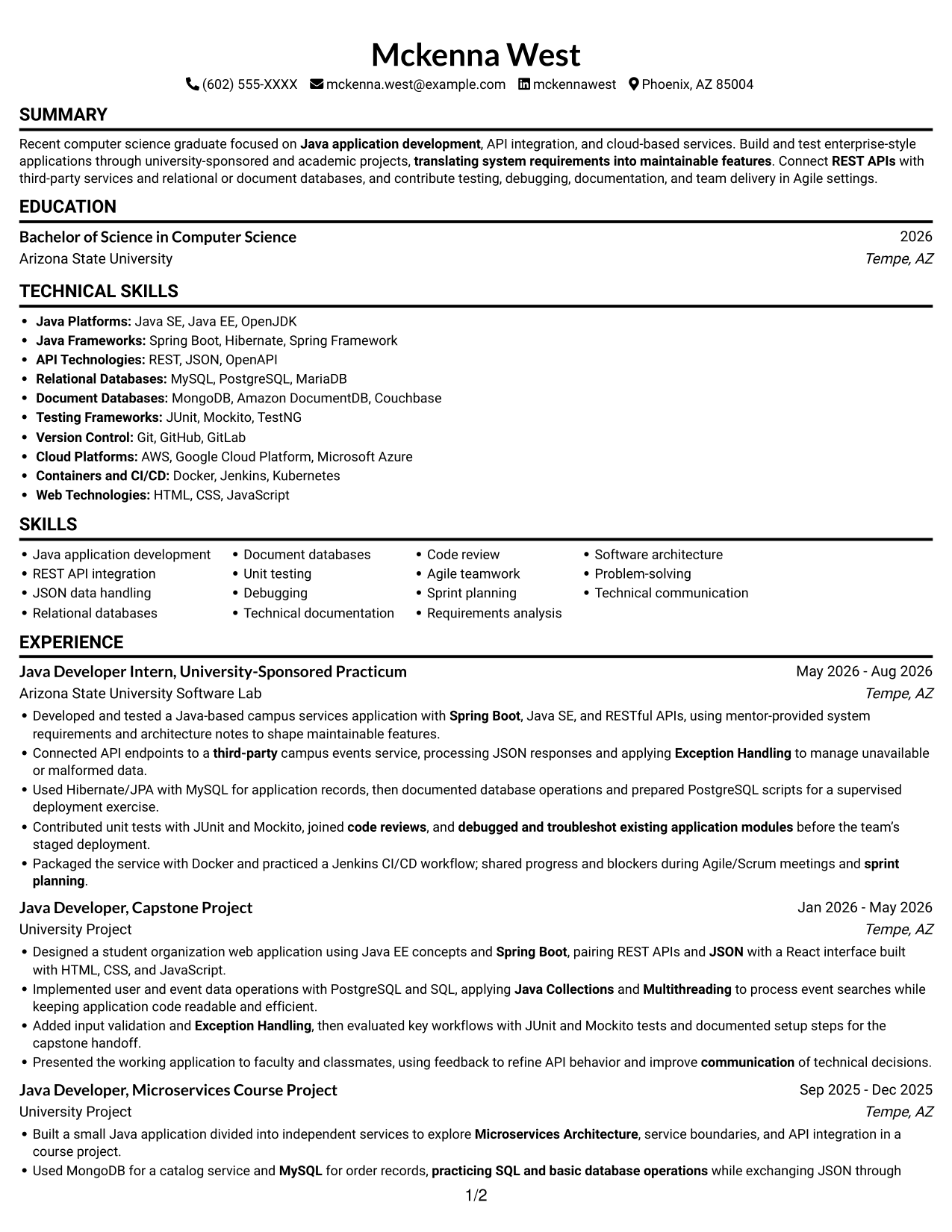
This guide shows you how to build a clear, focused Java Developer Intern - API Integration resume. You will learn how to organize your skills and evidence so a reviewer can quickly see how you work with Java applications and API connections.
Strong resumes connect technical skills to specific work. Use concise bullet points to show how you built or tested Java applications, connected REST APIs with third-party services, handled JSON data, and worked with databases, tests, and documentation.
The examples present the same Java Developer Intern - API Integration resume in 7 layouts. Compare the image previews to see how each format arranges experience, projects, education, and technical skills, then open an example in the editor to explore its structure.
What Makes a Great Java Developer Intern - API Integration Resume in 2026
A strong resume is easy to scan and links relevant skills to clear examples. Use simple section headings and specific bullet points to show your role in development, testing, and API integration work.
Include terms that match your real experience, such as Core Java, Spring Boot, REST APIs, JSON, MySQL, PostgreSQL, JUnit, and Git/GitHub. Add the tools and methods you have used, and describe outcomes without adding unsupported claims.
Note: Resume examples are for educational purposes only. Use only information that accurately reflects your experience and qualifications. References to real organizations do not imply affiliation or endorsement.
#1 Simple One Column Format Resume Example
Simple One Column Format keeps resume content in one vertical path, so reviewers can follow its section order with ease.
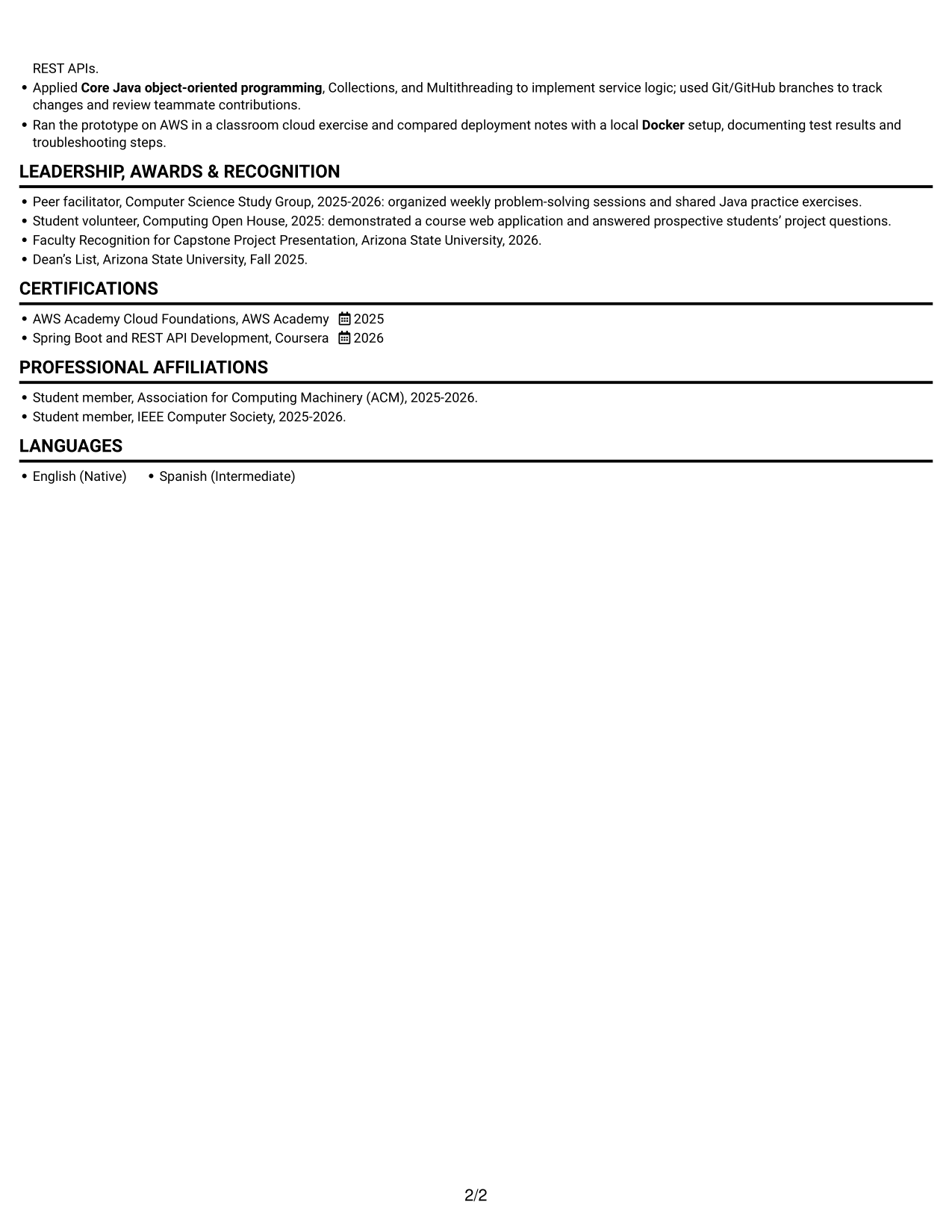
Why This Format Works
- One vertical reading path lets reviewers follow experience, education, and credentials in sequence.
- Clear section breaks make project bullets and academic history easier to locate.
- Skills and tools remain easy to review without switching between parallel content areas.
Best For
- One-direction resume reading
- Chronological experience review
- Academic project details
- Education and credential sections
- Technical skills overview
Resume Keywords
- Bachelor of Science in Computer Science
- Core Java
- object-oriented programming
- Java Collections
- Exception Handling
- Multithreading
- Java SE, Java EE
- Spring Boot
- REST APIs
- JSON
- Connected API endpoints to a third-party campus events service
- Designed a student organization web application
- MySQL
- practicing SQL and basic database operations
- used Git/GitHub branches to track changes
#2 Simple Two Column Format Resume Example
Simple Two Column Format uses two content areas to make a varied resume easier to scan and compare.
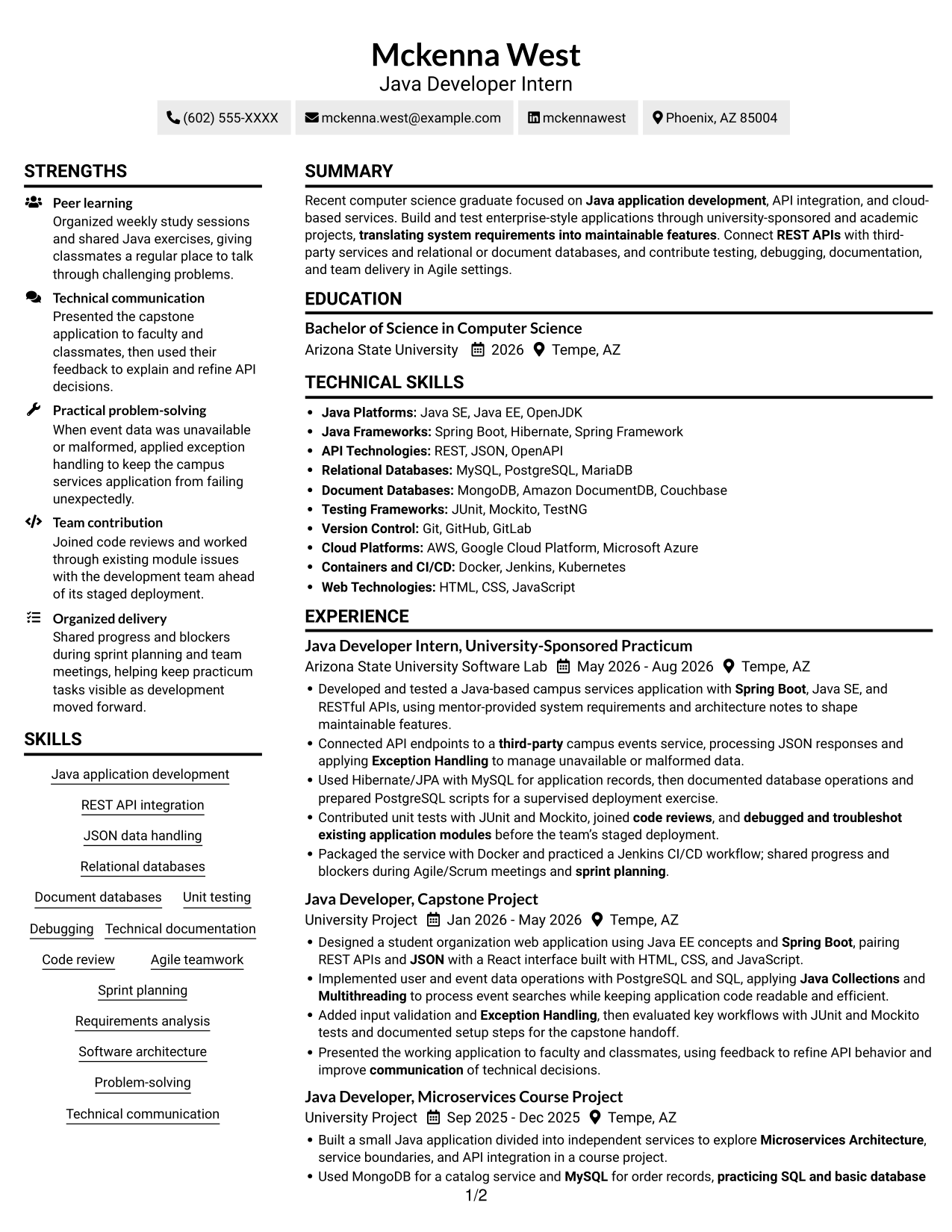
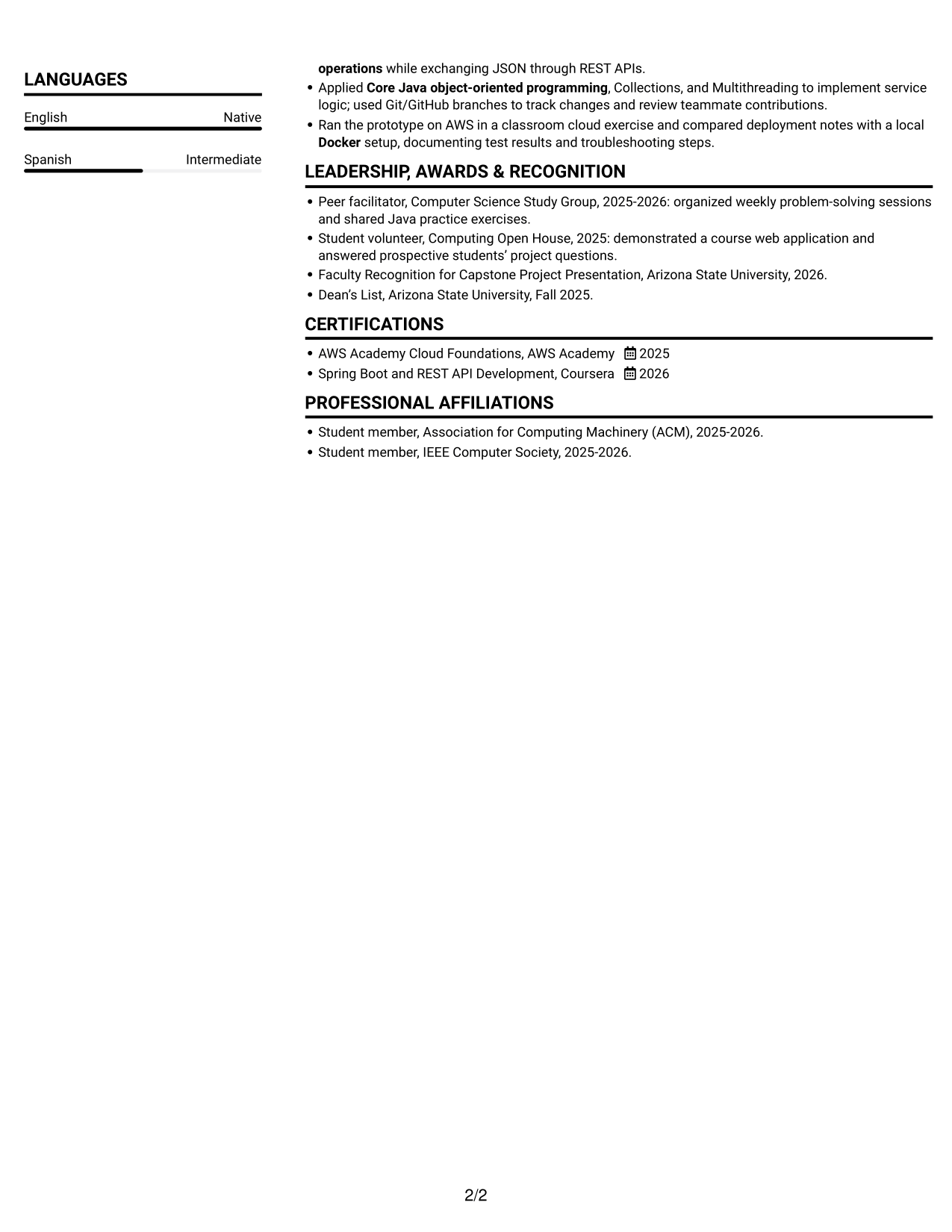
Why This Format Works
- Two content areas give experience, education, and skills distinct places in the reading order.
- The layout helps reviewers move between project details and supporting resume sections.
- A balanced view suits resumes with both technical skills and academic experience.
Best For
- Two-area content organization
- Experience and skills review
- Academic project details
- Multiple resume sections
- Technical skills overview
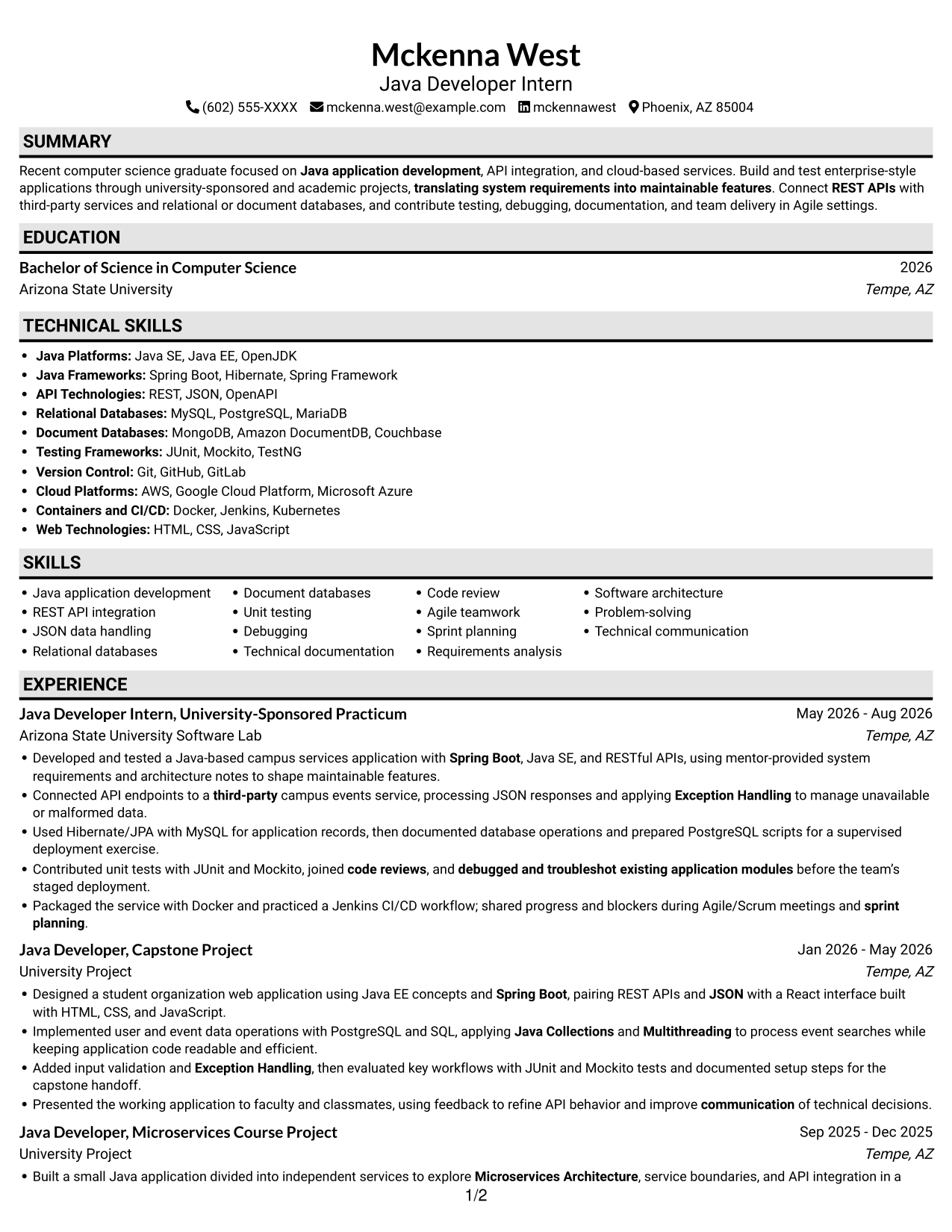
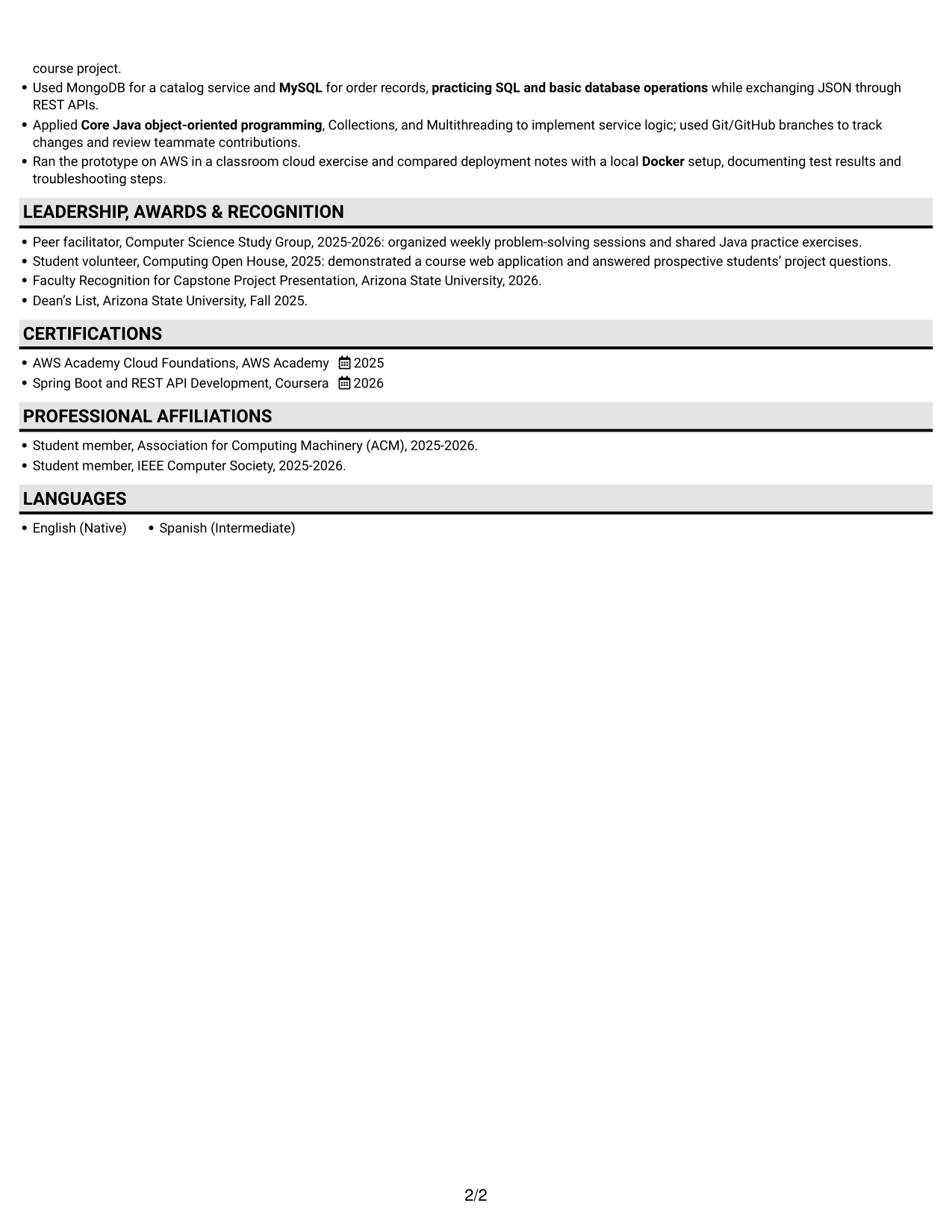
#3 Plain One Column with Shaded Labels Resume Example
Plain One Column with Shaded Labels follows a single vertical reading path, giving each resume section a clear place in sequence.
Why This Format Works
- The single-column sequence supports a steady review of academic and practicum experience.
- Section divisions help reviewers find education and credentials as they move down the resume.
- Project bullets sit within a straightforward reading path rather than competing with parallel content.
Best For
- Section-by-section resume review
- Academic and practicum history
- Project bullet details
- Education and credentials
- Simple content hierarchy
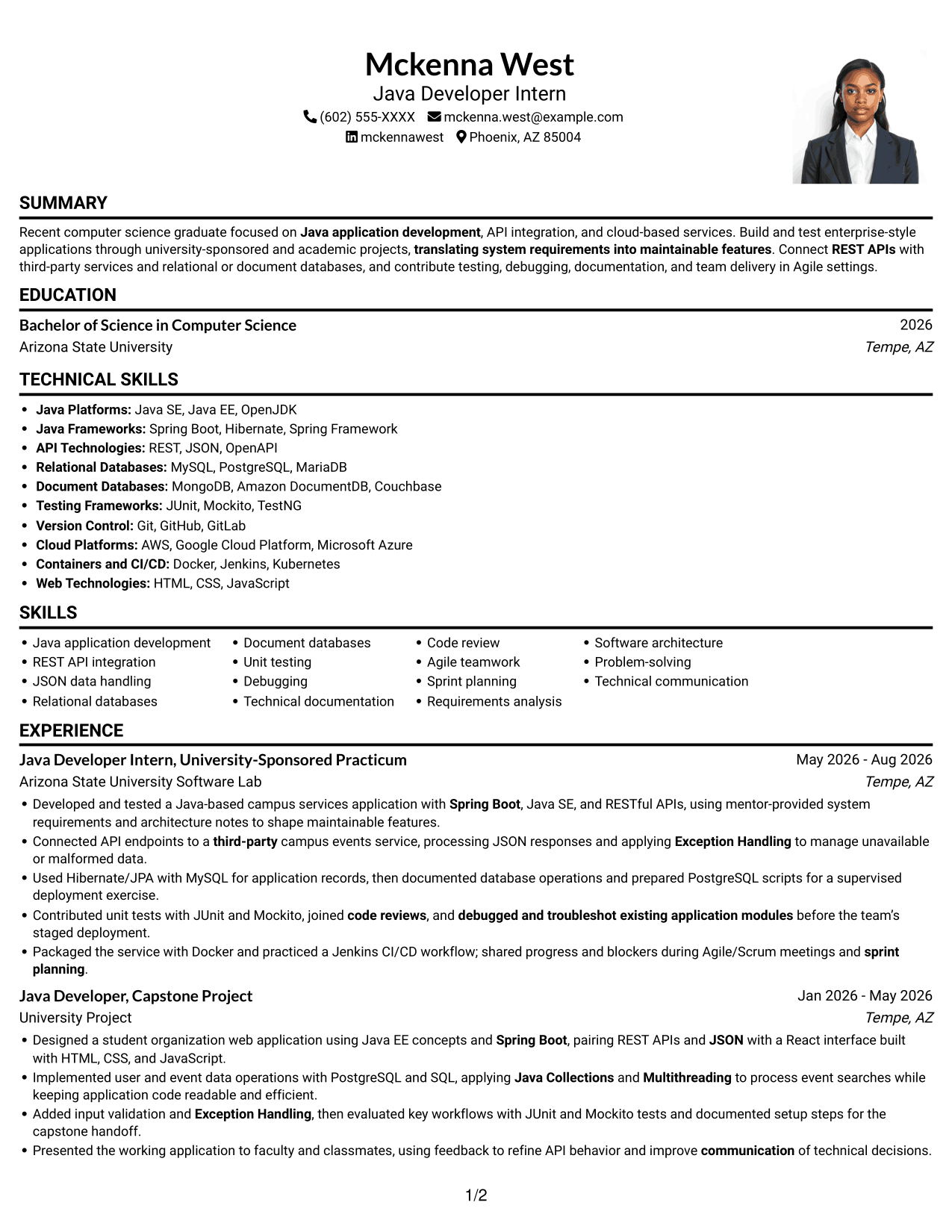
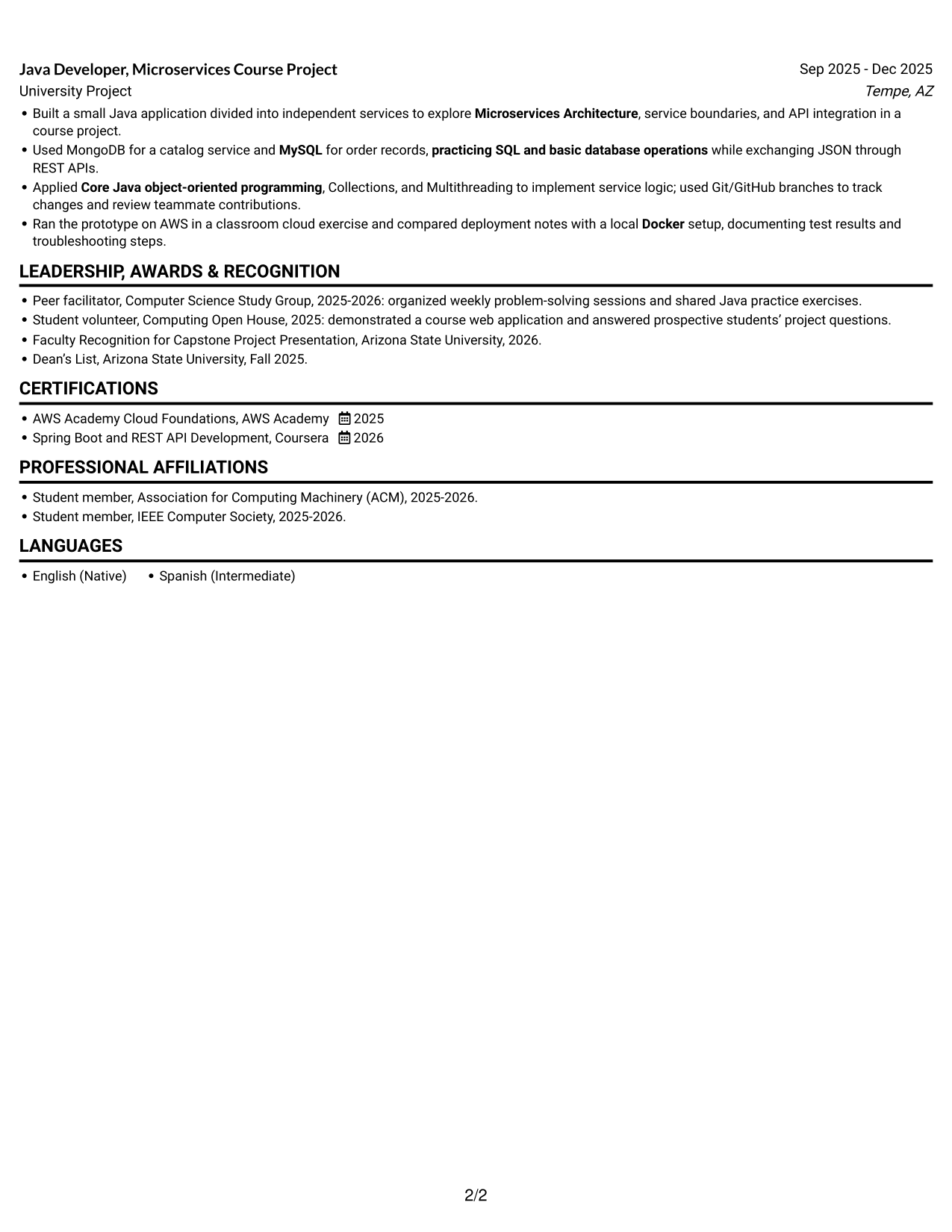
#4 One Column Format with Photo Right Resume Example
One Column Format with Photo Right pairs a single vertical resume body with a portrait on the right for readers who want a photo included.
Why This Format Works
- The single-column body keeps project, experience, and education details in a clear sequence.
- A portrait adds a personal visual element without breaking the resume's reading order.
- Reviewers can follow technical skills and credentials through one continuous content path.
Best For
- Resume with a portrait
- Single-path resume reading
- Education and experience review
- Academic project details
- Technical skills sections
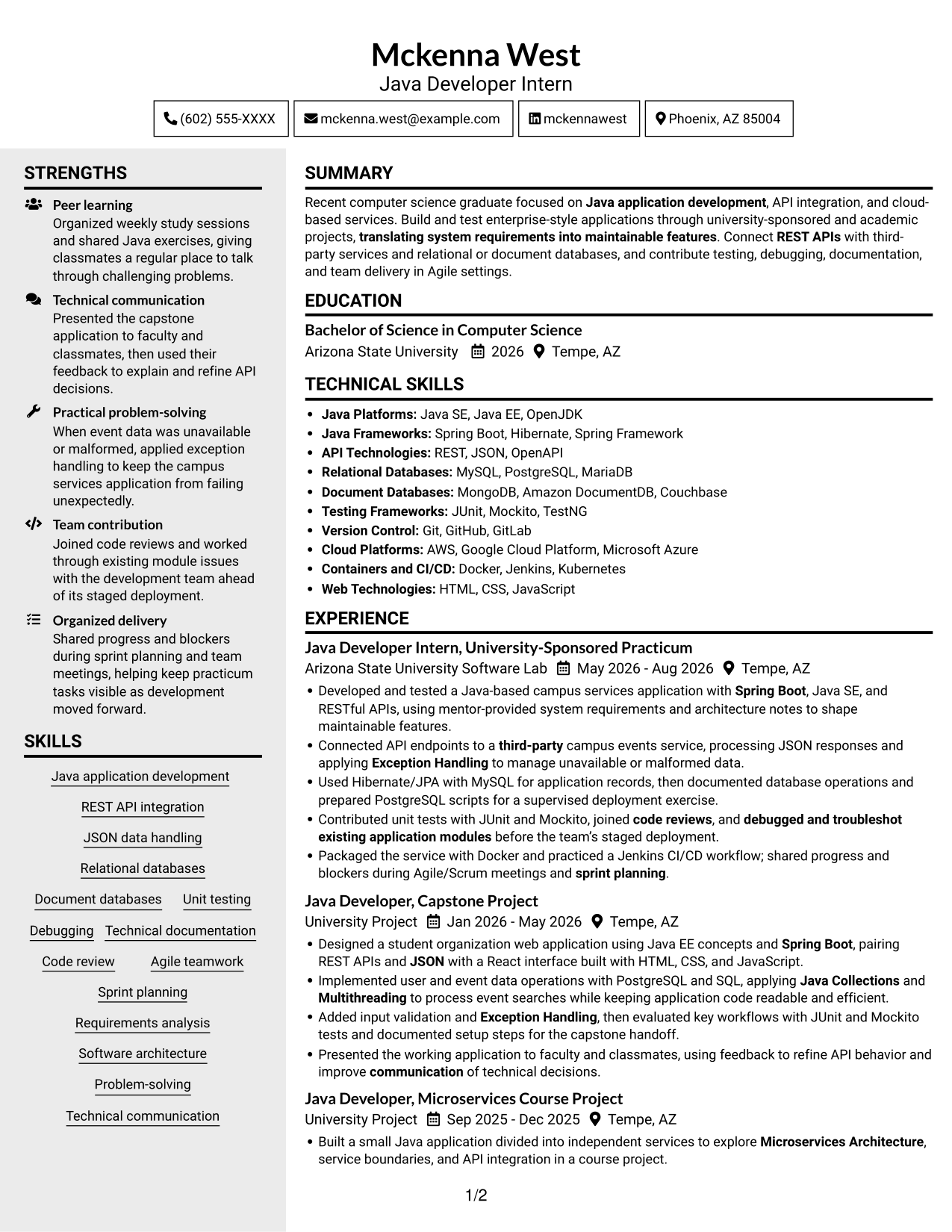
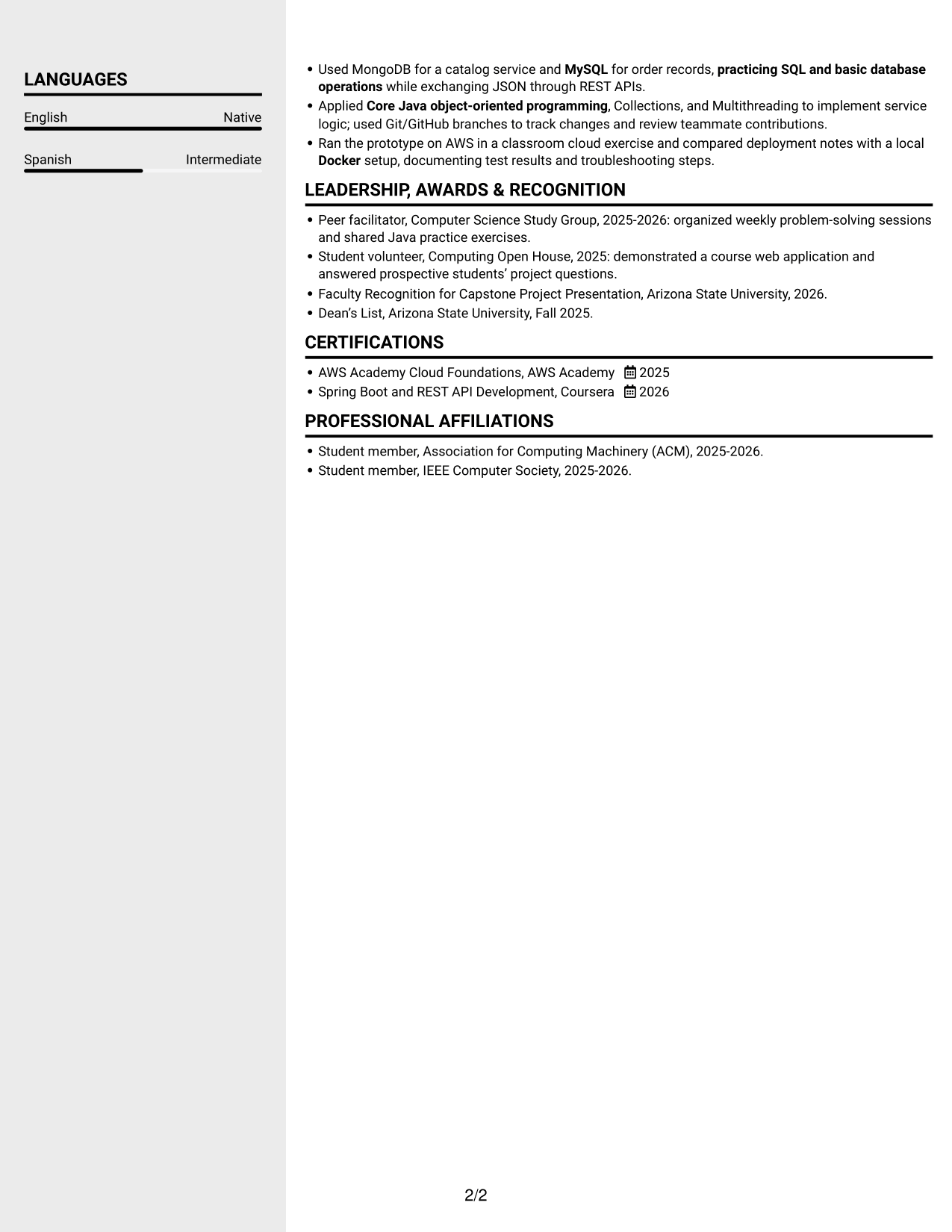
#5 Clean Two Column Sidebar Format Resume Example
Clean Two Column Sidebar Format separates resume content into two areas for readers who prefer an organized, compact view.
Why This Format Works
- The sidebar and main area give reviewers separate routes through resume content.
- Distinct columns help technical skills stand apart from detailed project and work history.
- The clear division supports quick movement between education and experience sections.
Best For
- Sidebar-based organization
- Technical skills and experience
- Detailed project histories
- Education beside other sections
- Compact content overview
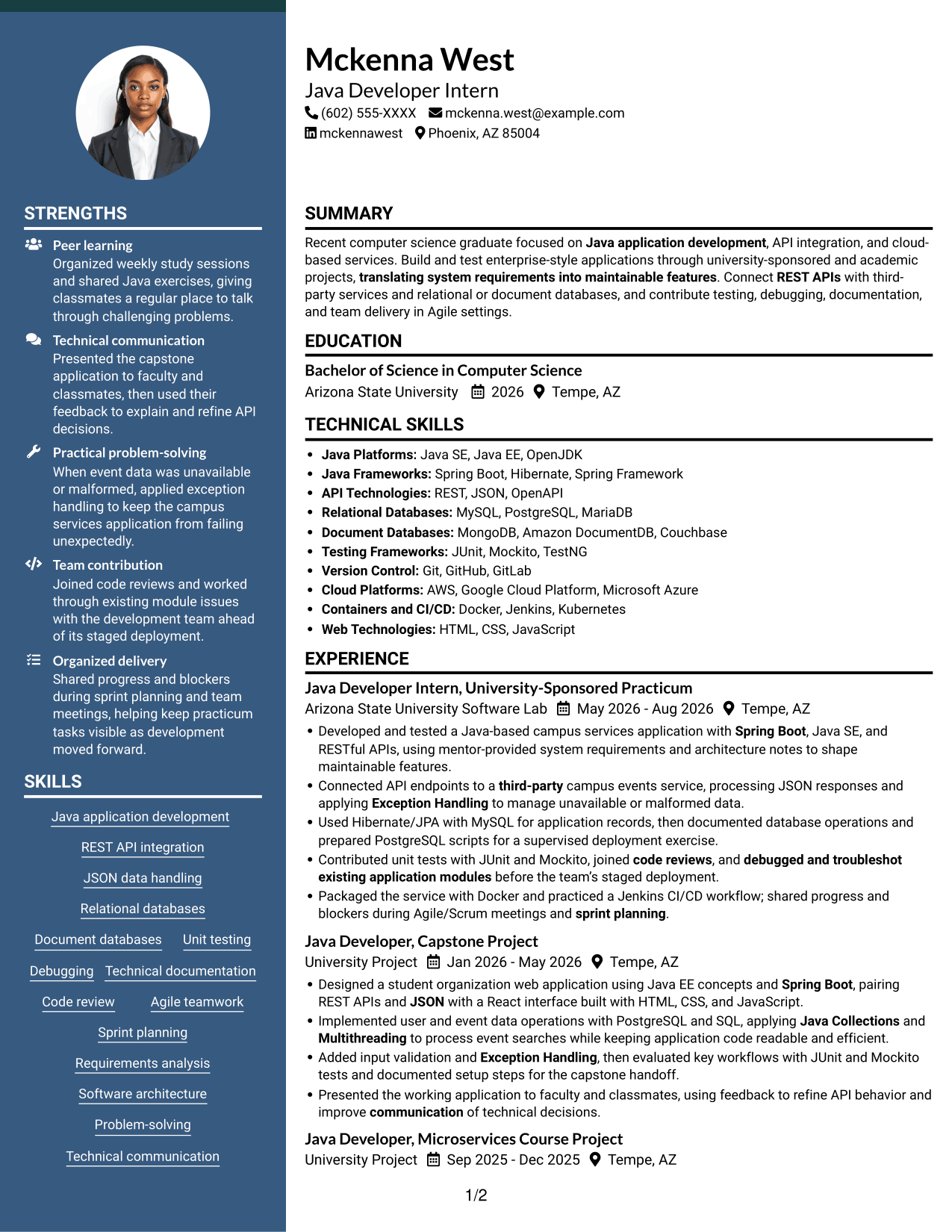
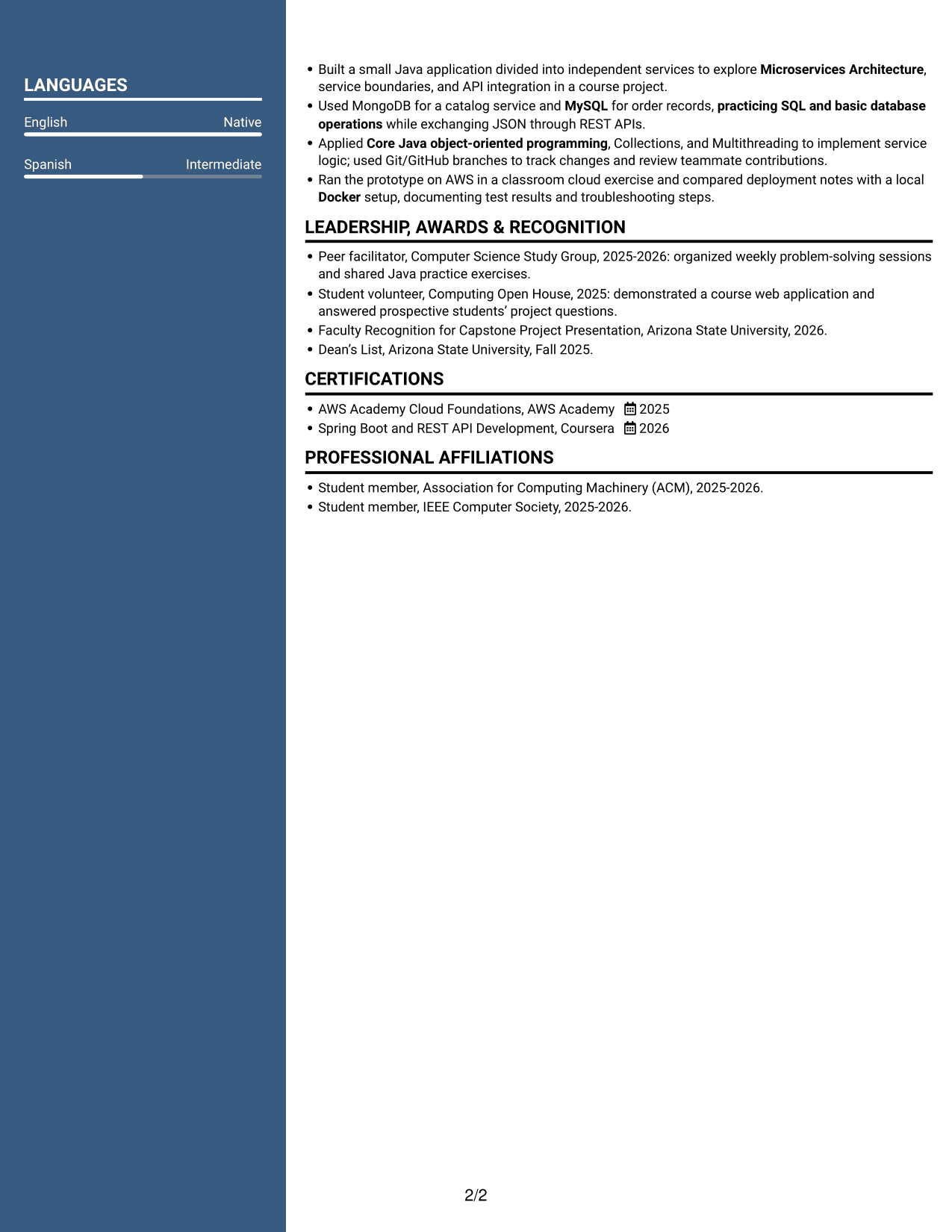
#6 Two Column Format Resume Example
Two Column Format places resume information in parallel content areas, offering an alternative to a single vertical reading path.
Why This Format Works
- Parallel areas help reviewers compare career history with other resume sections.
- The two-column reading order gives education and credentials clear visual separation.
- Skills can be located without searching through every experience bullet.
Best For
- Parallel content areas
- Career history and skills
- Education and credentials
- Several experience entries
- Quick section navigation
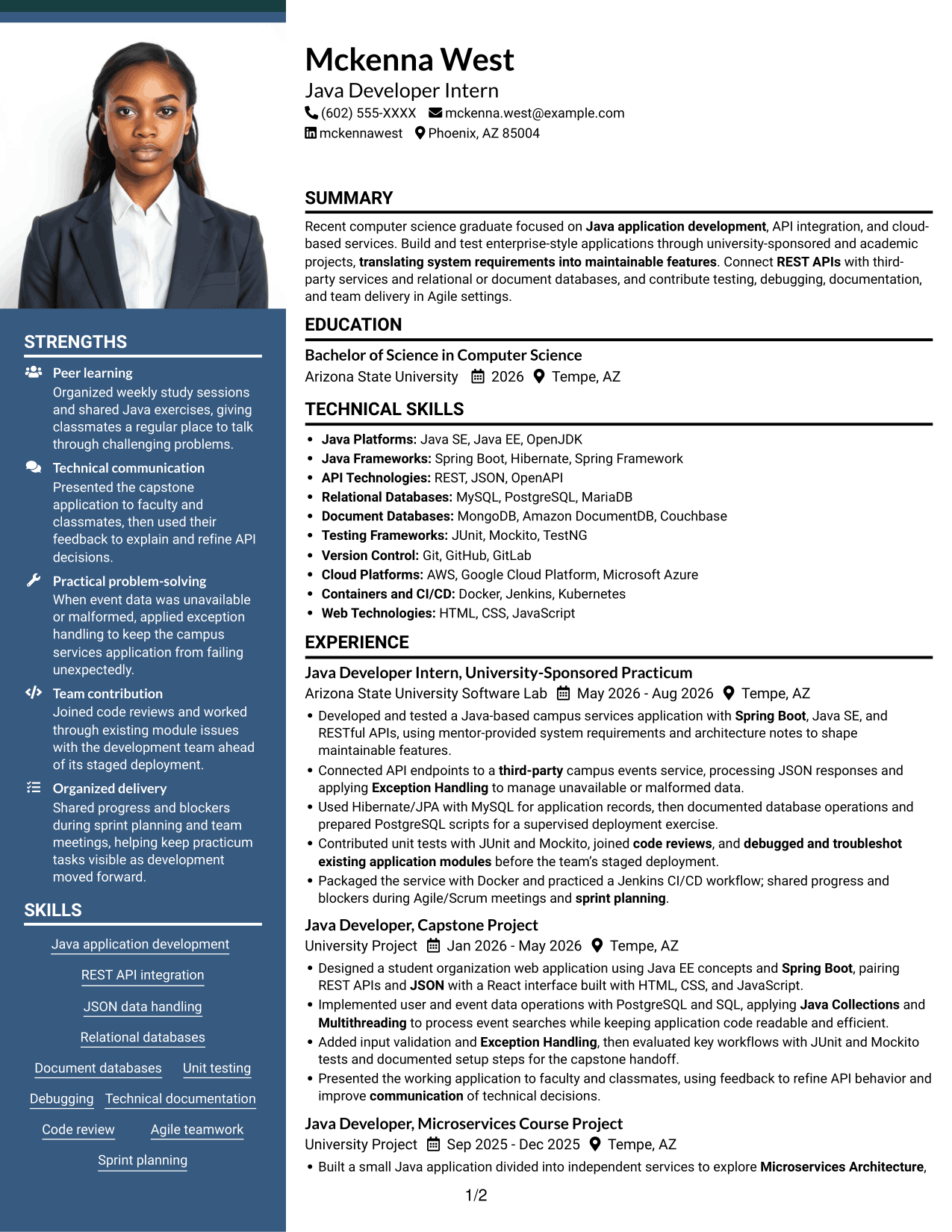
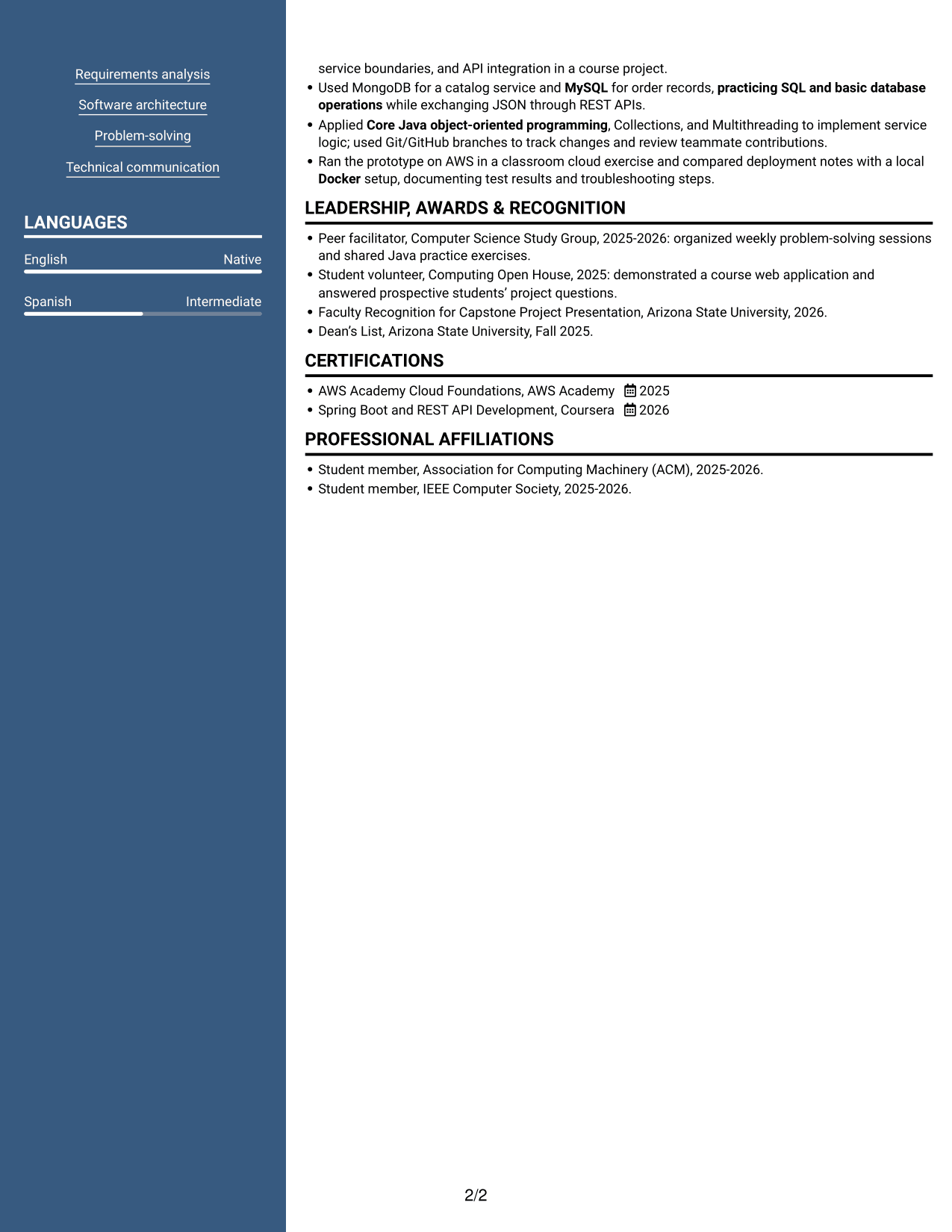
#7 Photo Header Two Column Format Resume Example
Photo Header Two Column Format combines a portrait in the header with two content areas for readers who prefer a photo and divided resume sections.
Why This Format Works
- The portrait appears in the header, leaving the two-column body for resume content.
- Two content areas help reviewers move between experience and supporting sections.
- Separate visual areas make education, skills, and project details easier to scan.
Best For
- Photo in the resume header
- Two-area section organization
- Experience with supporting details
- Academic project information
- Education and skills review
Why Build Your Java Developer Intern - API Integration Resume with ResumeInMinutes
ResumeInMinutes gives you a structured starting point for organizing your Java skills, projects, and experience. Clear sections make it easier to review your resume and tailor its content to the role.
- ATS-friendly section structure
- Clear organization for technical skills
- Space for projects and experience
- Easy-to-scan headings and bullet points
- Examples of different resume layouts
- Options to view and customize an example in the editor
Choose a layout that makes your Java development and API integration evidence easy to find. Keep your wording direct, and make sure each skill and achievement reflects work you can explain.
See Also
- 33 Associate - Java Developer Resume Templates with Example 2026 (ATS-Optimized)
- 7 Entry-Level Java/C++ Developer Resume Templates with Example
- 33 Entry Level Java Developer Resume Templates with Example
- 7 Entry-Level Java Developer - Web Application Development Resume Templates with Example
- Java Developer Intern Resume Guide (Example + Free PDF Download)
- 7 Java Developer Intern - Web Services Resume Templates with Example
- Java Software Developer Resume Guide (Examples + Free PDF Downloads)
- 33 Jr Java Developer Resume Templates with Example 2026 (ATS-Optimized)
- 7 Java Developer Intern - API Integration Cover Letter Templates with Example
- 30+ Associate - Java Developer Cover Letter Templates with Example 2026
Frequently Asked Questions
Are these Java Developer Intern - API Integration resume templates ATS-friendly?
The examples use clear headings and familiar resume sections to support quick review. Include relevant terms such as Java, REST APIs, JSON, Spring Boot, and database tools only when they match your experience.
Are these different resumes or layouts of one example?
This guide shows one Java Developer Intern - API Integration resume example in several layouts. The content stays focused on Java development and API integration while the page arrangement changes.
What should a Java Developer Intern - API Integration resume include?
Include a concise summary, education, relevant experience or projects, technical skills, and certifications when applicable. Use bullet points to explain your work with Java, REST APIs, JSON, databases, testing, and documentation.
Which resume layout works well for this role?
A simple layout with clear headings can help reviewers find your skills and experience quickly. Choose a format that gives enough space for technical projects and keeps important information easy to scan.
How can I show relevant experience if I have not held this exact role?
Use academic projects, practicum work, and other relevant experience to show what you built and how you contributed. Describe the tools you used, the task you handled, and any result you can support.
Should I include a photo on my resume?
Include a photo only if it is customary or expected in your country, region, or industry. For U.S. applications, a resume without a photo is generally the safer choice.




