
7 Journey IT System Administrator - Microsoft 365 and Server Infrastructure Cover Letter Templates with Example
This practical guide helps you create a focused cover letter for a Journey IT System Administrator - Microsoft 365 and Server Infrastructure role. The example shows how a clear, specific letter can connect your experience to the work the position calls for.
A strong letter explains how you support dependable server and Microsoft 365 services, respond to complex issues, and work well with technical teams and other departments. Use concrete evidence to make your fit clear without repeating every detail from your application.
Review the example to learn how to open with purpose, choose relevant evidence, explain your motivation and alignment with the employer, and close professionally. The featured letter is presented in 7 layouts, so you can choose a format that suits the role and your communication style.
What Makes a Great Journey IT System Administrator - Microsoft 365 and Server Infrastructure Cover Letter in 2026
A strong letter links server and Microsoft 365 administration to the role’s need for reliable services, careful recovery planning, and clear support across departments. Its opening should make your interest in this specific work easy to understand.
Choose evidence that shows how you handled relevant systems or resolved a service issue, then explain why that experience matters to the employer. A direct, helpful tone can also show how you communicate with technical teams and the wider college community.
The featured example moves from role interest to specific infrastructure evidence, broader system and identity experience, and a professional close. Use that focused progression as a guide, then choose a presentation that suits the employer and the communication context.
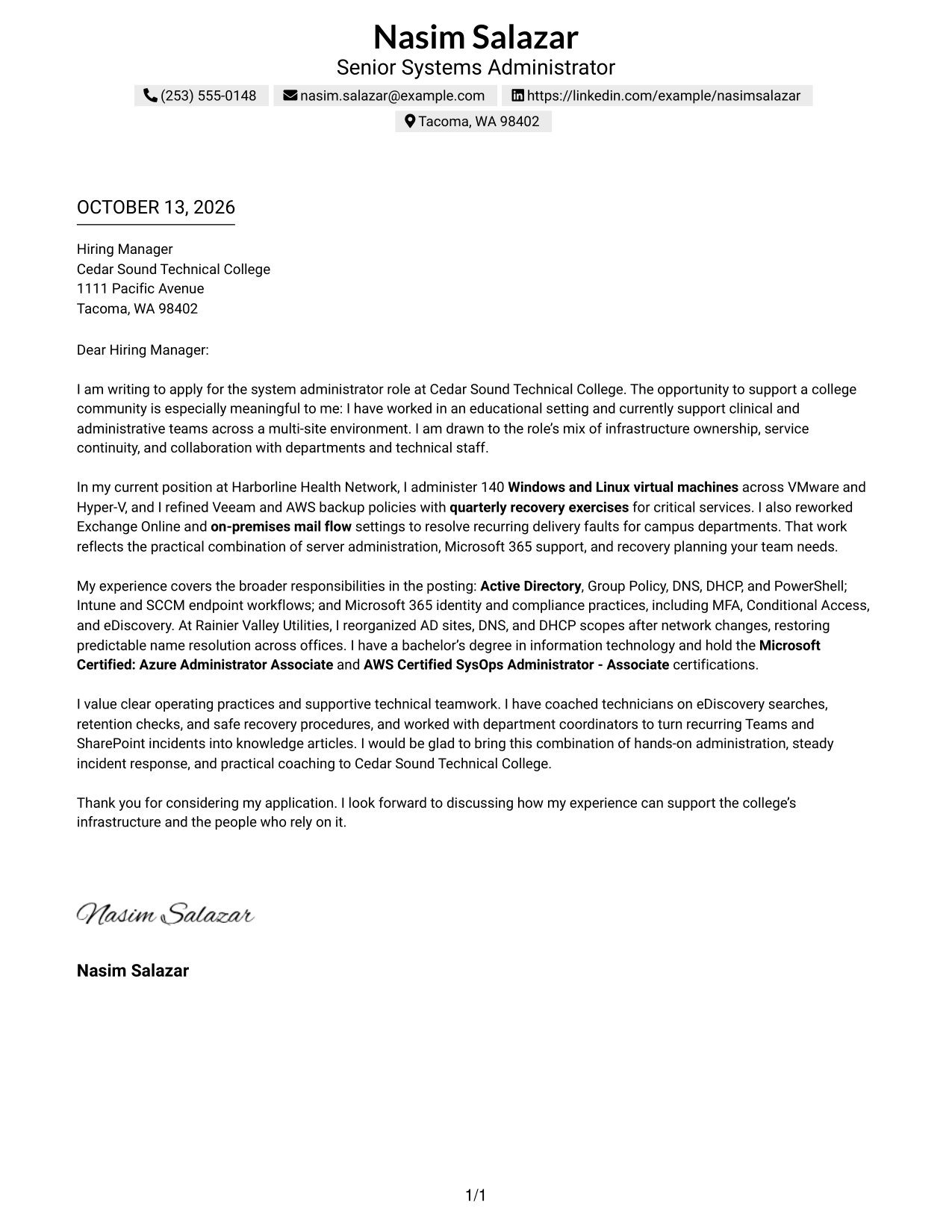
#1 Simple One Column Format Cover Letter Example
The Simple One Column Format keeps contact details and the full letter in one reading path, helping reviewers follow the opening, evidence, and close without shifting between columns.
Why This Format Works
- One uninterrupted reading path keeps the opening, motivation, and closing in sequence.
- Header contact details remain separate from the persuasive points in the letter body.
- Open page width gives evidence paragraphs room to read without column shifts.
Best For
- Single-column letter reading
- Sequential opening-to-close arguments
- Full-width evidence paragraphs
- A familiar letter structure
- Contact details in the header
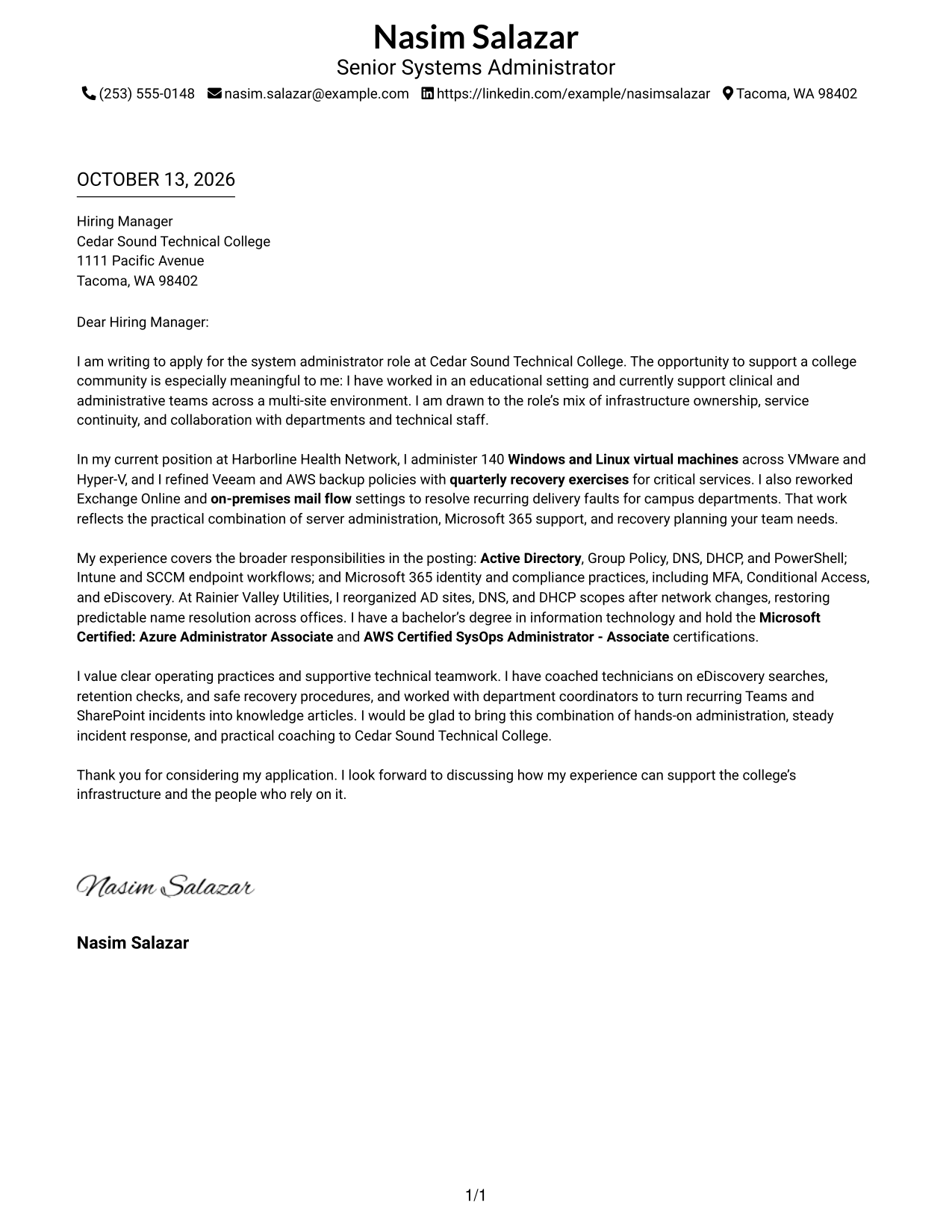
#2 Two Column Format Cover Letter Example
The Two Column Format places contact details beside one continuous letter body, so reviewers can find sender information while following the case for fit in order.
Why This Format Works
- Contact details sit apart while the body carries motivation and evidence in order.
- One letter column lets reviewers trace technical evidence from paragraph to paragraph.
- A separate contact area keeps sender information from interrupting the closing appeal.
Best For
- Separate sender contact area
- Continuous persuasive letter body
- Quick contact lookup beside the letter
- Clear separation of contact and message
- Sequential evidence and closing
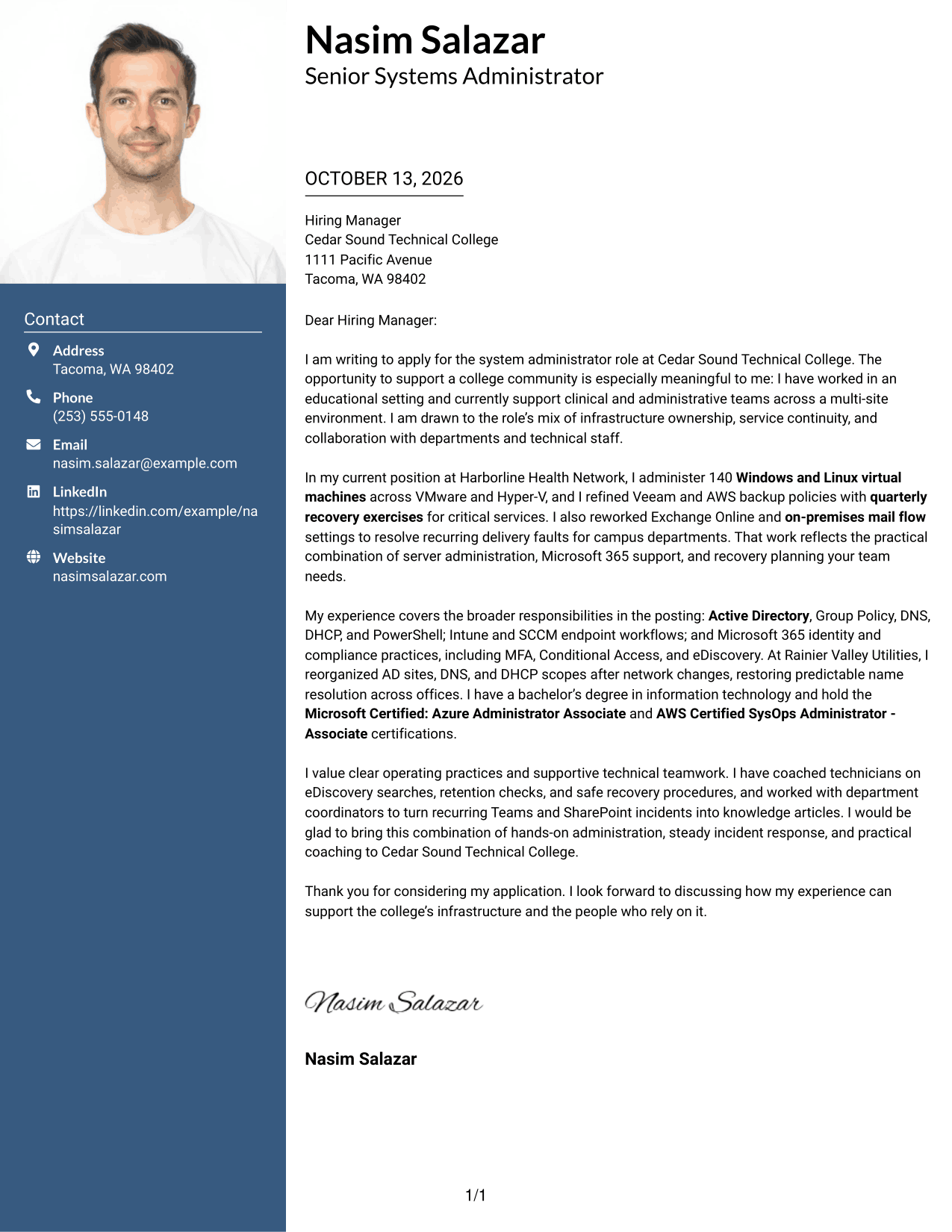
#3 Photo Header Two Column Format Cover Letter Example
The Photo Header Two Column Format pairs a photo-led header and contact sidebar with one continuous letter body, keeping the opening, evidence, and close in sequence.
Why This Format Works
- The photo header gives the page a visual entry before the letter's motivation.
- A contact sidebar stays distinct while one body carries evidence and closing in sequence.
- One body column keeps qualification context connected across supporting paragraphs.
Best For
- Photo-led document identity
- Contact details beside letter text
- A photo header with a full letter body
- One-column reading of the argument
- Clear separation of sender and message
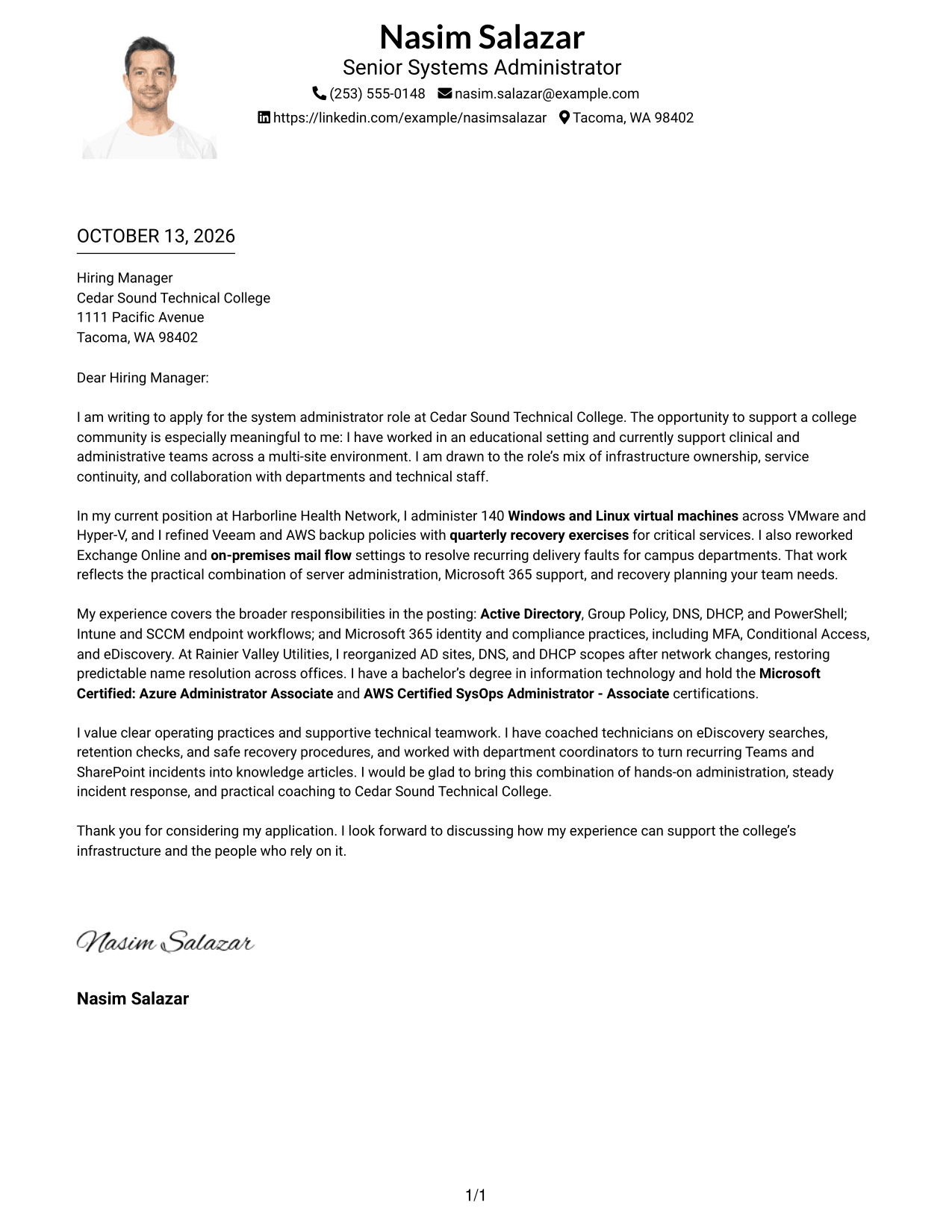
#4 One Column Format with Photo Cover Letter Example
The One Column Format with Photo places a photo in the header above one continuous letter body, keeping contact details and the full case for fit in a clear reading order.
Why This Format Works
- Header photo and contact details precede the opening, evidence, and closing.
- Single-column reading order keeps motivation and supporting examples in one clear sequence.
- Room across the body makes longer evidence passages easier to follow.
Best For
- Photo above the letter text
- Single-column letter review
- Sender details in the header
- A continuous case for fit
- Motivation followed by supporting evidence
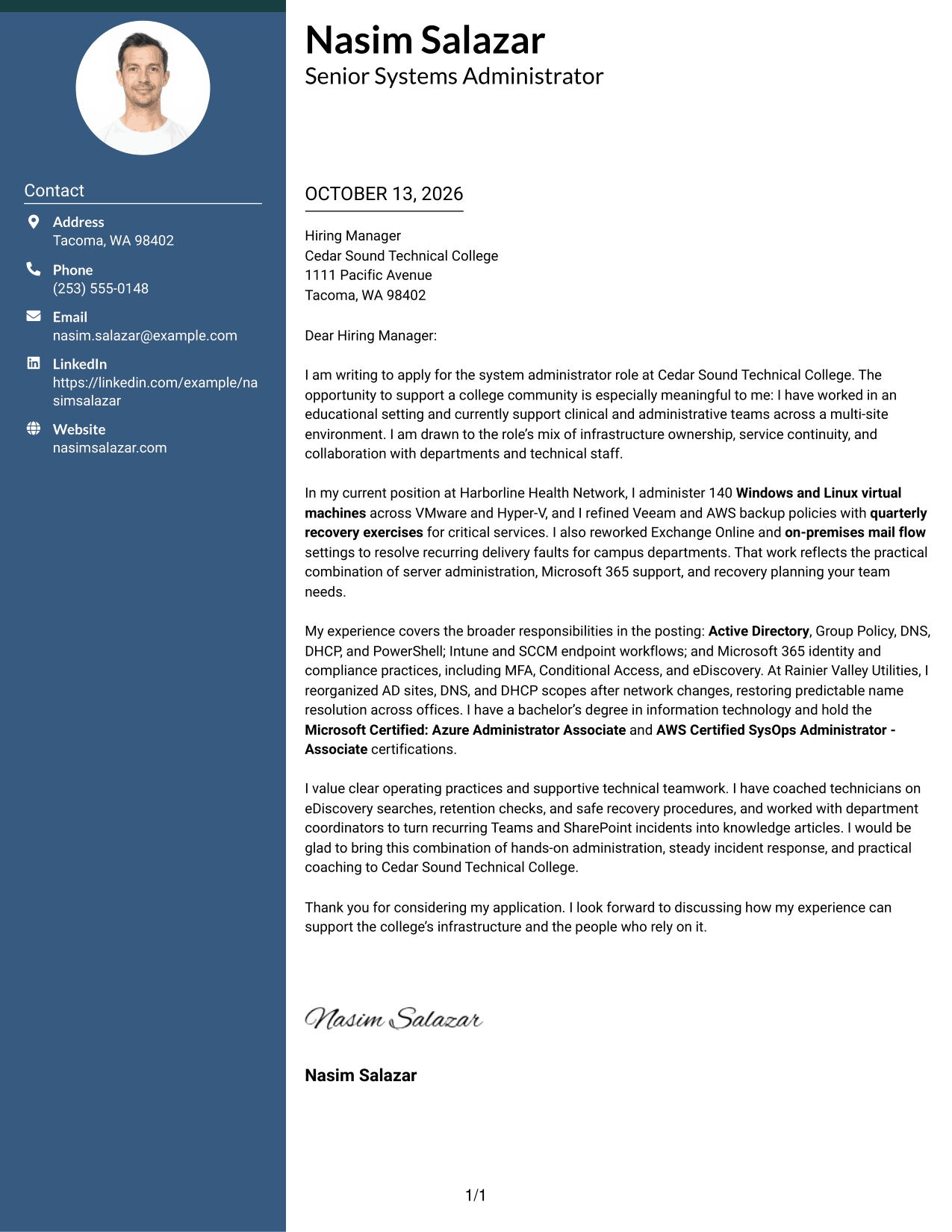
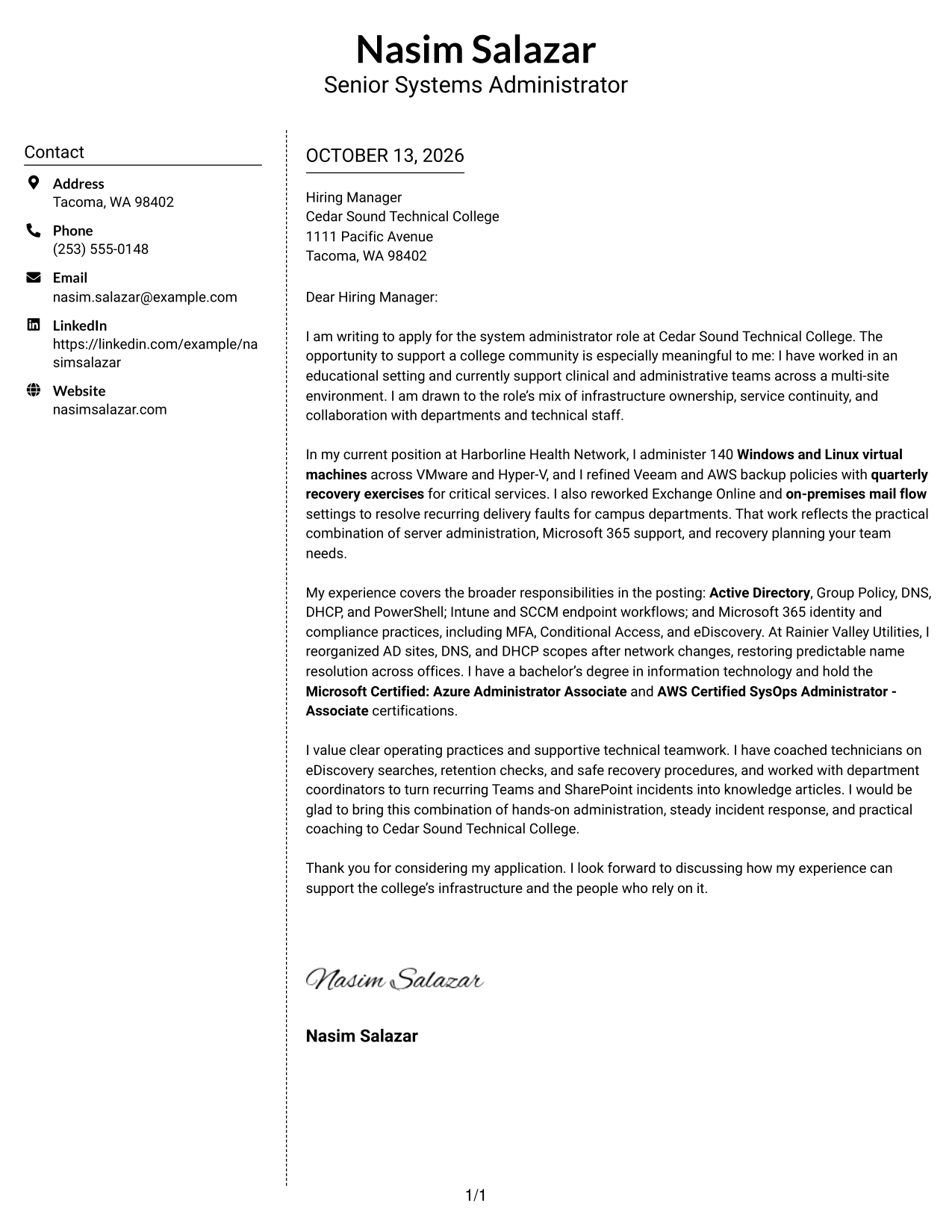
#5 Simple Two Column Format Cover Letter Example
The Simple Two Column Format keeps contact information in a sidebar and the letter in one uninterrupted body, giving reviewers a clear path from motivation through evidence to closing.
Why This Format Works
- Sidebar contact details are easy to find without splitting the letter's argument.
- The continuous body lets reviewers follow reasons for interest into evidence.
- A simple two-part layout keeps sender information distinct from the closing request.
Best For
- Sidebar contact information
- An uninterrupted letter argument
- Motivation leading into evidence
- A distinct closing request
- Simple two-part organization
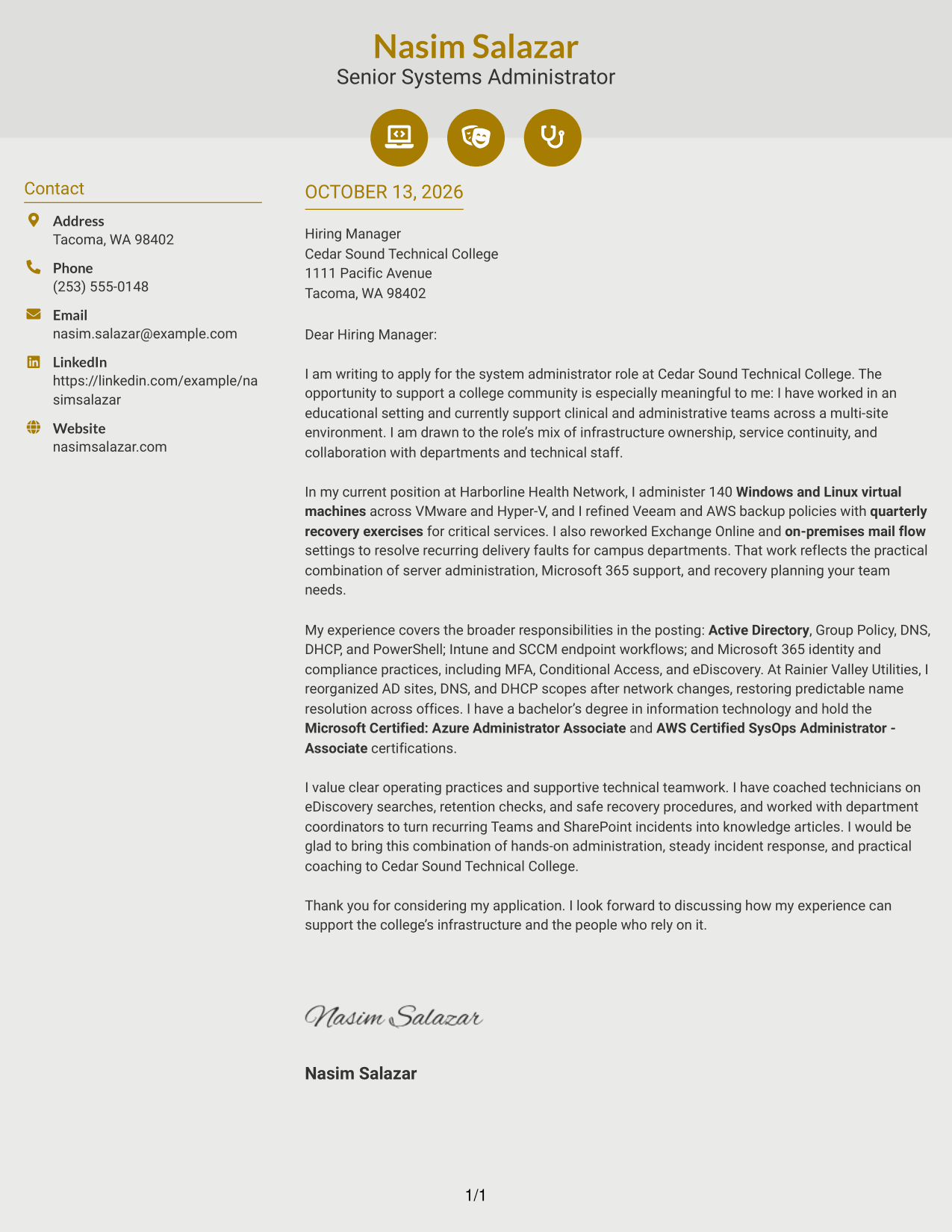
#6 Modern Icon Format Cover Letter Example
The Modern Icon Format uses a contact sidebar beside one continuous letter body, while small icons cue contact details without interrupting the argument.
Why This Format Works
- Contact icons help reviewers locate sender details without labeling letter arguments.
- Sidebar separation keeps contact cues out of the continuous motivation and evidence.
- One body column preserves the link between supporting evidence and the closing.
Best For
- Icon-cued contact details
- A sidebar beside the full letter
- Uninterrupted motivation and evidence
- Distinct sender information
- A connected evidence-to-closing argument
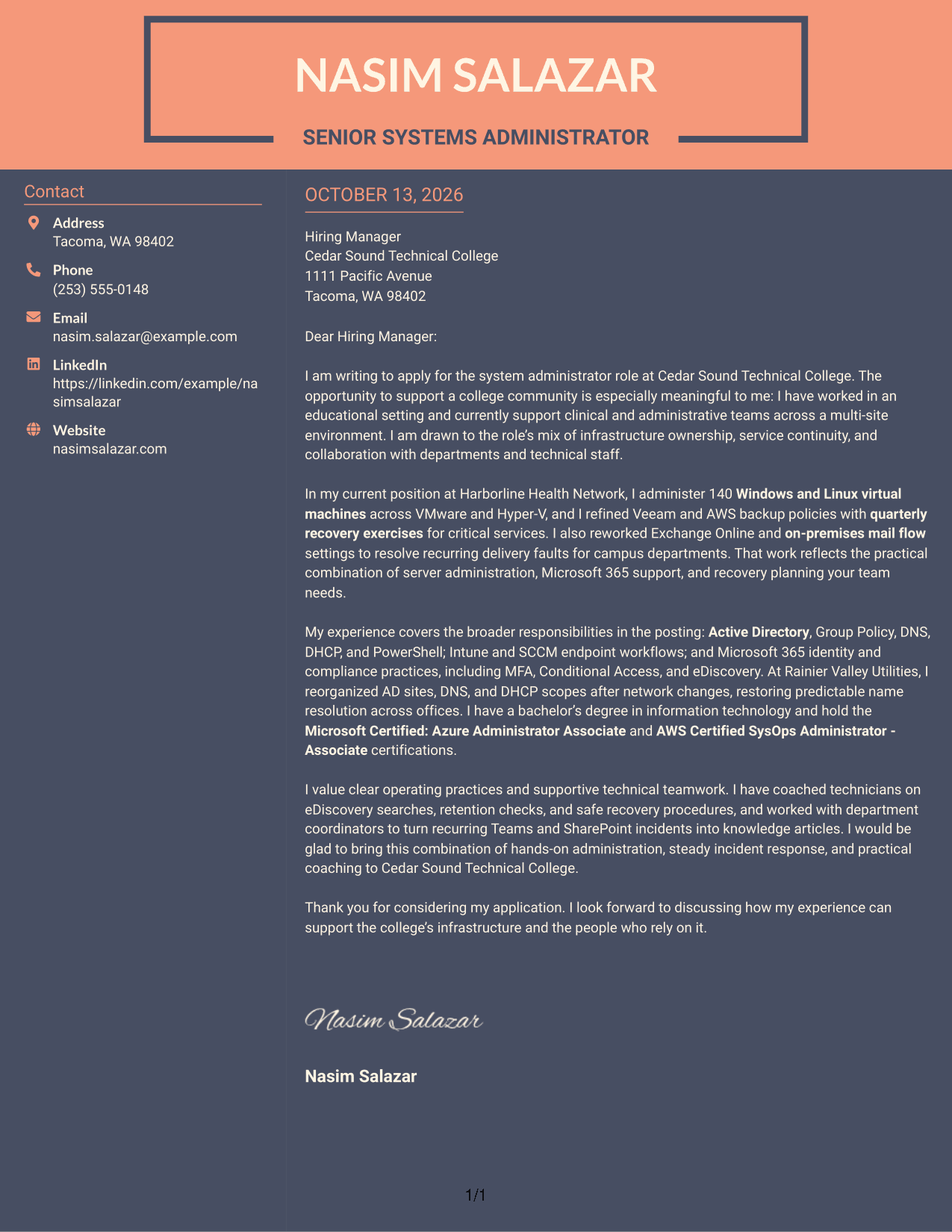
#7 Creative Two Tone Format Cover Letter Example
The Creative Two Tone Format uses contrasting color across its contact sidebar and continuous letter body, helping reviewers locate contact details before reading the letter in sequence.
Why This Format Works
- Color contrast separates sender details from the letter's continuous persuasive argument.
- The sidebar's visual distinction helps reviewers move from contact information to motivation.
- Unbroken body order keeps technical evidence connected to the closing appeal.
Best For
- Contrasting contact sidebar
- A continuous persuasive letter
- Easy separation of sender and message
- Sequential technical evidence
- A clear path to the closing
Why Use ResumeInMinutes for a Journey IT System Administrator Cover Letter
ResumeInMinutes gives you a clear starting point for explaining how your experience relates to server infrastructure and Microsoft 365 support. Customize the letter to emphasize the evidence, motivation, and communication style that best fit the position.
- Professional cover letter layouts
- Editable letter content
- Role-focused customization
- Clear opening and closing structure
- Simple formatting choices
- Cover letter creation tools
Build a letter that brings together relevant work with Windows and Linux servers, Exchange, backup and recovery, identity controls, and cross-department support.
See Also
- 7 Journey IT System Administrator - Microsoft 365 and Server Infrastructure Resume Templates with Example
- 7 Systems Administrator Resume Templates with Example
- 33 Information Systems IT Leadership Intern Resume Templates with Example 2026 (ATS-Optimized)
- 7 Senior IT Analyst - Administrative Systems Management (HR/Payroll) Resume Templates with Example
- 7 Database Administrator I - Oracle and SQL Server Resume Templates with Example
- 7 Infrastructure Engineering Manager - Network, Cloud, and Systems Resume Templates with Example
- 33 Network Systems Engineer - Enterprise Network Infrastructure Resume Templates with Example 2026 (ATS-Optimized)
- 33 Network Systems Engineer - Municipal Network Infrastructure Resume Templates with Example 2026 (ATS-Optimized)
- 30+ Information Systems IT Leadership Intern Cover Letter Templates with Example 2026
- 7 Database Administrator I - Oracle and SQL Server Cover Letter Templates with Example
Frequently Asked Questions
What should a Journey IT System Administrator cover letter emphasize?
Focus on evidence related to server and Microsoft 365 administration, identity and access controls, backup and recovery, and communication with technical and nontechnical teams. Choose details that match the position and explain their value.
How can I make my cover letter specific to Microsoft 365 and server infrastructure?
Name the systems and responsibilities that are relevant to your own background, such as Exchange, Windows or Linux servers, Active Directory, or recovery planning. Add a brief example that shows how you supported a service or resolved an issue.
Should I include a technical issue in my cover letter?
Yes, if it helps explain your fit. Briefly describe the issue, your response, and the result, using language that a hiring manager can follow without too much technical detail.
How can I show interest in a college IT role?
Explain why supporting a college community appeals to you, and connect that interest to relevant experience or a genuine reason for applying. Keep the reason specific and sincere.
What tone works well for an IT systems administrator cover letter?
Use a direct, professional, and helpful tone. Show care with service reliability and recovery, and make clear how you work with technical staff and other departments.
How should I close a cover letter for this role?
End with a brief thank-you and a clear statement of interest in discussing how your experience could support the organization’s infrastructure and community.
Can I customize this cover letter template?
Yes. Adjust the wording and presentation to reflect your own experience, the position’s needs, and the employer’s communication context.




