
30+ Junior Frontend Developer - JavaScript Cover Letter Templates with Example 2026
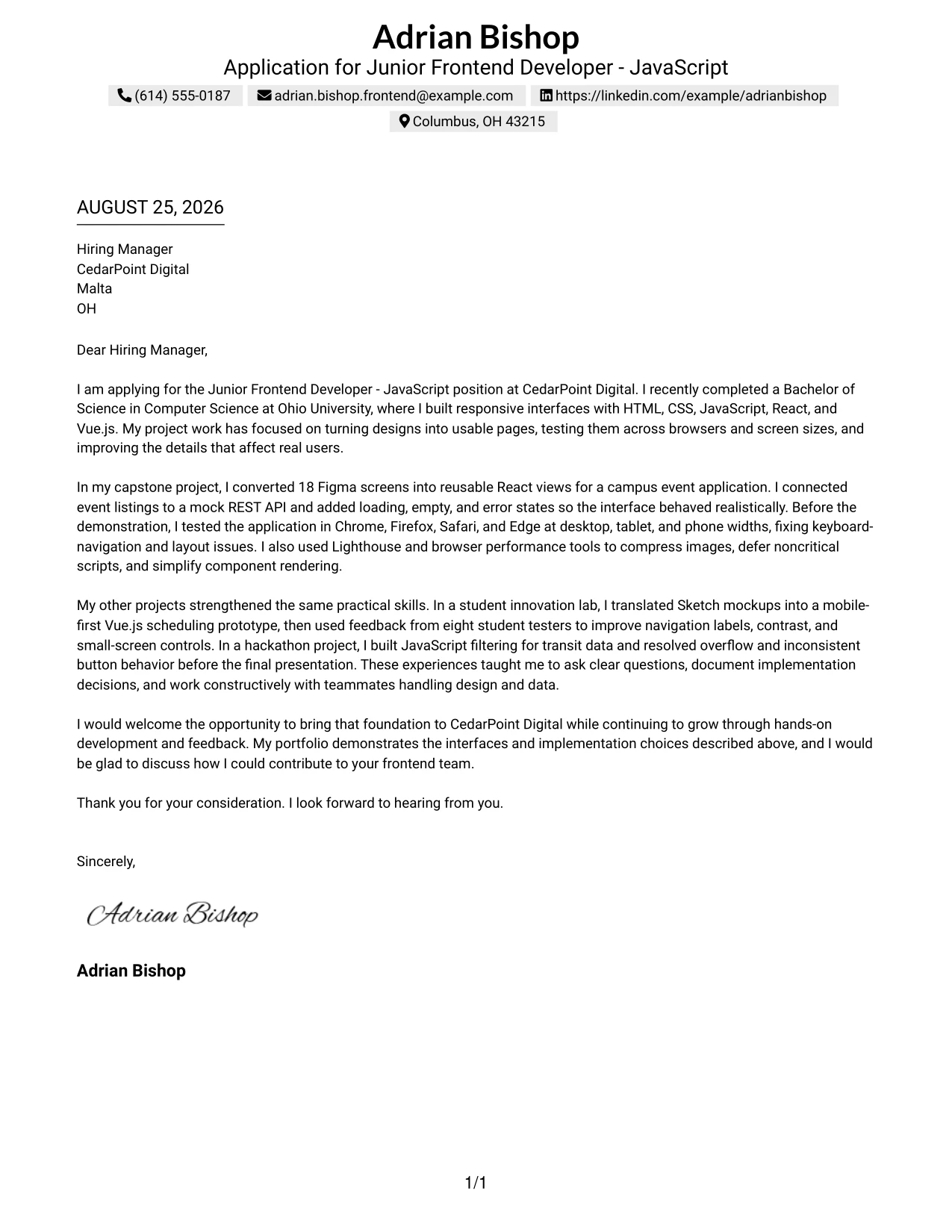
This practical guide helps you create a Junior Frontend Developer - JavaScript cover letter that is clear, focused, and relevant to the role. You will learn how to present your value with confidence and make each paragraph useful to the hiring team.
A persuasive letter does more than repeat your application details. It connects your front-end foundation, responsive interface work, and care for users to the employer’s needs. It also gives you space to explain why the role interests you and how you would work with designers and backend developers.
In this guide, you will study one effective Junior Frontend Developer - JavaScript cover letter example, learn how to shape a strong opening, and see how to select evidence for the body and closing paragraphs. The document is presented in 33 layouts, so you can choose a professional presentation that suits the employer and communication context while keeping the message focused.
What Makes a Great Junior Frontend Developer - JavaScript Cover Letter in 2026
A strong letter for this role is specific, readable, and connected to the employer’s work. The most helpful letters bring three points together:
- A clear interest in building user-facing features
- Relevant front-end work with HTML5, CSS3, JavaScript, React, or Vue.js
- Evidence of responsive design, browser testing, API integration, and teamwork
Rather than listing every technical detail, an effective cover letter explains:
- Why the Junior Frontend Developer - JavaScript role is a strong match
- How design work in Figma or Sketch became usable, responsive interfaces
- How testing, accessibility, performance improvements, and documentation support reliable delivery
Useful role-specific details may include HTML5, CSS3, JavaScript, React, Vue.js, responsive design, Figma, Sketch, REST APIs, cross-browser testing, Lighthouse, browser developer tools, Git, accessibility, and performance optimization when they honestly reflect your background.
The examples below show how one focused, professional cover letter can be presented in different styles while preserving a warm opening, useful evidence, clear motivation, and a respectful close.
The featured example follows a focused progression from role interest to practical evidence and a professional close, giving readers a structure they can adapt while choosing a presentation suited to the employer and communication context.
#1 Text/Fang Style Cover Letter Example
Text/Fang Style gives the letter a direct, orderly path from greeting to closing. Adrian Bishop’s letter can open with the Junior Frontend Developer - JavaScript role, connect his project work to CedarPoint Digital’s needs, and finish with a confident invitation to talk.
The single-column structure keeps each message easy to follow. It gives the reader a clear view of his responsive interface work, React and Vue.js experience, browser testing, API integration, and interest in continued professional growth.
Cover Letter Snapshot
- Opens with a clear application statement and relevant education.
- Connects Figma and Sketch work to responsive interface development.
- Uses project evidence for browser testing, API integration, and performance work.
- Closes with a positive offer to discuss contribution and growth.
Why This Cover Letter Works
- The opening names the target role and employer without delay.
- The first body paragraph links academic work to the company’s frontend responsibilities.
- Specific evidence, such as 18 Figma screens and four-browser testing, makes the claims credible.
- The letter explains how the candidate handled loading, empty, and error states.
- The second body paragraph adds collaboration, usability feedback, and documentation.
- The tone is warm and professional without overstating early-career experience.
- The closing shows interest in learning while still presenting a useful foundation.
Role-Specific Keywords
- Junior Frontend Developer - JavaScript
- HTML5
- CSS3
- JavaScript
- React
- Vue.js
- Responsive design
- REST API integration
#2 Two Column Format Cover Letter Example
Readers can move through a Two Column Format letter by using the side area for contact and role details, then following the main column for the persuasive message. That division helps this application present several projects without making the opening, evidence, or closing feel crowded.
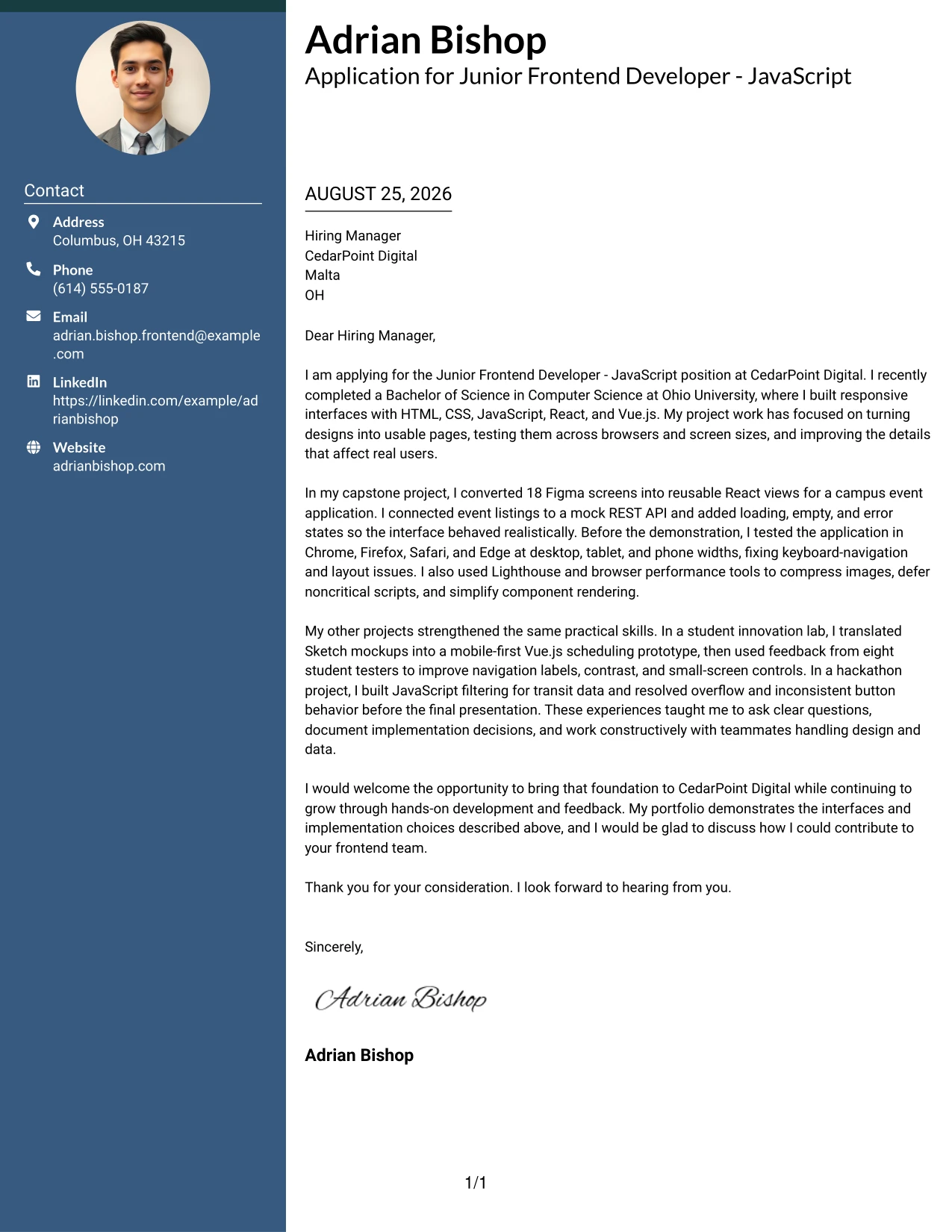
Why the Two Column Format Works for a Cover Letter
- The main reading path keeps the greeting and motivation prominent.
- A separate detail area can hold contact information and application context.
- The body has room to connect project work with CedarPoint Digital’s user-facing features.
- Shorter visual blocks make technical evidence easier to locate.
- The letter can mention HTML5, CSS3, JavaScript, React, and Vue.js without a dense list.
- The two-column balance supports a focused but information-rich explanation.
- The closing remains distinct, so the request for a conversation does not get lost.
Best For
- Applicants who need to fit several relevant projects into a short letter.
- Cover letters that must separate contact details from the main message.
- Readers who prefer clear visual landmarks while reviewing an application.
- Applications with both design collaboration and implementation evidence to explain.
- Letters that connect responsive pages, browser checks, and API work in a compact space.
- Candidates who want a structured presentation without long uninterrupted paragraphs.
- Digital applications where a balanced page supports quick movement between context and proof.
#3 Photo Header Two Column Format Cover Letter Example
The strongest evidence should reach the reader quickly: the application connects responsive interface projects, design translation, browser validation, and API work to CedarPoint Digital’s needs. Photo Header Two Column Format places that message beside a distinct header area, giving the letter a clear introduction and a substantial evidence path.
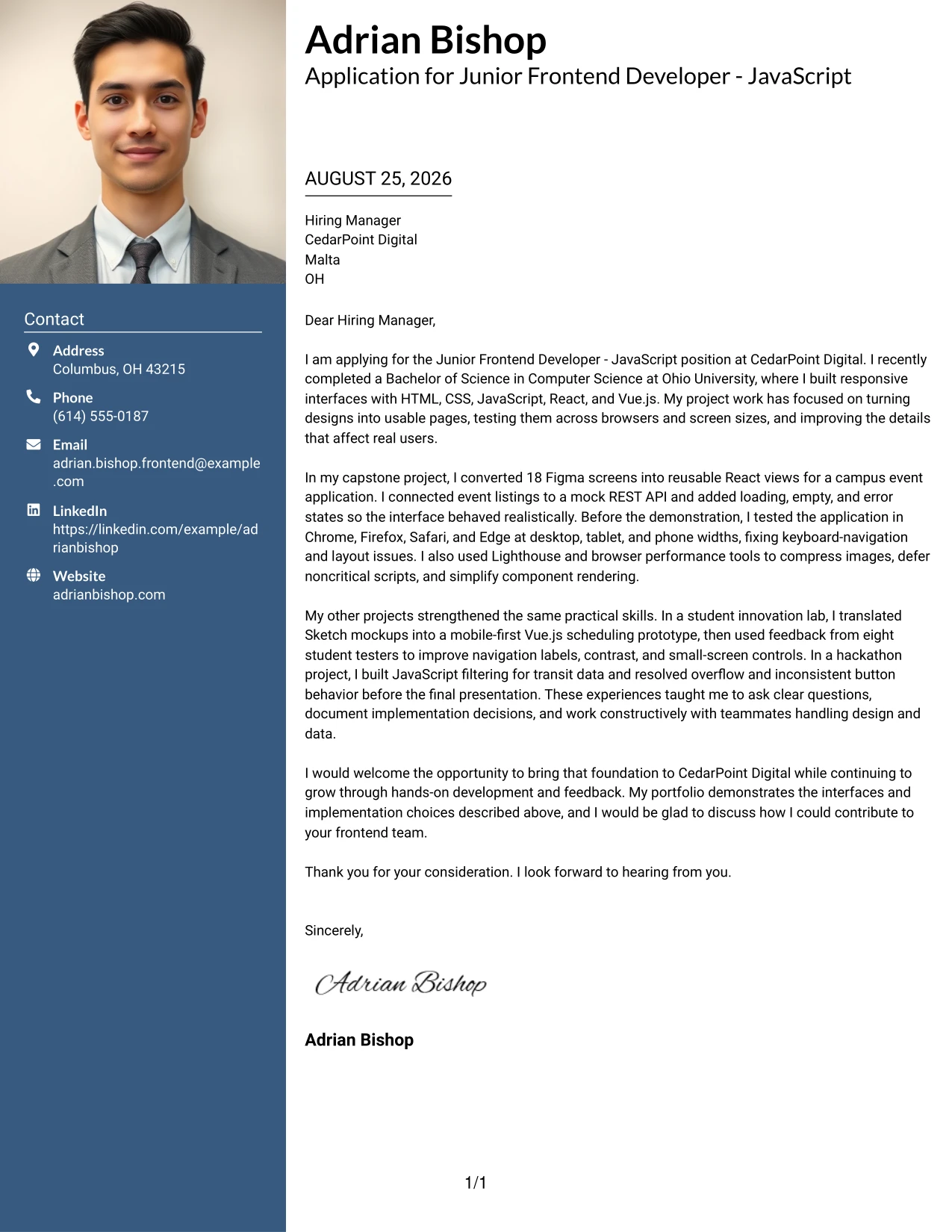
Why the Photo Header Two Column Format Works for a Cover Letter
- The opening evidence answers why the candidate is relevant before adding extra detail.
- The two-column arrangement separates identity and contact context from the letter’s argument.
- The photo header can add a personal visual introduction when appropriate for the application.
- Project examples show direct practice with Figma, Sketch, React, and Vue.js.
- The letter can explain testing and performance work without hiding the motivation to join the employer.
- A visible division between paragraphs helps the reader compare experience with role needs.
- The format supports a professional, personable close after the evidence has been established.
Best For
- Applicants whose strongest case depends on several concrete project examples.
- Cover letters that benefit from a personal header and a clearly separated message.
- Applications where design handoff and working-code evidence both deserve attention.
- Readers who want contact context and persuasive content in separate visual zones.
- Candidates explaining interface testing, performance improvements, and API connections together.
- Professional settings where a polished personal introduction suits the application.
- Letters that need room for evidence while keeping the motivation easy to find.
#4 Simple One Column Format Cover Letter Example
Balanced spacing gives a Simple One Column Format letter a calm reading pace. The application can move naturally from interest in CedarPoint Digital to project evidence, collaboration, and a clear request for a conversation, with no side area competing for attention.
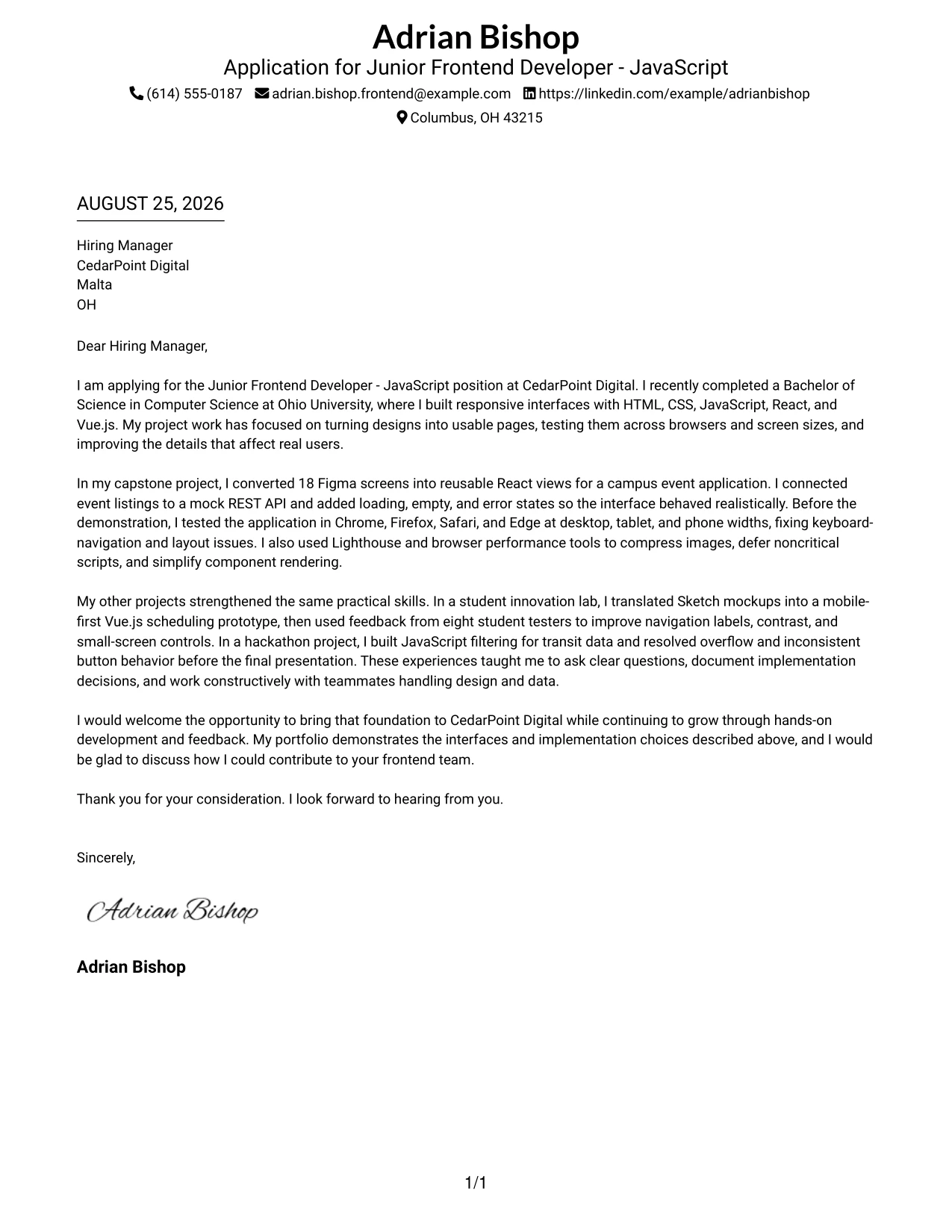
Why the Simple One Column Format Works for a Cover Letter
- The uninterrupted reading path suits a traditional application message.
- The opening can state the role and motivation in a few direct lines.
- Each body paragraph can develop one persuasive point before moving to the next.
- The format leaves space for evidence without making the page feel busy.
- Design collaboration, responsive work, and browser testing can appear in a natural sequence.
- The simple presentation keeps attention on the candidate’s communication and judgment.
- A clean closing gives the employer an easy next step.
Best For
- Applications that call for a familiar, formal letter structure.
- Readers who prefer one steady path from introduction to closing.
- Applicants presenting a small set of closely related projects.
- Messages that need generous spacing around technical explanations.
- Cover letters where motivation and employer interest should receive equal weight with evidence.
- Digital or printed applications that benefit from uncomplicated organization.
- Candidates who want the writing, rather than decoration, to lead the presentation.
#5 One Column Format with Photo Cover Letter Example
For an application that introduces both a person and a practical project foundation, a One Column Format with Photo can create a welcoming first impression. The letter still follows one focused path, allowing motivation, frontend evidence, and interest in learning to build toward the closing.
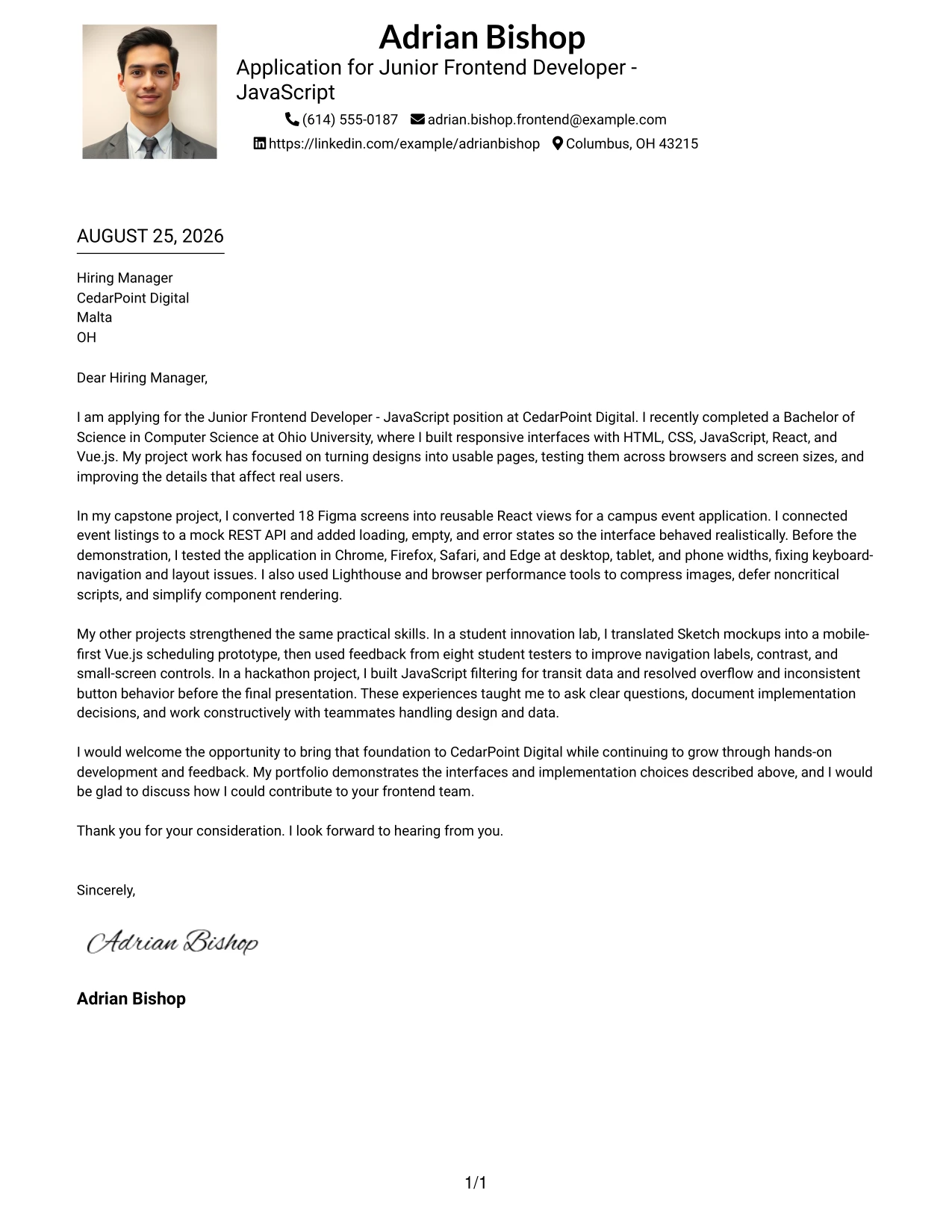
Why the One Column Format with Photo Works for a Cover Letter
- The photo creates a personal entry point before the reader reaches the message.
- One-column flow keeps the application argument easy to follow.
- The body can connect academic projects to the employer’s user-facing work.
- Specific examples support the claims without interrupting the narrative.
- The visual introduction can reinforce a warm, approachable communication style.
- A single path helps the reader understand motivation, fit, and next steps in order.
- The closing can return attention to the opportunity to contribute and grow.
Best For
- Applicants who want a personal introduction alongside a focused letter.
- Applications in which a polished visual identity supports the written message.
- Readers who prefer one continuous route through motivation and evidence.
- Cover letters built around a few connected examples rather than many separate details.
- Candidates who want project proof to follow naturally after a welcoming introduction.
- Professional contexts where a photo is suitable and thoughtfully presented.
- Messages that need to show approachability while keeping the employer fit clear.
#6 One Column Format with Photo Right Cover Letter Example
A restrained visual hierarchy lets the written case lead while the photo remains to the right of the introduction. One Column Format with Photo Right supports a personable presentation, then gives the letter room to explain responsive development, teamwork, and readiness for CedarPoint Digital.
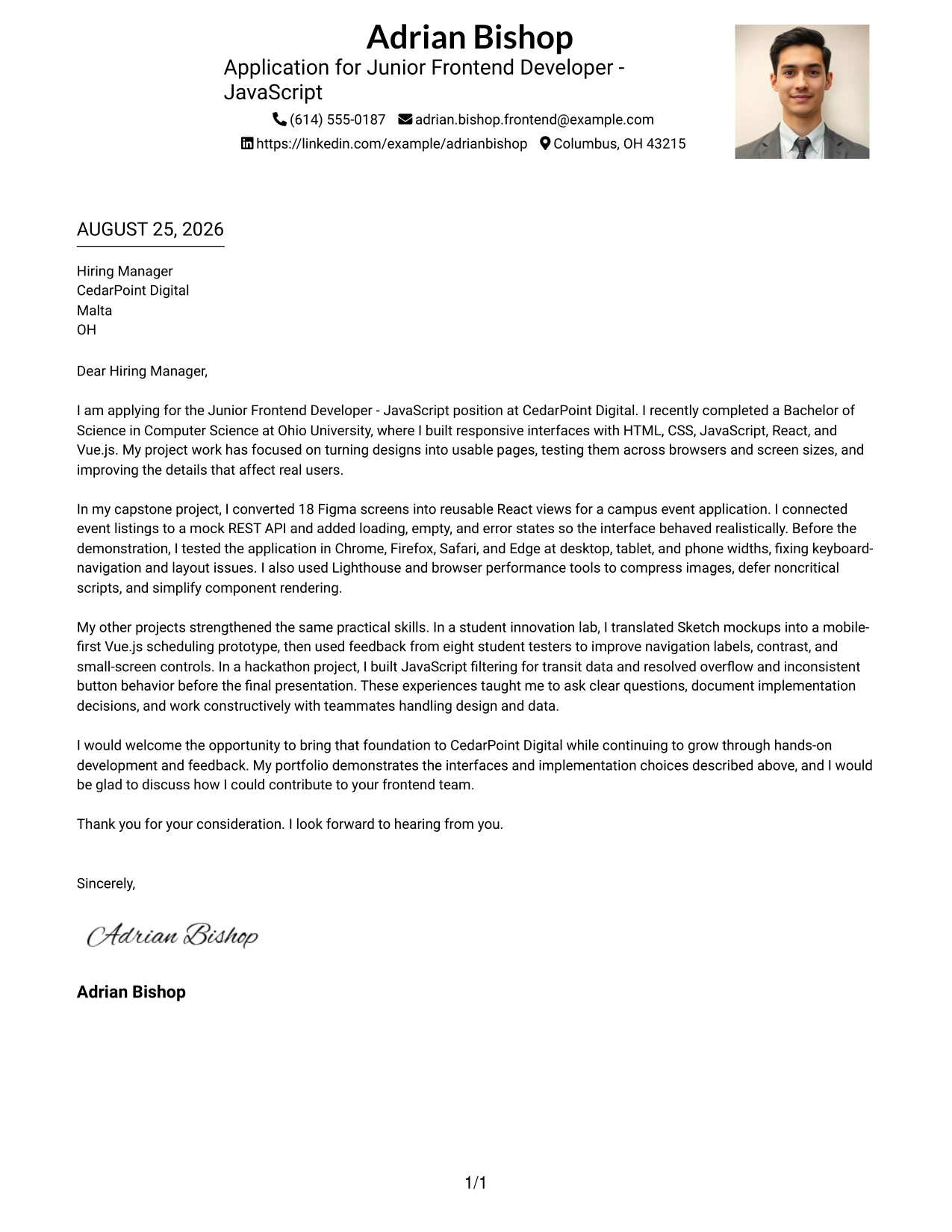
Why the One Column Format with Photo Right Works for a Cover Letter
- The right-side photo adds personality without taking over the opening message.
- The centered content path keeps role alignment easy to understand.
- The letter can move from motivation to project evidence in a natural order.
- The layout supports a concise explanation of design, coding, and testing collaboration.
- A clear visual hierarchy helps the employer see both personal connection and practical fit.
- The single-column body protects readability when technical terms are included.
- The closing benefits from the same calm, professional presentation as the opening.
Best For
- Applicants who want the written argument to lead beside a personal visual detail.
- Cover letters that need a personable presentation without a divided body.
- Applications where role alignment should appear early and remain easy to track.
- Readers who value a calm page with one main content route.
- Candidates linking design interpretation, implementation, and testing in sequence.
- Professional applications where a right-side photo fits the communication setting.
- Messages that balance approachable identity with a focused contribution statement.
#7 Simple Two Column Format Cover Letter Example
Simple Two Column Format separates supporting details from the main letter while keeping the design restrained. That organization can guide the reader from the application reason to the strongest project evidence, then to a concise closing that invites further discussion.
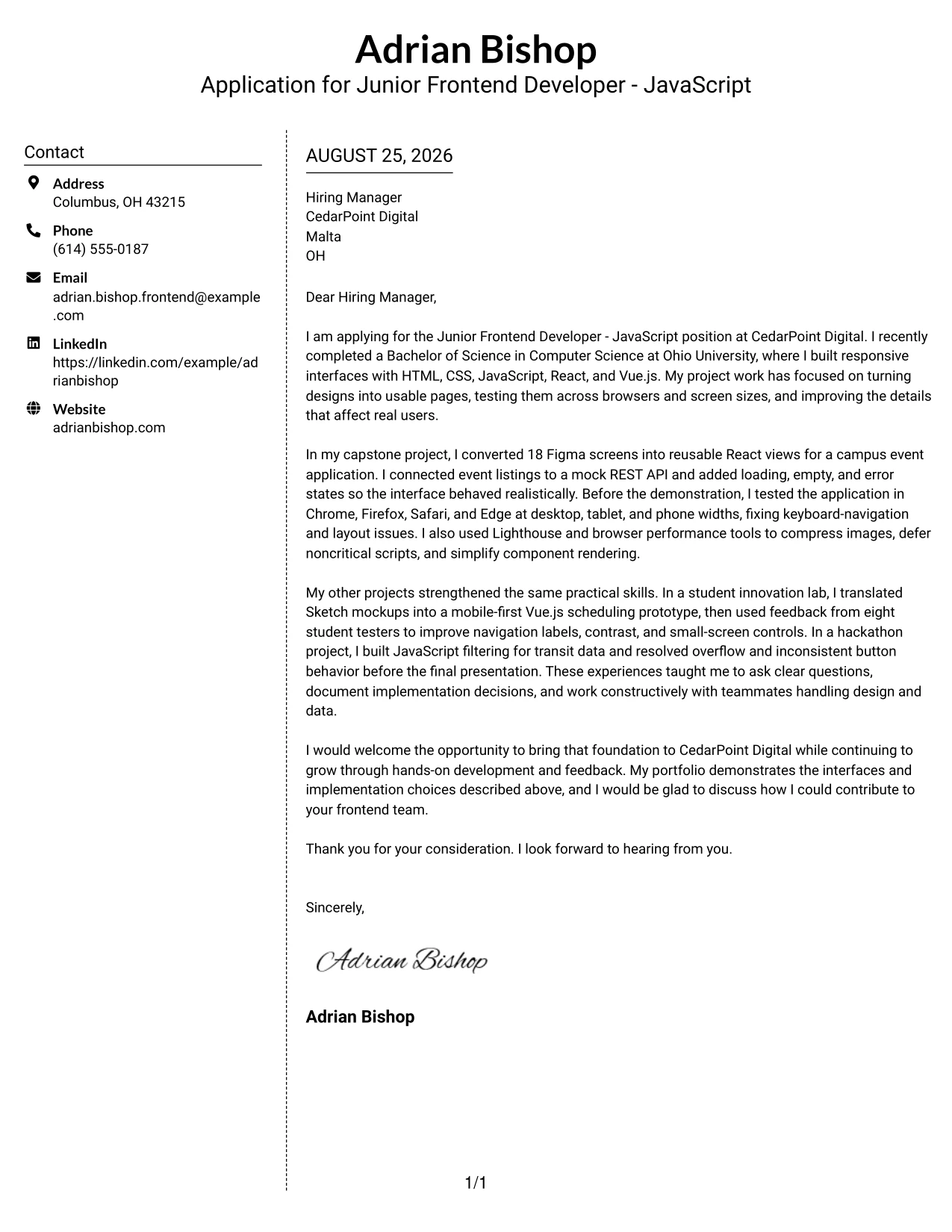
Why the Simple Two Column Format Works for a Cover Letter
- The structure gives contact and application details a defined place.
- The main column can carry the motivation and employer-fit argument.
- Clear separation helps the reader find project evidence without losing the narrative.
- The letter can show collaboration with designers and backend-focused work in distinct points.
- Simple visual markers support quick review of a carefully written message.
- The format offers organization without making the letter feel overly decorated.
- The closing remains visible as a direct and respectful call to continue the conversation.
Best For
- Applicants who need clear separation between supporting details and the letter body.
- Cover letters with several evidence points that should remain easy to locate.
- Readers who scan first and then return for the full explanation.
- Applications combining design translation, interface testing, and data-flow examples.
- Candidates who want structure without a highly decorative presentation.
- Messages that benefit from short visual anchors around longer persuasive content.
- Professional letters where a distinct closing should remain easy to spot.
#8 Stylish Two Column Designer Format Cover Letter Example
A reader can first notice the side area for context, then follow the main column into the application story. Stylish Two Column Designer Format gives a fuller letter room to explain several projects, while its visual structure helps motivation and evidence remain connected.
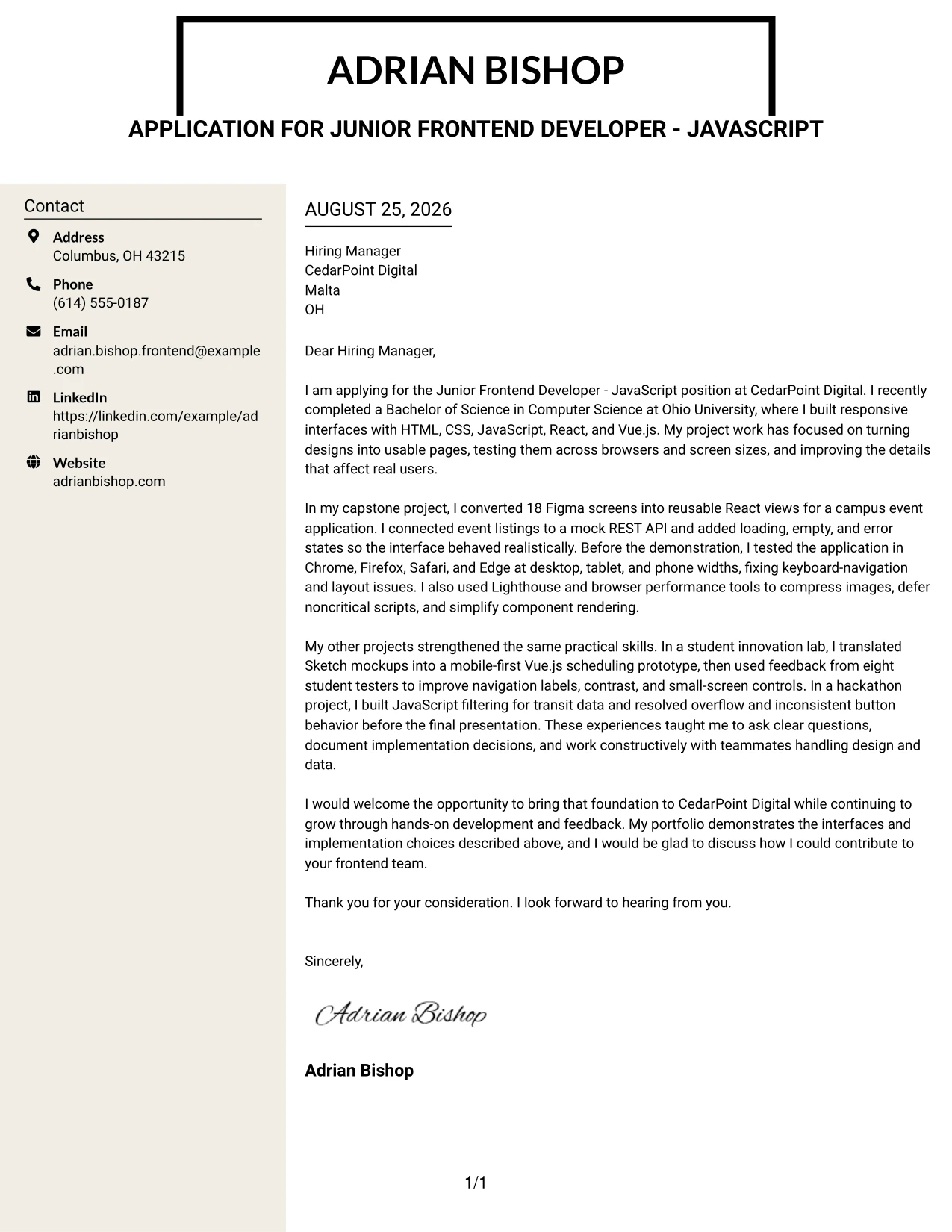
Why the Stylish Two Column Designer Format Works for a Cover Letter
- The side area can establish contact and application context before the argument begins.
- The main column supports a richer explanation of project choices and results.
- Distinct zones make several examples easier to separate and remember.
- The letter can connect design files, reusable views, and user feedback in one story.
- A designer-oriented presentation suits an application that discusses interface decisions.
- The format keeps technical detail from forming one dense block of text.
- The closing can summarize fit after the reader has seen both context and evidence.
Best For
- Applicants with multiple projects that need different levels of explanation.
- Letters that combine visual design decisions with implementation detail.
- Readers who appreciate a clear side context before reading the full message.
- Applications where portfolio work is central to the persuasion strategy.
- Candidates explaining feedback, iteration, and collaboration across several examples.
- Messages that need more content space than a short single-story letter allows.
- Professional applications that welcome a polished designer presentation.
#9 Colored Two Column Format Cover Letter Example
Evidence takes priority in this application: responsive interfaces, cross-browser checks, performance work, and API connections directly answer CedarPoint Digital’s stated needs. Colored Two Column Format can place those proof points in a strong main area while using a contrasting column to keep contact and motivation visible.
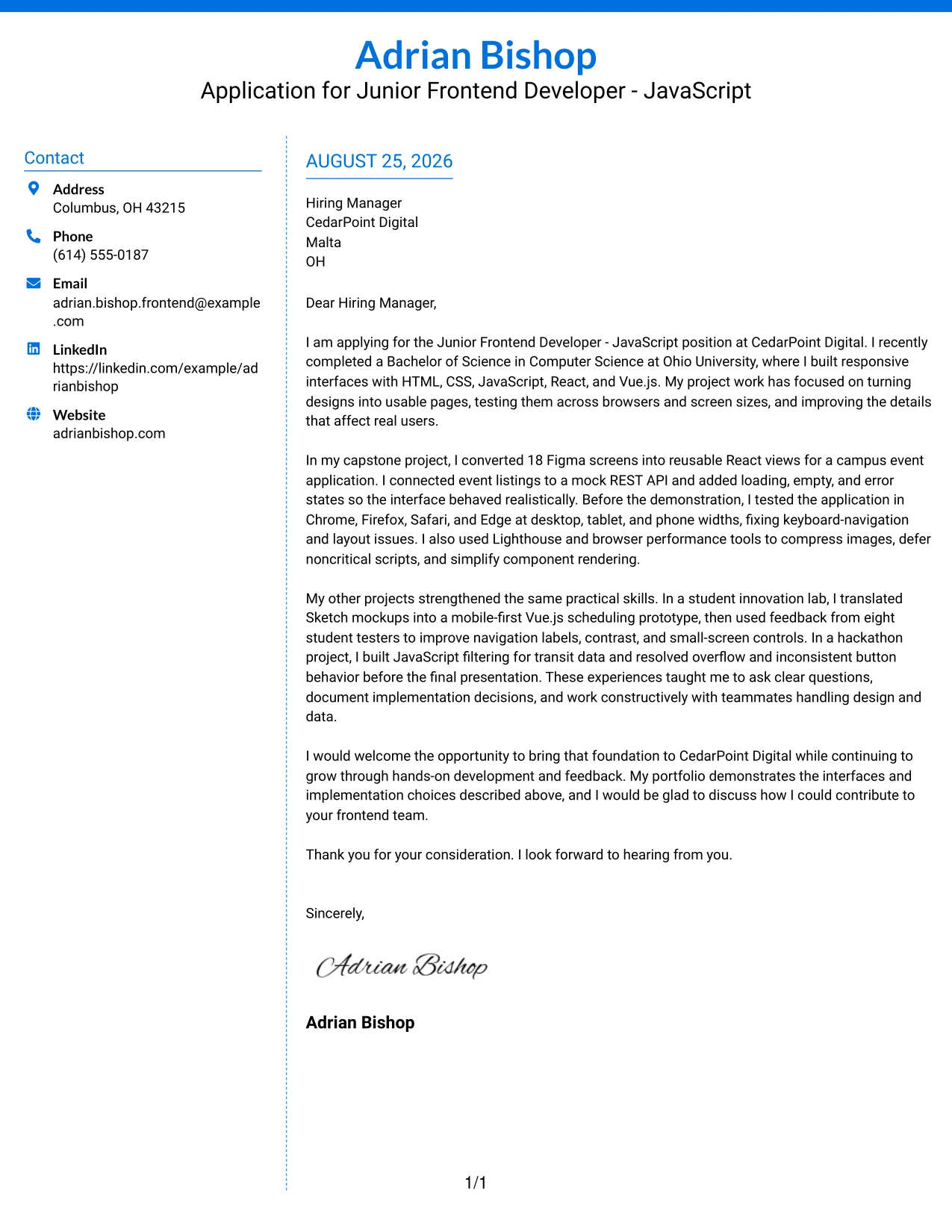
Why the Colored Two Column Format Works for a Cover Letter
- The opening can lead with qualifications that match the employer’s responsibilities.
- Color contrast helps separate context from the central persuasive message.
- The body has room to explain both technical work and collaboration.
- Evidence from Figma conversion and browser validation gives the letter substance.
- The format can make performance improvements and API integration easy to revisit.
- A defined side area keeps motivation present without competing with proof.
- The final paragraph can connect the evidence to a practical desire to join the team.
Best For
- Applicants whose application depends on clear proof of role-matched work.
- Cover letters that need a strong evidence area and a separate context area.
- Readers who use visual contrast to distinguish key parts of a message.
- Applications combining responsive design, compatibility checks, and performance examples.
- Candidates who want technical evidence to remain prominent throughout the page.
- Messages where motivation should support the proof rather than open with broad claims.
- Professional settings that allow restrained color to guide attention.
#10 Creative Two Tone Format Cover Letter Example
A practical application needs both a clear reason for writing and credible proof of fit. Creative Two Tone Format can divide those functions with subtle color while Adrian Bishop’s letter keeps its message grounded in responsive projects, design collaboration, and a willingness to grow at CedarPoint Digital.
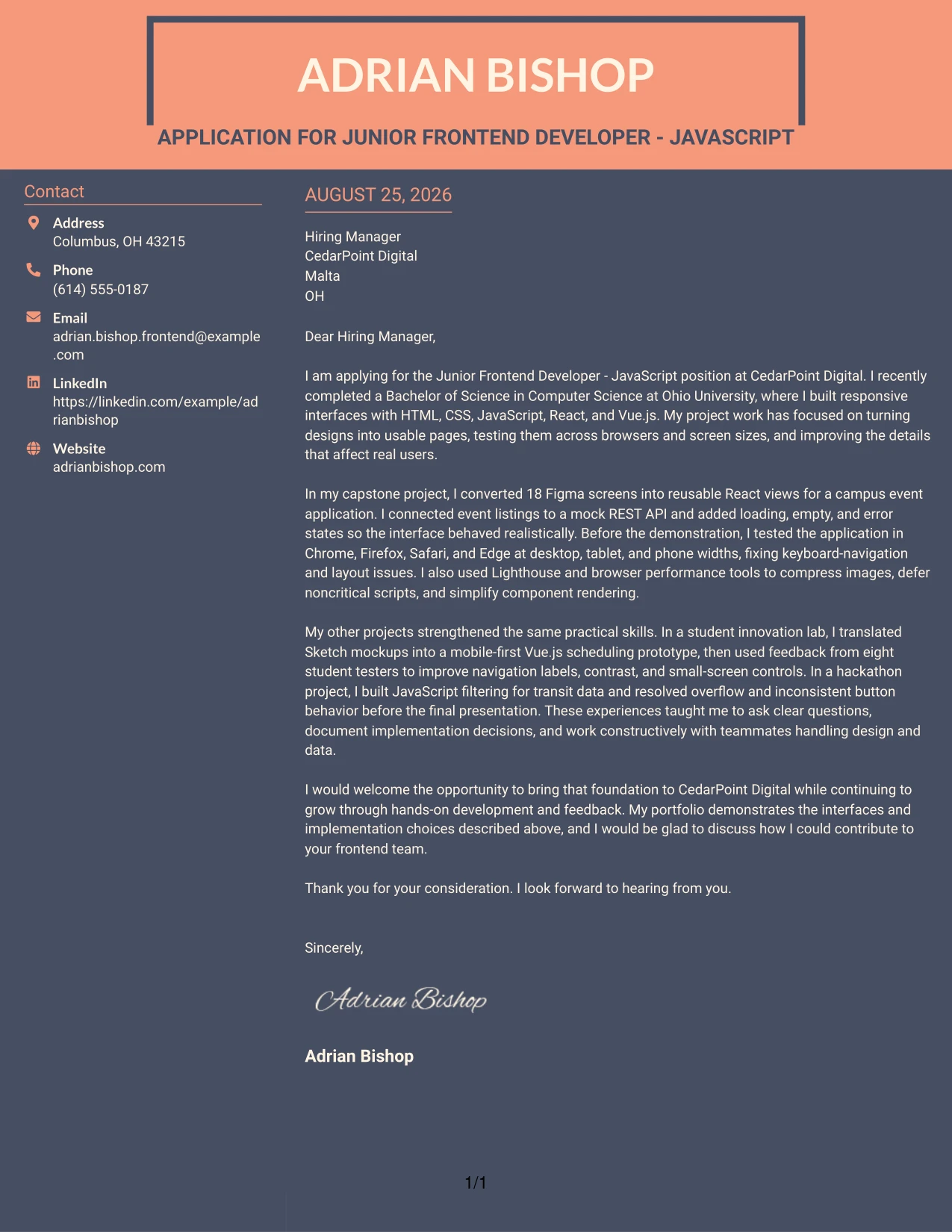
Why the Creative Two Tone Format Works for a Cover Letter
- The two-tone treatment can distinguish the introduction from the evidence that follows.
- The opening still has room to express specific interest in the employer.
- Project examples give the creative presentation a professional foundation.
- The letter can show how design files became working, tested interfaces.
- A controlled color change adds personality without replacing clear communication.
- The closing can bring motivation and contribution together in a short final message.
- This balance helps the applicant appear both thoughtful and ready to do practical work.
Best For
- Applications that benefit from a small amount of visual personality.
- Applicants balancing a direct motivation statement with practical project proof.
- Readers who prefer clear changes between opening context and supporting evidence.
- Cover letters for teams that value thoughtful presentation and usable work.
- Candidates showing how design concepts became tested interfaces.
- Messages that should feel distinctive while keeping the writing professional.
- Professional applications where restrained two-tone styling supports, rather than replaces, the content.
#11 Modern Icon Format Cover Letter Example
A practical application can use small visual markers to guide the reader from interest to evidence and then to the next step. Modern Icon Format adds that guidance to a focused one-column letter, helping the message present frontend projects, user-centered testing, and employer fit with a current, organized feel.
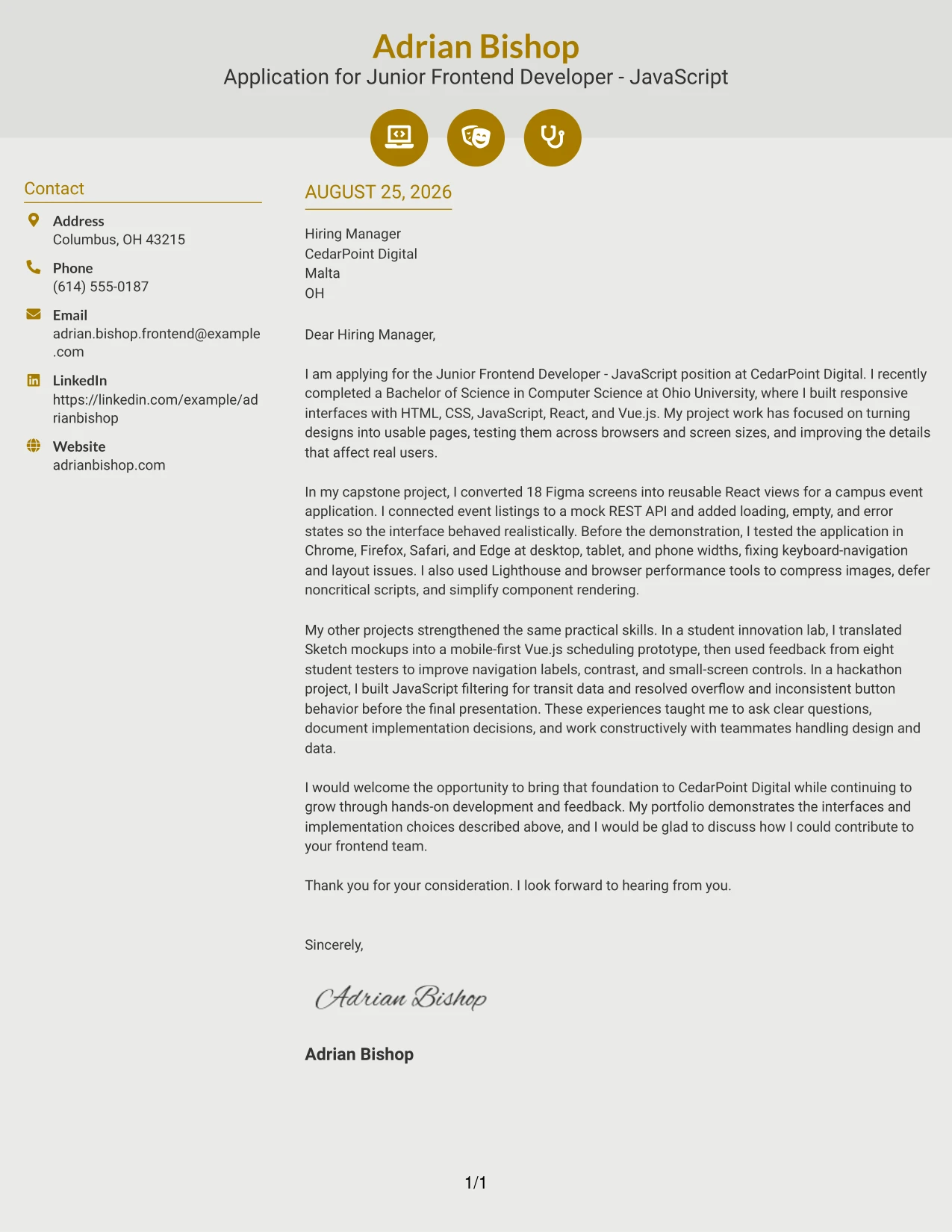
Why the Modern Icon Format Works for a Cover Letter
- Visual markers can make the opening, evidence, and closing easy to distinguish.
- The one-column path keeps the letter’s persuasive order intact.
- The body can connect project work to user-facing feature development.
- Small icons can support transitions without replacing clear written explanations.
- The application can show attention to usability through its content and presentation.
- A modern hierarchy suits a letter discussing responsive interfaces and browser behavior.
- The closing remains direct, giving the employer a clear reason to continue the conversation.
Best For
- Applicants seeking a current presentation for a focused application message.
- Cover letters that benefit from small visual cues between communication stages.
- Readers who want motivation, evidence, and closing points clearly separated.
- Applications centered on user-facing interfaces and practical usability decisions.
- Candidates presenting a concise portfolio story with supporting project details.
- Messages where organization should feel modern but remain easy to read.
- Professional settings that suit subtle icons and a clean single-column flow.
#12 Minimal Header Format Cover Letter Example
A restrained header gives the letter a calm, professional first impression and lets the message lead. The opening can quickly connect the application to CedarPoint Digital, while the body presents responsive interface work, browser testing, API integration, and performance improvements in a clear order. This format supports a friendly, direct voice and makes the closing request for a conversation feel natural.
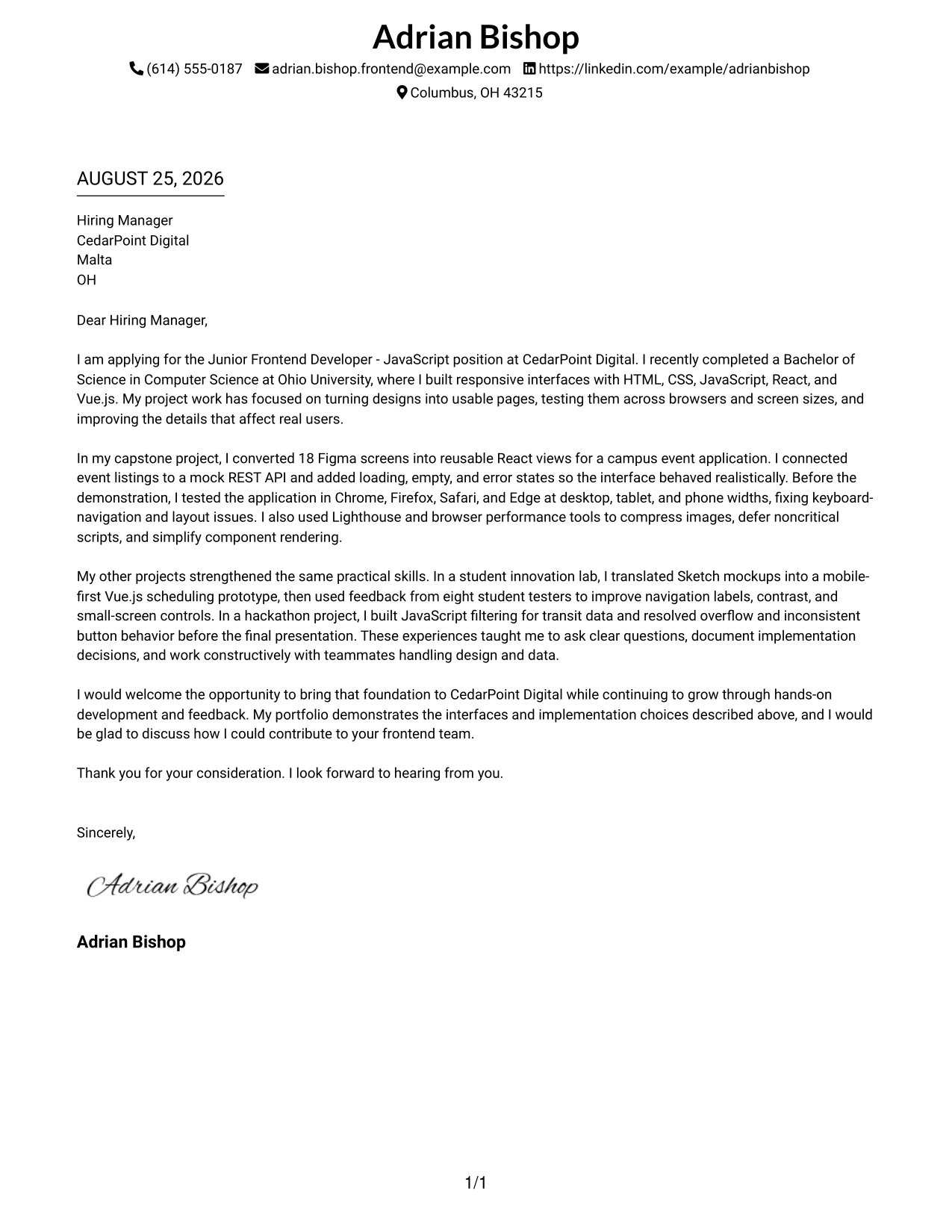
Why This Cover Letter Works
- The simple header keeps attention on the application message.
- The opening names CedarPoint Digital and the position without delay.
- The first body paragraph connects education to practical frontend work.
- The capstone example gives strong evidence of design implementation and React development.
- Browser testing and Lighthouse work show care for quality and performance.
- The closing links the candidate's goals with the company's learning opportunities.
- The one-column reading path supports a clear, confident communication style.
Best For
- Applicants who want the letter's motivation to stand out before visual details.
- Roles where a direct opening and focused closing support quick review.
- Applications that need a calm, traditional presentation.
- Letters with one strong project story and a few supporting examples.
- Readers who prefer a single path from interest to evidence to next step.
- Candidates aligning design implementation, testing, and API work with a frontend role.
- Professional documents that benefit from generous space around the message.
#13 Clean Two Column Sidebar Format Cover Letter Example
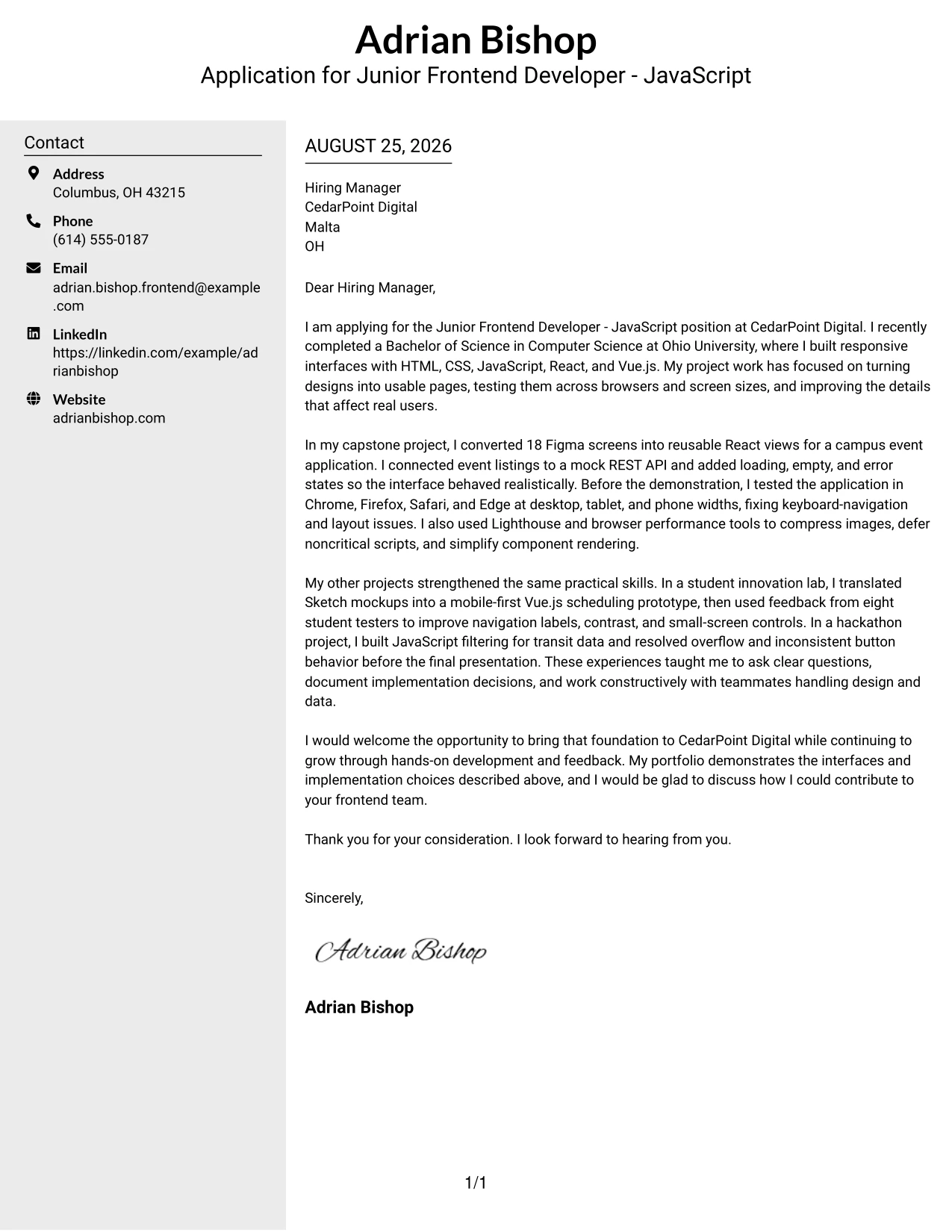
The sidebar separates contact details and supporting context from the main letter, while the central column carries the persuasive message. In a cover letter, this structure can guide the reader from the application purpose to evidence such as 18 converted Figma screens, cross-browser validation, and REST API work. The clean division also makes the letter feel organized without taking attention away from its warm, collaborative tone.
Why This Cover Letter Works
- The main column gives the opening and closing enough room to sound natural.
- The sidebar makes contact information easy to find during a quick review.
- The capstone example provides a clear bridge between design files and working React views.
- The letter connects responsive design to the needs of user-facing feature development.
- Examples from the innovation lab and hackathon add range without creating a crowded narrative.
- The structure supports short paragraphs with one clear point each.
- The format presents collaboration with designers and data-focused teammates in an easy-to-scan way.
Best For
- Letters that need a distinct place for contact details and supporting context.
- Applications with several related project examples to connect across the main message.
- Readers who review documents by moving between a quick reference area and the body.
- Candidates who want to show both implementation work and collaborative habits.
- Communication needs that call for visible separation between evidence and explanation.
- Applications where a polished two-part structure reinforces organization.
- Frontend roles that value design handoff, testing, and API collaboration.
#14 Plain Two Column Format Cover Letter Example
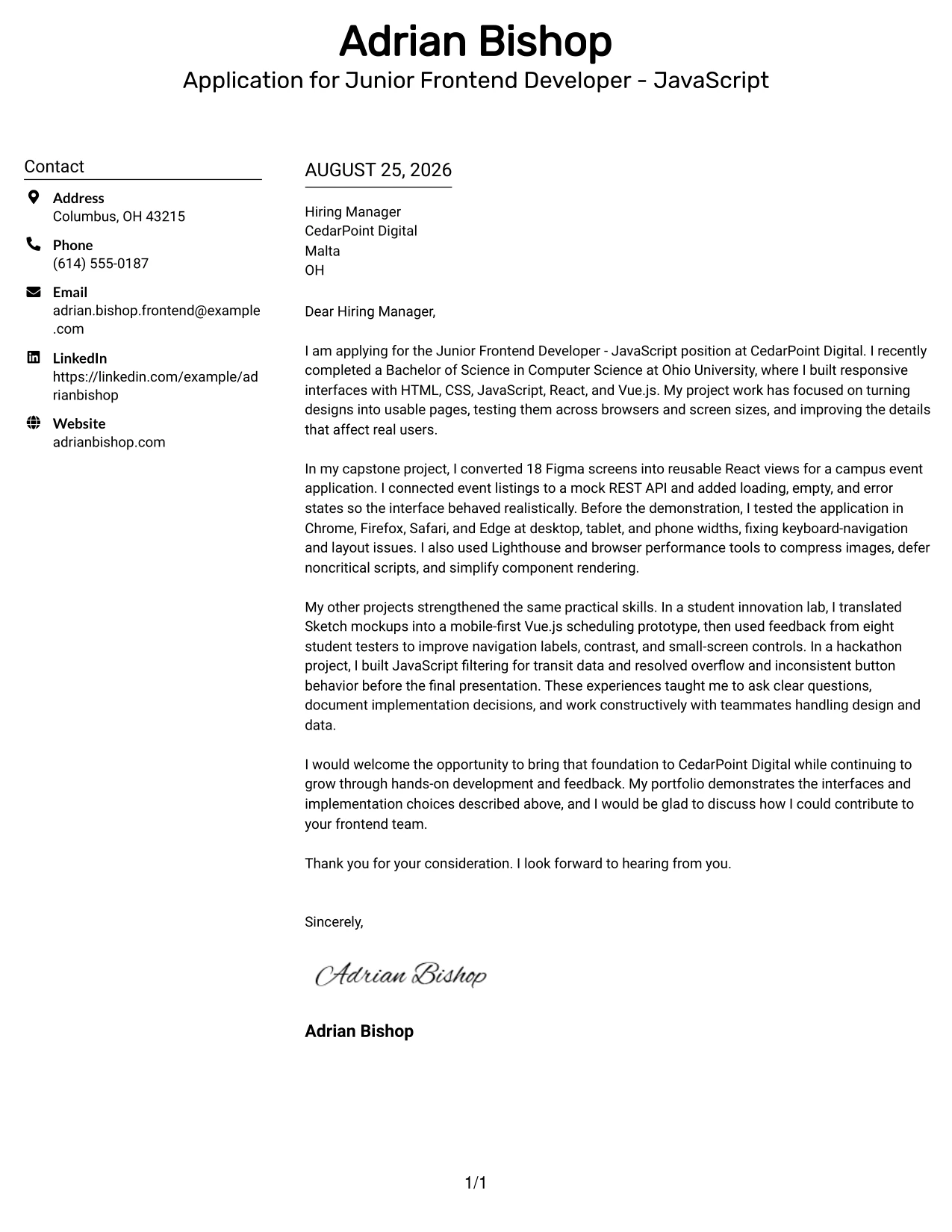
A recruiter can move through the central message while using the second column to locate supporting details. That balance works well when the letter must explain several projects without losing its personal purpose. The application can lead with interest in CedarPoint Digital, then use focused evidence about React and Vue.js prototypes, responsive layouts, tester feedback, and working data flows to show readiness.
Why This Cover Letter Works
- The opening gives the reader an immediate reason to continue.
- Two columns help distribute several project examples without making the body feel dense.
- The capstone paragraph shows how designs became reusable interface views.
- The innovation lab example adds evidence of usability checks and responsive decisions.
- The hackathon example demonstrates practical debugging under a short delivery schedule.
- The letter explains technical work in terms of user experience and team contribution.
- The closing keeps the invitation to discuss fit polite and specific.
Best For
- Applicants with enough project evidence to need careful content distribution.
- Letters that compare a main example with shorter supporting experiences.
- Reviewers who value quick access to both narrative and supporting details.
- Applications where responsive design and usability evidence need equal space.
- Candidates explaining different frameworks without turning the letter into a tool list.
- Documents that must feel complete while keeping each paragraph concise.
- A structured application for Junior Frontend Developer - JavaScript openings.
#15 Modern Full Background Two Column Format Cover Letter Example
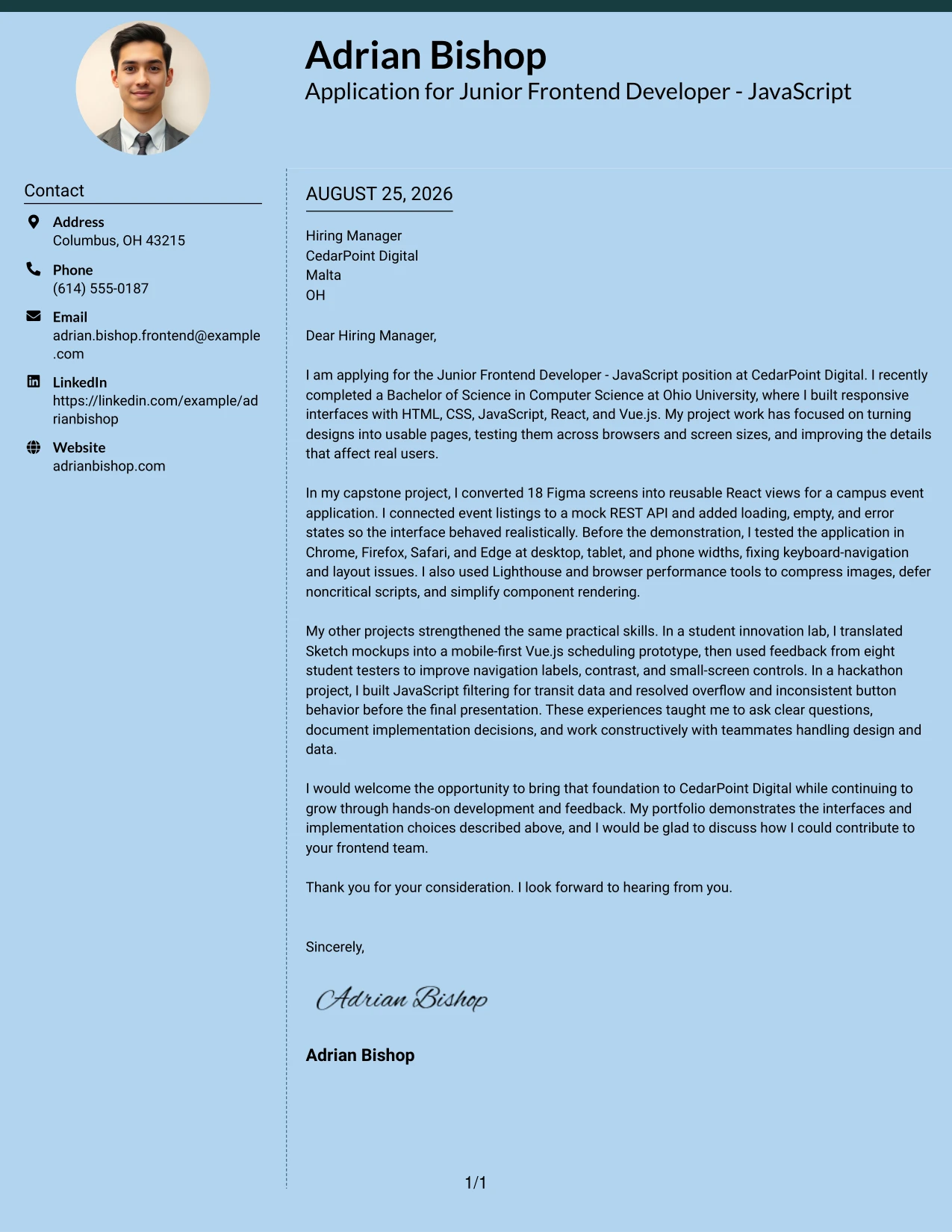
The strongest evidence should arrive early: the letter can point first to the capstone's 18 Figma screens, realistic API states, browser checks, and performance work. A two-column presentation then gives that evidence a modern frame while keeping the explanation readable. The message shows not only what was built, but also how the candidate tested decisions and improved the experience for users.
Why This Cover Letter Works
- The first paragraph establishes relevant technical preparation and motivation.
- The capstone story places measurable project scope near the center of the message.
- Loading, empty, and error states show attention to realistic interface behavior.
- Testing across Chrome, Firefox, Safari, and Edge supports the employer's compatibility needs.
- Lighthouse work gives the performance claim practical support.
- The supporting projects prove that the same habits continued across React, Vue.js, and JavaScript work.
- The closing presents continued learning as a contribution rather than an apology for early-career status.
Best For
- Letters where the most convincing project evidence should receive early attention.
- Applications that combine measurable scope with clear explanations of process.
- Readers who want a contemporary presentation but still need comfortable text flow.
- Candidates showing how interface decisions were tested and refined.
- Frontend applications involving performance, compatibility, and API behavior.
- Documents that need room for one detailed case study and two shorter examples.
- Professional communication that connects technical evidence with a learning mindset.
#16 Dark Mode Two Column Format Cover Letter Example
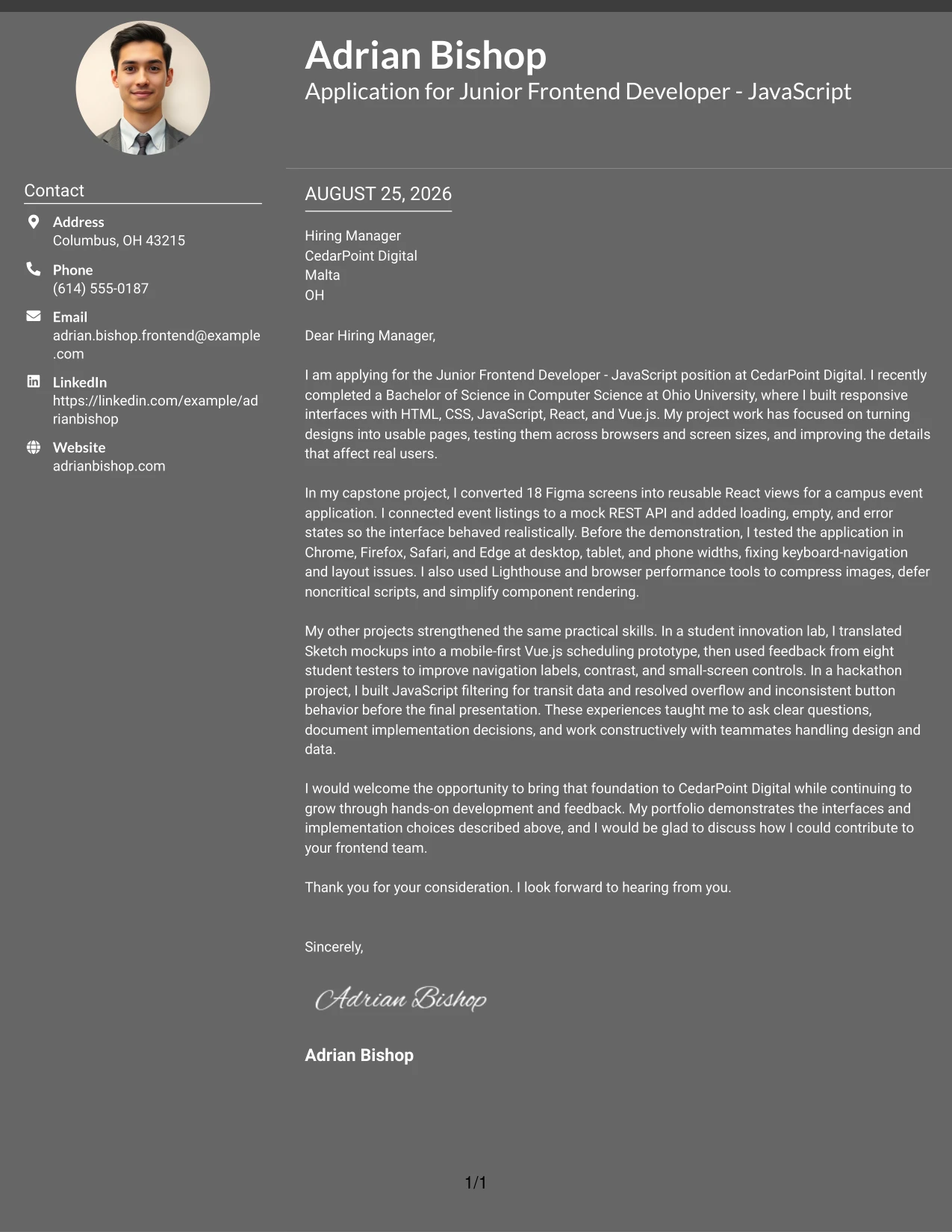
Balanced spacing helps a practical application feel focused rather than crowded. The letter can give equal attention to motivation, project evidence, and the invitation to continue the conversation, with the two-column structure supporting clear movement between ideas. The contrast of the format adds a confident visual character, while the writing remains approachable and explains React, Vue.js, testing, and API work in plain terms.
Why This Cover Letter Works
- The opening states the application goal in a confident, courteous way.
- Balanced sections prevent technical evidence from overwhelming the personal message.
- The capstone paragraph connects Figma implementation, React components, and API states.
- The student lab example shows that feedback led to concrete navigation and contrast improvements.
- The hackathon example adds proof of quick problem solving and delivery.
- The closing relates the candidate's growth plans to CedarPoint Digital's learning opportunities.
- The format supports a modern impression without requiring an overly casual tone.
Best For
- Applications seeking a modern presentation with a measured, professional voice.
- Letters that need balanced space for motivation, evidence, and next steps.
- Readers reviewing both detailed project work and a concise personal fit statement.
- Candidates presenting several frontend examples without giving one section too much weight.
- Roles where responsive interfaces, testing, and performance all need mention.
- Documents for a modern office environment that still require clear business communication.
- Applicants who want visual confidence paired with plain, respectful language.
#17 Dark Mode Box Header Format Cover Letter Example
For a practical application, a distinct header box can identify the sender, recipient, and purpose before the reader reaches the main argument. The one-column body then builds a persuasive case in a familiar sequence: interest in the role, strongest project evidence, supporting examples, and a courteous request to talk. This format fits a letter that wants a memorable visual entry while keeping its communication direct.
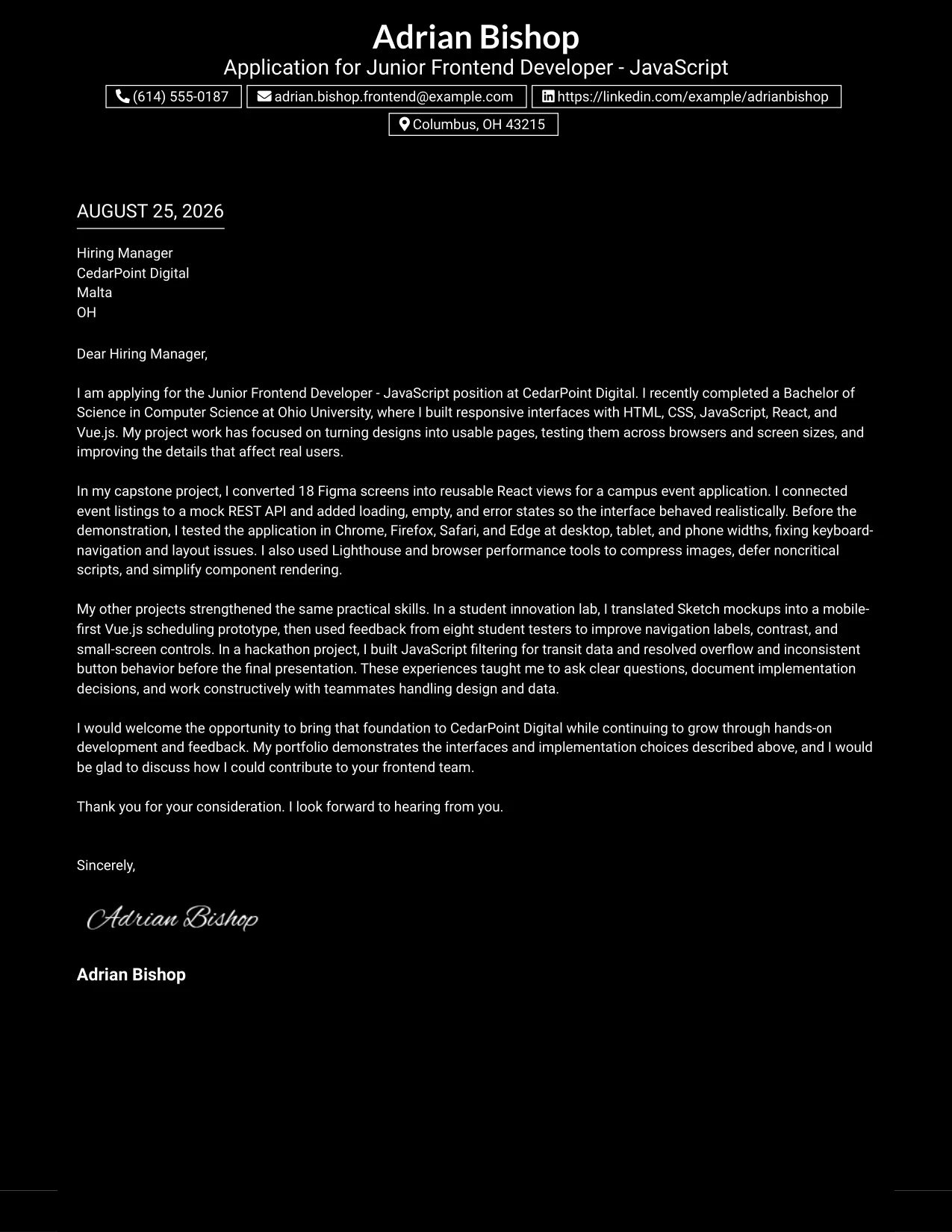
Why This Cover Letter Works
- The header gives the application context before the reader enters the body.
- The opening makes the connection to CedarPoint Digital clear.
- The capstone section offers concrete proof of responsive React development.
- The letter explains API integration and interface states in terms a reviewer can understand.
- Supporting examples show usability feedback, browser debugging, and JavaScript filtering.
- The closing expresses interest in contributing while welcoming feedback and development.
- A single-column body keeps the persuasive sequence easy to follow.
Best For
- Applications that benefit from a clearly labeled, memorable opening area.
- Letters where the main argument should unfold in one uninterrupted reading path.
- Applicants who want visual distinction without dividing the body into columns.
- Messages that move from role interest to one central example and then to support.
- Frontend applications needing a confident but still formal presentation.
- Readers who prefer a visible application context before technical details.
- Documents where a strong header and simple body create a balanced impression.
#18 Elegant Full Background Two Column Format Cover Letter Example
A refined visual hierarchy can make the letter feel thoughtful before the reader reaches its technical details. The message should remain personal and specific: explain interest in CedarPoint Digital, highlight the capstone's design-to-code work, and connect supporting projects to accessibility, mobile usability, and API behavior. The two-column arrangement gives the letter polish while preserving a clear conversation with the hiring manager.
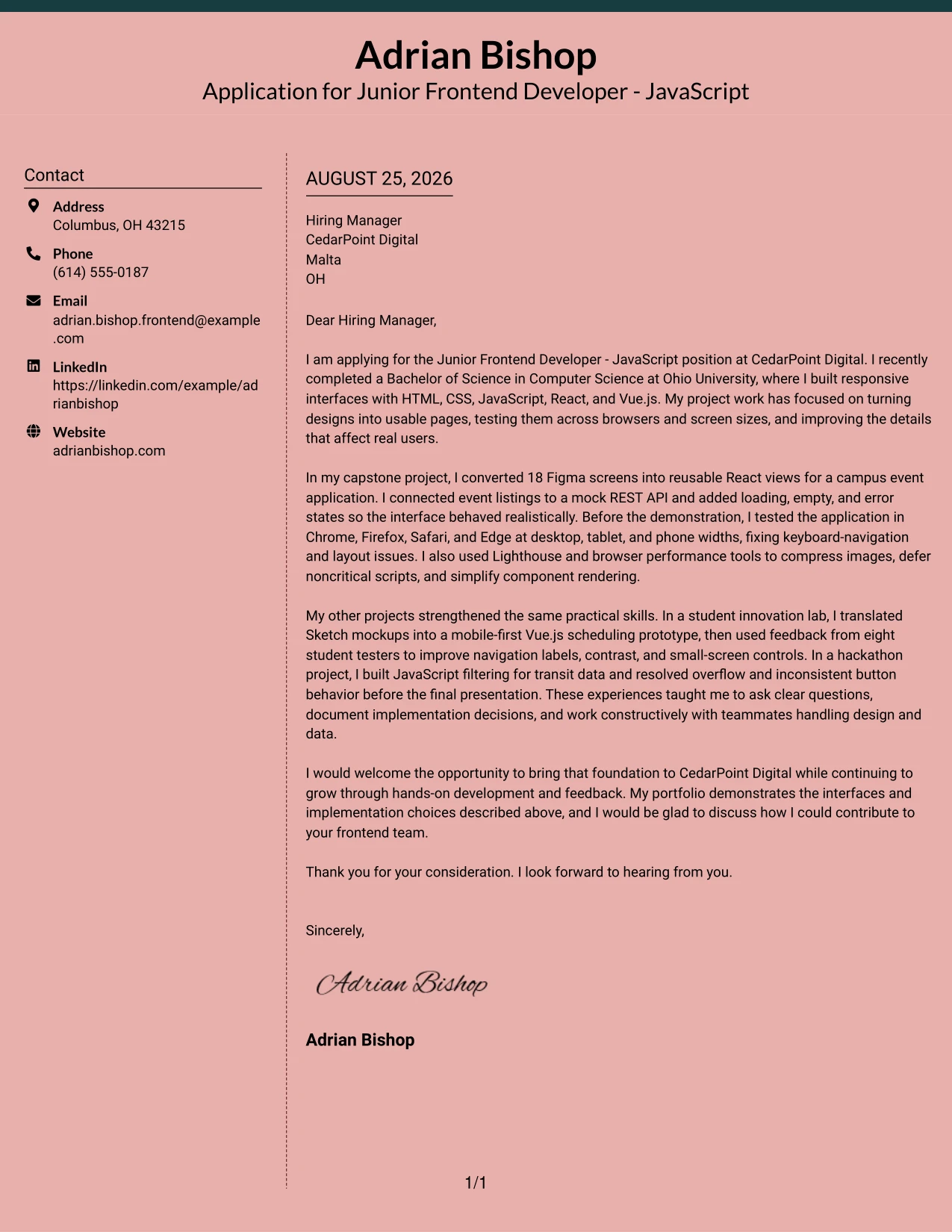
Why This Cover Letter Works
- The opening creates a respectful connection with the employer.
- The capstone example gives the letter a strong, specific center.
- The message shows how Figma layouts became reusable views rather than simply naming a design tool.
- Keyboard navigation, focus states, and small-screen controls support the user-centered case.
- API states and browser validation demonstrate care beyond the initial visual design.
- The writing presents documentation and teamwork as useful contributions.
- The closing pairs confidence with a sincere interest in continued professional growth.
Best For
- Applicants who want a polished format for a carefully tailored letter.
- Applications where user experience and thoughtful implementation should feel connected.
- Readers who appreciate visual hierarchy alongside a personal, persuasive message.
- Candidates with evidence spanning accessibility, mobile usability, and API behavior.
- Frontend roles that involve translating design concepts into working pages.
- Documents that need a refined appearance without a distant or impersonal voice.
- Letters where collaboration and steady professional growth are part of the fit.
#19 Plain One Column with Highlighted Date Cover Letter Example
A clear date treatment helps the reader place the application quickly, while the one-column format keeps every argument in order. The letter can move from the role and academic foundation to the most relevant project, then to supporting work and a direct closing. That simple structure gives details such as four-browser testing, responsive breakpoints, and performance profiling room to support the main point instead of competing with it.
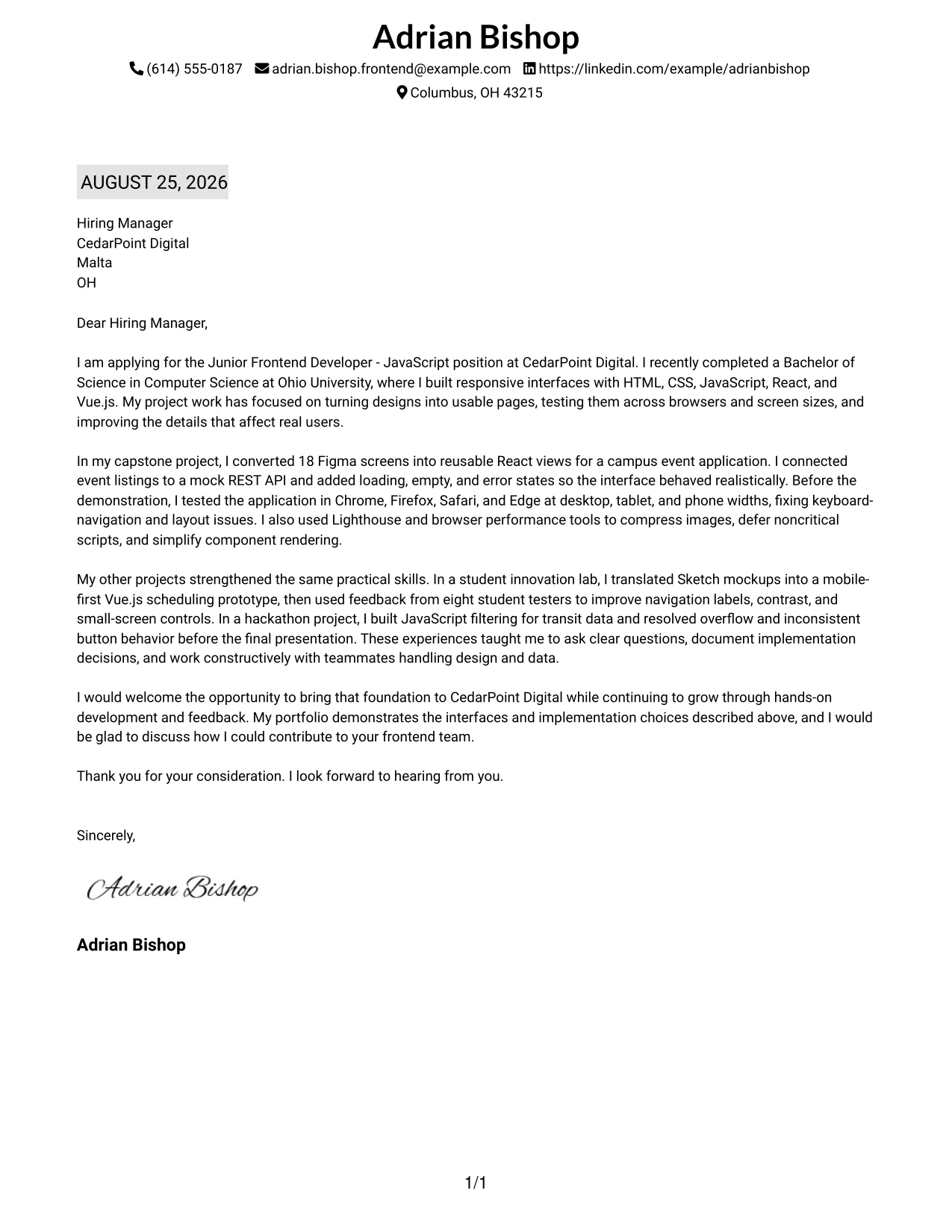
Why This Cover Letter Works
- The date and header make the letter easy to identify and file.
- The opening quickly connects the academic foundation to the position.
- The main project paragraph provides a logical place for the strongest evidence.
- Four-browser testing and responsive breakpoints answer key role needs directly.
- Performance profiling shows an ability to improve more than appearance alone.
- Supporting examples broaden the story while staying in chronological project order.
- The closing is easy to find and gives the employer a clear next step.
Best For
- Applications that need a familiar, orderly business-letter structure.
- Readers who value clear date placement during application review.
- Letters with a natural progression from preparation to evidence to closing.
- Candidates presenting one primary project followed by concise supporting work.
- Frontend applications where browser, breakpoint, and performance details matter.
- Documents that should remain readable when reviewed from top to bottom.
- Applicants who prefer visible organization over decorative presentation.
#20 Bold Color Header Professional Format Cover Letter Example
The reader first encounters the application purpose and then follows a single, steady column through the evidence. A bold header can create energy, but the letter earns credibility through specific details: 18 Figma screens, reusable React views, a mock REST API, and testing at phone, tablet, and desktop widths. Used with a warm closing, the format helps present Adrian Bishop's early-career foundation with confidence and clarity.
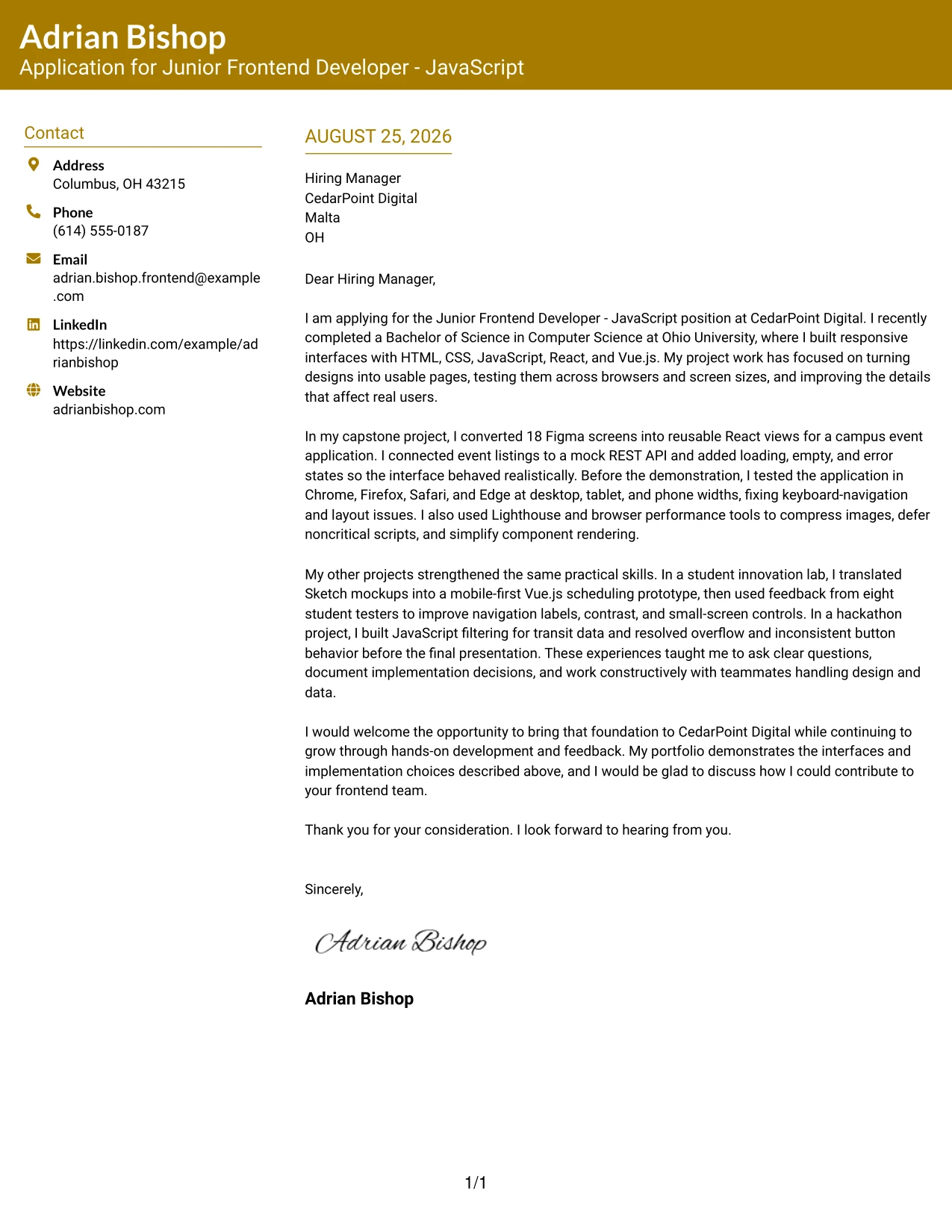
Why This Cover Letter Works
- The header makes the role and sender easy to recognize.
- The opening introduces the technical foundation without making unsupported claims.
- The capstone evidence shows meaningful scope through 18 Figma screens.
- The body explains how reusable views, API states, and browser checks served real review needs.
- The innovation lab paragraph demonstrates that user feedback shaped later fixes.
- The letter shows communication through documentation, presentations, and questions.
- The closing is professional and leaves room for a constructive conversation.
Best For
- Applicants who want a strong first impression with a single-column reading path.
- Letters that carry several detailed examples but need a clear visual starting point.
- Readers who scan the header before deciding how deeply to read.
- Candidates combining technical evidence with presentations and documentation.
- Applications where a confident tone should support, not replace, specific proof.
- Frontend roles requiring design translation, testing, and API-related communication.
- Documents that need enough body space for a detailed project narrative.
#21 Photo Header Color Sidebar Format Cover Letter Example
Evidence should remain the heart of the letter, while the color sidebar and optional photo header provide a clear personal introduction. The body can then show how responsive interfaces were built, checked, and improved through the capstone, innovation lab, and hackathon projects. When used for this application, the visual elements should stay professional and secondary to the candidate's motivation, project results, and fit with CedarPoint Digital.
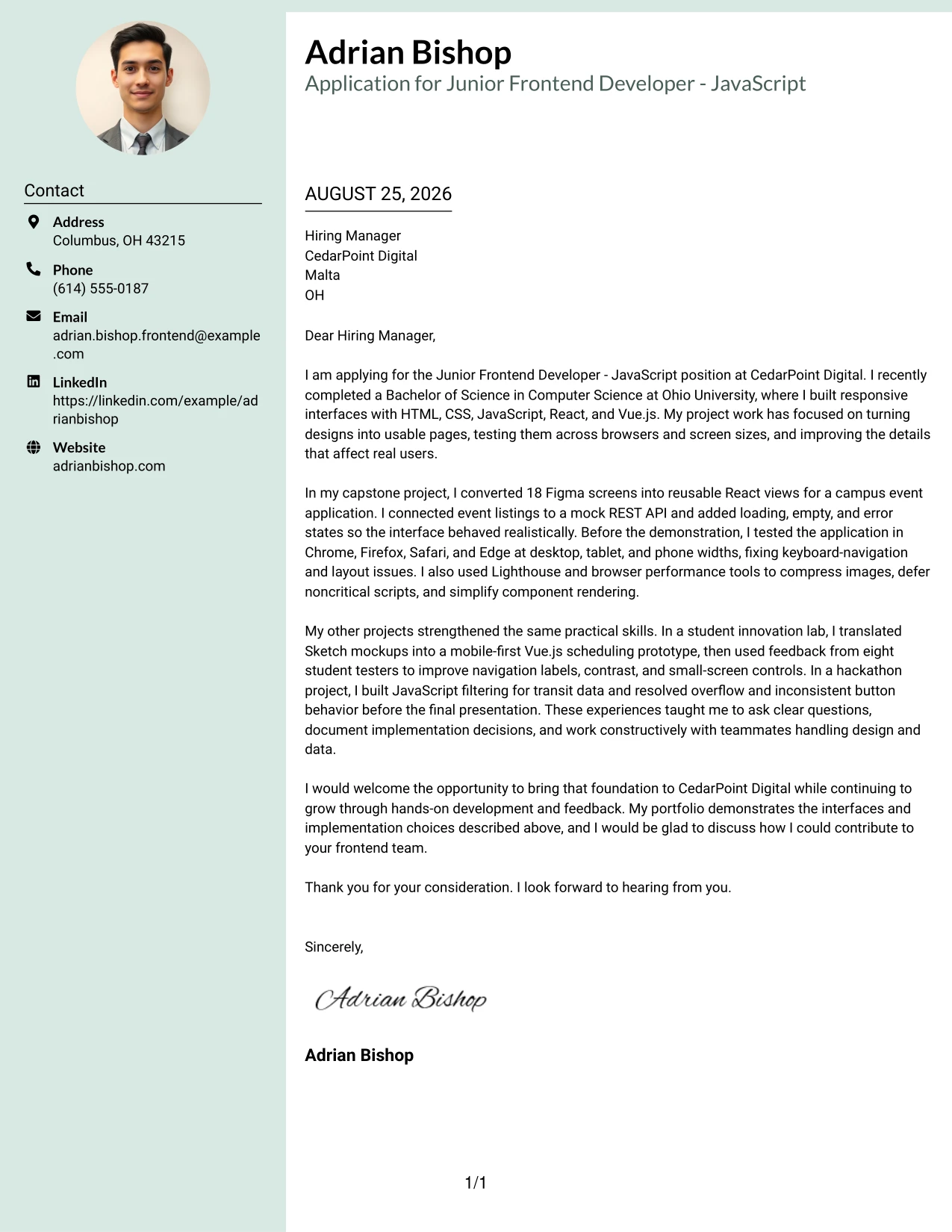
Why This Cover Letter Works
- The header creates a personal introduction before the technical discussion begins.
- The sidebar can keep contact details visible while the body carries the argument.
- The capstone provides direct evidence of Figma implementation and React development.
- Cross-browser checks and Lighthouse improvements align with the role's quality expectations.
- The innovation lab story adds accessibility and usability evidence from tester feedback.
- The letter explains collaboration with design and data-focused teammates.
- The closing keeps the focus on contributing to CedarPoint Digital and continuing to learn.
Best For
- Applicants who want a personal visual introduction alongside a detailed letter.
- Applications where contact information should remain easy to locate.
- Candidates with several projects that provide concrete evidence for the role.
- Readers who respond well to a clear separation between identity and message.
- Frontend applications involving responsive design, browser quality, and performance.
- Documents where a sidebar can support the body without interrupting its argument.
- Professional settings that welcome a polished, personable presentation.
#22 Top Left Header Color Accent Format Cover Letter Example
Balanced space at the top gives the application a clear starting point, while the color accent adds a small measure of distinction. The one-column letter can then explain interest in the role, connect the strongest evidence to CedarPoint Digital's responsibilities, and finish with a practical invitation to talk. This approach suits a message that values readability, steady pacing, and a professional but welcoming tone.
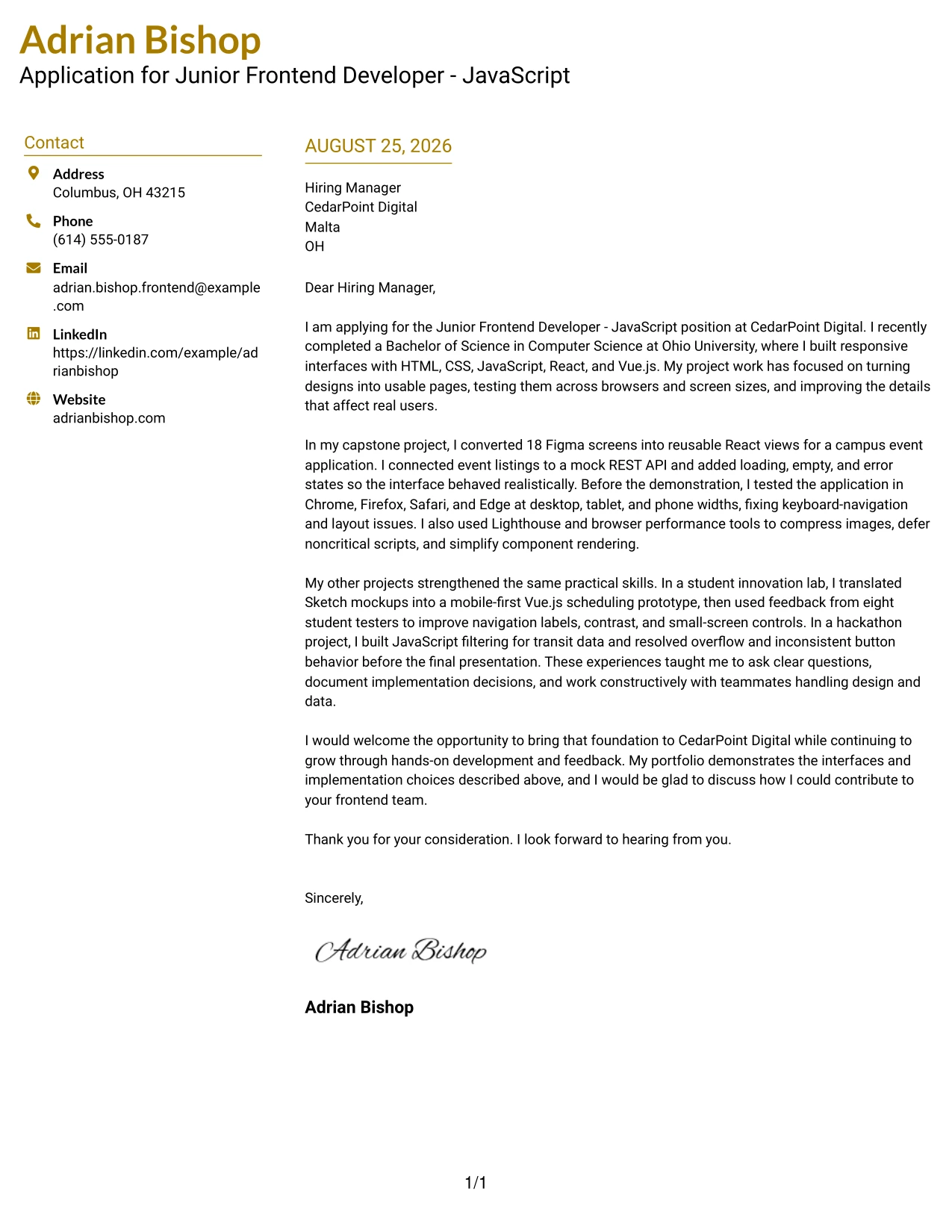
Why This Cover Letter Works
- The top-left header establishes the application details without delaying the opening.
- The color accent adds identity while leaving the written message in control.
- The capstone example directly connects Figma, React, responsive design, and API work.
- The letter uses browser testing and performance changes to show careful follow-through.
- The supporting examples demonstrate feedback, accessibility, and clear documentation.
- The body presents early-career preparation as a useful foundation for team contribution.
- The closing is warm, concise, and aligned with the employer's development opportunities.
Best For
- Applications needing a small visual accent with a highly readable body.
- Letters that should feel organized from the first line through the final request.
- Readers who prefer one-column communication with clear top-of-page orientation.
- Candidates connecting several responsibilities to one coherent project story.
- Frontend roles involving design handoff, responsive pages, and API collaboration.
- Documents where measured spacing helps technical explanations remain approachable.
- Applicants seeking a professional format that feels personable rather than rigid.
#23 Centered Header Classic Two Column Format
For an application to CedarPoint Digital, this format gives the cover letter a balanced starting point: contact details are easy to find, while the body keeps attention on motivation, project evidence, and fit for the Junior Frontend Developer - JavaScript role. The two-column structure adds visual order without taking attention away from the letter's message.
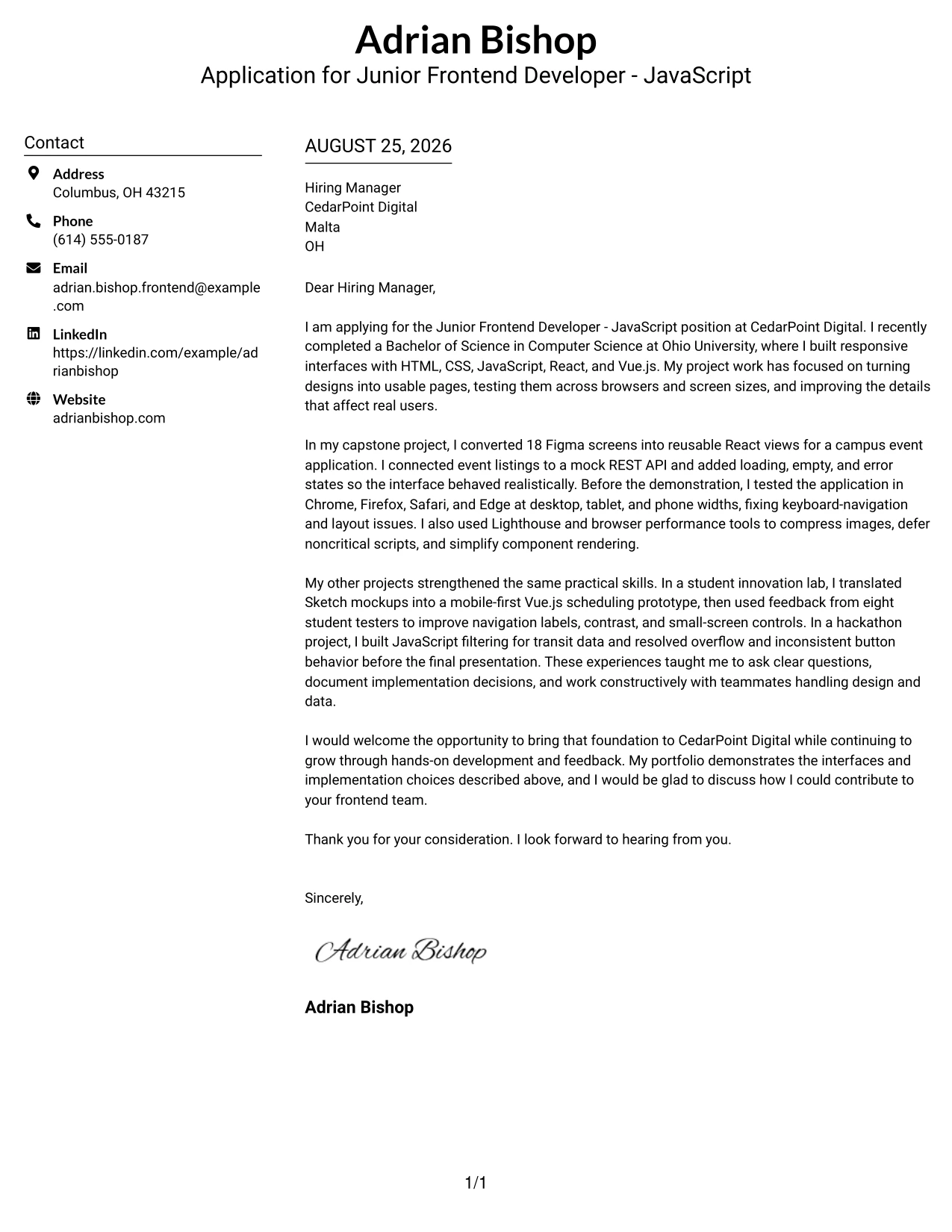
Why This Cover Letter Works
- The centered header creates a confident first impression before the reader reaches the greeting.
- The two-column organization separates contact details from the persuasive letter content.
- The opening connects the application to CedarPoint Digital and the target role directly.
- The body gives strong attention to responsive interfaces, JavaScript, React, and Vue.js.
- Project evidence shows the ability to turn Figma and Sketch designs into working pages.
- Examples of browser testing, API integration, and performance work support the employer's needs.
- The closing remains warm and focused on contributing while continuing to grow.
Best For
- Applicants who want a balanced cover letter with clear visual separation.
- Applications where contact details should remain visible without interrupting the letter flow.
- Readers who prefer a centered opening with a traditional professional tone.
- Letters that need room for several project examples and a concise closing.
- Early-career applicants presenting academic or portfolio evidence in an organized way.
- Frontend applications that connect design implementation with practical testing details.
- Roles where a polished layout should support, rather than compete with, the message.
#24 Left Aligned Header Clean Two Column Format
A restrained visual hierarchy helps the reader move from the applicant's contact details to the greeting and then into the reason for applying. This clean two-column format supports a direct letter for CedarPoint Digital, with clear links between frontend project work, the listed responsibilities, and the candidate's interest in continued learning.
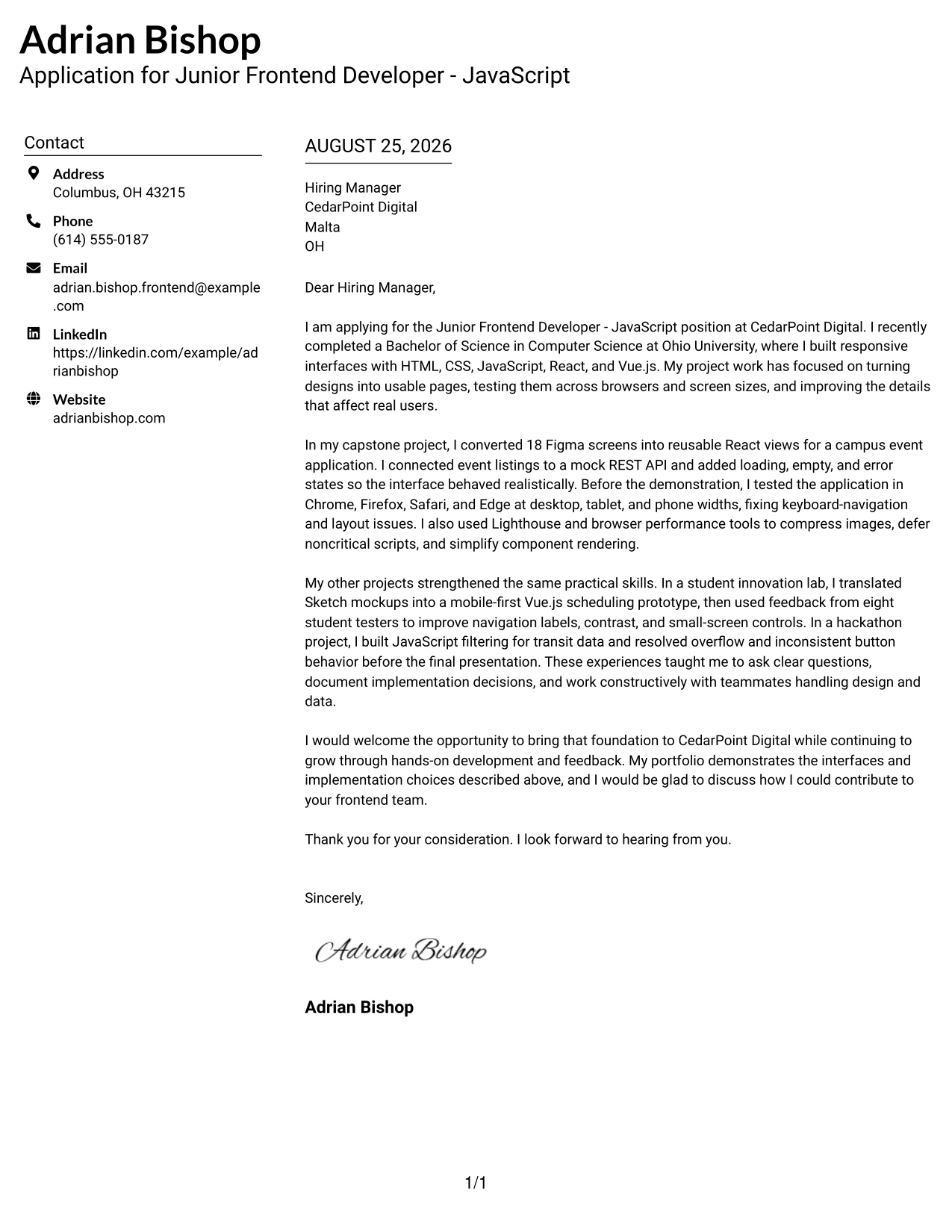
Why This Cover Letter Works
- The left-aligned header feels direct and easy to follow.
- The clean structure keeps the greeting, opening, evidence, and closing in a natural sequence.
- The first paragraph explains both the application and the relevant academic foundation.
- The capstone example provides specific evidence of React views, API states, and browser testing.
- The innovation lab example connects design interpretation with accessibility and user feedback.
- The letter shows that performance and mobile usability were considered during development.
- The final paragraph links the candidate's portfolio to a willingness to learn at CedarPoint Digital.
Best For
- Applicants who prefer a straightforward, low-distraction letter format.
- Applications that need a clear connection between personal motivation and listed duties.
- Readers who scan from the left edge and value predictable text alignment.
- Letters that combine a short introduction with several relevant project examples.
- Candidates showing how design files become responsive working interfaces.
- Frontend roles that value collaboration with designers and backend contributors.
- Professional messages where a clean appearance should reinforce a practical tone.
#25 Accent Divider Modern Two Column Format
The Accent Divider Modern Two Column Format gives the letter a clear structure, with visual breaks that help separate the opening, supporting evidence, and closing request. It suits this application because the message can move quickly from the role at CedarPoint Digital to concrete proof of responsive development, API work, and cross-browser validation.
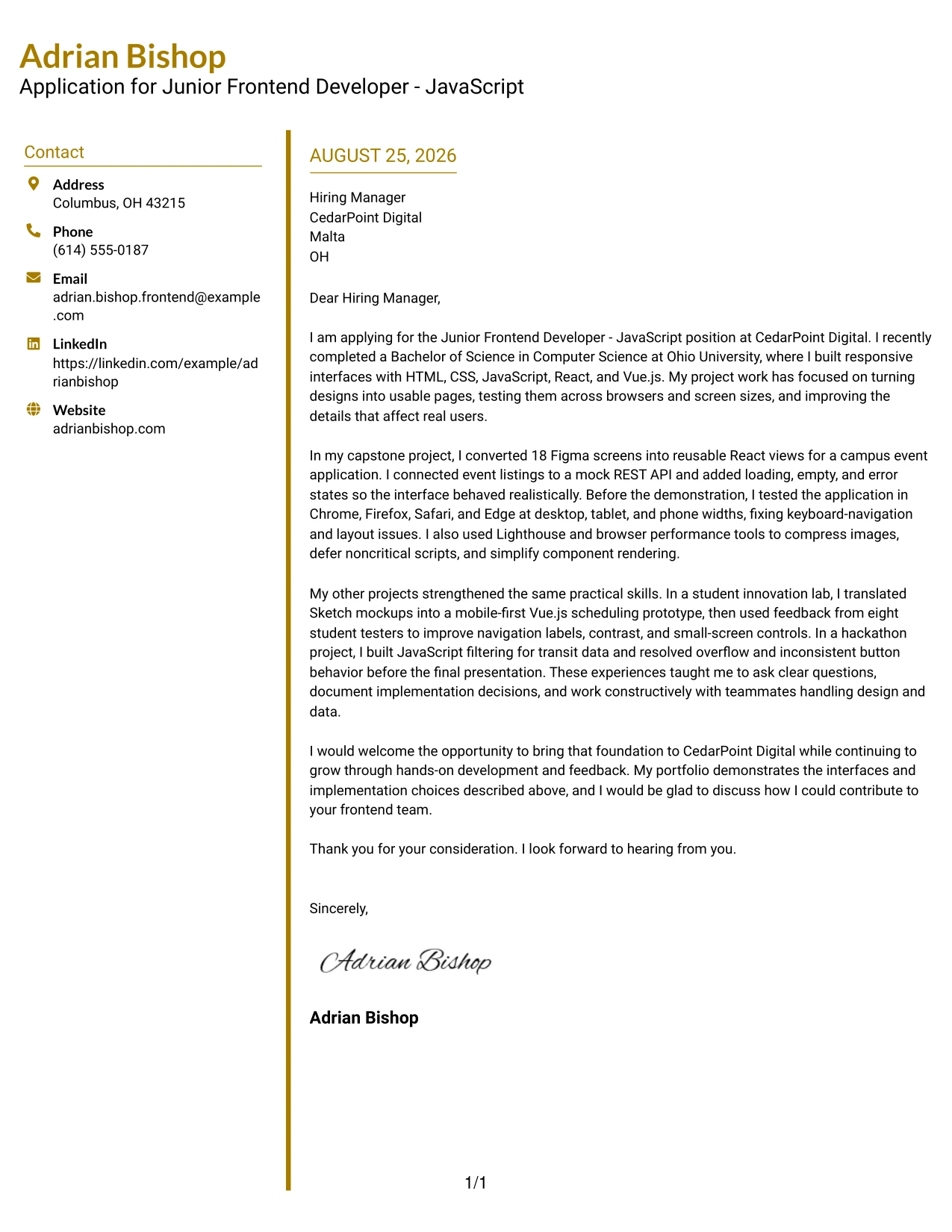
Why This Cover Letter Works
- The opening establishes the target role and the applicant's recent computer science degree.
- Visual dividers can guide the reader through motivation, evidence, and next steps.
- The capstone paragraph offers a strong central example instead of relying on broad claims.
- The letter explains how 18 Figma screens became reusable React views.
- Testing across Chrome, Firefox, Safari, and Edge directly supports the job requirements.
- Performance improvements are described as practical actions, including image compression and script deferral.
- The closing invites discussion and keeps the focus on useful contribution and professional growth.
Best For
- Letters that benefit from visible separation between major persuasive points.
- Applicants with several related projects that need a clear reading order.
- Applications where evidence should be easy to locate during a quick review.
- Readers who like a modern structure without losing a professional letter sequence.
- Frontend applications combining design translation, testing, and performance examples.
- Messages that need to show technical range while keeping each paragraph focused.
- Candidates who want visual accents to support organization rather than decoration.
#26 Shaded Labels Clean Two Column Format
Readers can move from the labeled contact area to the greeting and then through the letter's evidence without losing the main argument. The Shaded Labels Clean Two Column Format makes each part of the application feel distinct, which helps present the candidate's project background as a focused response to CedarPoint Digital's frontend needs.
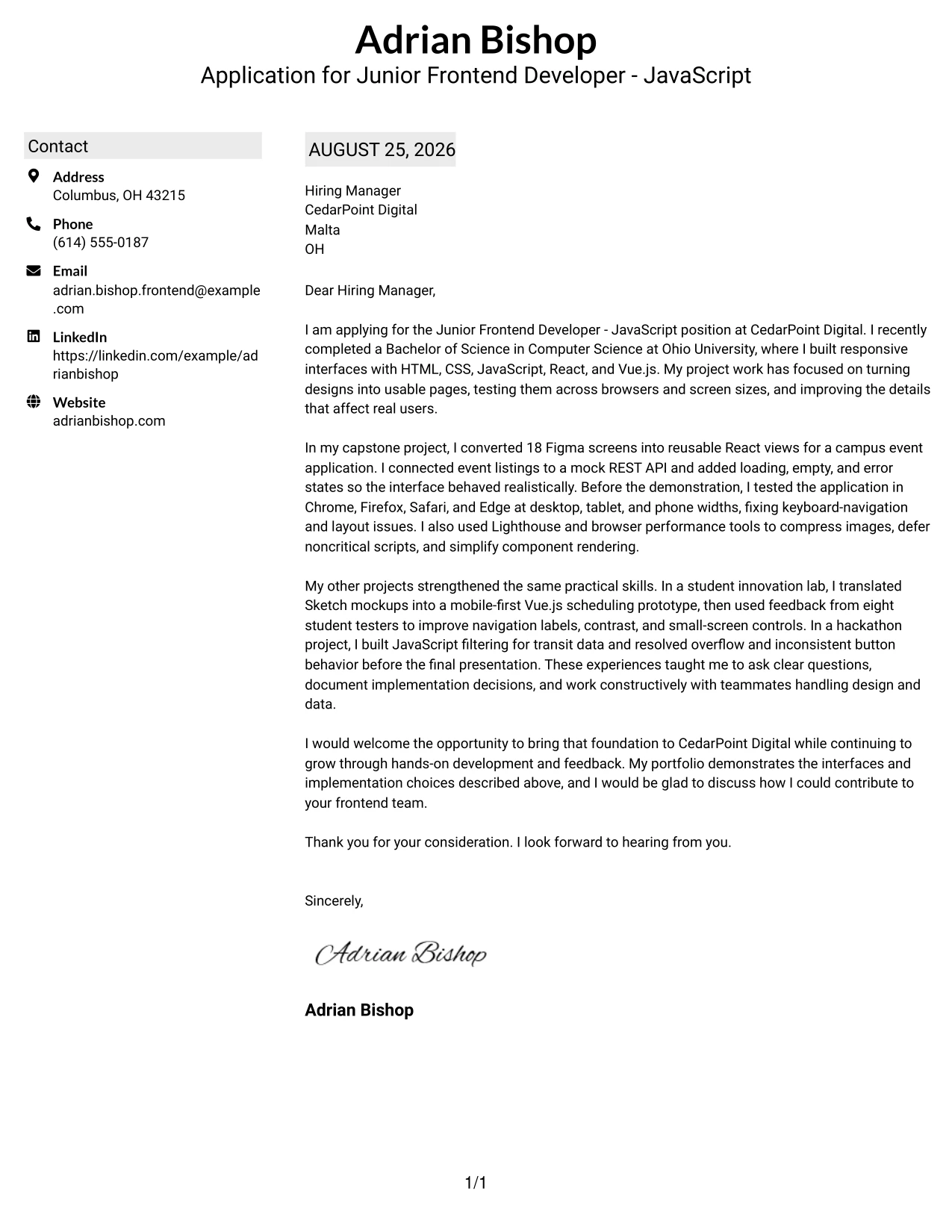
Why This Cover Letter Works
- The labeled header makes the sender and recipient information easy to identify.
- The opening states the purpose of the letter before presenting supporting details.
- The body connects HTML5, CSS3, JavaScript, React, and Vue.js to actual interface work.
- The capstone example shows design conversion, reusable views, realistic API states, and testing.
- The innovation lab example adds evidence of mobile-first thinking and usability review.
- The hackathon example demonstrates practical debugging under a short project timeline.
- The closing balances confidence with an open invitation to discuss team contribution.
Best For
- Applicants who want contact information and letter content to feel clearly separated.
- Applications with a moderate amount of evidence that benefits from labeled organization.
- Readers who appreciate visual cues before reading the full message.
- Letters that compare several projects without making the body feel crowded.
- Frontend roles requiring both responsive page work and collaboration around design files.
- Messages that need to present technical examples in a calm, orderly sequence.
- Candidates who want a polished format for a portfolio-supported application.
#27 Photo Header Color Accent International Format
The strongest part of this letter is its evidence: responsive interfaces, design implementation, API integration, and careful testing. A single-column structure with color accents and a photo header can then frame that evidence in a personal, internationally familiar presentation, when a professional photo is suitable for the application context.
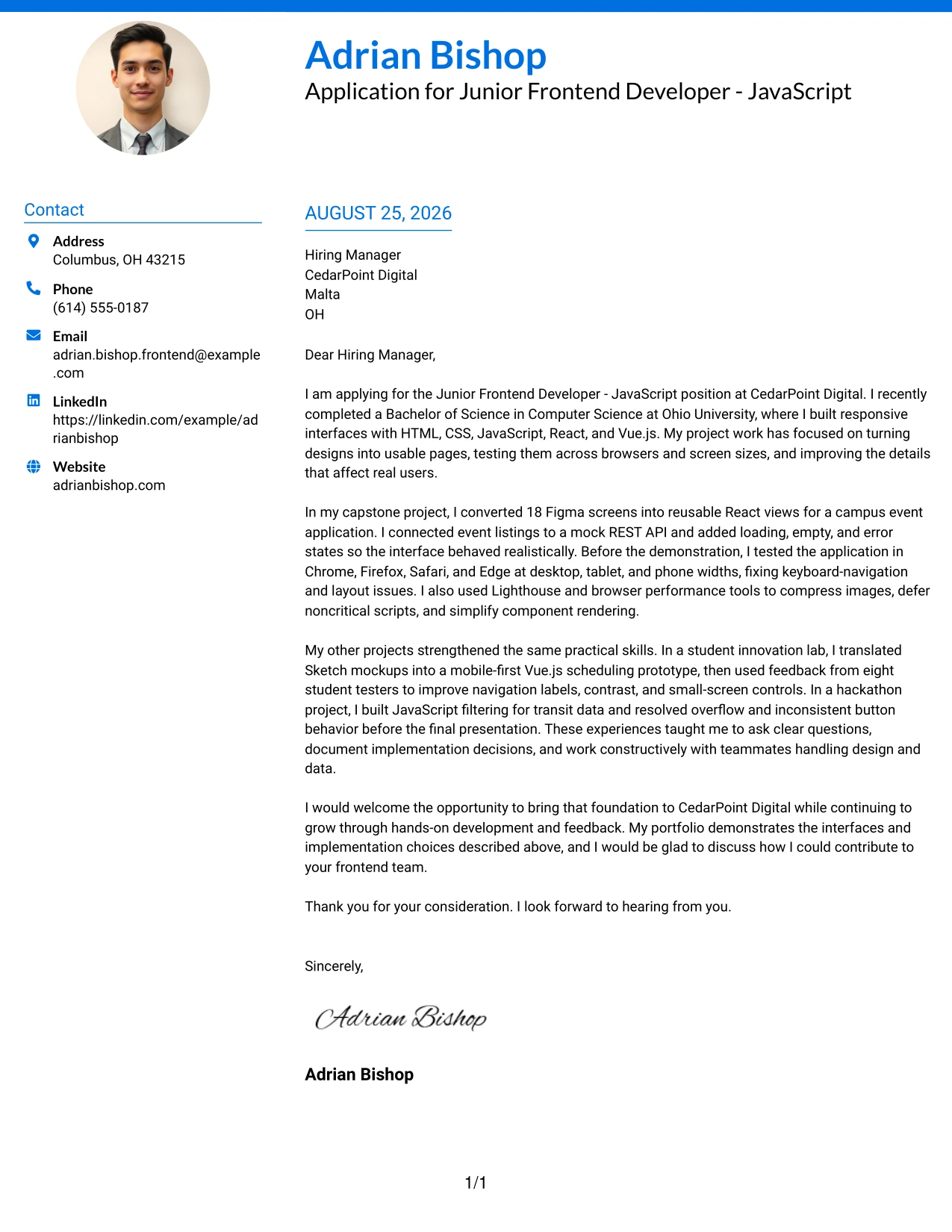
Why This Cover Letter Works
- The evidence-first opening quickly establishes why the applicant matches the role.
- The single-column flow gives each project example room to make a complete point.
- The letter shows direct experience with HTML5, CSS3, JavaScript, React, and Vue.js.
- Figma and Sketch work demonstrates an ability to collaborate across design and development.
- Cross-browser checks and responsive testing answer specific responsibilities in the job description.
- API states and performance improvements show attention to realistic user-facing behavior.
- The photo header and color accents can add personal context when local application norms support them.
Best For
- Applications where a personal visual introduction is appropriate and professionally expected.
- Applicants who want project evidence to remain the main focus of a single-column letter.
- International application contexts with different conventions for personal presentation.
- Letters that need space for detailed examples of interface development.
- Roles requiring a clear account of design collaboration and API integration.
- Readers who prefer a linear message with restrained visual accents.
- Portfolio-led applications where the letter introduces practical work before discussion.
#28 Large Profile Photo International Two Column Format
Balanced space matters when a letter must introduce both the person and the reason for applying. The Large Profile Photo International Two Column Format gives the visual introduction a strong presence while reserving a separate reading path for the CedarPoint Digital message, including project evidence, motivation, and a clear request for conversation.
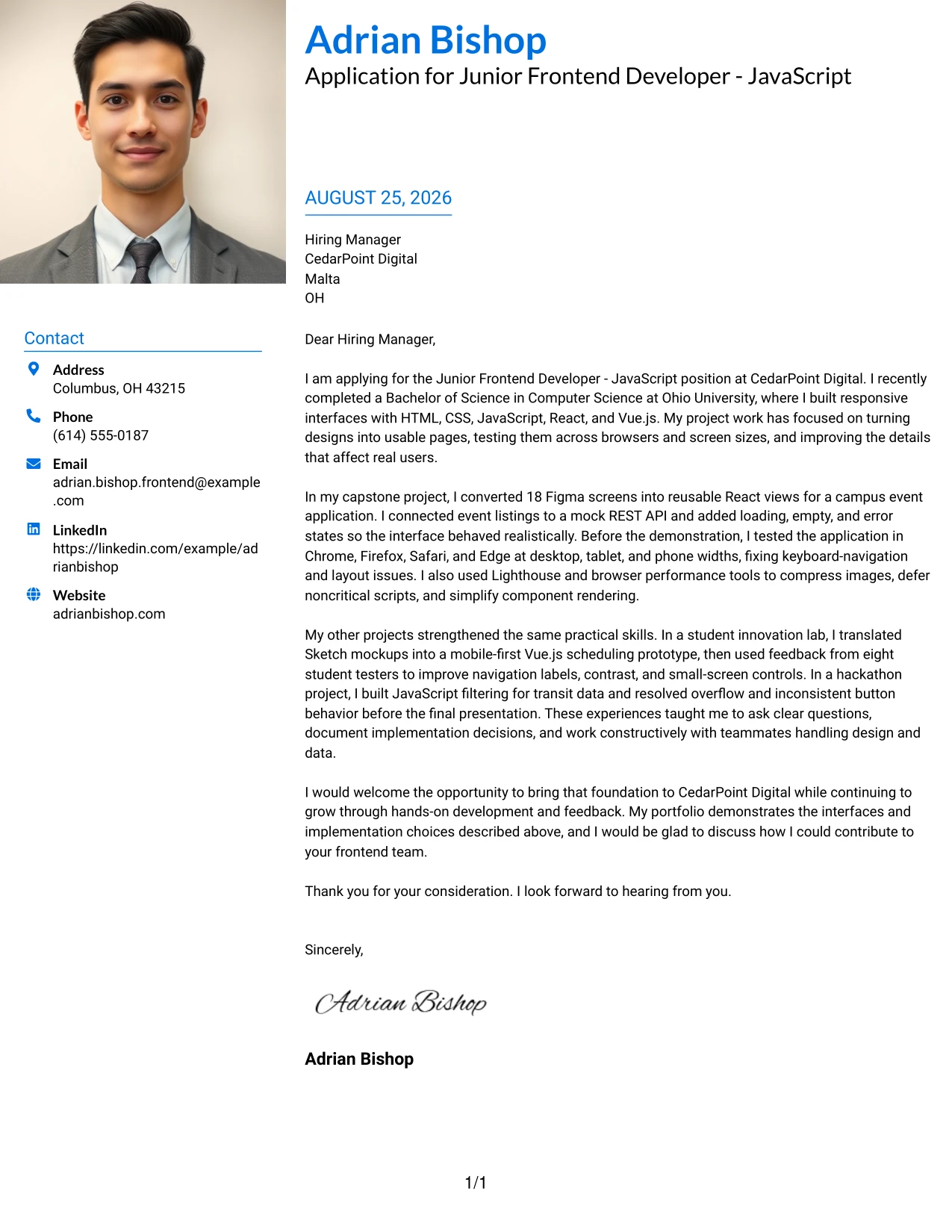
Why This Cover Letter Works
- The opening leads with concrete frontend evidence rather than a general personal statement.
- The large visual area creates a clear identity point when a professional profile photo fits the application setting.
- The two-column structure keeps personal details from competing with the persuasive body.
- The capstone project supports claims about React, Figma, REST APIs, and responsive behavior.
- The lab project adds evidence of Vue.js, mobile-first design, form validation, and tester feedback.
- The hackathon example shows fast problem solving and clear presentation of a working interface.
- The closing explains interest in hands-on development and learning opportunities at CedarPoint Digital.
Best For
- Applications where a larger personal introduction suits local or international conventions.
- Applicants who want a separate visual identity area and a focused letter body.
- Readers who value balanced space between contact information and persuasive content.
- Letters presenting multiple projects that need room for complete explanations.
- Portfolio applications where practical evidence should sit beside a strong introduction.
- Contexts where the applicant's presentation style is part of the communication goal.
- Messages that need to combine personal warmth with clear technical alignment.
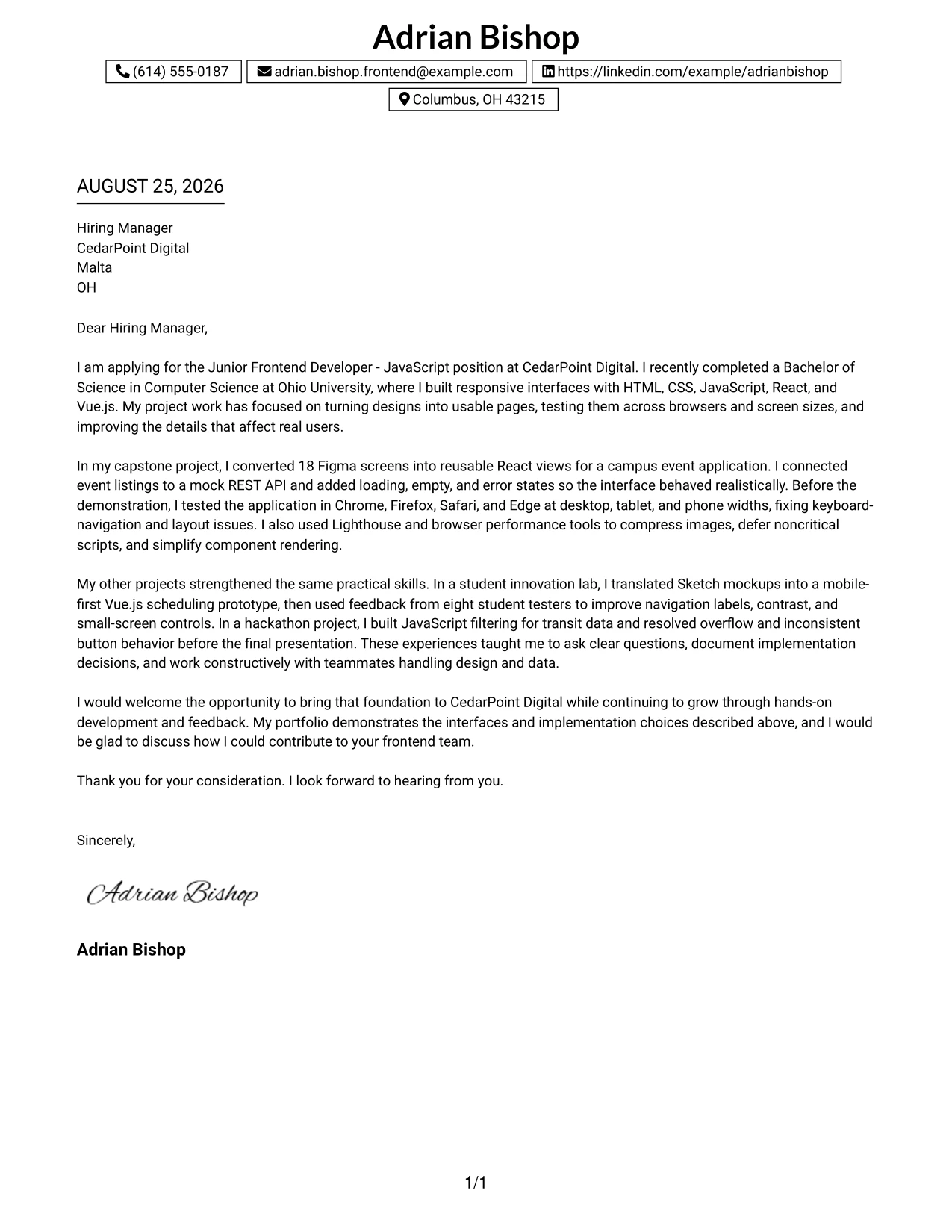
#29 One Column Boxed Contact Header Format
For a practical application that should feel easy to read from start to finish, a boxed contact header gives the letter a firm beginning and leaves the body to build the case. The one-column format works well here because the message can present the candidate's projects, motivation, and fit for CedarPoint Digital in one uninterrupted path.
Why This Cover Letter Works
- The boxed header separates contact details from the message without adding visual complexity.
- A single reading path keeps the greeting, opening, evidence, and closing connected.
- The opening states the exact position and summarizes the most relevant frontend foundation.
- The capstone example proves ability to implement designs and connect interfaces to data.
- The letter names browser testing and mobile breakpoints as part of the development process.
- Additional projects show collaboration, usability checks, and practical debugging.
- The closing makes a specific, respectful transition from evidence to a request for discussion.
Best For
- Applicants who want one uninterrupted reading path for the full letter.
- Applications where contact details need a strong but simple visual boundary.
- Readers who prefer traditional letter flow over divided page areas.
- Letters with enough project evidence to fill a focused single-column page.
- Frontend applications requiring a connected explanation of design, code, and testing.
- Candidates who want a compact format that still supports a confident closing.
- Messages where clarity and practical fit matter more than decorative styling.
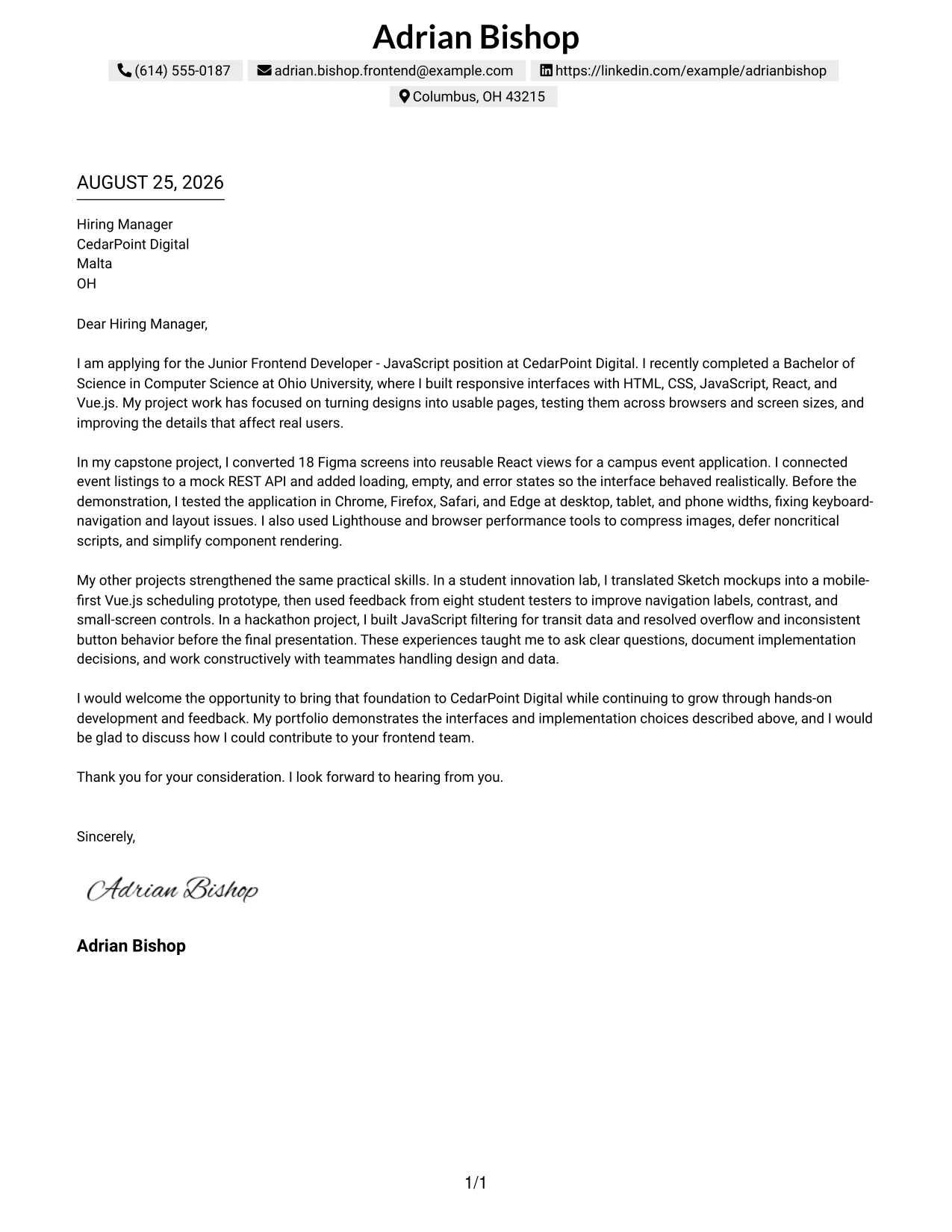
#30 One Column Shaded Contact Header Format
A shaded contact header creates a calm visual entry point, while the rest of the page keeps the reader focused on the candidate's reason for applying. In this one-column format, Adrian Bishop's project evidence can be presented in a direct sequence that connects responsive development, design collaboration, and learning goals to CedarPoint Digital.
Why This Cover Letter Works
- The shaded header gives the letter a polished first step without distracting from the content.
- The one-column sequence makes the argument simple to follow.
- The opening combines the target role, computer science degree, and relevant frontend tools.
- The capstone example links Figma implementation to React components and API behavior.
- The innovation lab example supports claims about Vue.js, accessibility, and mobile usability.
- The letter explains how testing and feedback led to specific improvements.
- The closing shows interest in CedarPoint Digital's hands-on development and learning opportunities.
Best For
- Applicants seeking a polished single-column letter with a gentle visual distinction.
- Applications where the role connection should appear early and remain easy to follow.
- Readers who value clear transitions from motivation to evidence to closing.
- Letters presenting academic and portfolio work as preparation for professional contribution.
- Frontend roles involving responsive pages, design files, and user-facing features.
- Candidates who want a professional format that supports a warm, confident voice.
- Messages where a shaded header can add structure without overpowering the content.
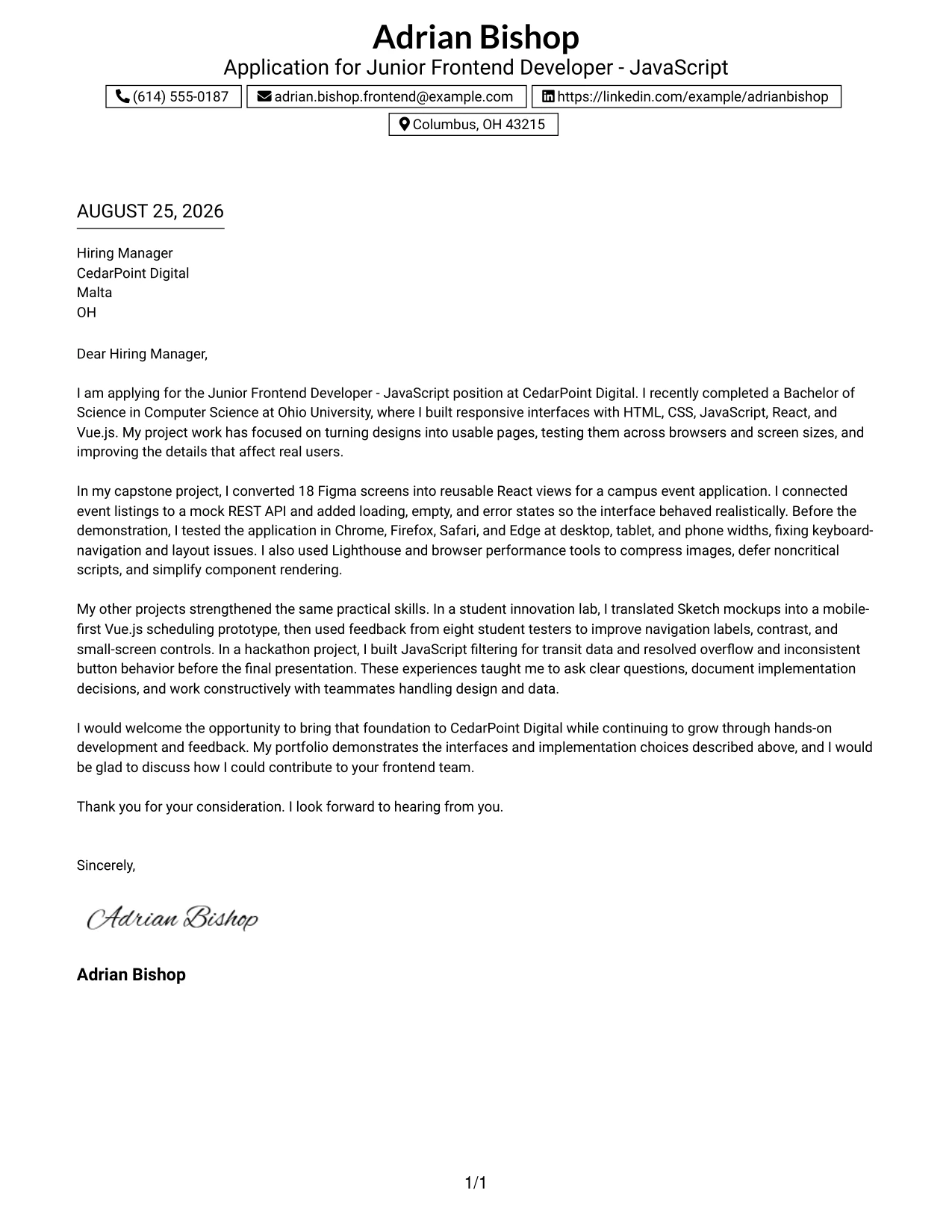
#31 Boxed Contact Header with Job Title Format
A boxed contact header followed by a visible job title gives the letter an immediate purpose and a clear internal structure. That arrangement lets the message answer three questions in order: why the candidate is applying, what frontend evidence supports the application, and how the candidate could contribute to CedarPoint Digital.
Why This Cover Letter Works
- The visible job title confirms the purpose of the application at a glance.
- The boxed contact area keeps sender and recipient details separate from the argument.
- The opening presents the candidate's degree and core frontend foundation with useful context.
- The main evidence shows work with Figma, React components, REST APIs, and responsive views.
- Browser validation across four browsers supports the requirement for compatibility.
- Performance profiling and keyboard-navigation fixes show care for the user experience.
- The closing connects the portfolio to a clear interest in contributing and receiving feedback.
Best For
- Applications where the target position should be unmistakable from the first view.
- Applicants who want a strong division between contact details and letter content.
- Readers who review many applications and benefit from an immediate subject cue.
- Letters that organize evidence around a small number of employer responsibilities.
- Frontend roles requiring design implementation, browser compatibility, and performance care.
- Candidates presenting a portfolio whose relevance should be clear before the examples.
- Messages that need a firm structure while keeping the tone approachable.
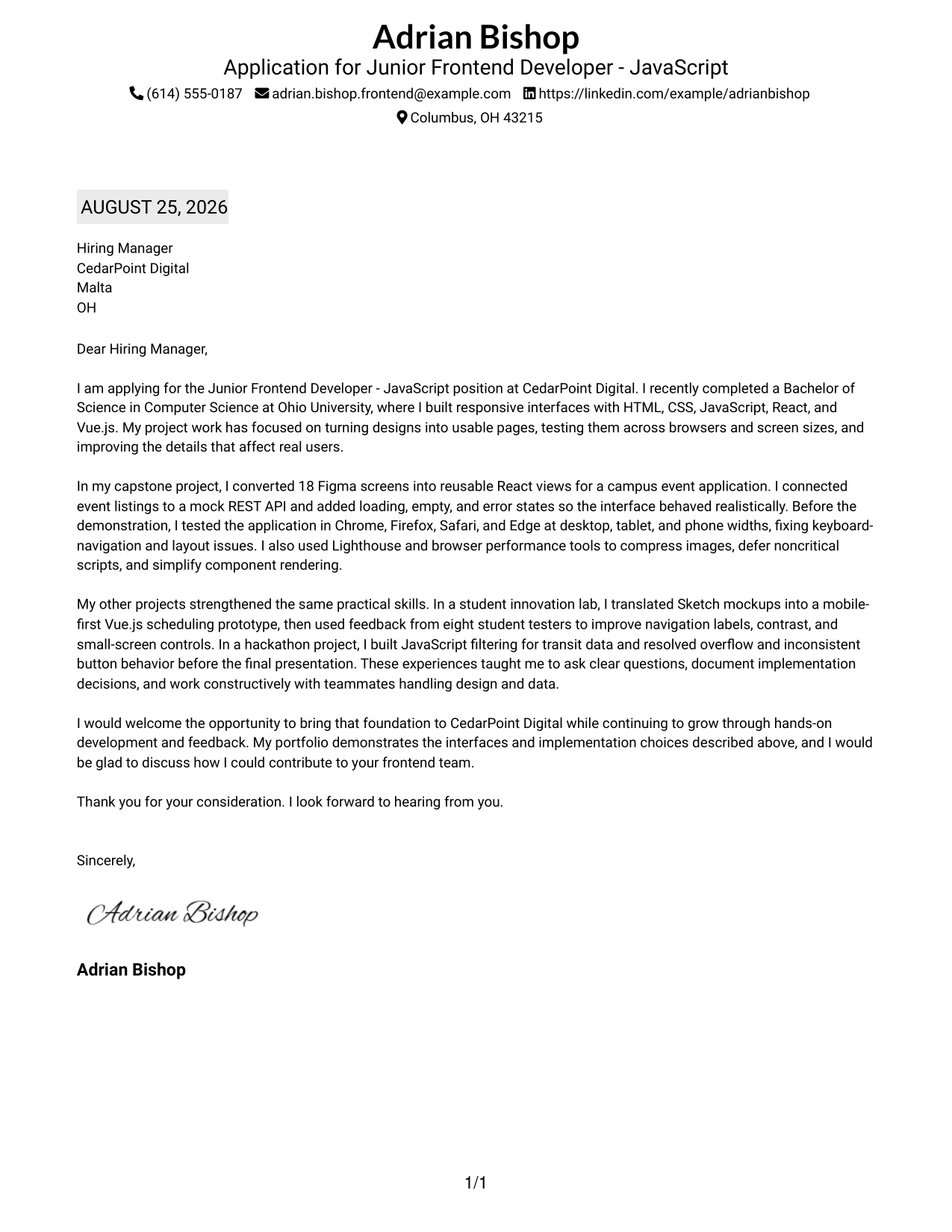
#32 Plain Professional Layout with Job Title & Shaded Date Format
The reader can follow this plain professional letter in a familiar order: date, recipient, greeting, reason for writing, supporting evidence, and closing. That sequence gives the application enough room to explain the candidate's project history while keeping the connection to CedarPoint Digital's frontend responsibilities clear.
Why This Cover Letter Works
- The shaded date area helps establish a conventional business-letter sequence.
- The job title makes the purpose of the message clear before the body begins.
- The opening gives context for the degree, portfolio, and frontend development foundation.
- The capstone evidence explains design conversion, realistic data states, browser testing, and performance work.
- The second project shows that feedback was used to improve navigation, contrast, and controls.
- The letter presents teamwork and documentation as part of the development process.
- The closing is concise and leaves the reader with a clear invitation to continue the conversation.
Best For
- Applicants who want a familiar business-letter sequence with modest visual structure.
- Applications where date and recipient details should be easy to verify.
- Readers who prefer plain presentation and a complete, connected message.
- Letters with a high amount of relevant evidence that need generous reading space.
- Frontend roles involving design handoff, API collaboration, and responsive implementation.
- Candidates who want project detail to feel credible without visual distractions.
- Formal applications where a calm, professional layout supports the content.
#33 Two-Line Contact Header with Underlined Date Format
The evidence deserves priority in this application: the letter can quickly show working interfaces, design translation, responsive behavior, and careful testing before making its final request. A two-line contact header and underlined date keep the formal details visible while allowing the message to build a focused case for CedarPoint Digital.
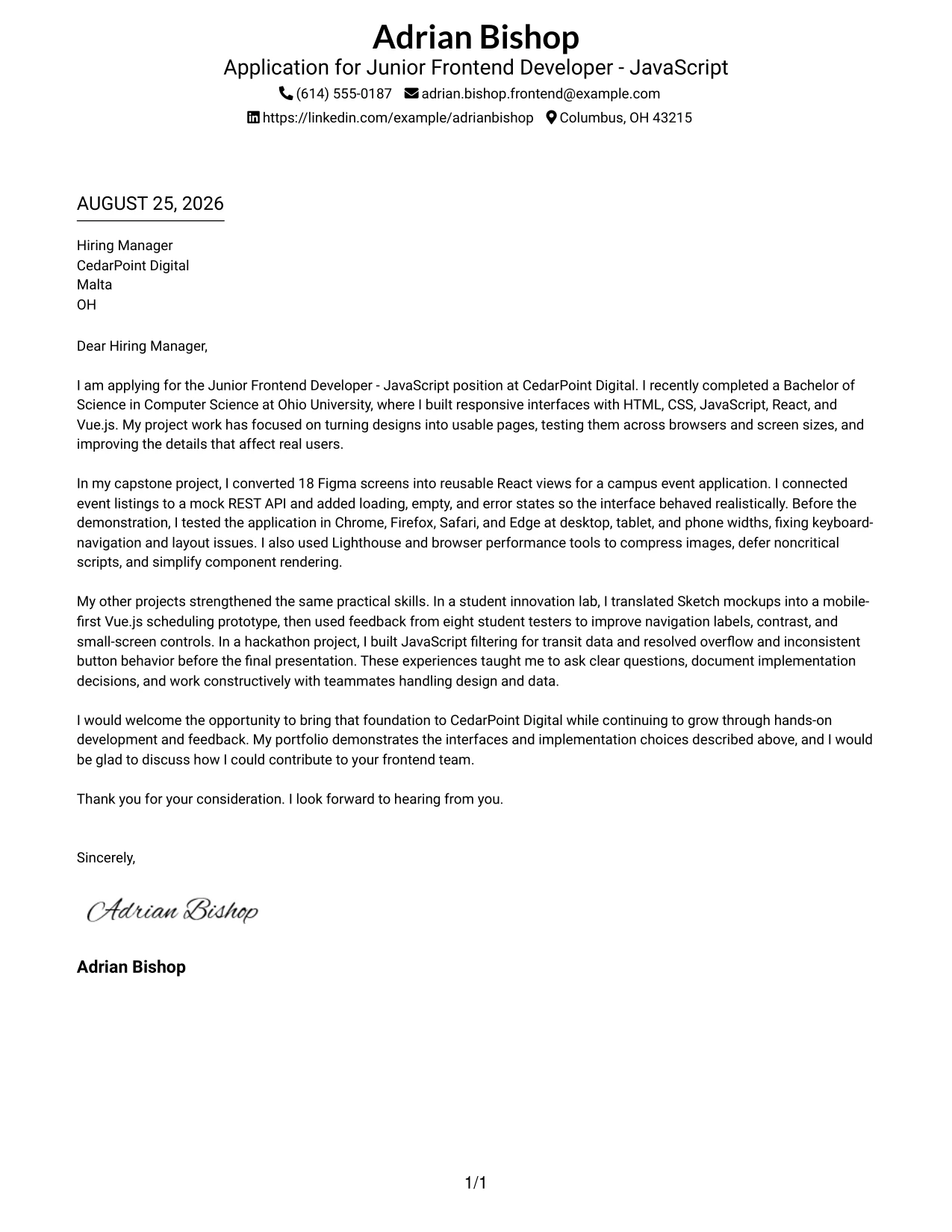
Why This Cover Letter Works
- The opening moves quickly to the candidate's relevant frontend preparation.
- The two-line header keeps contact information compact and leaves more room for the argument.
- The capstone project supplies evidence of reusable React views and Figma implementation.
- API loading, empty, and error states show attention to realistic interaction details.
- Cross-browser and multi-screen testing directly address the employer's compatibility needs.
- Performance work and keyboard-navigation fixes demonstrate practical care for users.
- The closing pairs confidence with a clear willingness to discuss contribution to the team.
Best For
- Applications that need formal contact details without a large header area.
- Applicants who want the first body paragraph to carry the main persuasive weight.
- Readers who value quick access to evidence and a clear final request.
- Letters presenting several technical examples in a compact, single-column flow.
- Frontend roles where responsive behavior and browser testing need early emphasis.
- Candidates who want a traditional date treatment with a focused modern message.
- Portfolio-supported applications where concise evidence is more useful than decoration.
Why Use ResumeInMinutes for a Junior Frontend Developer - JavaScript Cover Letter
ResumeInMinutes helps applicants turn their real experience into a tailored cover letter without facing a blank page. It makes it easier to connect front-end skills, project evidence, motivation, and employer alignment in a natural voice.
- Multiple writing styles
- Clean, readable formatting
- Job-description-based customization
- Fast cover letter generation
- Professional templates
- Easy PDF downloads
You can adjust the letter’s wording, layout, and design for a Junior Frontend Developer - JavaScript application while keeping the message personal, clear, and easy for a hiring manager to follow.
See Also
- 33 Associate JavaScript Frontend Developer Resume Templates with Example 2026 (ATS-Optimized)
- 33 Frontend Developer Internship - JavaScript Resume Templates with Example 2026 (ATS-Optimized)
- 33 Junior Frontend Developer - JavaScript Resume Templates with Example 2026 (ATS-Optimized)
- 33 Lead JavaScript Frontend Developer Resume Templates with Example 2026 (ATS-Optimized)
- 33 Frontend / Backend Developer Intern Resume Templates with Example 2026 (ATS-Optimized)
- 33 Front End Web Applications Developer - Mid-Level JavaScript Resume Templates with Example 2026 (ATS-Optimized)
- 33 AI Automation Engineer / Full-Stack Developer Resume Templates with Example 2026 (ATS-Optimized)
- 33 AI Engineer / Applied AI Developer Resume Templates with Example 2026 (ATS-Optimized)
- 30+ Associate JavaScript Frontend Developer Cover Letter Templates with Example 2026
- 30+ Frontend Developer Internship - JavaScript Cover Letter Templates with Example 2026
Frequently Asked Questions
Are these Junior Frontend Developer - JavaScript cover letter templates ATS-friendly?
Yes. The templates use clean, readable formatting. You can also tailor the wording with relevant terms such as JavaScript, responsive design, React, Vue.js, API integration, and cross-browser testing.
Are these 33 different cover letters?
No. The guide presents one Junior Frontend Developer - JavaScript cover letter example in different template styles and layouts. You can adapt the message to your own background and application.
Can I download the templates as PDFs?
Yes. Each style includes a free PDF download so you can review the presentation and select a format that fits your Junior Frontend Developer - JavaScript application.
Which cover letter style is best for a Junior Frontend Developer - JavaScript role?
A clean one-column or simple two-column format is usually a strong choice. Select a design that keeps your opening, role fit, technical evidence, motivation, and closing easy to read.
Can project experience support this type of cover letter?
Yes. Responsive web applications, design implementation, API integration, browser testing, accessibility work, performance improvements, and team presentations can all provide useful evidence when they are part of your real experience.
Should I use a photo on my cover letter?
Use a photo only if it is common or expected in your country, region, or industry. For applications in the United States, a no-photo template is usually the safer choice.
Can I customize these cover letter templates?
Yes. ResumeInMinutes lets you customize the cover letter text, layout, design style, and PDF format for your target Junior Frontend Developer - JavaScript application.




