
7 Landscape Designer - Site Planning and Documentation Cover Letter Templates with Example
This practical guide to a Landscape Designer - Site Planning and Documentation cover letter presents seven layouts to help you shape a clear, focused application.
What Makes a Great Landscape Designer - Site Planning and Documentation Cover Letter in 2026
A strong letter connects your interest in the role with its focus on site planning, grading, landscape design, and construction documents. Make your opening direct and explain why this work fits your goals.
Use specific evidence to show how you coordinate plans, resolve documentation needs, and communicate design choices. Link that experience to the employer’s public and private projects and collaborative work.
The featured example moves from role fit to relevant work, supporting evidence, and a clear close; adapt that focused progression and choose a presentation that suits the employer and communication context.
#1 Simple One Column Format Cover Letter Example
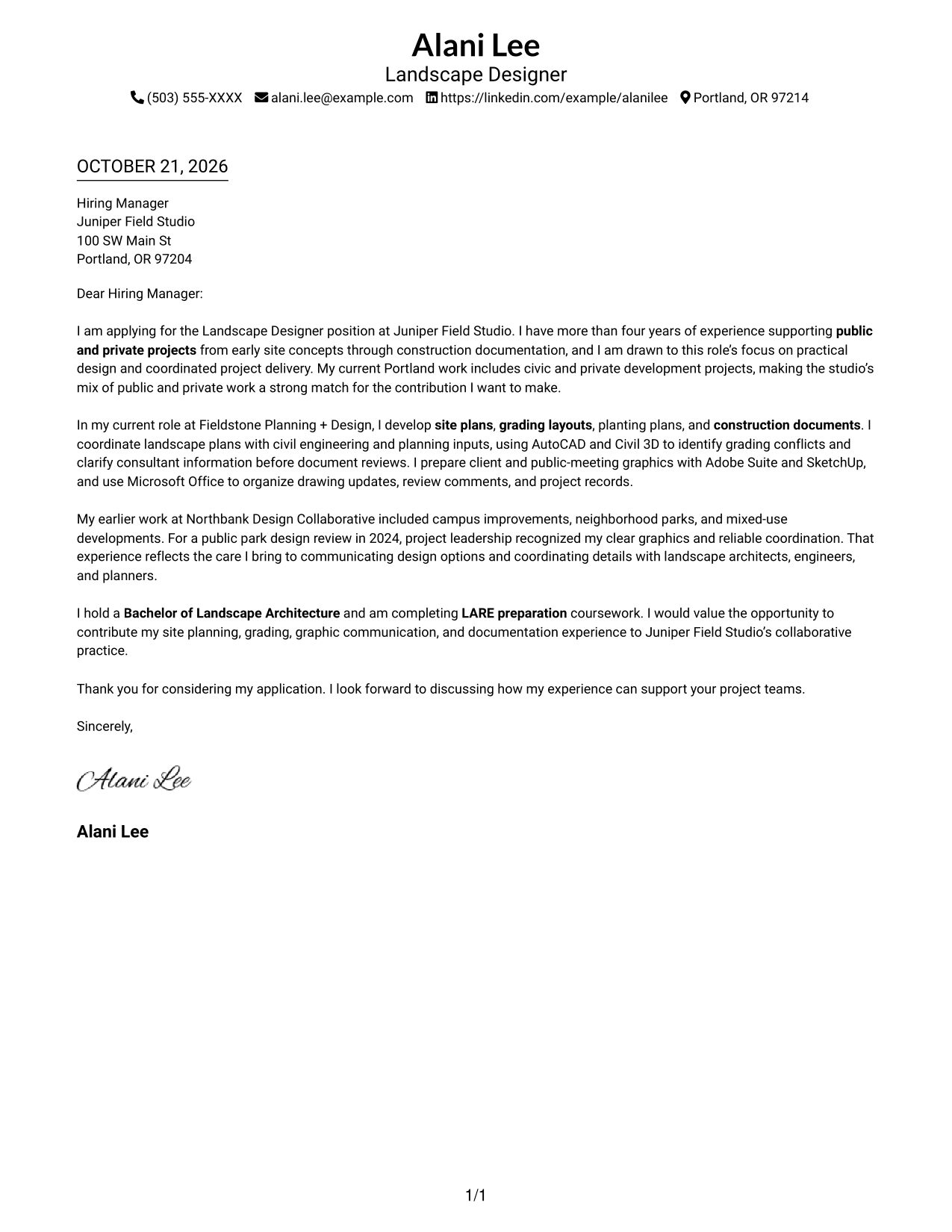
Simple One Column Format keeps sender details in the header and the letter in one continuous body, a direct choice for readers who want the message to move from opening to closing without a sidebar.
Why This Format Works
- Sender details stay in the header, giving readers a clear place for contact information.
- One continuous body carries the opening, role fit, evidence, and closing in sequence.
- Without a sidebar, the page gives the letter a single, direct reading path.
Best For
- Single-column letter reading
- Header-based contact details
- Opening-to-closing message flow
- Concise role-fit explanations
- Evidence-led application letters
#2 Two Column Format Cover Letter Example
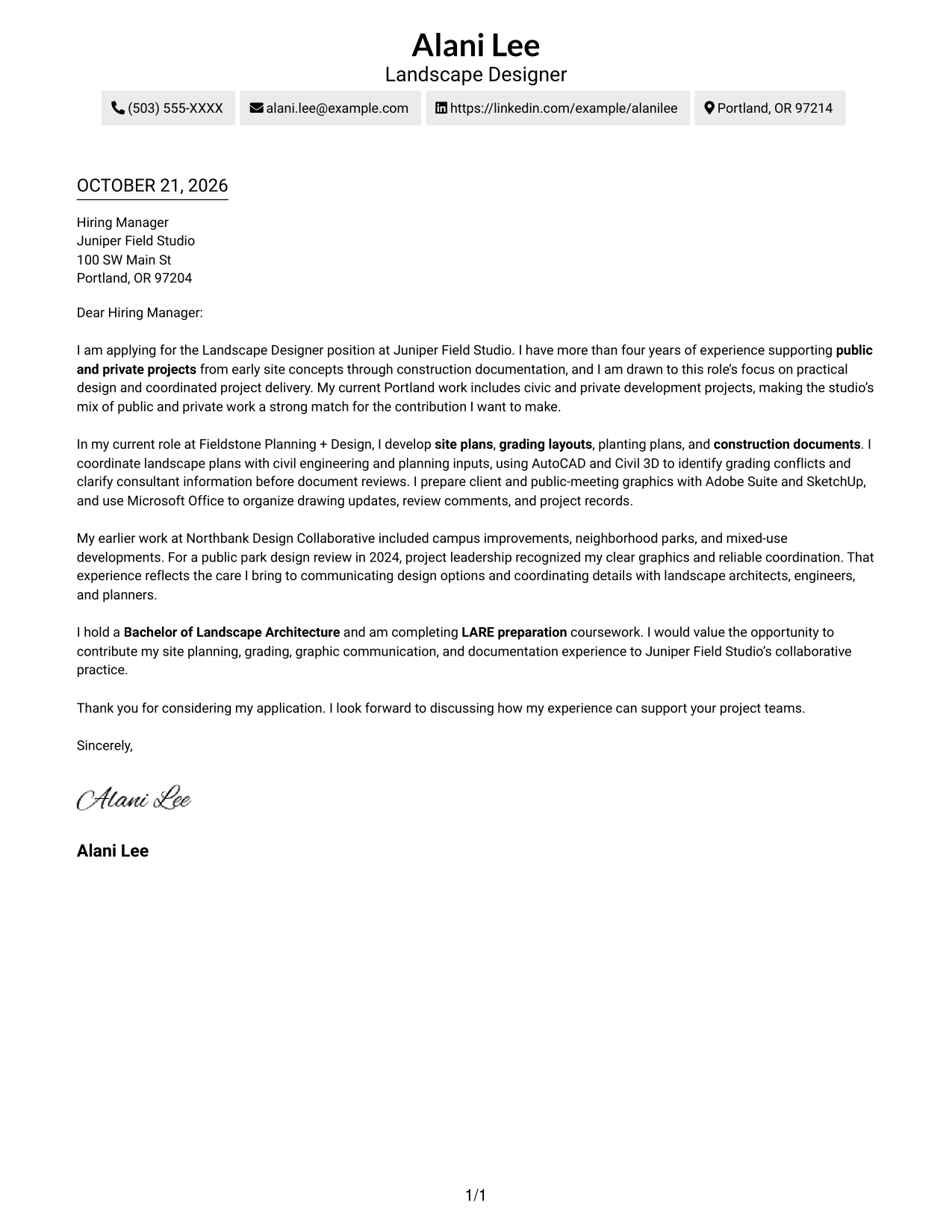
Two Column Format places a contact sidebar beside one continuous letter body, keeping contact details apart while the message moves from opening to closing.
Why This Format Works
- Contact details occupy a separate sidebar, leaving the letter body uninterrupted.
- Readers can follow motivation, supporting evidence, and closing in one sequence.
- The single body column gives every paragraph the same reading path.
Best For
- Contact details apart from letter text
- Paragraph-based application messages
- A clear sender-to-message reading order
- Detailed contact blocks
- Letters with distinct motivation and evidence
#3 Photo Header Two Column Format Cover Letter Example
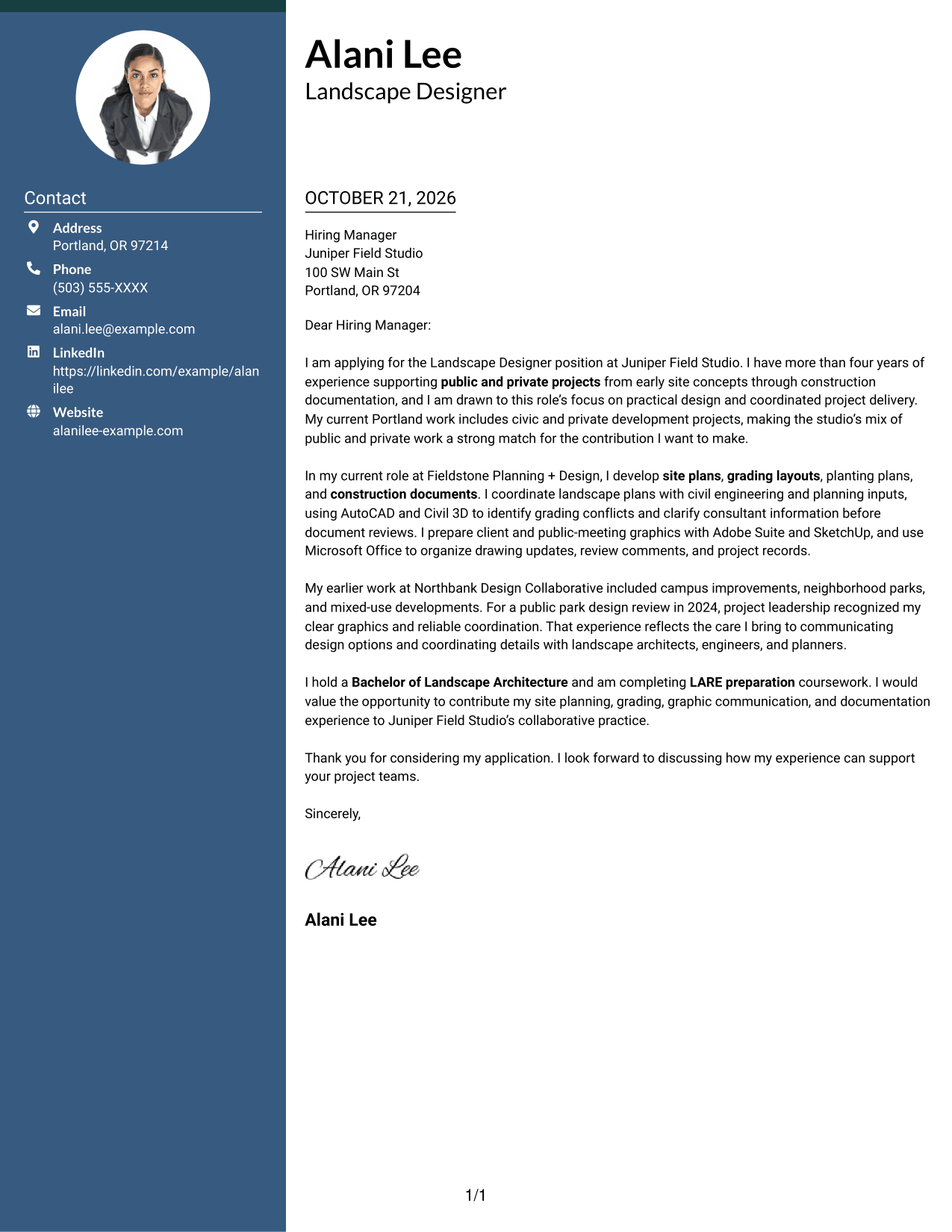
Photo Header Two Column Format pairs a photo and contact sidebar with one continuous letter body, for readers who want a portrait alongside separated contact details.
Why This Format Works
- The contact sidebar keeps sender information apart from the letter’s paragraphs.
- A photo adds a personal visual element without changing the body’s reading order.
- One continuous body keeps the opening, evidence, and closing together.
Best For
- Portrait with contact details
- Contact sidebar beside letter text
- A continuous paragraph-based message
- Photo-inclusive application documents
- Clear separation between contact information and prose
#4 One Column Format with Photo Cover Letter Example
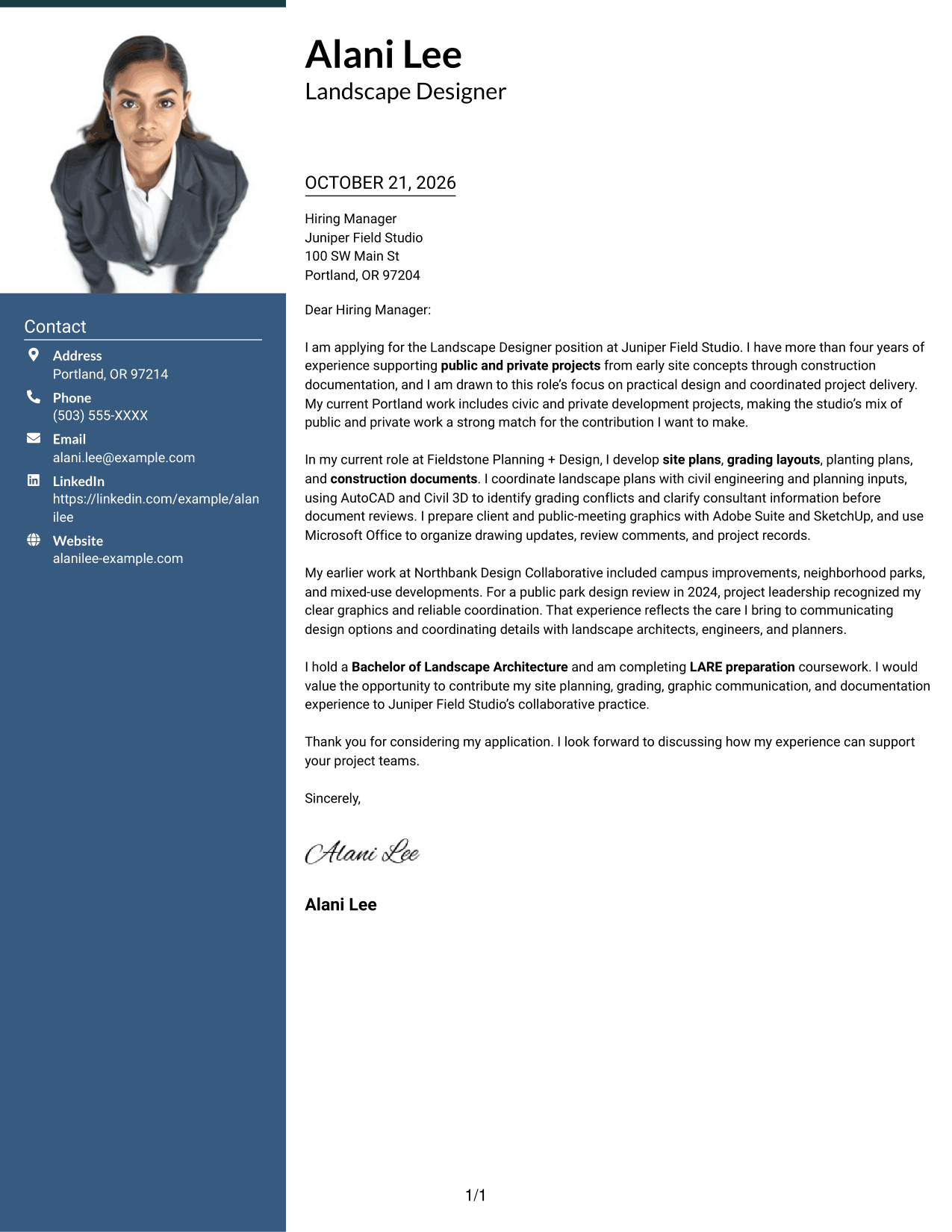
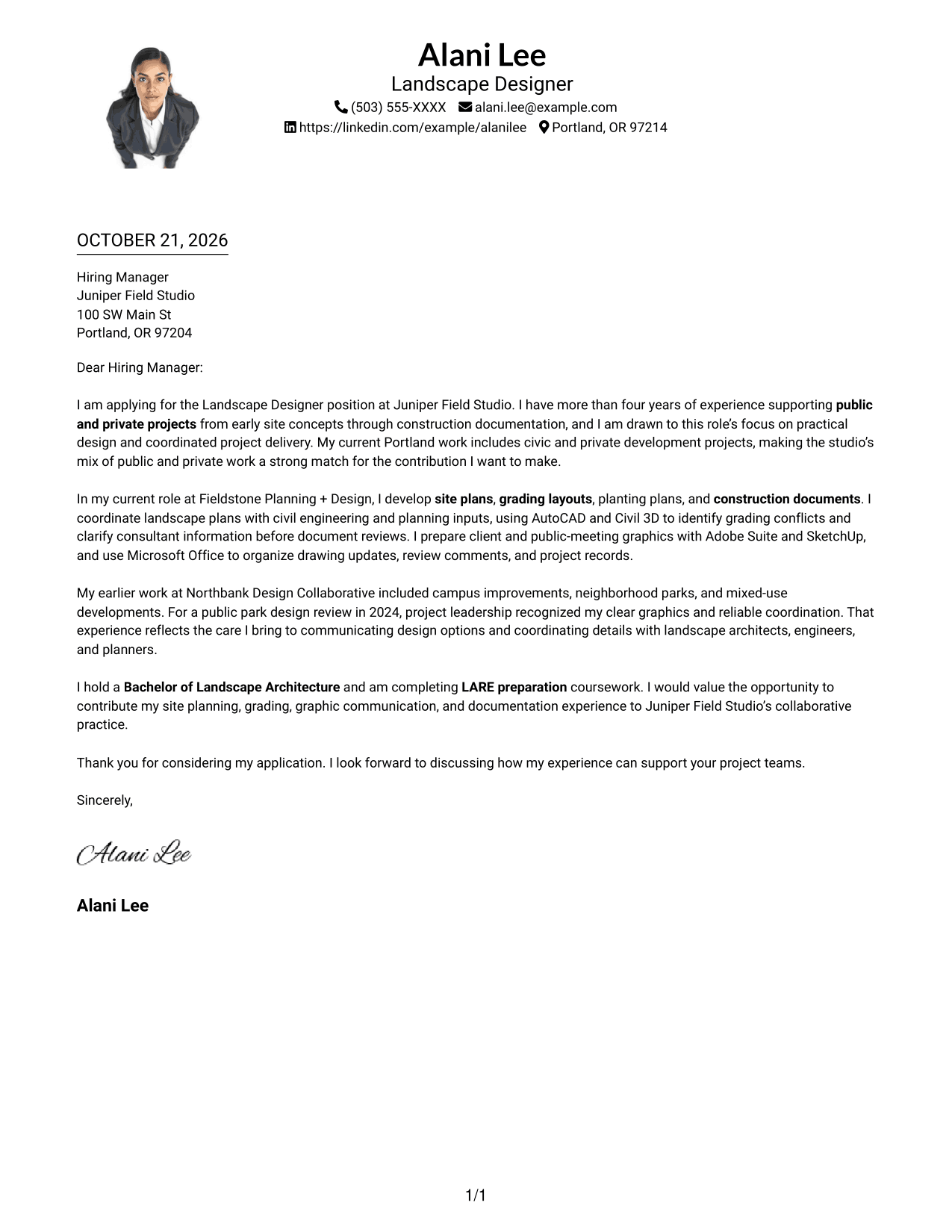
One Column Format with Photo keeps the letter in a single body and includes a photo, suiting readers who prefer a portrait without a separate contact sidebar.
Why This Format Works
- The one-column body gives each paragraph the same straightforward reading path.
- A photo adds a personal visual element while the letter remains one continuous message.
- Sender details stay in the header rather than a separate sidebar.
Best For
- Single-column letter layout
- Portrait within a direct page design
- Header-based sender details
- A continuous opening-to-close message
- Paragraph-focused application letters
#5 Simple Two Column Format Cover Letter Example
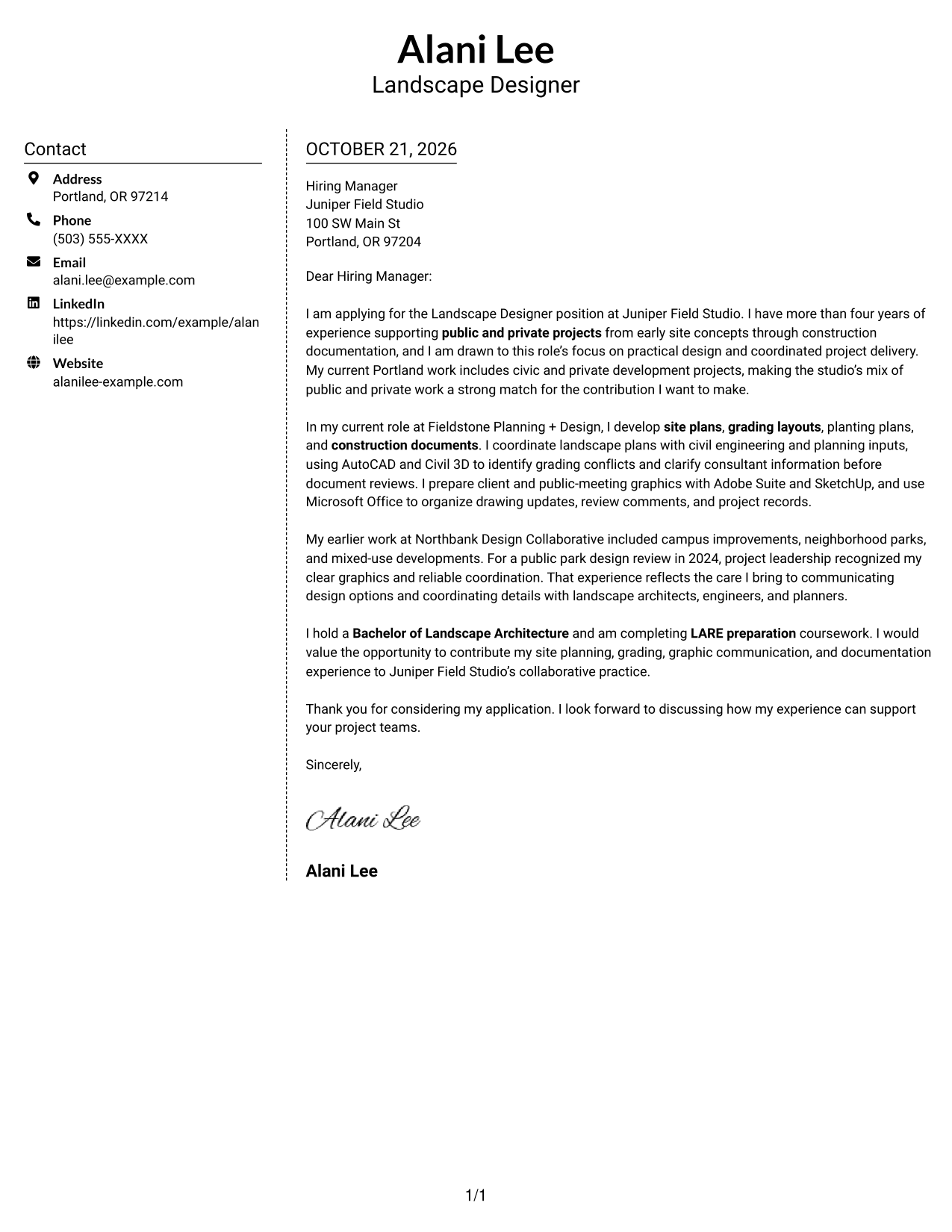
Simple Two Column Format sets a contact sidebar beside one continuous letter body, giving readers a straightforward way to distinguish contact details from the message.
Why This Format Works
- The sidebar separates contact information from the letter’s persuasive paragraphs.
- A single body column keeps the message in a natural opening-to-close order.
- The two areas make the contact details and letter text easy to distinguish.
Best For
- Separate contact and message areas
- Continuous persuasive letter text
- Quick access to sender details
- Multi-paragraph role-fit messages
- A clear visual divide between contact and prose
#6 Modern Icon Format Cover Letter Example
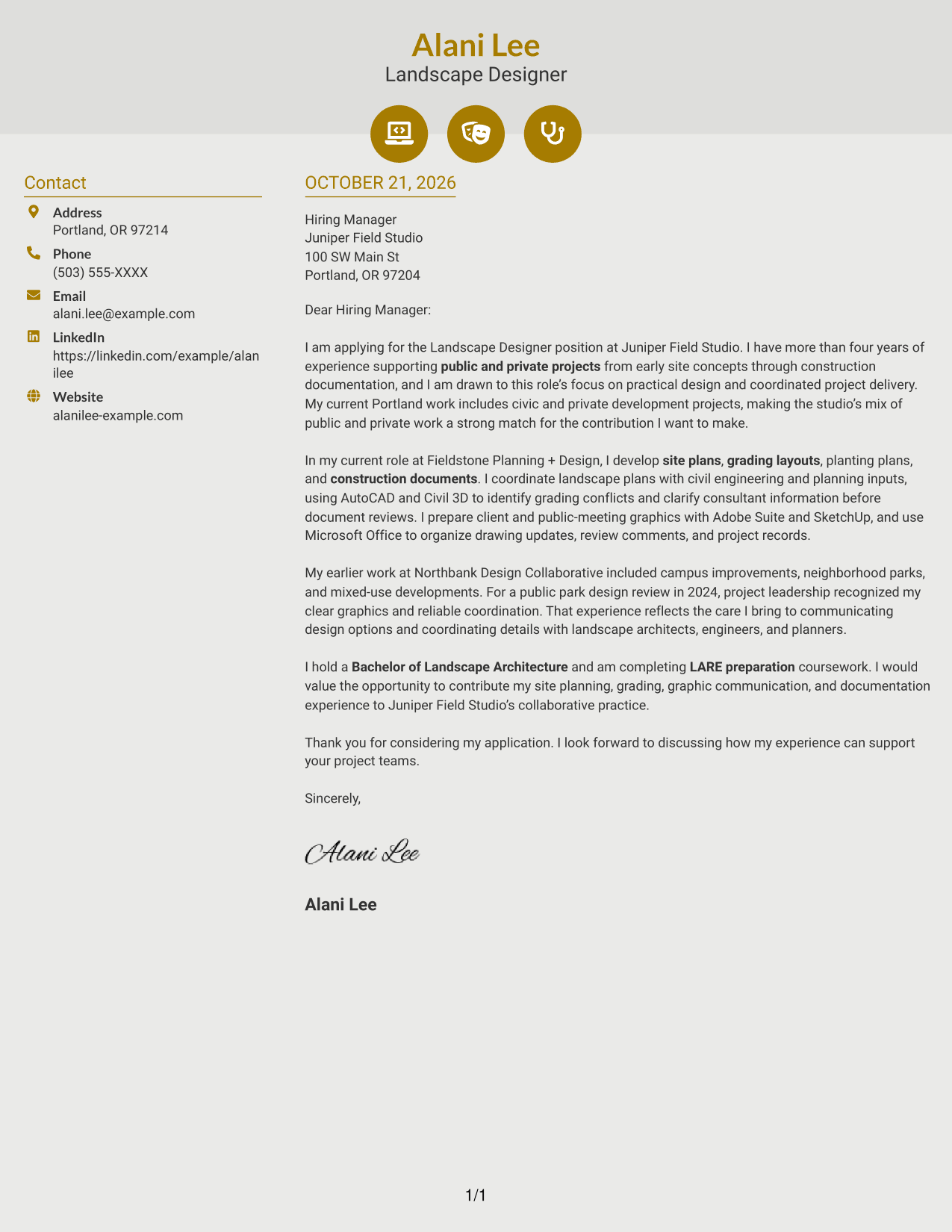
Modern Icon Format uses contact cues in a sidebar beside one continuous letter body, a fit for readers who want contact details made easy to spot without dividing the message.
Why This Format Works
- Contact icons help readers identify contact details in the sidebar.
- The continuous body keeps motivation, evidence, and closing in one reading sequence.
- Contact cues stay distinct from the letter’s argument and do not label its paragraphs.
Best For
- Icon-marked contact details
- A single uninterrupted letter message
- Distinct contact and letter areas
- Paragraph-based fit explanations
- Readers who prefer visual contact cues
#7 Creative Two Tone Format Cover Letter Example
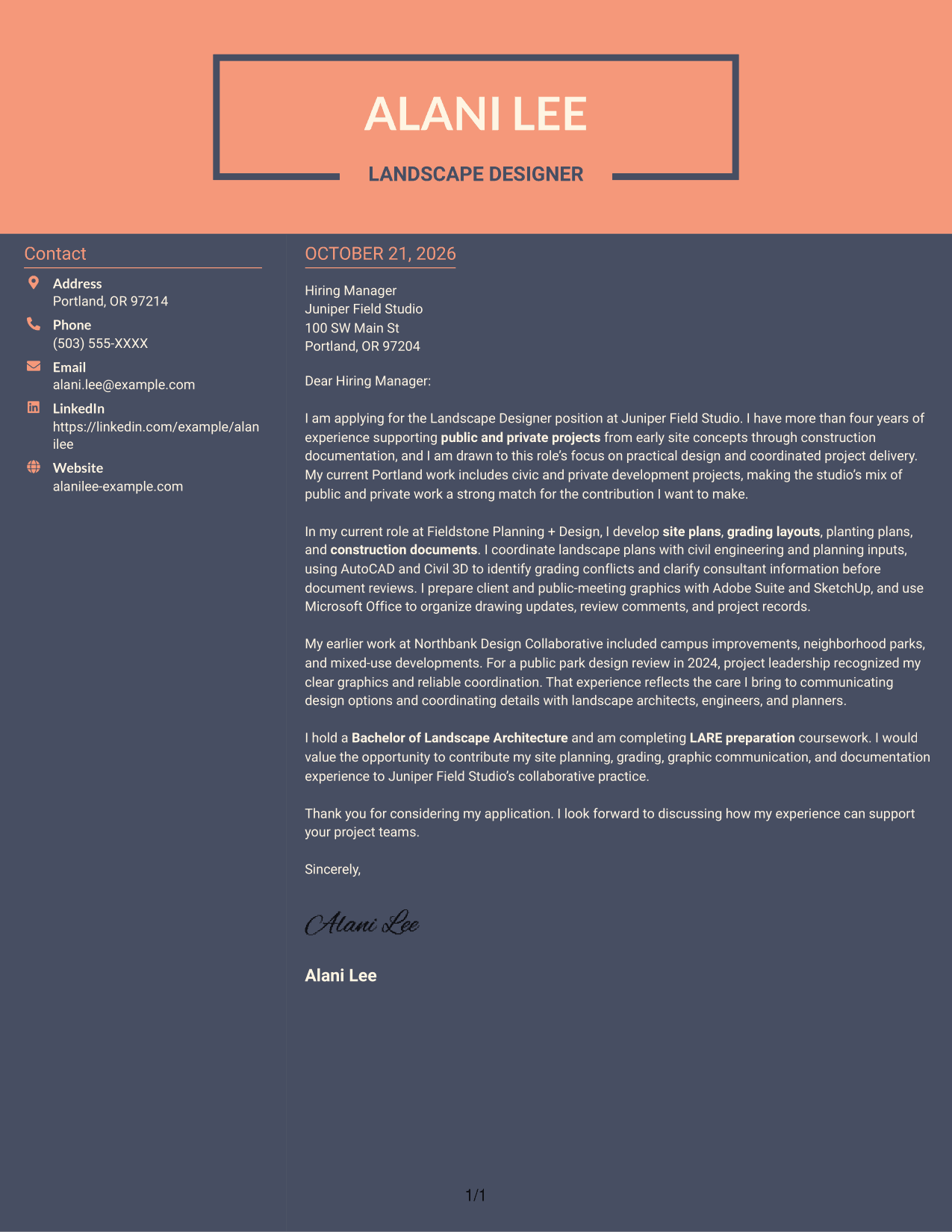
Creative Two Tone Format places a contact sidebar beside one continuous letter body, a practical choice for readers who want the contact area distinct from the letter’s argument.
Why This Format Works
- The contact sidebar keeps sender information separate from the letter paragraphs.
- A single body column lets the message unfold in its intended order.
- The distinct areas help readers tell contact details from application text.
Best For
- Contact information beside letter text
- A single-column message body
- Clear separation of sender and message
- Letters with several paragraph purposes
- A steady opening-to-close reading order
See Also
- 7 Landscape Designer - Site Planning and Documentation Resume Templates with Example
- 7 Entry-Level Landscape Architect / Ecological Restoration Designer Resume Templates with Example
- 7 Entry-Level Landscape Designer - Landscape Architecture Resume Templates with Example
- 7 Architectural Designer - Construction Documentation Resume Templates with Example
- 7 Entry-Level Architectural Designer - Construction Documentation Resume Templates with Example
- 7 Architectural Designer / Project Architect - Commercial and Institutional Resume Templates with Example
- 33 Associate Director, Senior Service Designer (GenAI Experience) Resume Templates with Example 2026 (ATS-Optimized)
- 33 Automotive CAD Designer – Exterior Mirrors & Vision Systems Resume Templates with Example 2026 (ATS-Optimized)
- 7 Entry-Level Landscape Architect / Ecological Restoration Designer Cover Letter Templates with Example
- 7 Entry-Level Landscape Designer - Landscape Architecture Cover Letter Templates with Example
Frequently Asked Questions
What should a Landscape Designer - Site Planning and Documentation cover letter include?
Start with a direct opening that names the role and your interest. Use the body to connect relevant site planning, grading, documentation, and coordination experience to the position, then close with a clear expression of interest.
How can I show that my experience fits this role?
Give a concrete example of work such as preparing site plans or construction documents, coordinating consultant information, or explaining design options. Show what you contributed without claiming skills or results you cannot support.
How can I connect my letter to Juniper Field Studio?
Refer to the studio’s stated work across public and private projects and its collaborative approach. Explain how your own relevant experience and communication style would help you contribute to that work.
Should I mention LARE preparation in my cover letter?
You can mention LARE preparation coursework if it supports your application. Describe your status accurately and do not suggest that you hold a landscape architecture license if you do not.
What cover letter format should I choose?
Choose a clear format that makes the opening, body, and closing easy to follow. Compare the image previews, then open an example in the editor to view or customize its presentation.




