
7 Lead Customer Service Representative - Consumer Technology Support Cover Letter Templates with Example
This guide helps you shape a Lead Customer Service Representative - Consumer Technology Support cover letter, with seven layouts to compare and adapt.
What Makes a Great Lead Customer Service Representative - Consumer Technology Support Cover Letter in 2026
A strong letter connects hands-on customer care with the ability to build reliable support operations. Its opening should show clear interest in solving customer issues and improving service as the operation grows.
Use specific evidence, such as setting up support workflows, improving connected-device guidance, or coaching contractors. Link that work to the employer’s needs, including consistent service, clear escalation, and careful follow-through.
The featured example moves from interest in the role to practical support experience, team leadership, and a direct closing. Adapt that progression to your own evidence, and choose a presentation that fits the employer and the communication context.
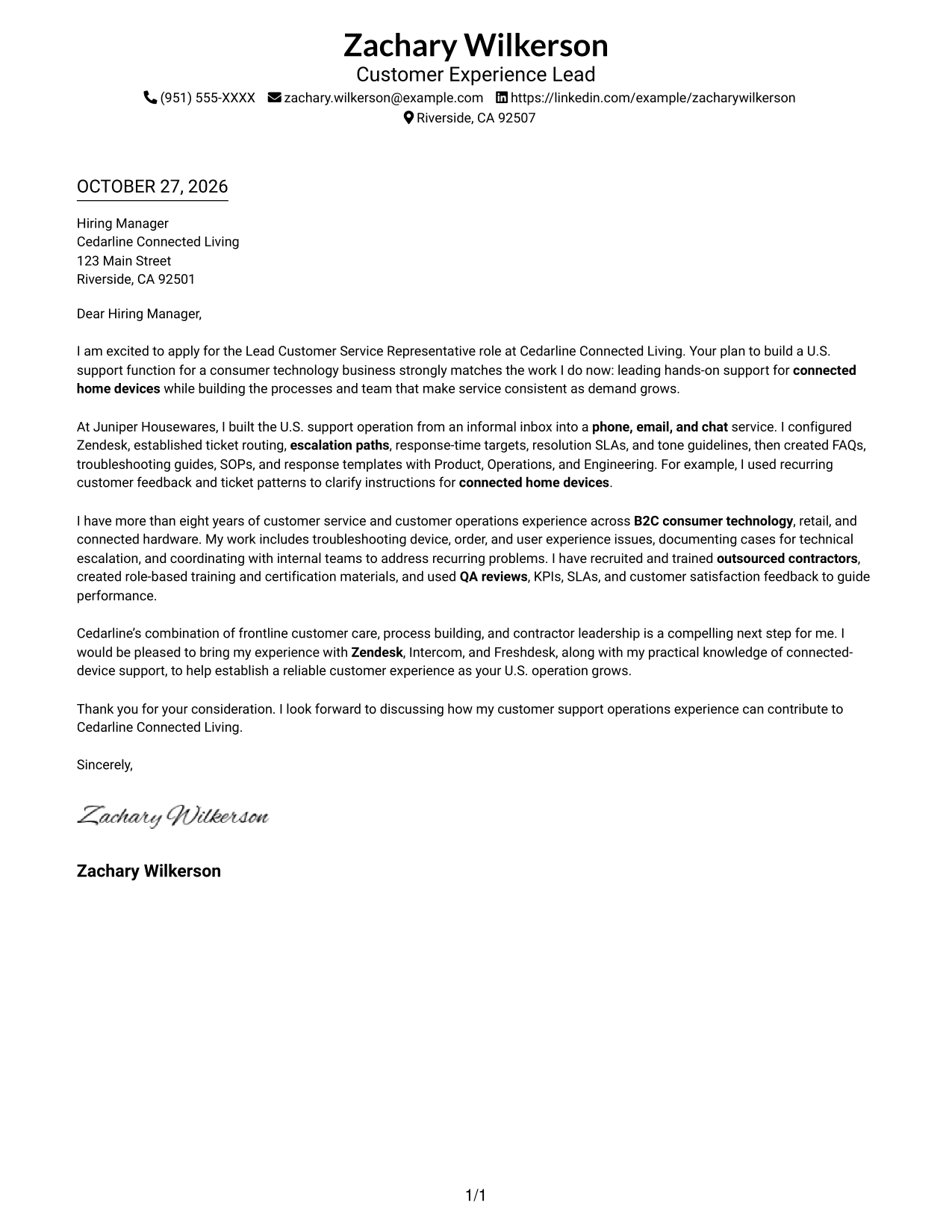
#1 Simple One Column Format Cover Letter Example
Simple One Column Format keeps the sender details in the header and the letter in one continuous column, giving the message a direct reading path.
Why This Format Works
- Sender details remain in the header, apart from the continuous letter body.
- The single body column keeps the opening, supporting points, and closing in sequence.
- Without a sidebar, the letter body has the full column for its paragraphs.
Best For
- Single-column correspondence
- Header-led contact details
- Multi-paragraph letter bodies
- Photo-free application materials
- Direct written introductions
#2 Two Column Format Cover Letter Example
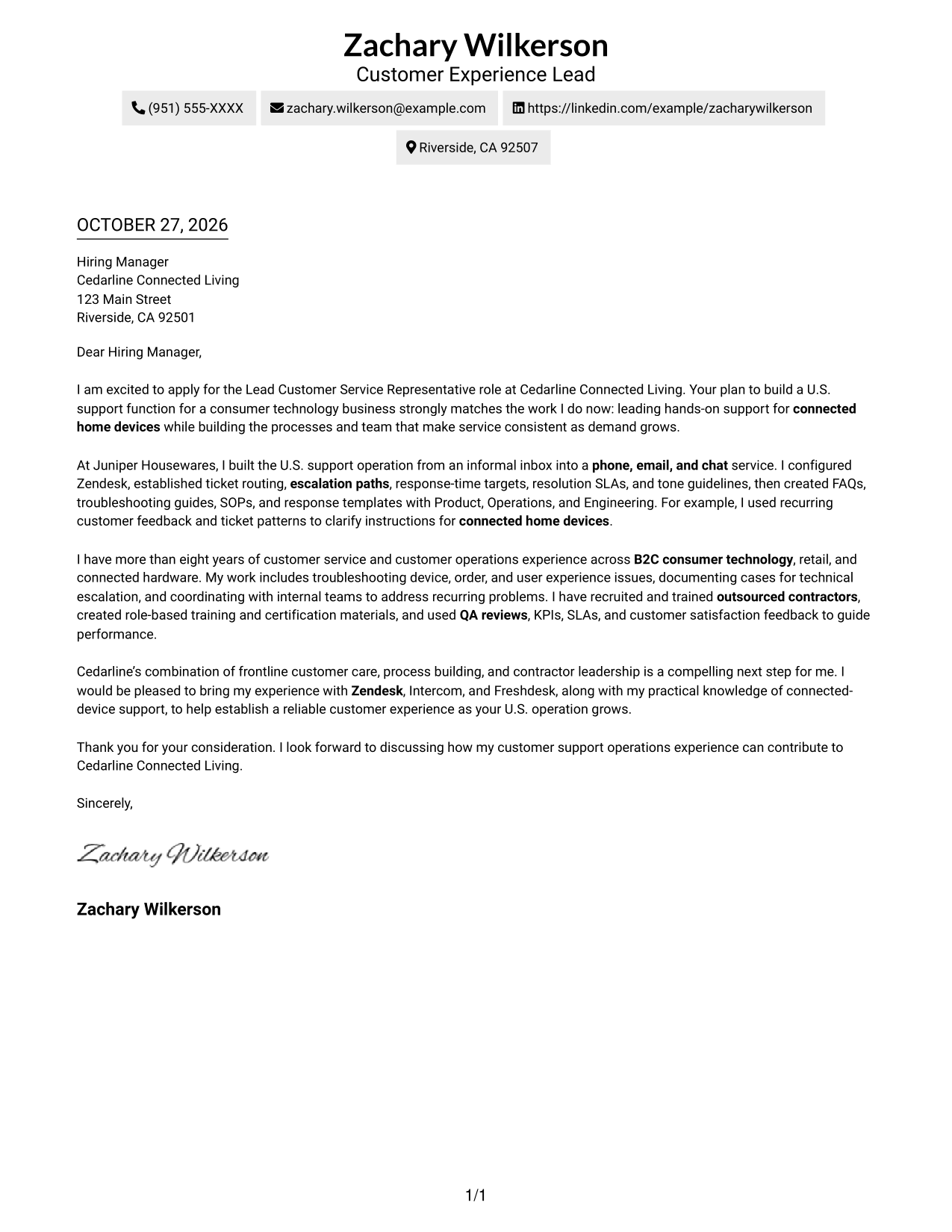
Two Column Format places a contact sidebar beside one continuous letter body, keeping sender details distinct from the message.
Why This Format Works
- Contact details sit in a sidebar, separate from the employer-facing letter text.
- The letter stays in one body column, so its points unfold in order.
- Side-by-side placement keeps sender information near the message without interrupting its paragraphs.
Best For
- Contact details beside the letter
- Continuous paragraph-based arguments
- Photo-free submissions
- Letters with several supporting points
- Sidebar contact presentation
#3 Photo Header Two Column Format Cover Letter Example
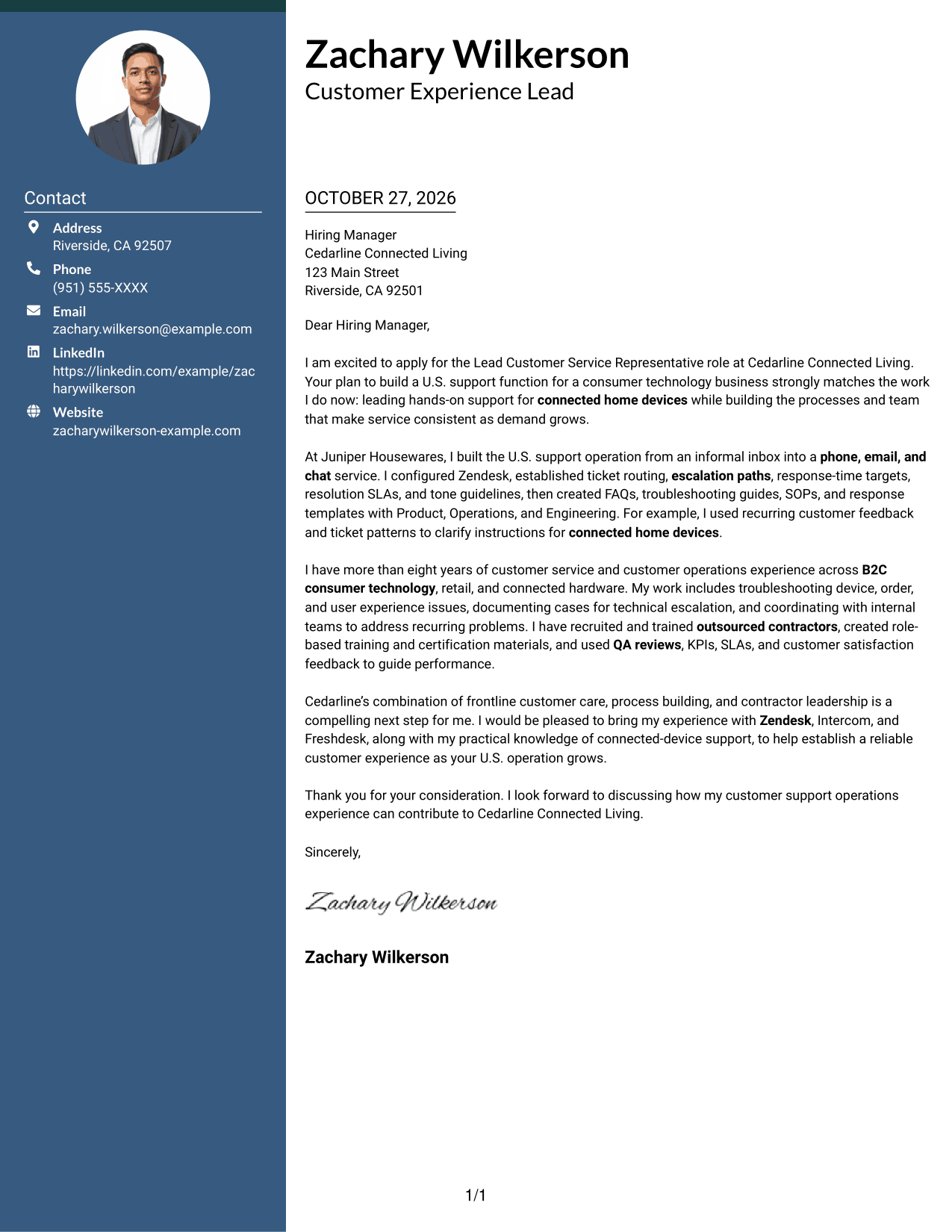
Photo Header Two Column Format combines a photo in the header with a contact sidebar beside the continuous letter body.
Why This Format Works
- The photo gives the header a visual element without changing the letter's structure.
- Contact details remain apart from the single column of letter paragraphs.
- Motivation, evidence, and closing stay together in a continuous body of text.
Best For
- Photo-in-header presentation
- Contact details beside the message
- Continuous letter paragraphs
- Visual identification in the header
- Two-column page preference
#4 One Column Format with Photo Cover Letter Example
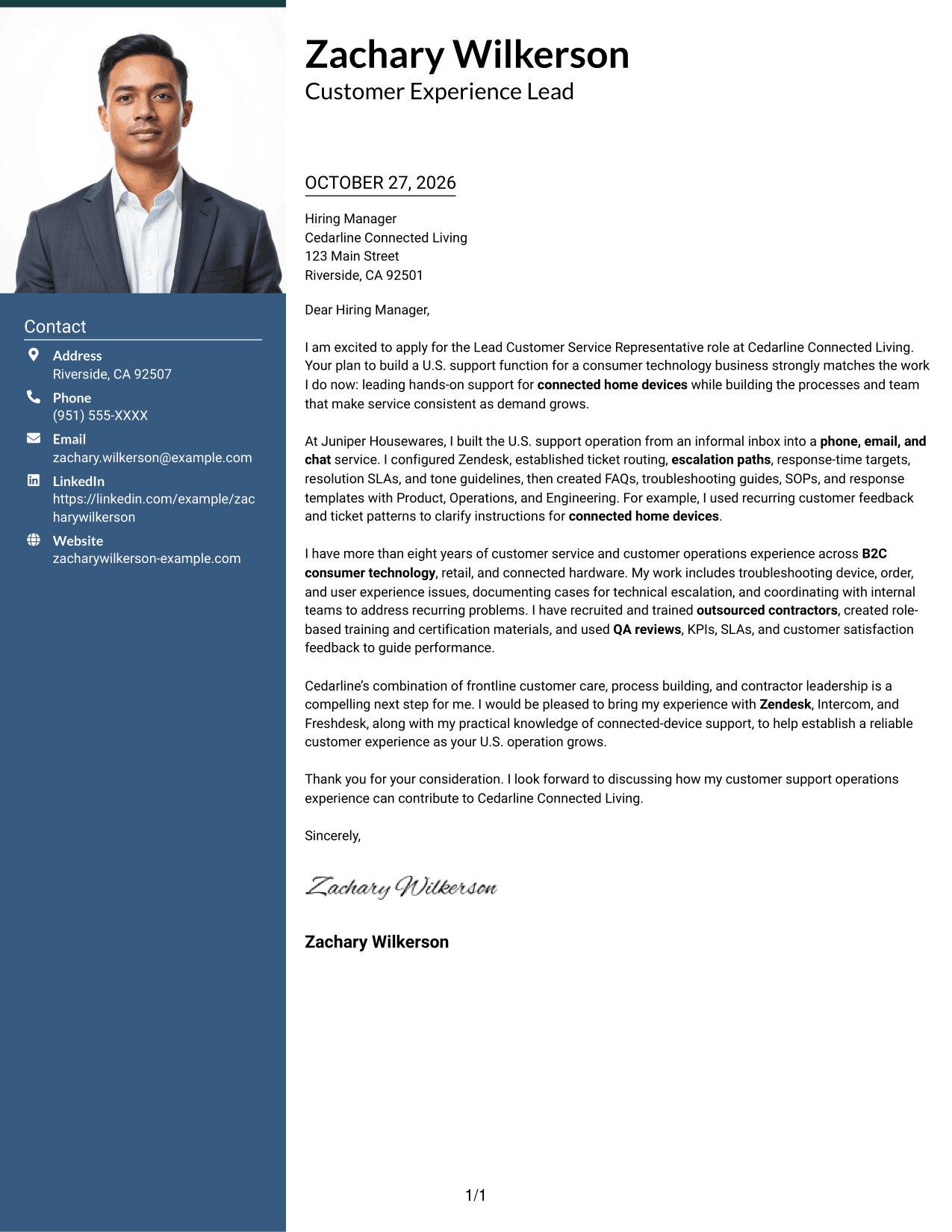
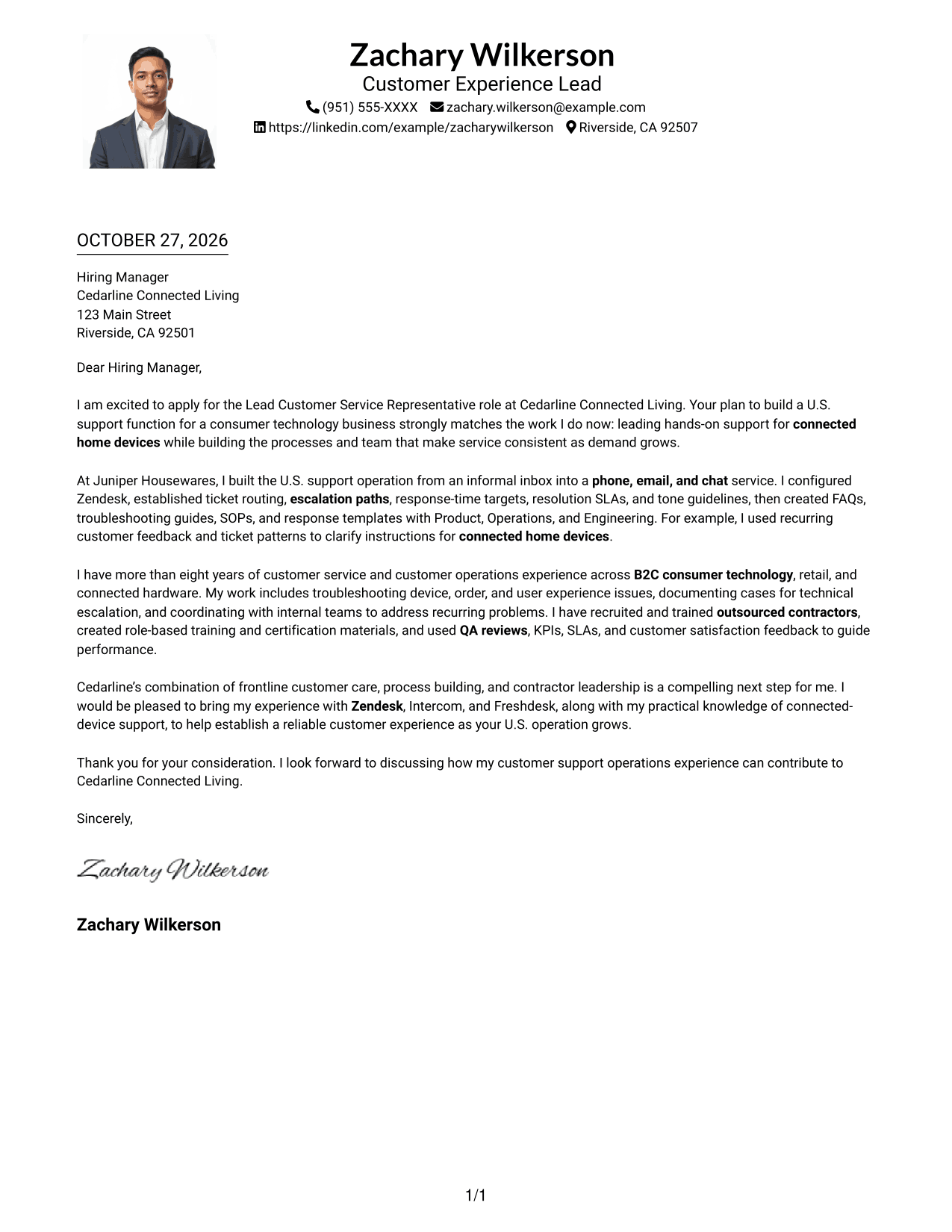
One Column Format with Photo combines a photo with a single continuous letter column, keeping the message in one reading path.
Why This Format Works
- The photo adds a visual element while the letter remains in one column.
- Sender details in the header stay distinct from the main letter text.
- The continuous body lets readers follow motivation, evidence, and closing in order.
Best For
- Single-column letter presentation
- Photo included with correspondence
- Header-based sender details
- Letters with connected points
- One continuous reading path
#5 Simple Two Column Format Cover Letter Example
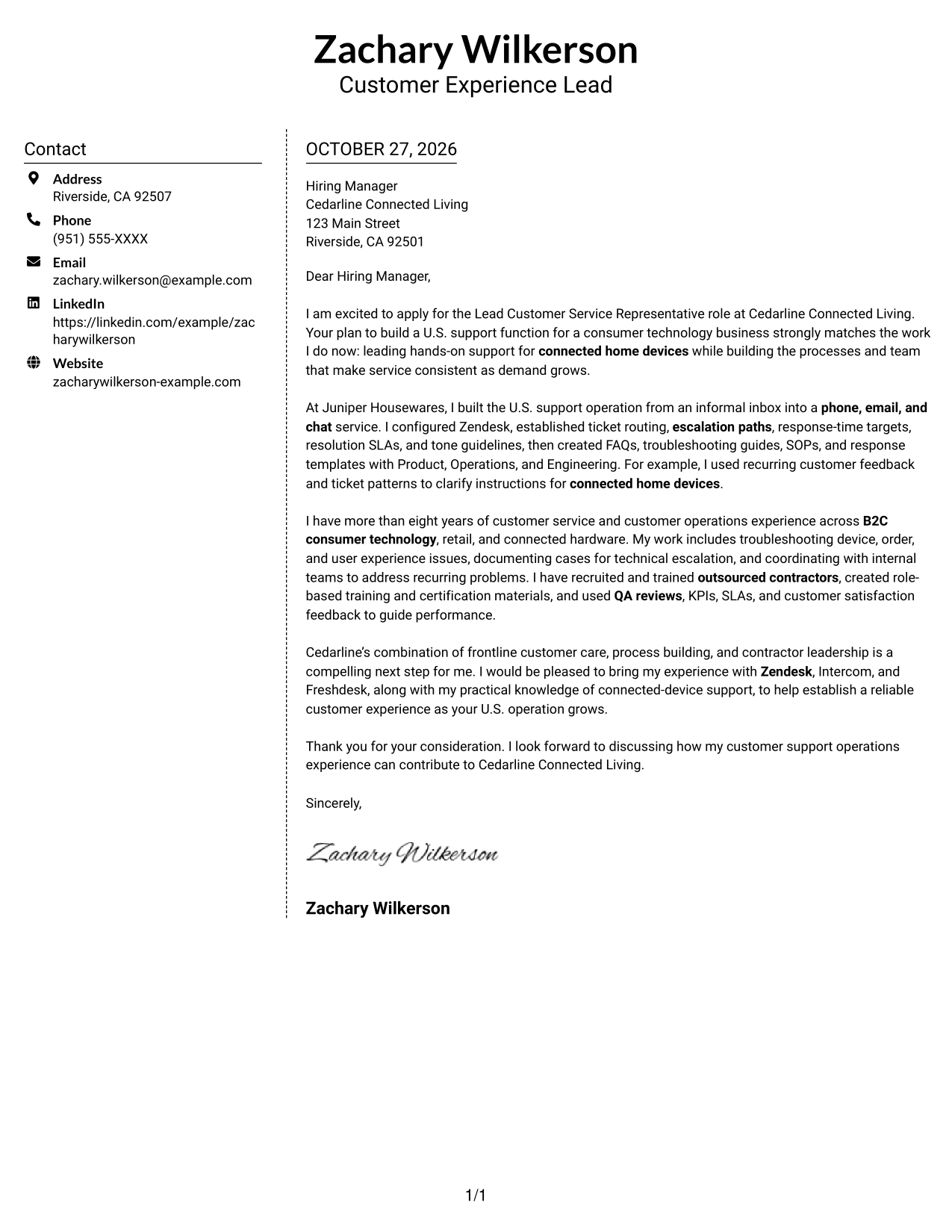
Simple Two Column Format sets a contact sidebar beside the continuous letter body, separating contact information from the employer-facing message.
Why This Format Works
- The sidebar gives sender details a separate place beside the letter.
- One body column keeps the full argument together rather than splitting it.
- The side-by-side layout presents contact information and letter text in one view.
Best For
- Separate contact and message areas
- One-column letter text
- Photo-free correspondence
- Side-by-side page organization
- Letters with several body paragraphs
#6 Modern Icon Format Cover Letter Example
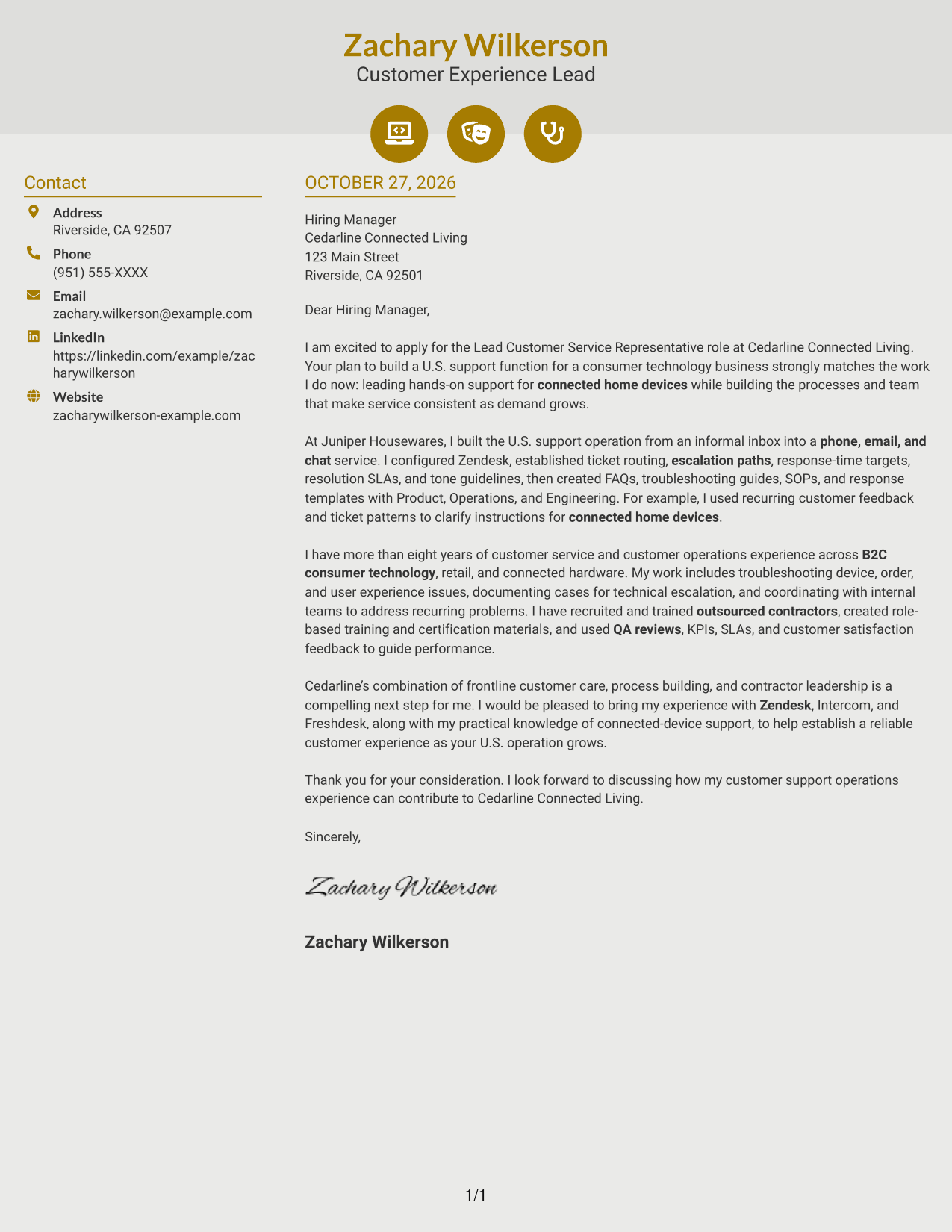
Modern Icon Format places a contact sidebar beside one continuous letter body, using icons as contact cues or decorative header accents.
Why This Format Works
- Contact icons help identify sender details without labeling parts of the argument.
- The sidebar separates contact information from the employer-facing letter text.
- A single letter body keeps the message in a clear opening-to-closing order.
Best For
- Icon cues for contact details
- Sidebar contact information
- A single letter body
- Photo-free application materials
- Decorative header accents
#7 Creative Two Tone Format Cover Letter Example
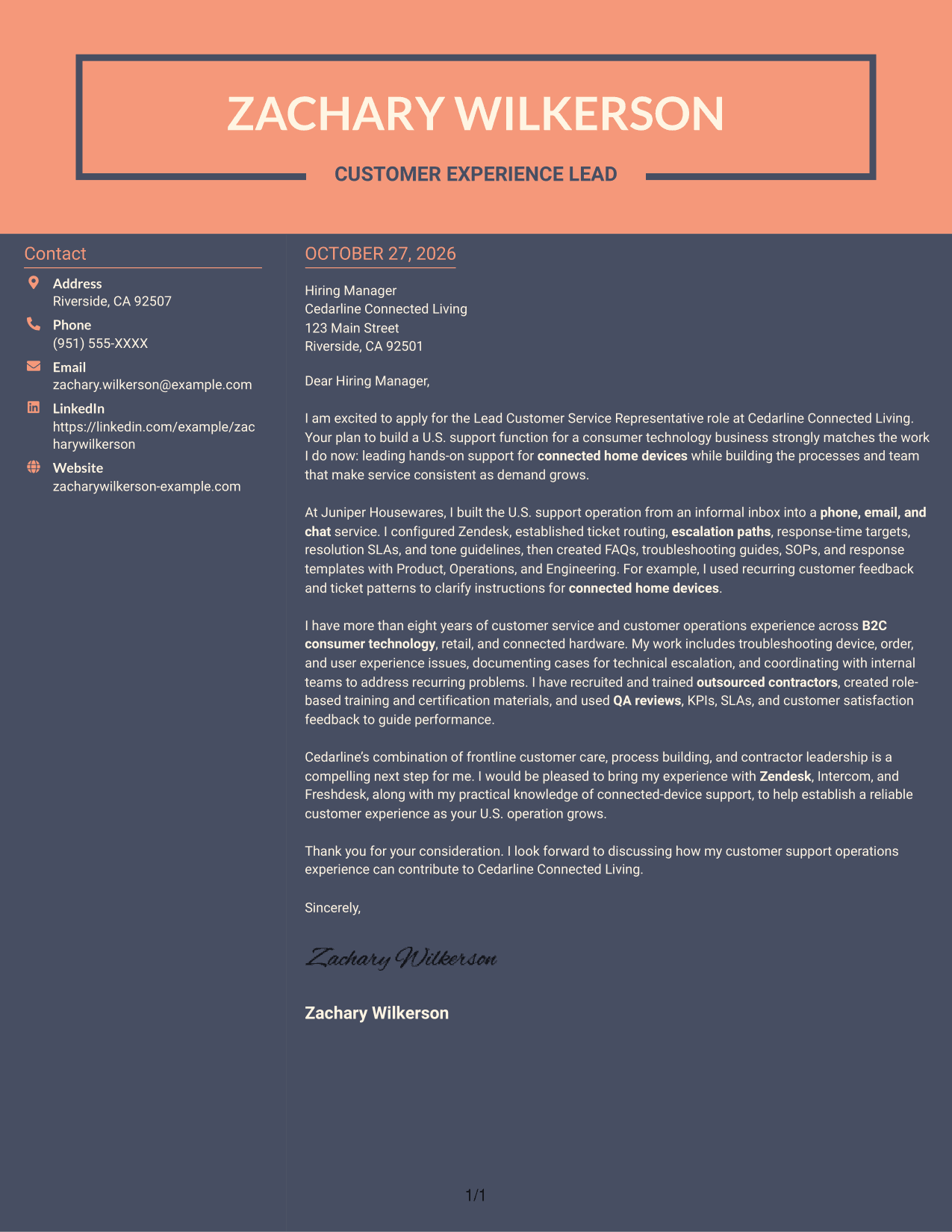
Creative Two Tone Format places contact details in a sidebar beside one continuous letter body, keeping the letter's argument in a single text area.
Why This Format Works
- The contact sidebar keeps sender information apart from the letter paragraphs.
- The argument remains in one text area instead of splitting across columns.
- Contact details and the message appear together without breaking the letter's flow.
Best For
- Sidebar-based contact details
- A single text area for the message
- Photo-free cover letters
- Side-by-side contact and letter content
- Continuous persuasive writing
Why Use ResumeInMinutes for a Customer Technology Support Cover Letter
ResumeInMinutes gives you a clear starting point for a letter focused on customer support operations. Compare the PNG previews, then open an example in the editor to customize it.
- Clear cover letter formats
- Readable, professional layouts
- Role-focused writing guidance
- Examples for customer support roles
- Editor-based customization
- PNG image previews
Keep your message direct. Show how your customer service, connected-device support, escalation, and contractor coaching experience can help the employer deliver consistent service.
See Also
- 7 Lead Customer Service Representative - Consumer Technology Support Resume Templates with Example
- 33 Bi-Lingual Medical Billing Customer Service Support Representative Resume Templates with Example 2026
- 7 Bilingual Customer Service Representative - Insurance Support Resume Templates with Example
- 7 Customer Service/Information Services Support Representative Resume Templates with Example
- 7 Customer Service Representative - Benefits Support Resume Templates with Example
- 7 Customer Service Representative - Public Service Support Resume Templates with Example
- 7 Technical Customer Service Representative - Hardware and Software Support Resume Templates with Example
- 33 BDC Customer Service Representative Resume Templates with Example 2026 (ATS-Optimized)
- 30+ Bi-Lingual Medical Billing Customer Service Support Representative Cover Letter Templates with Example 2026
- 7 Bilingual Customer Service Representative - Insurance Support Cover Letter Templates with Example
Frequently Asked Questions
What should the opening paragraph say for this role?
State your interest in the Lead Customer Service Representative - Consumer Technology Support role. Connect that interest to hands-on customer care and the work of building a dependable support function.
How can I show that I can improve customer support operations?
Give a clear example of work such as setting up ticket routing, writing troubleshooting guidance, defining escalation steps, or using customer feedback to improve service.
Should I mention support tools in my cover letter?
Yes, when they support your message. Name tools you have used, such as Zendesk, Intercom, or Freshdesk, and connect them to a task like managing cases or organizing support workflows.
How do I describe experience leading outsourced contractors?
Be specific about your role in onboarding, training, quality reviews, or performance coaching. Explain how that work supports accurate, timely, and consistent customer service.
How can I compare the cover letter formats?
Review the PNG image previews to compare the layouts. Use the editor link to open an example and customize its presentation for the employer and the way you want to communicate.




