
7 Lead Customer Service Representative - Consumer Technology Support Resume Templates with Example
This guide helps you create a clear, focused resume for a Lead Customer Service Representative - Consumer Technology Support role. It shows how to organize relevant evidence so readers can quickly see your service skills, judgment, and results.
You will learn how to present hands-on phone, email, and chat support alongside the workflows, escalation steps, and coaching needed to keep service consistent. The example is presented in 7 layouts, so you can compare image previews and choose a format that makes your experience easy to scan.
Strong role-focused details include consumer device troubleshooting, Zendesk, Intercom, Freshdesk, knowledge base writing, contractor training, and measurable service improvements. The example also shows how to connect customer feedback and ticket patterns to clearer guidance and stronger support operations.
What Makes a Great Lead Customer Service Representative - Consumer Technology Support Resume in 2026
A strong resume balances direct customer support with the ability to build clear workflows and guide service teams. Short, specific bullets help show how you handled device and order issues, escalations, and customer outcomes.
Use relevant terms such as Zendesk, device troubleshooting, escalation management, FAQs, SOPs, quality assurance, KPIs, and SLAs where they match your experience. Add results when you can support them with clear evidence, such as reducing overdue follow-ups by 18%.
Note: Resume examples are for educational purposes only. Use only information that accurately reflects your experience and qualifications. References to real organizations do not imply affiliation or endorsement.
#1 Plain Two Column Format Resume Example
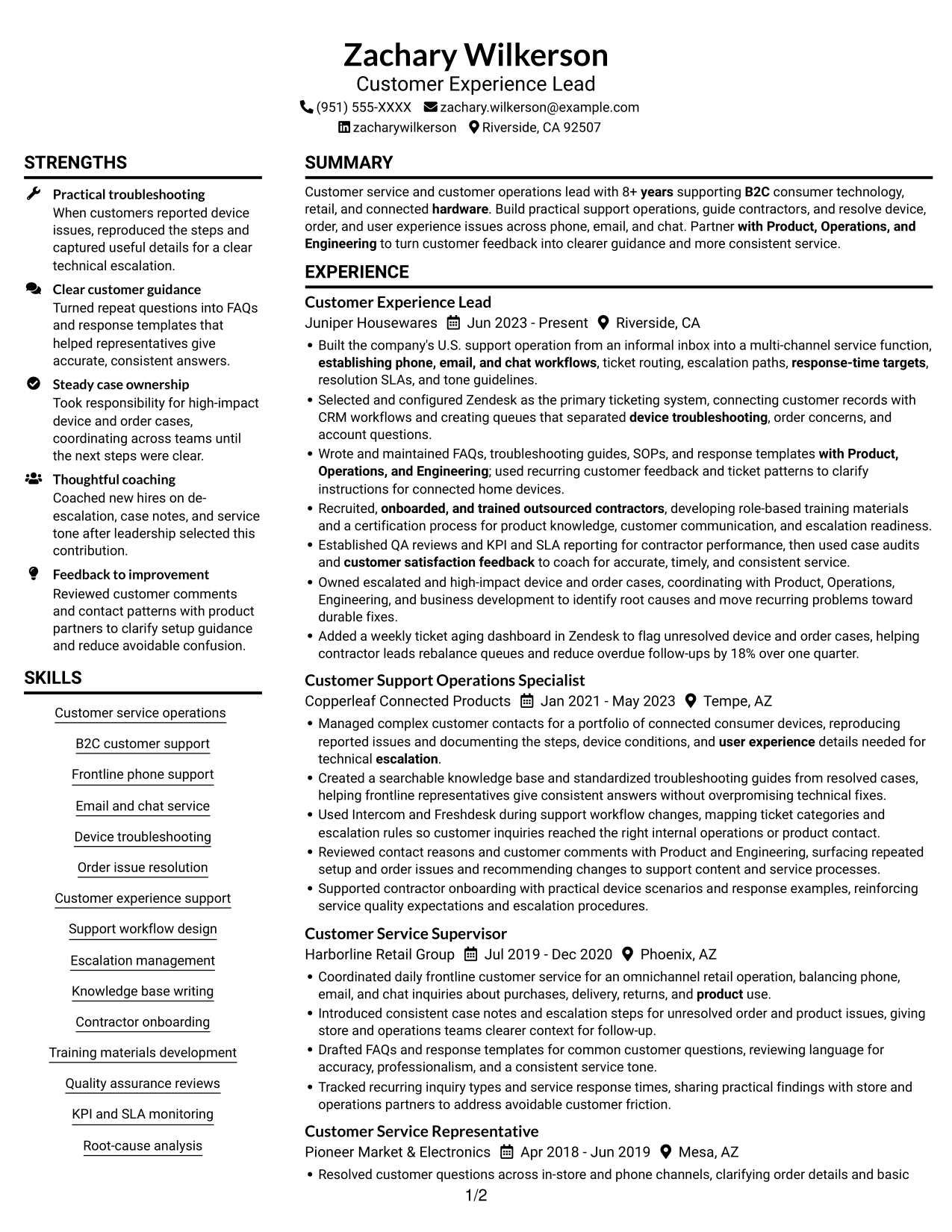
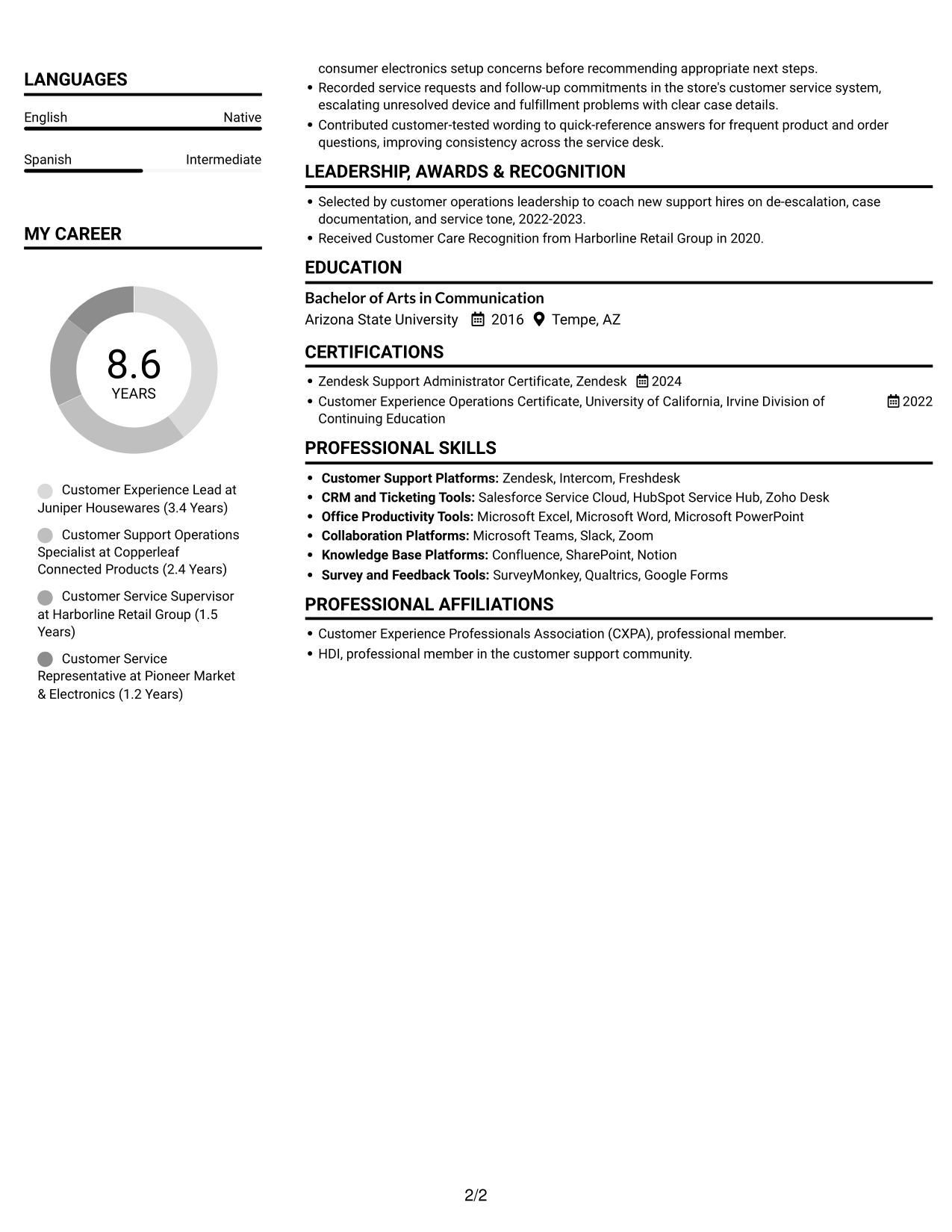
Plain Two Column Format places resume content in two columns, a useful choice when reviewers want to scan experience and supporting sections side by side.
Resume Snapshot
- 8+ years across consumer technology, retail, and connected hardware
- Built U.S. support workflows across phone, email, and chat
- Led contractor onboarding, training, QA, KPI and SLA reporting
- Zendesk Support Administrator Certificate, 2024
Why This Format Works
- Two columns distinguish experience from supporting details while keeping the resume easy to scan.
- Section headings help reviewers locate skills, education, and credentials without losing career context.
- Role-based entries keep dates, responsibilities, and measurable results connected for review.
Best For
- Career histories with supporting credentials
- Resumes balancing experience and skill sections
- Quick recruiter scans
- Resumes with multiple sections
- No-photo application requirements
Resume Keywords
- 8+ years supporting B2C consumer technology, retail, and connected hardware
- B2C customer support
- Built the company's U.S. support operation from an informal inbox into a multi-channel service function
- Recruited, onboarded, and trained outsourced contractors
- Established QA reviews
- Coordinated daily frontline customer service
- establishing phone, email, and chat workflows
- escalation paths
- FAQs, troubleshooting guides, SOPs, and response templates
- Zendesk
- hardware
- Device troubleshooting
- inquiries about purchases, delivery, returns, and product use
- reproducing reported issues and documenting the steps, device conditions, and user experience details needed for technical escalation
- Owned escalated and high-impact device and order cases
#2 Simple One Column Format Resume Example
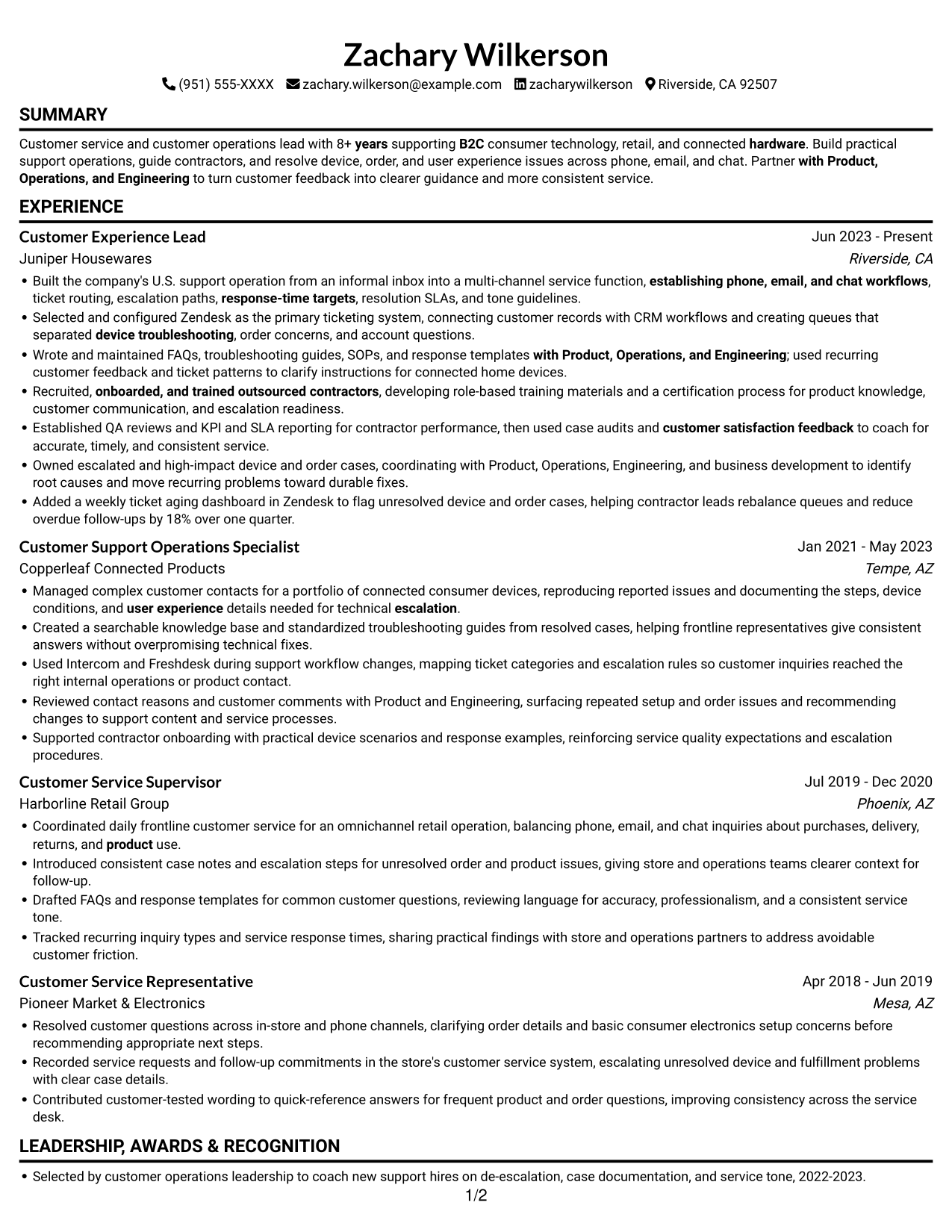
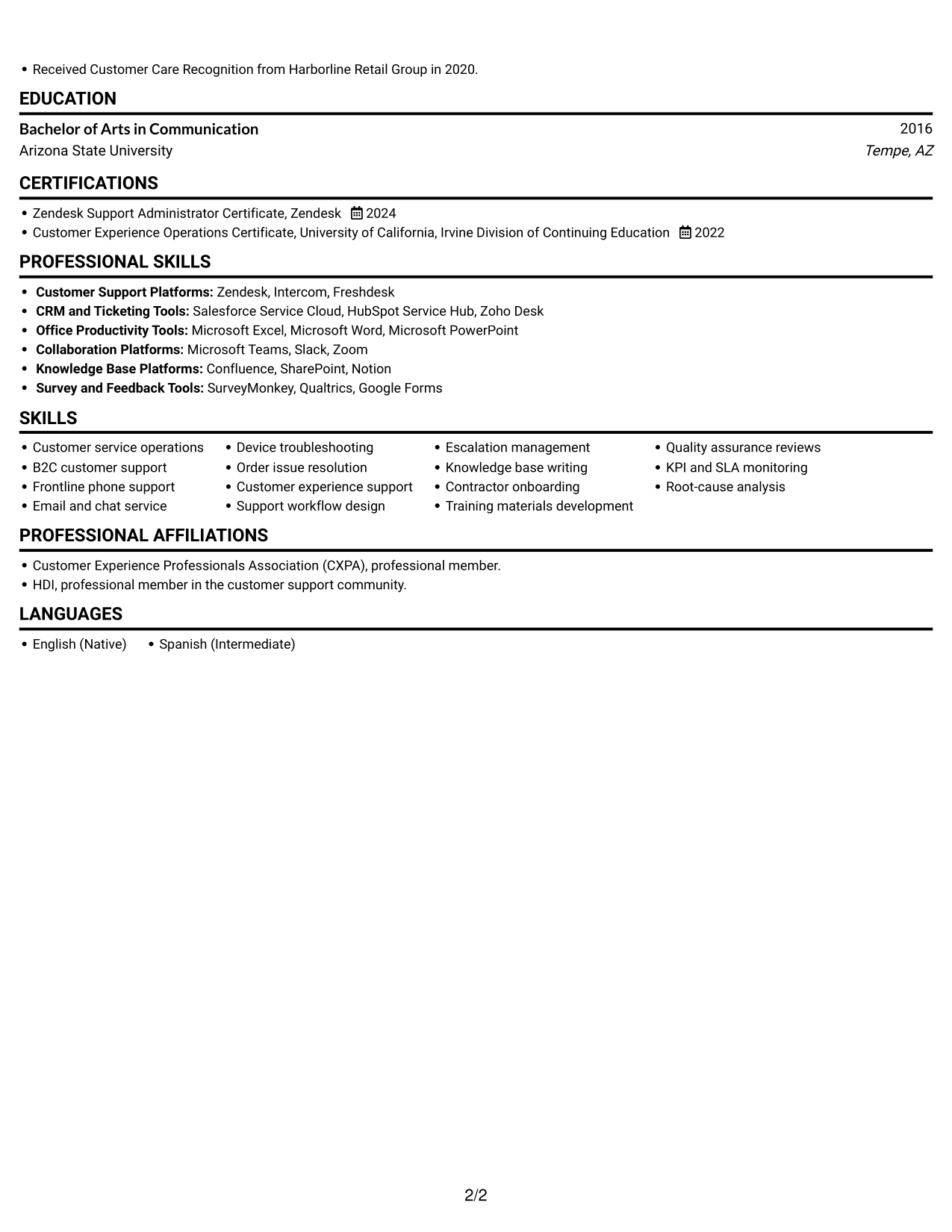
Simple One Column Format keeps the resume in one vertical reading path, which suits readers who prefer to follow experience and supporting sections in sequence.
Why This Format Works
- The single-column sequence makes role dates and career progression easy to follow.
- Skills, education, and certificates remain within the same straightforward reading path.
- Role-based bullets keep responsibilities and results connected to each position.
Best For
- Chronological work histories
- Top-to-bottom reading preference
- Detailed experience entries
- Resumes with several supporting sections
- Text-first application workflows
#3 Clean Two Column Sidebar Format Resume Example
Clean Two Column Sidebar Format uses two columns to give resume sections distinct visual areas, helping reviewers move through the content with less back-and-forth.
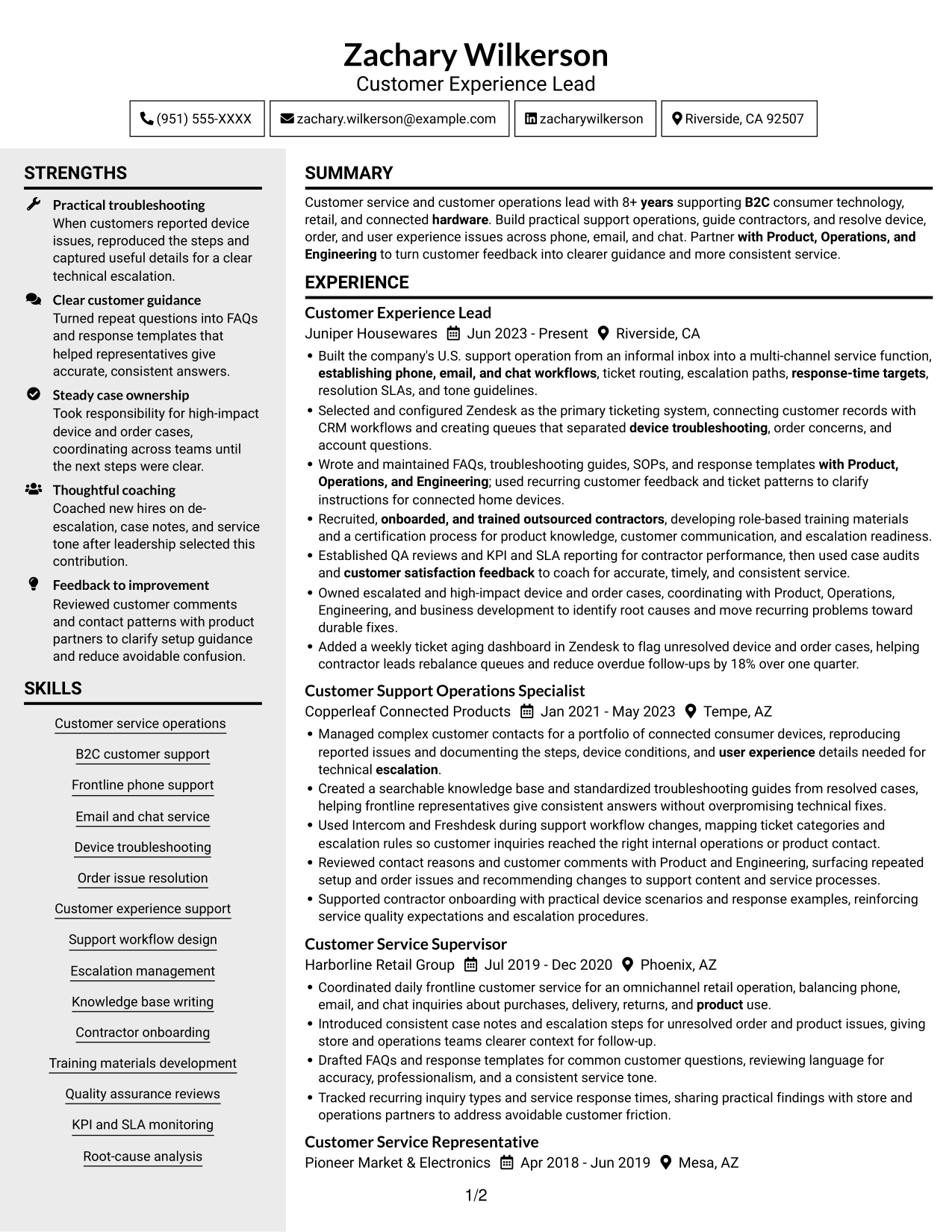
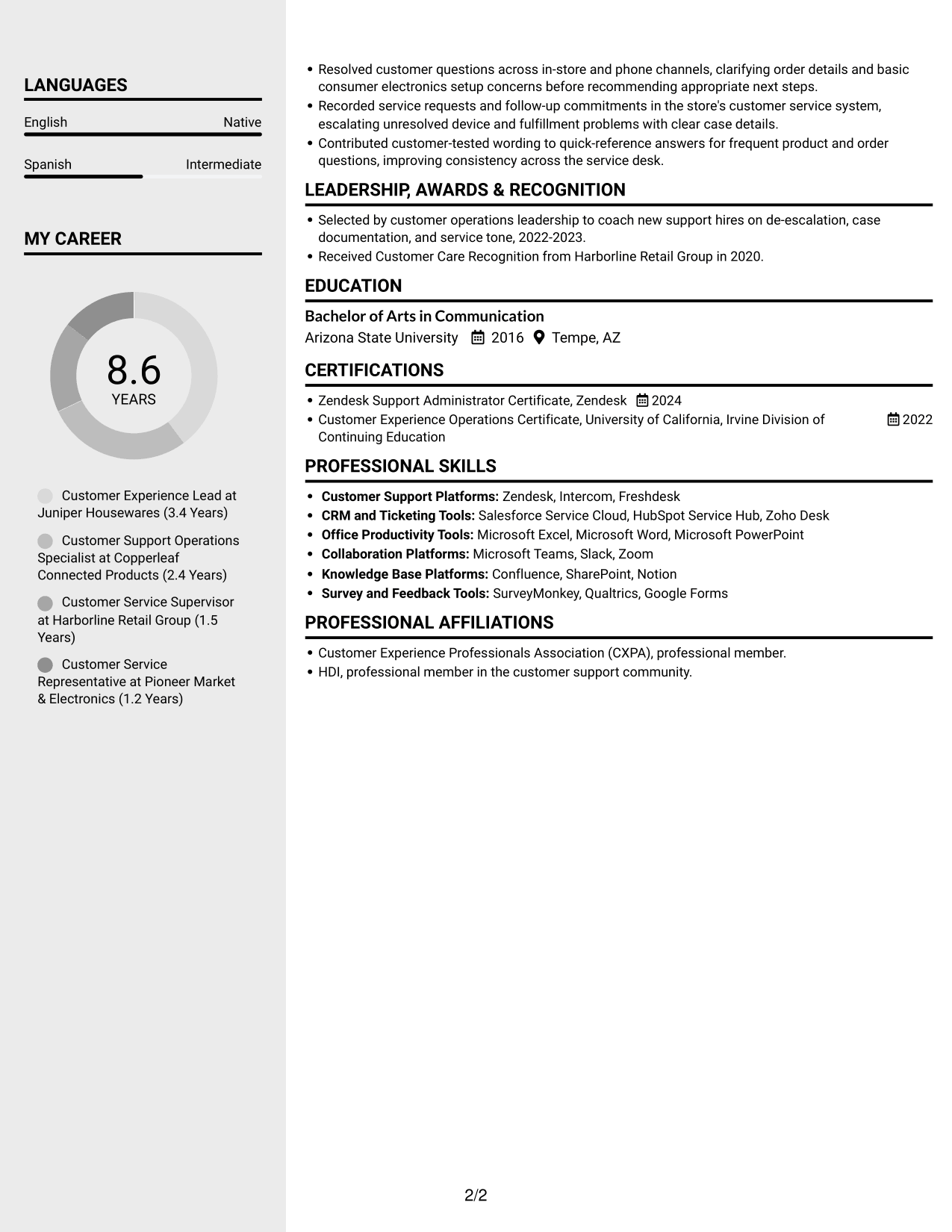
Why This Format Works
- Two columns give work history and supporting sections distinct areas for review.
- Role-based entries keep dates and measurable outcomes associated with each position.
- Readers can locate skills and credentials without searching through every experience bullet.
Best For
- Career histories with supporting details
- Resumes with skills and credentials
- Role progression reviews
- Multi-section work histories
- Readers who scan by section
#4 Two Column Format Resume Example
Two Column Format places resume content in two columns, a practical option for keeping career history and supporting information visible within one view.
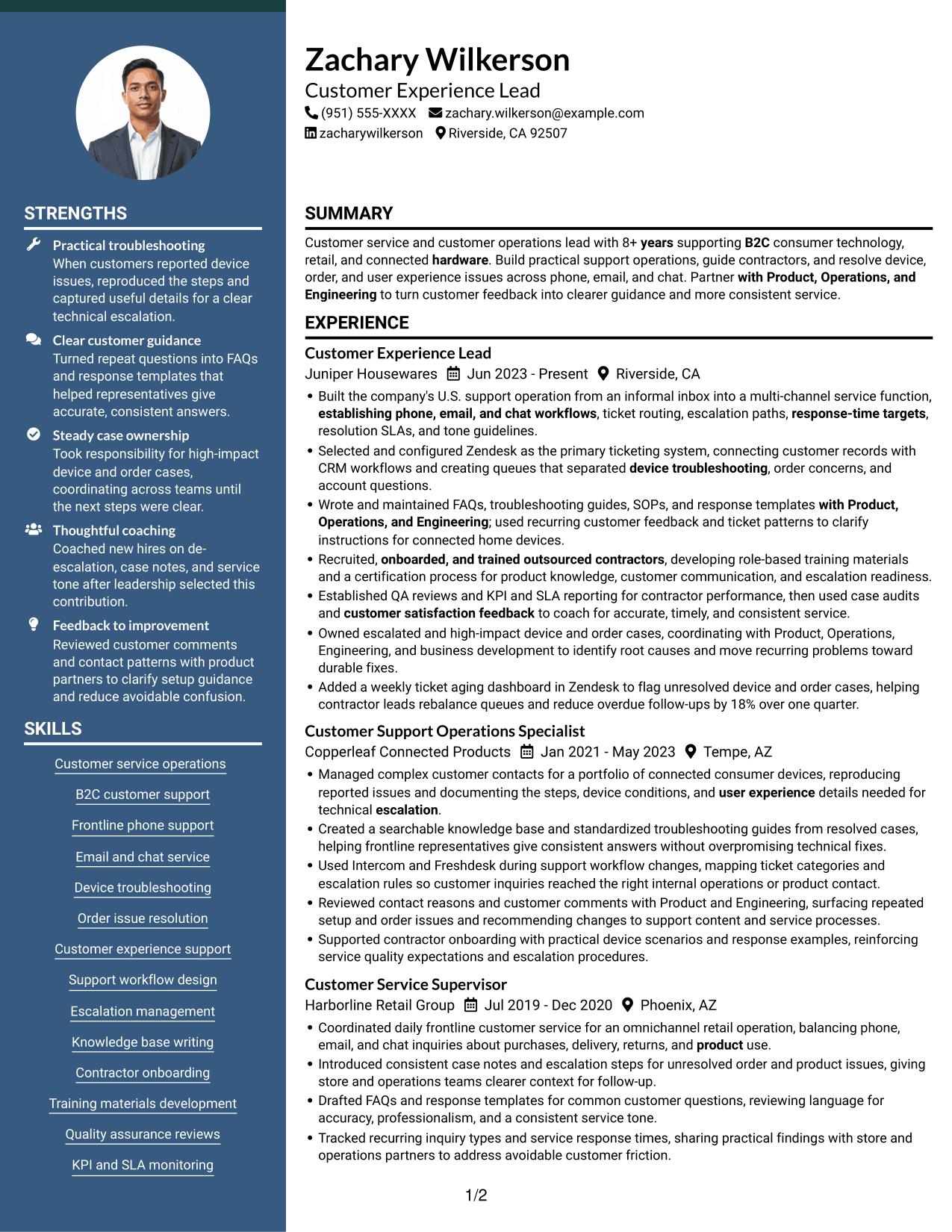
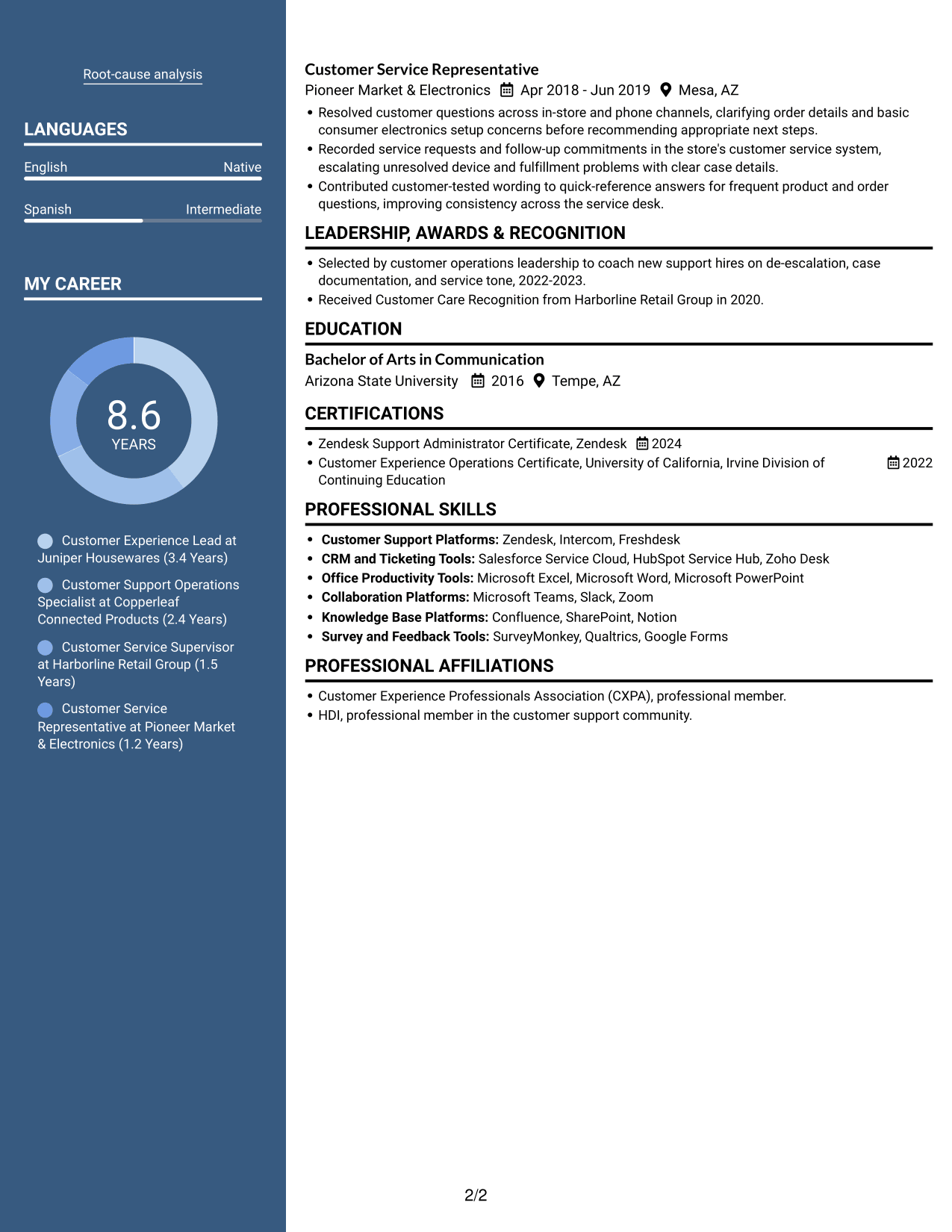
Why This Format Works
- Career history remains easy to follow alongside other resume sections.
- Role dates and achievements stay associated within each experience entry.
- Reviewers can locate education and certifications without scanning all work-history details.
Best For
- Resumes with detailed role histories
- Career timelines with added credentials
- Quick access to education details
- Work records with several sections
- Side-by-side content review
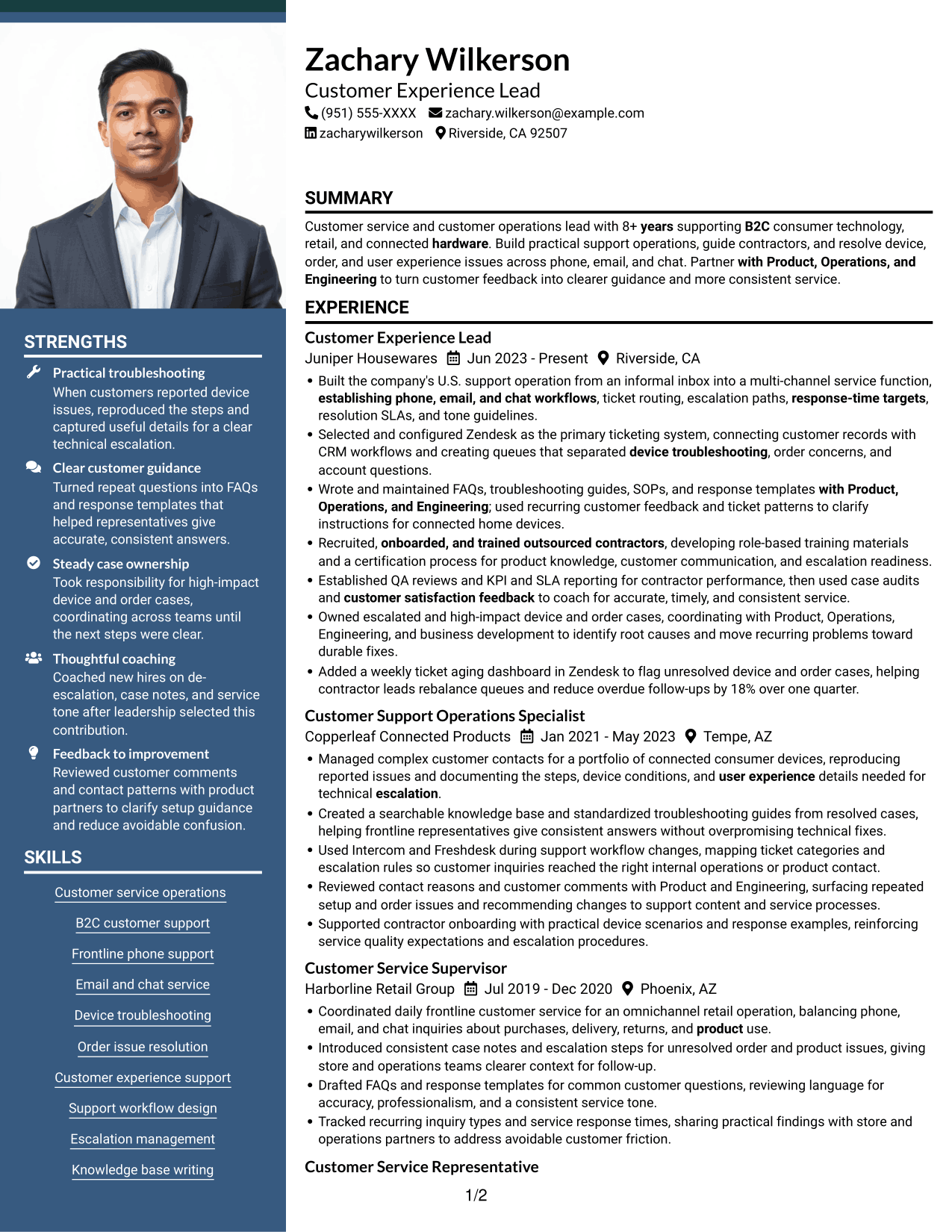
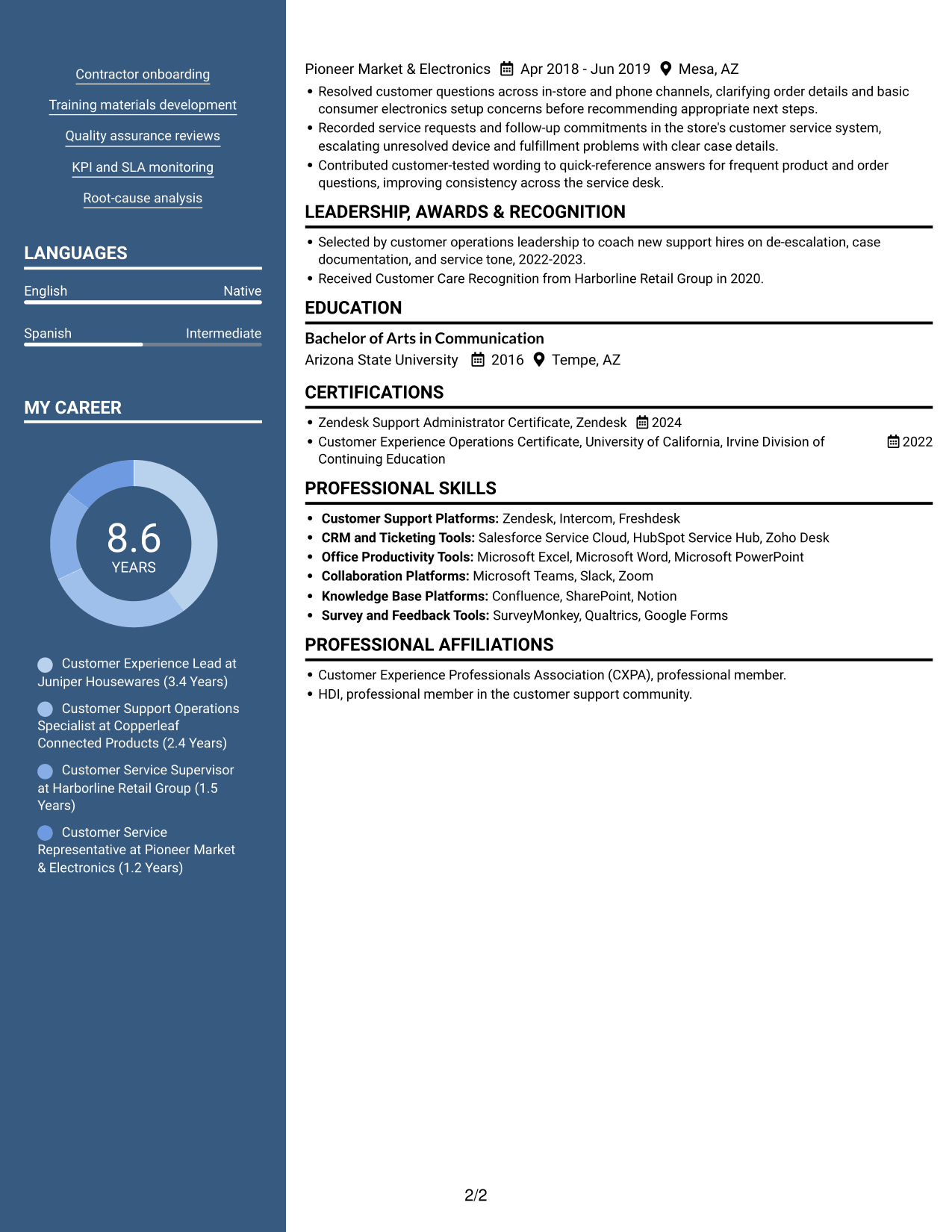
#5 Photo Header Two Column Format Resume Example
Photo Header Two Column Format combines a header photo with a two-column body, offering a portrait-based presentation while keeping resume content in separate areas.
Why This Format Works
- Two columns separate career history from supporting sections in the resume body.
- Role-based entries keep dates and results tied to each position.
- The header photo gives the document a portrait-based presentation for applications that call for one.
Best For
- Applications requiring a portrait
- Multi-section career records
- Resumes with detailed experience entries
- Reviewers scanning skills beside work history
- Career timelines with supporting credentials
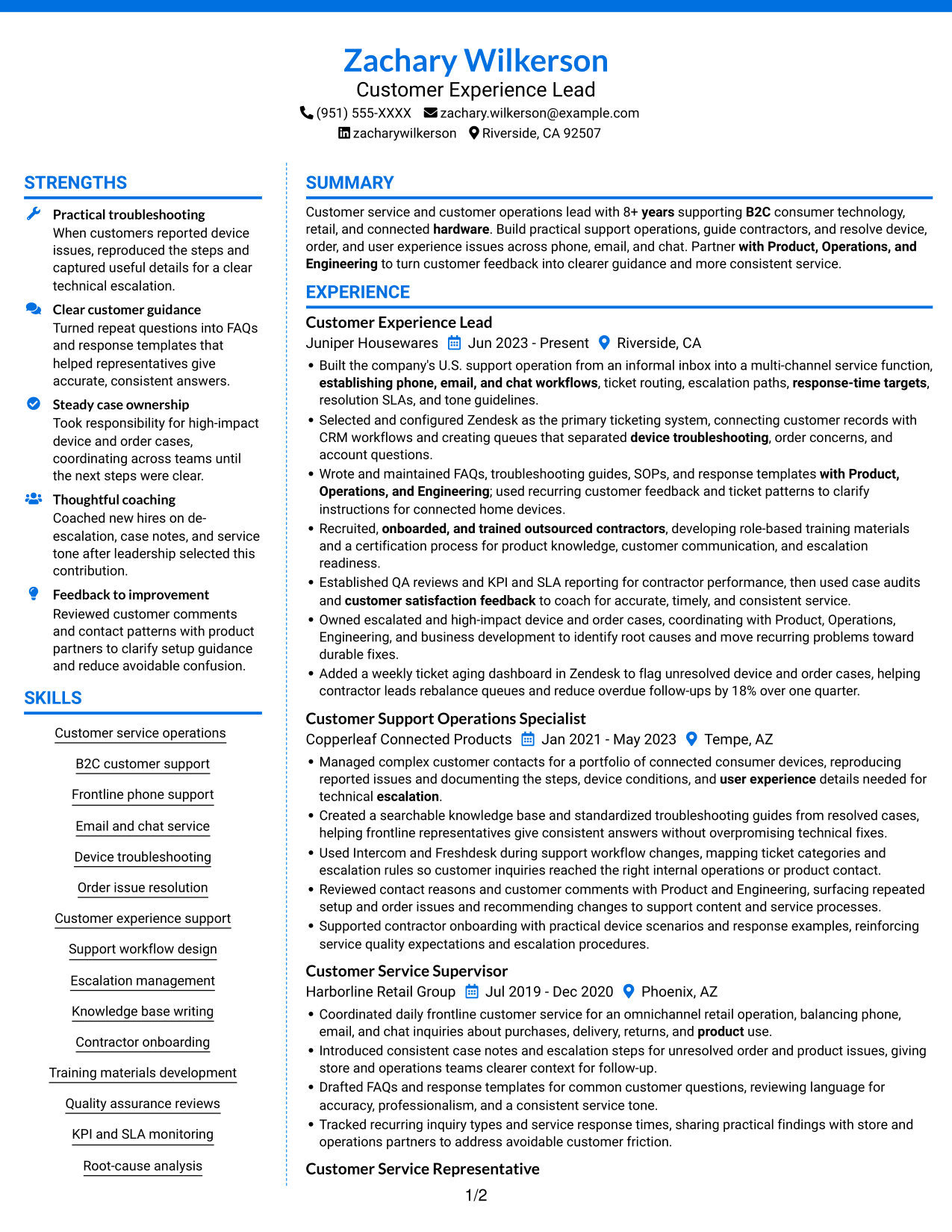
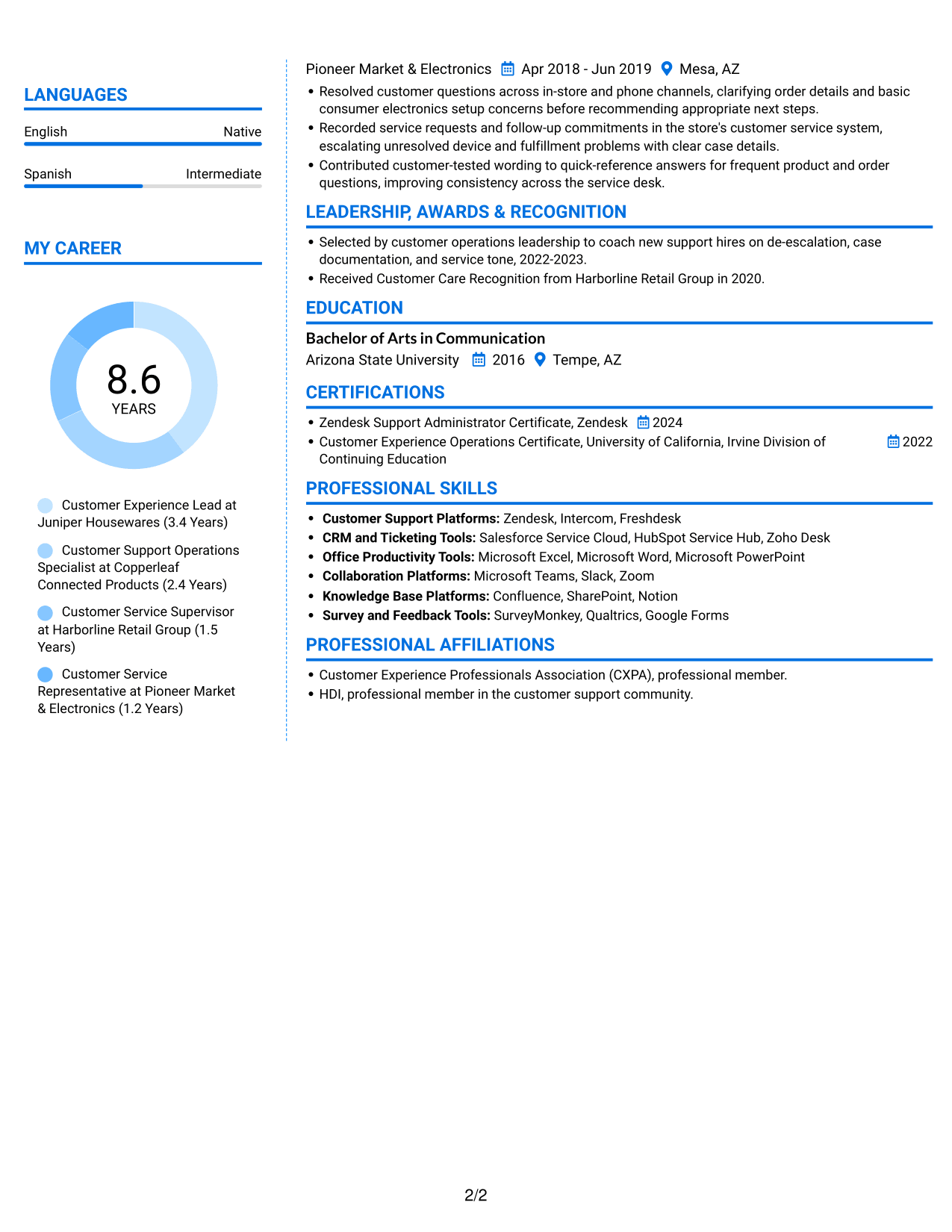
#6 Colored Two Column Format Resume Example
Colored Two Column Format arranges resume content in two columns, a useful choice for readers who want to find work history and supporting information in separate areas.
Why This Format Works
- Two columns let reviewers move between work history and supporting resume sections.
- Experience entries keep dates and measurable outcomes grouped with the relevant roles.
- Skills and credentials are easier to locate apart from the longer work history.
Best For
- Work histories with supporting details
- Resumes needing parallel section access
- Multi-part qualification records
- Career timelines with skills and credentials
- Reviewers who scan by section
#7 Stylish Two Column Designer Format Resume Example
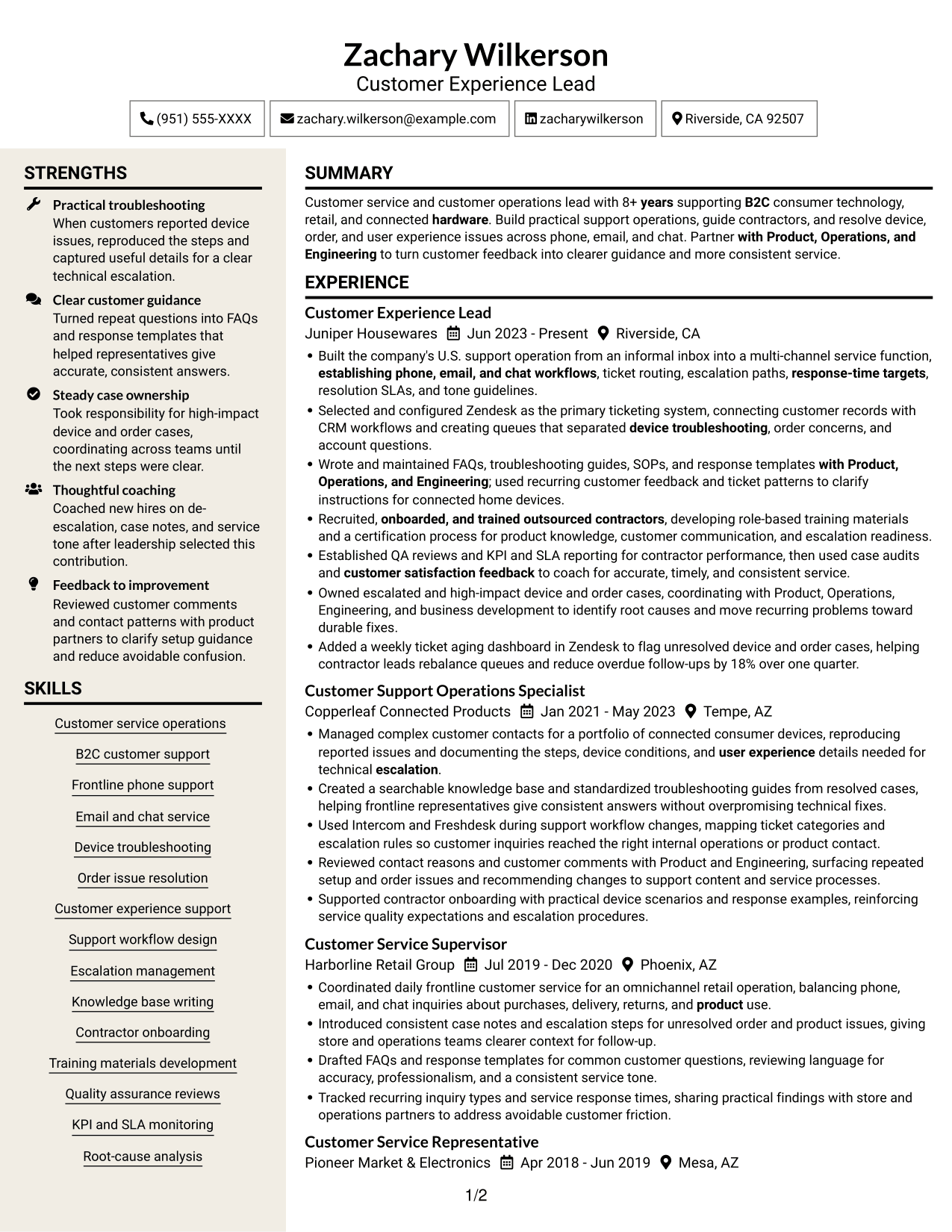
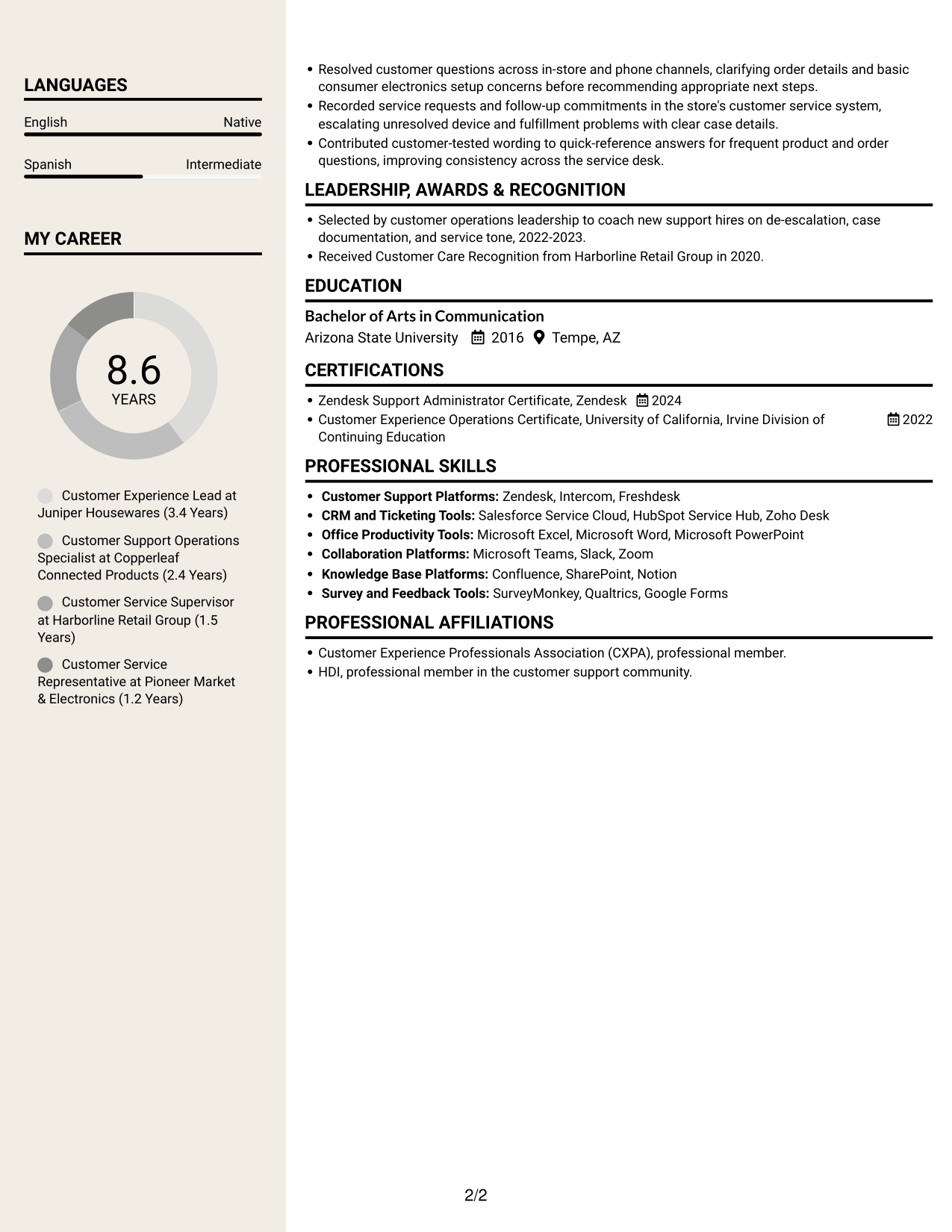
Stylish Two Column Designer Format arranges the resume in two columns, helping reviewers move between experience and supporting sections without a long single-column sequence.
Why This Format Works
- Two columns make it possible to review experience beside supporting resume information.
- Role-based entries keep responsibilities and measurable outcomes attached to each position.
- Section separation helps readers find education and certifications beyond the work history.
Best For
- Resumes with role-based detail
- Career histories with supporting qualifications
- Readers comparing work history and skills
- Applications without portrait photos
- Resume content with several sections
Why Build Your Resume with ResumeInMinutes
ResumeInMinutes helps you organize customer service experience, tools, and results into a resume that is easy to review. Compare the image previews, then open an example in the editor to customize its content and layout.
- Clear resume layouts
- Readable section structure
- Role-focused keyword guidance
- Organized skills and experience
- Image previews for comparison
- Examples you can customize in the editor
Keep the focus on your own evidence: the support channels you have handled, the processes you have improved, and the outcomes you can explain with confidence.
See Also
- 33 Bi-Lingual Medical Billing Customer Service Support Representative Resume Templates with Example 2026
- 7 Bilingual Customer Service Representative - Insurance Support Resume Templates with Example
- 7 Customer Service/Information Services Support Representative Resume Templates with Example
- 7 Customer Service Representative - Benefits Support Resume Templates with Example
- 7 Customer Service Representative - Public Service Support Resume Templates with Example
- 7 Technical Customer Service Representative - Hardware and Software Support Resume Templates with Example
- 33 BDC Customer Service Representative Resume Templates with Example 2026 (ATS-Optimized)
- 33 Call Center Customer Service Representative Resume Templates with Example 2026 (ATS-Optimized)
- 7 Lead Customer Service Representative - Consumer Technology Support Cover Letter Templates with Example
- 30+ Bi-Lingual Medical Billing Customer Service Support Representative Cover Letter Templates with Example 2026
Frequently Asked Questions
Are these Lead Customer Service Representative - Consumer Technology Support resume templates ATS-friendly?
The examples use clear headings and readable sections to support quick scanning. Include relevant terms such as Zendesk, device troubleshooting, escalation paths, FAQs, SOPs, KPIs, and SLAs when they accurately describe your background.
Are these different resumes or layouts of one example?
This guide shows one resume example in several layouts. Compare the image previews to see how each format presents the same kind of role-focused information.
What should a Lead Customer Service Representative - Consumer Technology Support resume include?
Include a focused summary, relevant experience, customer service skills, support tools, education, and certifications. Use bullets to show phone, email, and chat service, device or order issue resolution, escalation ownership, workflow improvements, and measurable results.
Which resume style works well for this role?
A simple layout with clear headings is a practical choice because it helps readers find your experience and skills quickly. Keep columns and design details easy to scan, and make sure important information remains in the main text.
How can I show a mix of customer service and operations experience?
Group relevant experience in clear sections and write bullets that show both the customer contact and the process behind the result. For example, describe how you handled an escalated device issue and captured details for a useful technical handoff.
Should I include a photo on my resume?
Include a photo only if it is customary or expected in your region or field. For U.S. applications, a resume without a photo is usually the safer choice.




