
7 Library Technical Assistant I - Technical Services Cover Letter Templates with Example
This guide helps you write a focused Library Technical Assistant I - Technical Services cover letter and compare its 7 layouts.
What Makes a Great Library Technical Assistant I - Technical Services Cover Letter in 2026
A strong letter connects accurate technical services work with clear, courteous help for library visitors. Its opening should name the role and make the reason for applying clear.
Use specific evidence, such as preliminary cataloging, serials processing, Cutter numbers, inventory, or patron support. Then show how that experience fits the employer’s mix of collection work and public service.
The featured example moves from interest in the role to technical services evidence, patron support, employer fit, and a direct closing. Adapt that focused progression, then choose a presentation that suits the employer and the way you will communicate with its hiring team.
#1 Simple One Column Format Cover Letter Example
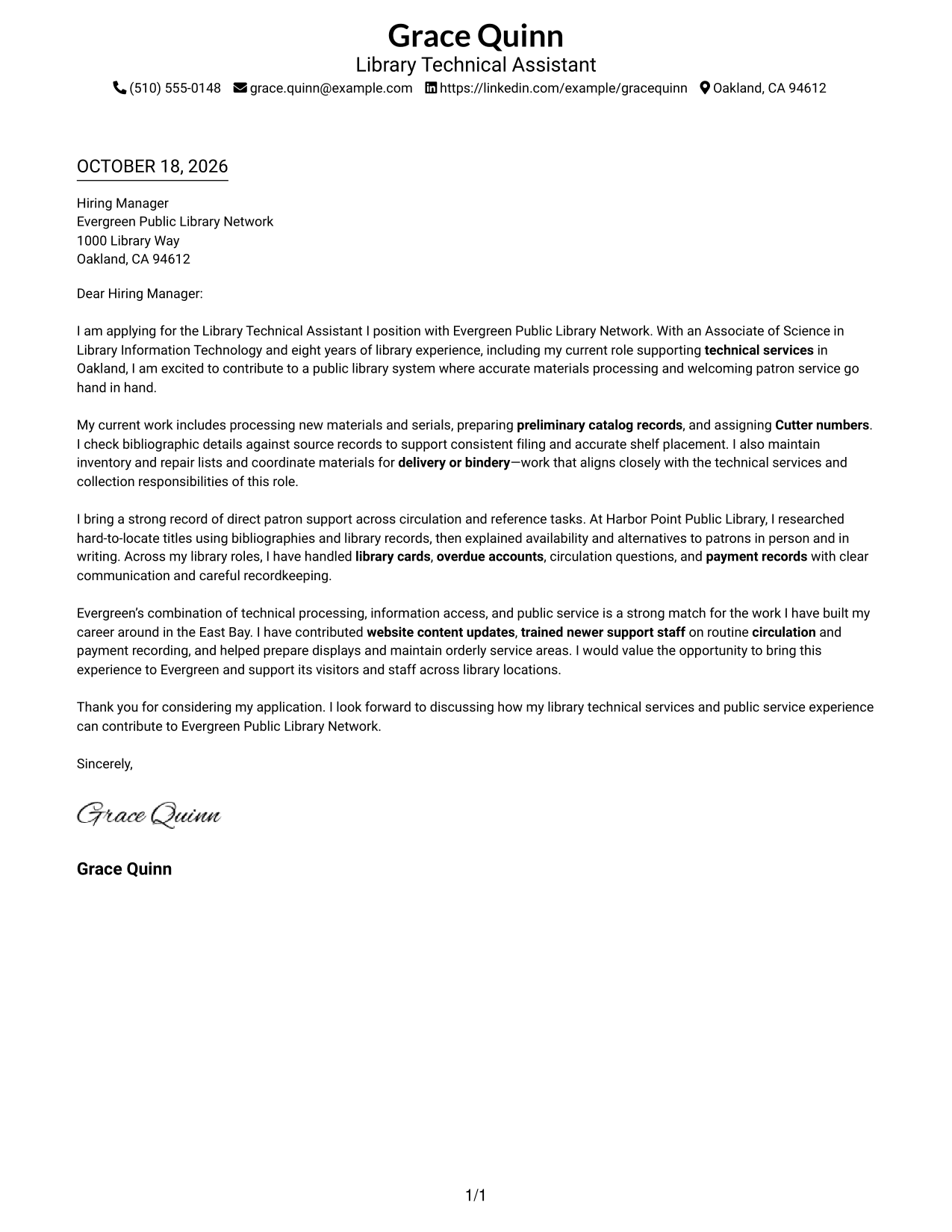
A single-column layout gives a direct reading path for a letter linking technical services with public service.
Why This Format Works
- Sender details stay in the header, separate from the letter's persuasive message.
- One body column keeps the opening, evidence, and request in a direct sequence.
- The paragraph flow lets employer interest develop alongside supporting details.
Best For
- Single-column letter reading
- Header-based contact details
- Paragraph-led persuasion
- Letters with several evidence points
- Technical services applications
#2 Two Column Format Cover Letter Example
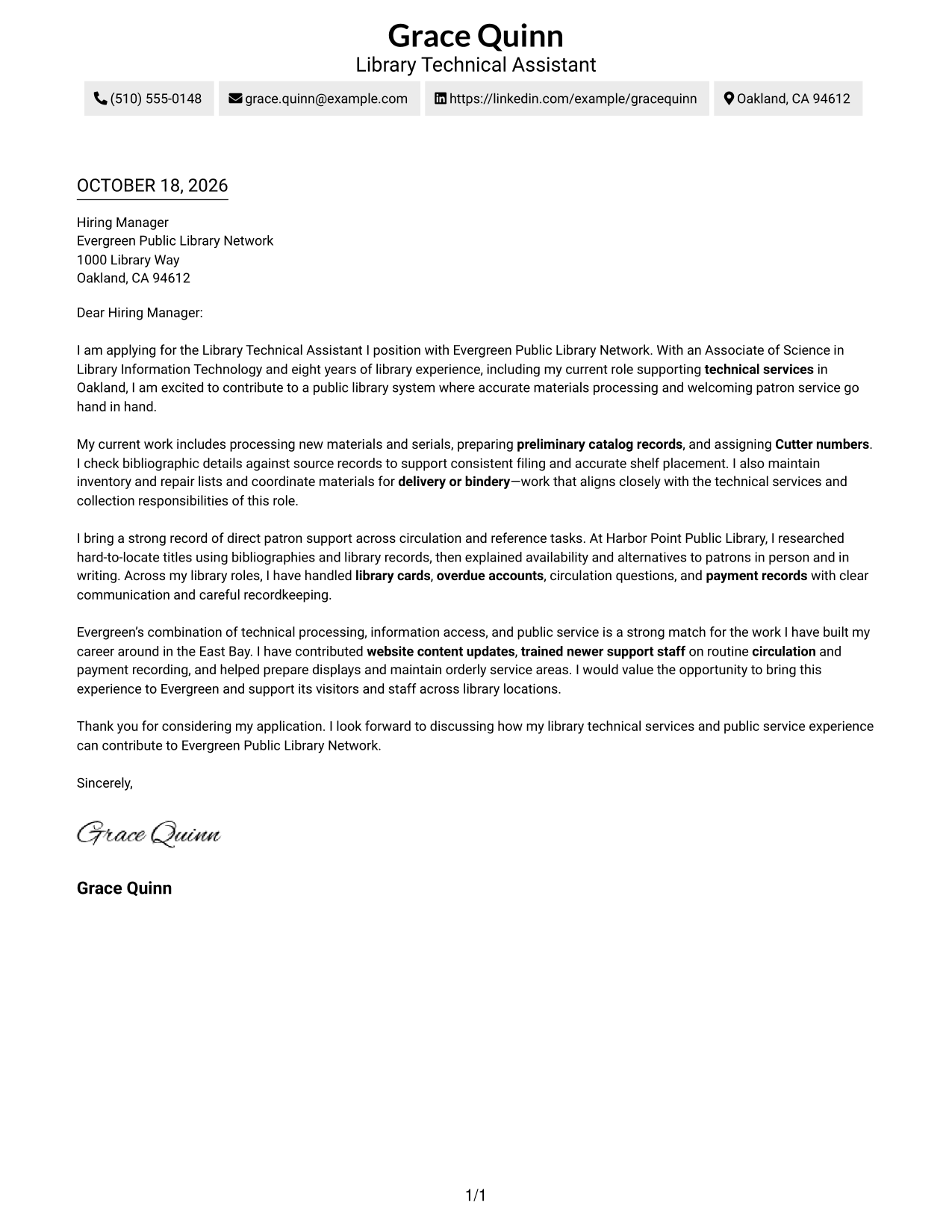
The contact sidebar sits beside one continuous letter body, separating contact details while the message links technical services with public service.
Why This Format Works
- Contact details sit apart from the message, making sender information easy to locate.
- One continuous body keeps motivation and supporting evidence in a familiar letter sequence.
- The argument can move from technical fit to employer interest without section labels.
Best For
- Contact details beside the letter
- Continuous body paragraphs
- Employer-fit arguments in prose
- Letters with several evidence points
- Technical services applications
#3 Photo Header Two Column Format Cover Letter Example
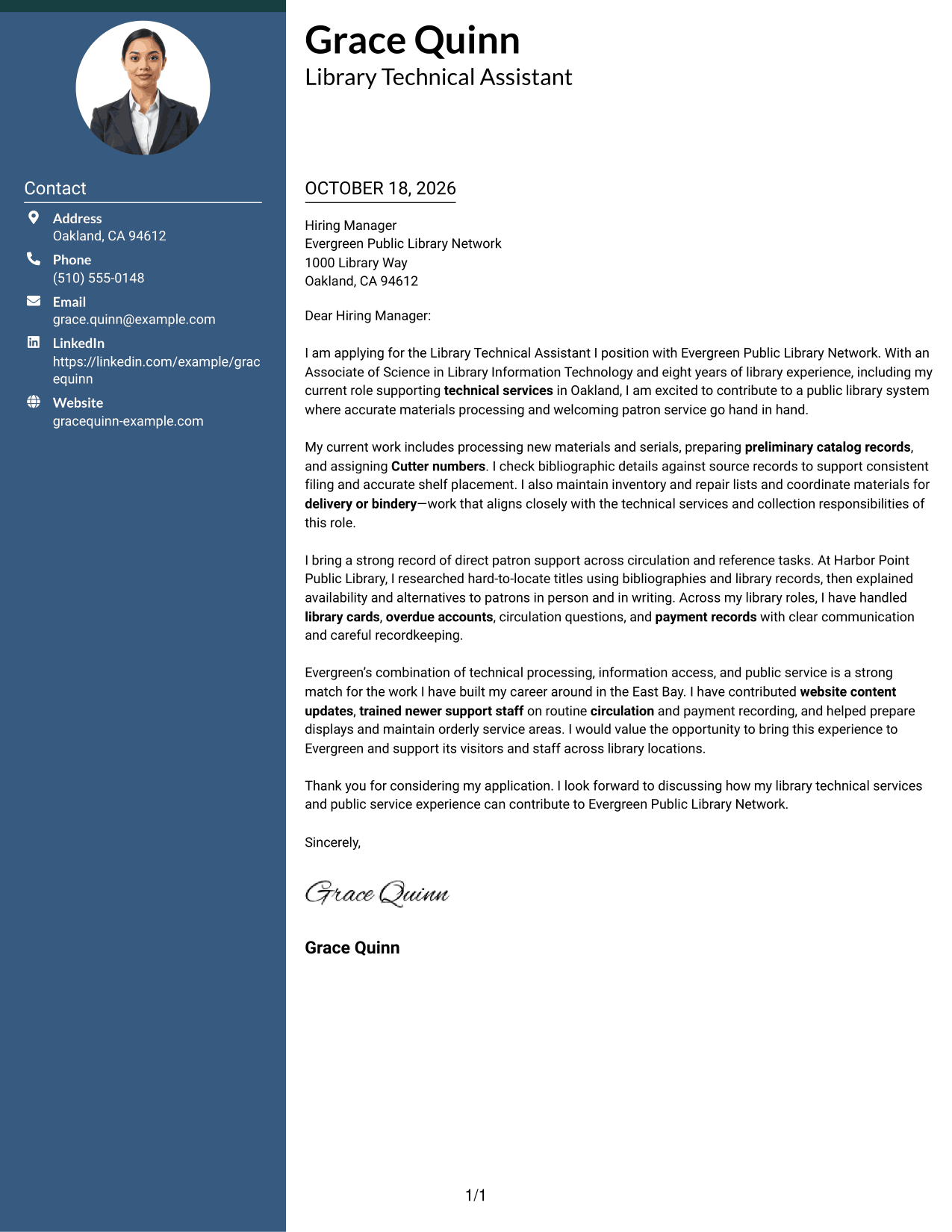
A portrait and contact sidebar give the header a photo-led presentation, while the letter connects technical services with public service in one body column.
Why This Format Works
- The portrait adds a personal visual element without dividing the letter's message.
- The contact sidebar keeps sender details distinct from the body paragraphs.
- The continuous body carries motivation and evidence through to the closing request.
Best For
- Portrait-led contact presentation
- Contact details beside the letter
- Continuous body paragraphs
- Letters with several evidence points
- Technical services applications
#4 One Column Format with Photo Cover Letter Example
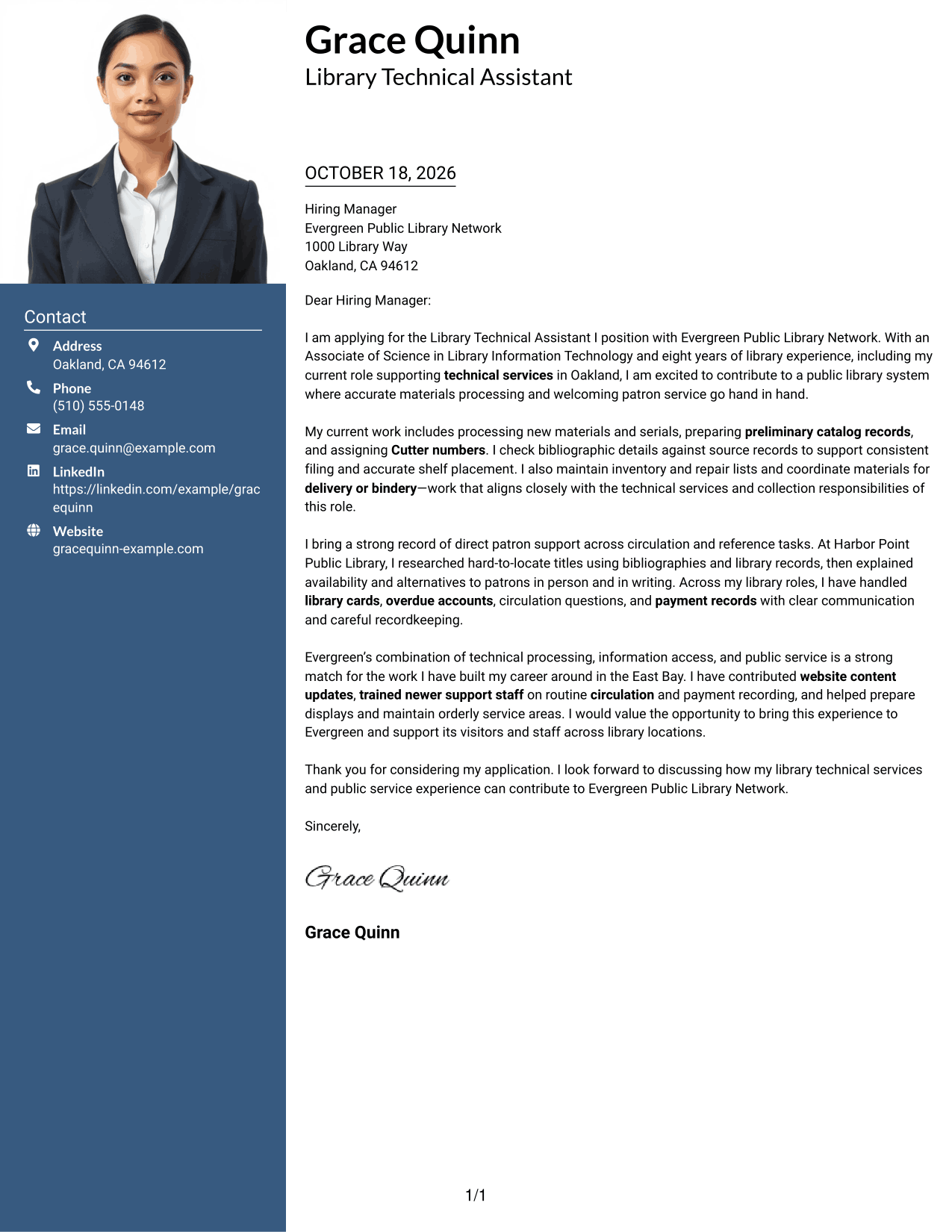
A portrait accompanies the single-column letter, offering a photo-led choice while the message connects technical services with public service in one reading path.
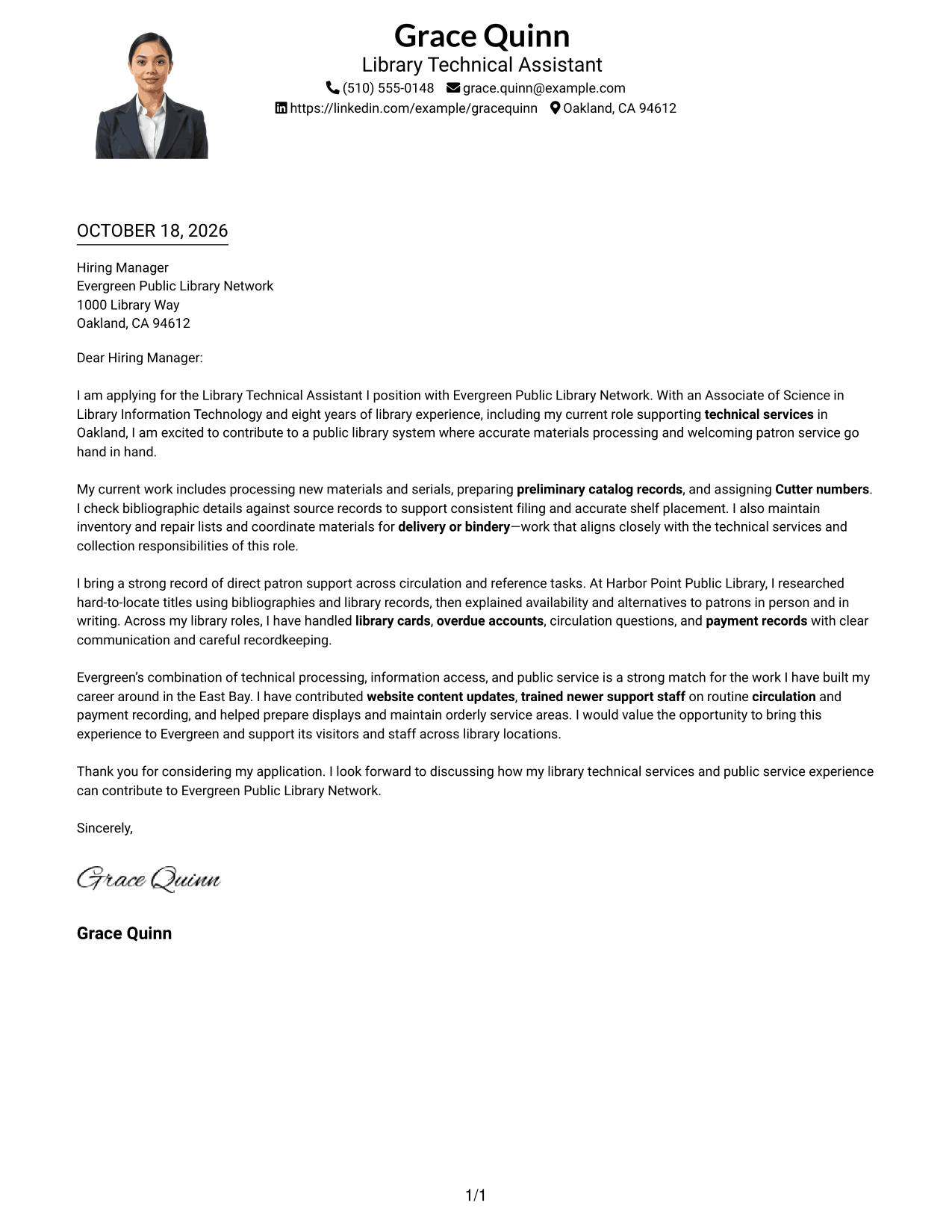
Why This Format Works
- The portrait adds a visual point of identification above the letter text.
- One body column keeps the opening, supporting points, and request together.
- Sender details in the header remain distinct from the letter's persuasive message.
Best For
- Portrait-led letter presentation
- Single-column letter reading
- Header-based contact details
- Paragraph-led persuasion
- Technical services applications
#5 Simple Two Column Format Cover Letter Example
A contact sidebar beside the continuous letter body keeps contact information apart as the message presents technical services and public service fit.
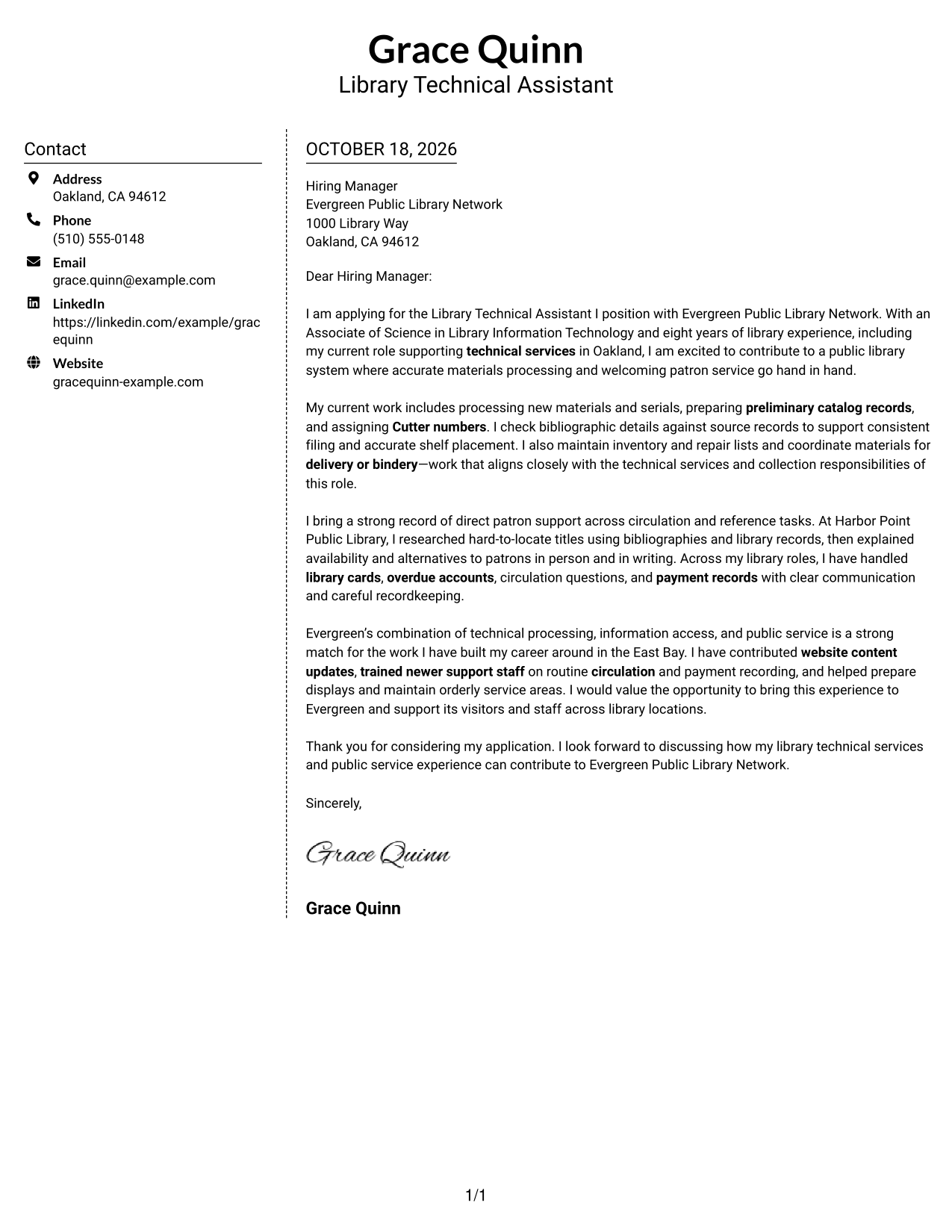
Why This Format Works
- The sidebar gives sender details a separate place beside the letter text.
- A single body column keeps the letter's reasoning in paragraph order.
- Motivation and supporting evidence remain part of one uninterrupted message.
Best For
- Separate contact information
- One-column letter body
- Paragraph-based role alignment
- Letters with several evidence points
- Technical services applications
#6 Modern Icon Format Cover Letter Example
Contact icons mark the sidebar details beside a continuous letter body, keeping the message about technical services and public service in one column.
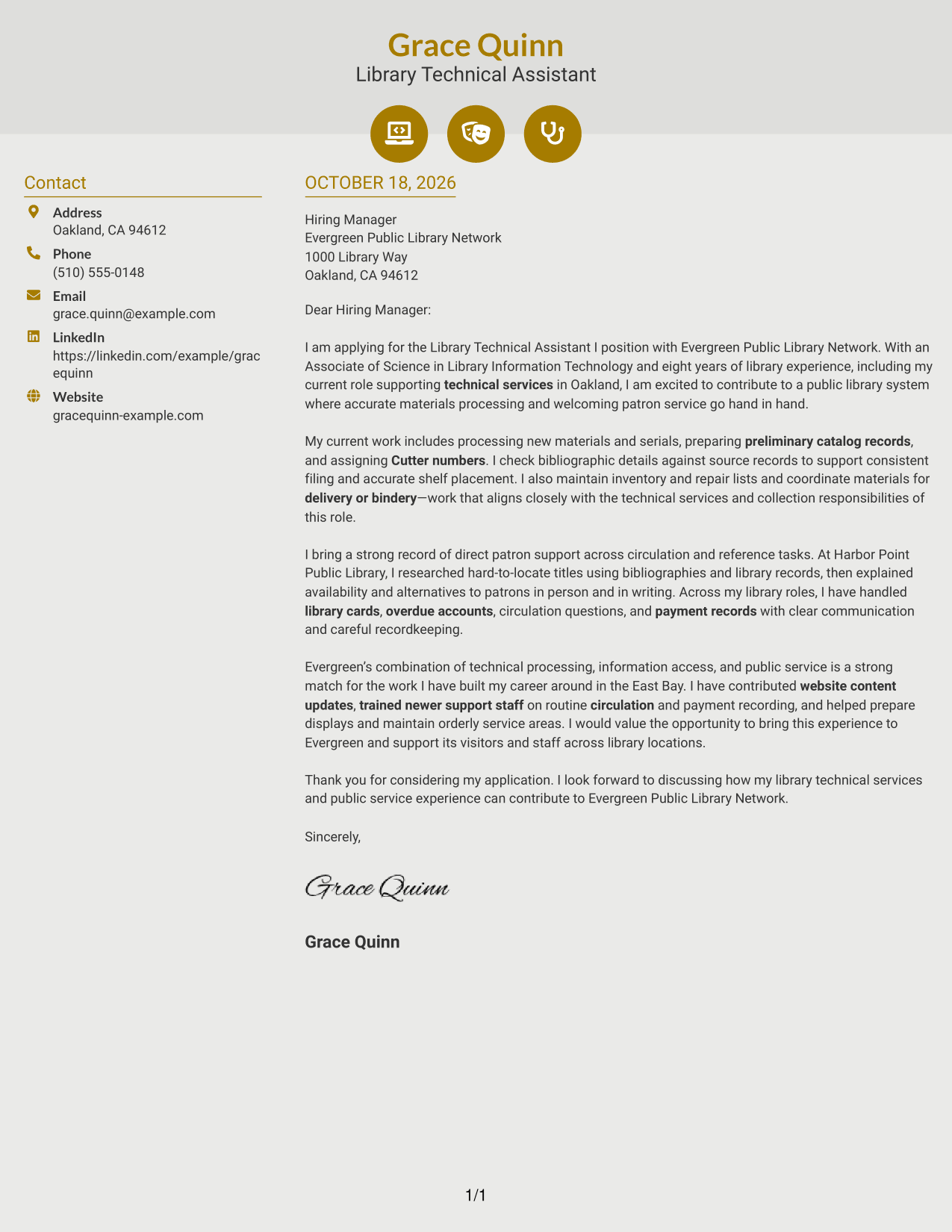
Why This Format Works
- Icons help distinguish contact details without labeling parts of the letter argument.
- The sidebar places sender information beside, rather than within, the message.
- One continuous body carries the opening, evidence, and closing in order.
Best For
- Icon-marked contact details
- Contact sidebar organization
- Continuous letter paragraphs
- Letters with several evidence points
- Technical services applications
#7 Creative Two Tone Format Cover Letter Example
The two-column arrangement places contact information beside one continuous letter body, giving the message about technical services and public service its own reading path.
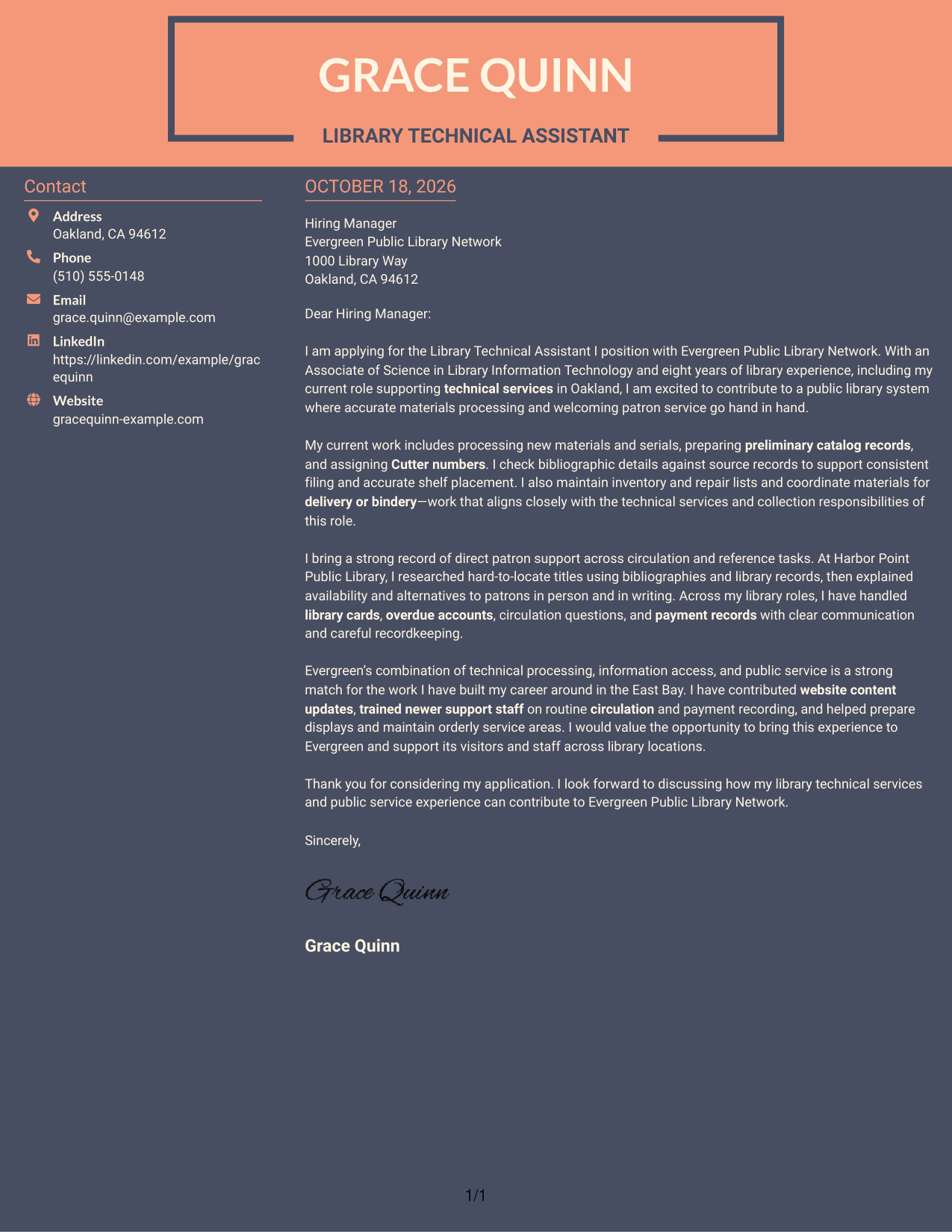
Why This Format Works
- Contact information stays separate from the letter's opening and supporting paragraphs.
- The continuous body lets motivation lead into evidence and a clear request.
- A reviewer can follow the employer-fit discussion without moving between text columns.
Best For
- Contact details beside the letter
- Continuous body paragraphs
- Employer-fit arguments in prose
- Letters with several evidence points
- Technical services applications
Why Use ResumeInMinutes for a Library Technical Assistant I - Technical Services Cover Letter
Compare the PNG previews to see how different page designs present the same letter. Open an example in the editor to review or customize its presentation.
- PNG image previews
- Examples you can view in the editor
- Cover letter customization
- Clear, readable presentation
- Role-focused letter guidance
- Opening, body, and closing structure
Keep the message direct: explain your interest, support your fit with relevant library work, and close with a clear expression of interest in discussing the position.
See Also
- 7 Library Technical Assistant I - Technical Services Resume Templates with Example
- 33 MRI Technical Assistant Resume Templates with Example 2026 (ATS-Optimized)
- 7 Administrative Assistant II - Math, Science, and Health Services Resume Templates with Example
- 7 Administrative Assistant, Senior - Intercultural/International Studies & Enrollment Services Resume Templates with Example
- 7 Assistant Service Advisor Resume Templates with Example
- 33 Customer Service Representative - Executive Assistant Resume Templates with Example 2026 (ATS-Optimized)
- 7 Food Service Assistant Resume Templates with Example
- 33 Physician Assistant - Surgical Services Resume Templates with Example 2026 (ATS-Optimized)
- 30+ MRI Technical Assistant Cover Letter Templates with Example 2026
- 30+ Customer Service Representative - Executive Assistant Cover Letter Templates with Example 2026
Frequently Asked Questions
What should a Library Technical Assistant I - Technical Services cover letter emphasize?
Show how your technical services work supports accurate records and access to materials. You can also describe relevant experience with serials, preliminary cataloging, Cutter numbers, inventory, circulation, and courteous patron assistance.
How should I organize this cover letter?
Use the opening to name the position and explain your interest. In the body, connect relevant technical work and public service to the role. Close by thanking the reader and expressing interest in a conversation.
Which cover letter style suits a technical services role?
Choose a clean, easy-to-read design that keeps the letter’s message clear. A simple layout works well when you want hiring teams to focus on your role fit and examples.
What evidence can help show fit for this position?
Give concrete examples of checking bibliographic details, preparing materials for delivery or repair, locating hard-to-find titles, or explaining library procedures. Use only examples that match your own background.
Can I compare the examples before choosing a layout?
Yes. Review the PNG image previews to compare the page designs, then open an example in the editor to view or customize it.




