
7 Lifeguard - Waterpark Safety Cover Letter Templates with Example
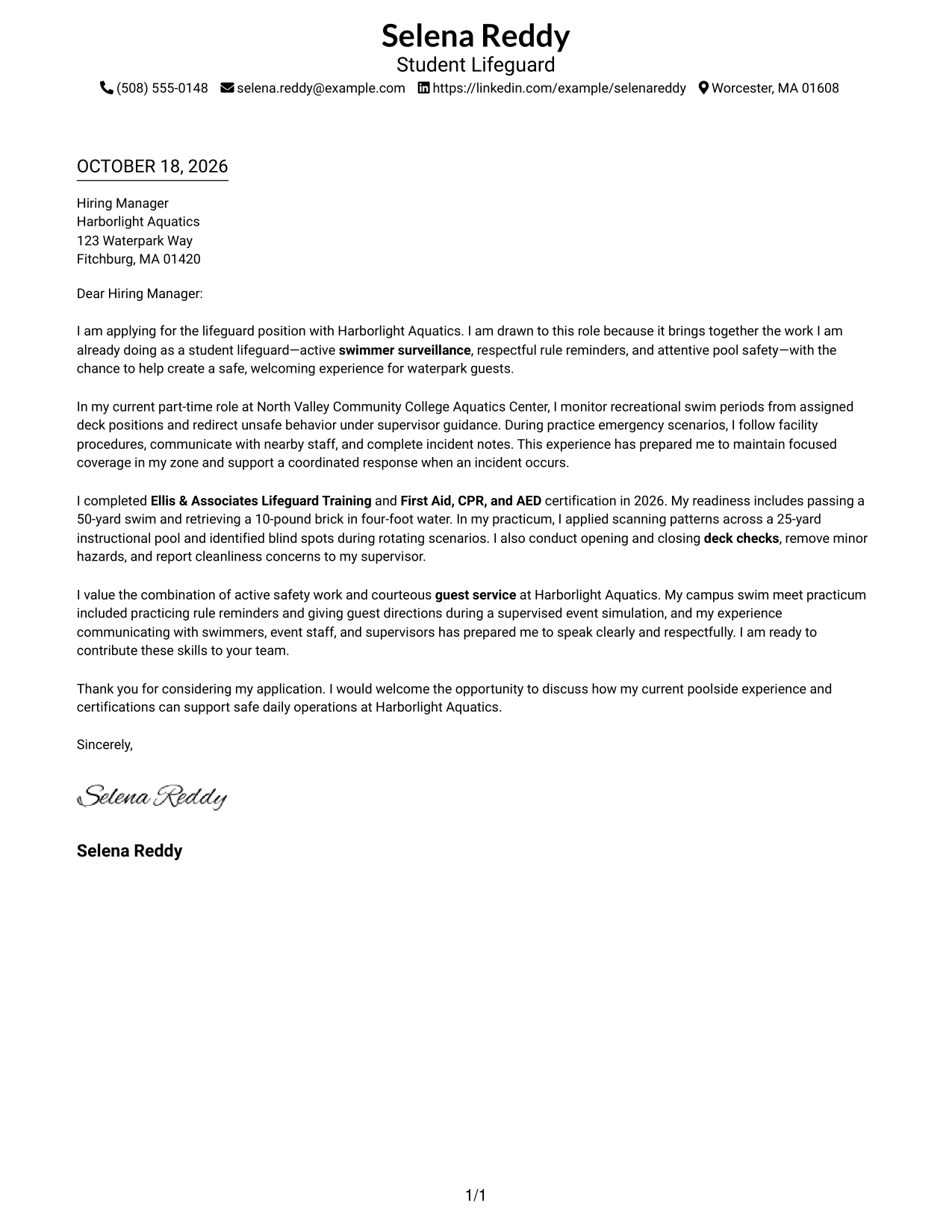
This guide to the Lifeguard - Waterpark Safety cover letter shows you how to present your role fit in seven layouts.
What Makes a Great Lifeguard - Waterpark Safety Cover Letter in 2026
A strong letter connects swimmer surveillance, emergency readiness, and respectful guest service to the Lifeguard - Waterpark Safety role. A clear opening, focused body, and direct closing help the reader follow your message.
Use relevant examples, such as monitoring swimmers, practicing emergency response, or completing deck checks. Explain how your approach supports safe, welcoming waterpark operations and why the role interests you.
The featured Lifeguard - Waterpark Safety example follows a focused progression from interest to relevant evidence and a clear close, which you can adapt while choosing a presentation suited to the employer and communication context.
#1 Simple One Column Format Cover Letter Example
A single-column page gives the letter one direct path from the sender details to the closing.
Why This Format Works
- The header keeps contact information together before the employer-directed message begins.
- Continuous paragraphs carry the reader from motivation through evidence to the closing.
- Without body headings, the letter reads as one connected personal message.
Best For
- Single-column letter pages
- Header-based contact details
- Unheaded letter paragraphs
- Direct opening-to-closing flow
- Letters without a sender portrait
#2 Two Column Format Cover Letter Example
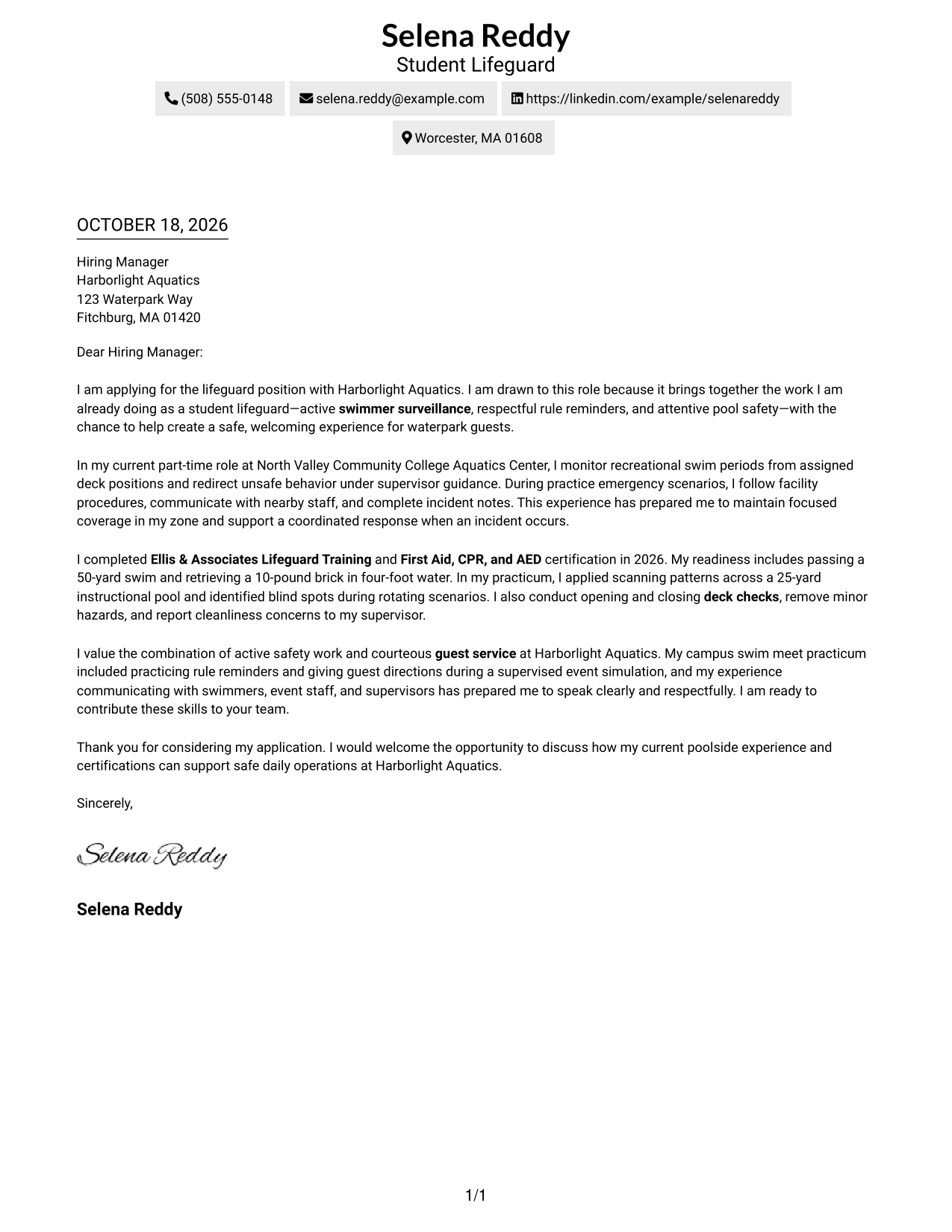
A contact sidebar sits beside one continuous letter body, keeping contact details apart from the message.
Why This Format Works
- Contact details stay apart from the message for quick reference.
- One body column keeps motivation, evidence, and closing in sequence.
- Unlabeled paragraphs keep the message personal rather than divided into argument stages.
Best For
- Side-by-side page organization
- Quick contact lookup
- Single-column letter bodies
- Unheaded persuasive messages
- Photo-free correspondence
#3 Photo Header Two Column Format Cover Letter Example
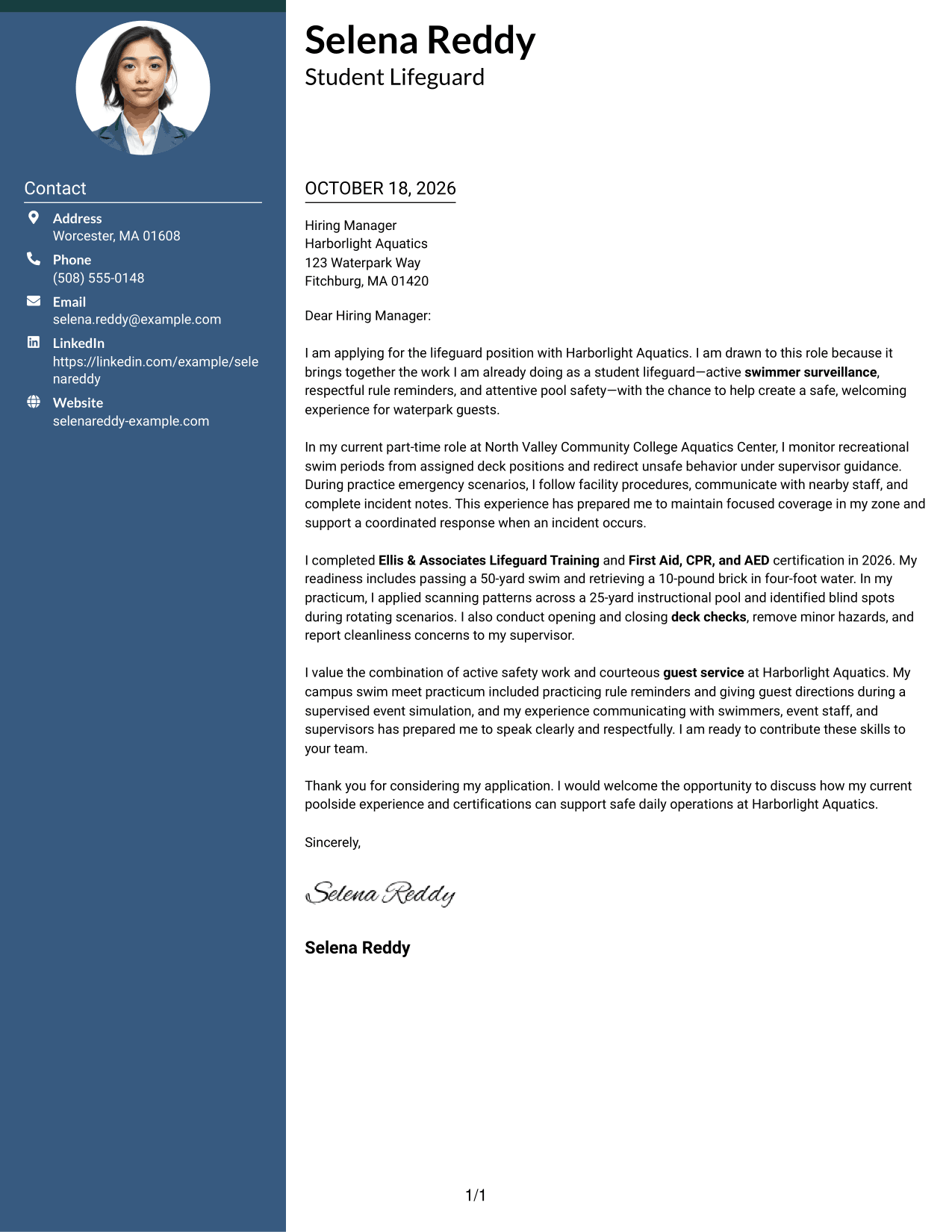
A photo appears with the contact sidebar, while the letter itself remains a single, continuous body.
Why This Format Works
- Sidebar contact details stay separate from the employer-facing paragraphs.
- One letter column lets each point follow naturally from the last.
- With no argument headings, the message can keep a direct, personal tone.
Best For
- Photo-inclusive applications
- Sidebar contact access
- One-column letter bodies
- Unheaded correspondence
- Paragraph-led persuasion
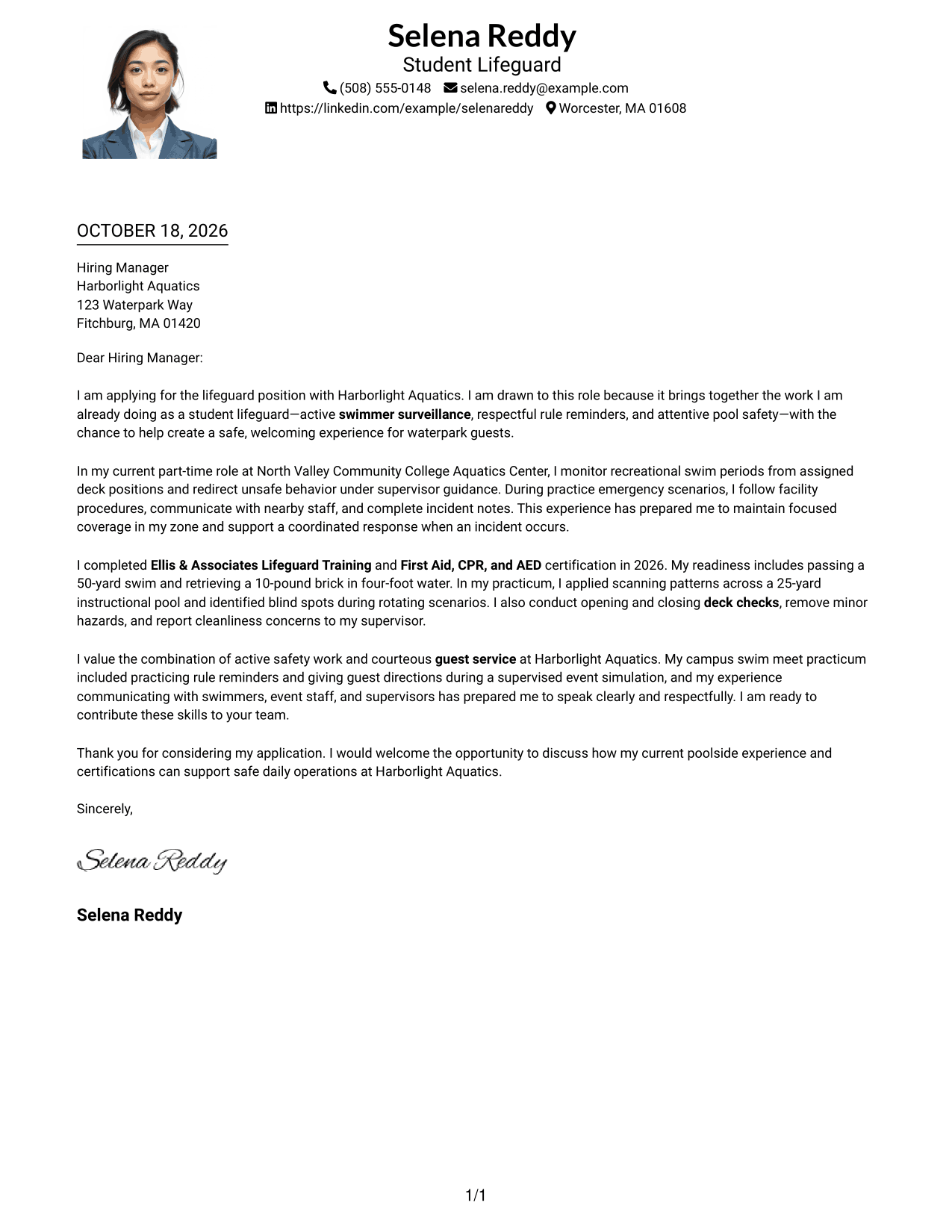
#4 One Column Format with Photo Cover Letter Example
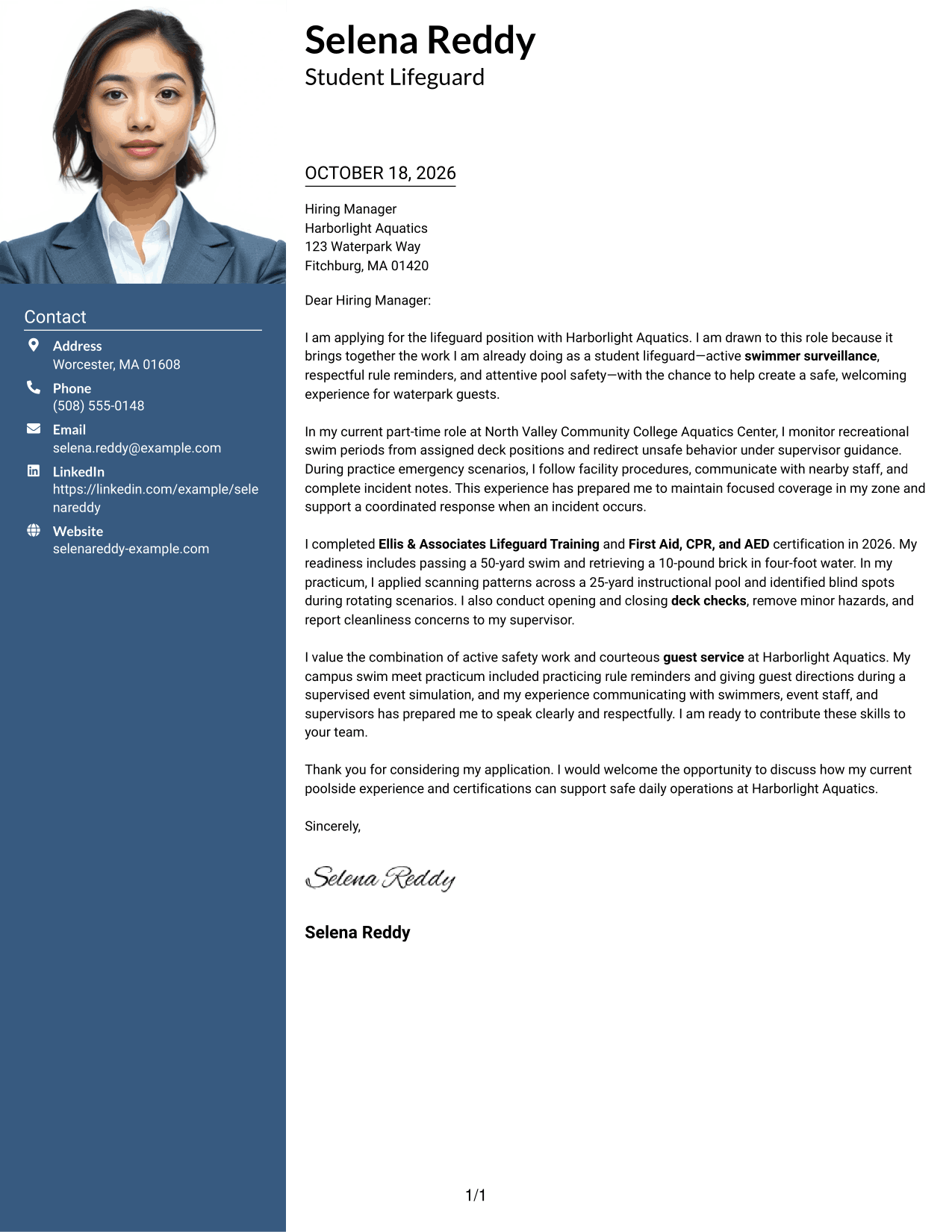
The one-column page pairs sender details in the header with a photo and a continuous letter body.
Why This Format Works
- Header contact details remain together above the letter text.
- One body column keeps each paragraph in a clear reading order.
- Connected paragraphs make the request and closing part of one message.
Best For
- Photo-inclusive letter pages
- One-column letter reading
- Header contact details
- Connected application messages
- Portrait-led document presentation
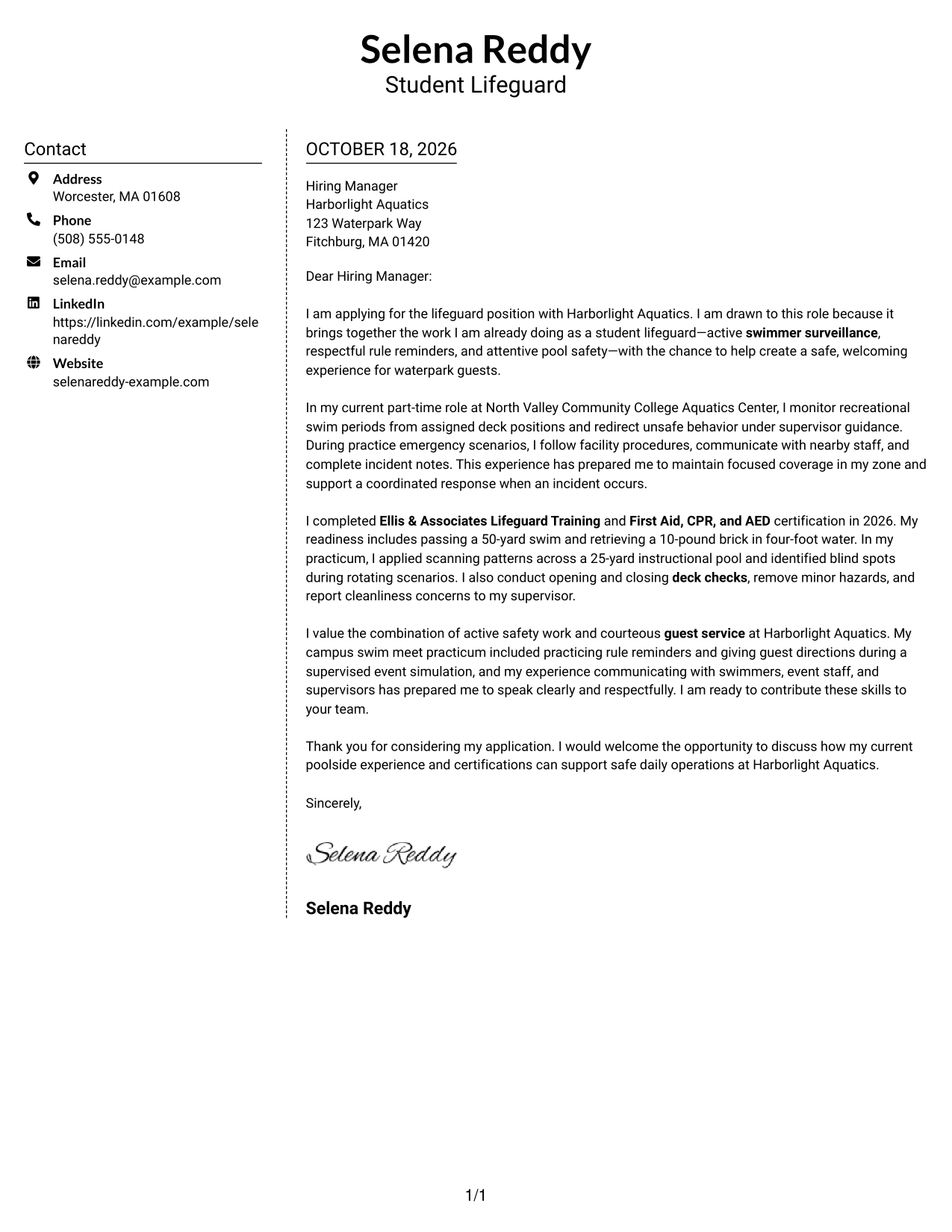
#5 Simple Two Column Format Cover Letter Example
The contact sidebar and single-column letter body create separate places for sender details and the message.
Why This Format Works
- The sidebar gives contact details a separate place beside the letter.
- A single body column keeps the message in a natural paragraph order.
- The continuous text presents motivation and supporting points without parallel columns.
Best For
- Separate contact reference
- Single-column message text
- Side-by-side page organization
- Continuous persuasive letters
- Photo-free document layouts
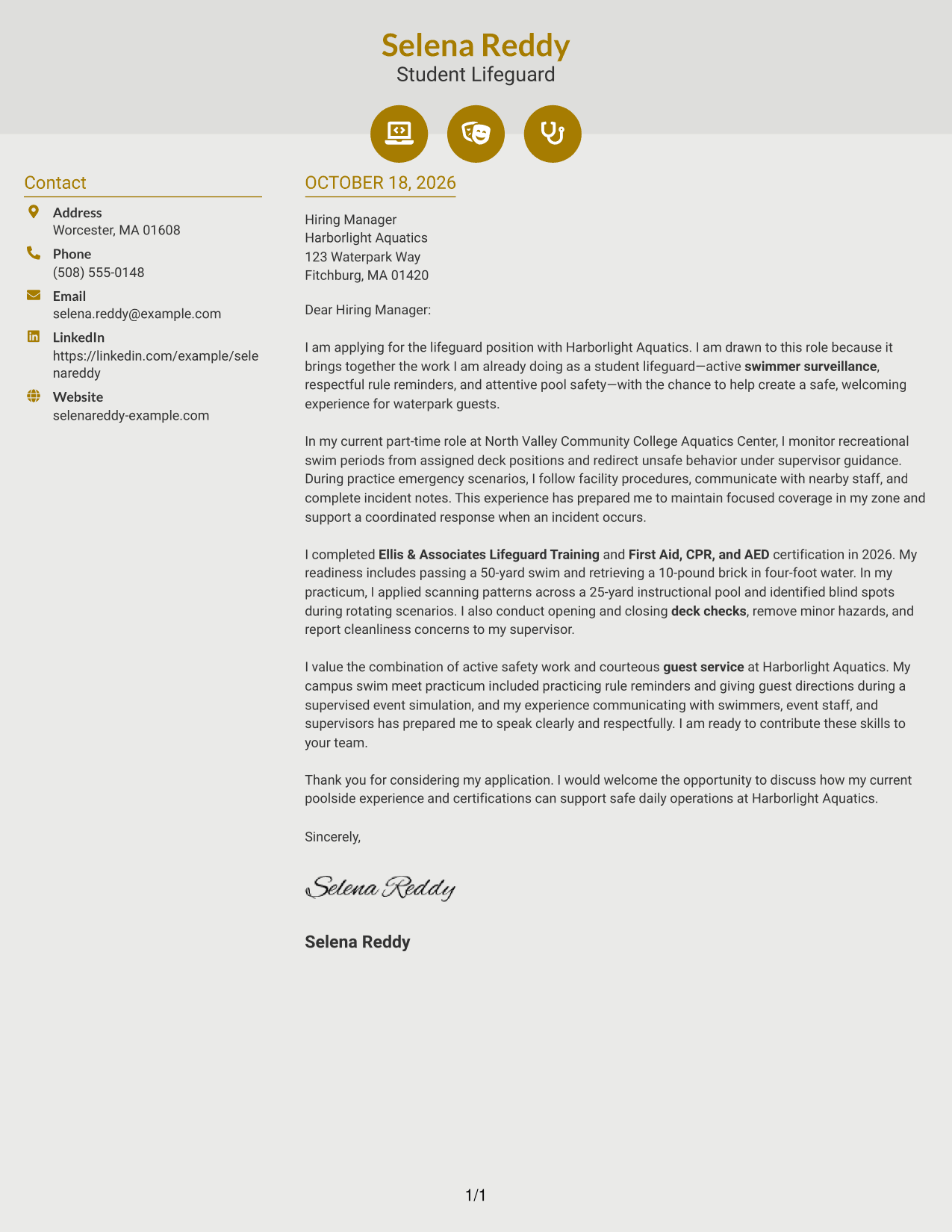
#6 Modern Icon Format Cover Letter Example
Contact icons cue the sender details in the sidebar, beside a single, continuous letter body.
Why This Format Works
- Contact cues help readers spot sender details in the sidebar.
- The letter stays in one column, keeping its paragraphs in order.
- The message uses no section labels to divide its persuasive points.
Best For
- Icon-cued contact details
- Sidebar contact access
- Single-column letter paragraphs
- Unlabeled application messages
- Photo-free correspondence
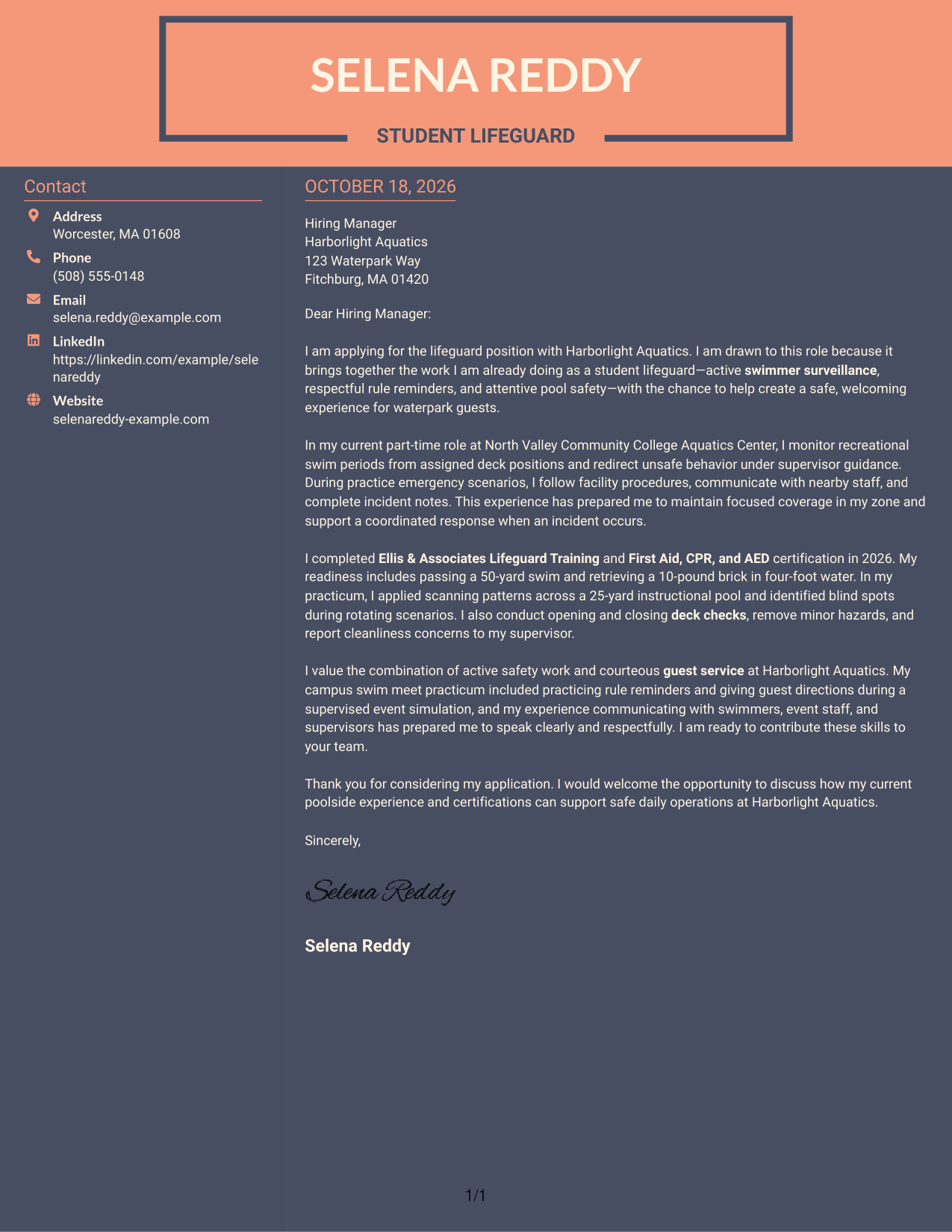
#7 Creative Two Tone Format Cover Letter Example
A contact sidebar beside one continuous letter body keeps sender information apart from the letter's argument.
Why This Format Works
- Sender details have a distinct location beside the employer-facing message.
- The single-column body keeps the opening, evidence, and closing together.
- Paragraphs can make their points without competing with a second text column.
Best For
- Contact and message separation
- One-column letter arguments
- Continuous paragraph flow
- Unheaded cover letter text
- Photo-free application documents
See Also
- 7 Lifeguard - Waterpark Safety Resume Templates with Example
- 7 LMS Administrator - Higher Education Learning Platforms Resume Templates with Example
- 7 Library Technical Assistant I - Technical Services Resume Templates with Example
- 7 Restaurant Shift Lead - Front-of-House Service Resume Templates with Example
- 7 Director/Senior Director, Life Sciences Industry Strategy Resume Templates with Example
- 7 Equity Research Associate - Immuno-Oncology Resume Templates with Example
- 7 Production Line Helper - Manufacturing Resume Templates with Example
- 7 Healthcare Consulting Supervisor - Epic Clinical Delivery Resume Templates with Example
- 7 Technology M&A Due Diligence Manager Resume Templates with Example
- 7 Senior Manager Strategy & Analytics - Customer Service Forecasting Resume Templates with Example
Frequently Asked Questions
What should a Lifeguard - Waterpark Safety cover letter include?
Explain your interest in the role, then connect relevant experience or training to swimmer surveillance, safety procedures, emergency communication, and guest service. Close by expressing interest in discussing your fit.
How can I show that I am ready for waterpark safety work?
Give specific examples of pool monitoring, rule reminders, emergency practice, or hazard reporting. Mention certifications and swim assessments only if you have completed them.
Which cover letter format works well for a lifeguard role?
Choose a clear format that makes your opening, relevant evidence, and closing easy to follow. Keep the tone professional and courteous, in line with the role’s focus on safety and guest communication.
Can I write a strong cover letter with limited waterpark experience?
Yes. You can draw on related poolside duties, supervised practice, safety training, and guest interactions. Be clear about what you have done and connect it to the role’s responsibilities.
Should I include a photo on my cover letter?
In the United States, a photo is usually not needed. A simple, readable presentation keeps attention on your interest, relevant evidence, and communication style.




