
7 Litigation and E-Discovery Counsel Cover Letter Templates with Example
This practical guide helps you write a focused Litigation and E-Discovery Counsel cover letter, with the same example presented in 7 layouts for clear comparison.
What Makes a Great Litigation and E-Discovery Counsel Cover Letter in 2026
A strong letter connects litigation judgment with practical advice on commercial disputes, customer data requests, and eDiscovery. Its opening should show clear interest in the role, while the body makes the connection between your approach and the employer’s needs.
Use specific evidence, such as managing a matter through resolution or building defensible discovery workflows with careful review. Explain how that experience supports the employer’s business, privacy, and cost goals.
The featured example moves from role fit to litigation responsibilities, a concrete eDiscovery process example, and a concise close; adapt that focused progression while choosing a presentation suited to the employer and communication context.
#1 Simple One Column Format Cover Letter Example
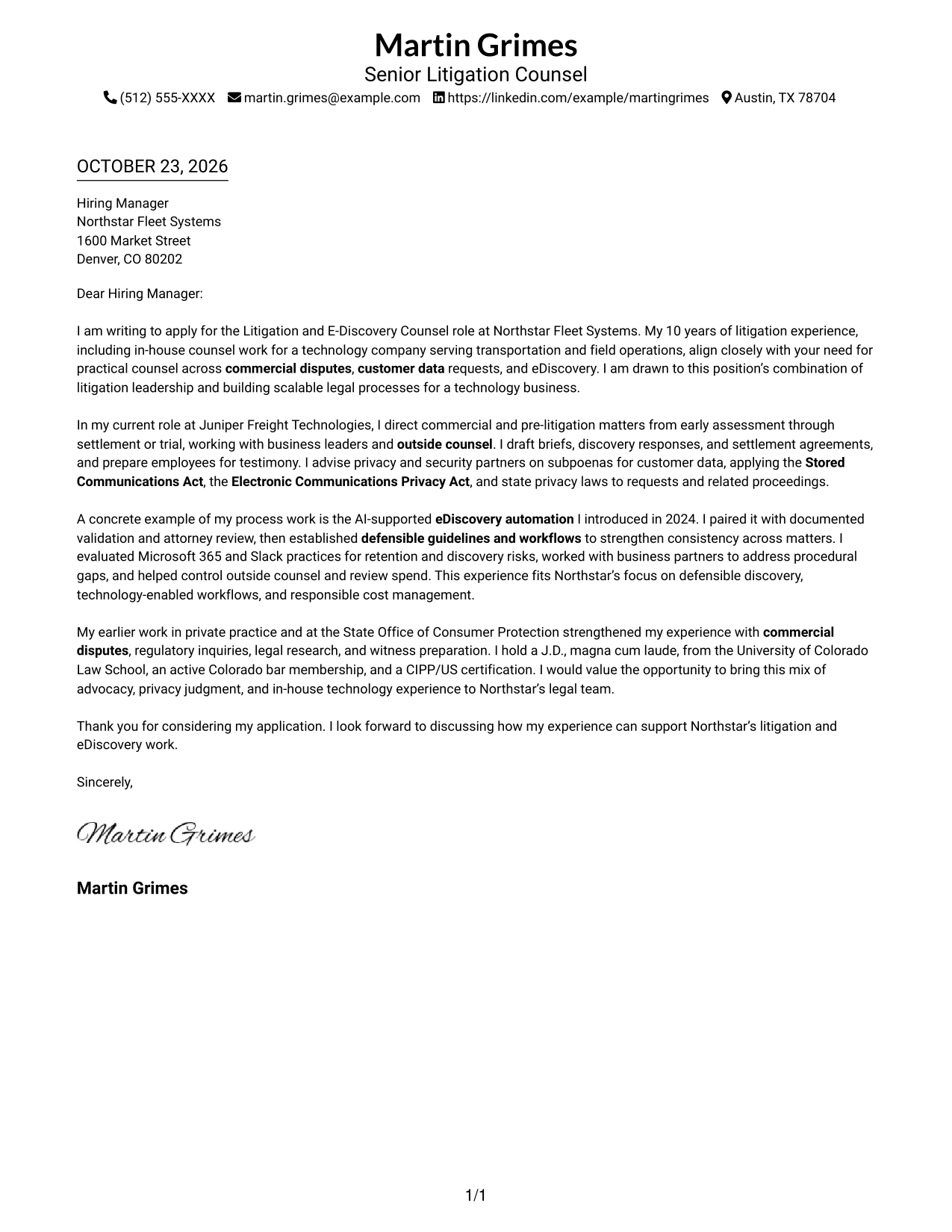
The Simple One Column Format keeps sender details and the continuous letter body in one column, giving the message a direct reading path from opening to close.
Why This Format Works
- Sender details and letter text share one column, avoiding a separate contact sidebar.
- A direct reading path lets reviewers follow the message from opening through closing.
- Unheaded paragraphs keep motivation and supporting evidence within one connected letter.
Best For
- Single-column reading preference
- Traditional letter sequence
- Integrated contact and message
- Text-led applications
- Continuous persuasive narratives
#2 Two Column Format Cover Letter Example
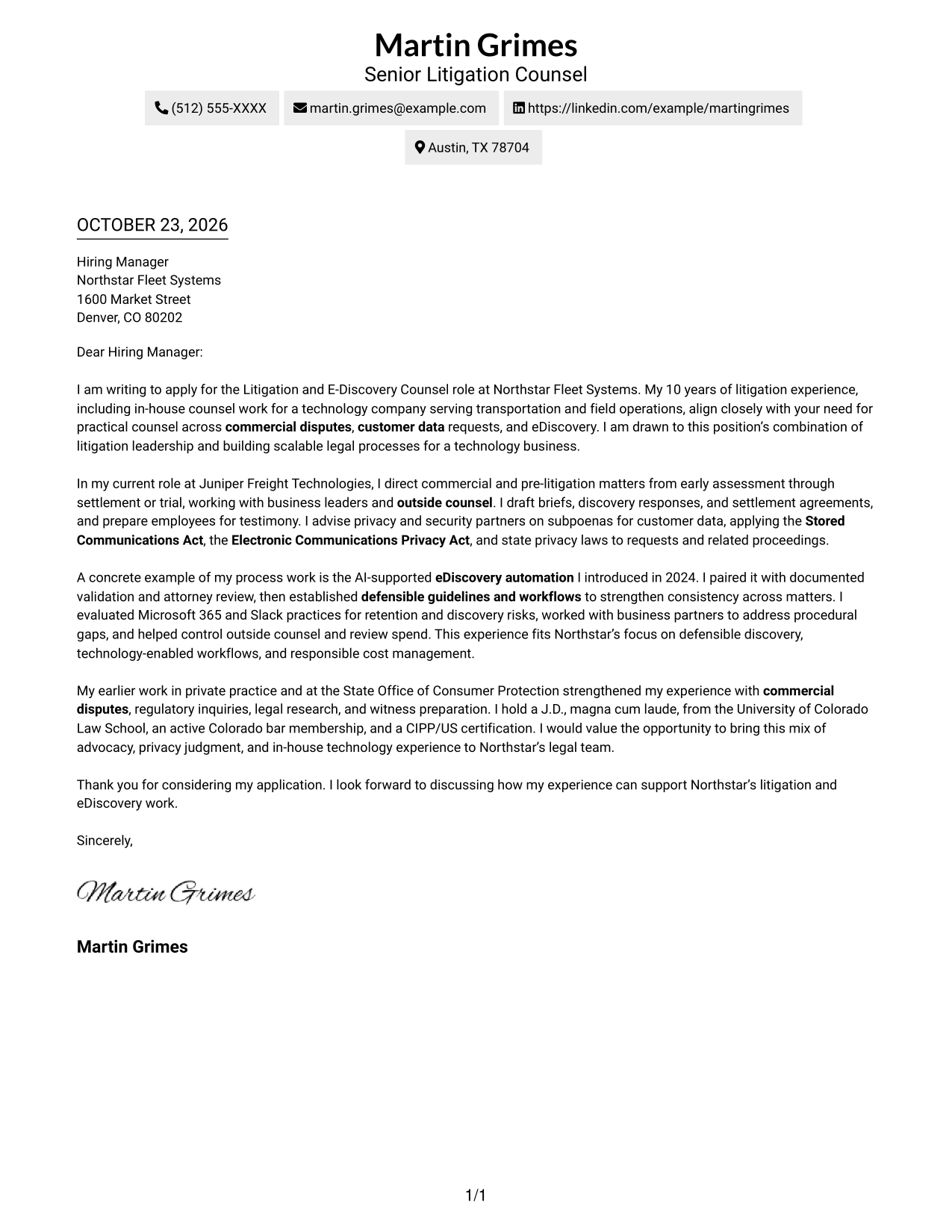
The Two Column Format places contact details in a sidebar beside one continuous letter body, keeping the sender information separate from the message.
Why This Format Works
- The sidebar gives contact information its own location beside the letter.
- A single body column preserves the opening-to-close flow without parallel text.
- Reviewers can find sender details while the letter remains visible beside them.
Best For
- Separate contact and message areas
- Side-by-side contact access
- Uninterrupted letter paragraphs
- Clear contact-to-letter reading order
- Compact sender information
#3 Photo Header Two Column Format Cover Letter Example
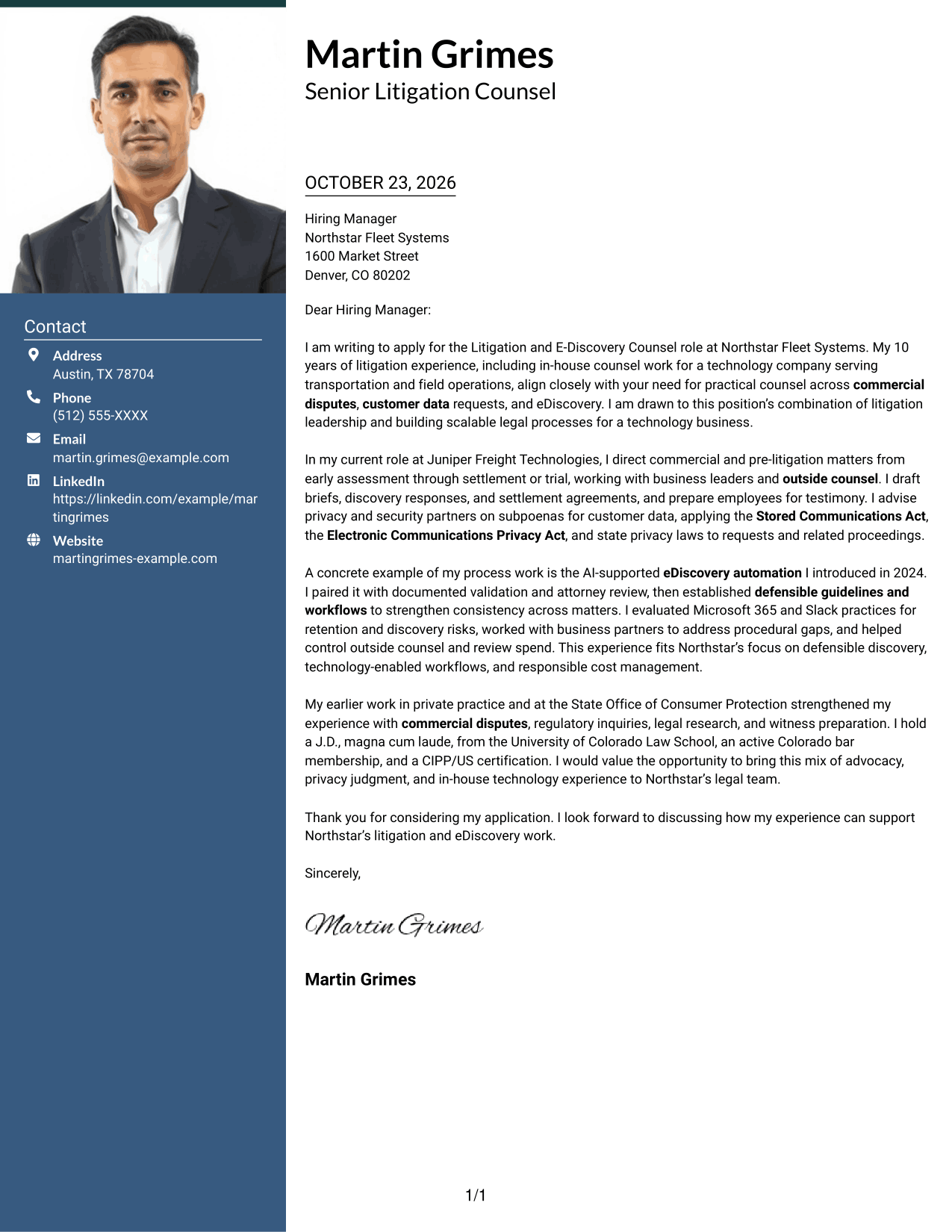
The Photo Header Two Column Format includes a portrait and a contact sidebar beside one continuous letter body, pairing personal presentation with a separate space for the message.
Why This Format Works
- A contact sidebar keeps sender information apart from the letter's main message.
- The portrait adds a personal visual element without dividing the letter body.
- One body column lets reviewers follow the argument from opening to close.
Best For
- Portrait-inclusive letters
- Separate contact and message areas
- A continuous letter argument
- Personal visual presentation
- Side-by-side information
#4 One Column Format with Photo Cover Letter Example
The One Column Format with Photo presents the continuous letter body in one column and includes a portrait, for readers who prefer a personal visual element alongside a direct reading path.
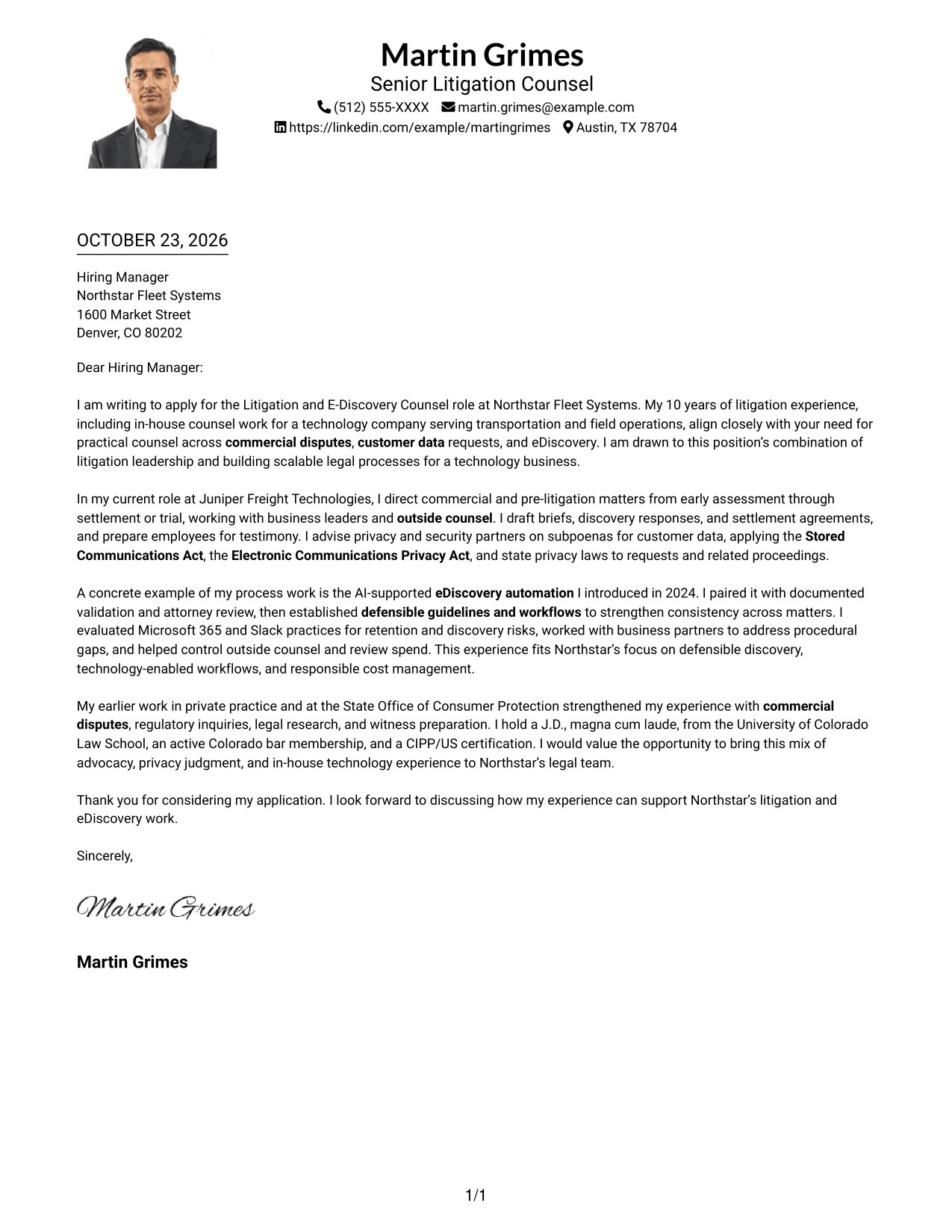
Why This Format Works
- The portrait adds a personal visual feature while the letter stays in one column.
- A shared column keeps sender details and the letter in one direct reading path.
- Continuous paragraphs carry the message from its opening to its closing.
Best For
- Portrait-inclusive presentation
- Single-column reading preference
- Integrated contact and message
- Unbroken letter paragraphs
- A personal visual feature
#5 Simple Two Column Format Cover Letter Example
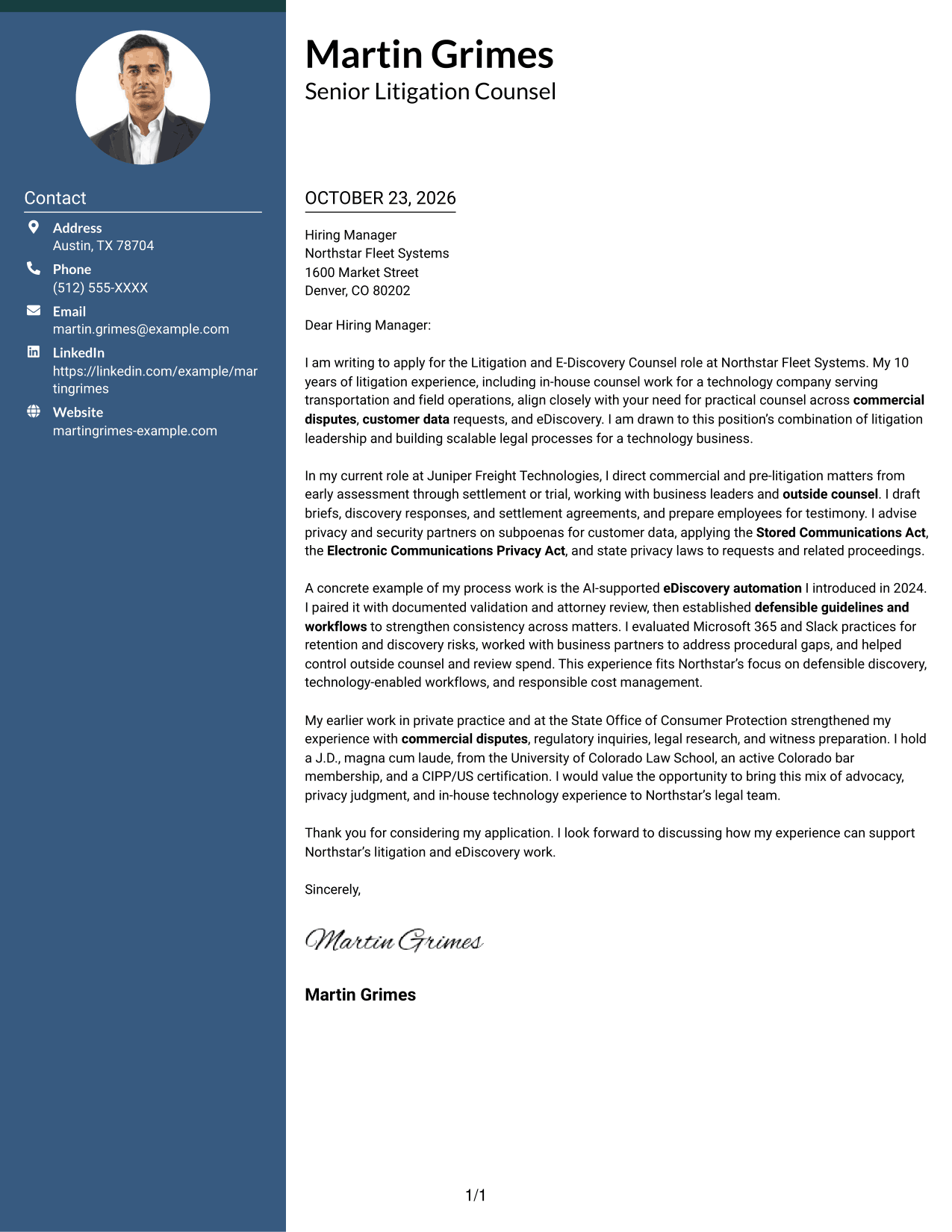
The Simple Two Column Format sets contact details in a sidebar beside the letter's continuous body, making the sender information and message distinct without splitting the letter's argument.
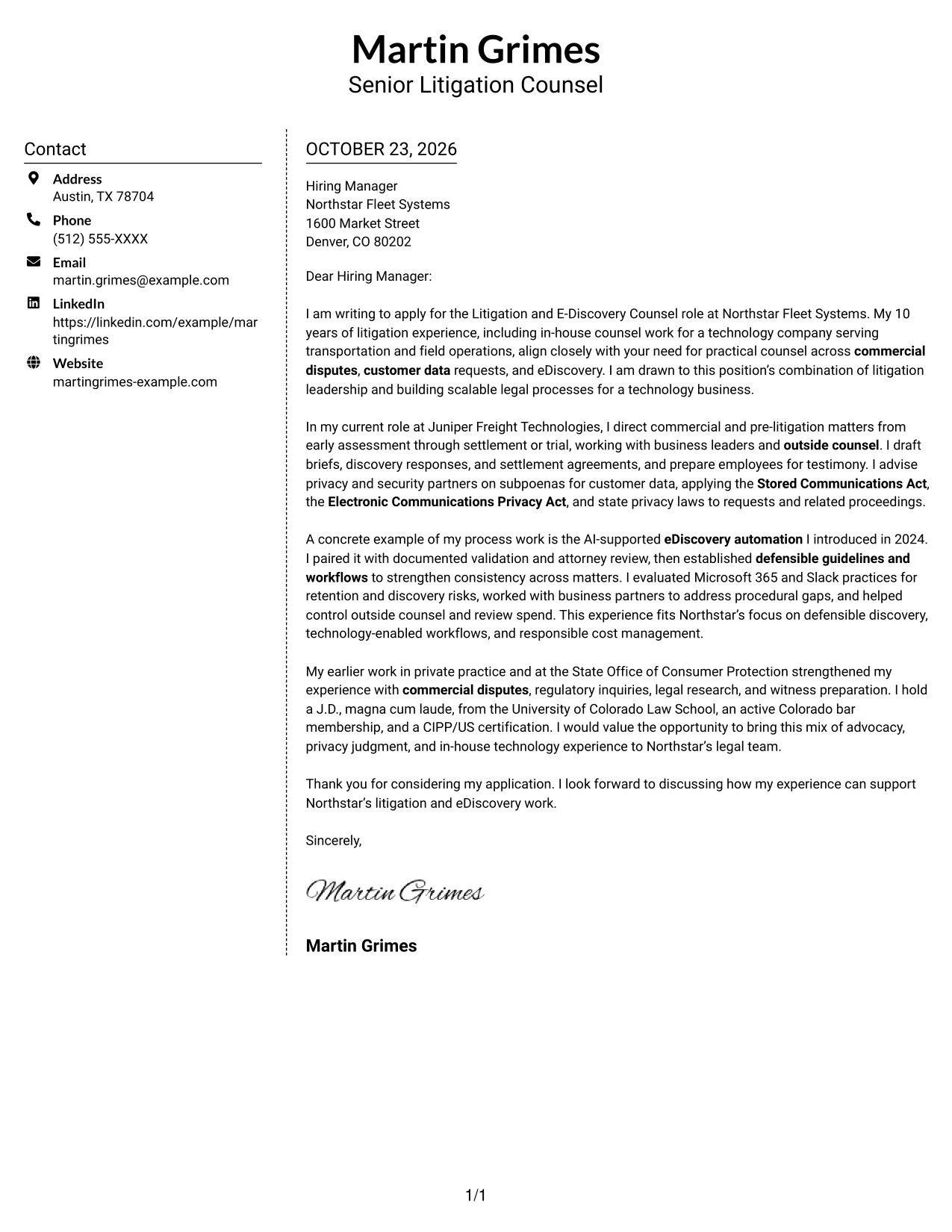
Why This Format Works
- Contact details have a dedicated sidebar beside the letter's message.
- The continuous body keeps motivation and supporting points in a clear sequence.
- Separate areas make it easy to move between contact information and letter text.
Best For
- Distinct contact and message areas
- Easy access to sender details
- Continuous persuasive text
- Side-by-side information
- Direct letter reading
#6 Modern Icon Format Cover Letter Example
The Modern Icon Format uses two columns, with contact details beside one continuous letter body; icons serve as cues for contact information, not as labels for the letter's argument.
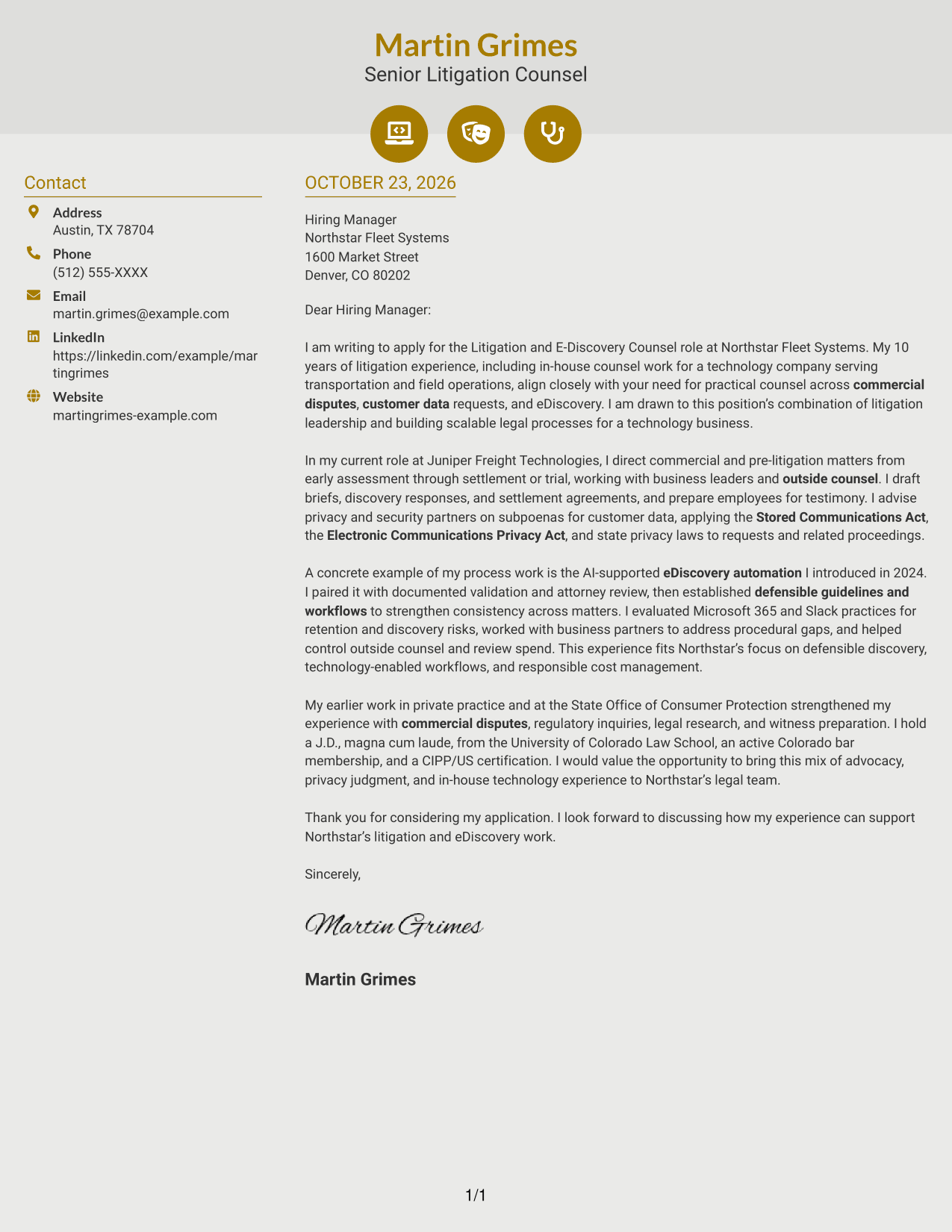
Why This Format Works
- The sidebar separates contact details from the continuous letter body.
- Icons help identify contact information without breaking the letter's paragraph flow.
- One body column keeps the opening, supporting points, and closing together.
Best For
- Icon-cued contact details
- Separate contact and message areas
- Continuous letter paragraphs
- A clear reading order
- Visual contact markers
#7 Creative Two Tone Format Cover Letter Example
The Creative Two Tone Format places a contact sidebar beside one continuous letter body, giving contact details and the message separate spaces while keeping the argument intact.
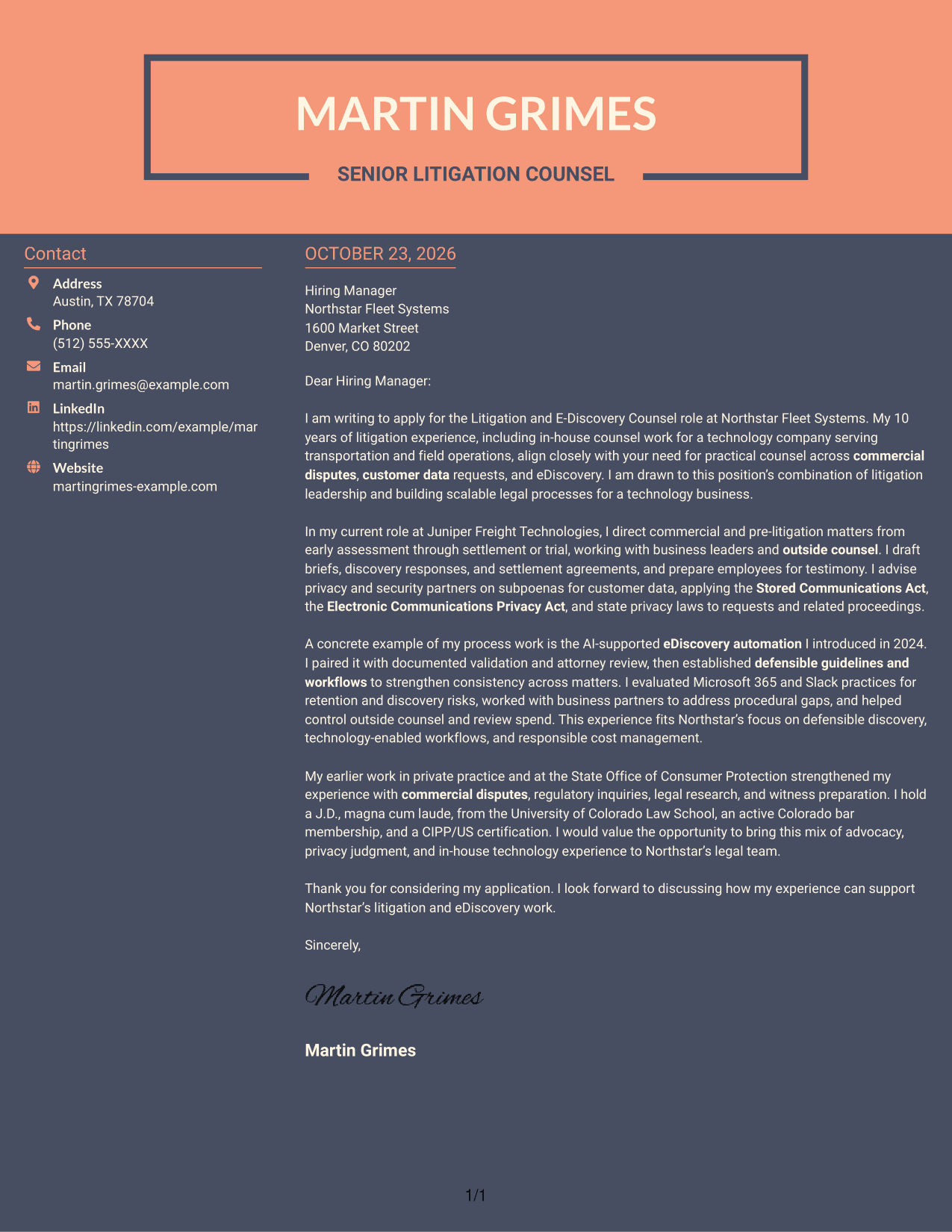
Why This Format Works
- The sidebar gives contact details a distinct place beside the letter.
- A single body column keeps the letter's paragraphs in their intended order.
- The separate areas let reviewers locate sender information without dividing the message.
Best For
- Separate contact and message areas
- Quick access to sender details
- A continuous letter argument
- Side-by-side reading
- Distinct information areas
See Also
- 7 Litigation and E-Discovery Counsel Resume Templates with Example
- 7 Records and Discovery Manager Resume Templates with Example
- 7 Deputy Attorney General II/III - Civil Litigation Resume Templates with Example
- 33 Litigation Specialist Resume Templates with Example 2026 (ATS-Optimized)
- 7 Paralegal - Litigation and Damage Claims Resume Templates with Example
- 33 Paralegal, Safety & Insurance Litigation Resume Templates with Example 2026 (ATS-Optimized)
- 7 Assistant General Counsel/Associate General Counsel - Higher Education Resume Templates with Example
- 7 Associate Counsel, Global Regulatory Affairs Resume Templates with Example
- 7 Commercial Counsel - SaaS Commercial Contracts Cover Letter Templates with Example
- 7 General Counsel - Labor and Employment Cover Letter Templates with Example
Frequently Asked Questions
What should a Litigation and E-Discovery Counsel cover letter emphasize?
Show how you handle commercial disputes, customer data requests, and discovery decisions. Connect your judgment and communication style to the employer’s legal and business needs.
How can I explain eDiscovery experience clearly?
Describe the process you helped build, the safeguards you used, and how the work supported consistent review and cost control. For example, the featured letter discusses AI-supported automation alongside documented validation and attorney review.
How should I tailor the letter to an employer?
Refer to the employer’s stated needs, then connect them to relevant work. For this role, useful themes include commercial litigation, customer privacy, defensible discovery practices, and practical advice to business partners.
Which cover letter presentation should I choose?
Choose a clear, professional format that suits the employer and the way you will communicate. Compare the image previews, then open an example in the editor to view its presentation.
How should I close a Litigation and E-Discovery Counsel cover letter?
End with a brief thank-you and a direct statement of interest in discussing how your relevant experience can support the organization’s litigation and eDiscovery work.




