
7 Litigation and E-Discovery Counsel Resume Templates with Example
This guide shows you how to build a Litigation and E-Discovery Counsel resume that presents legal experience with focus and clarity. Learn how to organize evidence of dispute strategy, discovery work, privacy guidance, and business impact so readers can quickly understand your value.
Strong resumes for this role connect case responsibilities to clear outcomes. Use concise bullets to show commercial litigation work, subpoena responses, witness preparation, eDiscovery workflows, and relevant privacy laws, including the Stored Communications Act and the Electronic Communications Privacy Act.
The resume example is presented in 7 layouts. Compare the image previews to see how each format organizes resume sections, then open an example in the editor to review or customize its layout.
What Makes a Great Litigation and E-Discovery Counsel Resume in 2026
A strong resume makes litigation scope, legal judgment, and eDiscovery work easy to scan. Use clear headings and focused bullets to show how you guide matters from early assessment through resolution.
Use role-specific terms such as commercial litigation, discovery responses, customer data subpoenas, defensible workflows, and privacy compliance. Add numbers only when they accurately show matter scope, time saved, or spend controlled.
Note: Resume examples are for educational purposes only. Use only information that accurately reflects your experience and qualifications. References to real organizations do not imply affiliation or endorsement.
#1 Plain Two Column Format Resume Example
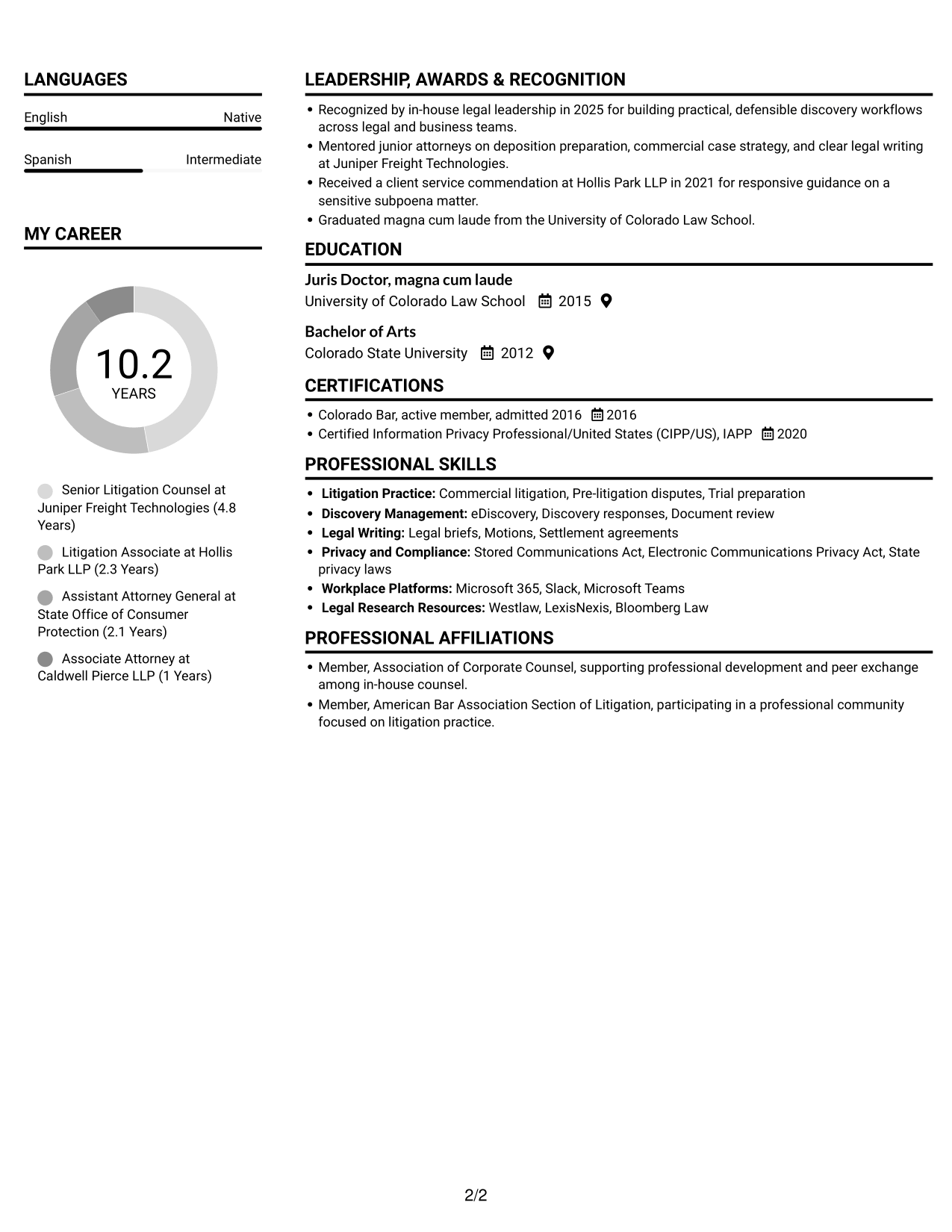
The Plain Two Column Format places resume content in two columns, helping reviewers move between career history and supporting qualifications.
Resume Snapshot
- 10 years of litigation and eDiscovery experience
- Active Colorado bar membership
- Juris Doctor, magna cum laude
- Built defensible discovery workflows and introduced AI-supported automation
Why This Format Works
- Separate columns let reviewers locate experience and supporting qualifications without searching one text block.
- Education and credentials can remain distinct from career history within the two-column structure.
- Skills and tools have room to sit apart from detailed experience bullets.
Best For
- Extensive litigation histories
- Experience paired with education and credentials
- Skills sections alongside detailed role histories
- Readers comparing career progression and qualifications
- Applications with several supporting resume sections
Resume Keywords
- Commercial litigation
- Litigation and eDiscovery counsel with 10 years of experience resolving commercial disputes
- Colorado Bar, active member, admitted 2016
- Direct a portfolio of commercial litigation and pre-litigation disputes for a technology company serving transportation and field operations, setting matter strategy with business leaders and outside counsel from early assessment through settlement or trial.
- introduced AI-supported eDiscovery automation
- defensible discovery guidelines and workflows
- Regulatory compliance
- Data privacy frameworks
- Advise privacy and security partners on subpoenas and other legal requests for customer data
- Advise privacy and security partners on subpoenas and other legal requests for customer data, applying the Stored Communications Act, the Electronic Communications Privacy Act, and applicable state privacy laws to responses and related civil or criminal court proceedings.
- commercial litigation and pre-litigation disputes
- regulatory inquiries
- Discovery responses
- legal briefs
- interview witnesses and prepare employees for testimony
#2 Simple One Column Format Resume Example
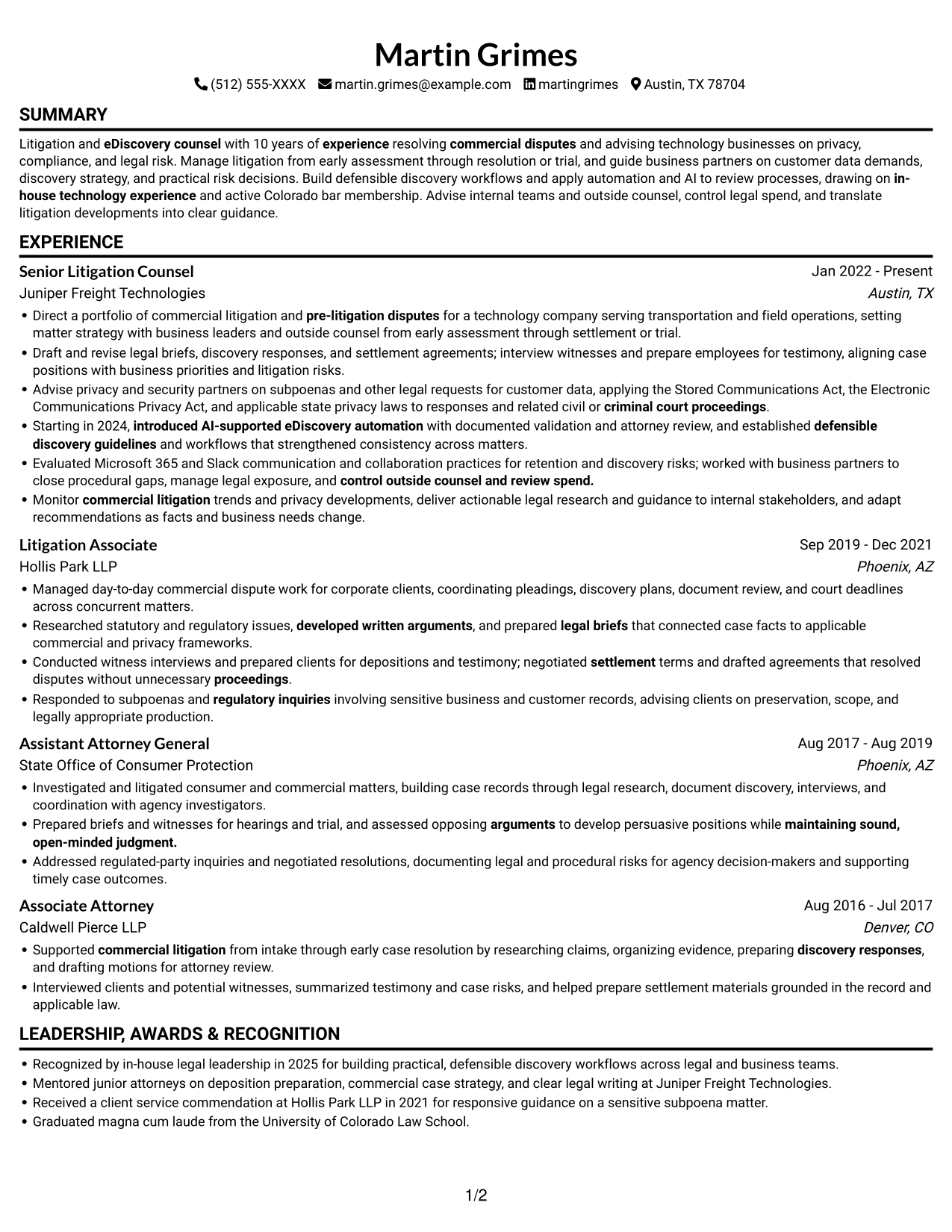
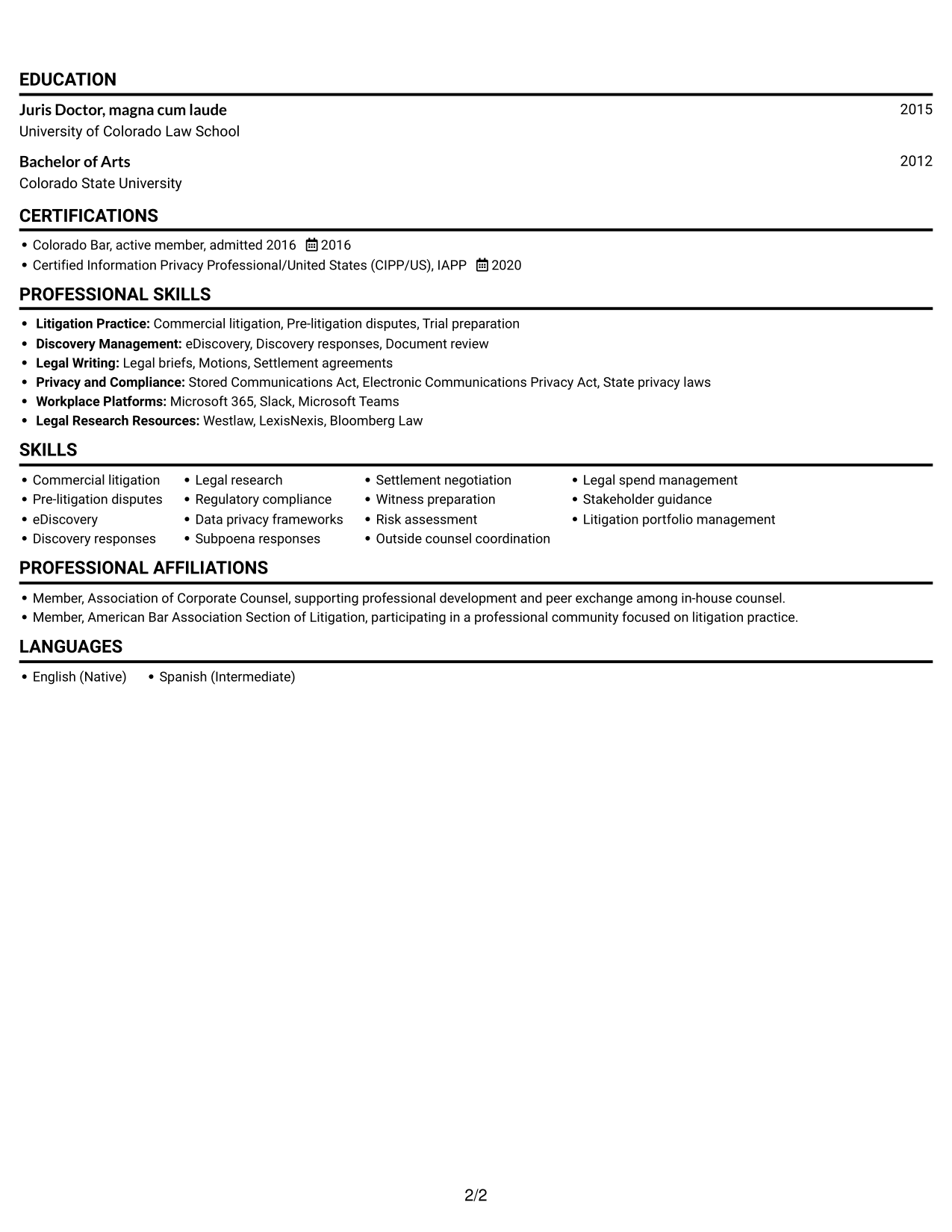
The Simple One Column Format keeps resume content in one vertical sequence, making a direct top-to-bottom review easy.
Why This Format Works
- A single reading path helps reviewers follow career progression across successive roles.
- Experience bullets and education details remain within one continuous text sequence.
- Skills and credentials can join the same top-to-bottom review path.
Best For
- Straight top-to-bottom review
- Chronological work histories
- Resumes with several career stages
- Text-first document presentation
- Experience, education, and credentials in one reading path
#3 Clean Two Column Sidebar Format Resume Example
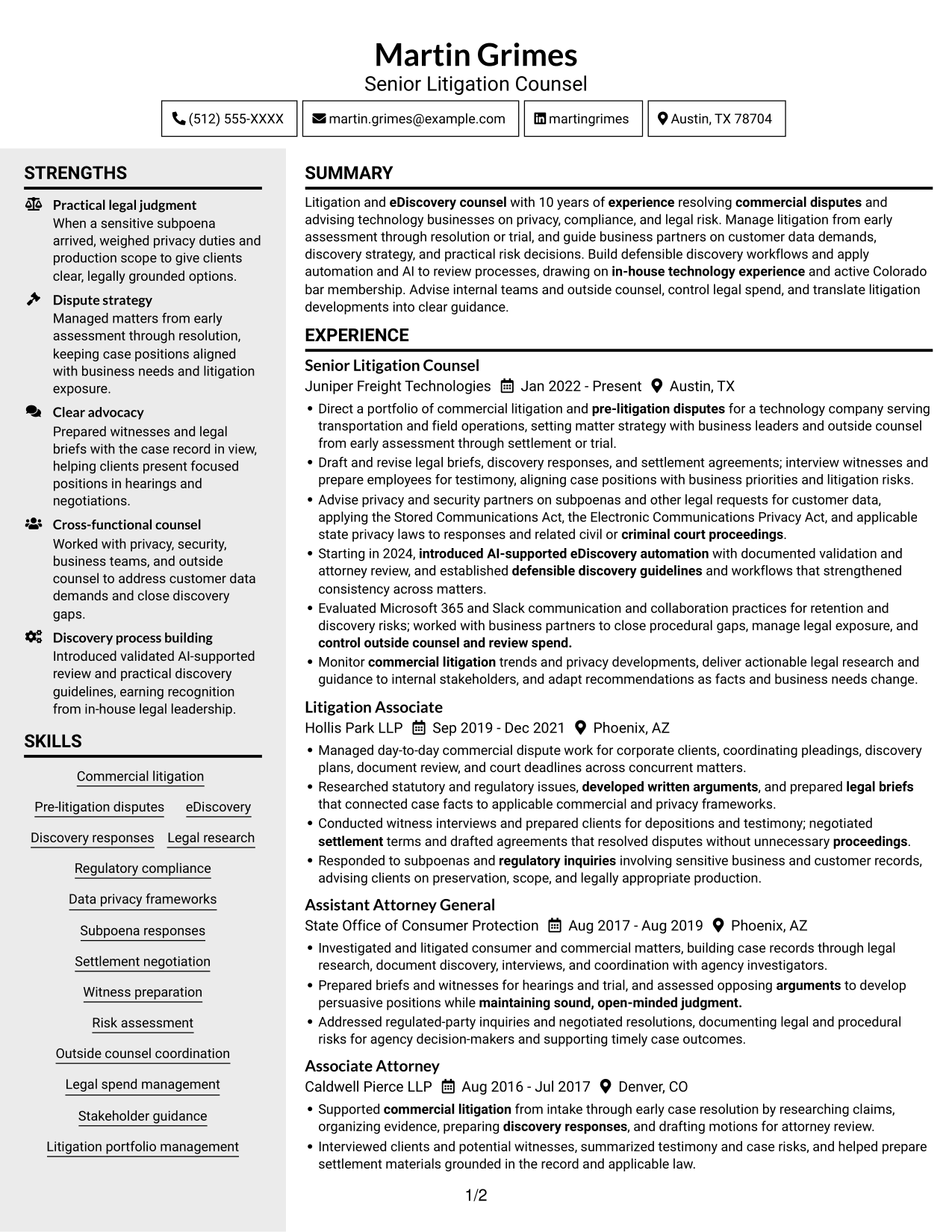
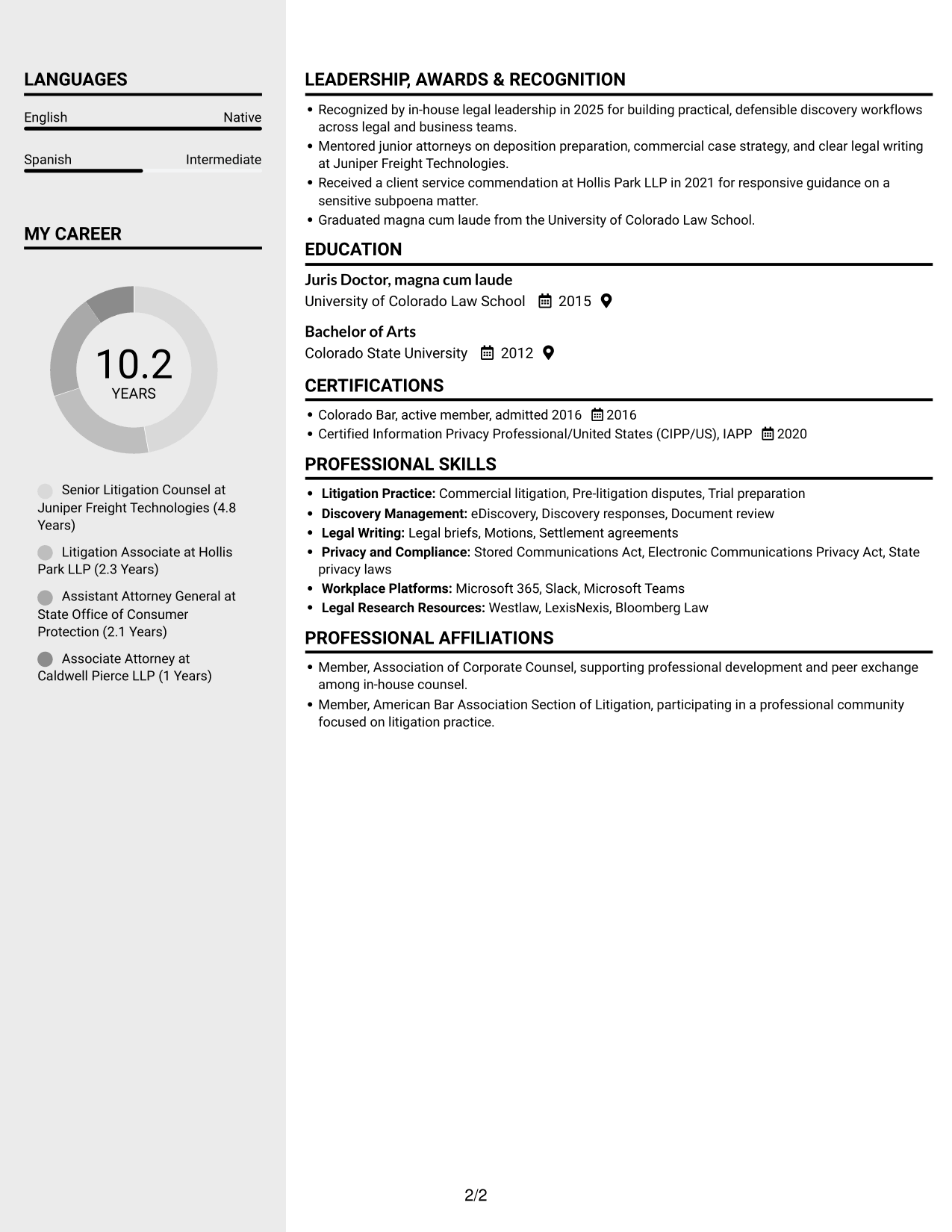
Two reading areas in the Clean Two Column Sidebar Format let reviewers move between career history and qualifications.
Why This Format Works
- Education and credentials can be reviewed separately from the account of professional experience.
- Skills remain easier to locate when reviewed apart from detailed role descriptions.
- Two reading areas give reviewers a way to move between career history and qualifications.
Best For
- Separate review of experience and qualifications
- Dense histories with several roles
- Skills and credentials with career details
- Readers switching between resume content areas
- Experience-heavy legal applications
#4 Two Column Format Resume Example
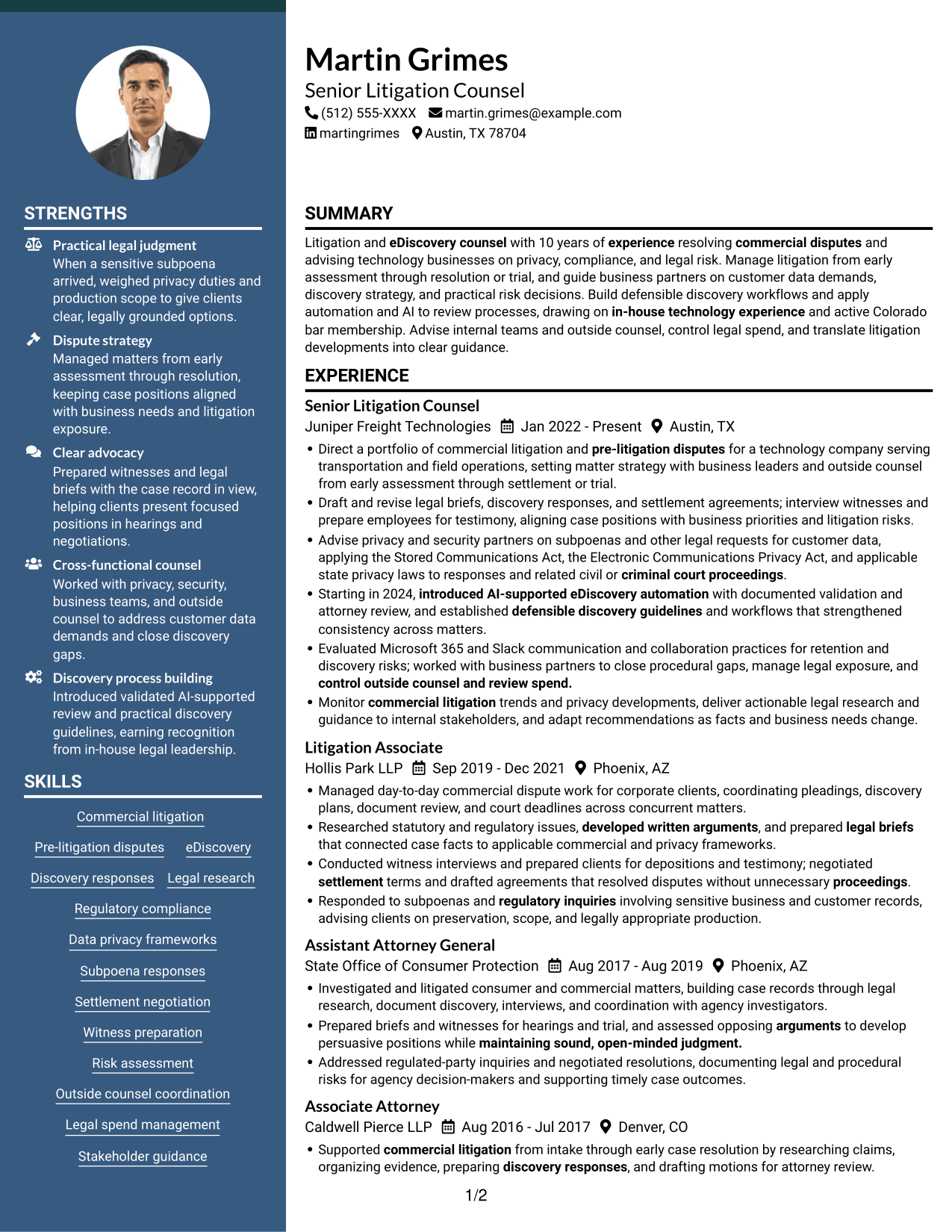
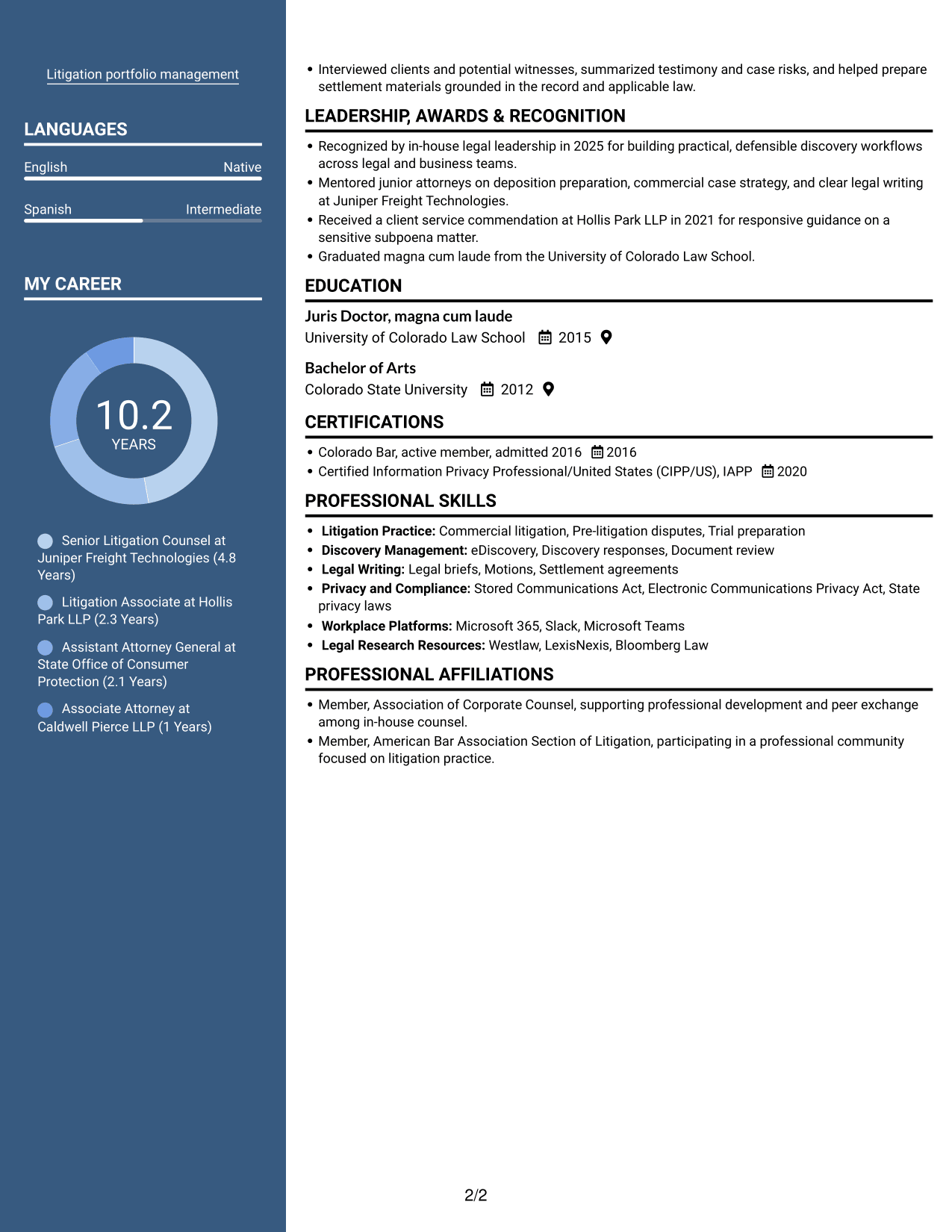
The Two Column Format sets resume content in parallel columns, offering a compact way to review experience and related sections.
Why This Format Works
- Parallel columns allow reviewers to compare career history with education and credentials.
- Skills can be found apart from the longer descriptions of professional experience.
- Distinct reading areas help organize achievements alongside career progression and qualifications.
Best For
- Parallel review of experience and qualifications
- Career histories with supporting credentials
- Distinct skills and education sections
- Resumes with detailed experience entries
- Litigation counsel applications
#5 Photo Header Two Column Format Resume Example
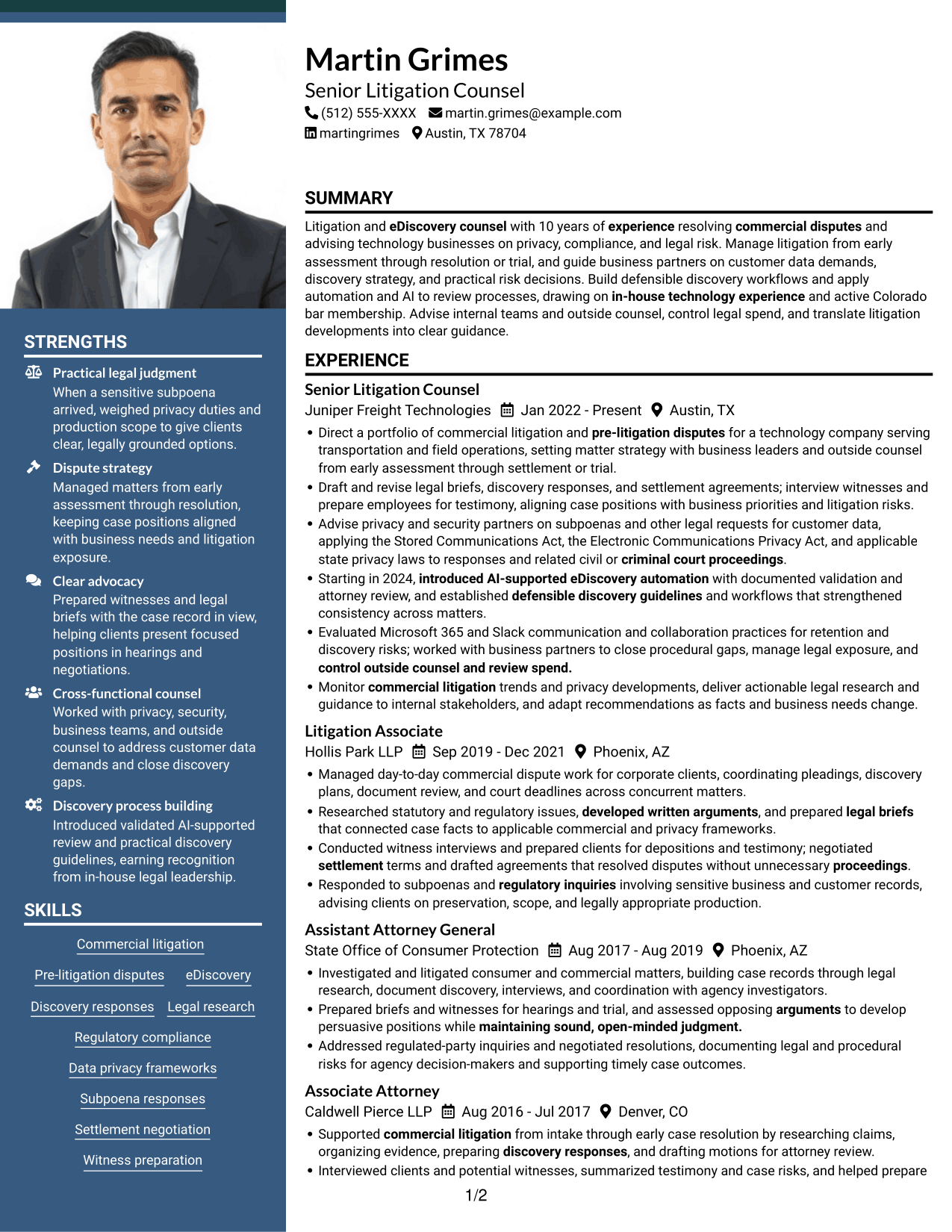
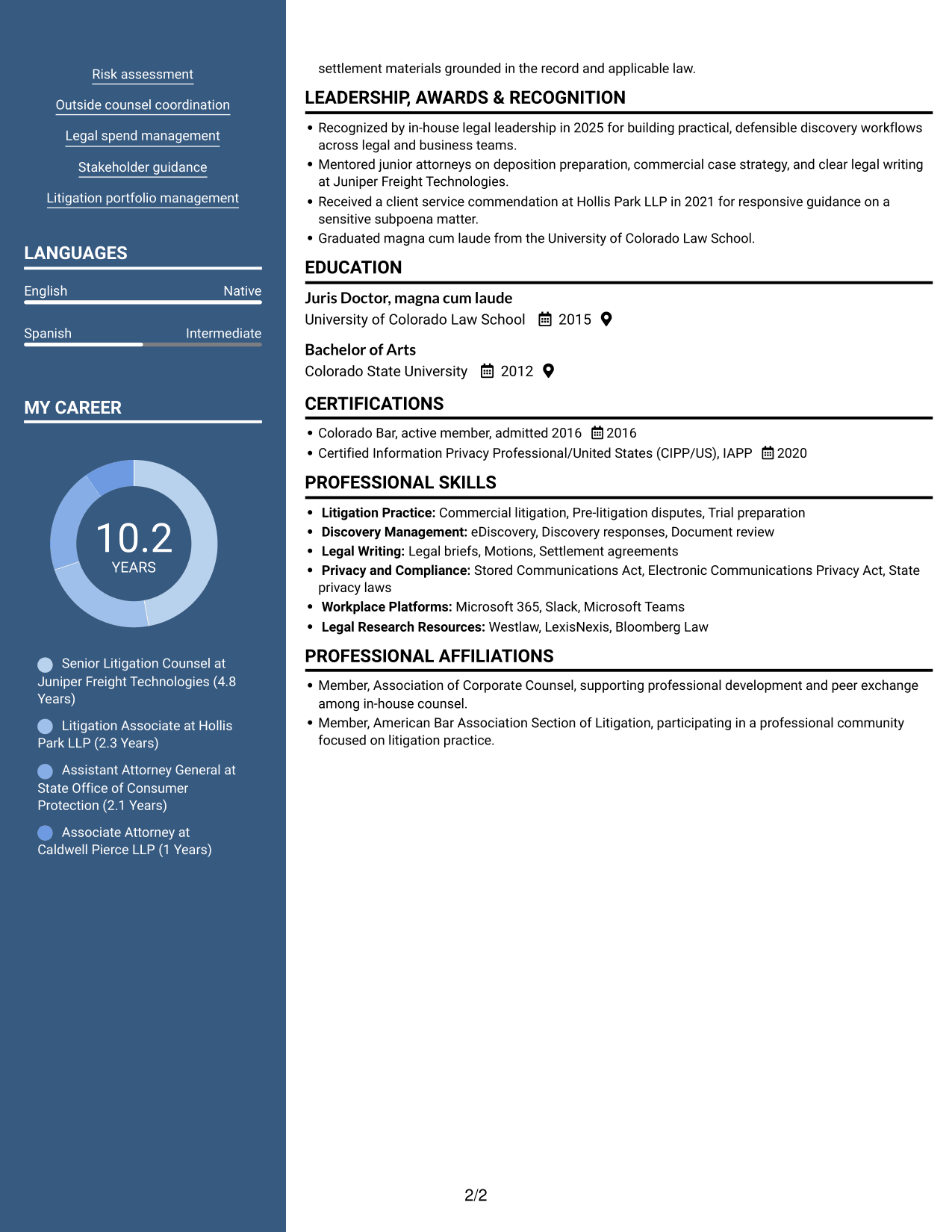
The Photo Header Two Column Format pairs a photo header with a two-column body, combining portrait display with organized resume content.
Why This Format Works
- Two columns keep career history and supporting qualifications in separate reading areas.
- Education and credentials remain easy to review alongside a detailed experience section.
- Skills and achievements can be found without interrupting the career-history sequence.
Best For
- Photo-inclusive resume presentation
- Two-column content organization
- Detailed career histories
- Experience with supporting credentials
- Clear separation of career and education details
#6 Colored Two Column Format Resume Example
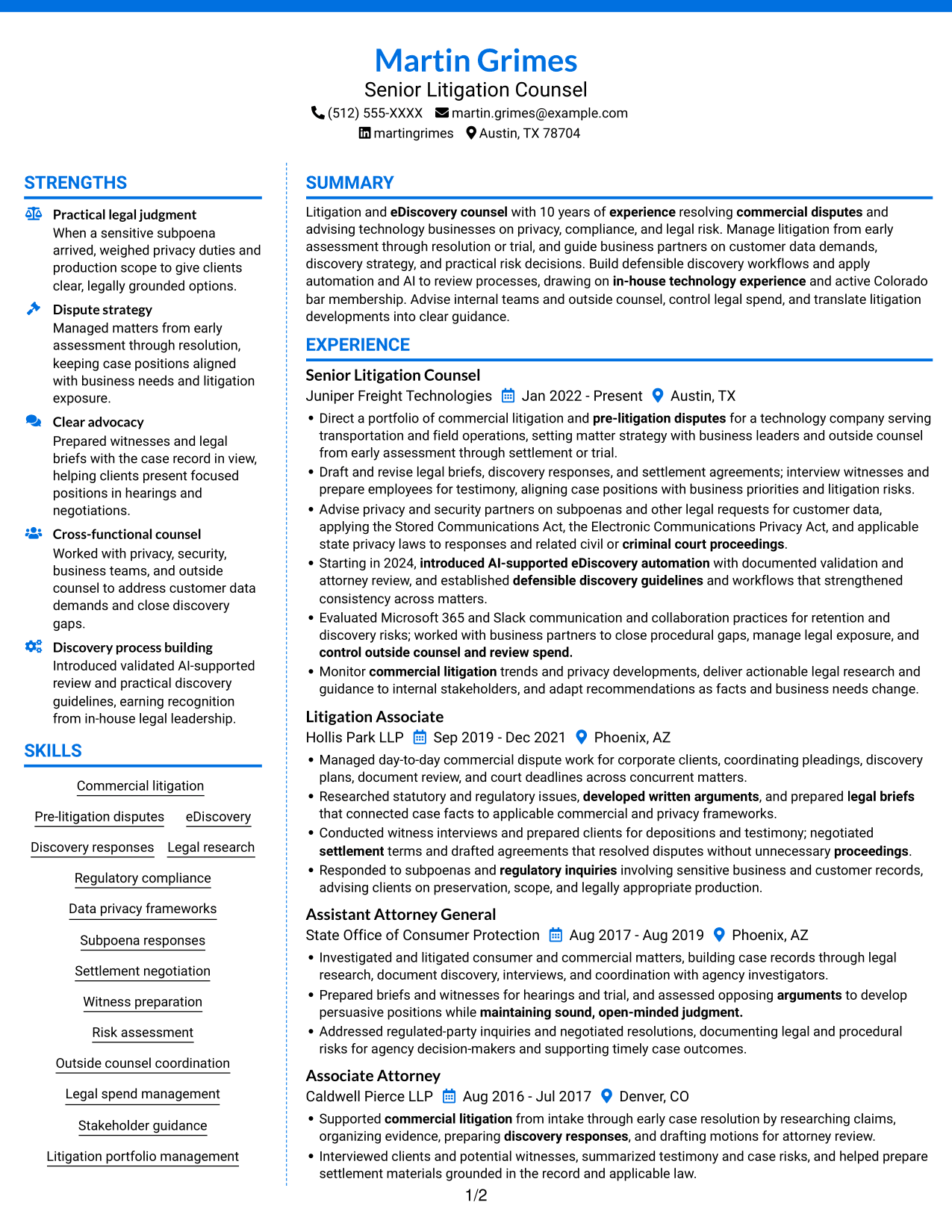
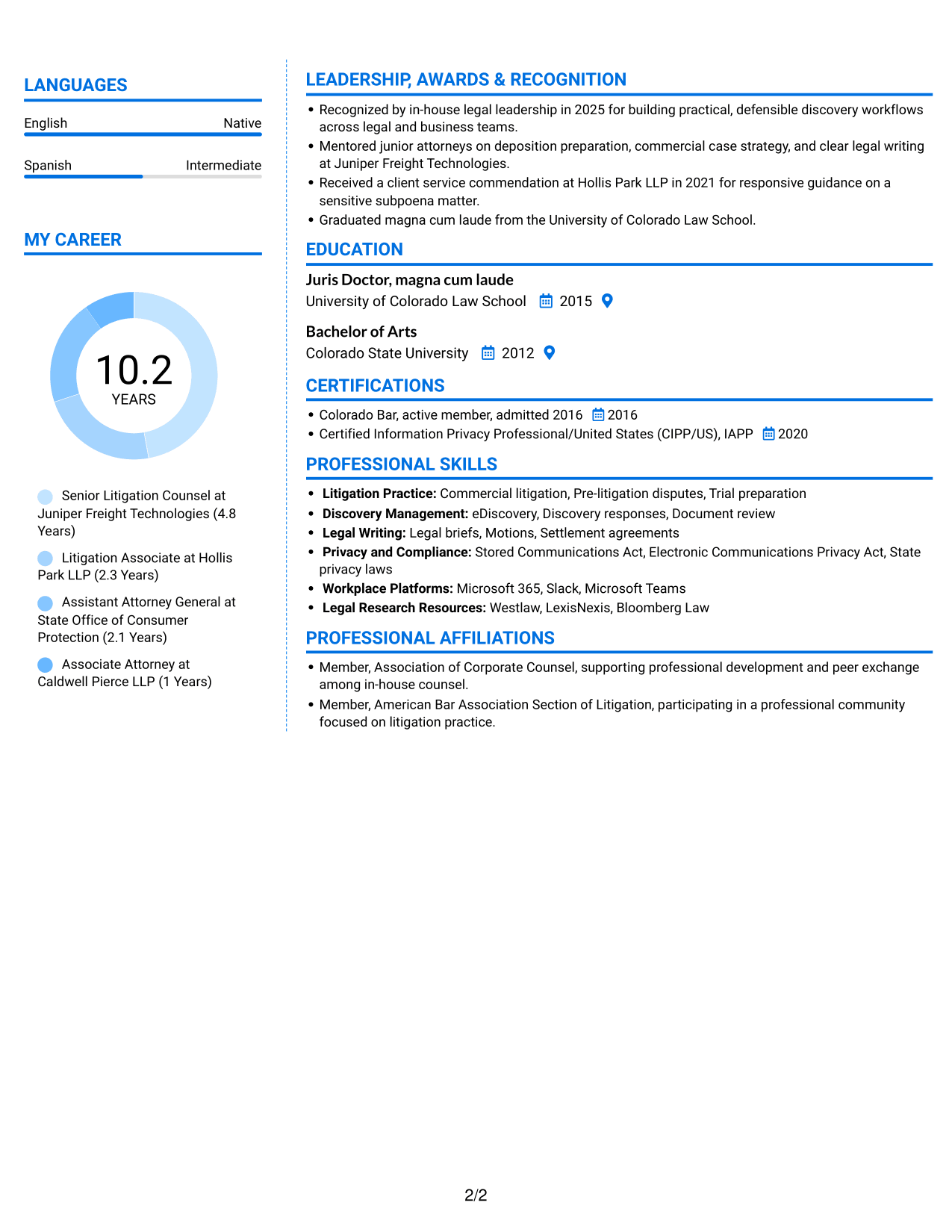
The Colored Two Column Format uses two content columns, giving reviewers a way to move between experience and supporting resume sections.
Why This Format Works
- Two content columns let reviewers move between professional experience and supporting sections.
- Education and credentials can be grouped apart from career history for focused review.
- Skills and achievements gain distinct reading areas beside detailed role information.
Best For
- Parallel content review
- Detailed litigation histories
- Several supporting credentials
- Skills alongside extensive experience
- Readers comparing career stages and education
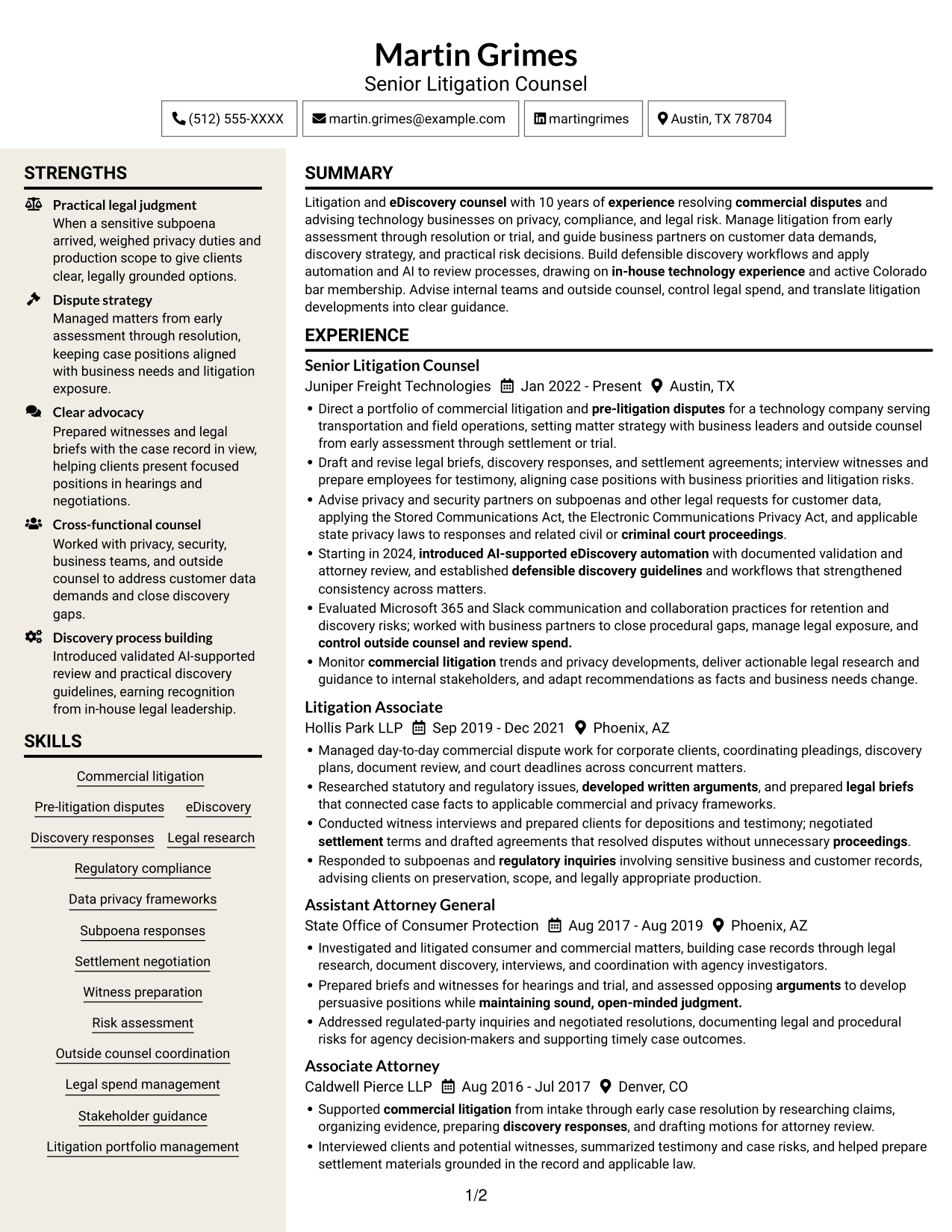
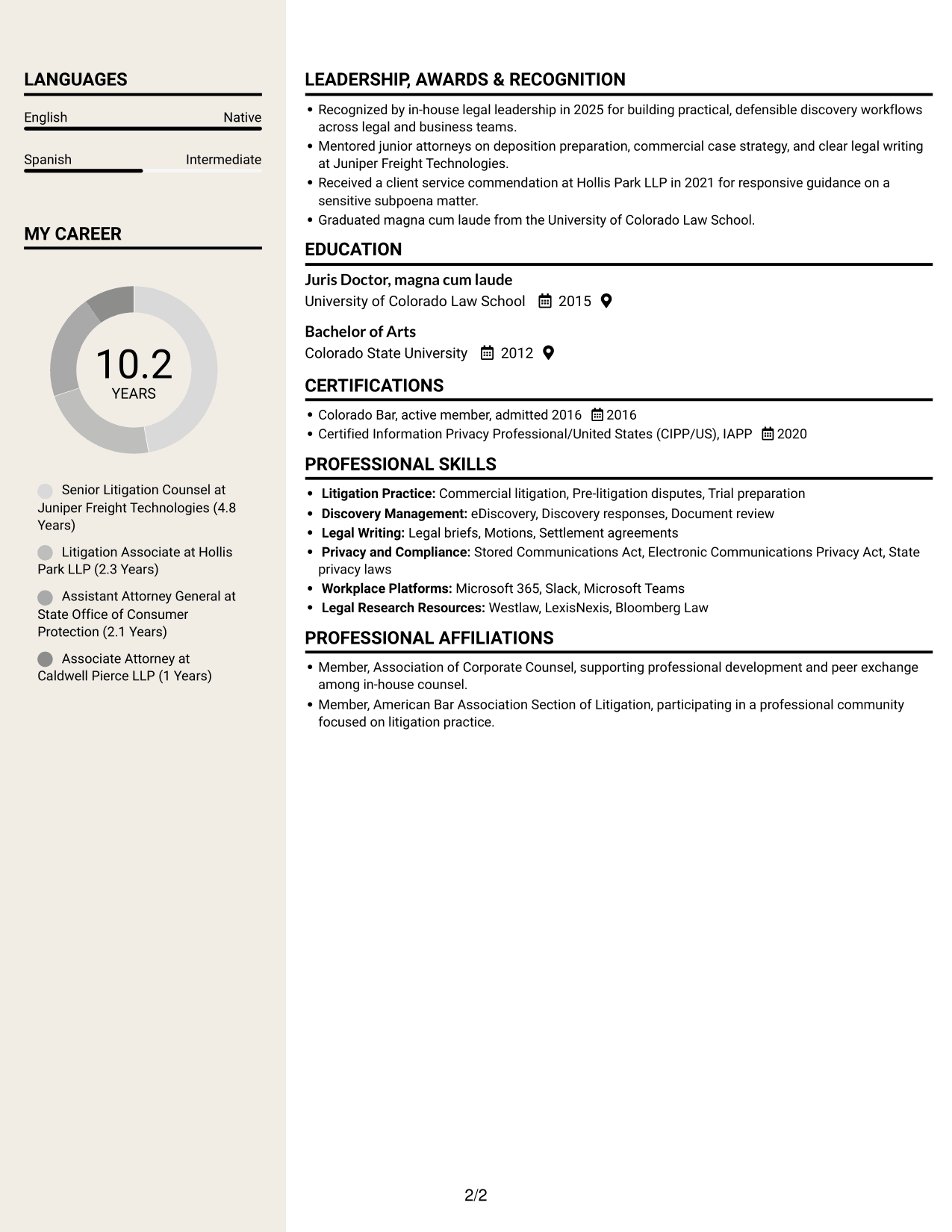
#7 Stylish Two Column Designer Format Resume Example
The Stylish Two Column Designer Format places resume content across two columns, useful when experience and supporting details need distinct reading areas.
Why This Format Works
- Reviewers can scan experience and qualifications through two parallel content columns.
- Career progression stays distinct from supporting education and credential details.
- Separate column space helps skills stand apart from extended experience bullets.
Best For
- Two-column resume reading
- Detailed role histories
- Career progression with supporting credentials
- Dense skills and education sections
- Readers navigating multiple content areas
Why Build Your Litigation and E-Discovery Counsel Resume with ResumeInMinutes
ResumeInMinutes helps you organize legal experience, skills, and credentials into a resume that is easy to review and adapt. Clear sections make it easier to present litigation work, discovery processes, privacy knowledge, and measurable results.
- Resume layouts to compare
- Clear, ATS-readable section structure
- Role-focused keyword guidance
- Organized experience and skills
- Image previews for layout review
- Resume customization in the editor
Choose a layout that supports quick review, then make the content your own with specific examples of case strategy, legal research, discovery management, and business guidance.
See Also
- 7 Records and Discovery Manager Resume Templates with Example
- 7 Deputy Attorney General II/III - Civil Litigation Resume Templates with Example
- 33 Litigation Specialist Resume Templates with Example 2026 (ATS-Optimized)
- 7 Paralegal - Litigation and Damage Claims Resume Templates with Example
- 33 Paralegal, Safety & Insurance Litigation Resume Templates with Example 2026 (ATS-Optimized)
- 7 Assistant General Counsel/Associate General Counsel - Higher Education Resume Templates with Example
- 7 Associate Counsel, Global Regulatory Affairs Resume Templates with Example
- 7 Associate General Counsel, Fund Governance Resume Templates with Example
- 7 Litigation and E-Discovery Counsel Cover Letter Templates with Example
- 7 Commercial Counsel - SaaS Commercial Contracts Cover Letter Templates with Example
Frequently Asked Questions
Are these Litigation and E-Discovery Counsel resume templates ATS-friendly?
The layouts use clear sections and readable headings to support ATS review. Include accurate role terms such as commercial litigation, eDiscovery, discovery responses, privacy compliance, and subpoena responses in the sections where they fit.
Are these separate resumes or different layouts for one example?
This guide shows one resume example in different layouts. Compare the image previews, then open an example in the editor to review or customize the format.
What should a Litigation and E-Discovery Counsel resume include?
Include a focused summary, legal experience, education, bar admission, relevant certifications, and skills. Use experience bullets to describe commercial disputes, discovery strategy, customer data requests, witness preparation, and practical legal guidance.
Which resume layout works well for this role?
A simple layout with clear headings and an easy-to-follow experience section helps readers find key details quickly. Choose a format that gives enough space for case responsibilities, discovery work, and relevant legal skills.
How can I show the impact of litigation and eDiscovery work?
Describe the work you led, the decisions or processes you improved, and the result. When you have accurate figures, include measures such as matter volume, review time, or outside legal spend.
Should I include a photo on my resume?
For most U.S. legal roles, a photo is not needed. A resume without a photo keeps attention on your qualifications and experience.




