
7 Management and Program Analyst - Archives Program Operations Cover Letter Templates with Example
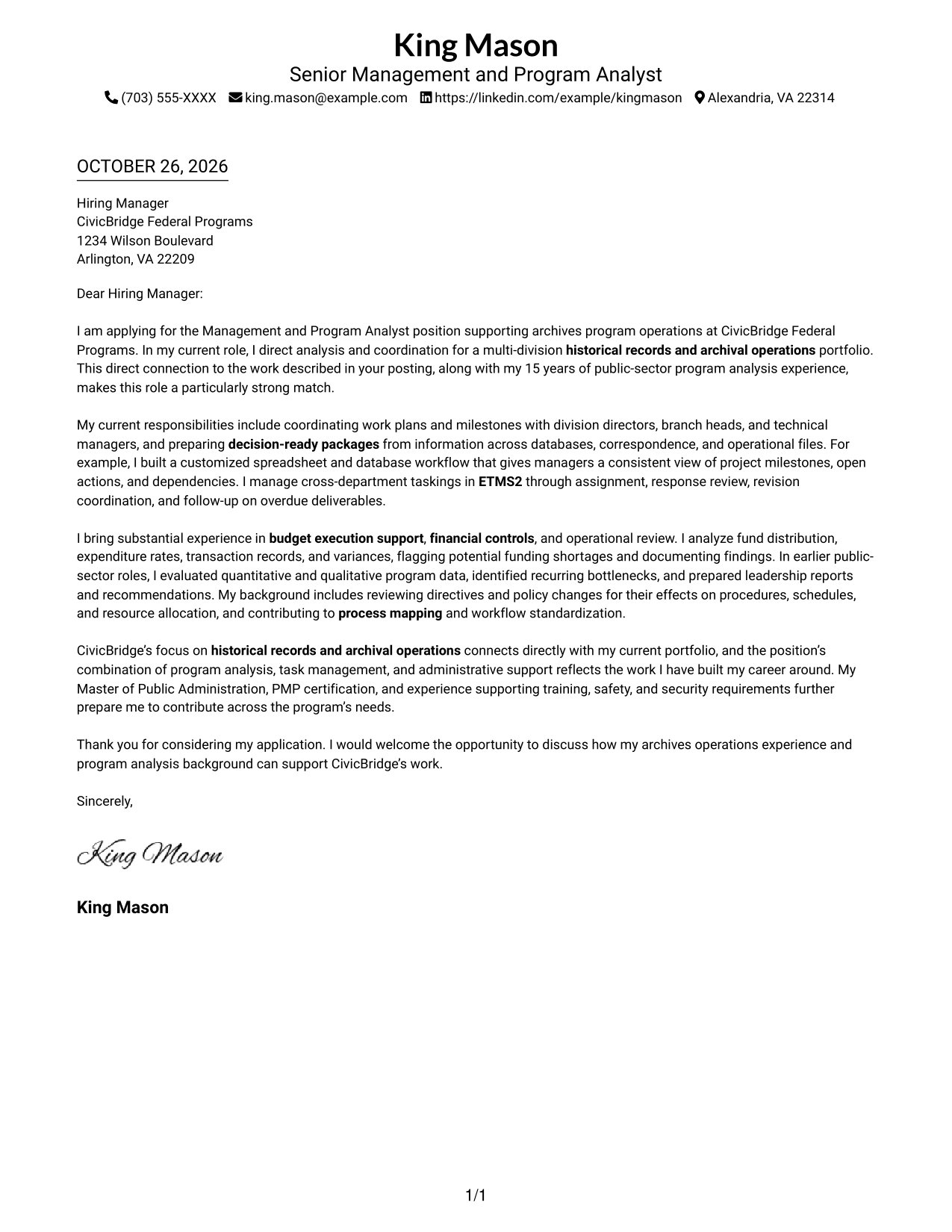
This guide helps you create a focused Management and Program Analyst - Archives Program Operations cover letter and compare seven layouts for presenting your fit.
What Makes a Great Management and Program Analyst - Archives Program Operations Cover Letter in 2026
A strong letter connects archives program operations to clear evidence in program analysis, task coordination, leadership reporting, budget support, and workflow improvement.
Choose specific examples that show sound judgment and follow-through, then link them to the employer’s needs in archival operations and administrative support.
The featured application moves from interest in archives operations to relevant work, supporting evidence, employer alignment, and a direct closing. Adapt this focused progression while choosing a presentation that suits the employer and communication context.
#1 Simple One Column Format Cover Letter Example
The Simple One Column Format keeps sender details in the header and the letter in one text column, a straightforward choice for direct reading.
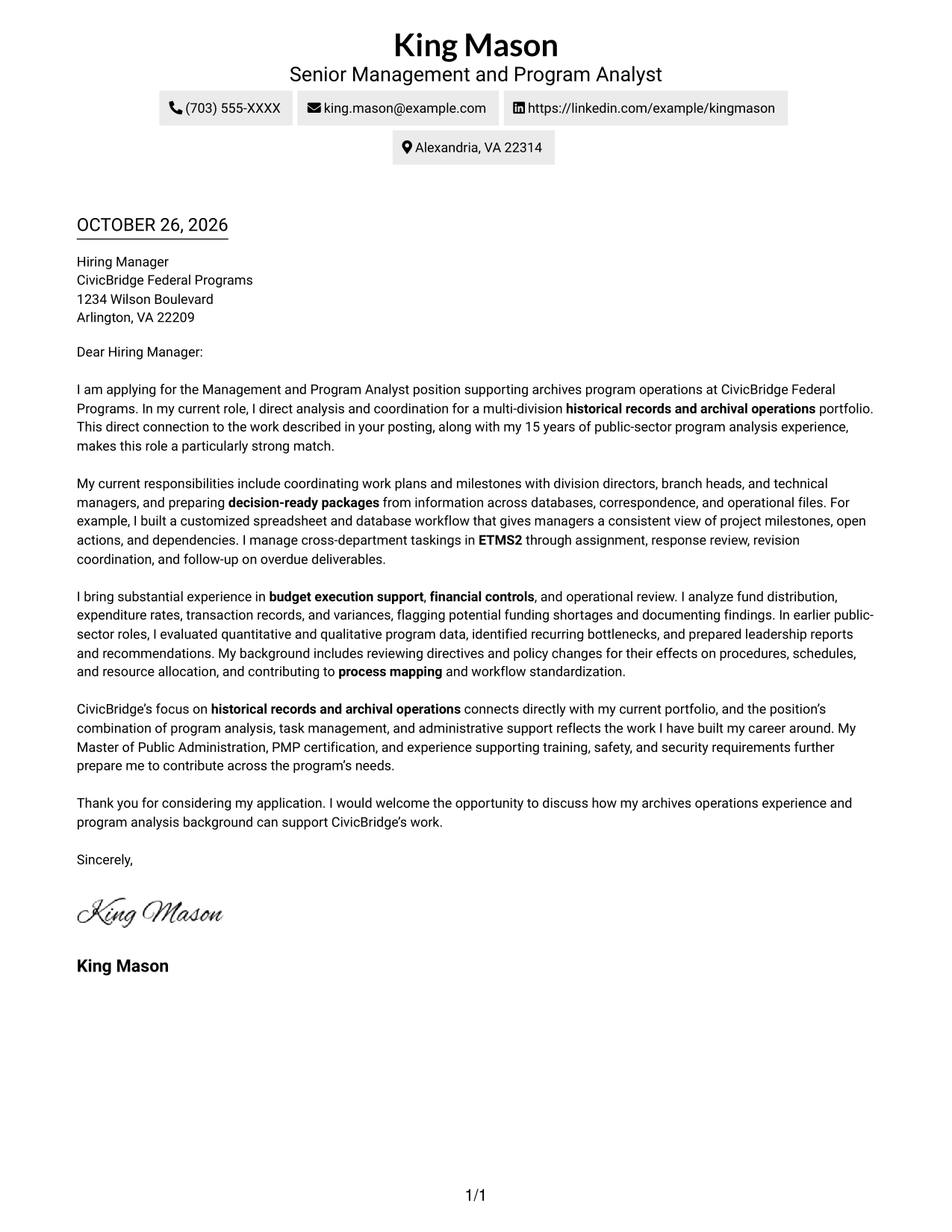
Why This Format Works
- One text column gives the greeting, supporting points, and close a direct sequence.
- Sender details sit in the header, apart from the message paragraphs.
- No body headings leave the letter's paragraphs to carry the argument.
Best For
- Single-column letter text
- Header-based sender details
- Direct opening-to-close messages
- Paragraph-led employer communication
- Applications without a contact sidebar
#2 Two Column Format Cover Letter Example
The Two Column Format places a contact sidebar beside one continuous letter body, keeping sender information distinct from the employer-focused message.
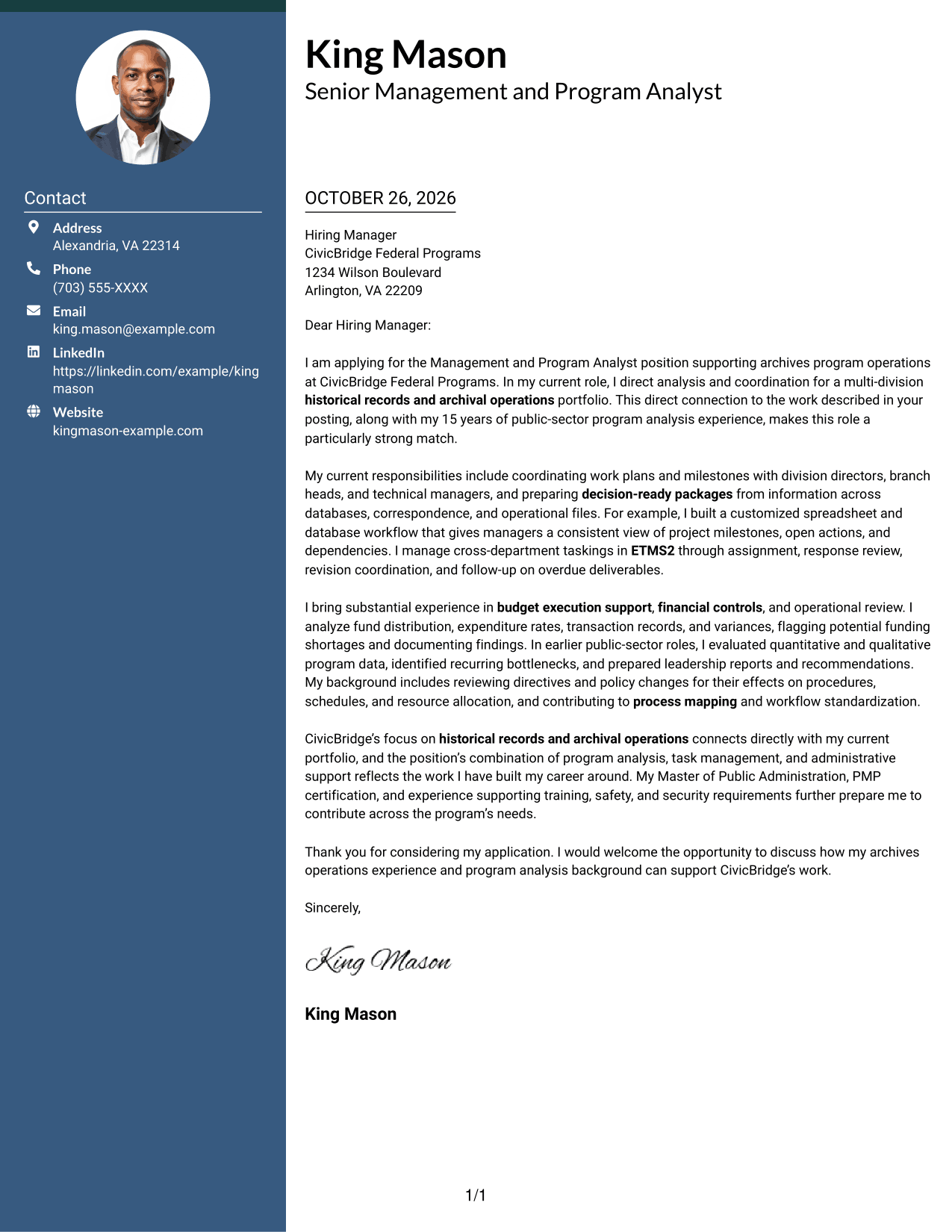
Why This Format Works
- Sender details stay distinct from the letter's persuasive paragraphs.
- A single body column carries interest, evidence, and closing in order.
- Paragraph transitions guide the message without headings for argument stages.
Best For
- Sidebar contact organization
- One-column letter body
- Continuous paragraph persuasion
- Employer-specific opening paragraphs
- Direct closing requests
#3 Photo Header Two Column Format Cover Letter Example
The Photo Header Two Column Format includes a photo and places a contact sidebar beside one continuous letter body, for readers who prefer a personal visual element and separate contact details.
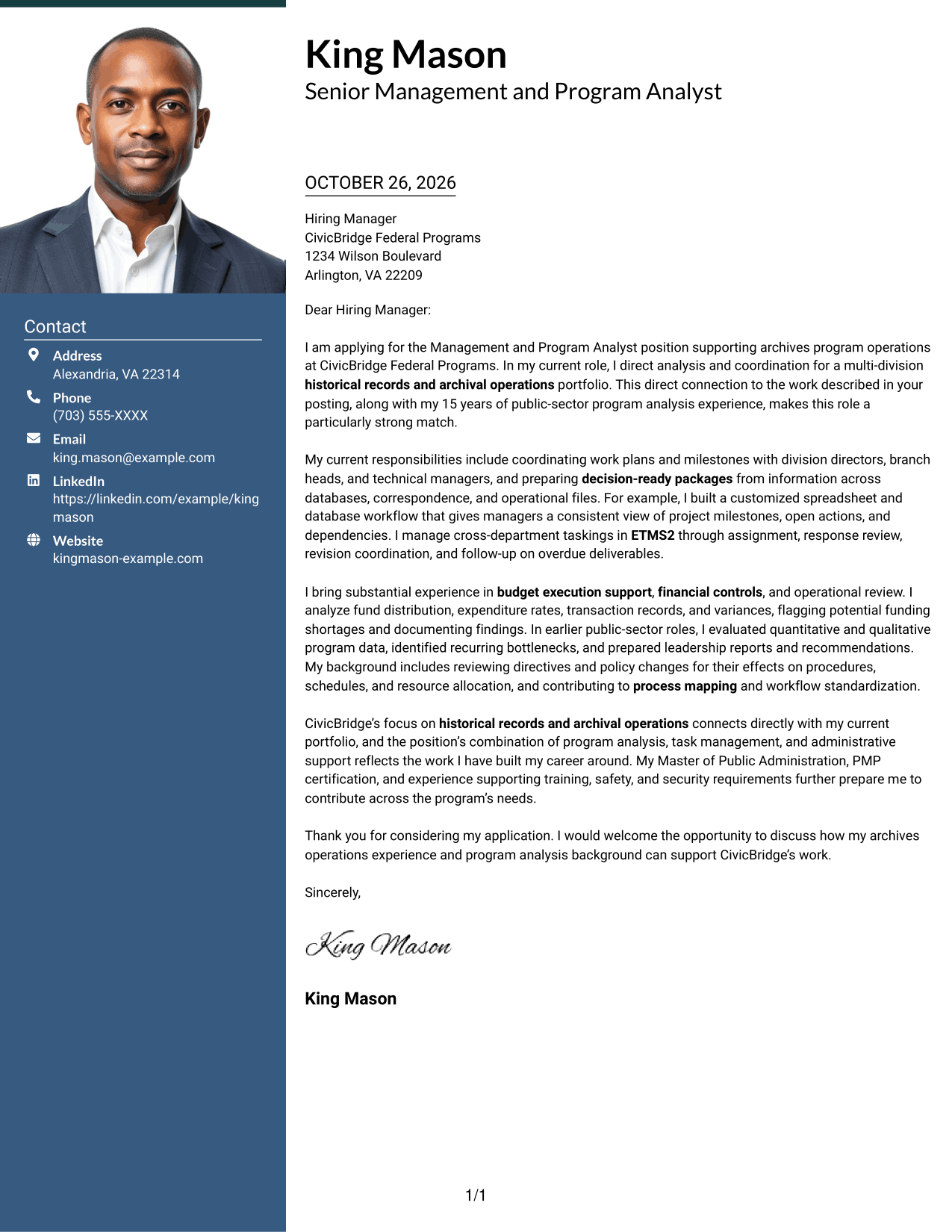
Why This Format Works
- The photo offers a visible personal element for readers who prefer one.
- Contact details sit in a sidebar, apart from the message itself.
- One body column carries interest, evidence, and closing in sequence.
Best For
- Photo-presented letter design
- Distinct contact sidebar
- Continuous paragraph message
- Employer-specific motivation
- A direct closing request
#4 One Column Format with Photo Cover Letter Example
The One Column Format with Photo adds a photo to a single-column letter layout, suiting readers who prefer a personal image and one direct reading path.
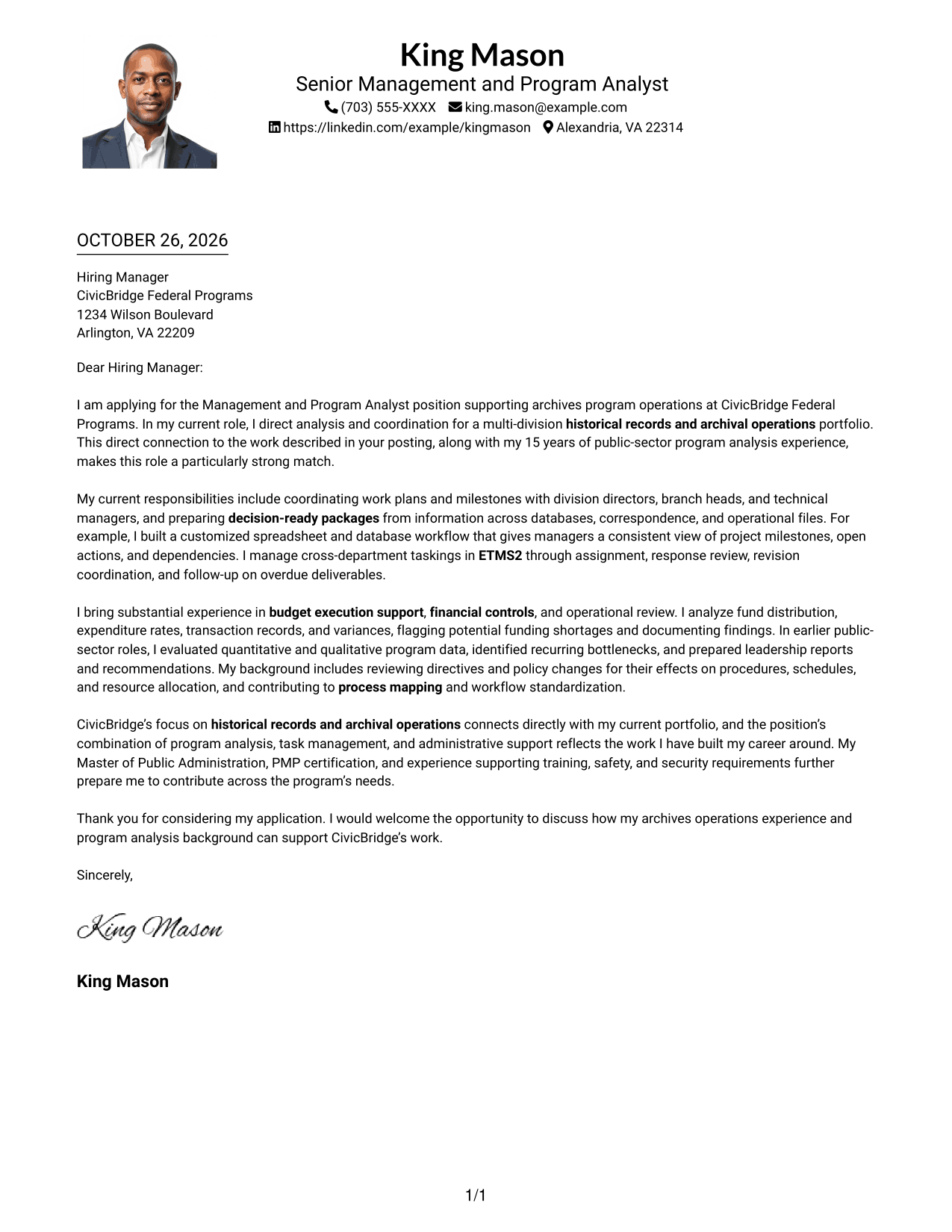
Why This Format Works
- The photo adds a personal visual element without changing the one-column body.
- Sender details remain in the header, outside the letter's main text.
- Paragraphs carry the message from opening to close without body headings.
Best For
- Photo-presented letter pages
- One-column text
- Header-based sender details
- Formal employer correspondence
- Clear closing requests
#5 Simple Two Column Format Cover Letter Example
The Simple Two Column Format places a contact sidebar beside one continuous letter body, giving sender information its own area while keeping the message together.
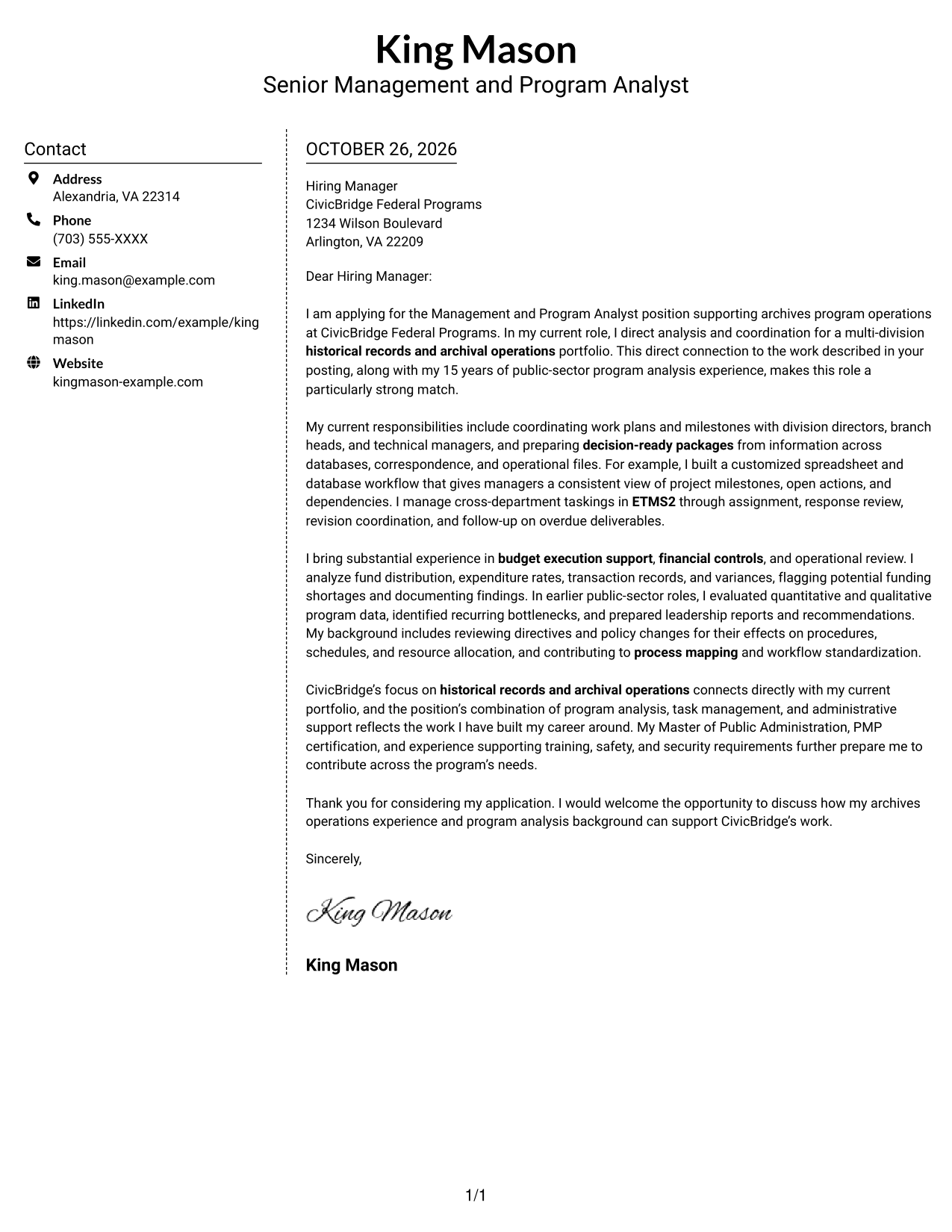
Why This Format Works
- The sidebar gives sender details a distinct place beside the message.
- One body column keeps the persuasive points in a familiar reading order.
- Paragraph transitions, rather than headings, connect the letter's main points.
Best For
- Separate sender contact area
- One-column message text
- Paragraph-based persuasion
- Role-specific employer letters
- Direct closing requests
#6 Modern Icon Format Cover Letter Example
The Modern Icon Format pairs a contact sidebar with one continuous letter body, using icons as cues for contact details rather than parts of the letter's argument.
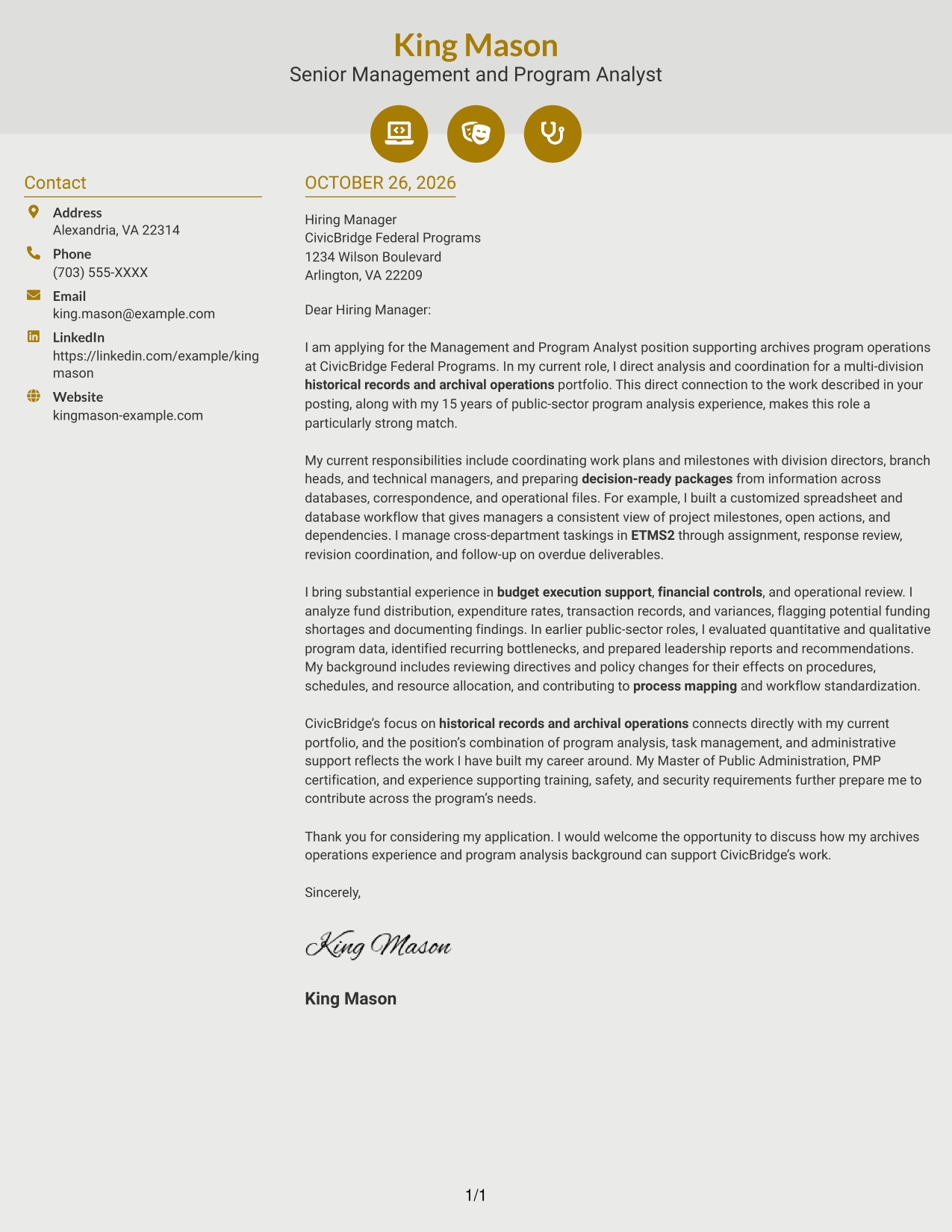
Why This Format Works
- Icons cue contact details, while the letter's argument remains in plain paragraphs.
- The sidebar separates sender information from the employer-focused message.
- One continuous body moves from interest through evidence to closing.
Best For
- Icon-cued contact details
- One-column argument text
- Continuous paragraph communication
- Employer-focused motivation
- Brief, direct closing
#7 Creative Two Tone Format Cover Letter Example
The Creative Two Tone Format places a contact sidebar beside one continuous letter body, giving sender details a separate area without splitting the message.
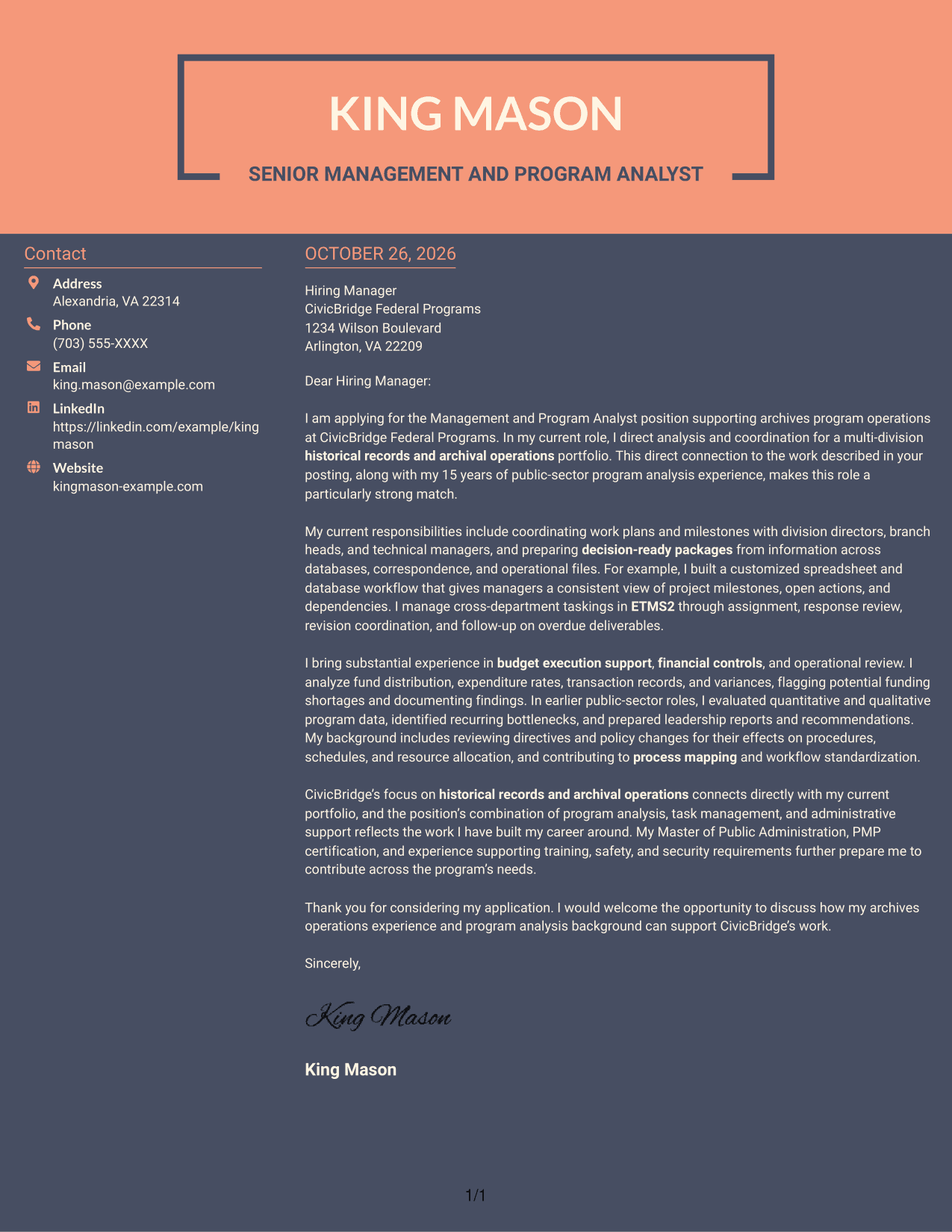
Why This Format Works
- Contact details stay in a sidebar, apart from the letter's prose.
- One body column carries motivation, evidence, and closing in sequence.
- Paragraphs, not section headings, guide the employer-focused message.
Best For
- Sidebar-based contact details
- Single-column letter body
- Continuous employer-focused prose
- Personalized application messages
- Direct closing paragraphs
Why Use ResumeInMinutes for a Management and Program Analyst - Archives Program Operations Cover Letter
ResumeInMinutes provides a starting point for shaping a role-focused cover letter. Review the image previews, then open an example in the editor to customize its presentation and content.
- Role-focused examples
- Readable letter layouts
- Customization in the editor
- Clear cover letter structure
- Professional presentation options
- Practical writing guidance
Keep the message centered on archives program operations. Use relevant evidence about analysis, task coordination, budget support, and workflow improvements to explain how your background fits the position.
See Also
- 7 Management and Program Analyst - Archives Program Operations Resume Templates with Example
- 7 Associate Program Analyst Resume Templates with Example
- 33 Commercial Real Estate Summer Analyst Program Resume Templates with Example 2026 (ATS-Optimized)
- 33 Global Corporate Banking Summer Analyst Program Resume Templates with Example 2026 (ATS-Optimized)
- 7 Program Analyst - Senior Services Data and Evaluation Resume Templates with Example
- 33 Senior Data Analyst, Growth Program Insights Resume Templates with Example 2026 (ATS-Optimized)
- 7 AI Operations Adoption and Enablement Analyst Resume Templates with Example
- 33 Analyst - Cybersecurity Operations Resume Templates with Example 2026 (ATS-Optimized)
- 30+ Commercial Real Estate Summer Analyst Program Cover Letter Templates with Example 2026
- 30+ Global Corporate Banking Summer Analyst Program Cover Letter Templates with Example 2026
Frequently Asked Questions
What should a Management and Program Analyst - Archives Program Operations cover letter emphasize?
Connect your interest in archives program operations to evidence such as program analysis, leadership reporting, task management, budget execution support, and workflow improvement. Use details that reflect your own background.
Does this guide show one example in different layouts?
Yes. The article presents a cover letter example in different visual styles. Compare the image previews and choose a presentation that fits the employer and the way you want to communicate.
How should I open this cover letter?
Name the Management and Program Analyst - Archives Program Operations position and give a clear reason for your interest. Then connect that interest to relevant work in archival operations or program support.
What evidence belongs in the body of the letter?
Choose one or two specific examples that show how you analyze program information, coordinate taskings, support budget controls, or improve workflows. Explain why the examples matter to the role.
How should I close the cover letter?
Restate your interest briefly, connect your background to the program’s needs, and invite a conversation about your fit. Keep the tone professional and direct.




