
7 Management and Program Analyst - Archives Program Operations Resume Templates with Example
This guide shows you how to create a clear, focused Management and Program Analyst - Archives Program Operations resume. You will learn how to organize your evidence so leaders and recruiters can quickly see your fit for archival program work.
Strong resumes for this role connect program analysis to practical results. Show how you assess operations, track taskings and schedules, review budgets, and turn complex data into clear leadership briefings and recommendations.
The guide presents the resume example in 7 layouts, with advice on choosing a format and highlighting relevant experience. You can compare the PNG image previews and open an example in the editor to customize it.
What Makes a Great Management and Program Analyst - Archives Program Operations Resume in 2026
A strong resume puts relevant experience, skills, and education in clear sections. Focus experience bullets on program results, sound analysis, and reliable follow-through.
Use terms that match your work, such as ETMS2, task management, budget execution, financial controls, policy review, and process mapping. Support each claim with specific evidence, including measurable outcomes when available.
Note: Resume examples are for educational purposes only. Use only information that accurately reflects your experience and qualifications. References to real organizations do not imply affiliation or endorsement.
#1 Plain Two Column Format Resume Example
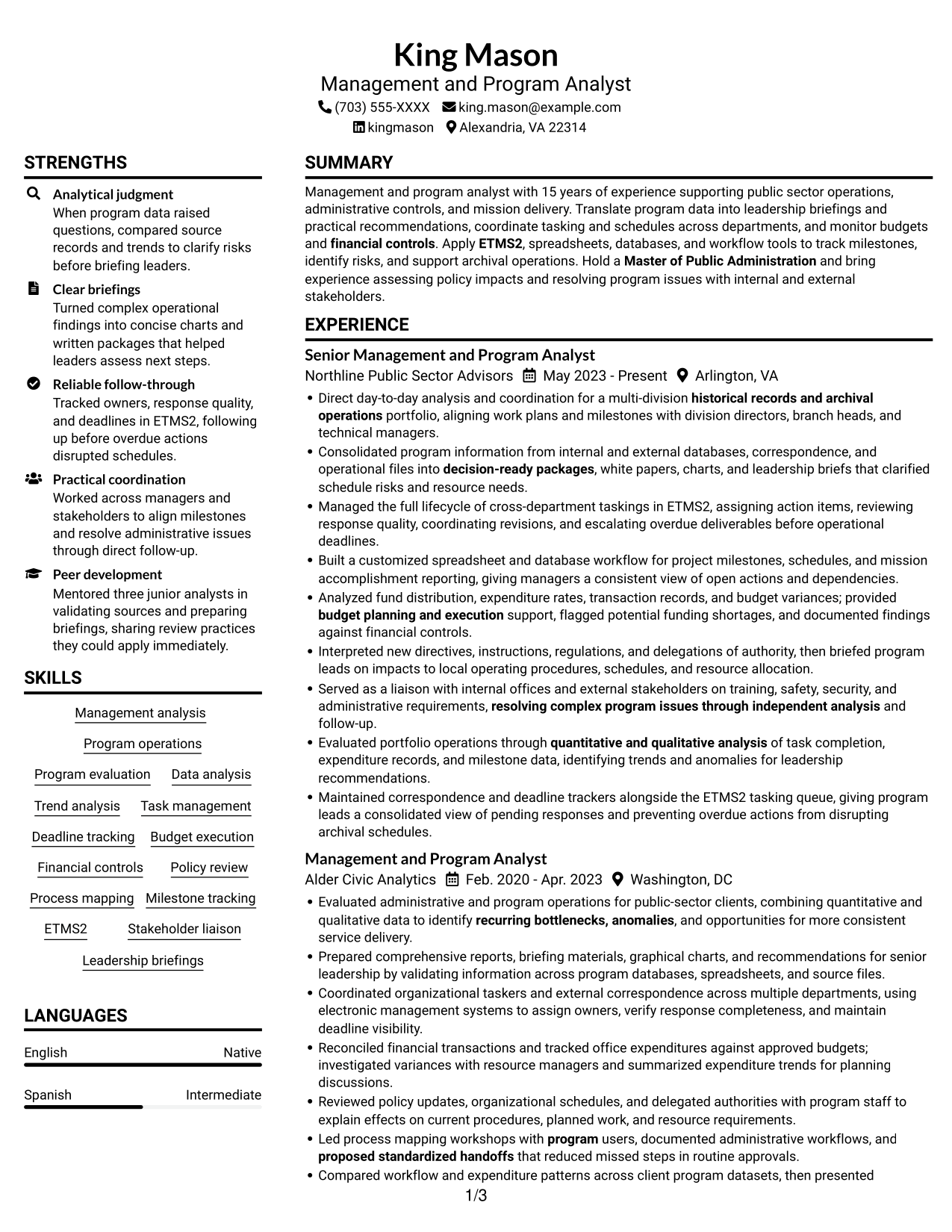
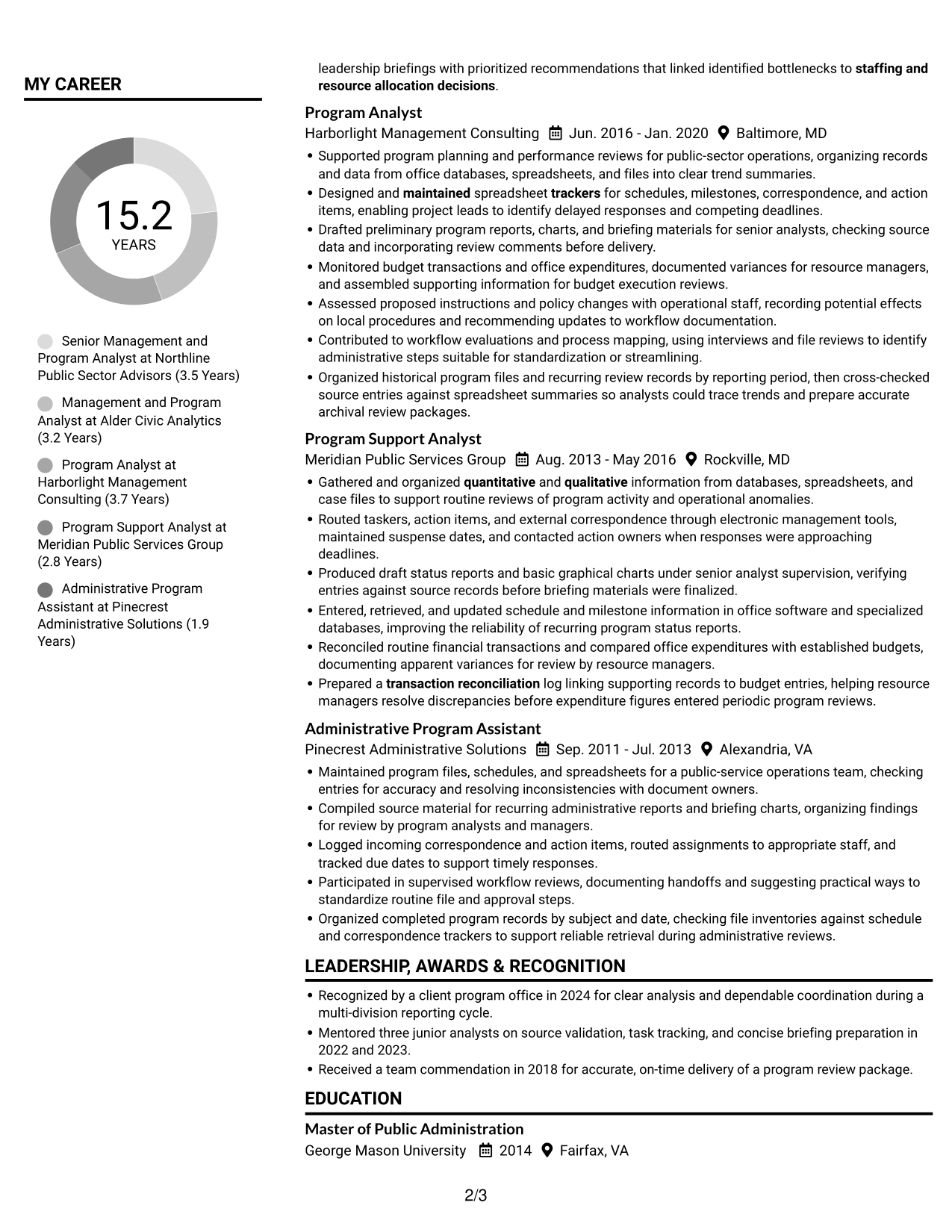
The Plain Two Column Format uses two body columns, helping reviewers move between career history and supporting resume sections.
Resume Snapshot
- Experience: 15 years in public-sector operations and program analysis
- Education: Master of Public Administration
- Focus: archival operations, task management, budget execution, and process improvement
- Tools: ETMS2, spreadsheets, databases, and workflow systems
Why This Format Works
- Two-column reading lets reviewers move between career history and supporting resume sections.
- Chronological experience entries make career progression easy to follow.
- Clear section separation helps reviewers locate education, skills, and credentials.
Best For
- Detailed career histories with supporting sections
- Resumes balancing experience and credentials
- Readers comparing career progression and qualifications
- Text-first applications without a photo
- Public-sector program analysis applications
Resume Keywords
- Management analysis
- Program evaluation
- quantitative and qualitative analysis
- recurring bottlenecks, anomalies
- leadership briefs
- Managed the full lifecycle of cross-department taskings
- Maintained correspondence and deadline trackers
- budget planning and execution
- Financial controls
- transaction reconciliation
- Analyzed fund distribution, expenditure rates, transaction records, and budget variances
- Interpreted new directives, instructions, regulations, and delegations of authority, then briefed program leads on impacts
- Built a customized spreadsheet and database workflow for project milestones, schedules, and mission accomplishment reporting
- Led process mapping workshops with program users, documented administrative workflows
- proposed standardized handoffs
#2 Simple One Column Format Resume Example
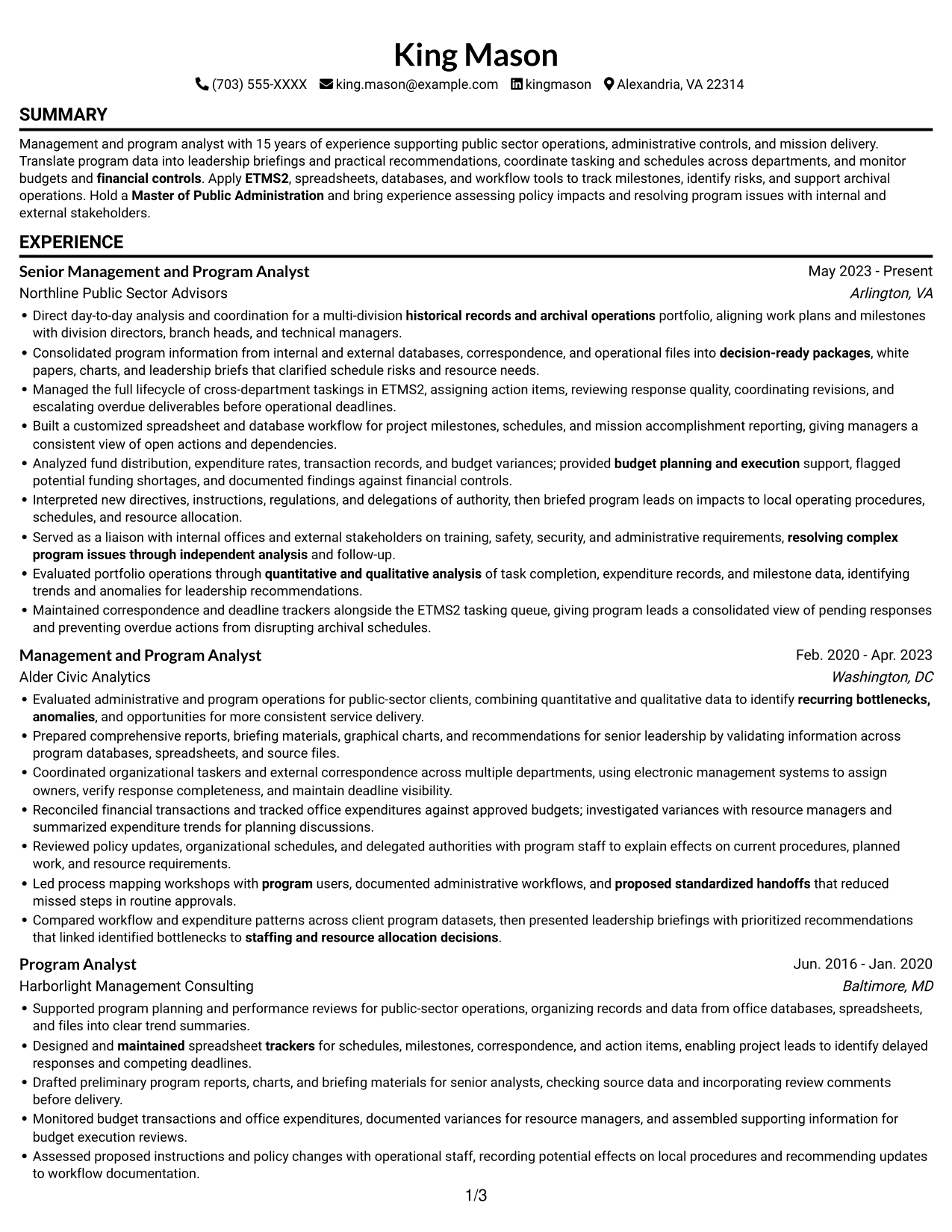
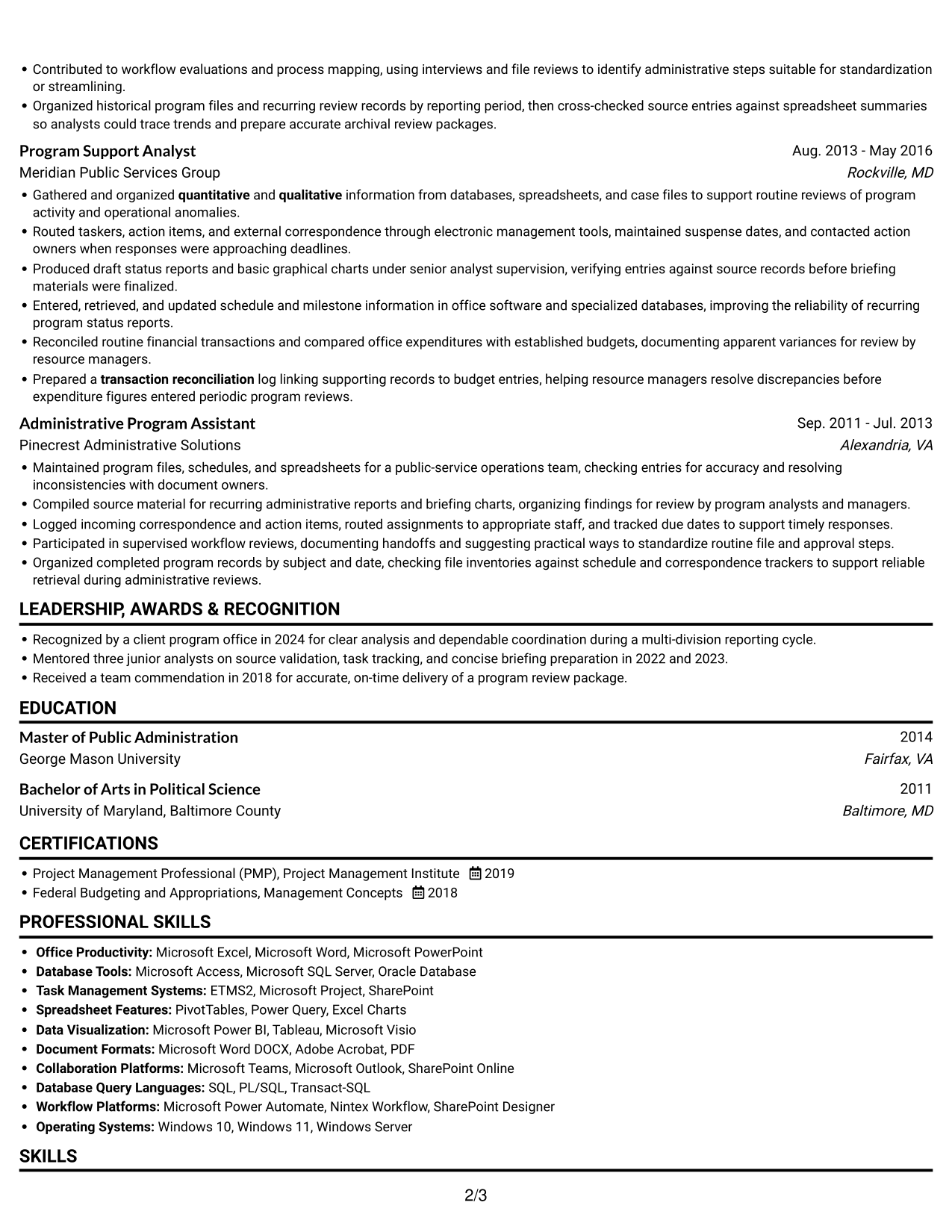
The Simple One Column Format keeps the resume in one vertical stream, giving reviewers a straightforward path through its sections.
Why This Format Works
- A single reading path helps reviewers follow experience entries in sequence.
- Consistent vertical order keeps education and credentials within the same scan.
- A linear structure suits resumes with several detailed experience entries.
Best For
- Linear review of a full career history
- Resumes with several experience entries
- Chronological career progression
- Text-focused applications with clear section order
- Management and program analyst applications
#3 Clean Two Column Sidebar Format Resume Example
The Clean Two Column Sidebar Format places resume content in two columns, giving reviewers distinct areas to navigate.
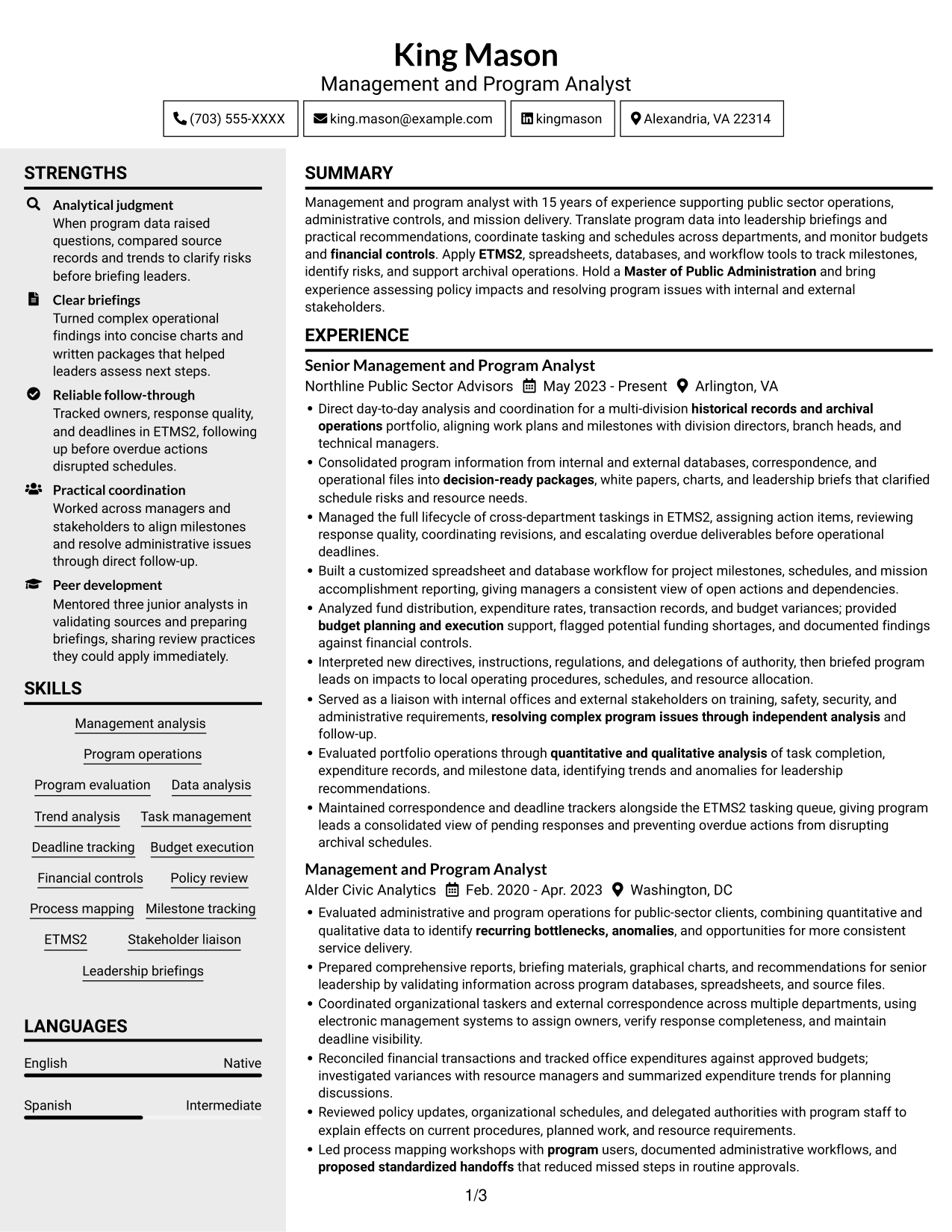
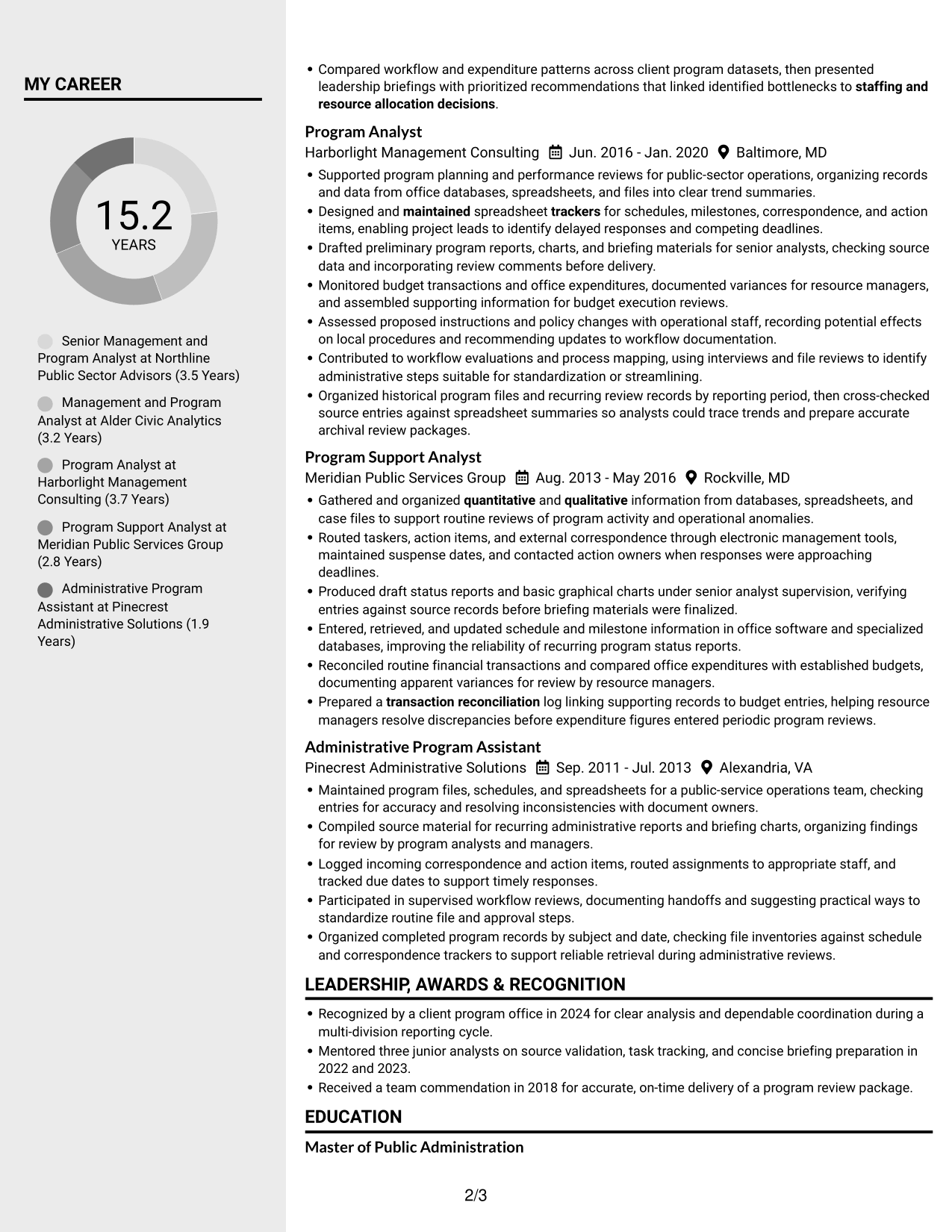
Why This Format Works
- Two-column organization keeps career history and supporting sections visually distinct.
- Reviewers can scan by section instead of reading every detail first.
- Career dates and role descriptions remain easy to compare across entries.
Best For
- Resumes with extensive supporting details
- Section-based review of experience and credentials
- Readers who prefer grouped resume information
- Text-led applications without a portrait
- Public-sector operations analysis roles
#4 Two Column Format Resume Example
The Two Column Format sets the resume in two parallel columns, which gives reviewers another clear way to navigate its sections.
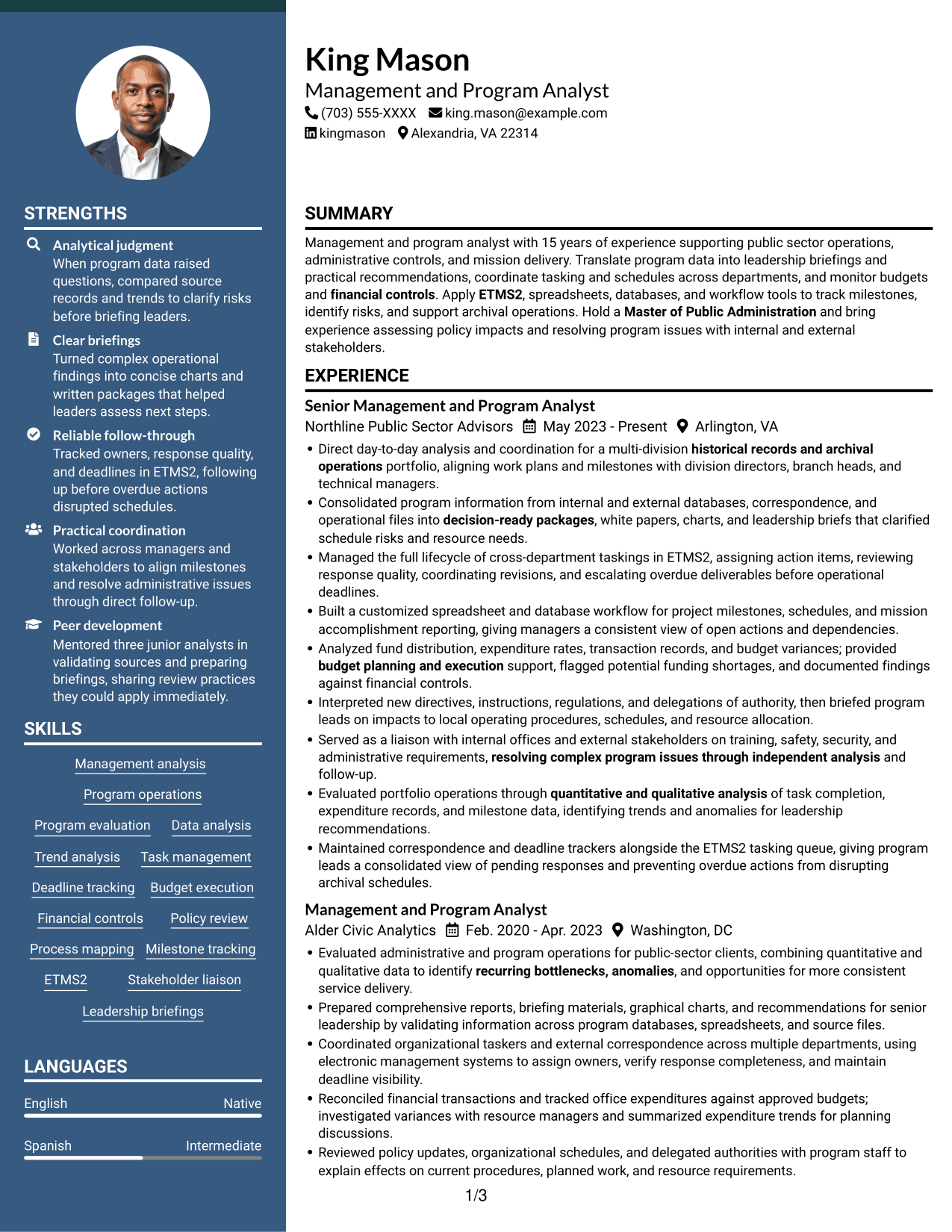
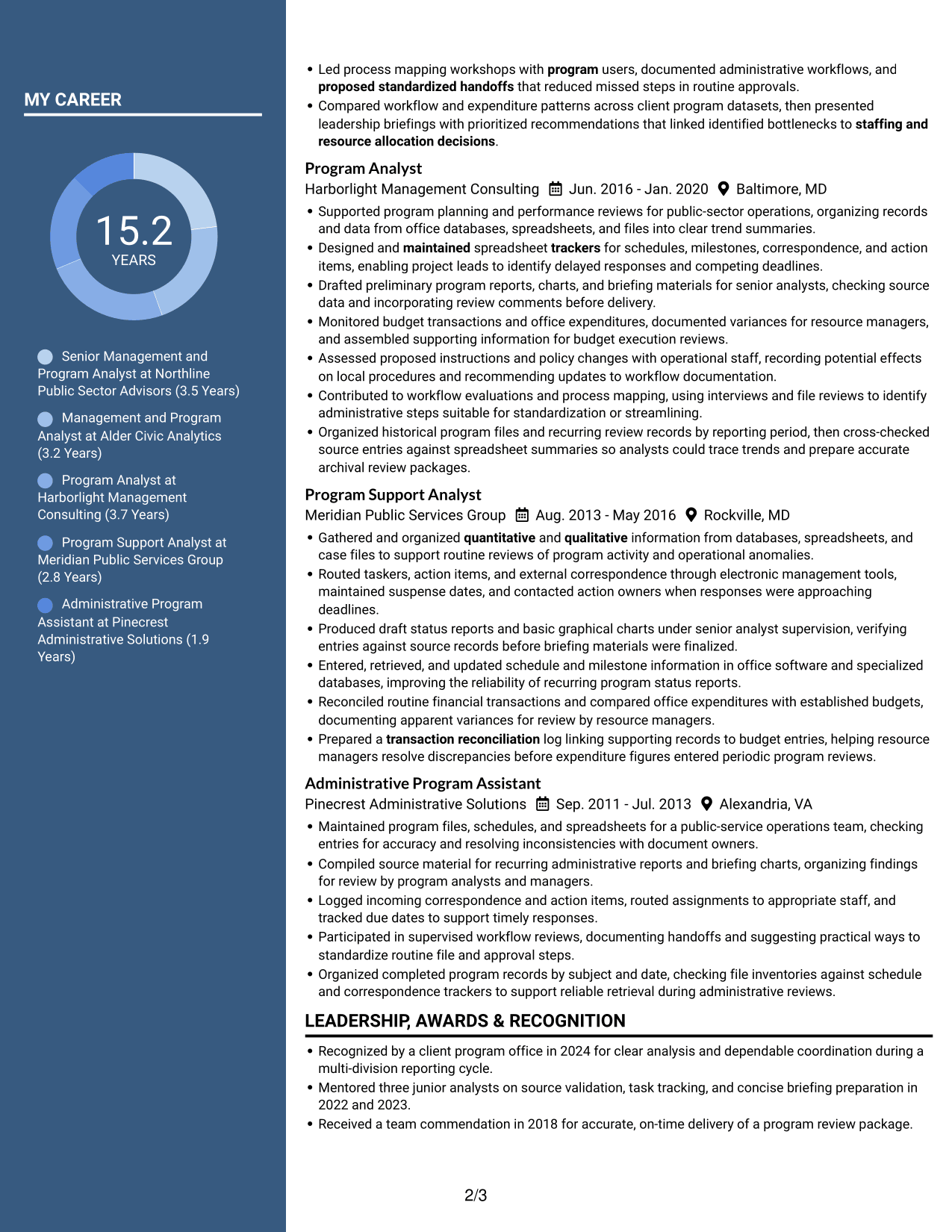
Why This Format Works
- Parallel columns provide a clear route between experience and other resume sections.
- Separated areas help reviewers find skills or education during career-history review.
- Career entries retain a visible sequence within the broader resume structure.
Best For
- Resumes with several distinct content areas
- Readers comparing experience with credentials
- Career histories needing clear section navigation
- Applications with substantial education and skills details
- Management and program analysis roles
#5 Photo Header Two Column Format Resume Example
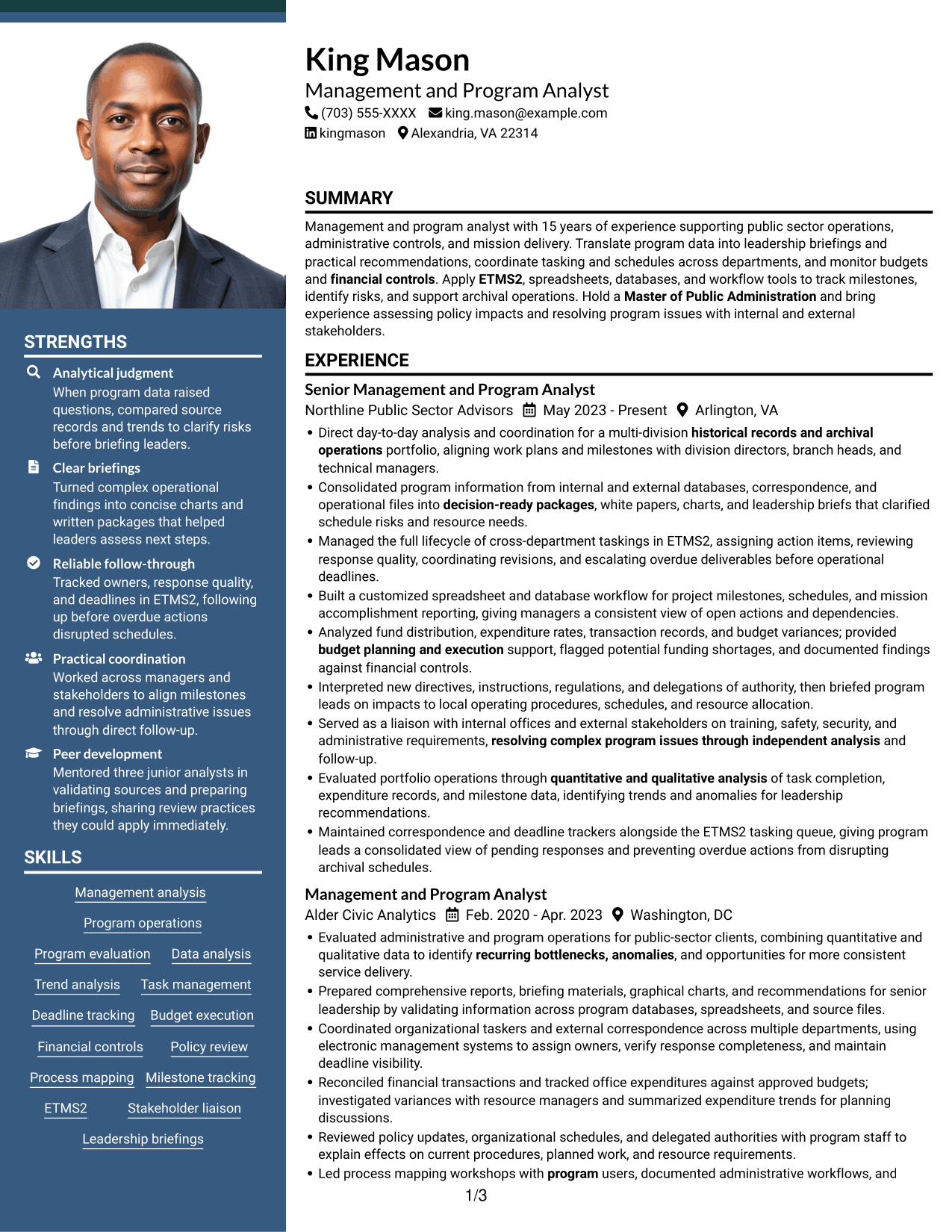
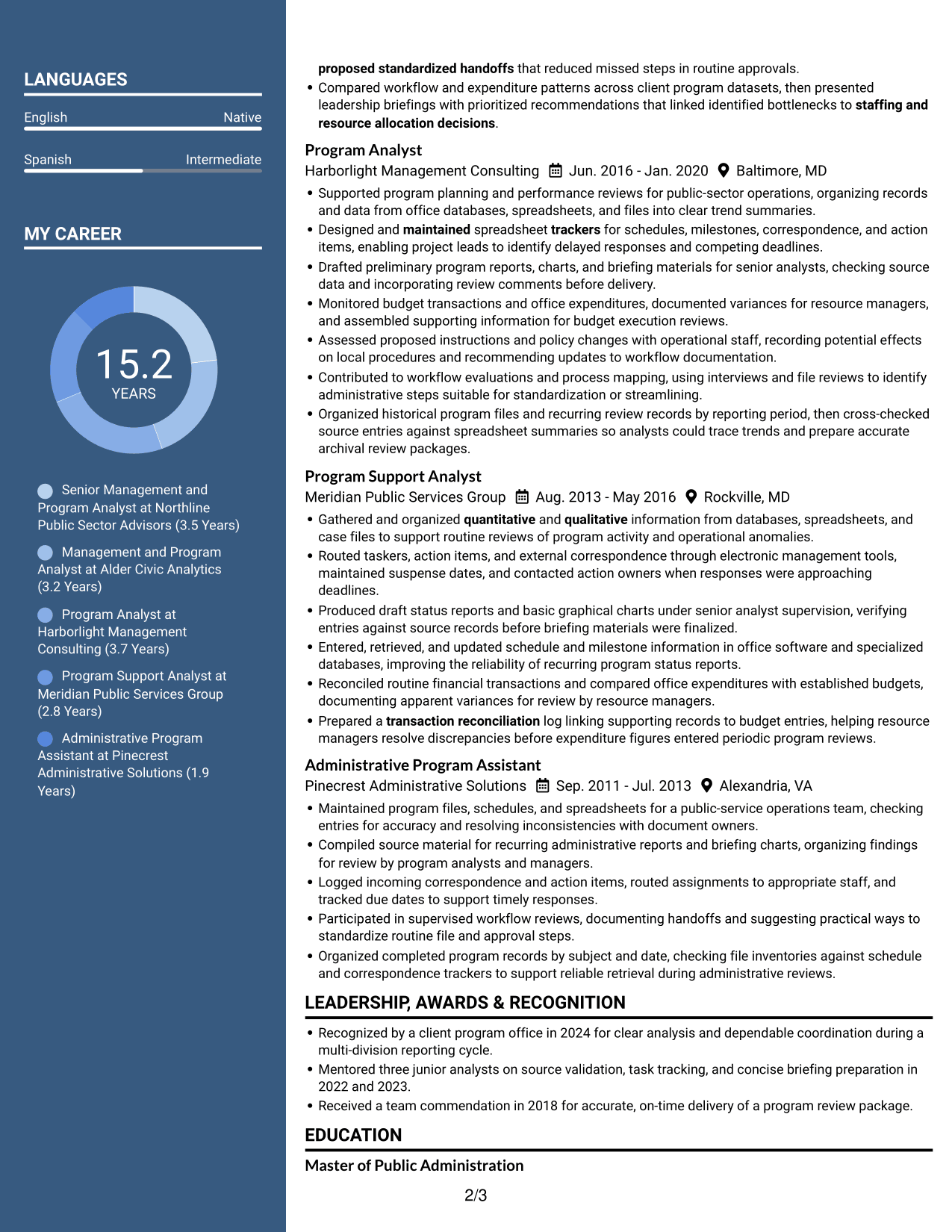
The Photo Header Two Column Format pairs a header portrait with a two-column body, giving the resume a visible identity cue and a compact reading structure.
Why This Format Works
- Separate body columns help reviewers locate education and credentials apart from experience.
- The header portrait provides a visible identity cue, while qualifications remain in text.
- Career information and supporting sections have distinct areas for review.
Best For
- Applications where a portrait is preferred
- Two-column resume organization
- Career histories paired with supporting credentials
- Readers seeking clear section boundaries
- Management and program analyst applications
#6 Colored Two Column Format Resume Example
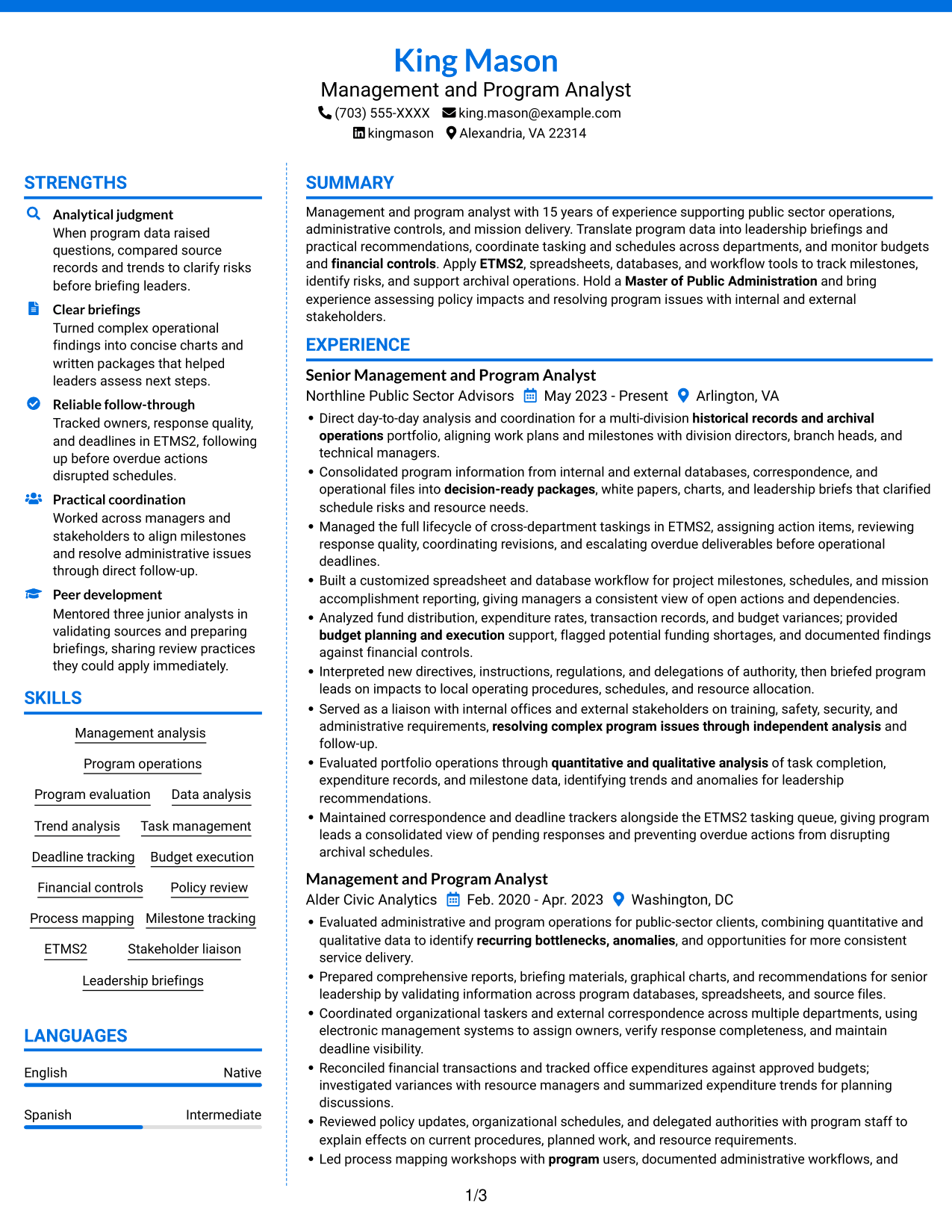
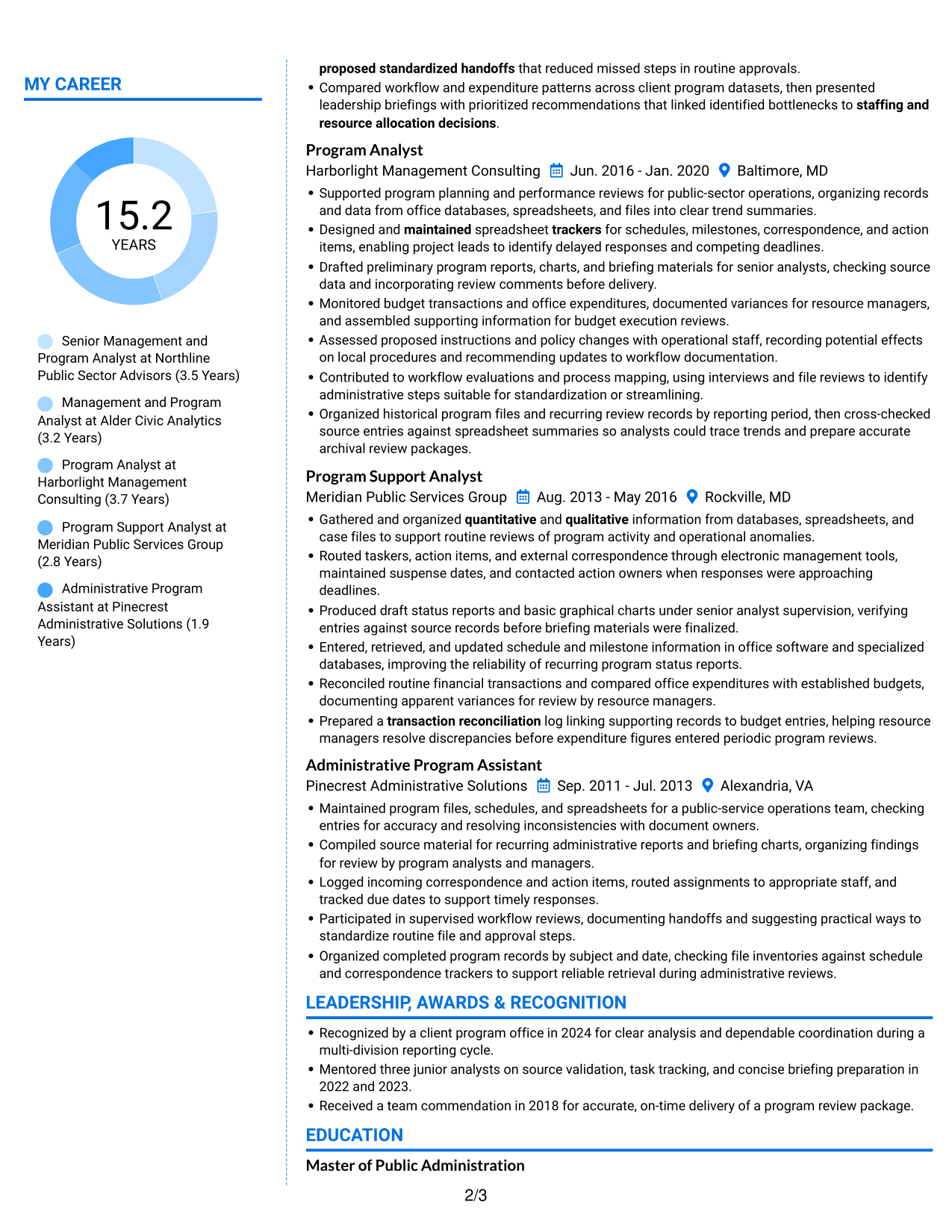
The Colored Two Column Format uses two body columns, offering reviewers a divided view of career history and supporting resume content.
Why This Format Works
- Two-column structure gives experience and supporting sections separate reading zones.
- Career progression can be reviewed alongside skills and education details.
- The divided layout accommodates varied resume sections without one long text stream.
Best For
- Resumes with varied information sections
- Reviewers comparing career history and qualifications
- Detailed experience with supporting education
- Applications needing clear reading zones
- Public-sector program operations applications
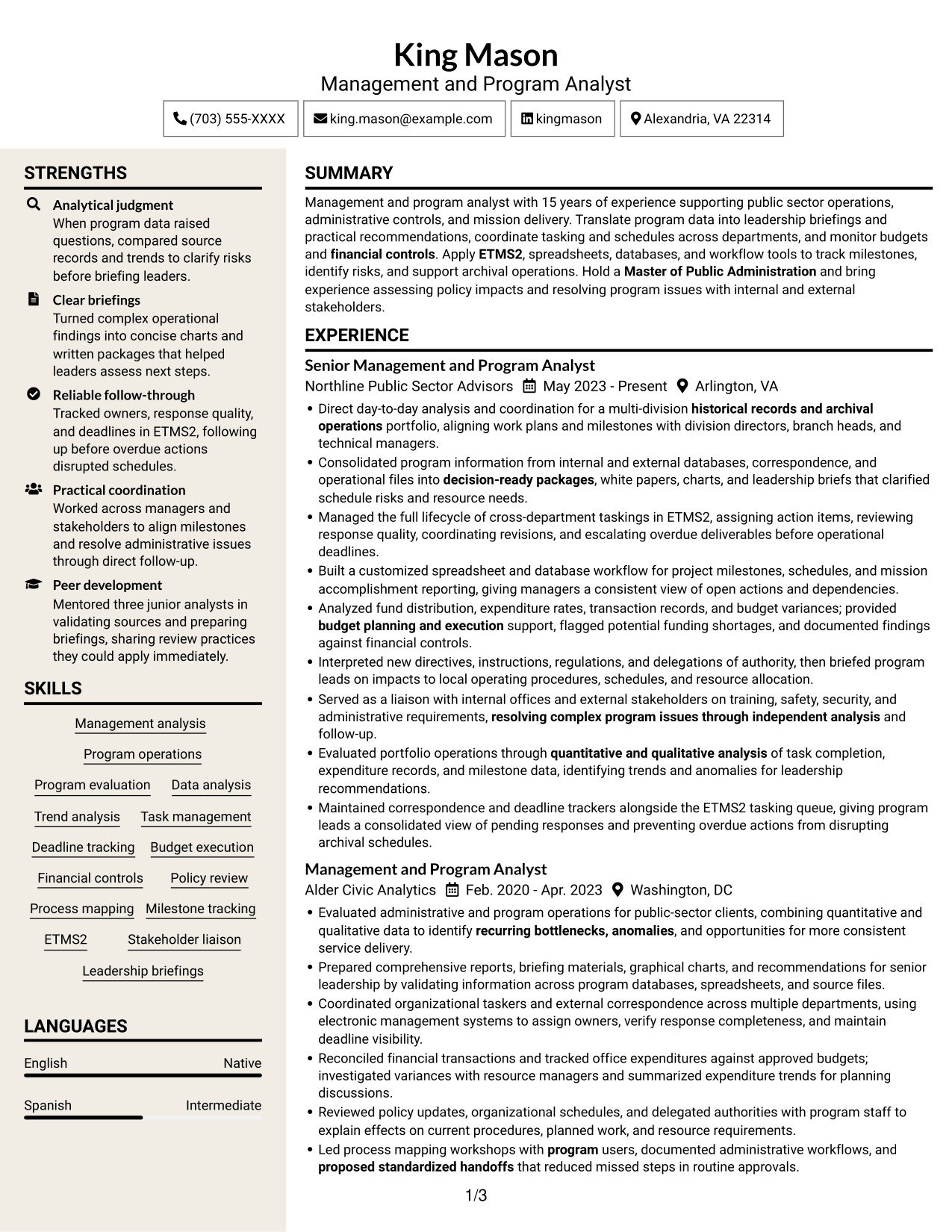
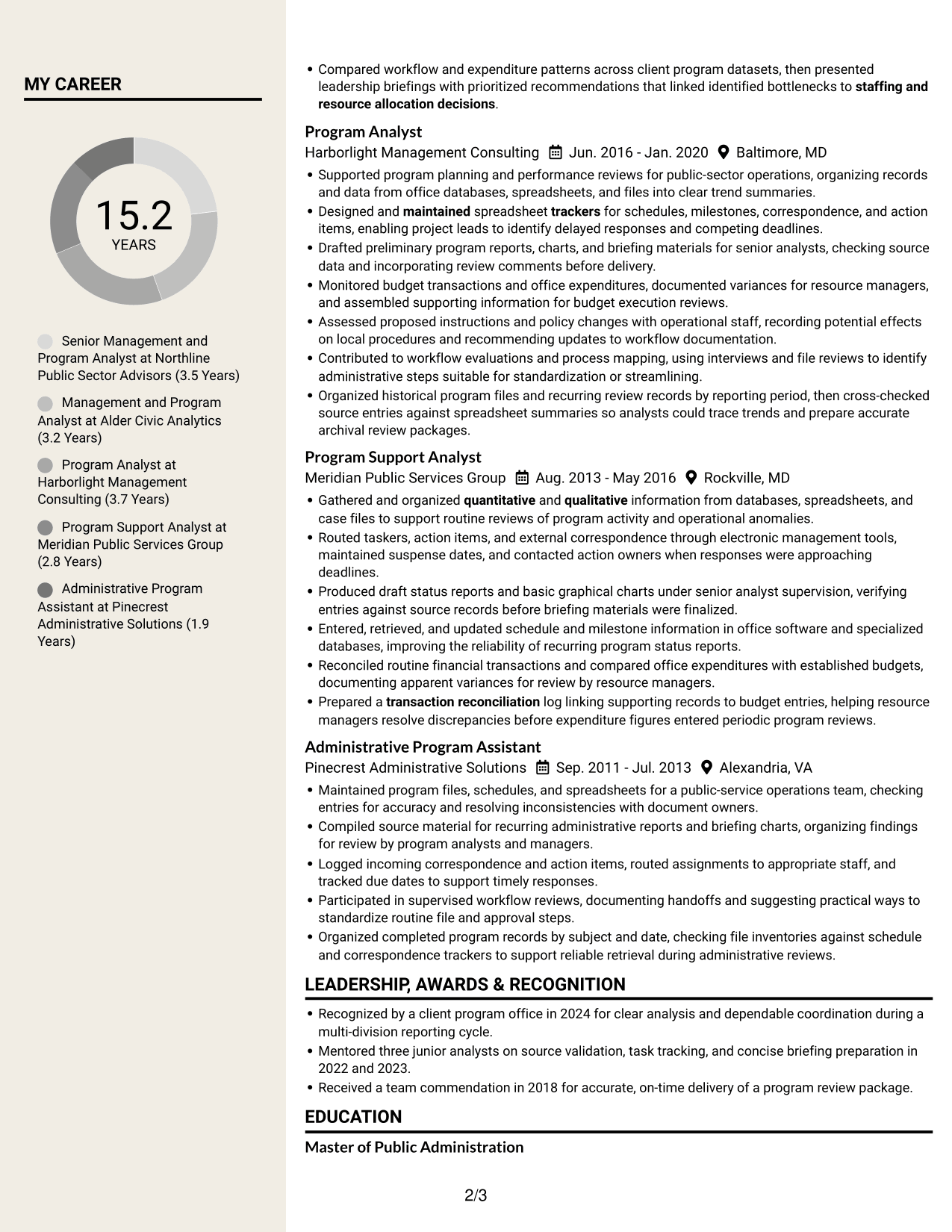
#7 Stylish Two Column Designer Format Resume Example
The Stylish Two Column Designer Format uses a two-column body, giving reviewers separate paths through experience and other resume details.
Why This Format Works
- The two-column reading path keeps supporting resume details accessible alongside experience.
- Section grouping helps reviewers locate education, achievements, and professional strengths.
- Career entries can be scanned in sequence without overlooking other qualifications.
Best For
- Resumes combining career history and supporting details
- Readers who prefer a divided reading path
- Experience sections with related qualifications
- Applications with several resume categories
- Program analysis roles requiring broad experience
Why Build Your Management and Program Analyst - Archives Program Operations Resume with ResumeInMinutes
ResumeInMinutes lets you view example resume layouts and open an example in the editor. Use the format to organize your experience, education, certifications, and role-related skills in a way that is easy to review.
- Resume layout choices
- Clear section structure
- Role-focused keyword guidance
- Organized experience and skills
- PNG image previews
- Resume customization in the editor
Use the examples to make your program analysis, task tracking, budget support, and leadership reporting easy to find. Keep each detail accurate and tied to your own experience.
See Also
- 7 Associate Program Analyst Resume Templates with Example
- 33 Commercial Real Estate Summer Analyst Program Resume Templates with Example 2026 (ATS-Optimized)
- 33 Global Corporate Banking Summer Analyst Program Resume Templates with Example 2026 (ATS-Optimized)
- 7 Program Analyst - Senior Services Data and Evaluation Resume Templates with Example
- 33 Senior Data Analyst, Growth Program Insights Resume Templates with Example 2026 (ATS-Optimized)
- 7 AI Operations Adoption and Enablement Analyst Resume Templates with Example
- 33 Analyst - Cybersecurity Operations Resume Templates with Example 2026 (ATS-Optimized)
- 33 Data Analyst, Operations Resume Templates with Example 2026 (ATS-Optimized)
- 7 Management and Program Analyst - Archives Program Operations Cover Letter Templates with Example
- 30+ Commercial Real Estate Summer Analyst Program Cover Letter Templates with Example 2026
Frequently Asked Questions
How can I make a Management and Program Analyst - Archives Program Operations resume easier for ATS to read?
Use familiar section headings, a simple layout, and role-related terms that match your experience. Include relevant details such as program evaluation, tasking lifecycle management, budget execution, ETMS2, and archival operations where accurate.
Are these separate resume examples or layouts of one example?
This guide shows one resume example in different visual layouts. Compare the PNG previews to see how each layout organizes the same kind of resume content.
What should a resume for this role include?
Include a focused summary, relevant experience, education, skills, and certifications. Highlight evidence of program analysis, task and deadline tracking, budget review, policy assessment, process mapping, and clear leadership reports.
Which resume layout works well for this position?
A simple layout with clear headings makes experience and keywords easier to scan. Keep the design readable and use a format that presents your skills, results, and work history in a clear order.
How should I describe program analysis experience?
Use concise bullets that explain the work, the analysis or action you took, and the result. Where you have reliable figures, include them to show changes in schedule performance, budget tracking, response times, or workflow quality.
Should I include a photo on my resume?
For U.S. applications, a resume without a photo is usually the safer choice. Use a photo only when it is expected for the role or local hiring practices.




