
7 Manager, HRIS - SuccessFactors and UKG Cover Letter Templates with Example
This guide helps you create a focused Manager, HRIS - SuccessFactors and UKG cover letter and compare its seven layouts.
What Makes a Great Manager, HRIS - SuccessFactors and UKG Cover Letter in 2026
A strong letter connects your HRIS leadership to reliable, secure systems and useful workforce decisions. Its opening shows your interest in the role, while the body and closing make a clear case for your contribution.
Use specific evidence, such as leading a team, improving SuccessFactors and UKG workflows, or coordinating release testing and integrations. Link that experience to the employer’s needs, including accurate data, helpful reporting, audit support, and workforce insights.
The featured example moves from role interest to leadership evidence, operational strengths, and workforce analytics before a direct close. Adapt that focused progression, choosing a presentation that fits the employer and the communication context.
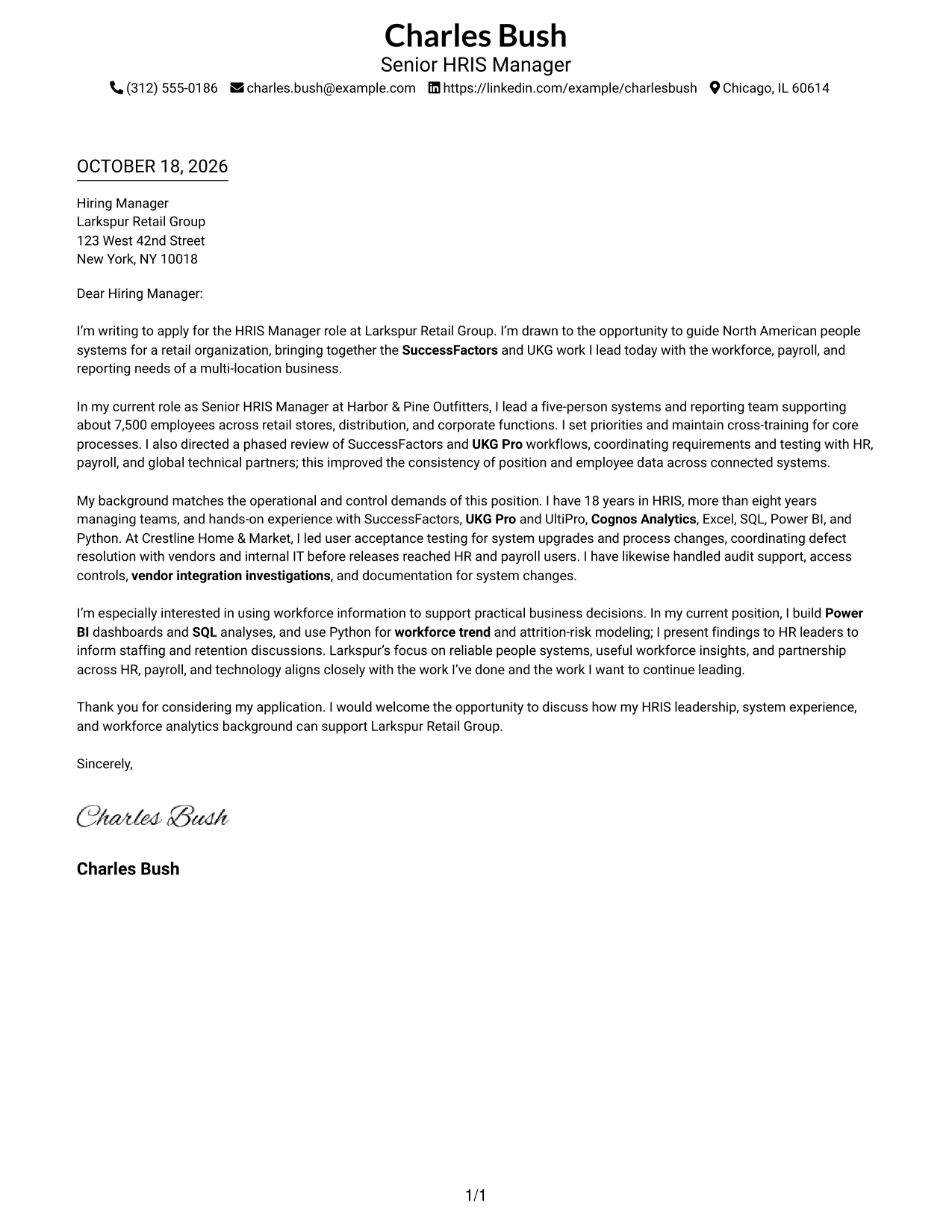
#1 Simple One Column Format Cover Letter Example
The Simple One Column Format keeps sender details in the header above one continuous letter body, a good choice for direct, uninterrupted reading.
Why This Format Works
- Sender details stay in the header, separate from the message itself.
- One continuous body lets the opening, evidence, and closing read in sequence.
- Single-column reading gives reviewers a direct path through the letter.
Best For
- Single-column correspondence
- Header-led contact details
- Photo-free applications
- Multi-paragraph employer-fit letters
- Straightforward business correspondence
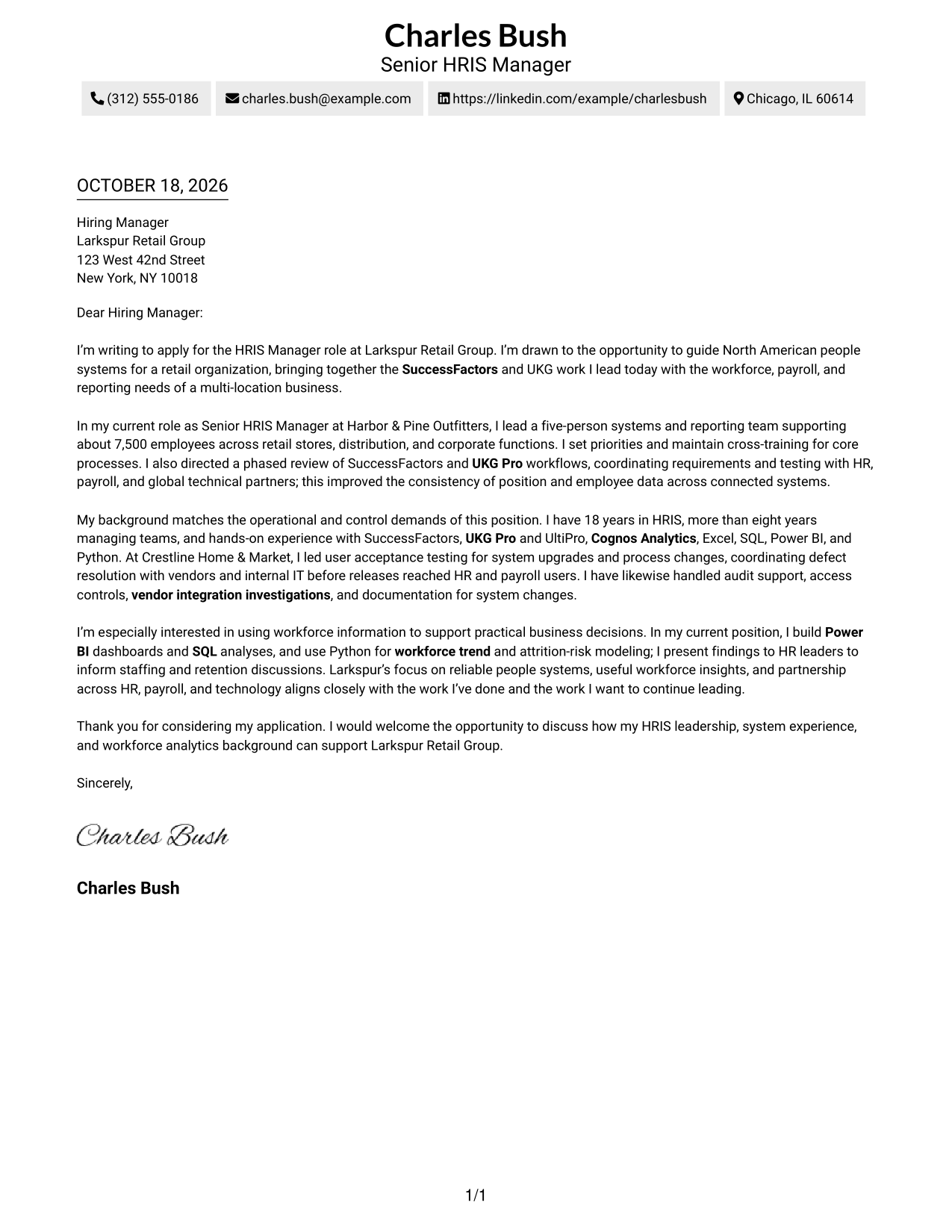
#2 Two Column Format Cover Letter Example
A contact sidebar sits beside the continuous letter body in the Two Column Format, separating practical details from the message.
Why This Format Works
- Contact details sit apart from the message, leaving the letter body uninterrupted.
- One continuous body keeps motivation, evidence, and closing in reading order.
- The sidebar gives reviewers a clear place to find sender information.
Best For
- Side-by-side letter layouts
- Separate contact and message areas
- Applications with detailed sender information
- Continuous paragraph-based letters
- Written cases for role alignment
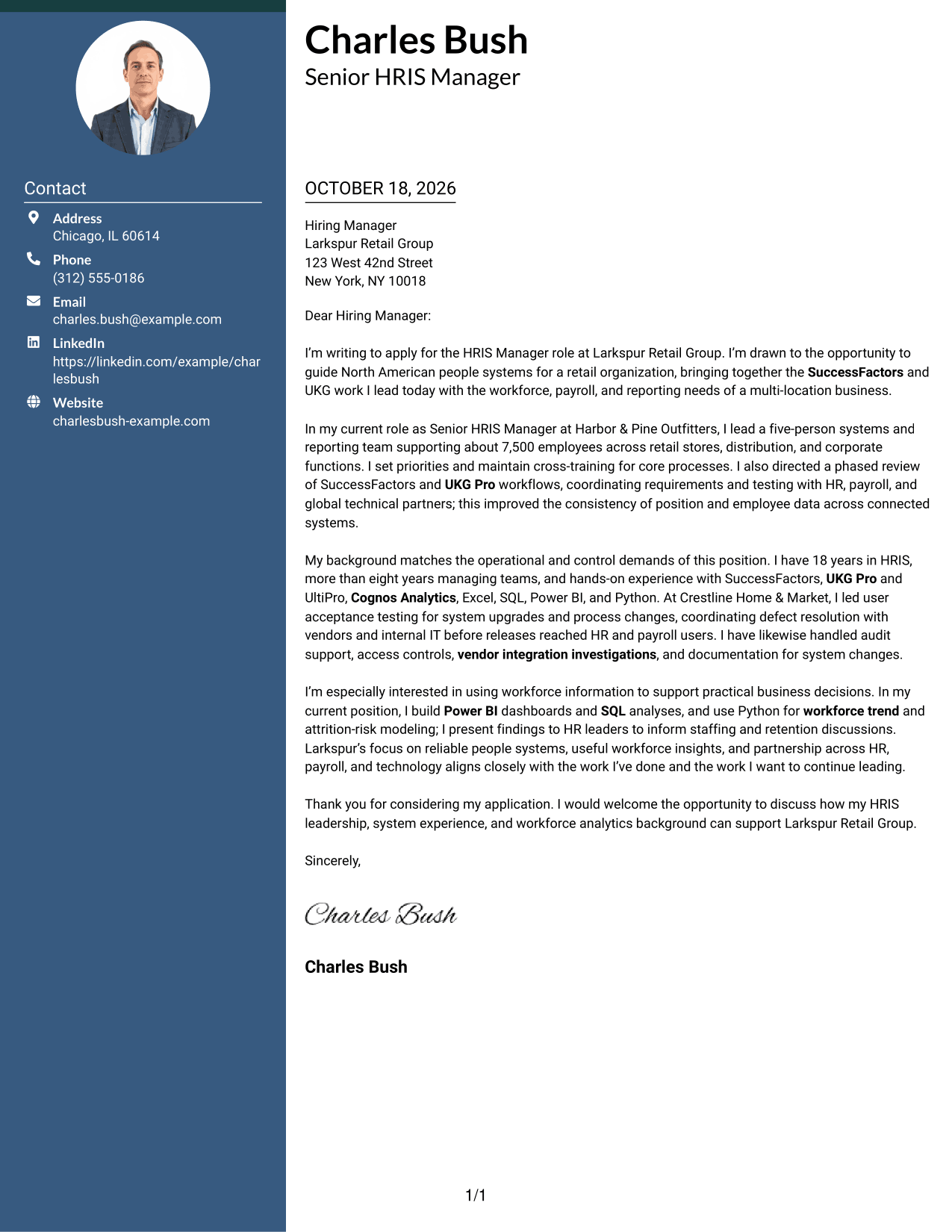
#3 Photo Header Two Column Format Cover Letter Example
The Photo Header Two Column Format pairs a portrait with a contact sidebar while keeping the letter itself in one continuous column.
Why This Format Works
- A portrait adds a personal visual detail without dividing the letter's argument.
- The sidebar keeps sender details distinct from the continuous message.
- One body column preserves the intended order of the letter paragraphs.
Best For
- Portrait-inclusive correspondence
- Contact details beside the message
- Letters with a continuous argument
- Applications where a photo is preferred
- Paragraph-led employer introductions
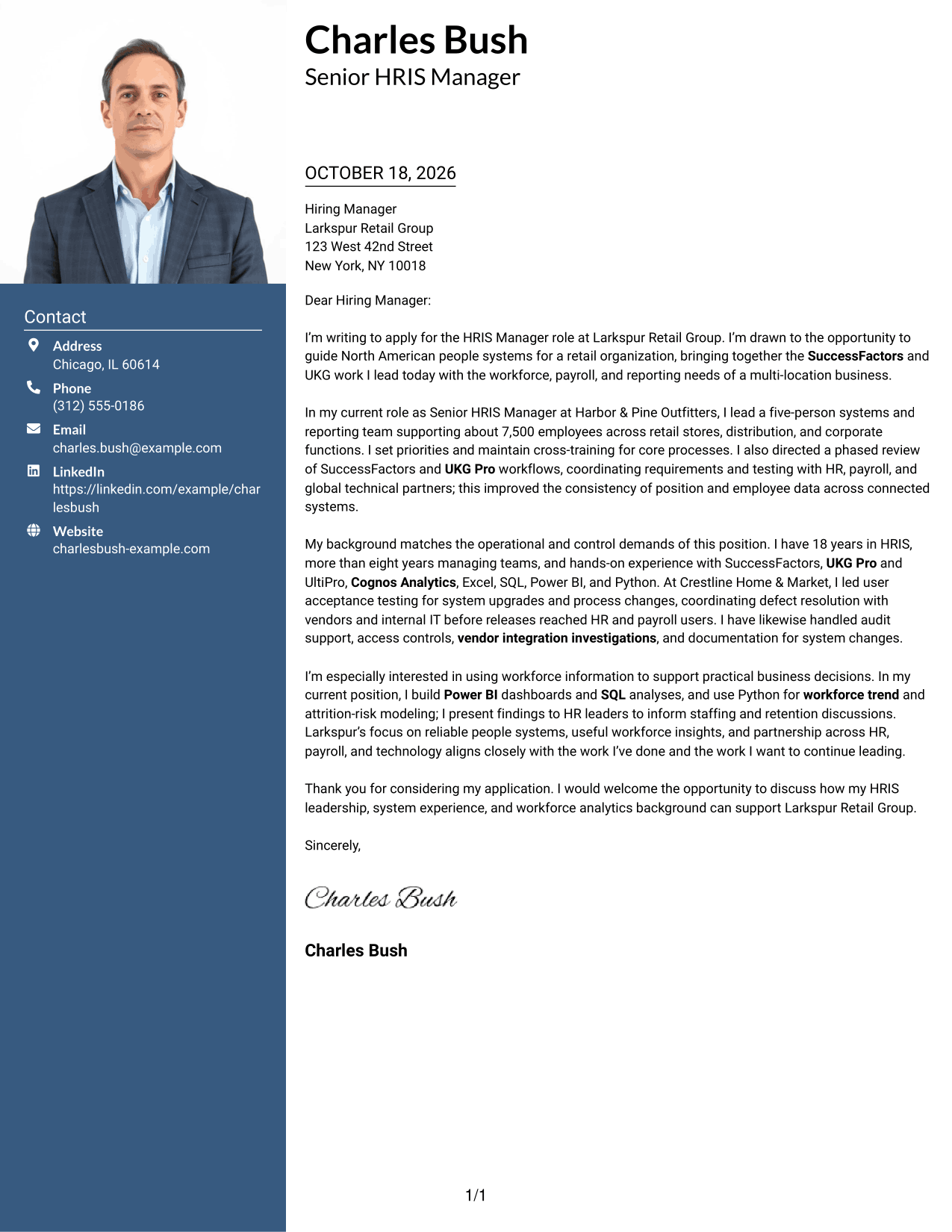
#4 One Column Format with Photo Cover Letter Example
The One Column Format with Photo adds a portrait while keeping sender details and the continuous message in a single-column presentation.
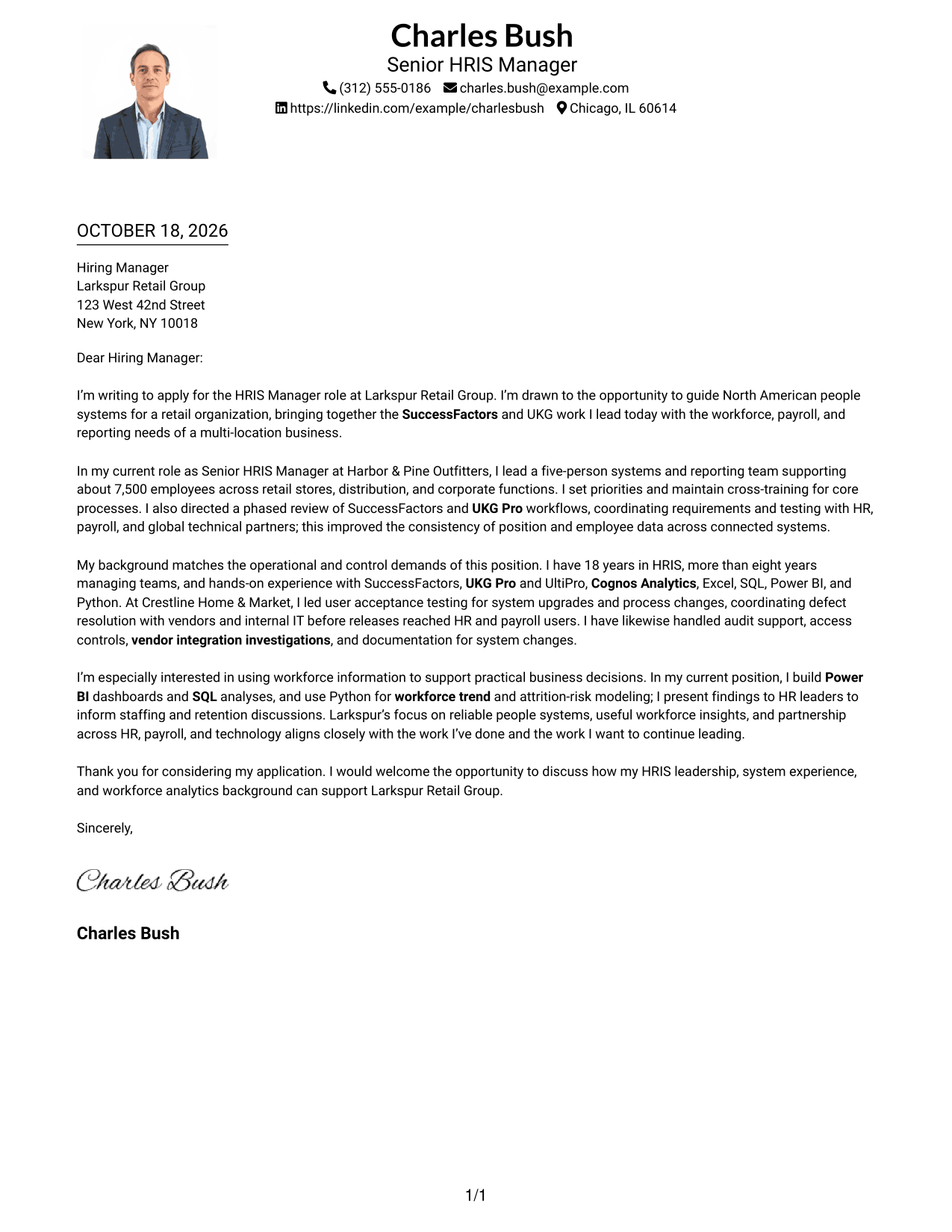
Why This Format Works
- The portrait brings a visible personal element to the single-column presentation.
- Header-based sender details remain apart from the letter's continuous paragraphs.
- A direct reading path helps reviewers follow the message from start to close.
Best For
- One-column letter presentation
- Applications that include a portrait
- Header-based contact information
- Letters with connected paragraphs
- Personalized employer correspondence
#5 Simple Two Column Format Cover Letter Example
The Simple Two Column Format places a contact sidebar beside the letter body, keeping practical details separate from the persuasive message.
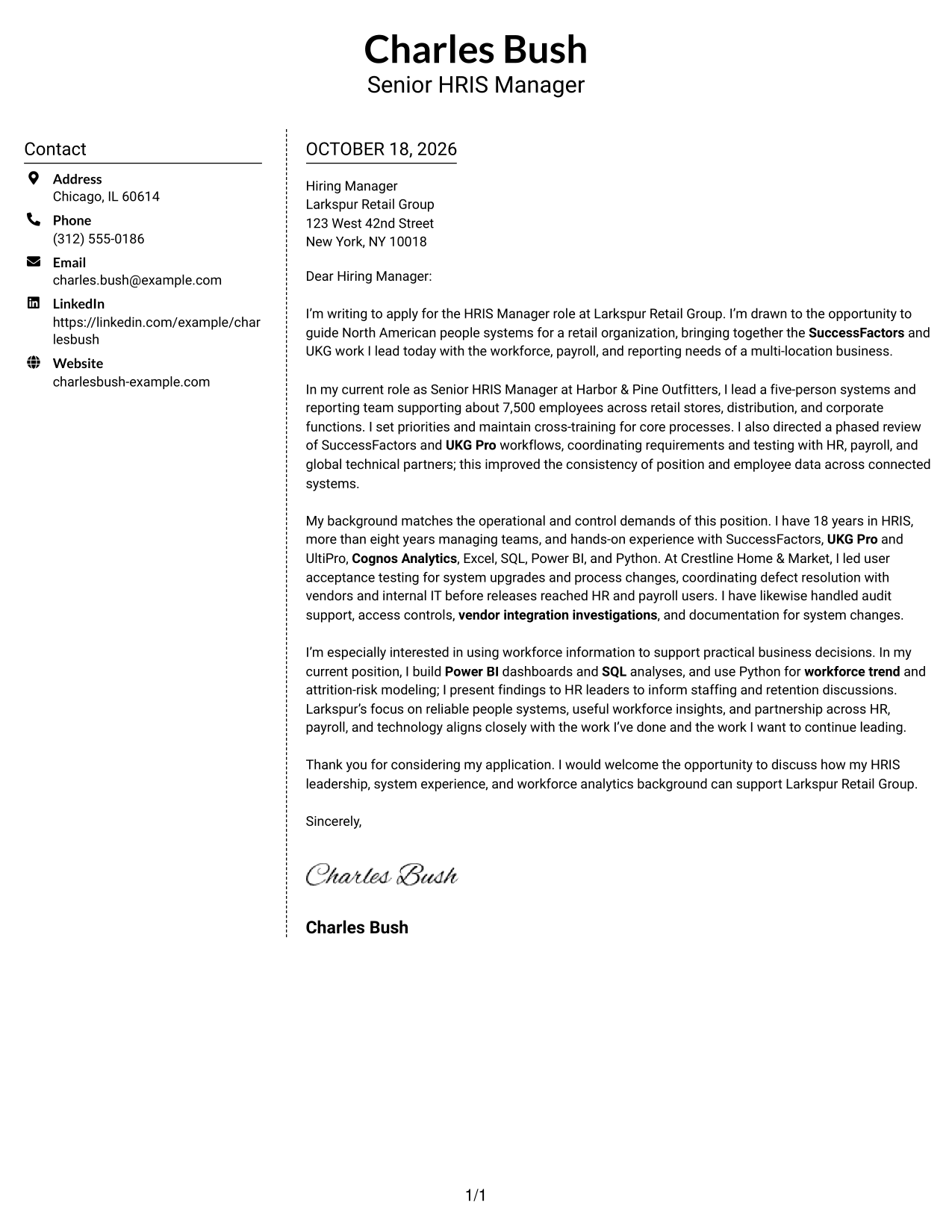
Why This Format Works
- The contact sidebar separates sender information from the letter's central message.
- A single body column keeps the opening, supporting points, and close together.
- Reviewers can follow the letter without moving between parallel argument columns.
Best For
- Simple two-column correspondence
- Contact details outside the message
- Letters with several body paragraphs
- Written explanations of role fit
- Photo-free application materials
#6 Modern Icon Format Cover Letter Example
The Modern Icon Format uses contact cues in its sidebar and keeps the letter's argument in one continuous body, making details easy to locate separately.
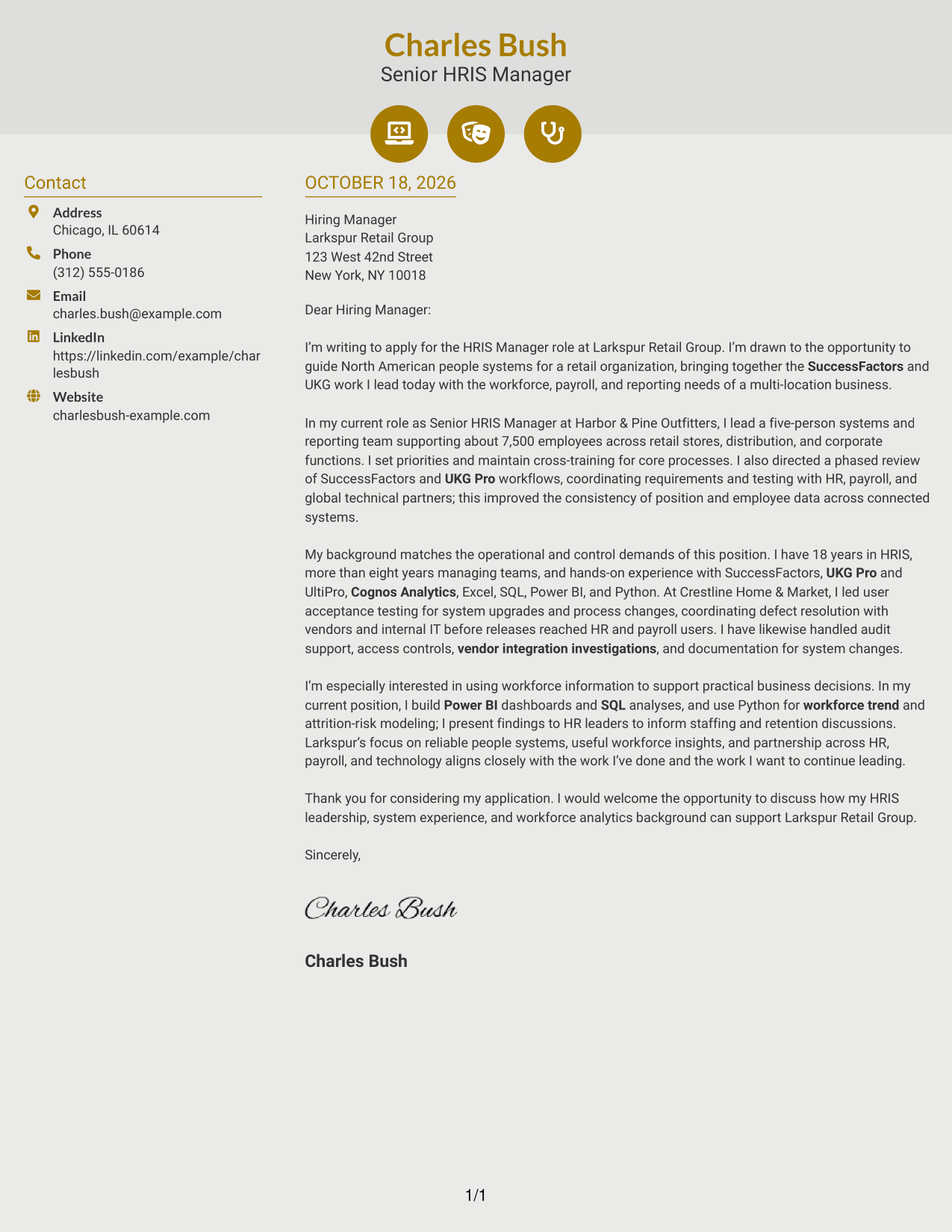
Why This Format Works
- Contact icons help distinguish sender details from the main letter text.
- The message stays in one column, keeping its paragraphs in natural order.
- A separate contact area leaves the written case visually distinct.
Best For
- Icon-marked contact details
- Two-column letter layouts
- Letters built around connected paragraphs
- Quick access to sender information
- Modern visual preferences
#7 Creative Two Tone Format Cover Letter Example
The Creative Two Tone Format pairs a contact sidebar with one continuous letter body, giving contact details their own place beside the message.
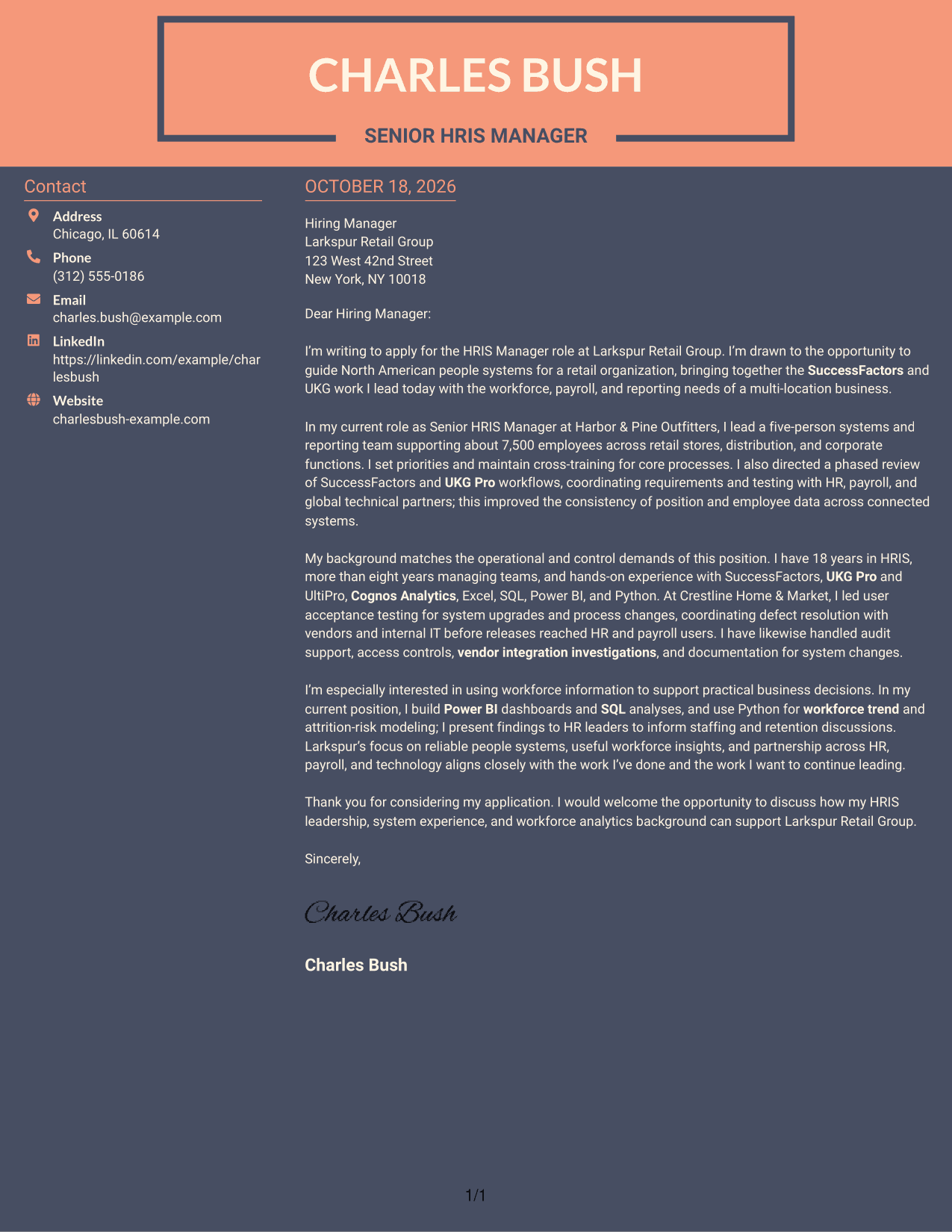
Why This Format Works
- Sender information remains distinct from the full sequence of letter paragraphs.
- The continuous body keeps motivation and supporting evidence in one reading path.
- A separate sidebar lets reviewers locate contact details apart from the message.
Best For
- Two-column correspondence
- Separate sender and message areas
- Letters with a clear motivation section
- Applications focused on written communication
- Contact details kept near the letter
See Also
- 7 Manager, HRIS - SuccessFactors and UKG Resume Templates with Example
- 7 Director, People Systems - Workday HRIS Resume Templates with Example
- 7 HR Customer Support Representative - Workday HRIS Resume Templates with Example
- 7 Total Rewards and HRIS Intern Resume Templates with Example
- 7 LMS Administrator - Higher Education Learning Platforms Resume Templates with Example
- 7 Library Technical Assistant I - Technical Services Resume Templates with Example
- 7 Restaurant Shift Lead - Front-of-House Service Resume Templates with Example
- 7 Lifeguard - Waterpark Safety Resume Templates with Example
- 7 Director, People Systems - Workday HRIS Cover Letter Templates with Example
- 7 HR Customer Support Representative - Workday HRIS Cover Letter Templates with Example
Frequently Asked Questions
What should the opening paragraph say for this HRIS manager role?
State your interest in the Manager, HRIS - SuccessFactors and UKG position, then connect it to the work you want to lead. You can point to the role’s focus on reliable people systems and partnership across HR, payroll, and technology.
What evidence should the body paragraphs include?
Choose examples that show how you lead HRIS operations and improve system work. The featured letter uses team leadership, SuccessFactors and UKG workflow improvements, release testing, audit support, integrations, and workforce reporting.
How can I explain my workforce analytics experience?
Describe the tools you use and how your findings support decisions. For example, the featured letter mentions Power BI dashboards, SQL analyses, and Python modeling for workforce trends and attrition risk.
How can I show alignment with Larkspur Retail Group?
Connect your experience to the needs in the posting, such as secure systems, accurate workforce data, useful reporting, and collaboration with HR, payroll, and technology partners. Add a specific reason for your interest in the company only if it is genuine.
How can I compare the cover letter presentations?
Review the PNG image previews to compare the visual styles, then open an example in the editor if you want to view or customize it.




