
7 Manager, New Business Sales - Policy Intelligence Cover Letter Templates with Example
Use this practical guide to create a Manager, New Business Sales - Policy Intelligence cover letter, compare its seven layouts, and choose a clear way to present your fit.
What Makes a Great Manager, New Business Sales - Policy Intelligence Cover Letter in 2026
A strong letter links sales team leadership to the needs of policy intelligence buyers. Show how you coach sellers and guide new business conversations with mission-driven organizations.
Use specific evidence, such as improving pipeline reviews or helping a team make reliable forecasts. Connect that work to the employer’s goals and explain why its policy intelligence offering matters to you.
The featured example moves from interest in the work to team leadership evidence, relevant sales experience, and a clear close; adapt this focused progression to the employer and communication setting.
#1 Simple One Column Format Cover Letter Example
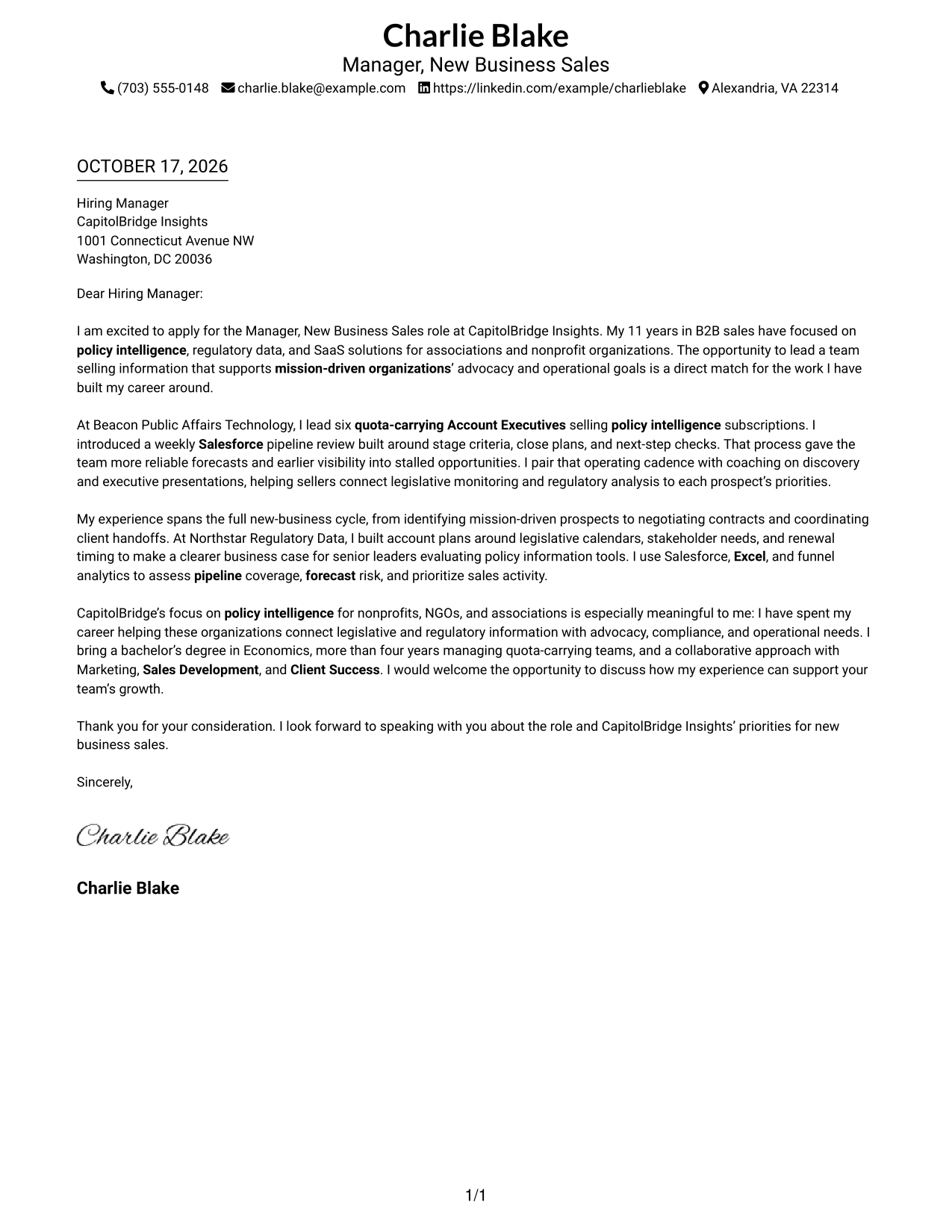
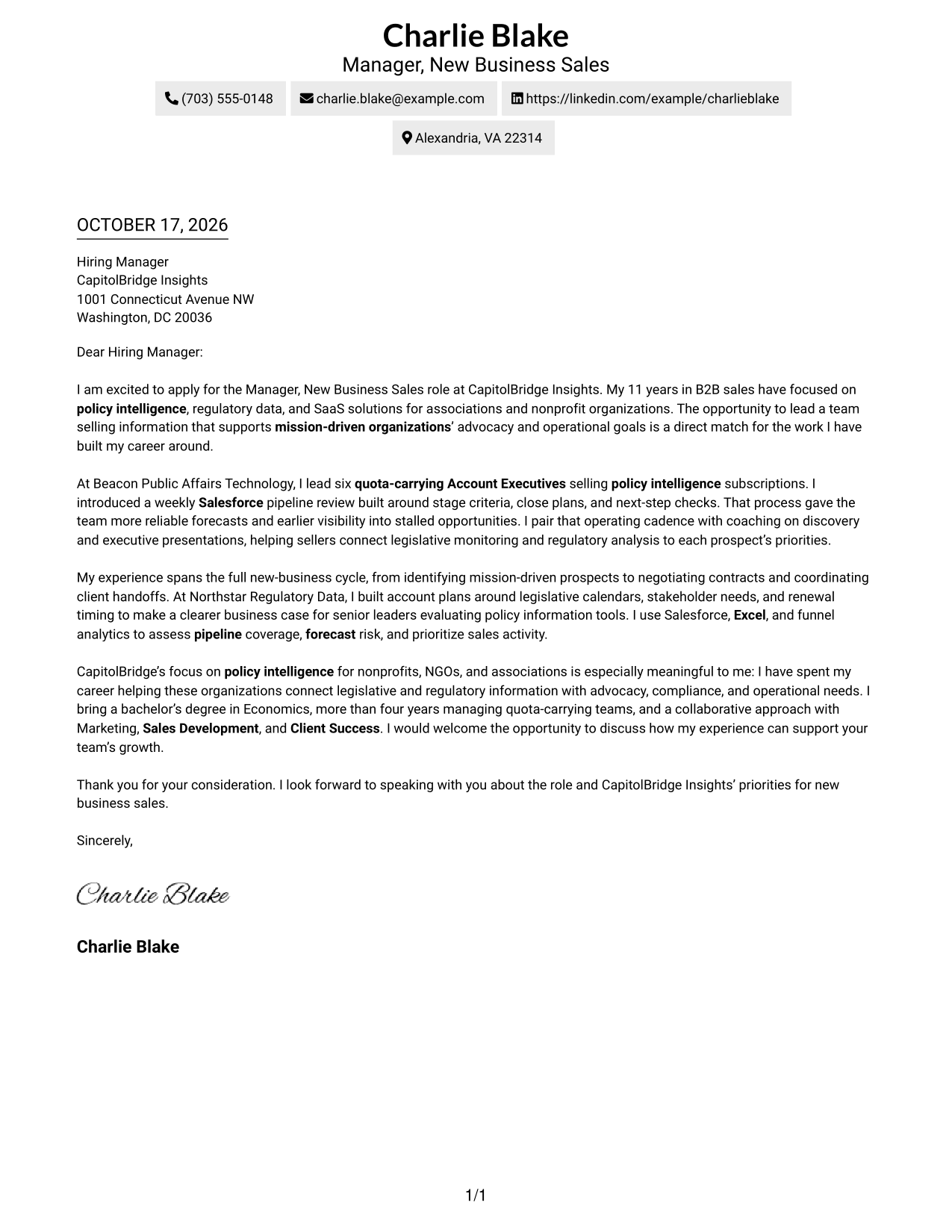
The Simple One Column Format places the letter in one clear column, a practical choice for readers who prefer a direct page layout.
Why This Format Works
- Reviewers can follow the message in one direction, from greeting to sign-off.
- Sender details stay available in the header without a separate contact sidebar.
- Continuous paragraphs keep the motivation and supporting case connected.
Best For
- One-column reading preference
- Header-based contact details
- Letter-focused review
- Direct reading order
- Text-led application materials
#2 Two Column Format Cover Letter Example
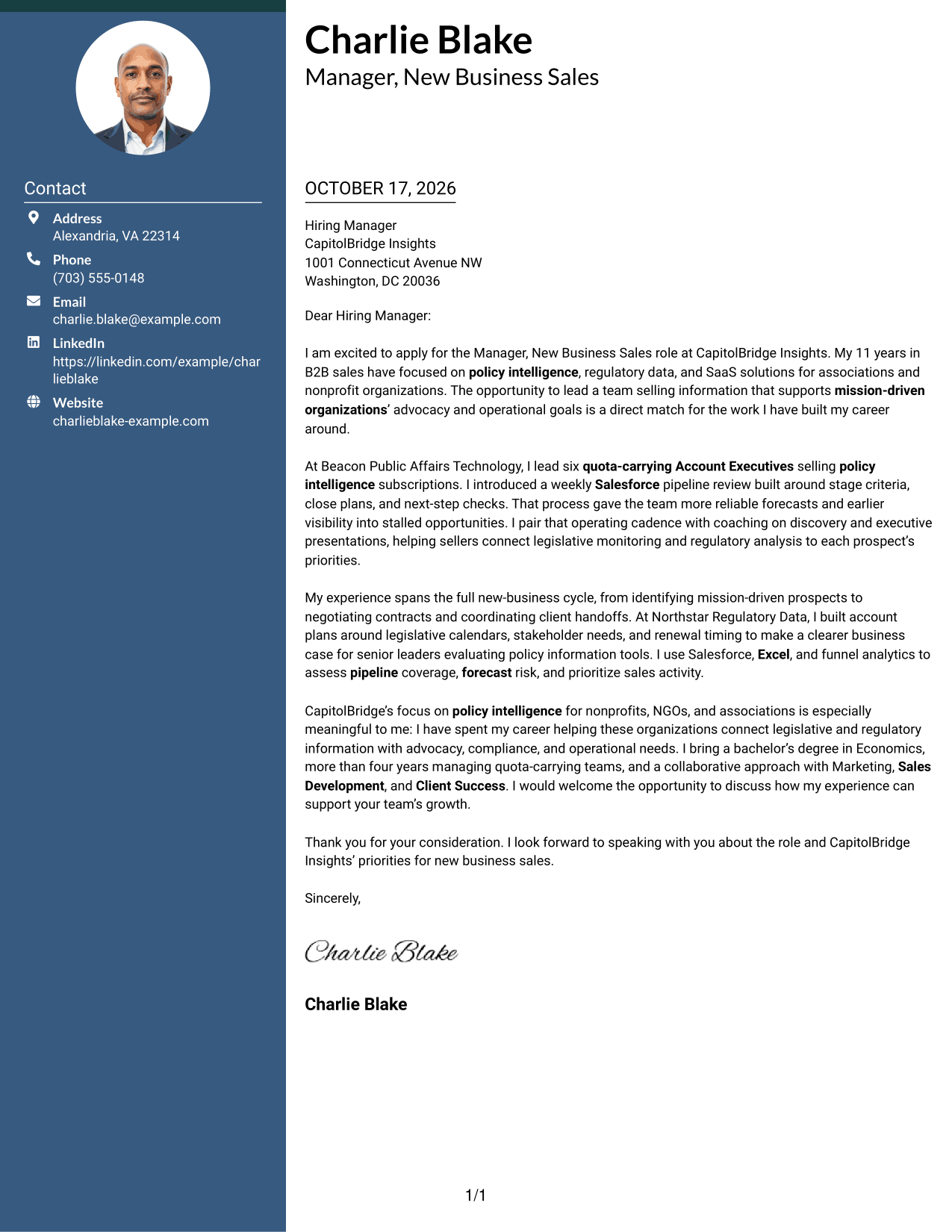
The Two Column Format places a contact sidebar beside one continuous letter body, keeping sender information distinct while the message remains easy to follow.
Why This Format Works
- The sidebar gives reviewers a clear place to find sender contact details.
- A single letter body keeps the opening, case, and closing in sequence.
- Side-by-side placement keeps contact information visible beside the correspondence.
Best For
- Contact details beside the letter
- Two-column page preference
- Continuous correspondence
- Quick contact reference
- Full sender information
#3 Photo Header Two Column Format Cover Letter Example
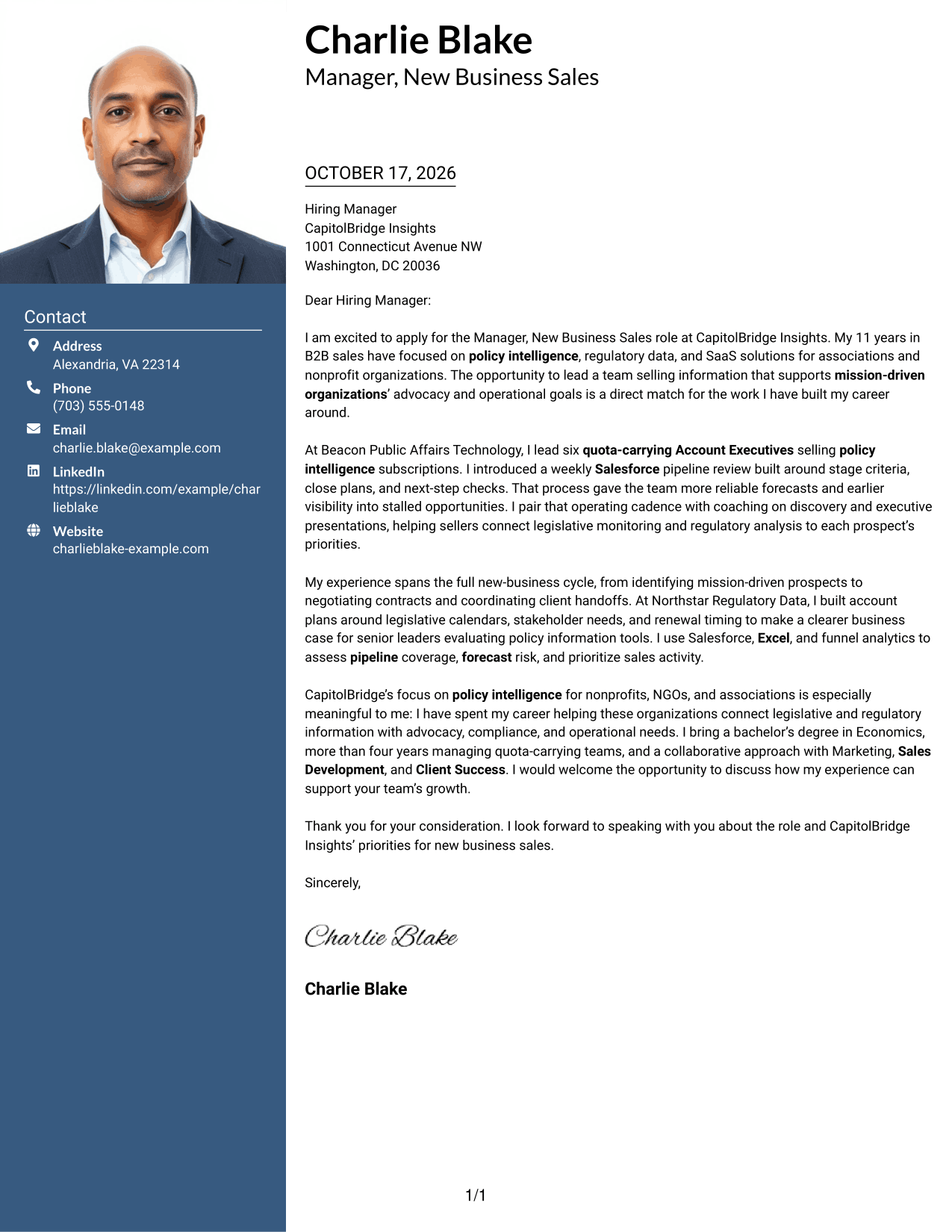
The Photo Header Two Column Format pairs a photo header with a contact sidebar and one letter body, adding a visible portrait while keeping correspondence in a single column.
Why This Format Works
- The portrait adds a personal visual element without changing the letter’s argument.
- A contact sidebar separates sender details from the continuous letter body.
- The body’s single column keeps the message in its intended order.
Best For
- Portrait-forward header preference
- Contact sidebar organization
- Single-column letter reading
- Personal visual presentation
- Contact details kept distinct
#4 One Column Format with Photo Cover Letter Example
The One Column Format with Photo keeps the correspondence in one column and includes a portrait, a useful choice for readers who want a personal visual element without a split letter body.
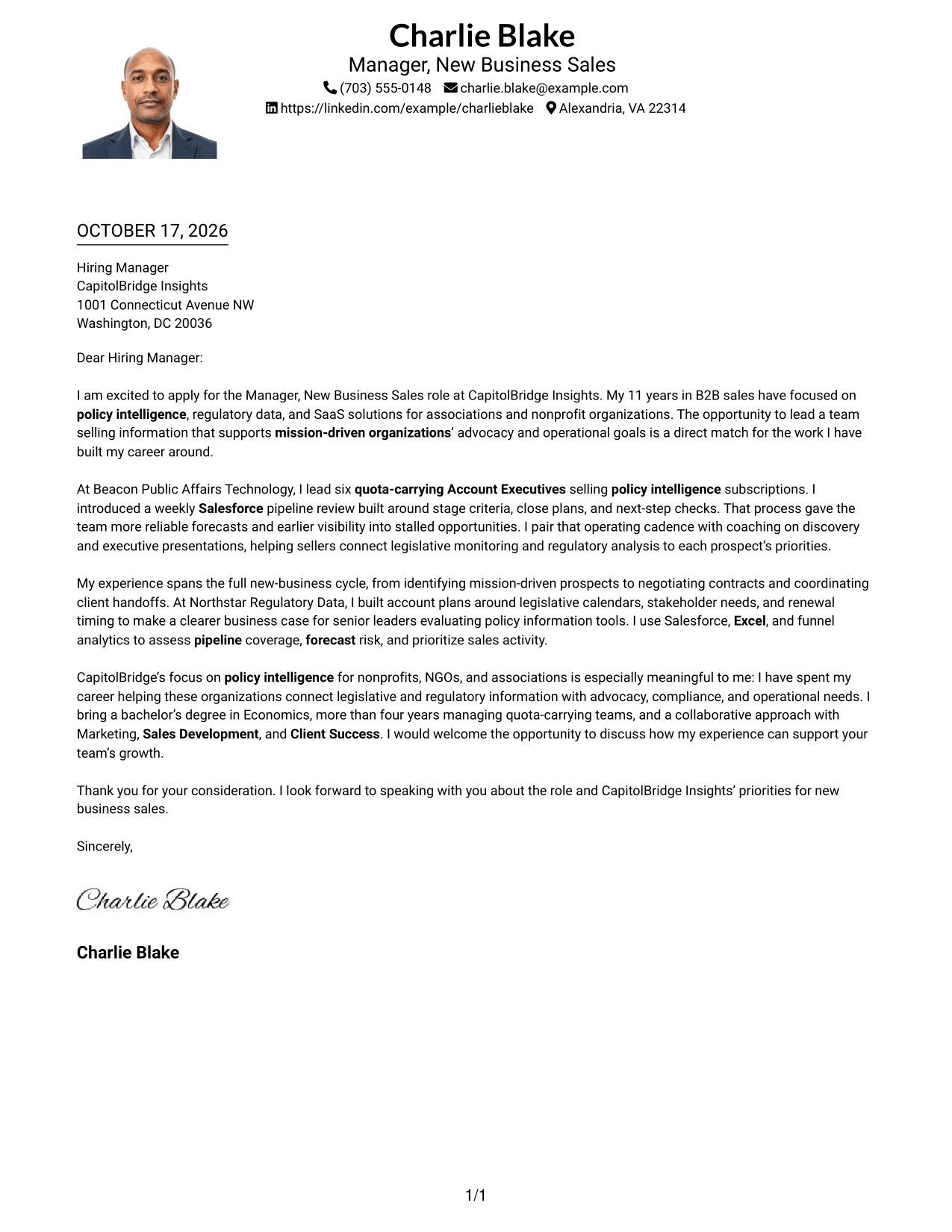
Why This Format Works
- The portrait adds visual identity while the letter remains a single column.
- Sender details in the header stay distinct from the correspondence.
- The opening and closing remain part of the same continuous letter body.
Best For
- Single-column letter preference
- Portrait-inclusive documents
- Header-based contact details
- Continuous paragraph reading
- Personal visual touch
#5 Simple Two Column Format Cover Letter Example
The Simple Two Column Format sets contact details in a sidebar beside the letter, giving sender information a distinct place while the correspondence stays together.
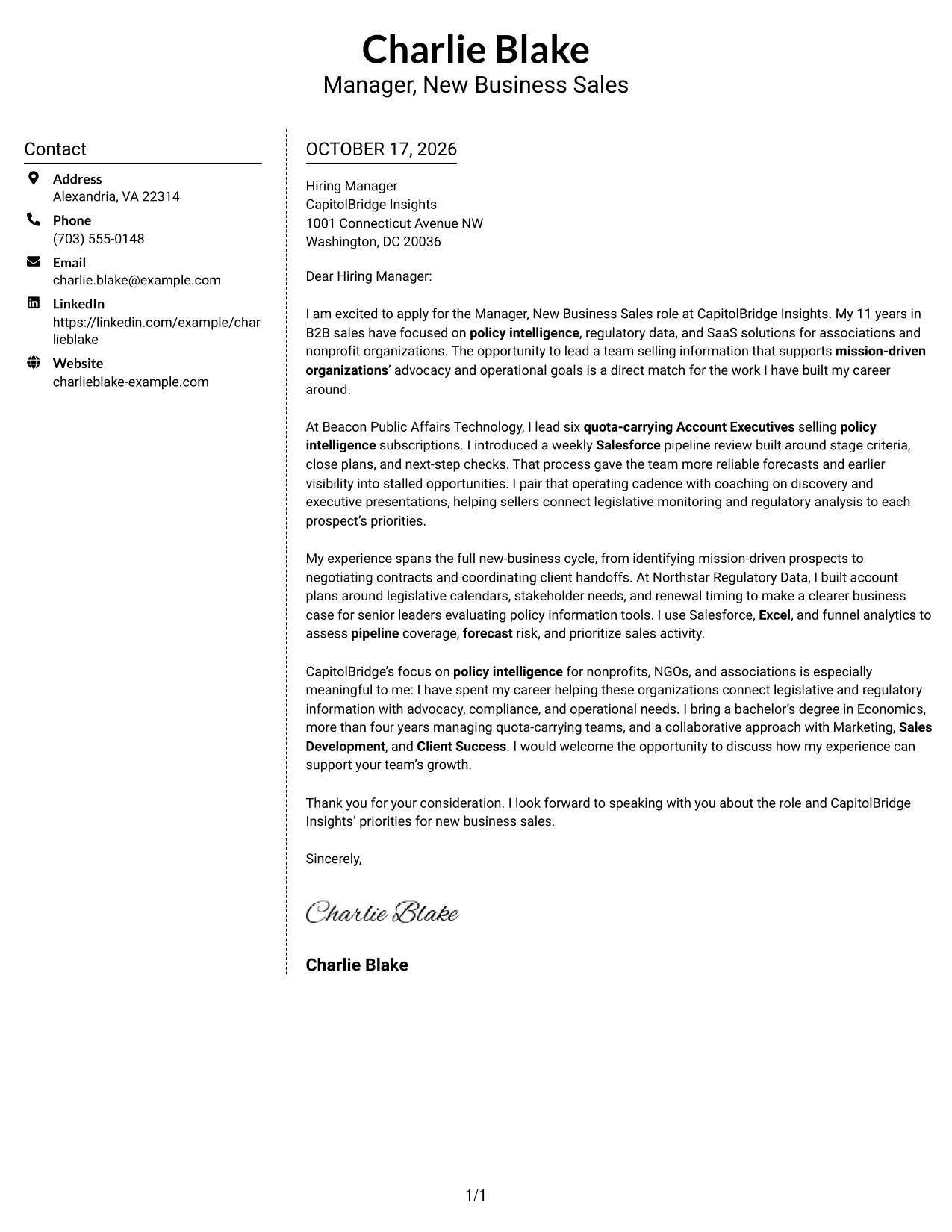
Why This Format Works
- A separate contact area makes sender details easy to locate at a glance.
- The letter remains one continuous body rather than parallel argument columns.
- The two areas give contact information and correspondence clear visual boundaries.
Best For
- Sidebar contact organization
- One-body letter structure
- Clear division of page content
- At-a-glance sender details
- Two-column reading preference
#6 Modern Icon Format Cover Letter Example
The Modern Icon Format uses a contact sidebar beside one continuous letter body, with icons serving as cues for contact details rather than argument sections.
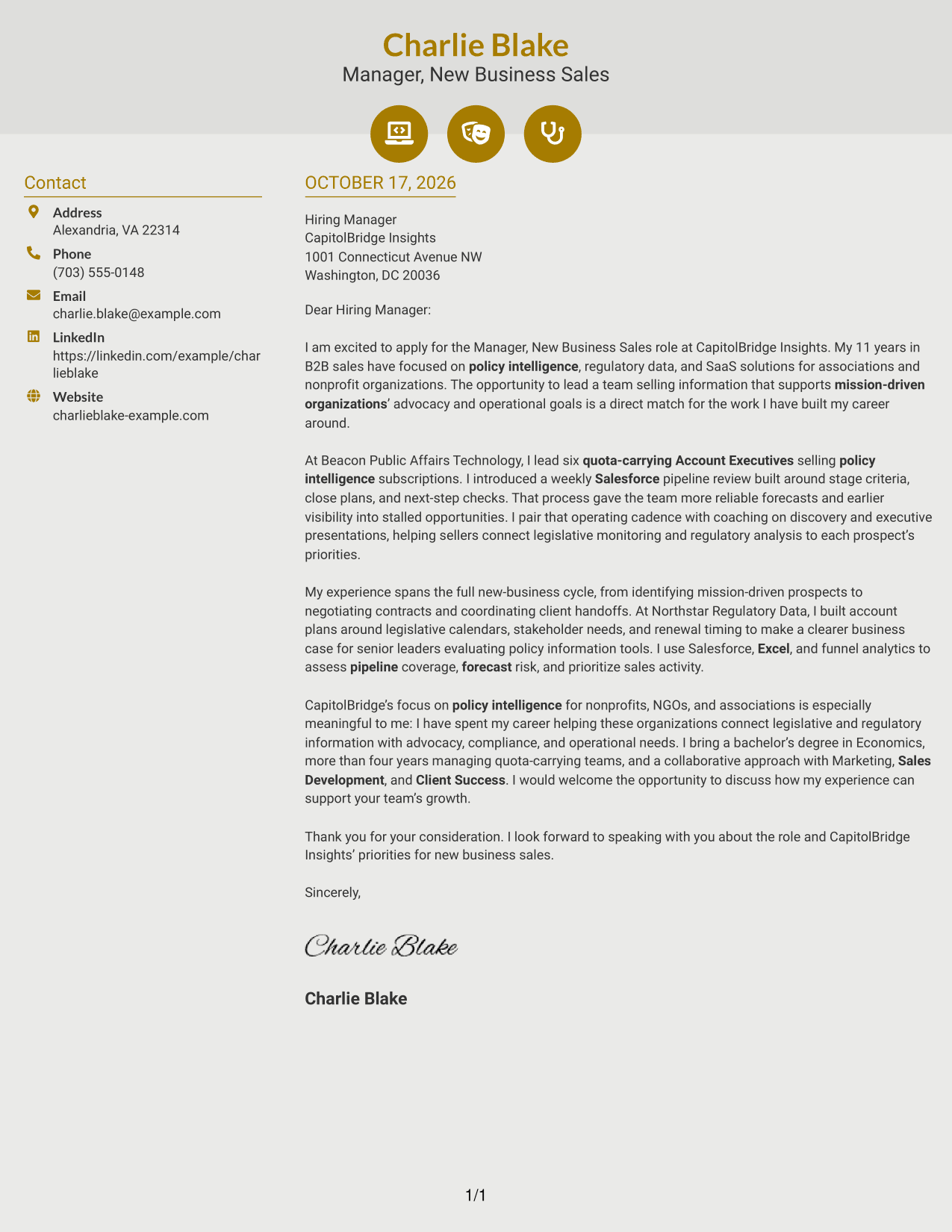
Why This Format Works
- Contact icons help distinguish sender details from the letter text.
- Icons stay tied to contact information, not the letter’s argument.
- The single body column keeps the message in a familiar reading order.
Best For
- Icon-marked contact details
- Sidebar information organization
- Continuous letter reading
- Visual contact cues
- Two-column page preference
#7 Creative Two Tone Format Cover Letter Example
The Creative Two Tone Format places contact details beside a single continuous letter body, a practical option for readers who want a clear division between sender information and correspondence.
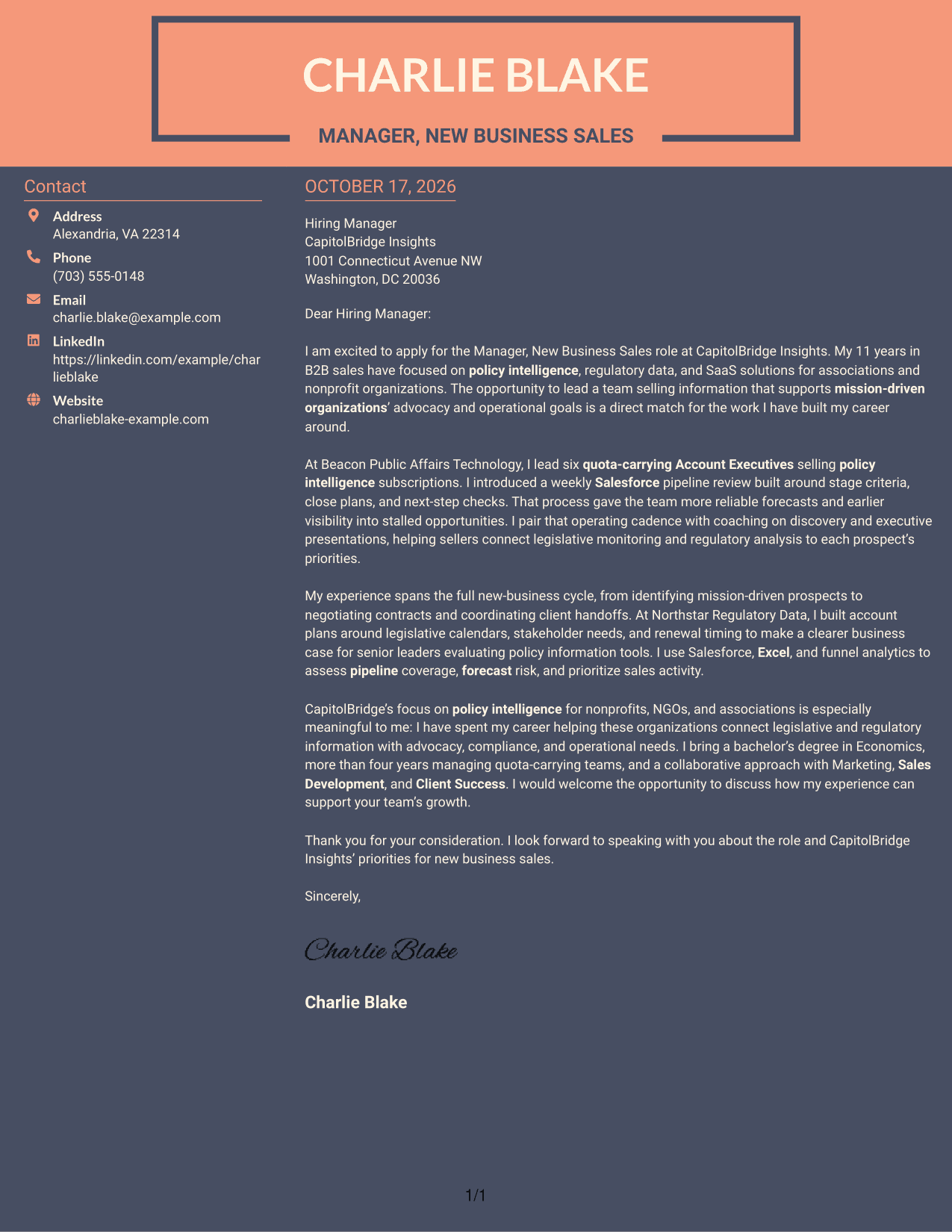
Why This Format Works
- The contact area gives sender information its own place beside the letter.
- A continuous body lets reviewers follow the message without argument-section breaks.
- The two-column reading order keeps correspondence separate from contact details.
Best For
- Distinct contact area
- Uninterrupted letter body
- Two-column reading order
- Sender details beside correspondence
- Clear page organization
See Also
- 7 Manager, New Business Sales - Policy Intelligence Resume Templates with Example
- 33 Entry Level Sales/Business Development Resume Templates with Example 2026 (ATS-Optimized)
- 33 Retail to Business Account Executive - SMB Mobile Sales Resume Templates with Example 2026 (ATS-Optimized)
- 33 Business Intelligence and Data Analyst Resume Templates with Example 2026 (ATS-Optimized)
- 33 Business Intelligence (BI) Developer / Business Systems Analyst Resume Templates with Example 2026 (ATS-Optimized)
- 33 Business Intelligence Data Analyst Resume Templates with Example 2026 (ATS-Optimized)
- 33 Data Science & Business Intelligence Internship Resume Templates with Example 2026 (ATS-Optimized)
- 7 Agile Delivery Owner Lead - New Product Development Resume Templates with Example
- 30+ Business Intelligence and Data Analyst Cover Letter Templates with Example 2026
- 30+ Business Intelligence Data Analyst Cover Letter Templates with Example 2026
Frequently Asked Questions
What should the opening say in a policy intelligence sales leadership cover letter?
State the exact role and give a clear reason for your interest. Connect your interest to helping mission-driven organizations use policy information to support advocacy or operational needs.
How can I show that I can lead a new business sales team?
Give a specific example of how you set expectations, coach quota-carrying Account Executives, or improve pipeline discipline. Explain the result, such as clearer forecasts or earlier attention to stalled opportunities.
How can I show a fit for policy intelligence sales?
Describe how you connect legislative or regulatory information to client priorities. You can also explain how you work with Marketing, Sales Development, or Client Success to support a consistent client experience.
Should I name the employer in my cover letter?
Yes. Use the employer’s name and explain what interests you about its focus. For this role, connect that interest to the needs of nonprofits, NGOs, and associations that use policy intelligence.
How should I close a cover letter for this role?
Briefly restate the value you would bring, then invite a conversation about the team’s new business goals. Keep the tone direct, warm, and professional.




