
7 MES Systems Analyst Cover Letter Templates with Example
This practical guide helps you create a focused MES Systems Analyst cover letter through seven layouts, with advice for showing role fit clearly.
What Makes a Great MES Systems Analyst Cover Letter in 2026
A strong MES Systems Analyst cover letter links manufacturing needs to MES work, such as process planning, work order execution, MRO, and SAP ERP integration. Open with clear interest and explain why this work fits.
Use a specific example, such as an IIoT pilot or repair-process mapping, to show how you turn needs into plans and support users. Connect that evidence to the employer’s priorities and close with a clear next step.
The featured letter moves from role fit to a concrete IIoT example, broader MES and MRO experience, and a direct close. Adapt that progression, and choose a presentation suited to the employer and communication context.
#1 Simple One Column Format Cover Letter Example
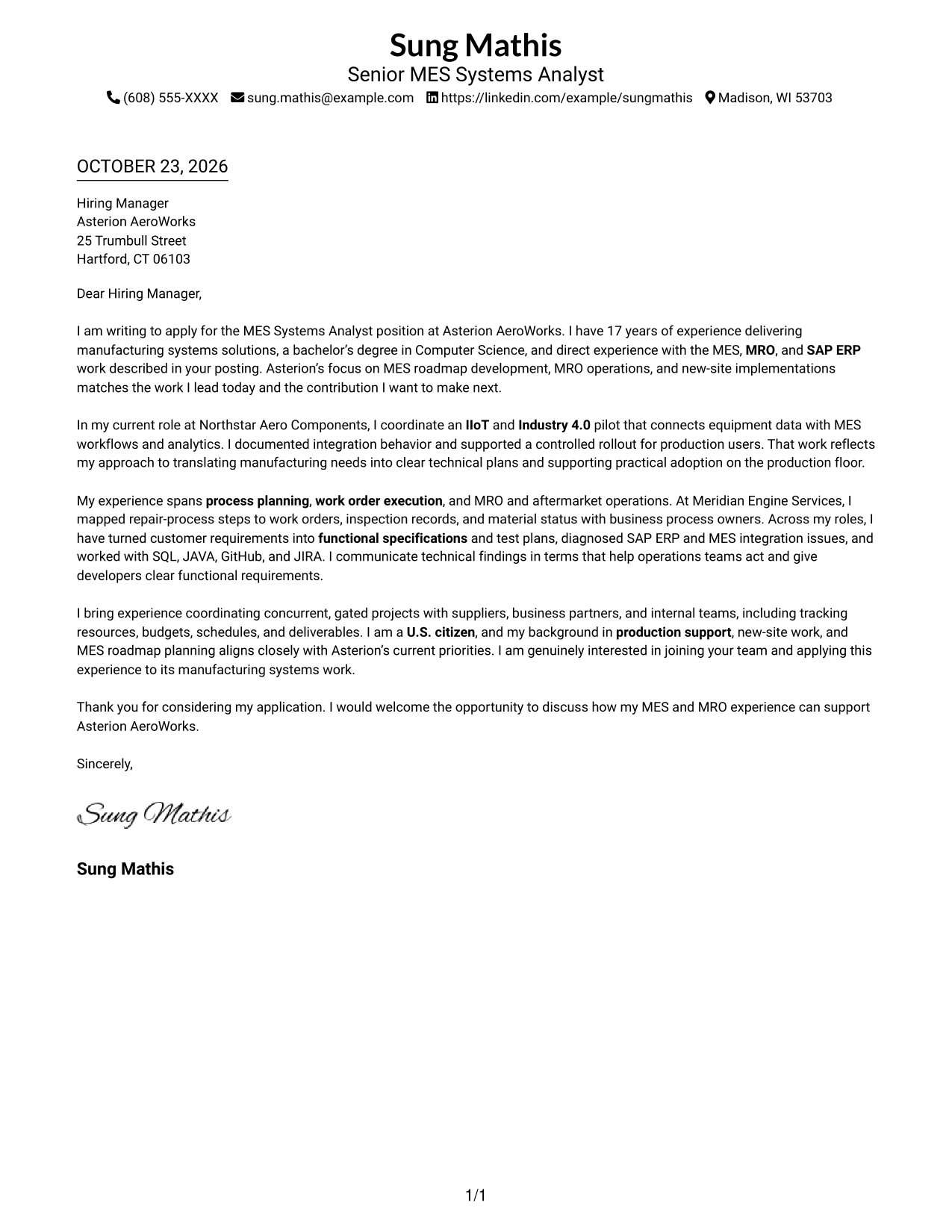
A one-column page keeps sender details in the header and the letter body together, making it a natural choice for readers who prefer a direct, uninterrupted presentation.
Why This Format Works
- Sender details stay above the letter, so readers can move directly into the opening.
- One uninterrupted body keeps motivation, supporting evidence, and the closing in a natural sequence.
- With no sidebar, contact information and letter content share a simple page structure.
Best For
- Straightforward business correspondence
- One-column reading preference
- Contact details in the header
- Opening-to-close letter flow
- Role-specific motivation
#2 Two Column Format Cover Letter Example
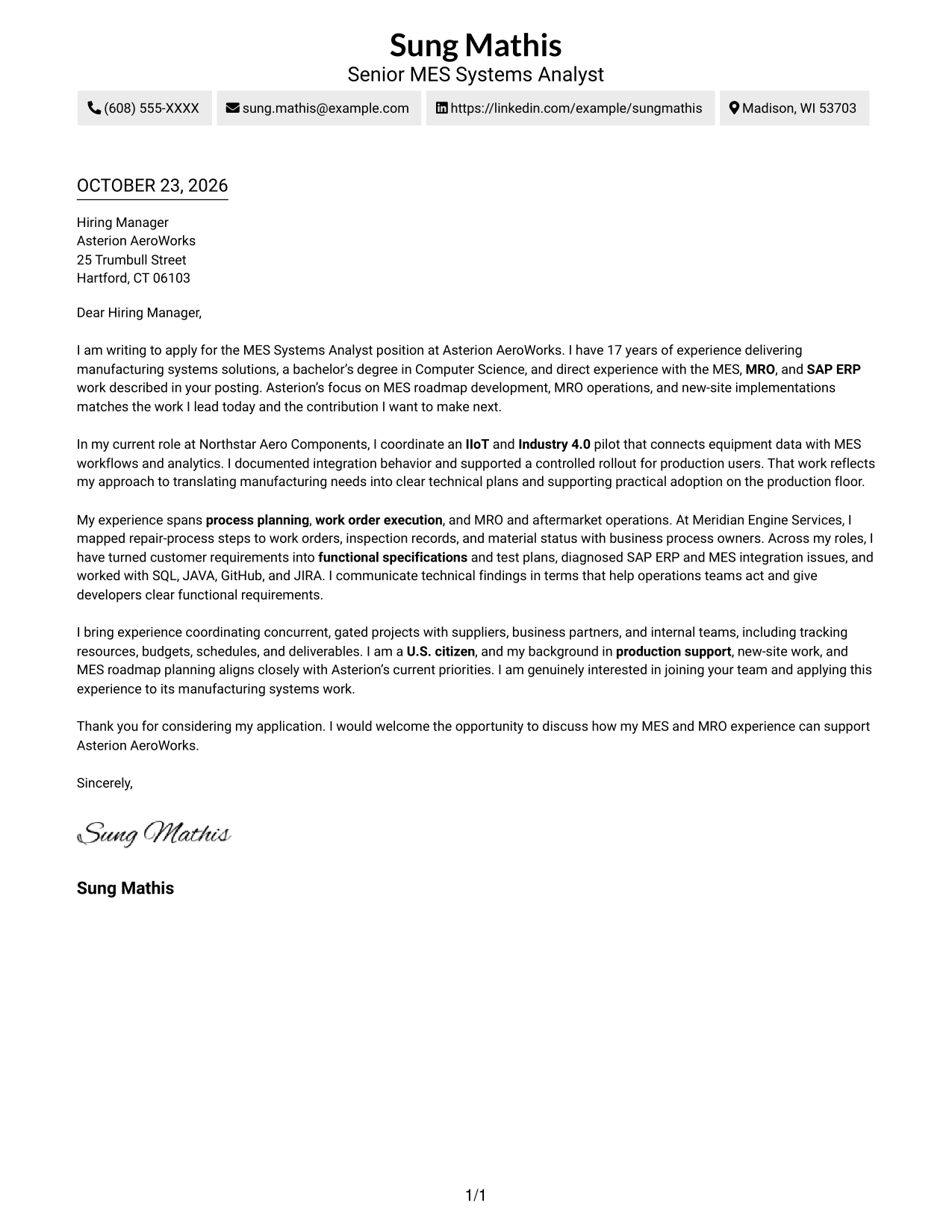
A contact sidebar sits beside one continuous letter body, giving contact information its own place while preserving a straightforward reading path for the argument.
Why This Format Works
- A dedicated contact sidebar separates sender information from the letter's persuasive message.
- One continuous body lets the opening, supporting points, and closing read in sequence.
- Separate contact placement leaves the main letter area for complete paragraphs, not parallel arguments.
Best For
- Contact details beside the message
- Letters with several supporting points
- Sidebar-based contact navigation
- Single-flow business communication
- Clear separation of sender details
#3 Photo Header Two Column Format Cover Letter Example
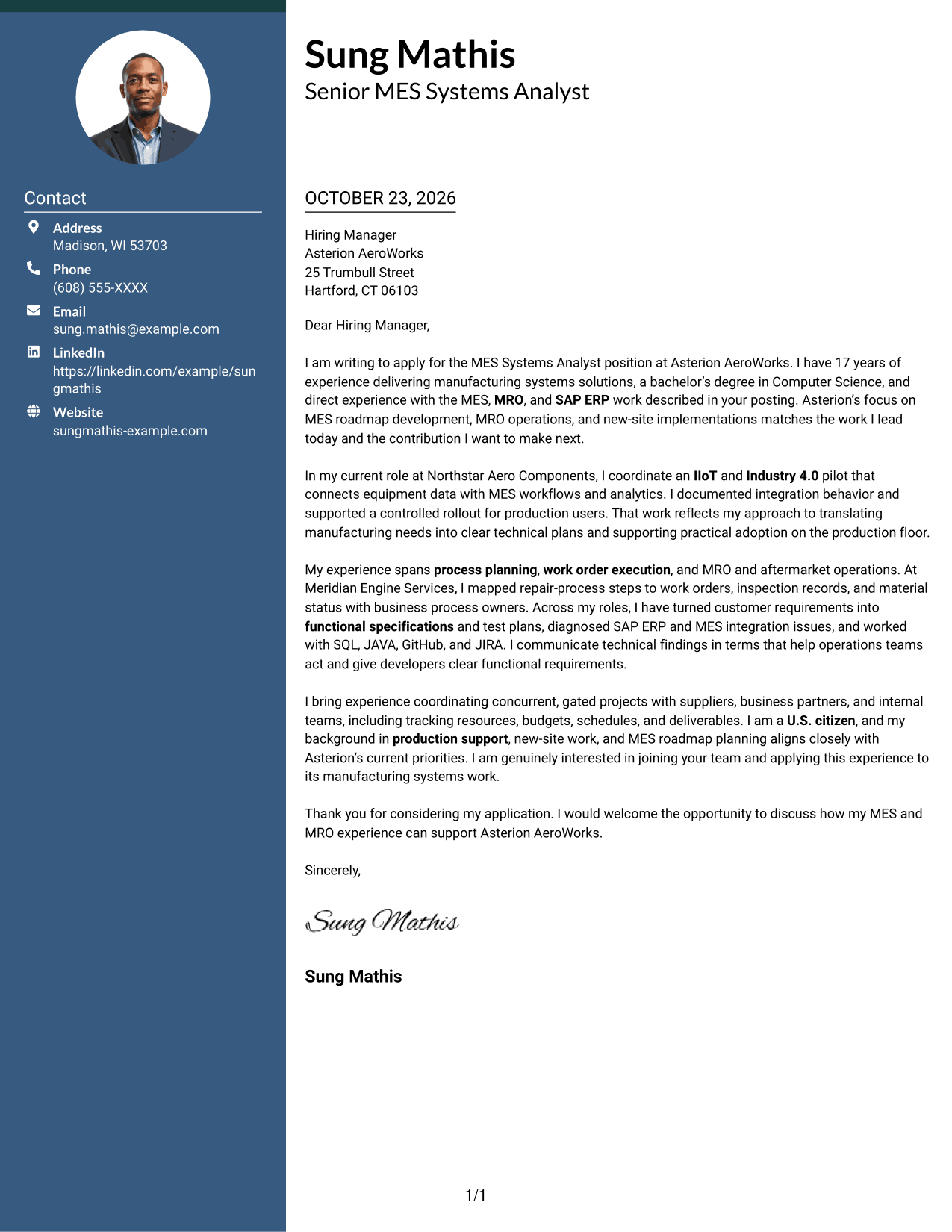
A photo adds a personal visual element, while the contact sidebar sits beside one continuous letter body for a clear separation of contact details and message.
Why This Format Works
- A photo adds a personal visual element for readers who prefer portrait-led correspondence.
- Contact details sit apart from the body, making sender information easy to locate.
- One continuous letter body keeps the persuasive message together from greeting through closing.
Best For
- Portrait-inclusive correspondence
- Sidebar contact details
- Uninterrupted letter arguments
- Personal visual preference
- Contact information separate from the message
#4 One Column Format with Photo Cover Letter Example
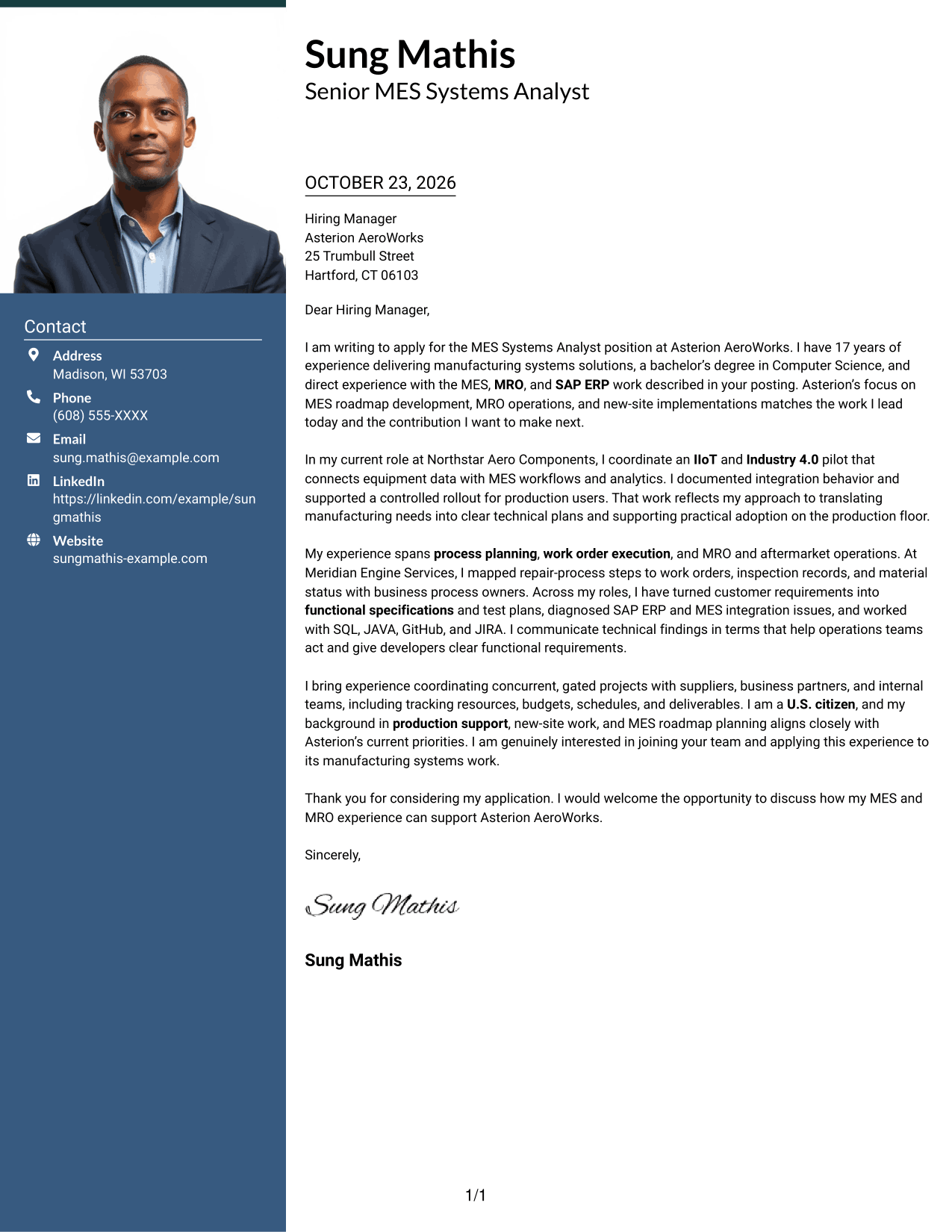
The one-column layout includes a photo and keeps sender details in the header above one continuous letter body, offering a direct reading path with a personal visual element.
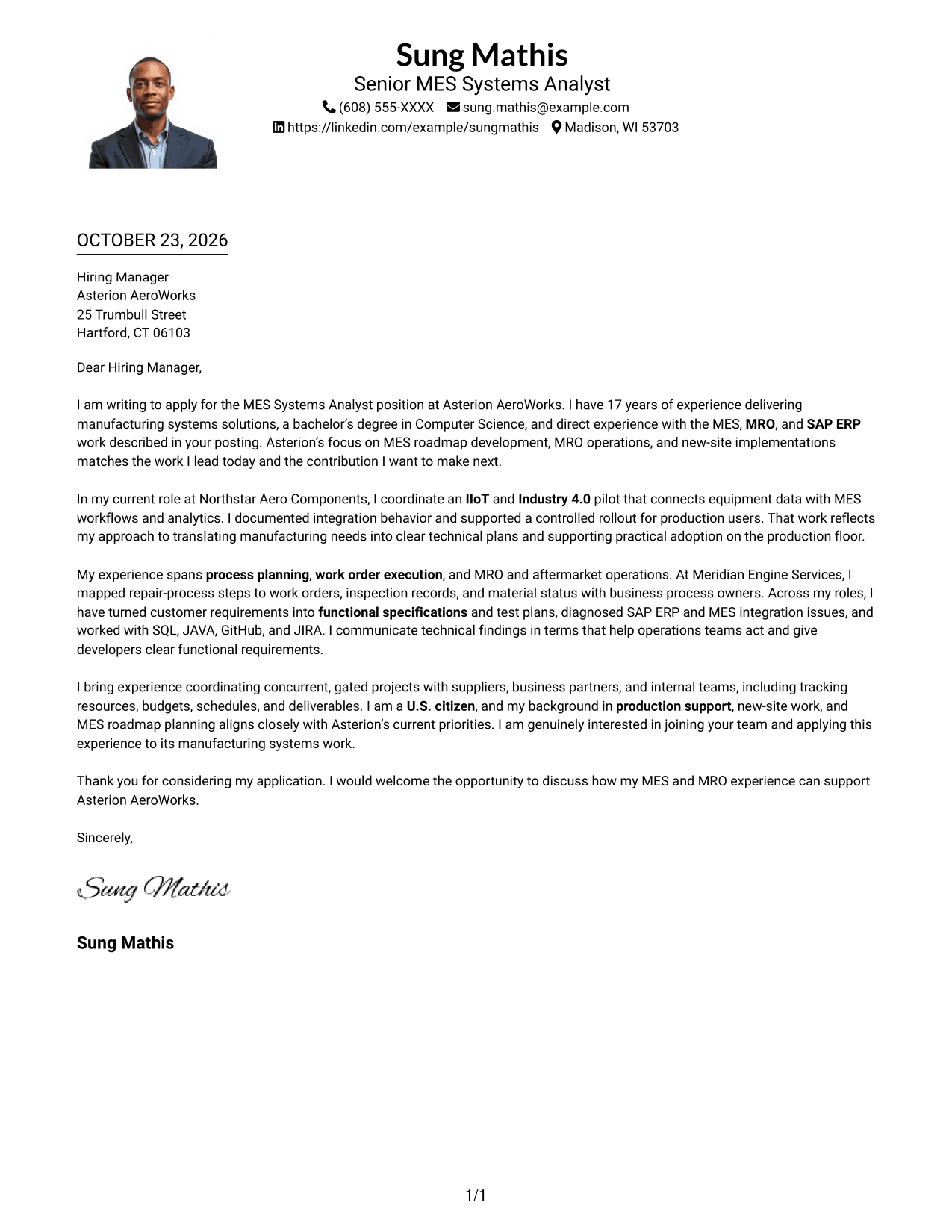
Why This Format Works
- A photo suits readers who prefer a personal visual element in correspondence.
- Sender details in the header keep contact information distinct from the main message.
- One-column reading order carries the greeting, body, and closing in sequence.
Best For
- Photo-inclusive correspondence
- One-column letter reading
- Header-based sender details
- Continuous persuasive messages
- Personal visual preference
#5 Simple Two Column Format Cover Letter Example
Contact details occupy a sidebar beside the continuous letter body, keeping sender information distinct while allowing the letter to read as one message.
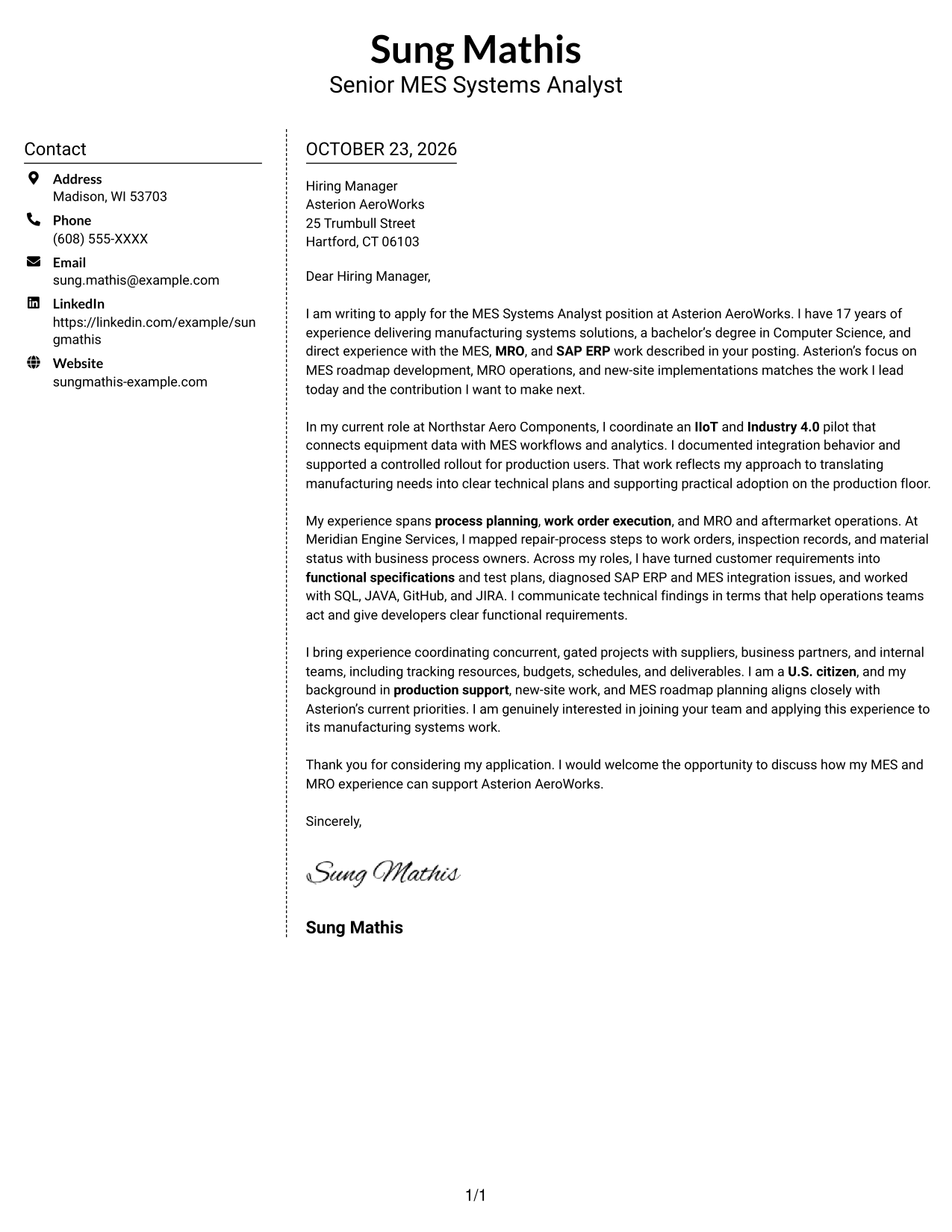
Why This Format Works
- Contact information has a sidebar, while the letter body reads as one message.
- Continuous paragraphs keep the motivation, evidence, and request connected for the reader.
- Two-column placement makes sender details easy to find without adding argument headings.
Best For
- Sidebar contact information
- Letters with connected supporting points
- Sender details easy to locate
- Single-message communication
- No argument section headings
#6 Modern Icon Format Cover Letter Example
The two-column layout pairs contact icons and a sidebar with one continuous letter body, using visual cues for contact details without labeling the letter's argument.
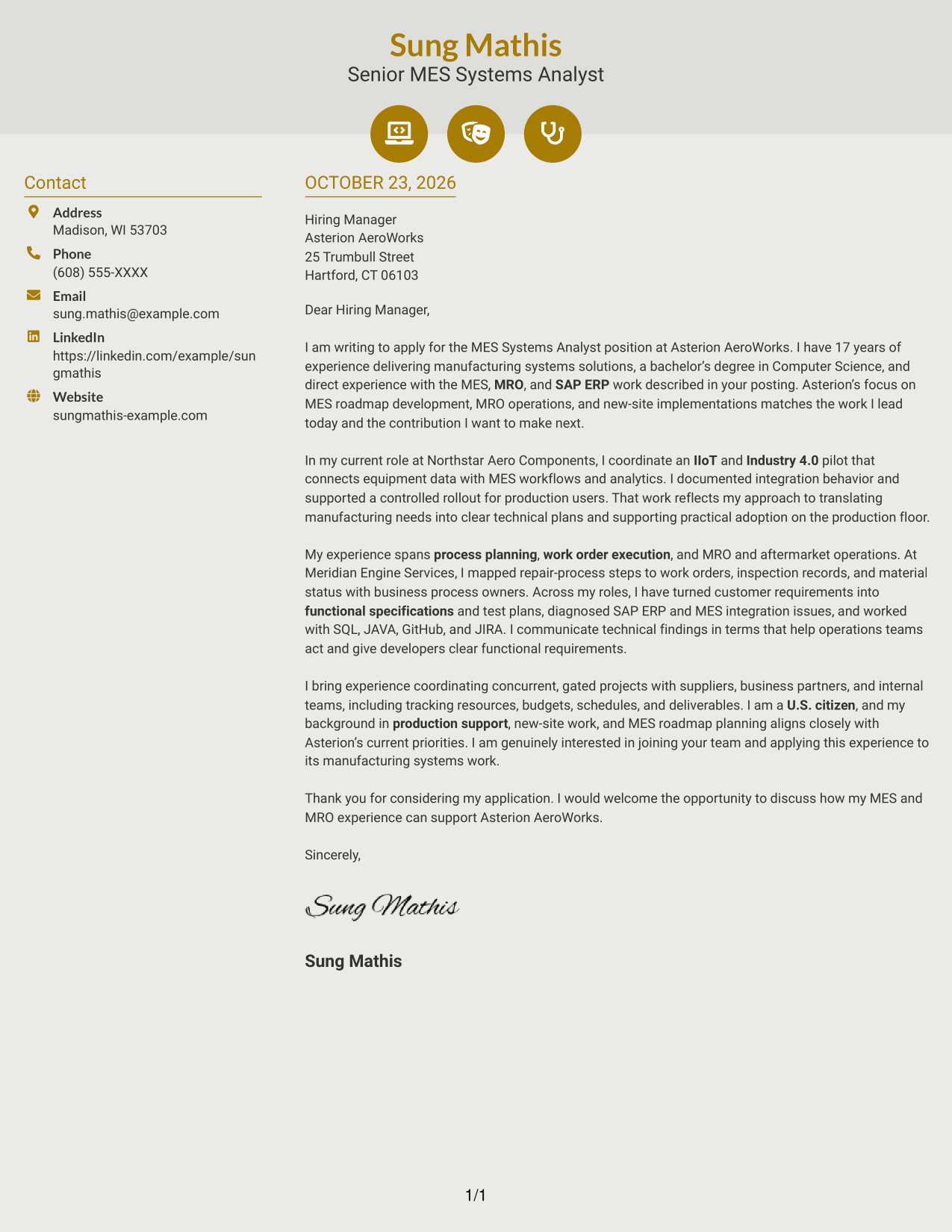
Why This Format Works
- Contact icons help distinguish contact details without acting as labels for letter points.
- The sidebar keeps sender information apart while the body carries a continuous message.
- Decorative header accents add visual interest without changing the letter's reading order.
Best For
- Icon-based contact details
- Two-column correspondence
- Continuous letter messages
- Visual contact cues
- Uninterrupted persuasive writing
#7 Creative Two Tone Format Cover Letter Example
A contact sidebar stands apart from the continuous letter body in this two-column format, keeping sender details distinct while the letter reads as one message.
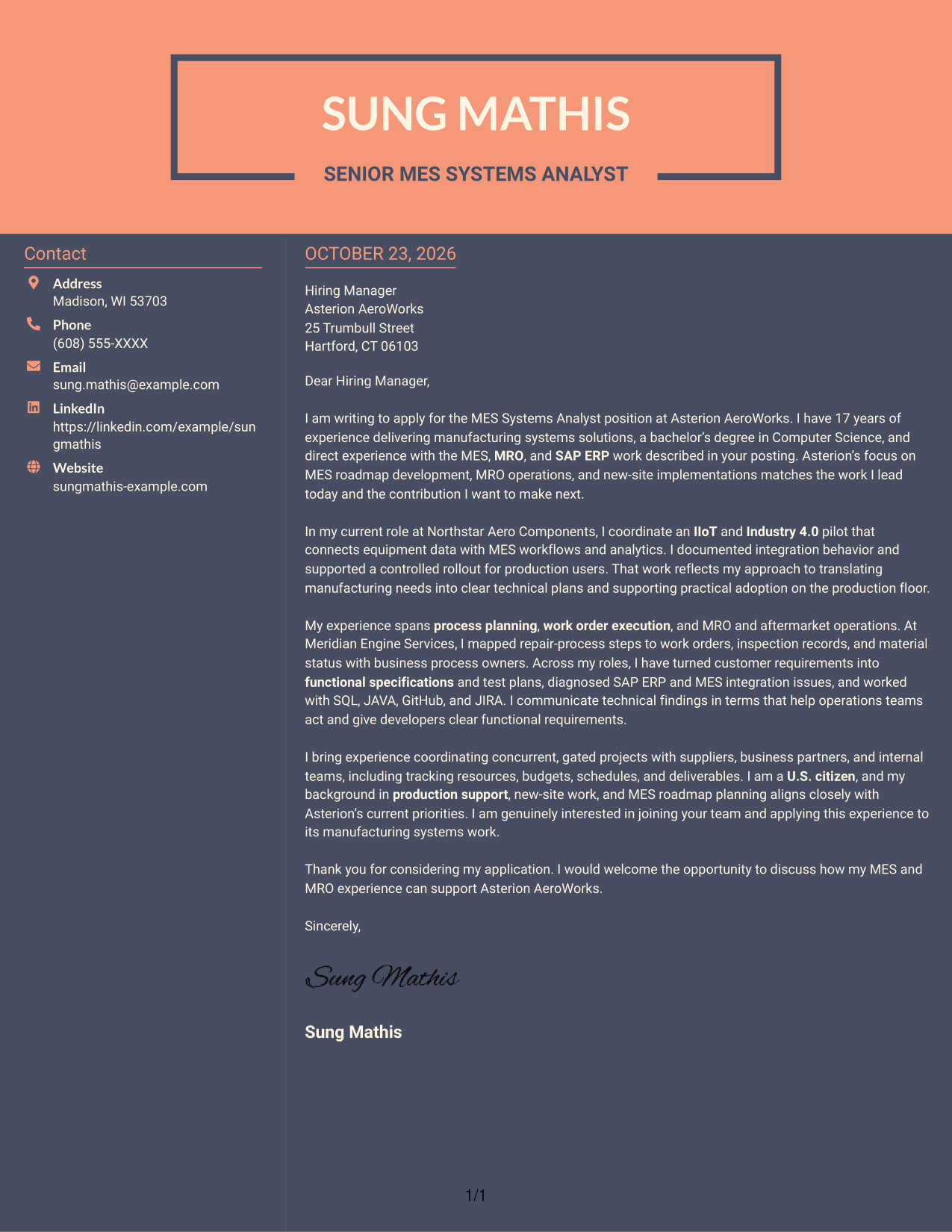
Why This Format Works
- The sidebar gives contact details a separate place beside the letter's message.
- One continuous body keeps motivation, evidence, and the closing in a single reading sequence.
- The two-column arrangement keeps sender information distinct from the letter's paragraphs.
Best For
- Separate contact information
- Continuous persuasive writing
- Two-column reading preference
- Letters with a clear closing request
- Sender details beside the message
See Also
- 7 MES Systems Analyst Resume Templates with Example
- 7 Analyst, Quality Systems Resume Templates with Example
- 33 Business Intelligence (BI) Developer / Business Systems Analyst Resume Templates with Example 2026 (ATS-Optimized)
- 7 Business Systems Analyst - Curriculum Systems Specialist Resume Templates with Example
- 7 Business Systems Analyst Resume Templates with Example
- 33 Business Systems / Data Analyst Resume Templates with Example 2026 (ATS-Optimized)
- 7 Departmental Analyst - Technology and Data Systems Resume Templates with Example
- 7 Laboratory Systems Interface Analyst Resume Templates with Example
- 30+ Business Systems / Data Analyst Cover Letter Templates with Example 2026
- 7 Workday Payroll Systems Analyst Cover Letter Templates with Example
Frequently Asked Questions
What should an MES Systems Analyst cover letter emphasize?
Show how you connect manufacturing needs with MES capabilities. You can discuss process planning, work order execution, MRO operations, SAP ERP integration, and clear communication with technical and operations teams when these areas match your experience.
How can I show MES experience in a cover letter?
Choose one specific example and explain the need, your contribution, and the result. For example, describe how you turned a manufacturing request into requirements and test plans or supported an MES workflow rollout.
Should I mention tools such as SQL, JAVA, GitHub, and JIRA?
Mention tools that you have used and that matter to the role. Briefly connect them to your work, such as investigating an integration issue, reviewing a change, or tracking a defect.
How do I tailor the letter to an employer?
Refer to the employer’s stated priorities, such as MRO roadmap work, new-site implementations, or IIoT integration. Then connect one relevant example from your own background to the work described in the posting.
Can I view or customize the cover letter examples?
Yes. Compare the image previews, then use the editor link to open an example and customize it for your application.




