
US English


7 MES Systems Analyst Resume Templates with Example
By Ria · Last Updated On October 23, 2026
Resume example — page 1

This guide shows you how to create a clear, focused MES Systems Analyst resume. You will learn how to present manufacturing systems work in a way that helps recruiters find your relevant strengths quickly.

Connect your experience to MES process planning, work order execution, MRO operations, and SAP ERP integration. Use specific examples to show how you turn business needs into functional requirements, system designs, and test plans, and how you support production users.

The example is presented in 7 layouts, so you can compare the image previews and choose a structure that fits your information. Open an example in the editor to view or customize its layout.

What Makes a Great MES Systems Analyst Resume in 2026

A strong resume makes MES work easy to follow. Use clear sections, concise achievement bullets, and relevant details about process planning, work order execution, integrations, and production support.

Include keywords that match your actual experience, such as SAP ERP, MRO, JAVA, SQL, GitHub, JIRA, IIoT, and Industry 4.0. Show results with specific evidence, such as rollout scope, issue resolution, or delivery against schedules and budgets.

Note: Resume examples are for educational purposes only. Use only information that accurately reflects your experience and qualifications. References to real organizations do not imply affiliation or endorsement.

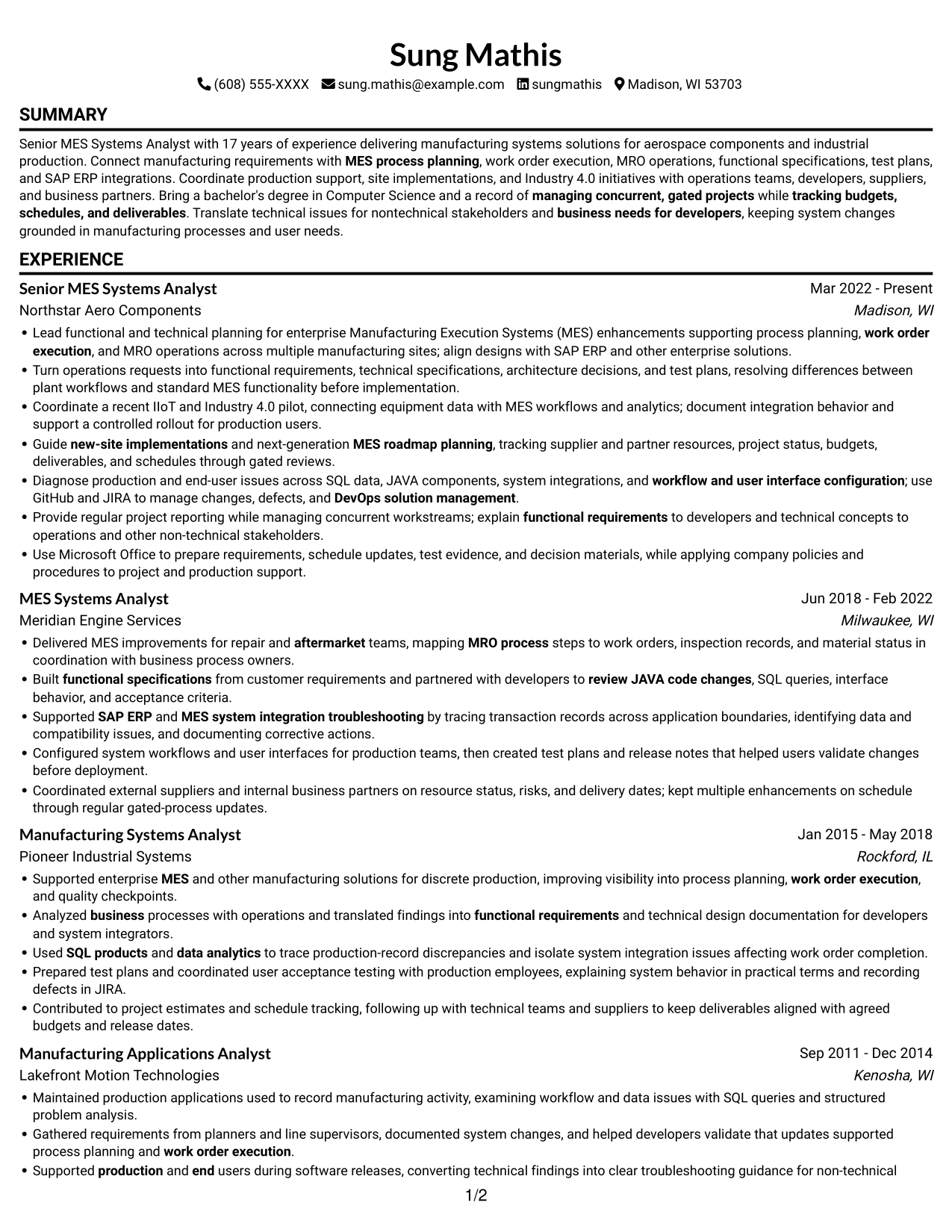
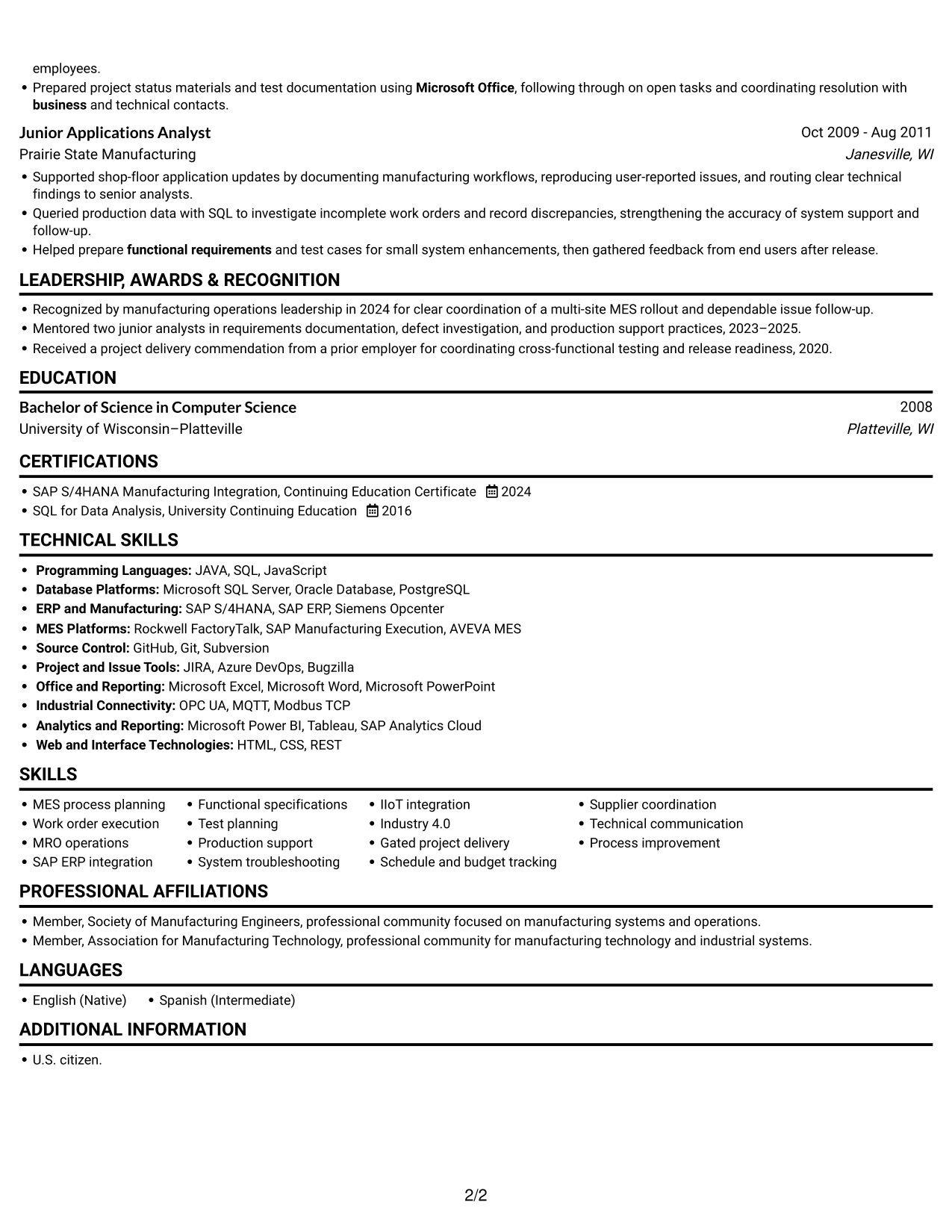
#1 Simple One Column Format Resume Example

The Simple One Column Format keeps every resume section in a clear vertical sequence, helping reviewers follow detailed career history without shifting between columns.
 
Resume example — page 1   Resume example — page 2

Why This Format Works

  • A single reading path lets reviewers follow career history in order.
  • Uninterrupted text flow suits resumes with detailed role descriptions and supporting sections.
  • Section transitions stay easy to track across experience, education, and skills.

Best For

  • Linear career-history review
  • Detailed experience entries
  • Section-by-section reading
  • Several supporting resume sections
  • Skills and education in one sequence

Resume Keywords

  • MES
  • MES process planning
  • work order execution
  • Supported SAP ERP and MES system integration troubleshooting
  • business
  • 17 years of experience delivering manufacturing systems solutions
  • U.S. citizen.
  • functional requirements
  • functional specifications
  • Turn operations requests into functional requirements, technical specifications, architecture decisions
  • technical specifications
  • Test planning
  • Delivered MES improvements for repair and aftermarket teams, mapping MRO process steps to work orders, inspection records, and material status
  • system integration troubleshooting
  • review JAVA code changes
See all keywords
 

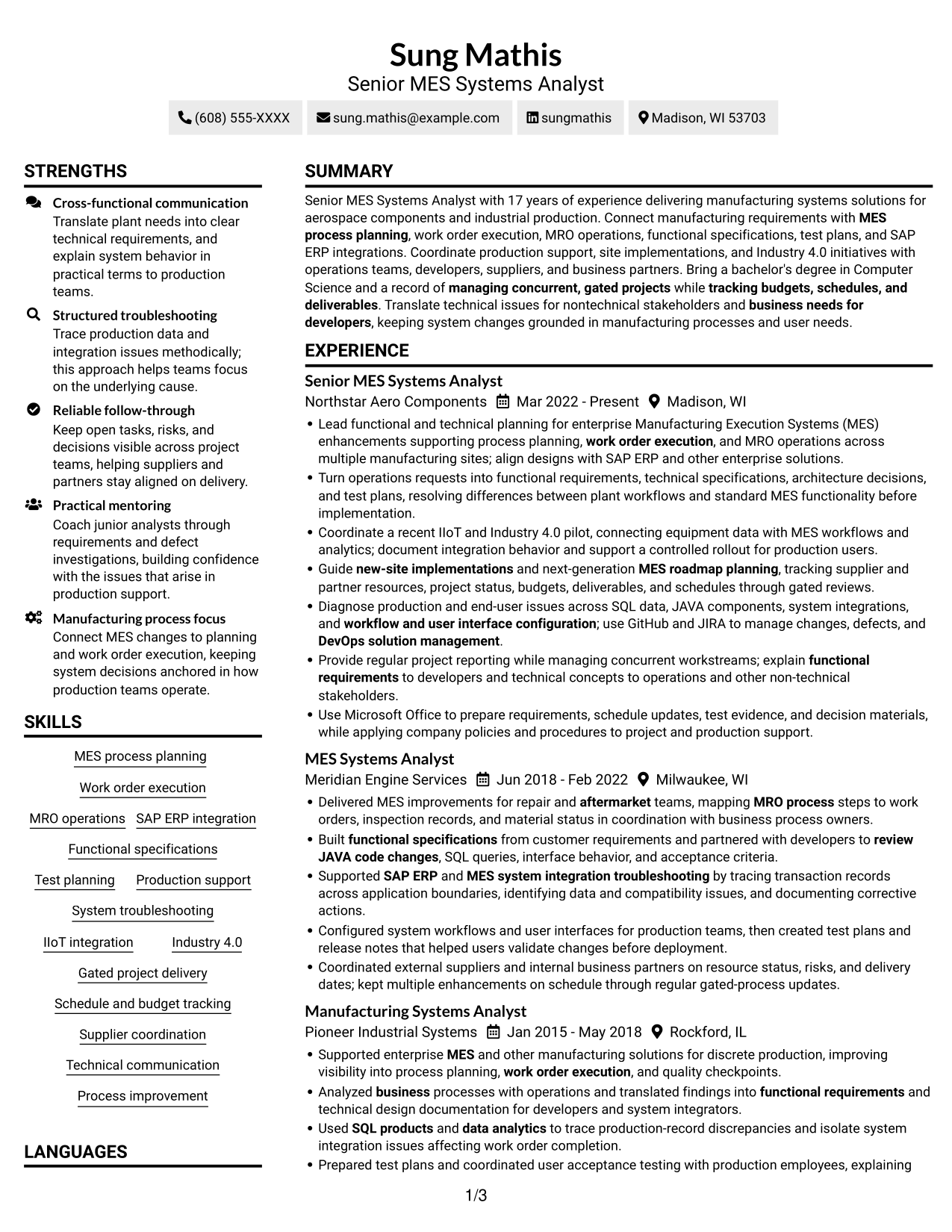
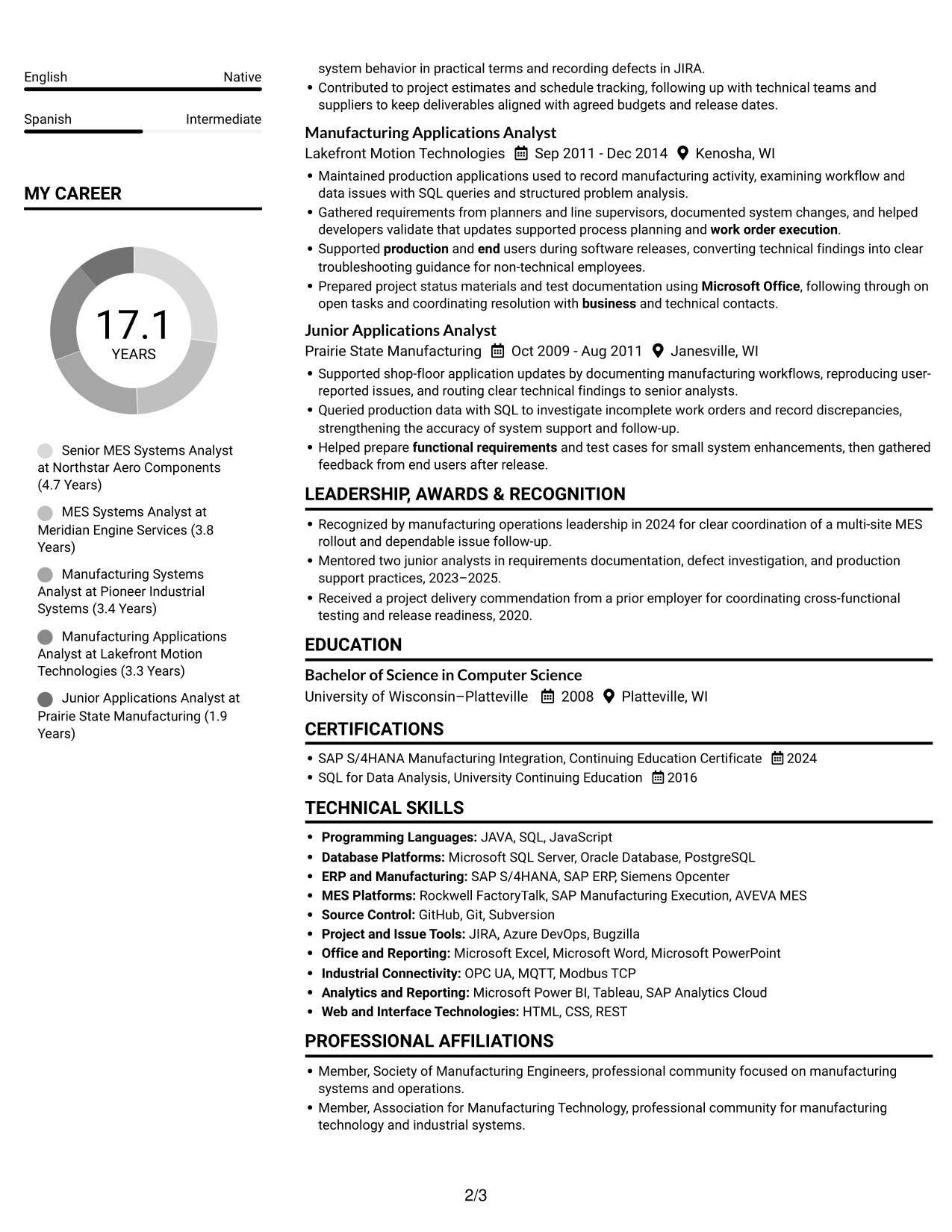
#2 Simple Two Column Format Resume Example

The Simple Two Column Format divides the resume body into parallel reading areas, giving reviewers a direct way to scan its sections.
 
Resume example — page 1   Resume example — page 2

Why This Format Works

  • Two reading areas help reviewers locate experience and supporting sections quickly.
  • Distinct columns reduce the need to scan every section in one long sequence.
  • Parallel areas can keep detailed experience records from becoming one continuous vertical run.

Best For

  • Parallel section review
  • Long experience histories
  • Technical and project details
  • Quick movement between resume areas
  • Multiple education and credential entries

#3 Plain One Column with Shaded Labels Resume Example

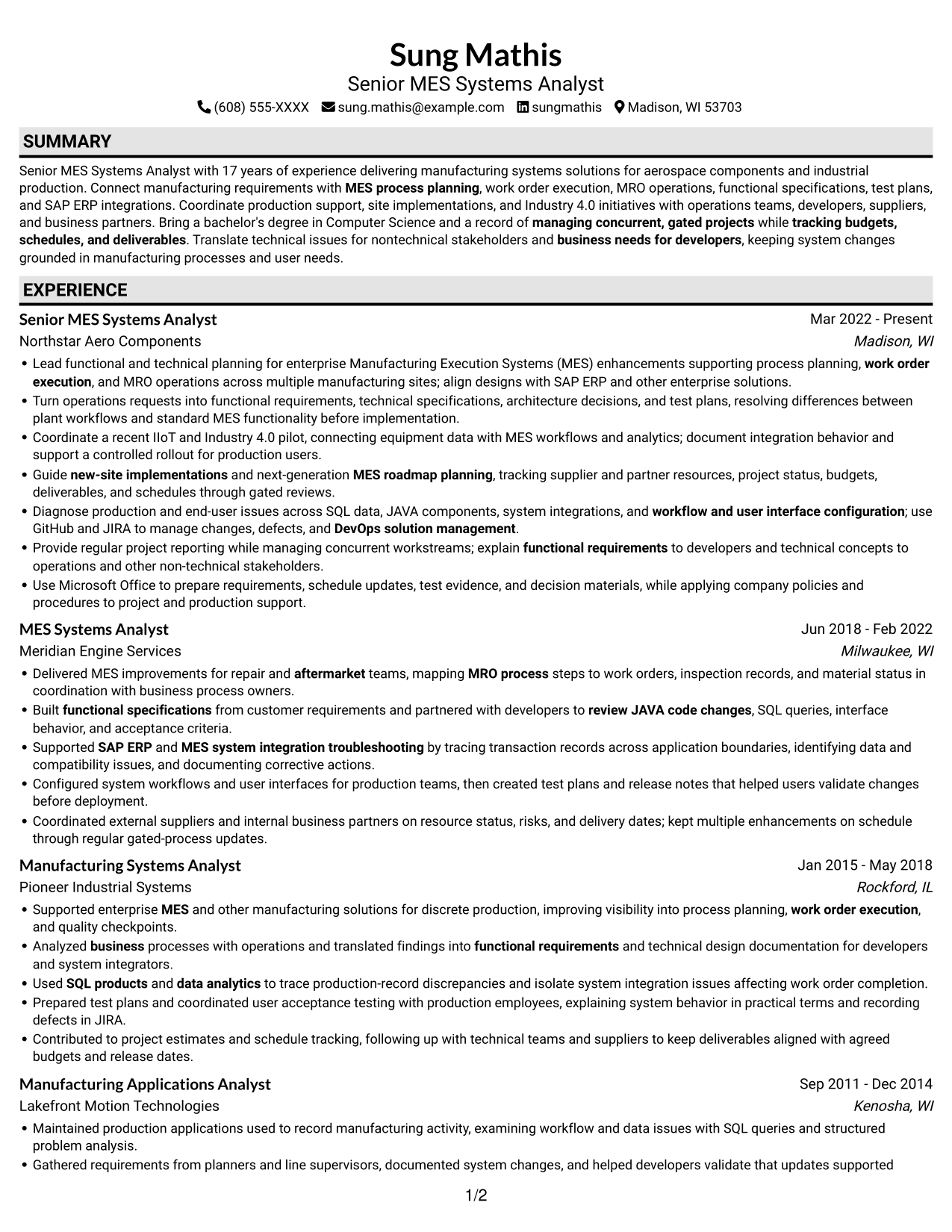
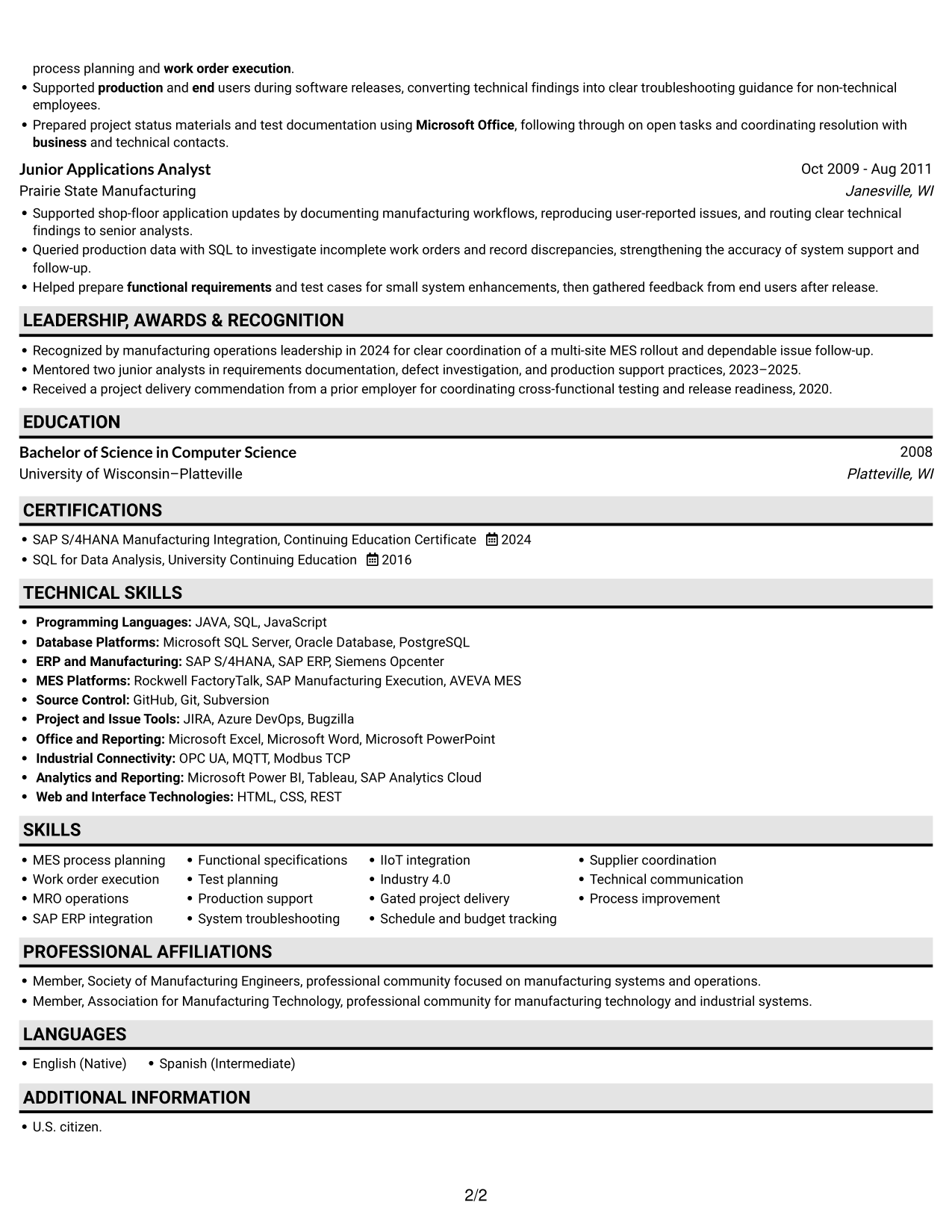
Plain One Column with Shaded Labels pairs a vertical resume flow with shaded section labels, helping reviewers spot key content areas.
 
Resume example — page 1   Resume example — page 2

Why This Format Works

  • Shaded labels mark section boundaries, helping reviewers find experience and education quickly.
  • The vertical flow keeps detailed role descriptions together for careful review.
  • Clear label contrast helps distinguish career history from supporting resume details.

Best For

  • Section labels that stand out
  • Top-to-bottom career review
  • Detailed role descriptions
  • Clear separation between resume sections
  • Supporting details alongside work history
 

#4 One Column Format with Photo Right Resume Example

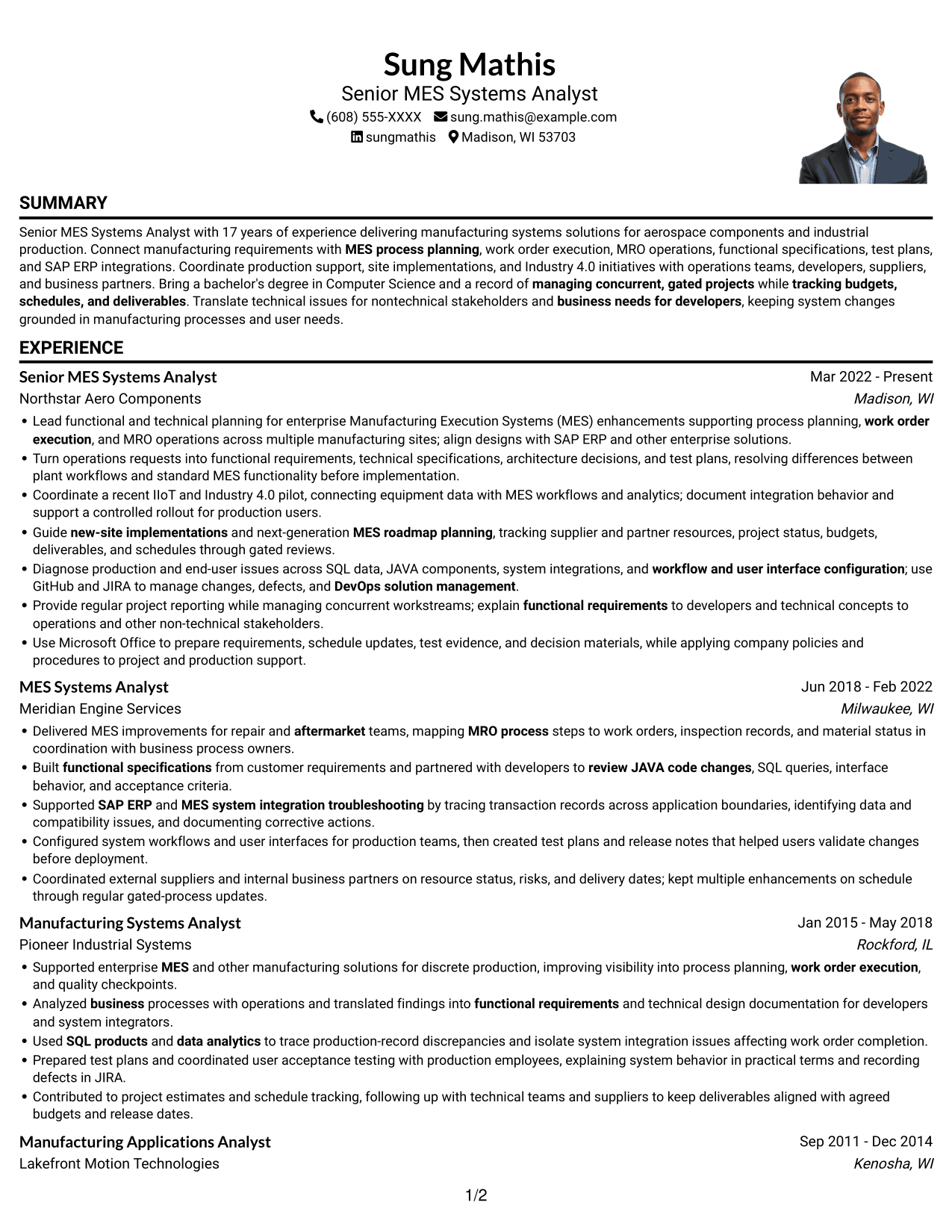
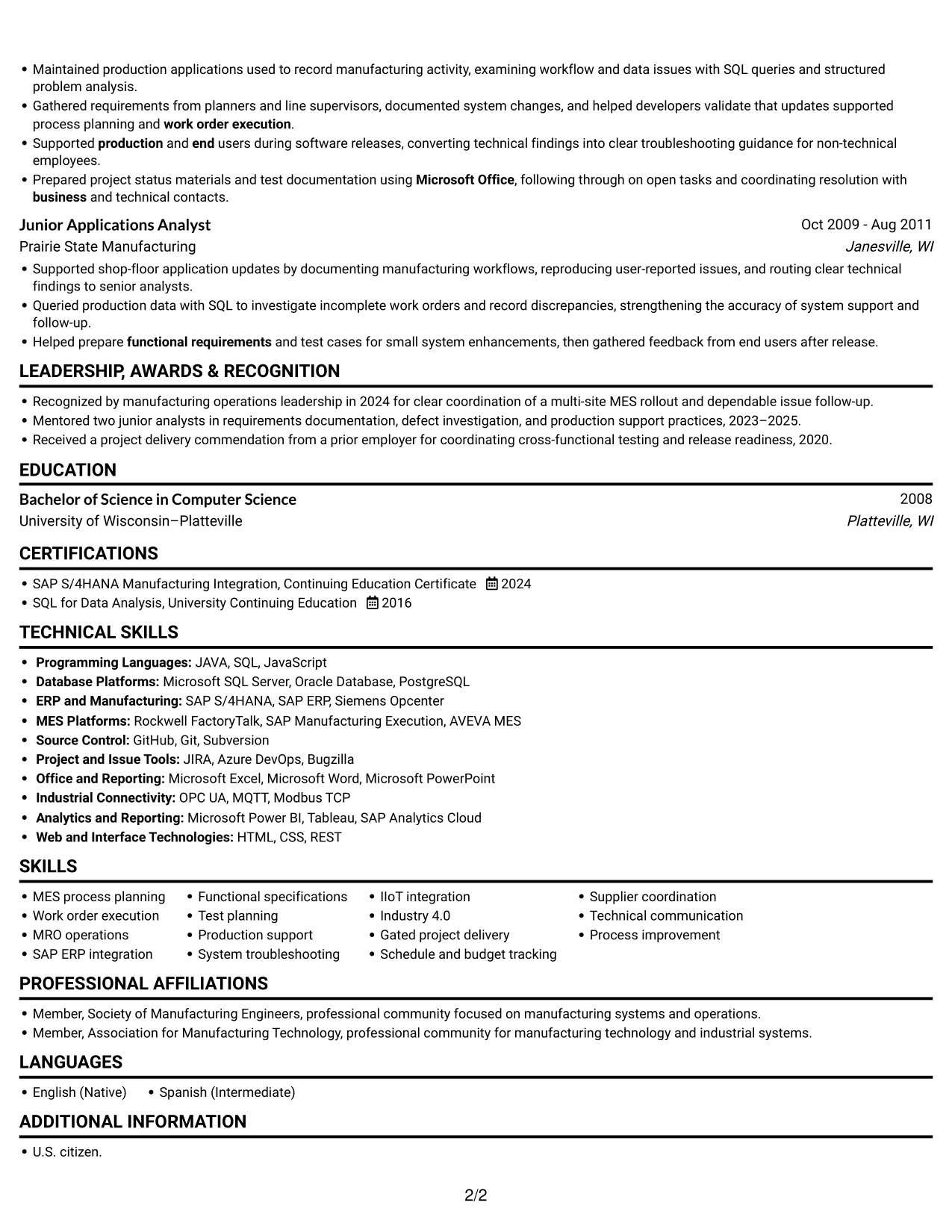
One Column Format with Photo Right places a portrait on the right beside a single-column resume, offering a visible identity cue without dividing the body text.
 
Resume example — page 1   Resume example — page 2

Why This Format Works

  • One-column flow keeps career history in a direct sequence from role to role.
  • Longer experience entries stay together instead of splitting across parallel body areas.
  • Skills, education, and credentials follow the same vertical reading path.

Best For

  • Right-side portrait placement
  • Single-column career histories
  • Detailed experience entries
  • Straightforward section-by-section review
  • Resumes with several supporting sections
 

#5 Clean Two Column Sidebar Format Resume Example

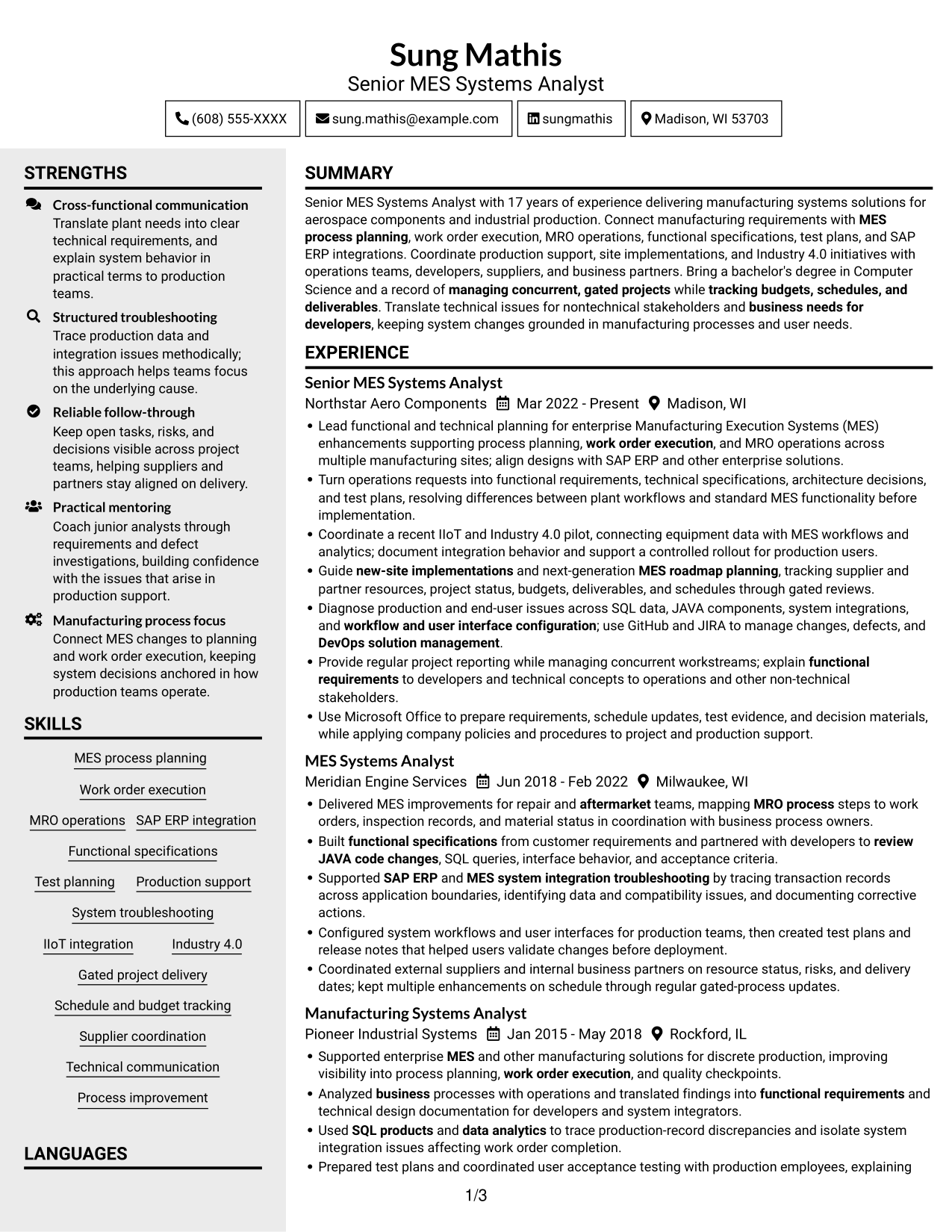
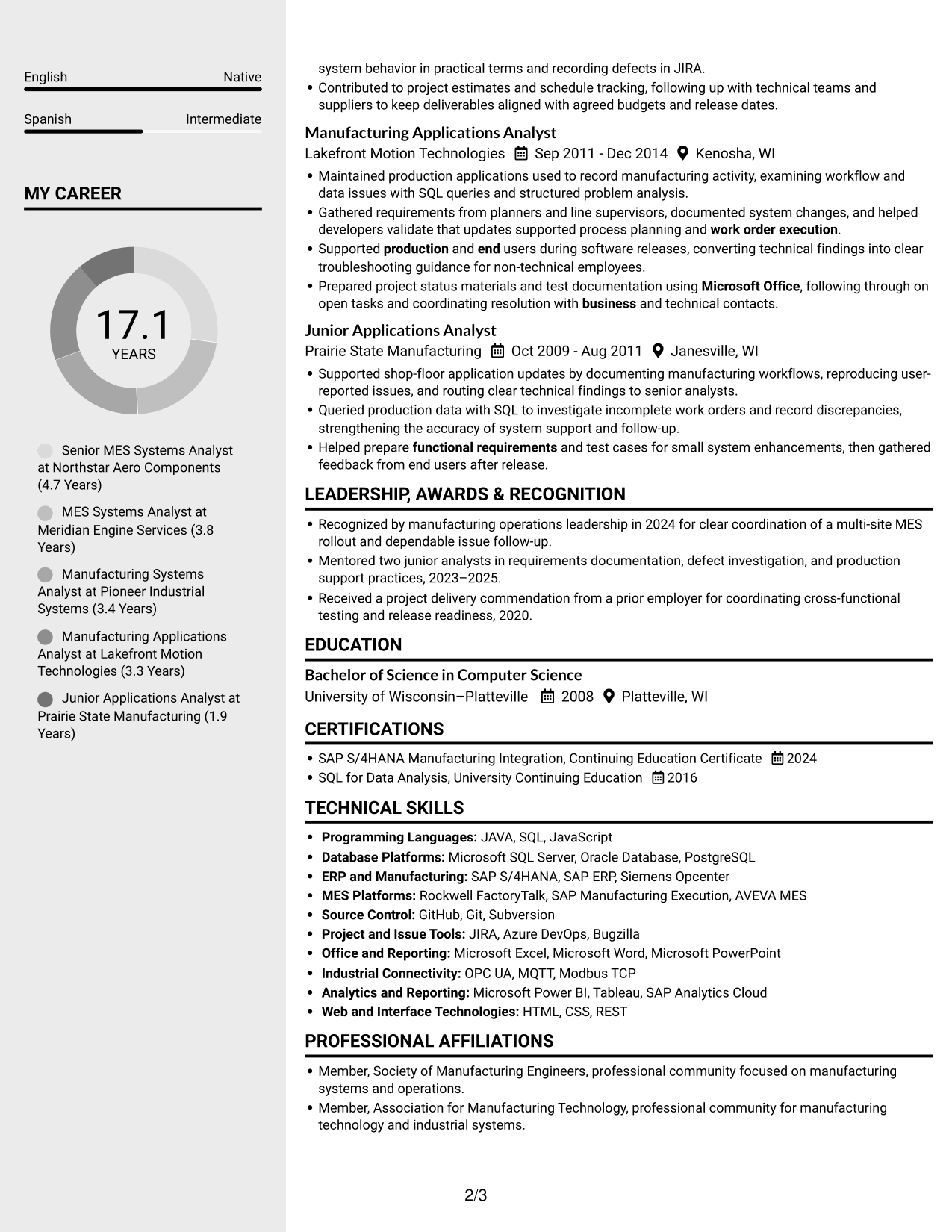
Clean Two Column Sidebar Format pairs a sidebar with a main column, giving the resume two distinct areas for organized review.
 
Resume example — page 1   Resume example — page 2

Why This Format Works

  • The sidebar and main column give resume sections distinct visual areas.
  • Separate reading areas help reviewers find education and credentials without losing their place.
  • The two-column structure makes supporting details easier to distinguish from career history.

Best For

  • Sidebar-based section organization
  • Career histories with supporting details
  • Education and credential sections
  • Resume content with varied section lengths
  • Readers who prefer clear visual separation


#6 Two Column Format Resume Example

Two Column Format balances resume sections across parallel body areas, helping reviewers move between career details and supporting information.
 
Resume example — page 1   Resume example — page 2

Why This Format Works

  • Parallel columns let reviewers scan experience and supporting sections without one long vertical run.
  • Section breaks keep career history distinct from education and credentials.
  • Separate reading areas give skills and tools a clear place within the resume.

Best For

  • Parallel resume sections
  • Experience with detailed supporting information
  • Skills and tools sections
  • Career history alongside education
  • Readers comparing distinct content areas
 

#7 Photo Header Two Column Format Resume Example

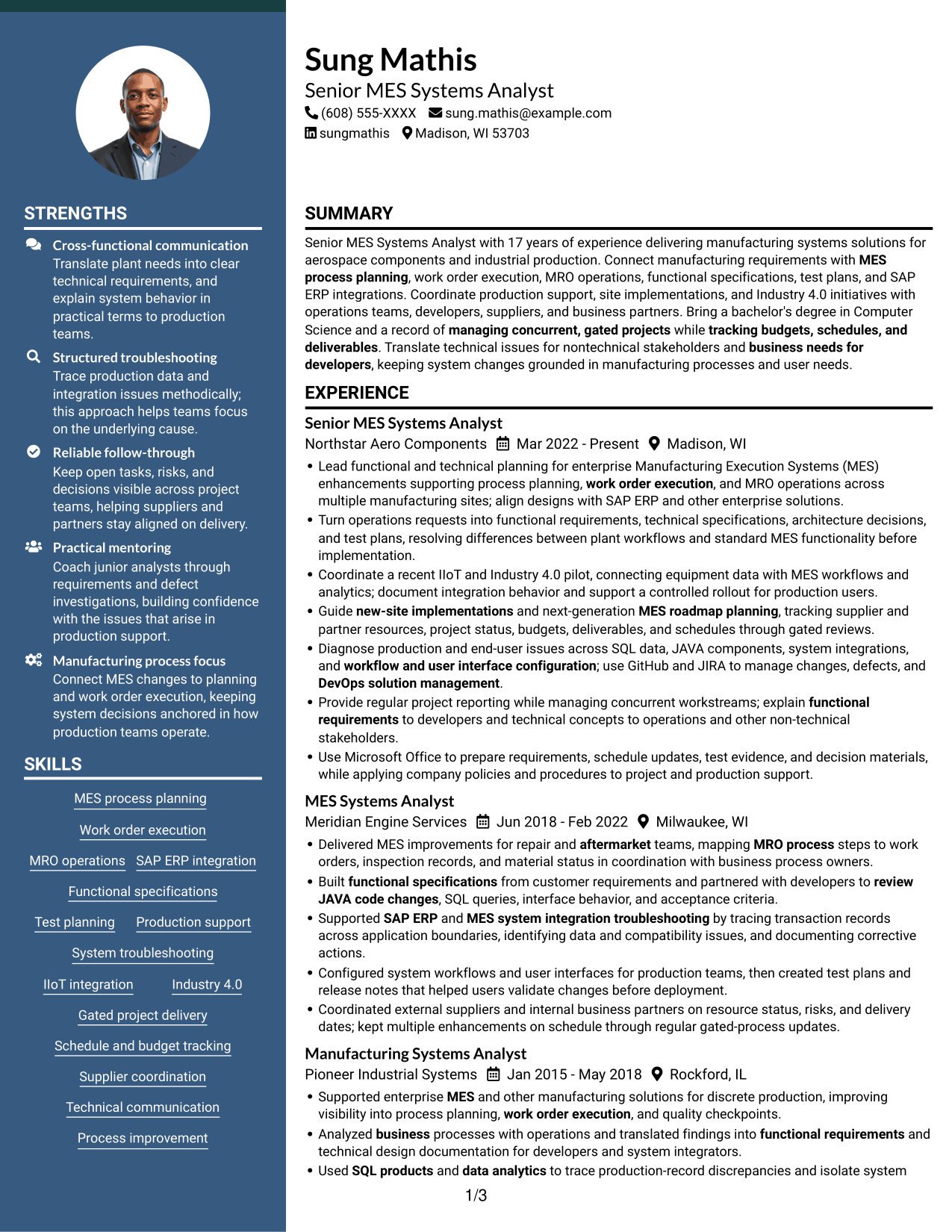
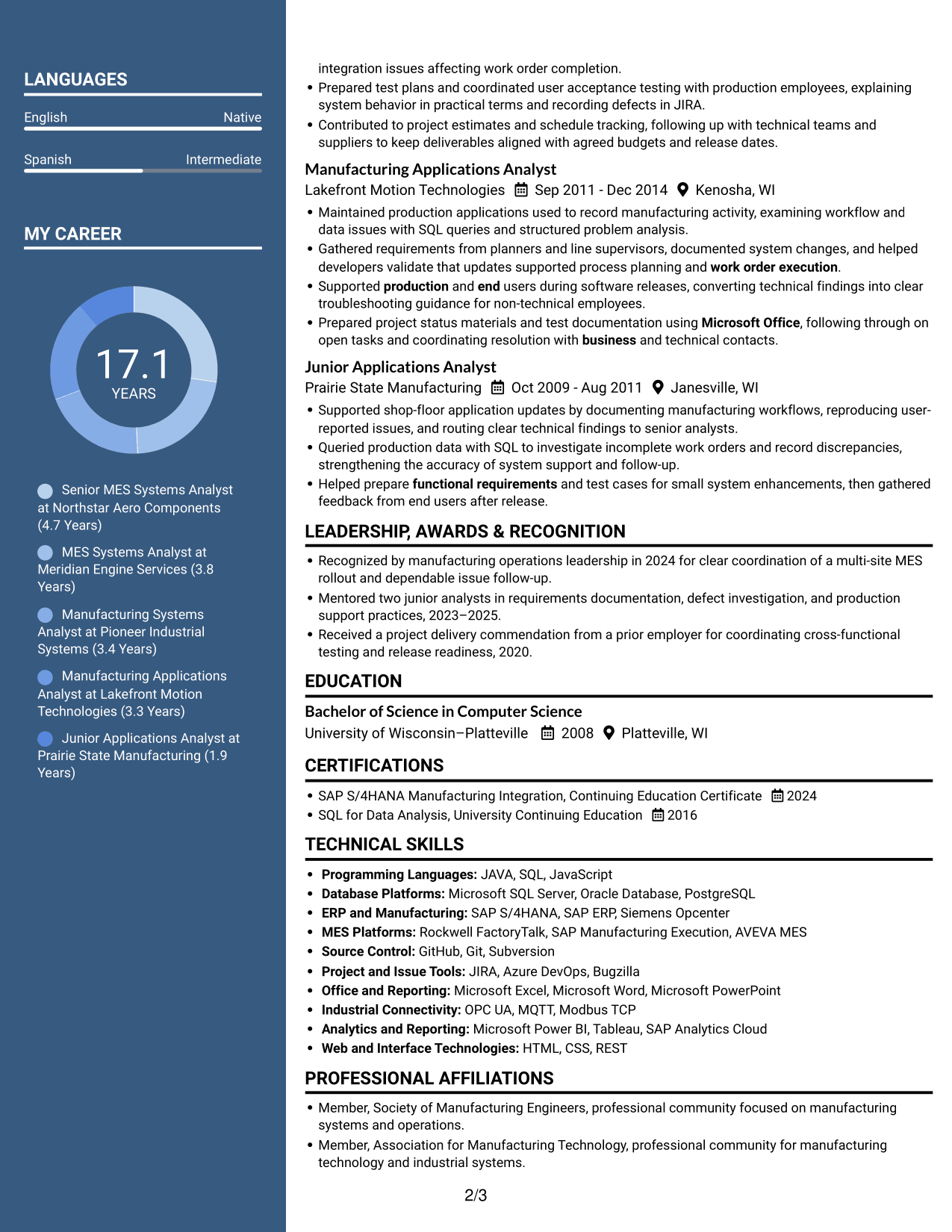
Photo Header Two Column Format places a photo in the header above a two-column resume body, pairing a visible identity cue with divided reading areas.
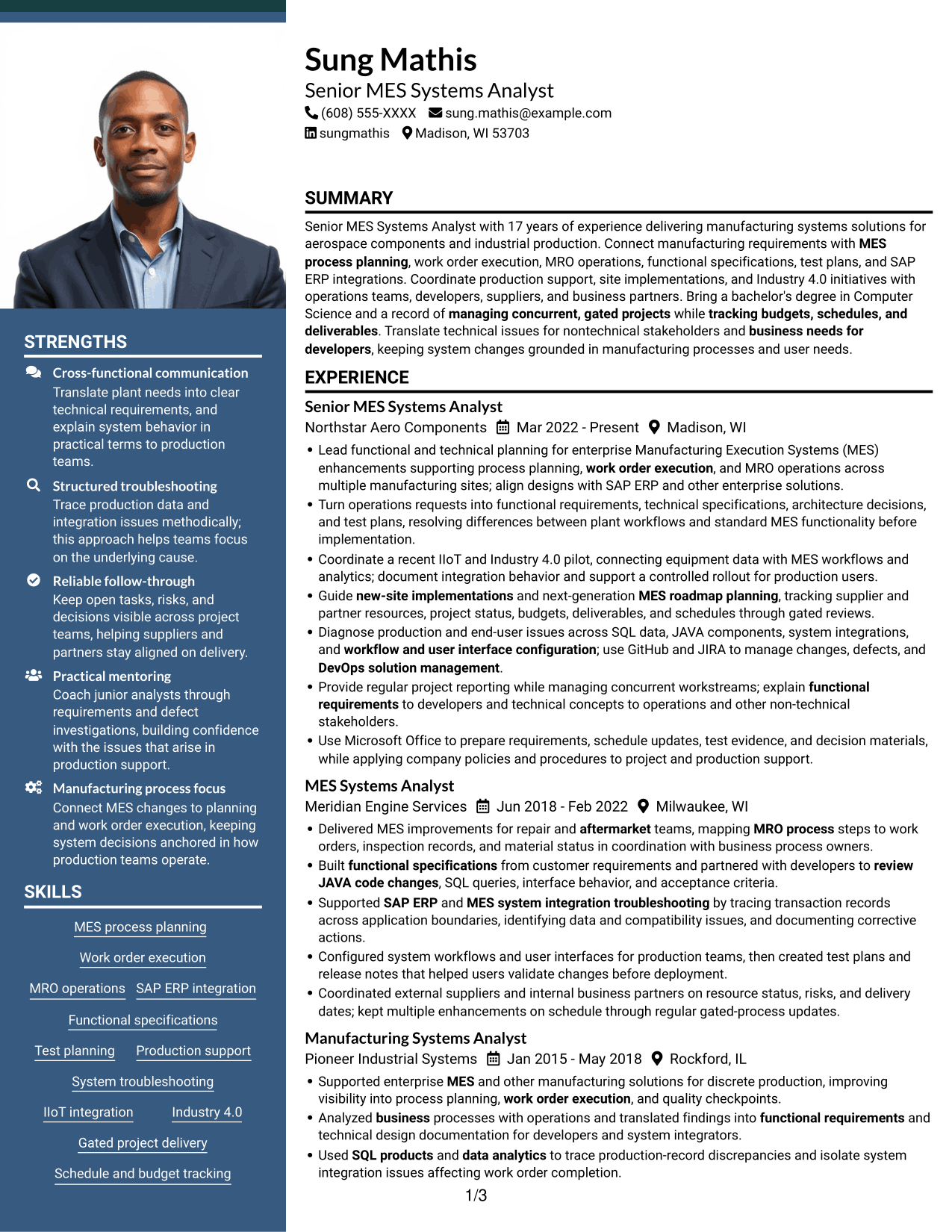
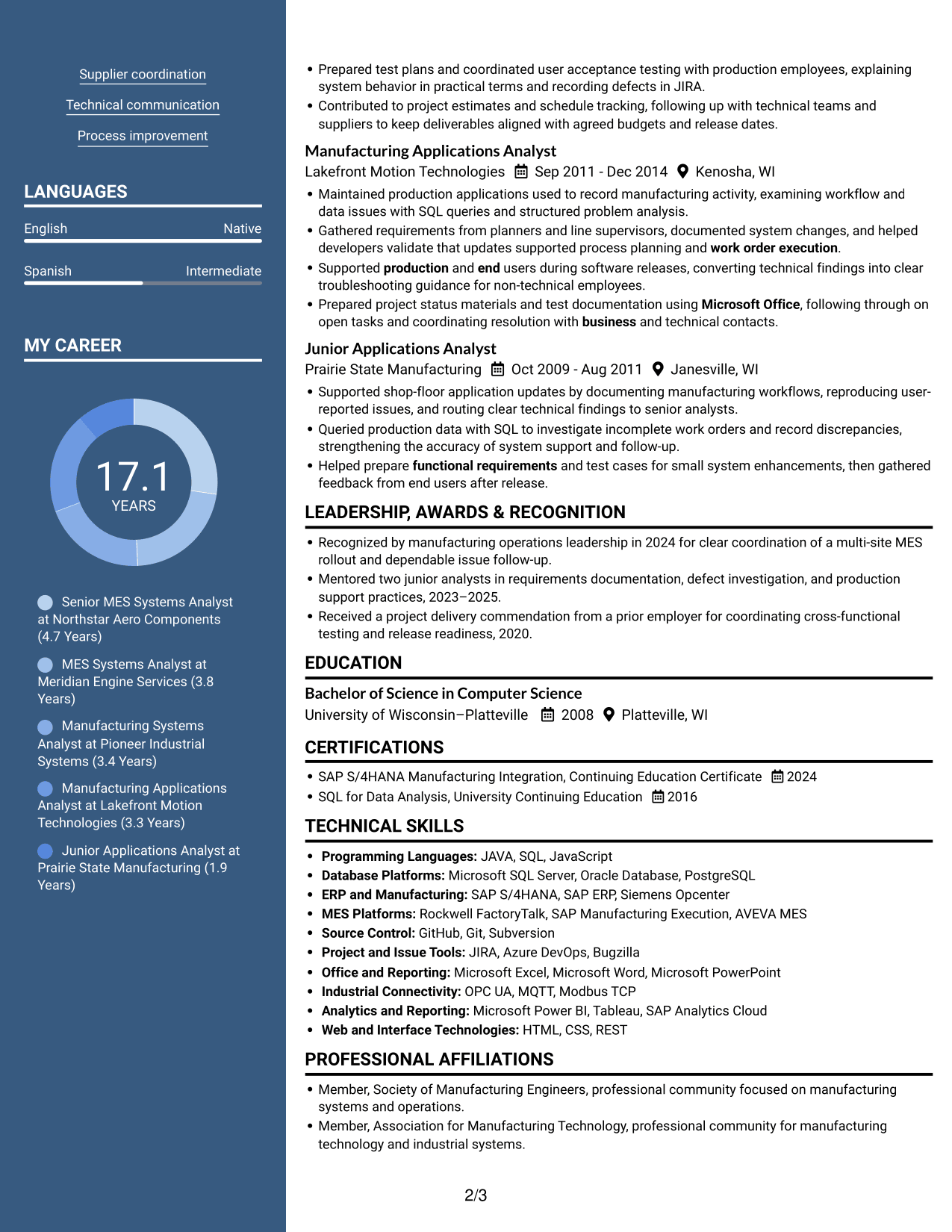
 
Resume example — page 1   Resume example — page 2

Why This Format Works

  • The two-column body helps reviewers move between experience and supporting resume sections.
  • Separate reading areas make education and credentials easier to locate.
  • A header photo adds an identity cue without changing the body's two-column reading order.

Best For

  • Photo in the resume header
  • Two-column section organization
  • Career histories with supporting details
  • Resumes with multiple content areas
  • Readers who prefer a visible identity cue


Why Build Your MES Systems Analyst Resume with ResumeInMinutes

Use the resume example to review how experience, skills, education, and certifications can be organized for a MES Systems Analyst role. Compare the image previews, then open an example in the editor to view or customize its layout.

  • Clear resume section structure
  • ATS-aware formatting
  • Role-relevant keyword guidance
  • Skills and experience organization
  • Image previews for layout comparison
  • Resume customization in the editor

Keep each section focused on evidence that supports your MES work. Highlight relevant systems, project responsibilities, technical skills, and results without adding claims you cannot verify.


See Also


Frequently Asked Questions

Are these MES Systems Analyst resume templates ATS-friendly?

The examples use readable headings and clear sections to support quick review. Include relevant terms such as MES, SAP ERP integration, MRO operations, work order execution, SQL, and system integration when they match your experience.

Are these different MES Systems Analyst resumes?

This guide presents one MES Systems Analyst resume example in different layouts. The image previews help you compare the designs, and you can open an example in the editor to view or customize it.

What should a MES Systems Analyst resume include?

Include a focused summary, relevant work experience, technical skills, education, and certifications. Describe how you handled MES requirements, SAP ERP integrations, system testing, production support, and project delivery when those details fit your background.

Which resume style works well for a MES Systems Analyst?

A simple layout with clear headings and easy-to-scan sections is a practical choice. Keep skills and experience organized, and use concise bullets to explain your role in system changes and manufacturing projects.

How can I show measurable results on this resume?

Use accurate details about project scope, delivery dates, budgets, site rollouts, or issues resolved. Add numbers only when you can support them with your work history.

Should I include a photo on my resume?

For U.S. applications, a no-photo resume is generally the safer choice. Include a photo only when it is expected in your location or field.


ATS Score 94%

How we calculate this score

  • Keywords: 60% of the total. AI extracts keywords from your job description. If you do not provide one, a standard job description for the title matching your resume is used. This is not a match to a specific vacancy.
  • Text-based resume: 20%. The text resume assessed here receives 100 for this part.
  • Resume quality: 20%. We start at 100 and subtract points for issues found by our resume checks, down to a minimum of zero.
  • Keyword coverage = round(100 × confirmed matches ÷ total keywords). Exact matches and supported equivalents verified by AI receive full credit; unsupported keywords receive none. Live text checks use the saved equivalents and do not request a new AI review. Without keywords, no overall ATS score is available.
  • Final score = 60% of keyword coverage + 20% of the text score + 20% of the quality score, rounded to a whole number. Without keywords, no overall ATS score is available.

What this score means

Our scores are estimates, not employer ratings. They may contain errors and do not guarantee accurate parsing, a ranking, an interview, or a job. Check your document against the employer’s requirements. You are responsible for relying on this score.

Terms and Conditions

Score weights: Keywords 60% · Text based resume 20% · Resume quality 20%

Keyword coverage: 36 of 40 (90%) · Resume quality: 100%

Resume quality 100% · Weight 20% · Issues (0)

Details
  • ✓Name present: Sung Mathis
  • ✓Email format: sung.mathis@example.com
  • ✓Phone format: (608) 555-XXXX
  • ✓Experience 1: Job title: Senior MES Systems Analyst
  • ✓Experience 1: Company name: Northstar Aero Components
  • ✓Experience 1: Work location: Madison, WI
  • ✓Experience 1: Employment dates: Mar 2022 - Present
  • ✓Experience 1: Description or achievements: Present
  • ✓Experience 2: Job title: MES Systems Analyst
  • ✓Experience 2: Company name: Meridian Engine Services
  • ✓Experience 2: Work location: Milwaukee, WI
  • ✓Experience 2: Employment dates: Jun 2018 - Feb 2022
  • ✓Experience 2: Description or achievements: Present
  • ✓Experience 3: Job title: Manufacturing Systems Analyst
  • ✓Experience 3: Company name: Pioneer Industrial Systems
  • ✓Experience 3: Work location: Rockford, IL
  • ✓Experience 3: Employment dates: Jan 2015 - May 2018
  • ✓Experience 3: Description or achievements: Present
  • ✓Experience 4: Job title: Manufacturing Applications Analyst
  • ✓Experience 4: Company name: Lakefront Motion Technologies
  • ✓Experience 4: Work location: Kenosha, WI
  • ✓Experience 4: Employment dates: Sep 2011 - Dec 2014
  • ✓Experience 4: Description or achievements: Present
  • ✓Experience 5: Job title: Junior Applications Analyst
  • ✓Experience 5: Company name: Prairie State Manufacturing
  • ✓Experience 5: Work location: Janesville, WI
  • ✓Experience 5: Employment dates: Oct 2009 - Aug 2011
  • ✓Experience 5: Description or achievements: Present
  • ✓No placeholder fields
  • ✓No repeated achievement bullets
  • ✓No empty bullets

No issues found by the current checks.

Text Based Resume 100% · Weight 20%

Parsed text
Sung Mathis
(608) 555-XXXX
sung.mathis@example.com
sungmathis
Madison, WI 53703
SUMMARY
Senior MES Systems Analyst with 17 years of experience delivering manufacturing systems solutions for aerospace components and industrial production. Connect manufacturing requirements with MES process planning, work order execution, MRO operations, functional specifications, test plans, and SAP ERP integrations. Coordinate production support, site implementations, and Industry 4.0 initiatives with operations teams, developers, suppliers, and business partners. Bring a bachelor's degree in Computer Science and a record of managing concurrent, gated projects while tracking budgets, schedules, and deliverables. Translate technical issues for nontechnical stakeholders and business needs for developers, keeping system changes grounded in manufacturing processes and user needs.
EXPERIENCE
Senior MES Systems Analyst
Mar 2022 - Present
Northstar Aero Components
Madison, WI
Lead functional and technical planning for enterprise Manufacturing Execution Systems (MES) enhancements supporting process planning, work order execution, and MRO operations across multiple manufacturing sites; align designs with SAP ERP and other enterprise solutions.
Turn operations requests into functional requirements, technical specifications, architecture decisions, and test plans, resolving differences between plant workflows and standard MES functionality before implementation.
Coordinate a recent IIoT and Industry 4.0 pilot, connecting equipment data with MES workflows and analytics; document integration behavior and support a controlled rollout for production users.
Guide new-site implementations and next-generation MES roadmap planning, tracking supplier and partner resources, project status, budgets, deliverables, and schedules through gated reviews.
Diagnose production and end-user issues across SQL data, JAVA components, system integrations, and workflow and user interface configuration; use GitHub and JIRA to manage changes, defects, and DevOps solution management.
Provide regular project reporting while managing concurrent workstreams; explain functional requirements to developers and technical concepts to operations and other non-technical stakeholders.
Use Microsoft Office to prepare requirements, schedule updates, test evidence, and decision materials, while applying company policies and procedures to project and production support.
MES Systems Analyst
Jun 2018 - Feb 2022
Meridian Engine Services
Milwaukee, WI
Delivered MES improvements for repair and aftermarket teams, mapping MRO process steps to work orders, inspection records, and material status in coordination with business process owners.
Built functional specifications from customer requirements and partnered with developers to review JAVA code changes, SQL queries, interface behavior, and acceptance criteria.
Supported SAP ERP and MES system integration troubleshooting by tracing transaction records across application boundaries, identifying data and compatibility issues, and documenting corrective actions.
Configured system workflows and user interfaces for production teams, then created test plans and release notes that helped users validate changes before deployment.
Coordinated external suppliers and internal business partners on resource status, risks, and delivery dates; kept multiple enhancements on schedule through regular gated-process updates.
Manufacturing Systems Analyst
Jan 2015 - May 2018
Pioneer Industrial Systems
Rockford, IL
Supported enterprise MES and other manufacturing solutions for discrete production, improving visibility into process planning, work order execution, and quality checkpoints.
Analyzed business processes with operations and translated findings into functional requirements and technical design documentation for developers and system integrators.
Used SQL products and data analytics to trace production-record discrepancies and isolate system integration issues affecting work order completion.
Prepared test plans and coordinated user acceptance testing with production employees, explaining system behavior in practical terms and recording defects in JIRA.
Contributed to project estimates and schedule tracking, following up with technical teams and suppliers to keep deliverables aligned with agreed budgets and release dates.
Manufacturing Applications Analyst
Sep 2011 - Dec 2014
Lakefront Motion Technologies
Kenosha, WI
Maintained production applications used to record manufacturing activity, examining workflow and data issues with SQL queries and structured problem analysis.
Gathered requirements from planners and line supervisors, documented system changes, and helped developers validate that updates supported process planning and work order execution.
Supported production and end users during software releases, converting technical findings into clear troubleshooting guidance for non-technical employees.
Prepared project status materials and test documentation using Microsoft Office, following through on open tasks and coordinating resolution with business and technical contacts.
Junior Applications Analyst
Oct 2009 - Aug 2011
Prairie State Manufacturing
Janesville, WI
Supported shop-floor application updates by documenting manufacturing workflows, reproducing user-reported issues, and routing clear technical findings to senior analysts.
Queried production data with SQL to investigate incomplete work orders and record discrepancies, strengthening the accuracy of system support and follow-up.
Helped prepare functional requirements and test cases for small system enhancements, then gathered feedback from end users after release.
LEADERSHIP, AWARDS & RECOGNITION
Recognized by manufacturing operations leadership in 2024 for clear coordination of a multi-site MES rollout and dependable issue follow-up.
Mentored two junior analysts in requirements documentation, defect investigation, and production support practices, 2023–2025.
Received a project delivery commendation from a prior employer for coordinating cross-functional testing and release readiness, 2020.
EDUCATION
Bachelor of Science in Computer Science
2008
University of Wisconsin–Platteville
Platteville, WI
CERTIFICATIONS
SAP S/4HANA Manufacturing Integration, Continuing Education Certificate
2024
SQL for Data Analysis, University Continuing Education
2016
TECHNICAL SKILLS
Programming Languages: JAVA, SQL, JavaScript
Database Platforms: Microsoft SQL Server, Oracle Database, PostgreSQL
ERP and Manufacturing: SAP S/4HANA, SAP ERP, Siemens Opcenter
MES Platforms: Rockwell FactoryTalk, SAP Manufacturing Execution, AVEVA MES
Source Control: GitHub, Git, Subversion
Project and Issue Tools: JIRA, Azure DevOps, Bugzilla
Office and Reporting: Microsoft Excel, Microsoft Word, Microsoft PowerPoint
Industrial Connectivity: OPC UA, MQTT, Modbus TCP
Analytics and Reporting: Microsoft Power BI, Tableau, SAP Analytics Cloud
Web and Interface Technologies: HTML, CSS, REST
SKILLS
MES process planning
Work order execution
MRO operations
SAP ERP integration
Functional specifications
Test planning
Production support
System troubleshooting
IIoT integration
Industry 4.0
Gated project delivery
Schedule and budget tracking
Supplier coordination
Technical communication
Process improvement
PROFESSIONAL AFFILIATIONS
Member, Society of Manufacturing Engineers, professional community focused on manufacturing systems and operations.
Member, Association for Manufacturing Technology, professional community for manufacturing technology and industrial systems.
LANGUAGES
English (Native)
Spanish (Intermediate)
ADDITIONAL INFORMATION
U.S. citizen.

Matched keywords (36)

  • MESOriginal keyword in JD: Manufacturing Execution Systems (MES)
  • MES process planning
  • work order execution
  • Supported SAP ERP and MES system integration troubleshootingOriginal keyword in JD: MES integration with SAP ERP
  • businessOriginal keyword in JD: Bachelor's degree in Computer Science OR MIS OR Business OR Engineering OR a related field
  • 17 years of experience delivering manufacturing systems solutionsOriginal keyword in JD: 8+ years of related experience
  • businessOriginal keyword in JD: Advanced degree in Computer Science OR MIS OR Business OR Engineering OR a related field
  • 17 years of experience delivering manufacturing systems solutionsOriginal keyword in JD: 5+ years of related experience
  • U.S. citizen.Original keyword in JD: U.S. citizenship
  • functional requirements
  • functional specifications
  • Turn operations requests into functional requirements, technical specifications, architecture decisionsOriginal keyword in JD: Solution design
  • technical specifications
  • Test planning
  • Delivered MES improvements for repair and aftermarket teams, mapping MRO process steps to work orders, inspection records, and material statusOriginal keyword in JD: MRO and aftermarket processes
  • system integration troubleshooting
  • review JAVA code changesOriginal keyword in JD: JAVA code interpretation
  • SQL products
  • workflow and user interface configuration
  • DevOps solution management
  • GitHub
  • JIRA
  • data analytics
  • Supported production and end users during software releasesOriginal keyword in JD: Production and end-user support
  • MES roadmap planning
  • new-site implementations
  • IIoT
  • Industry 4.0
  • managing concurrent, gated projectsOriginal keyword in JD: Concurrent project management
  • Gated project delivery
  • tracking budgets, schedules, and deliverablesOriginal keyword in JD: Budget, deliverable, and schedule tracking
  • Coordinate production support, site implementations, and Industry 4.0 initiatives with operations teams, developers, suppliers, and business partners.Original keyword in JD: Supplier and business partner coordination
  • Translate technical issues for nontechnical stakeholdersOriginal keyword in JD: Technical communication with non-technical audiences
  • business needs for developersOriginal keyword in JD: Translating business requirements for technical developers
  • Process improvement
  • Microsoft Office

Missing keywords (4)

  • Analytical problem solving
  • 3+ years of MES experience
  • Manufacturing Operations Management
  • Software development lifecycle
Disclaimer: All names, images, contact information, employment histories, achievements, security clearances, military credentials, and other qualifications shown in this content are fictional and used for illustrative purposes only. Any resemblance to actual persons, living or deceased, is purely coincidental.

Resume and cover-letter examples and recommendations in this article reflect general best practices and professional experience and are provided for guidance only. Results may vary based on role, industry, region, and hiring organization.

Content Accuracy and Verification: To the fullest extent permitted by applicable law, we do not represent or warrant that resume or cover-letter guidance, examples, recommendations, or related information are accurate, complete, current, error-free, or suitable for any particular purpose. You are responsible for independently reviewing and verifying the information before relying on it.

ATS and Cover-Letter Scores: ATS scores are estimates calculated using our own formula, informed by publicly available guidance on resume formatting and keyword matching. They are not scores issued or endorsed by an ATS provider or employer. Cover-letter scores are also our own assessments. Parsing, weighting, screening criteria, and results vary between systems, employers, job descriptions, and document formats. No score guarantees successful parsing, a particular ranking, an interview, or employment. Use scores as general guidance and independently check your documents against the employer’s requirements. To the fullest extent permitted by applicable law, we accept no liability for errors in scores or parsing, or losses arising from reliance on these assessments. Nothing in this notice excludes liability or limits consumer rights that cannot lawfully be excluded or limited.

Terms and Conditions
 
> JP 1 1
PDF Footer and Margins Setup
The margins are applied to the document, and the footer shows up in the preview and the PDF

Footer Font Settings

Are you applying for a specific job
so we can tailor your resume to it?
Are you applying for a specific job
so we can tailor your cover letter to it?

Your data stays private and is never used for training.Privacy Policy

Type your details as text to generate a personalized resume Type your details as text to generate a personalized cover letter
Website link found! Ready to create resume from:

Your data stays private and is never used for training.Privacy Policy

Drag the into the box to verify you're human.
Drop here

My Resumes

Displaying {number_of_files} files (out of {total_of_all_files} total)
Name File Type Last Modified: Description:

Rename File

Filename already exists!

Delete Files

Warning: This action is irreversible. Once you click submit, the files will be permanently deleted.

Heading text
Upload From Computer Upload
Select From Existing
LinkedIn
Drag & Drop files anywhere in this tab, or

Uploaded Files

Delete Name Last Updated Use This File
Select this to use the file for generating your resume and cover letter. Only one source—uploaded file, selected file, or LinkedIn text—can be used.

My Files

Resumes or cover letters you create will appear here. No files available yet.
Delete Name Last Updated Use This File
Select this to use the file for generating your resume and cover letter. Only one source—uploaded file, selected file, or LinkedIn text—can be used.

Add LinkedIn Profile PDF

You can download your LinkedIn profile as a PDF by opening linkedin.com in a web browser, clicking your profile photo, selecting the “More” or “Resources” button, and choosing “Save to PDF.” You can then attach the PDF using the Upload From Computer tab.

Paste Your LinkedIn Profile Text

If you have copied the LinkedIn profile text, paste it below. See how to copy your profile from LinkedIn

Select this to use the LinkedIn profile text for generating your resume and cover letter. Only one source—uploaded file, selected file, or LinkedIn text—can be used.

Try these controls

<
>


