
7 Microsoft Copilot Studio & Power Platform Solution Engineer Cover Letter Templates with Example
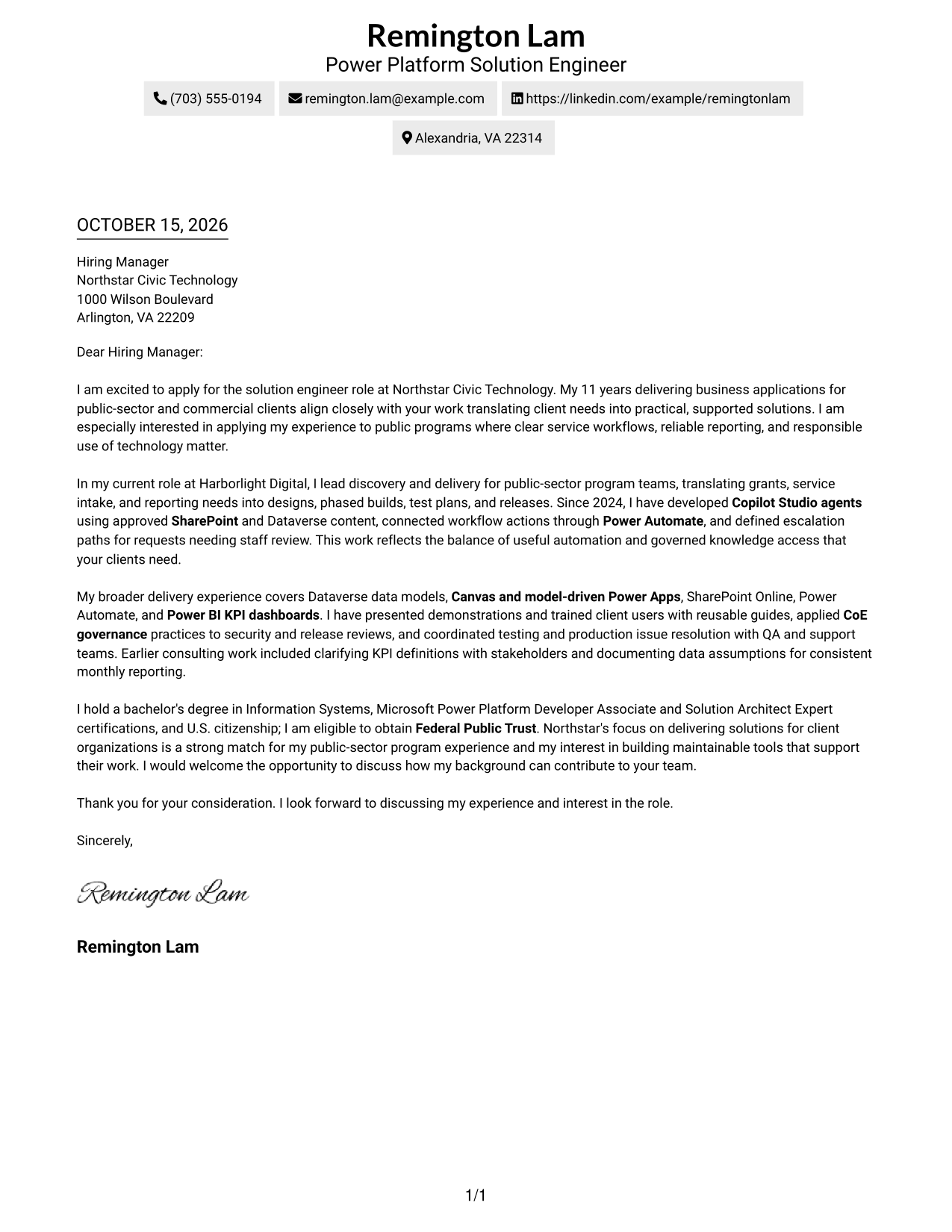
This practical guide to a Microsoft Copilot Studio & Power Platform Solution Engineer cover letter shows how to present role fit across seven layouts.
What Makes a Great Microsoft Copilot Studio & Power Platform Solution Engineer Cover Letter in 2026
A strong letter links the role’s needs to clear evidence of solution delivery, such as Copilot Studio agents, Power Platform applications, and workflow design.
Show how your work supports client outcomes, including governed knowledge access, reliable reporting, or smooth user adoption. Connect that evidence to the employer’s needs and explain why the work interests you.
The featured example moves from role interest to a specific delivery example, broader fit, and a clear close; adapt this focused progression while choosing a presentation suited to the employer and communication context.
#1 Simple One Column Format Cover Letter Example
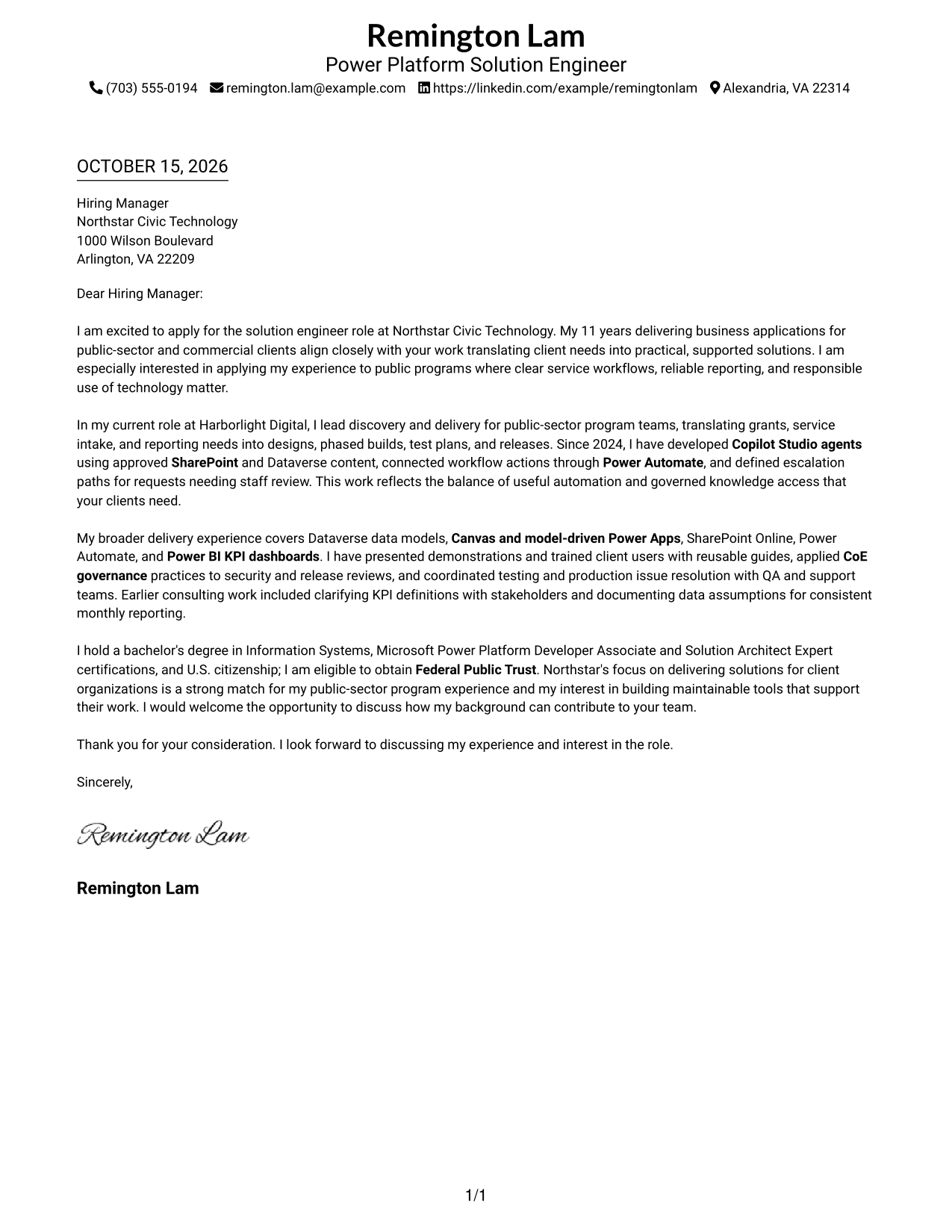
Simple One Column Format keeps sender details in the header and the letter in one column, giving the message a direct reading path.
Why This Format Works
- Header contact details are easy to locate before the letter begins.
- The opening, supporting case, and close follow one continuous reading path.
- The single-column layout gives the letter text room without a contact sidebar.
Best For
- Single-column correspondence
- Header-based contact details
- Continuous persuasive paragraphs
- Letters with a clear opening and close
- Public-sector client applications
#2 Two Column Format Cover Letter Example
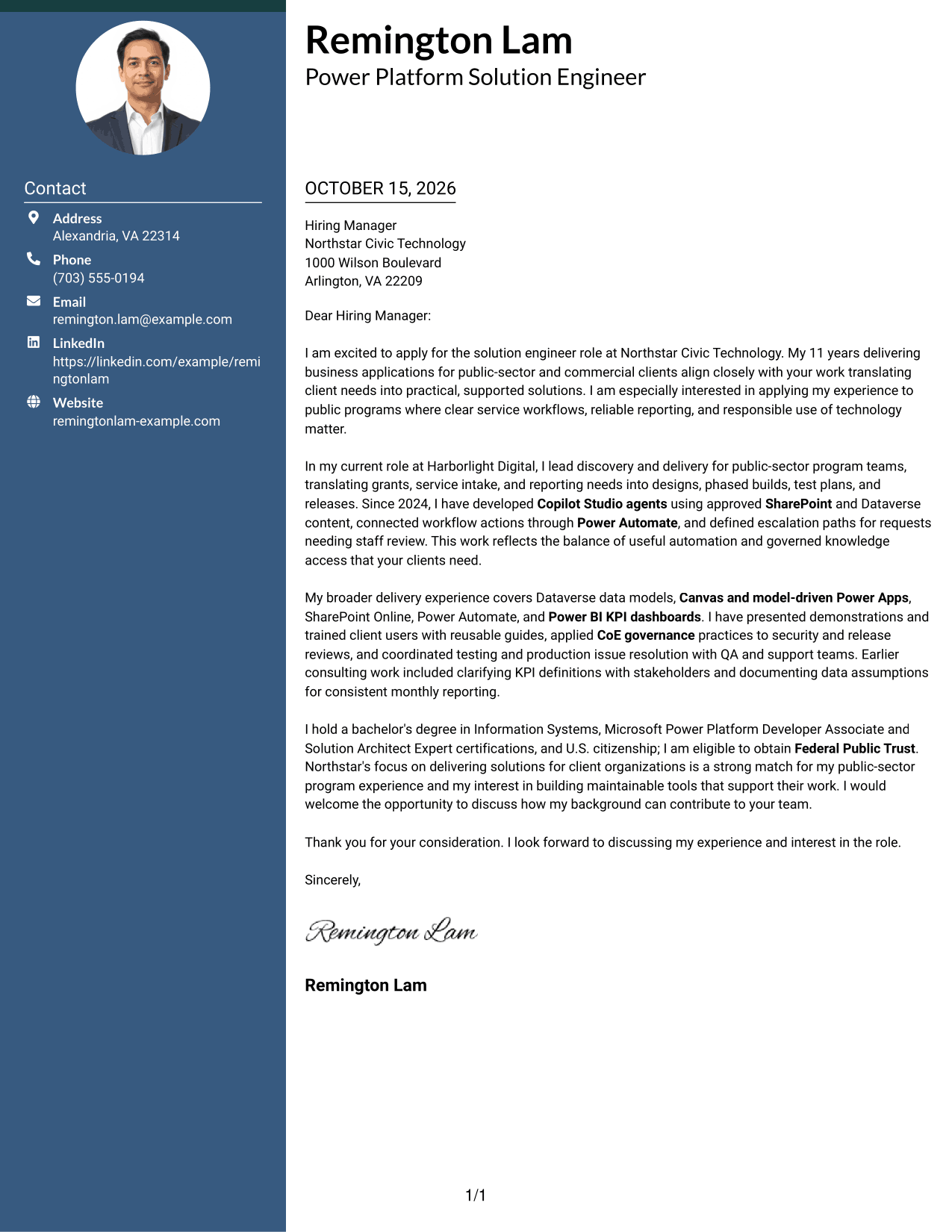
Two Column Format places a contact sidebar beside one continuous letter body, keeping sender details distinct while the persuasive message stays intact.
Why This Format Works
- A contact sidebar makes sender information distinct from the message itself.
- The letter's opening, evidence, and close stay together in one body.
- Side-by-side placement lets reviewers find contact details without interrupting paragraph order.
Best For
- Contact sidebar layouts
- Continuous letter arguments
- Paragraph-led persuasion
- Text-only correspondence
- Client-facing solution engineer applications
#3 Photo Header Two Column Format Cover Letter Example
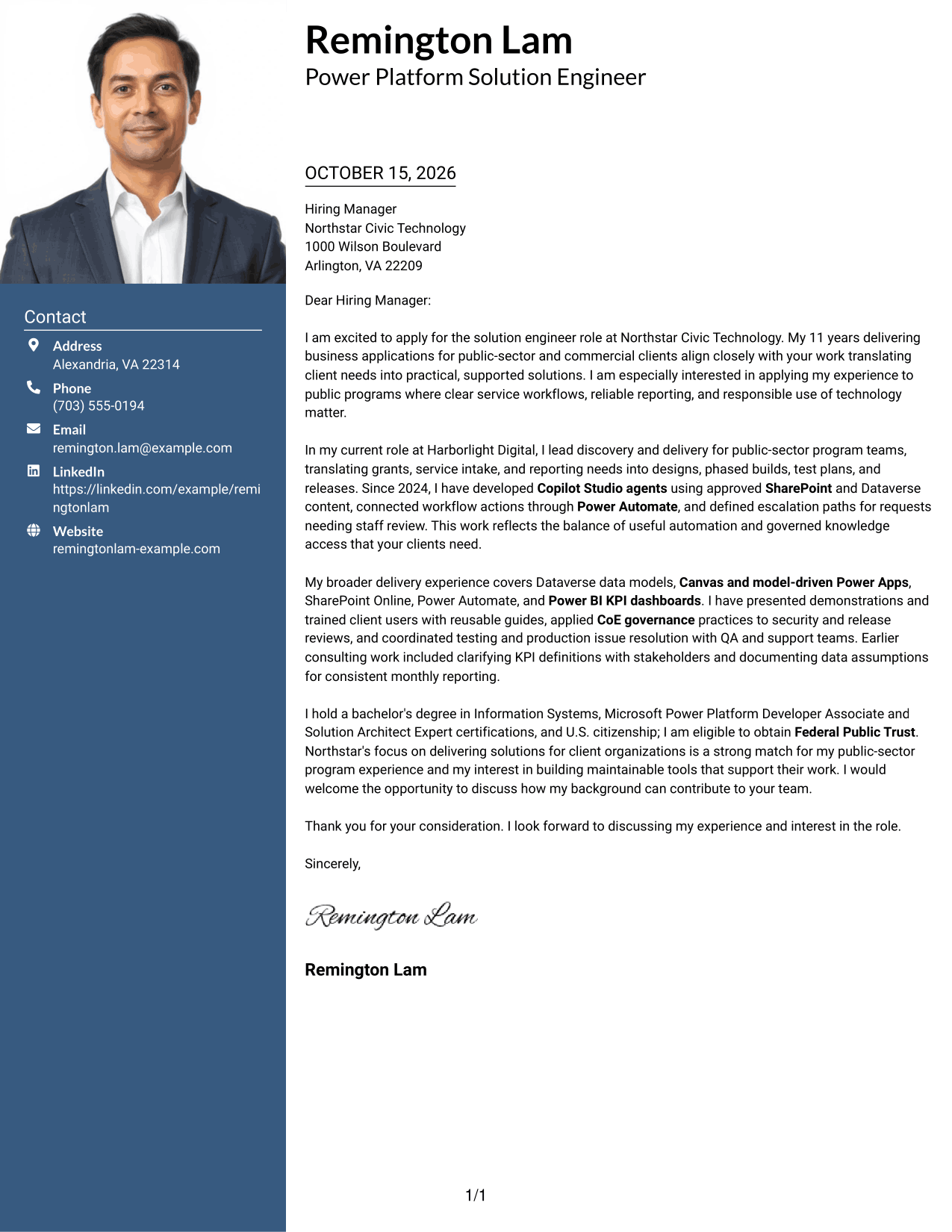
Photo Header Two Column Format pairs a photo header with a contact sidebar and one continuous letter body, offering a visual introduction without splitting the message.
Why This Format Works
- The photo adds a personal visual element while the letter remains a continuous body.
- Contact details stay in a sidebar, separate from the persuasive paragraphs.
- Reviewers can see contact information alongside the message as its paragraphs unfold.
Best For
- Photo-inclusive correspondence
- Side-by-side contact and message review
- Continuous letter-body reading
- Visually introduced application letters
- Client-focused solution engineer applications
#4 One Column Format with Photo Cover Letter Example
One Column Format with Photo keeps the letter in a single column and includes a photo, combining a personal visual element with a direct reading path.
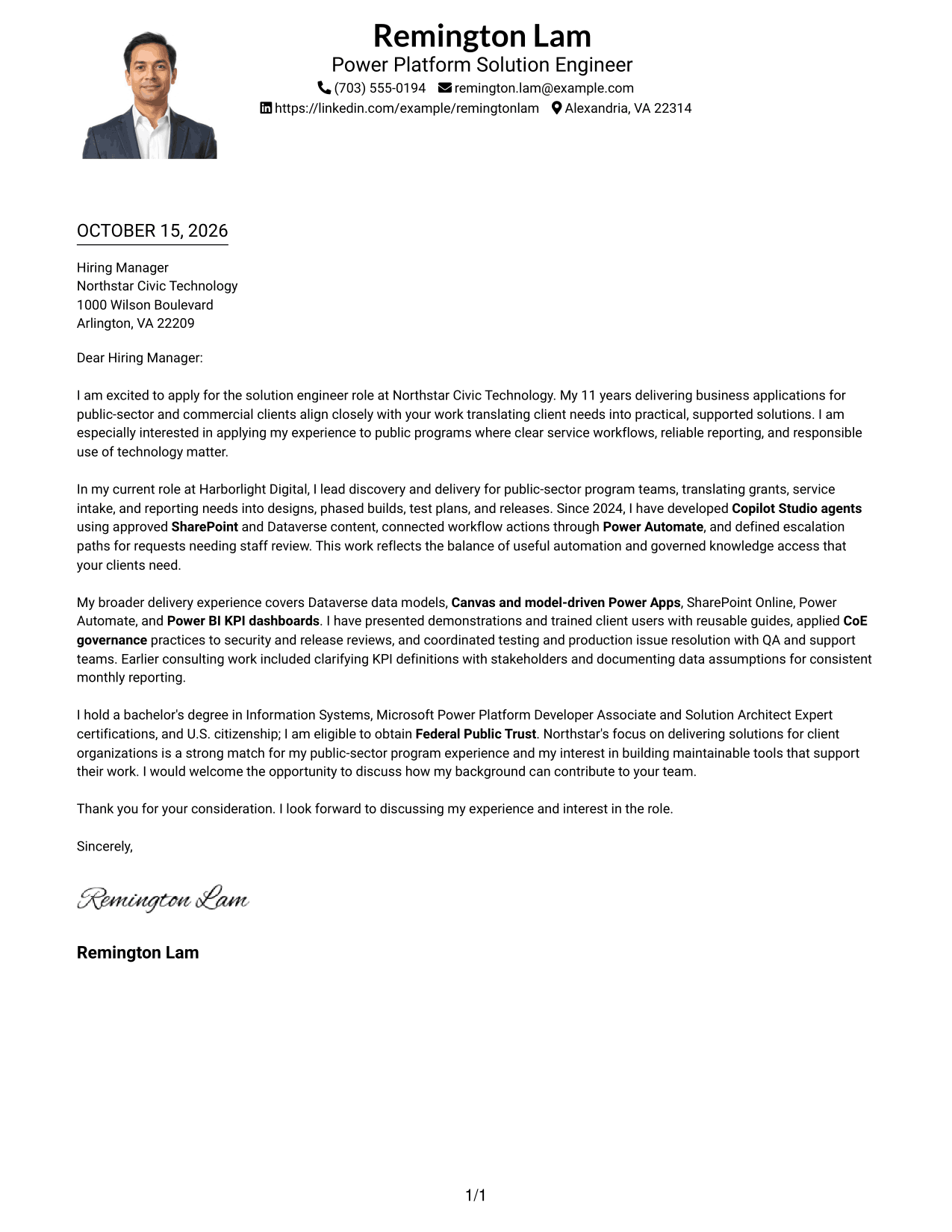
Why This Format Works
- A photo gives the header a personal visual element without interrupting the letter.
- The one-column body keeps the message in a direct, familiar reading order.
- Sender details remain in the header rather than beside the letter paragraphs.
Best For
- Single-column message reading
- Photo-inclusive correspondence
- Header contact presentation
- Uninterrupted persuasive letters
- Client-facing technology applications
#5 Simple Two Column Format Cover Letter Example
Simple Two Column Format places contact details in a sidebar beside the continuous letter body, making the two parts easy to distinguish.
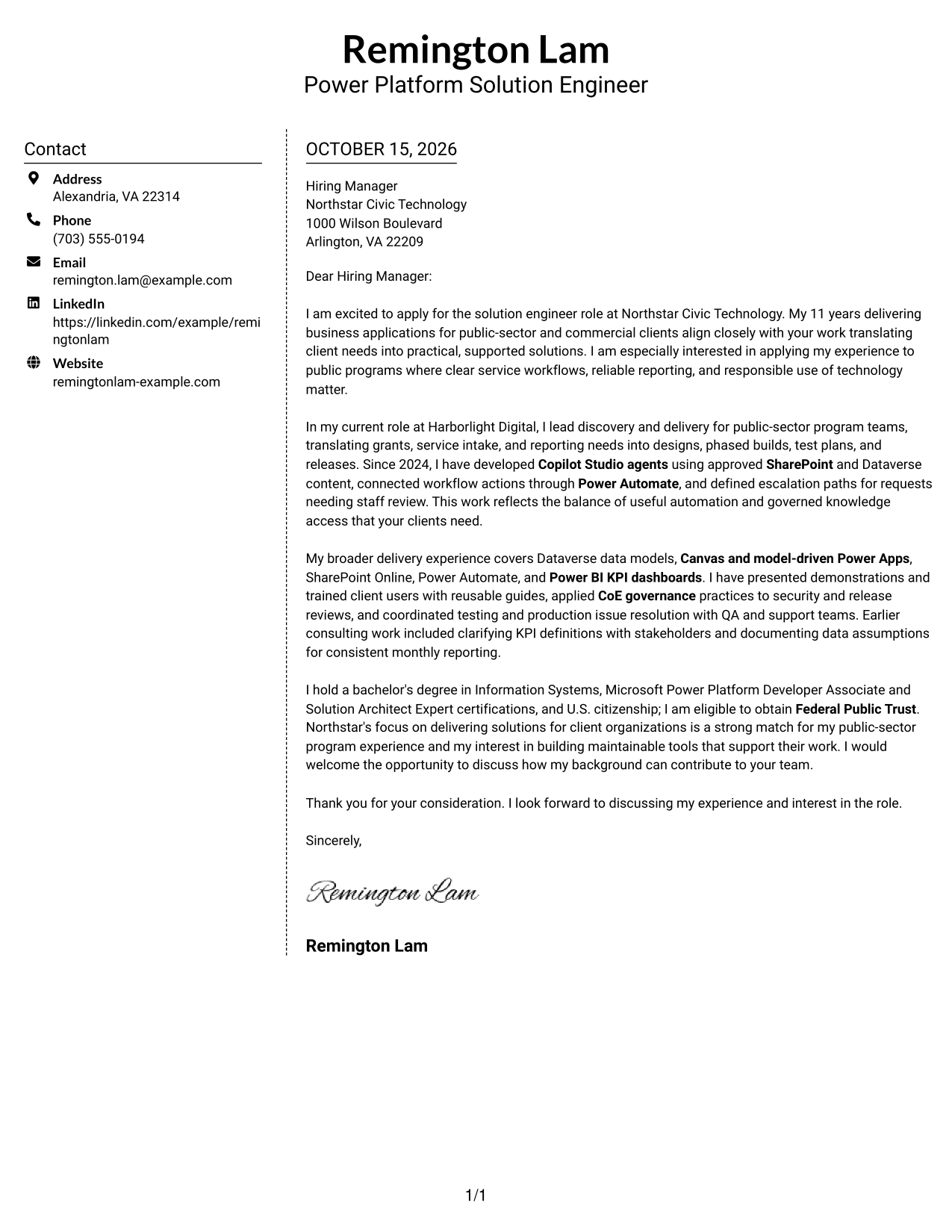
Why This Format Works
- The sidebar separates contact details from the letter's persuasive message.
- One continuous body keeps motivation, supporting points, and closing together.
- A text-only layout suits readers who prefer contact details without a portrait.
Best For
- Contact sidebar layouts
- Continuous letter-body reading
- Text-only correspondence
- Paragraph-led application letters
- Client-facing engineering applications
#6 Modern Icon Format Cover Letter Example
Modern Icon Format uses a contact sidebar beside one continuous letter body, with icons serving as cues for contact details and header accents.
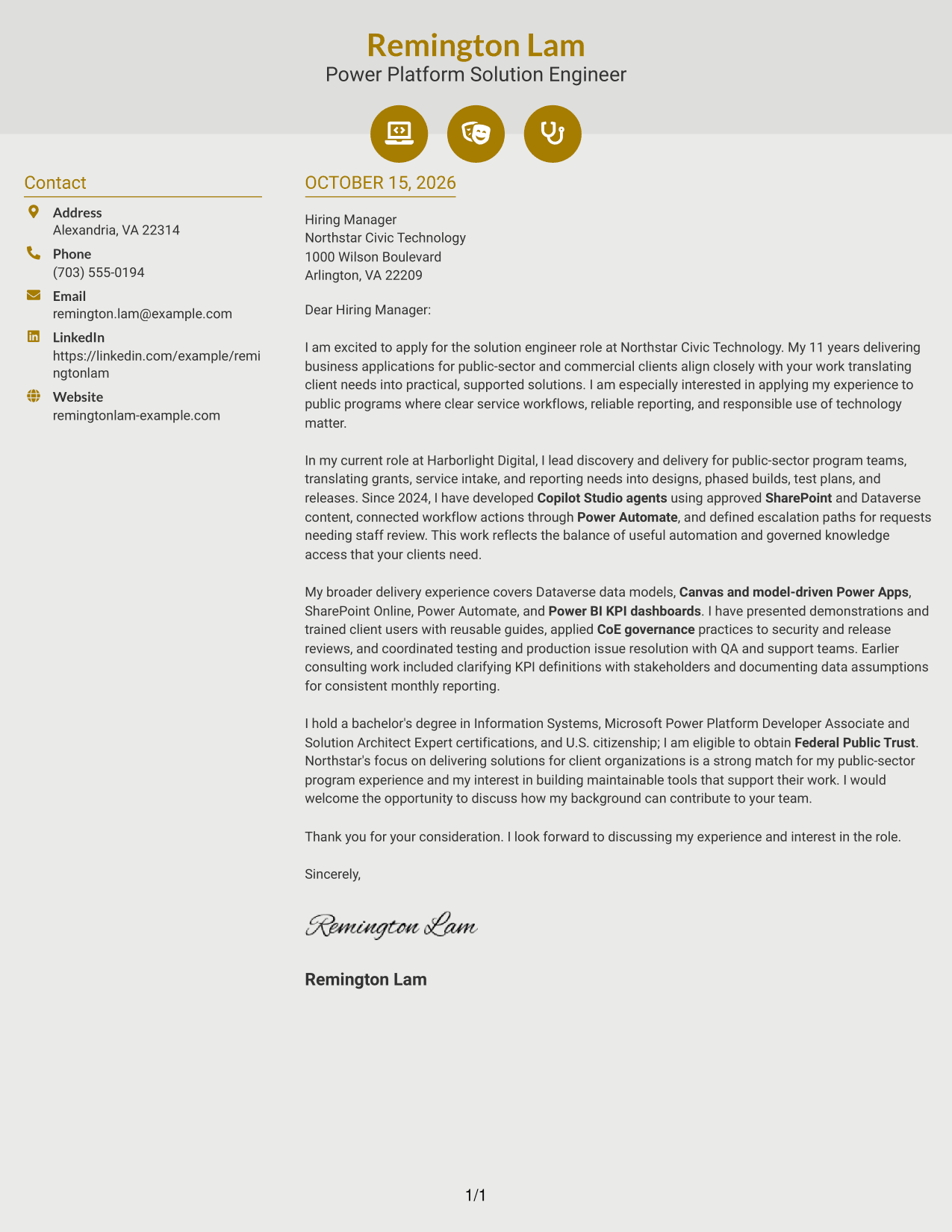
Why This Format Works
- Contact icons make sender details easier to identify within the sidebar.
- The letter's paragraphs remain together, so the case reads from opening to close.
- The sidebar keeps contact details distinct from the main message.
Best For
- Icon-cued contact information
- Two-column letter layouts
- Continuous paragraph arguments
- Text-only correspondence
- Power Platform solution engineer applications
#7 Creative Two Tone Format Cover Letter Example
Creative Two Tone Format places a contact sidebar beside one continuous letter body, keeping the contact information separate from the message.
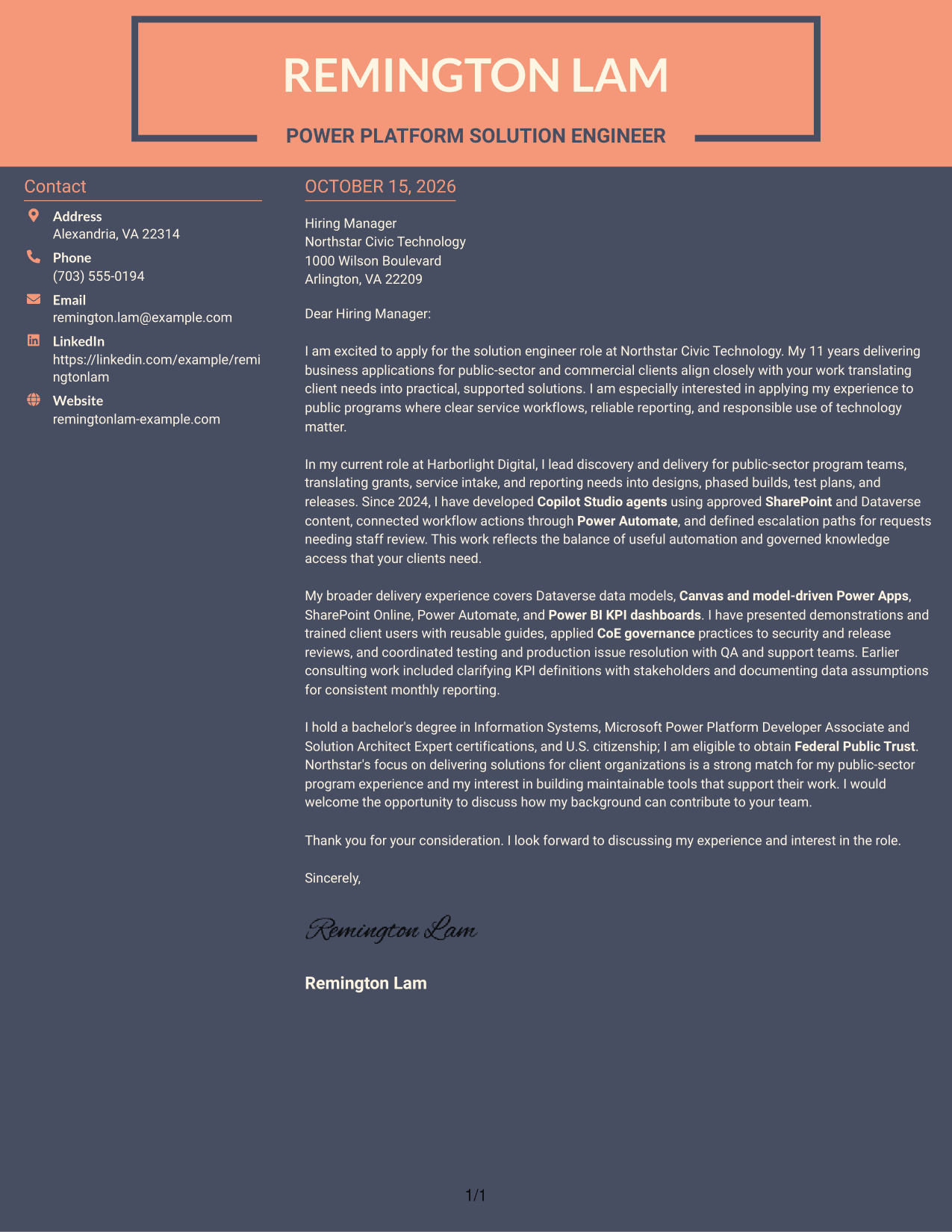
Why This Format Works
- A separate sidebar helps reviewers find sender details apart from the letter.
- The letter body keeps the opening, supporting case, and close in sequence.
- The two-column arrangement distinguishes contact information from the written argument.
Best For
- Sidebar-based contact details
- Letters read from opening to close
- Paragraph-led application messages
- Separate contact and message areas
- Client-focused technology applications
See Also
- 7 Microsoft Copilot Studio & Power Platform Solution Engineer Resume Templates with Example
- 33 Senior Cyber Security Engineer (Microsoft) ZT Resume Templates with Example
- 33 Electrical Engineer - Power Systems Resume Templates with Example 2026 (ATS-Optimized)
- 33 Electrical Power Systems / Industrial Automation Engineer Resume Templates with Example 2026 (ATS-Optimized)
- 7 Electronics Engineer - Power Communications Systems Resume Templates with Example
- 33 Fluid Power Engineer Resume Templates with Example 2026 (ATS-Optimized)
- 7 Senior Power & Analog Electrical Engineer Resume Templates with Example
- 33 Forward Deployed Engineer III, Generative AI, Cloud Solutions Resume Templates with Example 2026 (ATS-Optimized)
- 30+ Senior Cyber Security Engineer (Microsoft) ZT Cover Letter Templates with Example 2026
- 30+ Electrical Engineer - Power Systems Cover Letter Templates with Example 2026
Frequently Asked Questions
What should the opening paragraph say for this role?
State your interest in the Microsoft Copilot Studio & Power Platform Solution Engineer role and make a direct link between your background and the work. Keep the opening focused on the value you can bring to client delivery.
How can I describe Copilot Studio experience clearly?
Give a specific example of the work you performed. For instance, explain how you used approved SharePoint or Dataverse content, connected actions through Power Automate, or planned a path for requests that need staff review, if those details match your experience.
What evidence belongs in the body paragraphs?
Choose examples that show how you turned client needs into working solutions. You might discuss Power Apps, workflow automation, KPI reporting, governance, testing, demonstrations, or user training when those points reflect your own work.
How should I connect my experience to the employer?
Refer to the employer’s stated needs and explain why they matter to you. Link your evidence to outcomes such as maintainable tools, responsible automation, useful reporting, and support for client teams.
Can I compare the letter layouts before customizing an example?
Yes. Review the PNG previews to compare the visual presentation, then use the editor link to view or customize an example. Choose a layout that supports a clear, professional reading experience.




