
7 Oracle Functional Analyst - Federal Financials Cover Letter Templates with Example
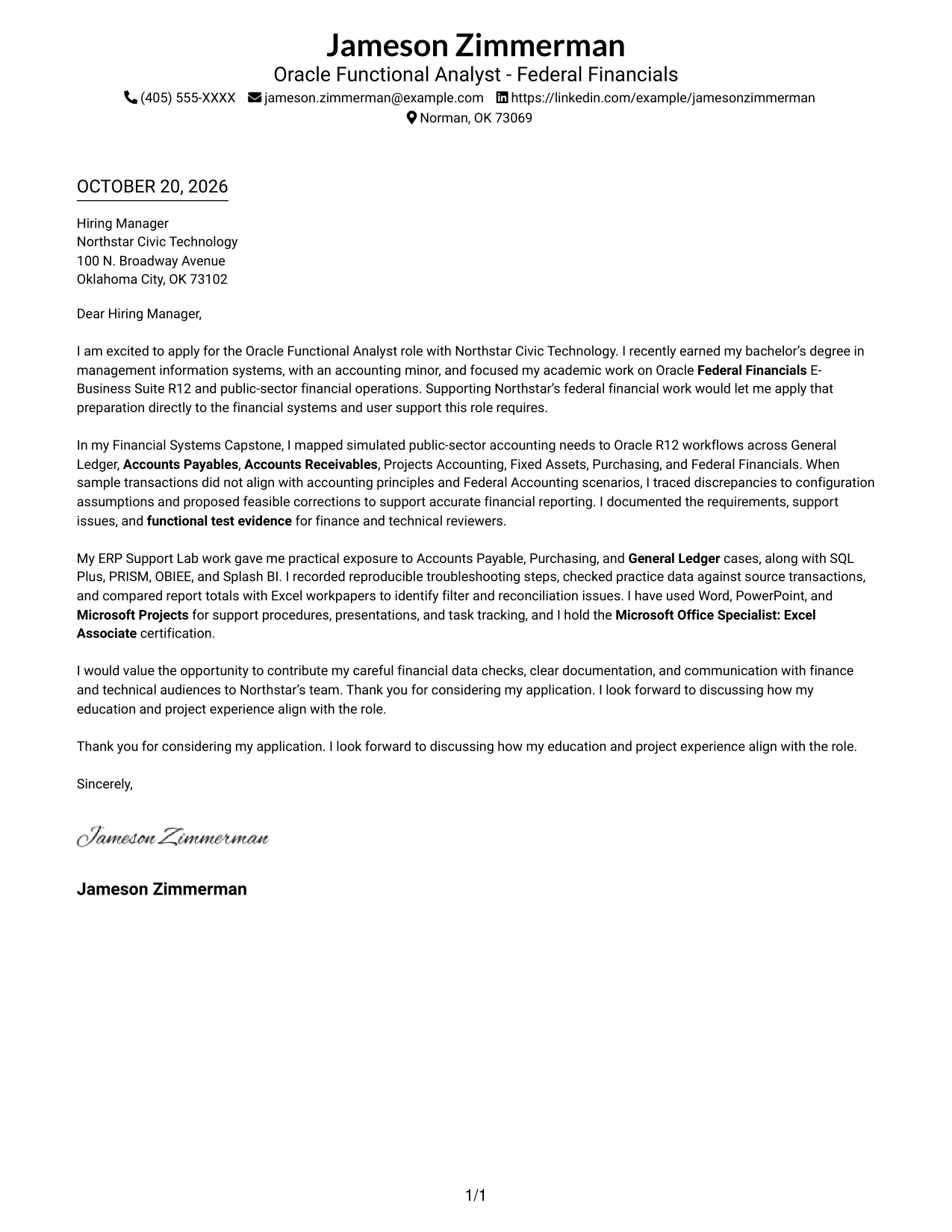
This practical guide to the Oracle Functional Analyst - Federal Financials cover letter presents seven layouts to help you explain your fit for the role clearly.
What Makes a Great Oracle Functional Analyst - Federal Financials Cover Letter in 2026
A strong letter connects your preparation in Oracle Federal Financials E-Business Suite R12 and public-sector accounting to the role. Its opening should make your interest and fit clear.
Use specific evidence, such as mapping financial needs to workflows, investigating transaction issues, or documenting test results. Then show how clear communication and careful data checks can support the employer’s financial operations.
The featured Oracle Functional Analyst - Federal Financials example follows a focused progression from role interest to relevant evidence and a clear close, which you can adapt while choosing a presentation that suits the employer and communication context.
#1 Simple One Column Format Cover Letter Example
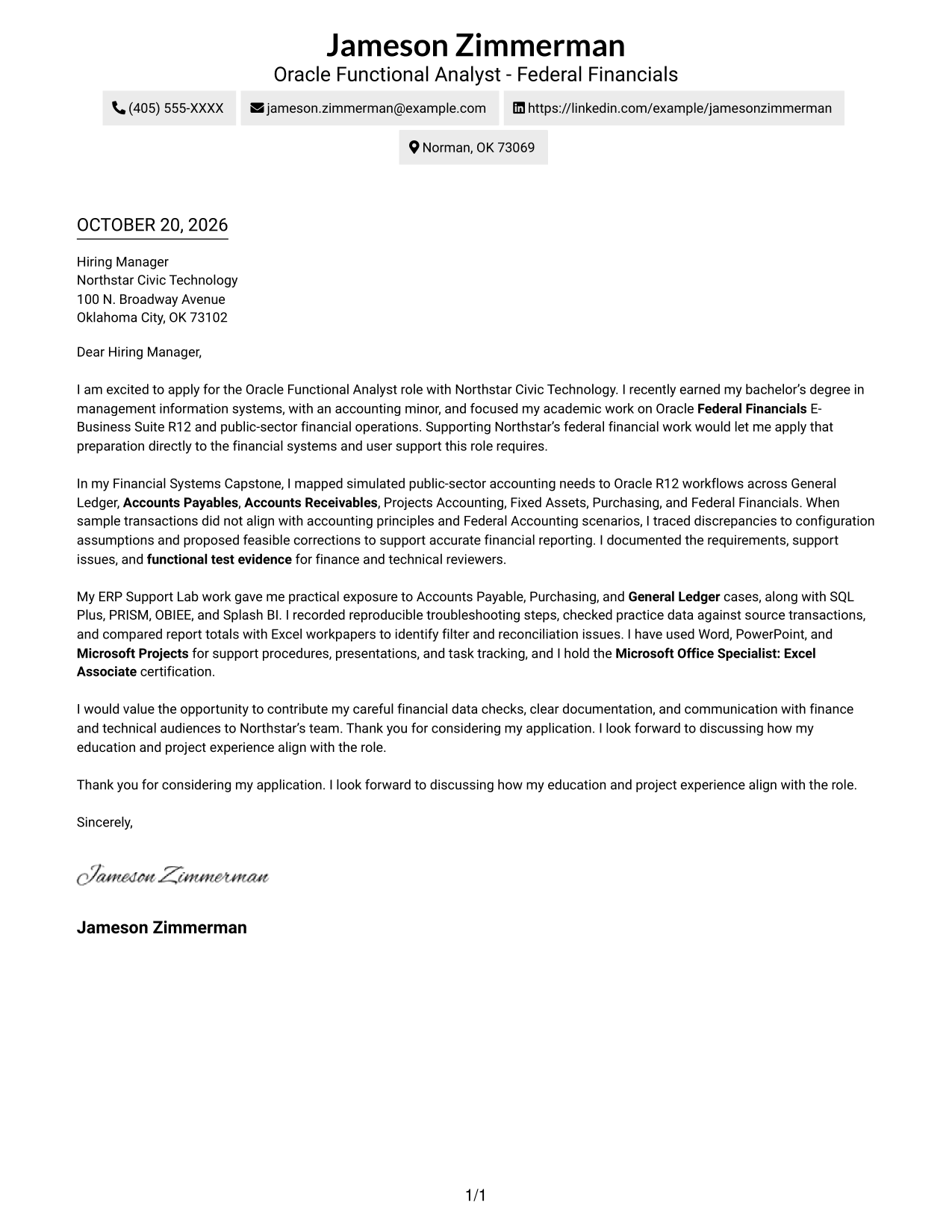
A single-column page keeps sender details in the header and gives the letter a direct, familiar reading order.
Why This Format Works
- Header contact details stay apart from the message, making them easy to locate.
- The greeting, main paragraphs, and closing follow one clear reading path.
- Without internal headings, the letter's paragraphs carry its case in a natural sequence.
Best For
- Straightforward letter reading
- Header-based contact details
- A continuous written argument
- Traditional page organization
- Readers who prefer a simple layout
#2 Two Column Format Cover Letter Example
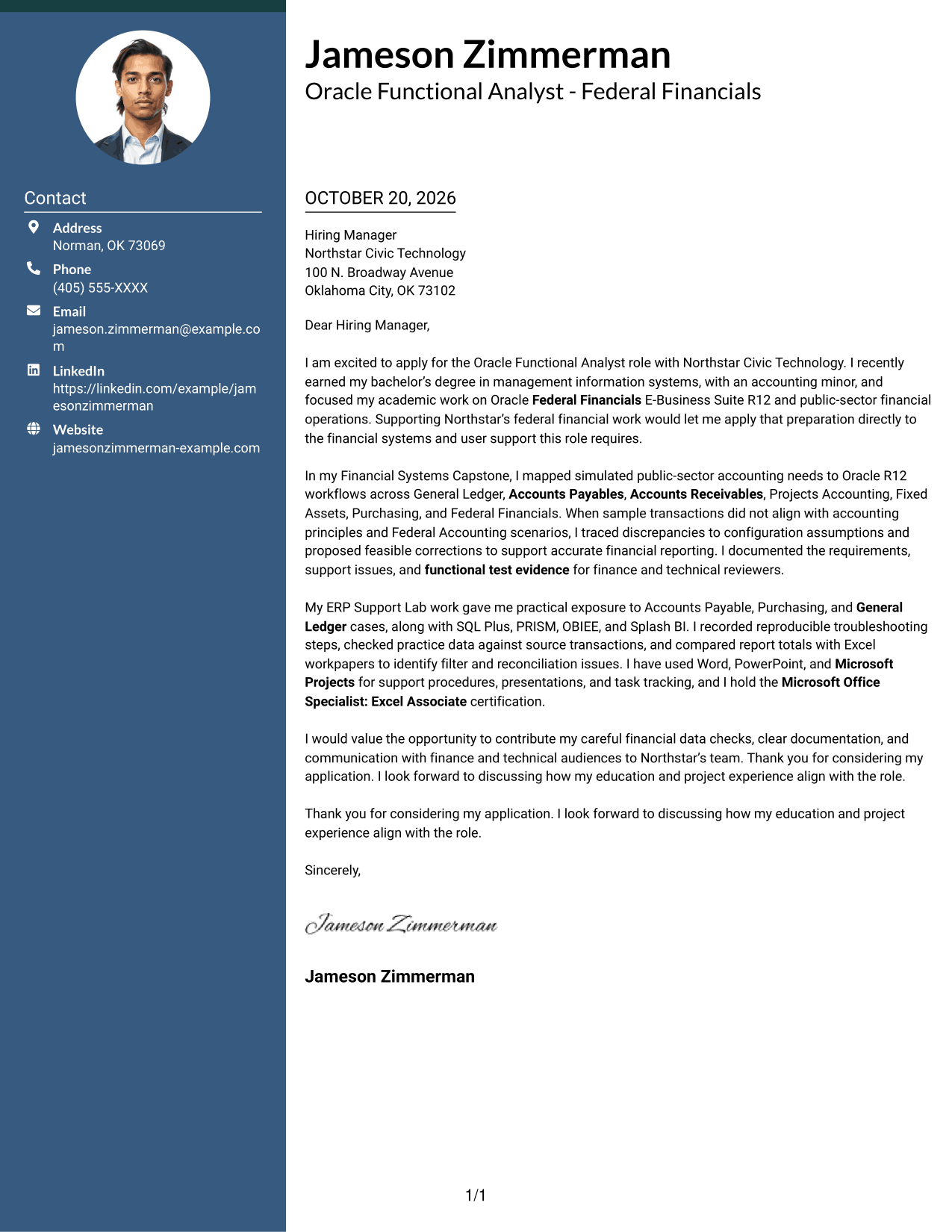
A contact sidebar beside one continuous letter body separates sender information from the message while keeping the argument intact.
Why This Format Works
- The contact sidebar gives sender details a distinct place beside the letter.
- The single letter body keeps the opening, evidence, and closing in sequence.
- Separate areas help reviewers distinguish correspondence details from the application message.
Best For
- Contact details beside the letter
- A connected persuasive message
- Quick access to sender information
- Clear separation of contact and message
- Readers who prefer side-by-side organization
#3 Photo Header Two Column Format Cover Letter Example
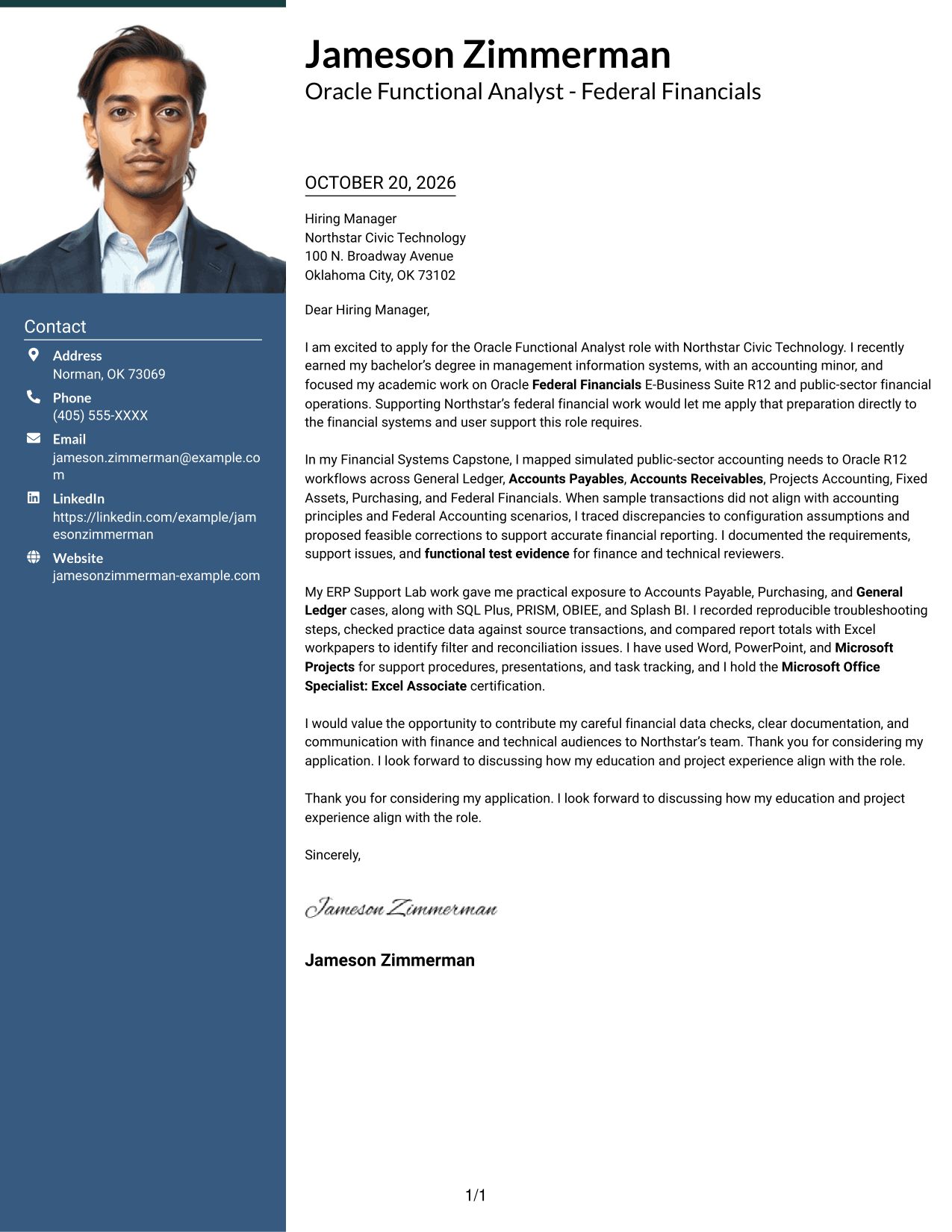
A photo and contact sidebar accompany one continuous letter body, suiting readers who want a portrait alongside the message.
Why This Format Works
- The portrait adds a personal visual element for readers who prefer a photo.
- The contact sidebar keeps sender details distinct from the letter's paragraphs.
- The message remains one continuous body, preserving the order of its argument.
Best For
- Photo-inclusive letter layouts
- Contact details beside the message
- A continuous letter argument
- A portrait as part of the presentation
- Readers who prefer a visual introduction
#4 One Column Format with Photo Cover Letter Example
A photo appears with a single-column letter, offering a personal visual element while keeping the message in one reading path.
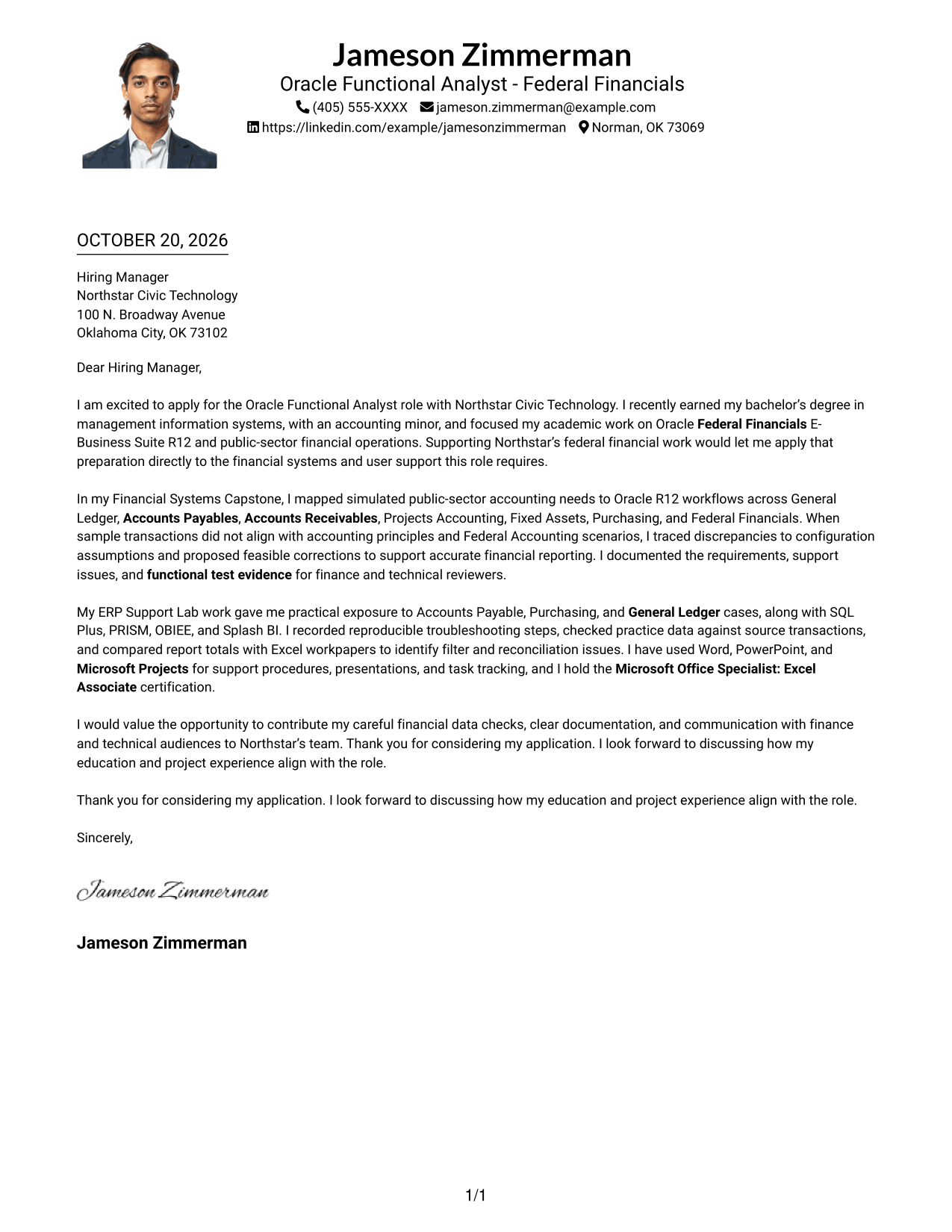
Why This Format Works
- The portrait adds a visible personal element without creating a second text column.
- One column keeps the letter's paragraphs together from greeting to closing.
- The header holds sender details apart from the continuous message.
Best For
- Photo-inclusive, single-column letters
- A continuous written message
- Header-based contact information
- A portrait with a direct reading path
- Readers who prefer one text column
#5 Simple Two Column Format Cover Letter Example
A contact sidebar sits beside the continuous letter body, giving sender information a separate place without dividing the message.
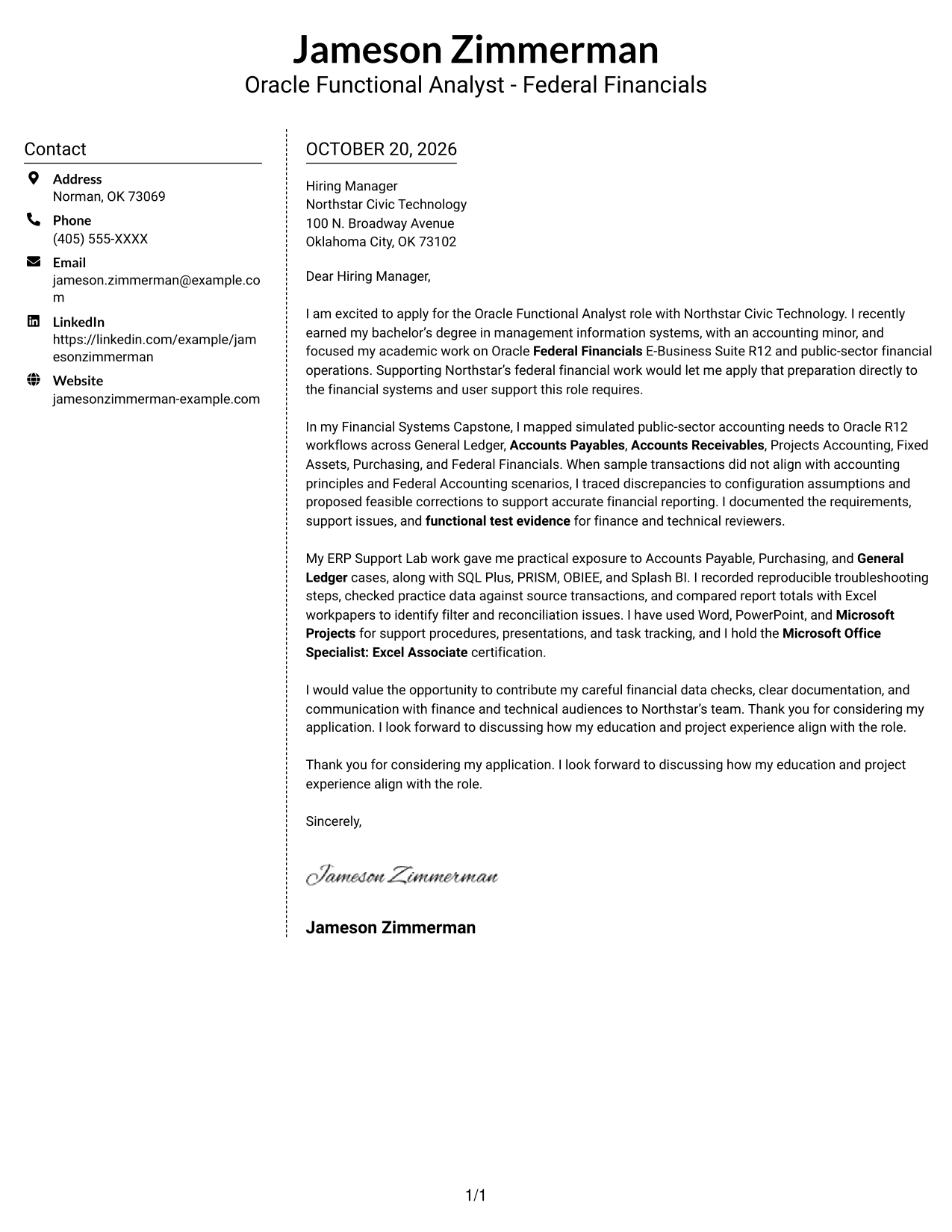
Why This Format Works
- Sender details occupy the sidebar, apart from the letter's persuasive paragraphs.
- The message stays in one body, so its opening and close remain connected.
- The two areas make contact information and letter text easy to distinguish.
Best For
- A separate contact area
- One connected letter message
- Side-by-side page organization
- Contact information outside the body
- Readers who want a simple two-column layout
#6 Modern Icon Format Cover Letter Example
Contact icons and a two-column arrangement distinguish sender details from the continuous letter body without labeling its argument.
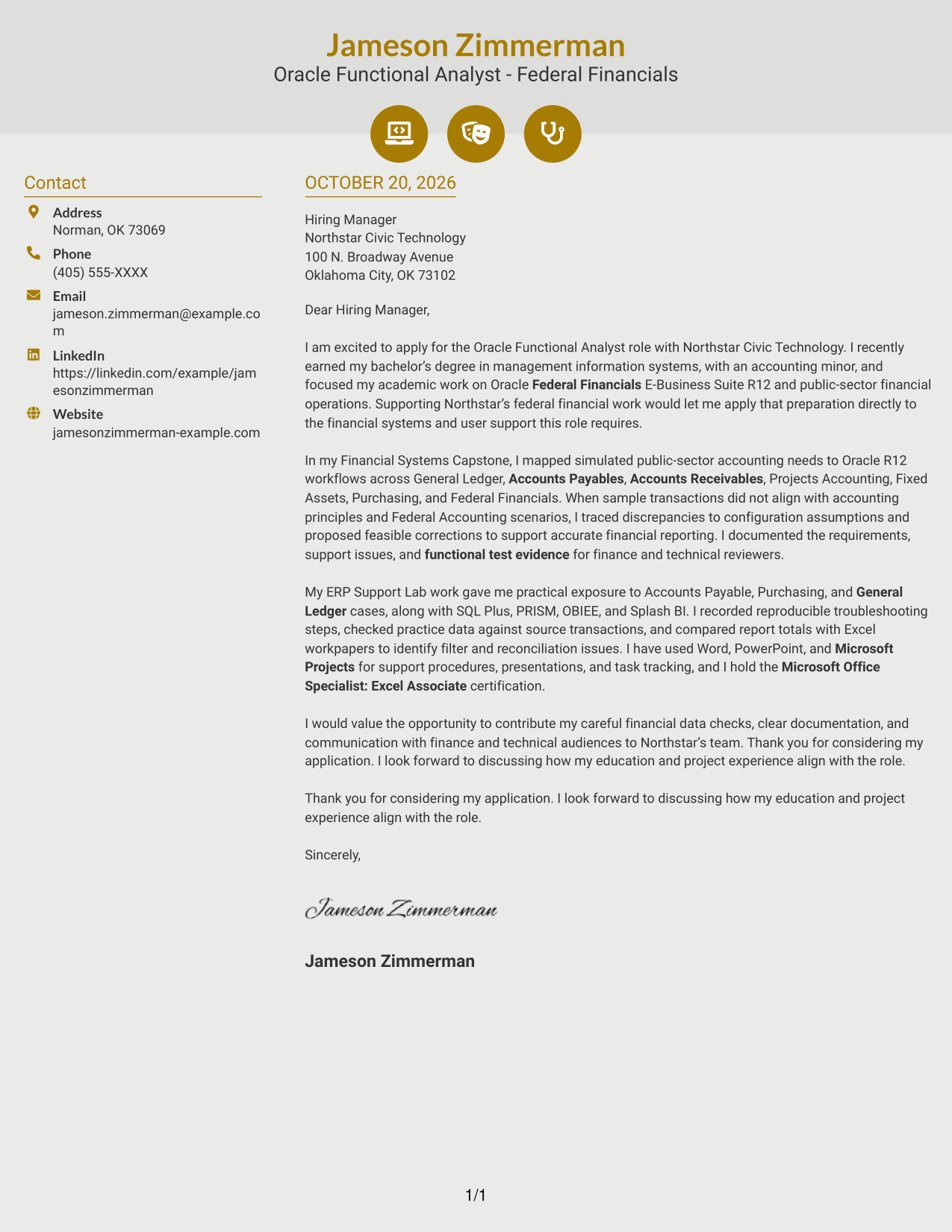
Why This Format Works
- Contact icons cue sender information, not stages of the letter's argument.
- A separate contact sidebar leaves the message in one uninterrupted body.
- The two-column arrangement distinguishes correspondence details from the letter text.
Best For
- Icon-marked contact details
- A continuous letter argument
- Contact information beside the message
- Readers who value visual contact cues
- A two-column page arrangement
#7 Creative Two Tone Format Cover Letter Example
A contact sidebar beside one continuous letter body gives contact details a separate area while the message stays together.
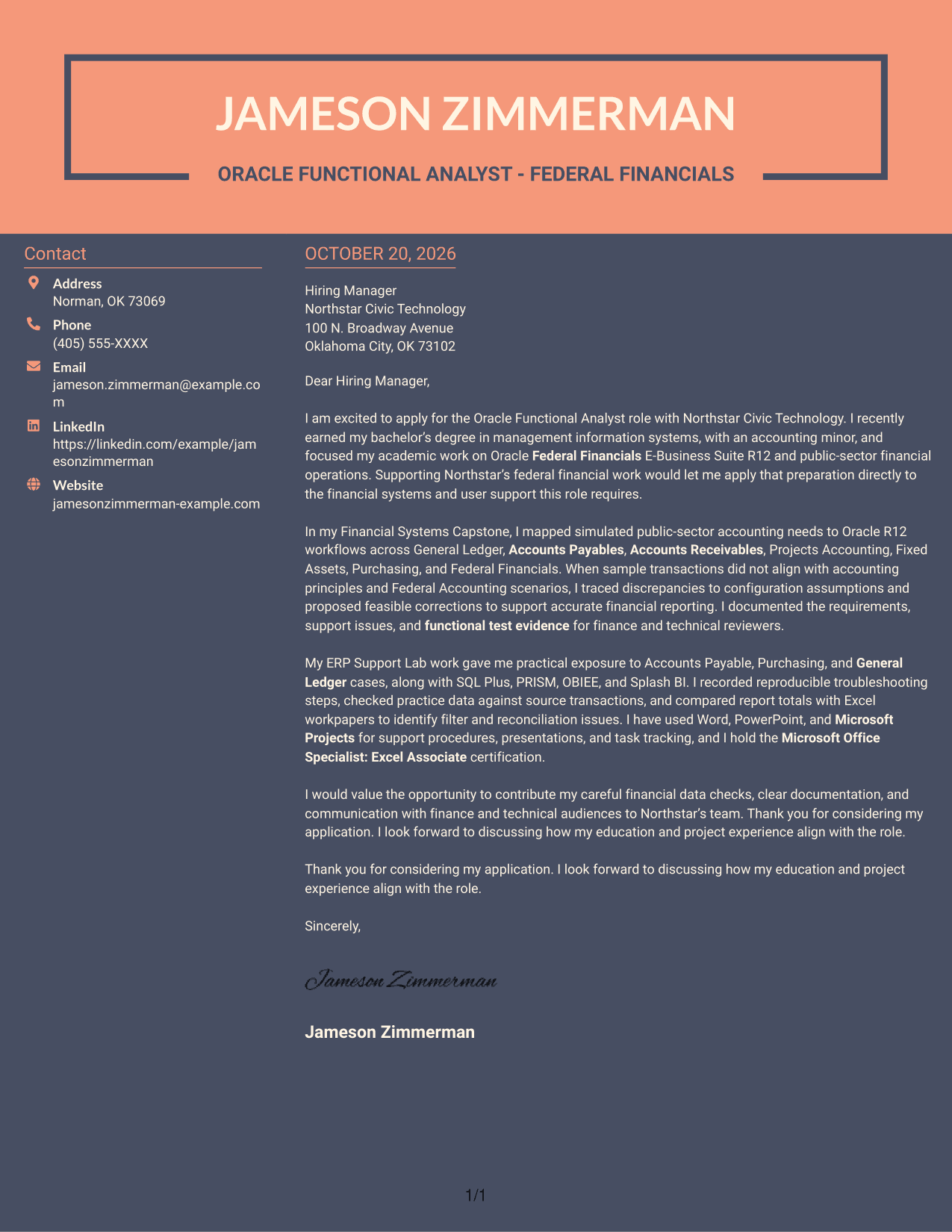
Why This Format Works
- The sidebar sets sender details apart from the letter's persuasive content.
- One continuous body keeps the opening and closing within the same message.
- The distinct areas let readers identify contact information and letter text separately.
Best For
- Contact details beside the message
- A connected letter body
- Separate space for sender information
- Side-by-side reading
- Readers who prefer distinct page areas
Why Use ResumeInMinutes for an Oracle Functional Analyst - Federal Financials Cover Letter
ResumeInMinutes offers a starting point for shaping a focused letter around the role. Compare the image previews, then open an example in the editor to customize it.
- Cover letter layouts
- Role-focused writing guidance
- Examples to compare
- Clear opening and closing
- Professional presentation
- Editor customization
Use the example to explain how your Oracle financial systems preparation, issue analysis, and documentation relate to the responsibilities in the job description.
See Also
- 7 Oracle Functional Analyst - Federal Financials Resume Templates with Example
- 7 Oracle - Business Analyst Resume Templates with Example
- 7 Service Desk Analyst - Federal Application Support Resume Templates with Example
- 7 Data Analyst - Financial and Operational Analytics Resume Templates with Example
- 33 Entry-Level Accountant / Financial Analyst Resume Templates with Example 2026 (ATS-Optimized)
- 33 Financial Analyst - FDP Resume Templates with Example 2026 (ATS-Optimized)
- 7 Financial Analyst II Resume Templates with Example
- 33 Financial Analyst Intern Resume Templates with Example 2026 (ATS-Optimized)
- 7 Service Desk Analyst - Federal Application Support Cover Letter Templates with Example
- 7 Data Analyst - Financial and Operational Analytics Cover Letter Templates with Example
Frequently Asked Questions
What should an Oracle Functional Analyst - Federal Financials cover letter include?
State your interest in the role, then connect relevant Oracle Federal Financials and accounting preparation to the work. Give a concrete example of requirements analysis, issue resolution, or clear support documentation.
Does this page show different cover letter examples?
It presents one featured cover letter example in different visual layouts. Use the previews to compare presentation and open an example in the editor if you want to customize it.
Which cover letter style suits a Federal Financials analyst role?
A clear, professional layout can help readers follow your interest, relevant evidence, and closing. Choose a presentation that fits the employer and the communication context.
How can academic work support this cover letter?
Describe relevant coursework or project work accurately. For example, explain how you mapped financial needs to Oracle workflows, reviewed sample transactions, or prepared functional test evidence.
Should I include a photo on my cover letter?
For U.S. applications, a photo is usually not needed. A no-photo layout keeps attention on your message and role-related evidence.




