
7 Patient Access Representative I - Imaging Registration and Operations Cover Letter Templates with Example
This guide helps you create a focused Patient Access Representative I - Imaging Registration and Operations cover letter and compare seven layouts for presenting your fit.
What Makes a Great Patient Access Representative I - Imaging Registration and Operations Cover Letter in 2026
A strong letter connects your patient access experience to imaging registration, insurance checks, financial clearance, and clear patient support. It should make your interest in the role easy to understand.
Choose specific examples that show accurate registration, calm communication, and care with patient information. Link those examples to the employer’s needs and explain how your approach can support patients through imaging services.
The featured Patient Access Representative I - Imaging Registration and Operations example moves from role interest to relevant imaging access work, supporting experience, schedule fit, and a clear close. Adapt this focused progression to your own evidence, then choose a presentation that suits the employer and the communication context.
#1 Simple One Column Format Cover Letter Example
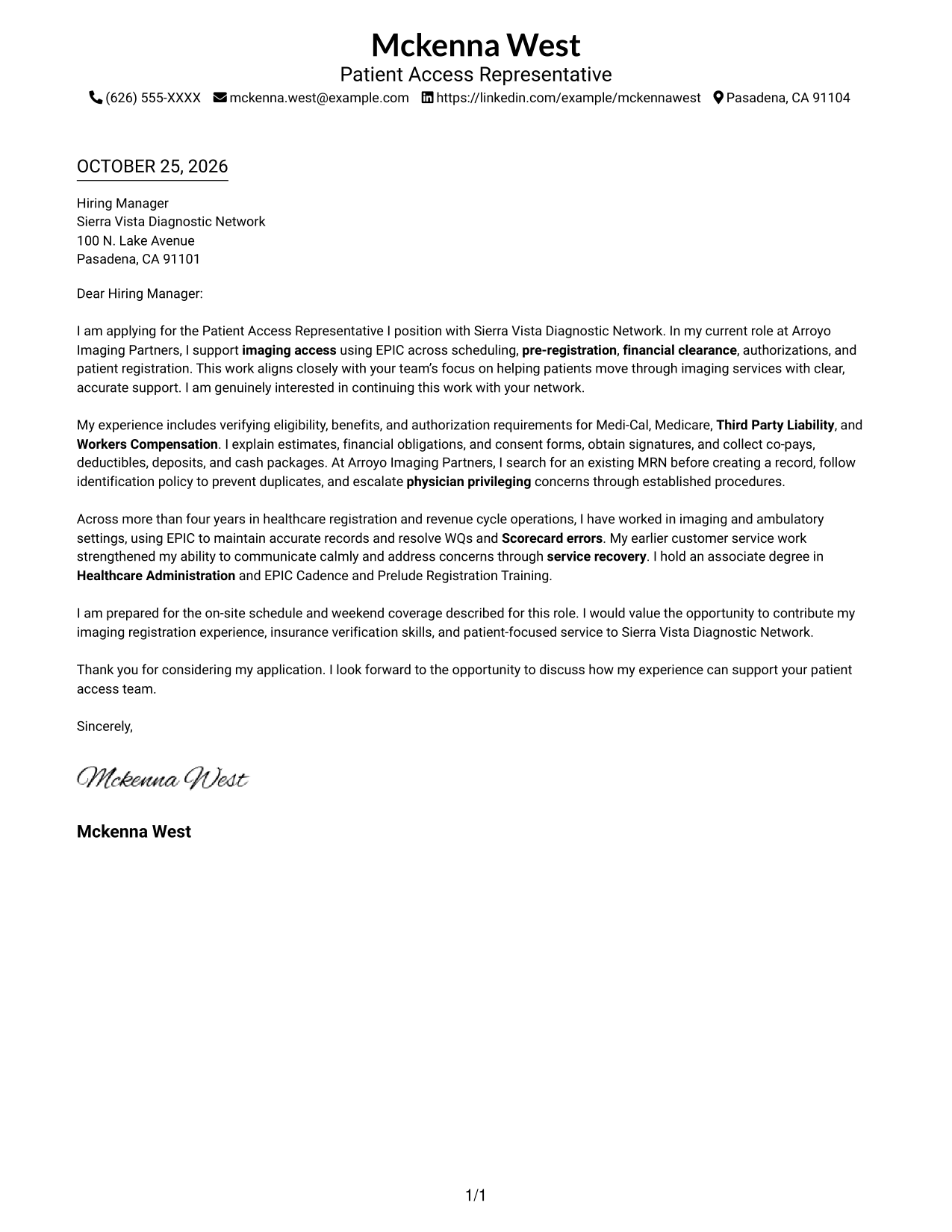
A single-column layout without a photo keeps the sender details and complete letter in a straightforward arrangement for readers who value a direct presentation.
Why This Format Works
- Sender details in the header stay distinct from the letter's persuasive paragraphs.
- The single reading path lets reviewers follow the opening, evidence, and closing in sequence.
- Without a photo, attention stays on the written message and contact information.
Best For
- Single-column message flow
- Familiar letter reading
- No-photo correspondence
- Header-based contact details
- Patient access applications
#2 Two Column Format Cover Letter Example
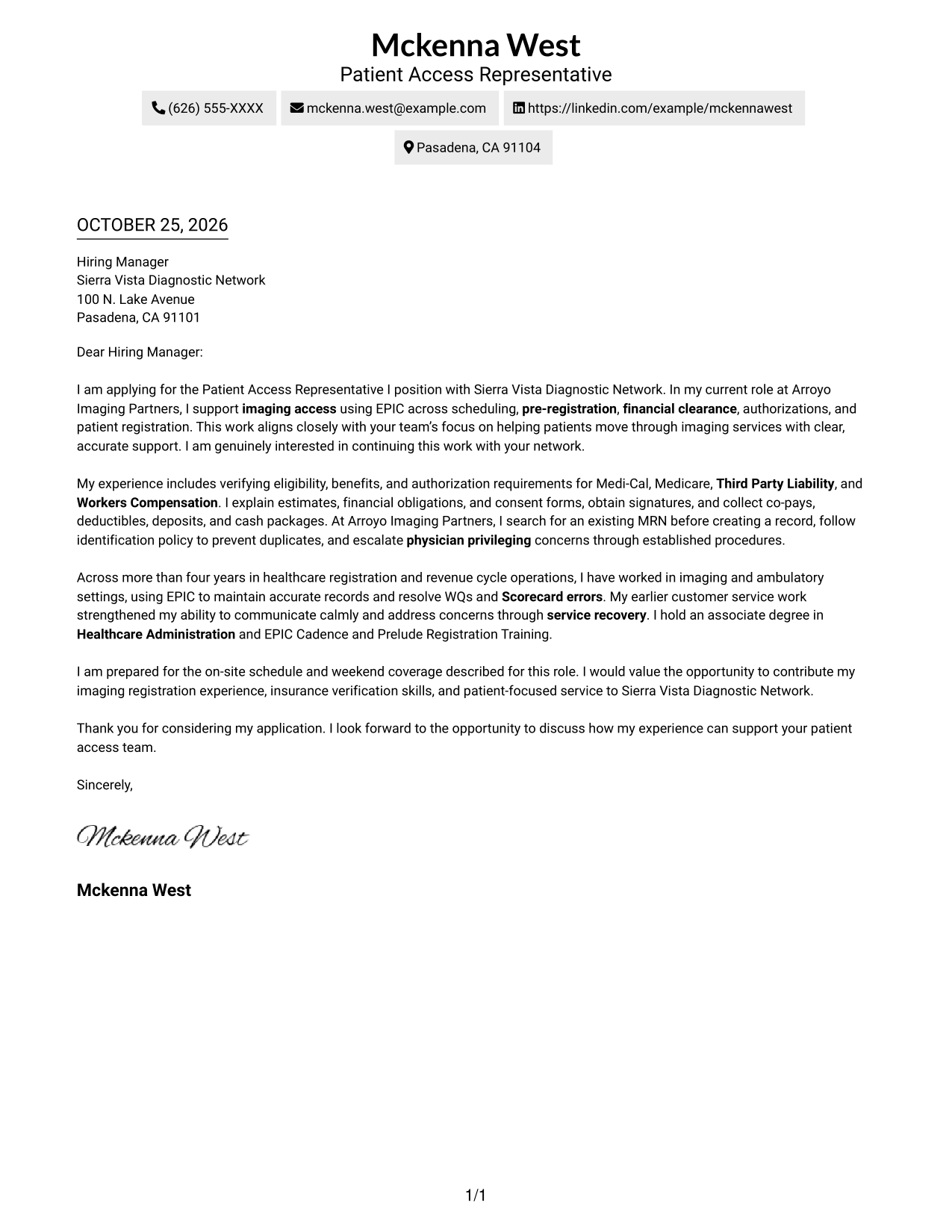
A contact sidebar sits beside one continuous letter body, giving readers a separate place to find contact details while the message stays intact.
Why This Format Works
- Contact details are easy to check without searching through the letter's paragraphs.
- Opening, supporting evidence, and closing stay in one continuous message.
- Readers can focus on the application narrative while keeping contact information available alongside it.
Best For
- Contact details beside correspondence
- One-piece letter text
- No-photo applications
- Two-area page layouts
- Applications with multiple contact methods
#3 Photo Header Two Column Format Cover Letter Example
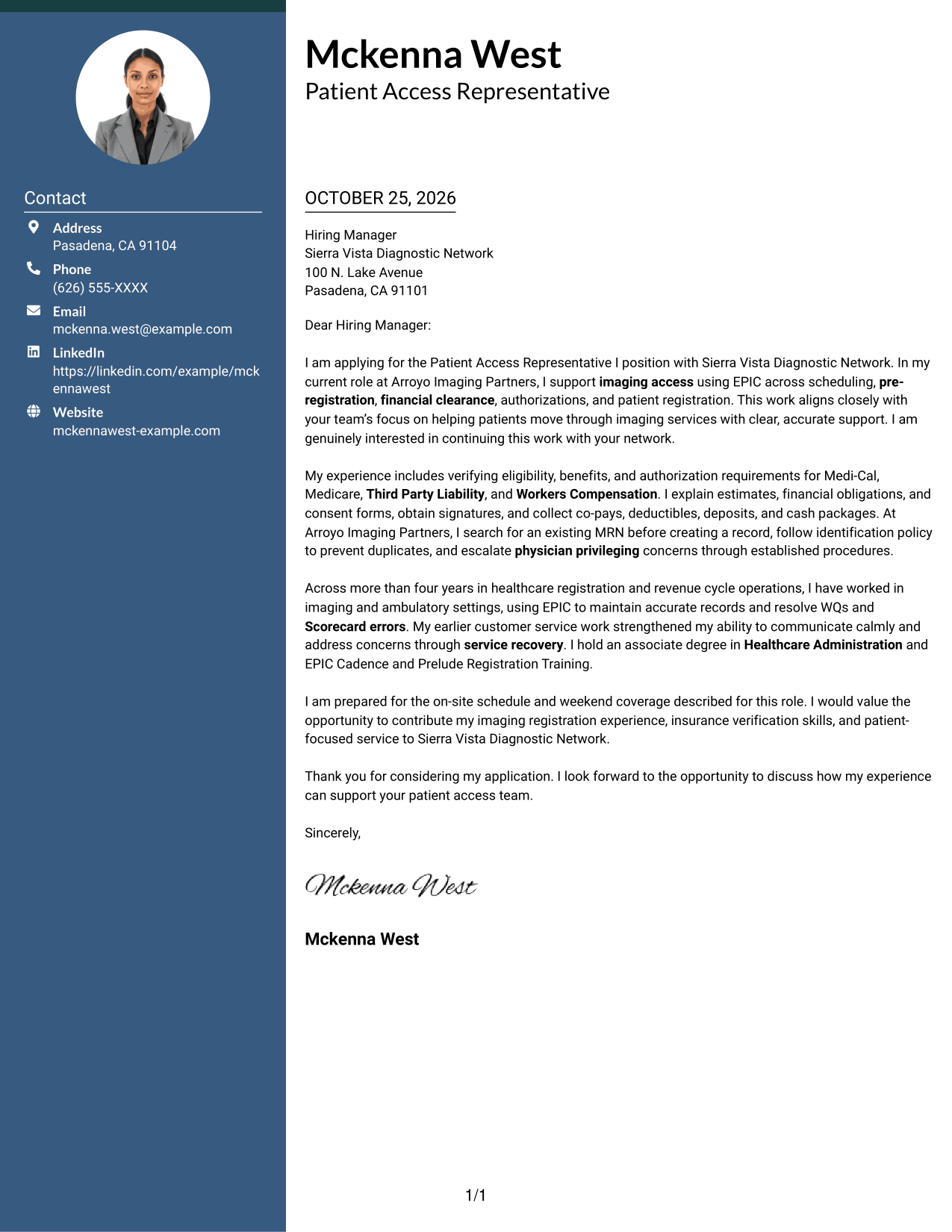
A photo accompanies a contact sidebar beside one continuous letter body, suiting readers who want a portrait alongside distinct contact information and correspondence.
Why This Format Works
- The portrait gives the sender a visible presence without changing the letter body's reading order.
- Contact information remains apart from the letter, giving readers a clear reference point.
- The uninterrupted body keeps the opening, evidence, and closing together as one message.
Best For
- Portrait-inclusive correspondence
- Contact details outside the letter body
- Single-body letter reading
- Two-column document layouts
- Applications with a sender photo
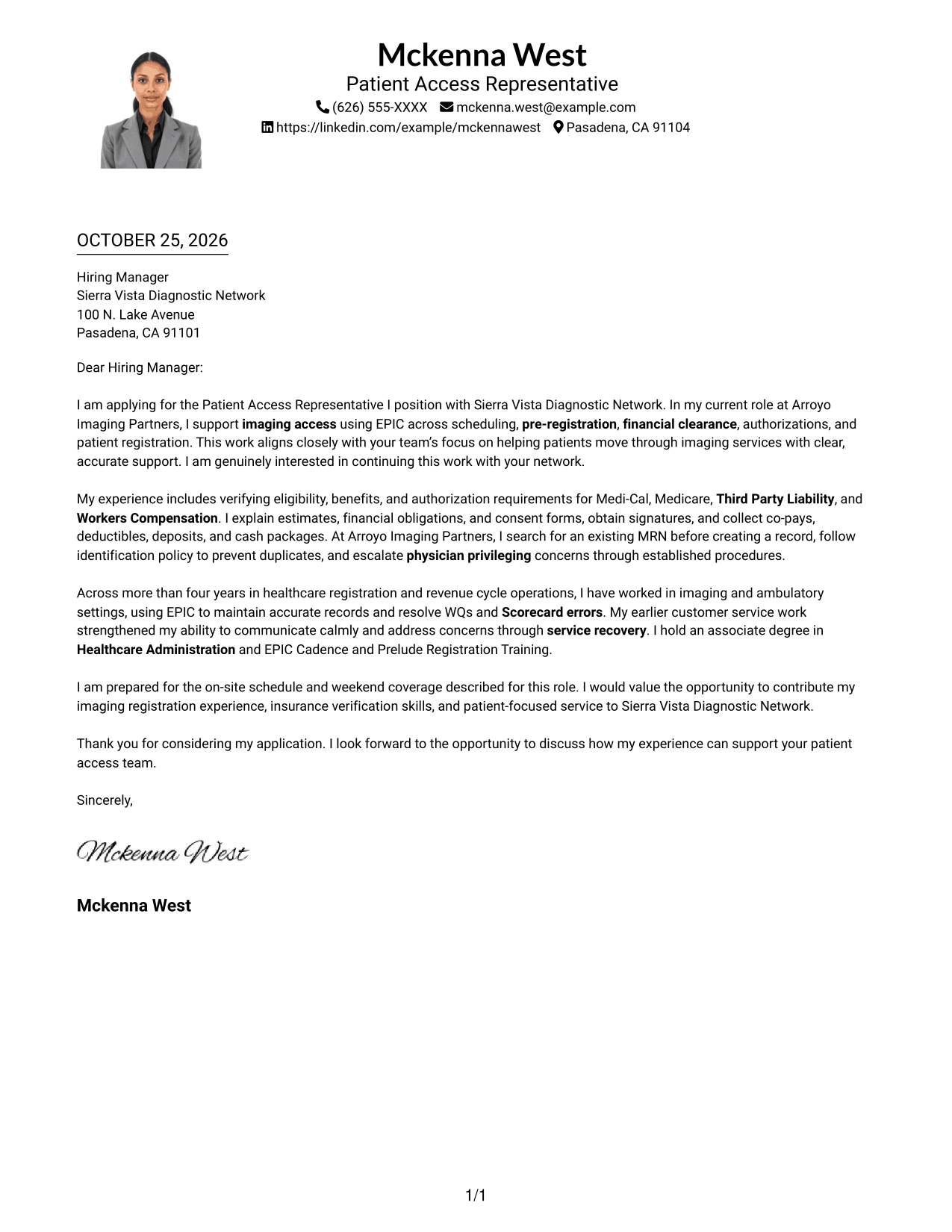
#4 One Column Format with Photo Cover Letter Example
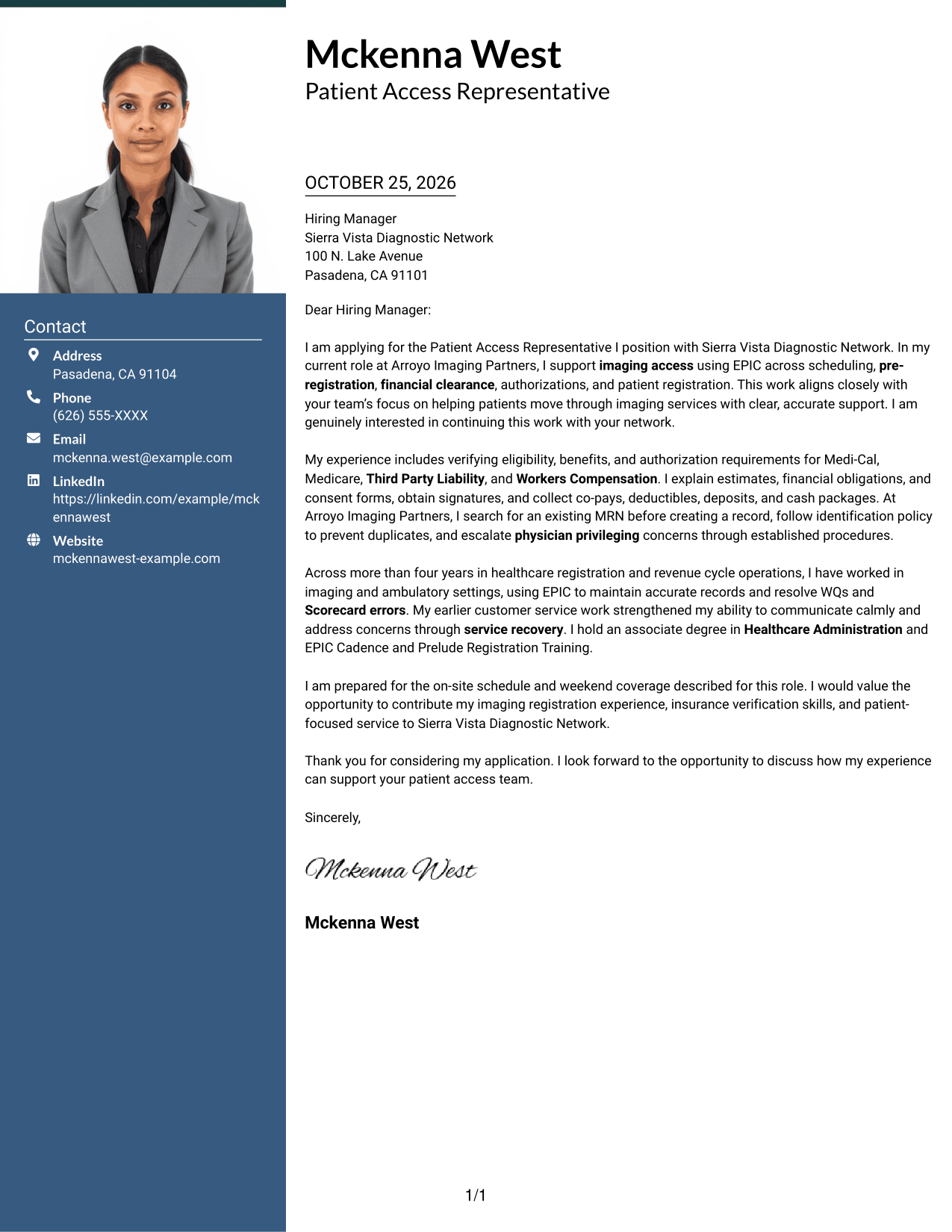
The one-column layout includes a photo and keeps sender details in the header, making it a choice for readers who want a portrait with one direct message path.
Why This Format Works
- Portrait presentation gives readers a visual point of reference for the sender.
- All message paragraphs remain in one column, preserving the letter's opening-to-close sequence.
- Sender details stay in the header instead of competing with the continuous body.
Best For
- Portrait-led sender presentation
- Single-column letter text
- No-sidebar layouts
- Header-based contact details
- Patient access applications
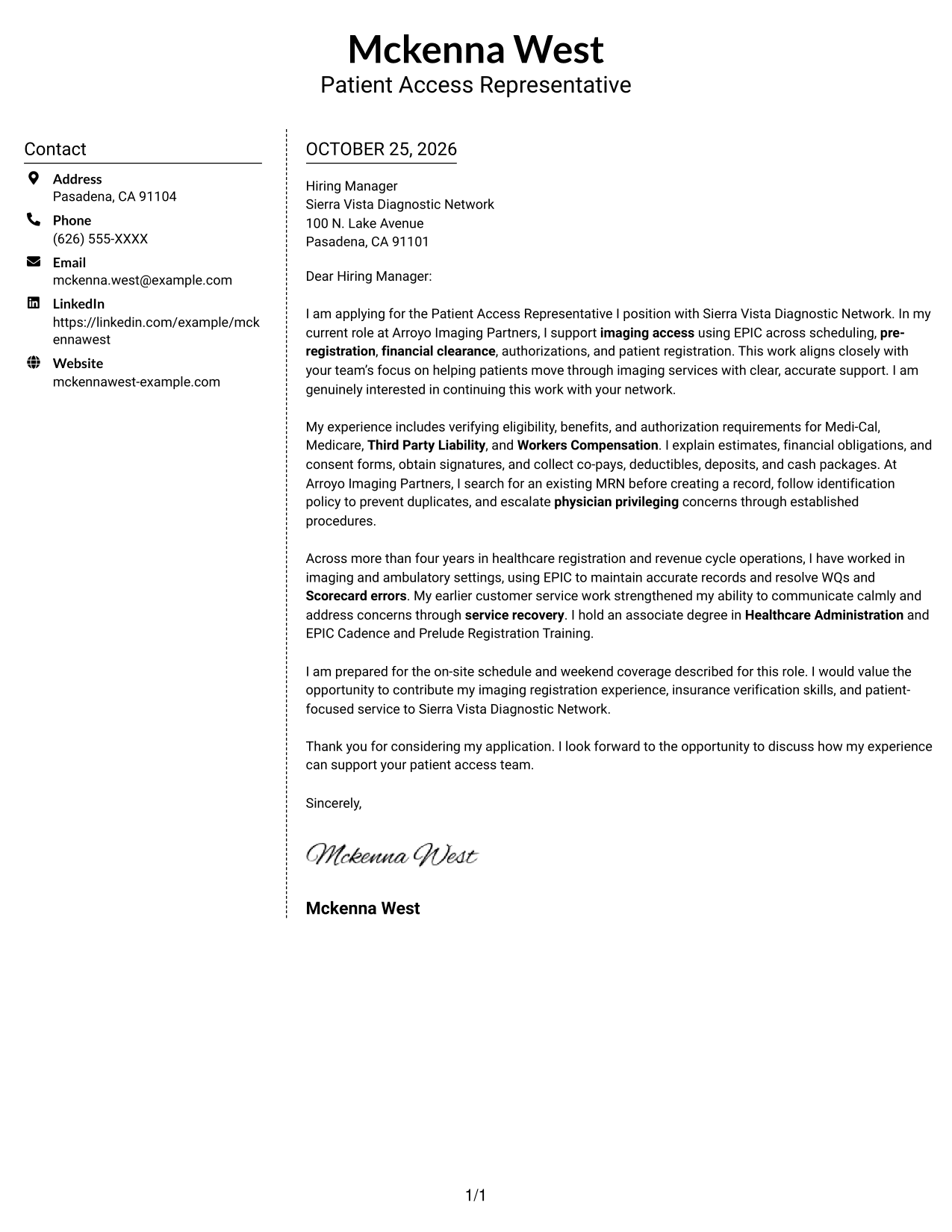
#5 Simple Two Column Format Cover Letter Example
The contact sidebar and continuous letter body form two clear areas, a useful choice when contact information should stay distinct from the message.
Why This Format Works
- Contact details occupy a sidebar, making sender information easy to locate separately.
- The body keeps its opening, supporting points, and closing together as one message.
- No photo keeps the page centered on written correspondence.
Best For
- Contact-heavy letters
- Continuous paragraph arguments
- No-photo correspondence
- Separate contact reference
- Two-column correspondence
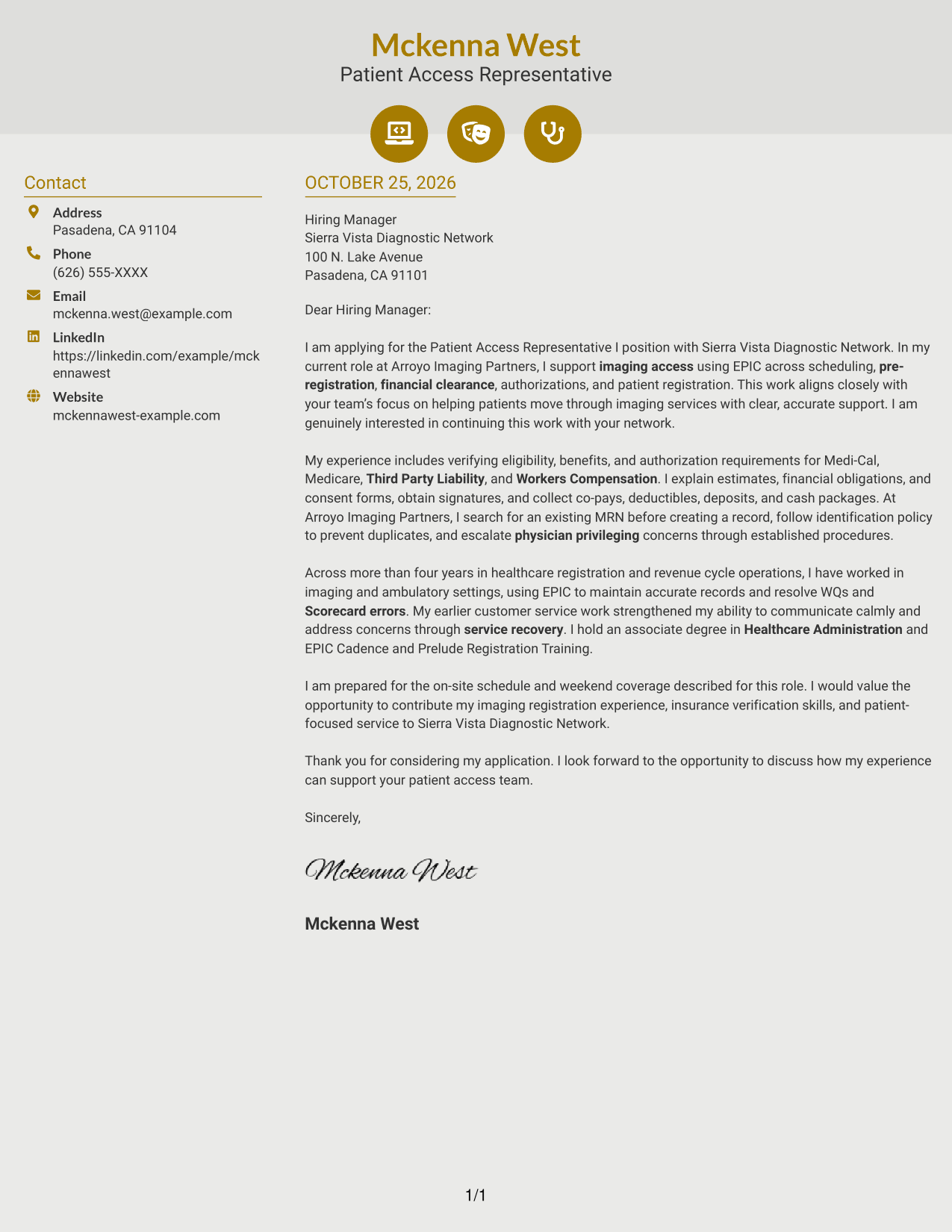
#6 Modern Icon Format Cover Letter Example
Contact icons add visual cues in the sidebar, while the letter stays one continuous body for readers who want clear contact reference and uninterrupted correspondence.
Why This Format Works
- Icons act as cues for contact details, helping readers identify that information quickly.
- Opening, support, and closing remain in a single letter body, not icon-labeled sections.
- Decorative header icons add visual cues without turning argument paragraphs into labeled blocks.
Best For
- Icon-cued contact lookup
- Decorative header details
- Two-column contact layouts
- Continuous argument paragraphs
- No-photo correspondence
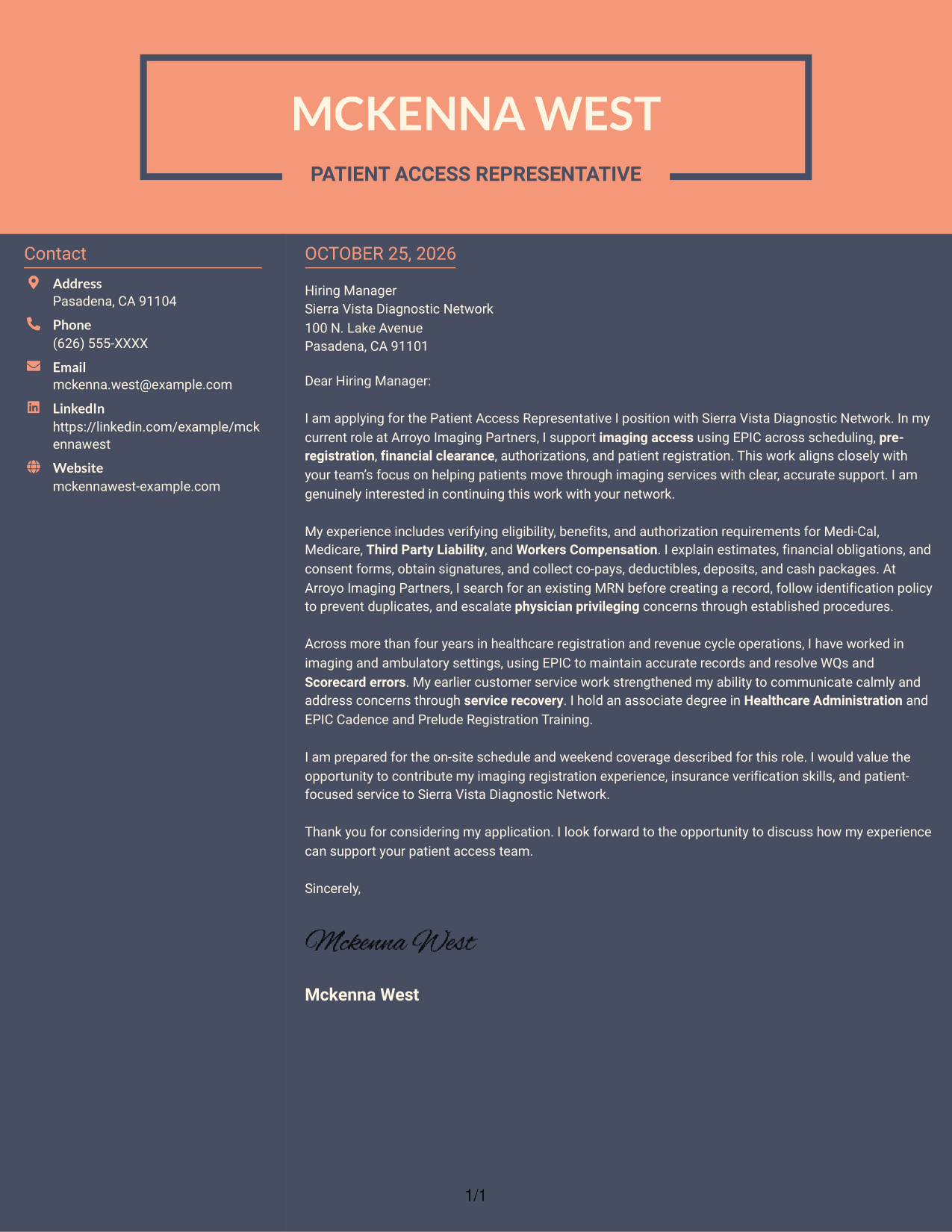
#7 Creative Two Tone Format Cover Letter Example
A contact sidebar sits beside a continuous letter body, keeping sender details apart from the message in a two-column layout.
Why This Format Works
- The opening, evidence, and closing read as one sequence rather than parallel columns.
- Contact information remains separate from the application narrative, giving readers a clear reference point.
- The page uses no portrait, keeping the visual focus on written correspondence.
Best For
- Two-column correspondence
- Single-body letter arguments
- No-photo letters
- Distinct contact reference
- Applications with several sender details
Why Use ResumeInMinutes for a Patient Access Representative I - Imaging Registration and Operations Cover Letter
Compare PNG image previews to review how each letter is presented, then open an example in the editor to customize your cover letter for the role.
- Cover letter examples
- PNG image previews
- Examples available in the editor
- Role-focused writing guidance
- Clear letter structure
- Employer-aligned messaging
Use the example to plan a direct opening, focused evidence, and a closing that connects your patient service strengths to imaging access work.
See Also
- 7 Patient Access Representative I - Imaging Registration and Operations Resume Templates with Example
- 7 Associate Patient Access Services Representative - Registration and Enrollment Resume Templates with Example
- 7 Patient Access Representative - Registration and Care Coordination Resume Templates with Example
- 7 Admitting Representative - Hospital Patient Access Resume Templates with Example
- 7 Patient Access Representative III - Emergency Department Resume Templates with Example
- 33 Part Time Patient Customer Service Representative Resume Templates with Example 2026 (ATS-Optimized)
- 33 Part Time Patient Service Representative Resume Templates with Example 2026 (ATS-Optimized)
- 7 Patient Representative - Patient and Family Relations Resume Templates with Example
- 7 Associate Patient Access Services Representative - Registration and Enrollment Cover Letter Templates with Example
- 7 Patient Access Representative - Registration and Care Coordination Cover Letter Templates with Example
Frequently Asked Questions
What should a Patient Access Representative I - Imaging Registration and Operations cover letter include?
Explain your interest in the role, then connect relevant experience to imaging registration, insurance verification, patient estimates, and clear communication. Close by showing how your approach supports accurate and respectful patient service.
How can I show experience with imaging access?
Describe the registration tasks you have handled, such as scheduling, pre-registration, financial clearance, authorizations, or patient arrival. Use a clear example and explain how you kept information accurate or helped a patient understand the next step.
How should I discuss EPIC and insurance verification?
State your direct experience with EPIC and the insurance checks you have performed. If relevant, mention eligibility and benefits, Medi-Cal, Medicare, Third Party Liability, or Workers Compensation, but only include details that match your own experience.
Should I mention schedule flexibility in my cover letter?
If you can meet the role’s on-site schedule and weekend coverage needs, say so briefly near the close. Keep the focus on your availability and readiness to support the team.
How can I tailor my letter to Sierra Vista Diagnostic Network?
Connect your experience to the position’s imaging registration duties and patient access priorities. Use verified details from the job description, such as patient communication, accurate registration, insurance checks, and service recovery, rather than making claims about the organization that you cannot confirm.




