
7 Patient Access Representative I - Imaging Registration and Operations Resume Templates with Example
This guide shows you how to create a clear, focused resume for the Patient Access Representative I - Imaging Registration and Operations role. You will learn how to organize relevant experience and make key qualifications easy to find.
A strong resume for this role connects patient registration work with careful insurance checks, financial clearance, and clear explanations of estimates and consent forms. Use specific bullet points to show how you support accurate records, patient privacy, and a helpful experience.
Explore the example across 7 layouts, shown as image previews. Compare the page structure and visual style, then open an example in the editor to review or customize it.
What Makes a Strong Patient Access Representative I - Imaging Registration and Operations Resume in 2026
A strong resume is easy to scan and shows accurate patient access work, sound service, and careful follow-through. Use clear headings and focused bullet points to make those strengths stand out.
Include role-specific terms such as EPIC EMR, insurance eligibility, financial clearance, authorizations, MRN search, and WQ and Scorecard resolution. Support them with accurate examples of your work, without adding claims you cannot verify.
Note: Resume examples are for educational purposes only. Use only information that accurately reflects your experience and qualifications. References to real organizations do not imply affiliation or endorsement.
#1 Plain Two Column Format Resume Example
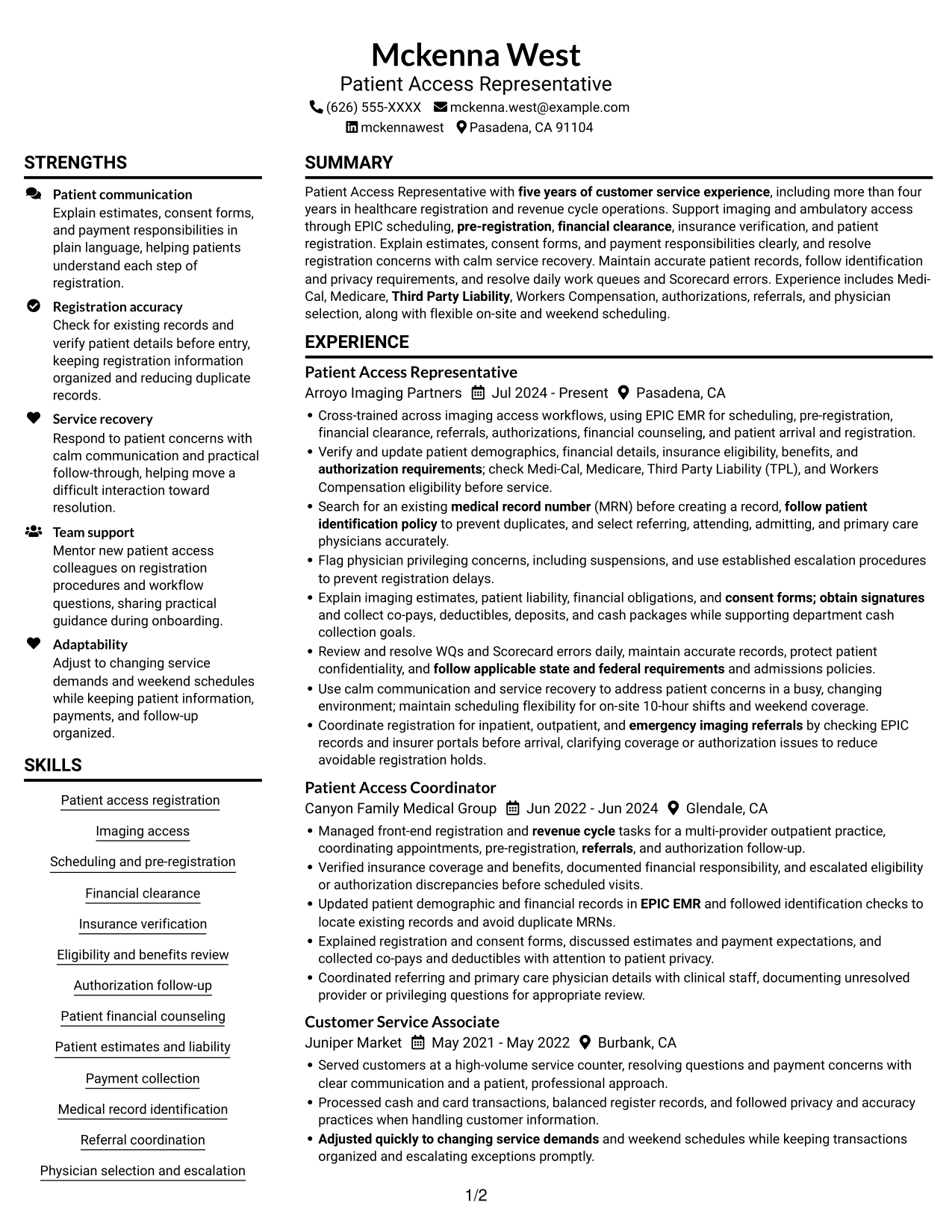
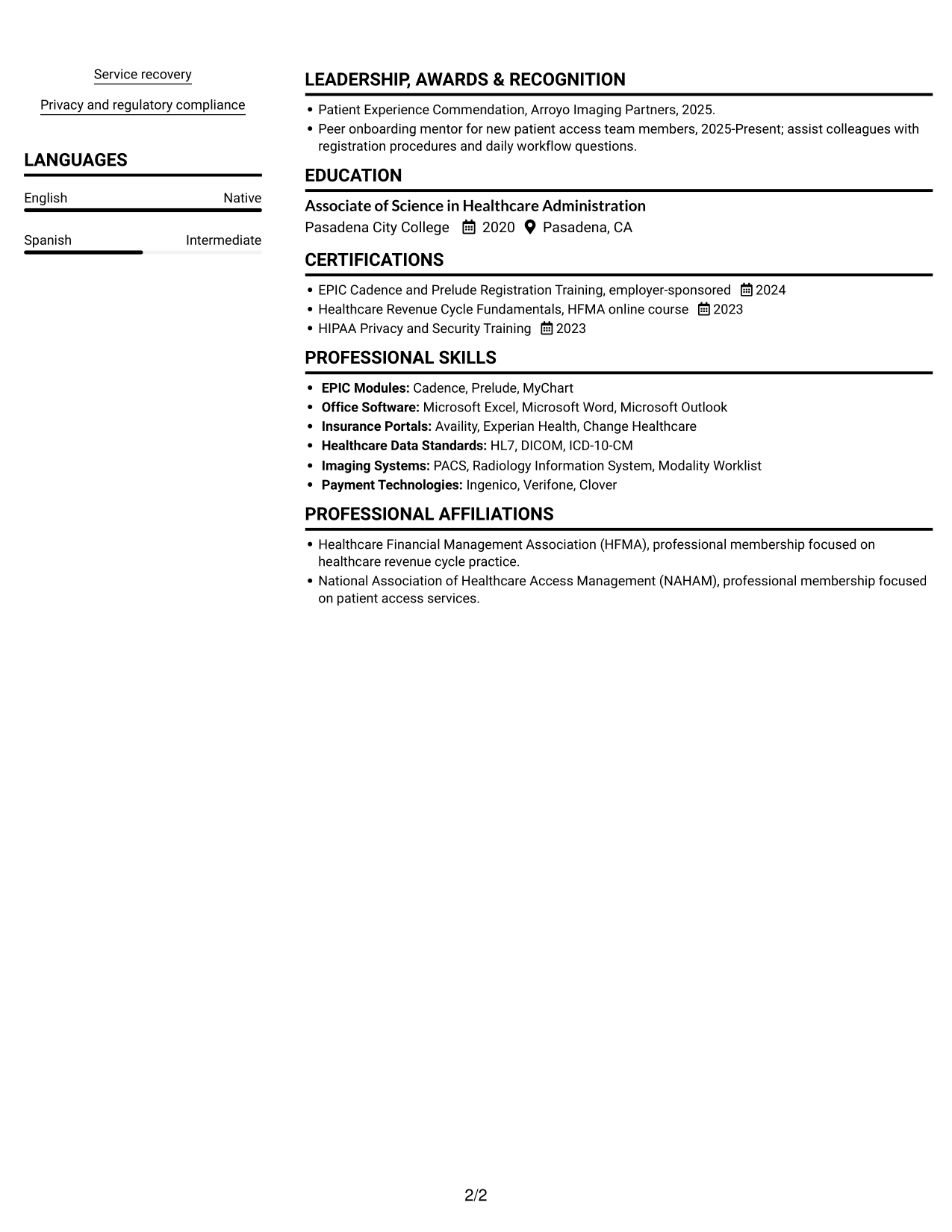
The Plain Two Column Format places resume content in two columns and leaves out a photo, so reviewers can see work history beside supporting sections.
Resume Snapshot
- Patient access and revenue cycle: more than four years in healthcare registration and five years in customer service.
- Imaging and ambulatory workflows: EPIC scheduling, pre-registration, financial clearance, and patient registration.
- Core strengths: insurance verification, patient estimates, service recovery, and accurate records.
- Education and training: Associate of Science in Healthcare Administration and EPIC Cadence and Prelude Registration Training.
Why This Format Works
- Two columns distinguish career history from the resume's supporting sections.
- Skills and education stay easy to find during a focused review.
- Detailed registration information can be reviewed without crowding other sections.
Best For
- Experience paired with supporting sections
- Readers comparing skills and work history
- Resumes listing education and credentials
- Several distinct registration responsibilities
- Clear separation between experience and qualifications
Resume Keywords
- five years of customer service experience
- Patient Access
- Scheduling
- pre-registration
- Financial clearance
- Verify and update patient demographics, financial details, insurance eligibility, benefits
- EPIC EMR
- patient arrival and registration
- authorization requirements
- patient demographics, financial details, insurance
- patient identification policy
- Search for an existing medical record number (MRN) before creating a record, follow patient identification policy to prevent duplicates
- Explain imaging estimates, patient liability
- financial counseling
- Payment collection
#2 Simple One Column Format Resume Example
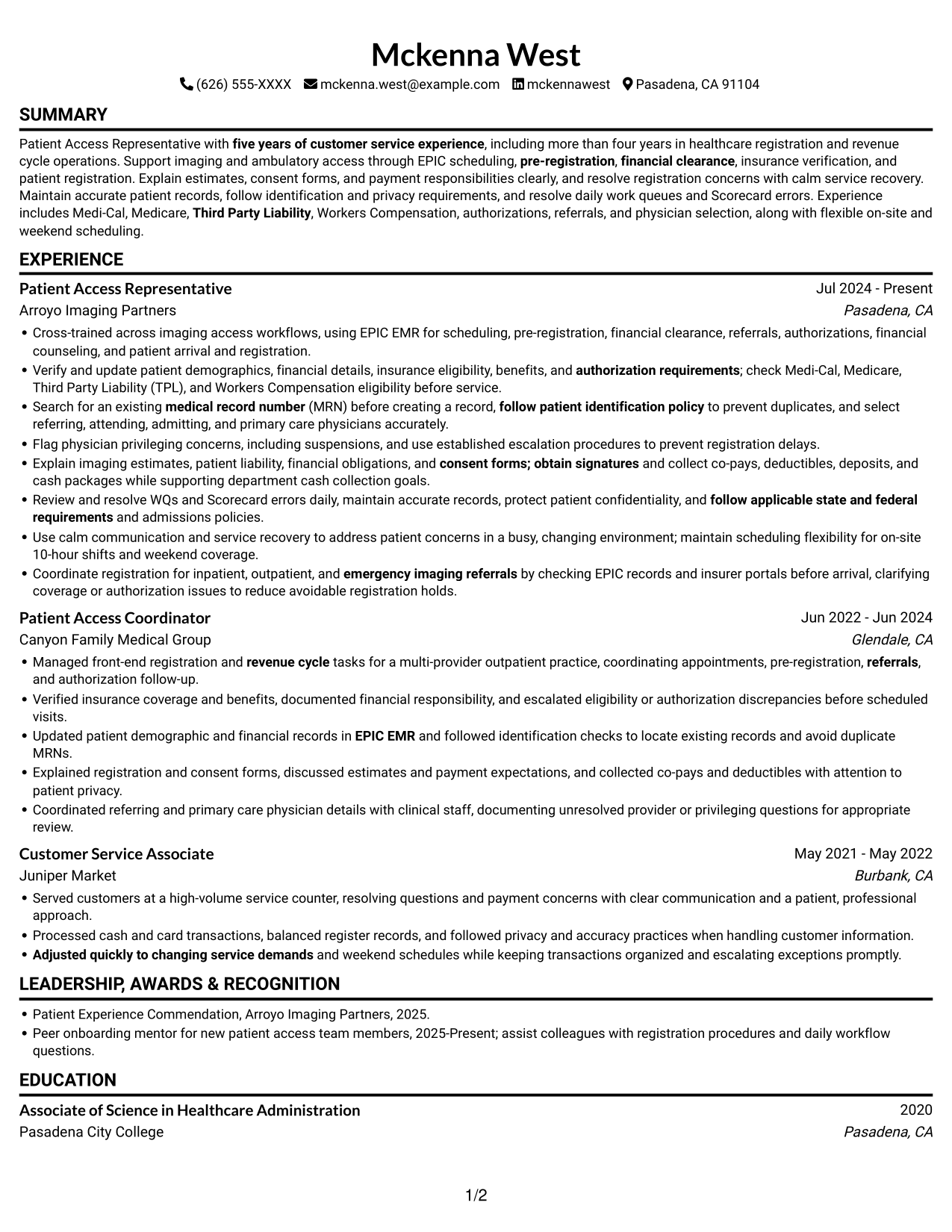
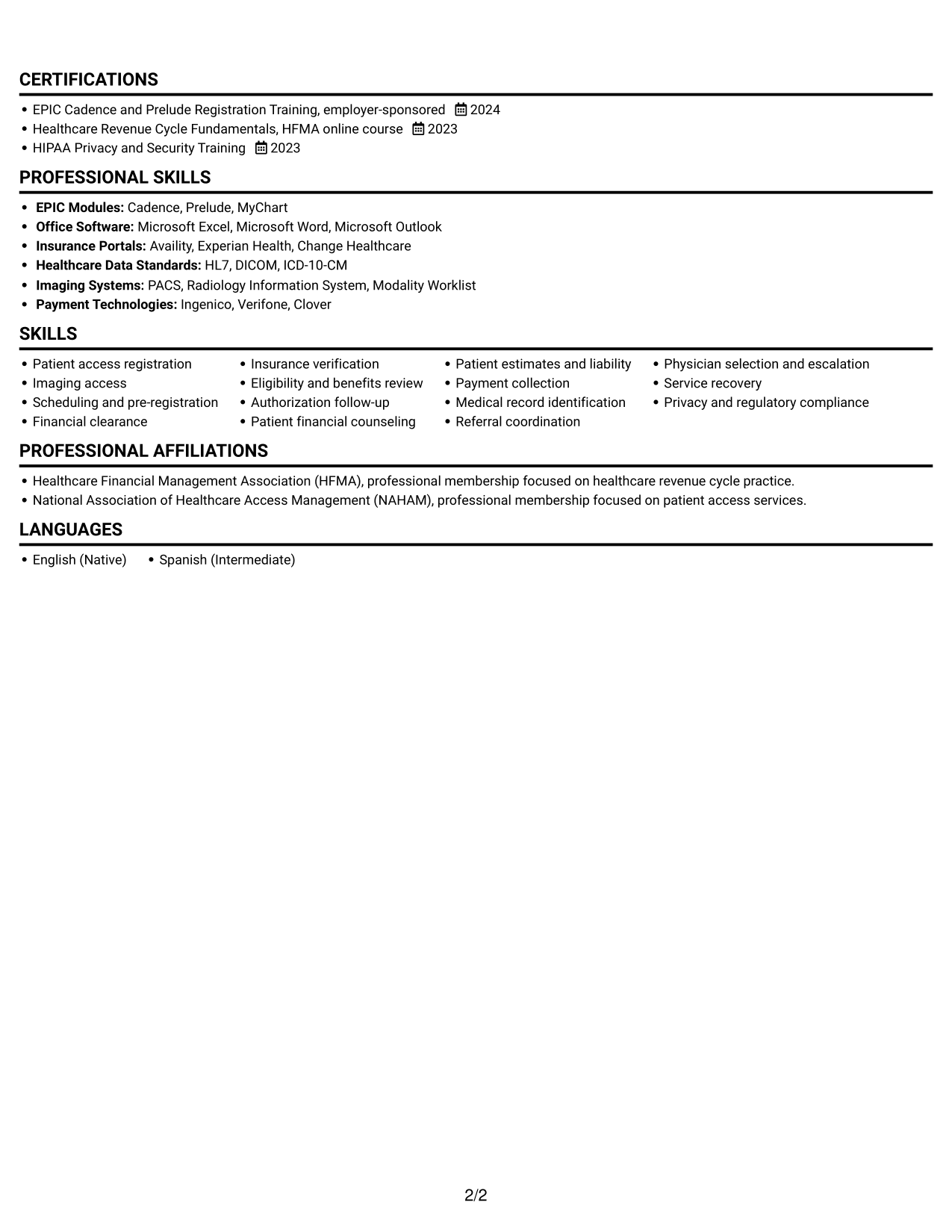
The Simple One Column Format keeps resume sections in one vertical sequence, a practical choice for readers who want a familiar path from experience to education.
Why This Format Works
- One vertical path lets recruiters follow work entries in a familiar order.
- Each section can appear in sequence, keeping dates and responsibilities easy to connect.
- Skills, education, and credentials fit a simple top-to-bottom review.
Best For
- Chronological work histories
- Top-to-bottom reading preference
- Concise resume sections
- Dates tied closely to responsibilities
- Straightforward education and credential listings
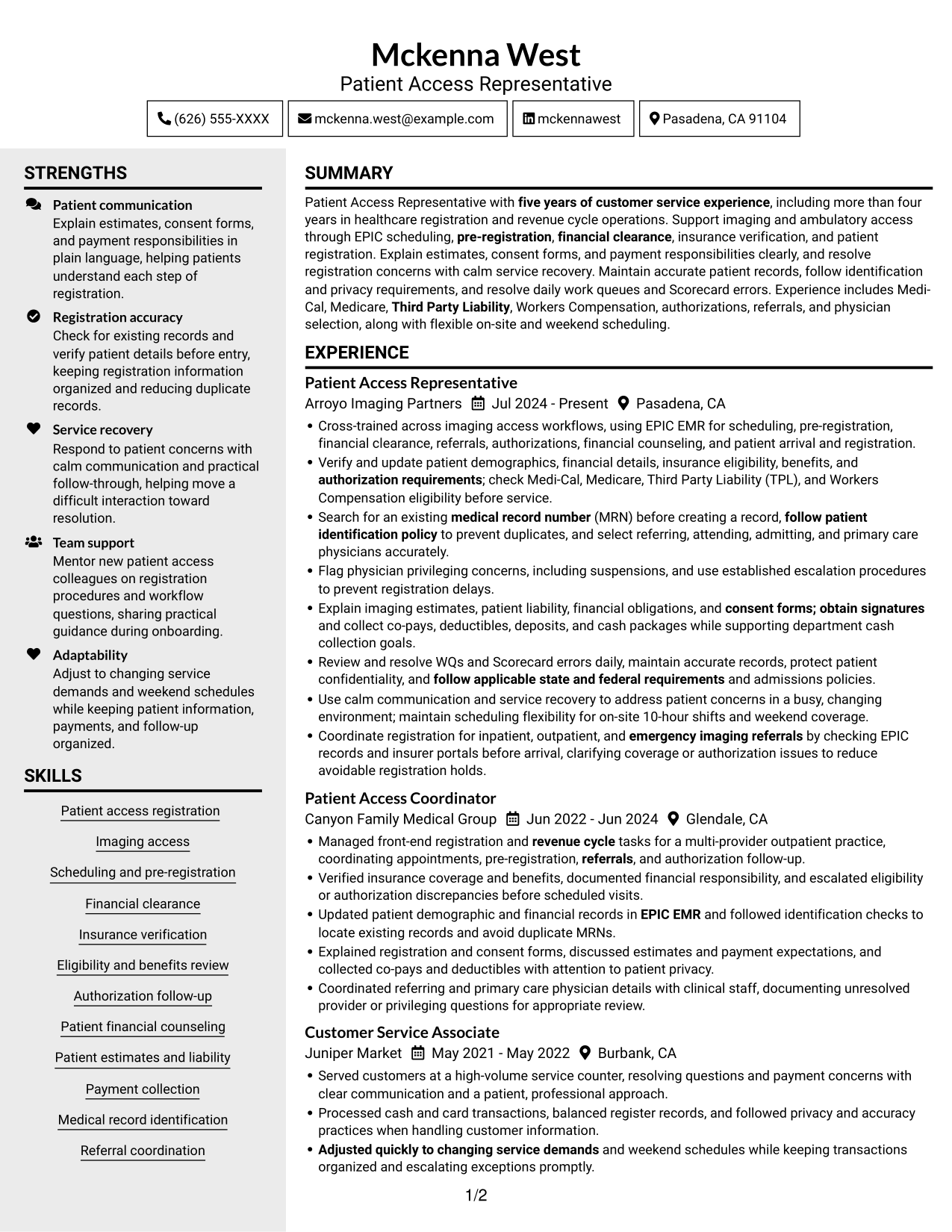
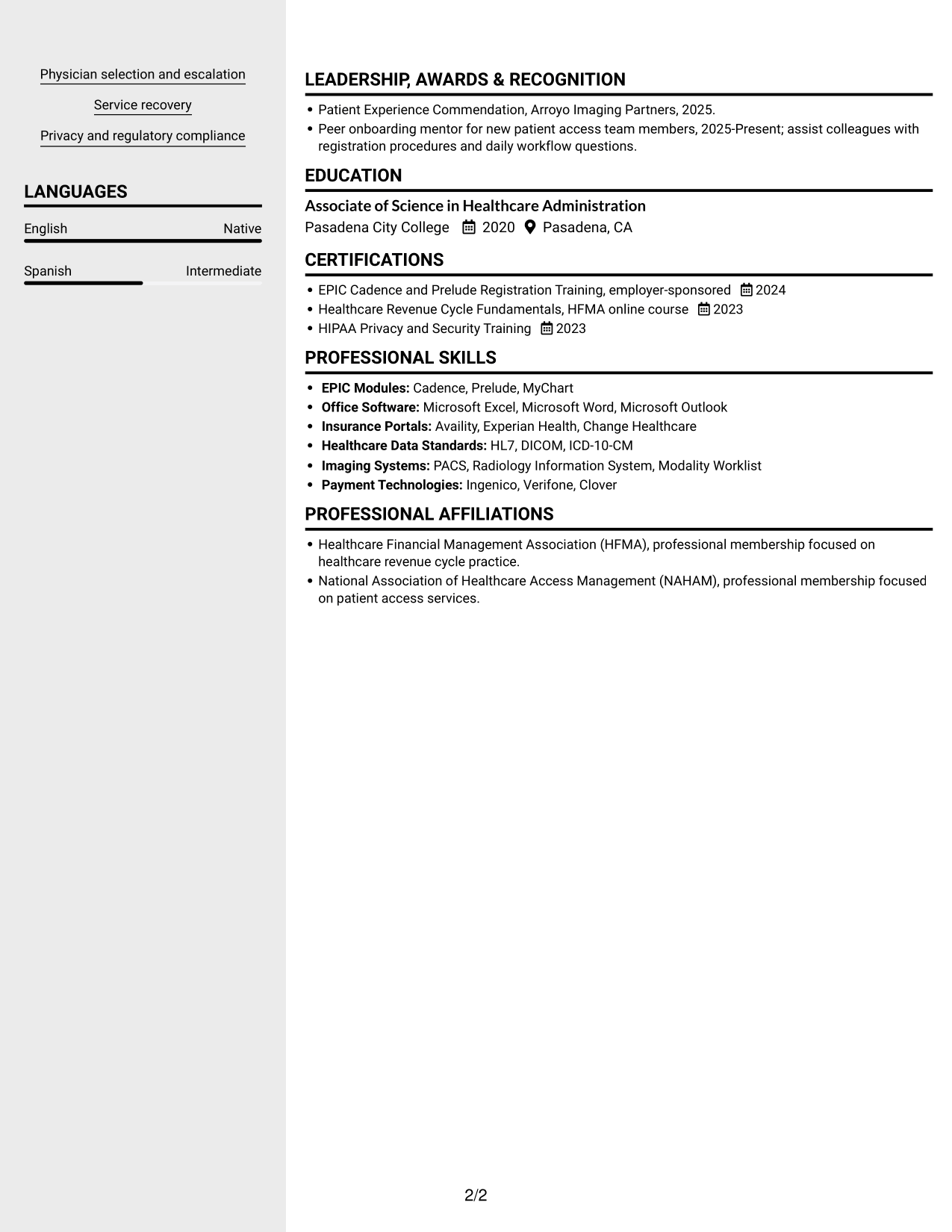
#3 Clean Two Column Sidebar Format Resume Example
The Clean Two Column Sidebar Format arranges content in two columns, helping readers move between career history and supporting details while keeping a clear reading order.
Why This Format Works
- Two columns keep career history distinct from supporting details during review.
- Recruiters can move between experience and skills without tracing a long page.
- Education and credentials have a separate place in the resume's reading structure.
Best For
- Side-by-side access to experience and skills
- Resumes with several supporting sections
- Readers who scan by section
- Work history alongside education details
- Registration experience with varied tasks
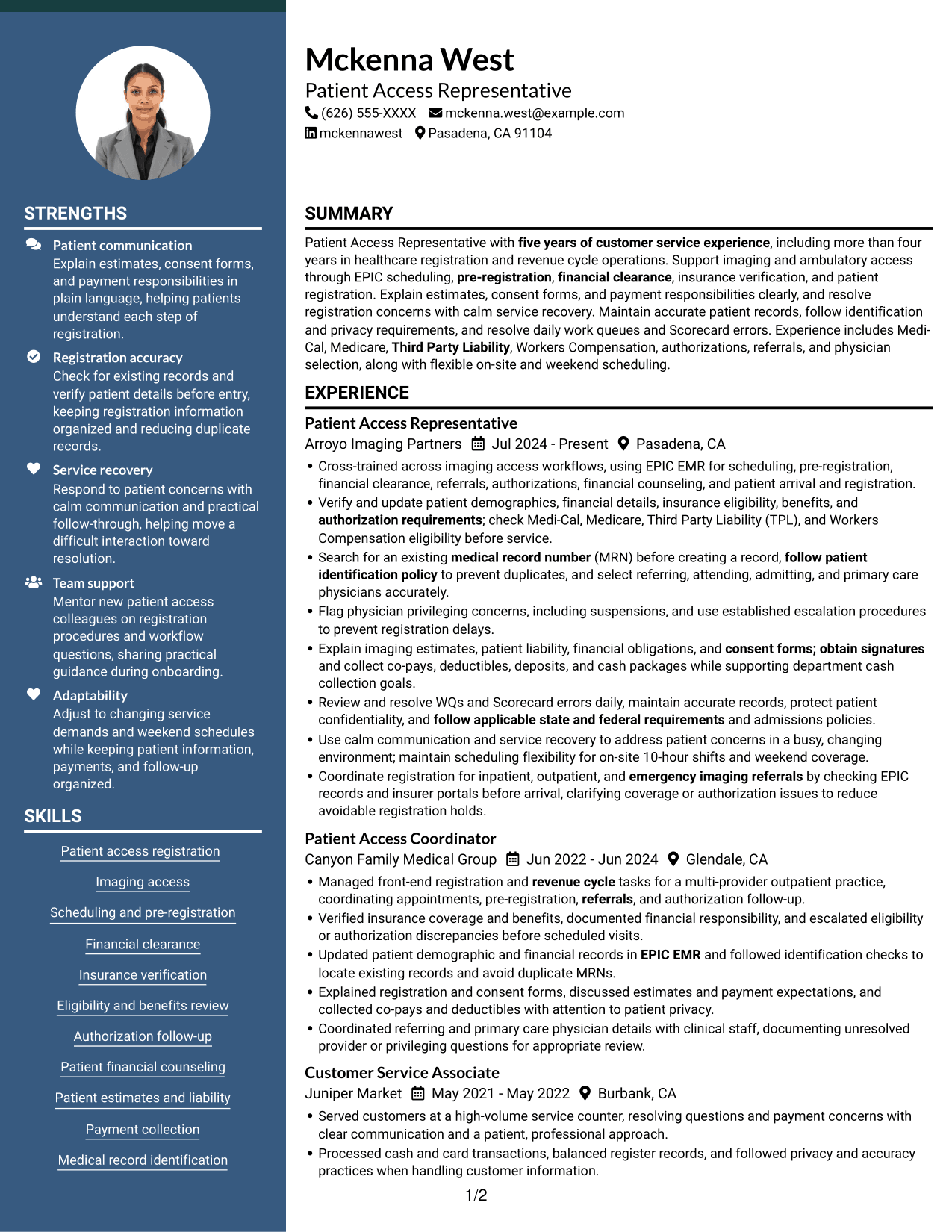
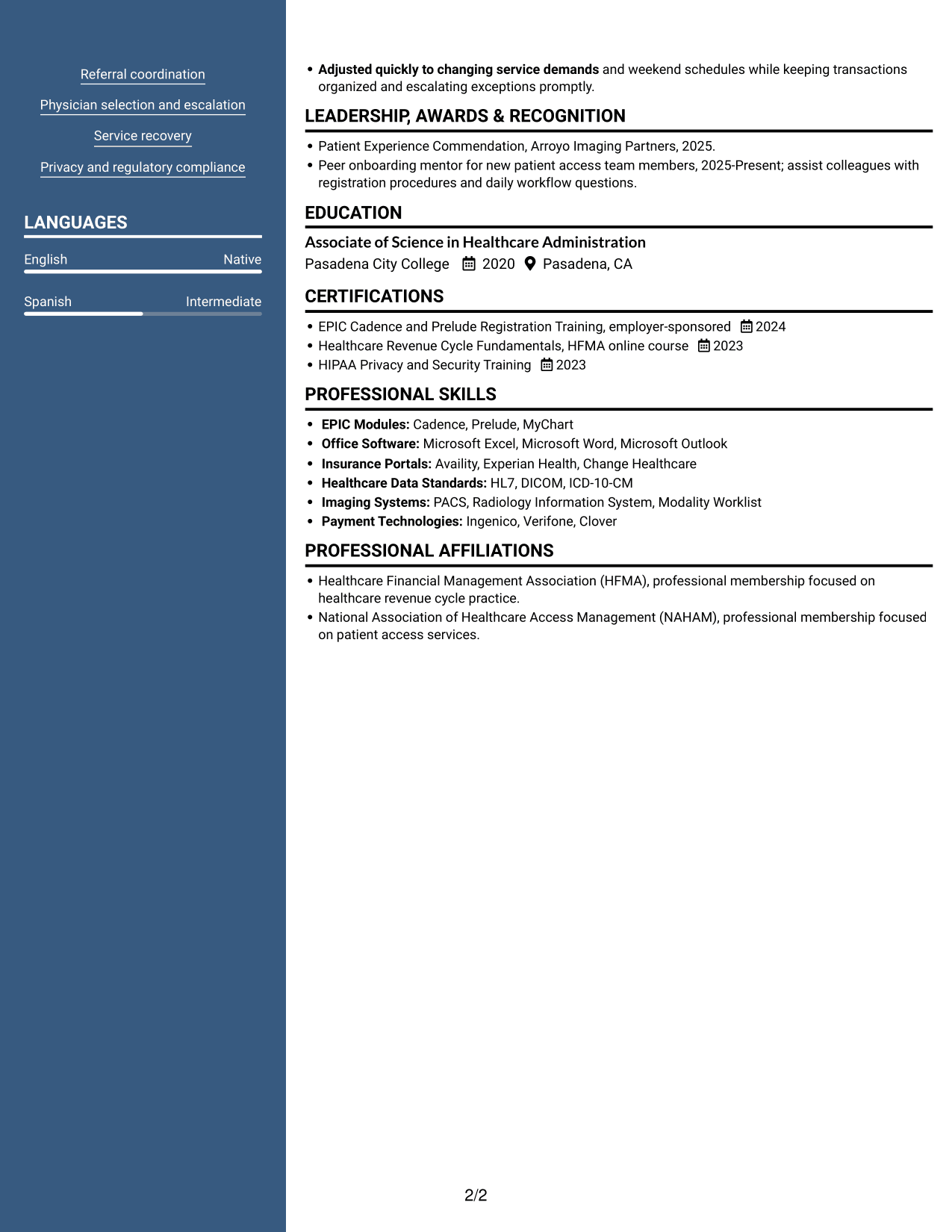
#4 Two Column Format Resume Example
The Two Column Format places resume sections side by side, helping reviewers compare experience with related supporting details.
Why This Format Works
- Paired columns give reviewers a direct way to compare experience and supporting sections.
- Career history stays clear while skills and education remain easy to find.
- Section separation helps keep registration details from blending into other resume content.
Best For
- Parallel viewing of career and supporting details
- Quick comparisons across resume sections
- Detailed responsibilities needing clear grouping
- Education and credentials alongside experience
- Readers who prefer two-column organization
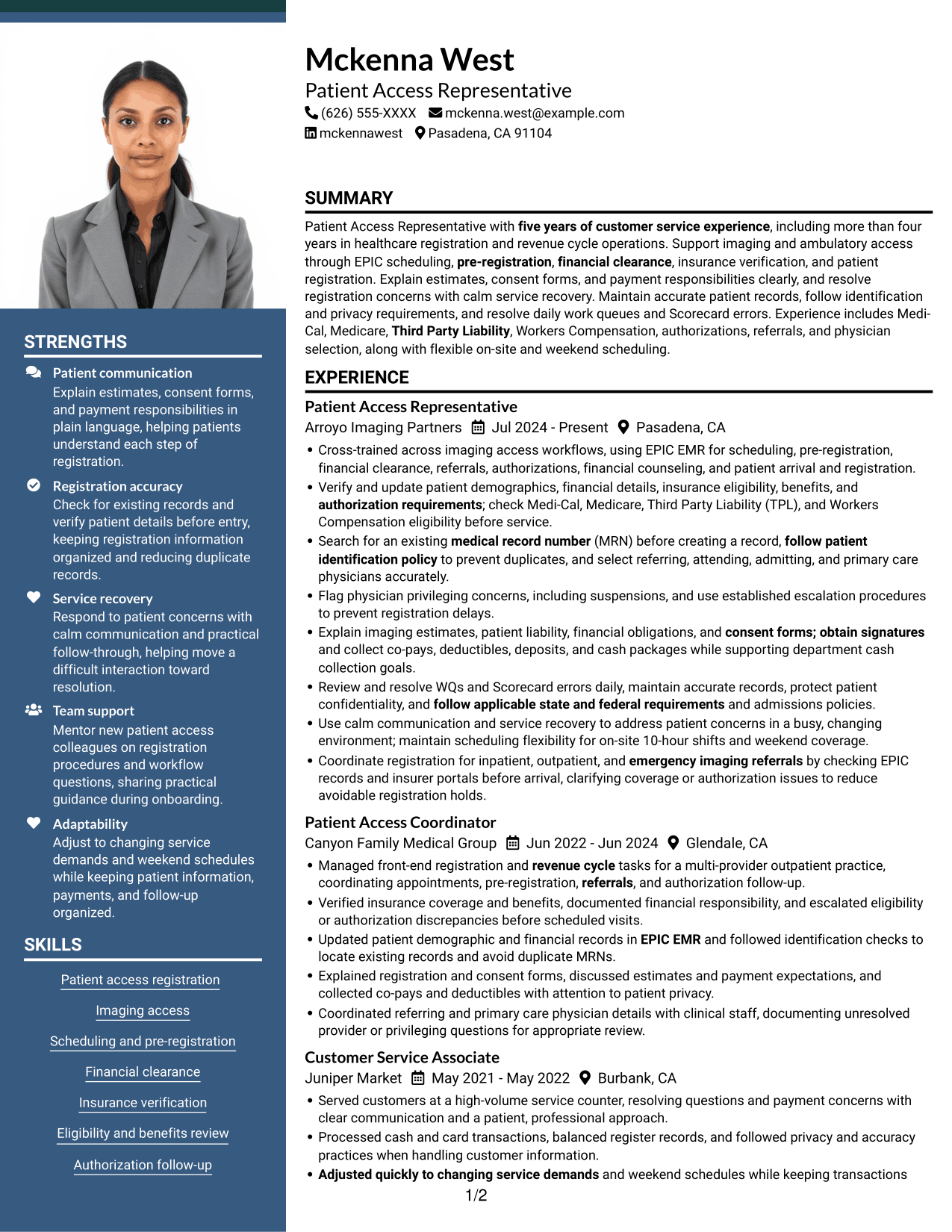
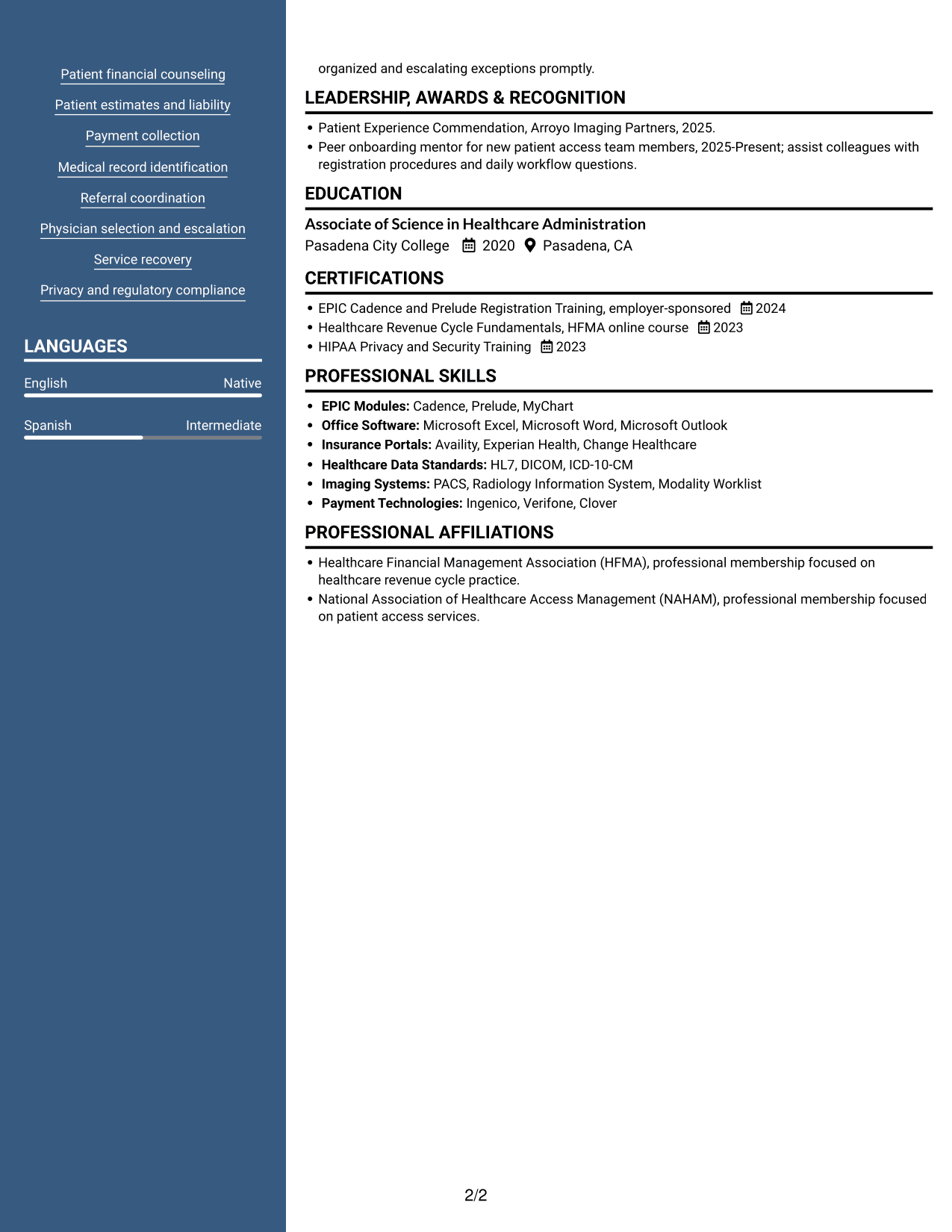
#5 Photo Header Two Column Format Resume Example
The Photo Header Two Column Format pairs a portrait in the header with two content columns, offering a personal visual introduction and a clear route through resume sections.
Why This Format Works
- Two-column organization separates work history from supporting resume information.
- Recruiters can locate education and skills without losing the experience sequence.
- Clear section divisions keep varied registration details easier to scan.
Best For
- Resume headers with a portrait
- Two-column section organization
- A visual introduction with detailed work history
- Readers moving between experience and credentials
- Resumes with several distinct sections
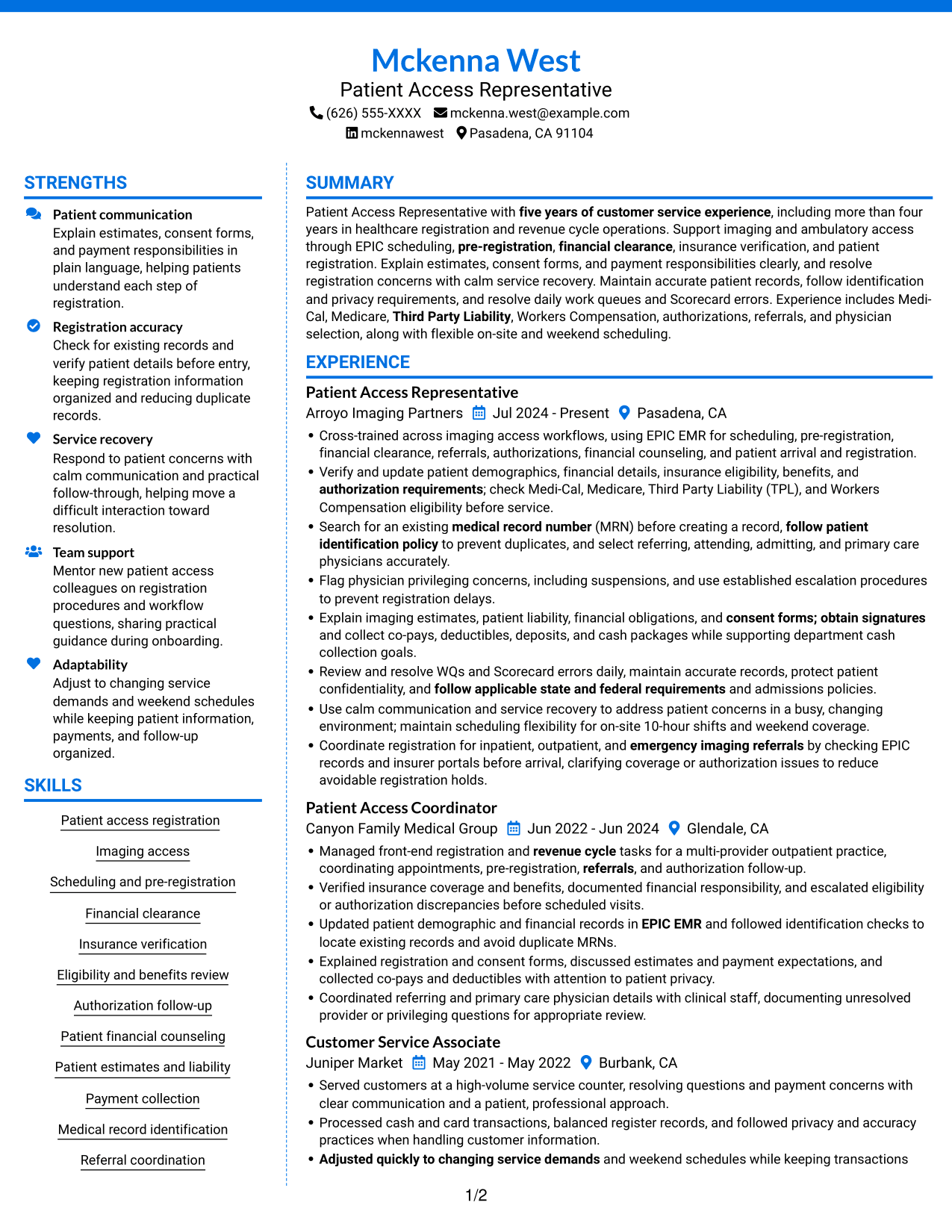
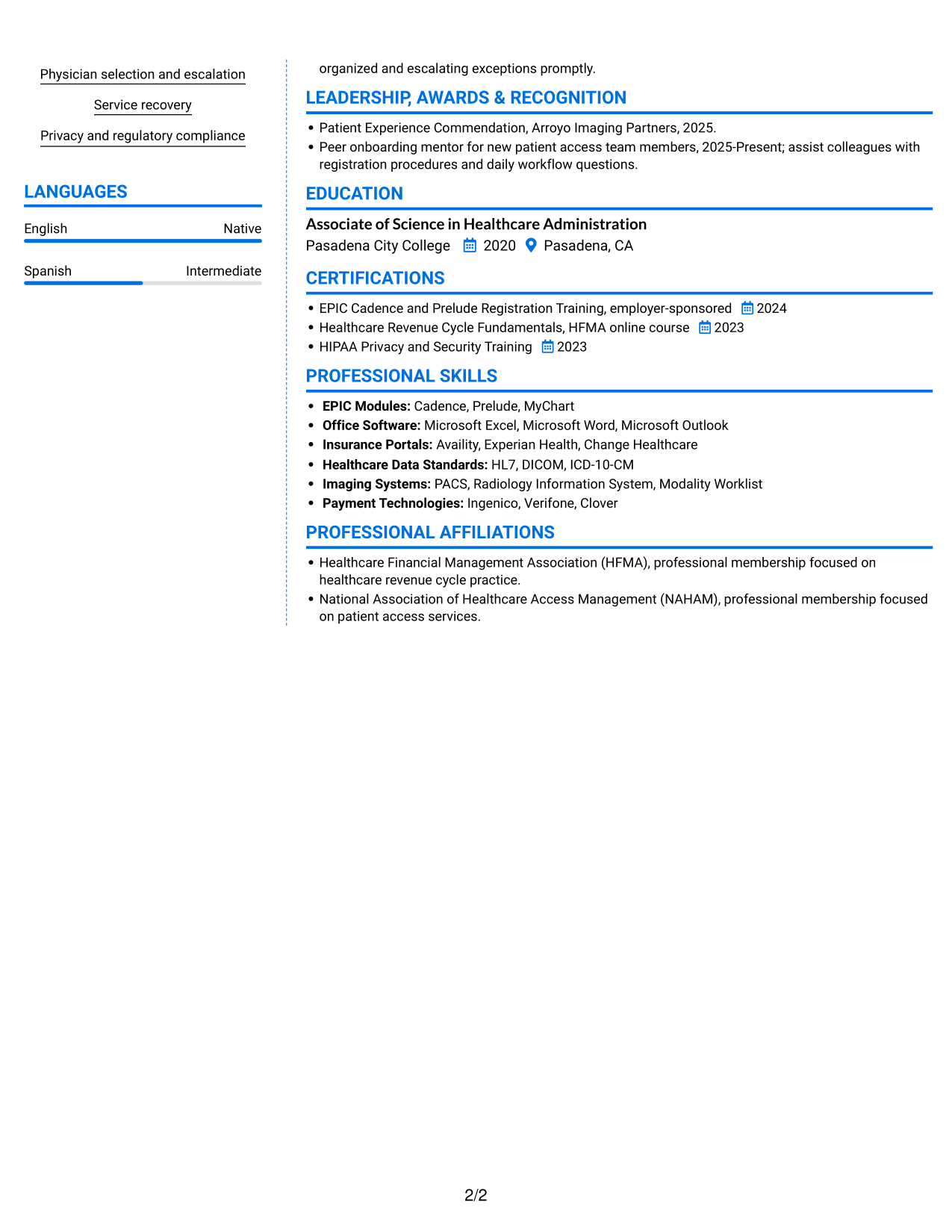
#6 Colored Two Column Format Resume Example
The Colored Two Column Format uses two content columns, a practical choice for readers who want work history and supporting sections in distinct areas.
Why This Format Works
- Two columns separate career progression from the resume's supporting information.
- Skills and education can be found without moving through every experience entry.
- Distinct content areas help reviewers keep registration responsibilities in view.
Best For
- Two-column reading preference
- Section groups alongside career history
- Resumes with varied access responsibilities
- Readers locating skills and education
- Experience paired with multiple credentials
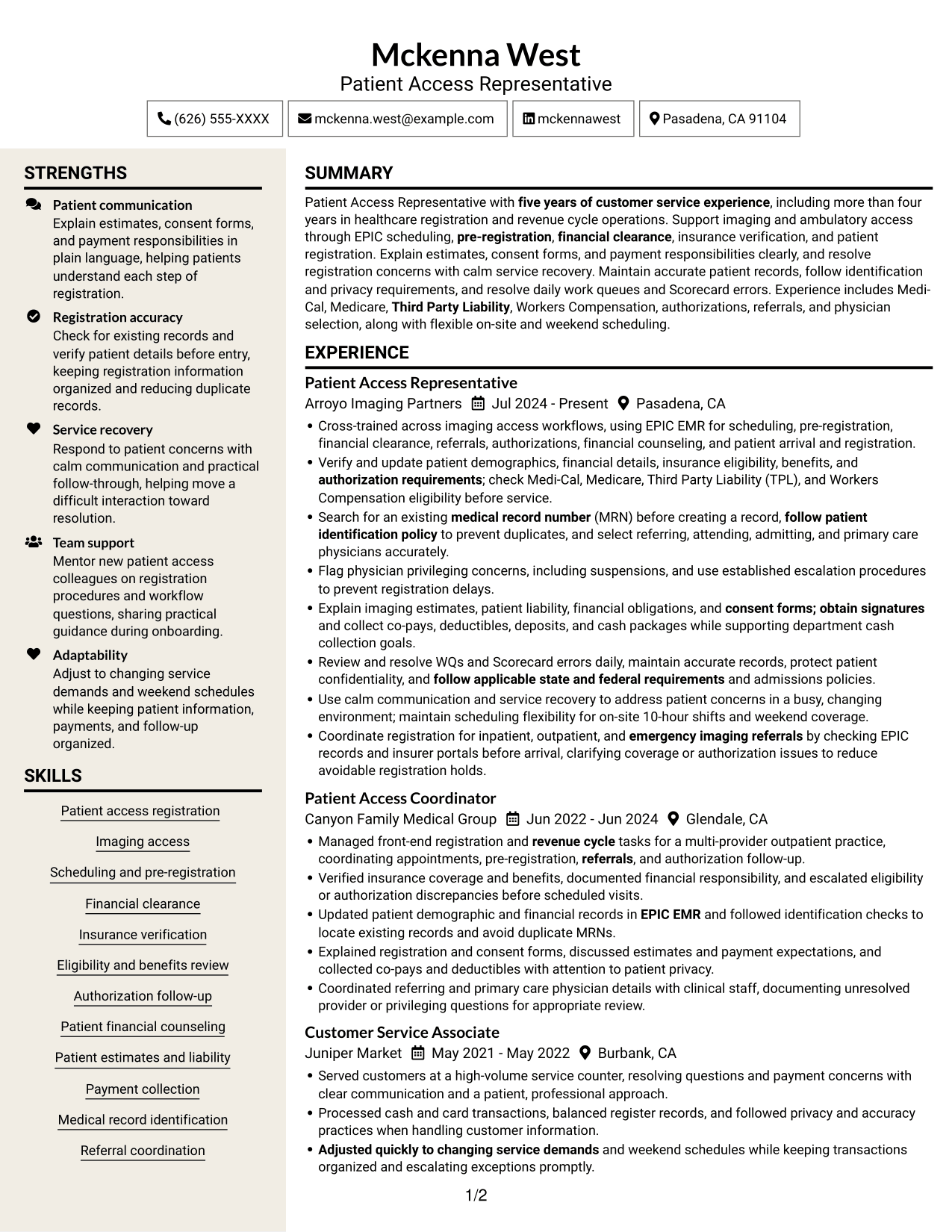
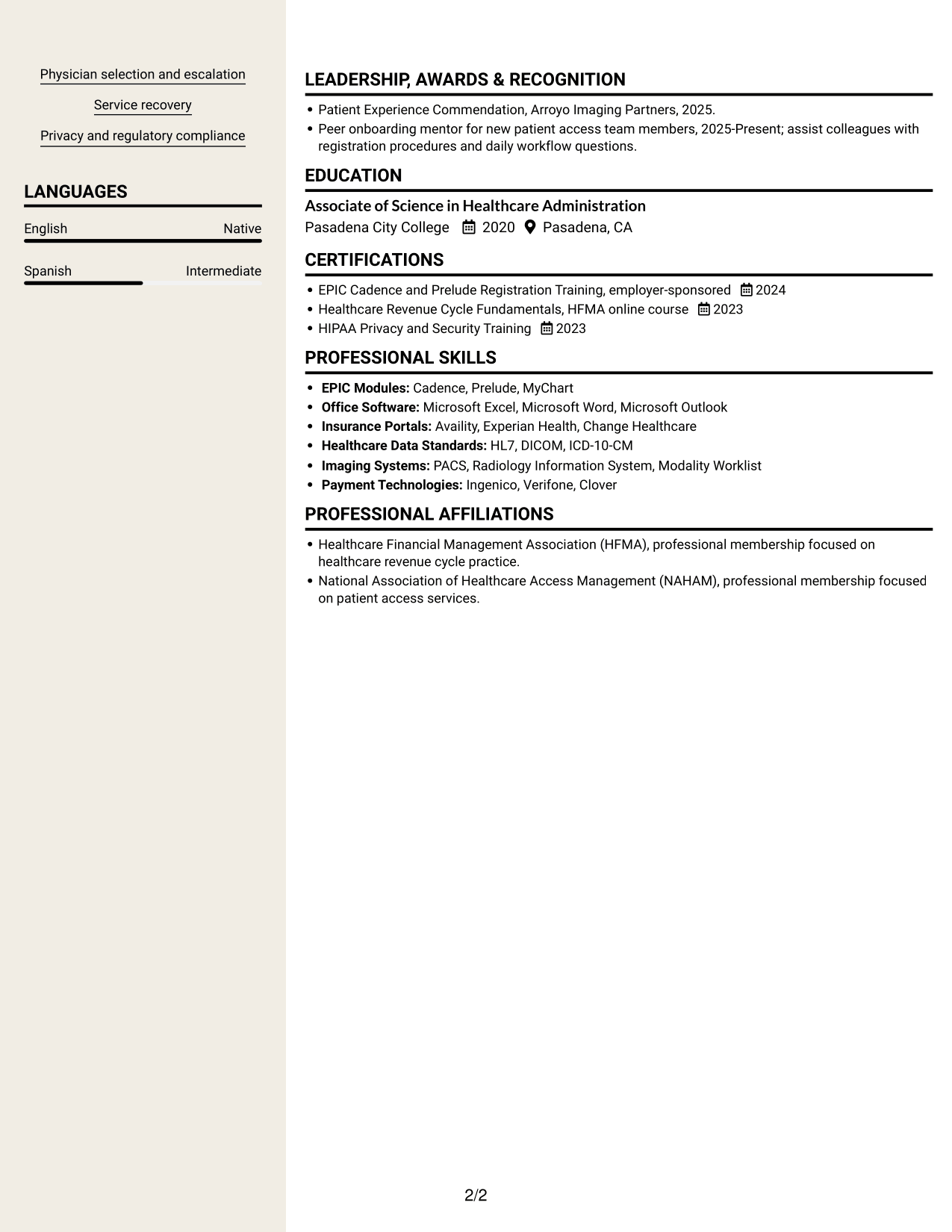
#7 Stylish Two Column Designer Format Resume Example
The Stylish Two Column Designer Format puts resume information in two columns, making it easier to move between work history and supporting sections.
Why This Format Works
- The two-column reading order keeps experience separate from supporting resume sections.
- Recruiters can find education and credentials without losing the work history sequence.
- Distinct sections help readers follow a resume with varied responsibilities.
Best For
- Side-by-side review of work and supporting sections
- Readers preferring two-column organization
- Resumes with several content categories
- Experience entries with supporting skills
- Career history alongside education and credentials
Why Build Your Patient Access Resume with ResumeInMinutes
ResumeInMinutes helps you organize patient access experience, skills, education, and training in a clear resume. You can review the image previews and open an example in the editor to customize its content.
- Clear resume formats
- Easy-to-scan section structure
- Role-focused keyword guidance
- Organized experience and skills
- Image previews of resume examples
- Resume customization in the editor
For this role, give clear space to registration, insurance verification, financial clearance, and patient communication. Choose a layout that makes your most relevant experience simple to find.
See Also
- 7 Associate Patient Access Services Representative - Registration and Enrollment Resume Templates with Example
- 7 Patient Access Representative - Registration and Care Coordination Resume Templates with Example
- 7 Admitting Representative - Hospital Patient Access Resume Templates with Example
- 7 Patient Access Representative III - Emergency Department Resume Templates with Example
- 33 Part Time Patient Customer Service Representative Resume Templates with Example 2026 (ATS-Optimized)
- 33 Part Time Patient Service Representative Resume Templates with Example 2026 (ATS-Optimized)
- 7 Patient Representative - Patient and Family Relations Resume Templates with Example
- 33 Advanced Worker – Area Sales Representative Resume Templates with Example 2026 (ATS-Optimized)
- 7 Patient Access Representative I - Imaging Registration and Operations Cover Letter Templates with Example
- 7 Associate Patient Access Services Representative - Registration and Enrollment Cover Letter Templates with Example
Frequently Asked Questions
Are these Patient Access Representative I - Imaging Registration and Operations resume templates ATS-friendly?
The layouts use clear sections and readable headings that can help applicant tracking systems process your information. Add relevant terms such as EPIC EMR, insurance verification, financial clearance, and patient registration when they accurately describe your experience.
Does this page show different resumes or different layouts?
It shows one resume example in several visual layouts. Compare the image previews to see how the same type of information can be arranged, then open an example in the editor.
What should a resume for this patient access role include?
Include a brief summary, relevant experience, education, skills, and training. Highlight work with EPIC EMR, scheduling, registration, insurance eligibility, authorizations, patient estimates, consent forms, and accurate records when these match your background.
Which resume layout works well for an imaging registration role?
Choose a layout with clear headings and enough space for focused experience bullets and skills. A simple structure helps readers find registration tasks, insurance checks, and patient service details quickly.
How can I show related customer service experience?
Describe how you answered questions, handled payments, protected private information, and resolved concerns. Connect those tasks to patient access work only when the connection is accurate.
Should I include a photo on my resume?
Include a photo only if it is customary or expected in your region or field. For U.S. applications, a resume without a photo is usually a safer choice.




